V4.5Artists
sort: FAVS▾
▾
>
$

NovelAI Artist Tags List — V4.5

artist --count 16,352[98/273]
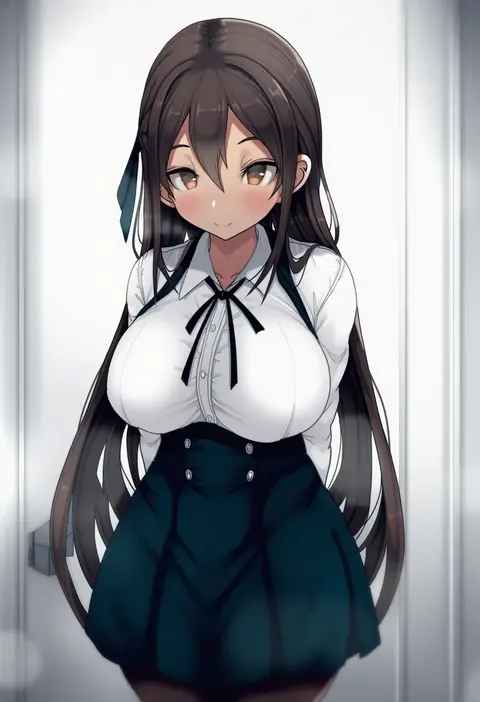
opanchu (hakusen)
ARTIST0x16BC
0
lino chang
ARTIST0x16BD
0
mochiko (uyu omochi)
ARTIST0x16BE
0
byackopath (artist)
ARTIST0x16BF
0
slm
ARTIST0x16C0
0
hitotsuki nebura
ARTIST0x16C1
0
yamasaki wataru
ARTIST0x16C2
0
deku suke
ARTIST0x16C3
0
sakakiba misogi
ARTIST0x16C4
0
ttanuu.
ARTIST0x16C5
0
phamoz
ARTIST0x16C6
0
ame-san
ARTIST0x16C7
0
tam-u
ARTIST0x16C8
0
yuzumiya mono
ARTIST0x16C9
0
misooden
ARTIST0x16CA
0
miyashiro ryuutarou
ARTIST0x16CB
0
john doe shinobu
ARTIST0x16CC
0
nekotokage
ARTIST0x16CD
0
kusoyuridanchi
ARTIST0x16CE
0
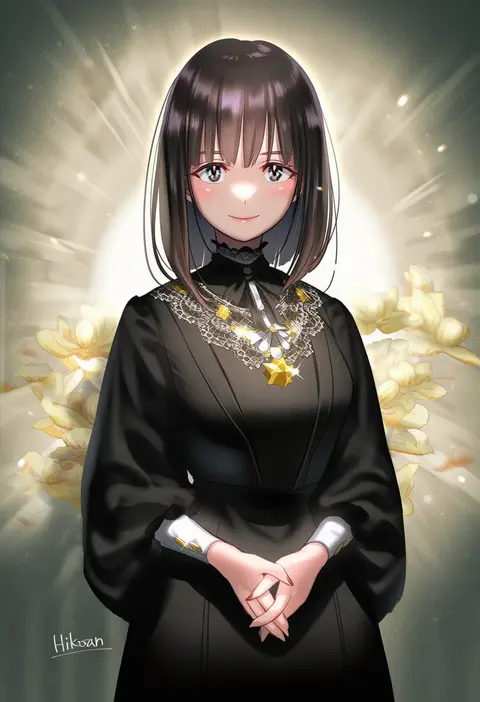
hikosan
ARTIST0x16CF
0
kuren kren
ARTIST0x16D0
0
punished pigeon
ARTIST0x16D1
0
nenobi (nenorium)
ARTIST0x16D2
0
amahara subaru
ARTIST0x16D3
0
bsapricot
ARTIST0x16D4
0
shiki (catbox230123)
ARTIST0x16D5
0
halphelt
ARTIST0x16D6
0
ma draws
ARTIST0x16D7
0
cesar zebrah
ARTIST0x16D8
0
nasubin (nasubisamurai15)
ARTIST0x16D9
0
ubo (ubo tales)
ARTIST0x16DA
0
uchuu ika
ARTIST0x16DB
0
kakult2017
ARTIST0x16DC
0
toasty scones
ARTIST0x16DD
0
warabi mochi (w4rabimochi)
ARTIST0x16DE
0
calpish
ARTIST0x16DF
0
koucha indian
ARTIST0x16E0
0
sameha ikuya
ARTIST0x16E1
0
rasukaru
ARTIST0x16E2
0
ryota (ry o ta)
ARTIST0x16E3
0
watarase piro
ARTIST0x16E4
0
maccha
ARTIST0x16E5
0
arimura yuu
ARTIST0x16E6
0
gotou keiji
ARTIST0x16E7
0
applekun
ARTIST0x16E8
0
iwasaki takashi
ARTIST0x16E9
0
nimura yuuji
ARTIST0x16EA
0
tonami kanji
ARTIST0x16EB
0
reddizen
ARTIST0x16EC
0
tantaka
ARTIST0x16ED
0
pinakes
ARTIST0x16EE
0
marshall k
ARTIST0x16EF
0
siun
ARTIST0x16F0
0
umibouzu (niito)
ARTIST0x16F1
0
kasa (hitori sanka)
ARTIST0x16F2
0
yufou
ARTIST0x16F3
0
sadamatsu ryuuichi
ARTIST0x16F4
0
je o mo
ARTIST0x16F5
0
kazami chiu
ARTIST0x16F6
0
taro (ultrataro)
ARTIST0x16F7
0

What these tags change

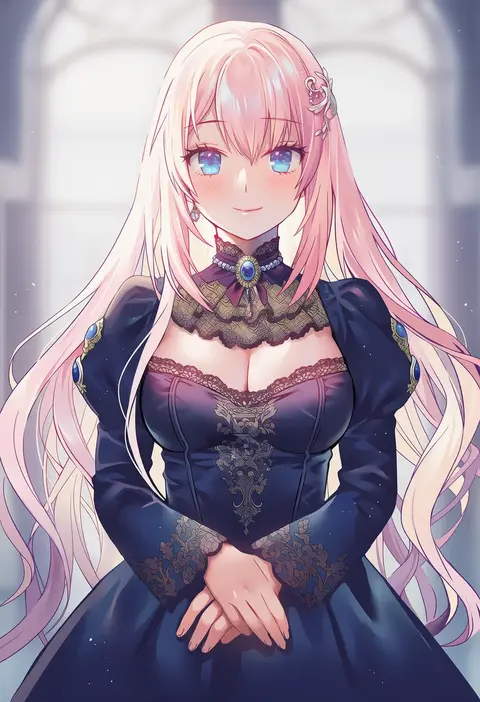
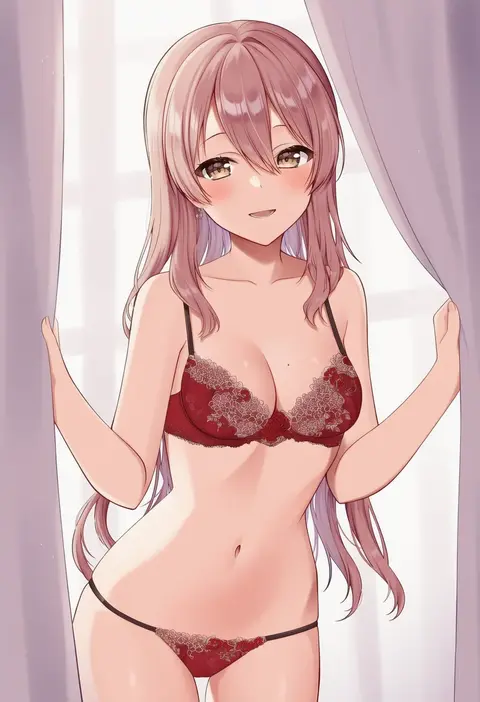
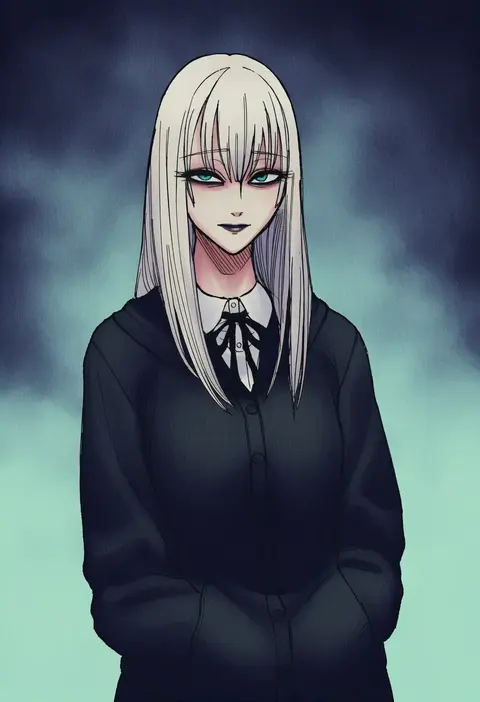
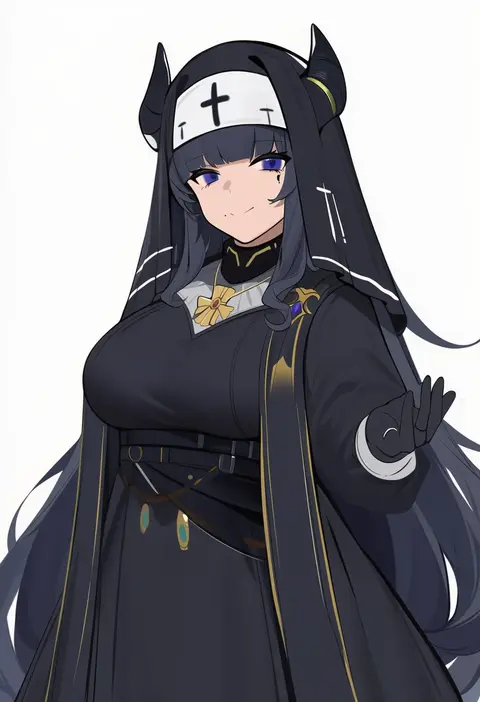
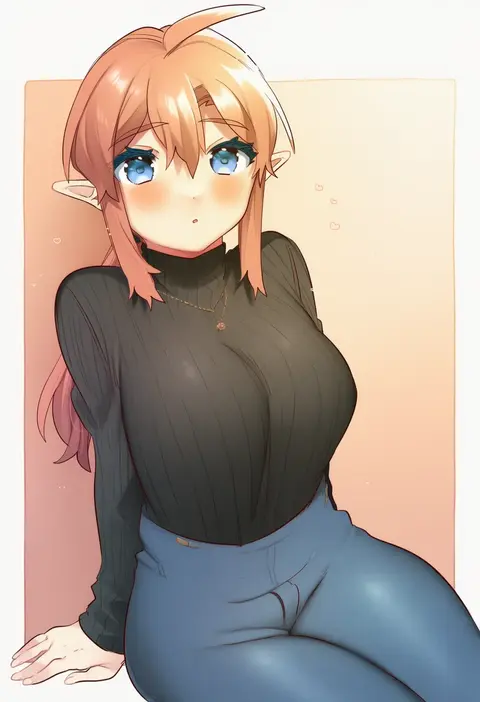
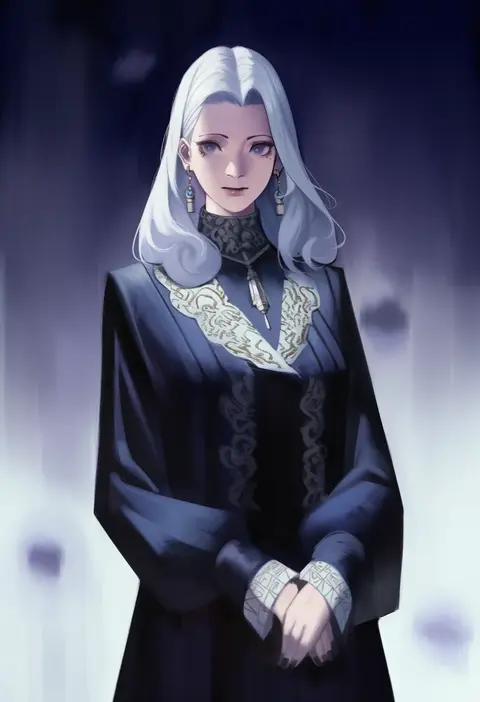
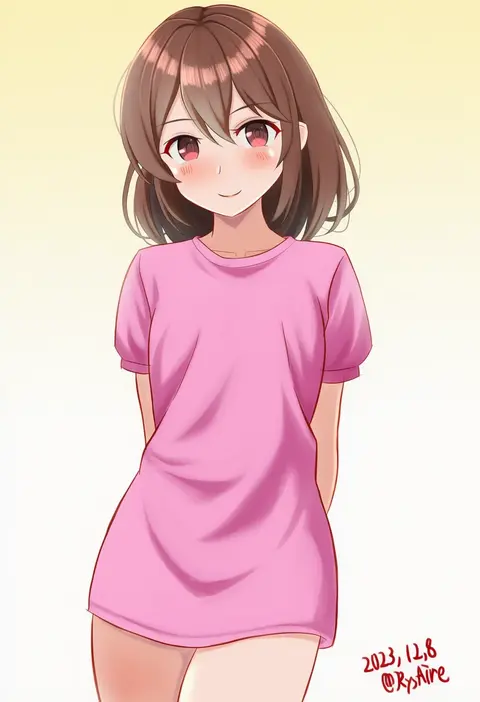
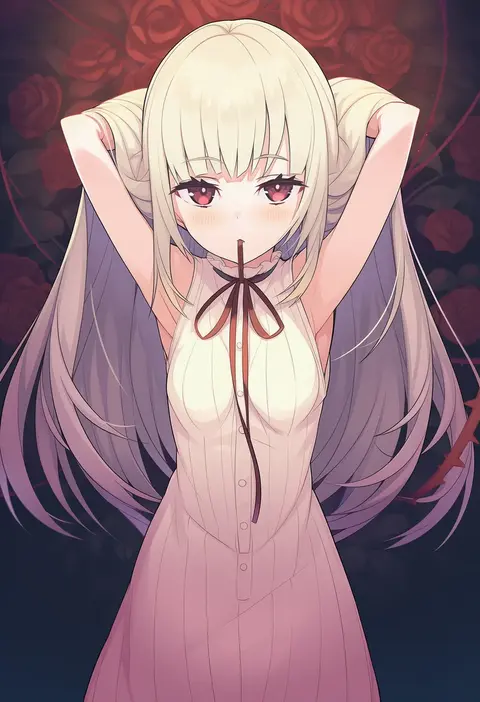
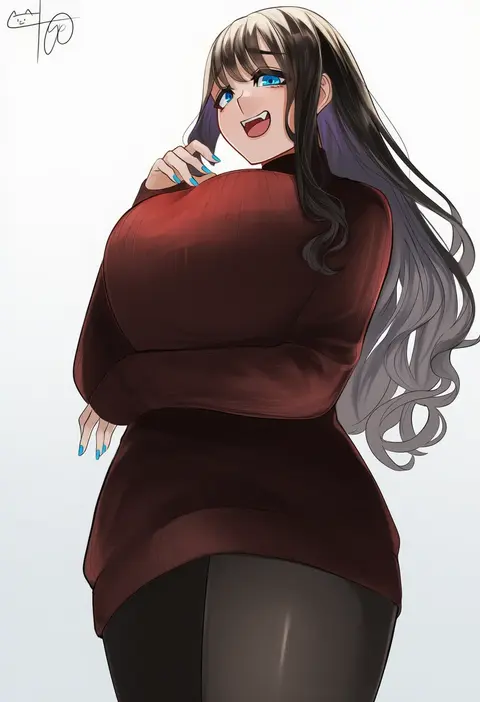
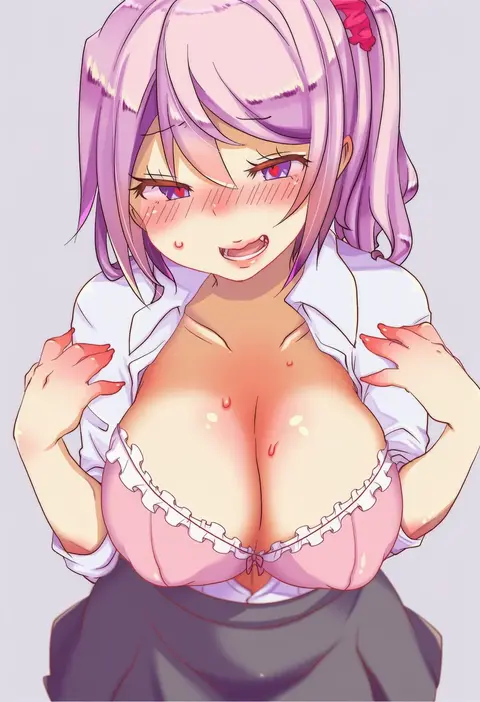
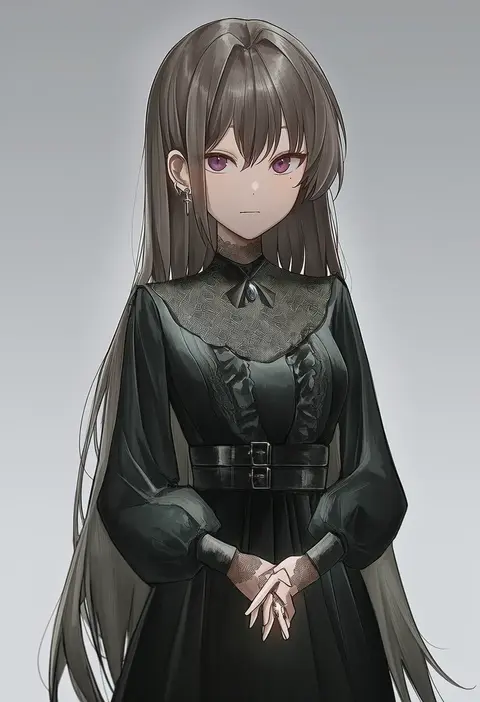
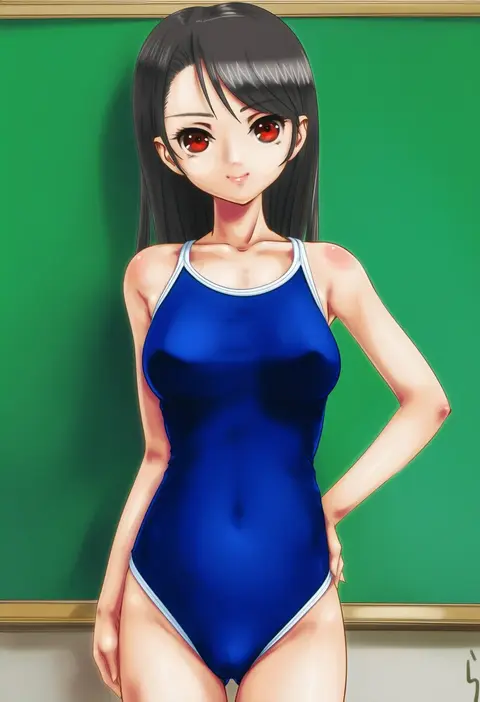
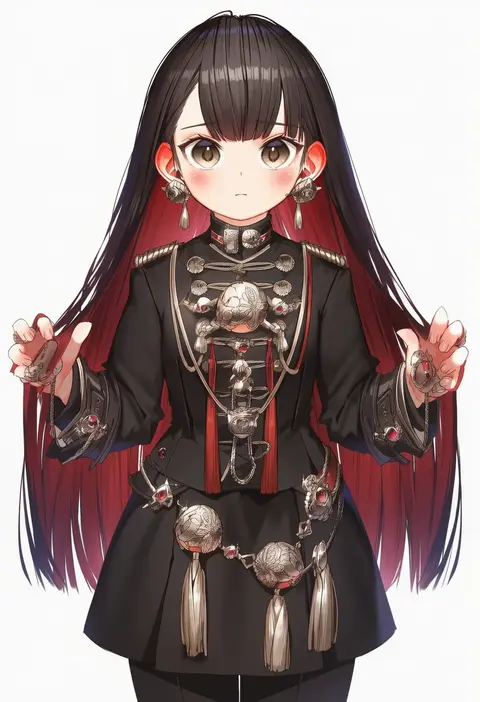
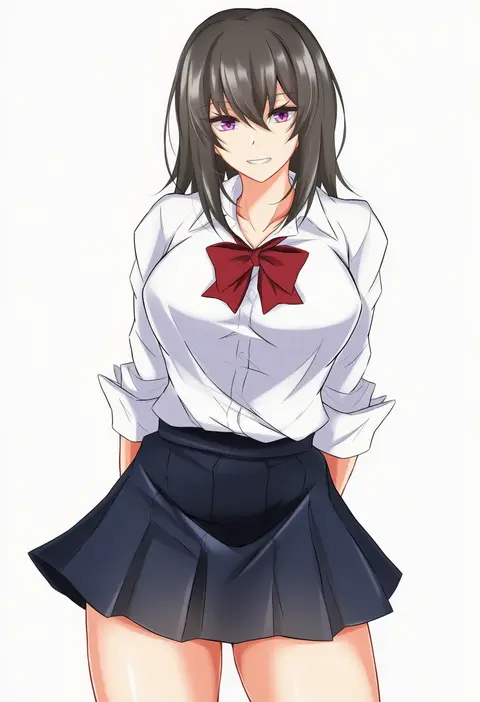
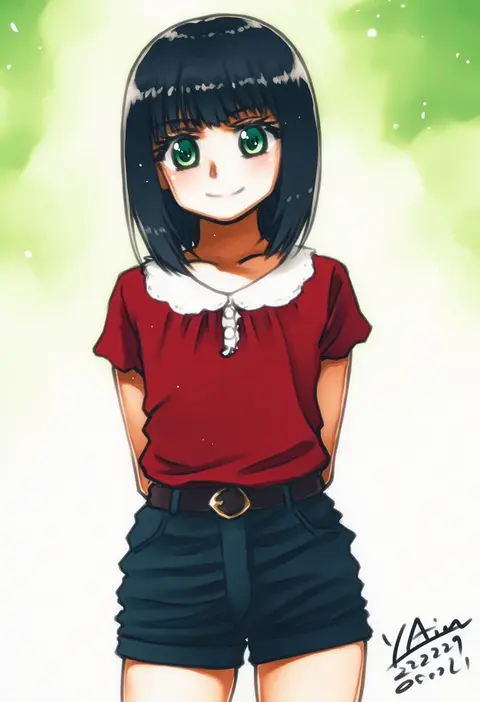
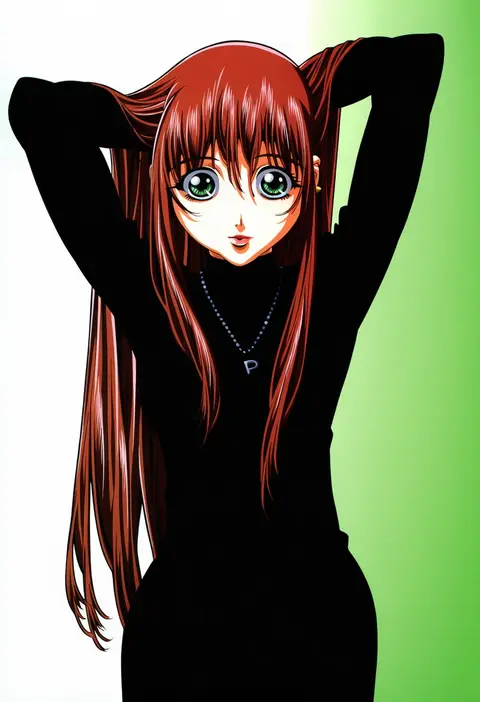
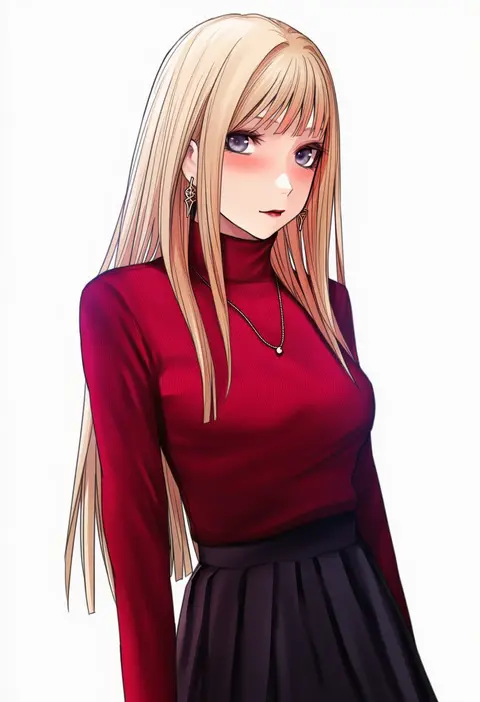
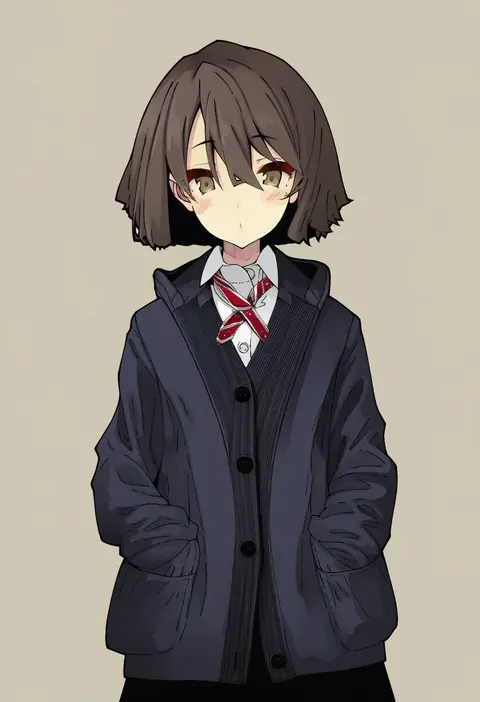
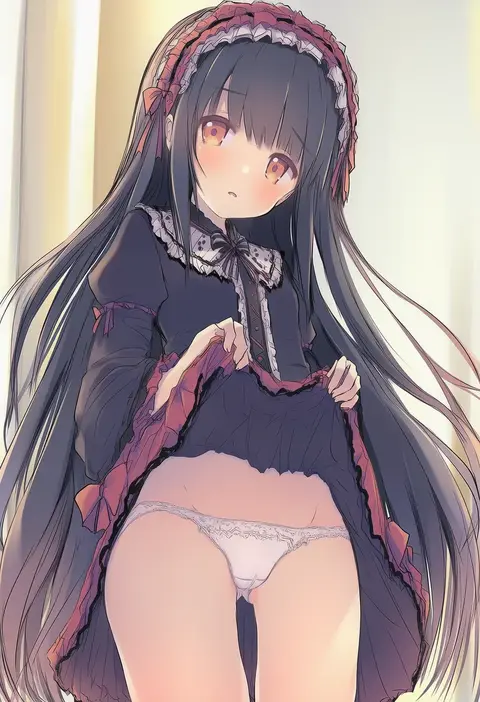
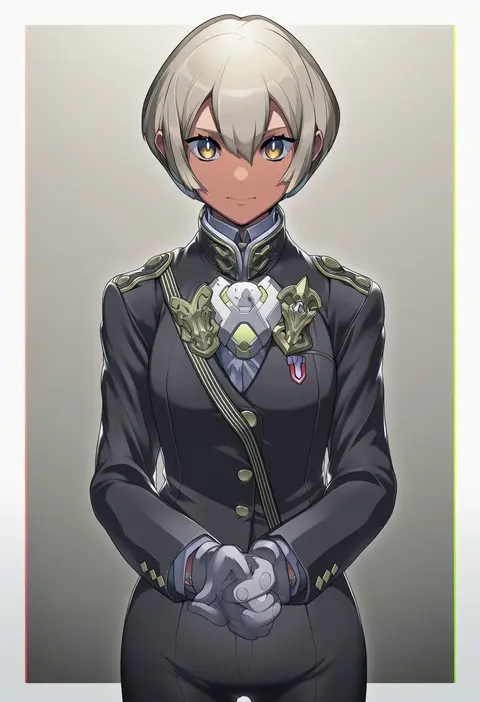
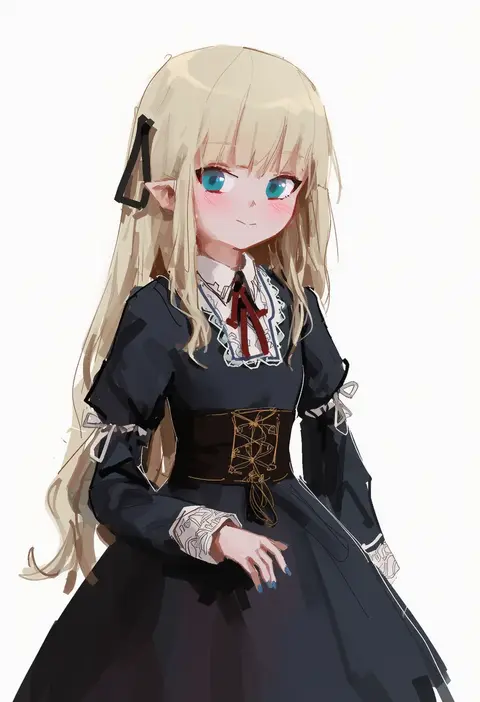
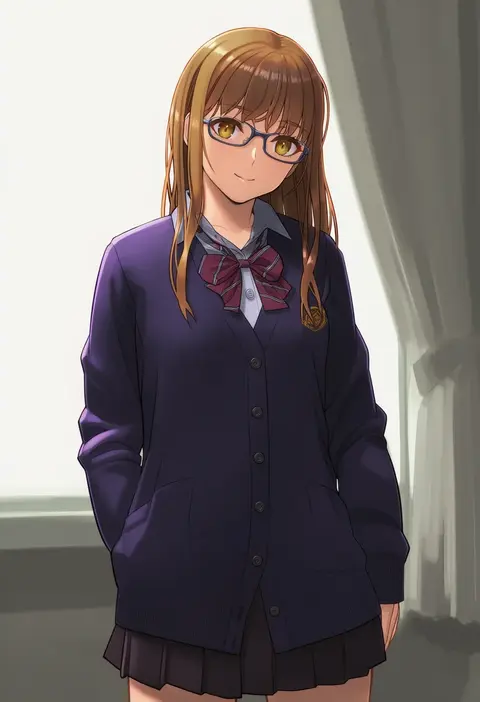
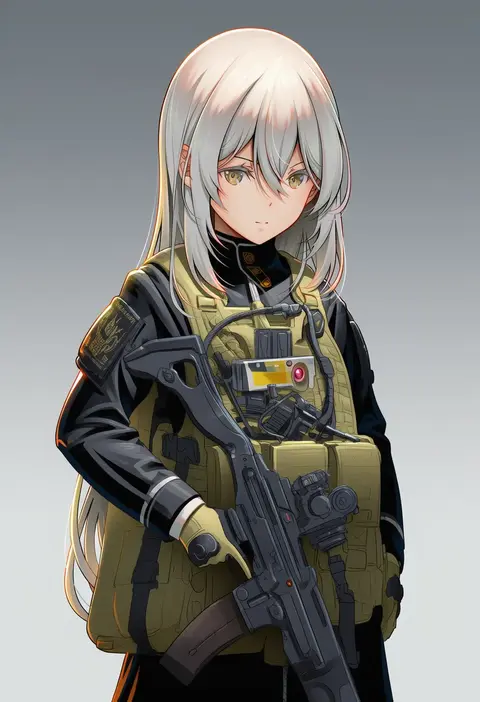
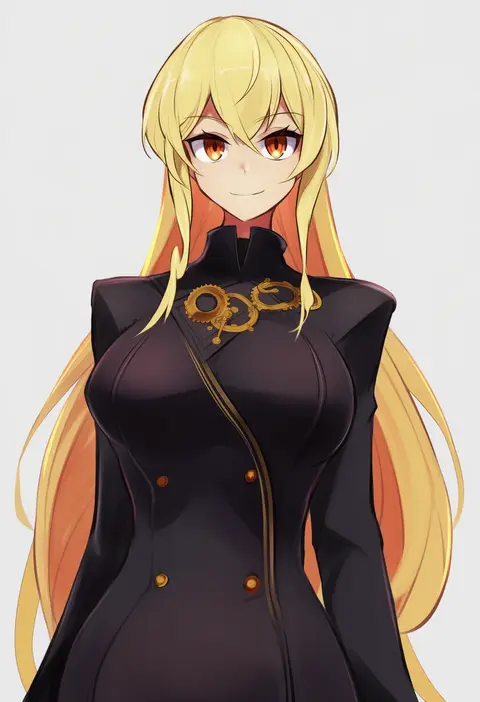
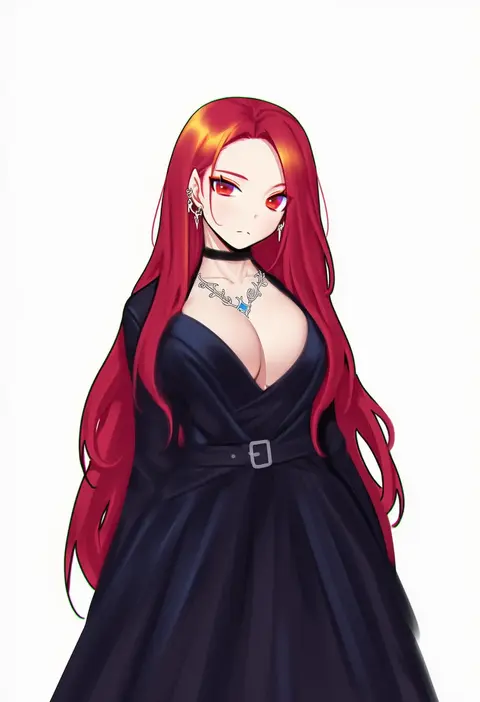
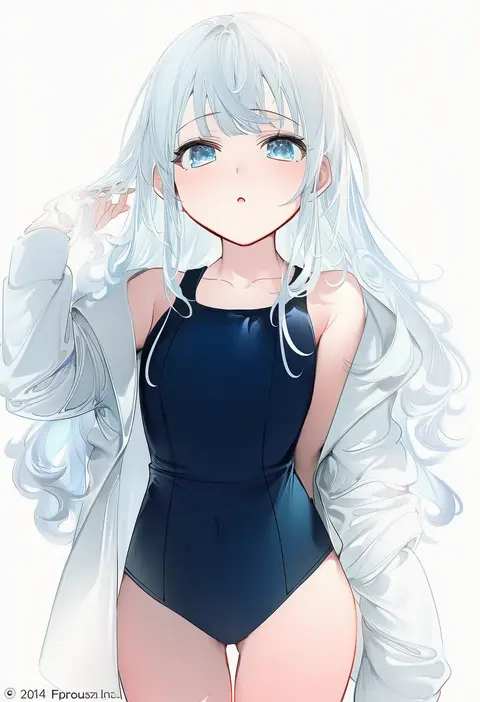
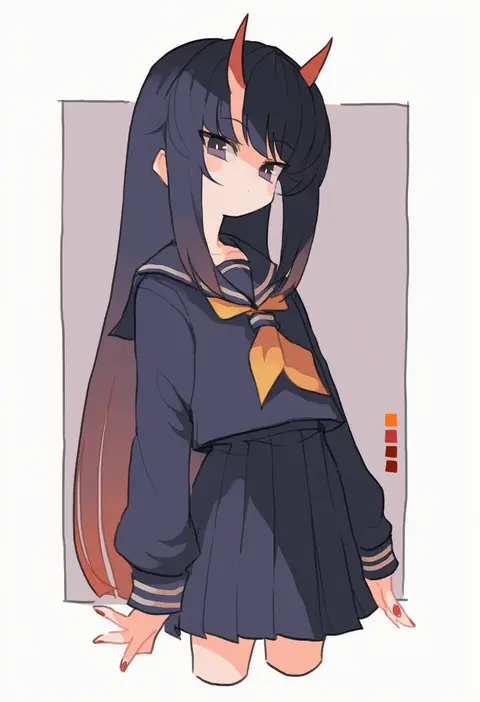
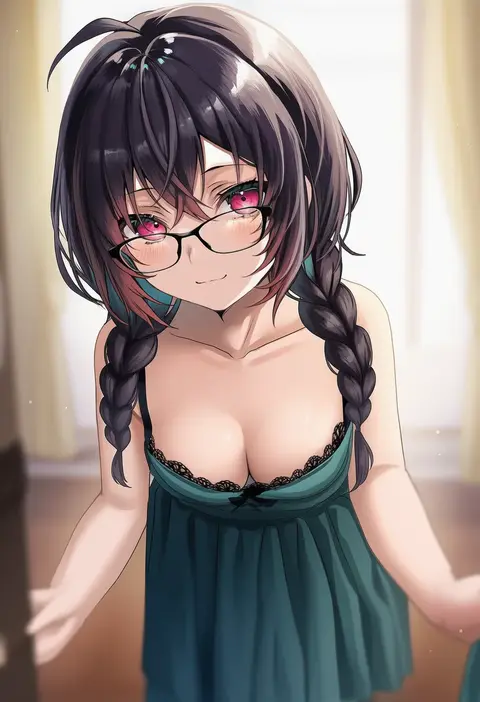
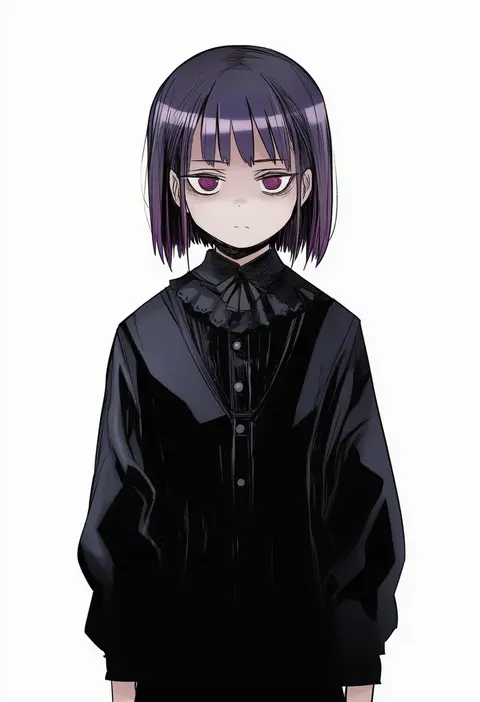
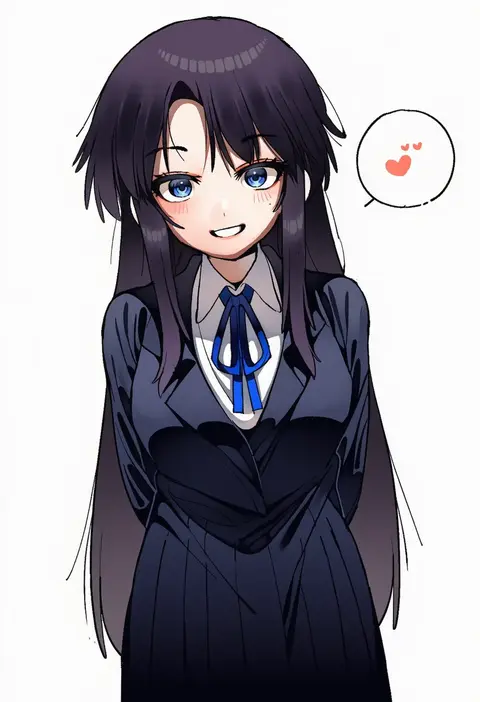
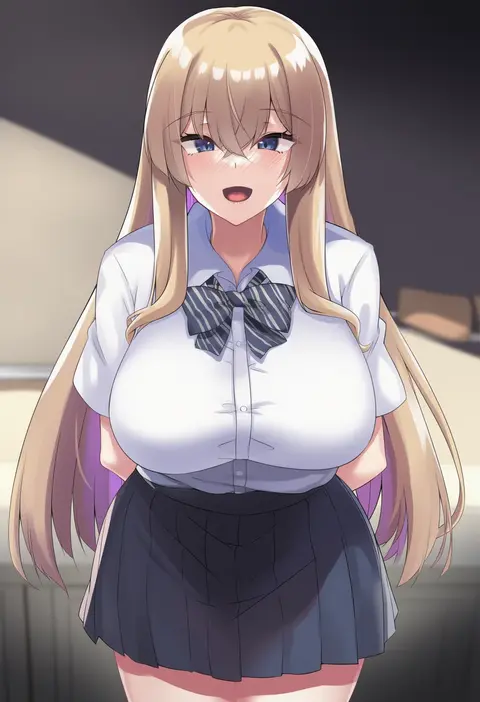
Artist tags tell NovelAI Diffusion to draw in a specific artist's style: line weight, paint texture, face shapes and palette all shift at once. Character and outfit tags decide what is drawn; artist tags decide how. 16,352 tags are listed for V4.5.
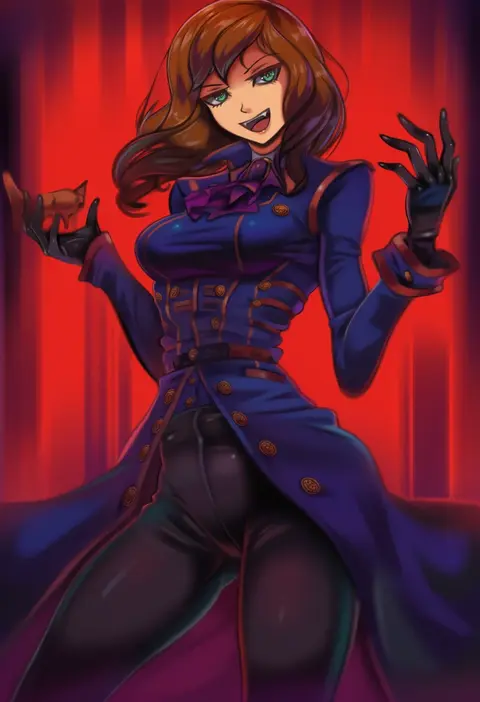
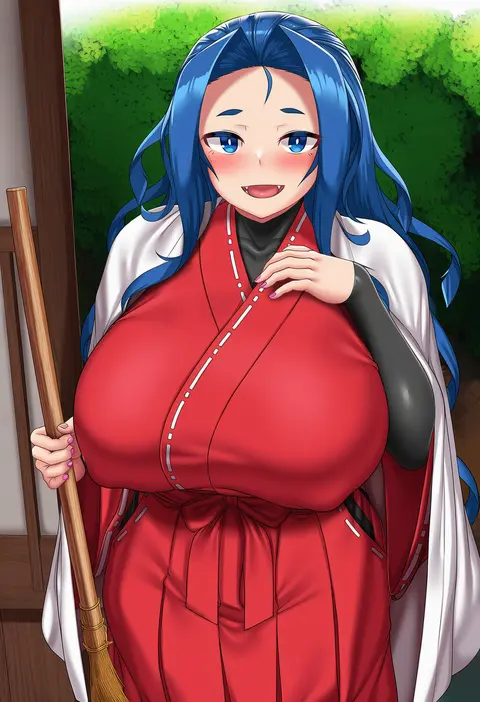
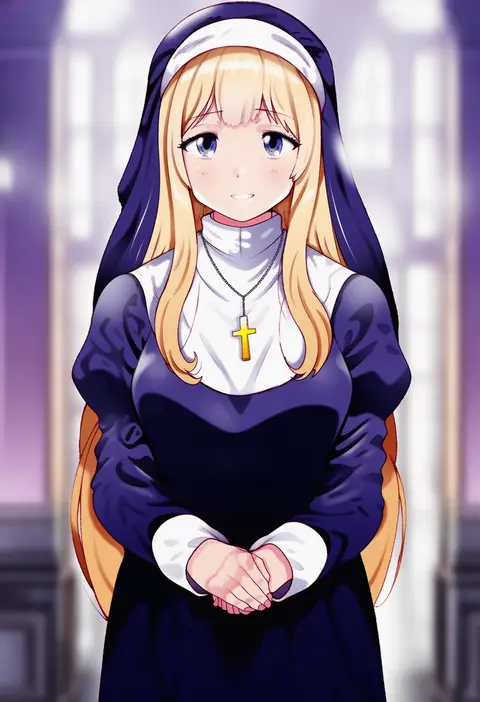
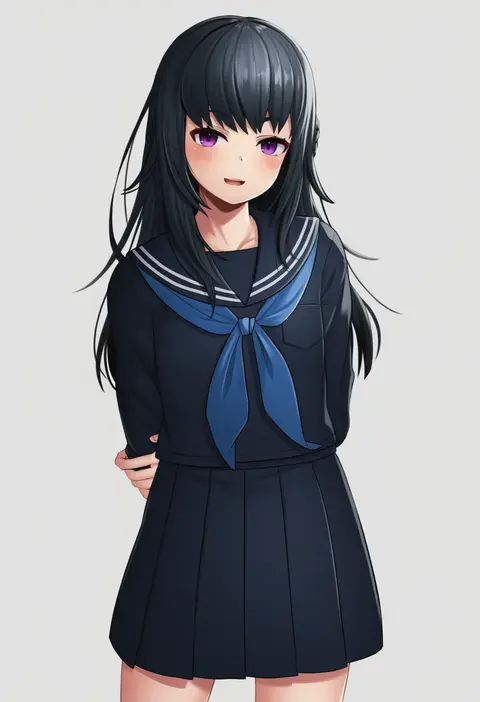
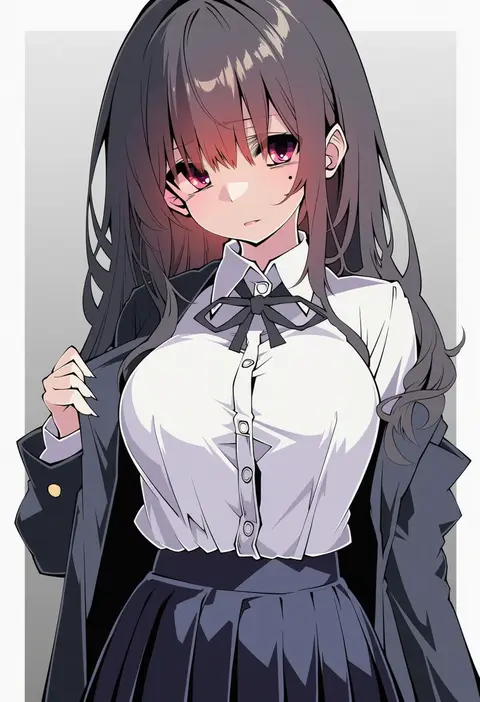
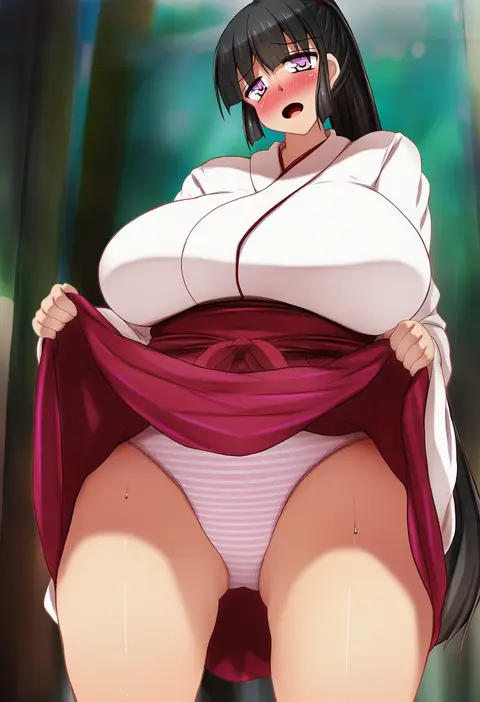
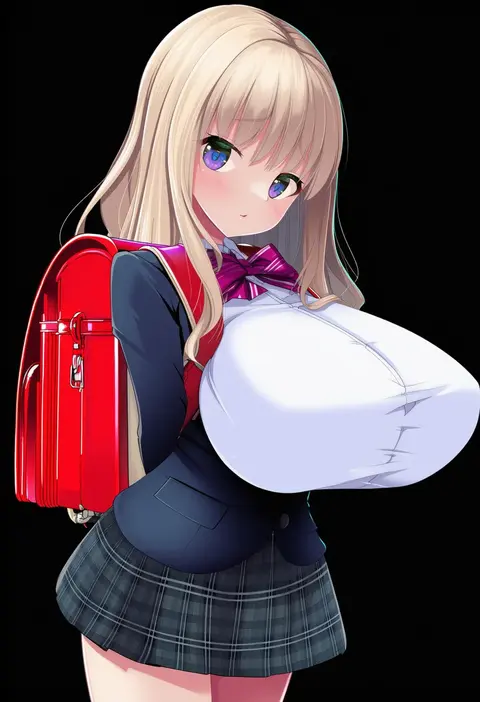
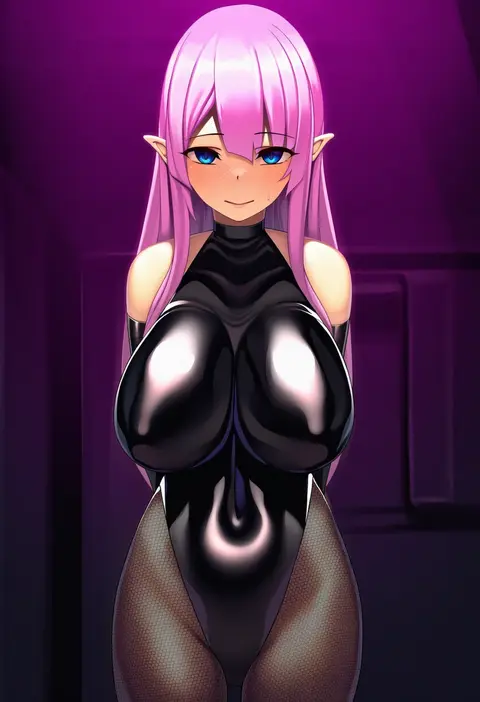
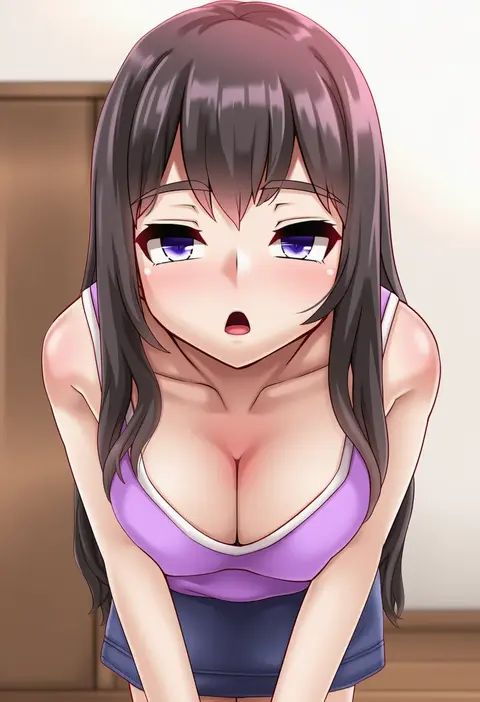
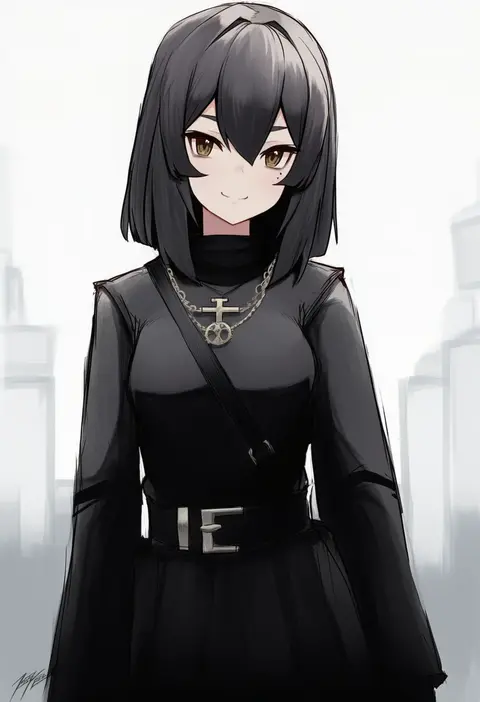
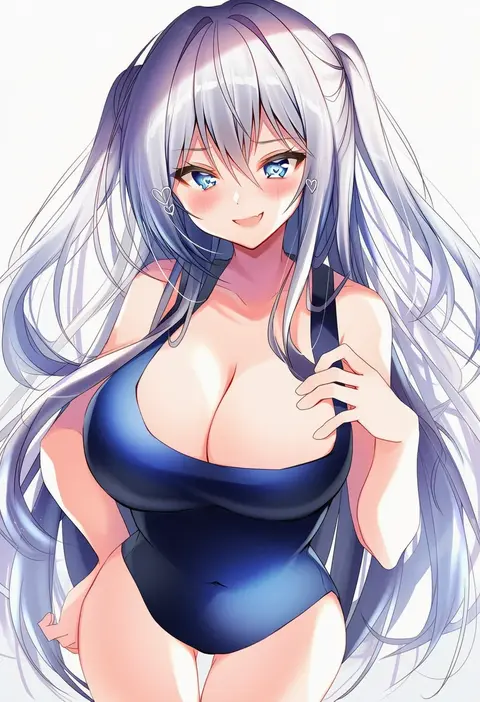
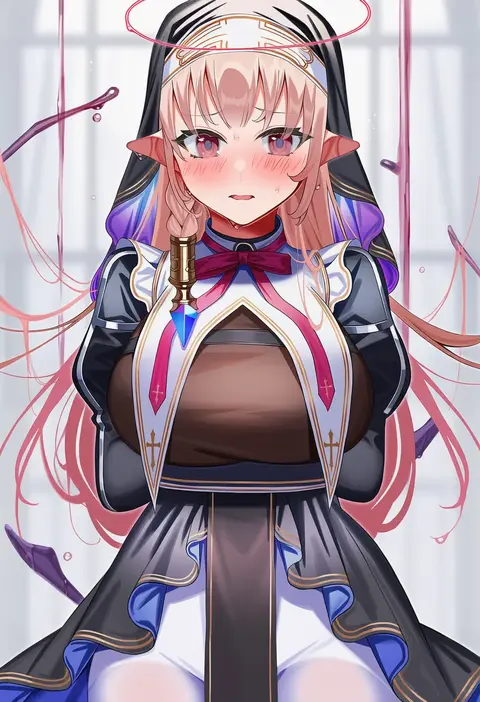
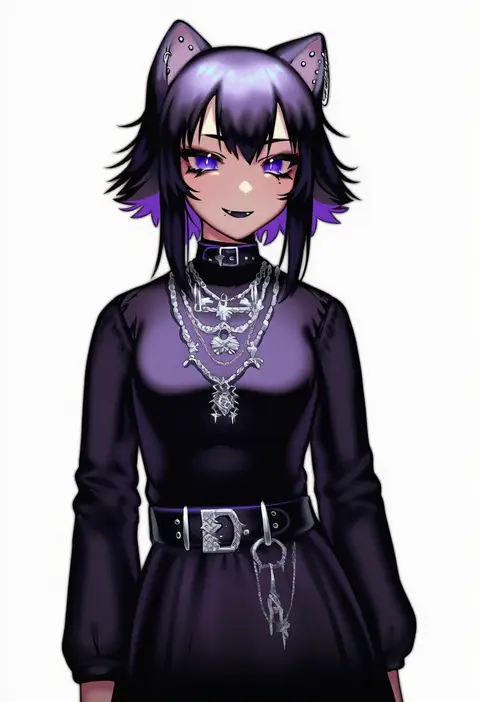
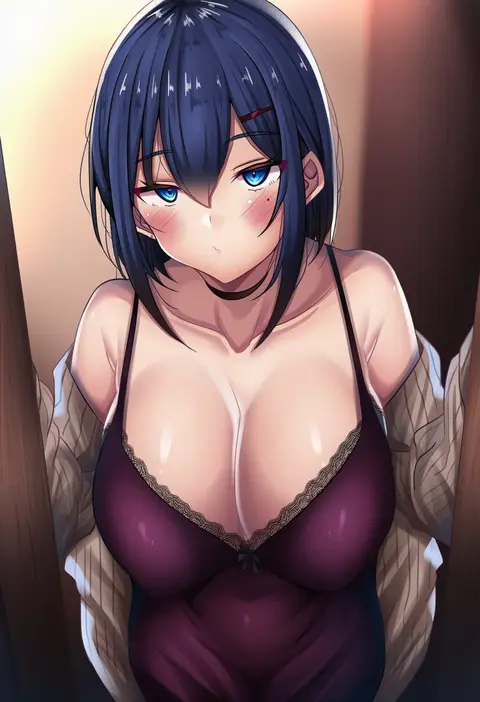
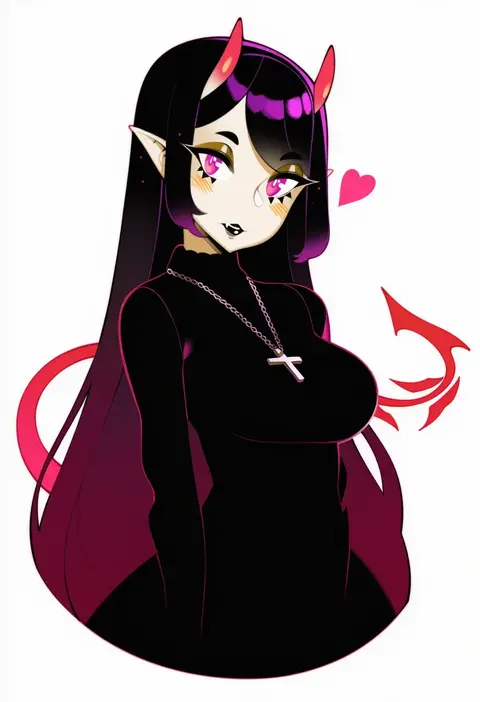
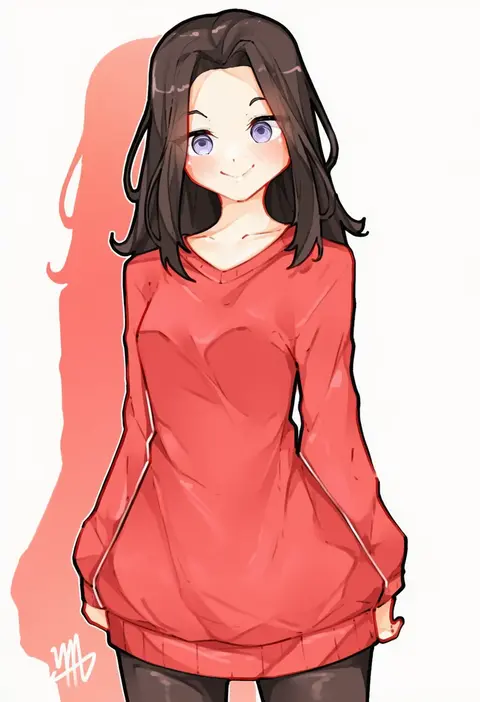
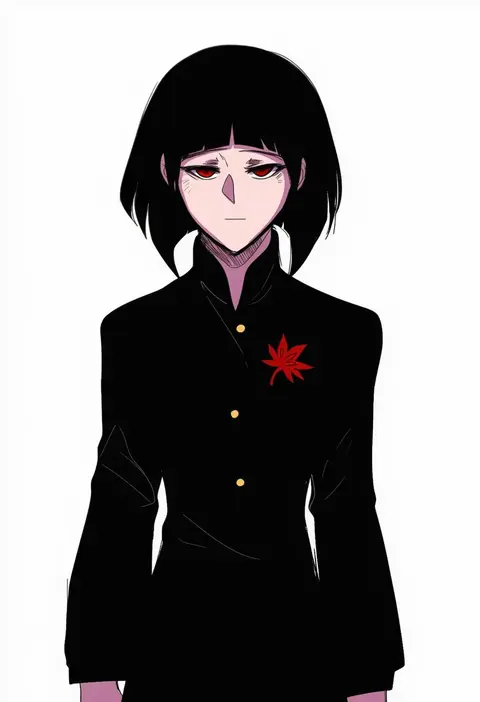
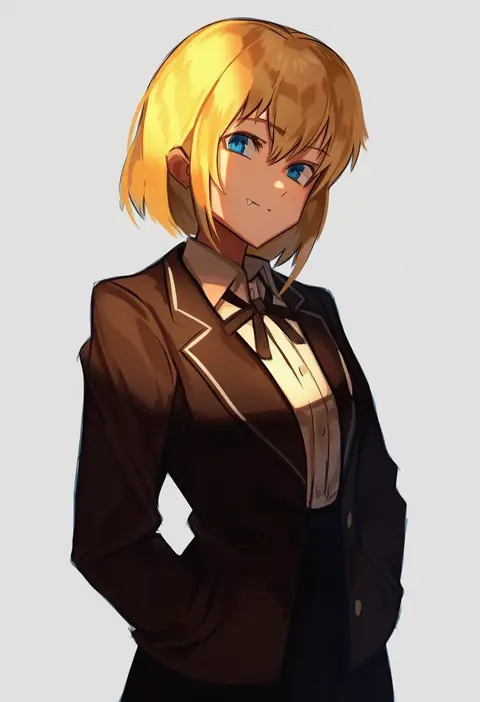
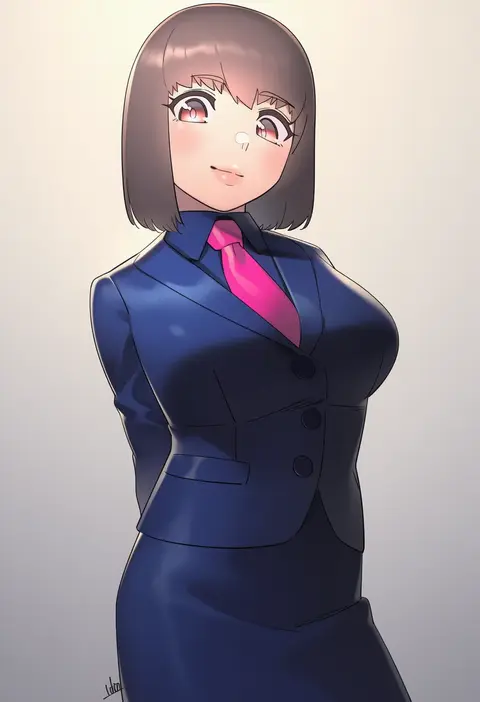
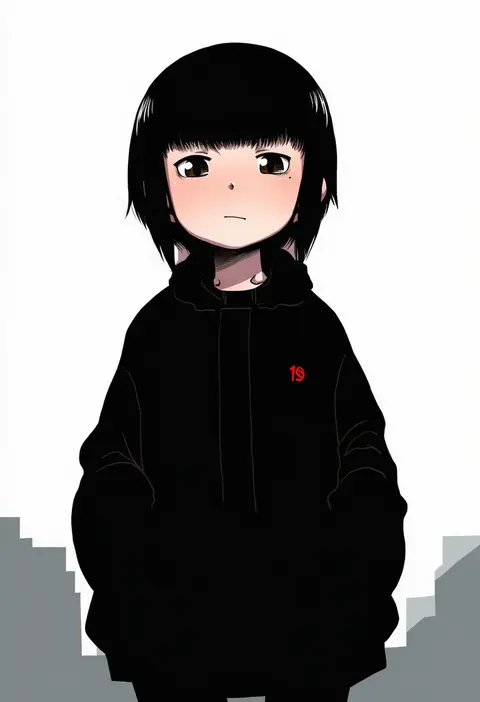
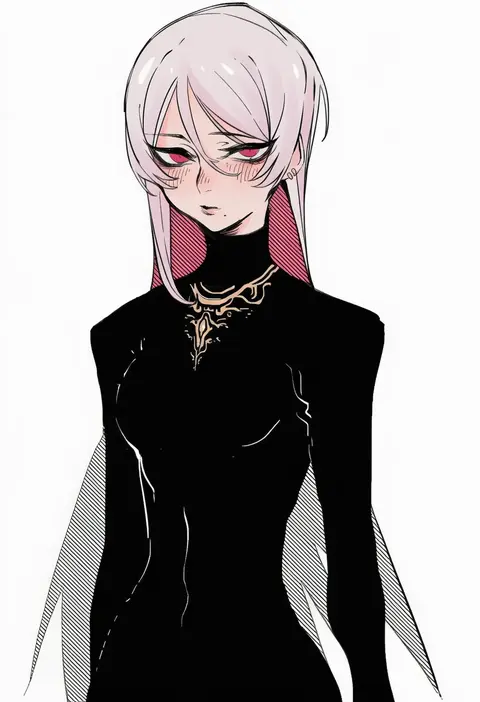
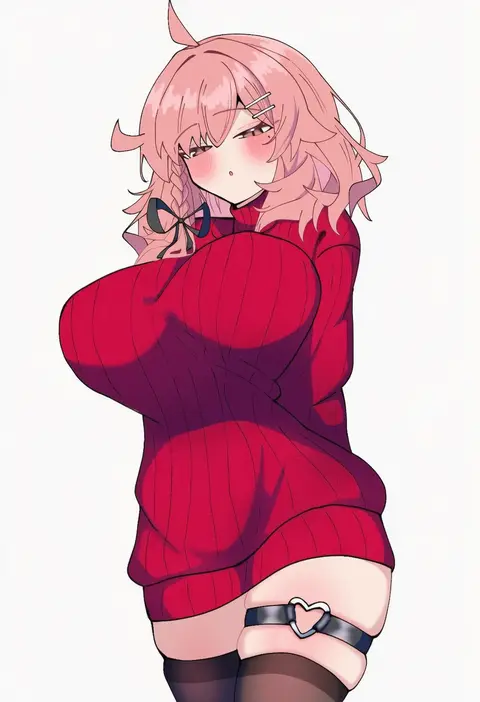
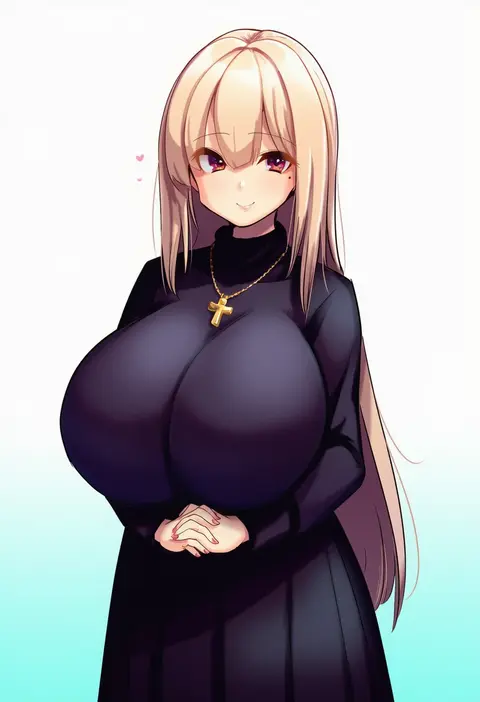
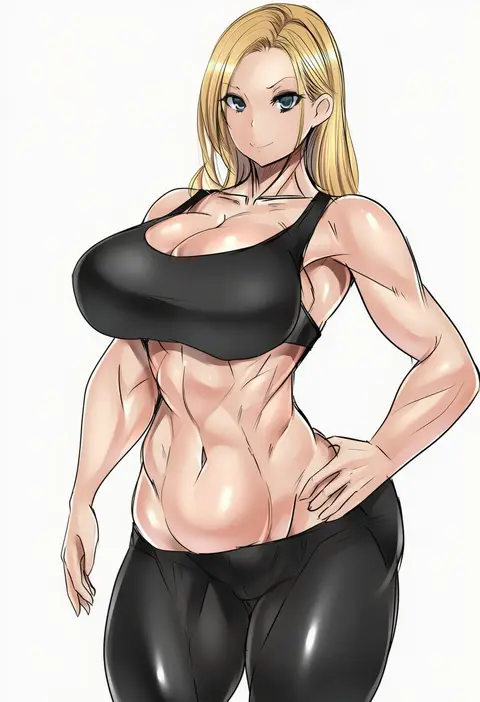
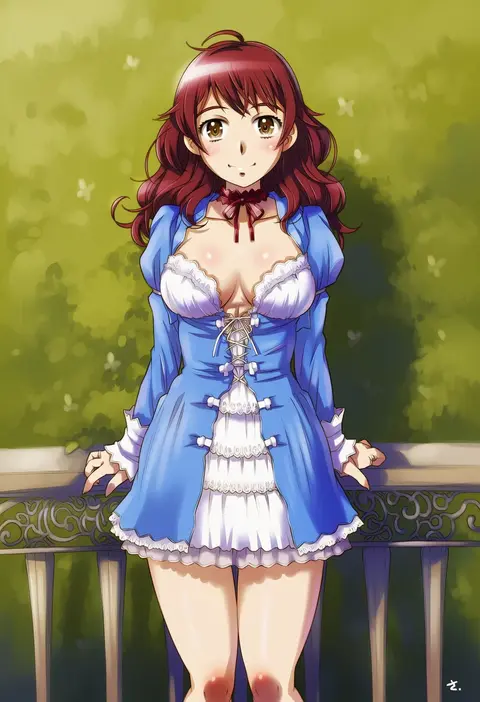
Every tag listed here is verified to react in NovelAI. All images use the same prompt, seed and settings with only the artist tag swapped, so the difference between two images is the style that tag brings in.

How to use them

Put the artist tag near the front of the prompt, e.g. "<artist>, 1girl, solo, best quality, masterpiece, cowboy shot". Two or three artist tags blend styles; lower the weight with "0.8::<artist>::" when the style overpowers the character.

SCORE sorts by Danbooru's top score, POSTS by post count, FAVS by hearts on this site. Open a card to see V5 and V4.5 side by side on the same seed.

V5 vs V4.5

V5 usually lands closer to the artist's real style, and tags that did nothing on V4.5 often react on V5. V4.5 still fits older and doujin-heavy artists better. Try V5 first, fall back to V4.5.

FAQ

Where does the artist tag go?
Near the front of the prompt. Use "0.8::tag::" to adjust its weight.

Can I stack artist tags?
Yes, styles blend. Past two or three the result stops looking like anyone.

Are these the artists' own works?
No. Every image is a NovelAI sample generated from the tag.