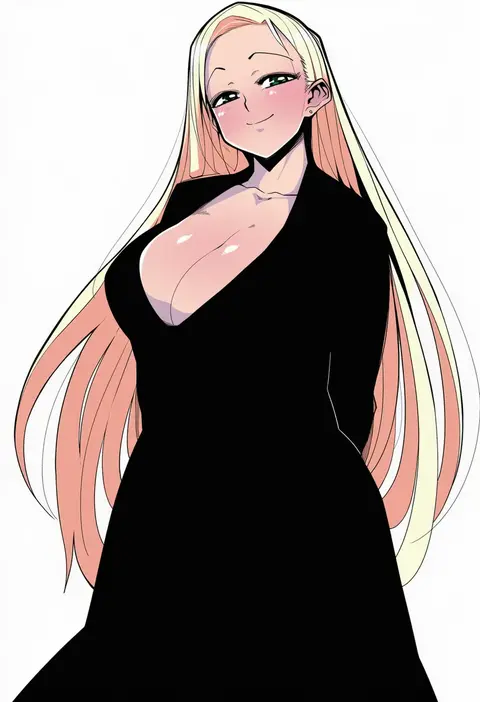
V4.5Artists
sort: FAVS▾
▾
>
$

NovelAI Artist Tags List — V4.5

artist --count 16,352[95/273]
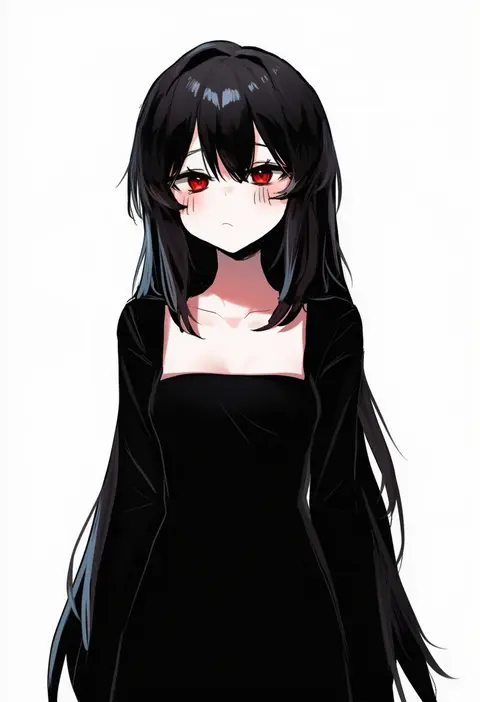
danbal
ARTIST0x1608
0
namidate
ARTIST0x1609
0
ice reizou
ARTIST0x160A
0
nigou
ARTIST0x160B
0
atg (wttoo0202)
ARTIST0x160C
0
kagami uekusa
ARTIST0x160D
0
muroku (aimichiyo0526)
ARTIST0x160E
0
jairou
ARTIST0x160F
0
hatakenaka (kamagabuchi)
ARTIST0x1610
0
neko daruma
ARTIST0x1611
0
shuz (dodidu)
ARTIST0x1612
0
yamaguchi homupe
ARTIST0x1613
0
asaki takayuki
ARTIST0x1614
0
ysk!
ARTIST0x1615
0
lubikaya
ARTIST0x1616
0
zanya 000
ARTIST0x1617
0
nemuaki
ARTIST0x1618
0
pd (pdpdlv1)
ARTIST0x1619
0
nori tamago
ARTIST0x161A
0
st.germain-sal
ARTIST0x161B
0
suou-sensei
ARTIST0x161C
0
muramasa mikado
ARTIST0x161D
0
lk149
ARTIST0x161E
0
fal maro
ARTIST0x161F
0
ootsuka shin'ichirou
ARTIST0x1620
0
nadeara bukichi
ARTIST0x1621
0
tadokoro nurikabe
ARTIST0x1622
0
zeronis
ARTIST0x1623
0
kanya pyi
ARTIST0x1624
0
cisyo
ARTIST0x1625
0
amagi shino
ARTIST0x1626
0
kou (garakuta teikoku)
ARTIST0x1627
0
yoshida akihiko
ARTIST0x1628
0
kwaejina
ARTIST0x1629
0
shio kouji (shiokojii)
ARTIST0x162A
0
j young
ARTIST0x162B
0
jknor
ARTIST0x162C
0
dm (dai miao)
ARTIST0x162D
0
rebun
ARTIST0x162E
0
senpaihawkkun
ARTIST0x162F
0
nikoo
ARTIST0x1630
0
gokuu (acoloredpencil)
ARTIST0x1631
0
zenrakishi
ARTIST0x1632
0
mochizuki mochi
ARTIST0x1633
0
koyo akio
ARTIST0x1634
0
hinata sora
ARTIST0x1635
0
matarou (matarou072)
ARTIST0x1636
0
karikura (atatata71)
ARTIST0x1637
0
huxiao (mistlakefront)
ARTIST0x1638
0
red cucumber
ARTIST0x1639
0
kohatsuka
ARTIST0x163A
0
tutou jiang
ARTIST0x163B
0
bluerabbit gap
ARTIST0x163C
0
janyhero
ARTIST0x163D
0
7zu7
ARTIST0x163E
0
shinsaku (stan-art)
ARTIST0x163F
0
kingchenxi
ARTIST0x1640
0
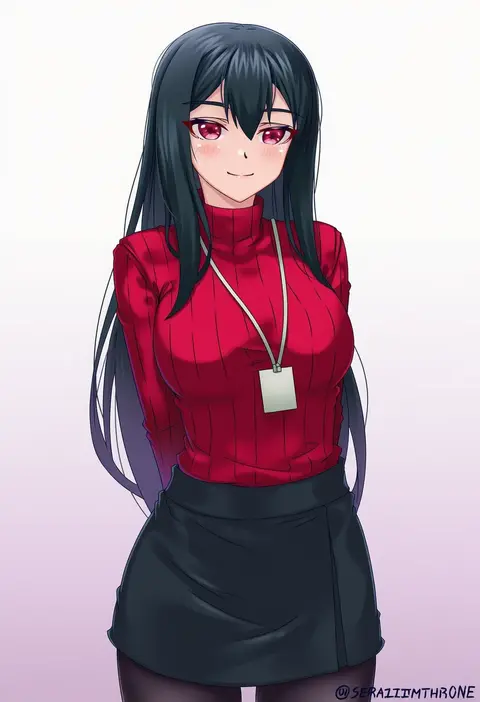
seraphim throne
ARTIST0x1641
0
mage (harumagedon)
ARTIST0x1642
0
miitoban
ARTIST0x1643
0

What these tags change

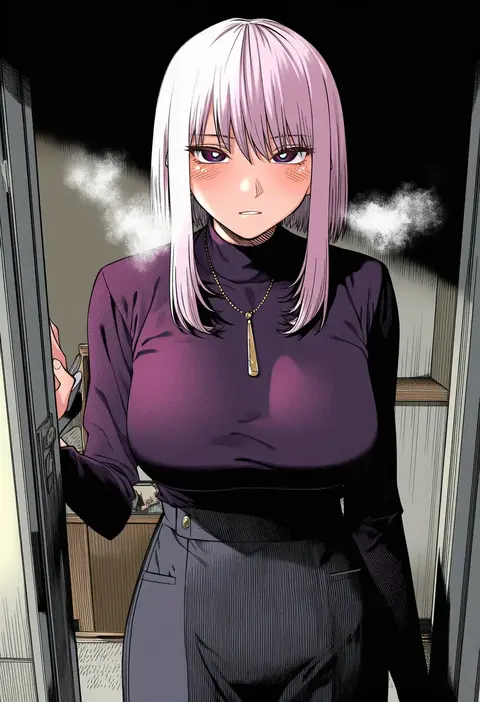
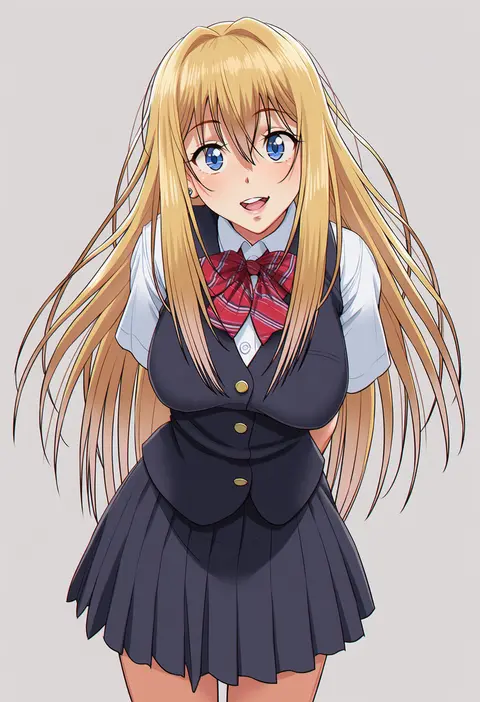
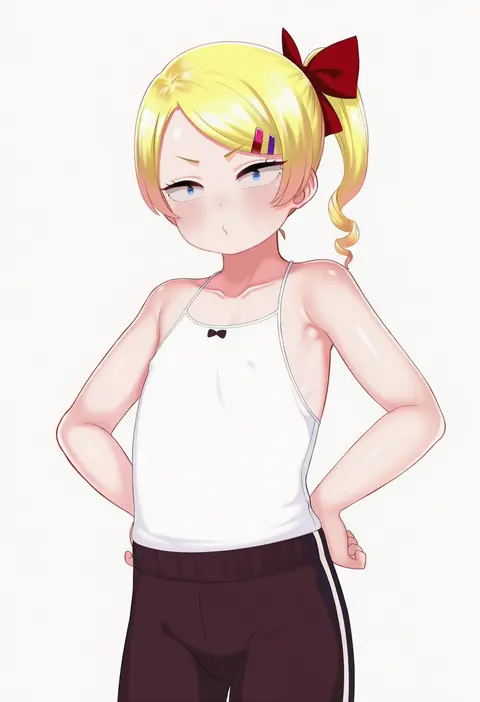
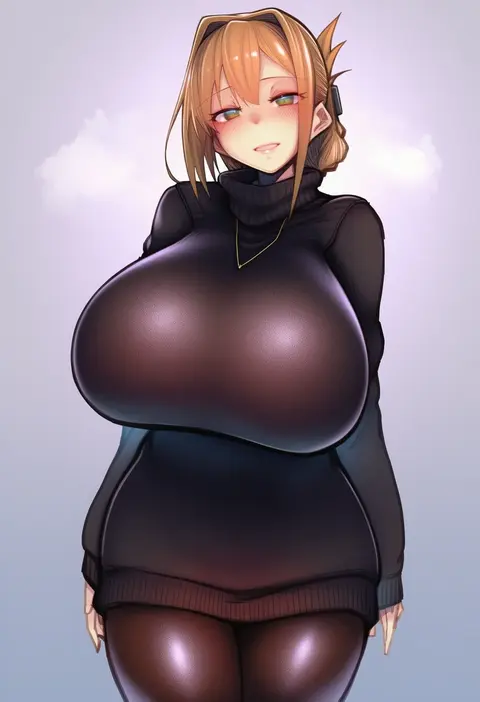
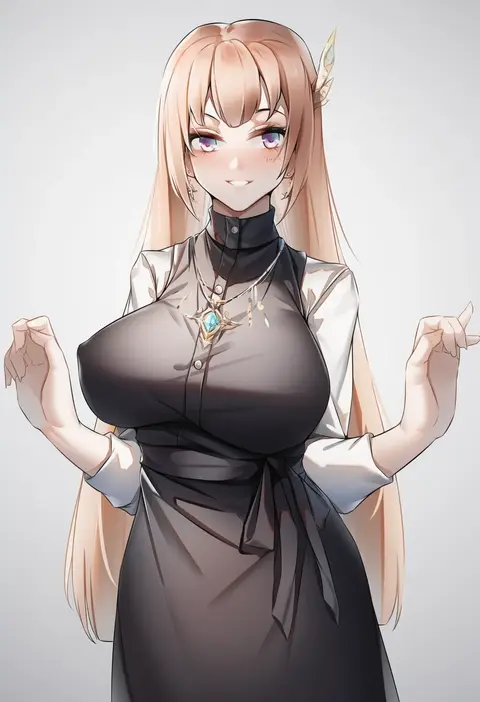
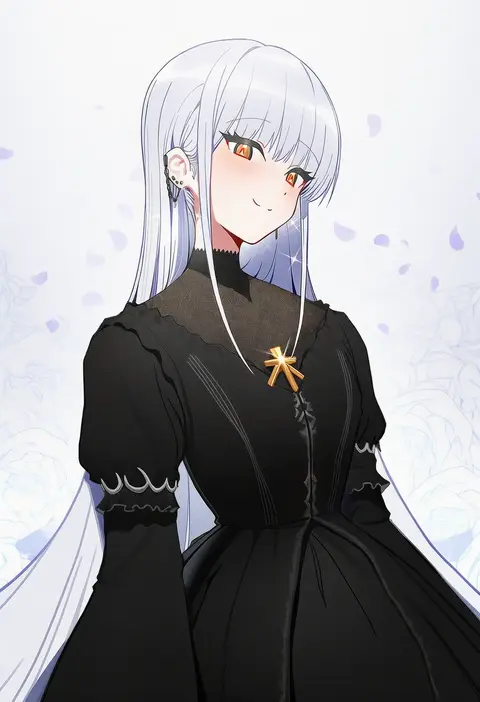
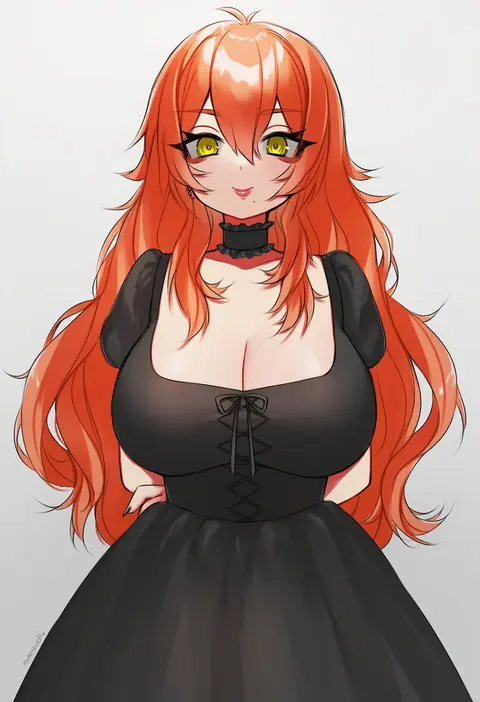
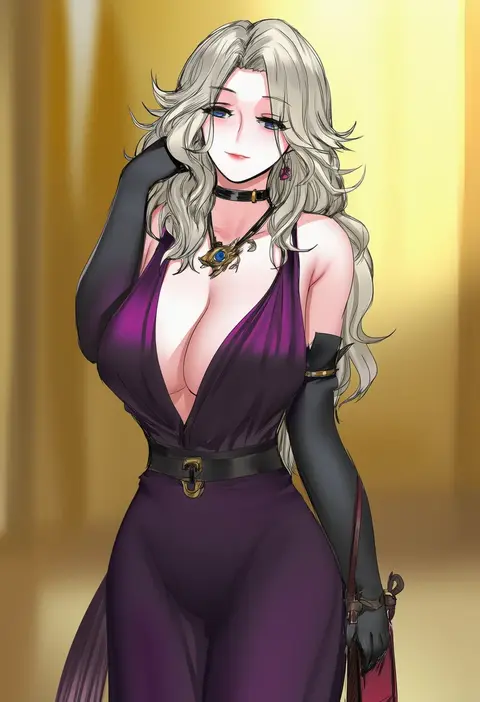
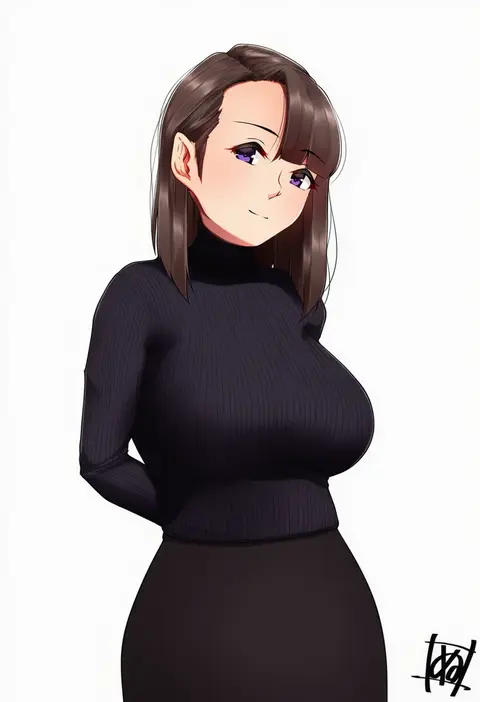
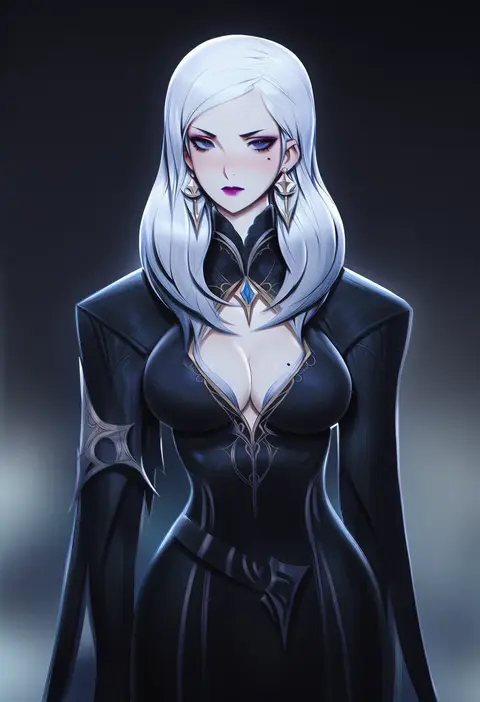
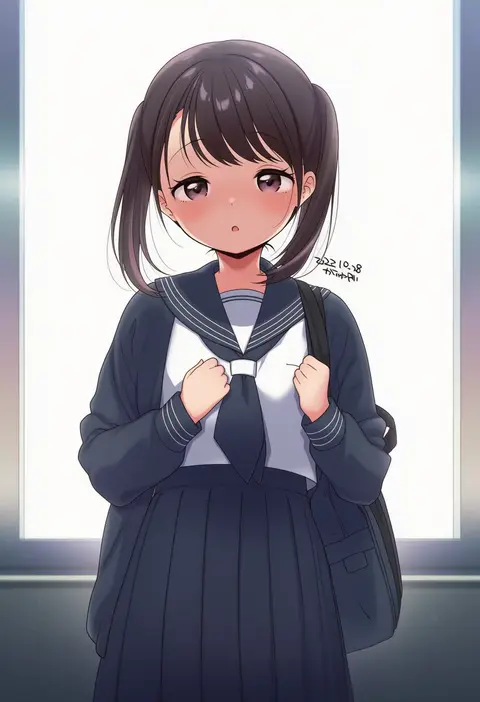
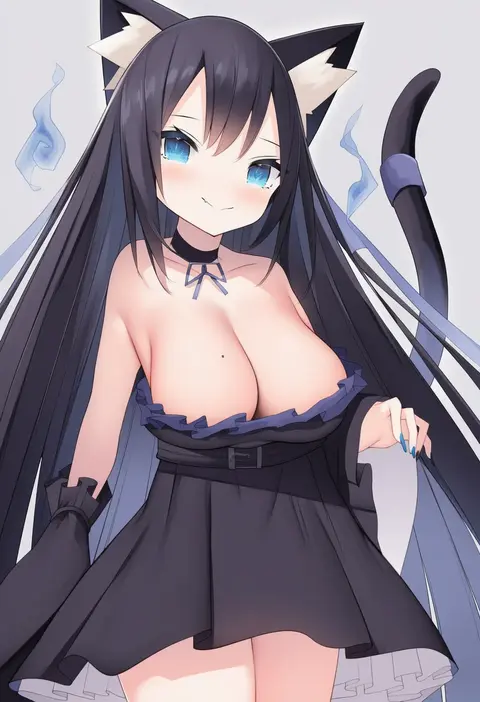
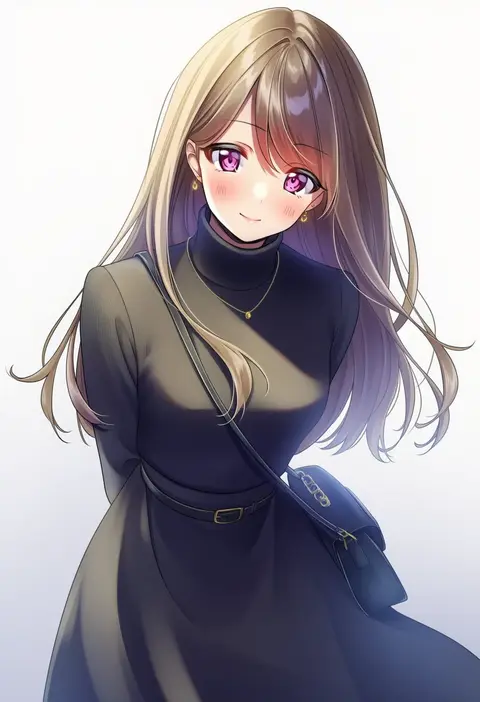
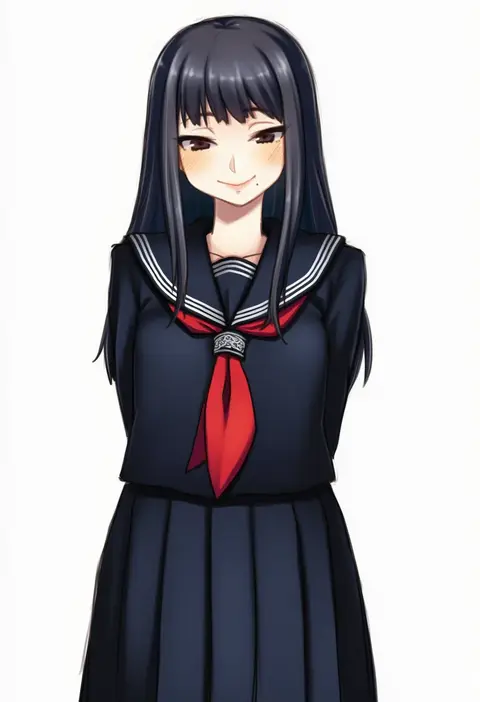
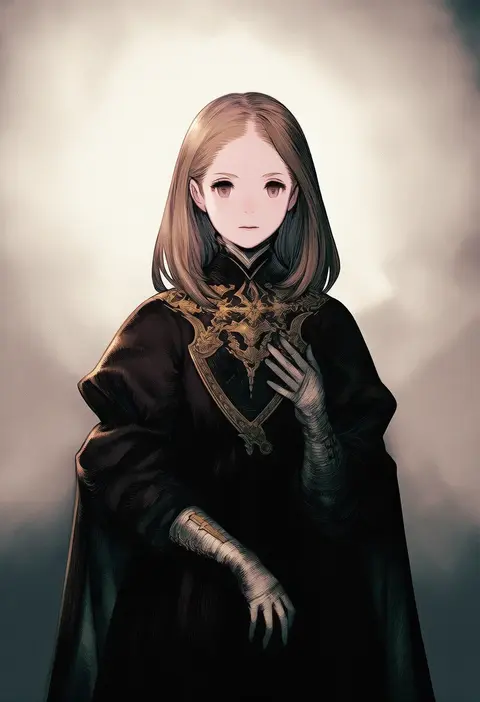
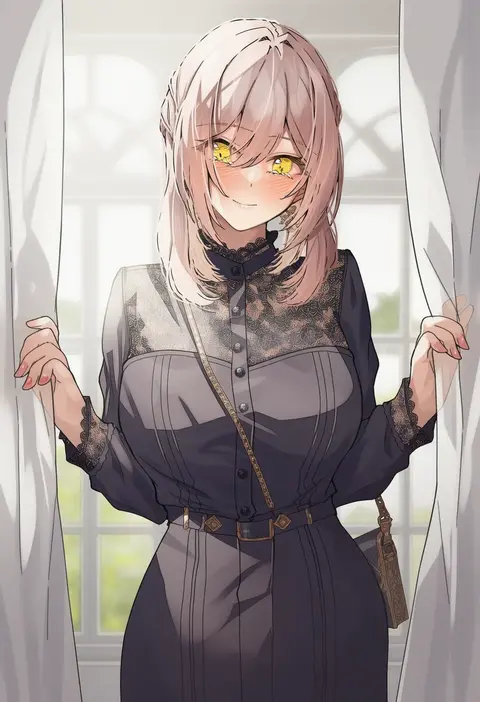
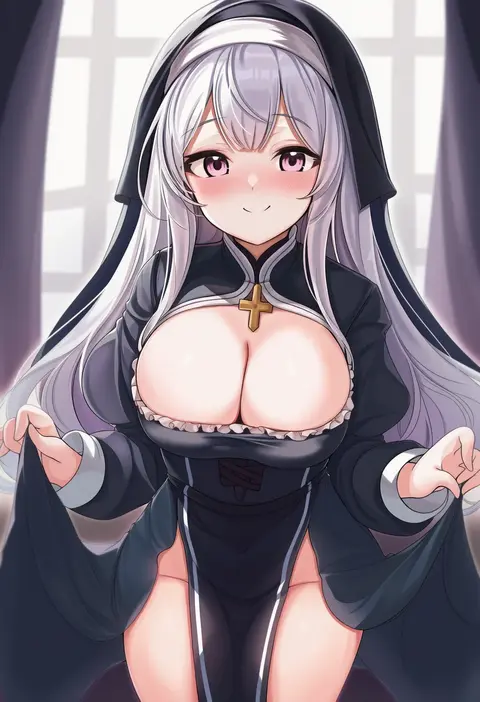
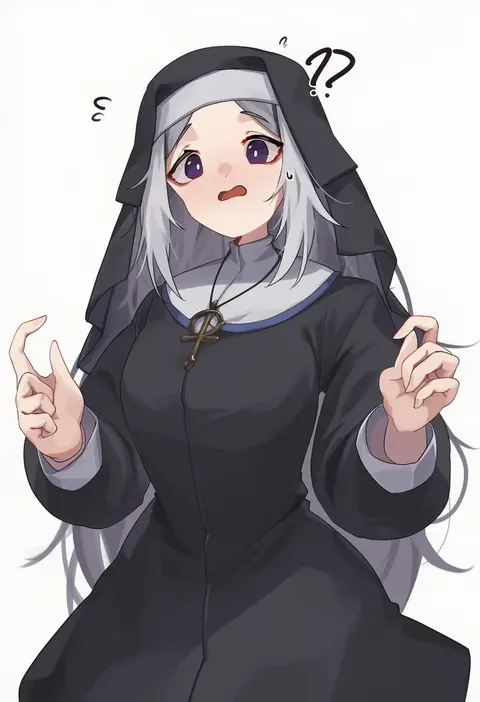
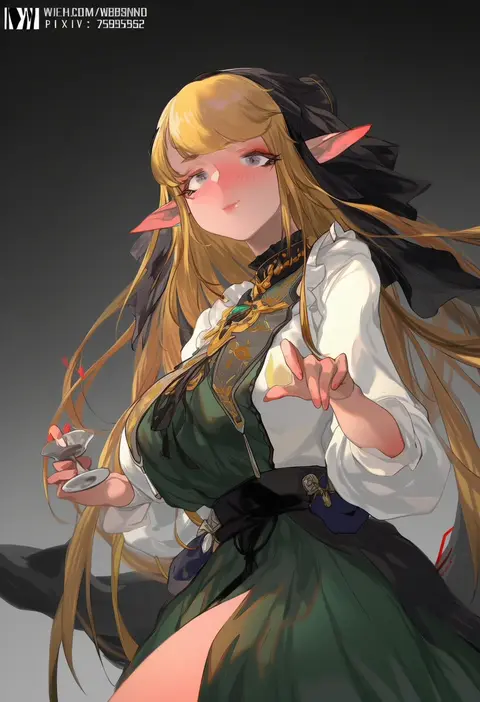
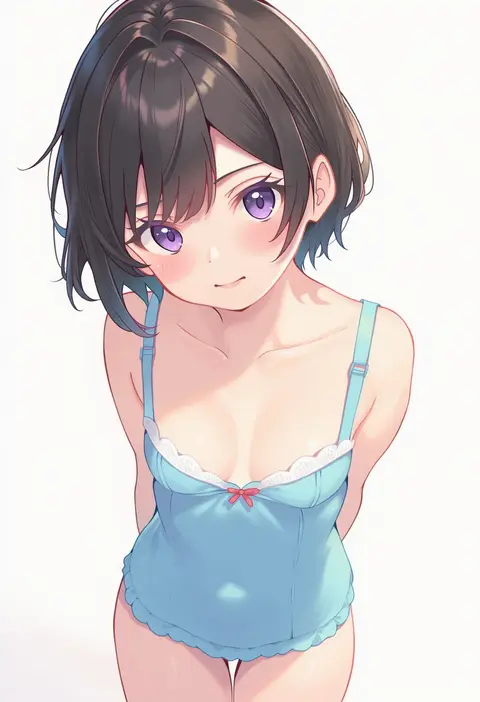
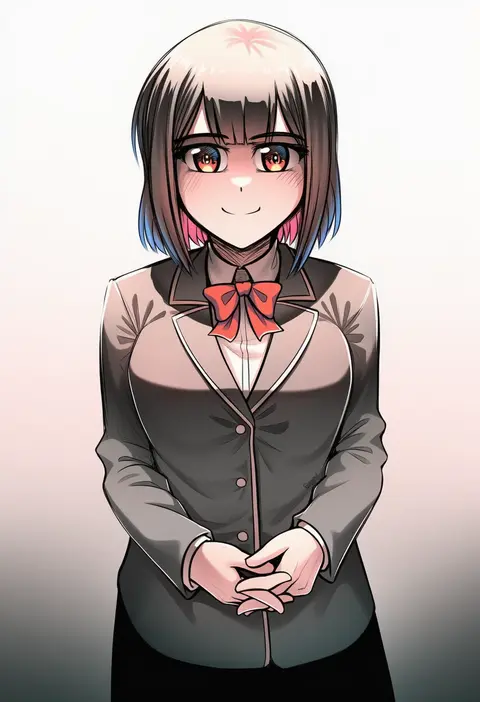
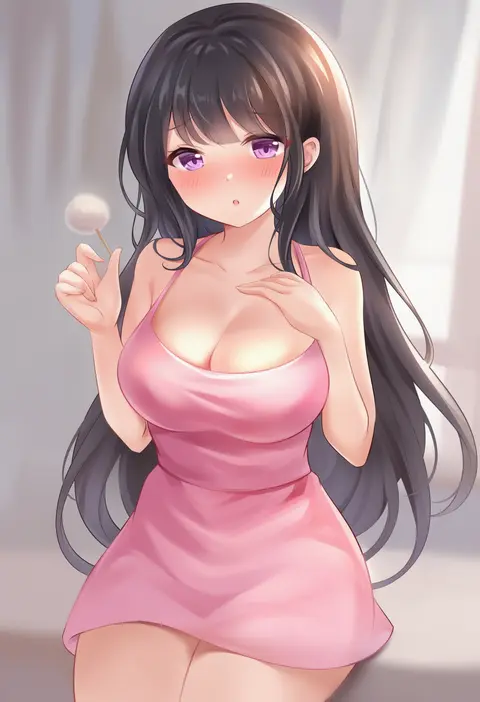
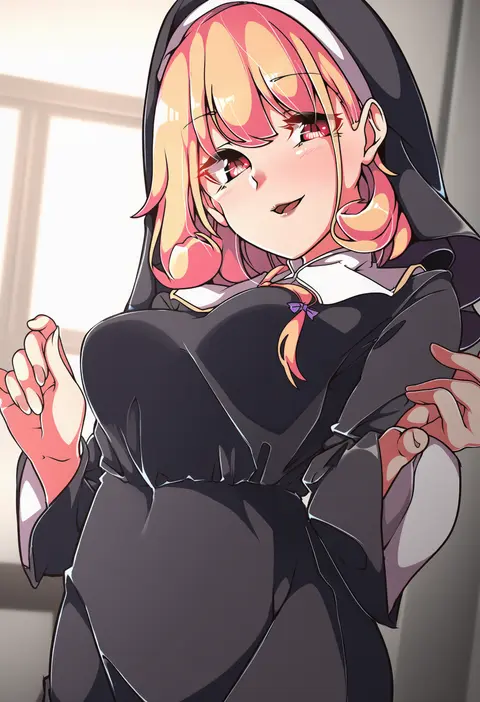
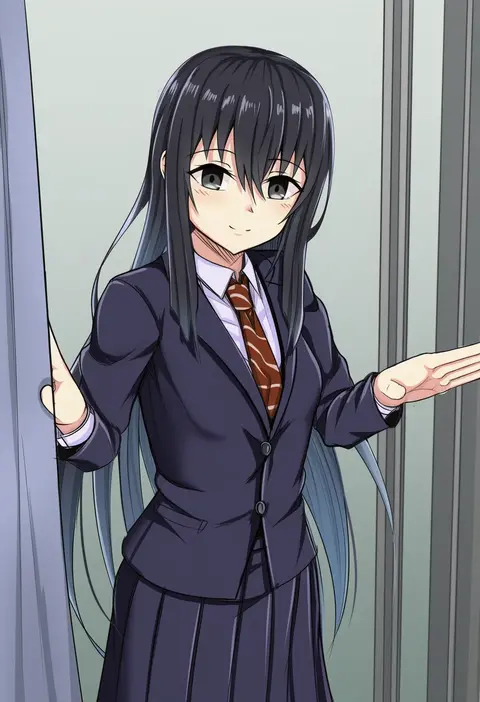
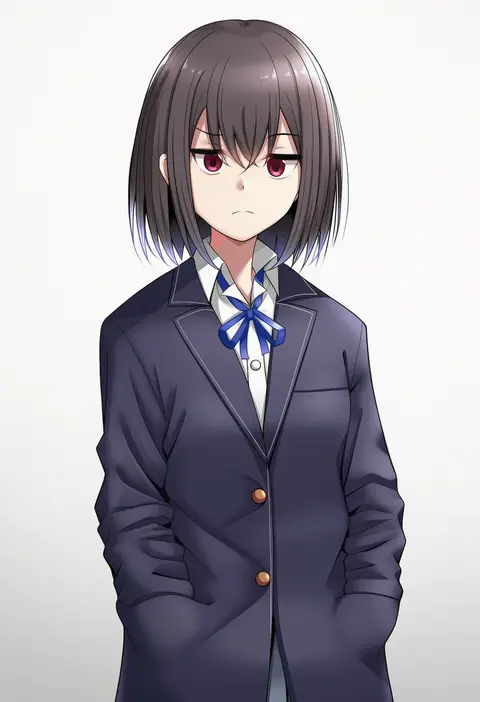
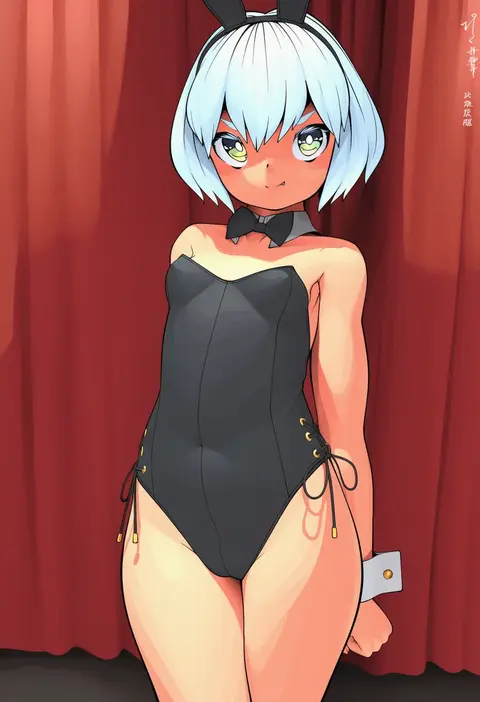
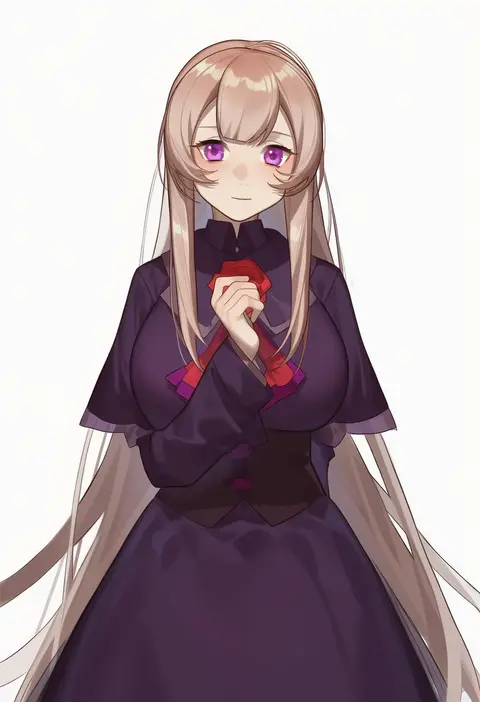
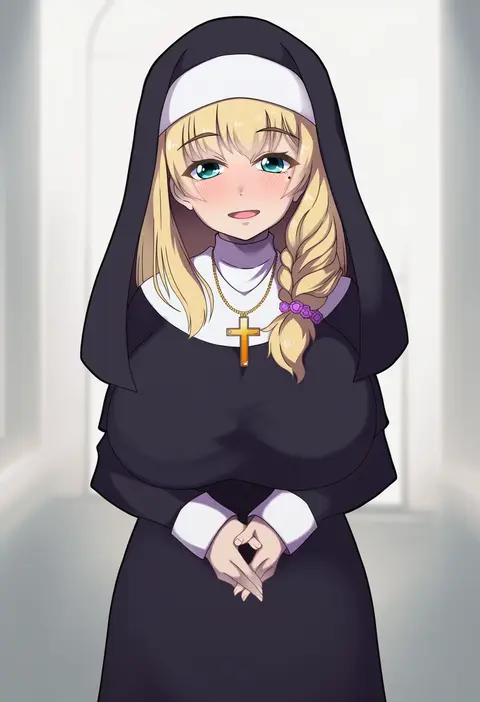
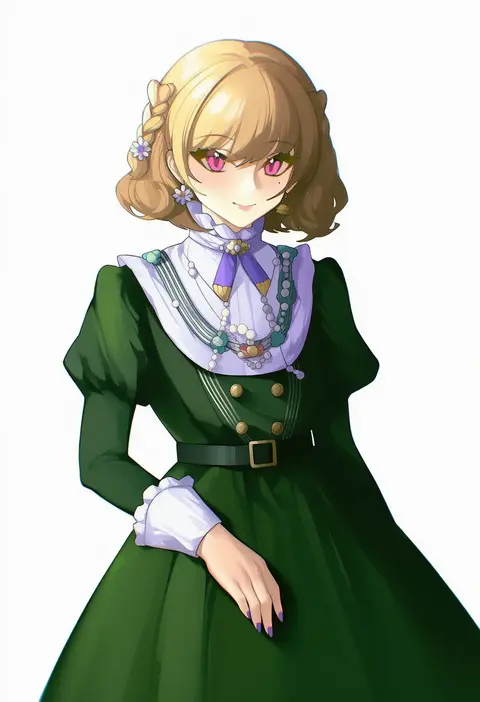
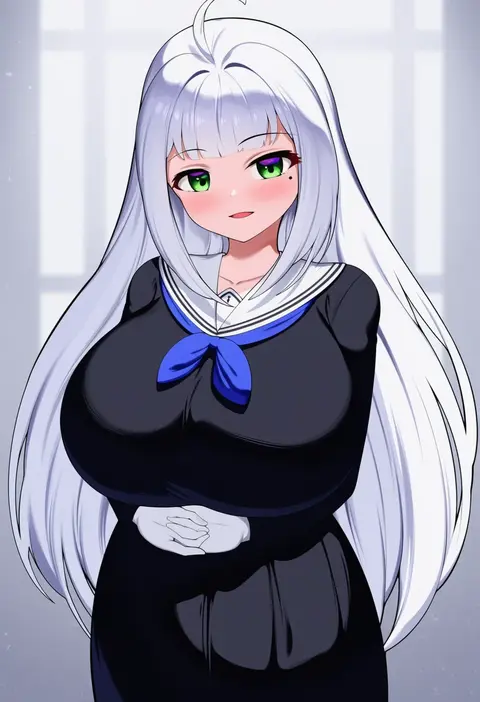
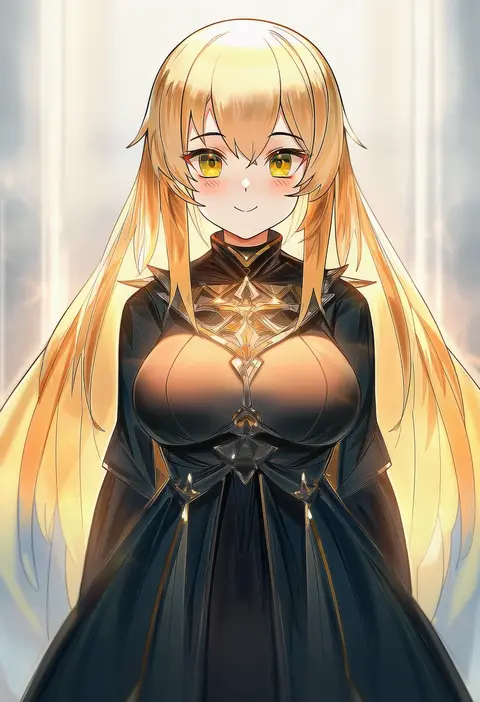
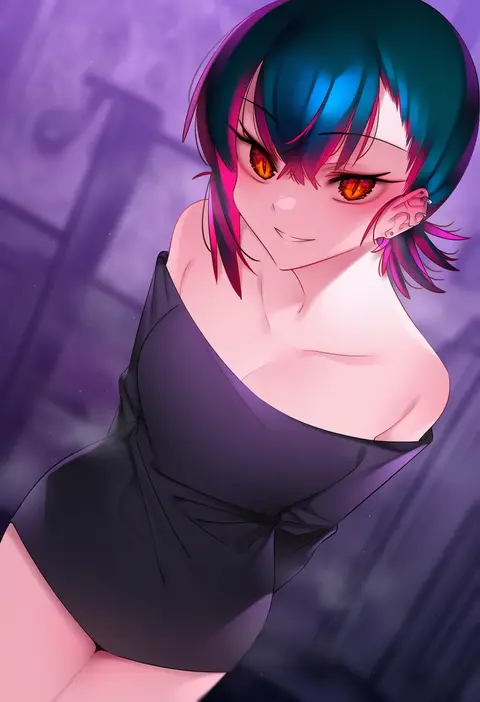
Artist tags tell NovelAI Diffusion to draw in a specific artist's style: line weight, paint texture, face shapes and palette all shift at once. Character and outfit tags decide what is drawn; artist tags decide how. 16,352 tags are listed for V4.5.
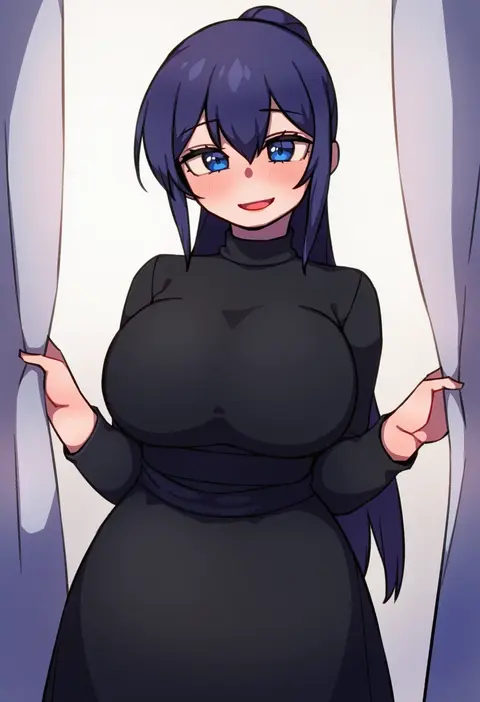
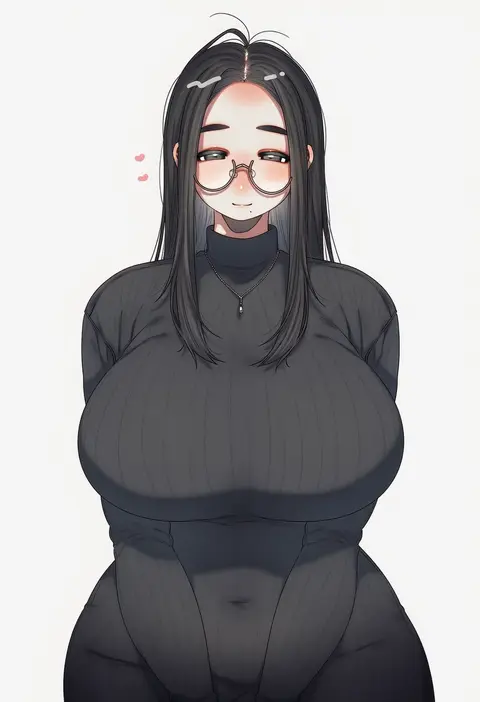
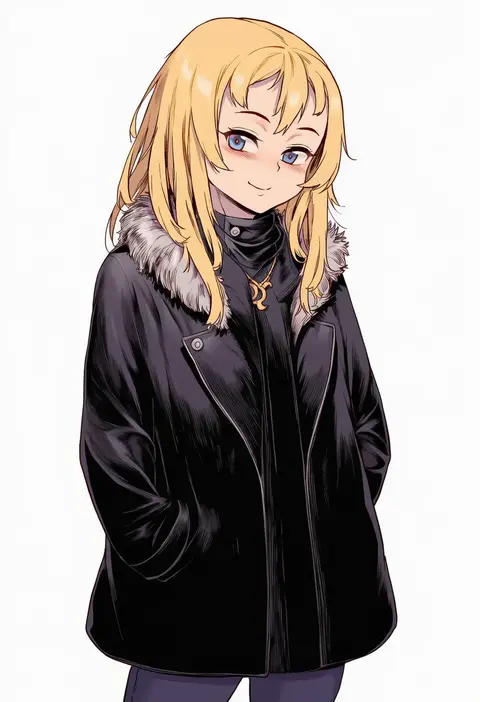
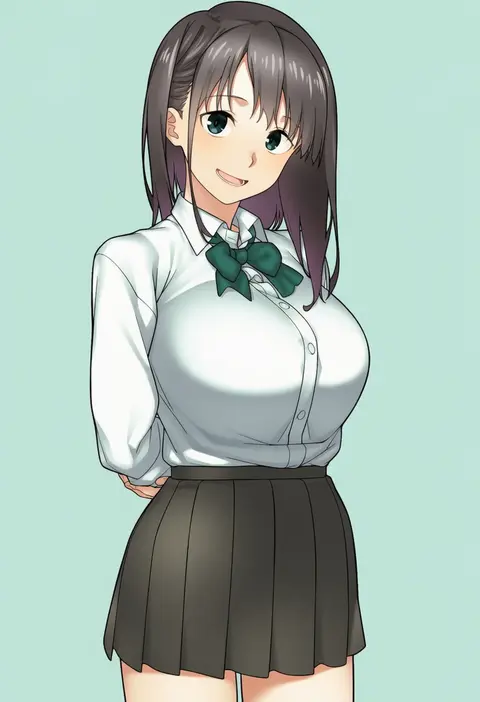
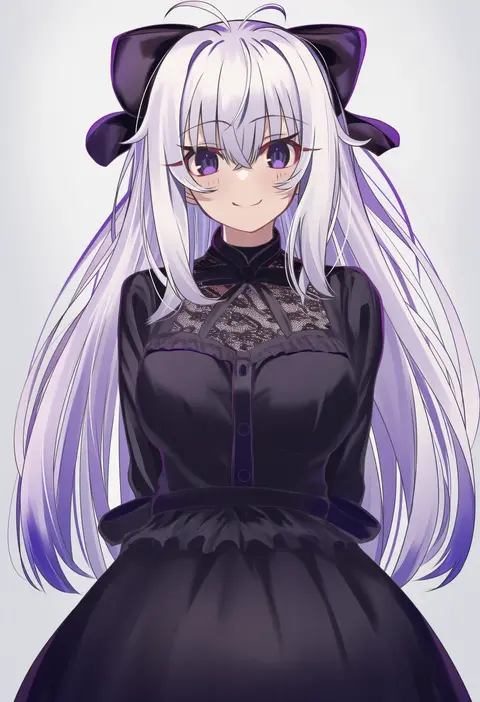
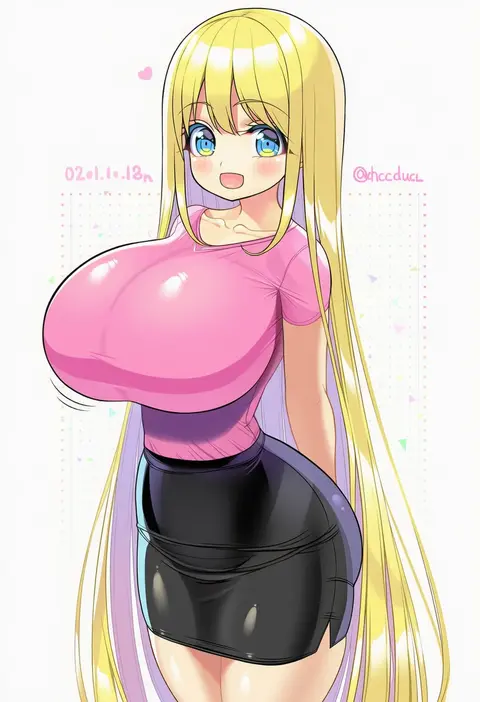
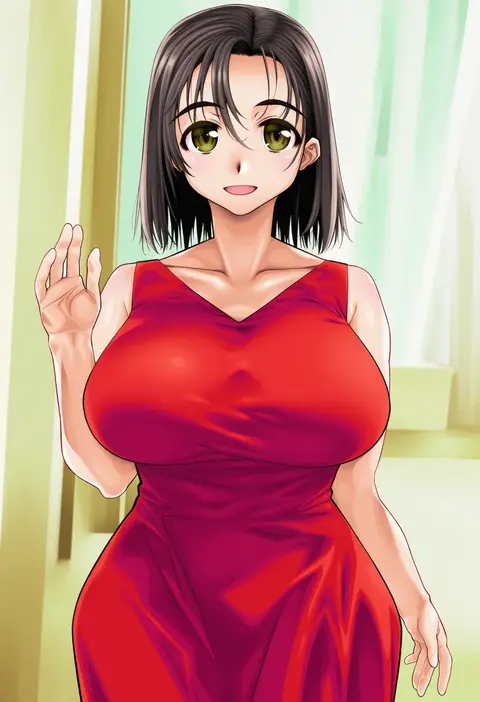
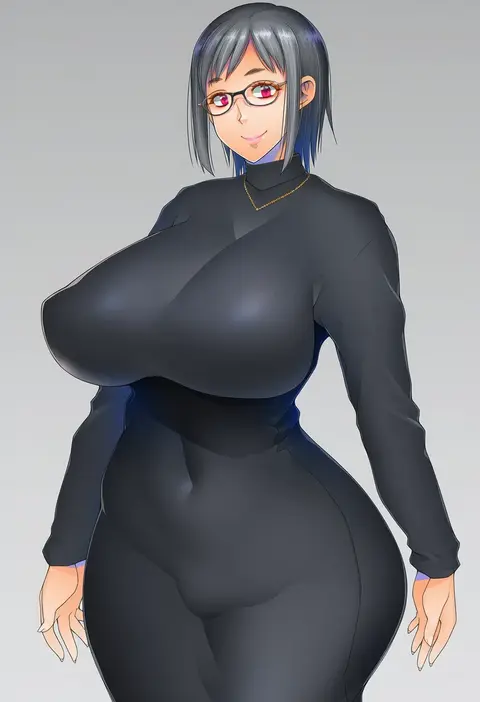
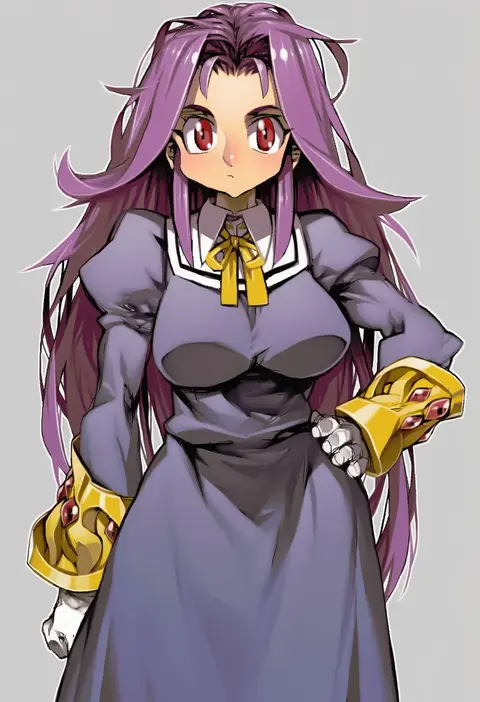
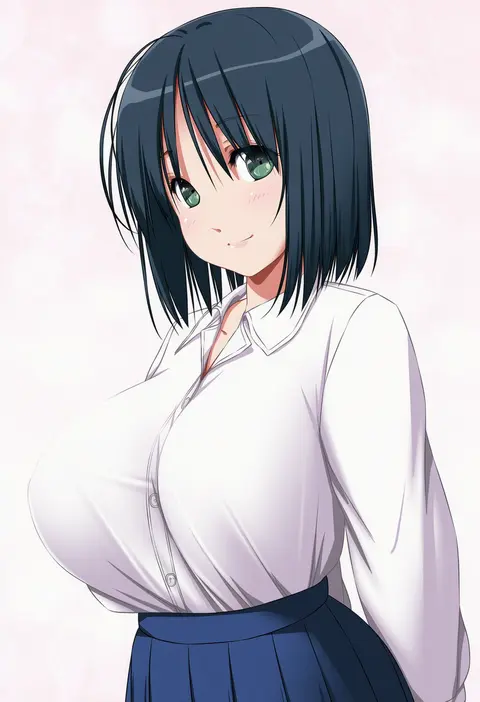
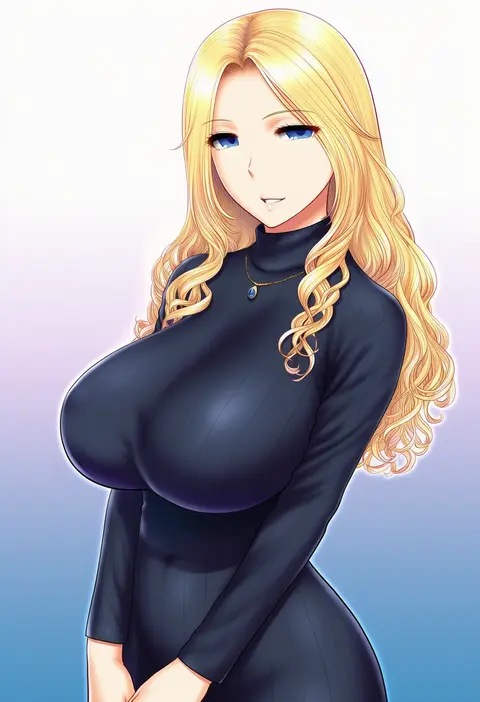
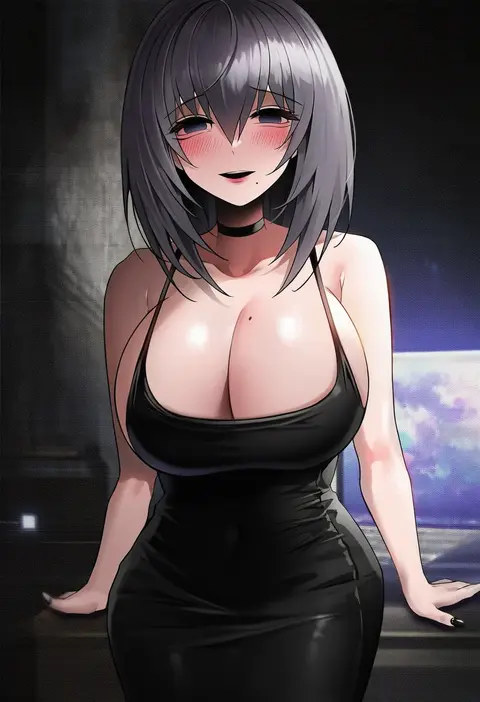
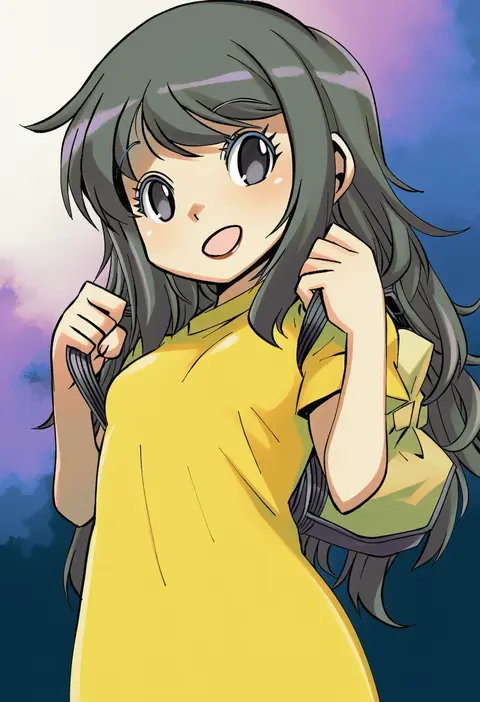
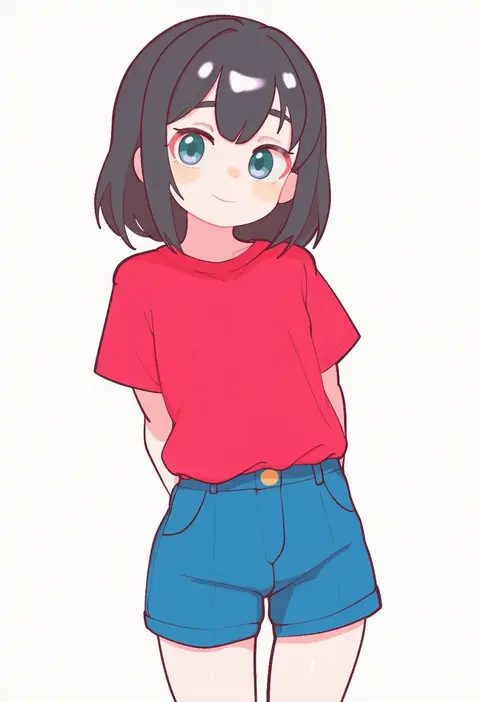
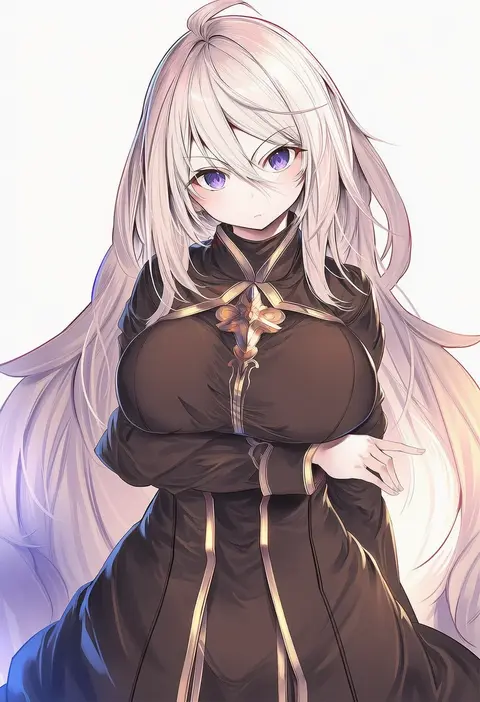
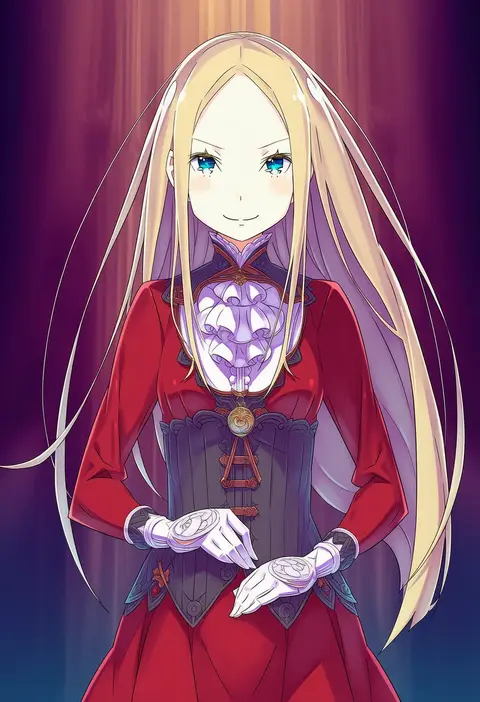
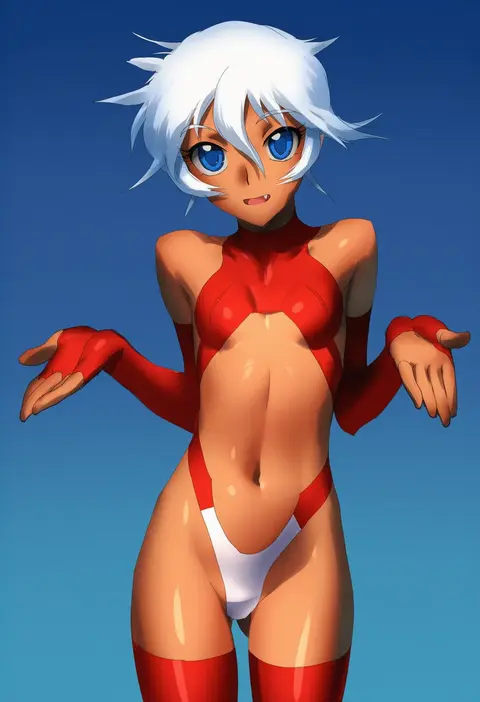
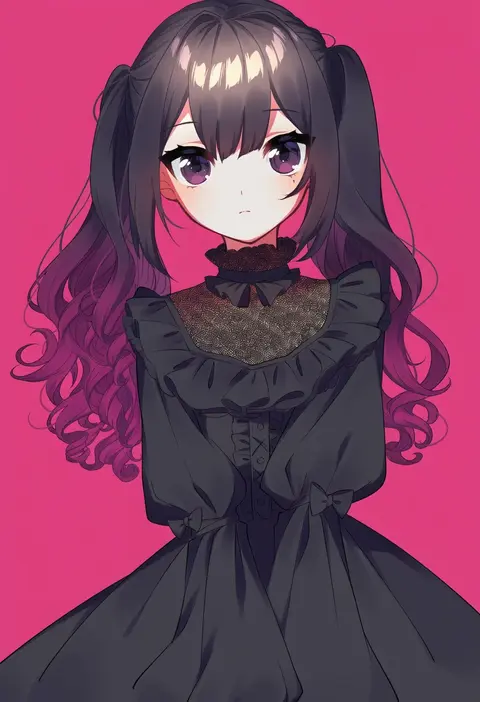
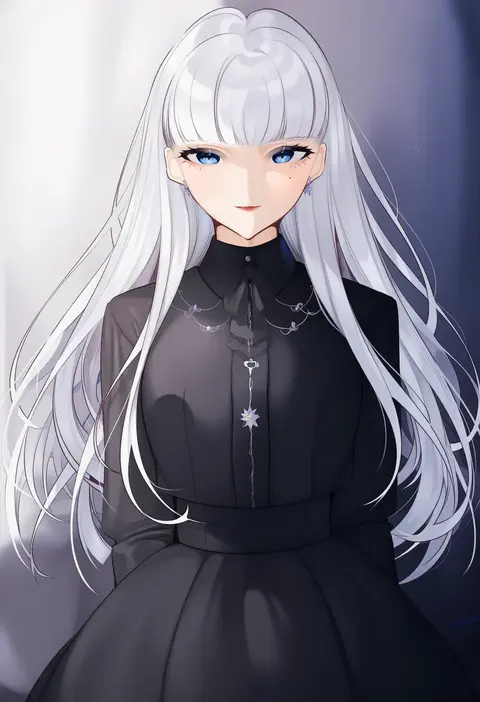
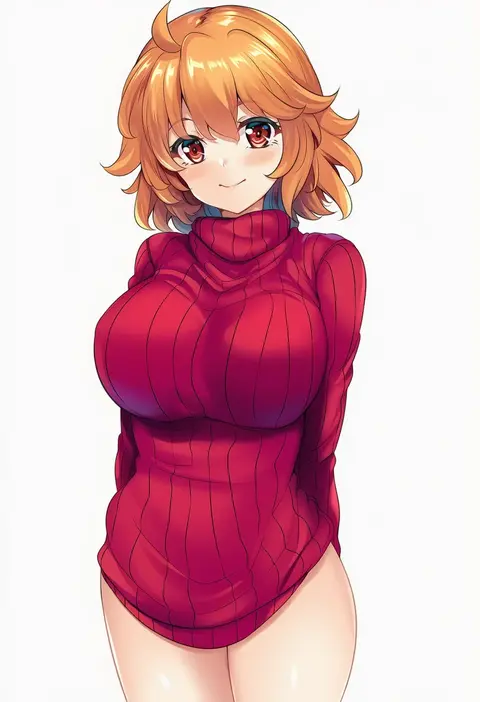
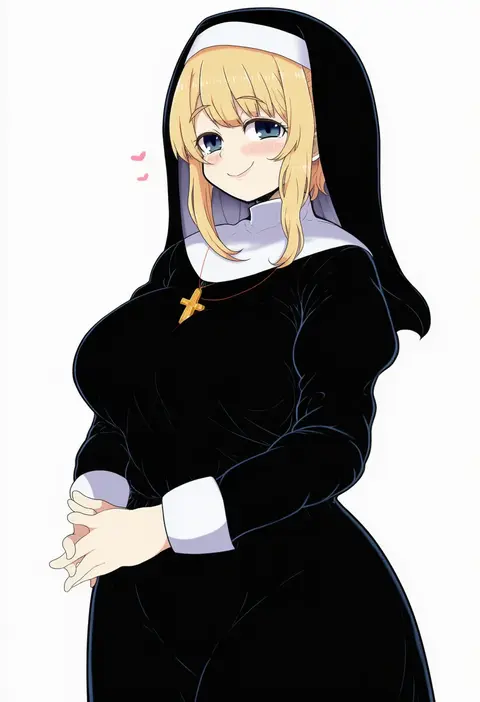
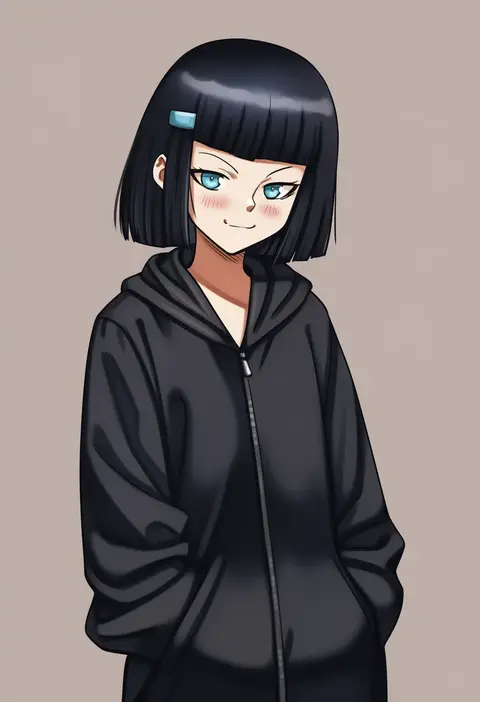
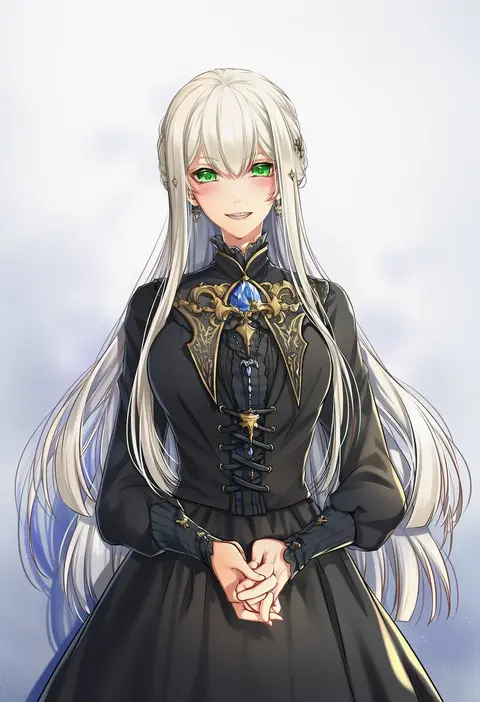
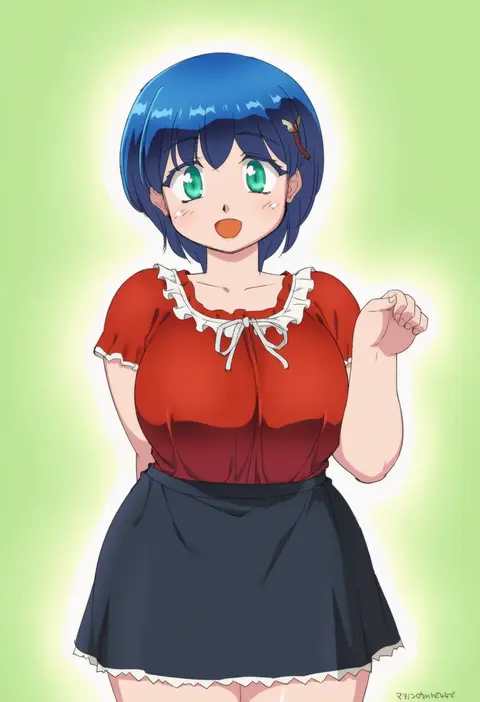
Every tag listed here is verified to react in NovelAI. All images use the same prompt, seed and settings with only the artist tag swapped, so the difference between two images is the style that tag brings in.

How to use them

Put the artist tag near the front of the prompt, e.g. "<artist>, 1girl, solo, best quality, masterpiece, cowboy shot". Two or three artist tags blend styles; lower the weight with "0.8::<artist>::" when the style overpowers the character.

SCORE sorts by Danbooru's top score, POSTS by post count, FAVS by hearts on this site. Open a card to see V5 and V4.5 side by side on the same seed.

V5 vs V4.5

V5 usually lands closer to the artist's real style, and tags that did nothing on V4.5 often react on V5. V4.5 still fits older and doujin-heavy artists better. Try V5 first, fall back to V4.5.

FAQ

Where does the artist tag go?
Near the front of the prompt. Use "0.8::tag::" to adjust its weight.

Can I stack artist tags?
Yes, styles blend. Past two or three the result stops looking like anyone.

Are these the artists' own works?
No. Every image is a NovelAI sample generated from the tag.