V4.5Artists
sort: FAVS▾
▾
>
$

NovelAI Artist Tags List — V4.5

artist --count 16,352[94/273]
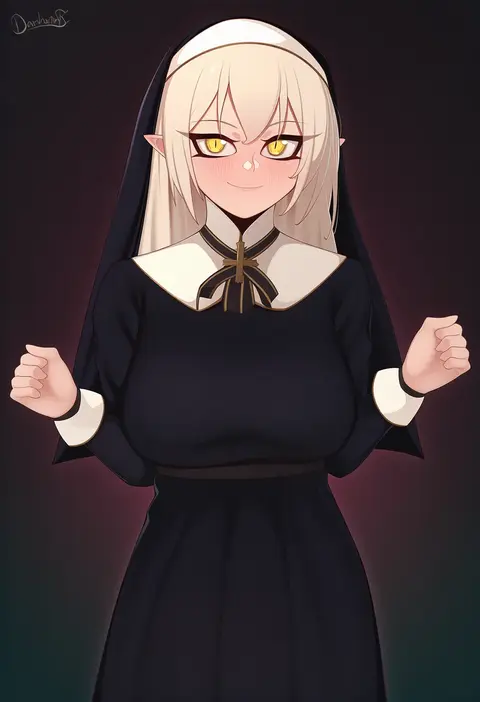
darahan
ARTIST0x15CC
0
rko (a470350510)
ARTIST0x15CD
0
saeki shun
ARTIST0x15CE
0
unexistarts
ARTIST0x15CF
0
nanakura nanane
ARTIST0x15D0
0
zerotwenty (020)
ARTIST0x15D1
0
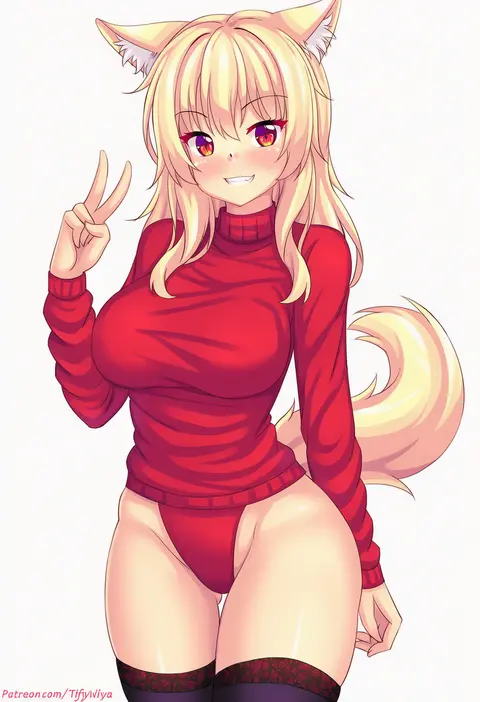
nottytiffy
ARTIST0x15D2
0
beifeng han
ARTIST0x15D3
0
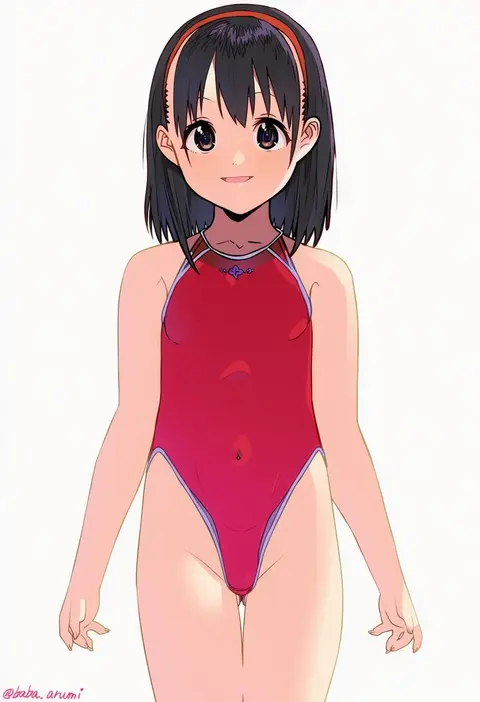
baba arumi
ARTIST0x15D4
0
zuizi
ARTIST0x15D5
0
marumoru
ARTIST0x15D6
0
comah
ARTIST0x15D7
0
nez-box
ARTIST0x15D8
0
igayan
ARTIST0x15D9
0
nagu
ARTIST0x15DA
0
fishine
ARTIST0x15DB
0
miyuki ruria
ARTIST0x15DC
0
yotsumi shiro
ARTIST0x15DD
0
yoshiku (oden-usagi)
ARTIST0x15DE
0
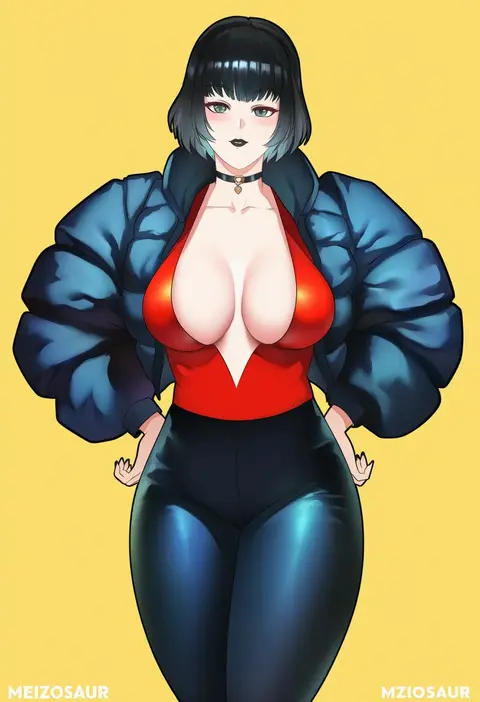
meziosaur
ARTIST0x15DF
0
wee (weeyy)
ARTIST0x15E0
0
kuuneru (ojigi)
ARTIST0x15E1
0
kumakou
ARTIST0x15E2
0
minutachi
ARTIST0x15E3
0
gameso
ARTIST0x15E4
0
crescentia fortuna
ARTIST0x15E5
0
nagishiro mito
ARTIST0x15E6
0
azumi (myameco)
ARTIST0x15E7
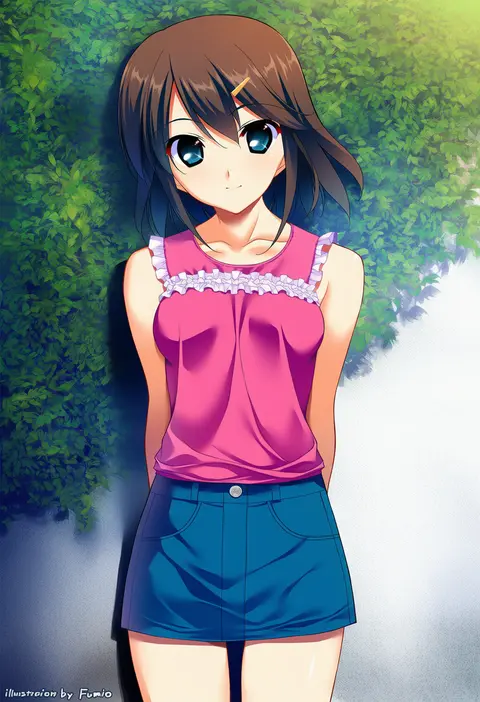
0
fumio (ura fmo)
ARTIST0x15E8
0
fujikawa daichi
ARTIST0x15E9
0
ez6
ARTIST0x15EA
0
brat (brabrabrat00)
ARTIST0x15EB
0
tori udon
ARTIST0x15EC
0
shirakawako
ARTIST0x15ED
0
kntrs (knyrs)
ARTIST0x15EE
0
dobunezumi
ARTIST0x15EF
0
imazawa
ARTIST0x15F0
0
momomatang
ARTIST0x15F1
0
marisayaka
ARTIST0x15F2
0
saki (saki paint)
ARTIST0x15F3
0
monoto
ARTIST0x15F4
0
blitz predator
ARTIST0x15F5
0
gurumo (twitter)
ARTIST0x15F6
0
yukimiya yuge
ARTIST0x15F7
0
clover dot (clov erd)
ARTIST0x15F8
0
maruto!
ARTIST0x15F9
0
paddy field
ARTIST0x15FA
0
oyu udon
ARTIST0x15FB
0
duoj ji
ARTIST0x15FC
0
aotake iro
ARTIST0x15FD
0
gesugesu ahoaho
ARTIST0x15FE
0
huziko32
ARTIST0x15FF
0
lavelis
ARTIST0x1600
0
yuemanhuaikong
ARTIST0x1601
0
makumaxu
ARTIST0x1602
0
choumi wuti (xueye fanmang zhong)
ARTIST0x1603
0
shokuyou koori
ARTIST0x1604
0
ishihara (kuniyoshi)
ARTIST0x1605
0
sd bigpie
ARTIST0x1606
0
muramura hito
ARTIST0x1607
0

What these tags change

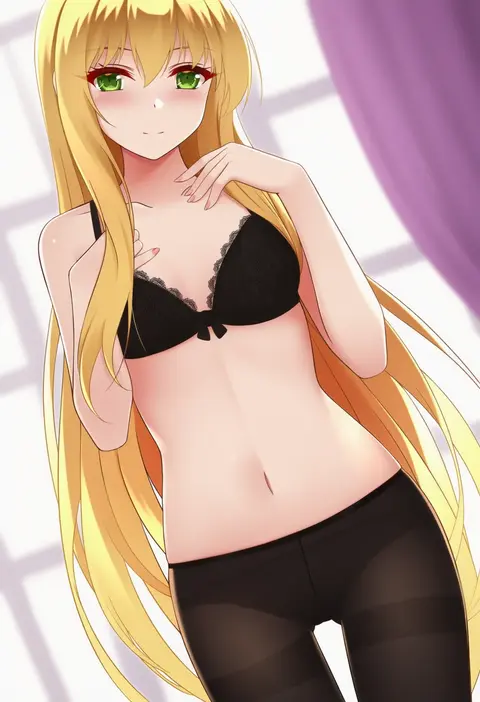
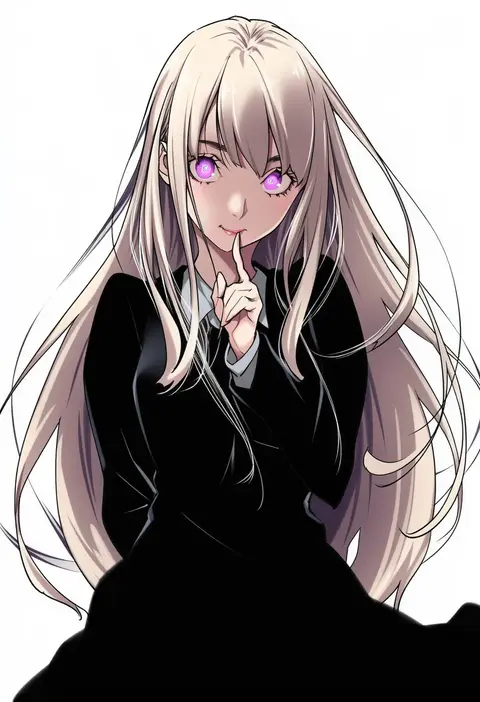
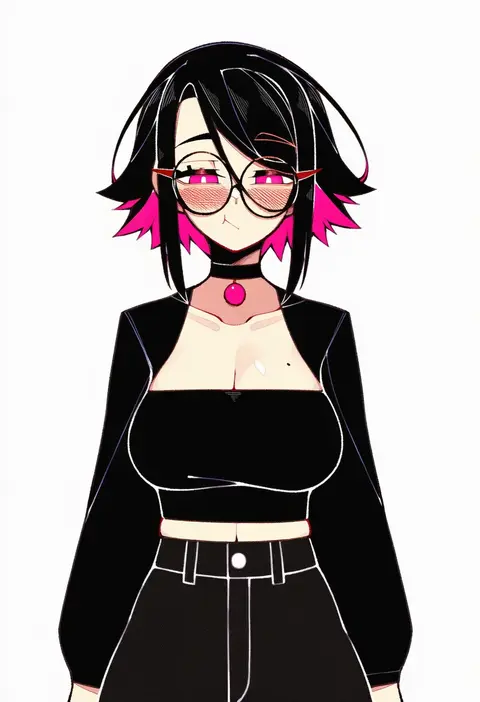
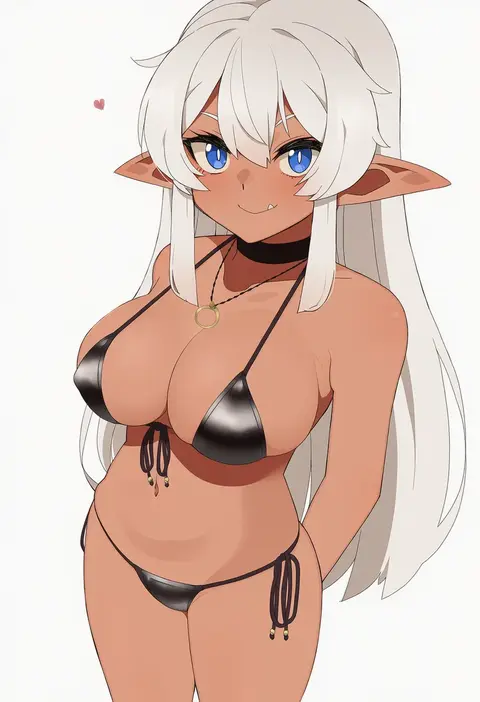
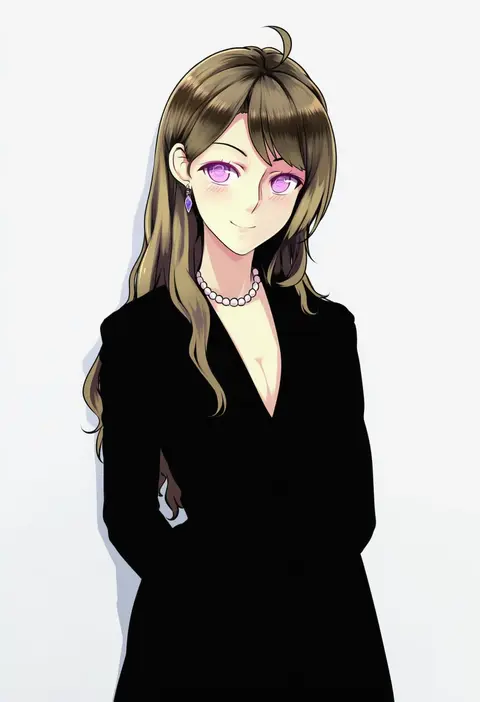
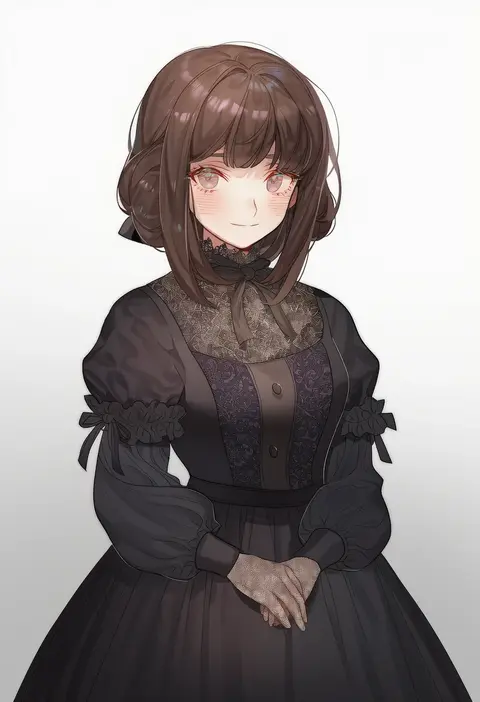
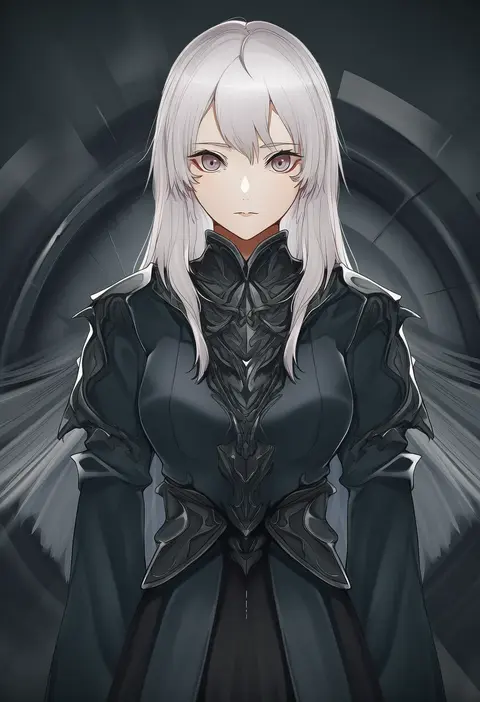
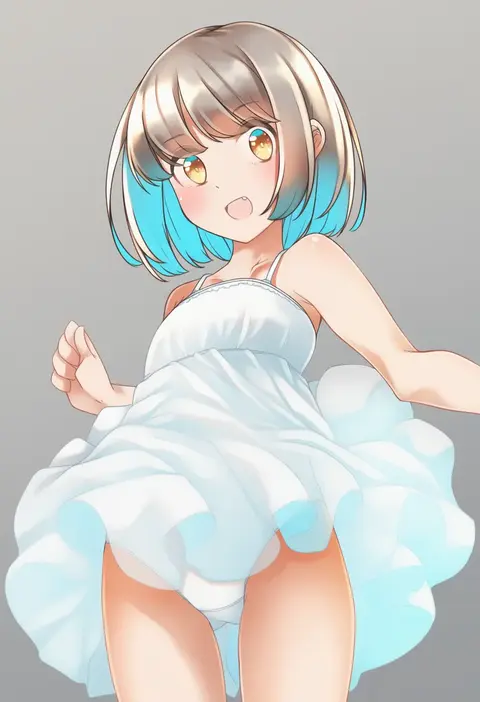
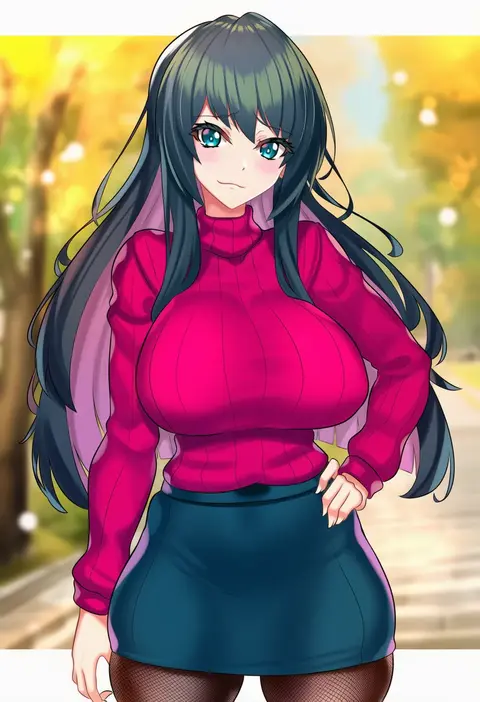
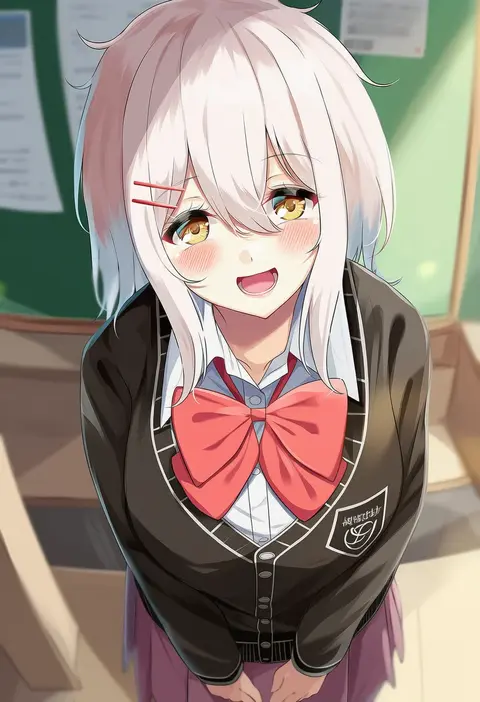
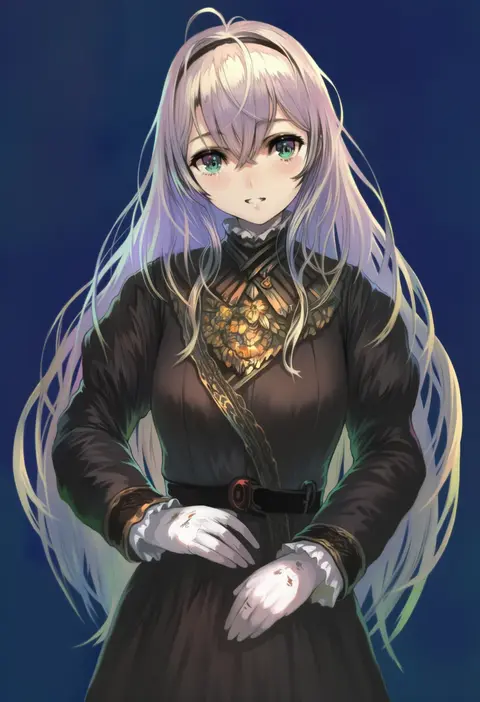
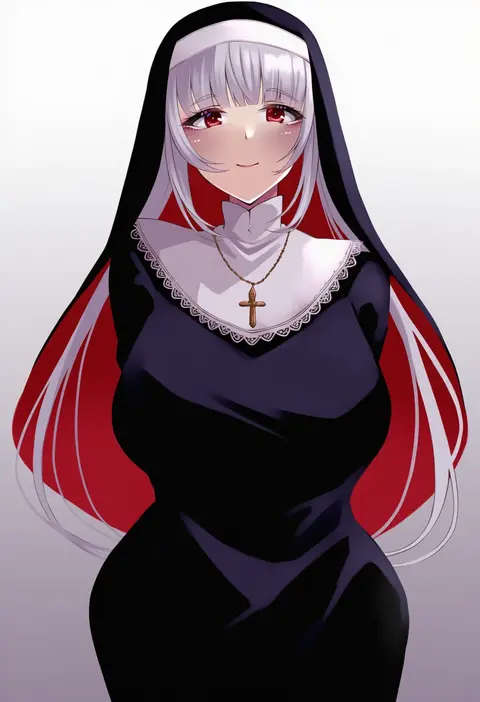
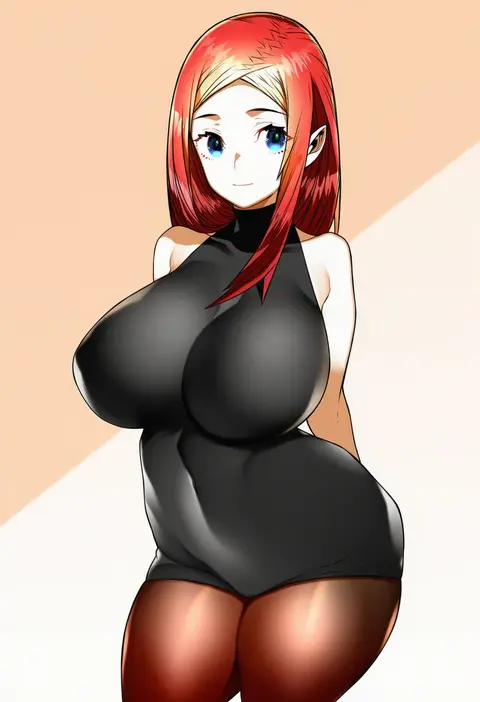
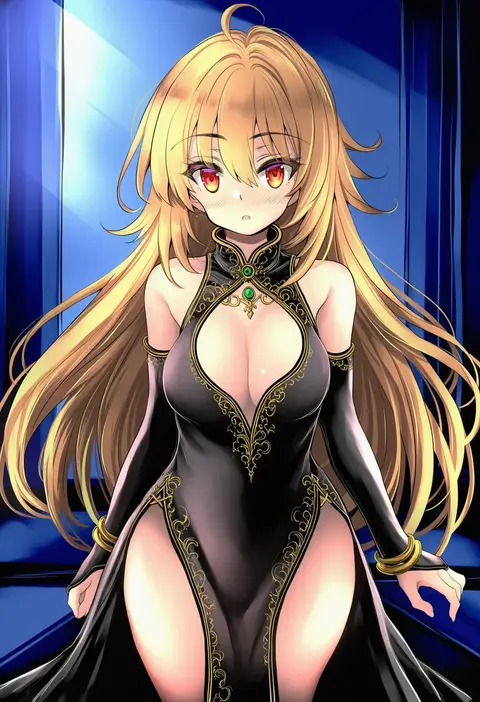
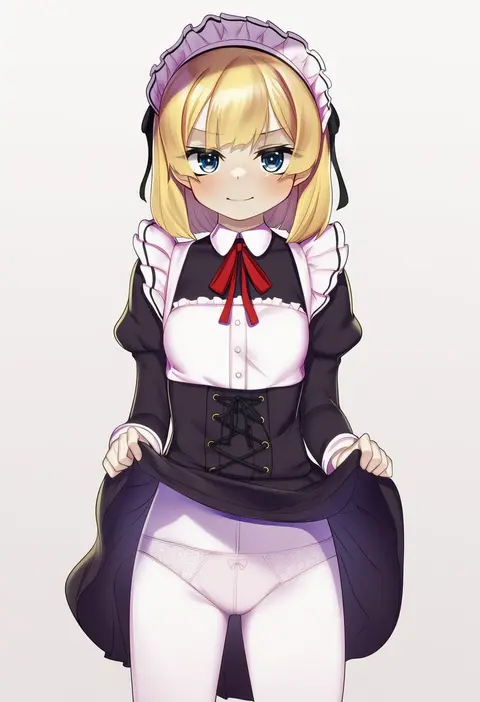
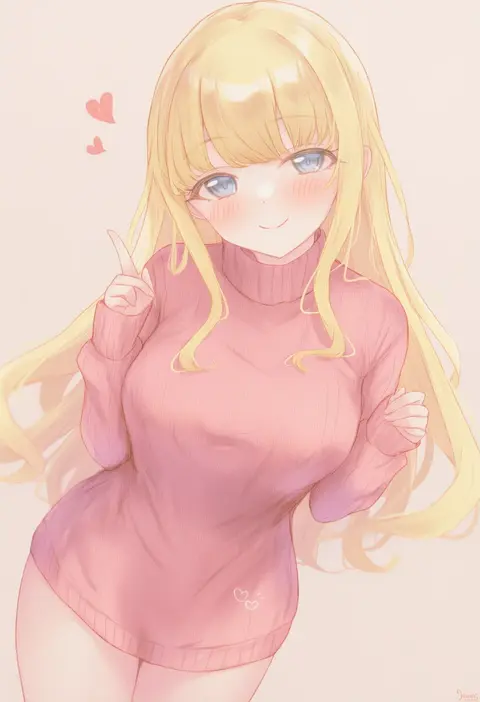
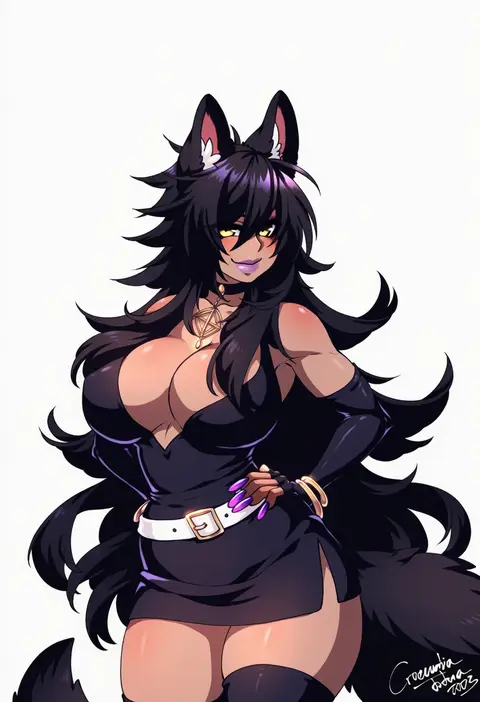
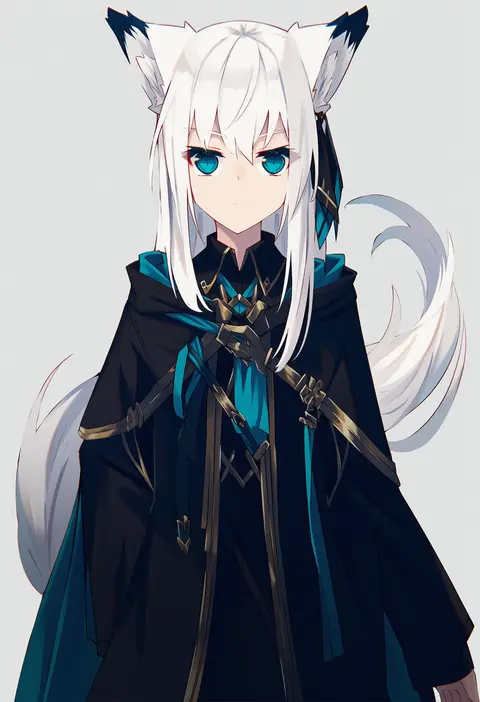
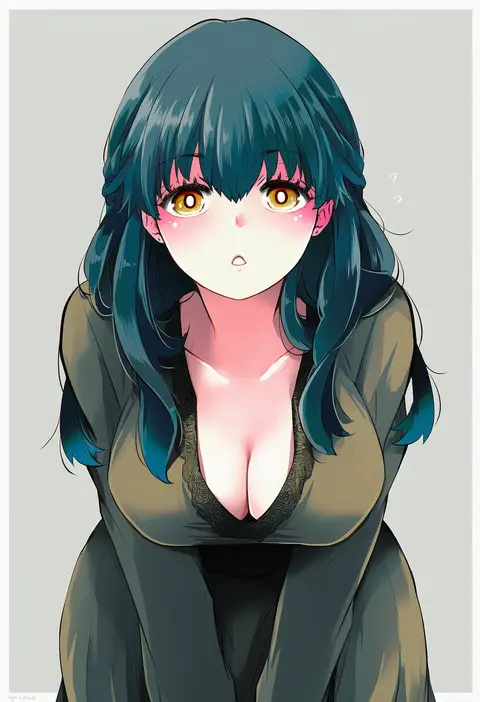
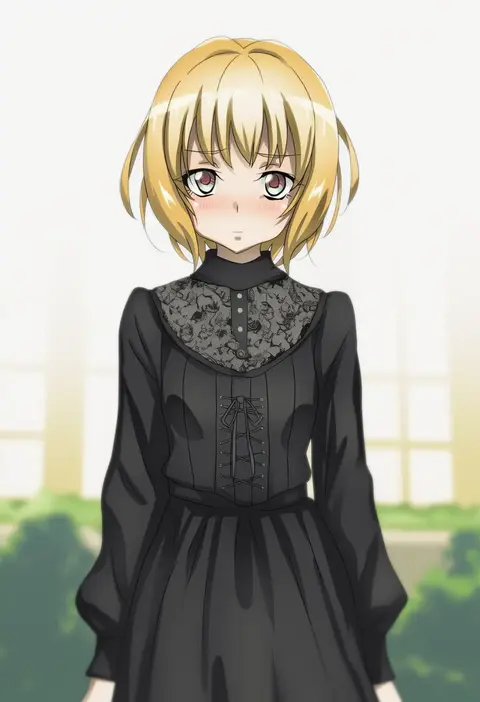
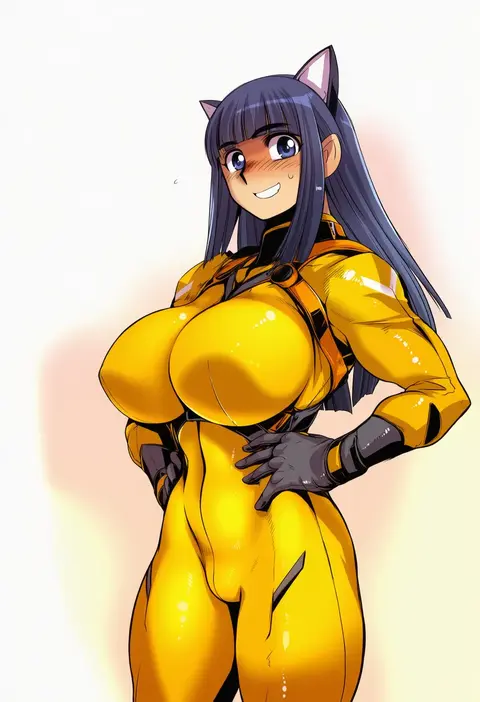
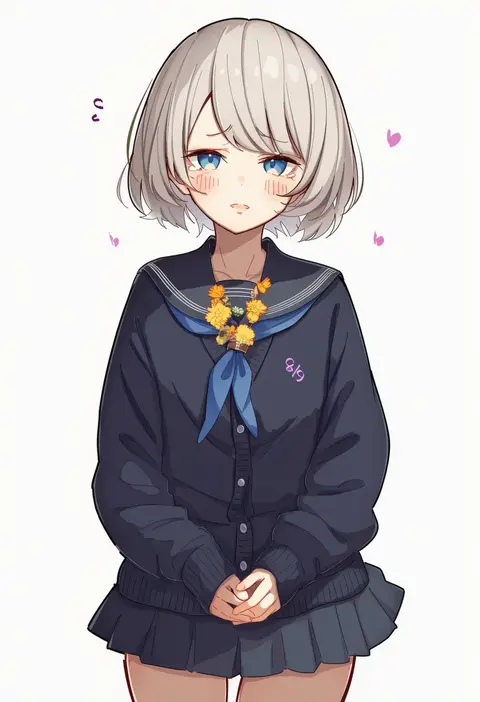
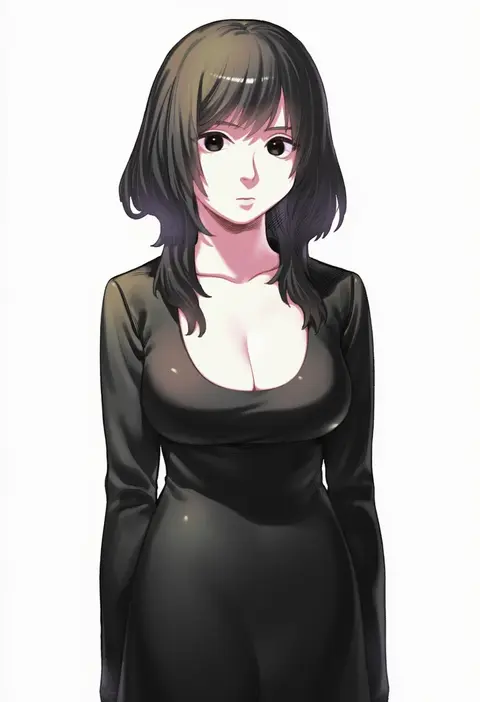
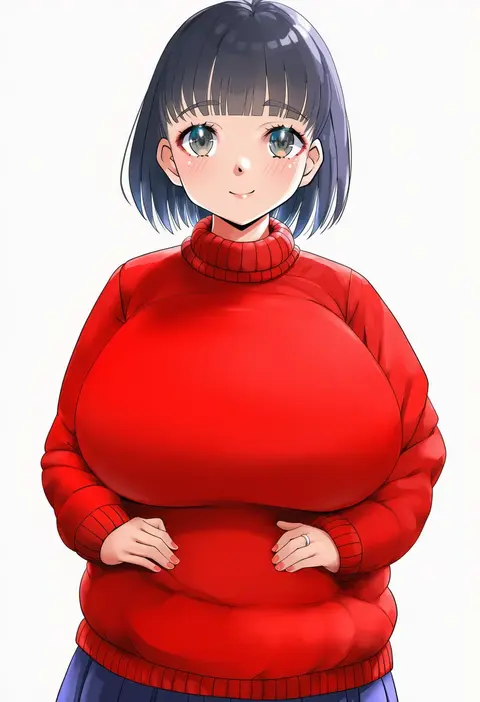
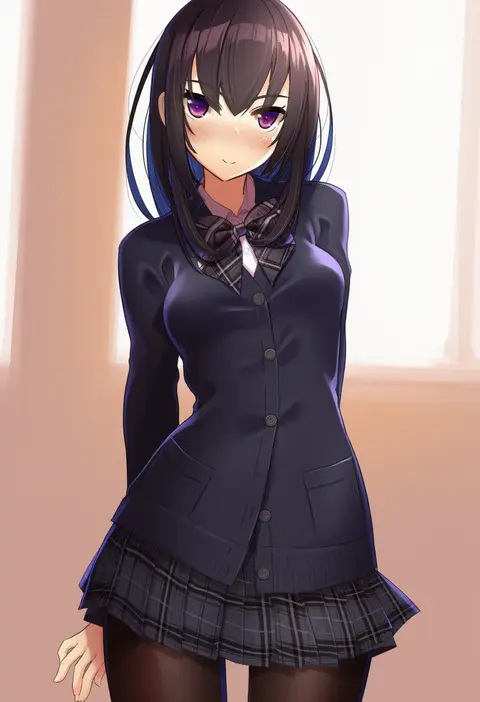
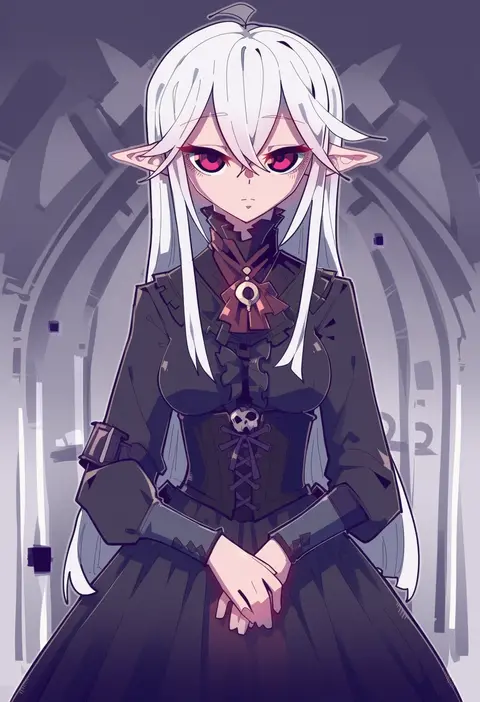
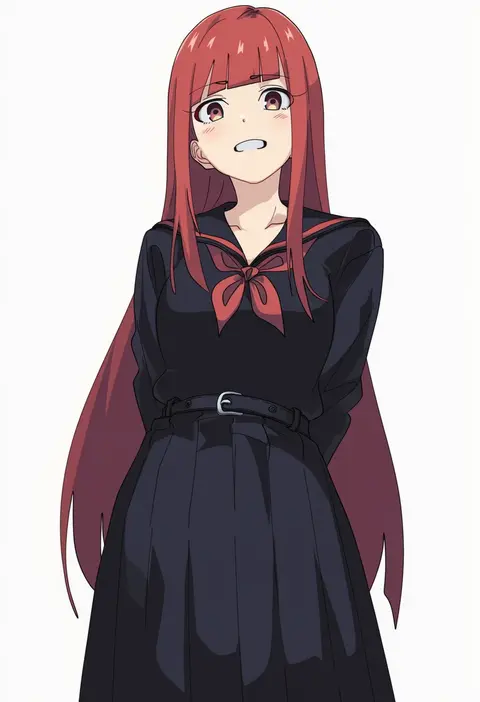
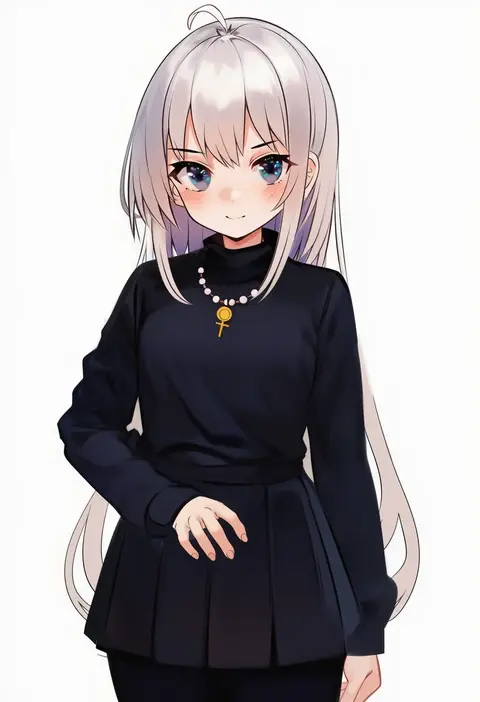
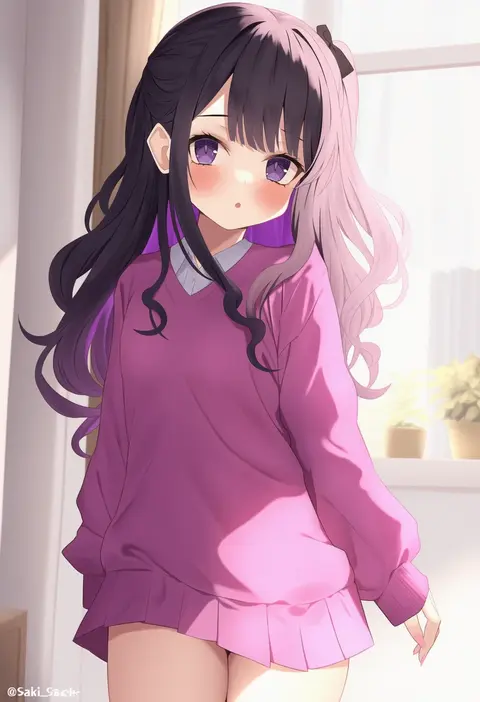
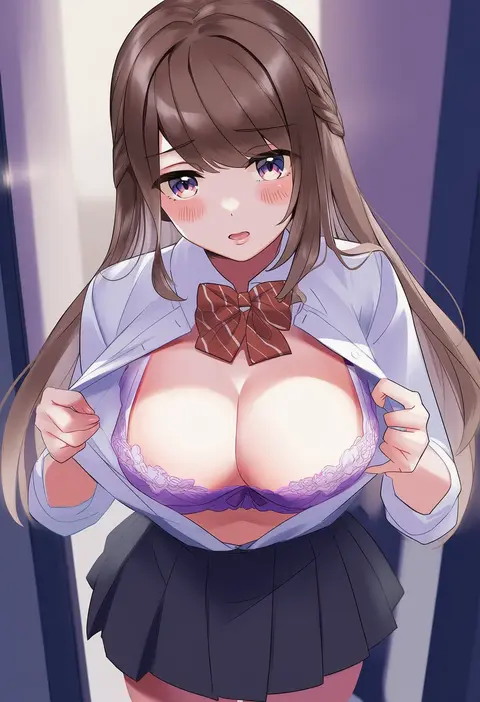
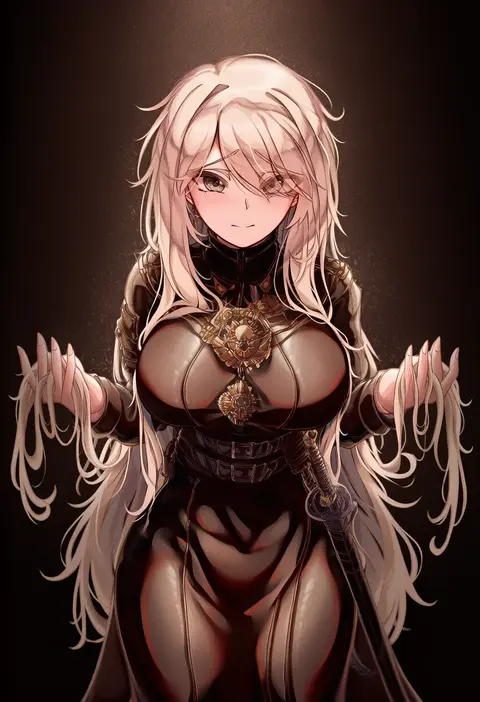
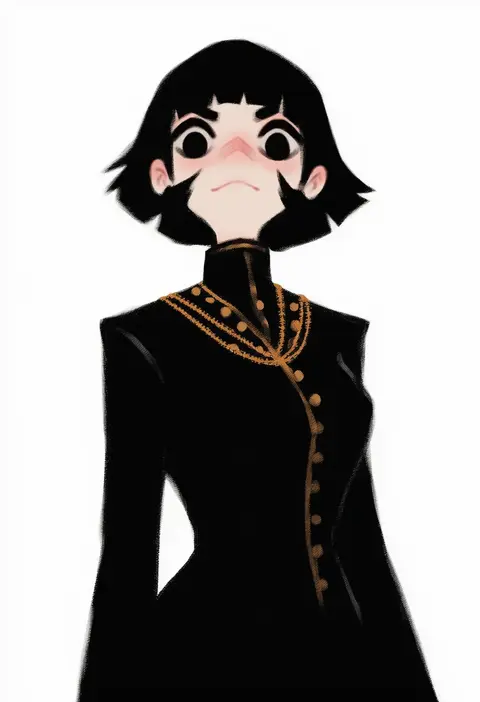
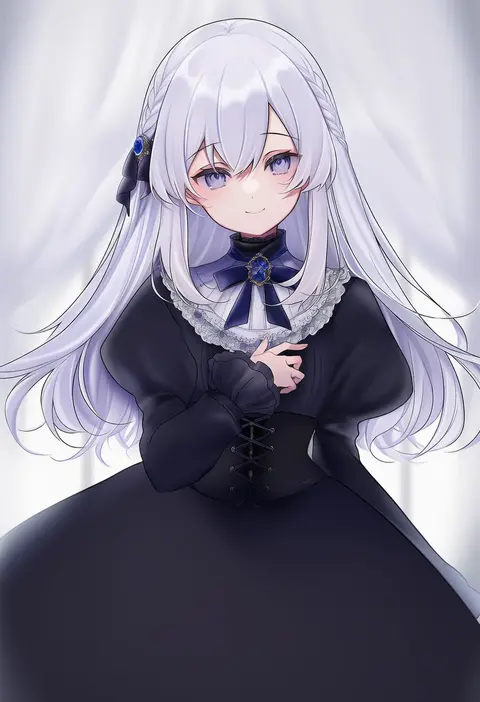
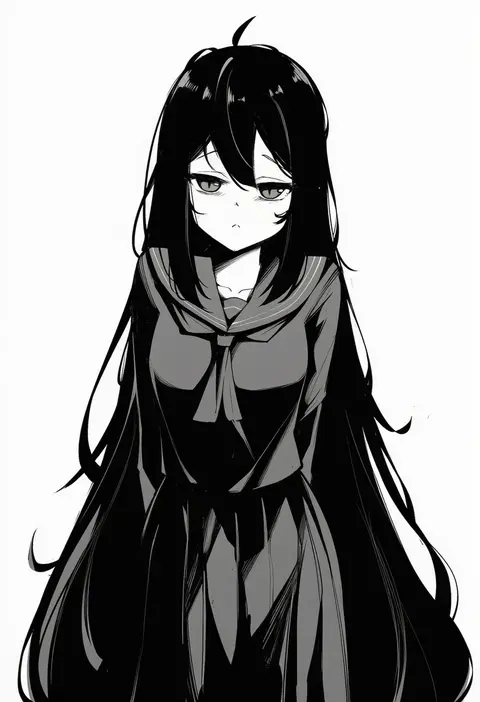
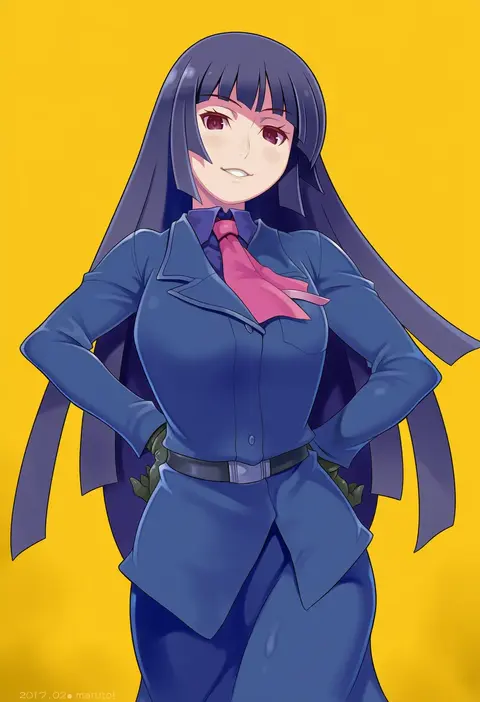
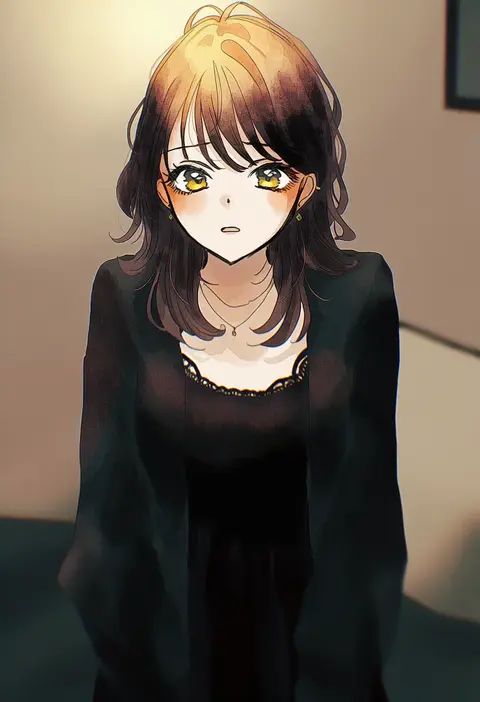
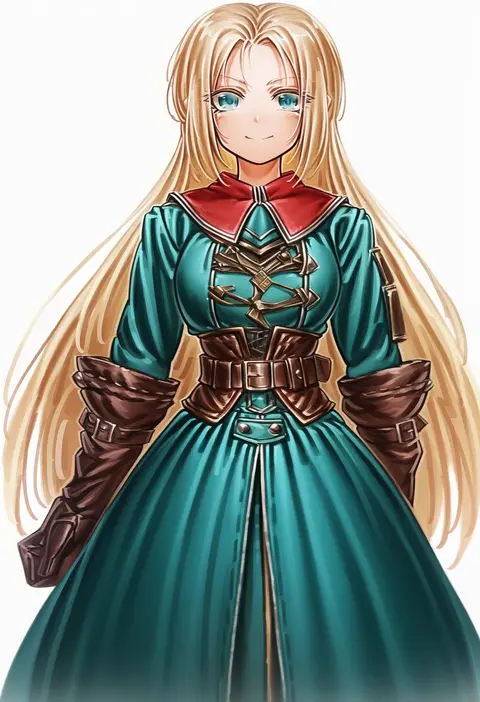
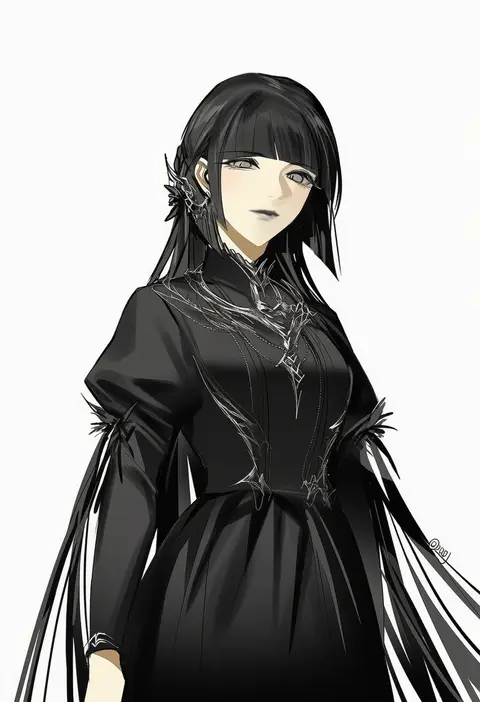
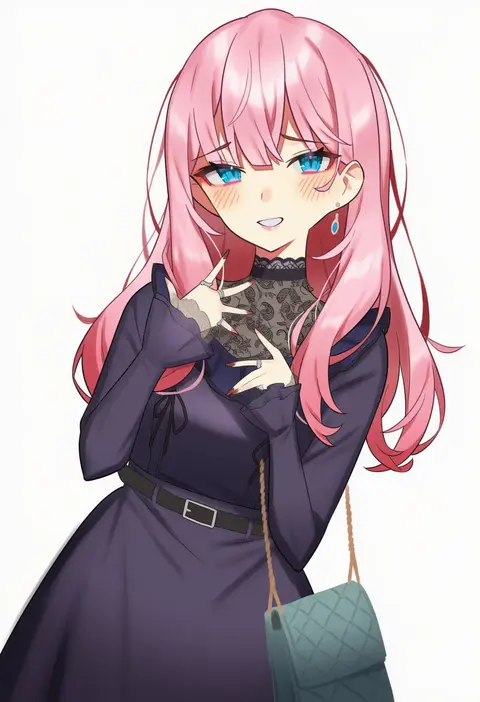
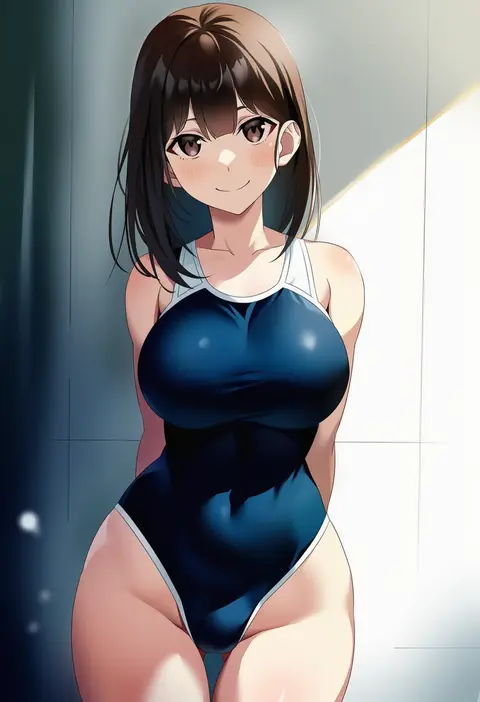
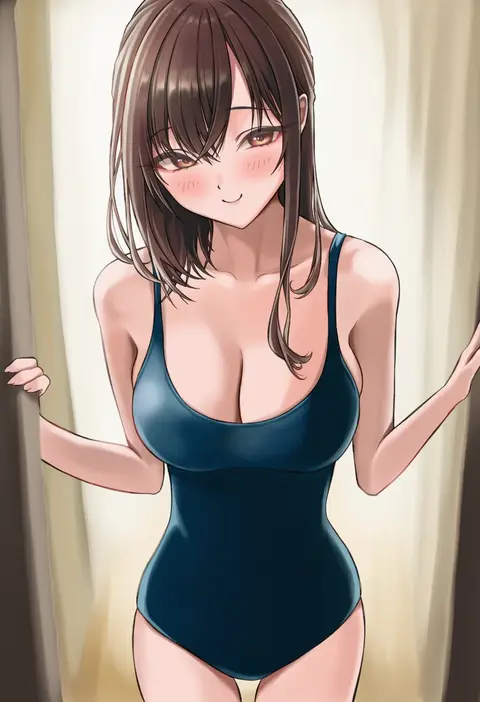
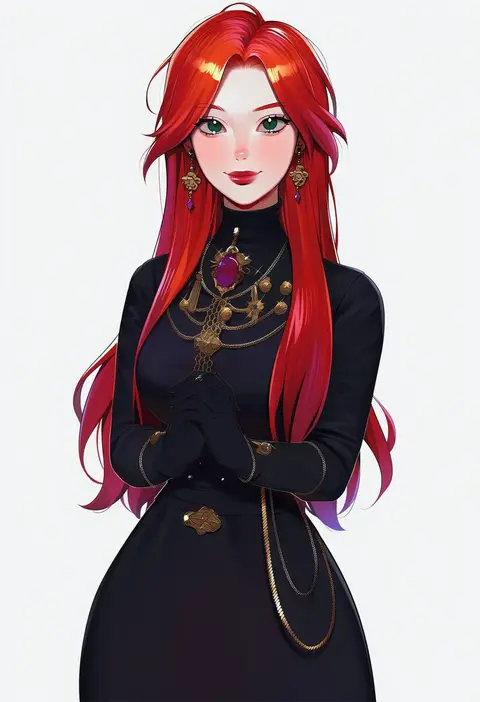
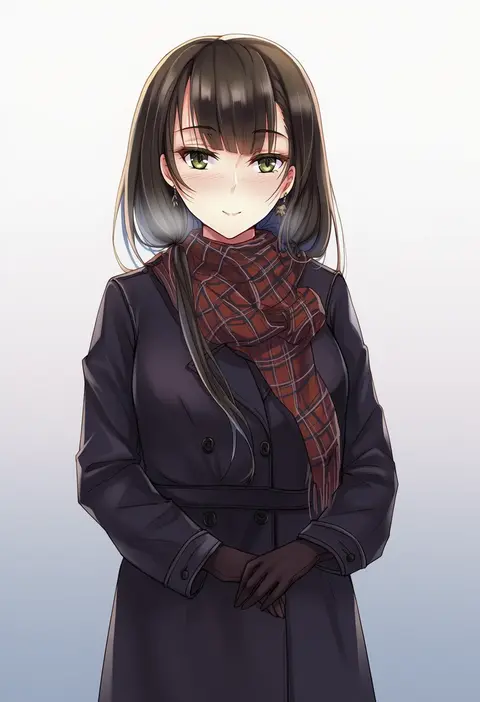
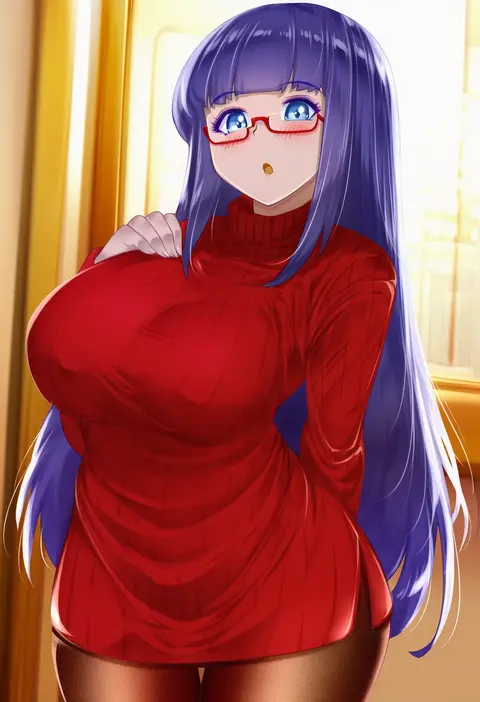
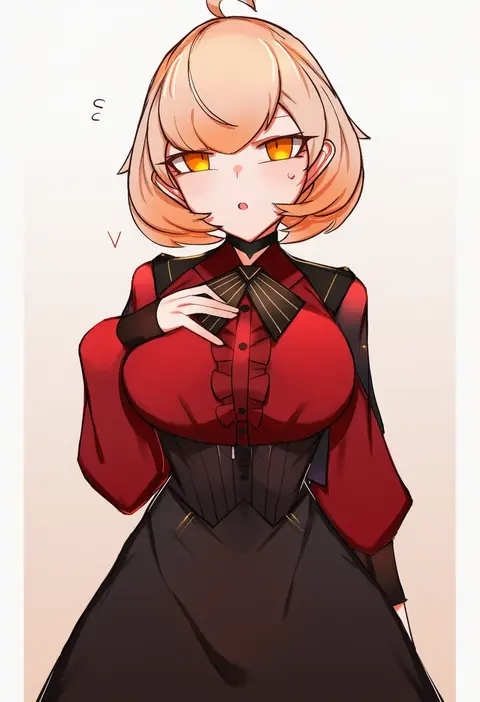
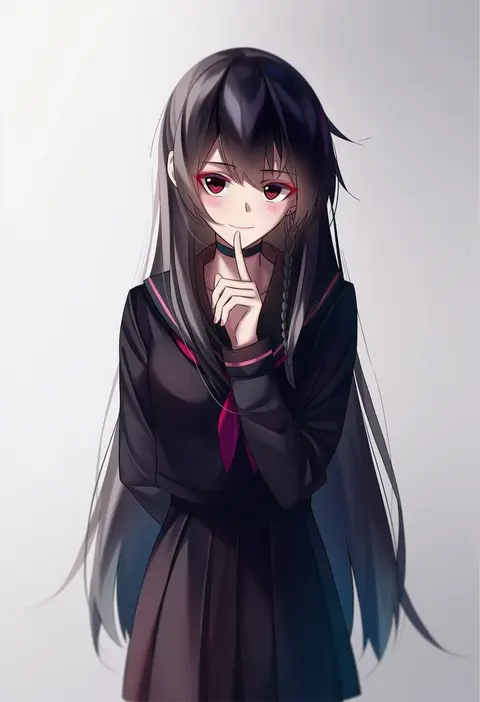
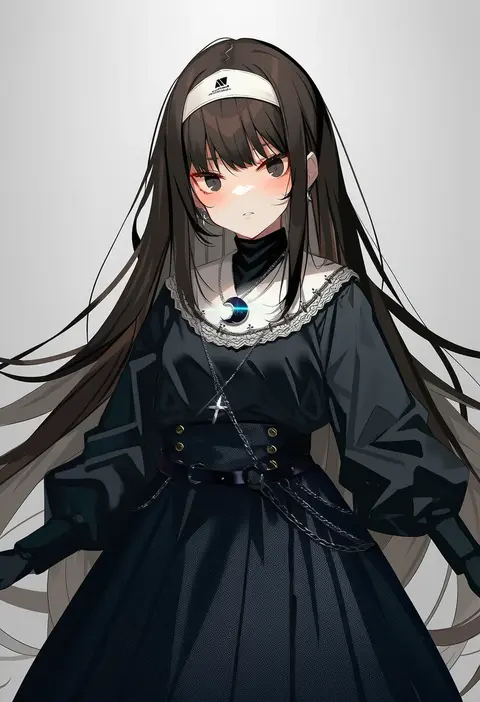
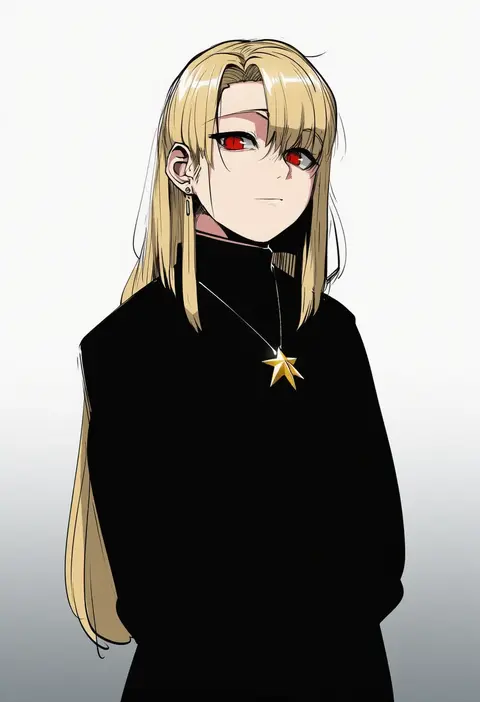
Artist tags tell NovelAI Diffusion to draw in a specific artist's style: line weight, paint texture, face shapes and palette all shift at once. Character and outfit tags decide what is drawn; artist tags decide how. 16,352 tags are listed for V4.5.
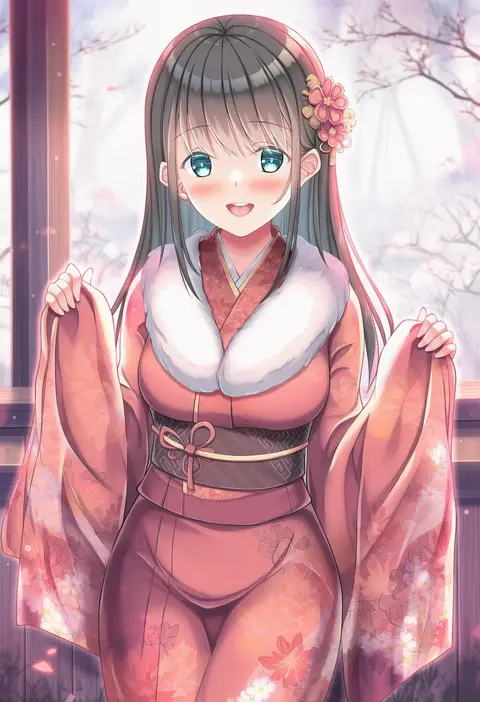
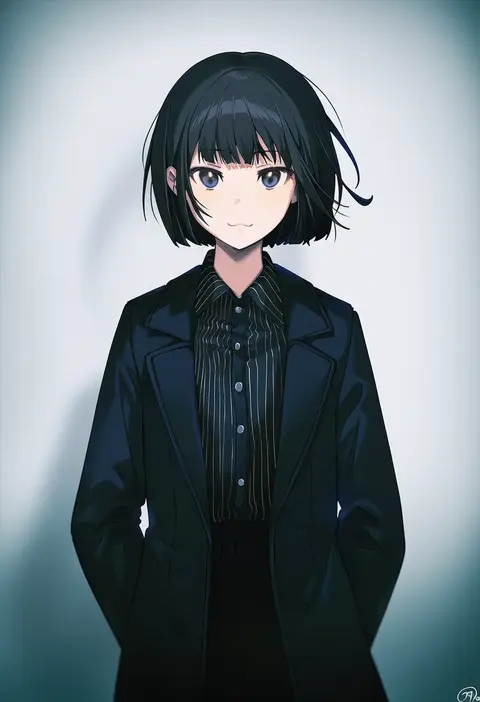
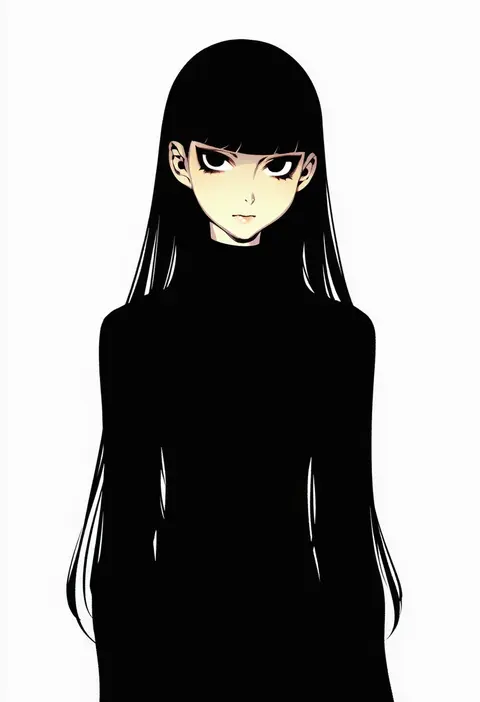
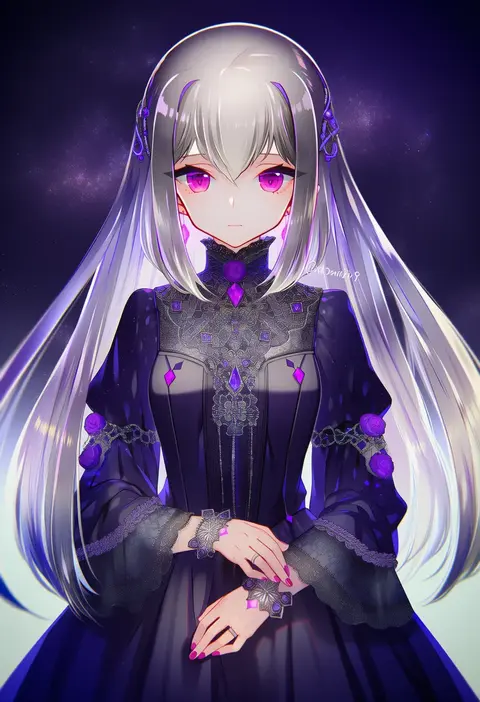
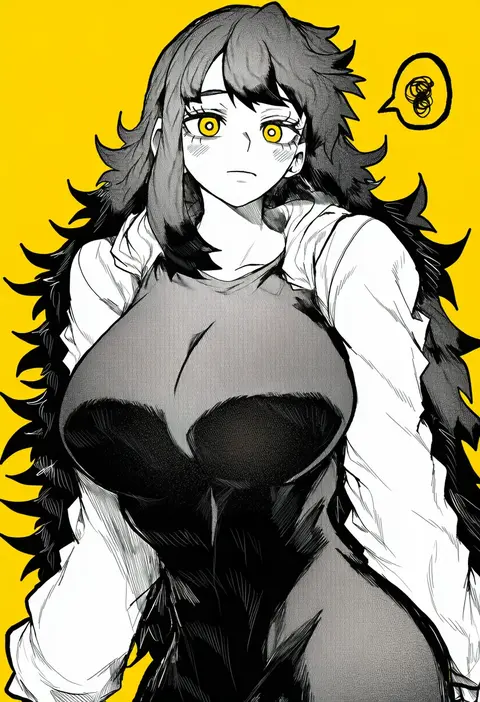
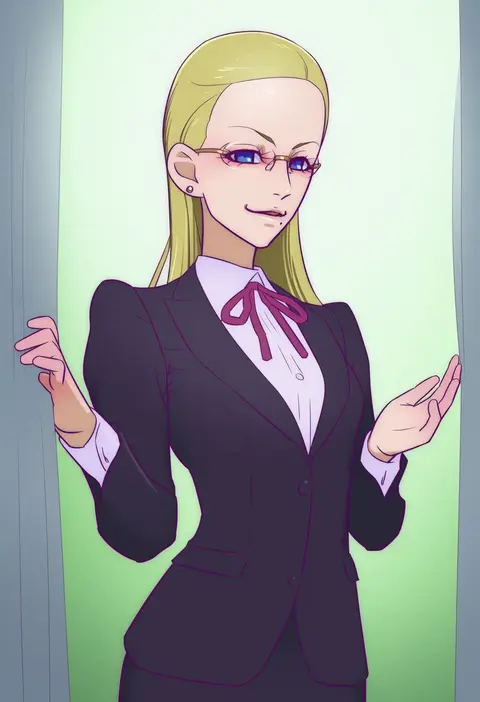
Every tag listed here is verified to react in NovelAI. All images use the same prompt, seed and settings with only the artist tag swapped, so the difference between two images is the style that tag brings in.

How to use them

Put the artist tag near the front of the prompt, e.g. "<artist>, 1girl, solo, best quality, masterpiece, cowboy shot". Two or three artist tags blend styles; lower the weight with "0.8::<artist>::" when the style overpowers the character.

SCORE sorts by Danbooru's top score, POSTS by post count, FAVS by hearts on this site. Open a card to see V5 and V4.5 side by side on the same seed.

V5 vs V4.5

V5 usually lands closer to the artist's real style, and tags that did nothing on V4.5 often react on V5. V4.5 still fits older and doujin-heavy artists better. Try V5 first, fall back to V4.5.

FAQ

Where does the artist tag go?
Near the front of the prompt. Use "0.8::tag::" to adjust its weight.

Can I stack artist tags?
Yes, styles blend. Past two or three the result stops looking like anyone.

Are these the artists' own works?
No. Every image is a NovelAI sample generated from the tag.