V4.5Artists
sort: FAVS▾
▾
>
$

NovelAI Artist Tags List — V4.5

artist --count 16,352[93/273]
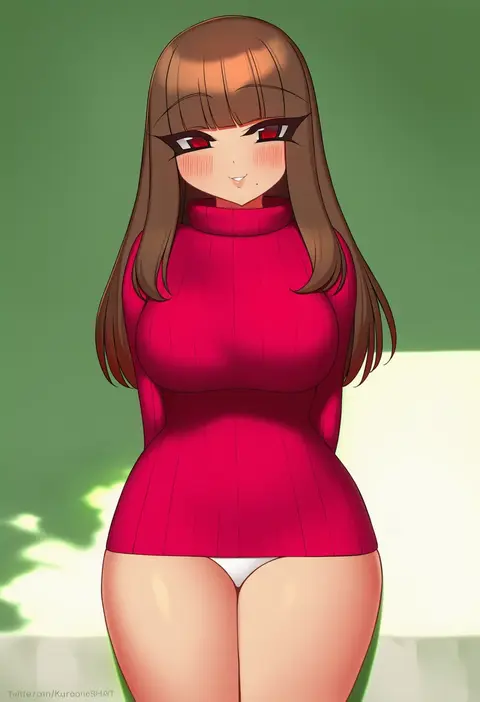
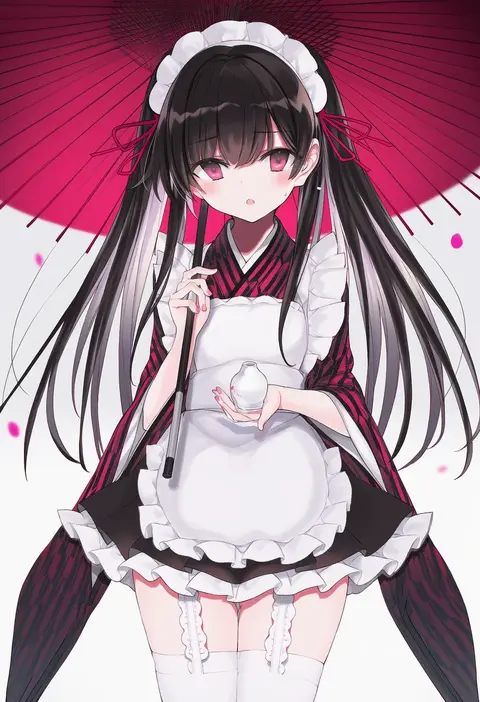
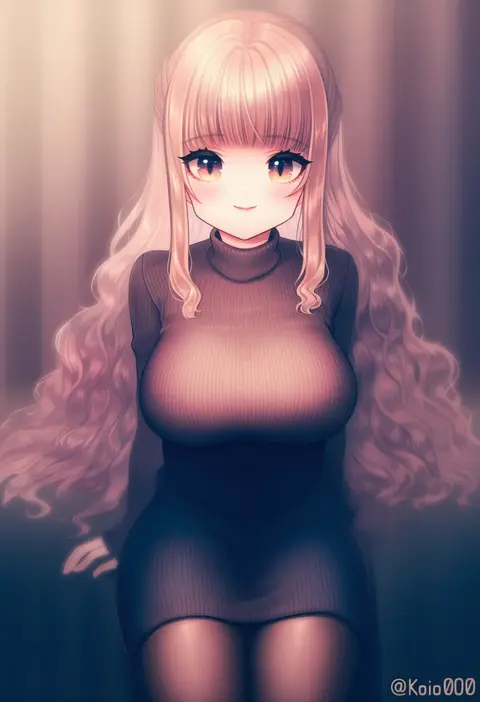
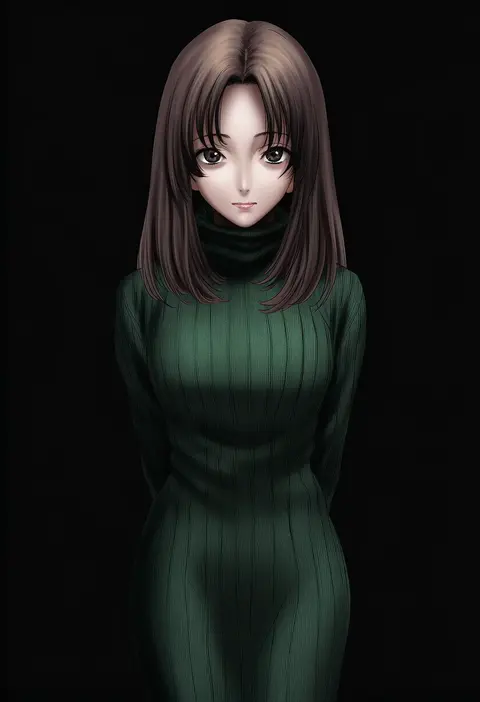
kuroonehalf
ARTIST0x1590
0
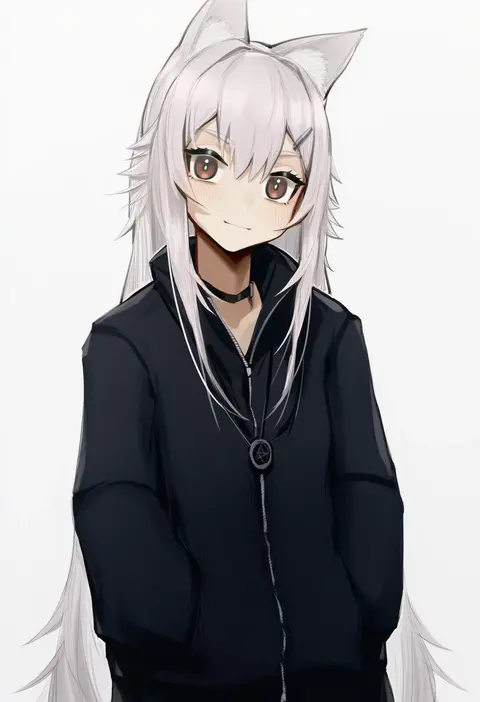
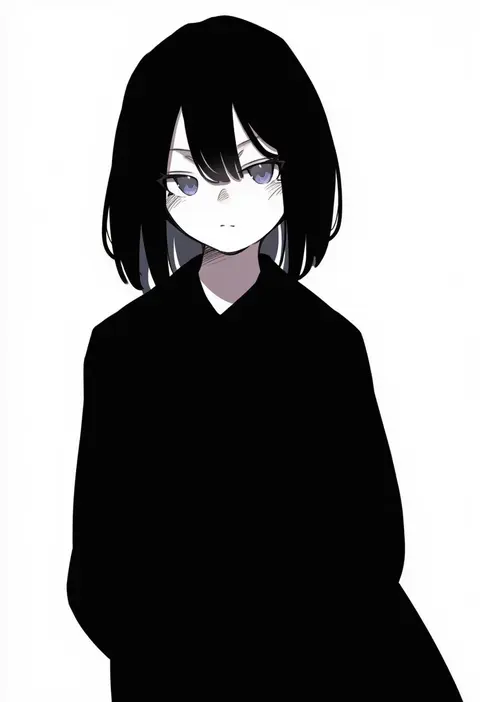
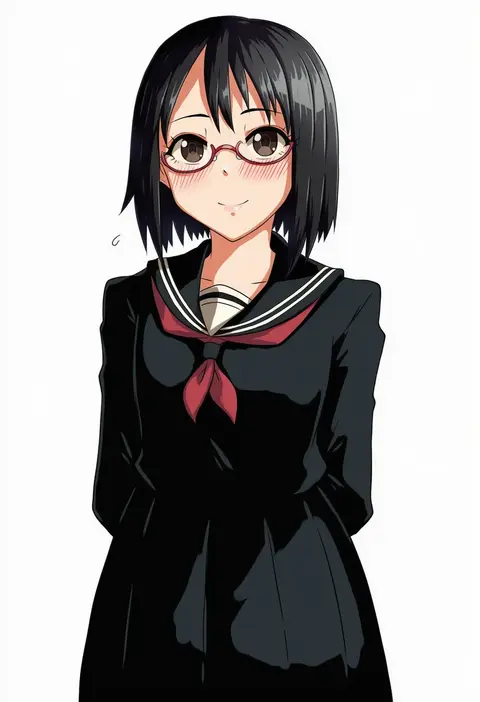
miyako (xxxbibit)
ARTIST0x1591
0
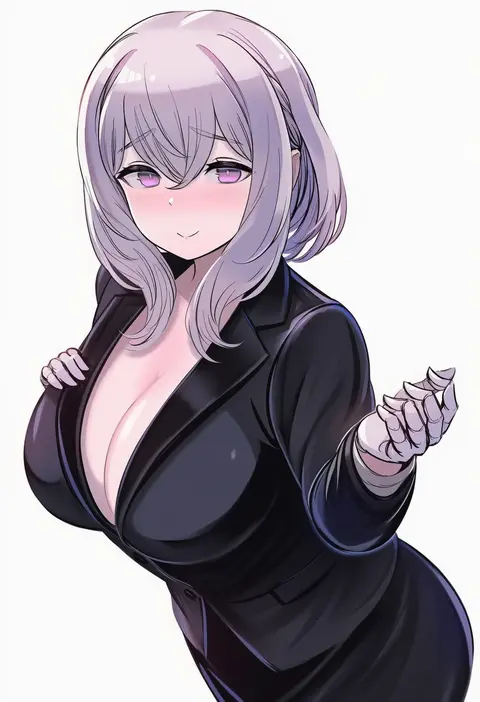
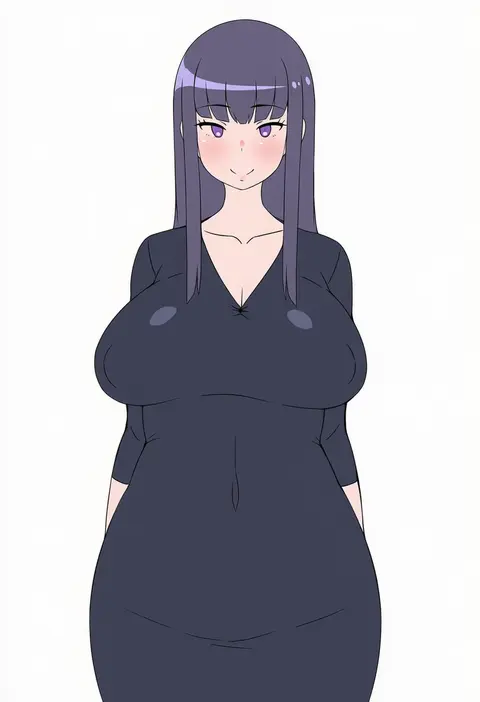
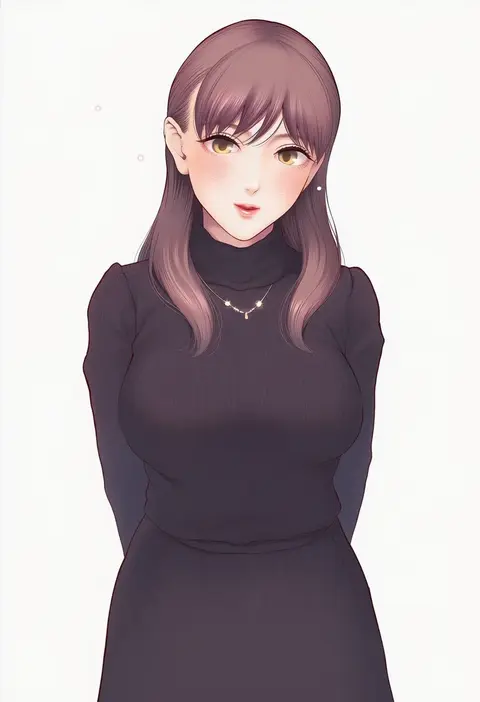
tsuuhan
ARTIST0x1592
0
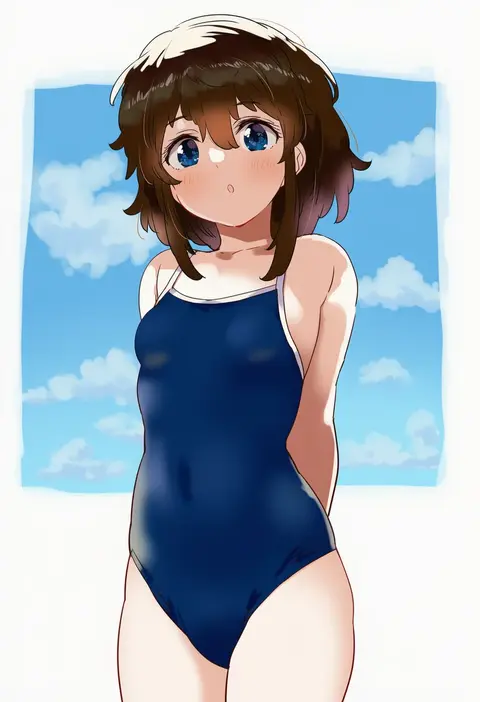
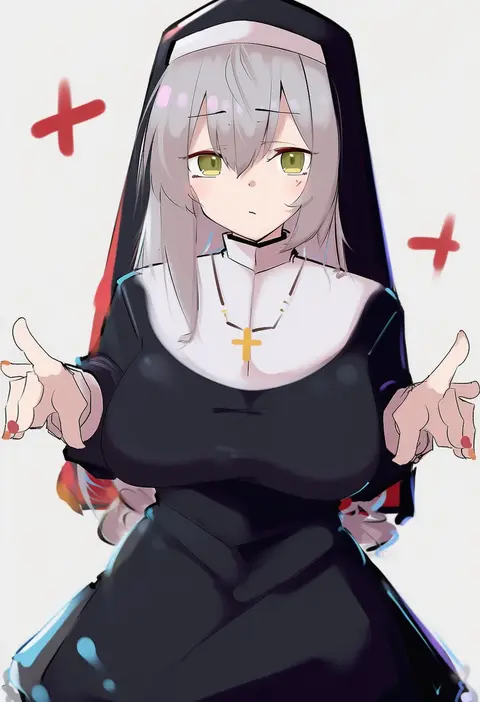
olys
ARTIST0x1593
0
won (az hybrid)
ARTIST0x1594
0
nanananana
ARTIST0x1595
0
dodo (yatotoyatoto)
ARTIST0x1596
0
enumiyaa
ARTIST0x1597
0
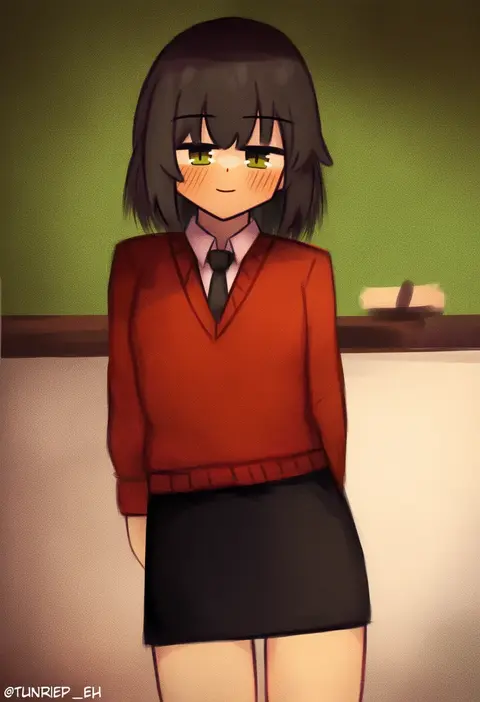
turnip eh
ARTIST0x1598
0
kuro yanagi
ARTIST0x1599
0
kuyoumi
ARTIST0x159A
0
heiyan shenshi
ARTIST0x159B
0
menmen (menmen13s)
ARTIST0x159C
0
yukibuster z
ARTIST0x159D
0
kiriririn
ARTIST0x159E
0
ninochuu
ARTIST0x159F
0
shiika sadamasa
ARTIST0x15A0
0
ceejles
ARTIST0x15A1
0
ddddecade
ARTIST0x15A2
0
badcompzero
ARTIST0x15A3
0
seno (senohime)
ARTIST0x15A4
0
minarai shachou
ARTIST0x15A5
0
torino sasami
ARTIST0x15A6
0
leslyzerosix
ARTIST0x15A7
0
2drr
ARTIST0x15A8
0
sukumo (kemutai)
ARTIST0x15A9
0
3gs
ARTIST0x15AA
0
pelican (s030)
ARTIST0x15AB
0
okina ika
ARTIST0x15AC
0
kei jiei
ARTIST0x15AD
0
karasusou nano
ARTIST0x15AE
0
ponpu (pumpkinsinclair)
ARTIST0x15AF
0
yoruhachi
ARTIST0x15B0
0
noa (nagareboshi)
ARTIST0x15B1
0
itaco
ARTIST0x15B2
0
nishiki koi
ARTIST0x15B3
0
garasuno
ARTIST0x15B4
0
rei (rei rr)
ARTIST0x15B5
0
kurokawa makoto
ARTIST0x15B6
0
lucidsky
ARTIST0x15B7
0
yelan xing xuan
ARTIST0x15B8
0
tamahiyo
ARTIST0x15B9
0
ziki (gkdlfnzo1245)
ARTIST0x15BA
0
chungu
ARTIST0x15BB
0
flying-frappuccino
ARTIST0x15BC
0
gcg
ARTIST0x15BD
0
momdy (talesshinja)
ARTIST0x15BE
0
lolo (kemonono)
ARTIST0x15BF
0
moda (mo da 3)
ARTIST0x15C0
0
ao oni (onioni-aoi)
ARTIST0x15C1
0
naruse hirofumi
ARTIST0x15C2
0
kuhotaka
ARTIST0x15C3
0
lufi ays
ARTIST0x15C4
0
akinashi yuu
ARTIST0x15C5
0
tanabe kyou
ARTIST0x15C6
0
sekihara umina
ARTIST0x15C7
0
gotou junji
ARTIST0x15C8
0
ka-9
ARTIST0x15C9
0
edogawa roman
ARTIST0x15CA
0
asususususu
ARTIST0x15CB
0

What these tags change

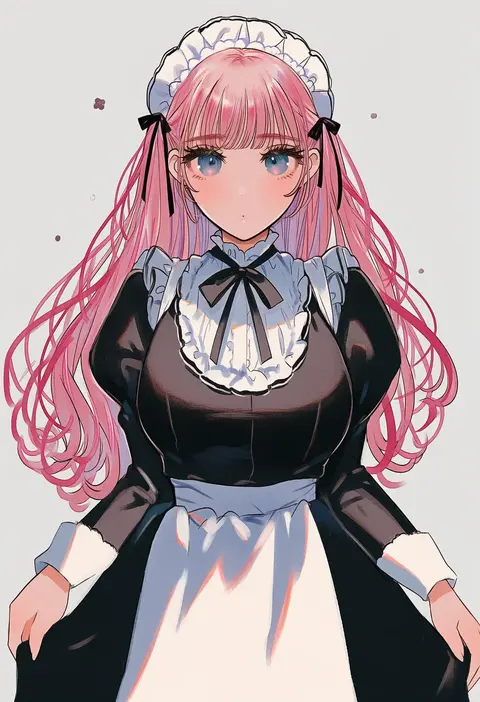
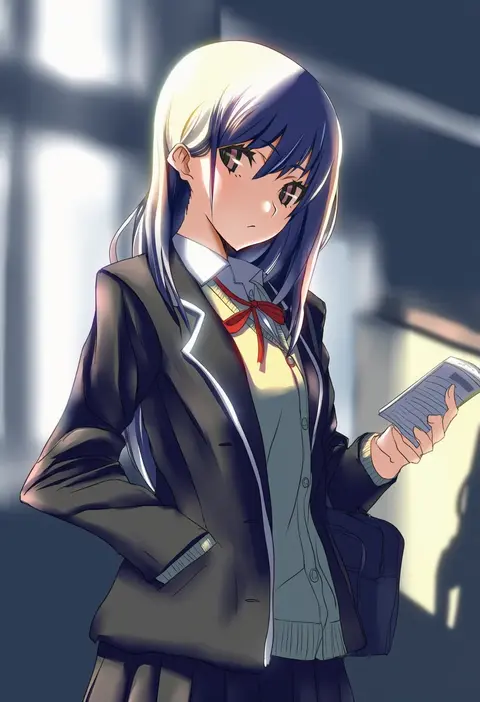
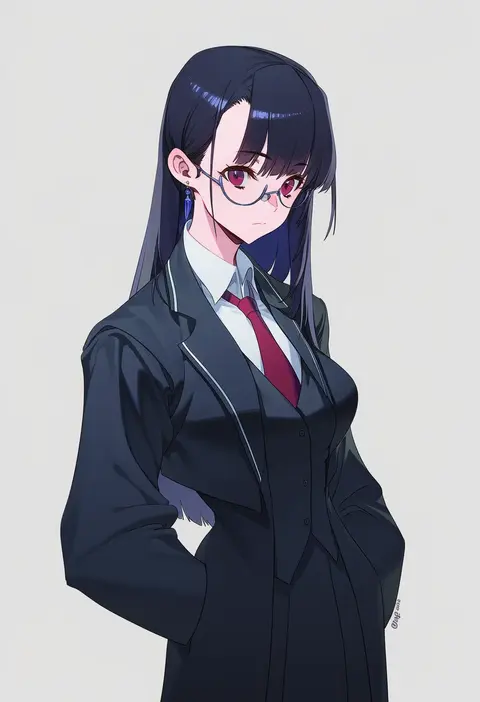
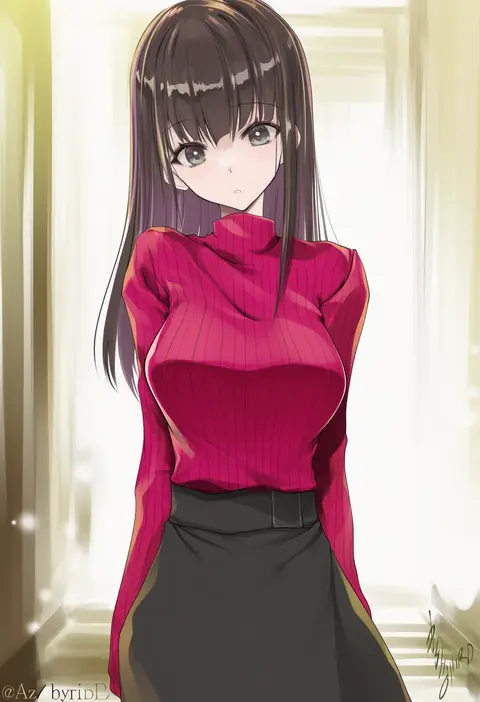
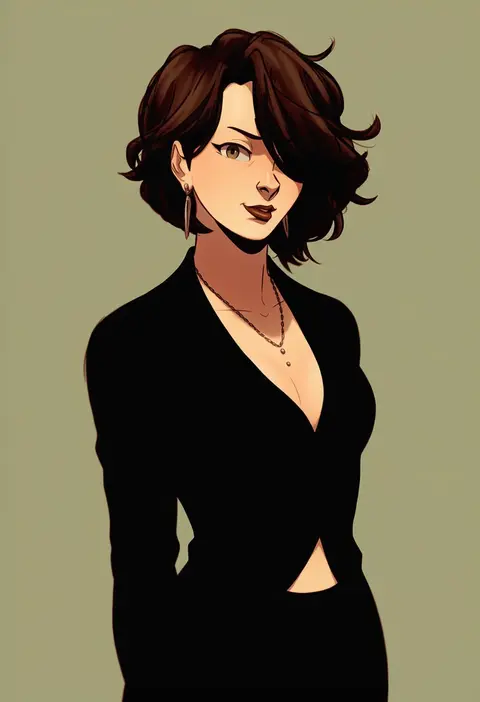
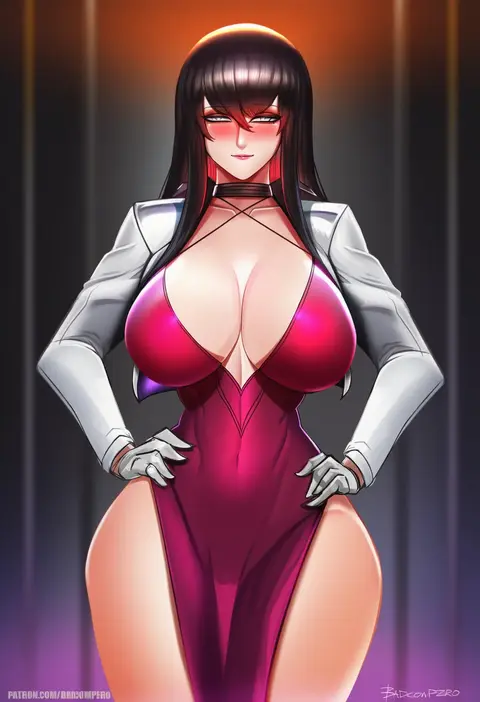
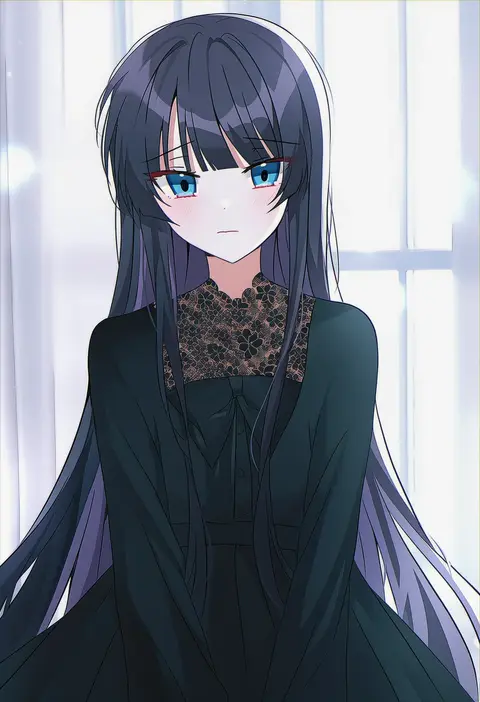
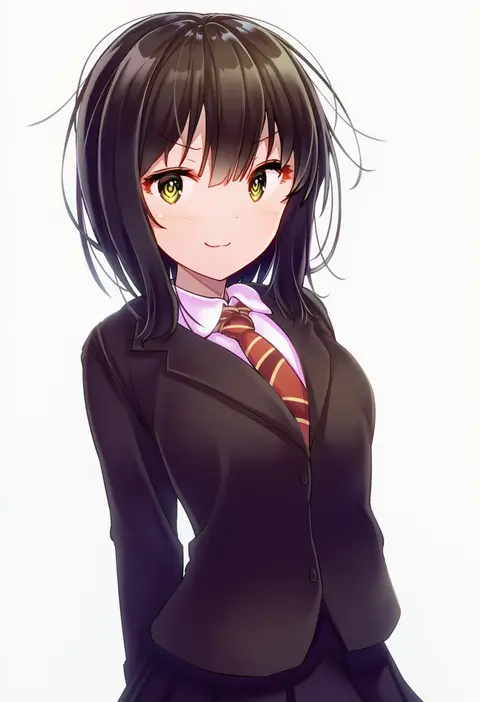
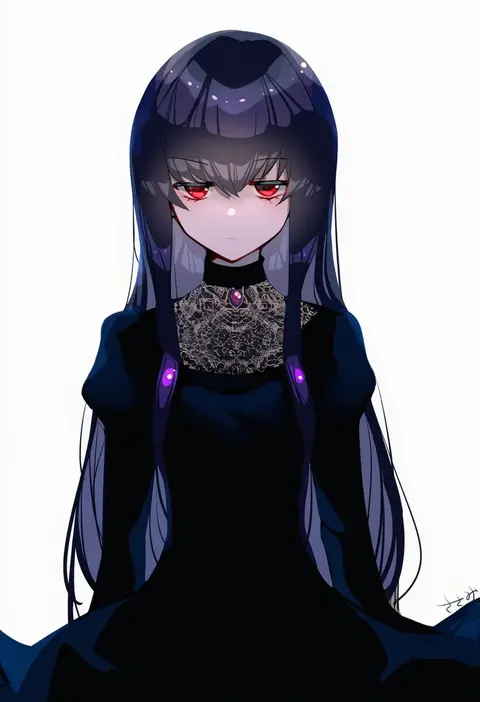
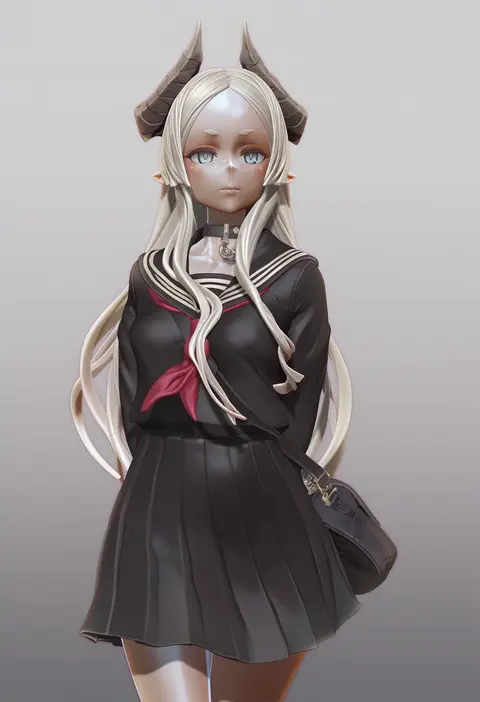
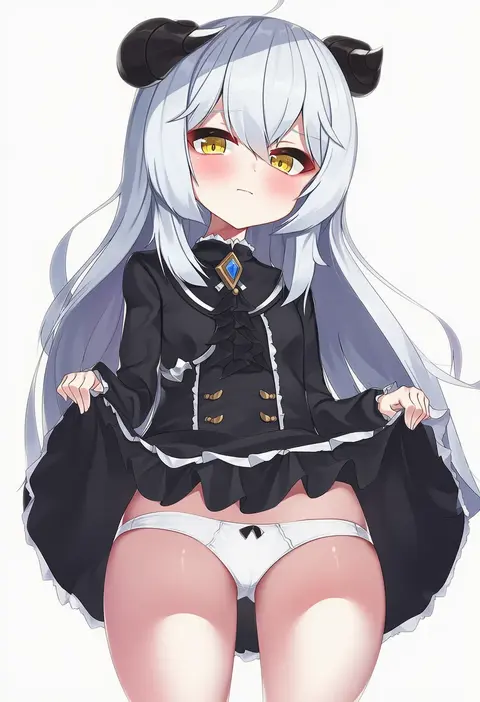
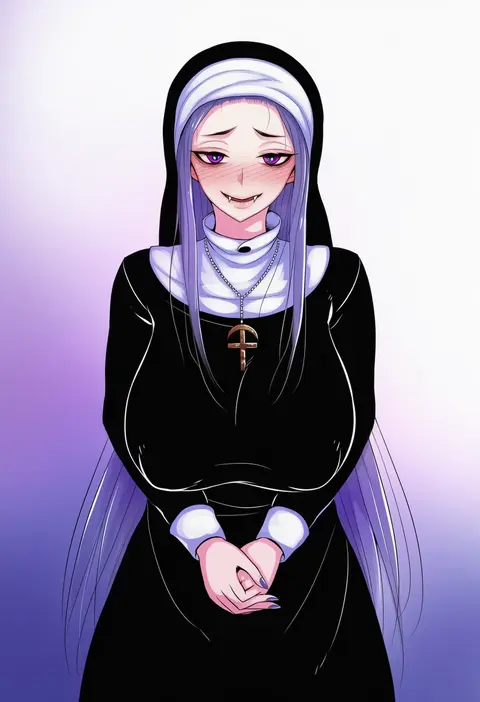
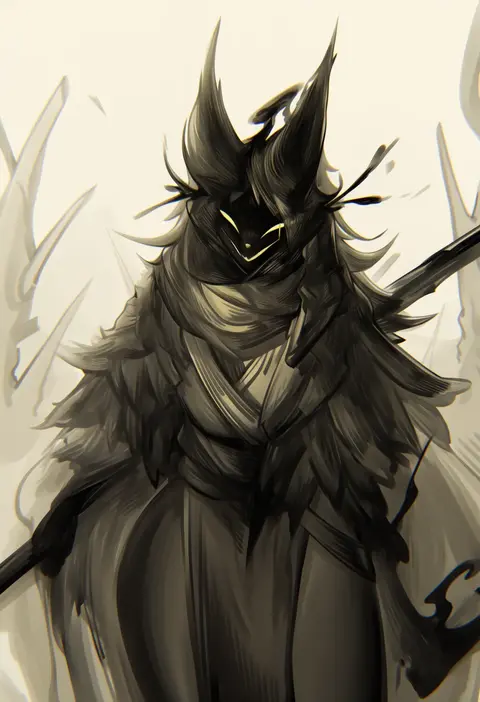
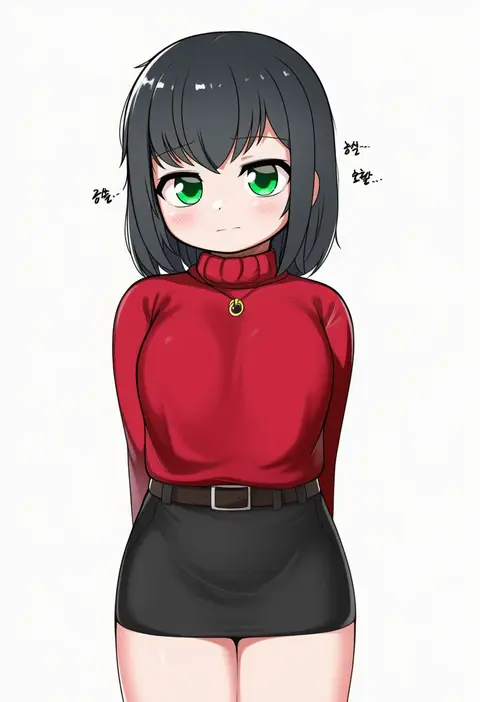
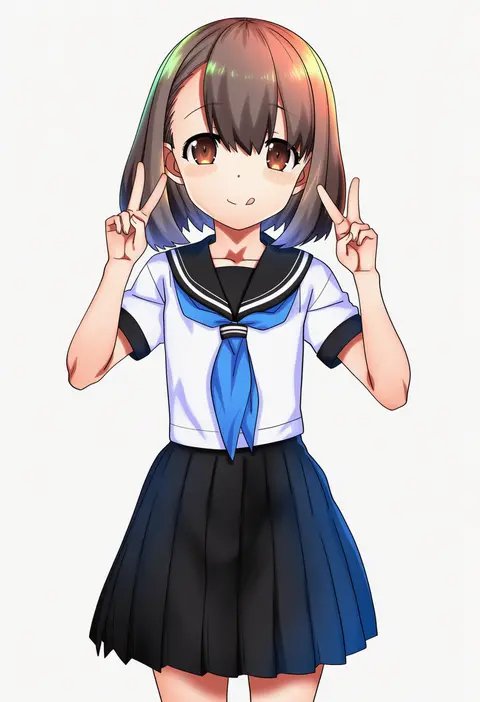
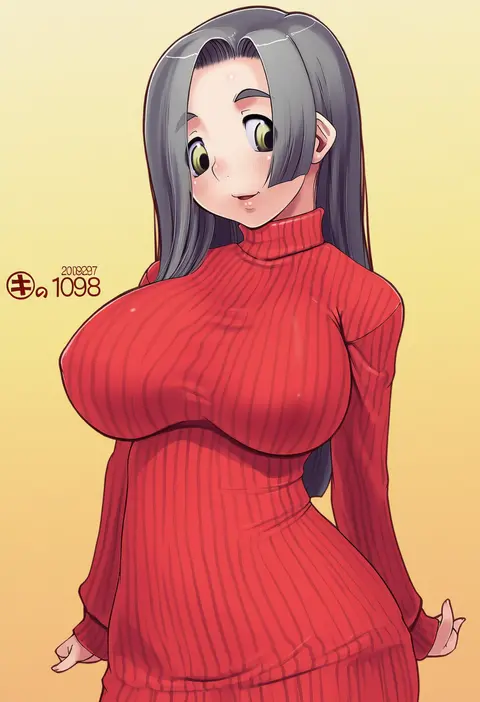
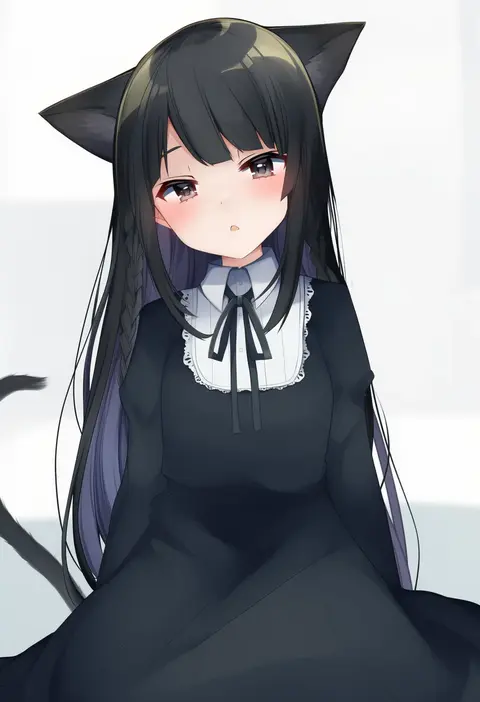
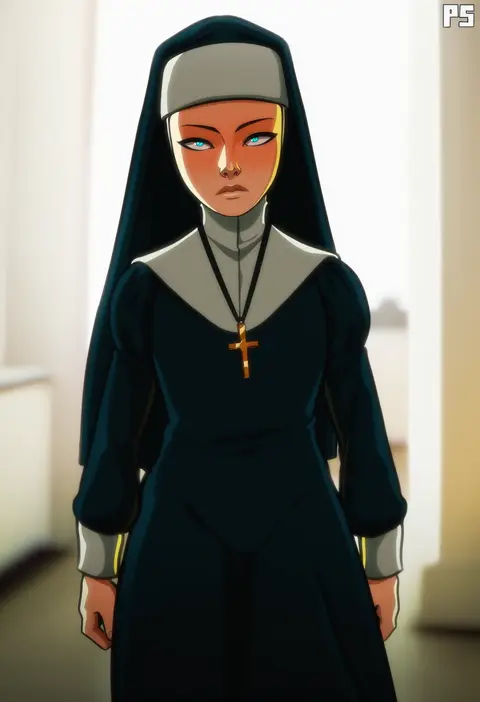
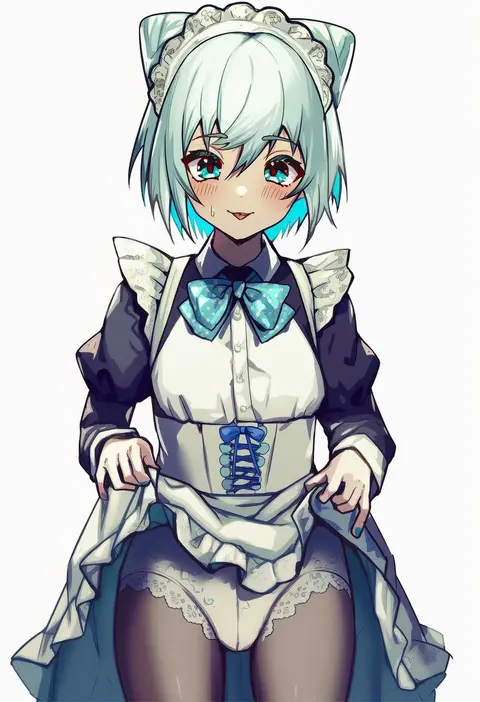
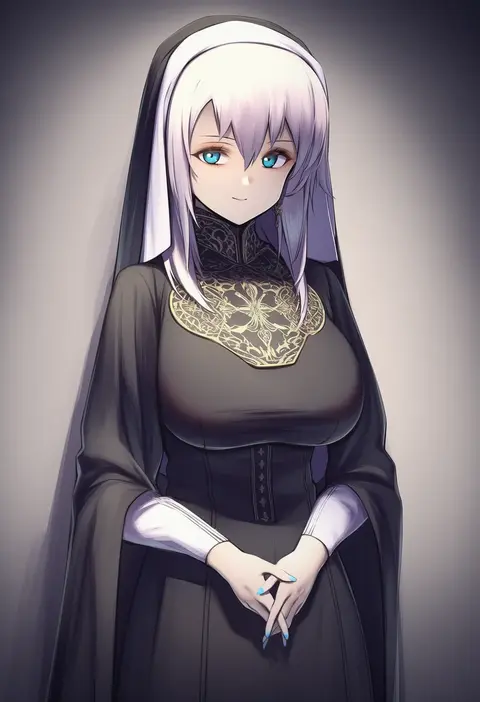
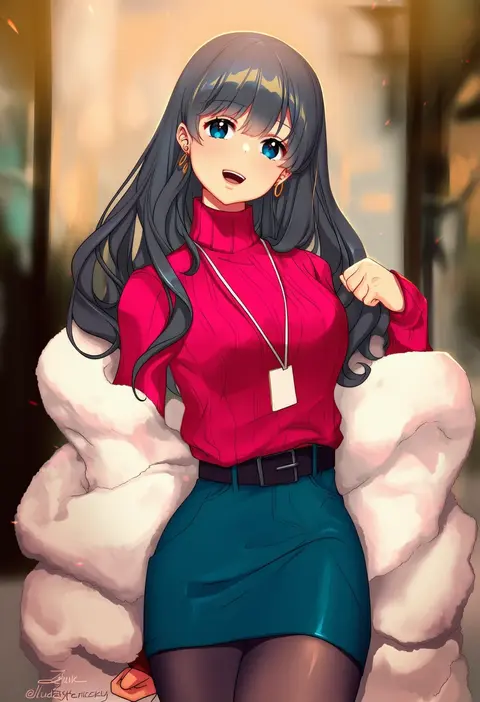
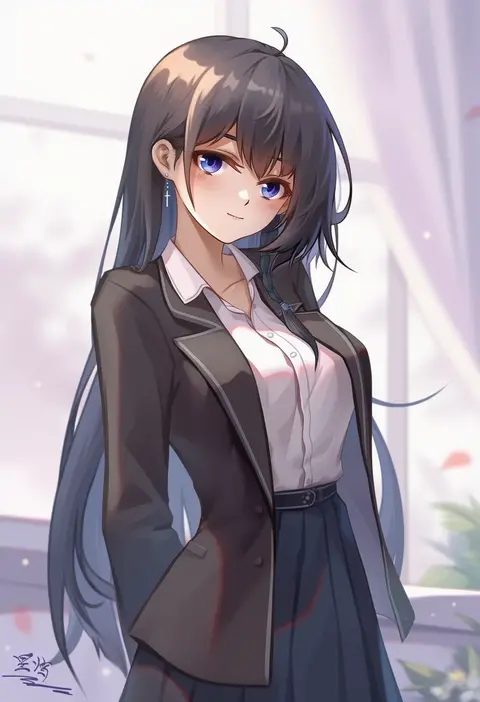
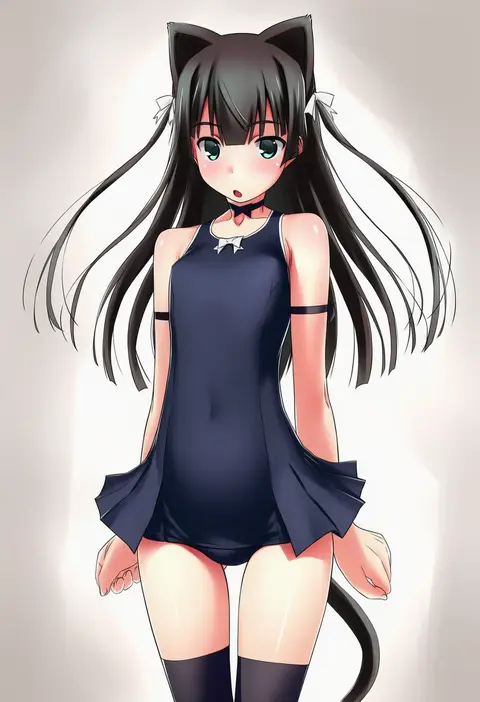
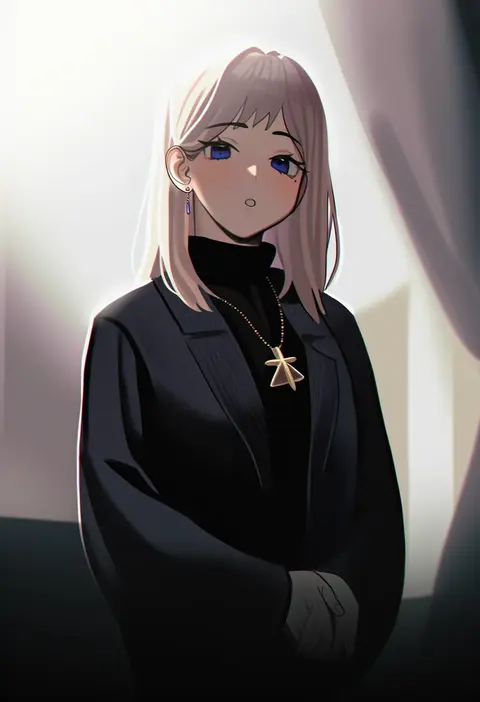
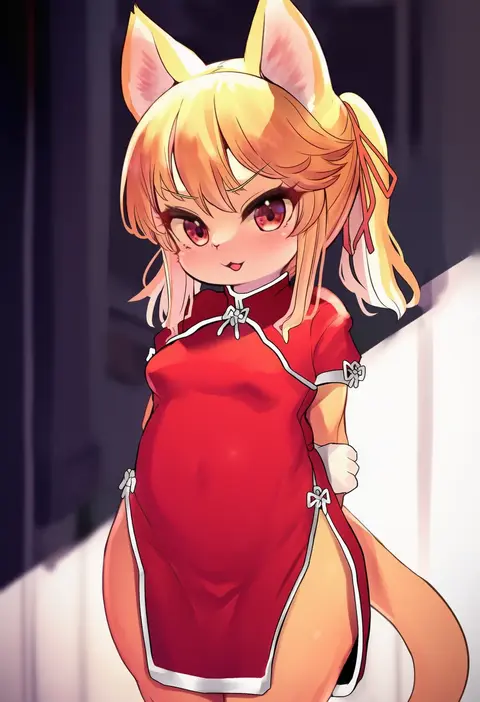
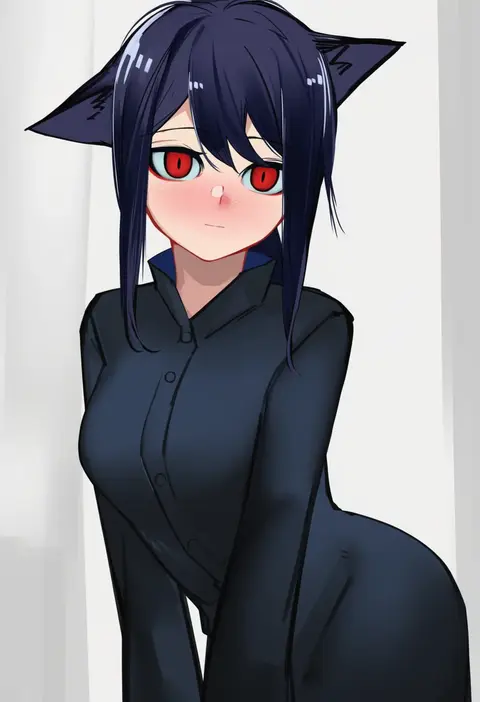
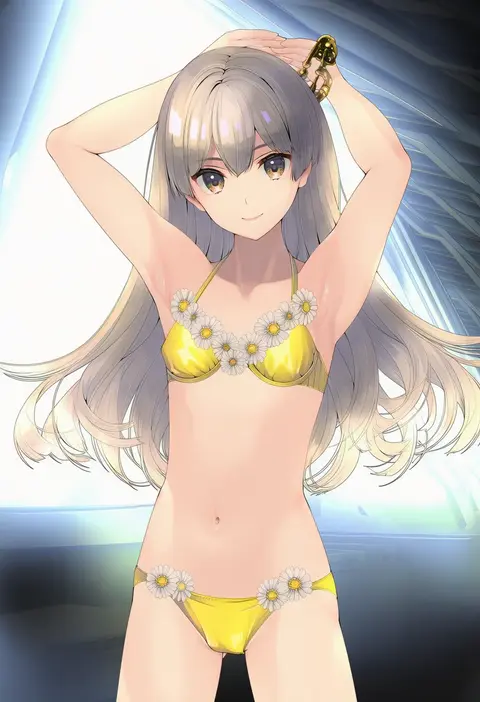
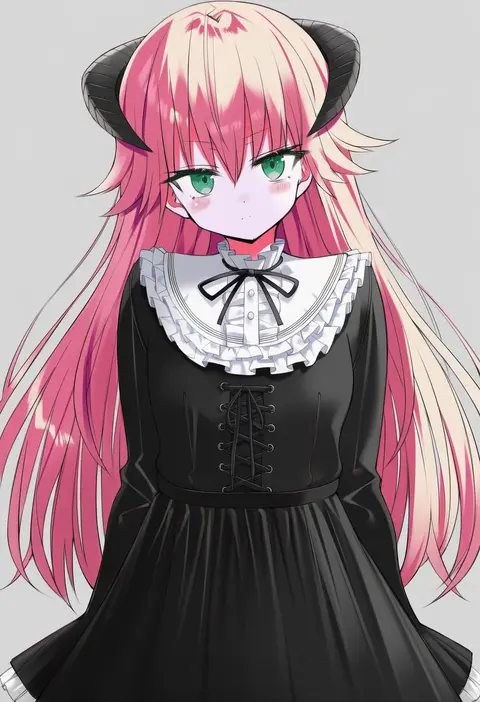
Artist tags tell NovelAI Diffusion to draw in a specific artist's style: line weight, paint texture, face shapes and palette all shift at once. Character and outfit tags decide what is drawn; artist tags decide how. 16,352 tags are listed for V4.5.
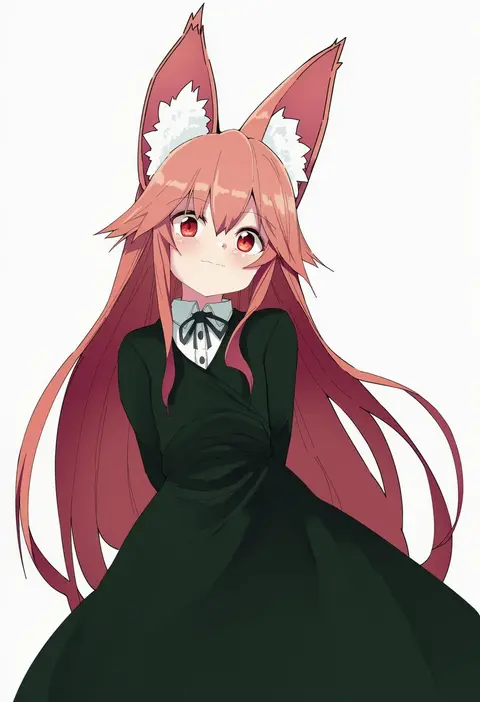
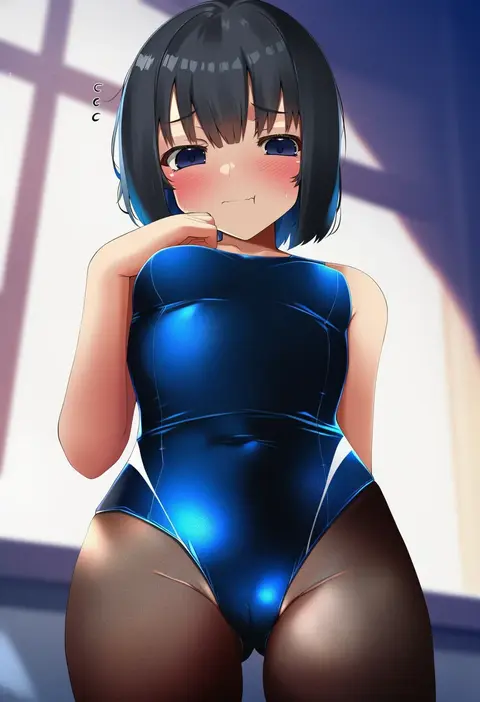
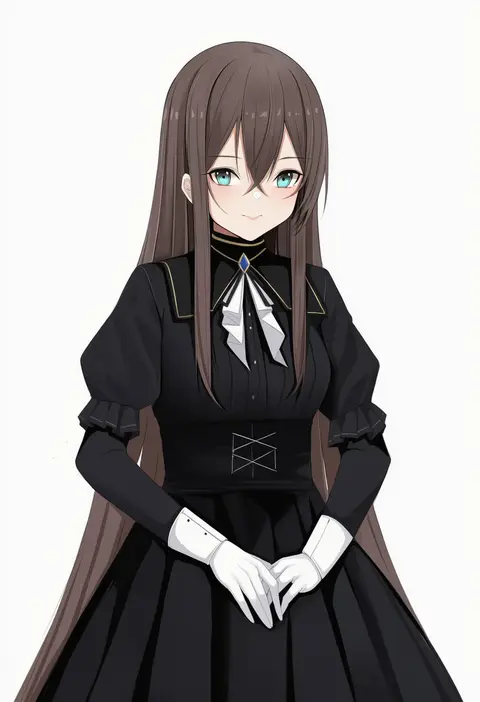
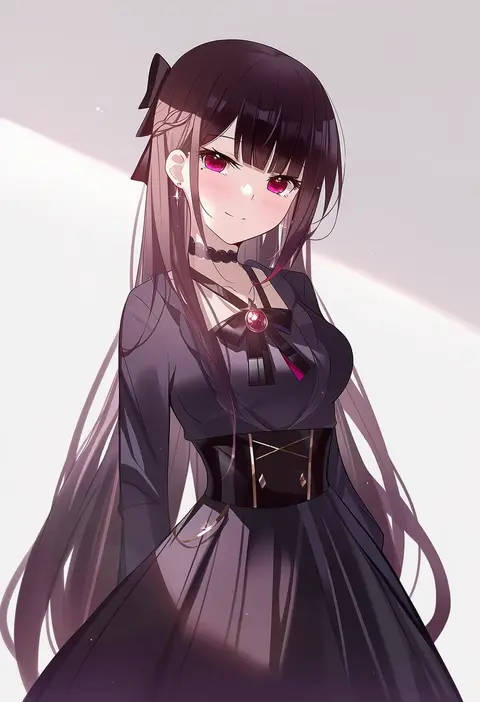
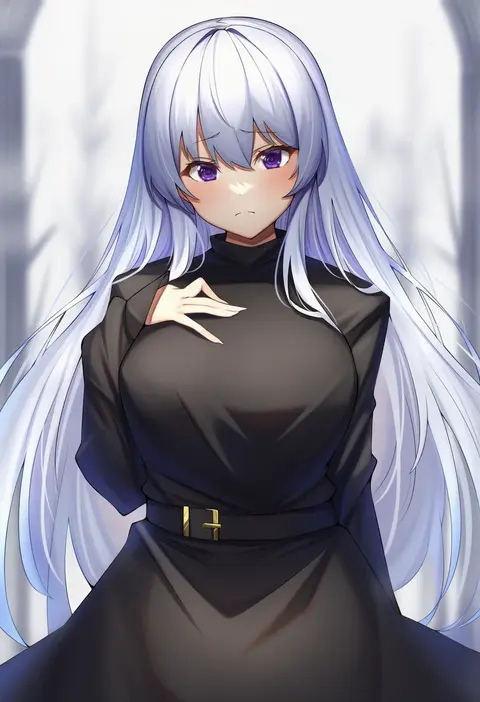
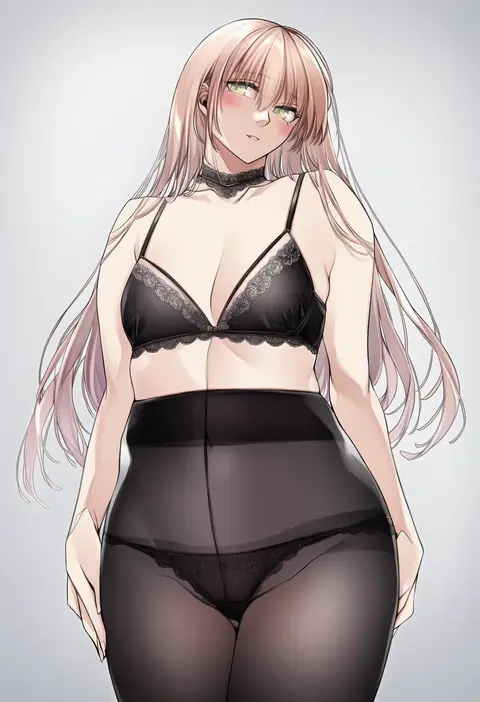
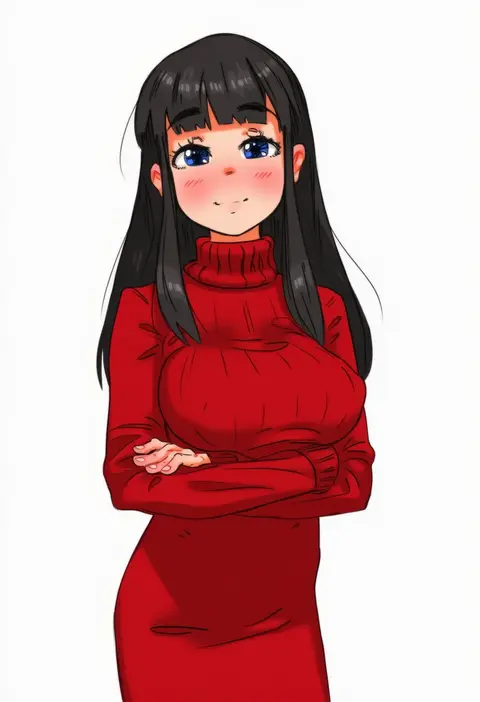
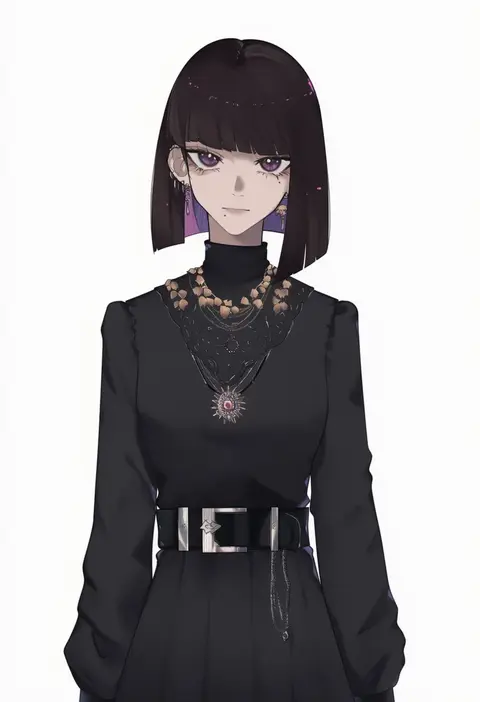
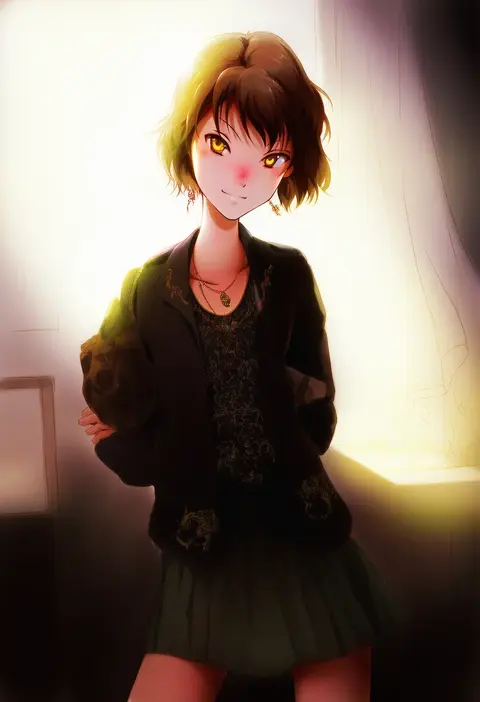
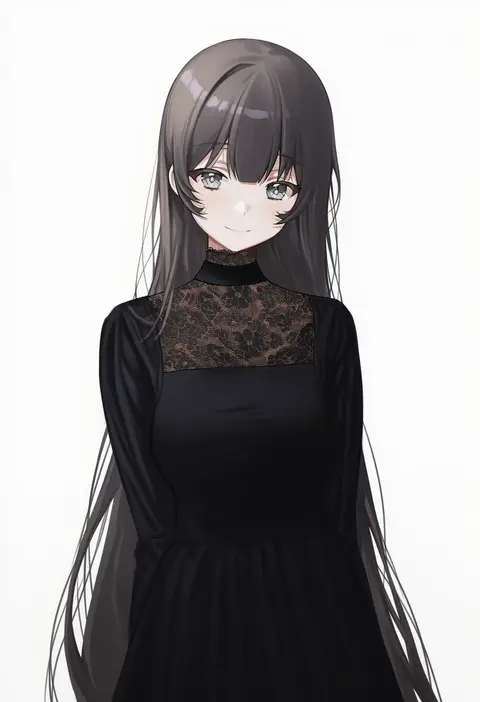
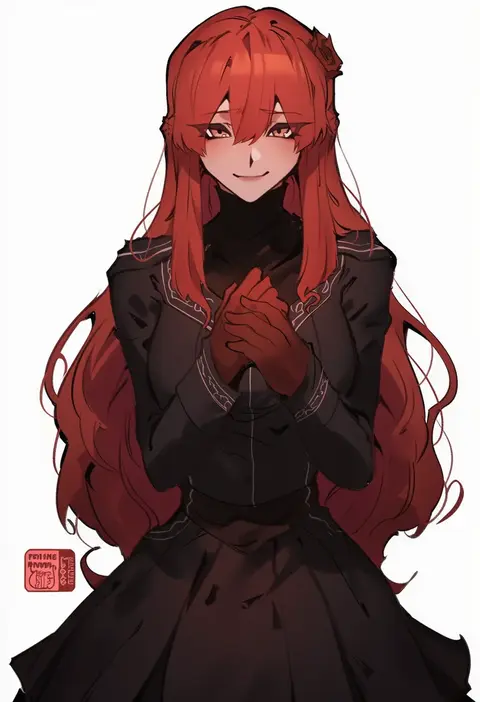
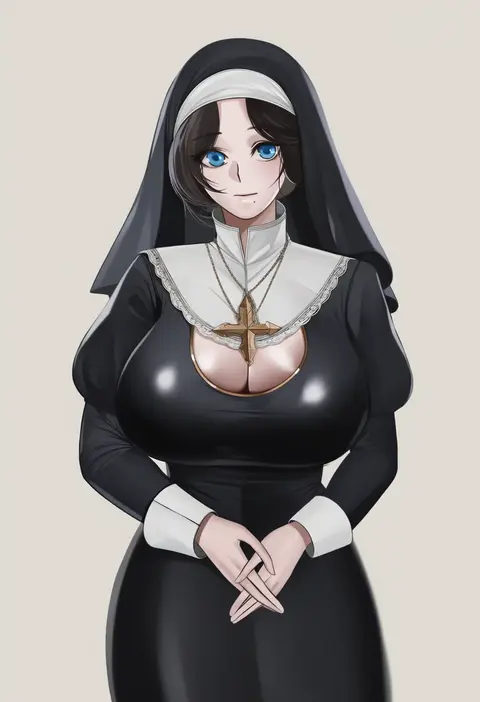
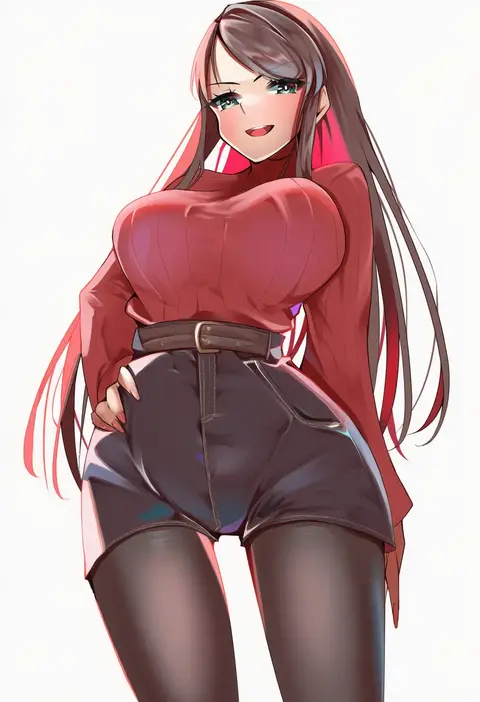
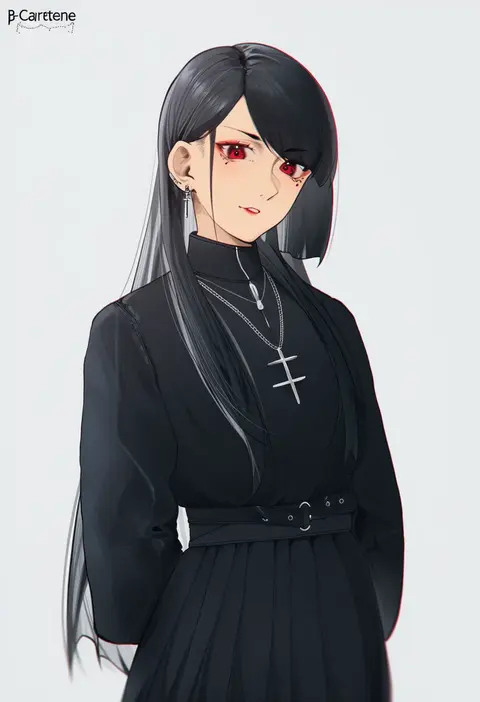
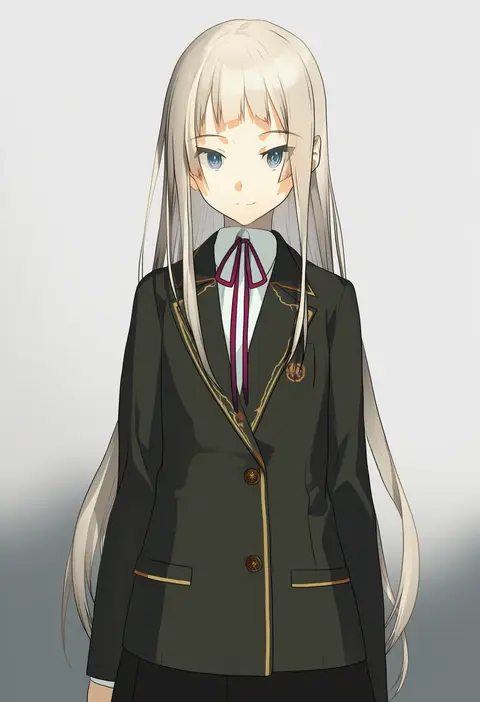
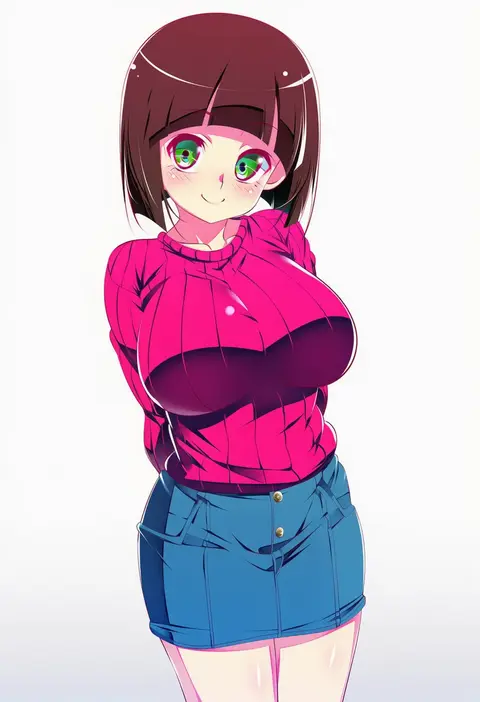
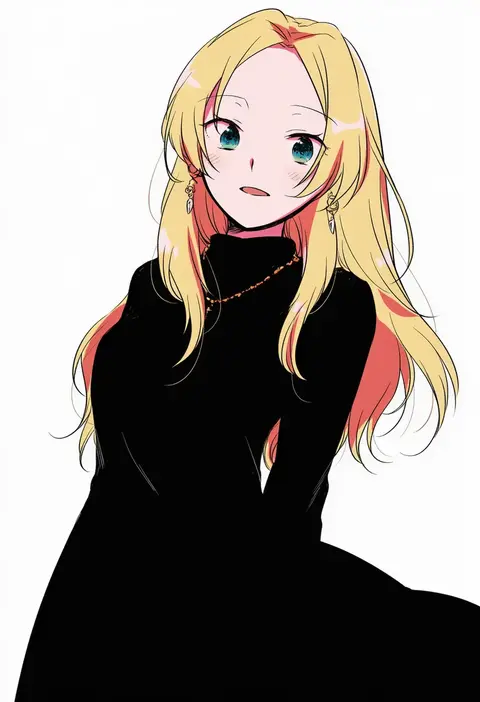
Every tag listed here is verified to react in NovelAI. All images use the same prompt, seed and settings with only the artist tag swapped, so the difference between two images is the style that tag brings in.

How to use them

Put the artist tag near the front of the prompt, e.g. "<artist>, 1girl, solo, best quality, masterpiece, cowboy shot". Two or three artist tags blend styles; lower the weight with "0.8::<artist>::" when the style overpowers the character.

SCORE sorts by Danbooru's top score, POSTS by post count, FAVS by hearts on this site. Open a card to see V5 and V4.5 side by side on the same seed.

V5 vs V4.5

V5 usually lands closer to the artist's real style, and tags that did nothing on V4.5 often react on V5. V4.5 still fits older and doujin-heavy artists better. Try V5 first, fall back to V4.5.

FAQ

Where does the artist tag go?
Near the front of the prompt. Use "0.8::tag::" to adjust its weight.

Can I stack artist tags?
Yes, styles blend. Past two or three the result stops looking like anyone.

Are these the artists' own works?
No. Every image is a NovelAI sample generated from the tag.