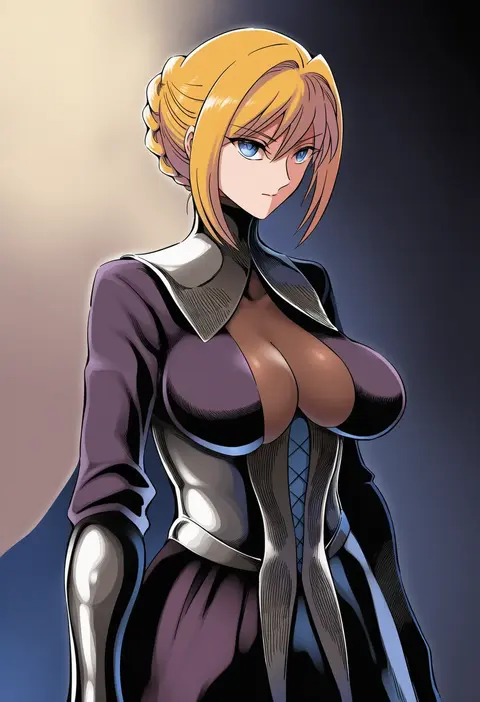
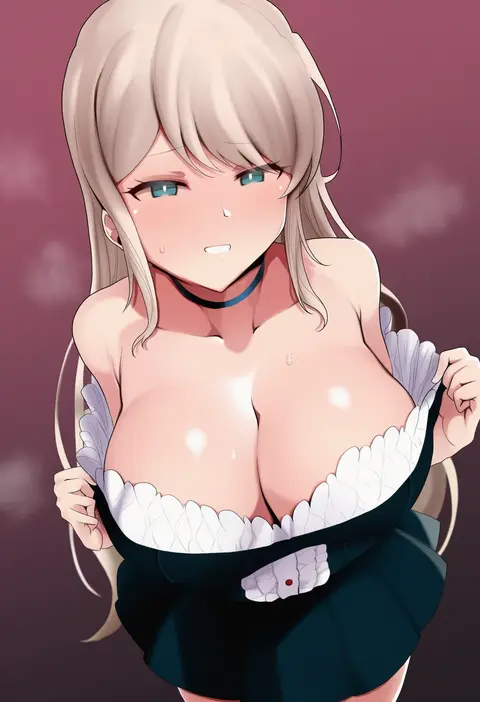
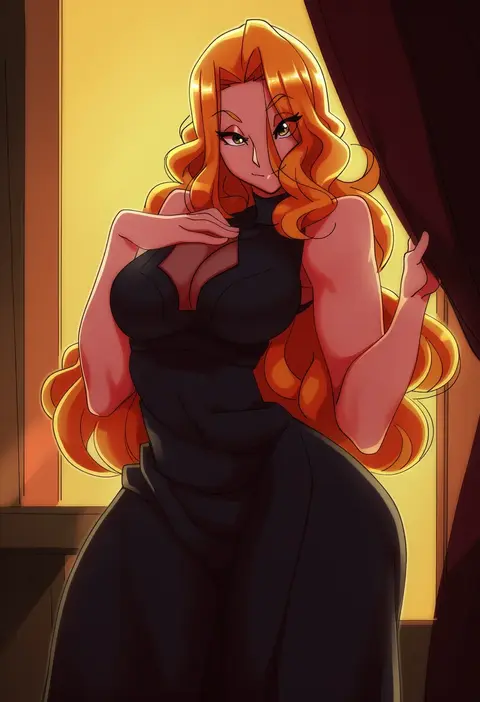
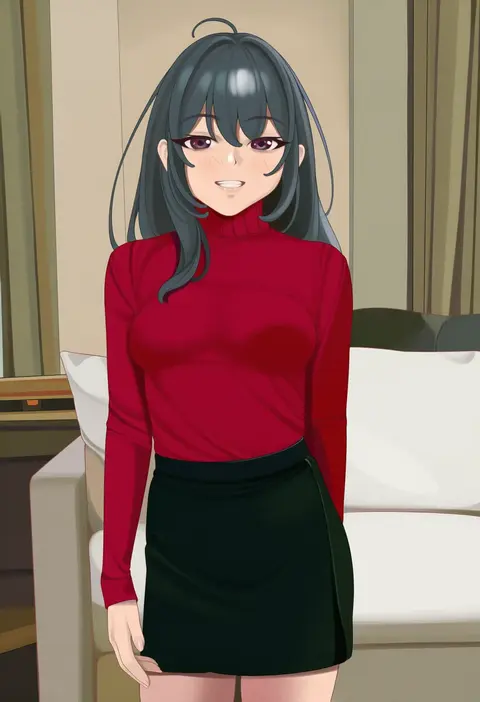
V4.5Artists
sort: FAVS▾
▾
>
$

NovelAI Artist Tags List — V4.5

artist --count 16,352[92/273]
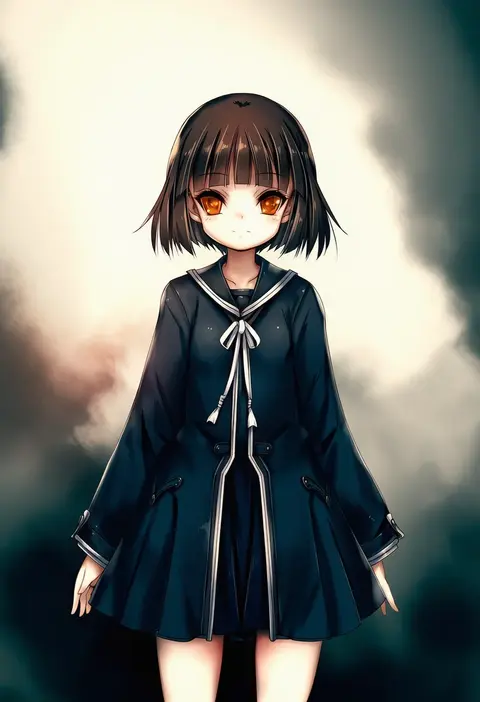
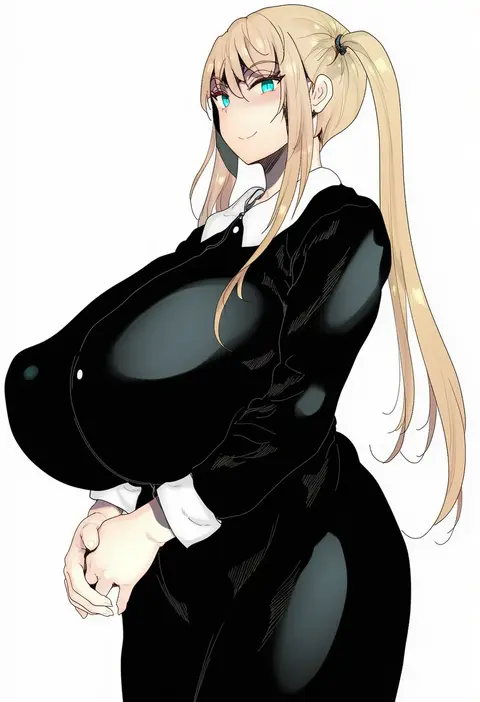
hitomaru
ARTIST0x1554
0
kedamono kangoku-tou
ARTIST0x1555
0
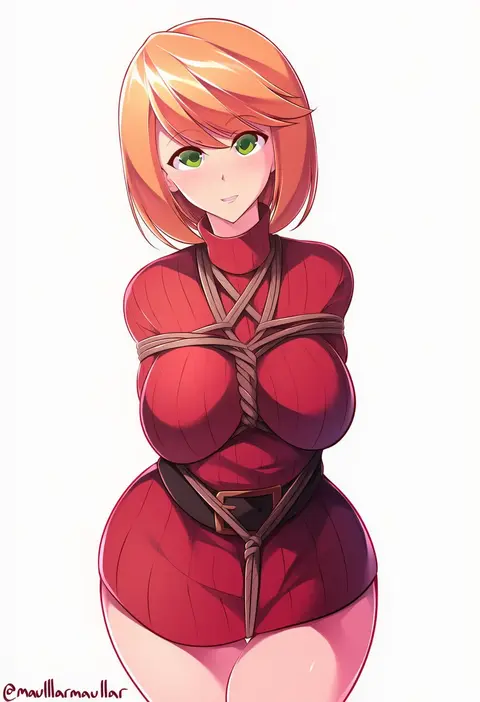
maullarmaullar
ARTIST0x1556
0
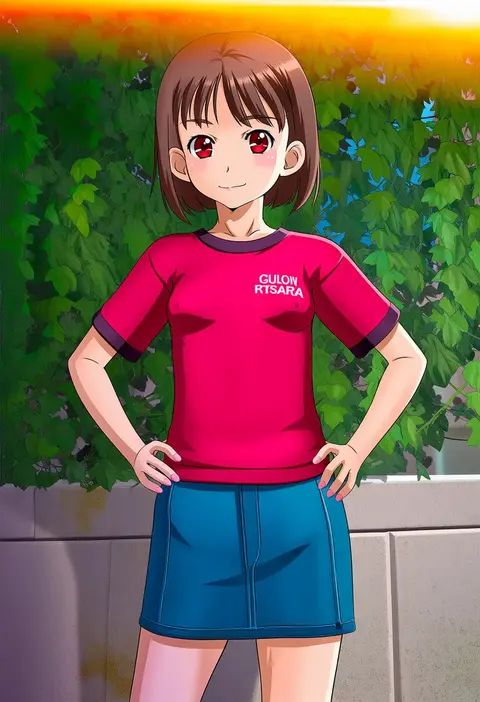
tooo
ARTIST0x1557
0
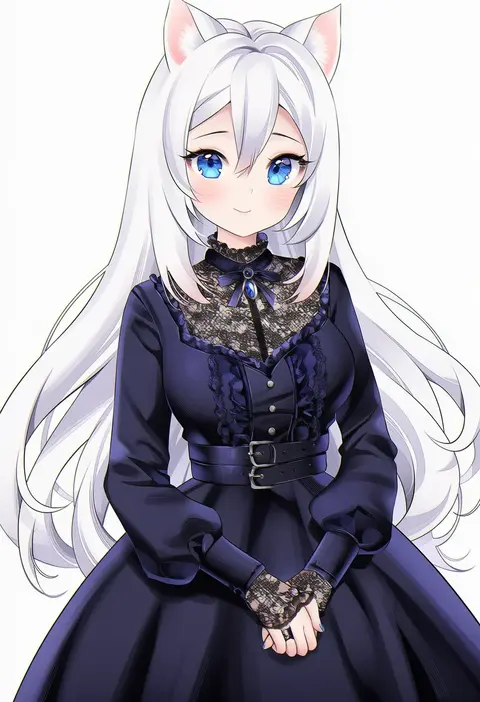
nami (nyaa)
ARTIST0x1558
0
rensyu
ARTIST0x1559
0
solokitsune
ARTIST0x155A
0
borgbutler
ARTIST0x155B
0
arino hiroshi
ARTIST0x155C
0
higashigure
ARTIST0x155D
0
shiro youduki
ARTIST0x155E
0
ikemura hiroichi
ARTIST0x155F
0
orange sekaii
ARTIST0x1560
0
gu deulmok
ARTIST0x1561
0
monpuchi
ARTIST0x1562
0
chuppa (katotsuba)
ARTIST0x1563
0
maca (macaca12)
ARTIST0x1564
0
zen (kamuro)
ARTIST0x1565
0
baileys (tranquillity650)
ARTIST0x1566
0
imazon
ARTIST0x1567
0
hayashi kewi
ARTIST0x1568
0
cccpo
ARTIST0x1569
0
takaya n
ARTIST0x156A
0
nekopuchi
ARTIST0x156B
0
hz (666v)
ARTIST0x156C
0
splashbrush
ARTIST0x156D
0
pumpkinpan
ARTIST0x156E
0
hori shin
ARTIST0x156F
0
rizento
ARTIST0x1570
0
las91214
ARTIST0x1571
0
soon (c-u-soon)
ARTIST0x1572
0
kagawa ichigo
ARTIST0x1573
0
tatsumiya kagari
ARTIST0x1574
0
sauvignon
ARTIST0x1575
0
kerno
ARTIST0x1576
0
uns (sdsxsoverlord)
ARTIST0x1577
0
wakamochi-ta
ARTIST0x1578
0
nisego
ARTIST0x1579
0
quatthro
ARTIST0x157A
0
sumisumii
ARTIST0x157B
0
tomura2maru
ARTIST0x157C
0
sekino takehiro
ARTIST0x157D
0
kiniro tofu
ARTIST0x157E
0
hai ookami
ARTIST0x157F
0
endou (zettai bluenoid)
ARTIST0x1580
0
eitopondo
ARTIST0x1581
0
mu-pyon
ARTIST0x1582
0
shiika yuno
ARTIST0x1583
0
sunga2usagi
ARTIST0x1584
0
s (hdru2332)
ARTIST0x1585
0
mak066
ARTIST0x1586
0
yakou (4507770)
ARTIST0x1587
0
kuroshiro kanae
ARTIST0x1588
0
nbo
ARTIST0x1589
0
null suke
ARTIST0x158A
0
npa (sirokurokuma)
ARTIST0x158B
0
siguya
ARTIST0x158C
0
kirou (kiruyuu1210)
ARTIST0x158D
0
morikura en
ARTIST0x158E
0
eisu (eith)
ARTIST0x158F
0

What these tags change

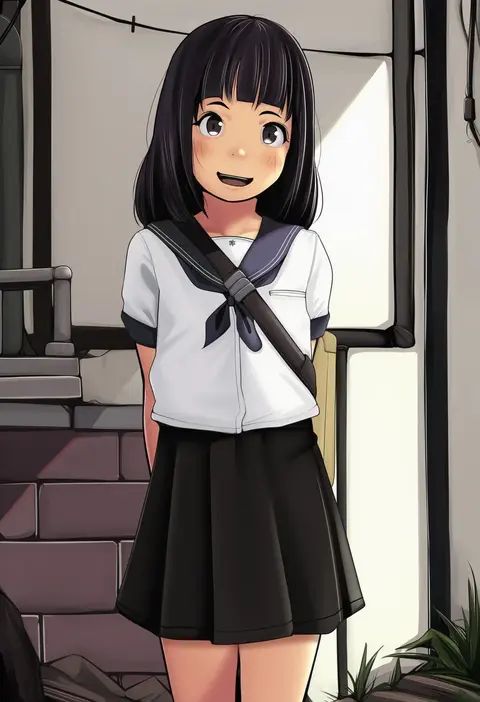
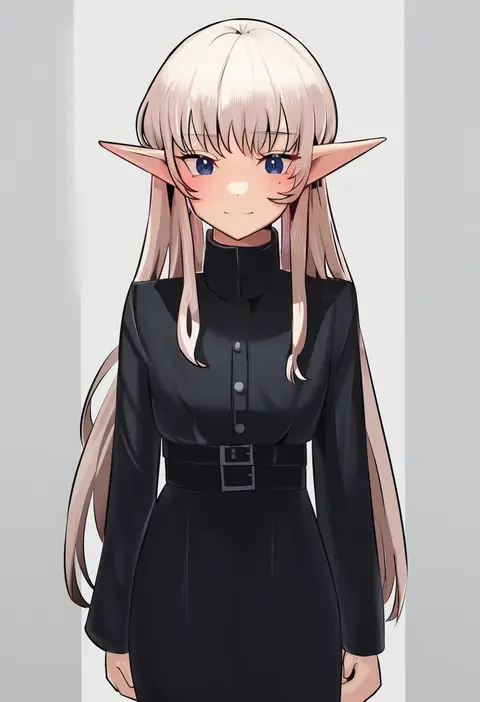
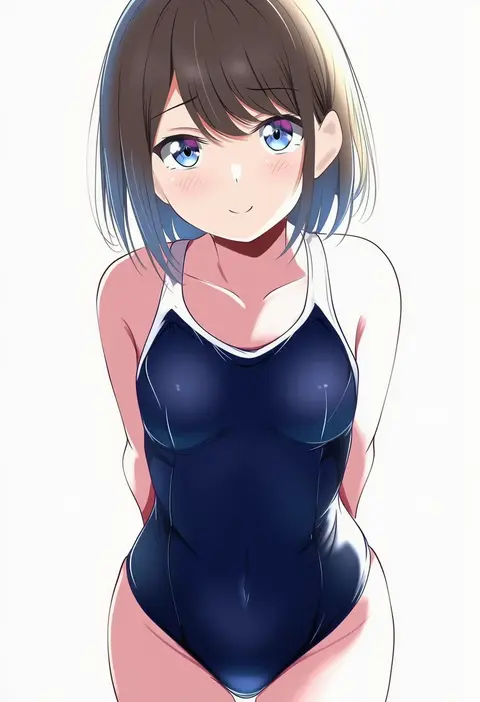
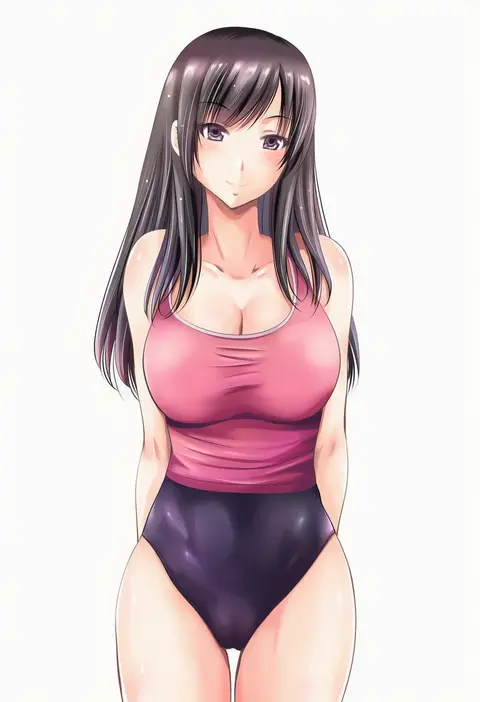
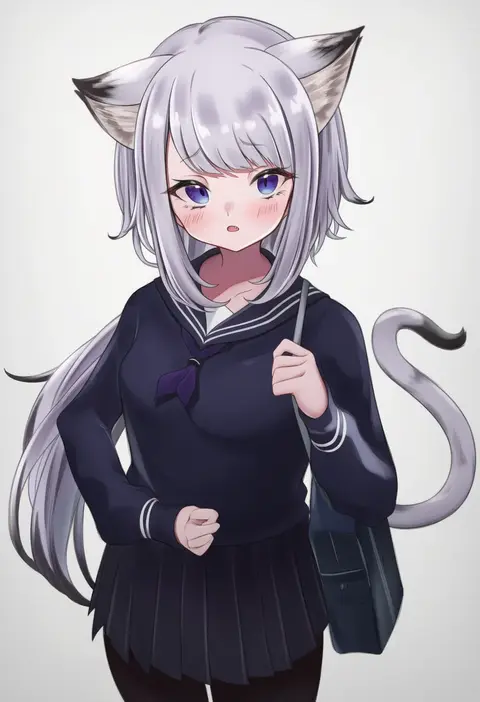
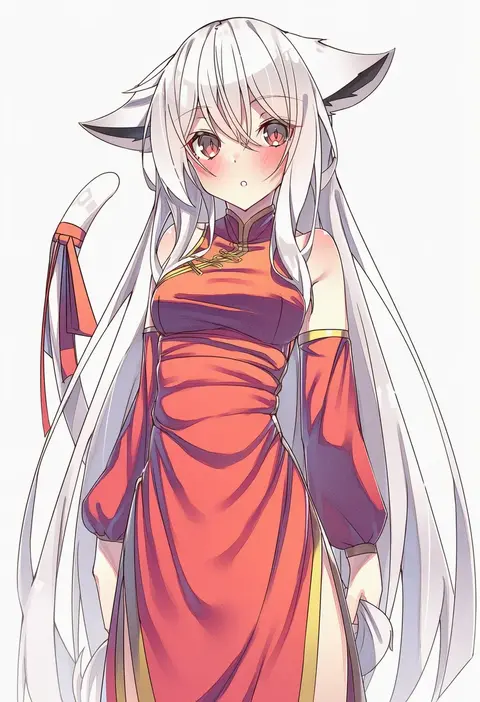
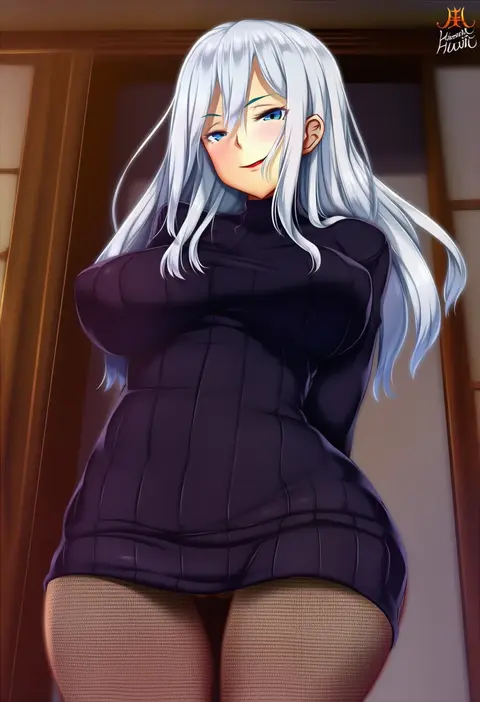
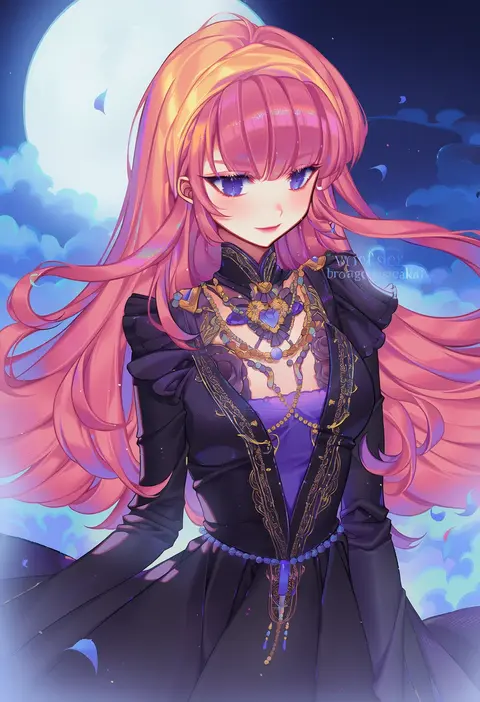
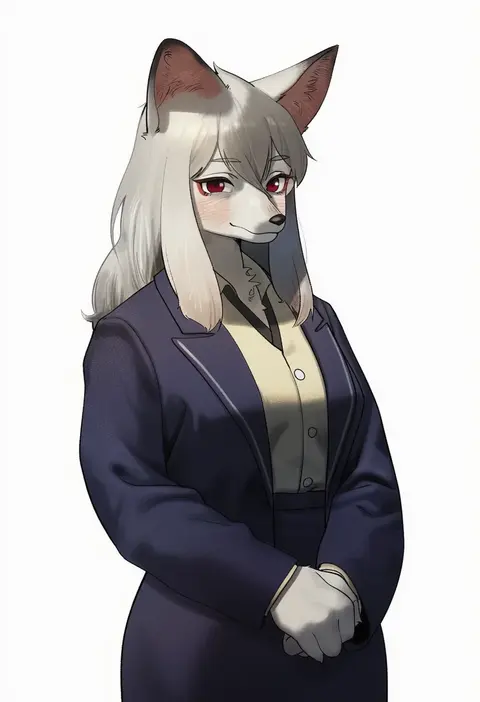
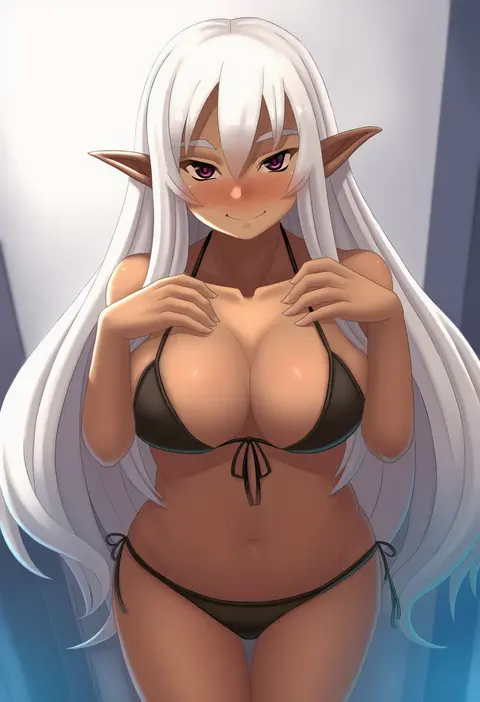
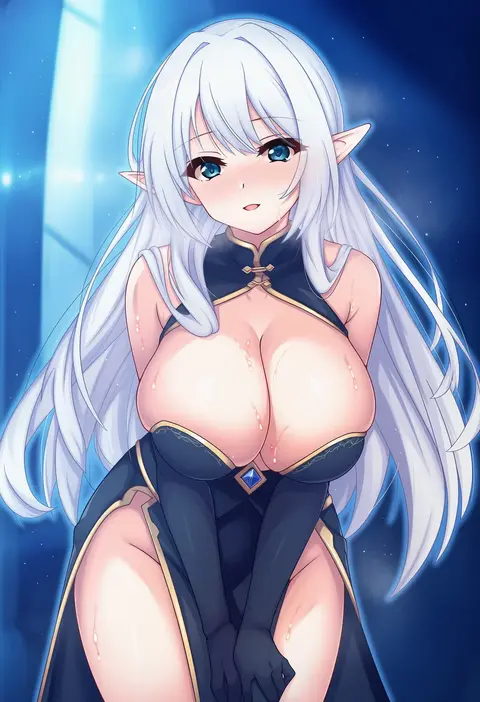
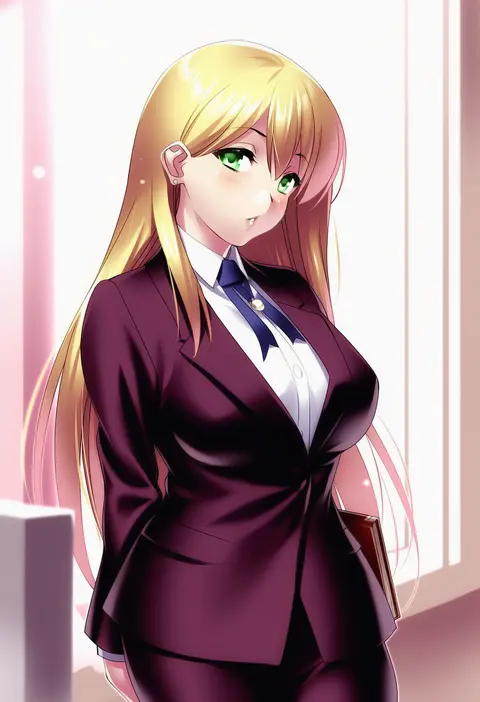
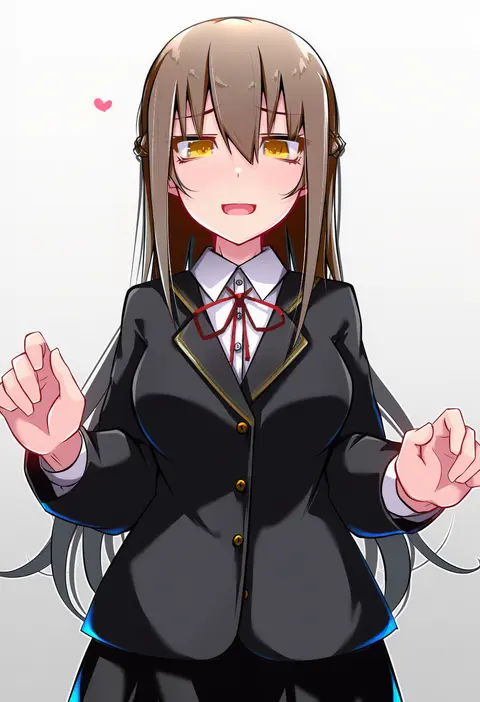
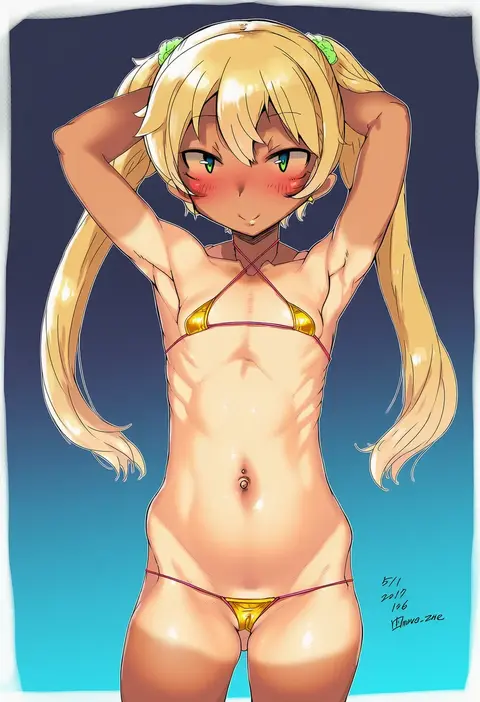
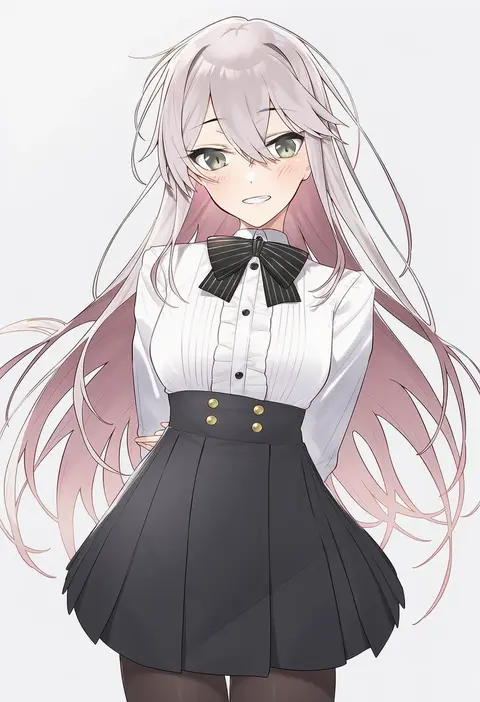
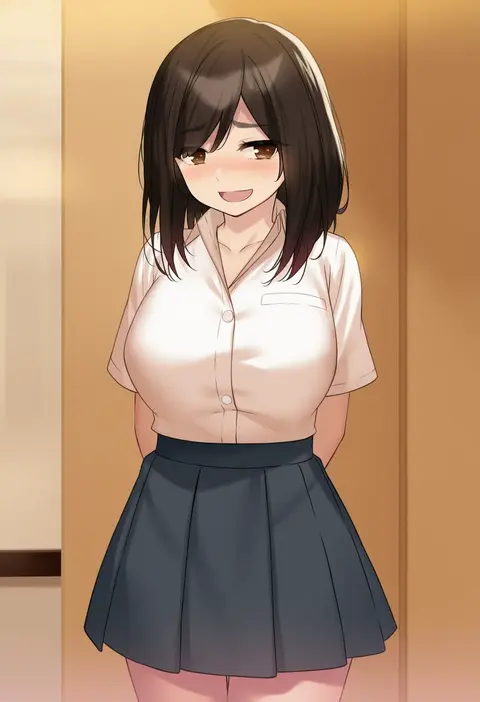
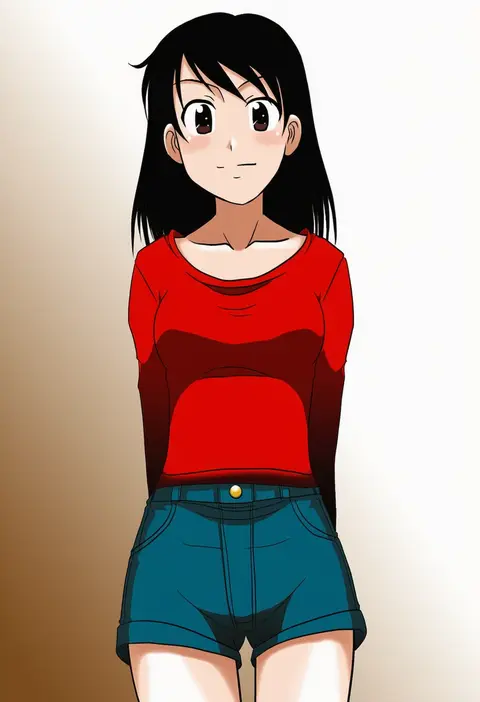
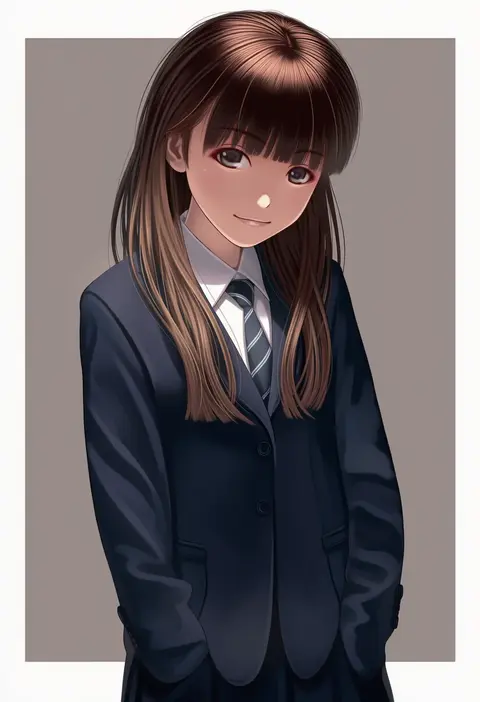
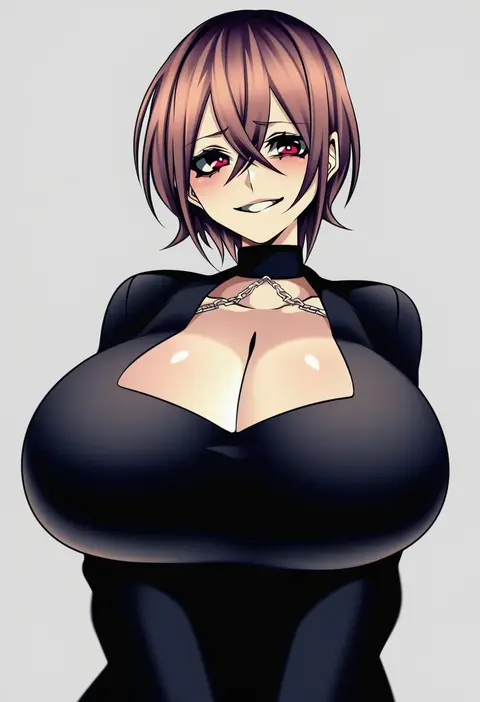
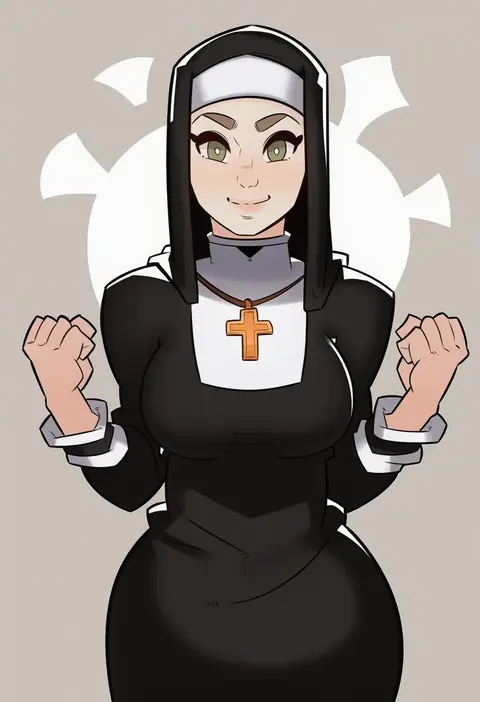
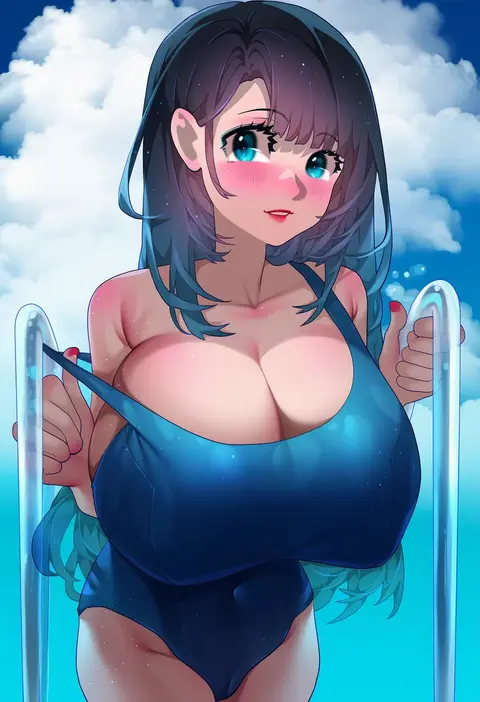
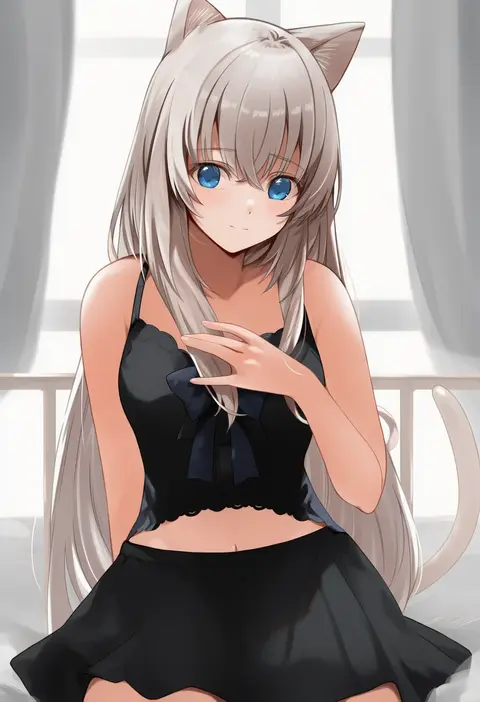
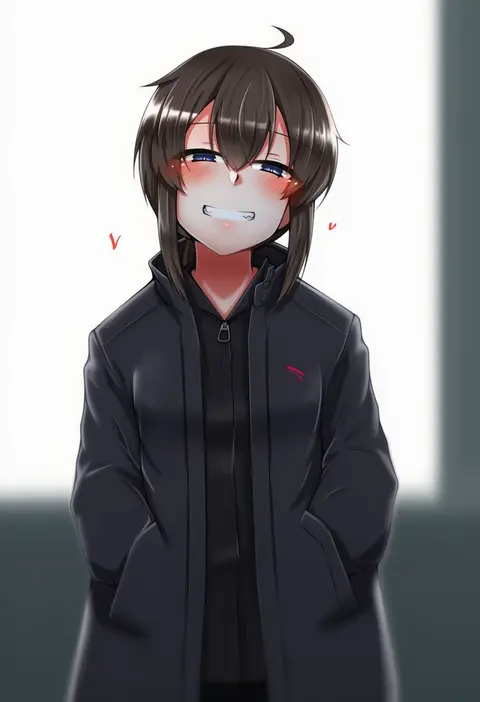
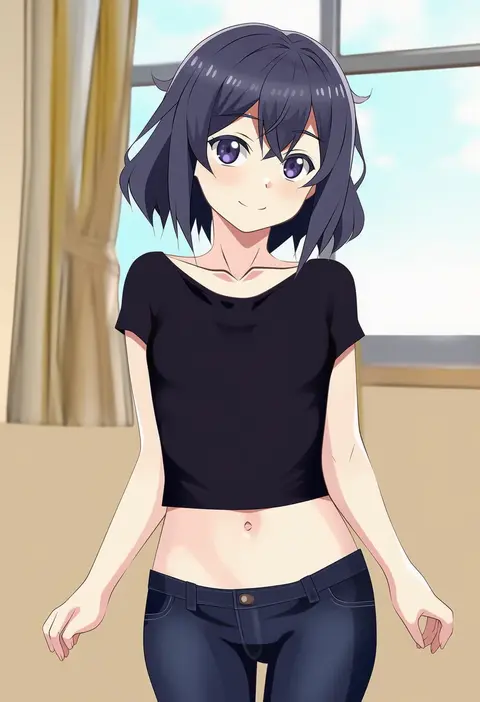
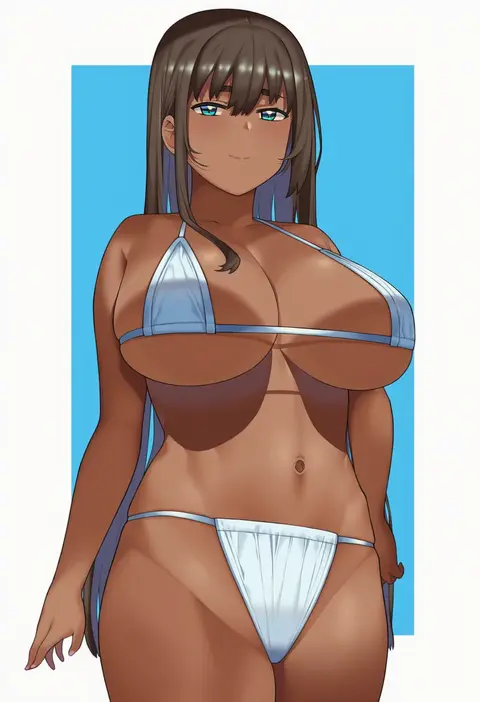
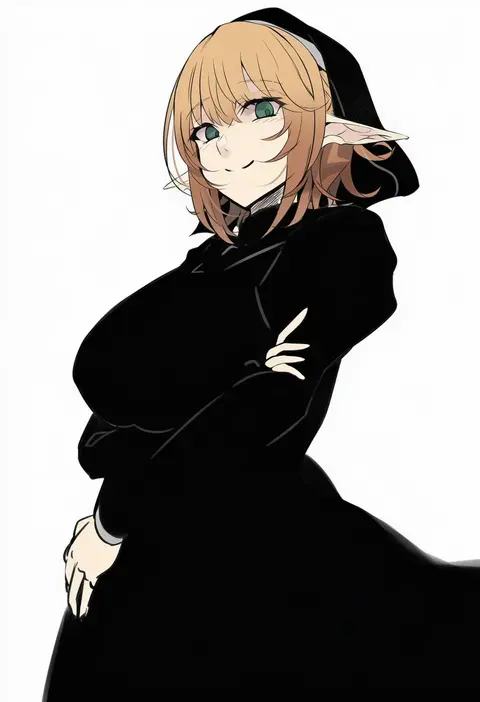
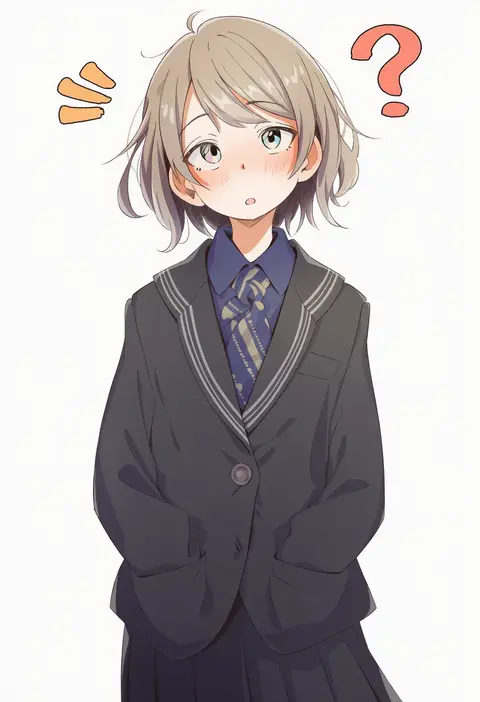
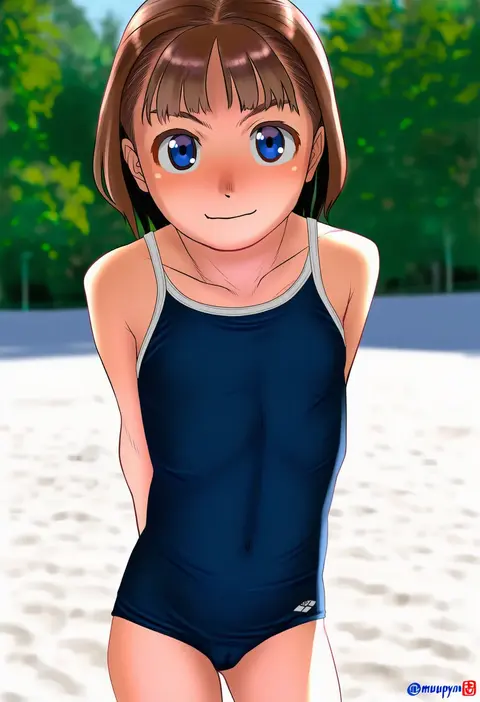
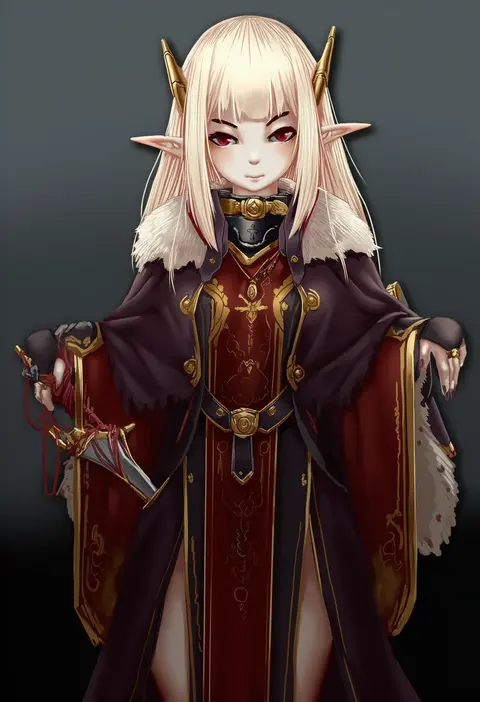
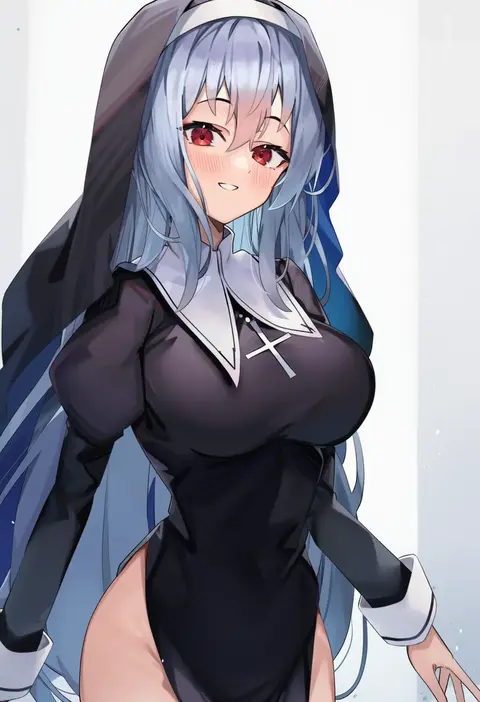
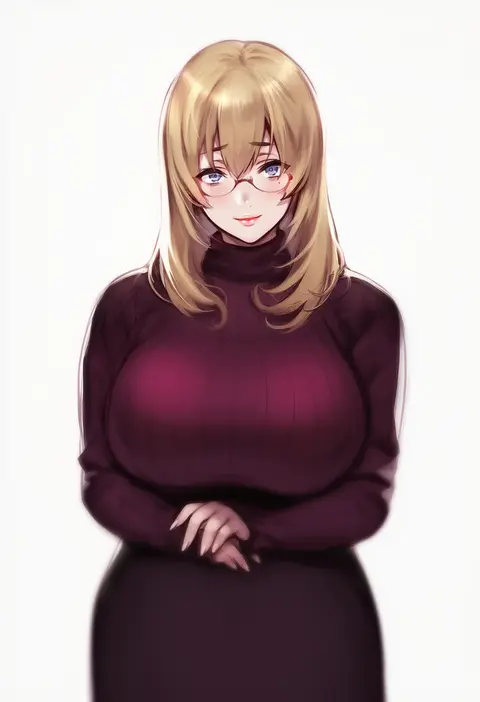
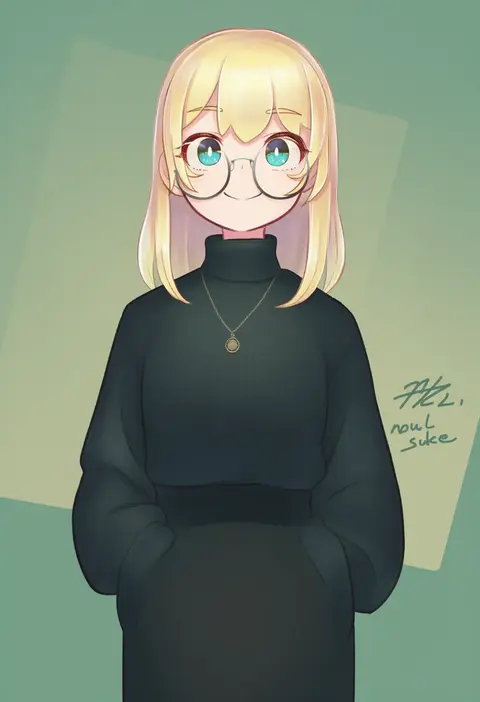
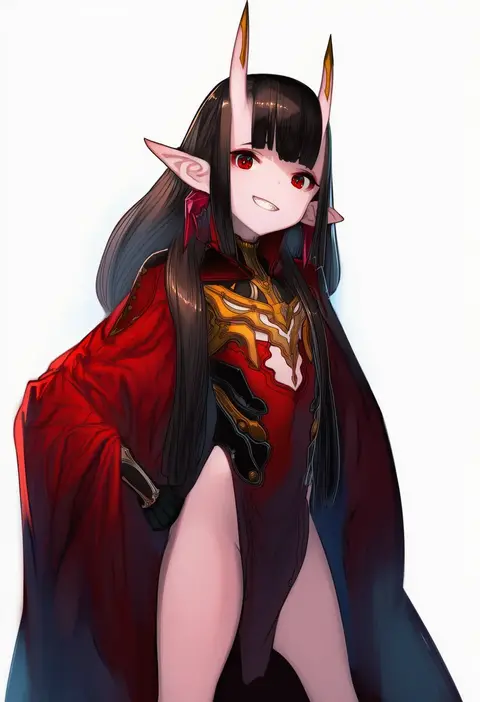
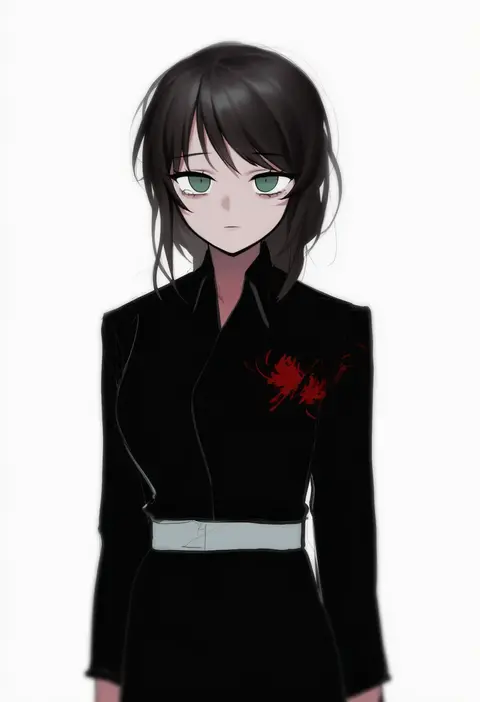
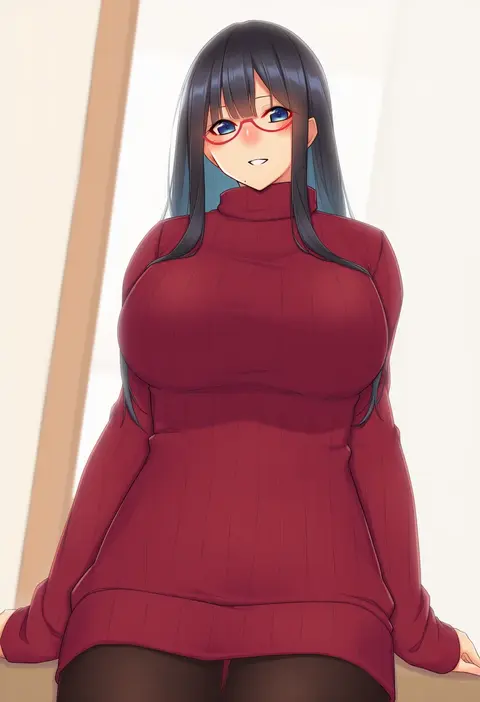
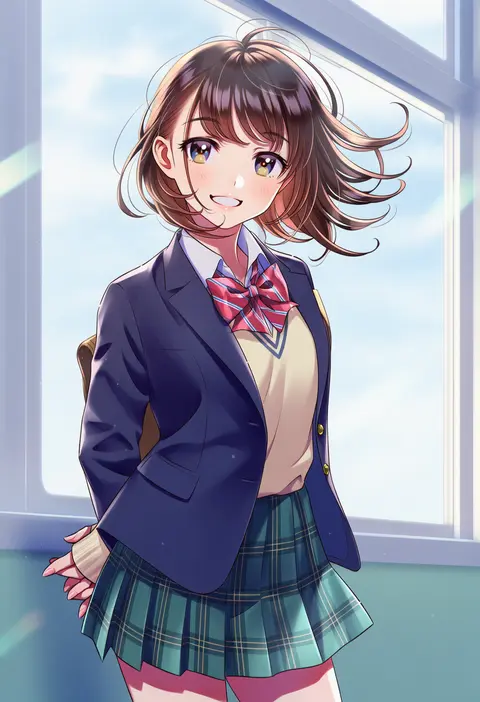
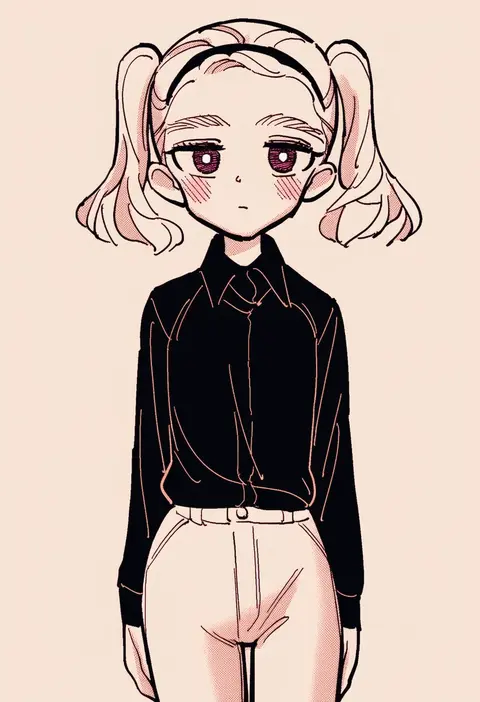
Artist tags tell NovelAI Diffusion to draw in a specific artist's style: line weight, paint texture, face shapes and palette all shift at once. Character and outfit tags decide what is drawn; artist tags decide how. 16,352 tags are listed for V4.5.
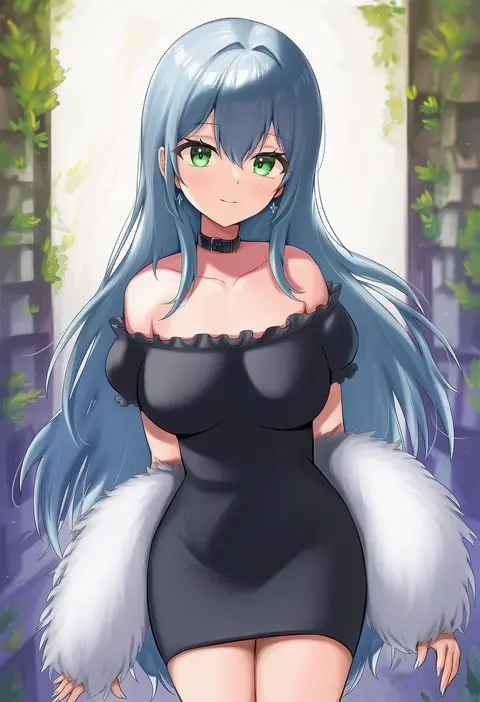
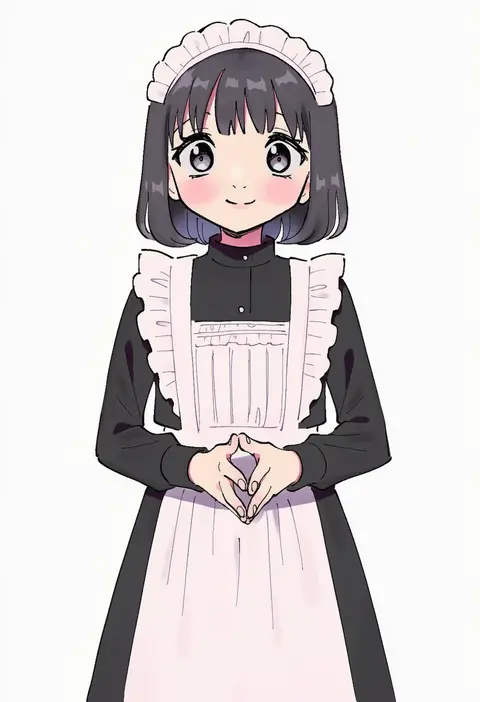
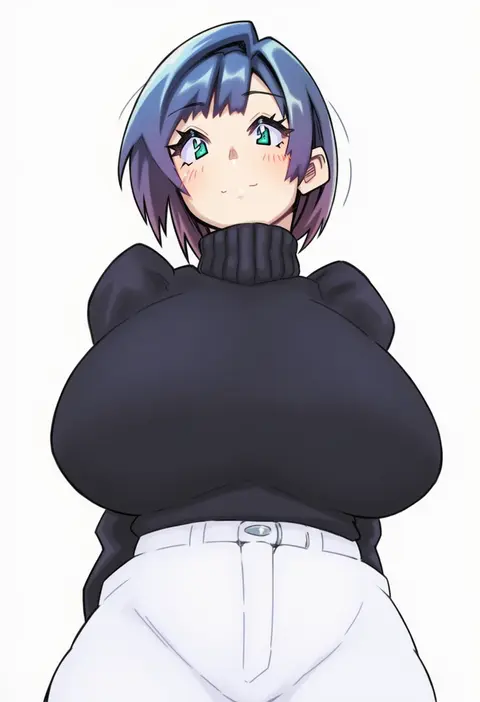
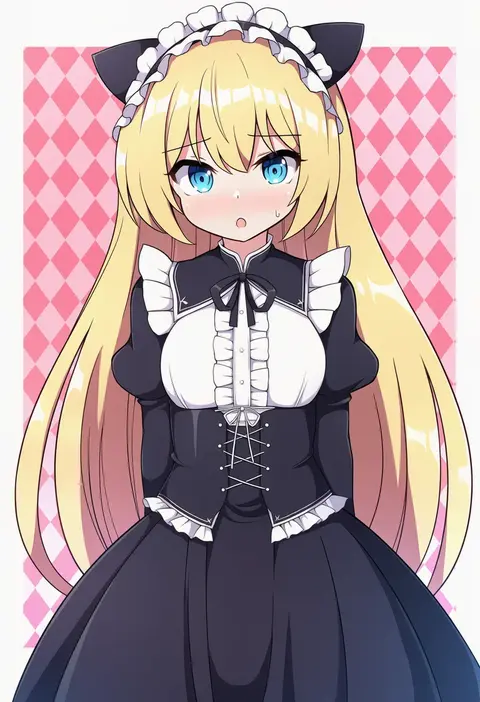
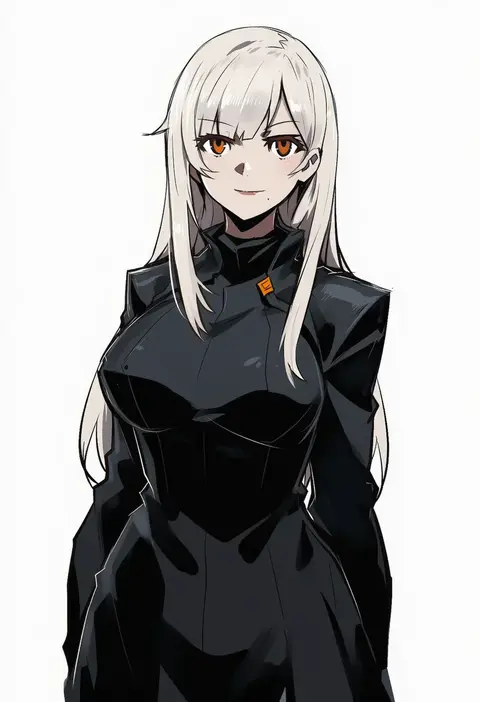
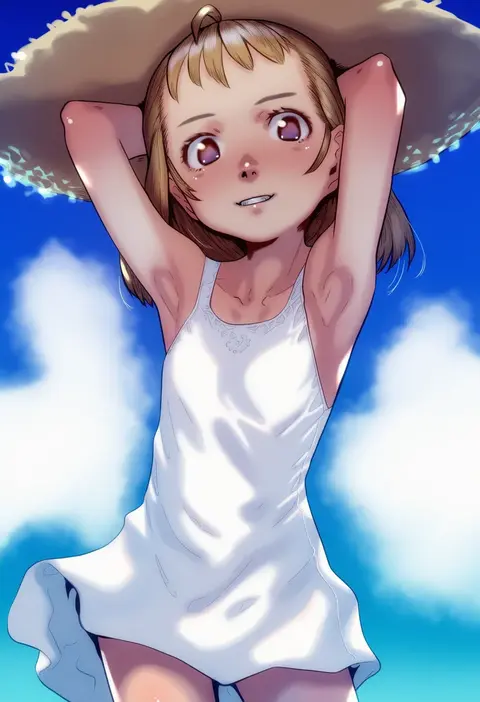
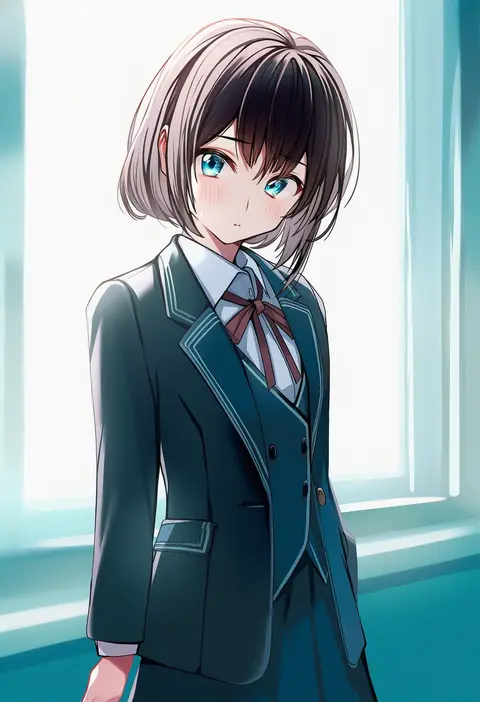
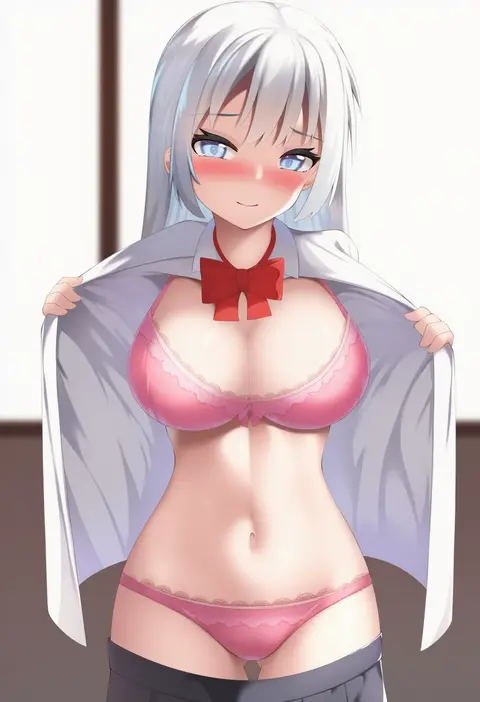
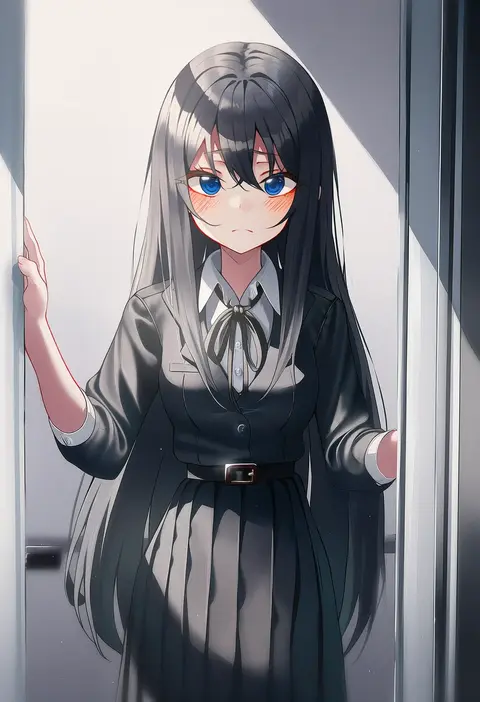
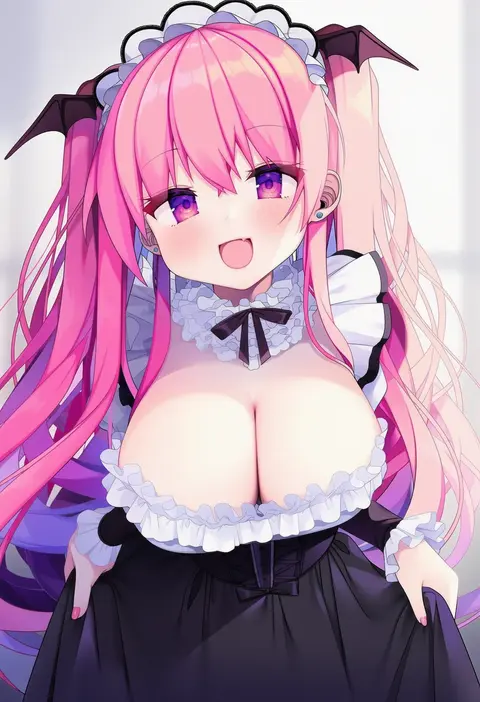
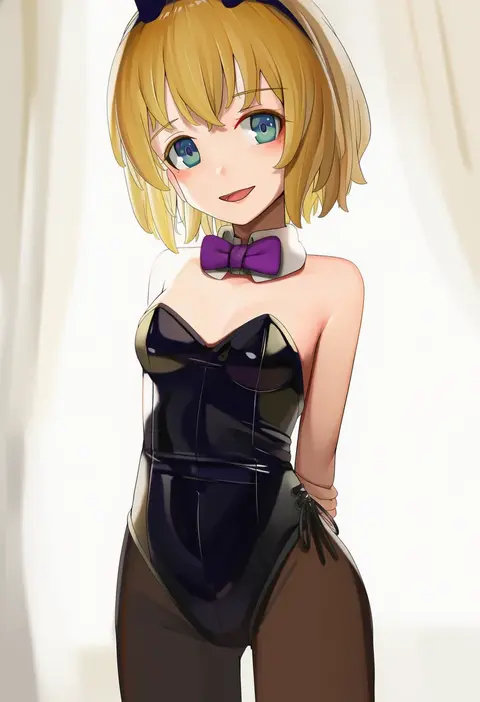
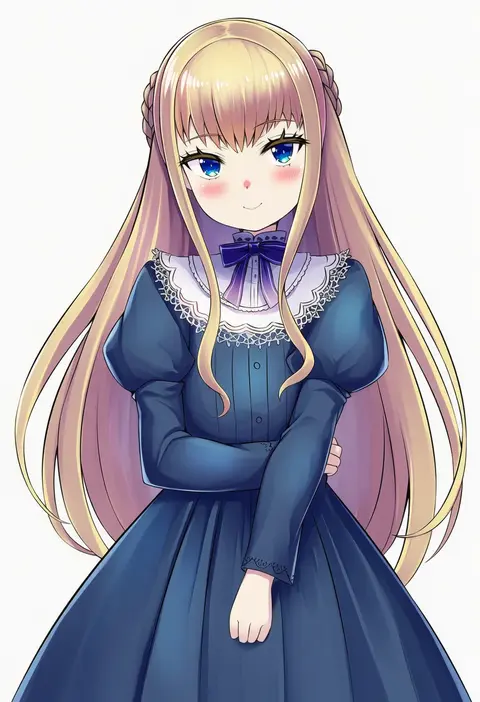
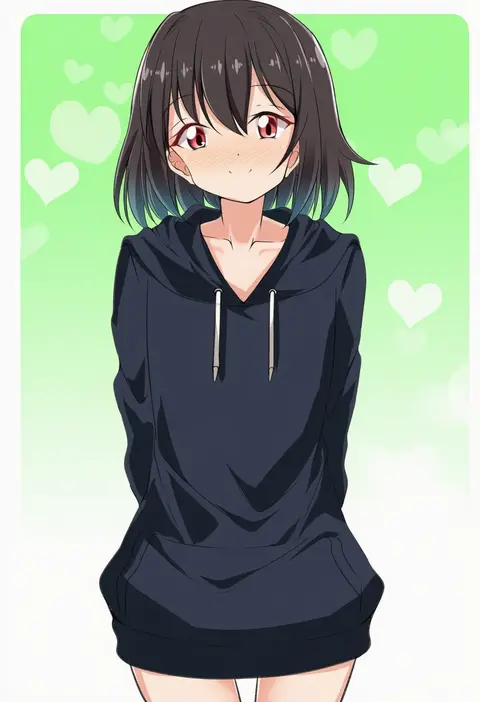
Every tag listed here is verified to react in NovelAI. All images use the same prompt, seed and settings with only the artist tag swapped, so the difference between two images is the style that tag brings in.

How to use them

Put the artist tag near the front of the prompt, e.g. "<artist>, 1girl, solo, best quality, masterpiece, cowboy shot". Two or three artist tags blend styles; lower the weight with "0.8::<artist>::" when the style overpowers the character.

SCORE sorts by Danbooru's top score, POSTS by post count, FAVS by hearts on this site. Open a card to see V5 and V4.5 side by side on the same seed.

V5 vs V4.5

V5 usually lands closer to the artist's real style, and tags that did nothing on V4.5 often react on V5. V4.5 still fits older and doujin-heavy artists better. Try V5 first, fall back to V4.5.

FAQ

Where does the artist tag go?
Near the front of the prompt. Use "0.8::tag::" to adjust its weight.

Can I stack artist tags?
Yes, styles blend. Past two or three the result stops looking like anyone.

Are these the artists' own works?
No. Every image is a NovelAI sample generated from the tag.