V4.5Artists
sort: FAVS▾
▾
>
$

NovelAI Artist Tags List — V4.5

artist --count 16,352[96/273]
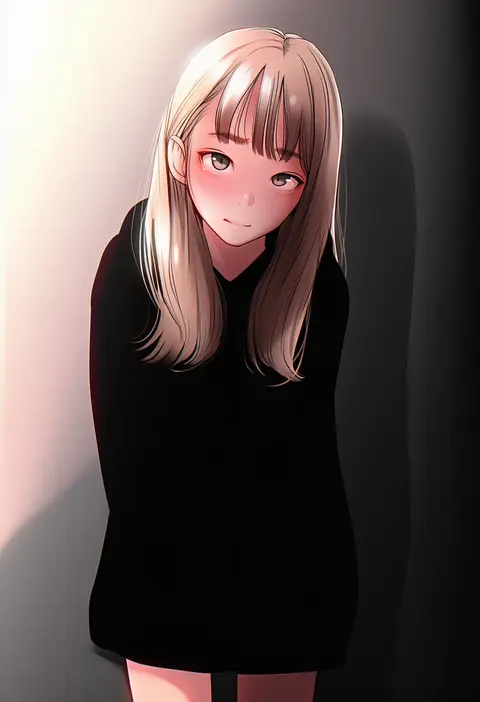
natsui tuna
ARTIST0x1644
0
ashraely
ARTIST0x1645
0
holiday (pangjelly)
ARTIST0x1646
0
angelchama
ARTIST0x1647
0
bongnom
ARTIST0x1648
0
ryouka (suzuya)
ARTIST0x1649
0
nilitsu
ARTIST0x164A
0
yan (nicknikg)
ARTIST0x164B
0
morii shizuki
ARTIST0x164C
0
sasai saji
ARTIST0x164D
0
hiroki ree
ARTIST0x164E
0
mikel (4hands)
ARTIST0x164F
0
surippa1010
ARTIST0x1650
0
sekiyu (spartan)
ARTIST0x1651
0
arato asato
ARTIST0x1652
0
shisshou senkoku
ARTIST0x1653
0
mrkg (arsfatuus)
ARTIST0x1654
0
tutinako
ARTIST0x1655
0
aonori misuji
ARTIST0x1656
0
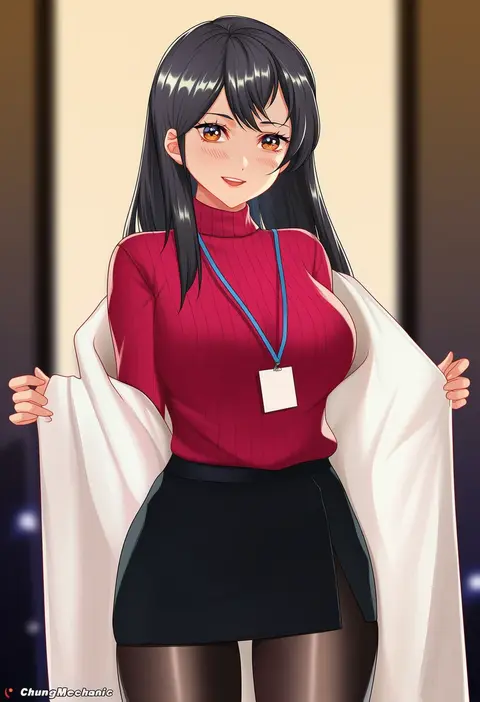
chungmechanic
ARTIST0x1657
0
nakaga eri
ARTIST0x1658
0
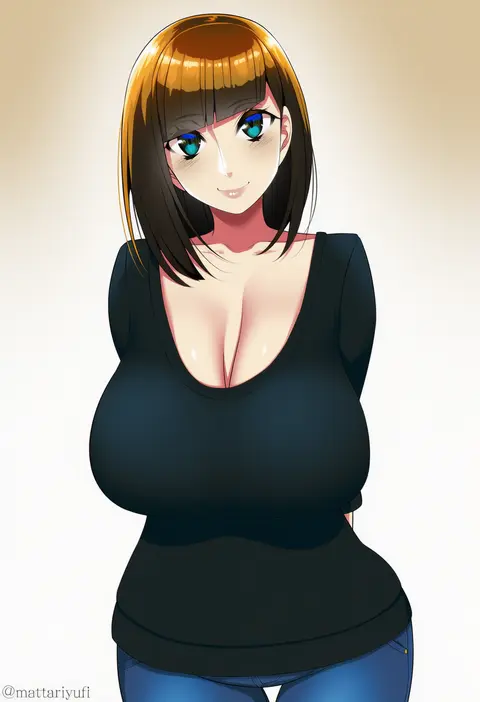
mattari yufi
ARTIST0x1659
0
v-mag
ARTIST0x165A
0
shone
ARTIST0x165B
0
doyouwantto
ARTIST0x165C
0
matilda fiship
ARTIST0x165D
0
tokunou shoutarou
ARTIST0x165E
0
masanaga (tsukasa)
ARTIST0x165F
0
kokuzou
ARTIST0x1660
0
airisubaka
ARTIST0x1661
0
boppin
ARTIST0x1662
0
aki663
ARTIST0x1663
0
viola (seed)
ARTIST0x1664
0
truejekart
ARTIST0x1665
0
najimi shin
ARTIST0x1666
0
z.m. (zimin)
ARTIST0x1667
0
neyuki rei
ARTIST0x1668
0
haerge
ARTIST0x1669
0
cafenami
ARTIST0x166A
0
toma (asagayatei)
ARTIST0x166B
0
penguintake
ARTIST0x166C
0
enoki p
ARTIST0x166D
0
kaguya (srx61800)
ARTIST0x166E
0
mirage (rairudiseu)
ARTIST0x166F
0
hashiguchi takashi
ARTIST0x1670
0
kuronyan
ARTIST0x1671
0
taiki (6240taiki)
ARTIST0x1672
0
sookmo
ARTIST0x1673
0
bell (oppore coppore)
ARTIST0x1674
0
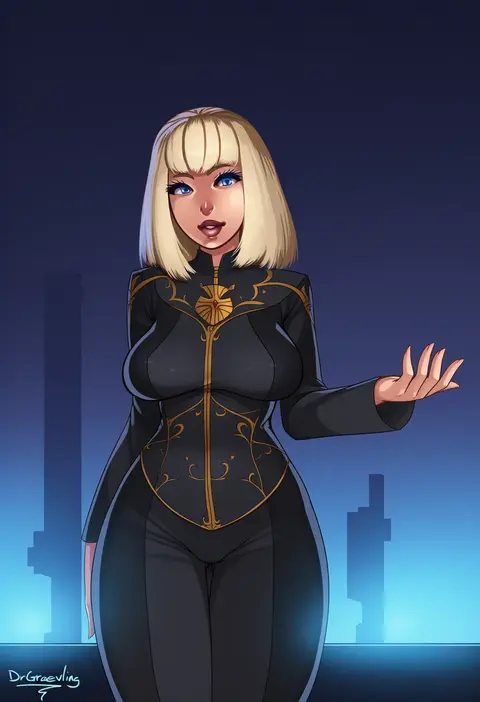
dr graevling
ARTIST0x1675
0
schreibe shura
ARTIST0x1676
0
natsuki (ukiwakudasai)
ARTIST0x1677
0
baketsuya
ARTIST0x1678
0
hk (hk)
ARTIST0x1679
0
axe r18
ARTIST0x167A
0
kein hasegawa
ARTIST0x167B
0
aki (sangetusei)
ARTIST0x167C
0
takahashi (k2ta7)
ARTIST0x167D
0
yamano (yamanoh)
ARTIST0x167E
0
guree (haiiro)
ARTIST0x167F
0

What these tags change

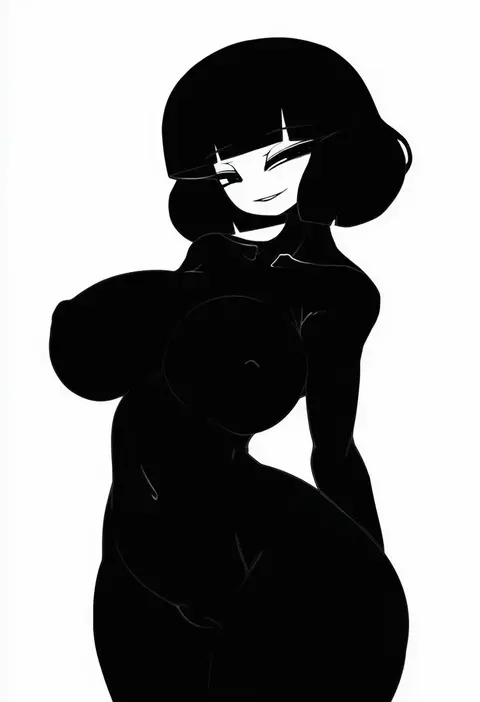
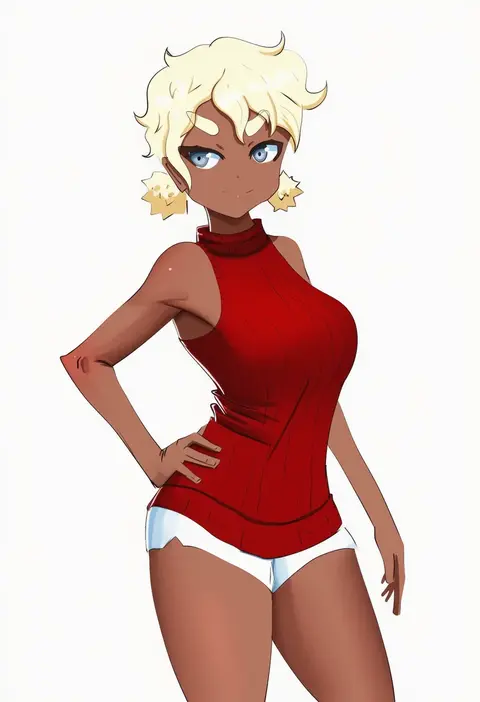
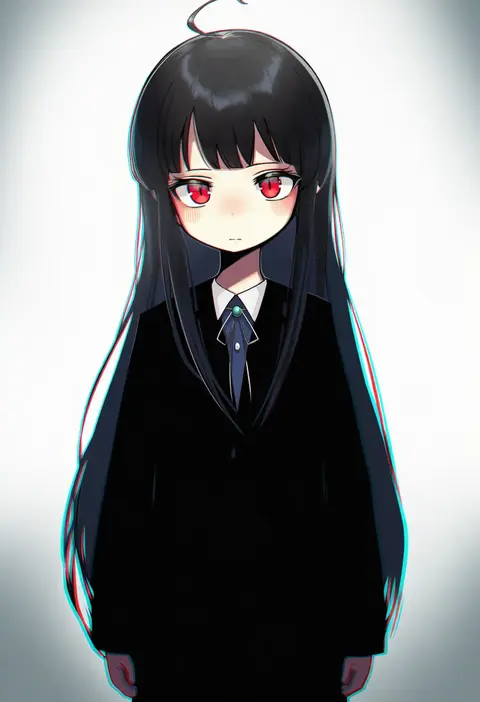
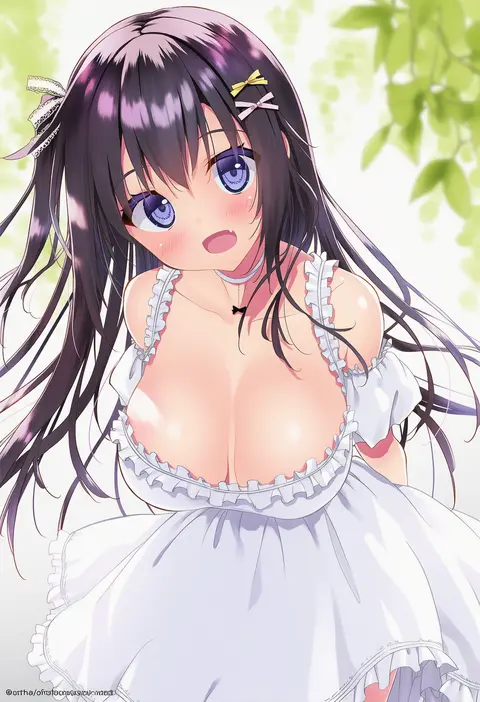
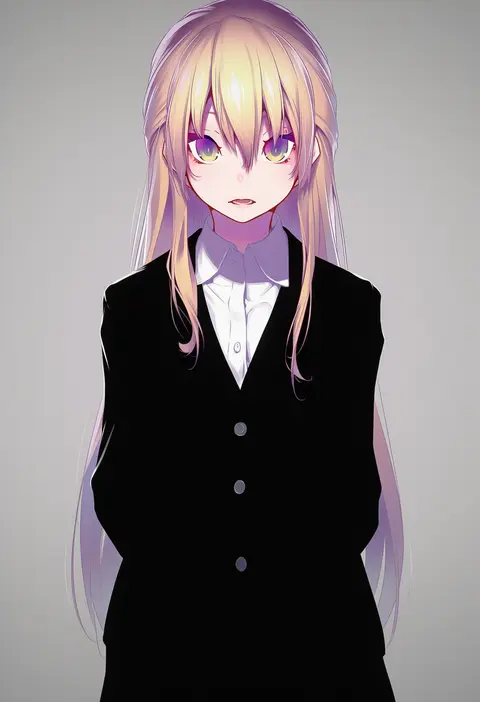
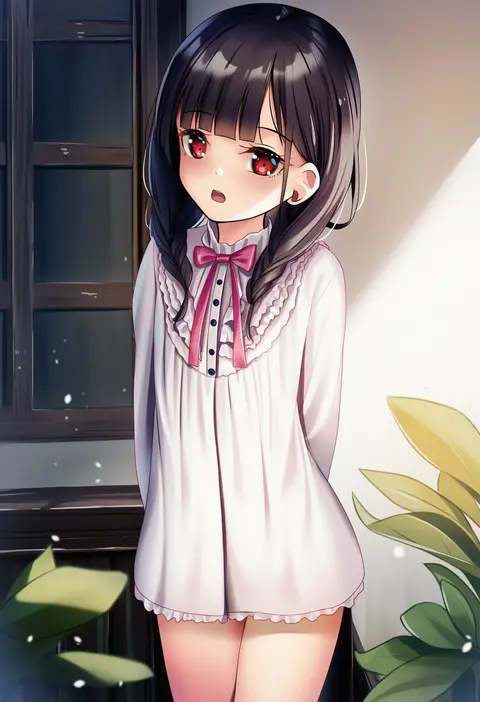
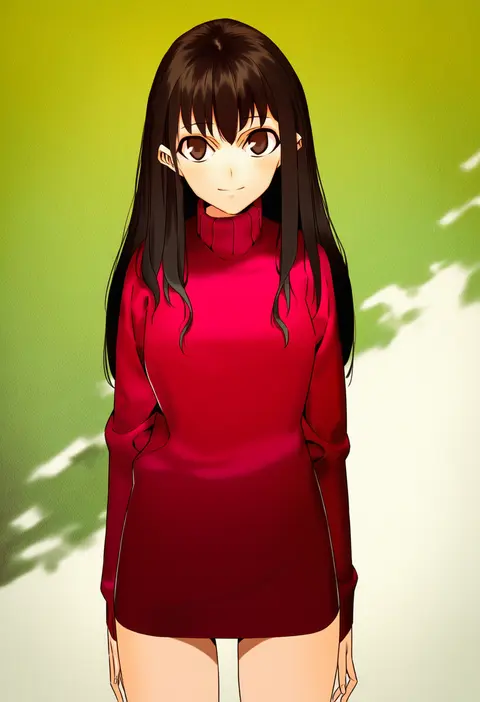
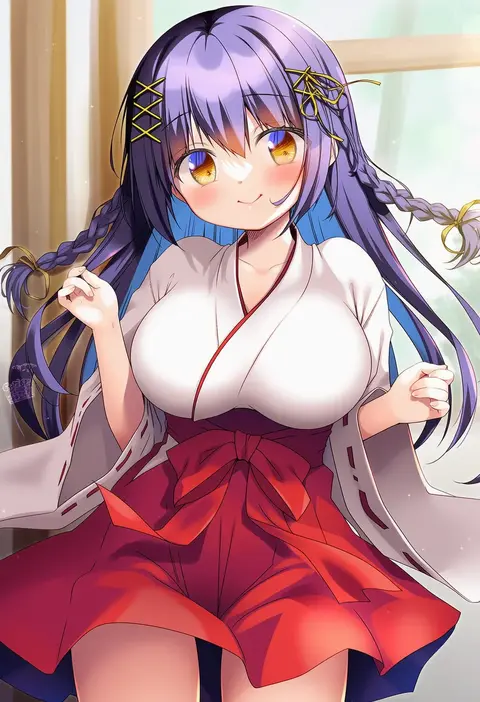
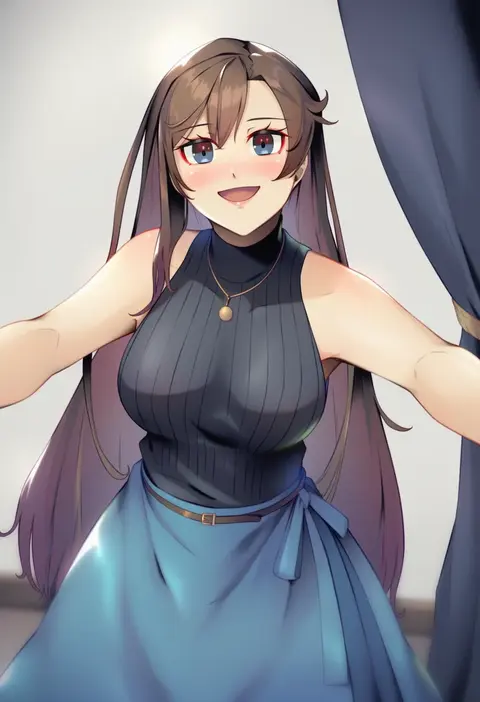
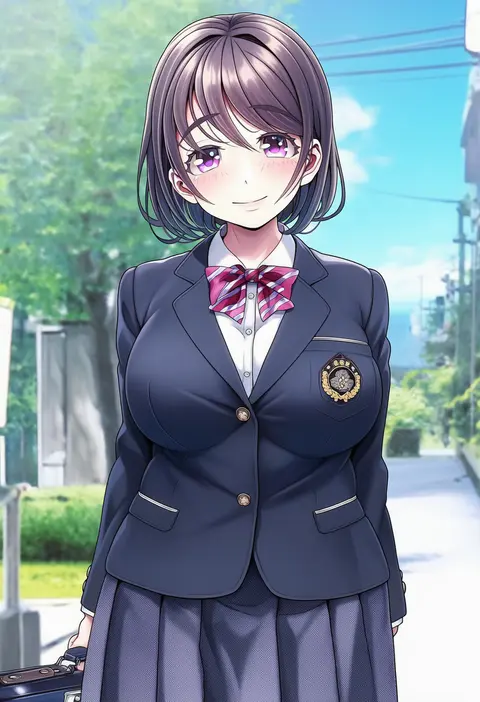
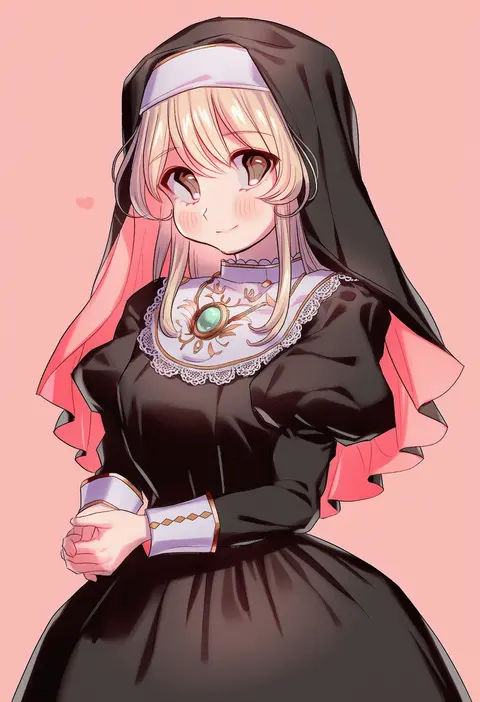
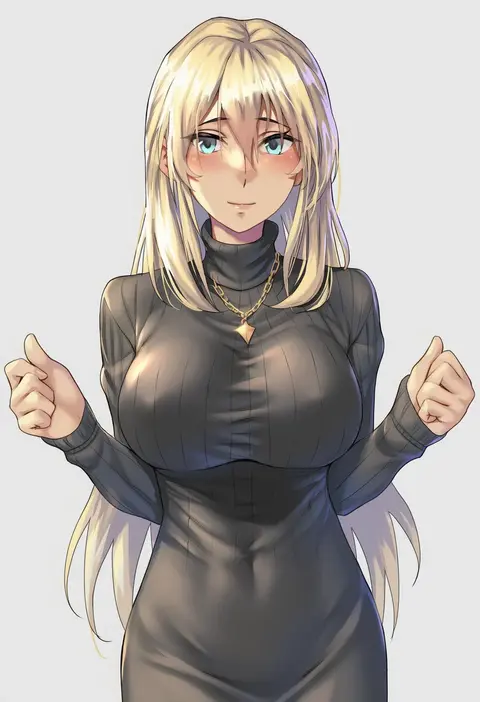
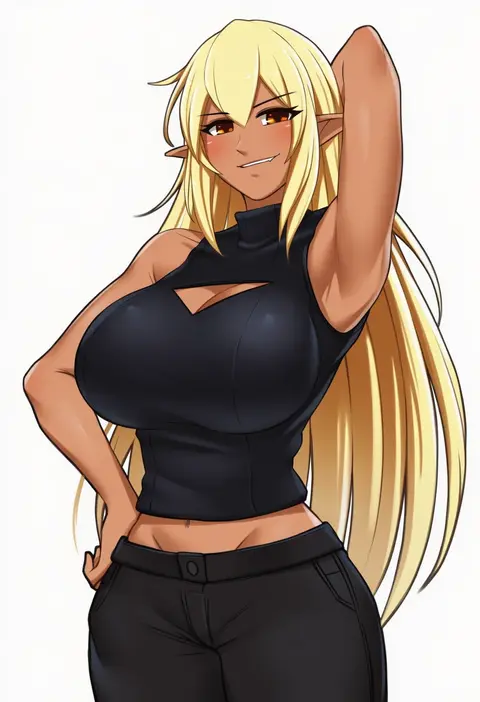
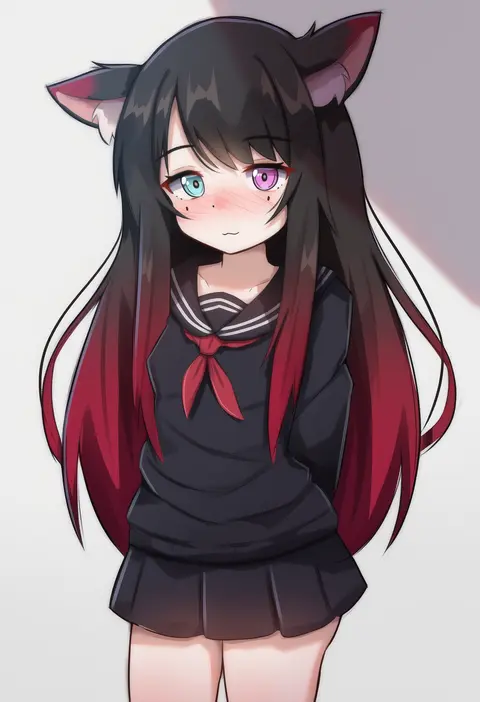
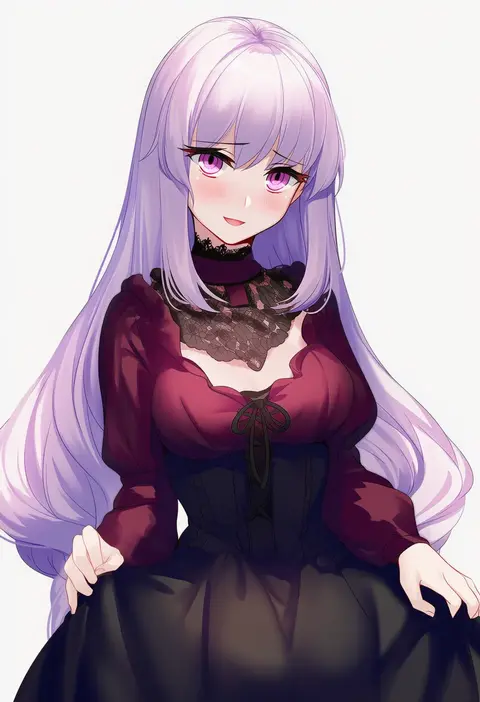
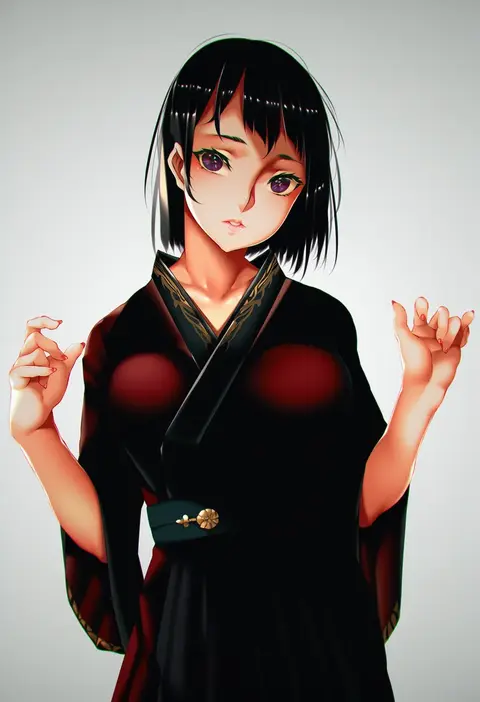
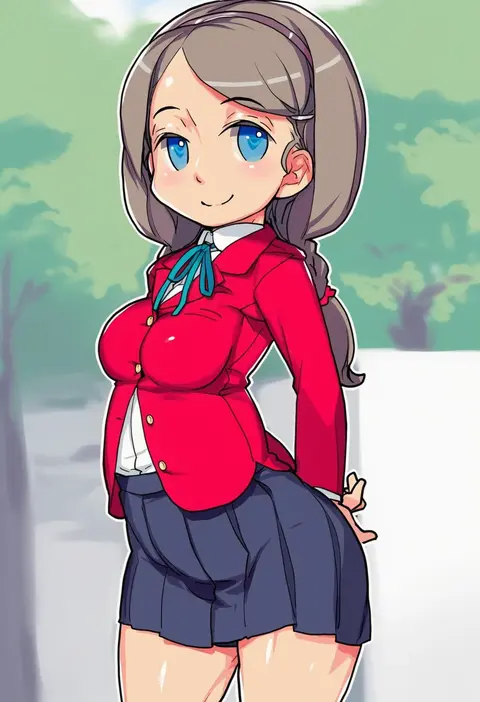
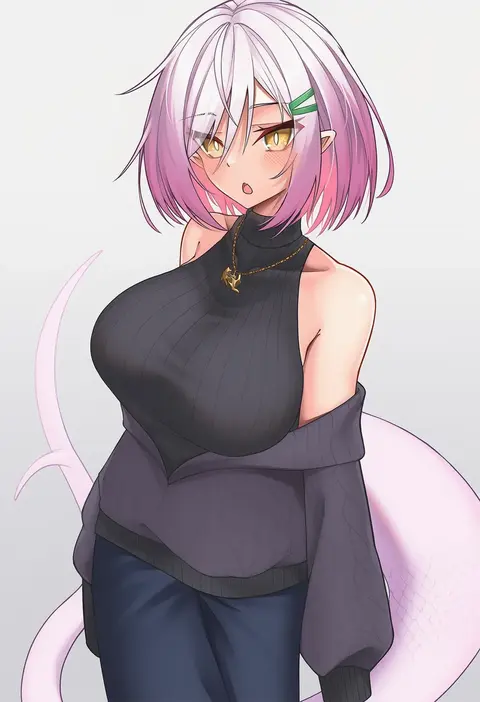
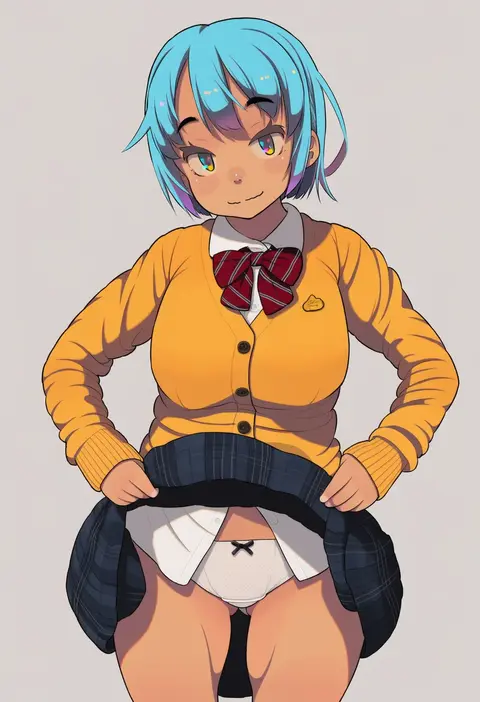
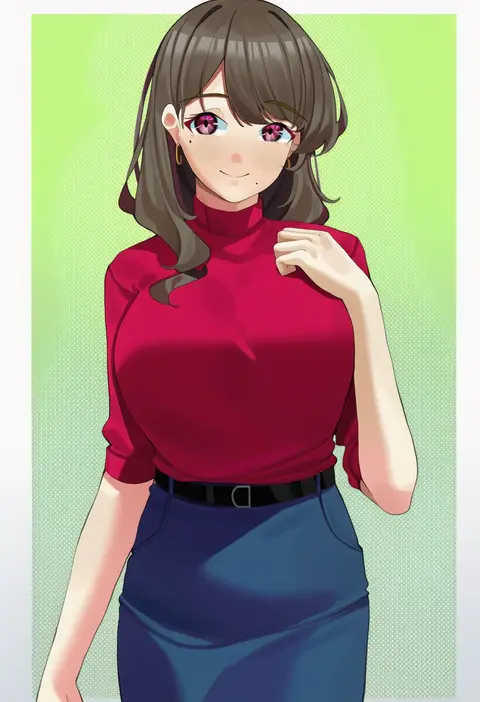
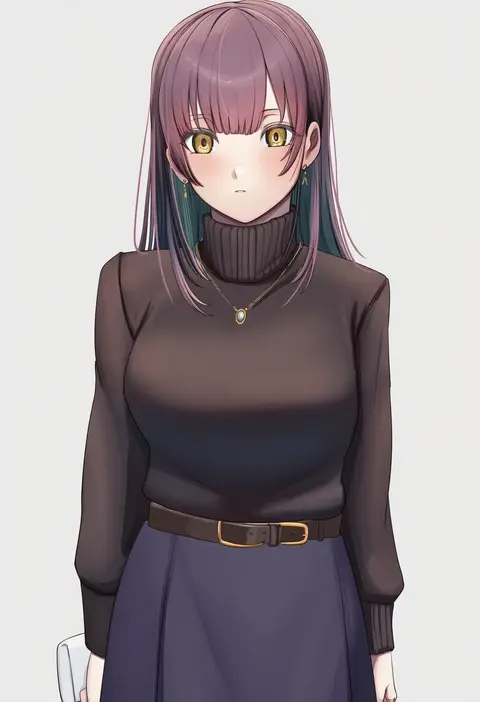
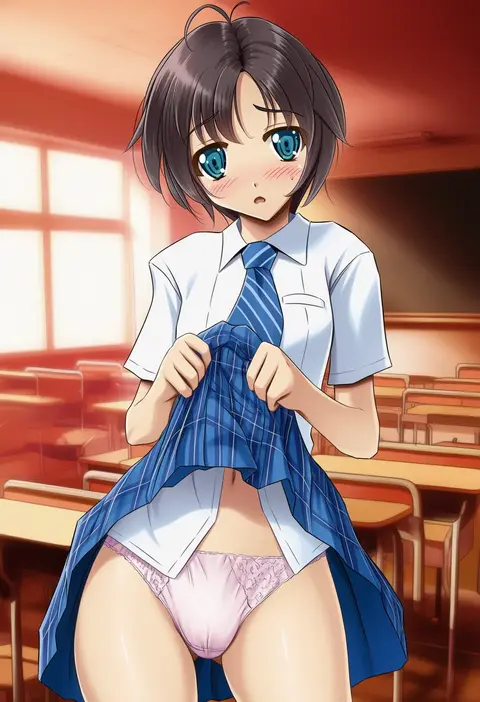
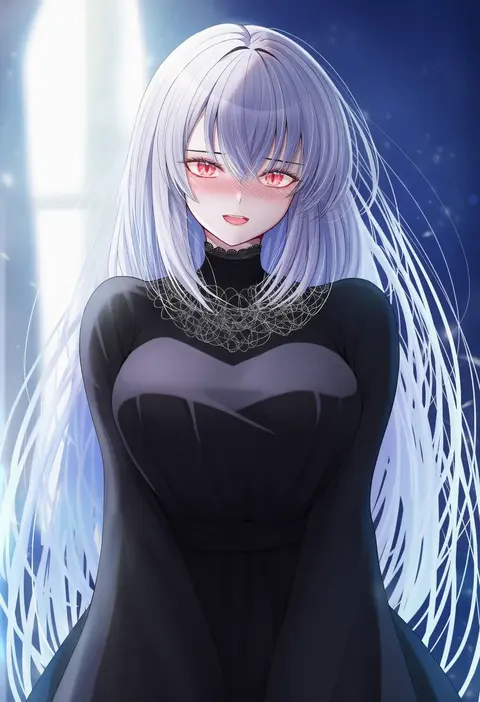
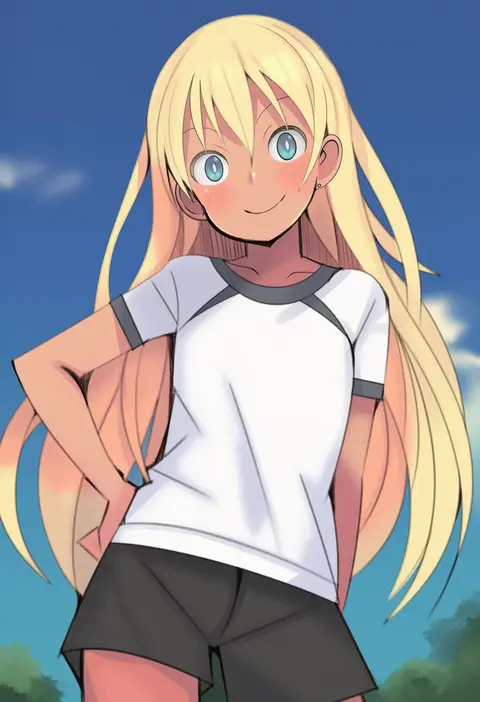
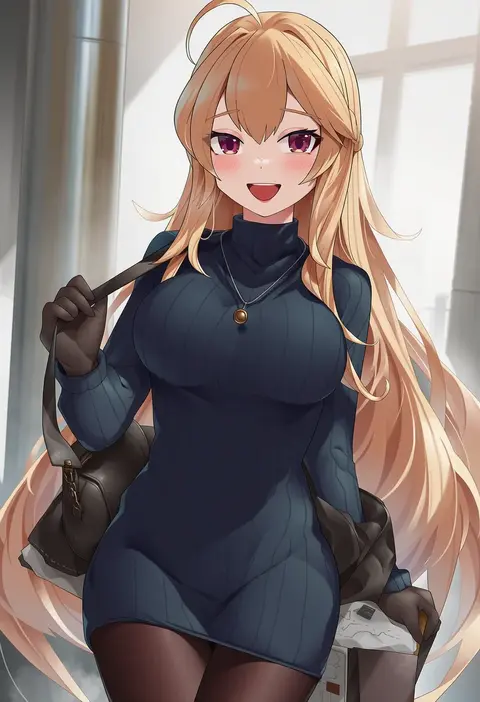
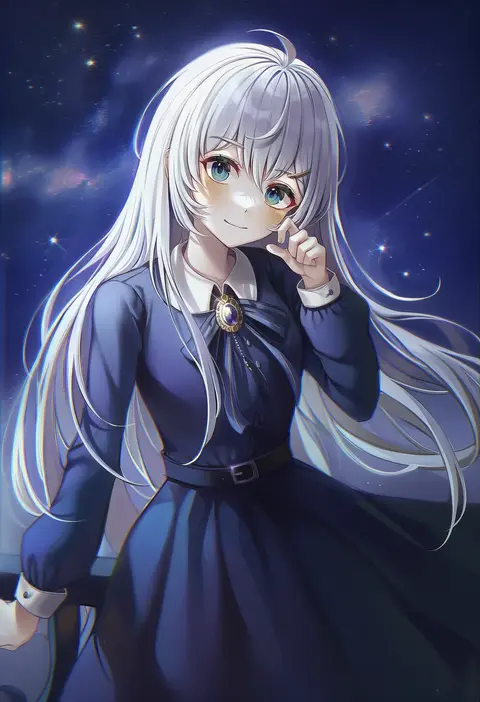
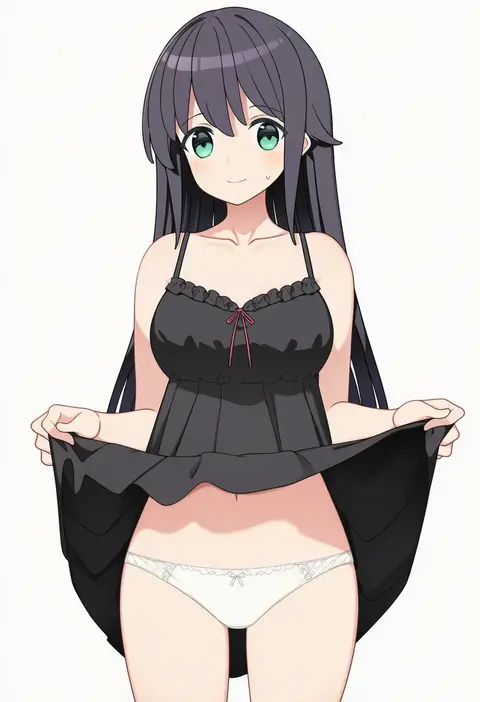
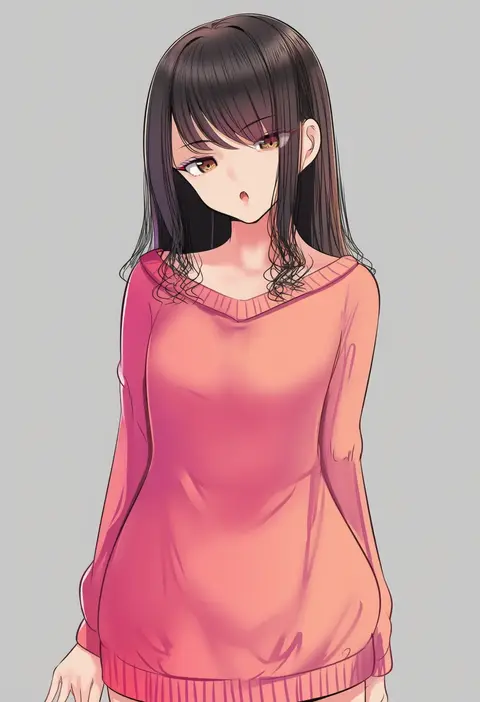
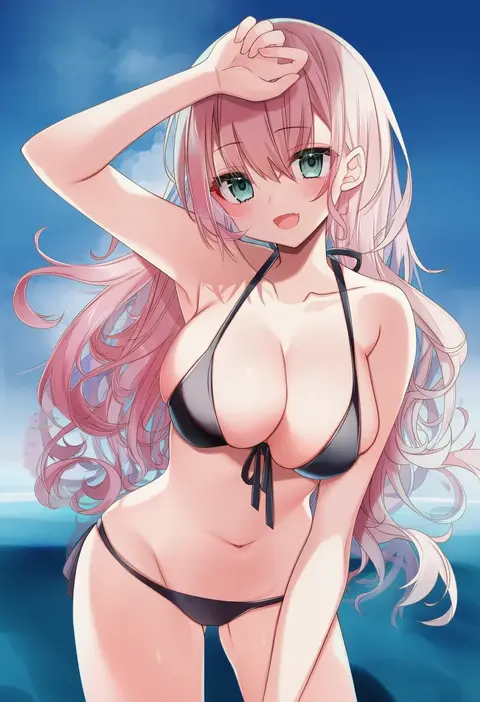
Artist tags tell NovelAI Diffusion to draw in a specific artist's style: line weight, paint texture, face shapes and palette all shift at once. Character and outfit tags decide what is drawn; artist tags decide how. 16,352 tags are listed for V4.5.
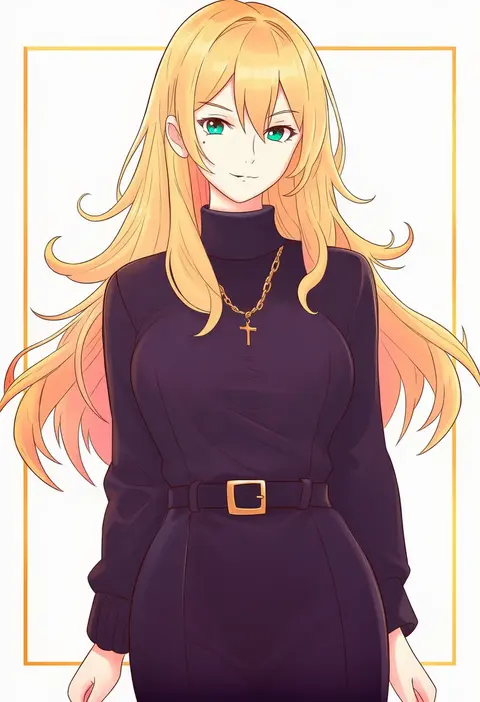
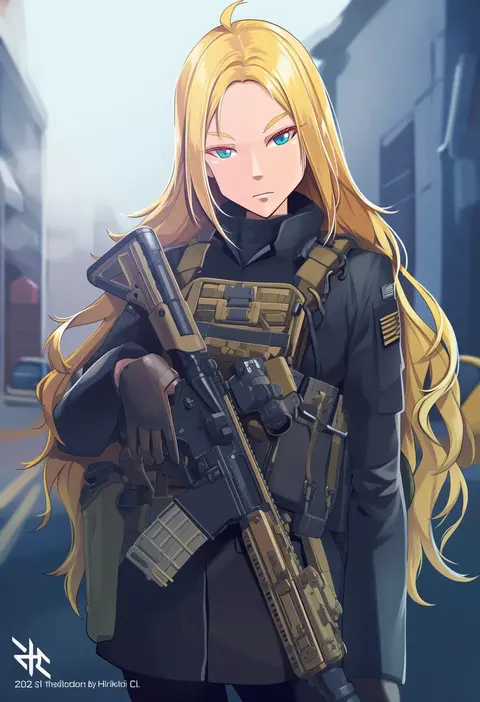
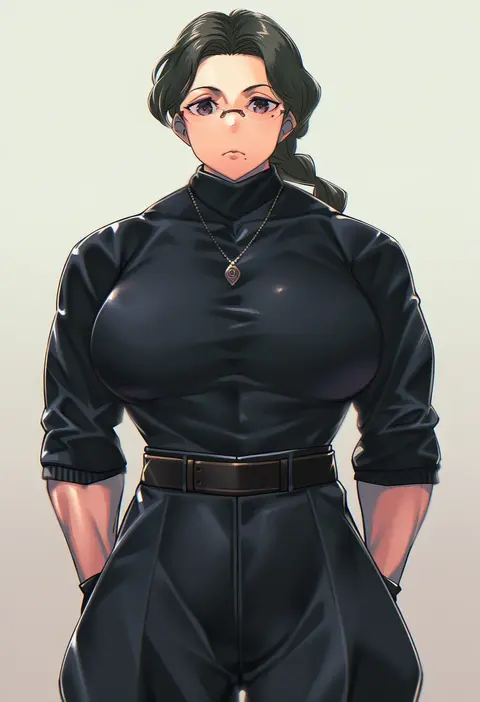
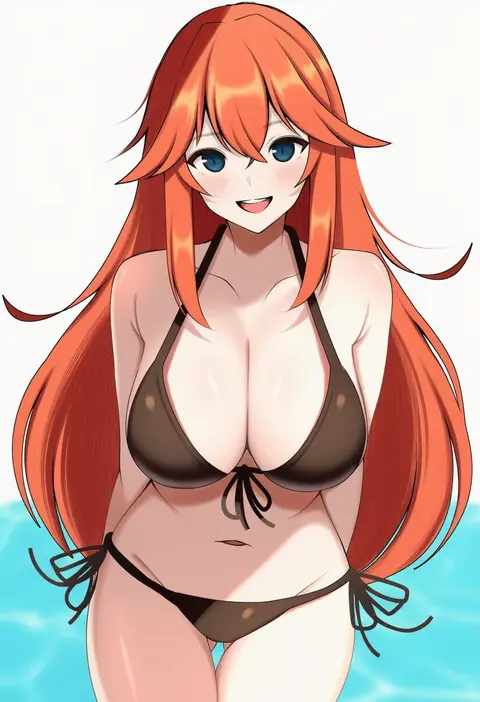
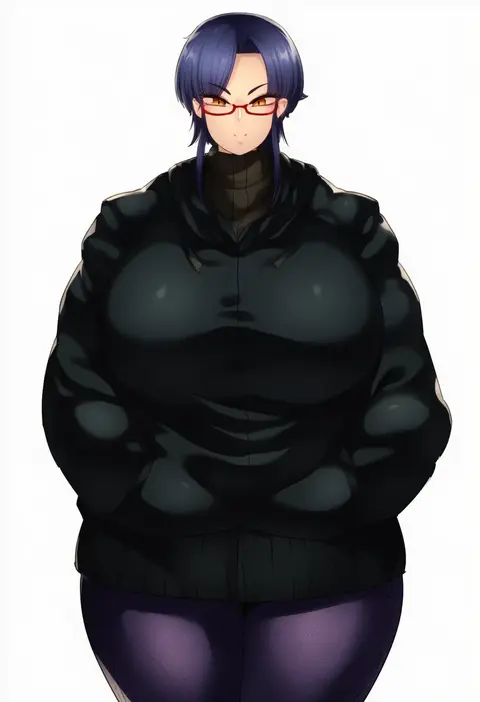
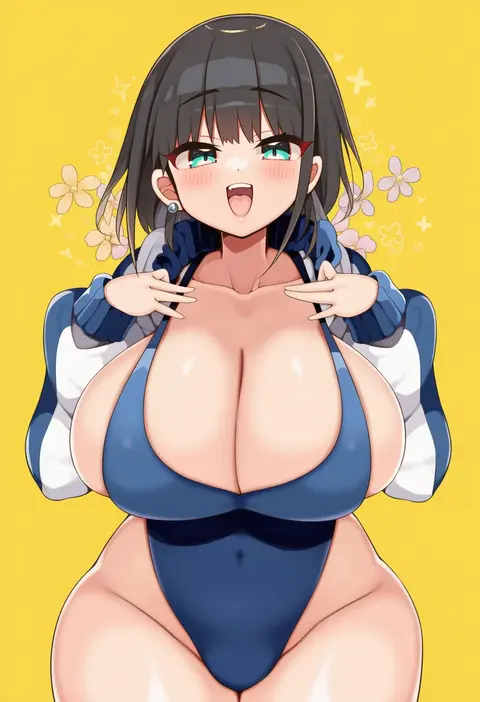
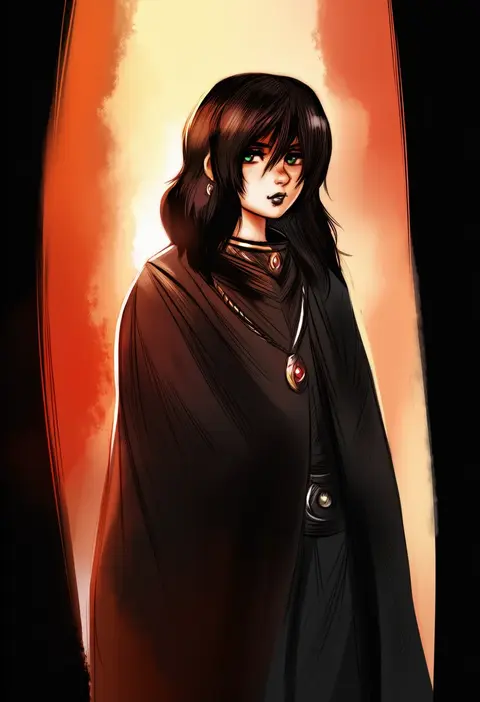
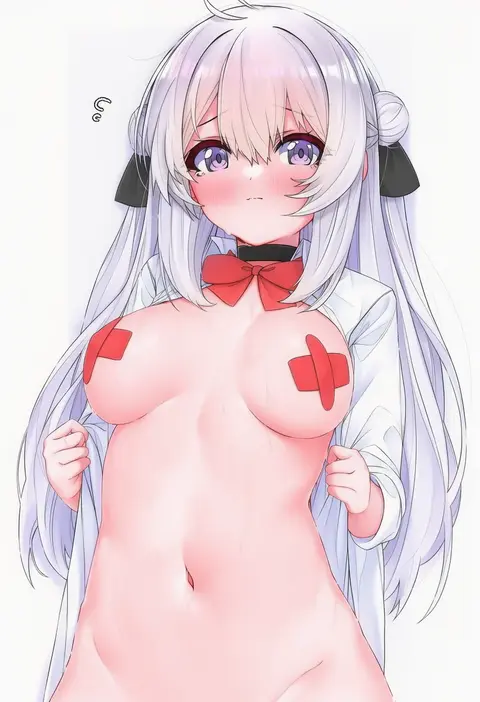
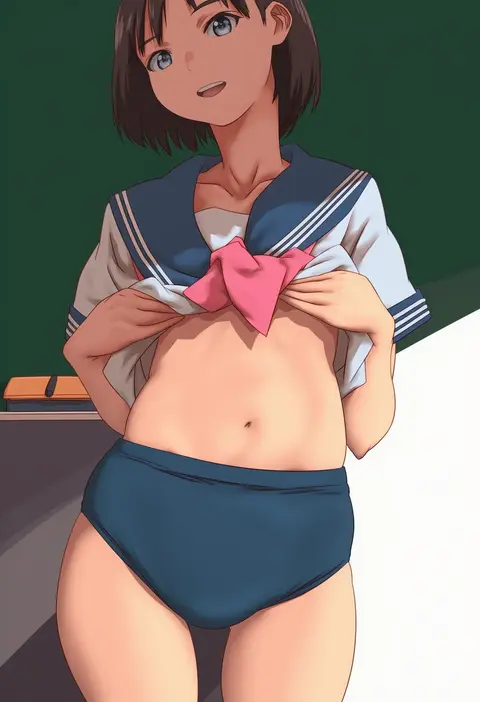
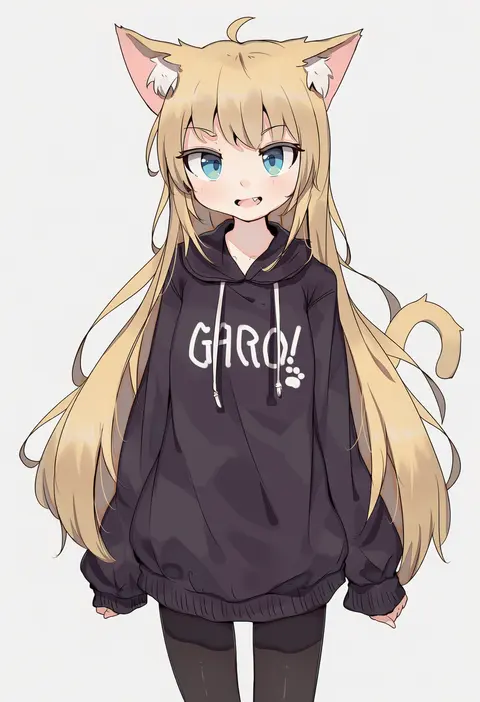
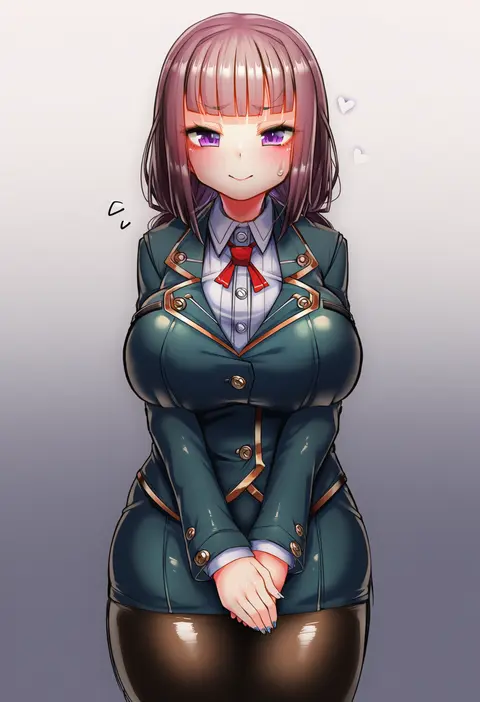
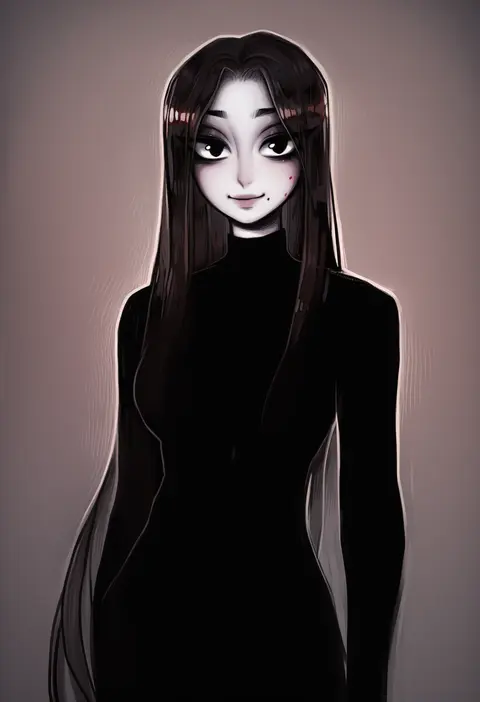
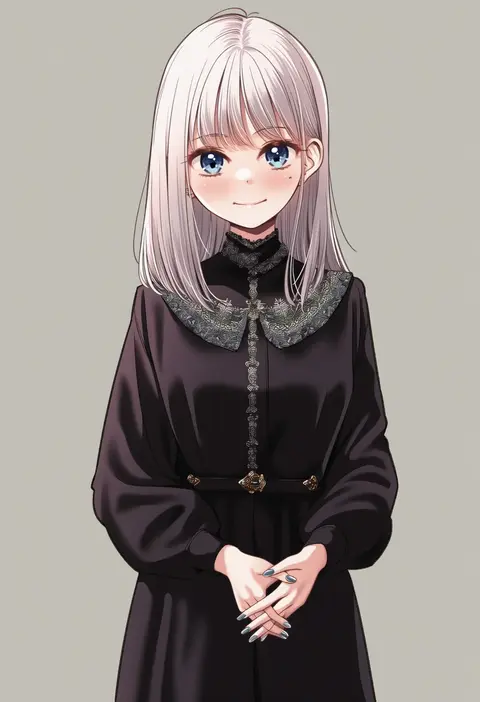
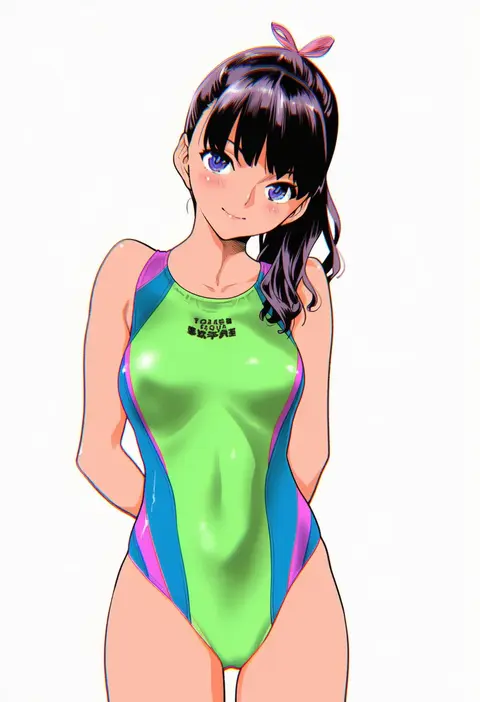
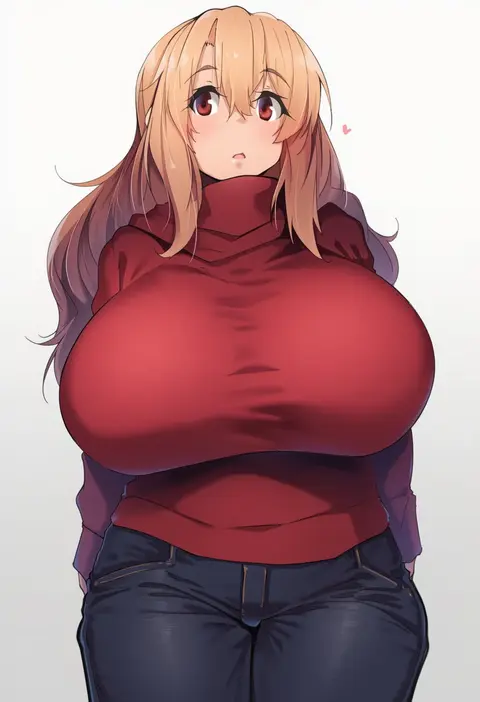
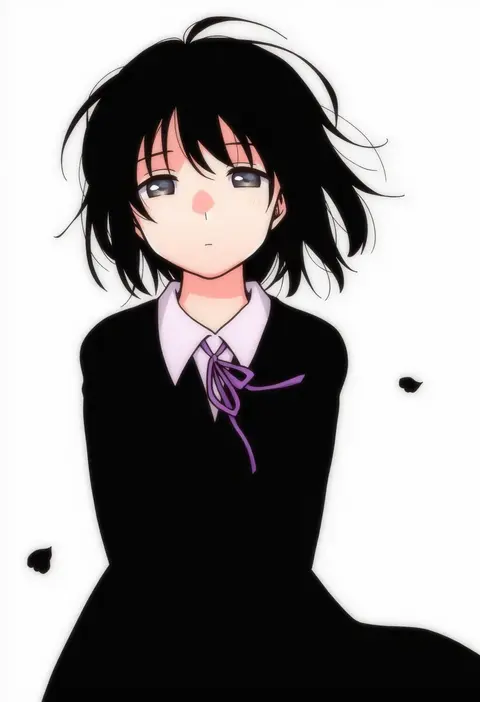
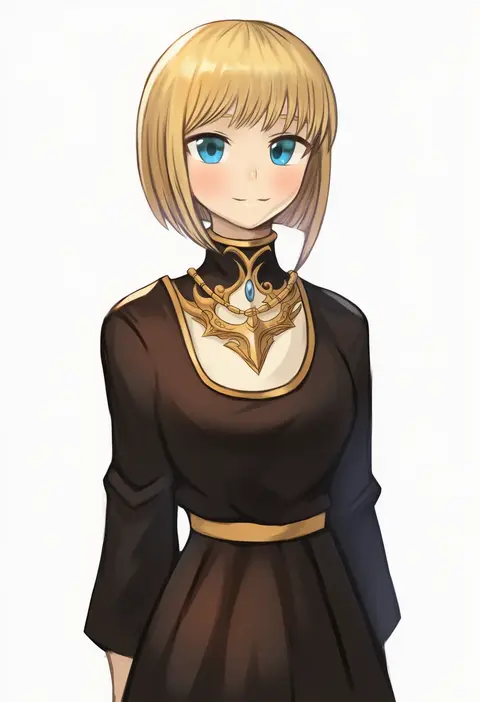
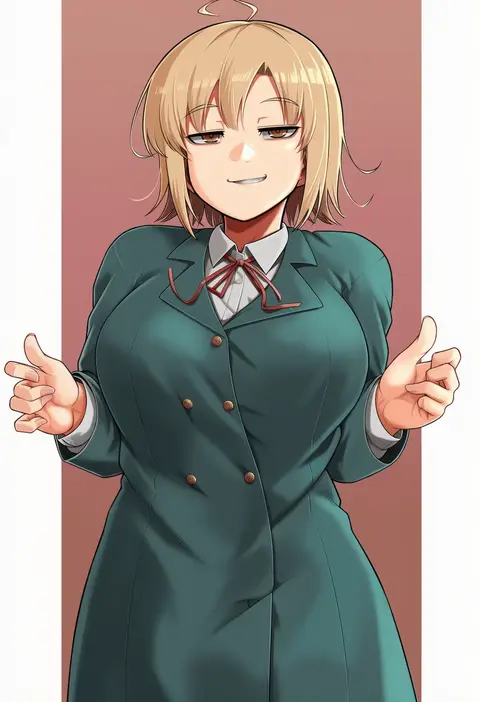
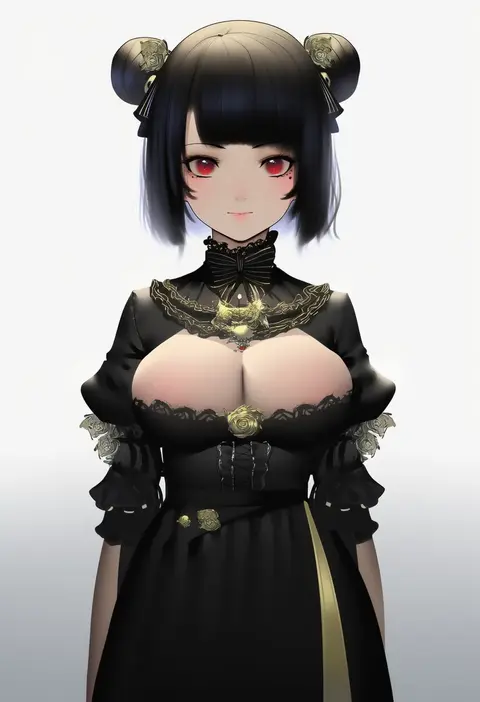
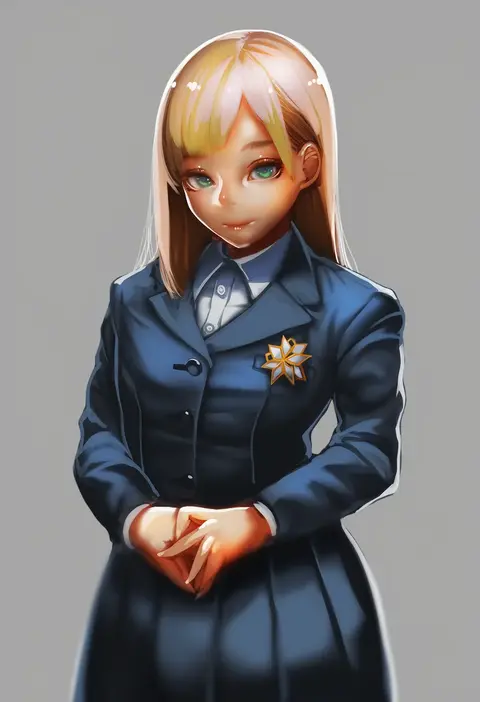
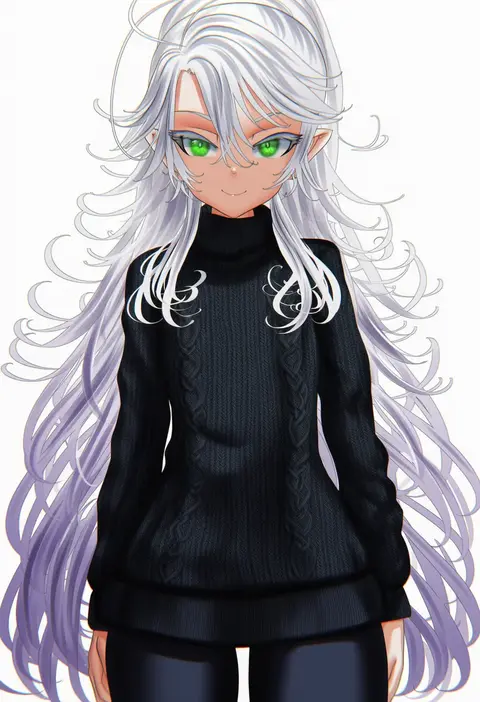
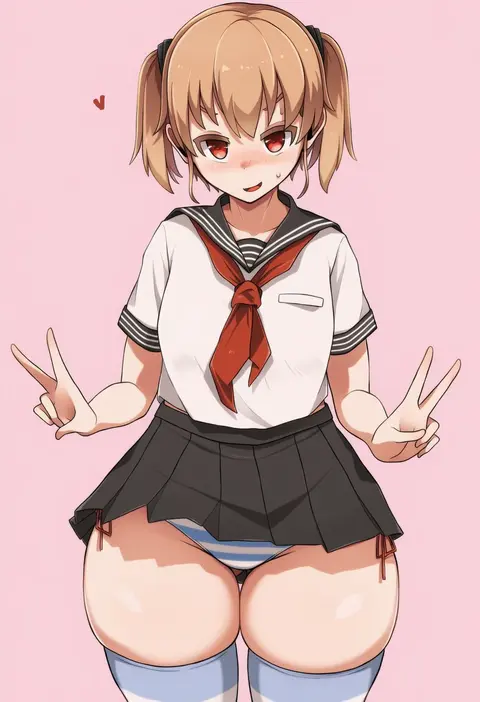
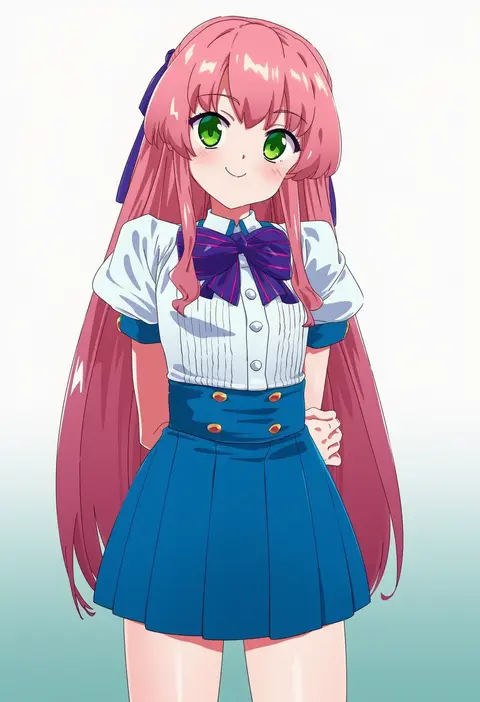
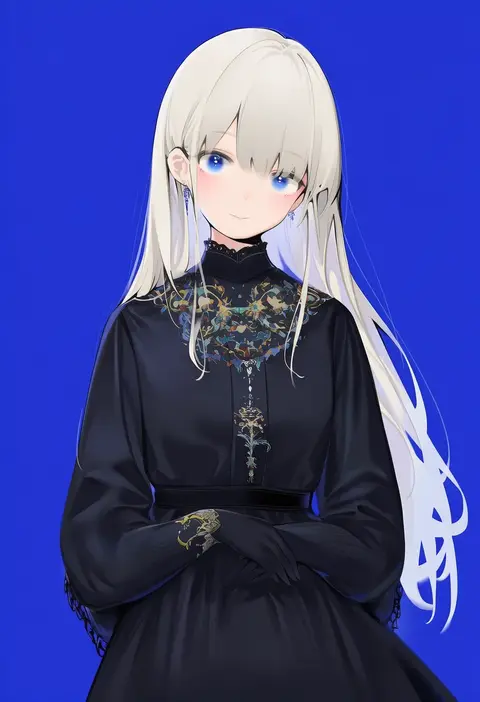
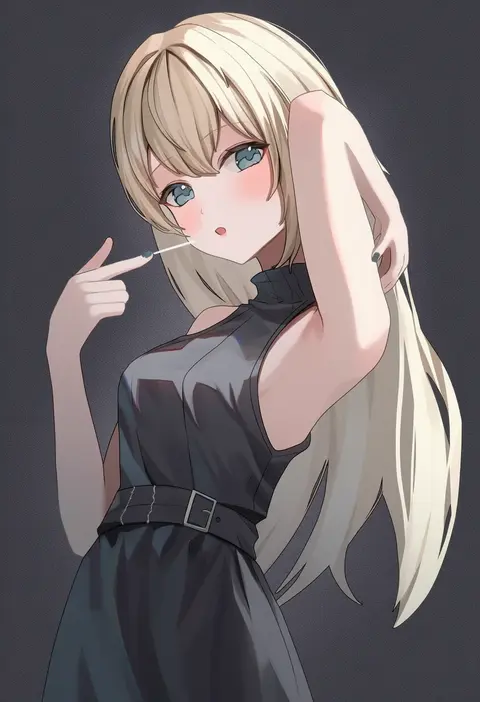
Every tag listed here is verified to react in NovelAI. All images use the same prompt, seed and settings with only the artist tag swapped, so the difference between two images is the style that tag brings in.

How to use them

Put the artist tag near the front of the prompt, e.g. "<artist>, 1girl, solo, best quality, masterpiece, cowboy shot". Two or three artist tags blend styles; lower the weight with "0.8::<artist>::" when the style overpowers the character.

SCORE sorts by Danbooru's top score, POSTS by post count, FAVS by hearts on this site. Open a card to see V5 and V4.5 side by side on the same seed.

V5 vs V4.5

V5 usually lands closer to the artist's real style, and tags that did nothing on V4.5 often react on V5. V4.5 still fits older and doujin-heavy artists better. Try V5 first, fall back to V4.5.

FAQ

Where does the artist tag go?
Near the front of the prompt. Use "0.8::tag::" to adjust its weight.

Can I stack artist tags?
Yes, styles blend. Past two or three the result stops looking like anyone.

Are these the artists' own works?
No. Every image is a NovelAI sample generated from the tag.