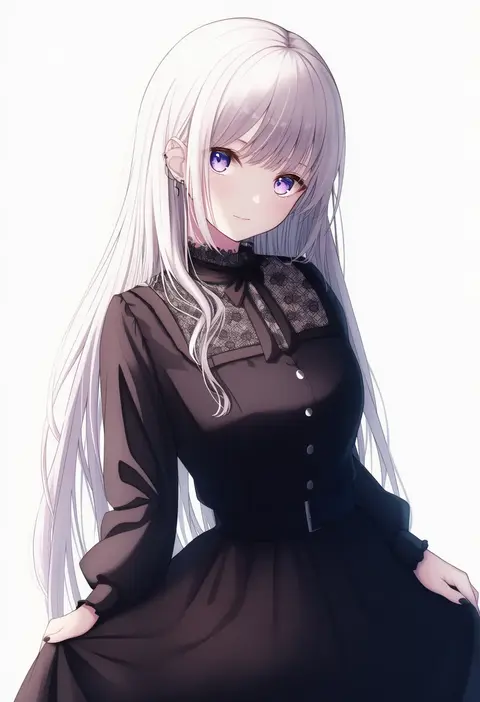
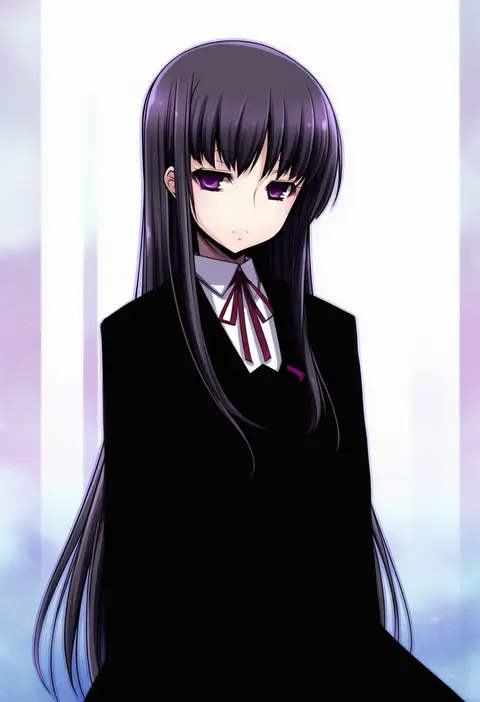
V4.5Artists
sort: FAVS▾
▾
>
$

NovelAI Artist Tags List — V4.5

artist --count 16,352[99/273]
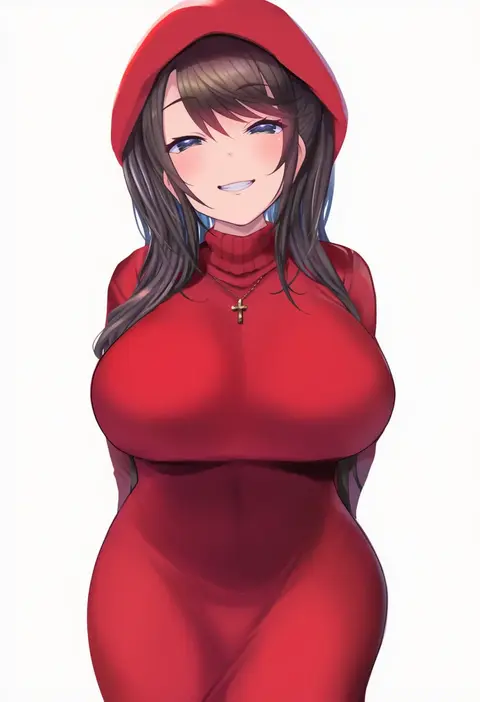
p answer
ARTIST0x16F8
0
ranran 3939
ARTIST0x16F9
0
skym (kumei)
ARTIST0x16FA
0
nyakkuru
ARTIST0x16FB
0
hika (cross-angel)
ARTIST0x16FC
0
takashima shoa
ARTIST0x16FD
0
natsu no koucha
ARTIST0x16FE
0
ikazu401
ARTIST0x16FF
0
takecha
ARTIST0x1700
0
kurono yuzuko
ARTIST0x1701
0
imagawa akira
ARTIST0x1702
0
ne an ito
ARTIST0x1703
0
omizu (omz)
ARTIST0x1704
0
unadare
ARTIST0x1705
0
eight tohyama
ARTIST0x1706
0
awe (adorableduckyy)
ARTIST0x1707
0
suzuki24
ARTIST0x1708
0
miel (lessontome)
ARTIST0x1709
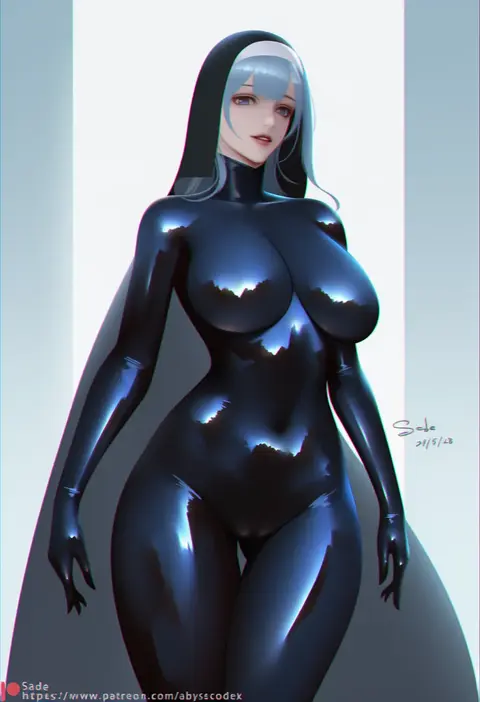
0
sade abyss
ARTIST0x170A
0
akitaka akita
ARTIST0x170B
0
kurumi lm
ARTIST0x170C
0
kuro-kun (nablack)
ARTIST0x170D
0
shoeguy
ARTIST0x170E
0
liar lawyer
ARTIST0x170F
0
flat (joppin karu!)
ARTIST0x1710
0
junajuice
ARTIST0x1711
0
tanaka masayoshi
ARTIST0x1712
0
dokomon
ARTIST0x1713
0
6u (eternal land)
ARTIST0x1714
0
namonashi
ARTIST0x1715
0
hirunagi
ARTIST0x1716
0
branch (blackrabbits)
ARTIST0x1717
0
robo mikan
ARTIST0x1718
0
akino hamo
ARTIST0x1719
0
wamu (chartreuse)
ARTIST0x171A
0
kuri (kurigohan)
ARTIST0x171B
0
nekokyun
ARTIST0x171C
0
drunkoak
ARTIST0x171D
0
kubo tite
ARTIST0x171E
0
deca purio
ARTIST0x171F
0
yagi2013
ARTIST0x1720
0
aoto neko
ARTIST0x1721
0
pin.s
ARTIST0x1722
0
haruto (harut n)
ARTIST0x1723
0
migishita
ARTIST0x1724
0
supersatanson
ARTIST0x1725
0
ichikawa ryuunosuke
ARTIST0x1726
0
akkgsyk
ARTIST0x1727
0
kashimu
ARTIST0x1728
0
hifumi chiyoko
ARTIST0x1729
0
niku114514810
ARTIST0x172A
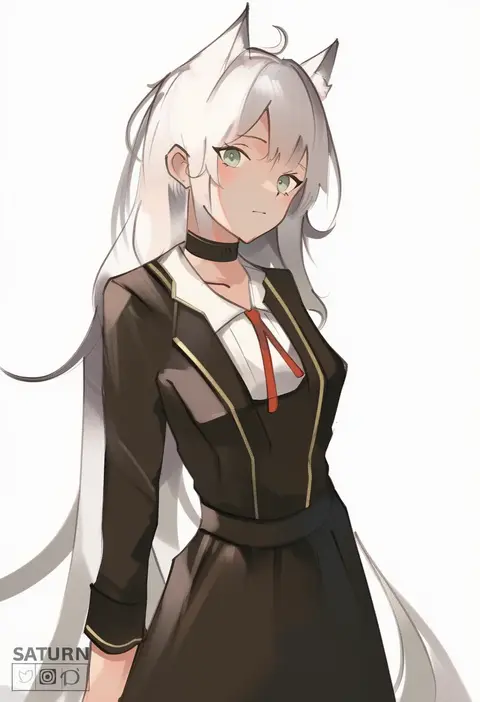
0
saturn (saturn illus)
ARTIST0x172B
0
sugac
ARTIST0x172C
0
yukie (kusaka shi)
ARTIST0x172D
0
sen (sansui)
ARTIST0x172E
0
fukuda shuushi
ARTIST0x172F
0
kereno
ARTIST0x1730
0
kousaku
ARTIST0x1731
0
sakuno (sksk sakuno)
ARTIST0x1732
0
shiwo
ARTIST0x1733
0

What these tags change

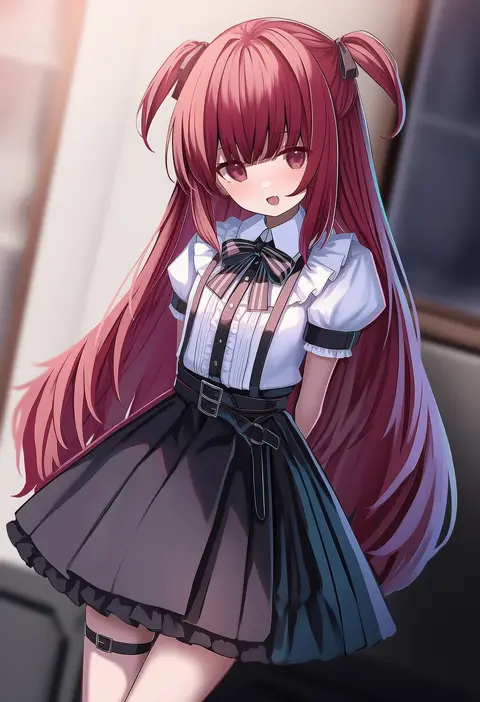
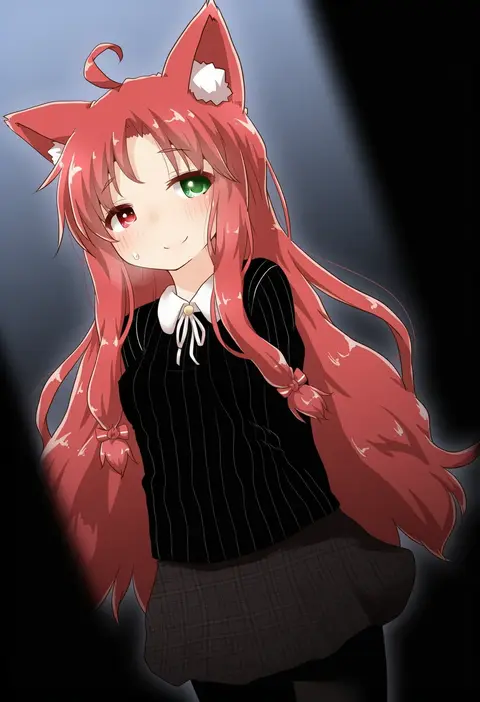
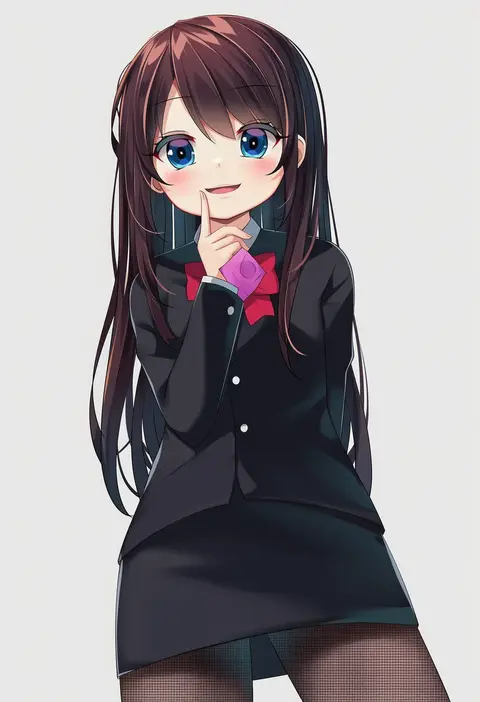
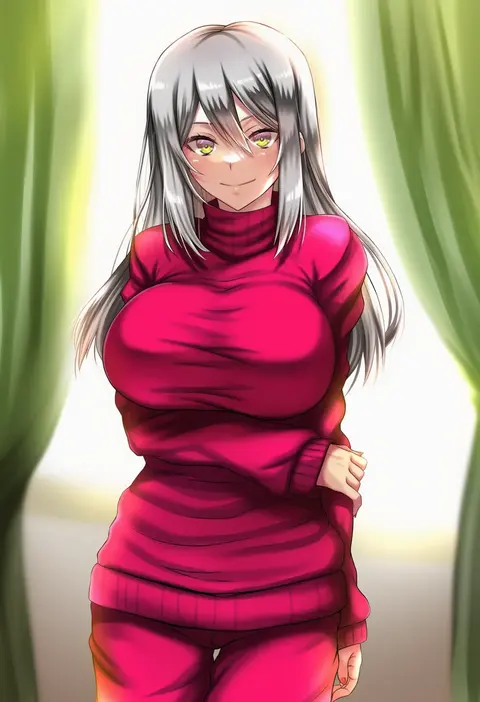
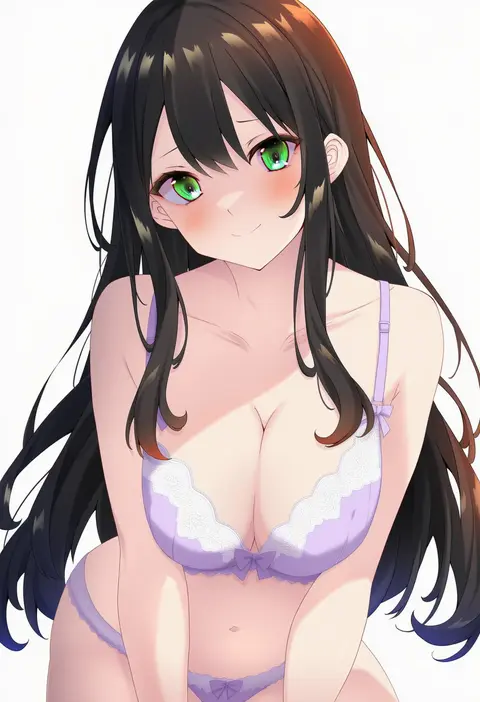
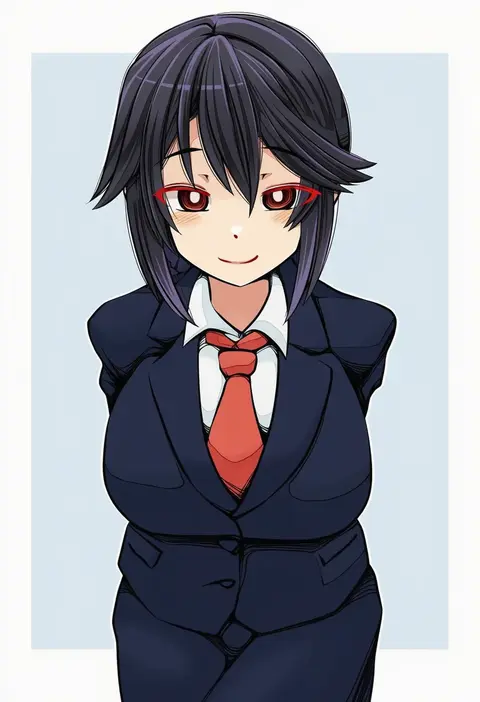
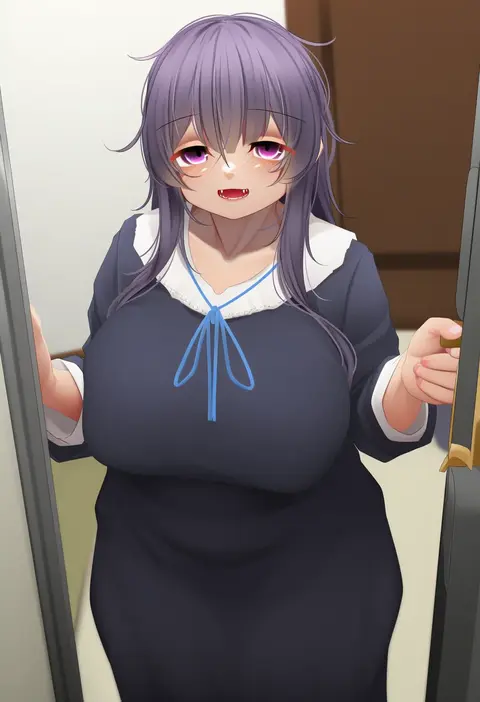
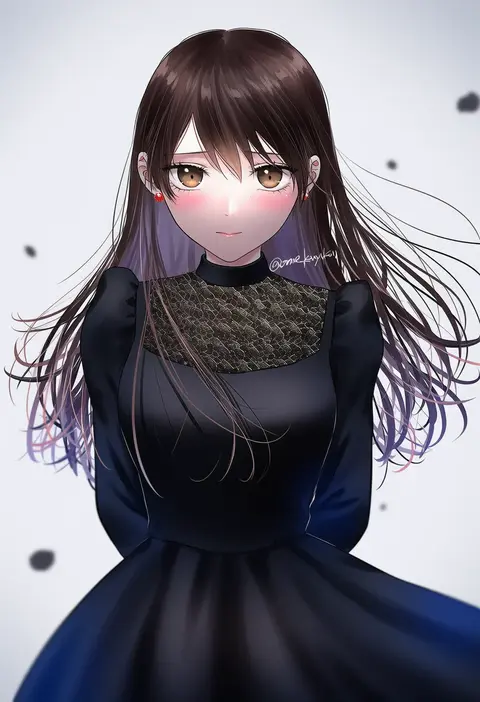
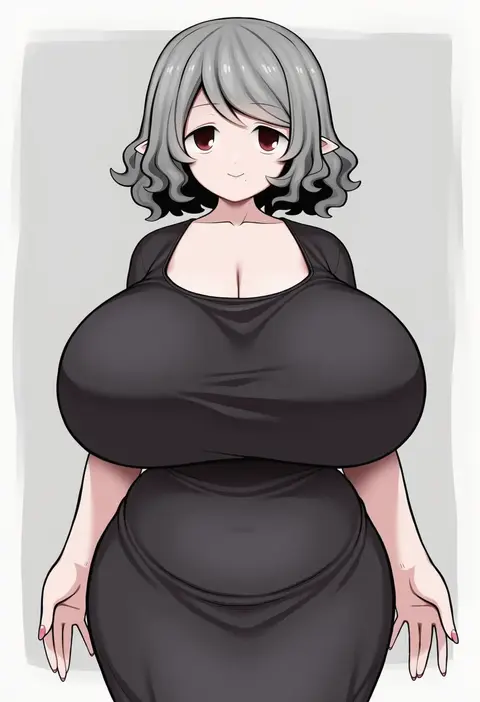
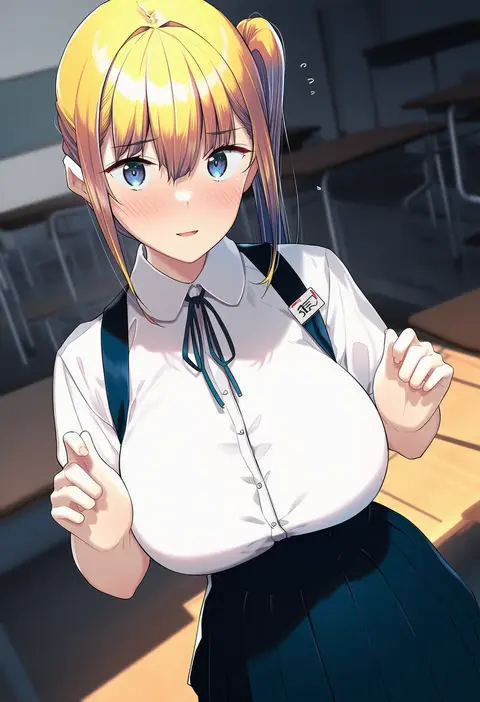
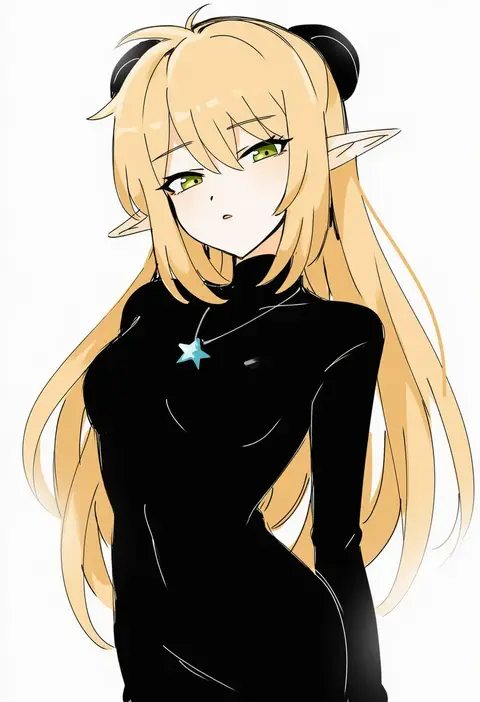
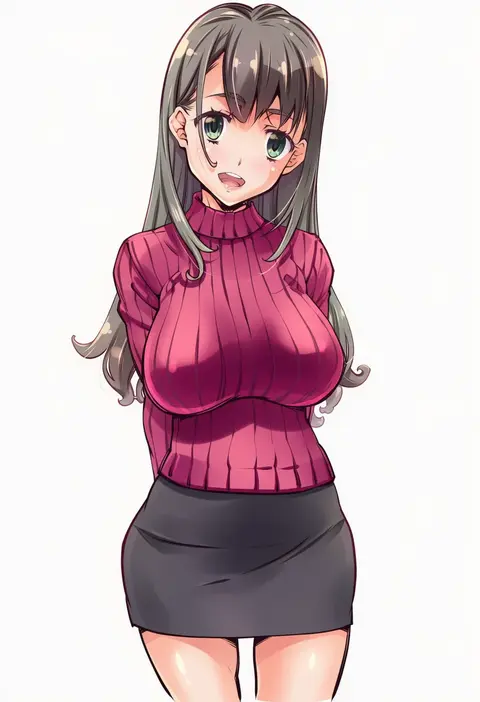
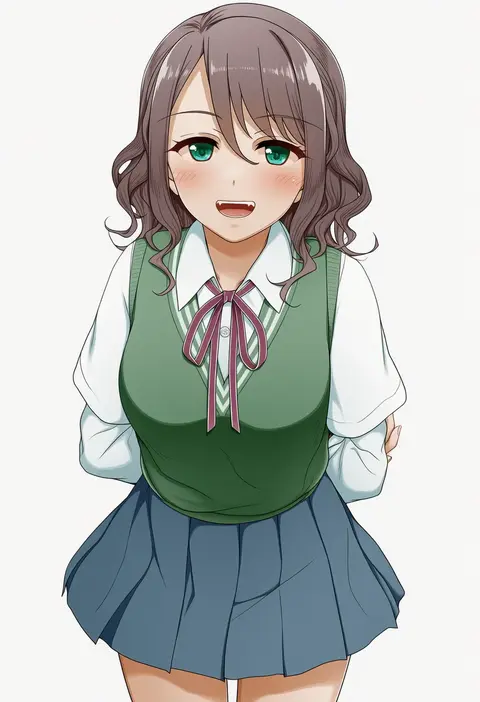
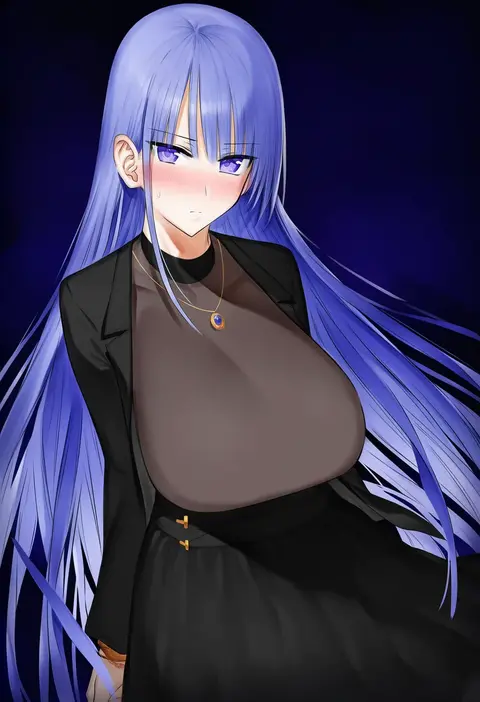
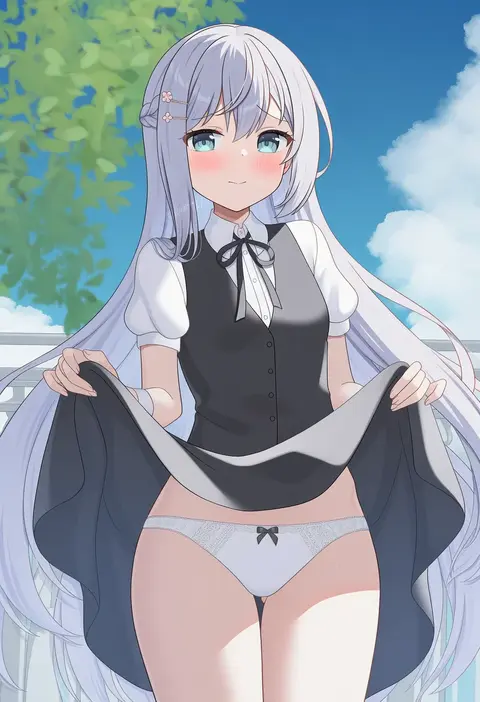
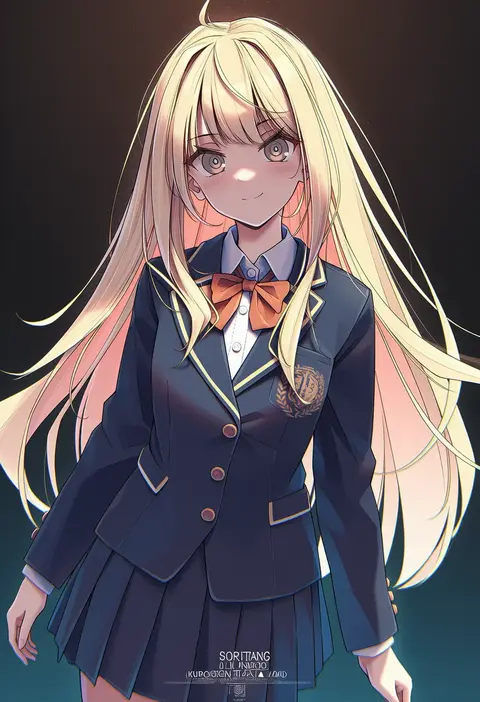
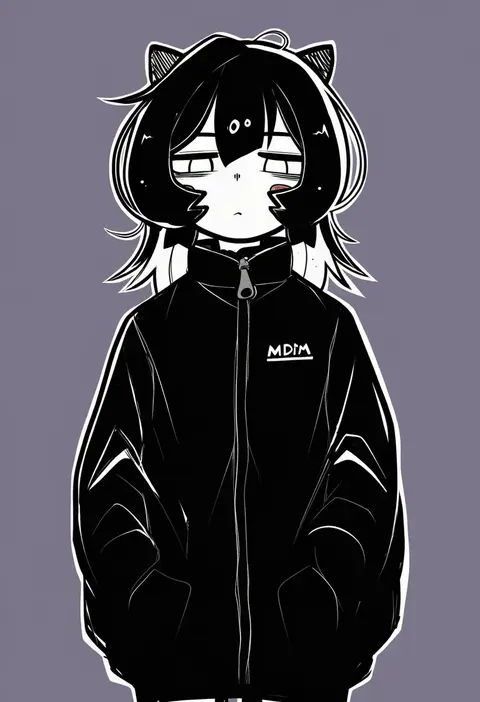
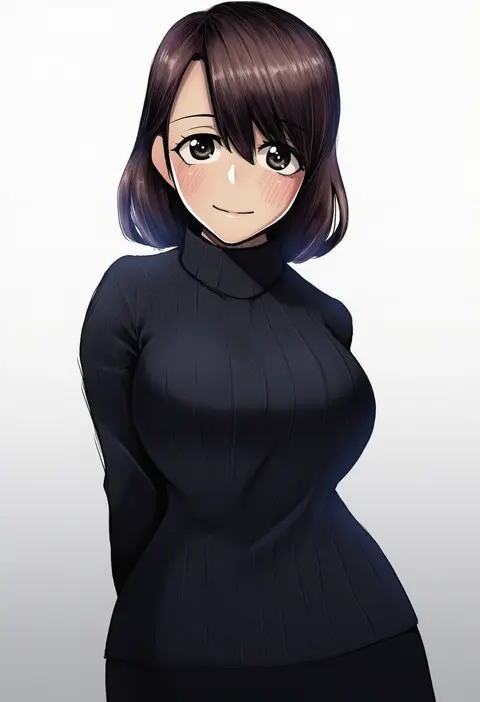
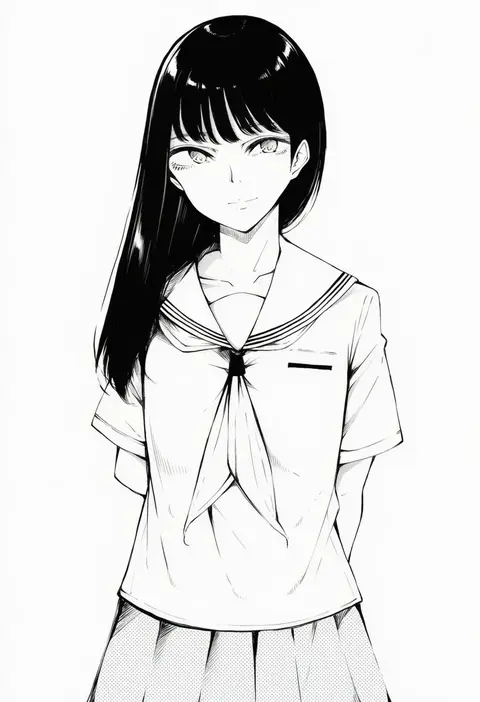
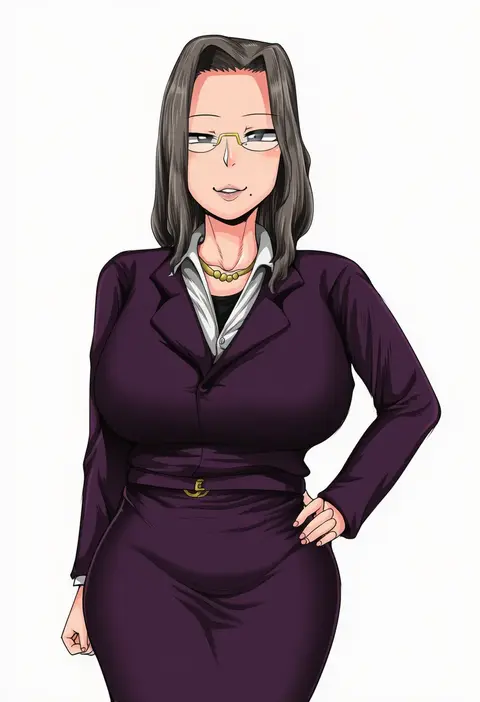
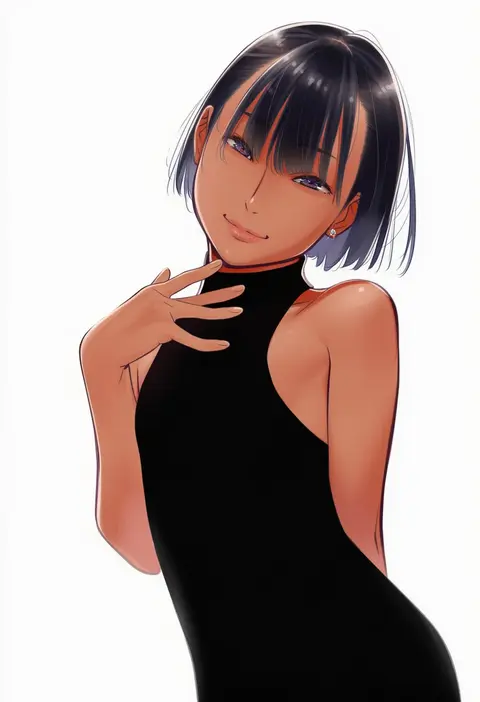
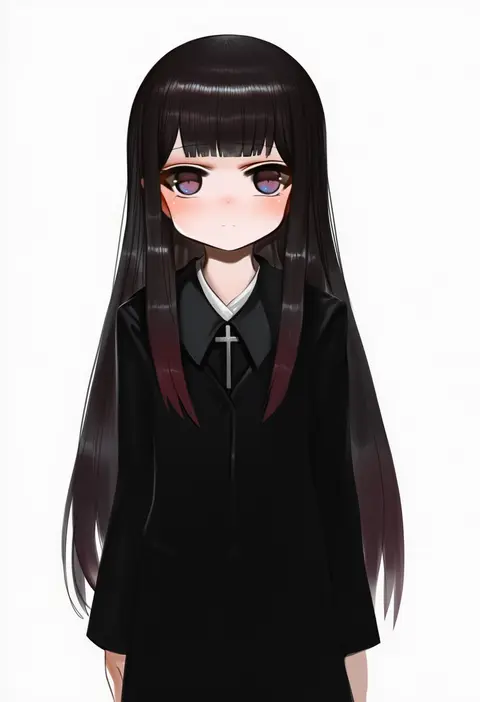
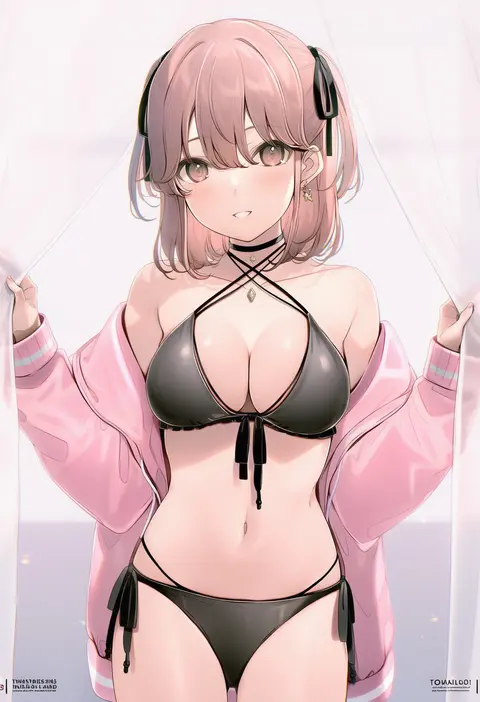
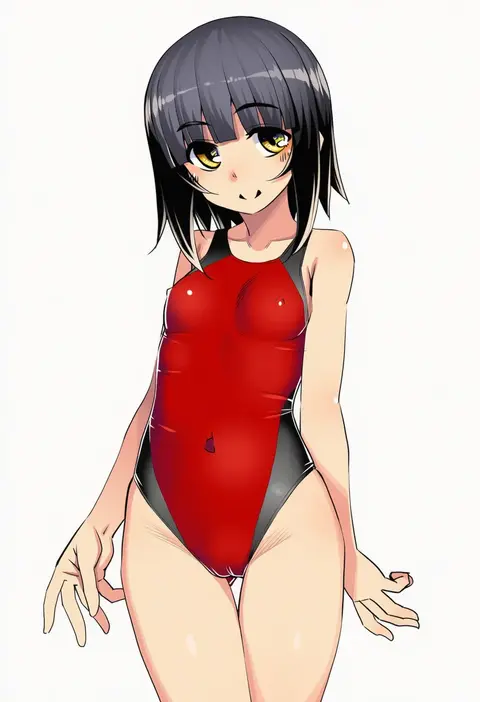
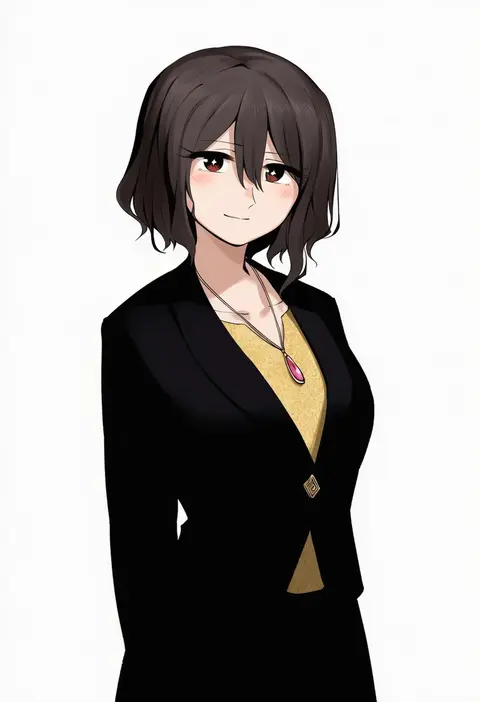
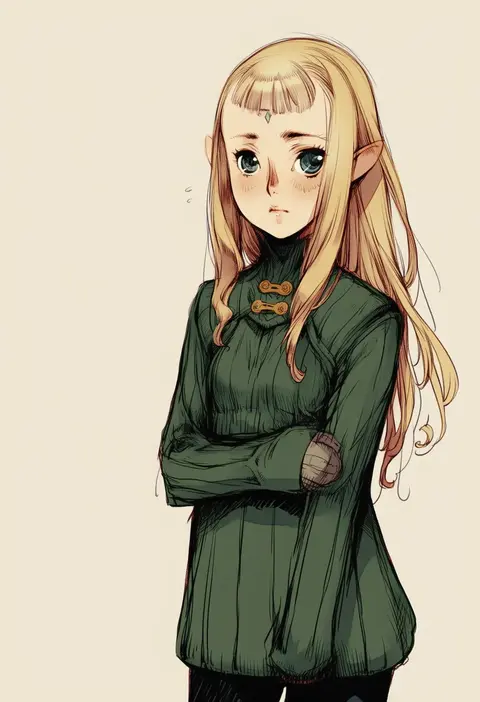
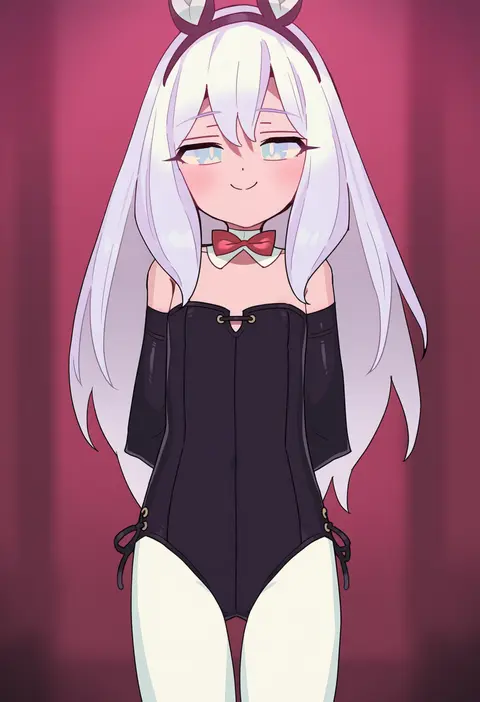
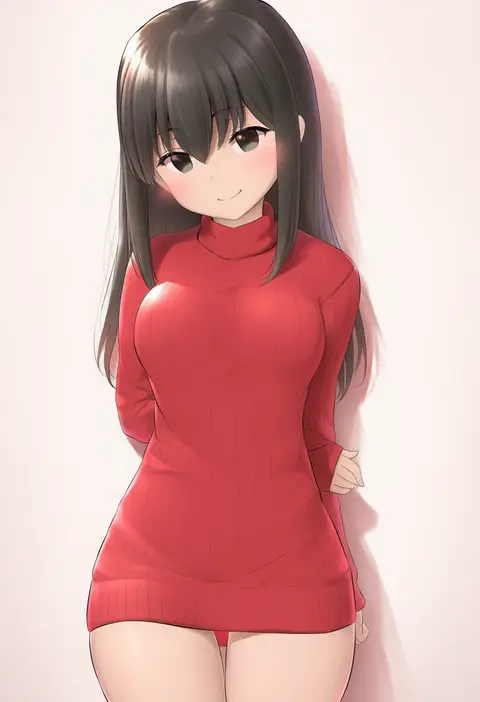
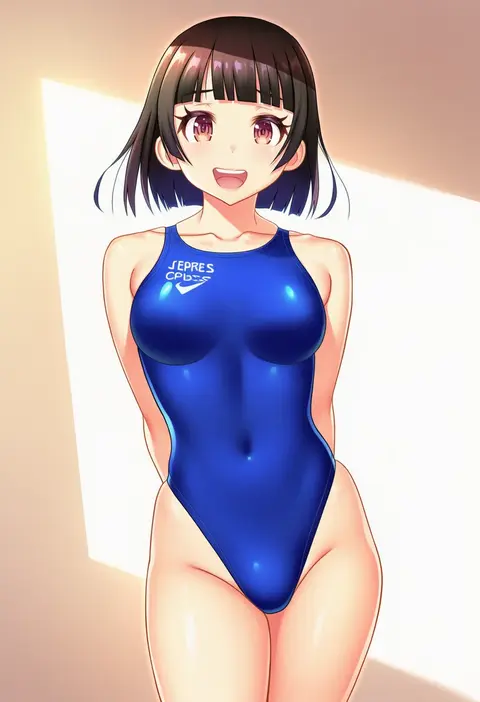
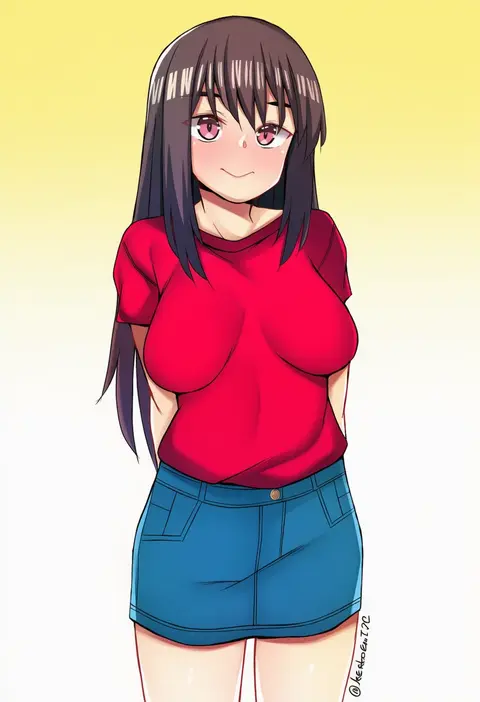
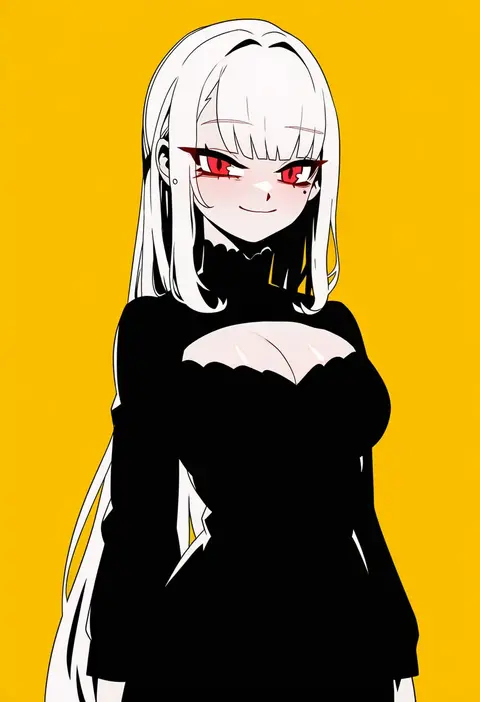
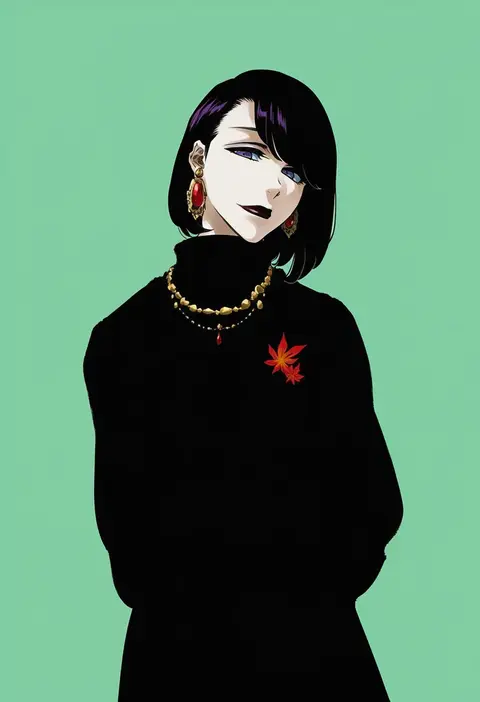
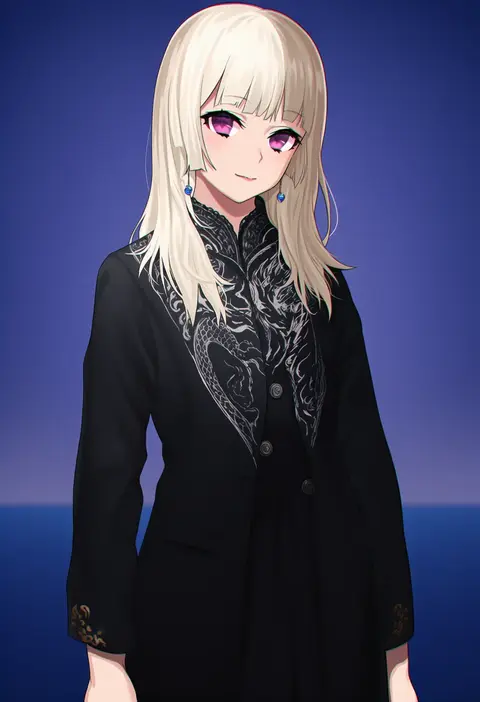
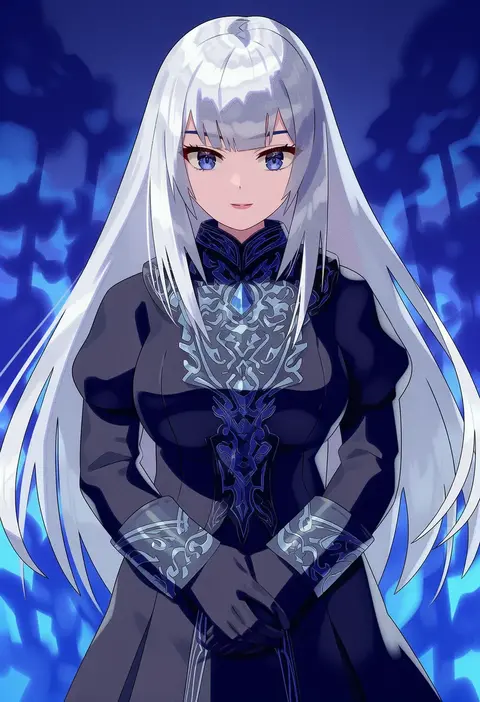
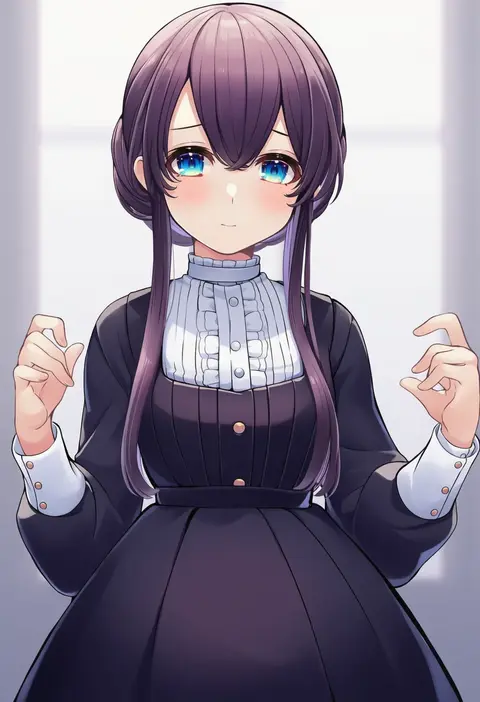
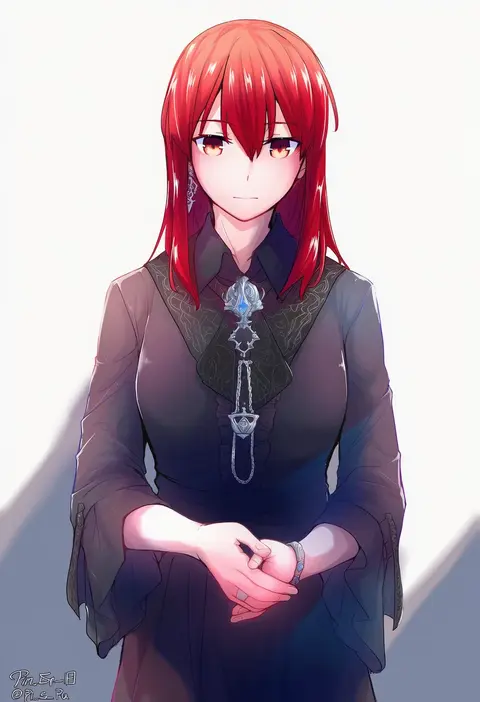
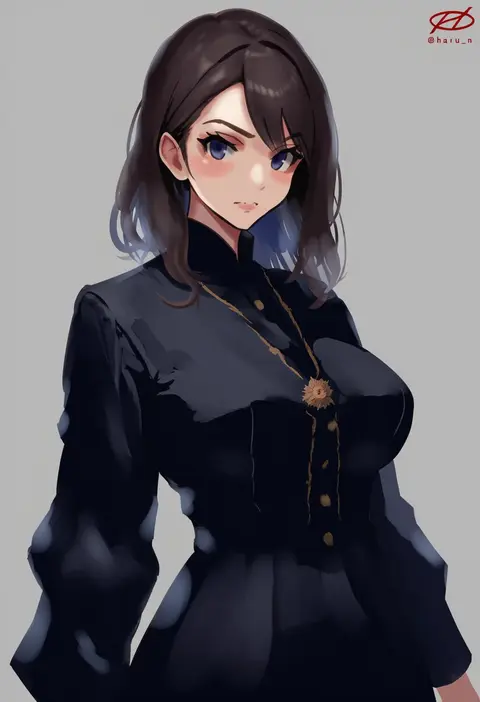
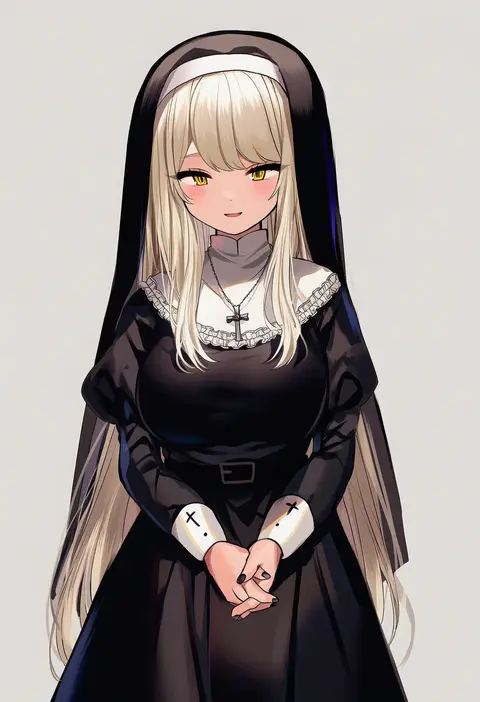
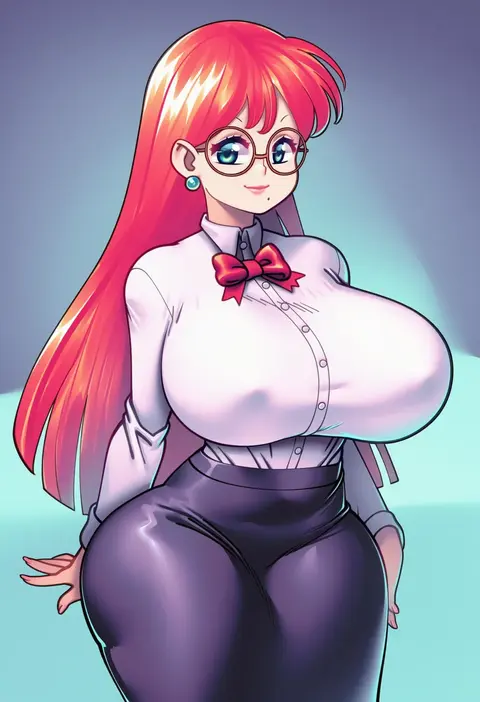
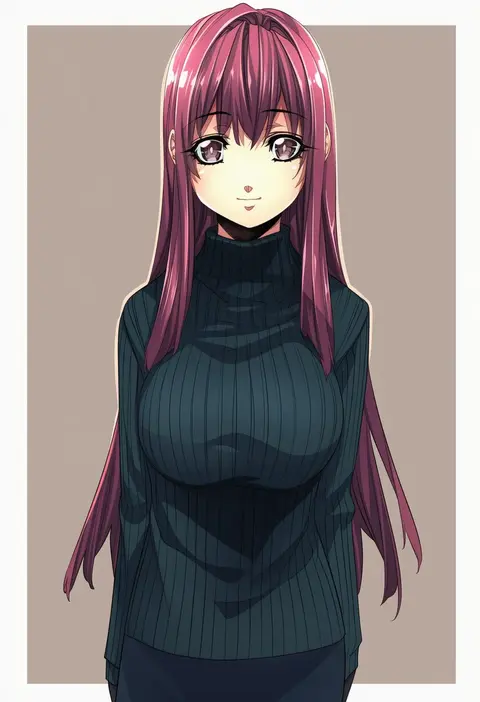
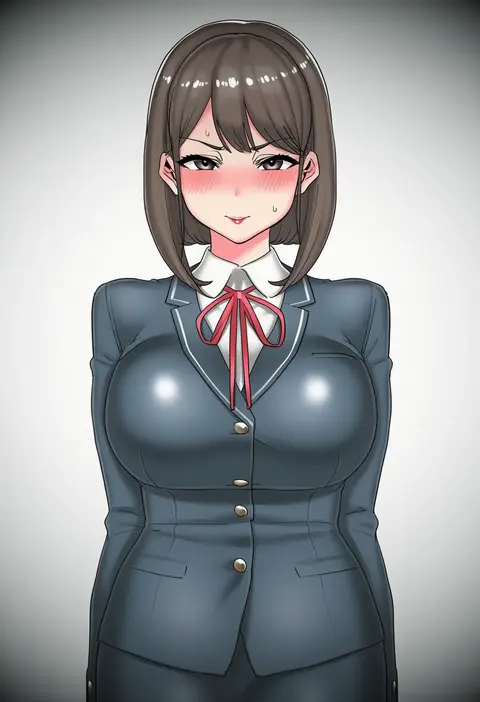
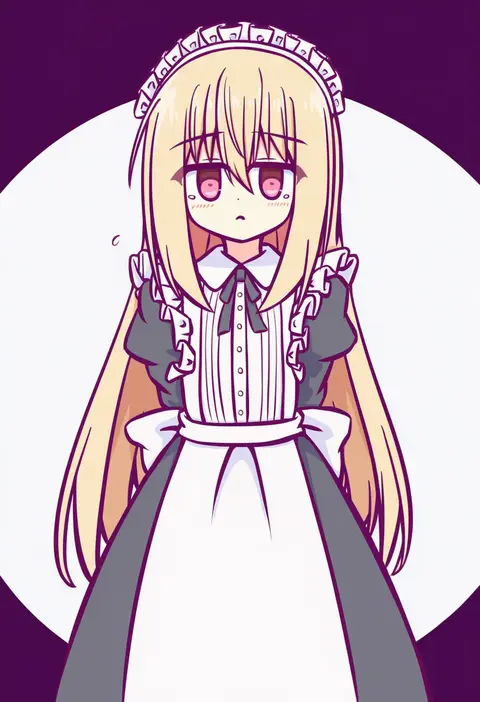
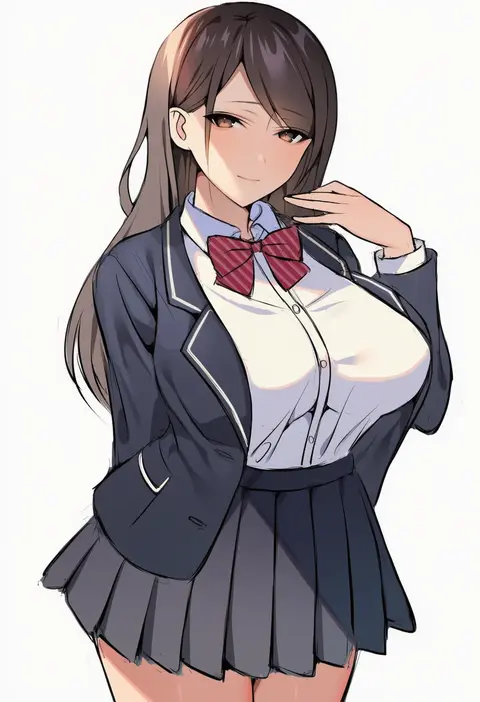
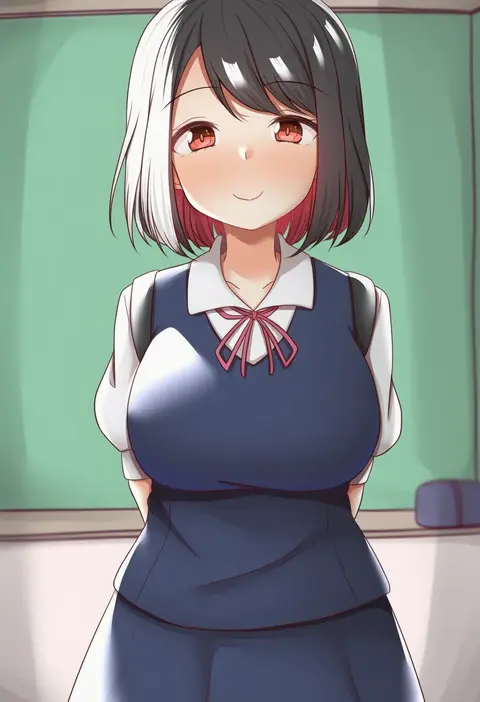
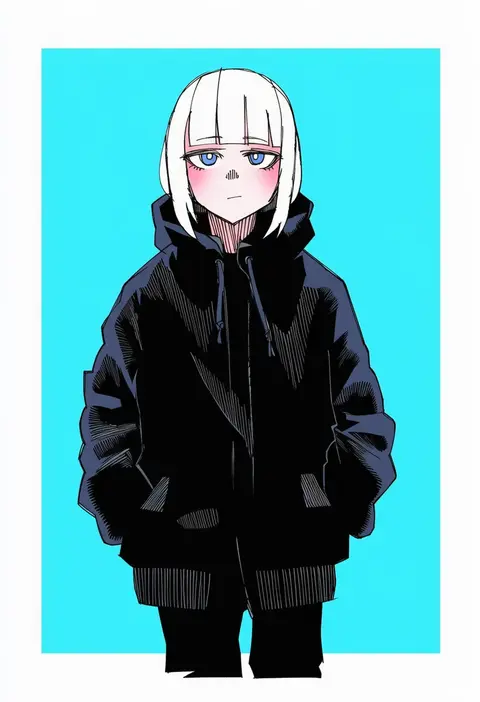
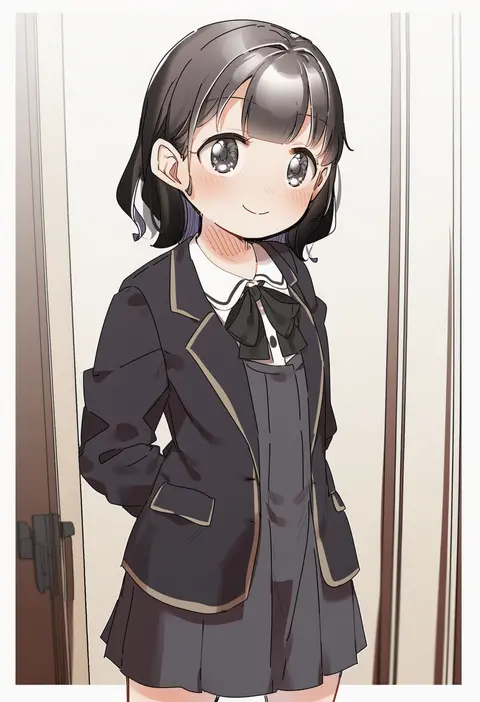
Artist tags tell NovelAI Diffusion to draw in a specific artist's style: line weight, paint texture, face shapes and palette all shift at once. Character and outfit tags decide what is drawn; artist tags decide how. 16,352 tags are listed for V4.5.
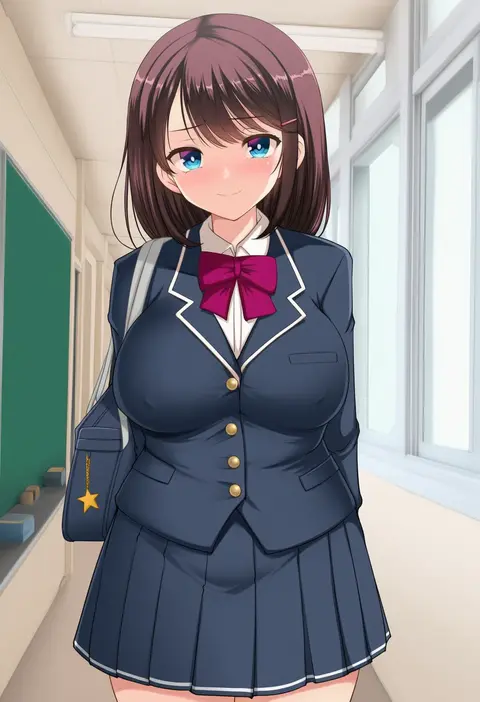
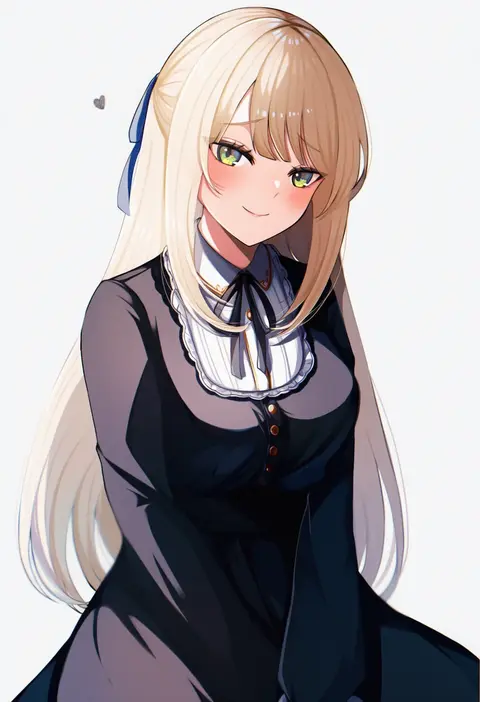
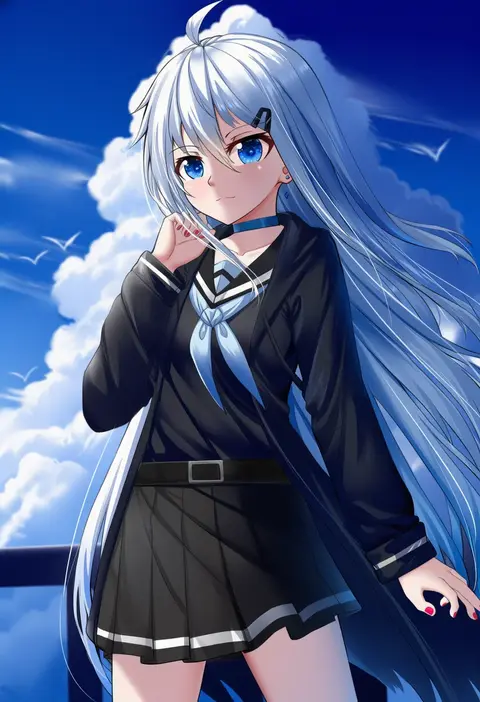
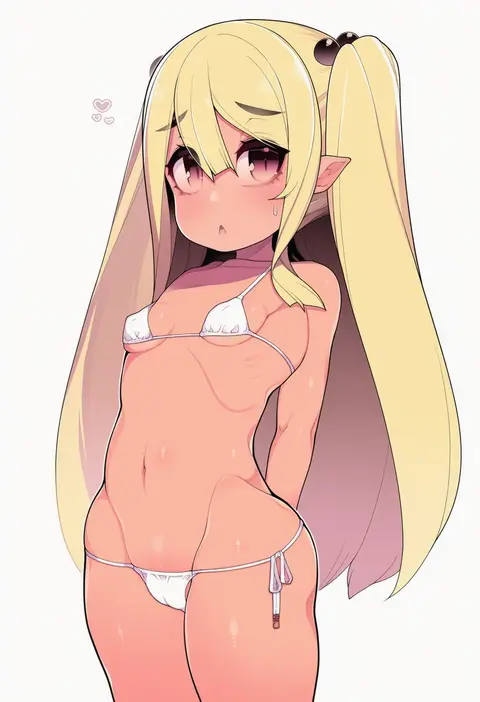
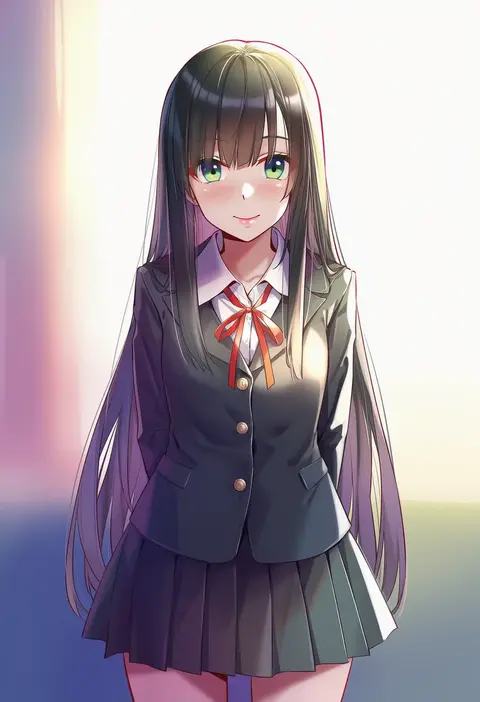
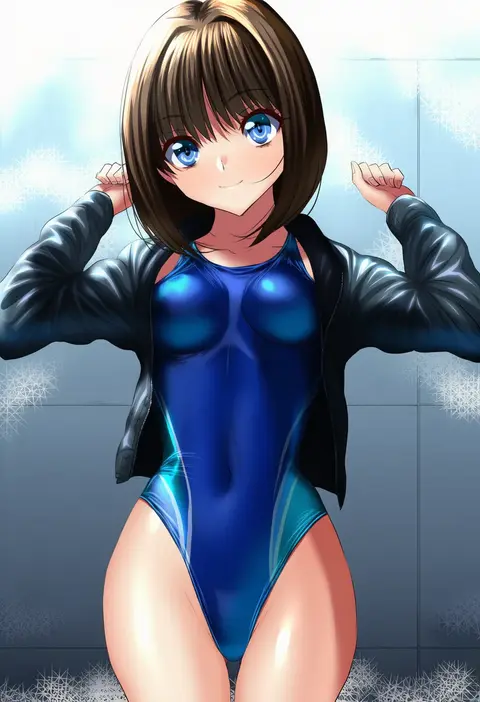
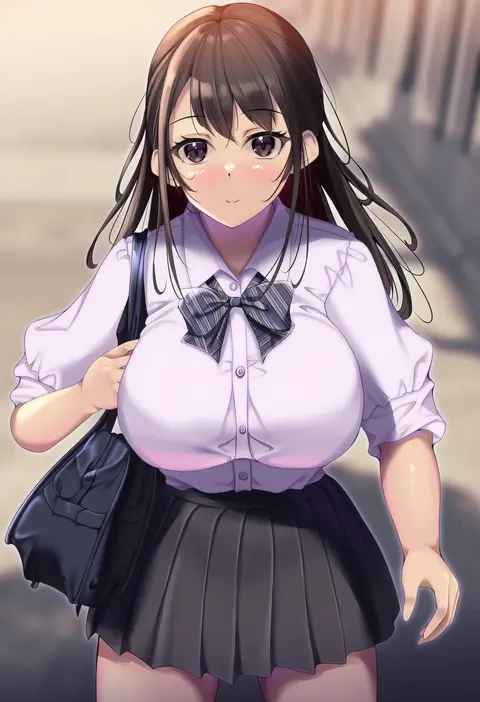
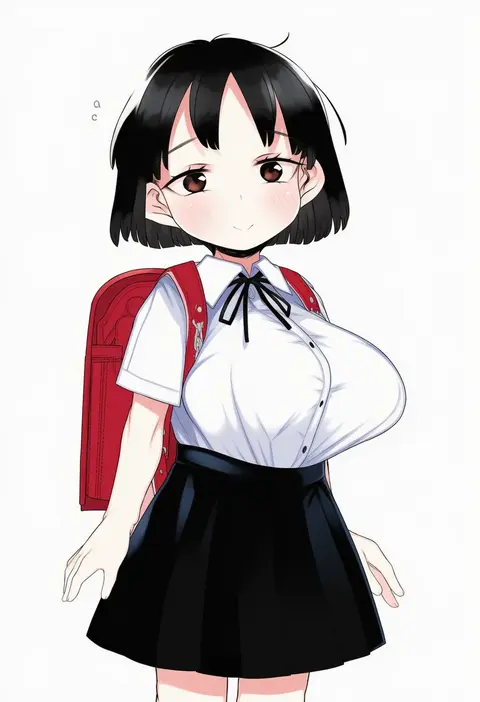
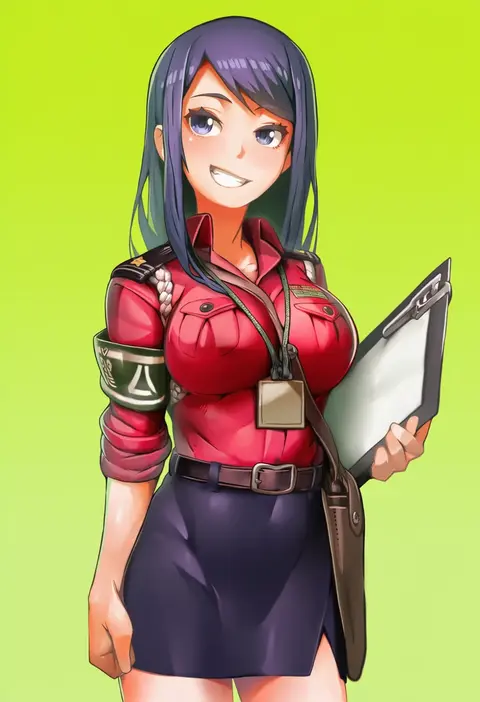
Every tag listed here is verified to react in NovelAI. All images use the same prompt, seed and settings with only the artist tag swapped, so the difference between two images is the style that tag brings in.

How to use them

Put the artist tag near the front of the prompt, e.g. "<artist>, 1girl, solo, best quality, masterpiece, cowboy shot". Two or three artist tags blend styles; lower the weight with "0.8::<artist>::" when the style overpowers the character.

SCORE sorts by Danbooru's top score, POSTS by post count, FAVS by hearts on this site. Open a card to see V5 and V4.5 side by side on the same seed.

V5 vs V4.5

V5 usually lands closer to the artist's real style, and tags that did nothing on V4.5 often react on V5. V4.5 still fits older and doujin-heavy artists better. Try V5 first, fall back to V4.5.

FAQ

Where does the artist tag go?
Near the front of the prompt. Use "0.8::tag::" to adjust its weight.

Can I stack artist tags?
Yes, styles blend. Past two or three the result stops looking like anyone.

Are these the artists' own works?
No. Every image is a NovelAI sample generated from the tag.