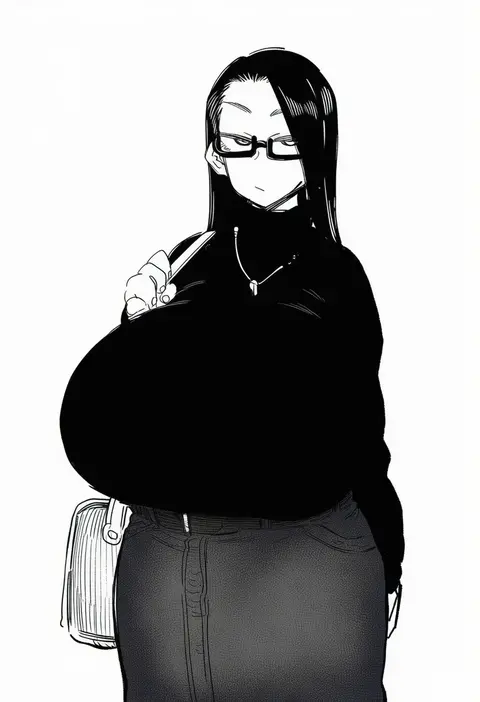
V4.5Artists
sort: FAVS▾
▾
>
$

NovelAI Artist Tags List — V4.5

artist --count 16,352[102/273]
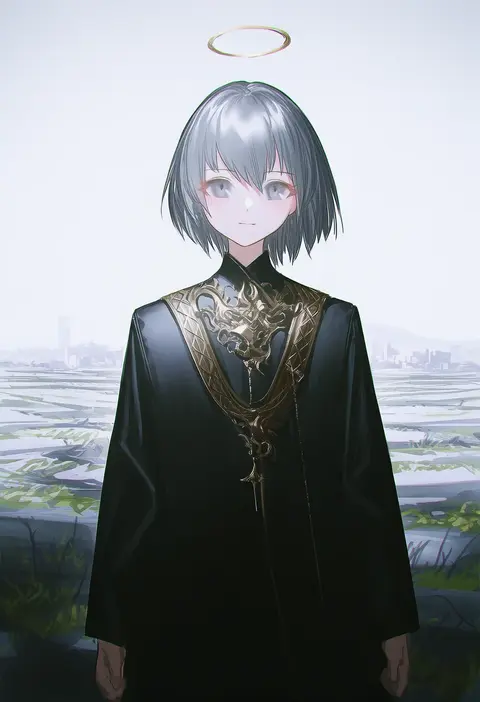
reoen
ARTIST0x17AC
0
daran9
ARTIST0x17AD
0
yukino minato
ARTIST0x17AE
0
perepere-kun
ARTIST0x17AF
0
pensuke
ARTIST0x17B0
0
tobisawa
ARTIST0x17B1
0
yamano rokamizu
ARTIST0x17B2
0
momomo (m0 3)
ARTIST0x17B3
0
yorugami rei
ARTIST0x17B4
0
etchimune
ARTIST0x17B5
0
69 (tranquilo)
ARTIST0x17B6
0
violetshit
ARTIST0x17B7
0
amano hagoromo
ARTIST0x17B8
0
murata taichi
ARTIST0x17B9
0
sanmoto gorouzaemon
ARTIST0x17BA
0
yabby
ARTIST0x17BB
0
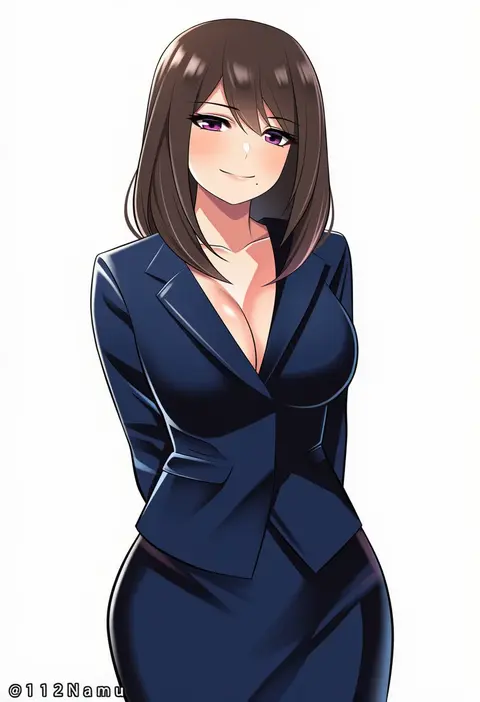
namu (112namu)
ARTIST0x17BC
0
gummyrise
ARTIST0x17BD
0
ruukii drift
ARTIST0x17BE
0
nishii (damnedrive)
ARTIST0x17BF
0
ebiblue
ARTIST0x17C0
0
taishi (picchiridou)
ARTIST0x17C1
0
dantewontdie
ARTIST0x17C2
0
haruki (colorful macaron)
ARTIST0x17C3
0
kshimu
ARTIST0x17C4
0
jan azure
ARTIST0x17C5
0
geppewi
ARTIST0x17C6
0
nabe puyo
ARTIST0x17C7
0
nada haruka
ARTIST0x17C8
0
valefal coneri
ARTIST0x17C9
0
kagiana
ARTIST0x17CA
0
houkai (collapse illust)
ARTIST0x17CB
0
hiyohiyo
ARTIST0x17CC
0
zedd (zedgawr)
ARTIST0x17CD
0
nekota susumu
ARTIST0x17CE
0
cinnabus
ARTIST0x17CF
0
xuuikie ashe
ARTIST0x17D0
0
doumou
ARTIST0x17D1
0
mirea
ARTIST0x17D2
0
ryou sakai
ARTIST0x17D3
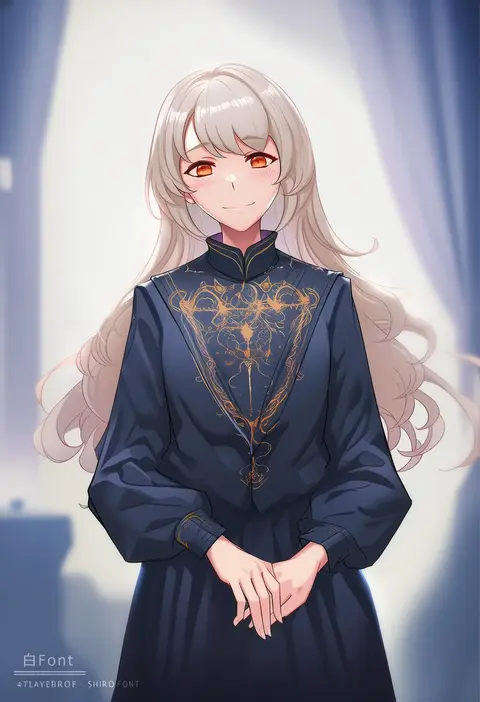
0
shiro font
ARTIST0x17D4
0
zaitsu
ARTIST0x17D5
0
ggli (yuine wantan)
ARTIST0x17D6
0
minj kim
ARTIST0x17D7
0
miyashiro sousuke
ARTIST0x17D8
0
shimmer
ARTIST0x17D9
0
marui koishi
ARTIST0x17DA
0
eggman (ni tamagoex)
ARTIST0x17DB
0
myeolchi
ARTIST0x17DC
0
acchii (akina)
ARTIST0x17DD
0
ogry ching
ARTIST0x17DE
0
shibata rai
ARTIST0x17DF
0
liowig
ARTIST0x17E0
0
mochacot
ARTIST0x17E1
0
shimotsuki eight
ARTIST0x17E2
0
ninamo
ARTIST0x17E3
0
muneshiro (hitsuji kikaku)
ARTIST0x17E4
0
zamudelin
ARTIST0x17E5
0
gokubuto mayuge
ARTIST0x17E6
0
dekosukentr
ARTIST0x17E7
0

What these tags change

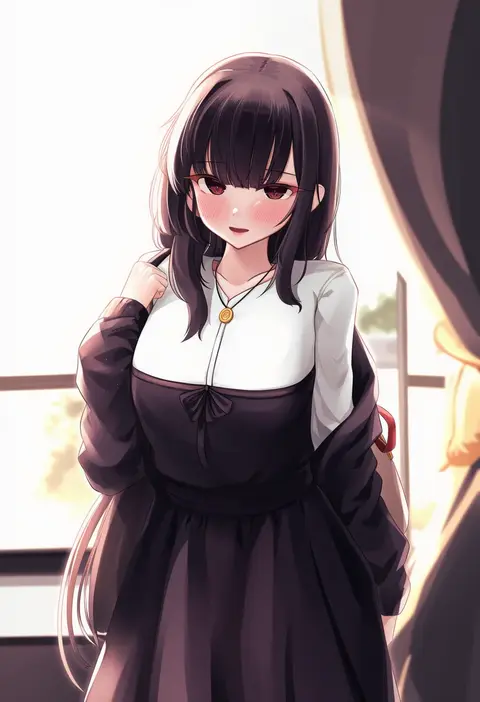
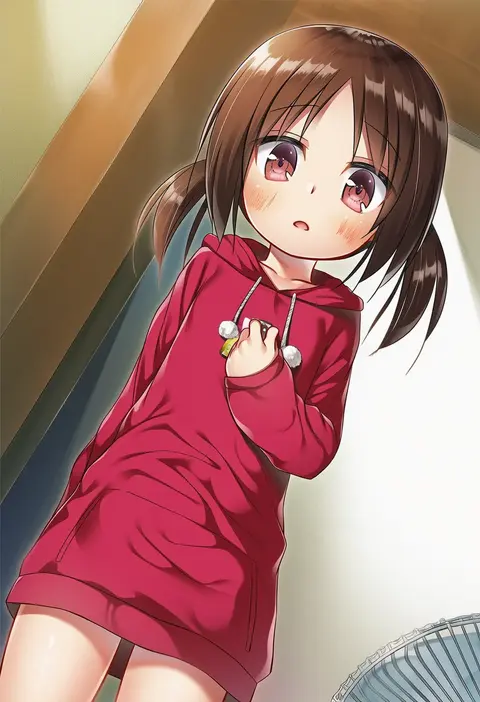
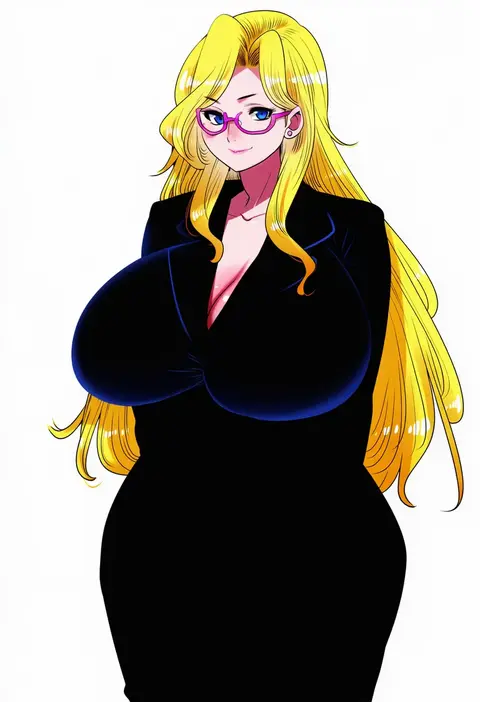
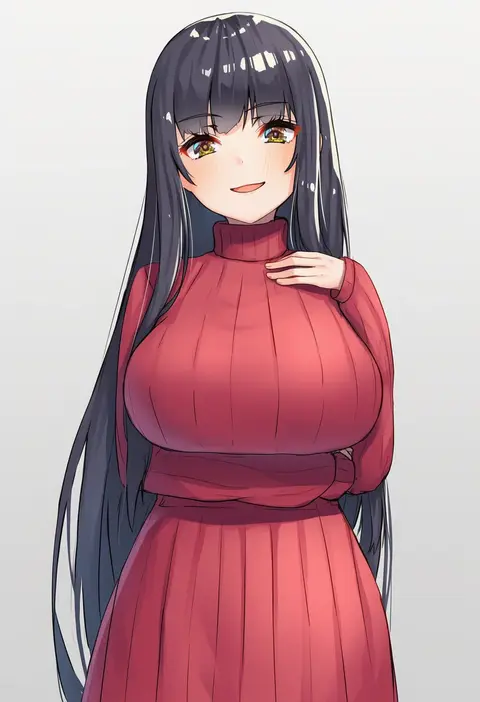
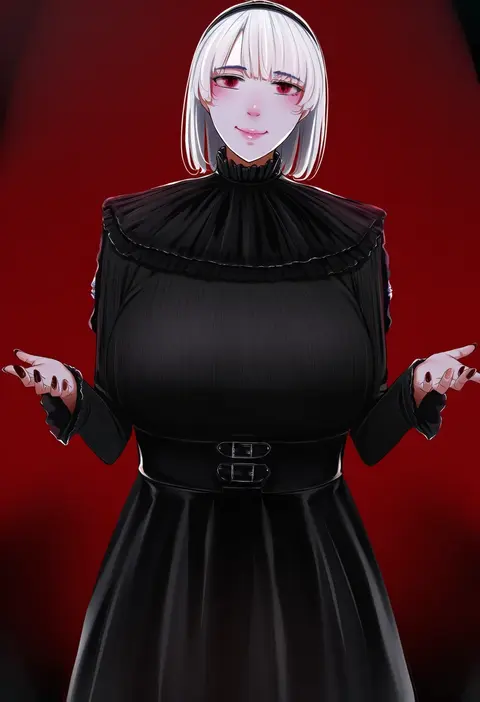
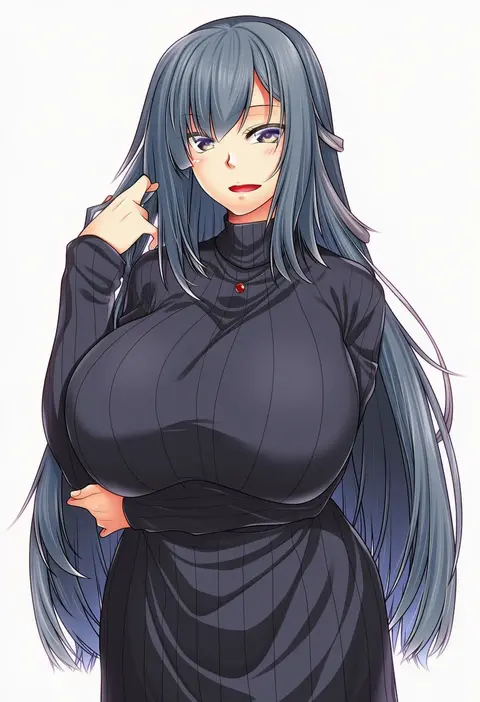
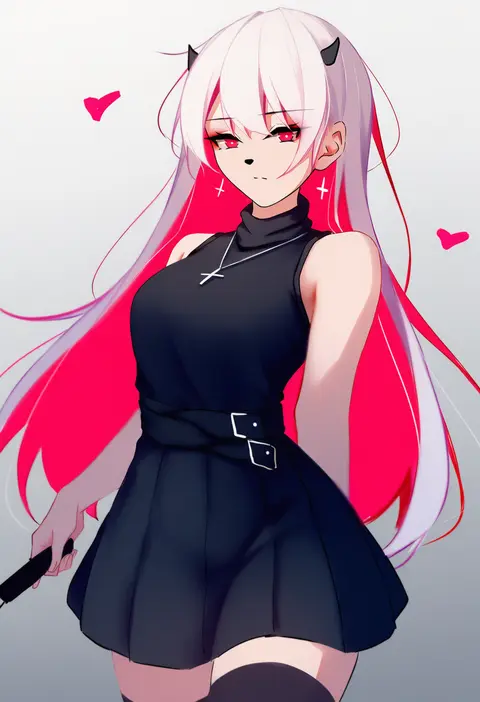
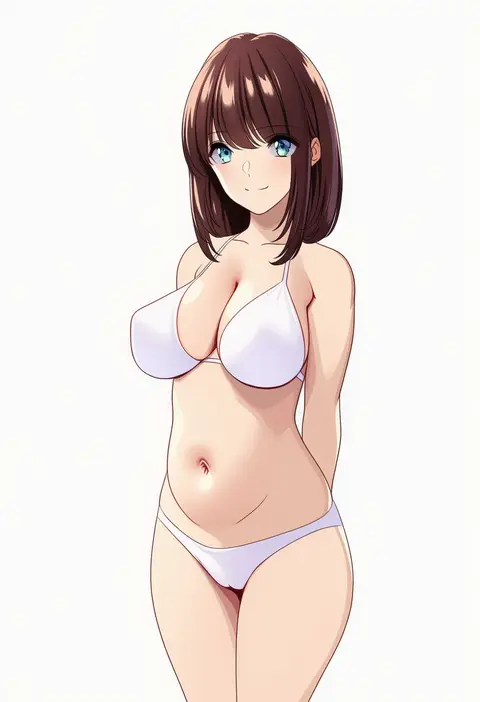
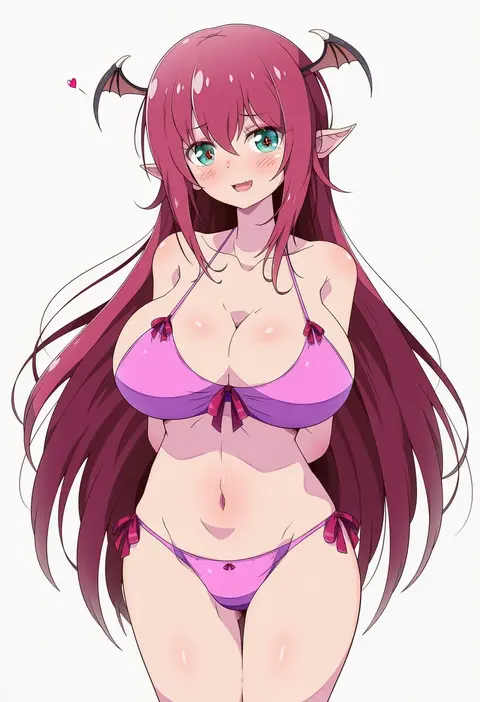
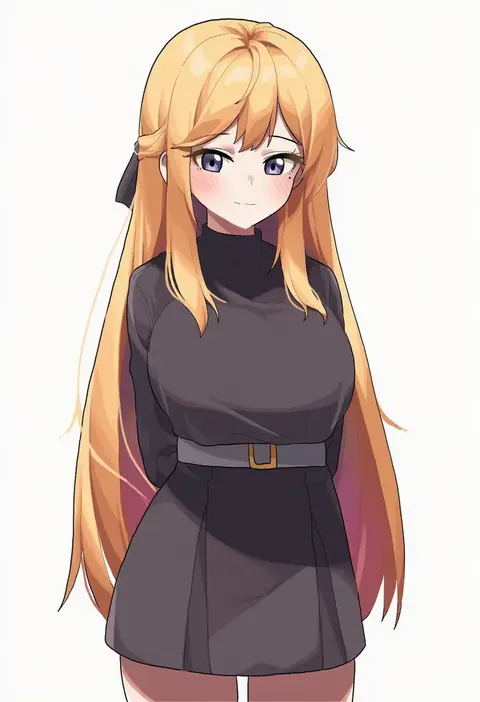
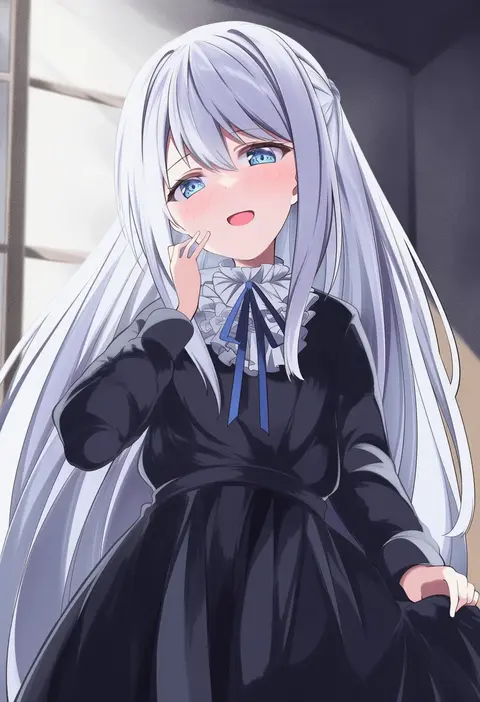
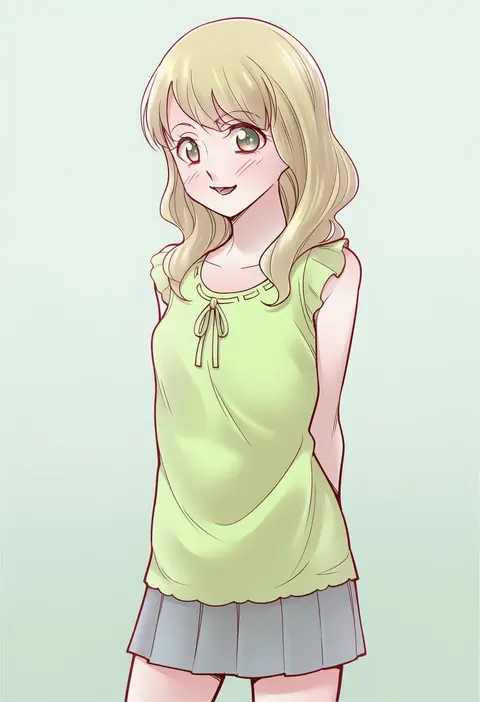
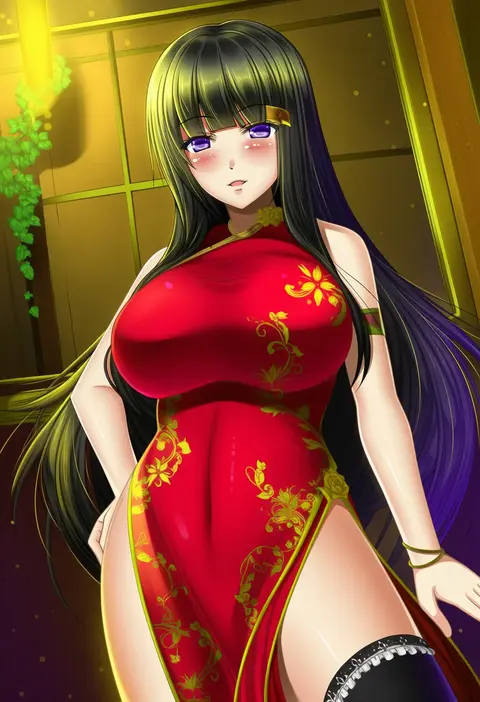
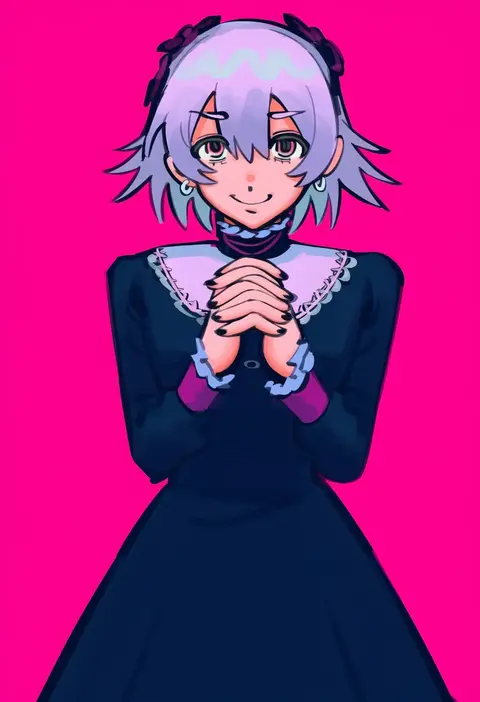
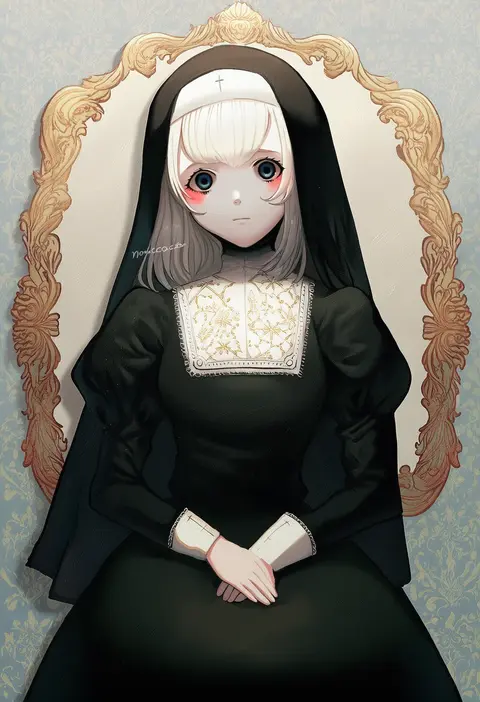
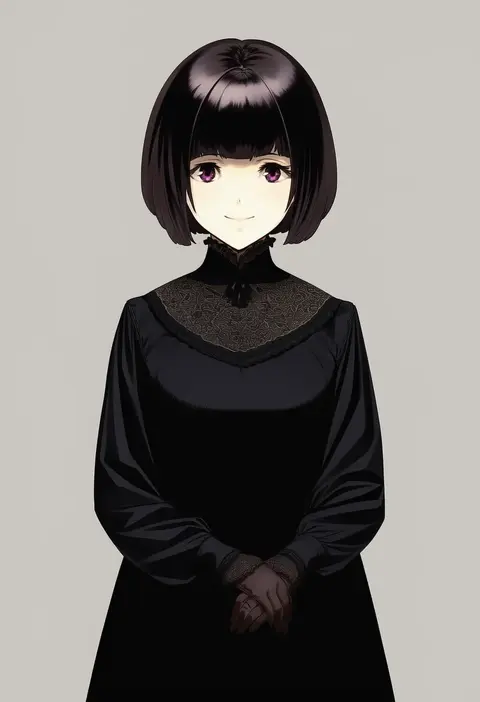
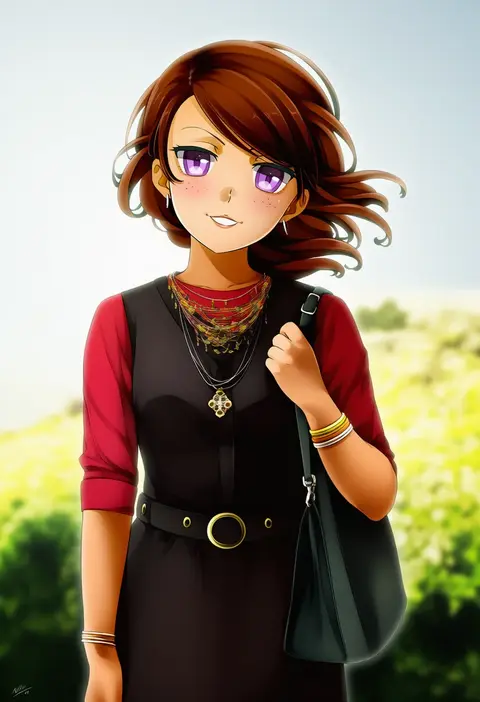
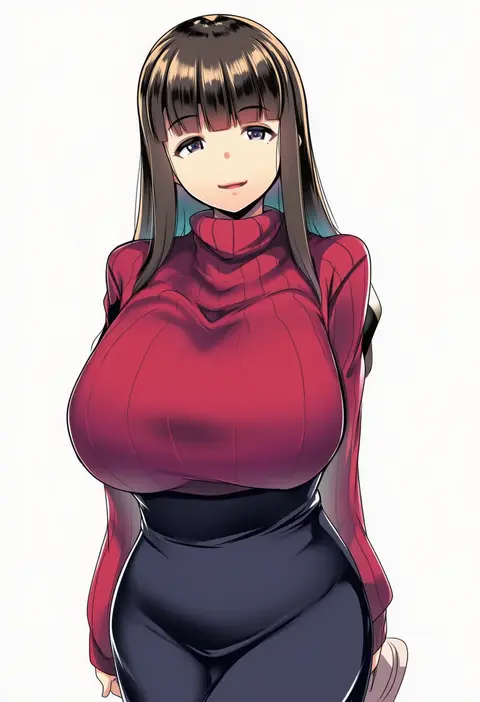
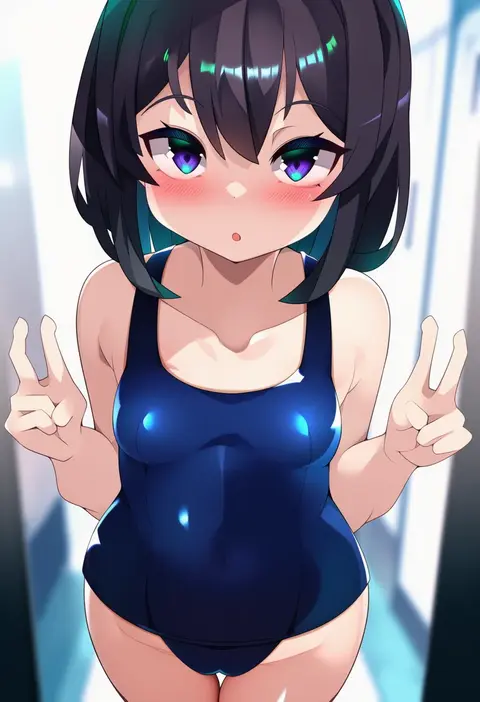
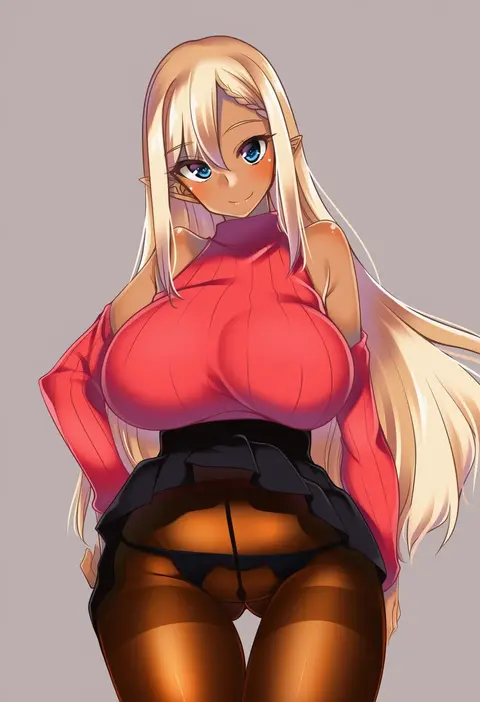
Artist tags tell NovelAI Diffusion to draw in a specific artist's style: line weight, paint texture, face shapes and palette all shift at once. Character and outfit tags decide what is drawn; artist tags decide how. 16,352 tags are listed for V4.5.
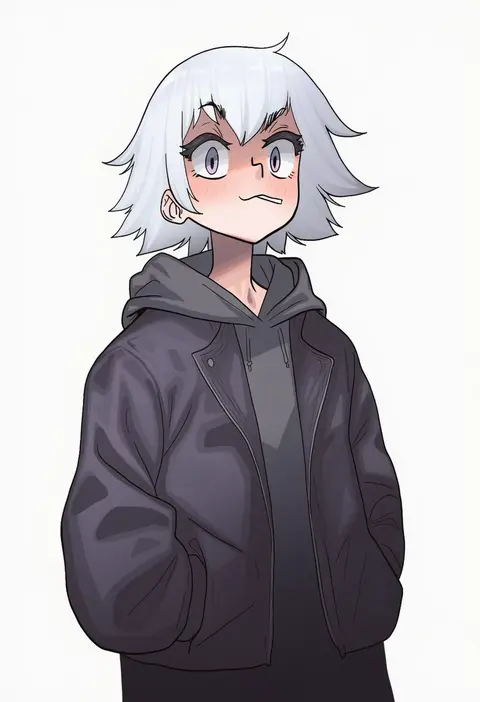
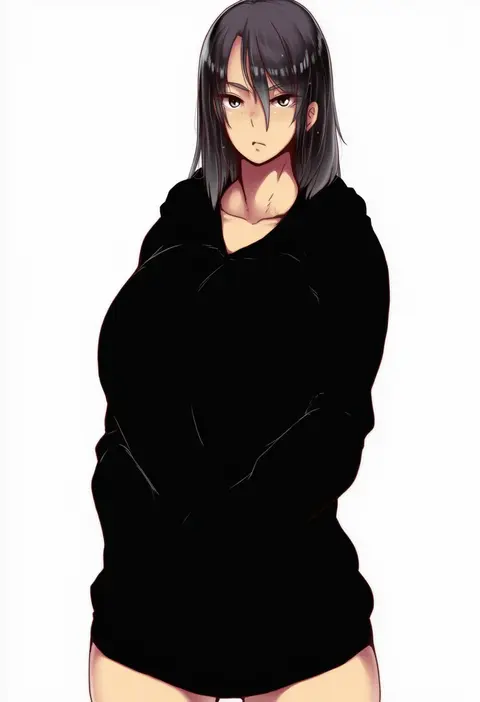
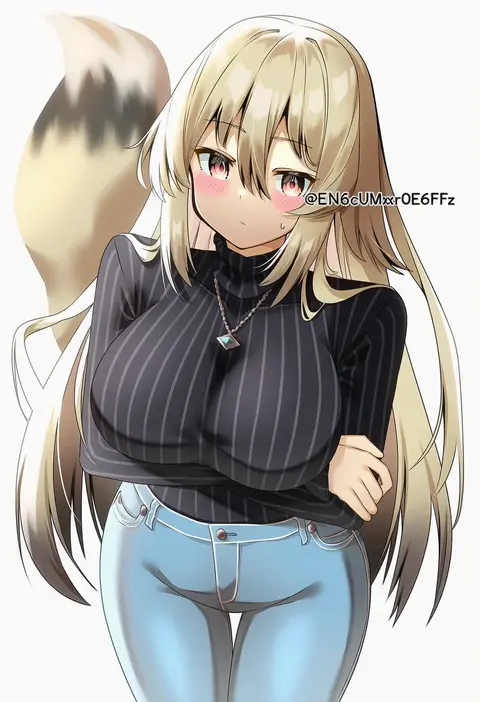
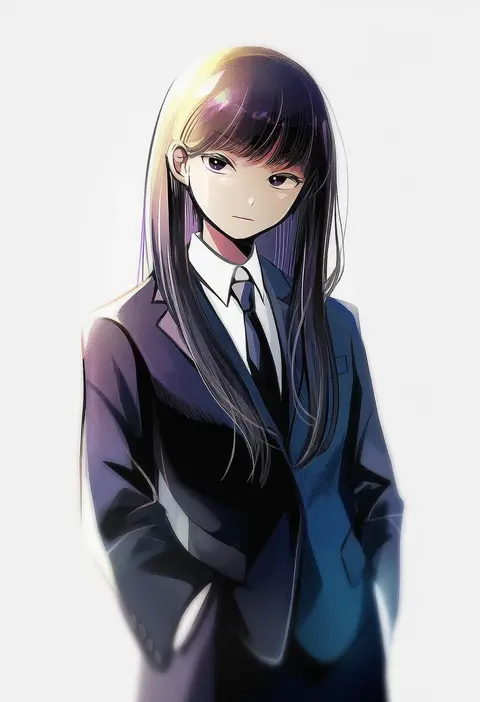
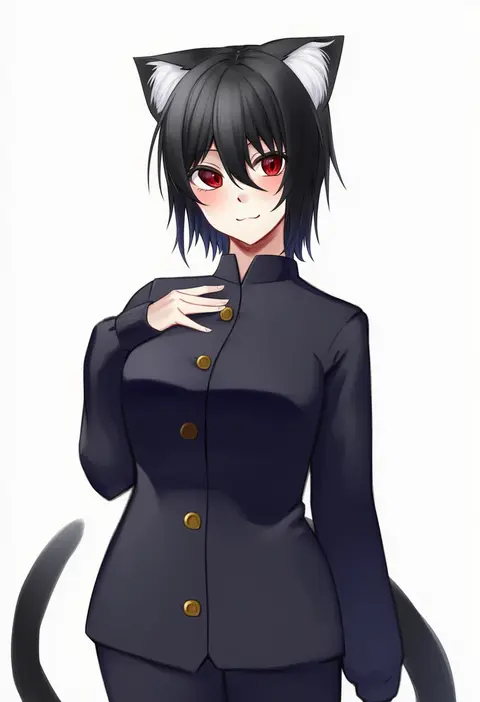
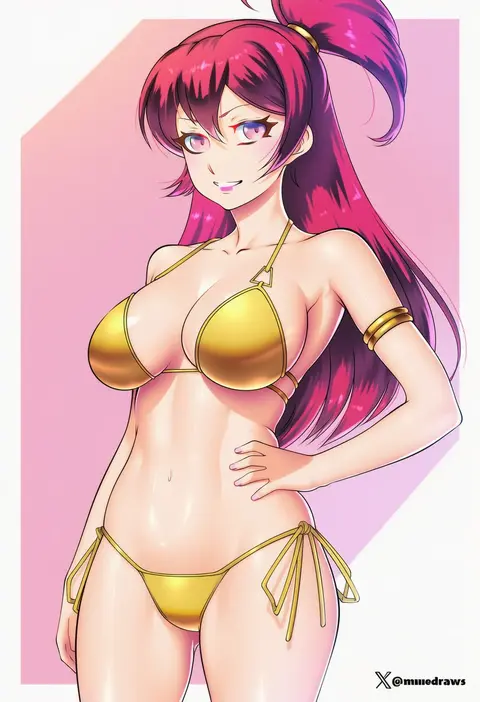
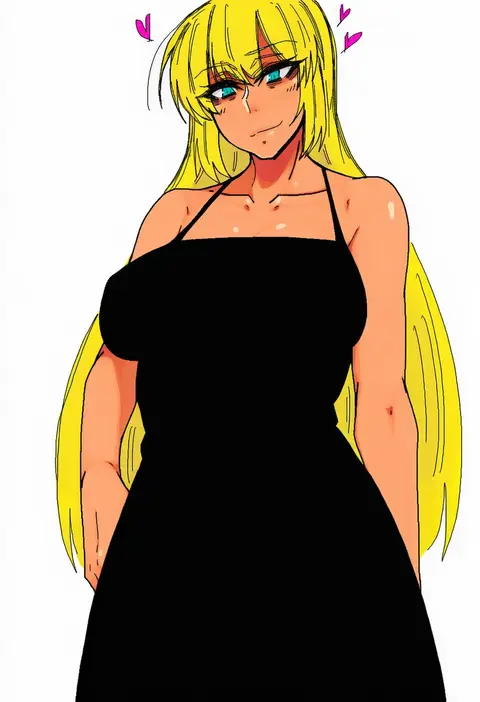
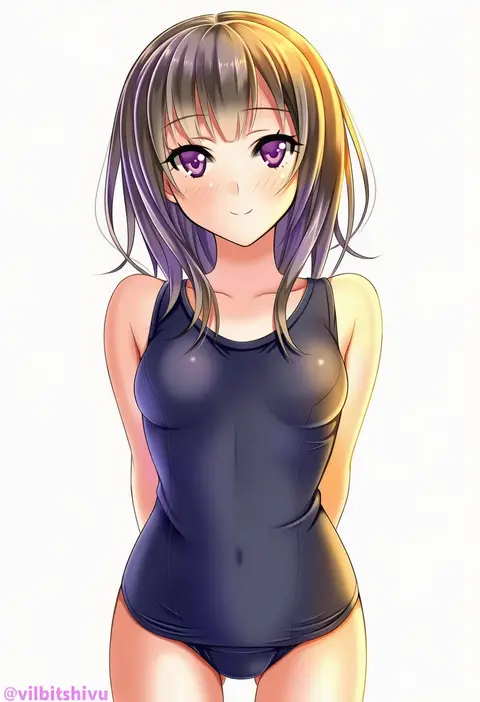
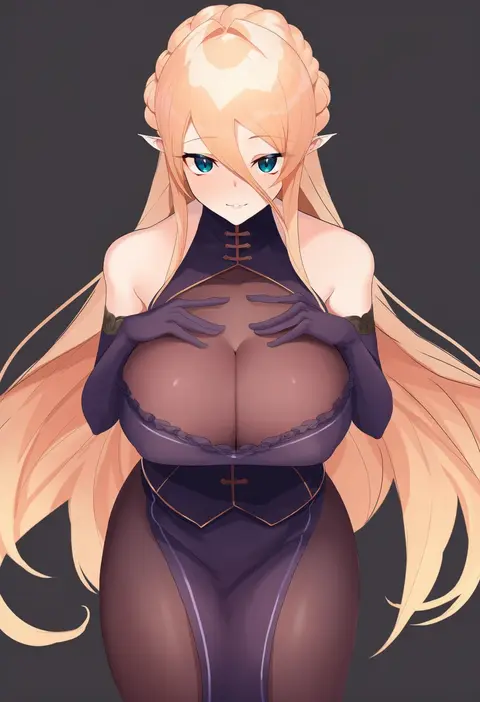
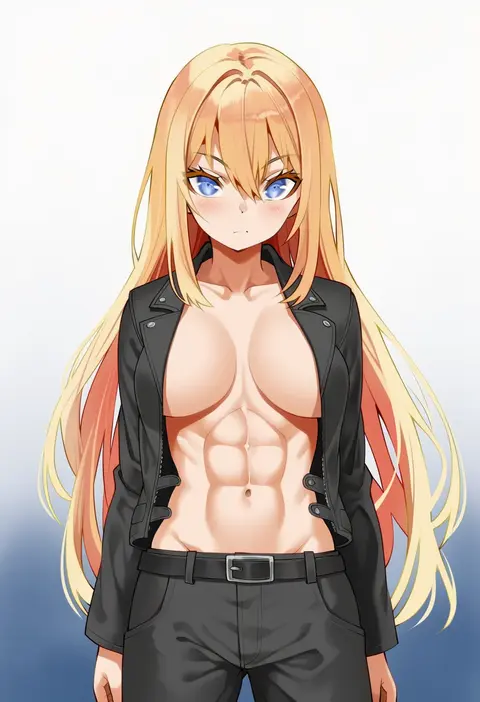
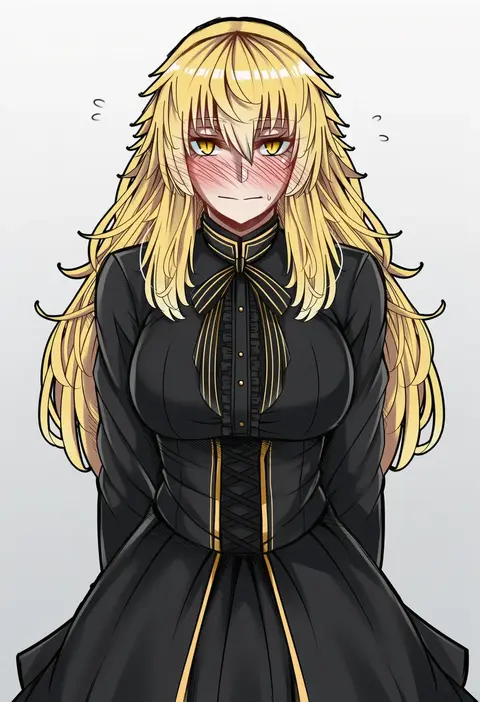
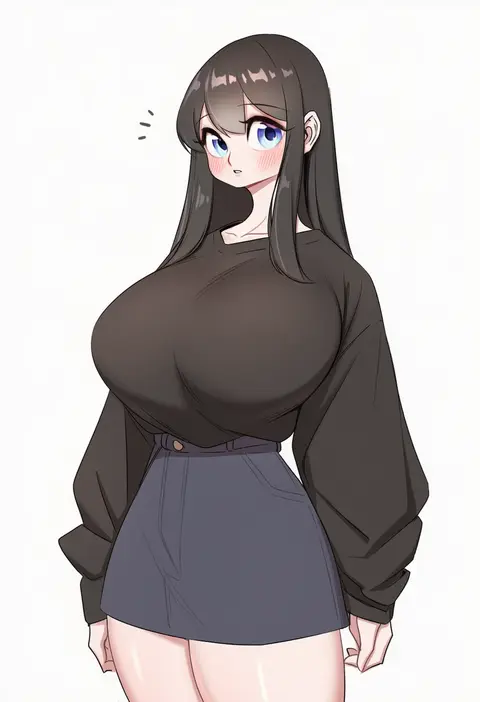
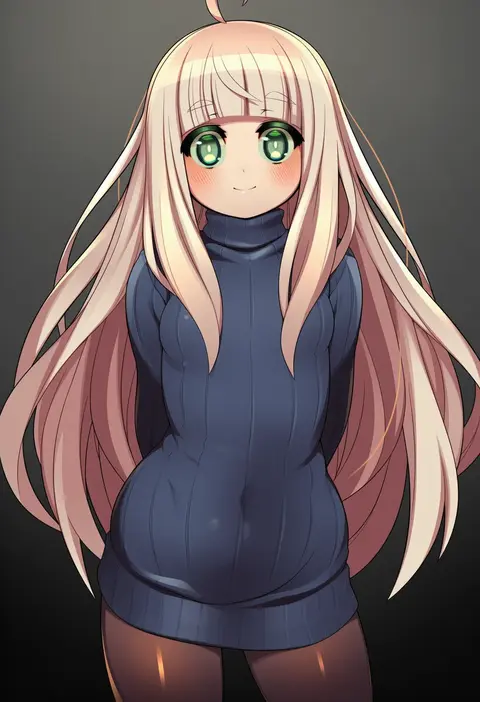
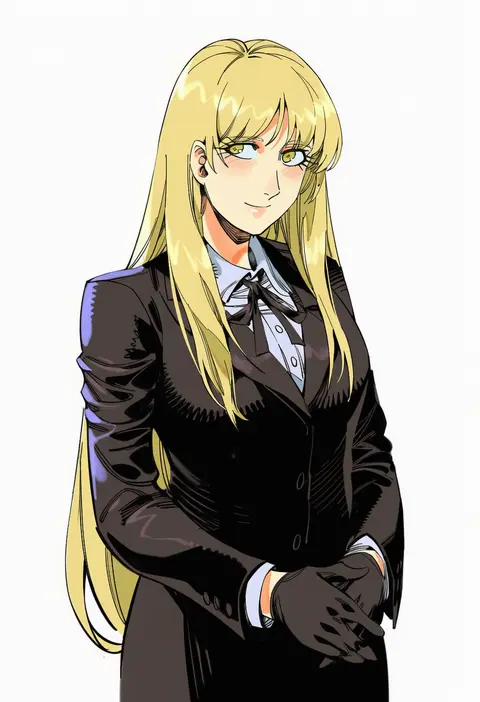
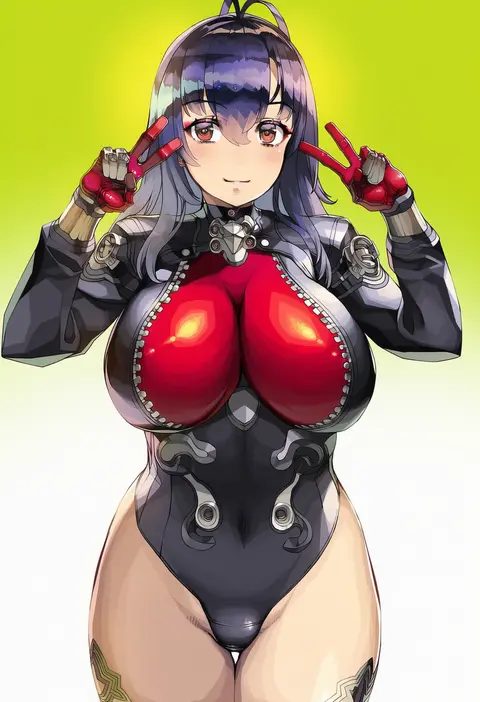
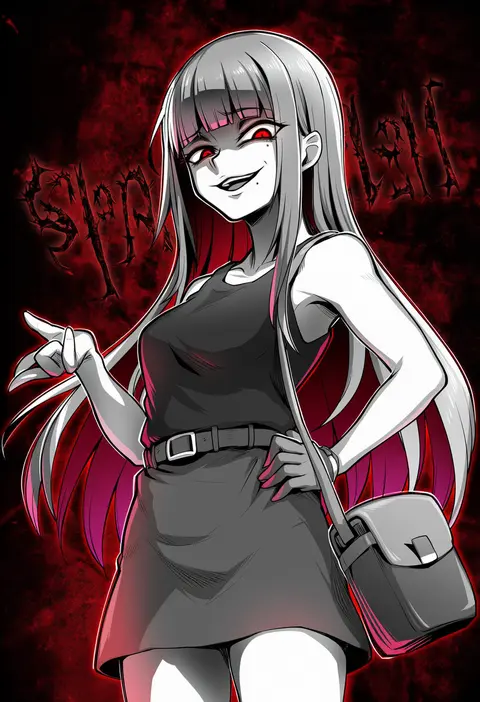
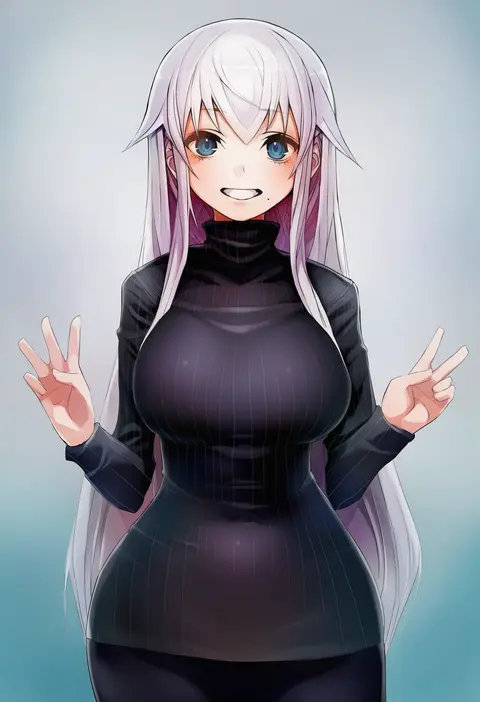
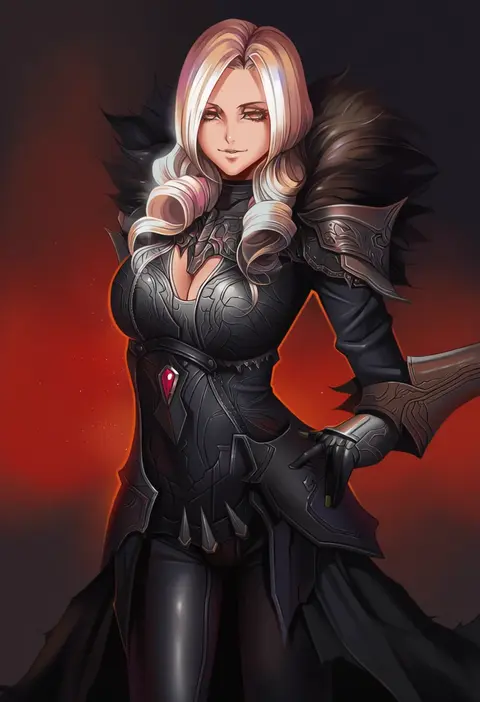
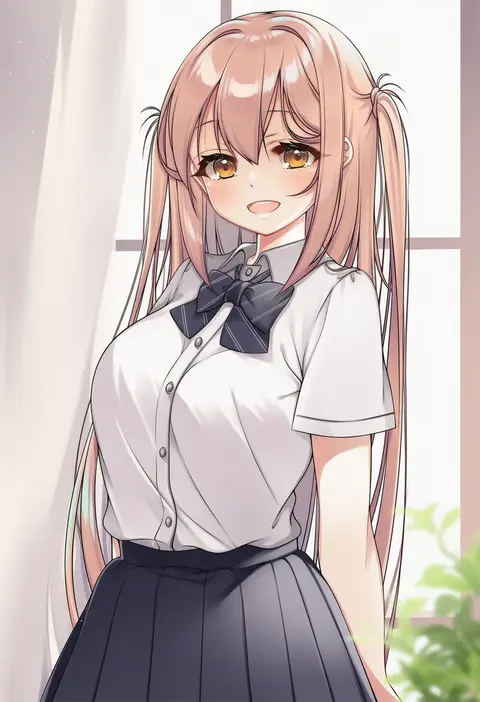
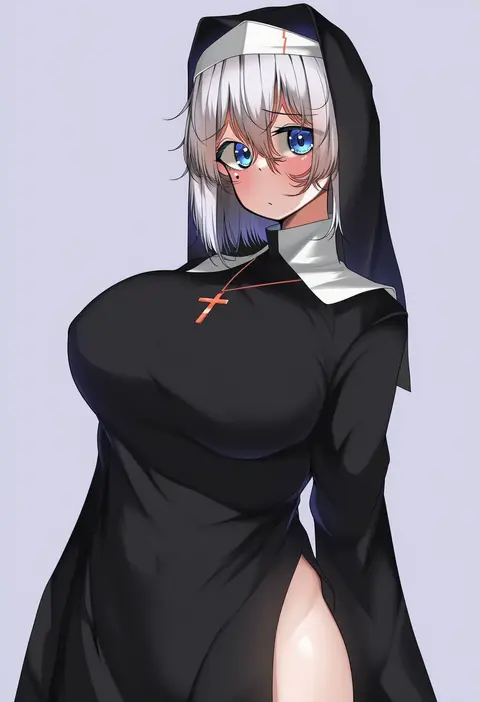
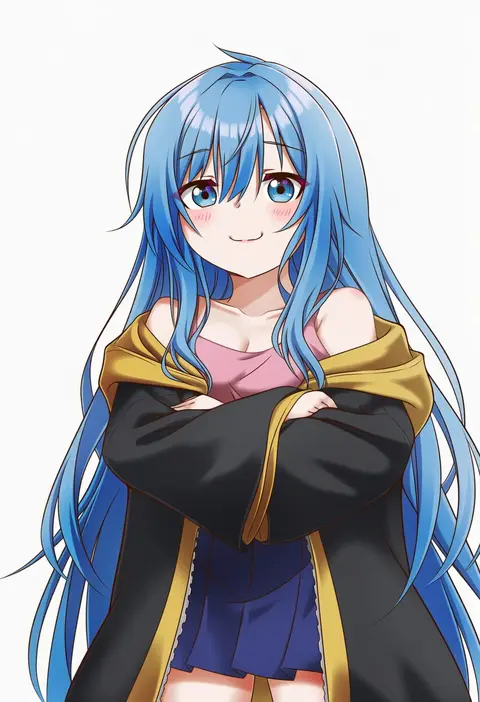
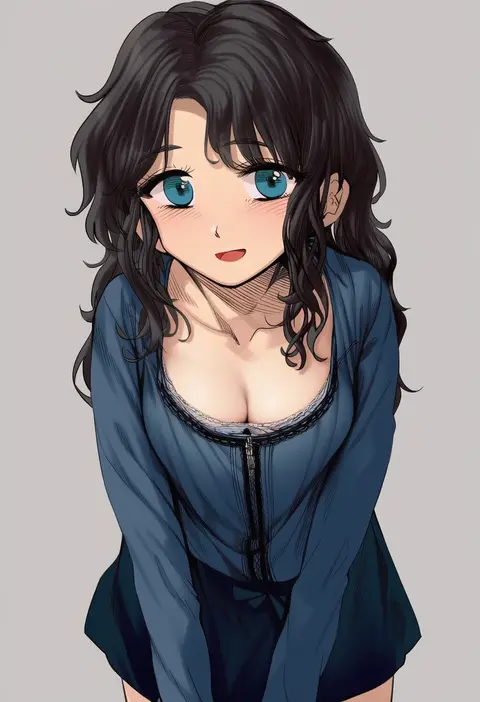
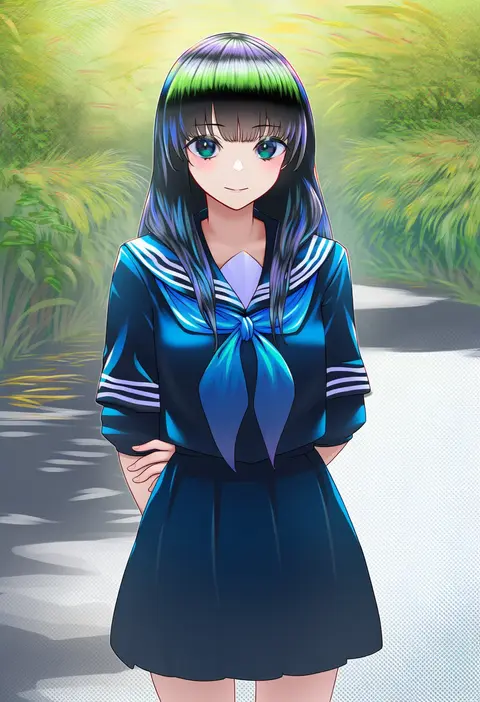
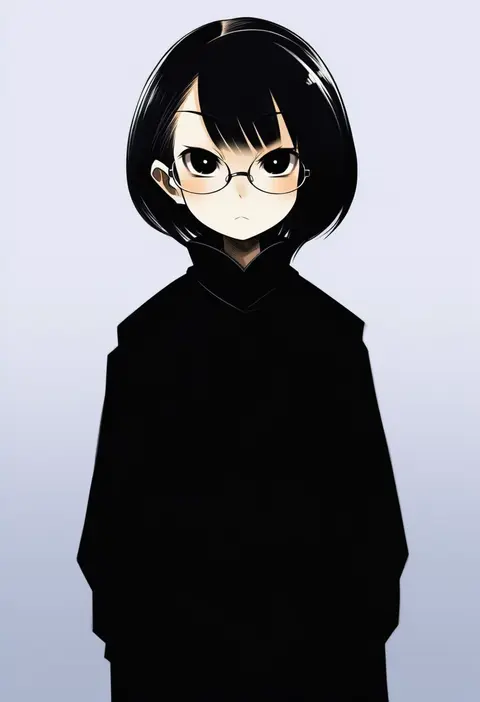
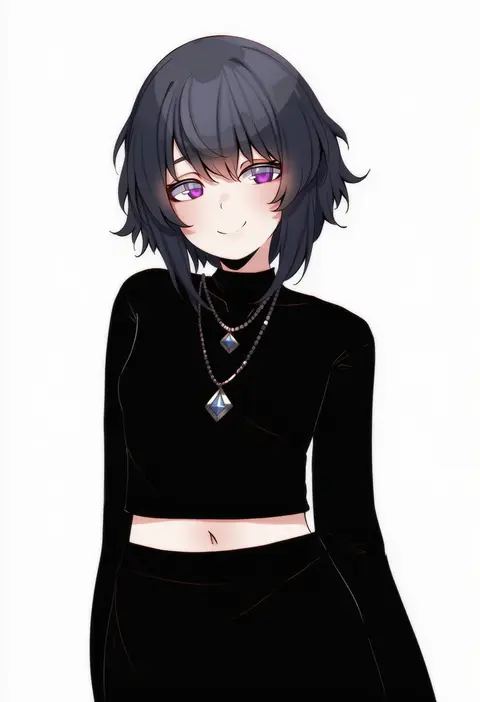
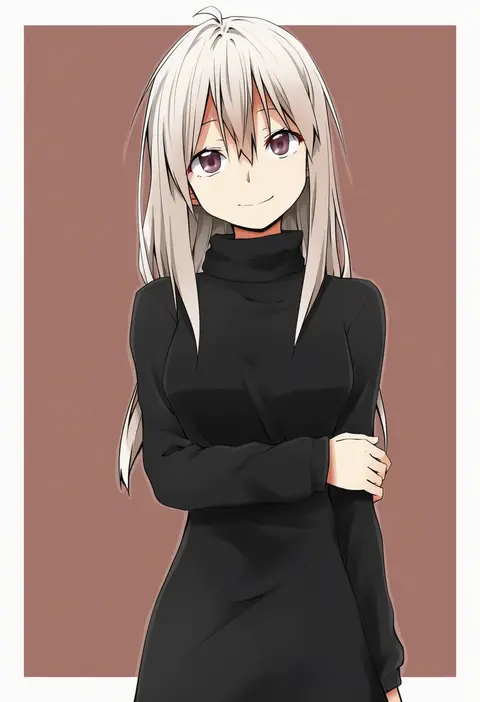
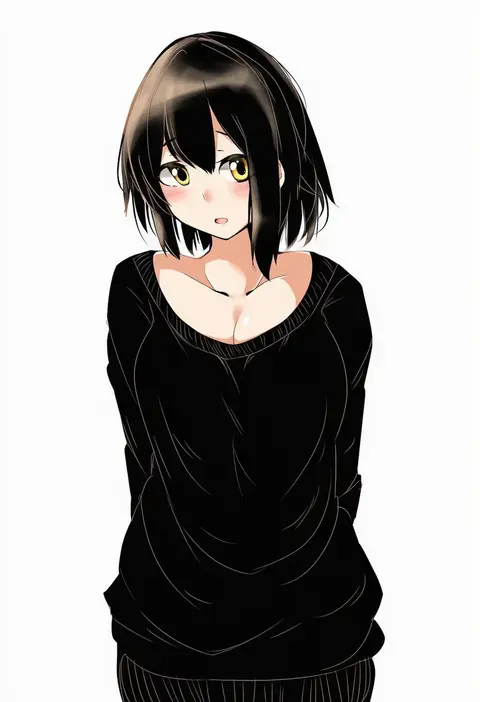
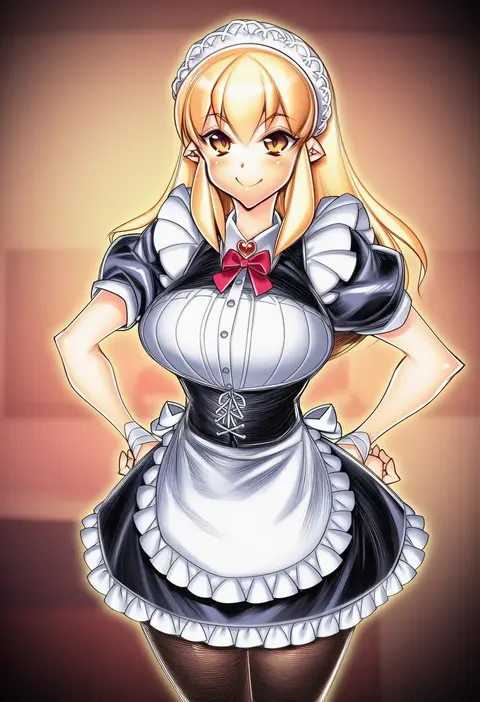
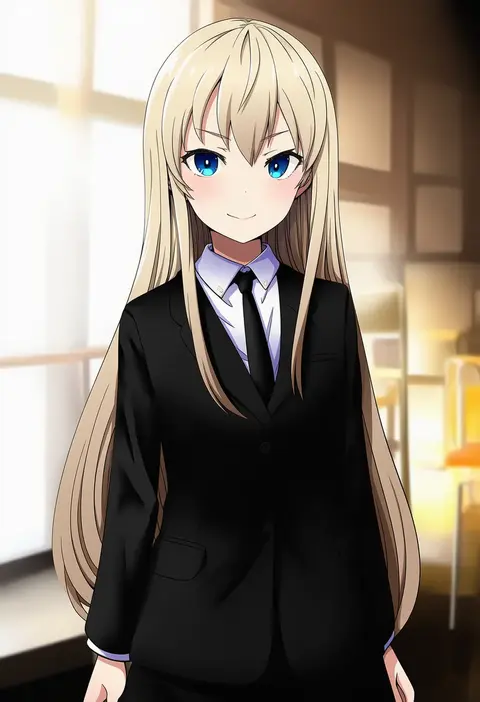
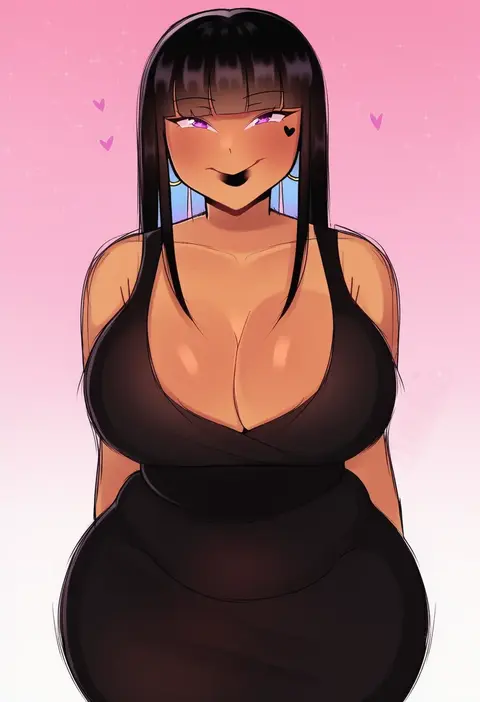
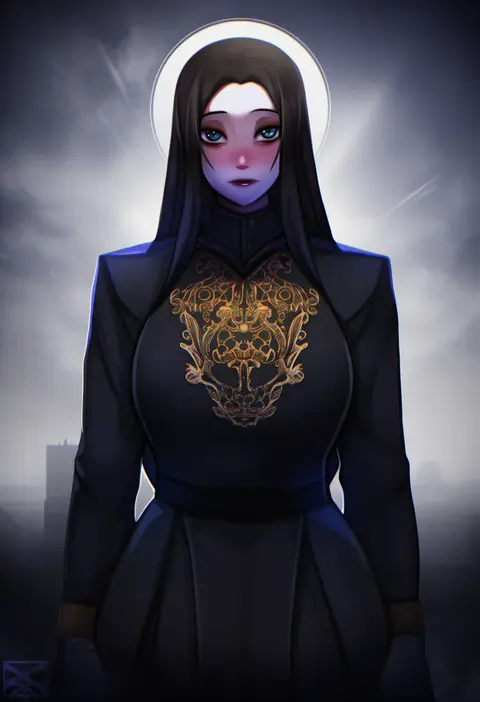
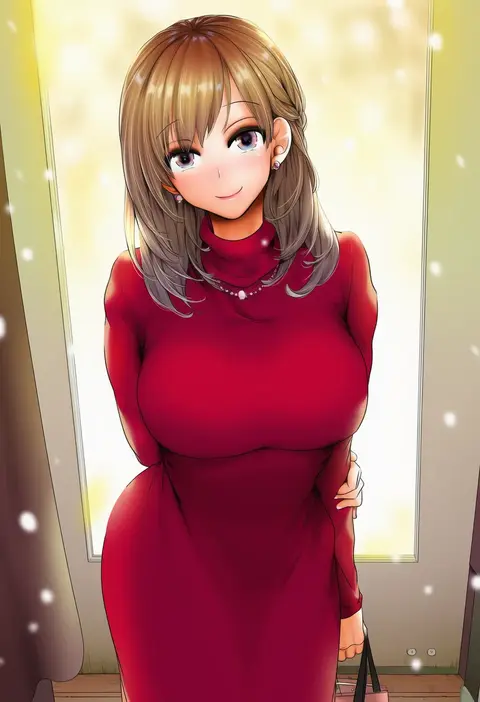
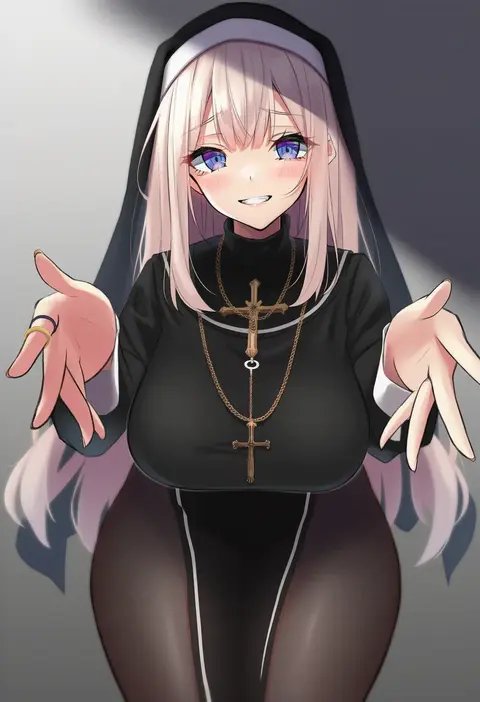
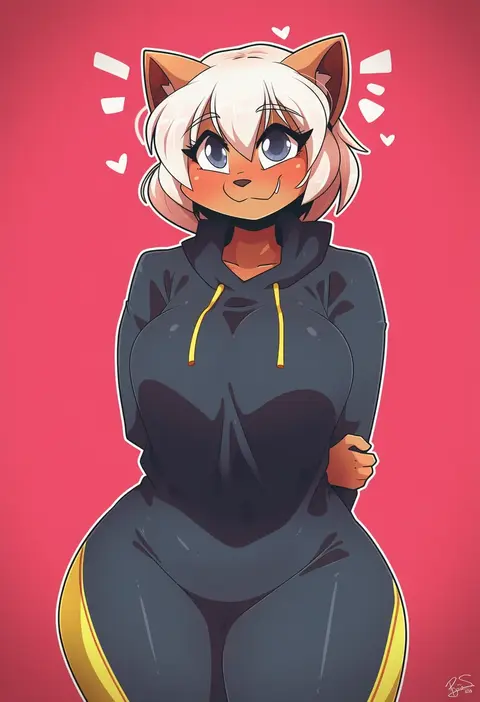
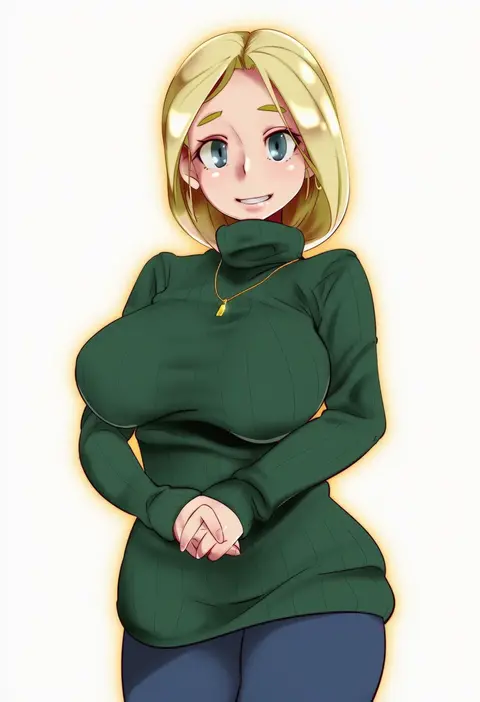
Every tag listed here is verified to react in NovelAI. All images use the same prompt, seed and settings with only the artist tag swapped, so the difference between two images is the style that tag brings in.

How to use them

Put the artist tag near the front of the prompt, e.g. "<artist>, 1girl, solo, best quality, masterpiece, cowboy shot". Two or three artist tags blend styles; lower the weight with "0.8::<artist>::" when the style overpowers the character.

SCORE sorts by Danbooru's top score, POSTS by post count, FAVS by hearts on this site. Open a card to see V5 and V4.5 side by side on the same seed.

V5 vs V4.5

V5 usually lands closer to the artist's real style, and tags that did nothing on V4.5 often react on V5. V4.5 still fits older and doujin-heavy artists better. Try V5 first, fall back to V4.5.

FAQ

Where does the artist tag go?
Near the front of the prompt. Use "0.8::tag::" to adjust its weight.

Can I stack artist tags?
Yes, styles blend. Past two or three the result stops looking like anyone.

Are these the artists' own works?
No. Every image is a NovelAI sample generated from the tag.