V4.5Artists
sort: FAVS▾
▾
>
$

NovelAI Artist Tags List — V4.5

artist --count 16,352[117/273]
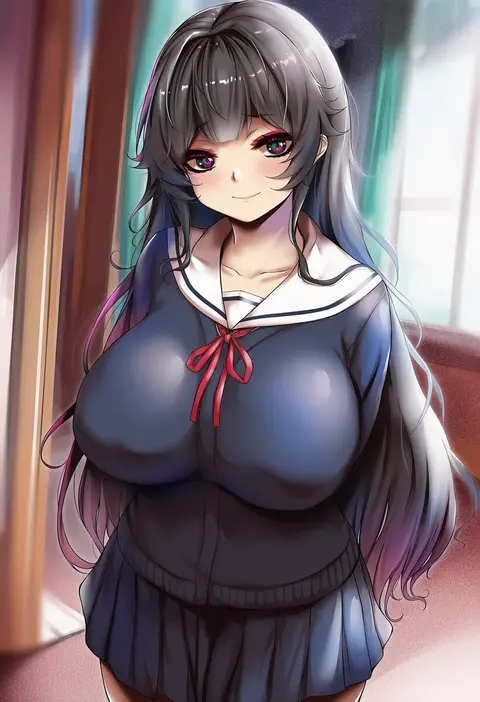
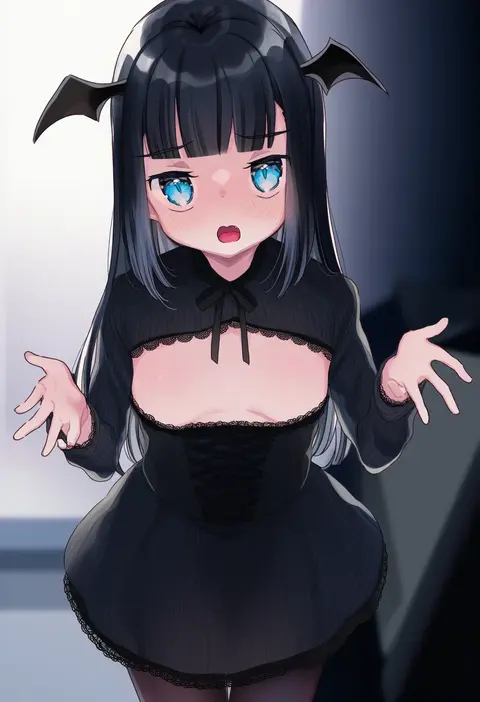
yamataka
ARTIST0x1B30
0
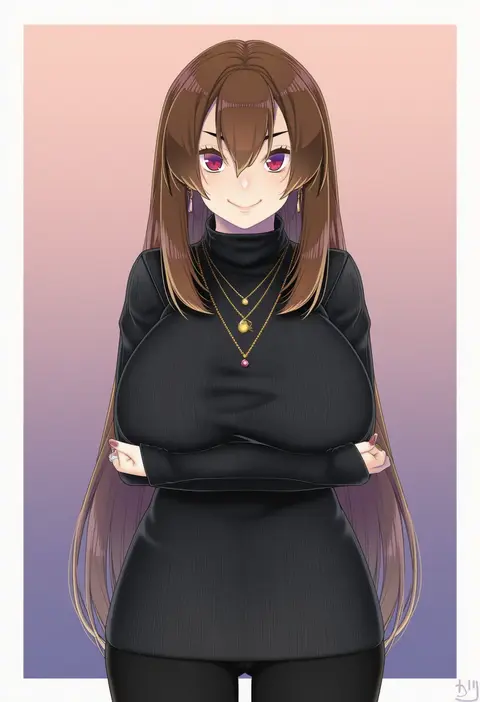
natto soup
ARTIST0x1B31
0
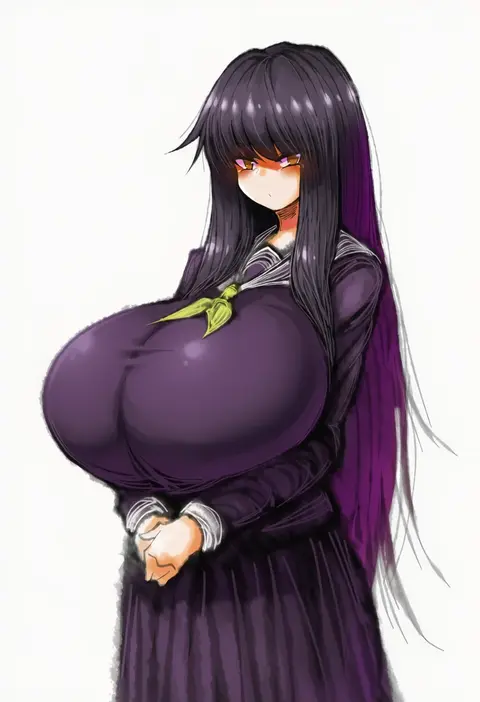
ozaki (tsukiko3)
ARTIST0x1B32
0
key (kagibangou)
ARTIST0x1B33
0
wumumu
ARTIST0x1B34
0
kanro ame (ameko)
ARTIST0x1B35
0
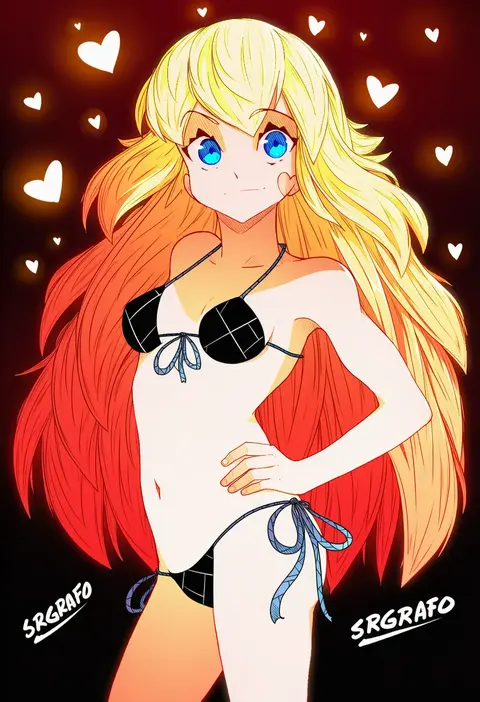
srgrafo
ARTIST0x1B36
0
osafune kairi
ARTIST0x1B37
0
2b-ge
ARTIST0x1B38
0
puchirisu
ARTIST0x1B39
0
puripuri jet
ARTIST0x1B3A
0
naoki (endofcentury102)
ARTIST0x1B3B
0
sakatsuki yakumo
ARTIST0x1B3C
0
zanpon
ARTIST0x1B3D
0
kistina
ARTIST0x1B3E
0
nideaneng
ARTIST0x1B3F
0
osuwaani
ARTIST0x1B40
0
piyodera mucha
ARTIST0x1B41
0
ironlily
ARTIST0x1B42
0
icehotmilktea
ARTIST0x1B43
0
megao 3rd
ARTIST0x1B44
0
hiroyuki
ARTIST0x1B45
0
akata itsuki
ARTIST0x1B46
0
nc731
ARTIST0x1B47
0
gu li
ARTIST0x1B48
0
uni (melm)
ARTIST0x1B49
0
alto seneka
ARTIST0x1B4A
0
notte
ARTIST0x1B4B
0
ska.harumi
ARTIST0x1B4C
0
innerkey (kgfw5338)
ARTIST0x1B4D
0
ihobus
ARTIST0x1B4E
0
eruthika
ARTIST0x1B4F
0
fuuga (perv rsity)
ARTIST0x1B50
0
gemba (dlfms75)
ARTIST0x1B51
0
suzuki nene
ARTIST0x1B52
0
chiwa (chiwawanwan1206)
ARTIST0x1B53
0
shirokuma (zeroillya)
ARTIST0x1B54
0
sora mame (princess 0sora)
ARTIST0x1B55
0
mg pong
ARTIST0x1B56
0
mikaze oto
ARTIST0x1B57
0
sankyo (821-scoville)
ARTIST0x1B58
0
dddoochi1
ARTIST0x1B59
0
hamoto
ARTIST0x1B5A
0
chirun0
ARTIST0x1B5B
0
jinjide shaonian
ARTIST0x1B5C
0
remora180
ARTIST0x1B5D
0
iwashi dorobou -r-
ARTIST0x1B5E
0
taka (takahirokun)
ARTIST0x1B5F
0
shigure ryuunosuke
ARTIST0x1B60
0
ichiyou moka
ARTIST0x1B61
0
asuzemu
ARTIST0x1B62
0
bomhat
ARTIST0x1B63
0
ayuayu (shouyu no sato)
ARTIST0x1B64
0
makimura shunsuke
ARTIST0x1B65
0
sen'yuu yuuji
ARTIST0x1B66
0
nekoi mie
ARTIST0x1B67
0
miyako (rgrayt)
ARTIST0x1B68
0
soraneko hino
ARTIST0x1B69
0
yuuji overall
ARTIST0x1B6A
0
uganda (ugandam 00)
ARTIST0x1B6B
0

What these tags change

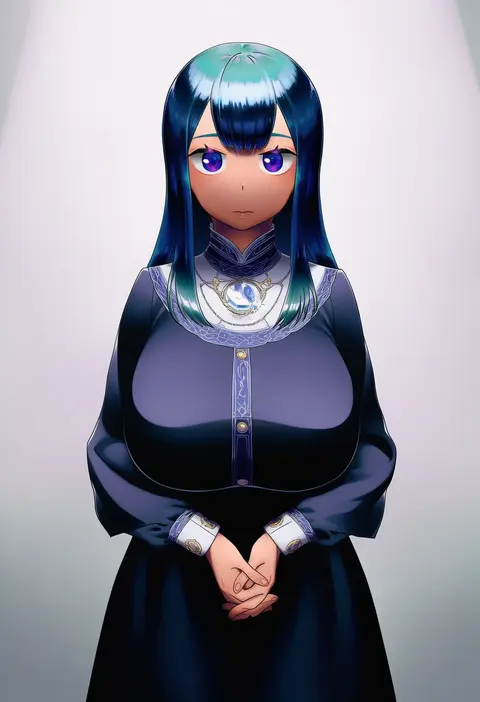
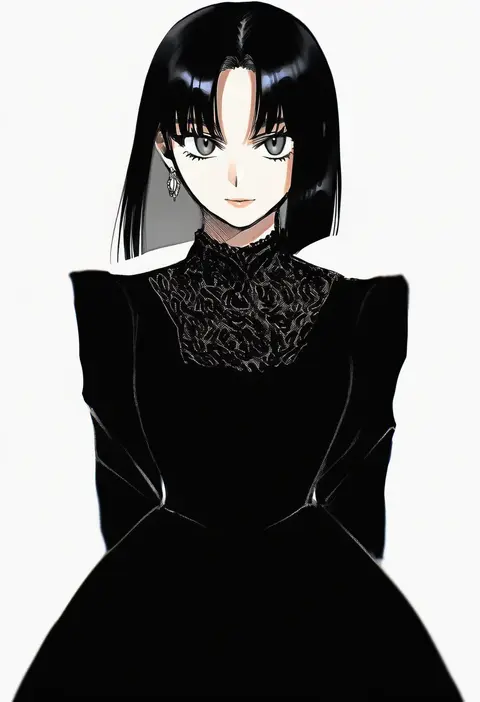
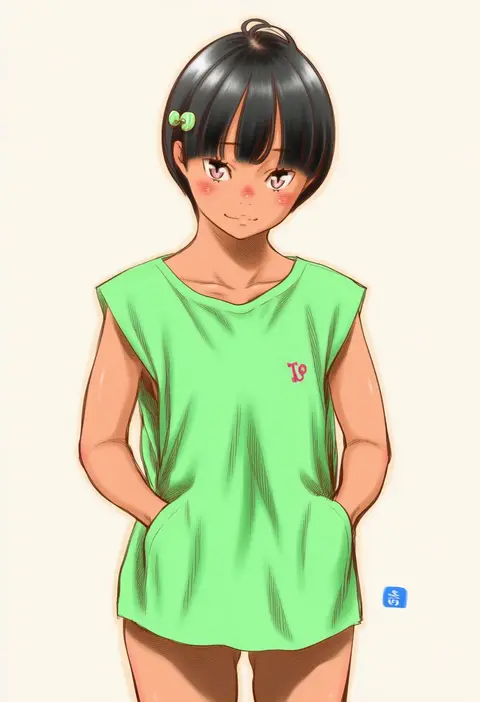
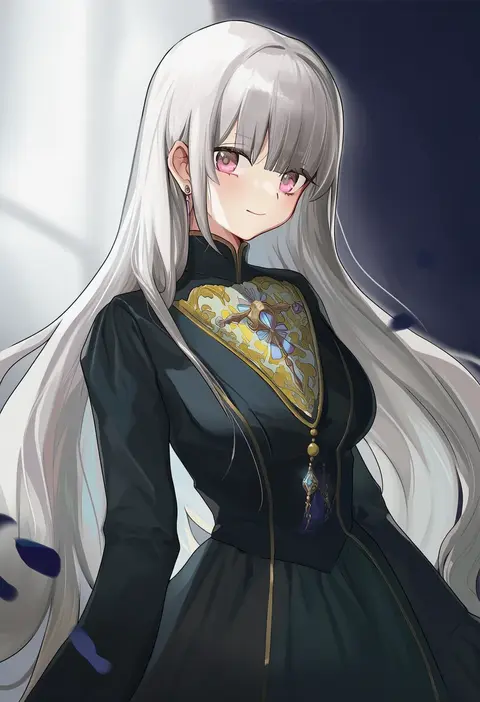
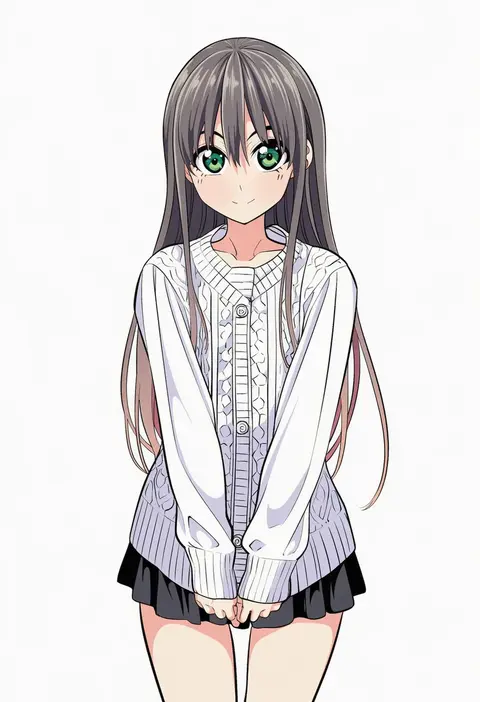
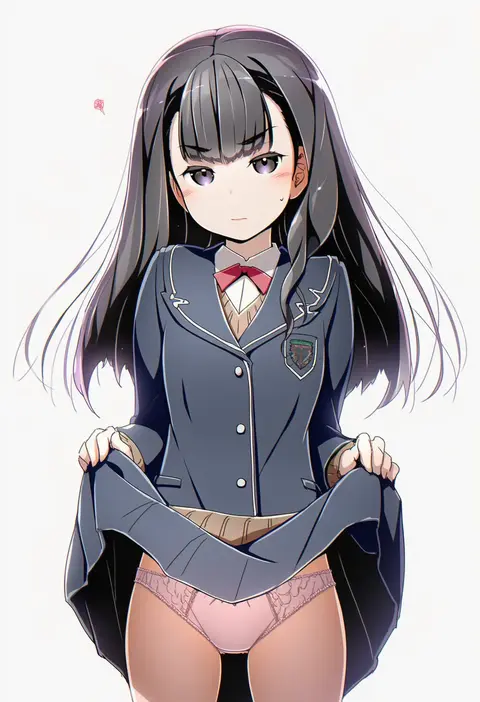
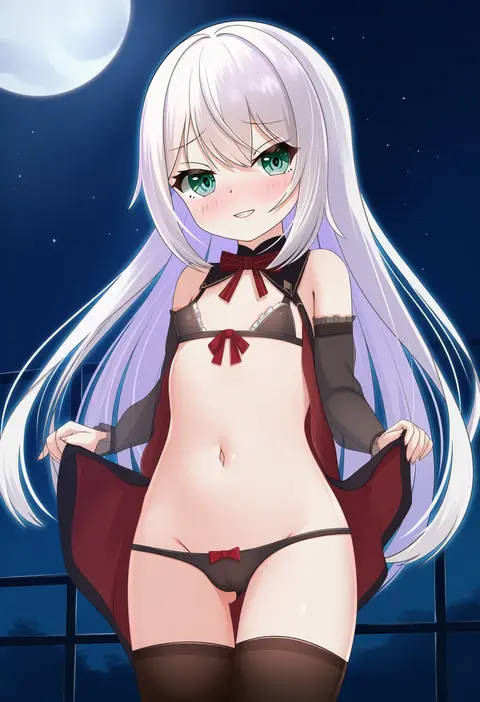
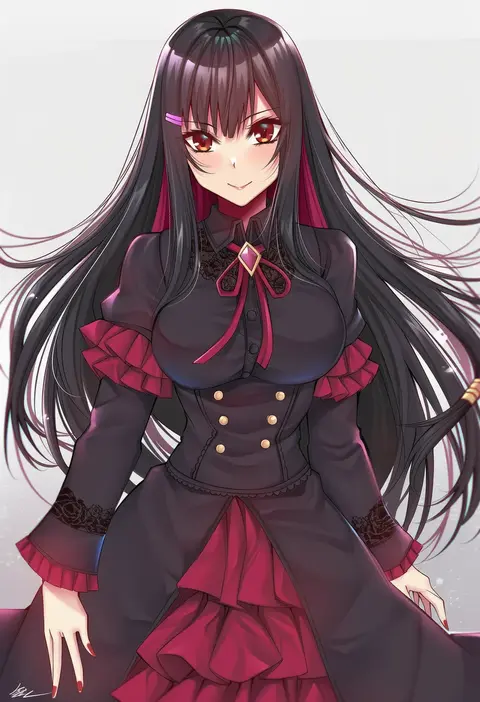
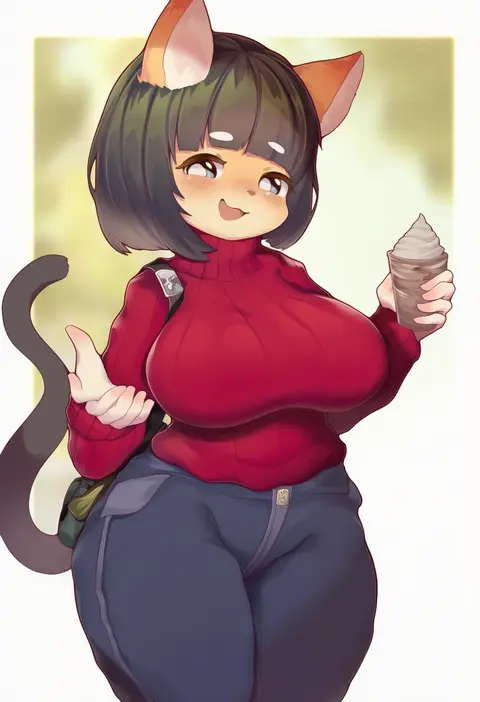
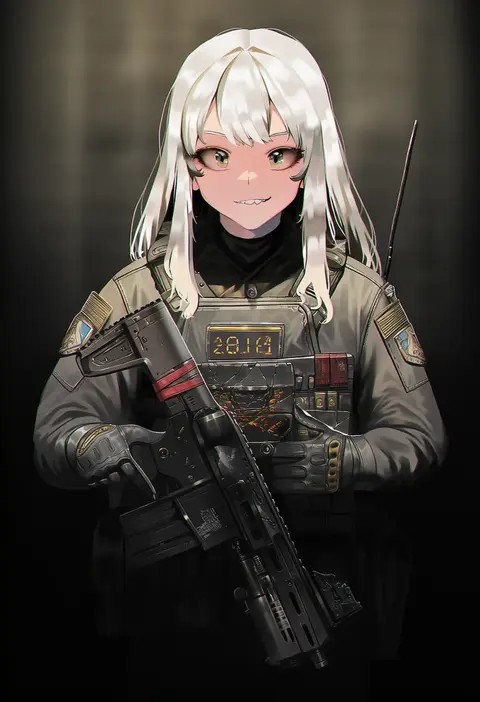
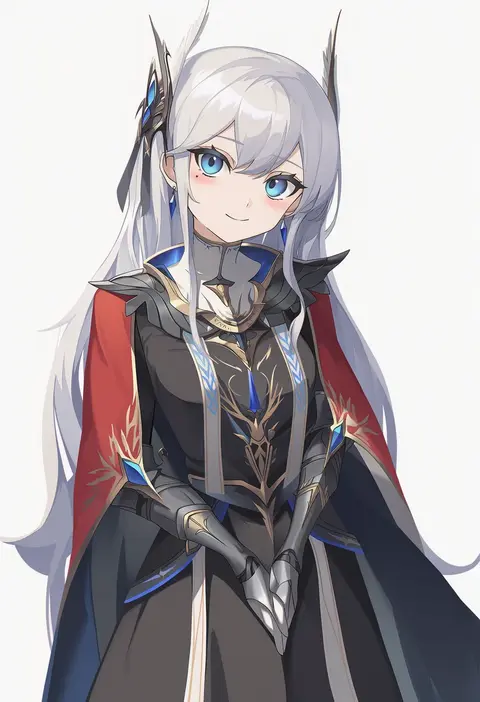
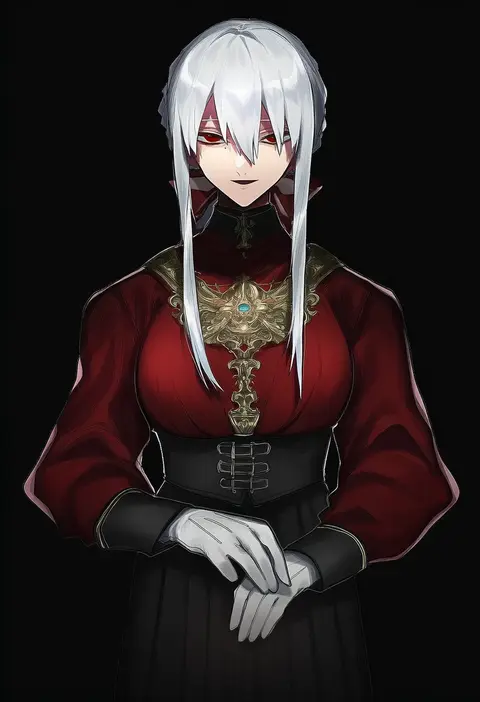
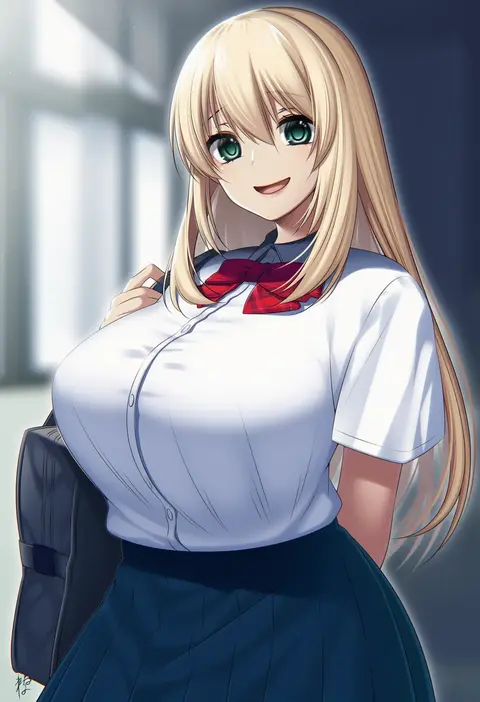
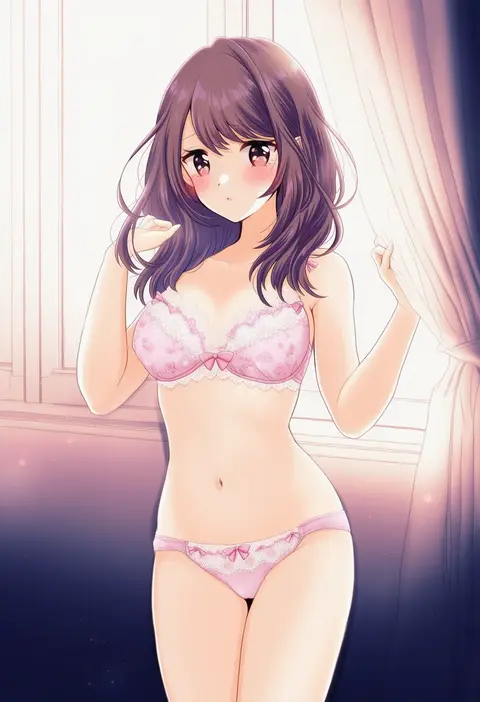
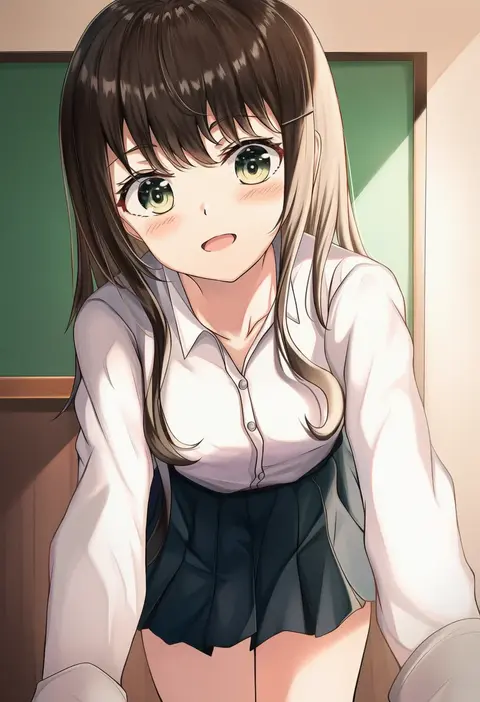
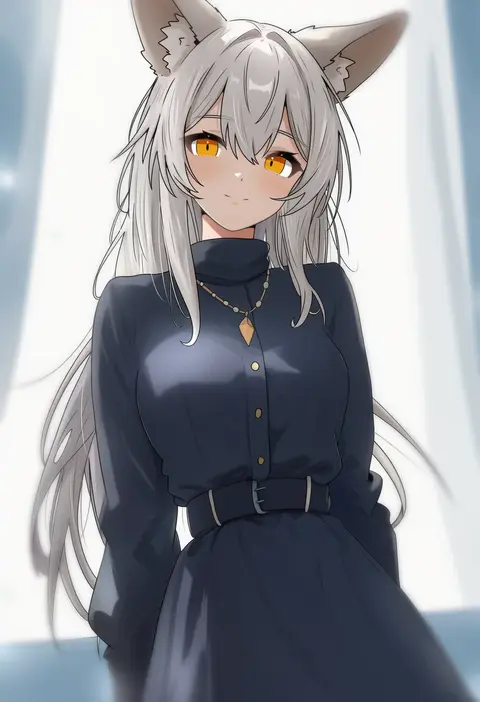
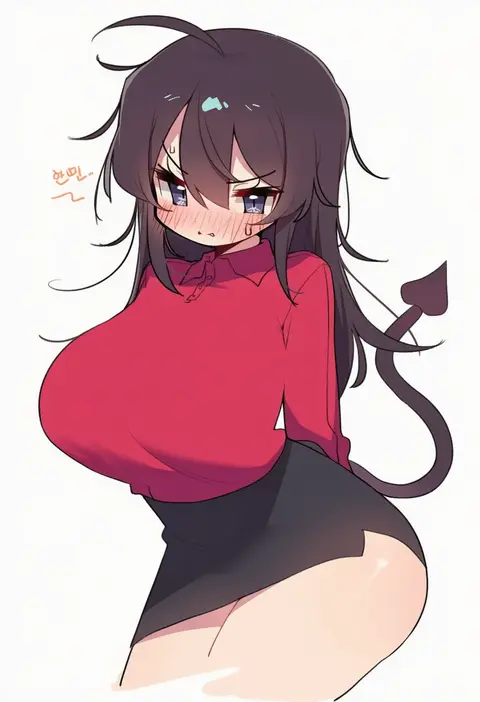
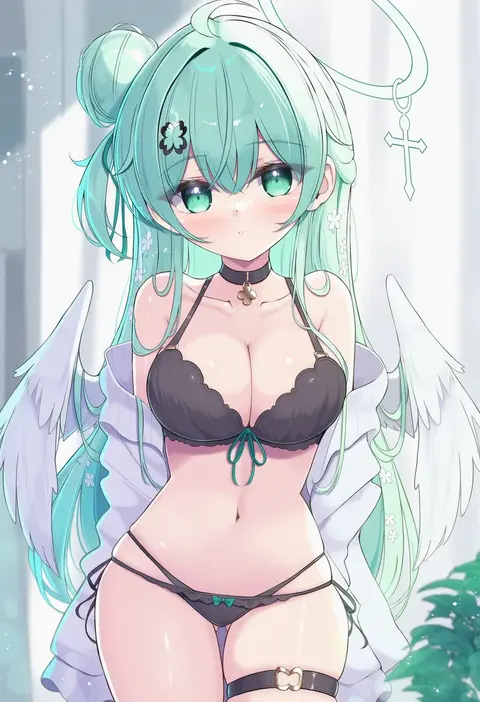
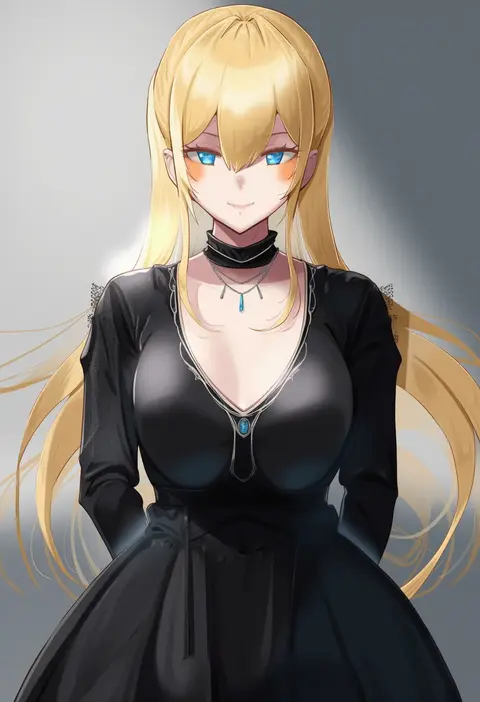
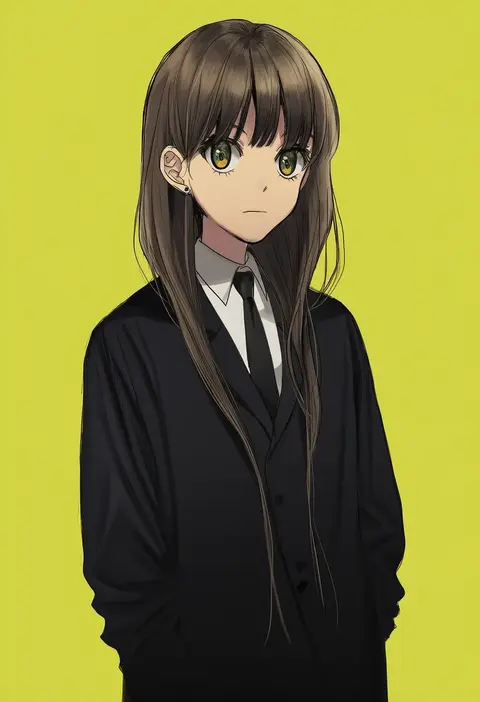
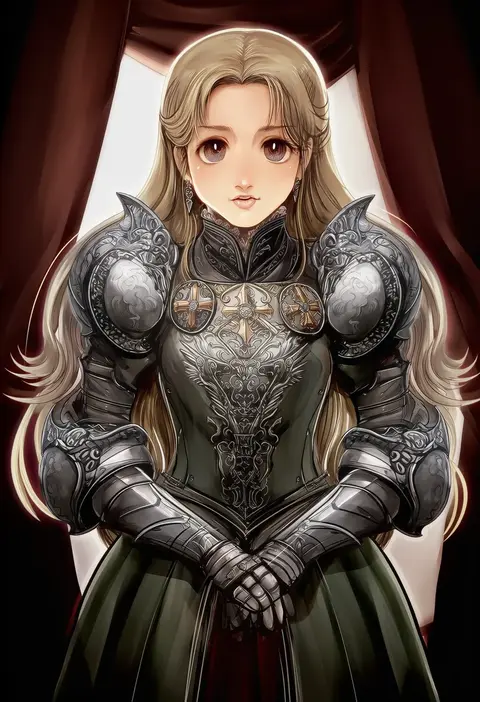
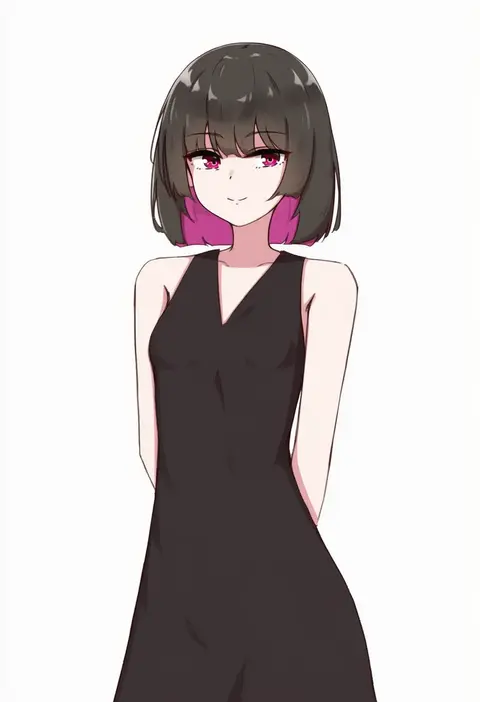
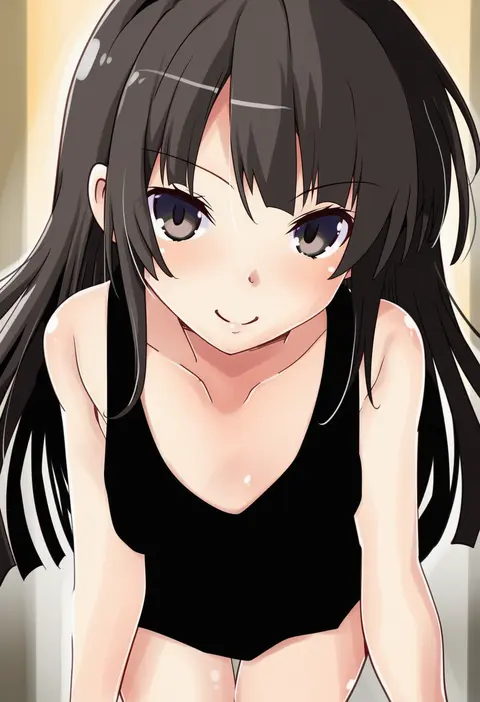
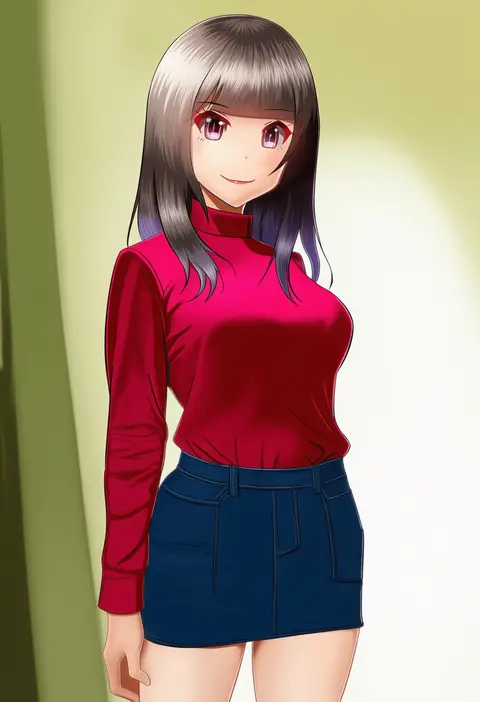
Artist tags tell NovelAI Diffusion to draw in a specific artist's style: line weight, paint texture, face shapes and palette all shift at once. Character and outfit tags decide what is drawn; artist tags decide how. 16,352 tags are listed for V4.5.
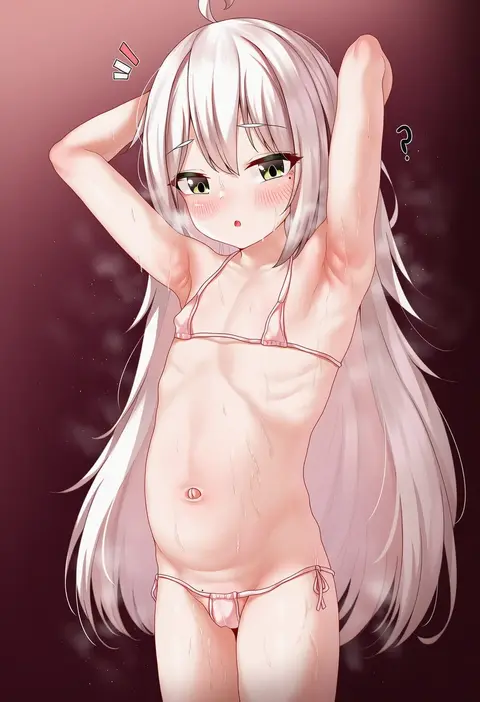
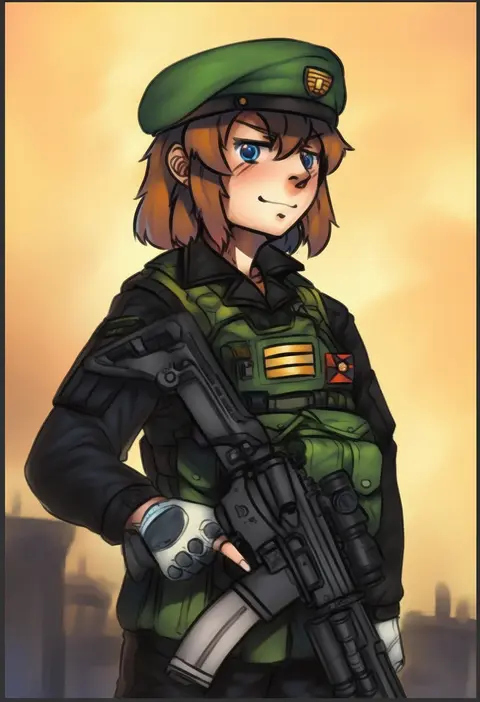
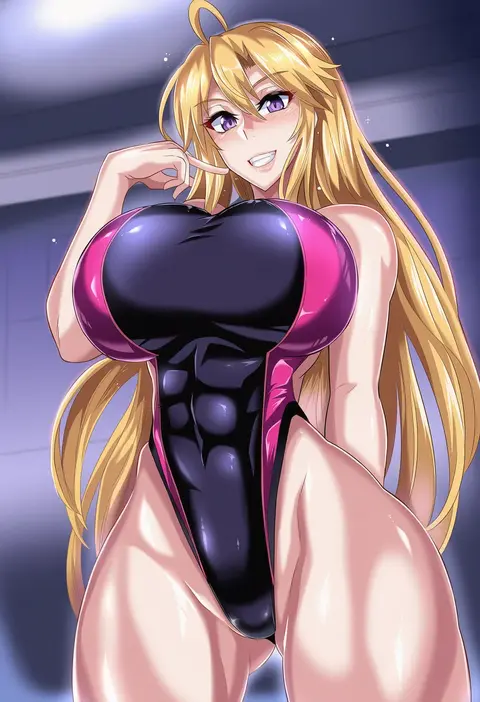
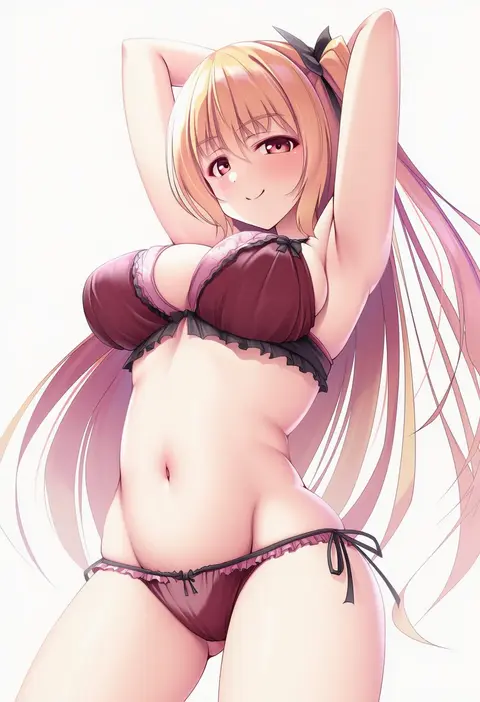
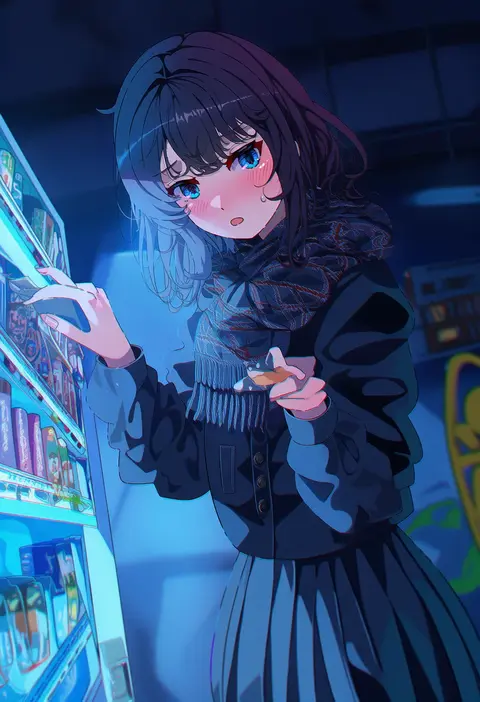
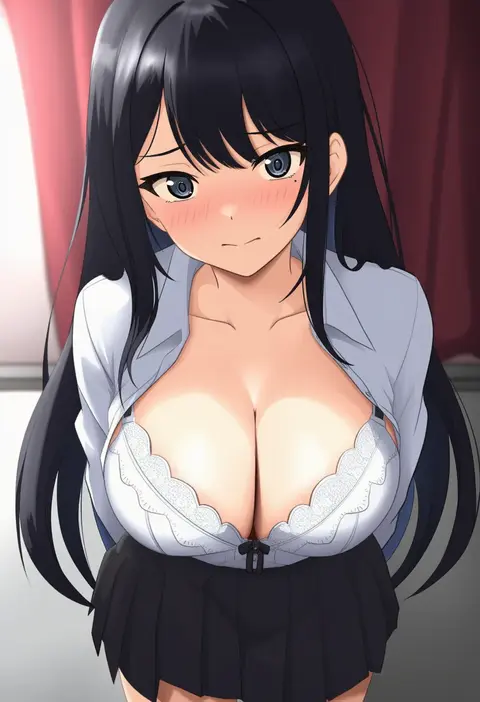
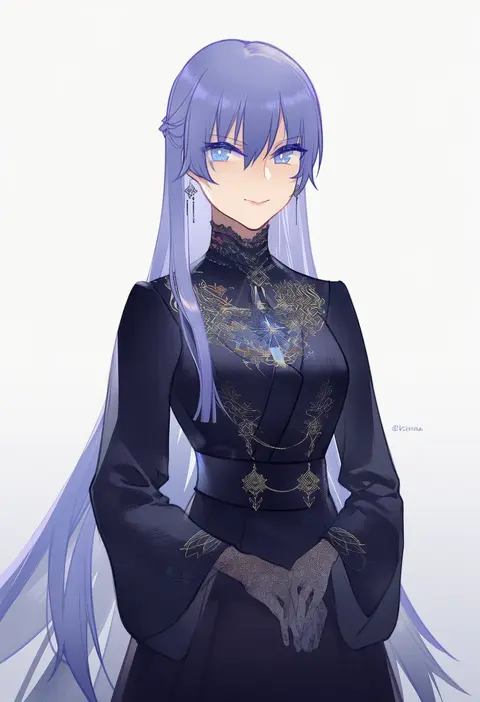
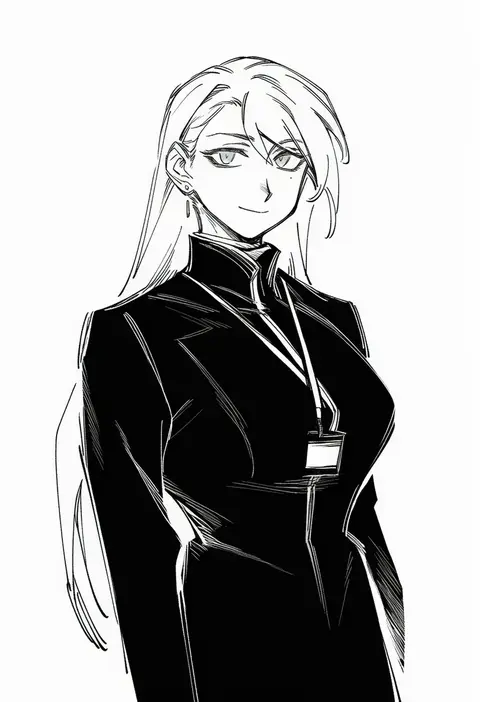
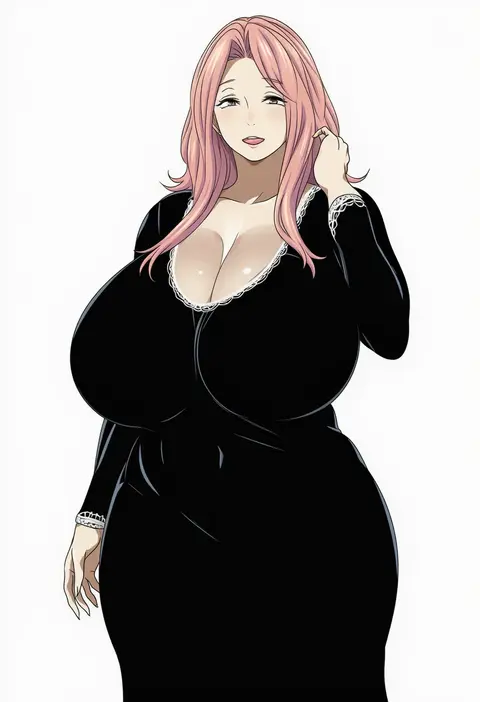
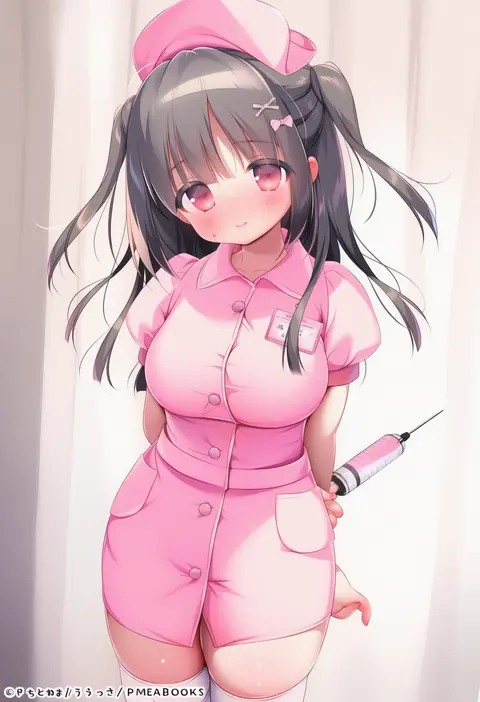
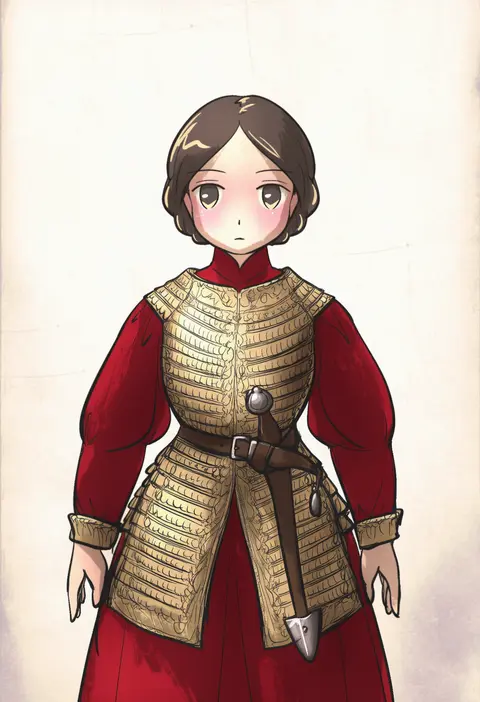
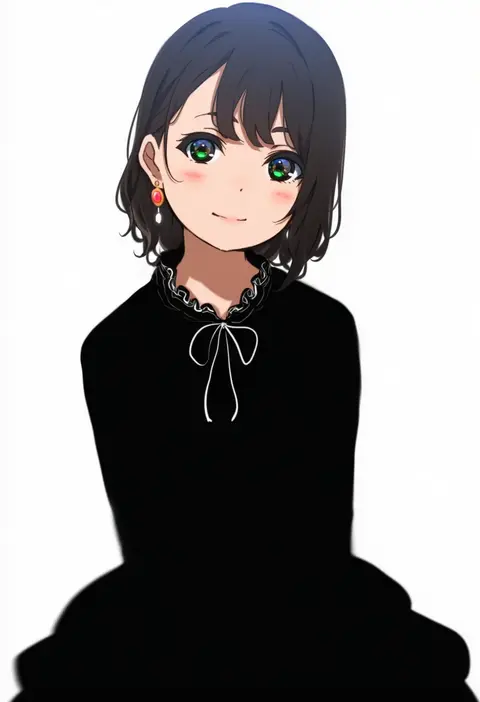
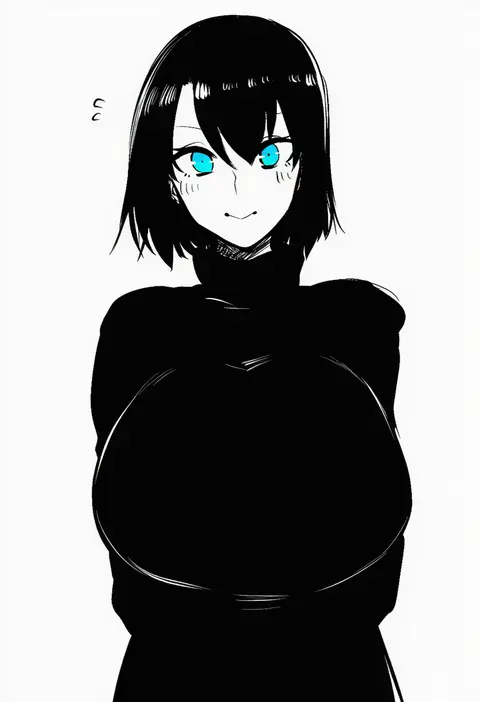
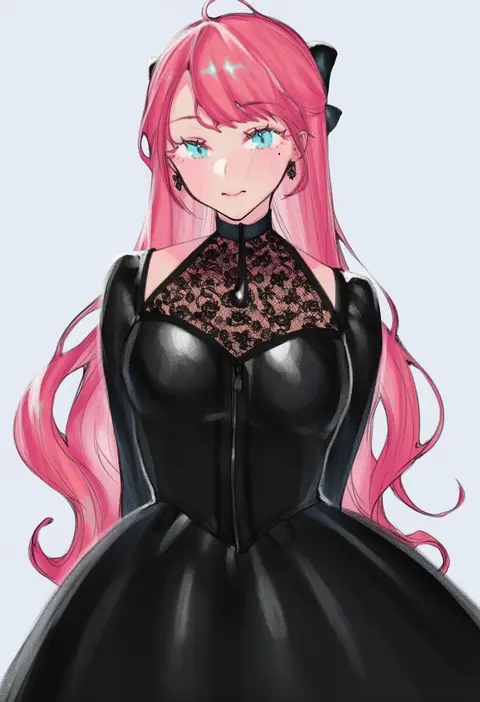
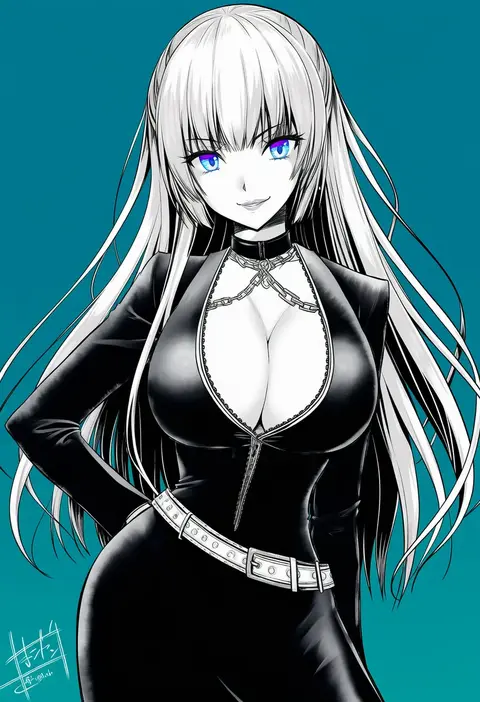
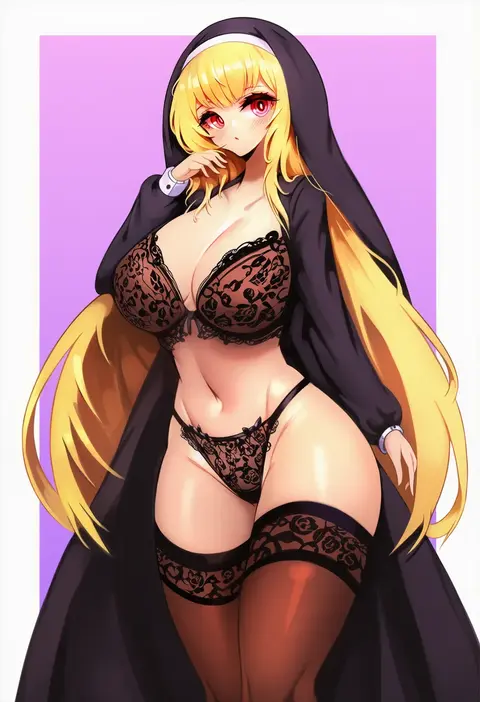
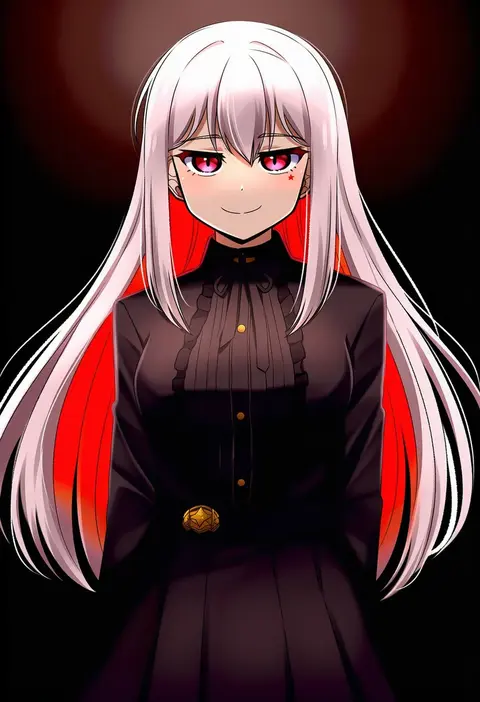
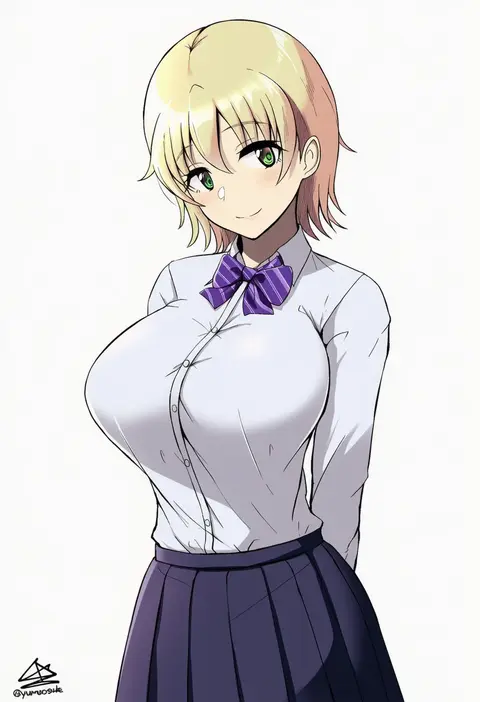
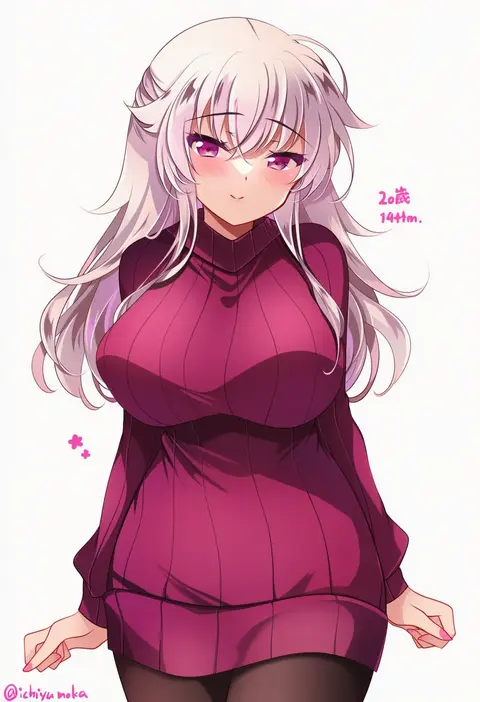
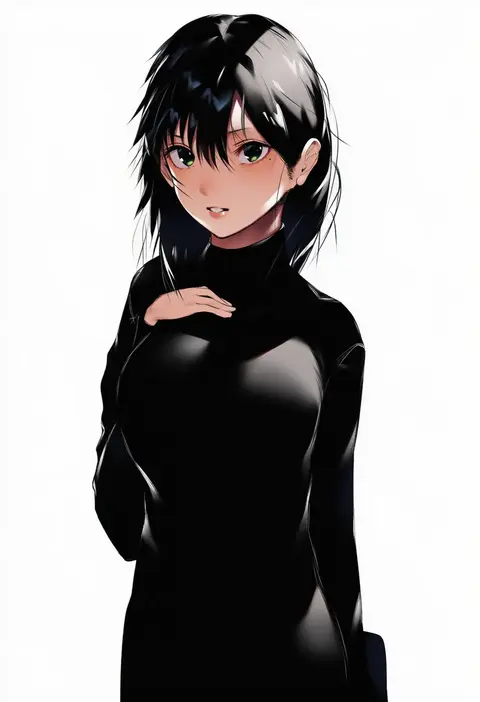
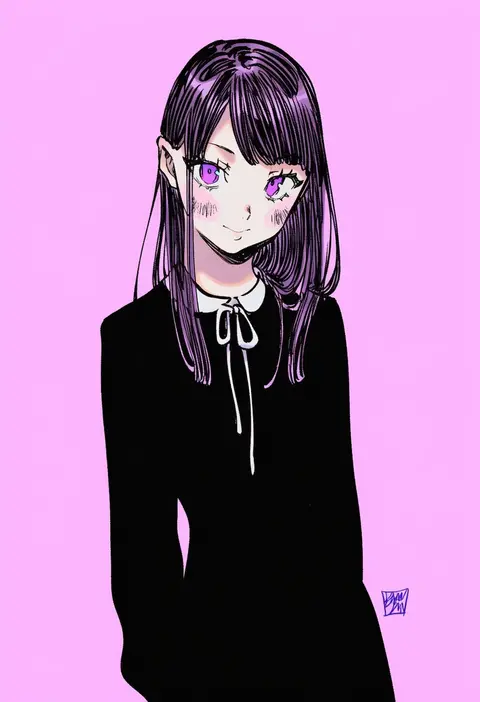
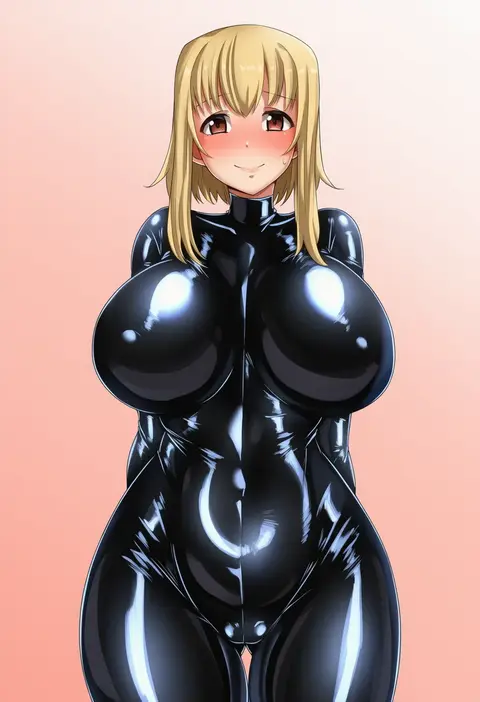
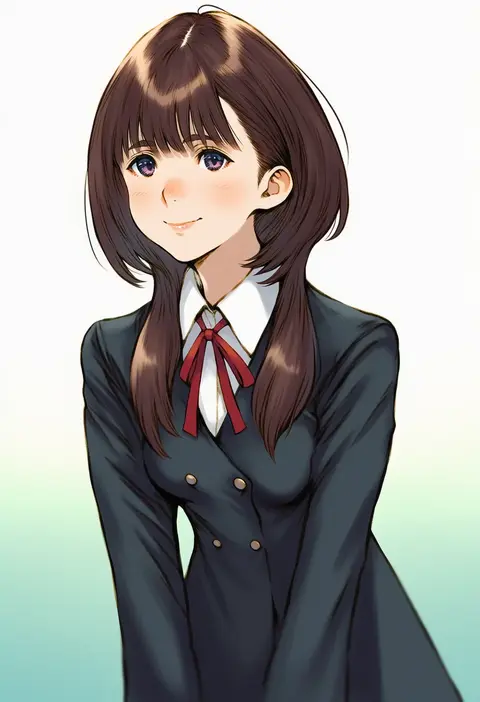
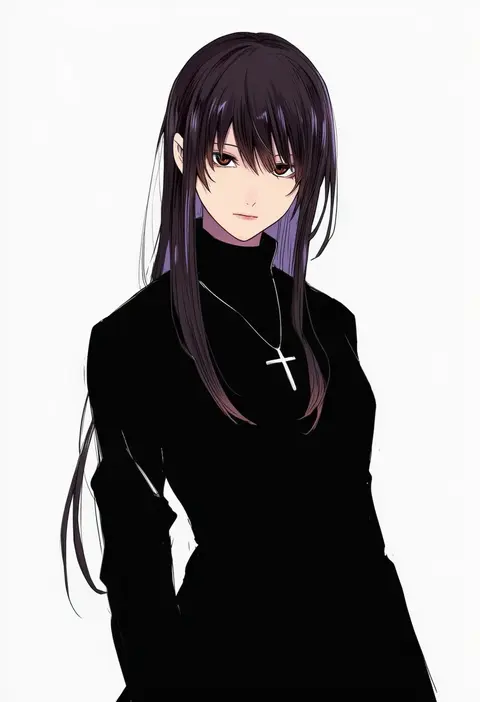
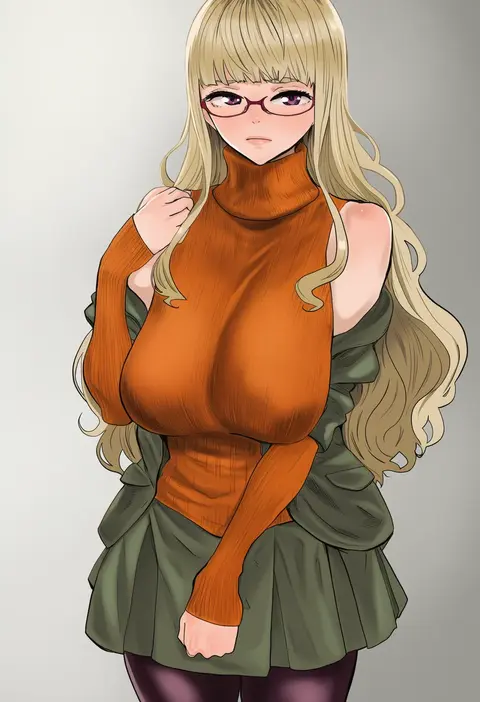
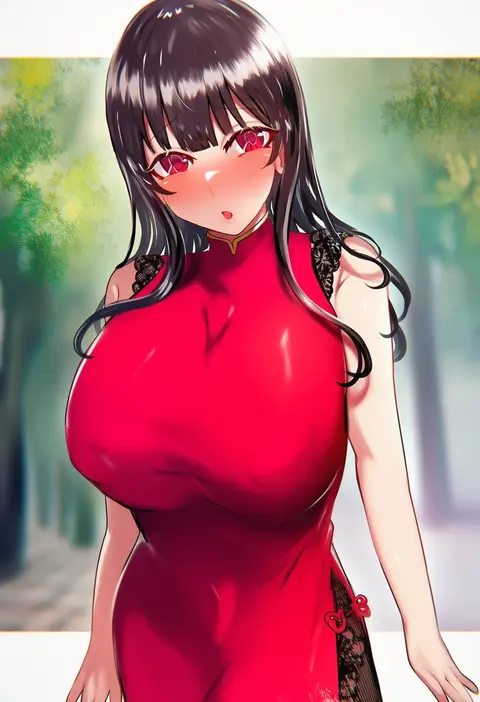
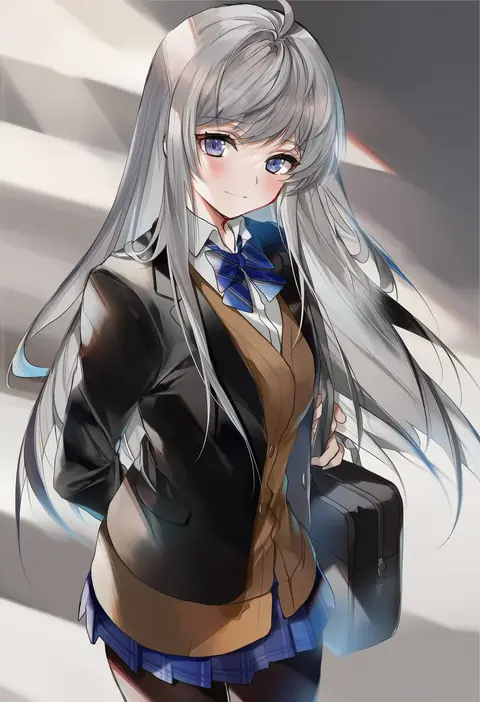
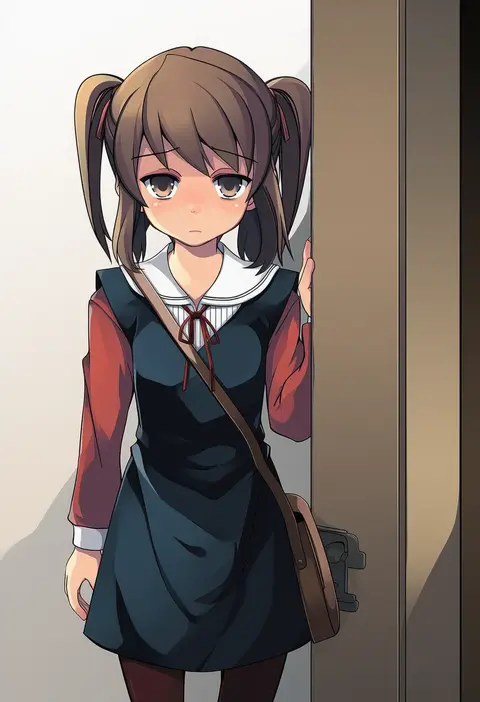
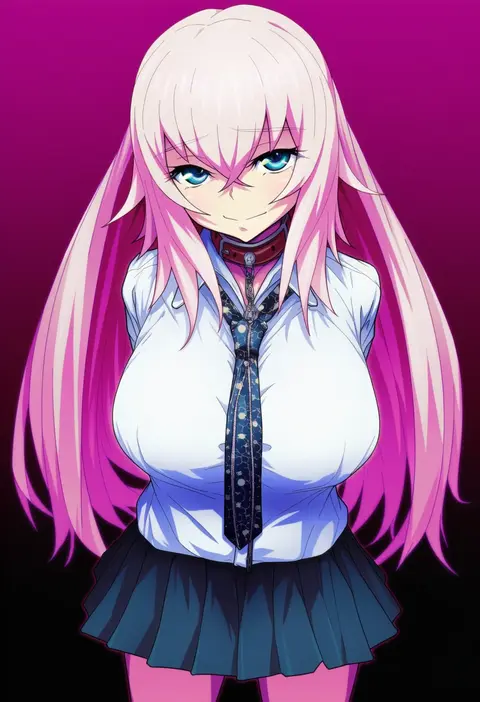
Every tag listed here is verified to react in NovelAI. All images use the same prompt, seed and settings with only the artist tag swapped, so the difference between two images is the style that tag brings in.

How to use them

Put the artist tag near the front of the prompt, e.g. "<artist>, 1girl, solo, best quality, masterpiece, cowboy shot". Two or three artist tags blend styles; lower the weight with "0.8::<artist>::" when the style overpowers the character.

SCORE sorts by Danbooru's top score, POSTS by post count, FAVS by hearts on this site. Open a card to see V5 and V4.5 side by side on the same seed.

V5 vs V4.5

V5 usually lands closer to the artist's real style, and tags that did nothing on V4.5 often react on V5. V4.5 still fits older and doujin-heavy artists better. Try V5 first, fall back to V4.5.

FAQ

Where does the artist tag go?
Near the front of the prompt. Use "0.8::tag::" to adjust its weight.

Can I stack artist tags?
Yes, styles blend. Past two or three the result stops looking like anyone.

Are these the artists' own works?
No. Every image is a NovelAI sample generated from the tag.