V4.5Artists
sort: FAVS▾
▾
>
$

NovelAI Artist Tags List — V4.5

artist --count 16,352[118/273]
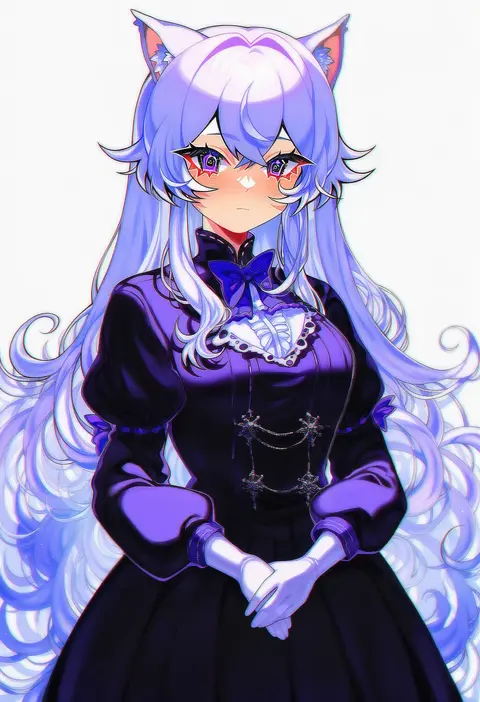
savi (byakushimc)
ARTIST0x1B6C
0
sora (men0105)
ARTIST0x1B6D
0
dolce (dolsuke)
ARTIST0x1B6E
0
darkpulsegg
ARTIST0x1B6F
0
onabe no shime
ARTIST0x1B70
0
shotgunman
ARTIST0x1B71
0
namaru (summer dandy)
ARTIST0x1B72
0
wallace pires
ARTIST0x1B73
0
amagamido
ARTIST0x1B74
0
mingke
ARTIST0x1B75
0
shu kunkuokuozi
ARTIST0x1B76
0
minster (dooke)
ARTIST0x1B77
0
neko lu (wofud453)
ARTIST0x1B78
0
dana (hapong07)
ARTIST0x1B79
0
liwendala
ARTIST0x1B7A
0
hanayama (inunekokawaii)
ARTIST0x1B7B
0
tyenka7728
ARTIST0x1B7C
0
dr. gero (staedtler 0508)
ARTIST0x1B7D
0
koyorin
ARTIST0x1B7E
0
tokkyu
ARTIST0x1B7F
0
amashiro natsuki
ARTIST0x1B80
0
urutsu sahari
ARTIST0x1B81
0
erica (naze1940)
ARTIST0x1B82
0
tenobe
ARTIST0x1B83
0
criin
ARTIST0x1B84
0
arai togami
ARTIST0x1B85
0
yahako
ARTIST0x1B86
0
feiyu30903448
ARTIST0x1B87
0
saboten mushi
ARTIST0x1B88
0
mozu (peth)
ARTIST0x1B89
0
bm tol
ARTIST0x1B8A
0
dior-zi
ARTIST0x1B8B
0
chobipero
ARTIST0x1B8C
0
yuki18r
ARTIST0x1B8D
0
kamishiro ryuu
ARTIST0x1B8E
0
kazumi yoshiyuki
ARTIST0x1B8F
0
maria (syake-uni)
ARTIST0x1B90
0
nico-neko
ARTIST0x1B91
0
rirene rn
ARTIST0x1B92
0
kokouno oyazi
ARTIST0x1B93
0
wang-pac
ARTIST0x1B94
0
fujisaka kuuki
ARTIST0x1B95
0
i a n
ARTIST0x1B96
0
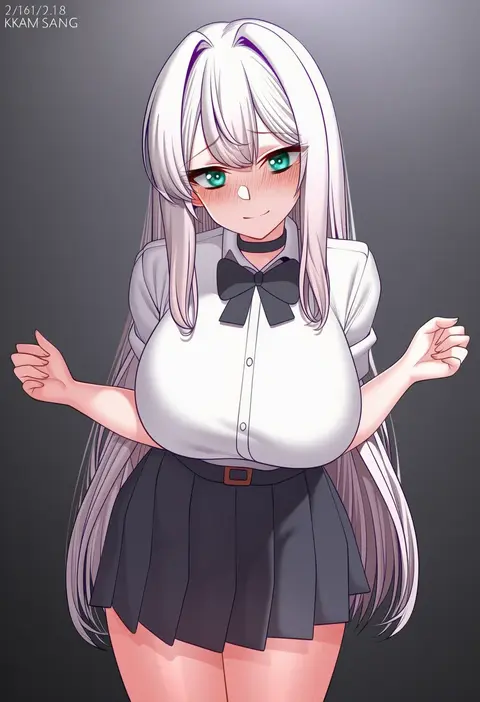
kkam-sang
ARTIST0x1B97
0
kele mimi
ARTIST0x1B98
0
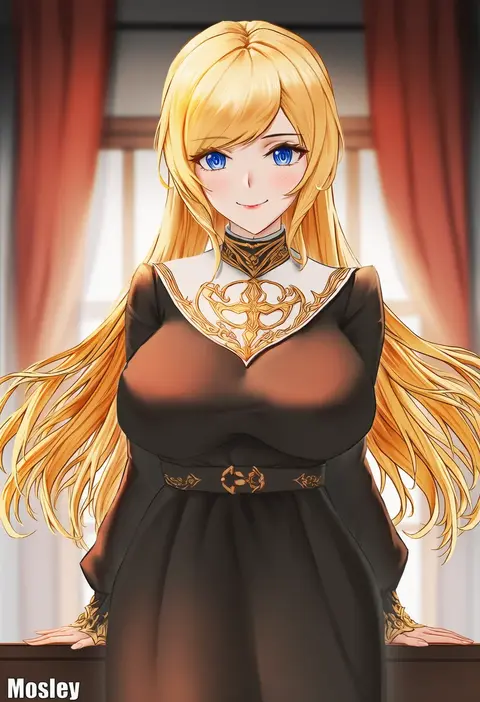
mosley (mosleyyy)
ARTIST0x1B99
0
mashiro yukiya
ARTIST0x1B9A
0
misaki nonaka
ARTIST0x1B9B
0
kochiya (gothope)
ARTIST0x1B9C
0
uousa-ou
ARTIST0x1B9D
0
takeyuu
ARTIST0x1B9E
0
nyonn24
ARTIST0x1B9F
0
bouen
ARTIST0x1BA0
0
choco tanuki
ARTIST0x1BA1
0
kawano takuji
ARTIST0x1BA2
0
unname
ARTIST0x1BA3
0
shika miso
ARTIST0x1BA4
0
pisagi
ARTIST0x1BA5
0
nakamura eight
ARTIST0x1BA6
0
signo aaa
ARTIST0x1BA7
0

What these tags change

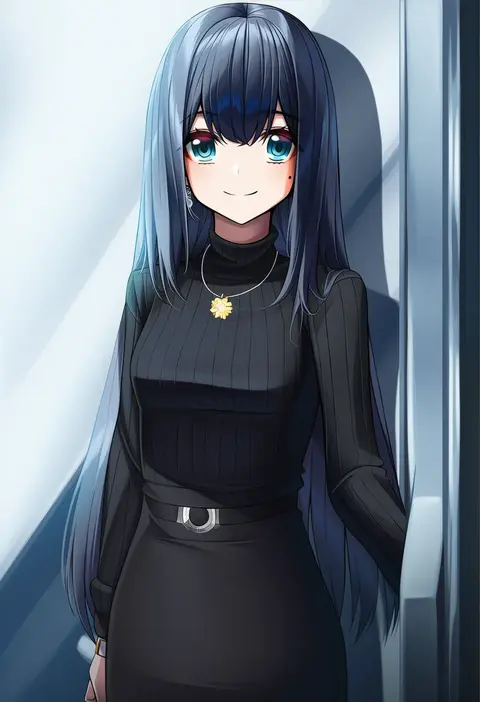
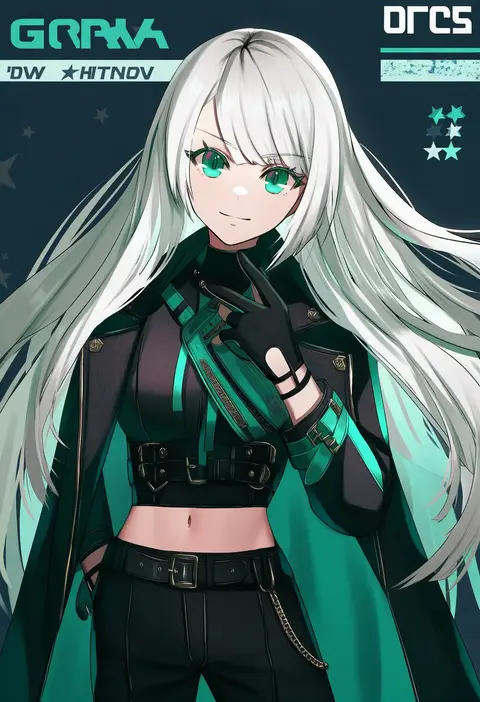
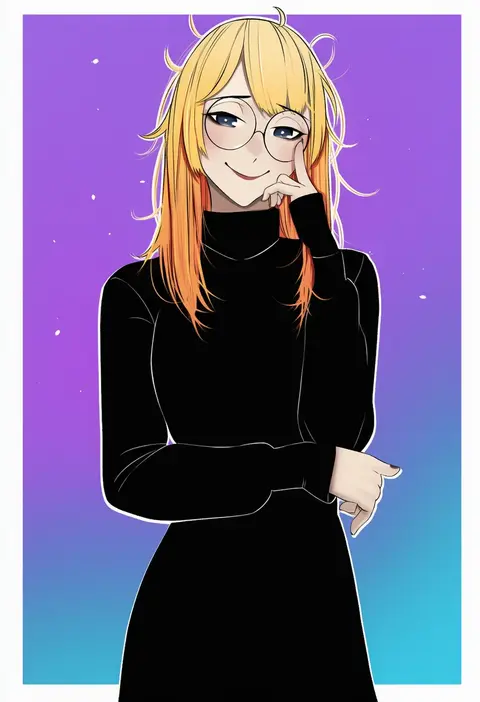
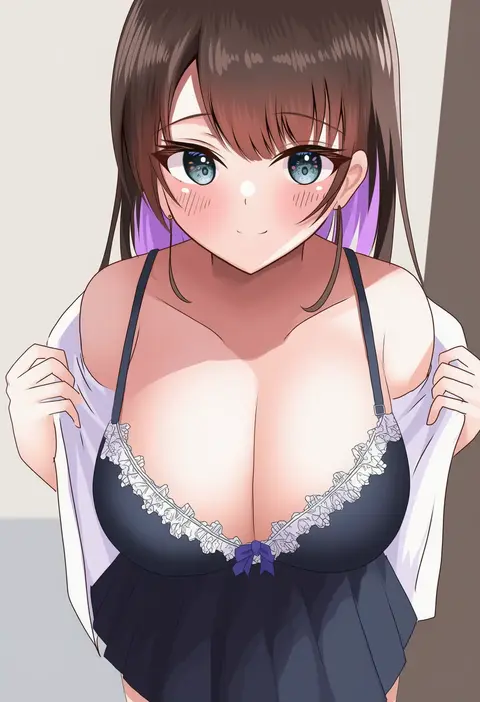
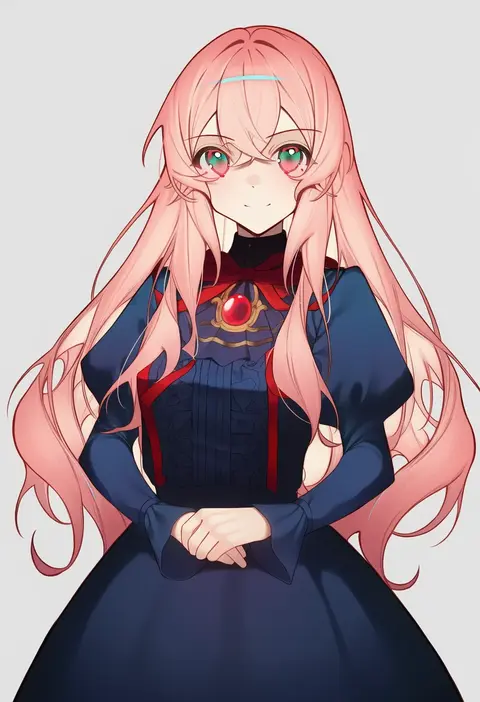
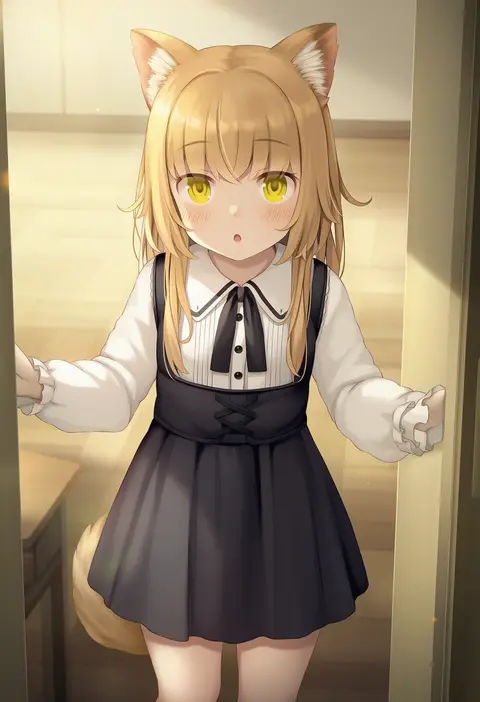
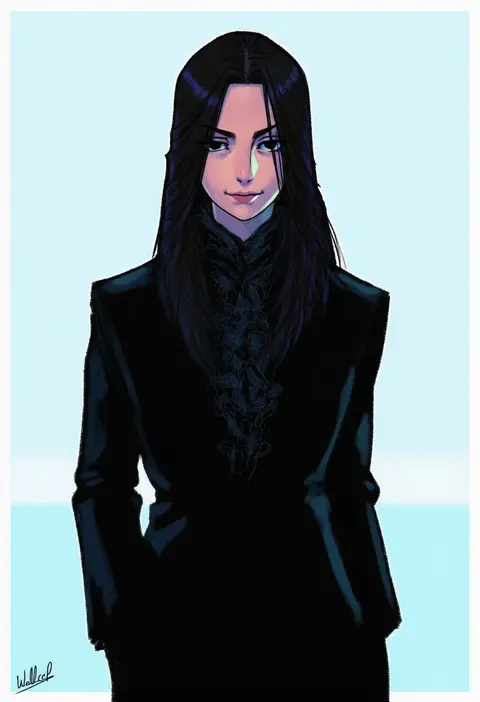
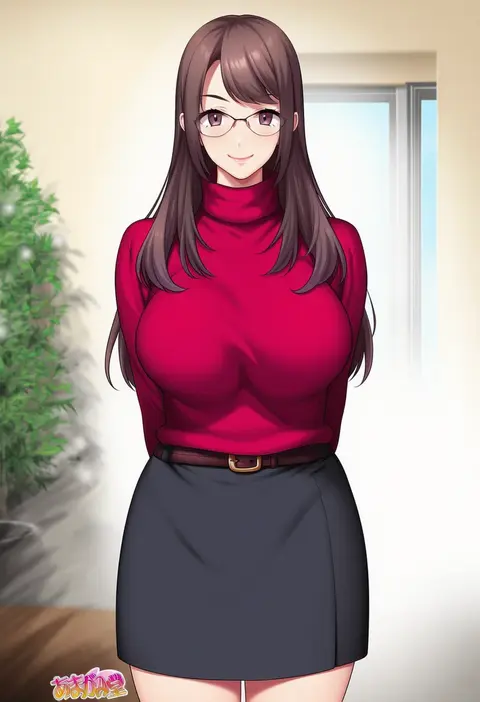
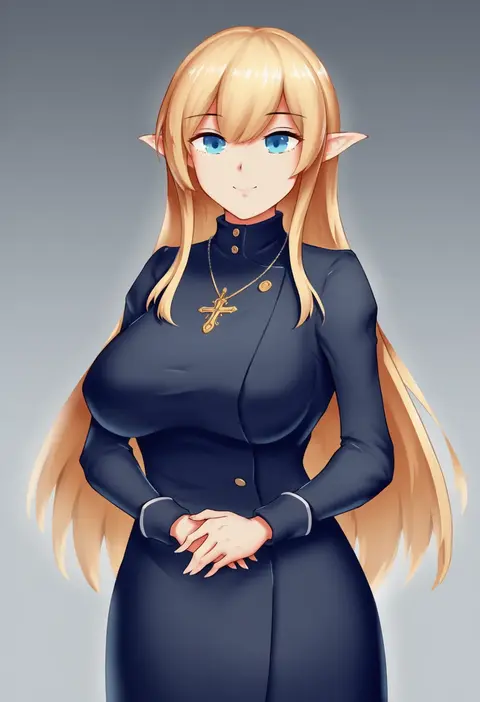
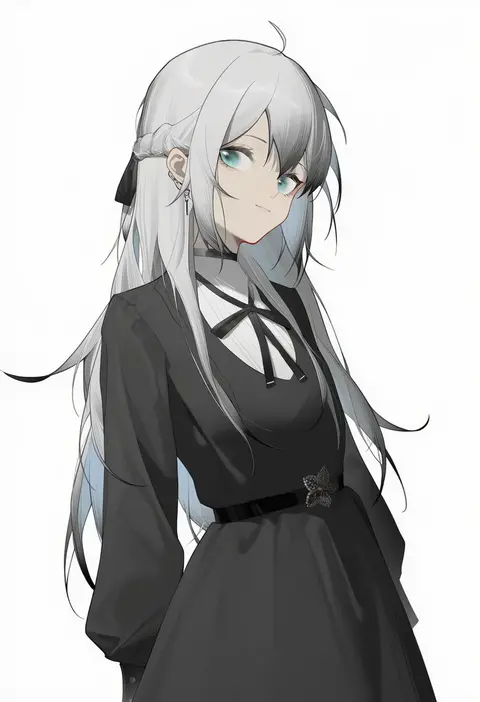
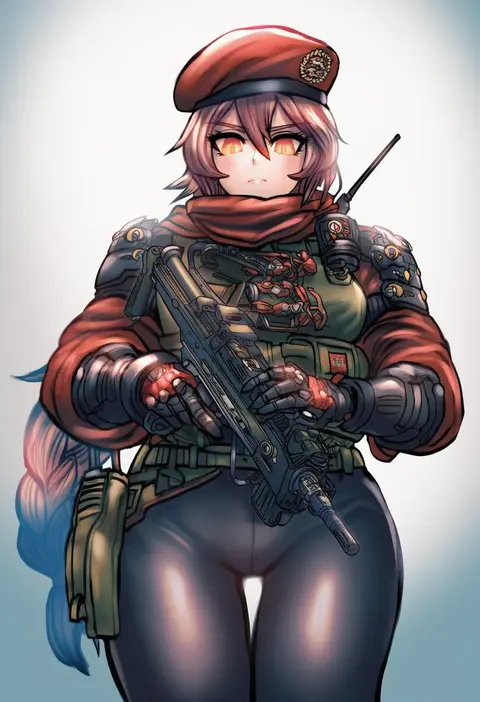
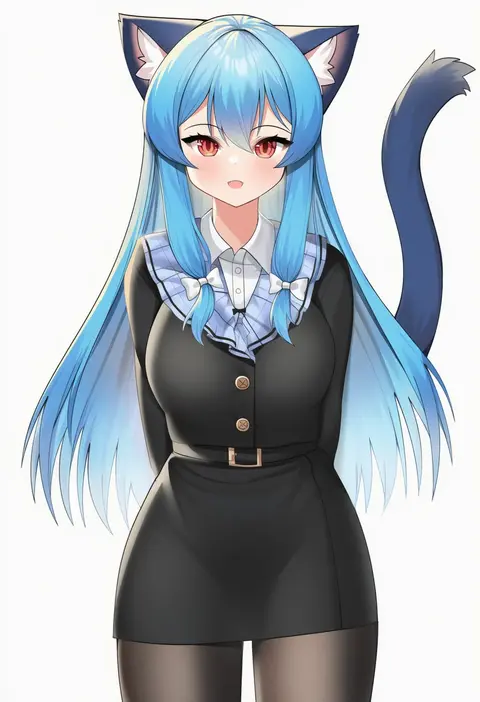
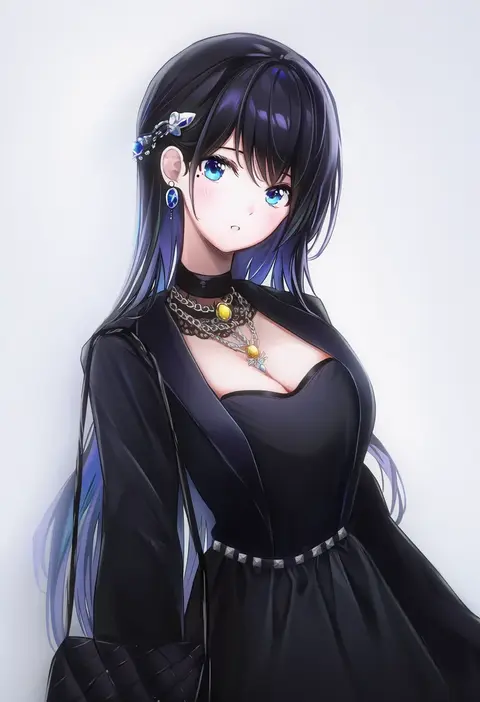
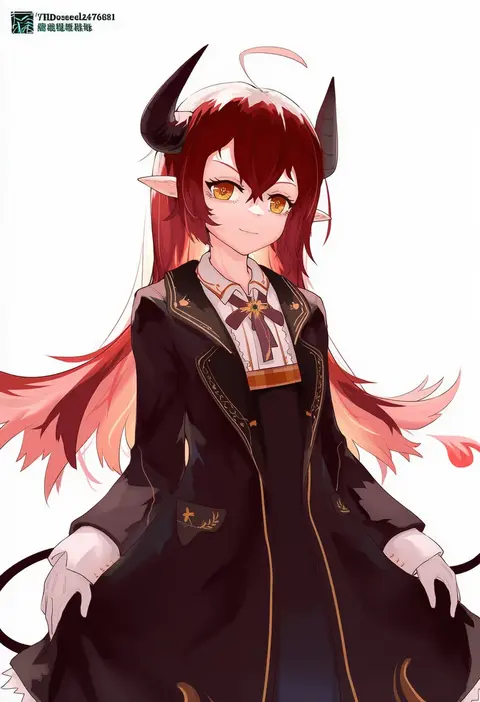
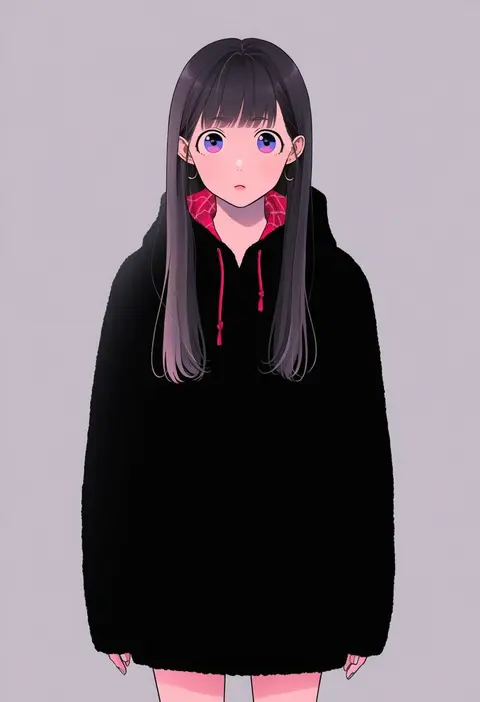
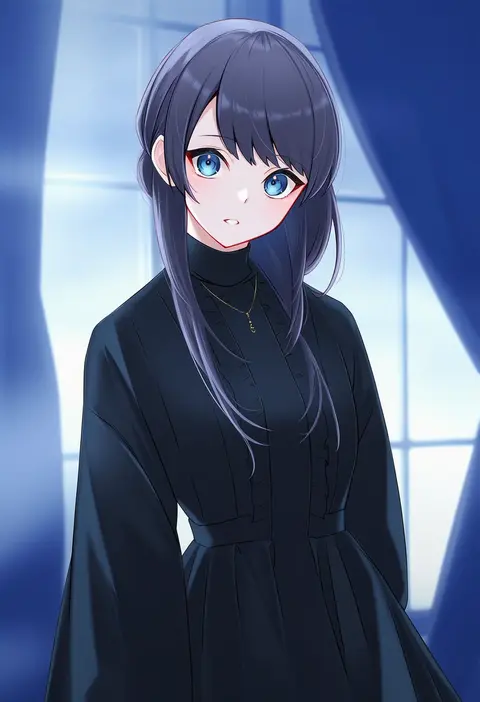
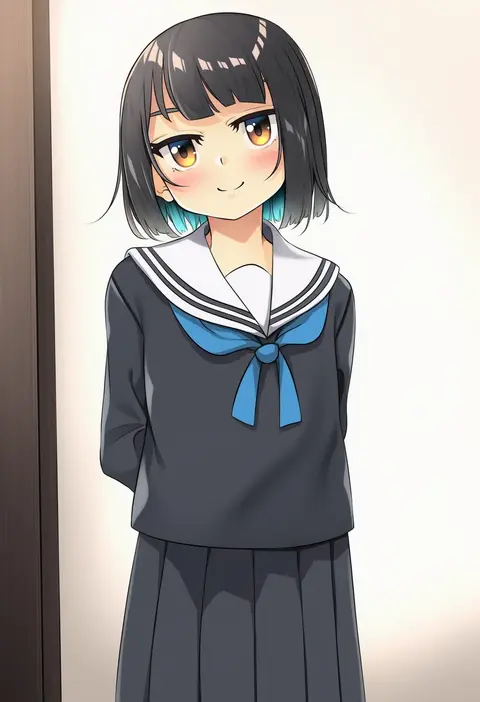
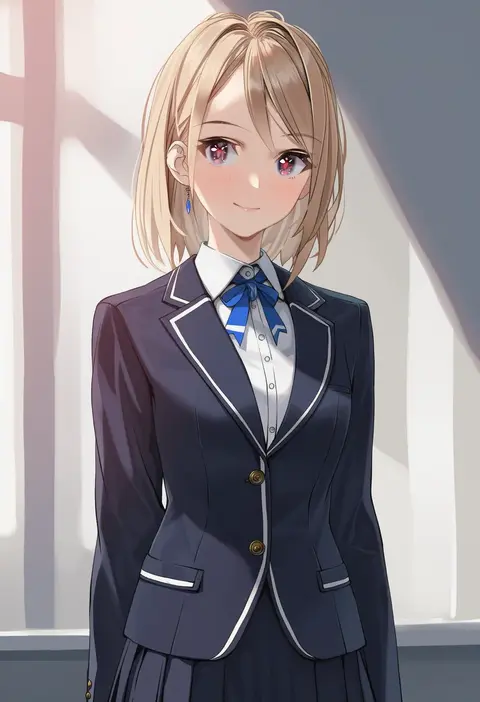
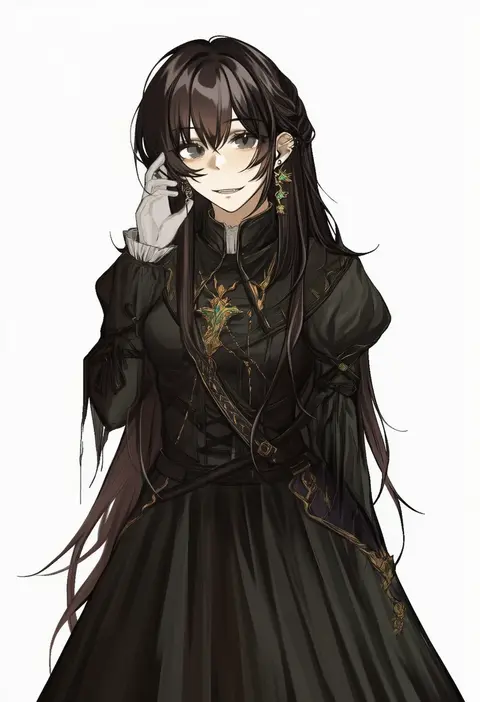
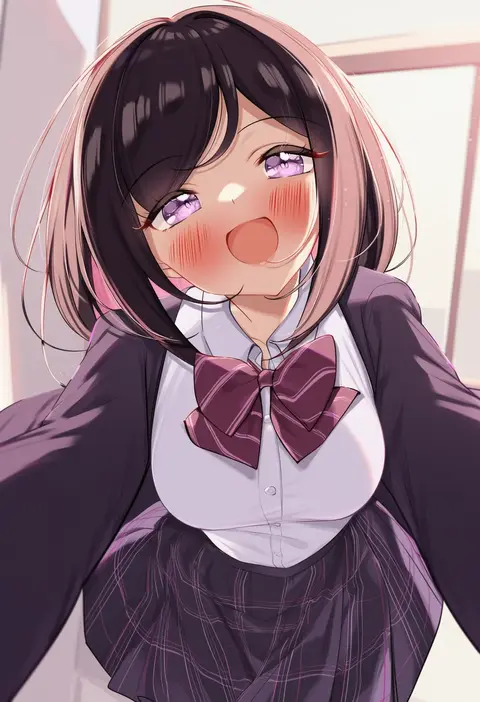
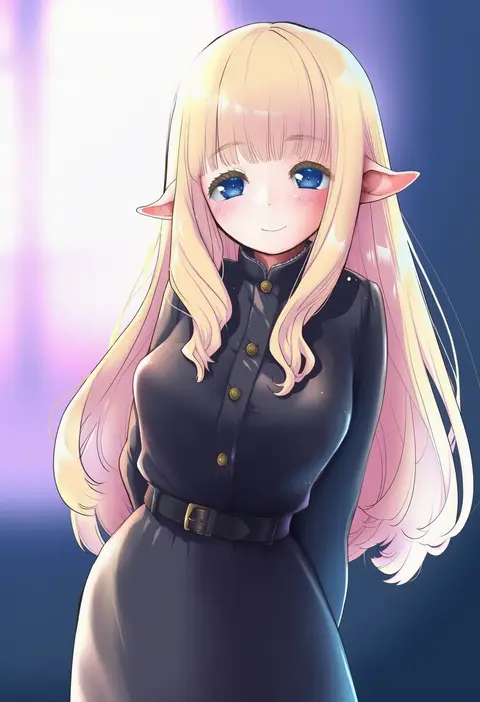
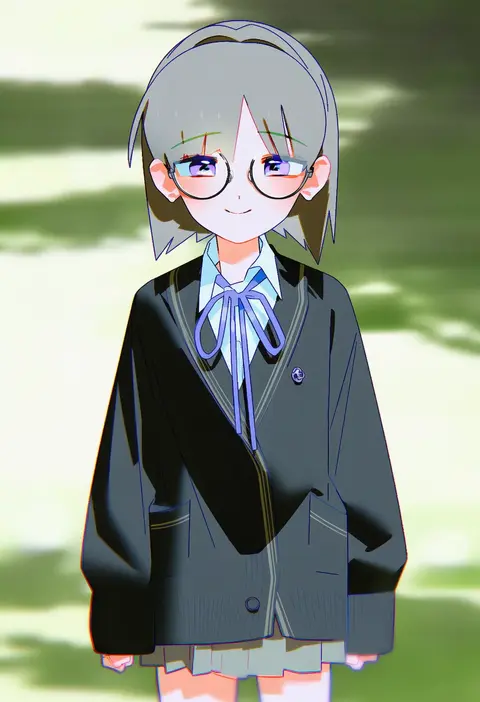
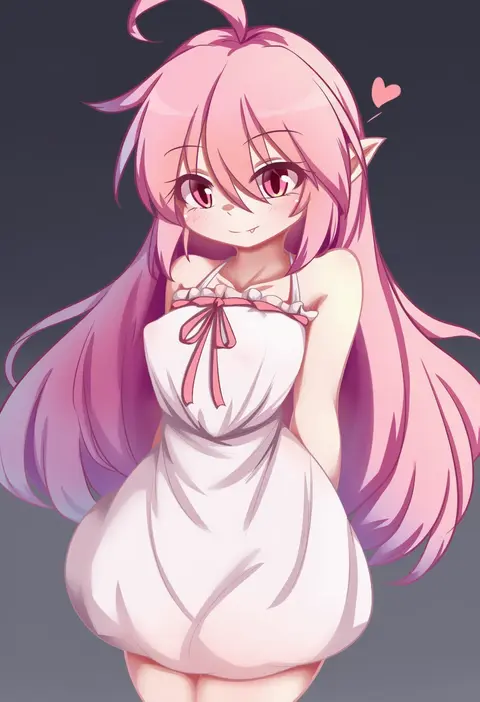
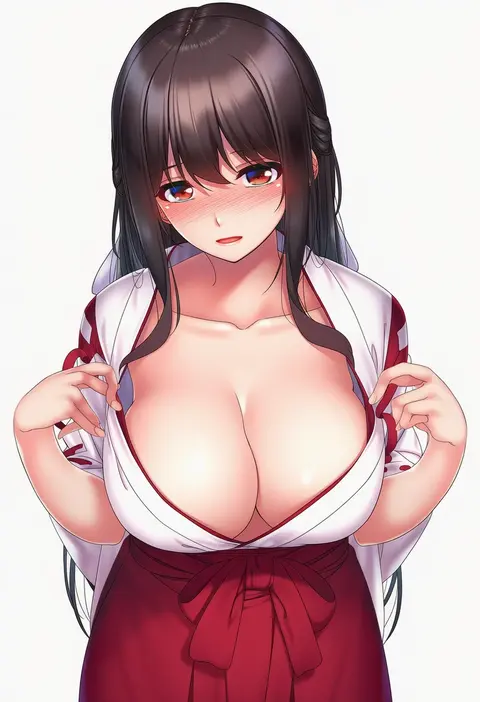
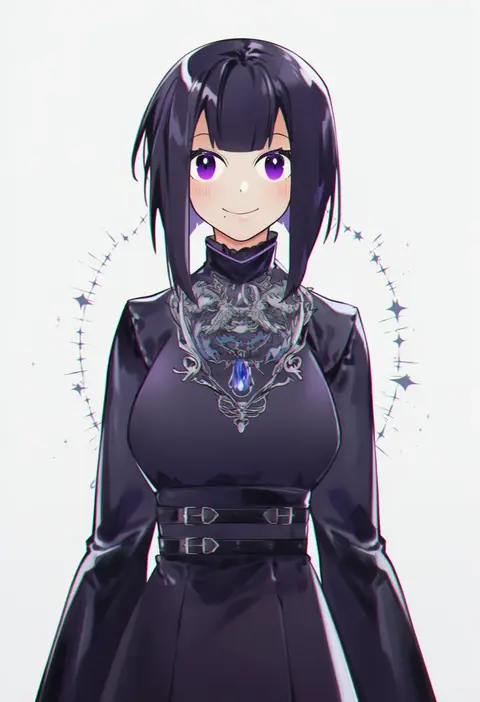
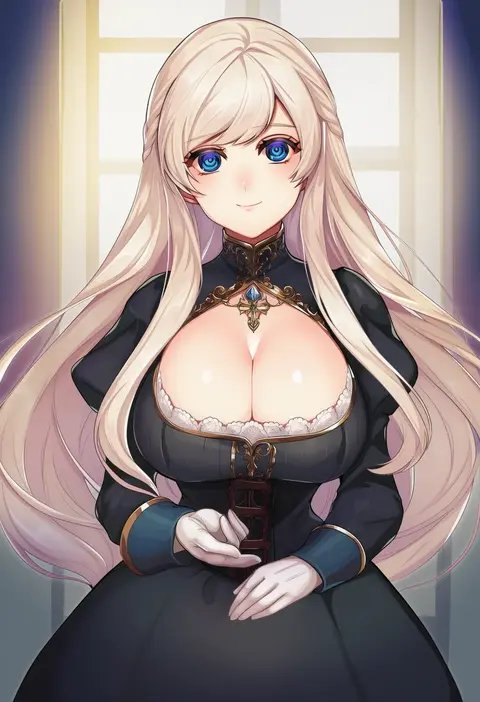
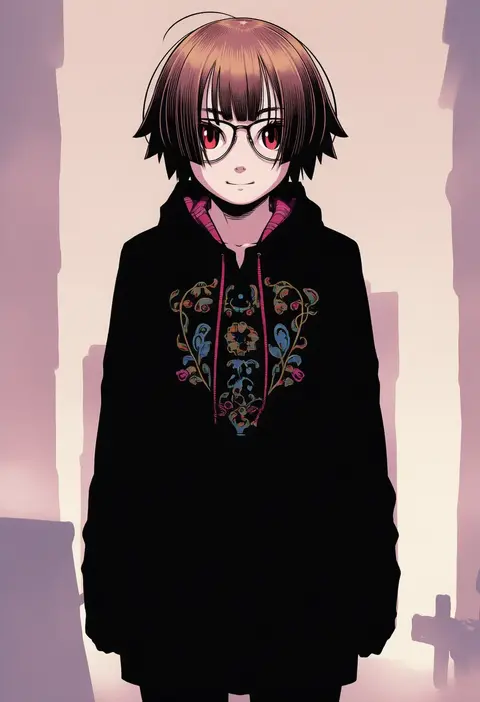
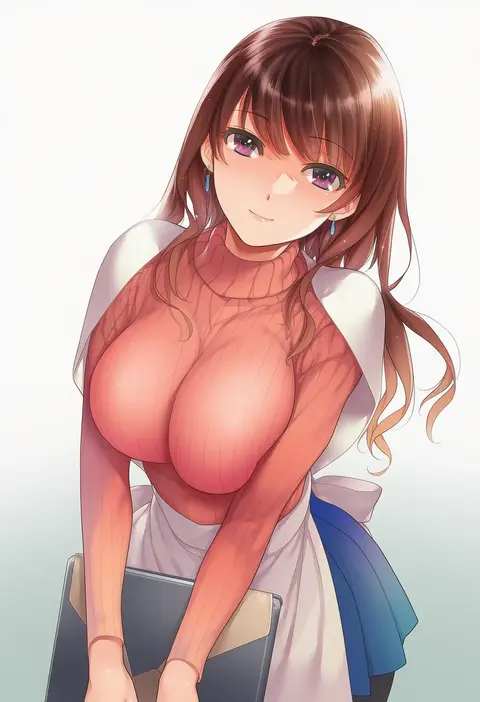
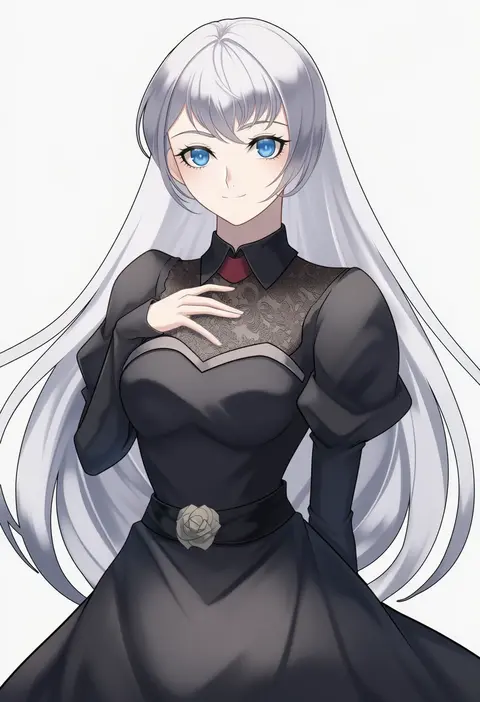
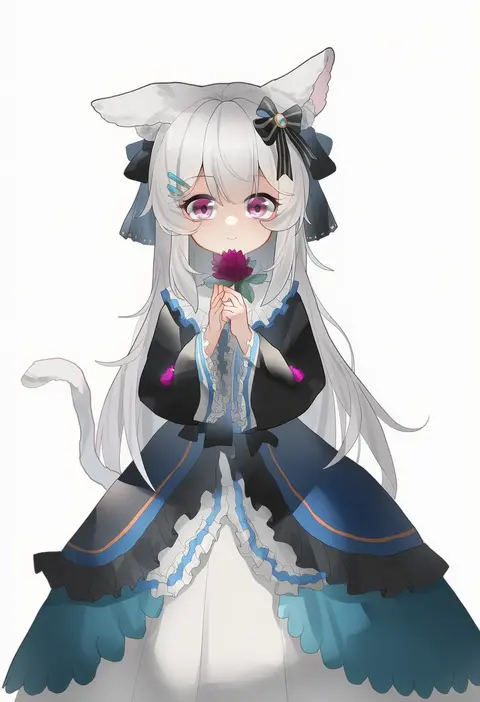
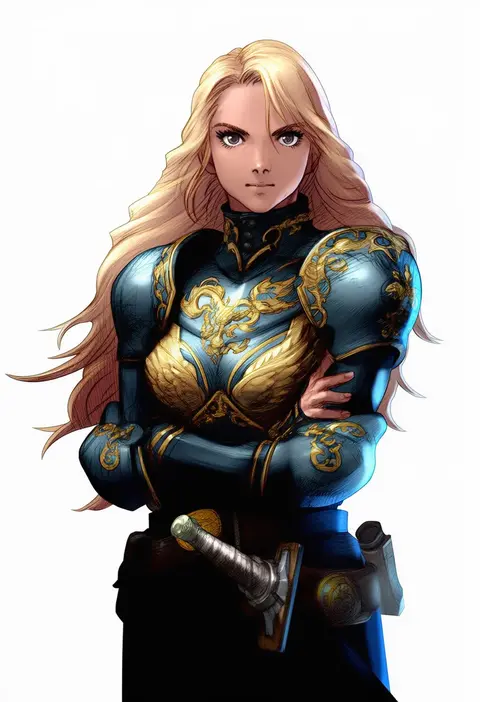
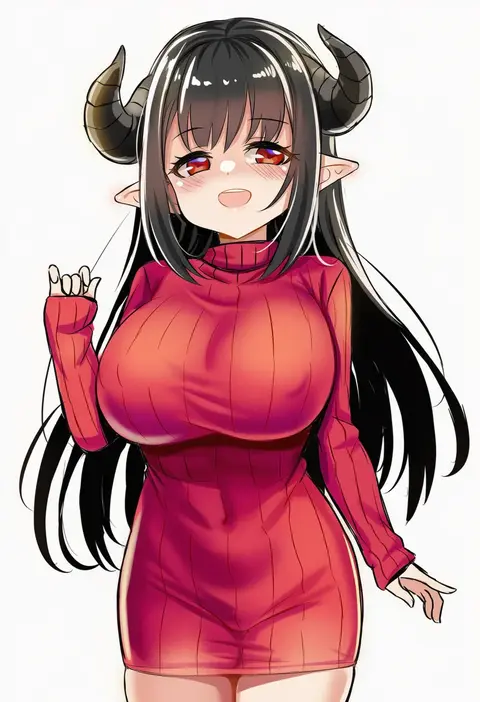
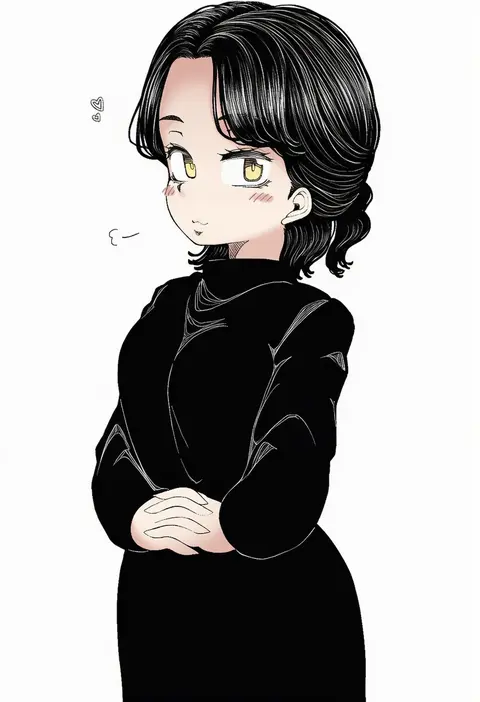
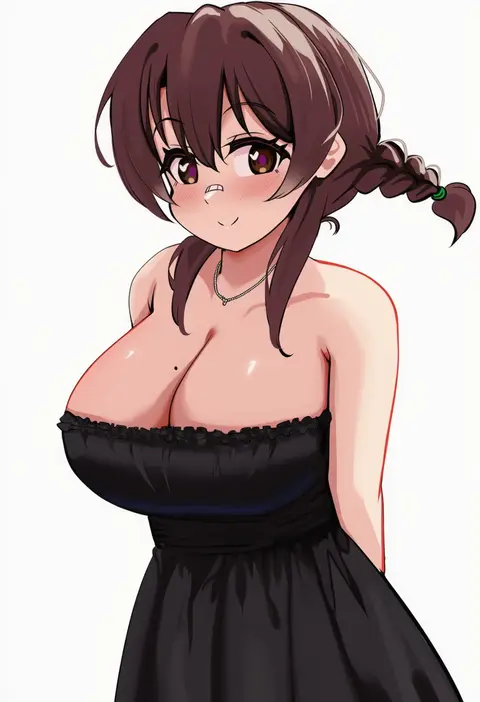
Artist tags tell NovelAI Diffusion to draw in a specific artist's style: line weight, paint texture, face shapes and palette all shift at once. Character and outfit tags decide what is drawn; artist tags decide how. 16,352 tags are listed for V4.5.
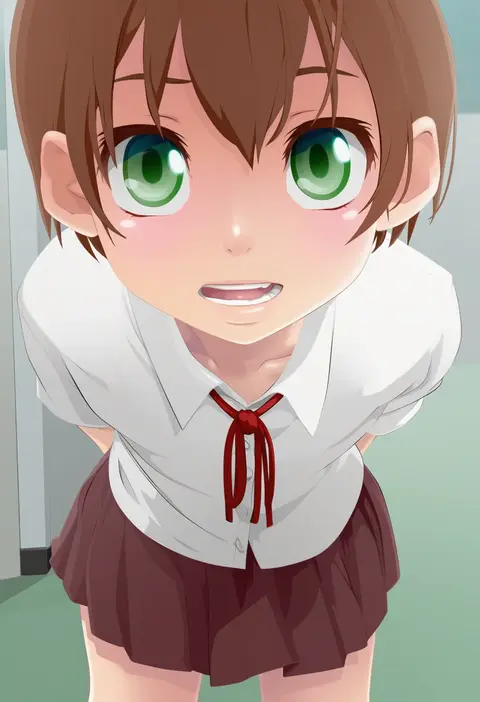
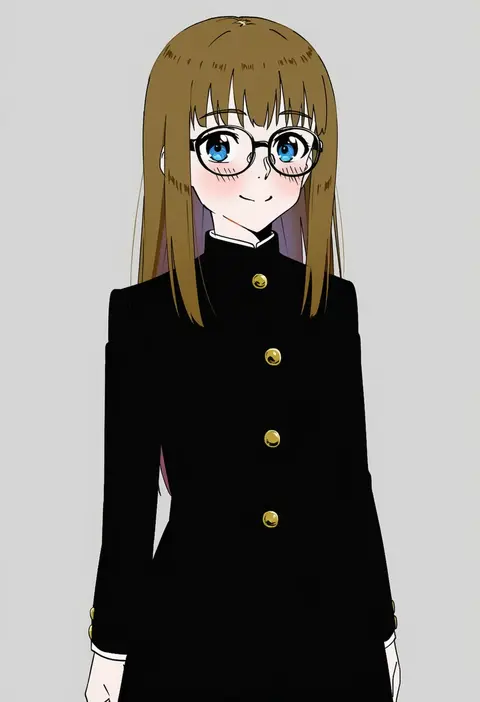
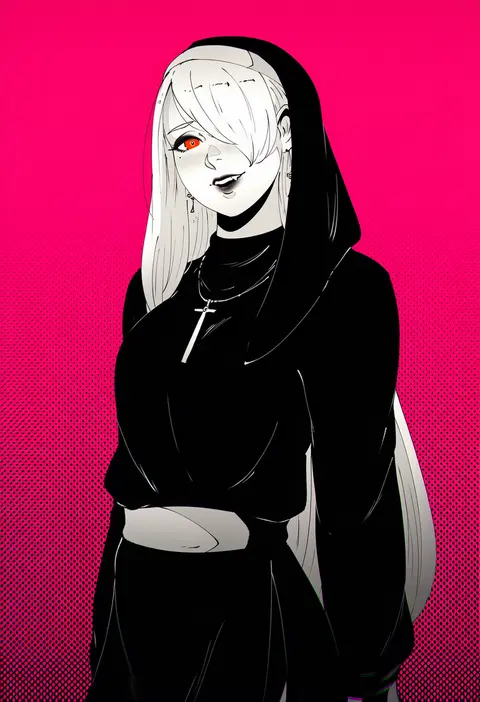
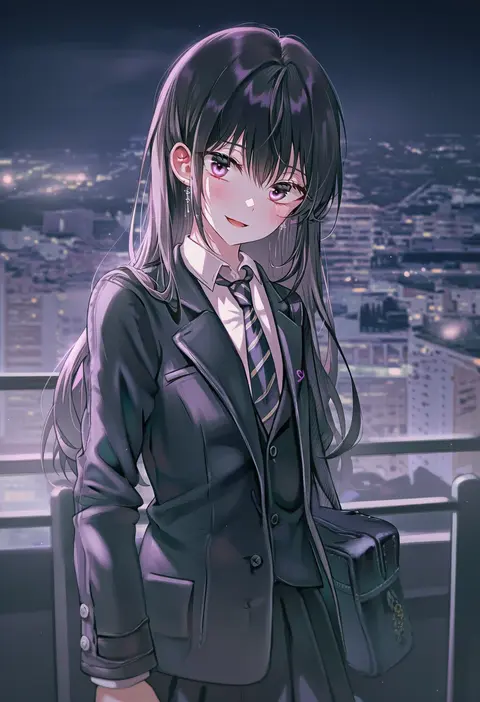
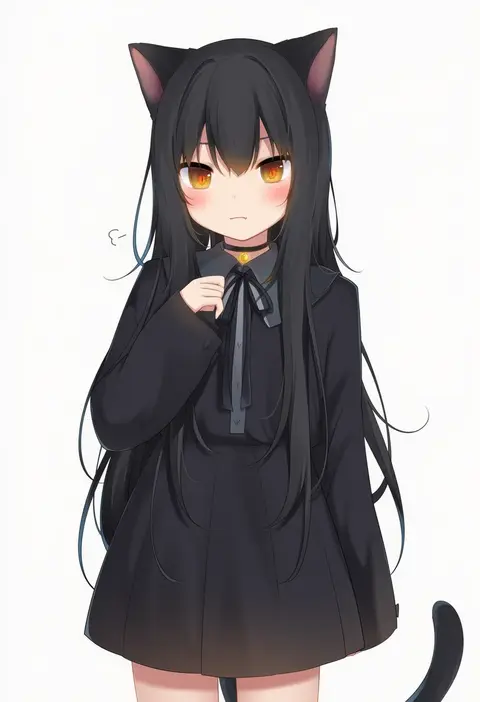
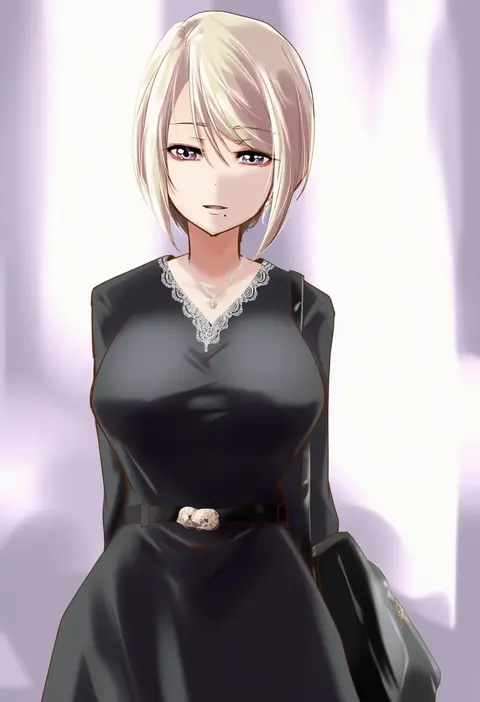
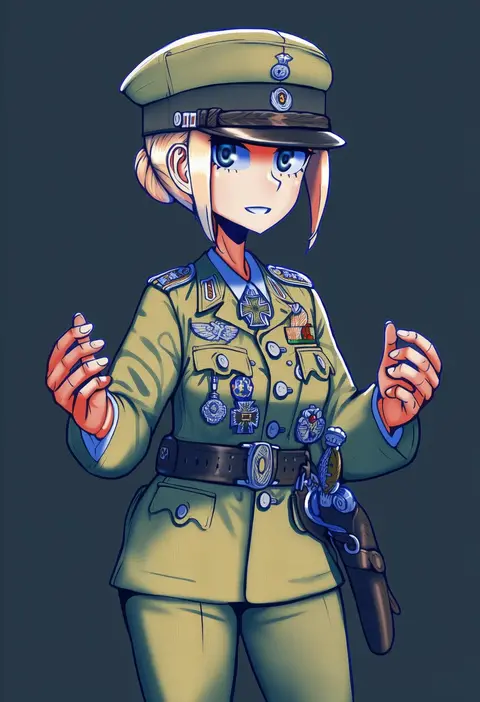
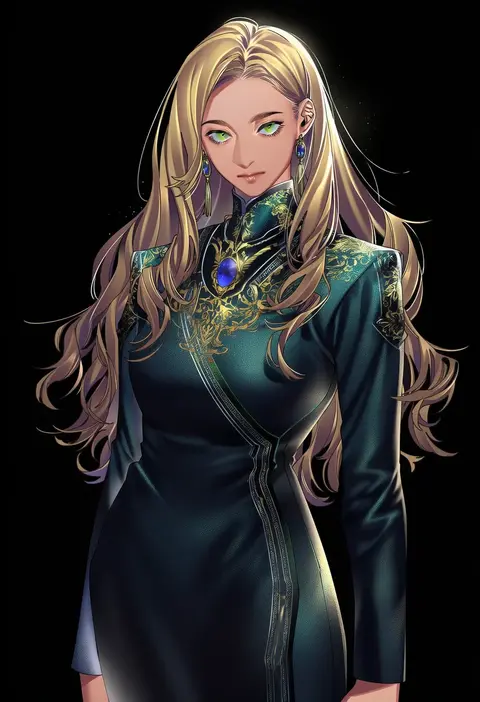
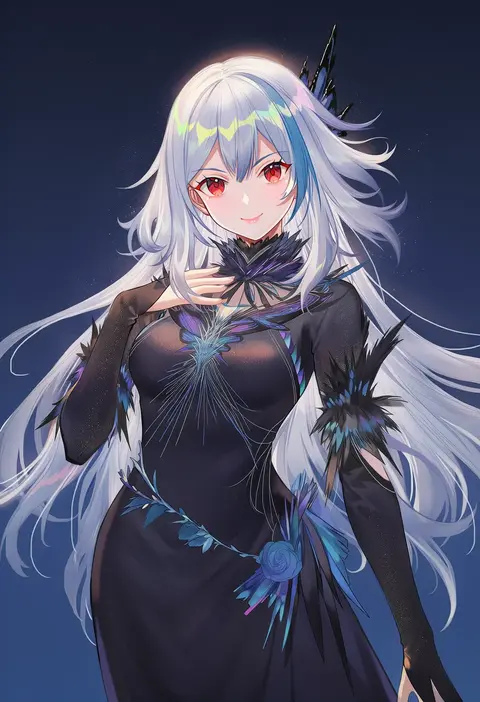
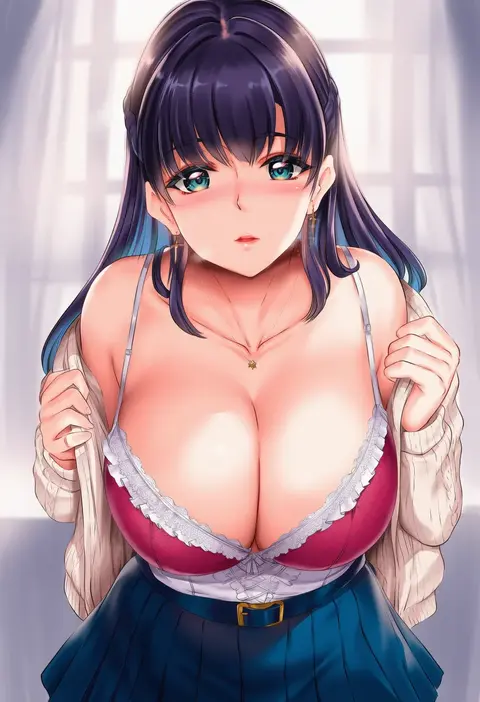
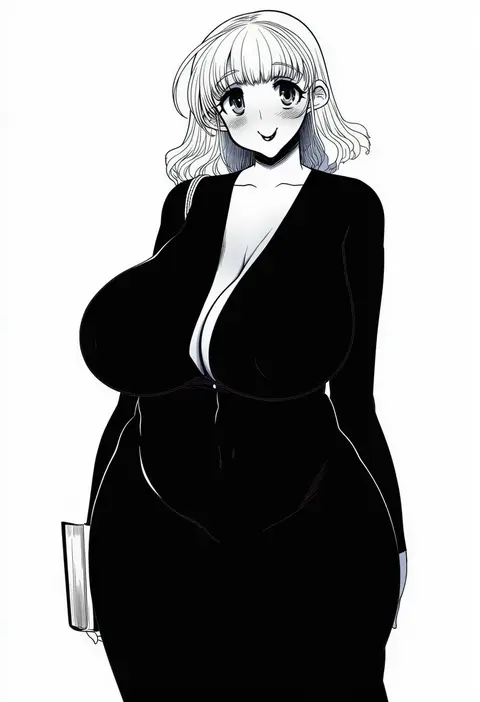
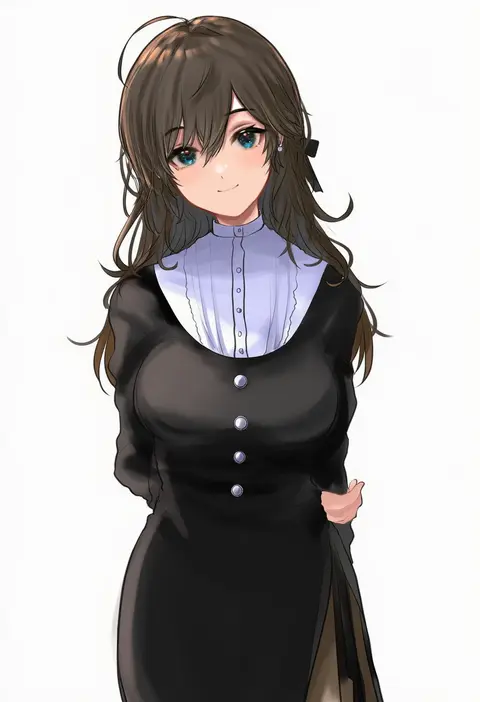
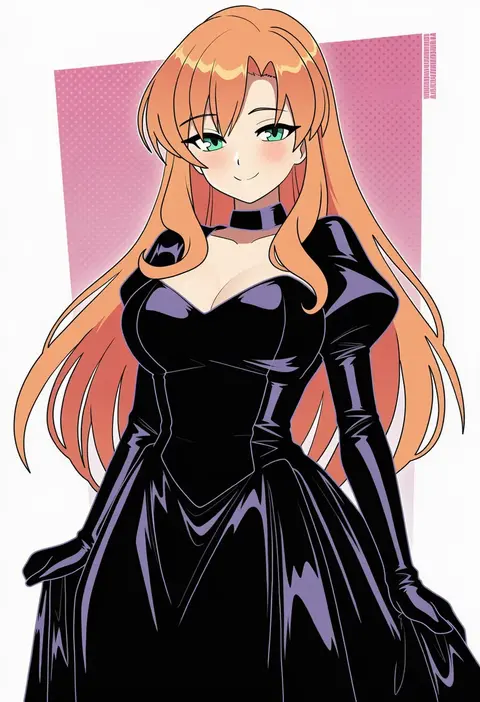
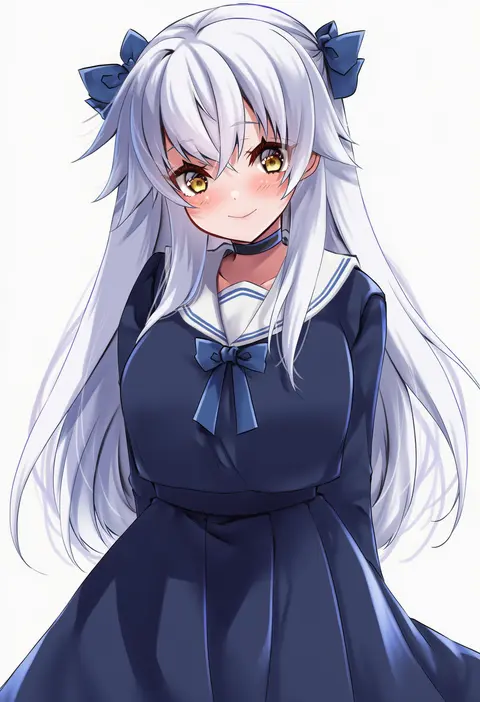
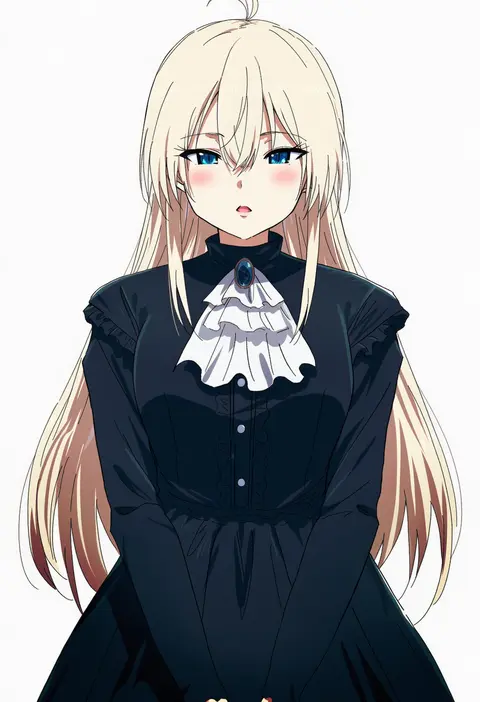
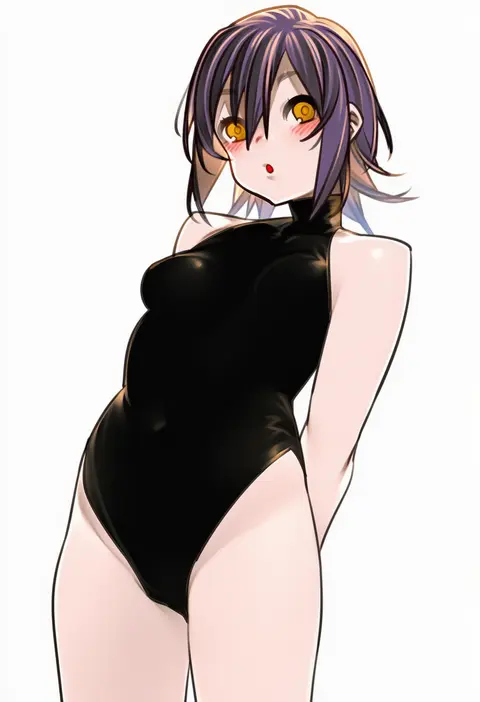
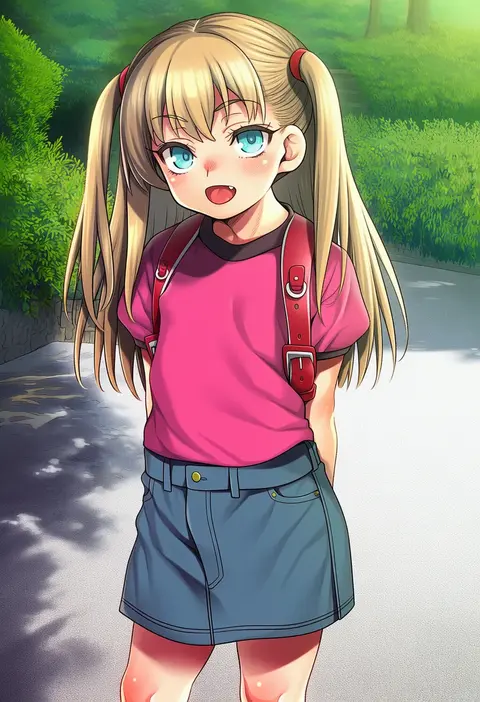
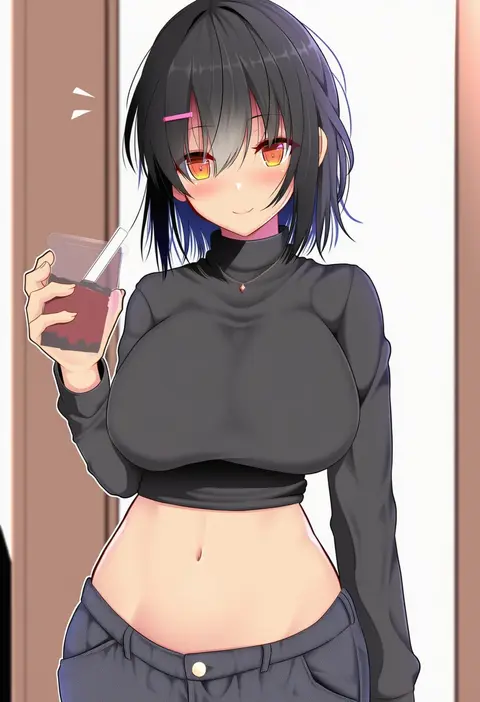
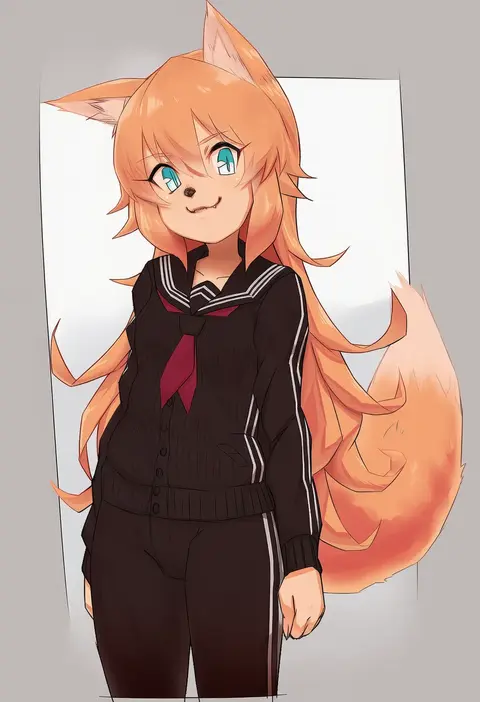
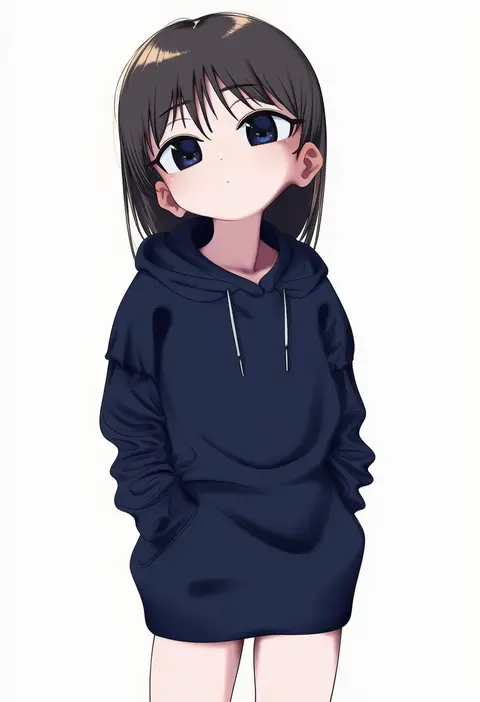
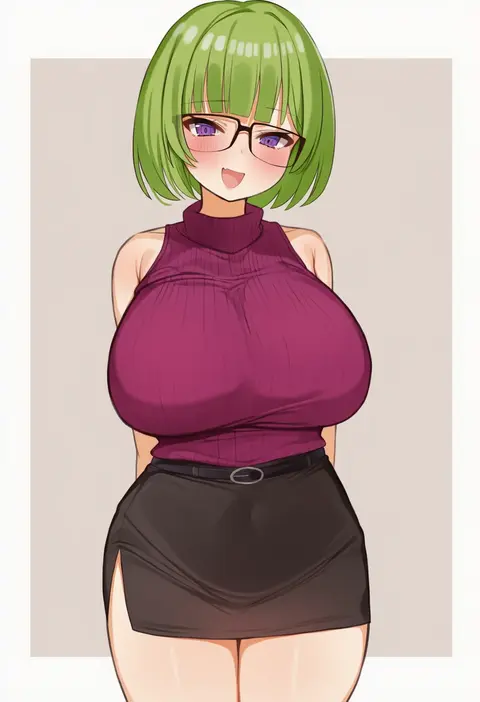
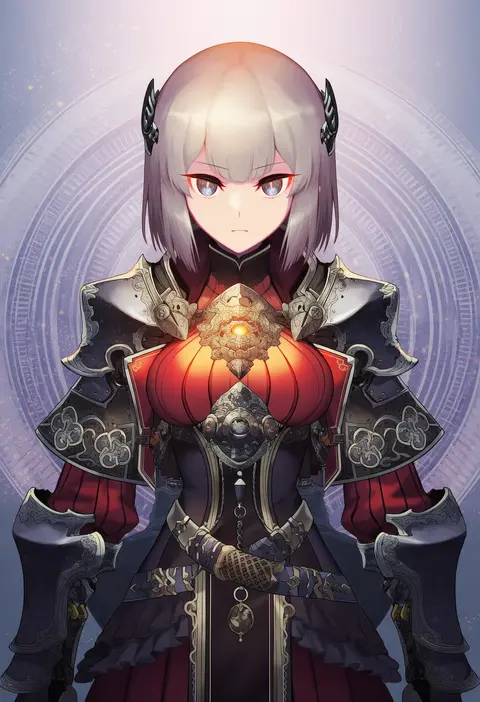
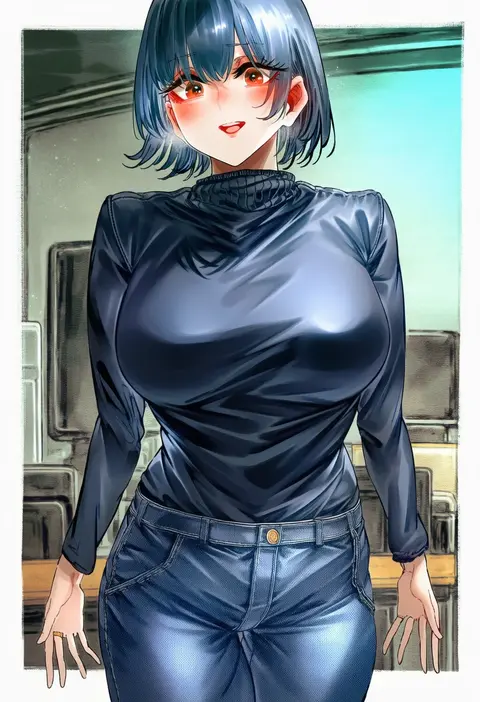
Every tag listed here is verified to react in NovelAI. All images use the same prompt, seed and settings with only the artist tag swapped, so the difference between two images is the style that tag brings in.

How to use them

Put the artist tag near the front of the prompt, e.g. "<artist>, 1girl, solo, best quality, masterpiece, cowboy shot". Two or three artist tags blend styles; lower the weight with "0.8::<artist>::" when the style overpowers the character.

SCORE sorts by Danbooru's top score, POSTS by post count, FAVS by hearts on this site. Open a card to see V5 and V4.5 side by side on the same seed.

V5 vs V4.5

V5 usually lands closer to the artist's real style, and tags that did nothing on V4.5 often react on V5. V4.5 still fits older and doujin-heavy artists better. Try V5 first, fall back to V4.5.

FAQ

Where does the artist tag go?
Near the front of the prompt. Use "0.8::tag::" to adjust its weight.

Can I stack artist tags?
Yes, styles blend. Past two or three the result stops looking like anyone.

Are these the artists' own works?
No. Every image is a NovelAI sample generated from the tag.