V4.5Artists
sort: FAVS▾
▾
>
$

NovelAI Artist Tags List — V4.5

artist --count 16,352[121/273]
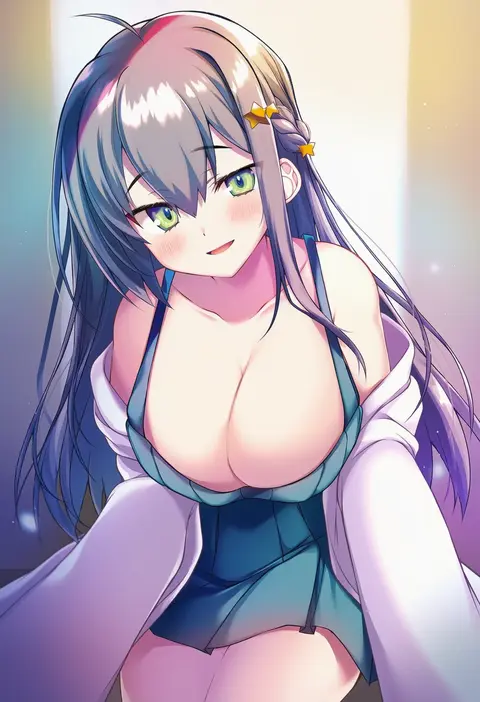
kaniya shiku
ARTIST0x1C20
0
majunjuu
ARTIST0x1C21
0
soborou
ARTIST0x1C22
0
nijitama shiyushiyu
ARTIST0x1C23
0
namako (namacotan)
ARTIST0x1C24
0
chris (mario)
ARTIST0x1C25
0
aya02ka
ARTIST0x1C26
0
abataa
ARTIST0x1C27
0
giraffe three
ARTIST0x1C28
0
donar0217
ARTIST0x1C29
0
pertex 777
ARTIST0x1C2A
0
iseshi
ARTIST0x1C2B
0
ine (ineinnen)
ARTIST0x1C2C
0
koutarou (plusdrive)
ARTIST0x1C2D
0
aka6
ARTIST0x1C2E
0
yuki kawachi
ARTIST0x1C2F
0
marulire
ARTIST0x1C30
0
purin jiisan
ARTIST0x1C31
0
testa
ARTIST0x1C32
0
betock
ARTIST0x1C33
0
youzaiyouzai112
ARTIST0x1C34
0
nemoto yuuma
ARTIST0x1C35
0
boyaking
ARTIST0x1C36
0
totoki86
ARTIST0x1C37
0
nanase meruchi
ARTIST0x1C38
0
kagarimachi konatsu
ARTIST0x1C39
0
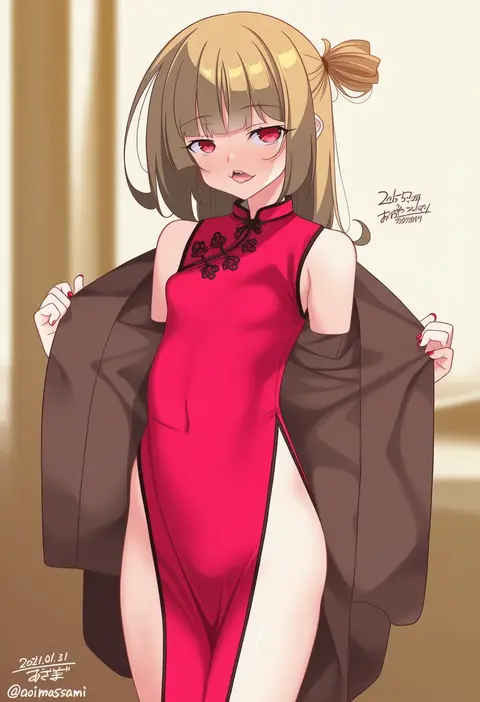
aoi masami
ARTIST0x1C3A
0
maachin
ARTIST0x1C3B
0
kamo ashi
ARTIST0x1C3C
0
tokiti
ARTIST0x1C3D
0
whooo-ya
ARTIST0x1C3E
0
kimura shuuichi
ARTIST0x1C3F
0
ebibi chiriri
ARTIST0x1C40
0
sushi pizza rrr
ARTIST0x1C41
0
the0neulost
ARTIST0x1C42
0
yu yanshu
ARTIST0x1C43
0
nhim
ARTIST0x1C44
0
fan yang (jiuge)
ARTIST0x1C45
0
bmkro
ARTIST0x1C46
0
oirin
ARTIST0x1C47
0
mazamuno
ARTIST0x1C48
0
aoiro oto
ARTIST0x1C49
0
marmaladica
ARTIST0x1C4A
0
rai (newtype xm-x1)
ARTIST0x1C4B
0
sakurai norio
ARTIST0x1C4C
0
kuno (kc9s)
ARTIST0x1C4D
0
kabocha torute
ARTIST0x1C4E
0
m.m
ARTIST0x1C4F
0
hi you (flying bear)
ARTIST0x1C50
0
tonarikeru
ARTIST0x1C51
0
hatsunatsu
ARTIST0x1C52
0
kamo kamen
ARTIST0x1C53
0
wasabi60
ARTIST0x1C54
0
hiroya juuren
ARTIST0x1C55
0
yugaa
ARTIST0x1C56
0
yuuichi (reductionblack)
ARTIST0x1C57
0
inusaka
ARTIST0x1C58
0
kinomiki nobori
ARTIST0x1C59
0
taki minashika
ARTIST0x1C5A
0
yasakani an
ARTIST0x1C5B
0

What these tags change

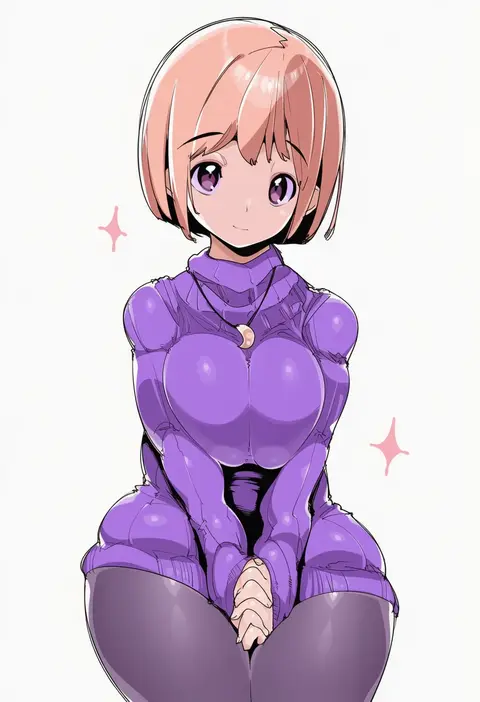
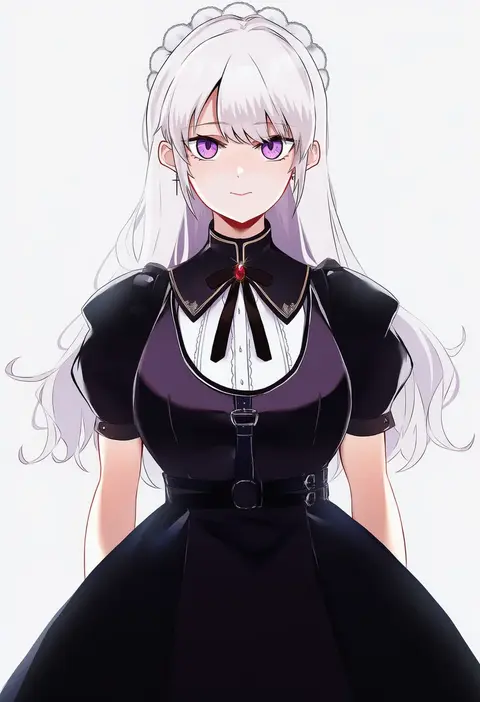
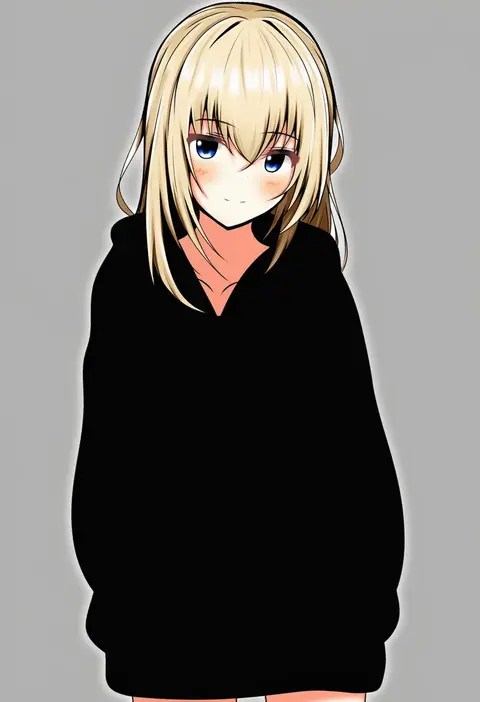
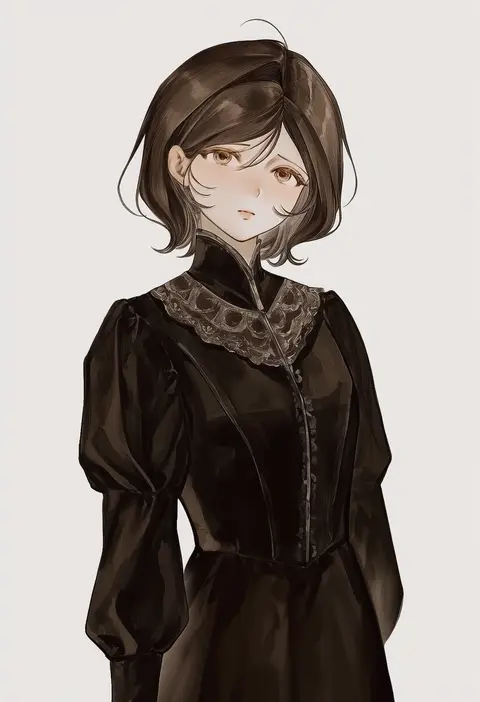
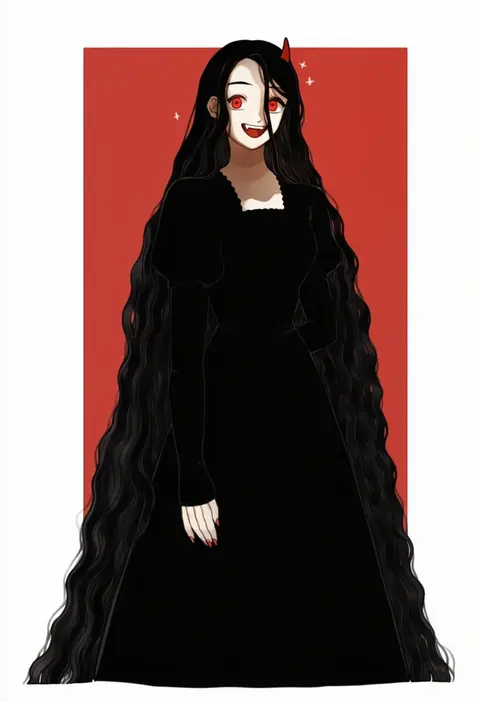
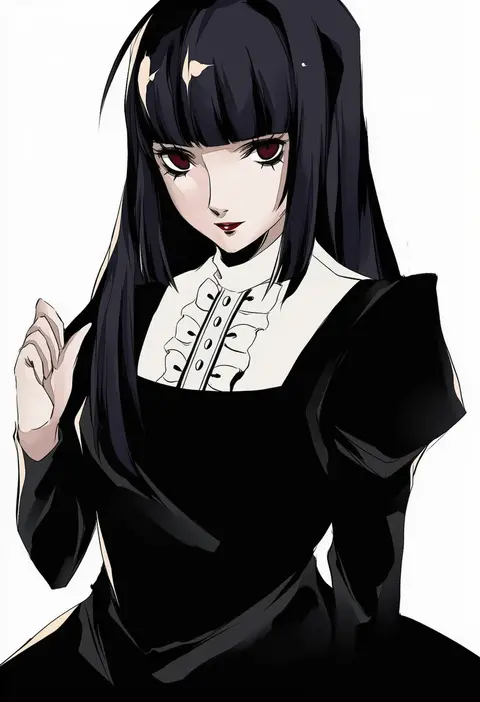
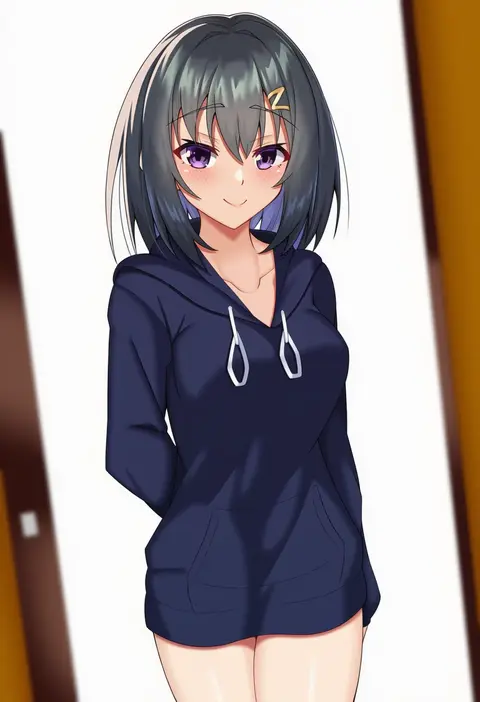
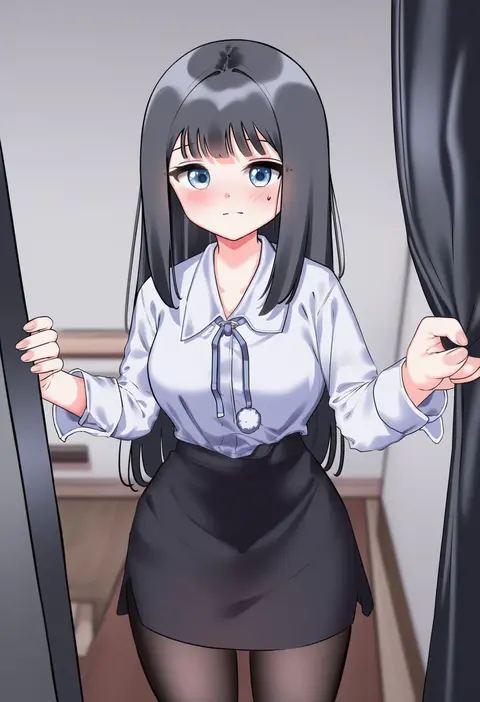
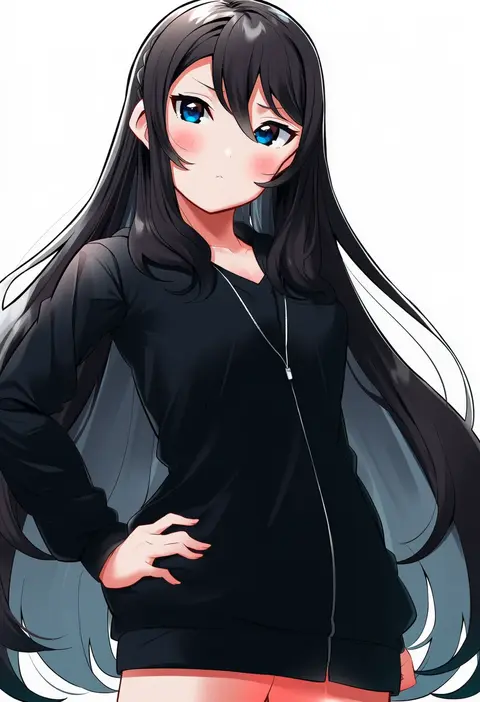
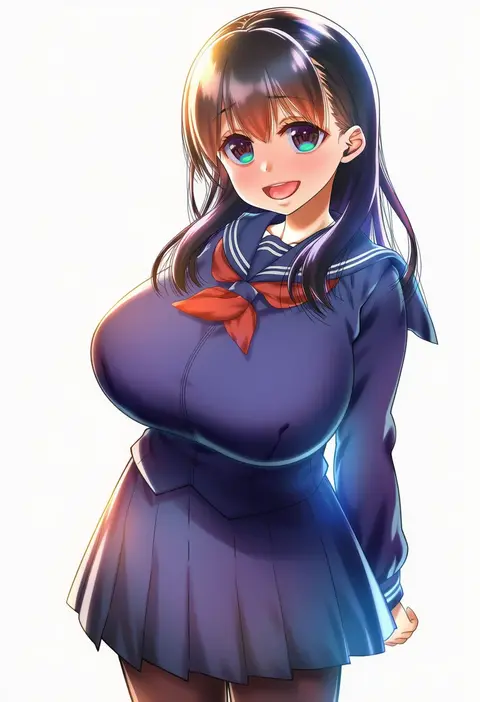
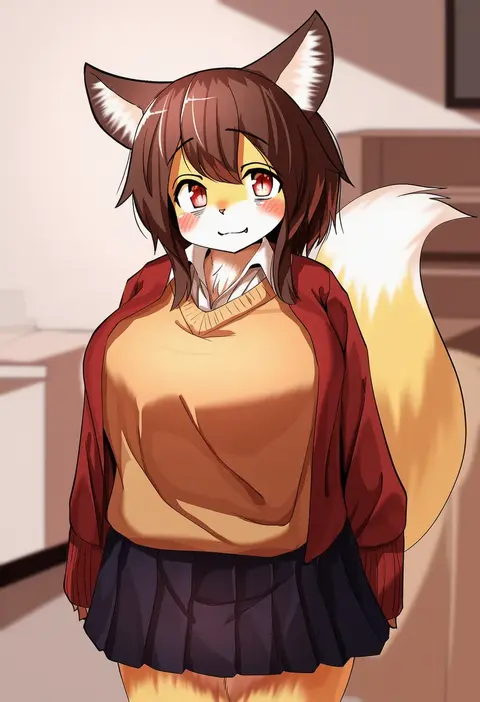
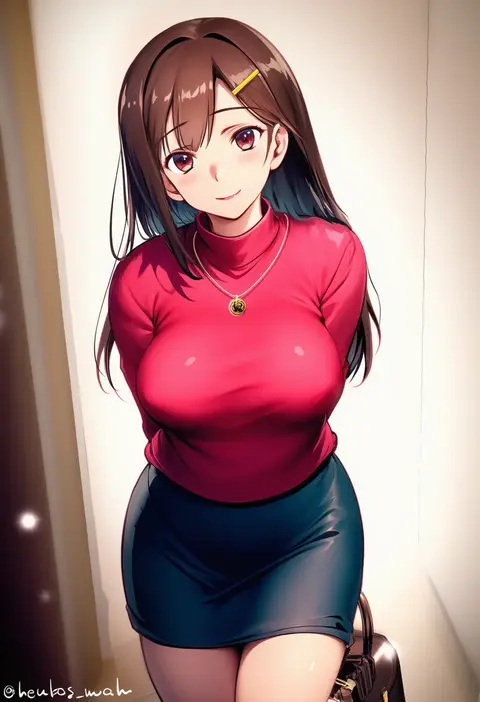
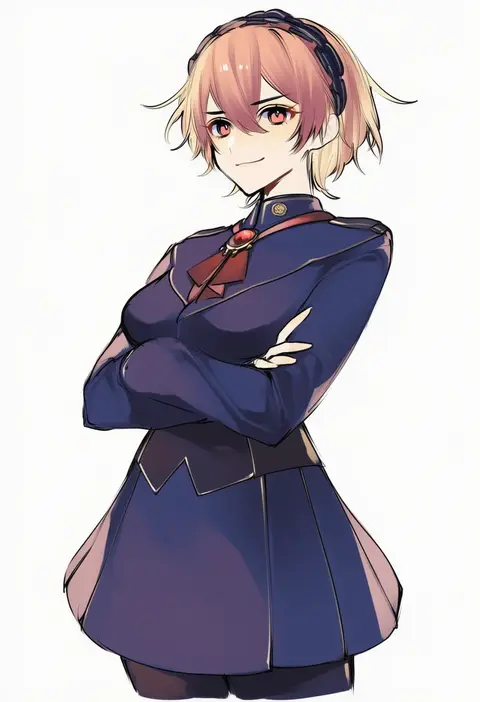
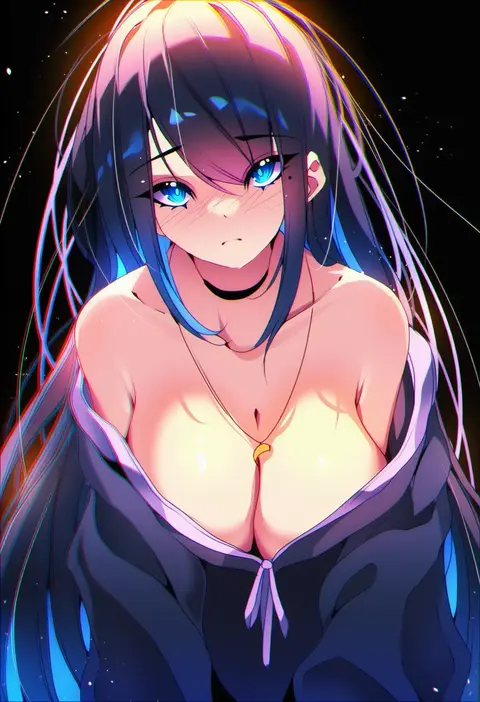
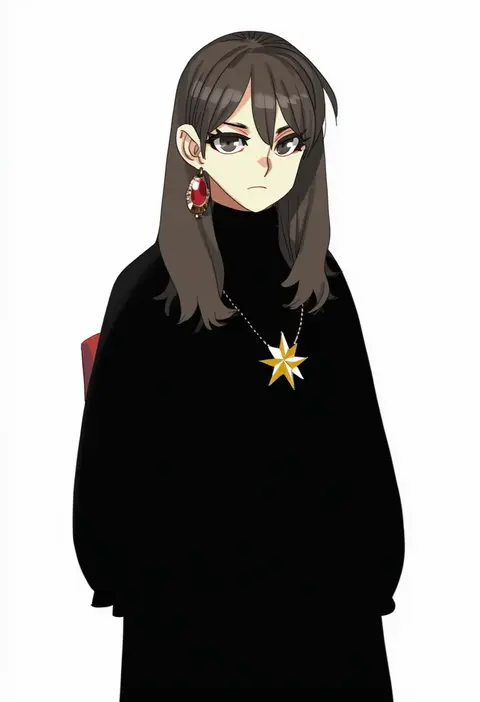
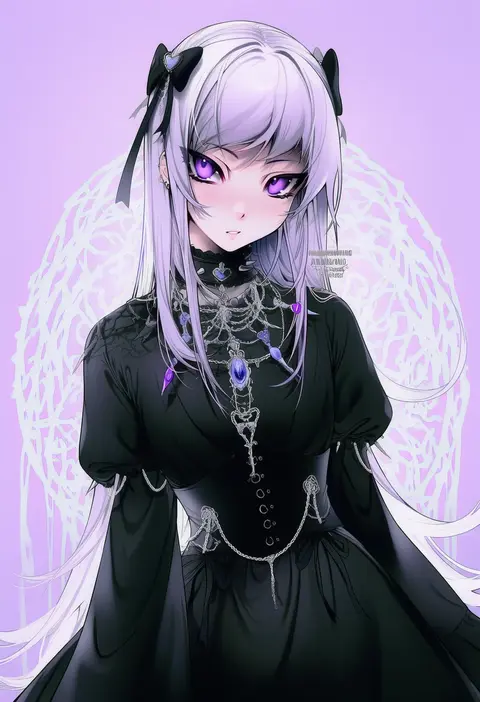
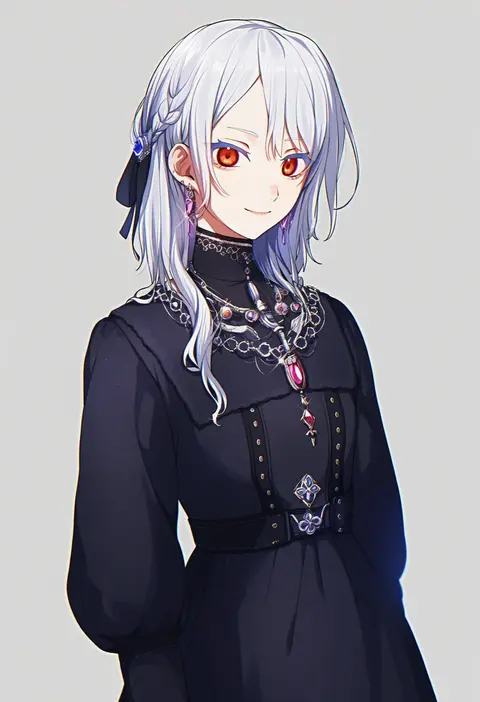
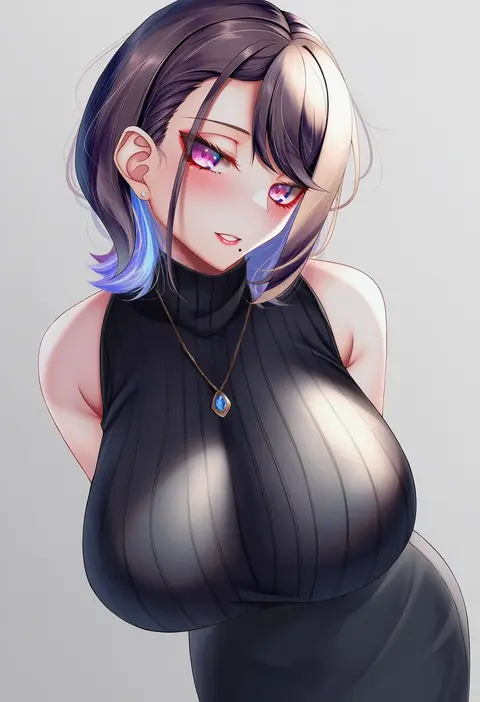
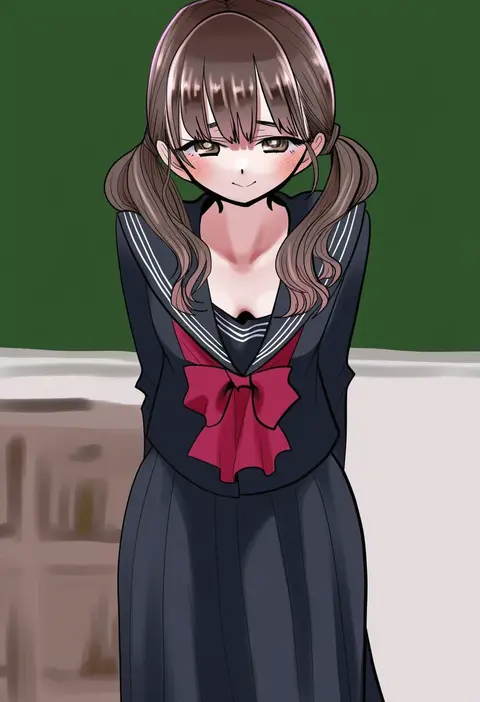
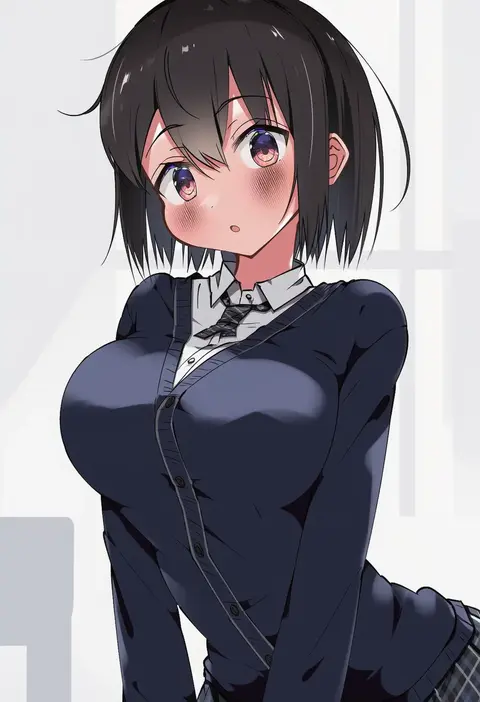
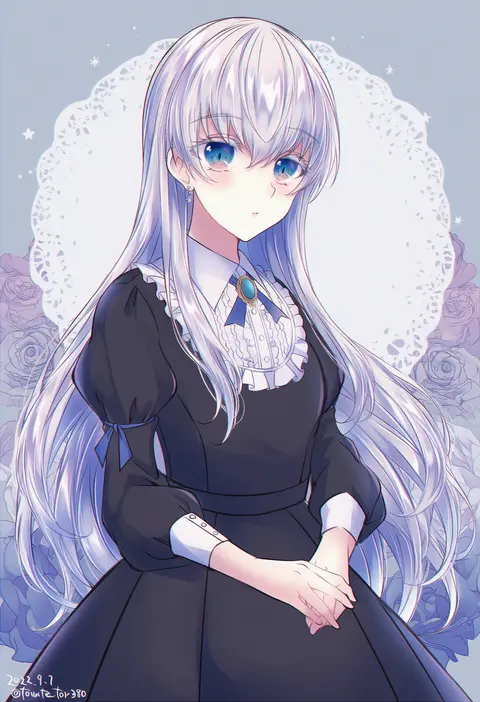
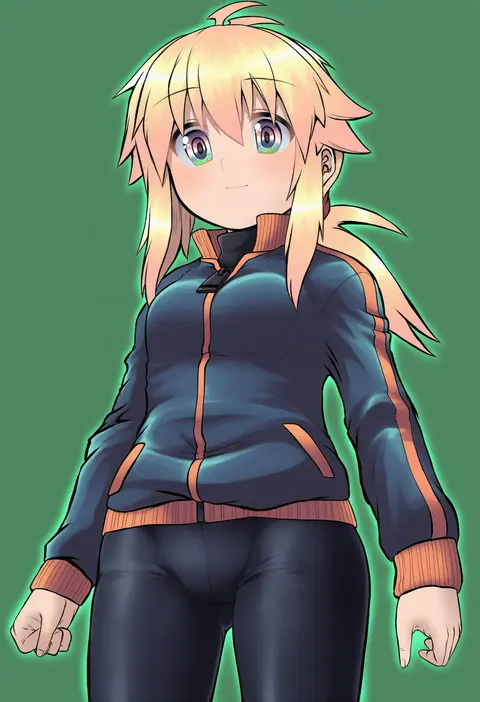
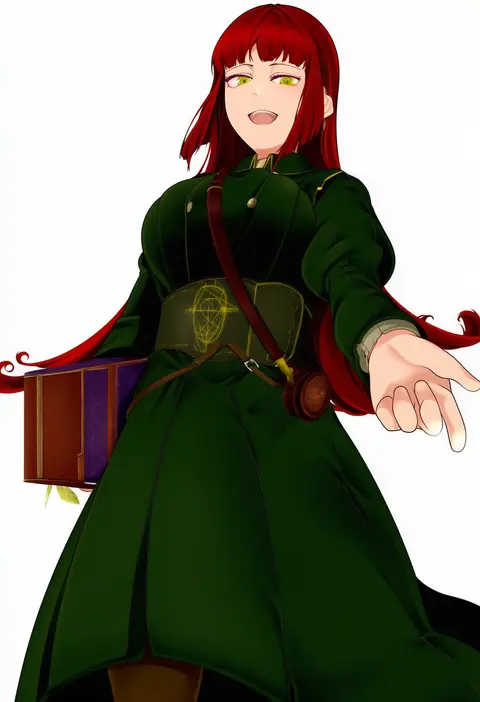
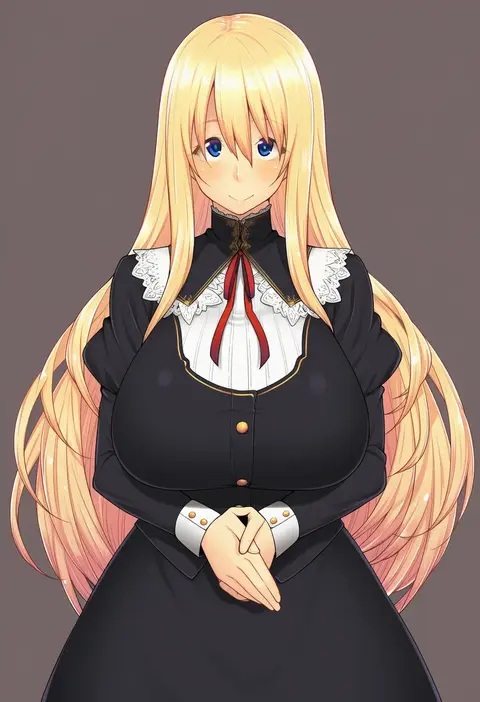
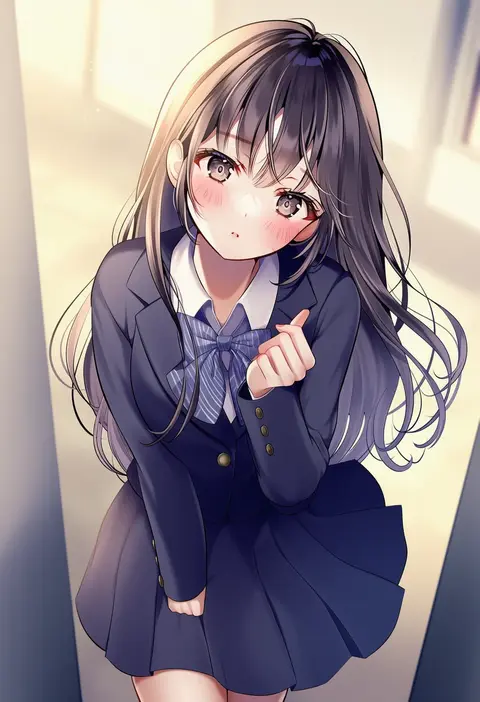
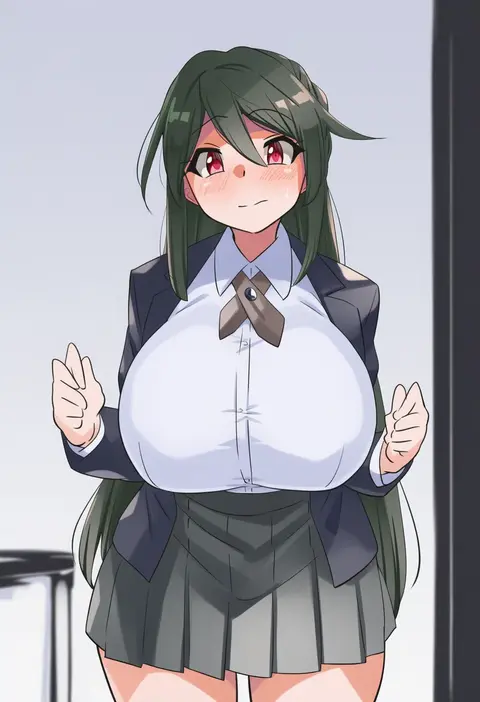
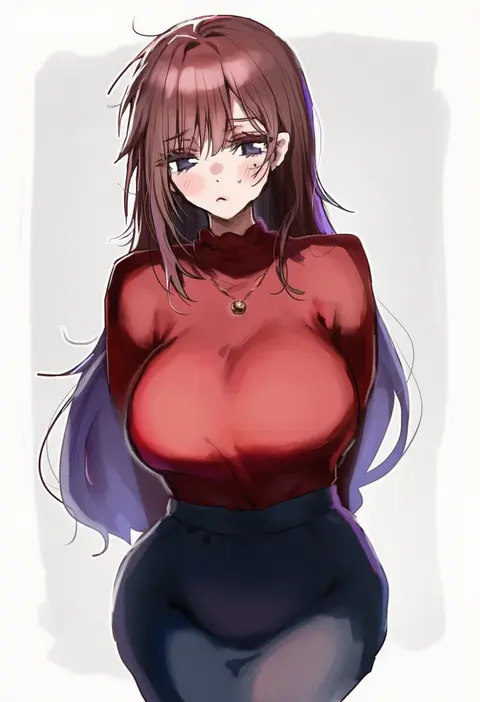
Artist tags tell NovelAI Diffusion to draw in a specific artist's style: line weight, paint texture, face shapes and palette all shift at once. Character and outfit tags decide what is drawn; artist tags decide how. 16,352 tags are listed for V4.5.
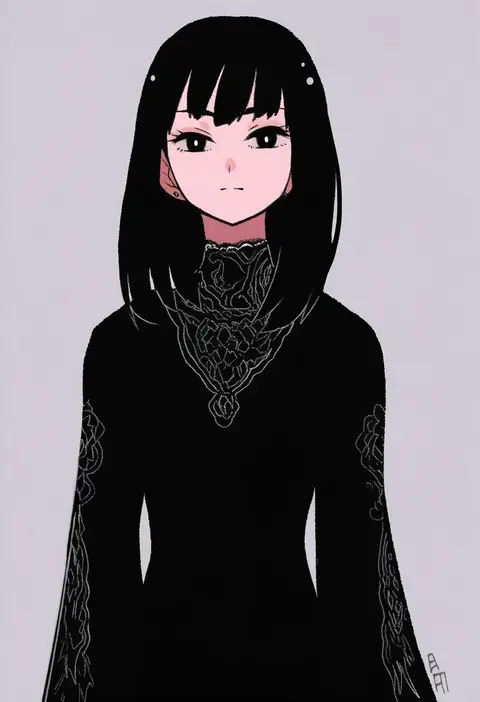
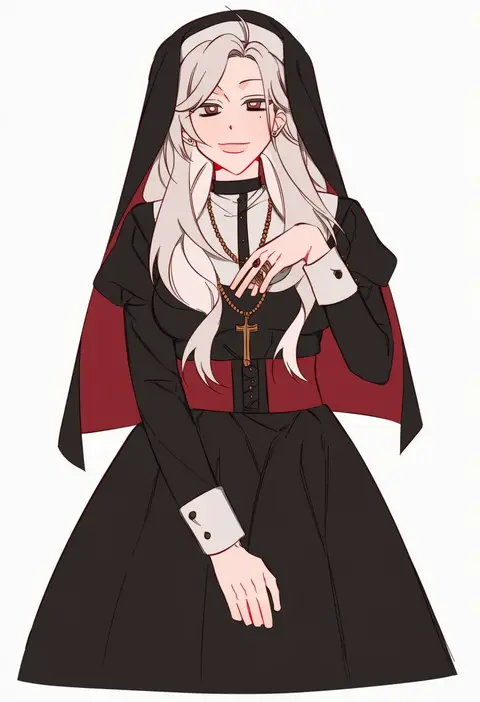
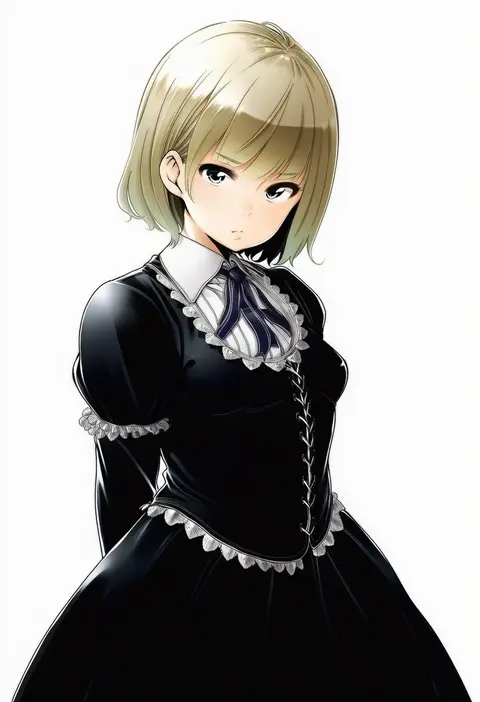
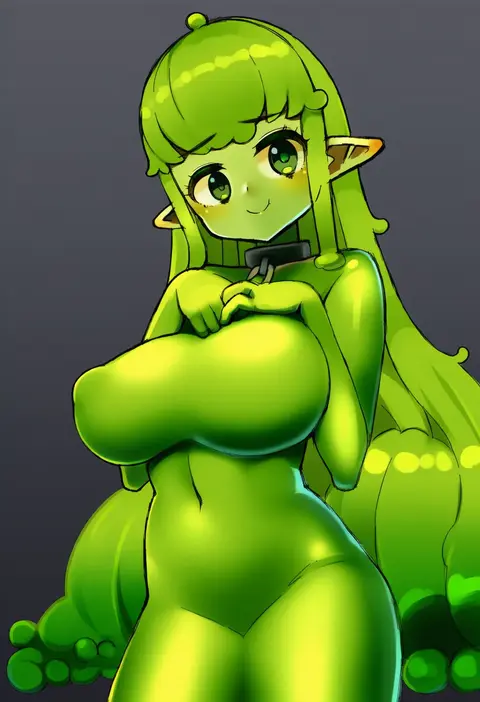
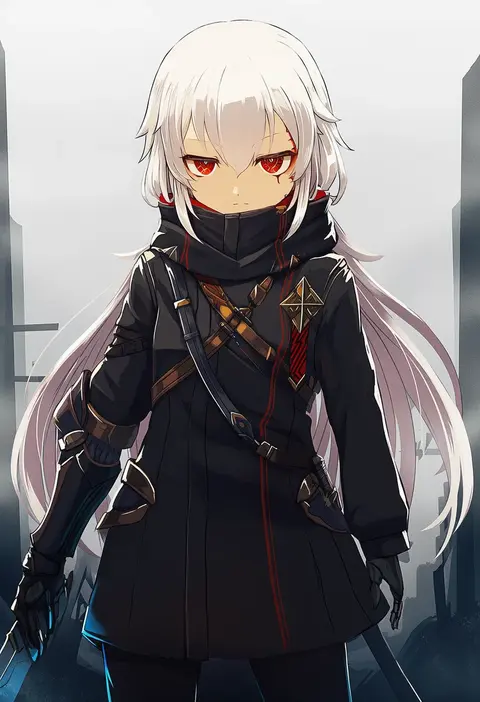
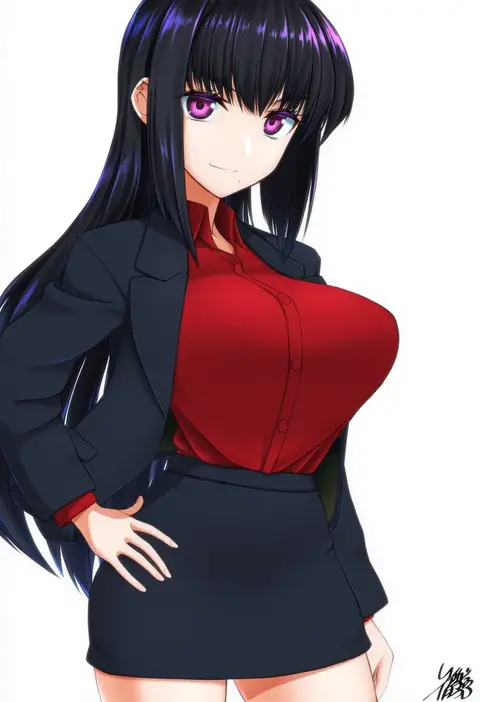
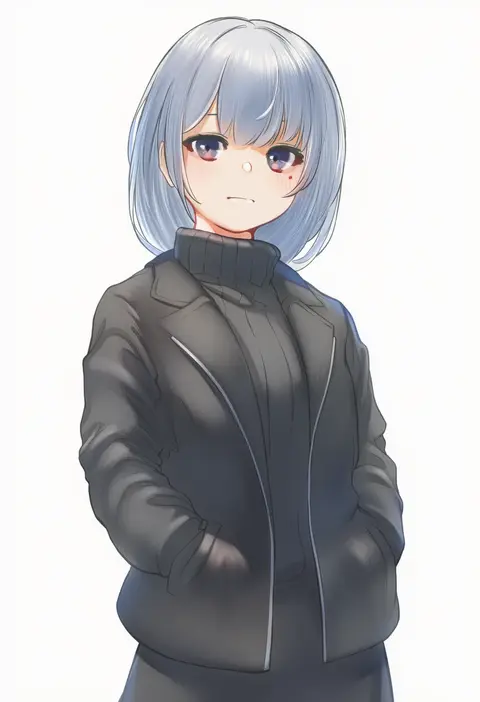
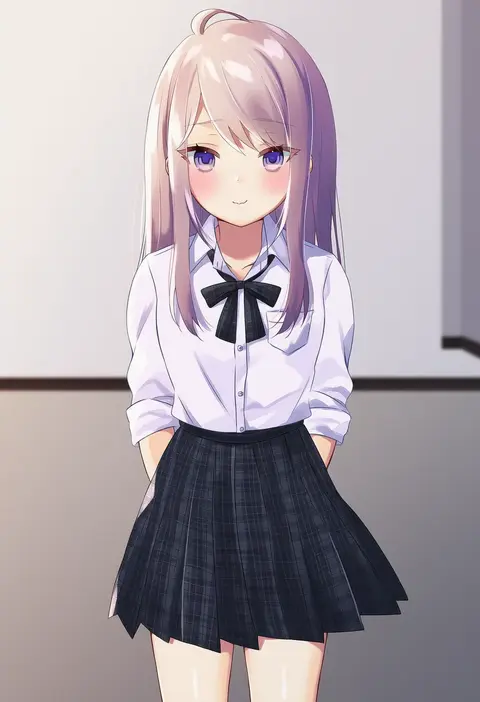
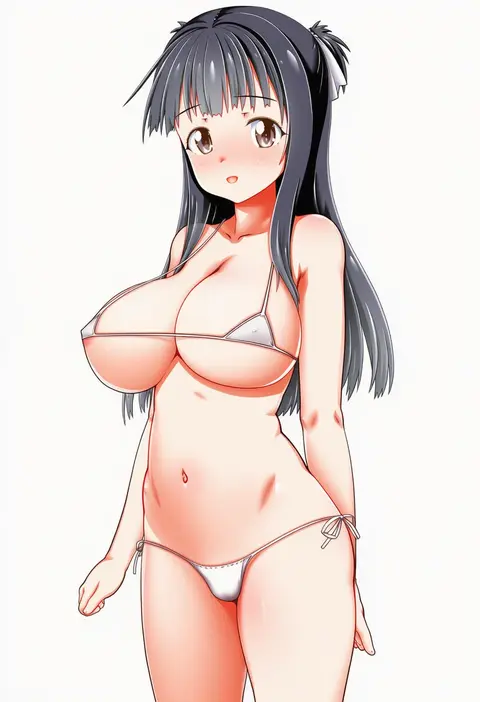
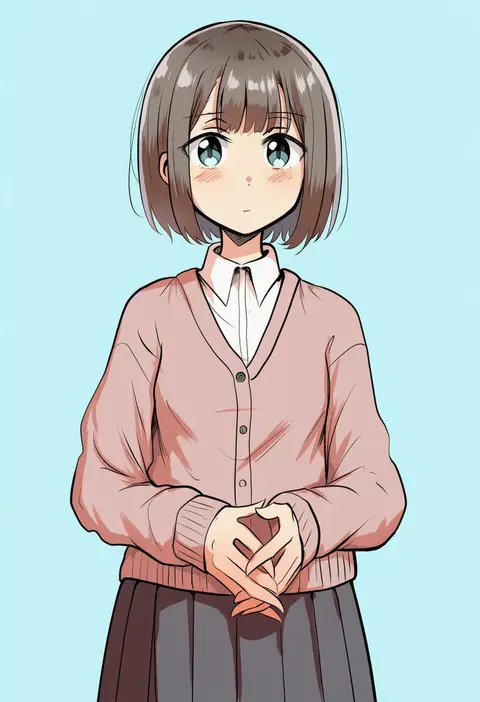
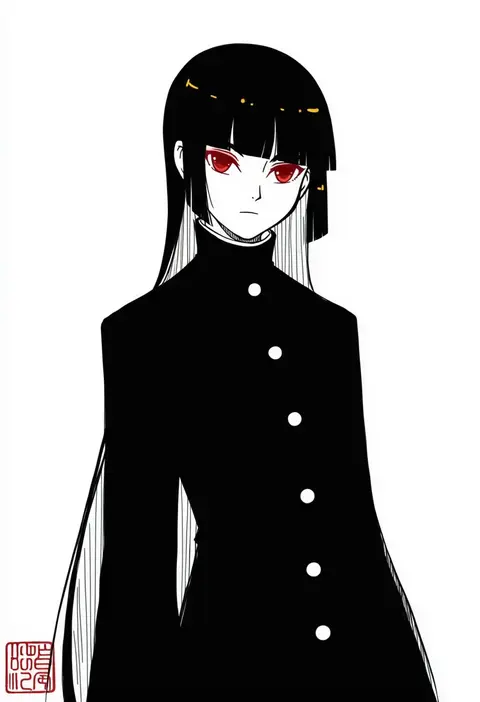
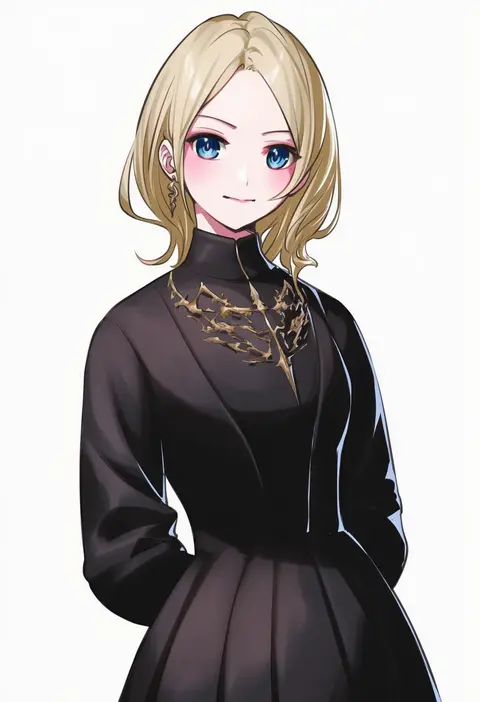
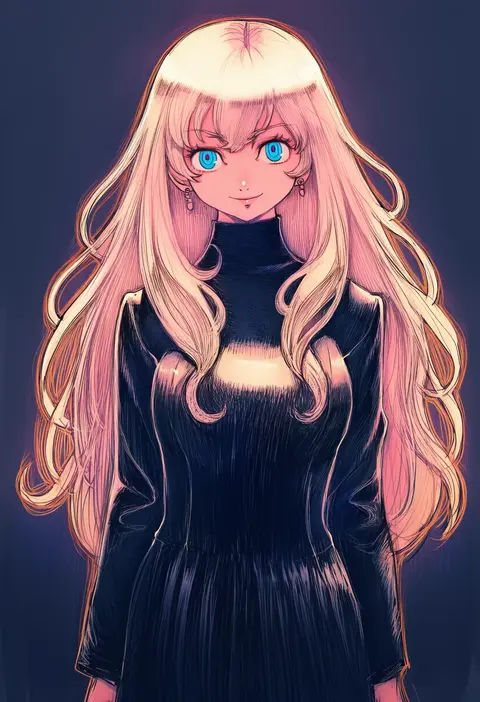
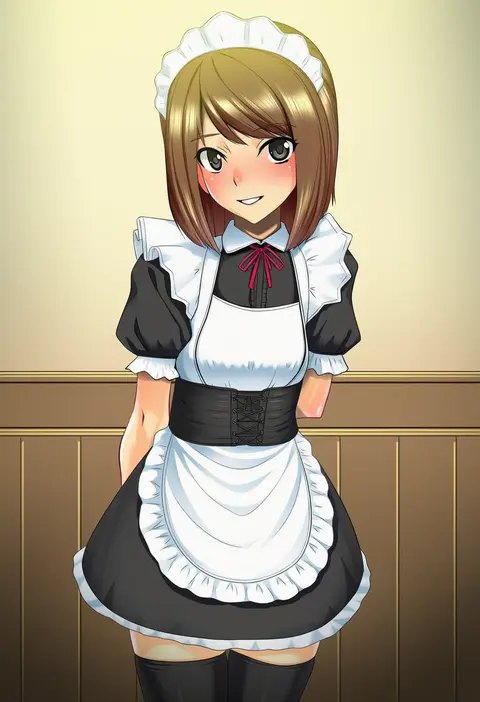
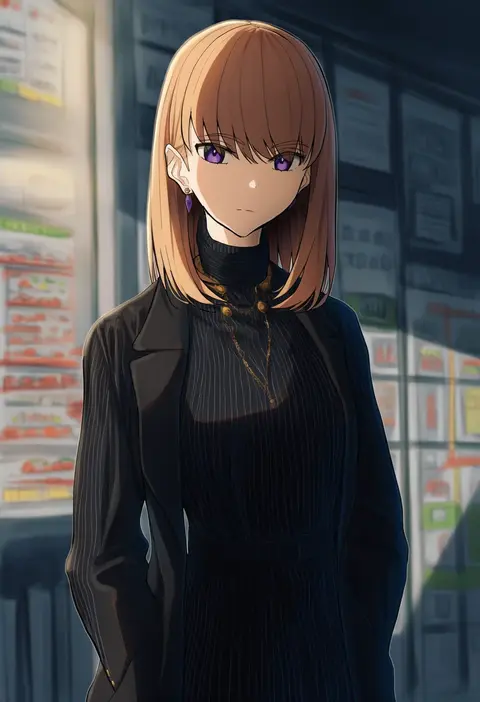
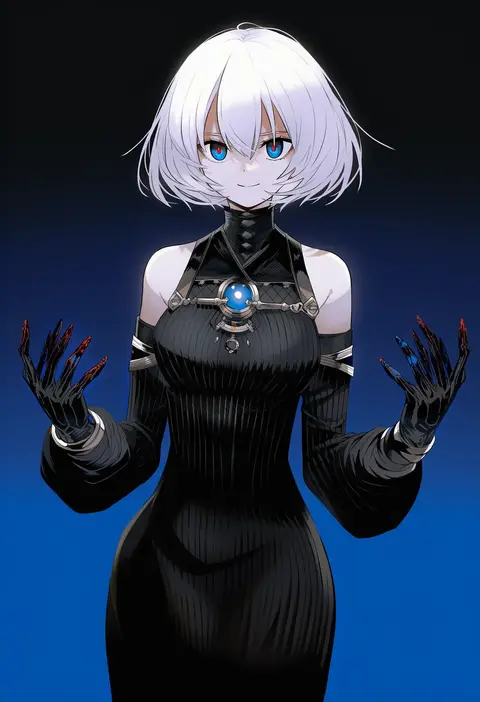
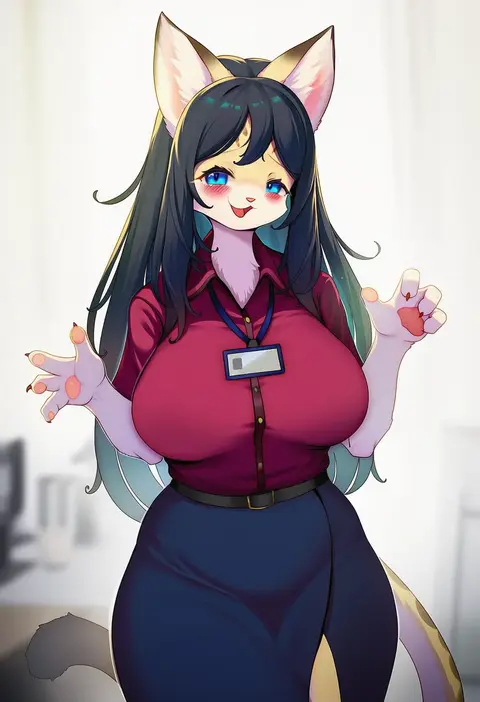
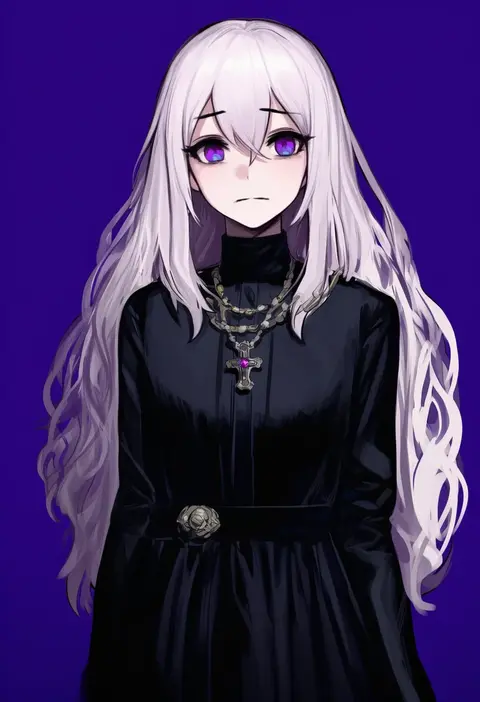
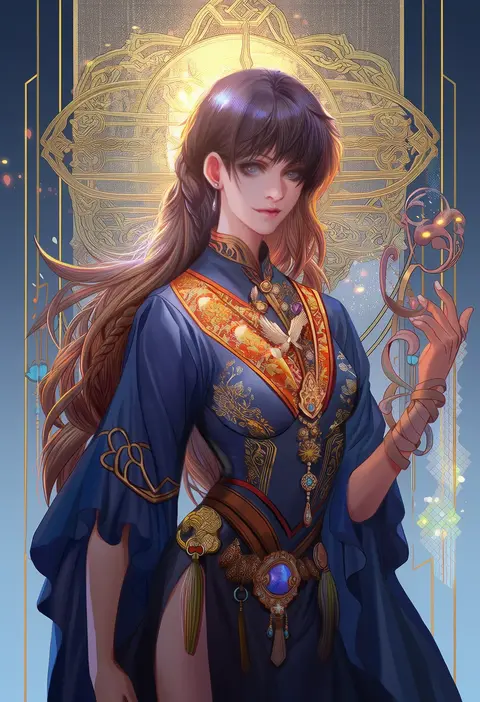
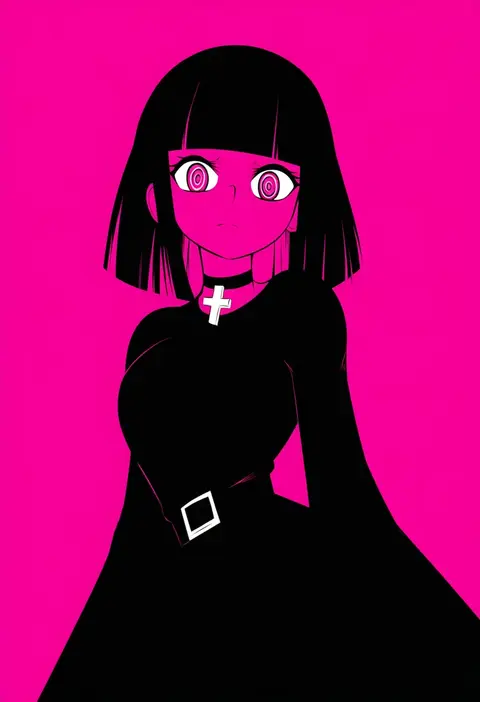
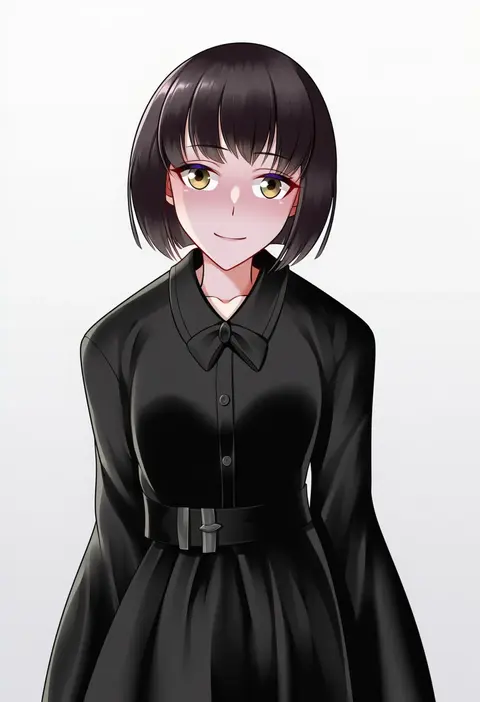
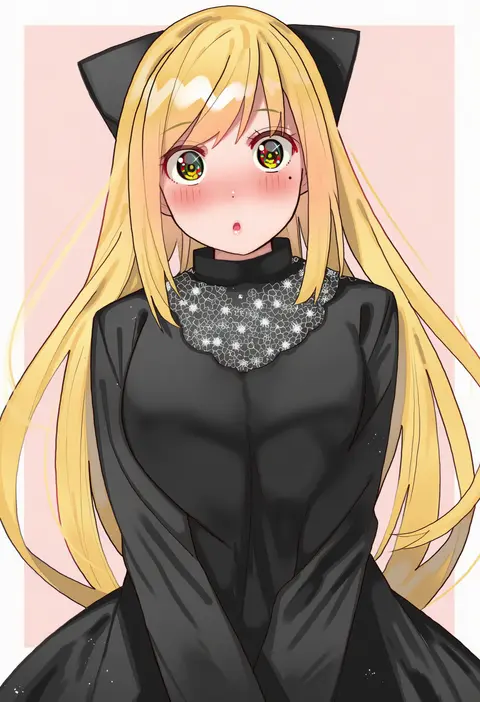
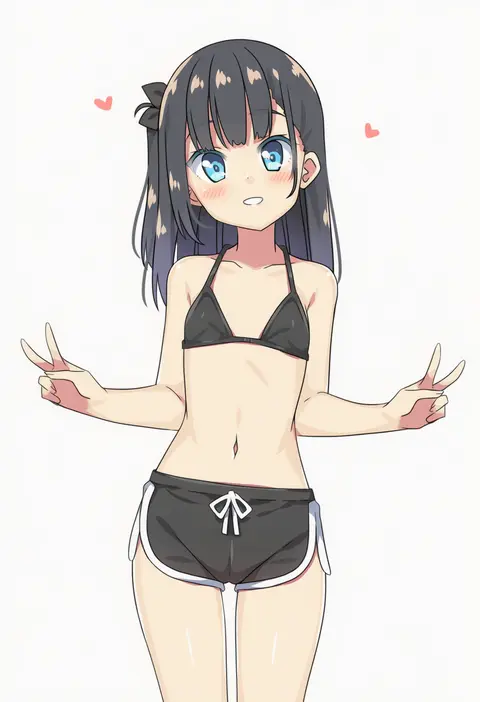
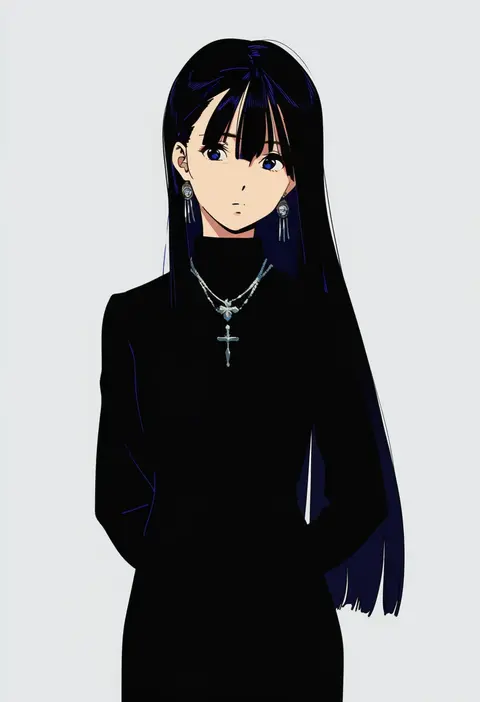
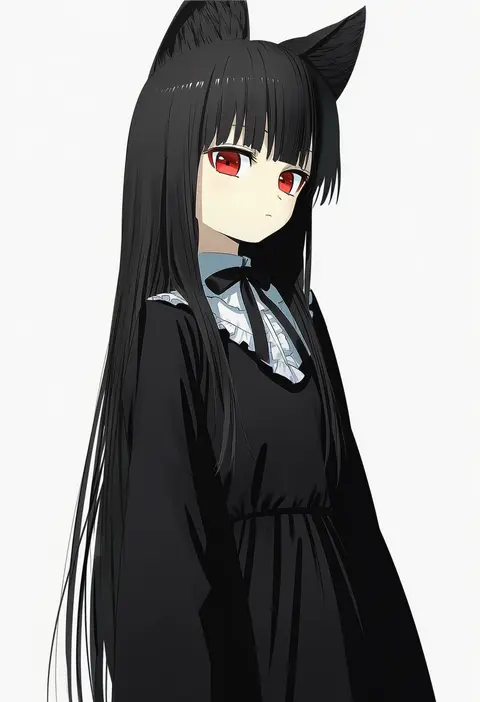
Every tag listed here is verified to react in NovelAI. All images use the same prompt, seed and settings with only the artist tag swapped, so the difference between two images is the style that tag brings in.

How to use them

Put the artist tag near the front of the prompt, e.g. "<artist>, 1girl, solo, best quality, masterpiece, cowboy shot". Two or three artist tags blend styles; lower the weight with "0.8::<artist>::" when the style overpowers the character.

SCORE sorts by Danbooru's top score, POSTS by post count, FAVS by hearts on this site. Open a card to see V5 and V4.5 side by side on the same seed.

V5 vs V4.5

V5 usually lands closer to the artist's real style, and tags that did nothing on V4.5 often react on V5. V4.5 still fits older and doujin-heavy artists better. Try V5 first, fall back to V4.5.

FAQ

Where does the artist tag go?
Near the front of the prompt. Use "0.8::tag::" to adjust its weight.

Can I stack artist tags?
Yes, styles blend. Past two or three the result stops looking like anyone.

Are these the artists' own works?
No. Every image is a NovelAI sample generated from the tag.