V4.5Artists
sort: FAVS▾
▾
>
$

NovelAI Artist Tags List — V4.5

artist --count 16,352[125/273]
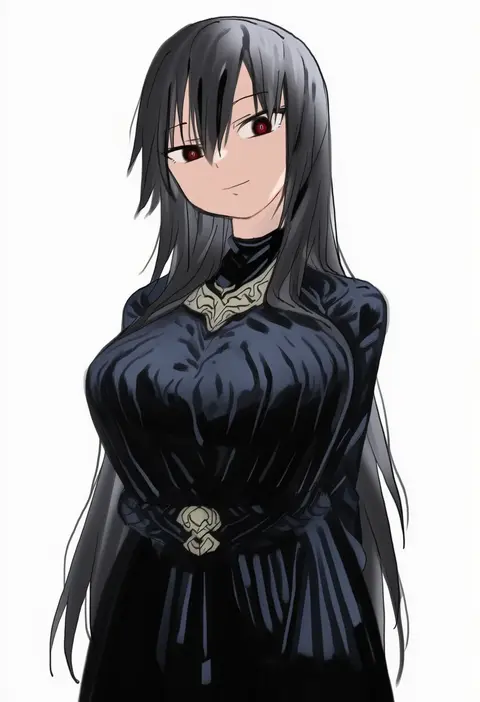
megame (okbnkn)
ARTIST0x1D10
0
you ni ge shaobing
ARTIST0x1D11
0
kusakanmuri
ARTIST0x1D12
0
hanzaki jirou
ARTIST0x1D13
0
ayuteisyoku
ARTIST0x1D14
0
kirisaki reina
ARTIST0x1D15
0
midorino eni
ARTIST0x1D16
0
kanna hisashi
ARTIST0x1D17
0
gujira
ARTIST0x1D18
0
painpa
ARTIST0x1D19
0
rizu033
ARTIST0x1D1A
0
shei99
ARTIST0x1D1B
0
nihohohi
ARTIST0x1D1C
0
azuma toh
ARTIST0x1D1D
0
kadan (ad1999)
ARTIST0x1D1E
0
sacha
ARTIST0x1D1F
0
suru (ksoo420)
ARTIST0x1D20
0
tsuki suigetsu
ARTIST0x1D21
0
sparks summer
ARTIST0x1D22
0
butter sugoi
ARTIST0x1D23
0
kashiba aira
ARTIST0x1D24
0
minato yoshihiro
ARTIST0x1D25
0
hachimitsu hinako
ARTIST0x1D26
0
kamitsuki shion
ARTIST0x1D27
0
quinny il
ARTIST0x1D28
0
otoo (izanagi)
ARTIST0x1D29
0
aaeru
ARTIST0x1D2A
0
karosu maker
ARTIST0x1D2B
0
okome 0628
ARTIST0x1D2C
0
chanta (ayatakaoisii)
ARTIST0x1D2D
0
zanntetu
ARTIST0x1D2E
0
okuda yasuhiro
ARTIST0x1D2F
0
akitokage
ARTIST0x1D30
0
paopao
ARTIST0x1D31
0
bukkuri
ARTIST0x1D32
0
tatekawa mako
ARTIST0x1D33
0
tsukigami runa
ARTIST0x1D34
0
ugwa
ARTIST0x1D35
0
28 (282teeth)
ARTIST0x1D36
0
yanagi marie
ARTIST0x1D37
0
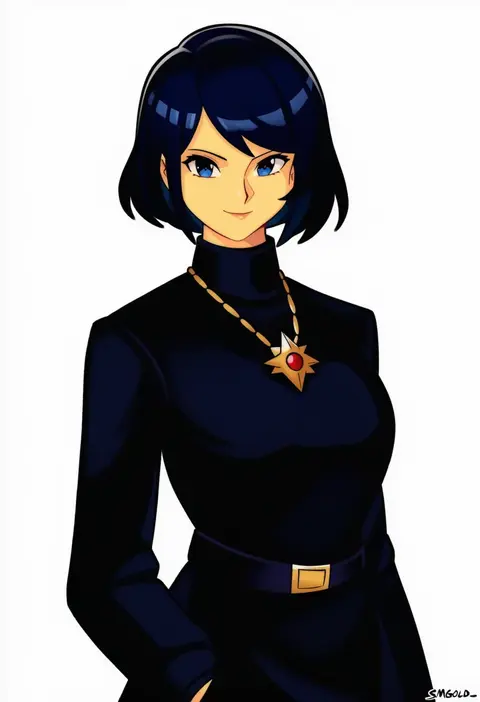
smgold
ARTIST0x1D38
0
zasha
ARTIST0x1D39
0
azna
ARTIST0x1D3A
0
mato tsuyoi
ARTIST0x1D3B
0
xyanaid
ARTIST0x1D3C
0
ooshima ryou
ARTIST0x1D3D
0
kon5283
ARTIST0x1D3E
0
zawawa (satoukibi1108)
ARTIST0x1D3F
0
tsuka
ARTIST0x1D40
0
shigenobu
ARTIST0x1D41
0
qm
ARTIST0x1D42
0
kirisaki shuusei
ARTIST0x1D43
0
neekosiah
ARTIST0x1D44
0
potion (moudamepo)
ARTIST0x1D45
0
nel dcm
ARTIST0x1D46
0
francisco mon
ARTIST0x1D47
0
pingke box
ARTIST0x1D48
0
toratora (nanahaba)
ARTIST0x1D49
0
kometsubu
ARTIST0x1D4A
0
kuro hopper
ARTIST0x1D4B
0

What these tags change

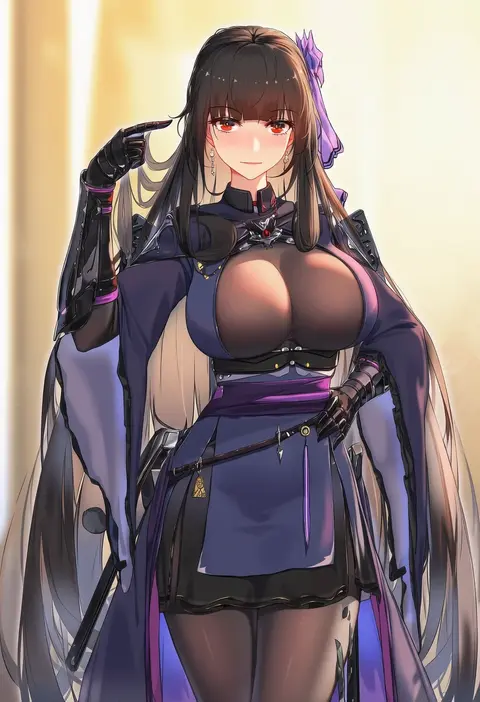
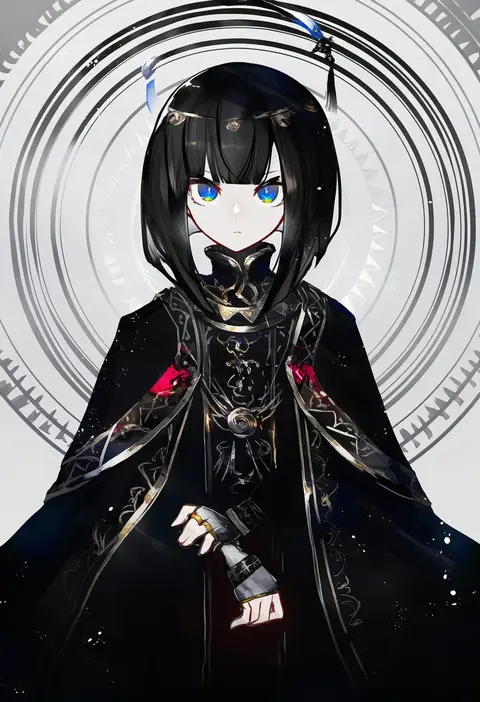
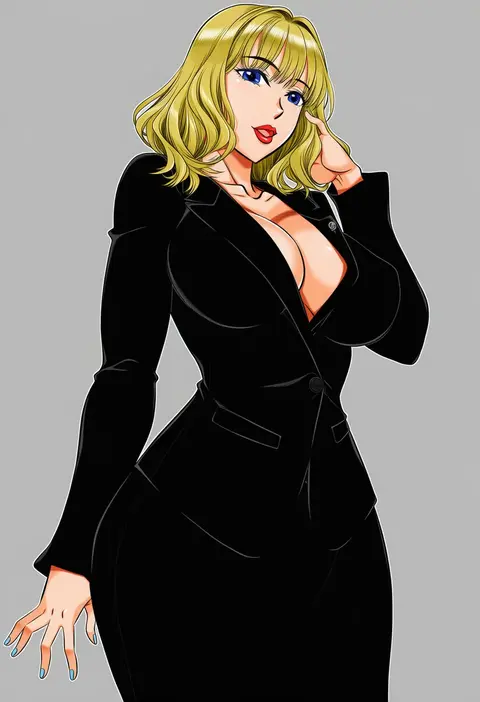
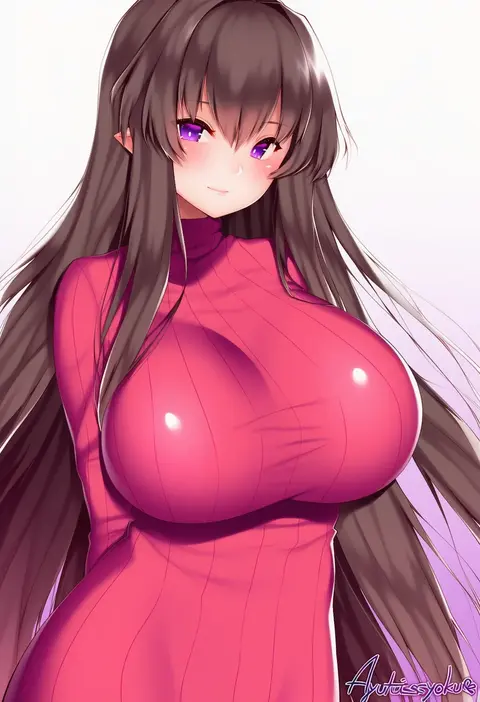
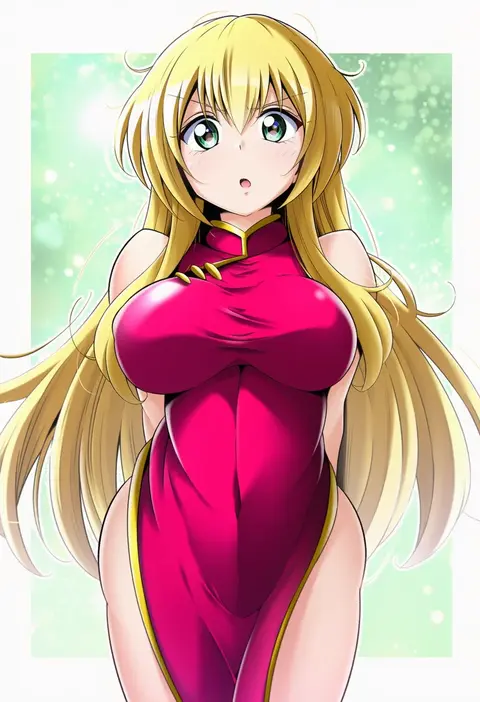
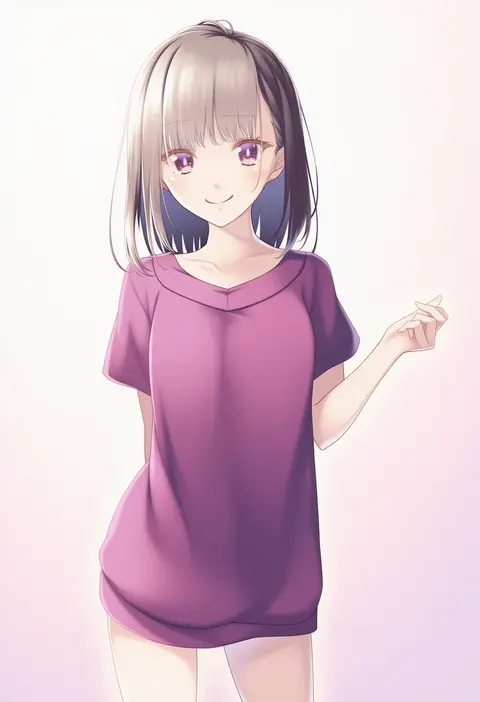
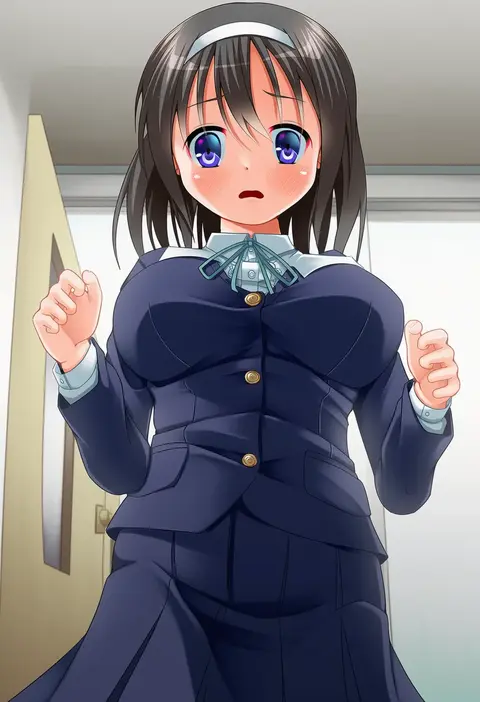
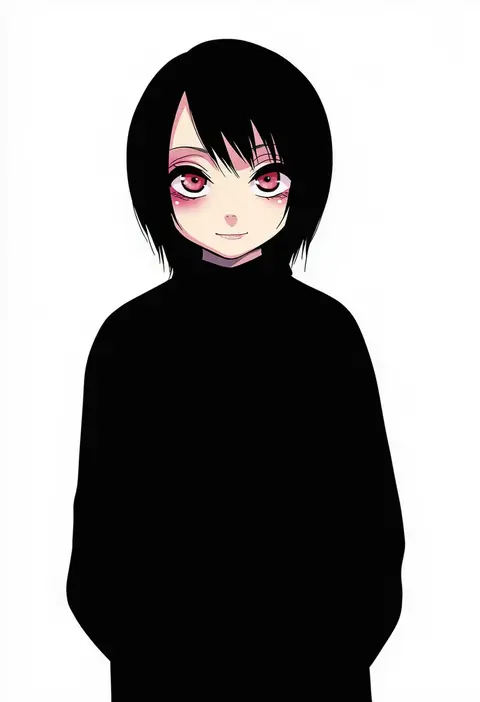
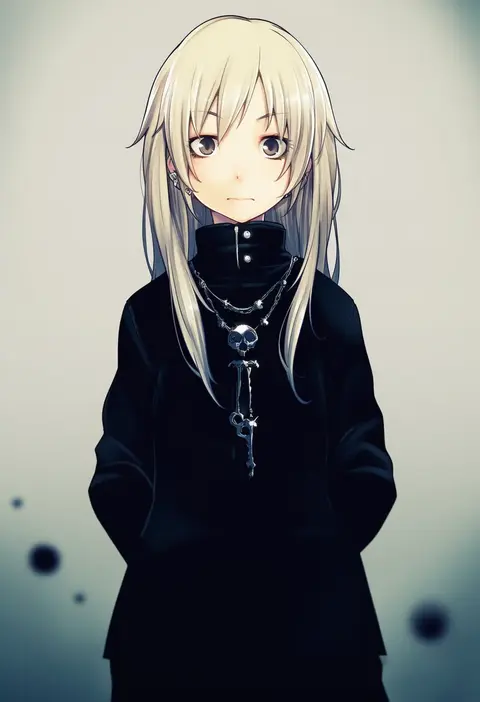
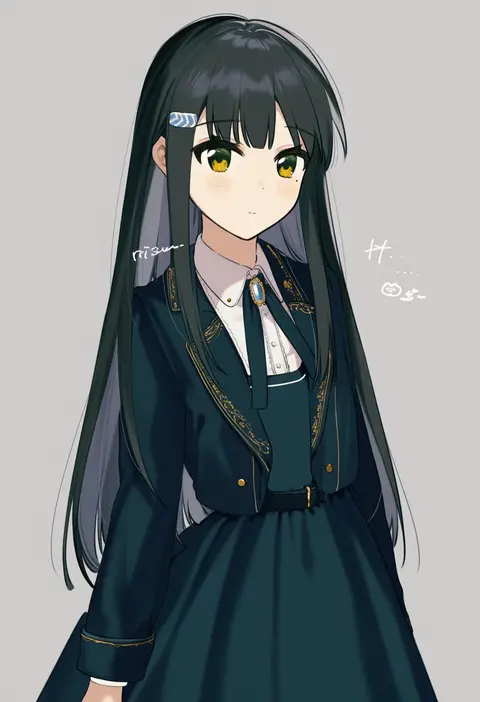
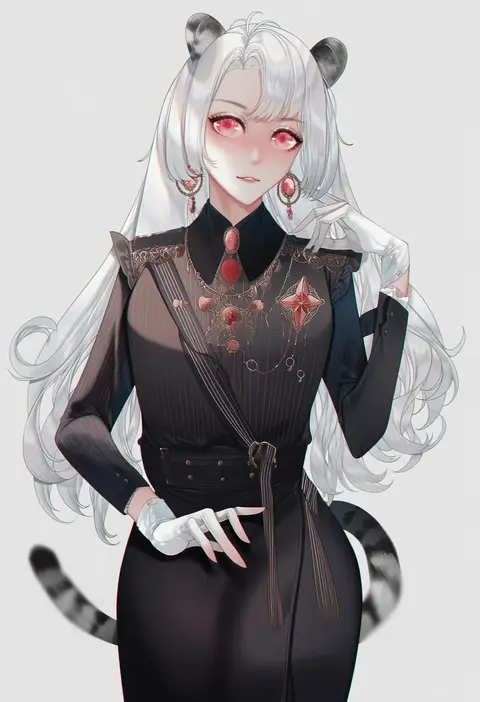
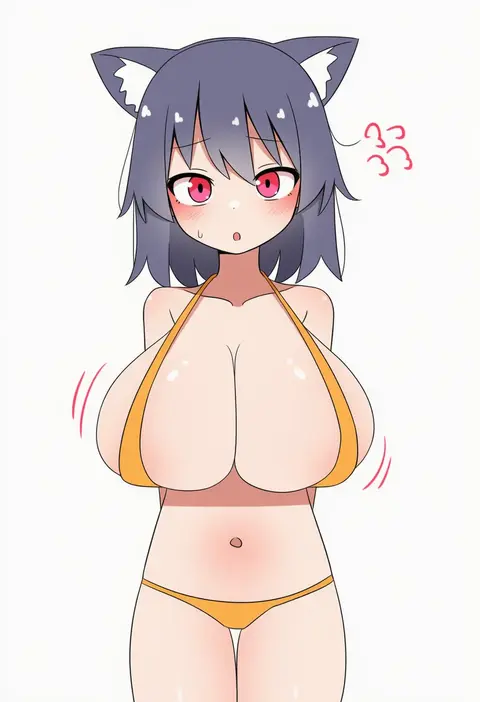
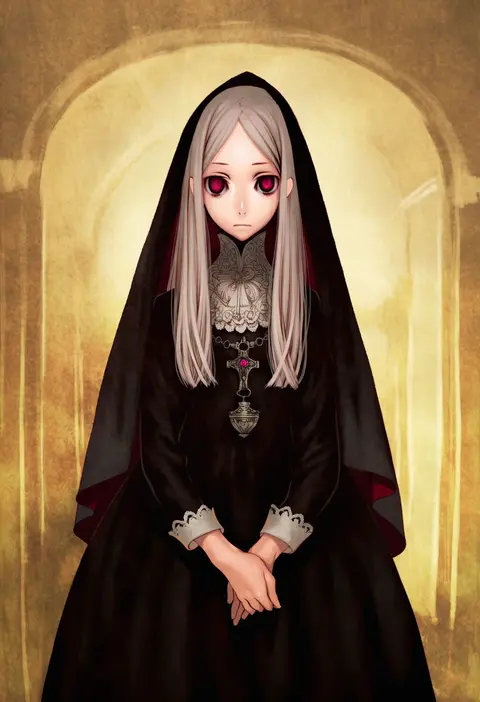
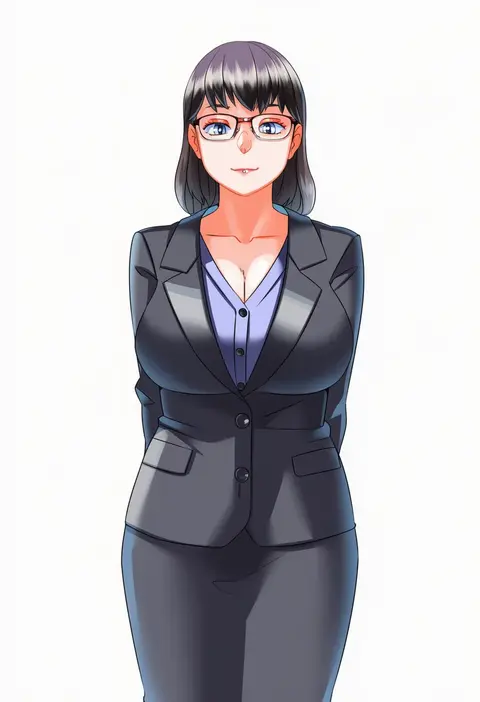
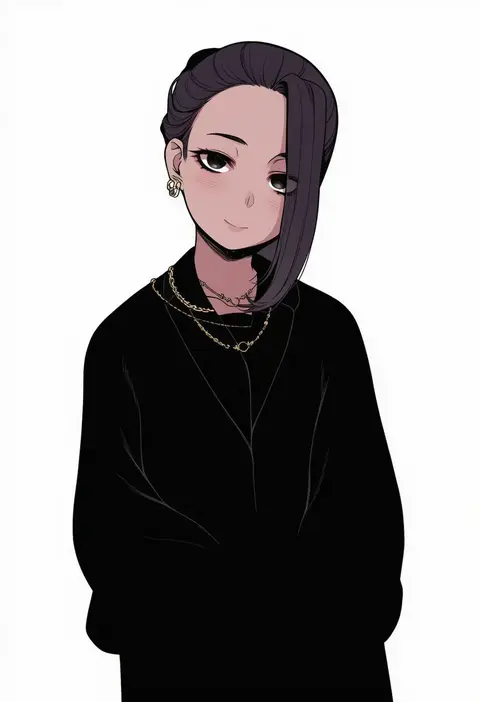
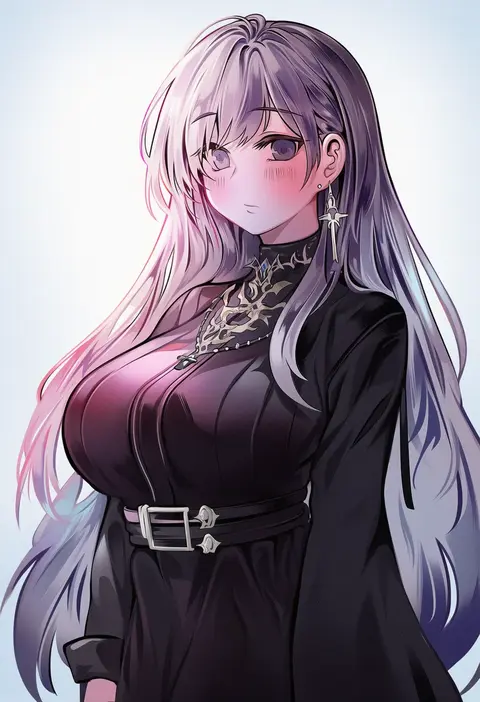
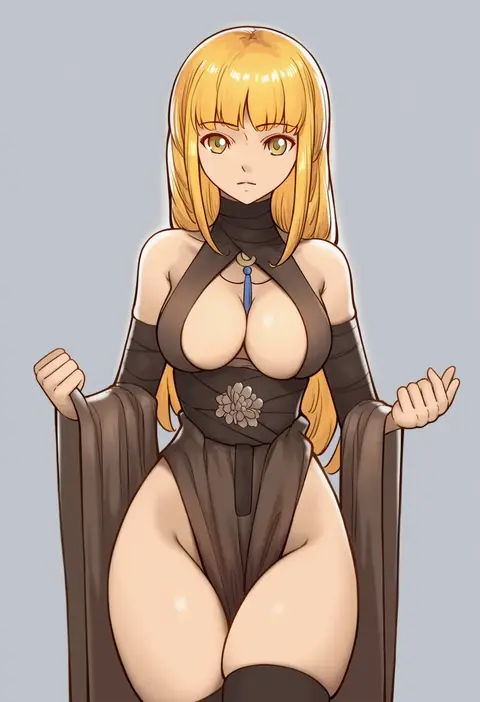
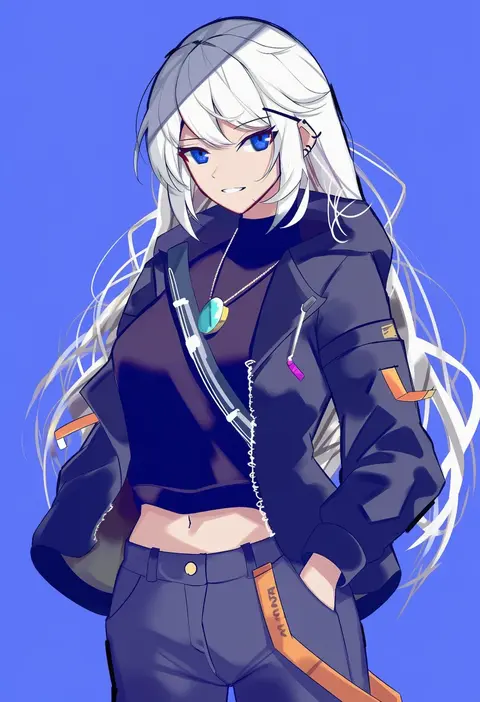
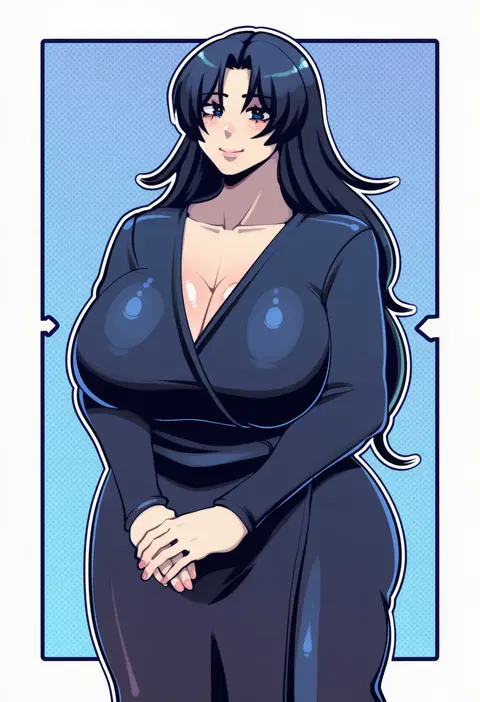
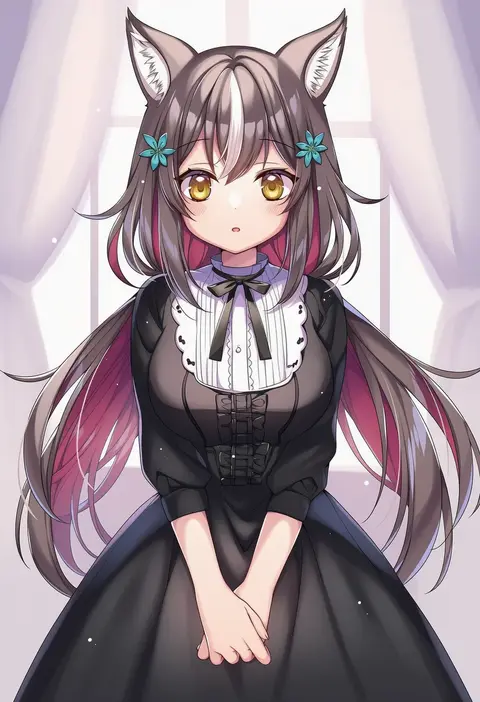
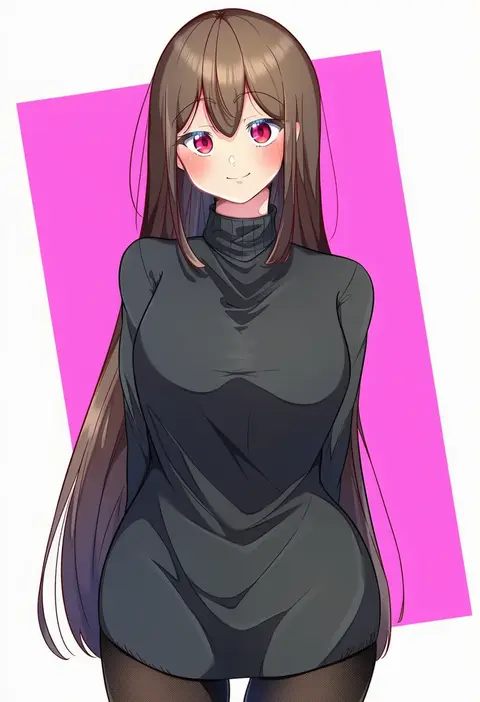
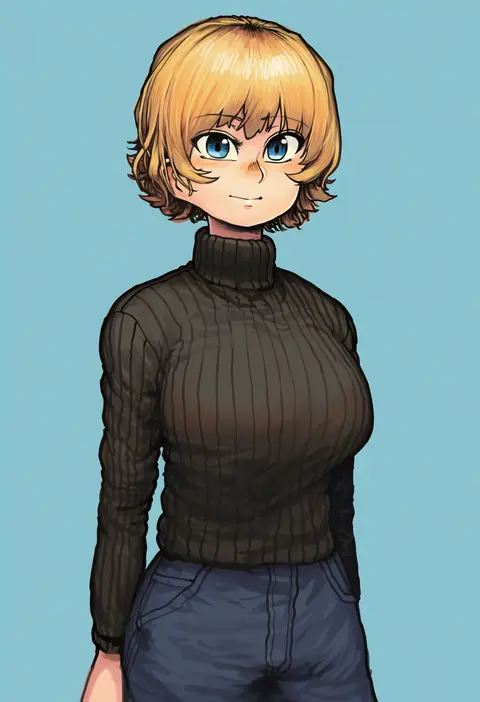
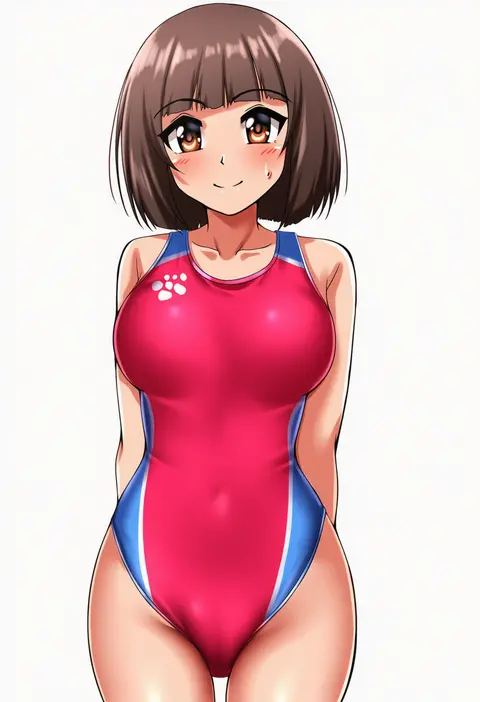
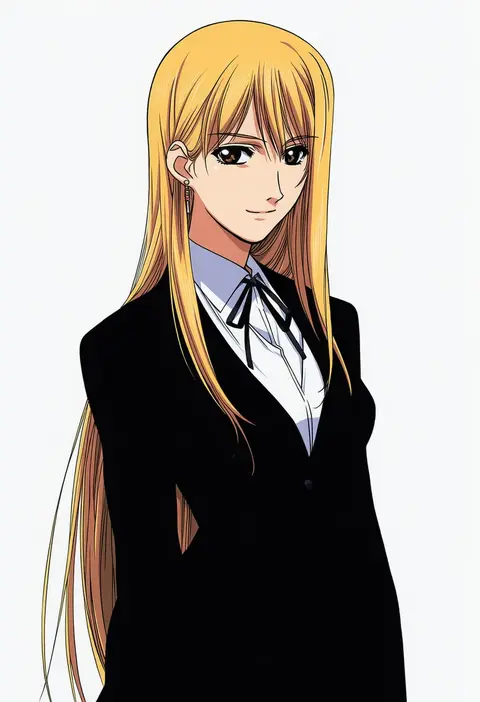
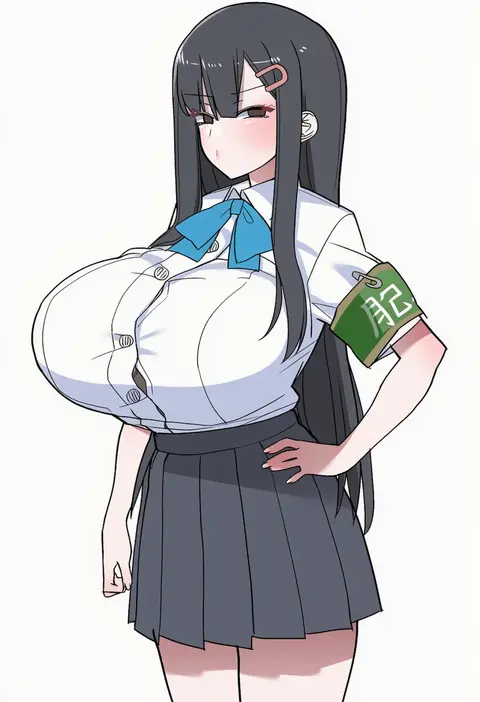
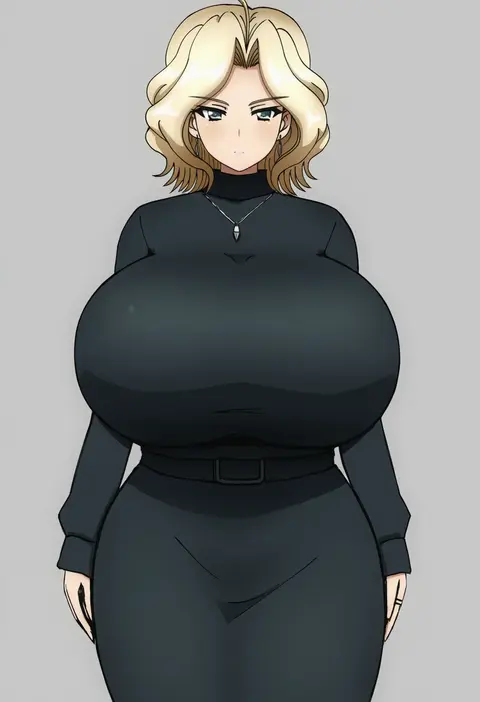
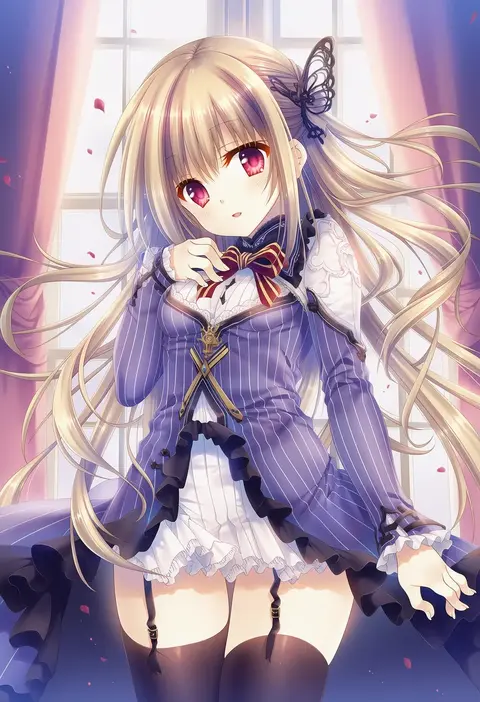
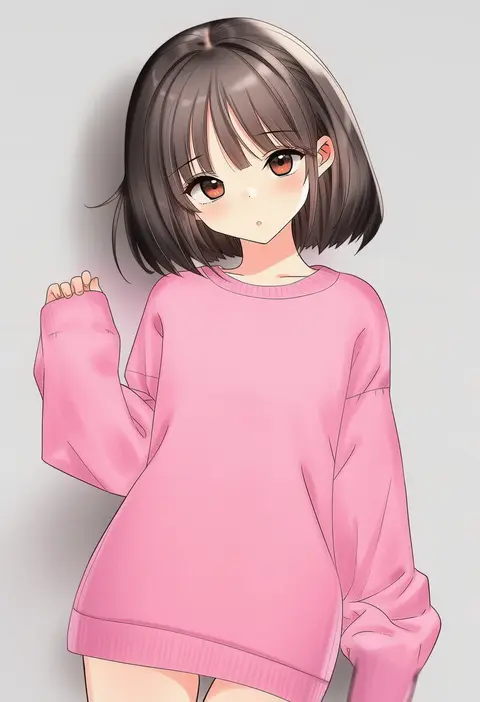
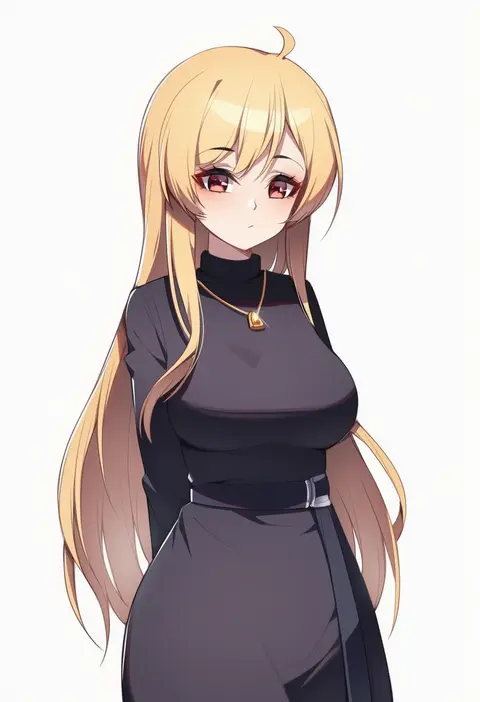
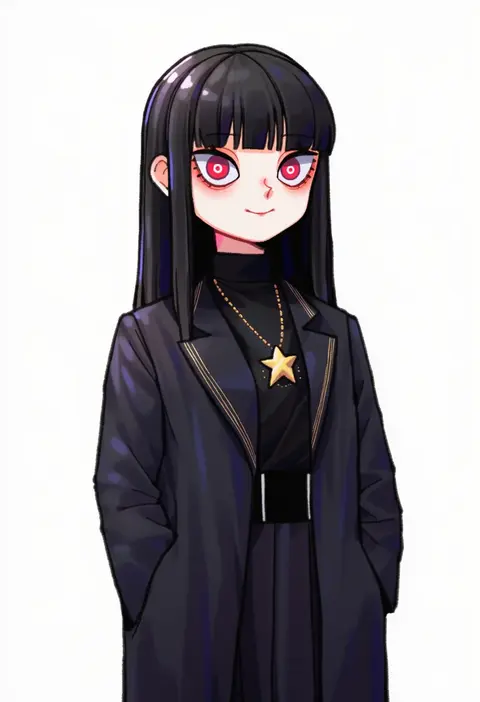
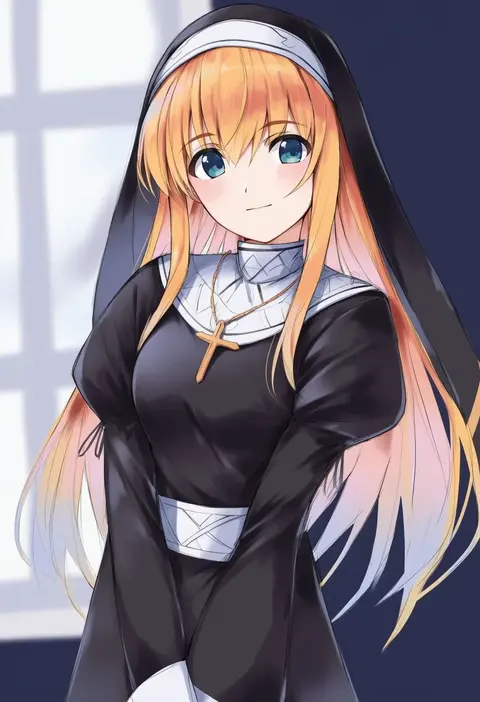
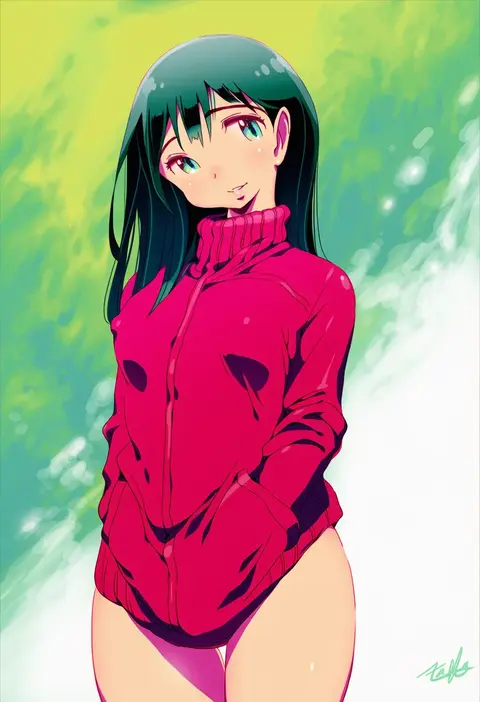
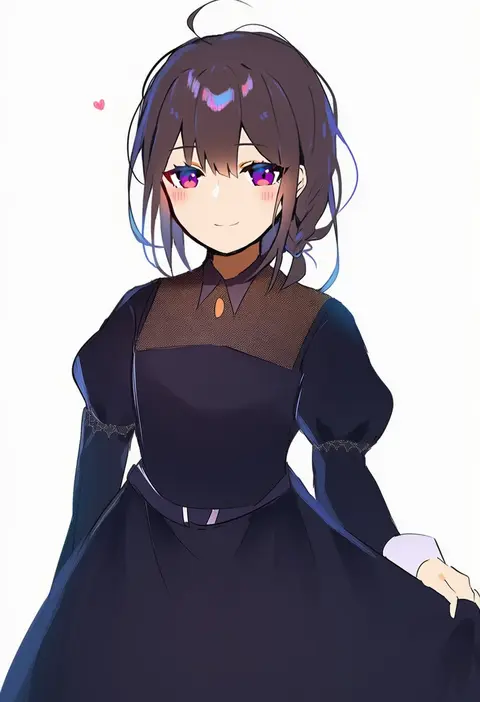
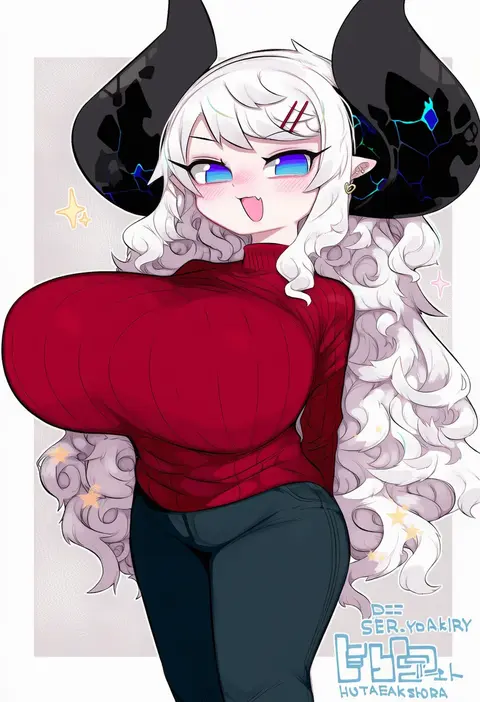
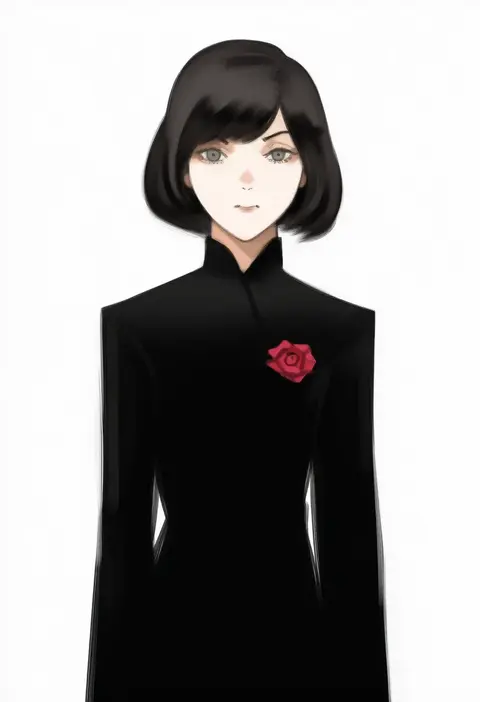
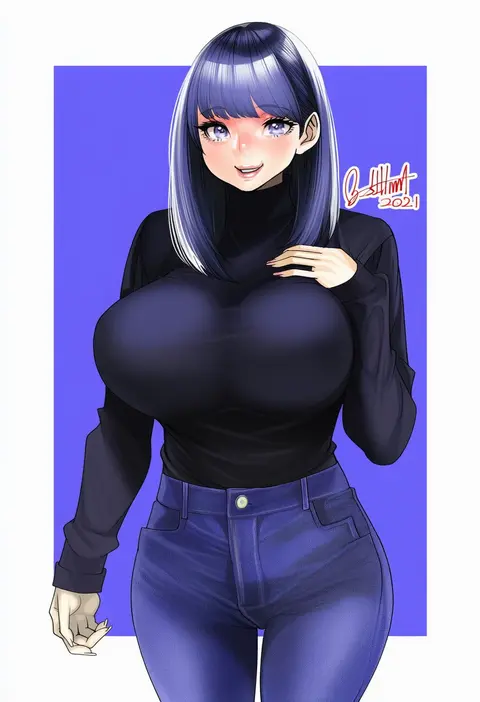
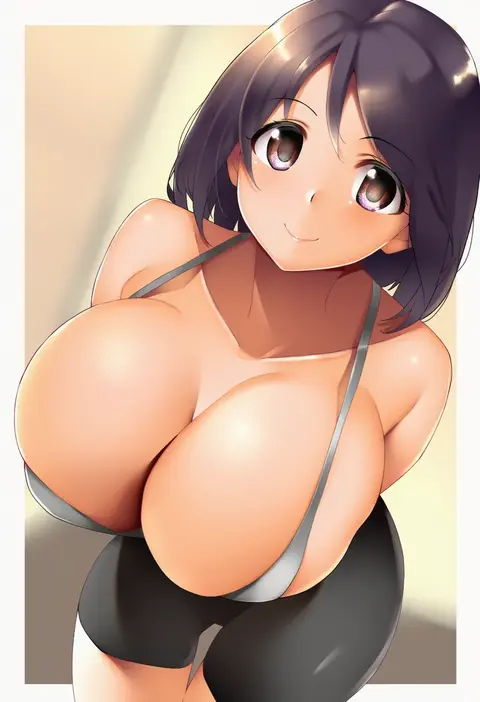
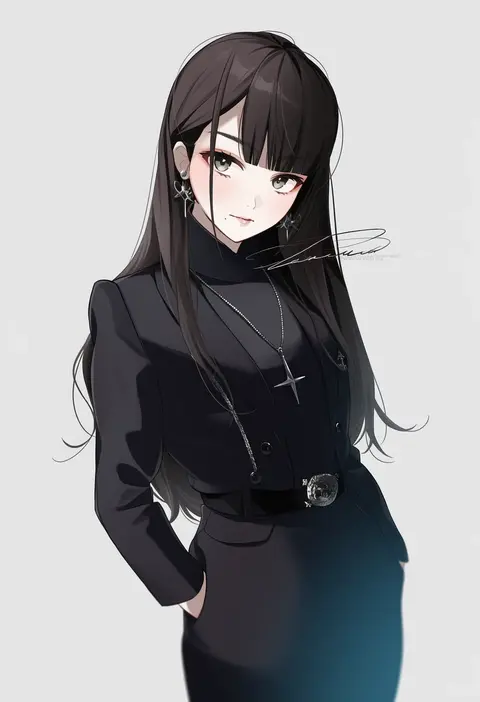
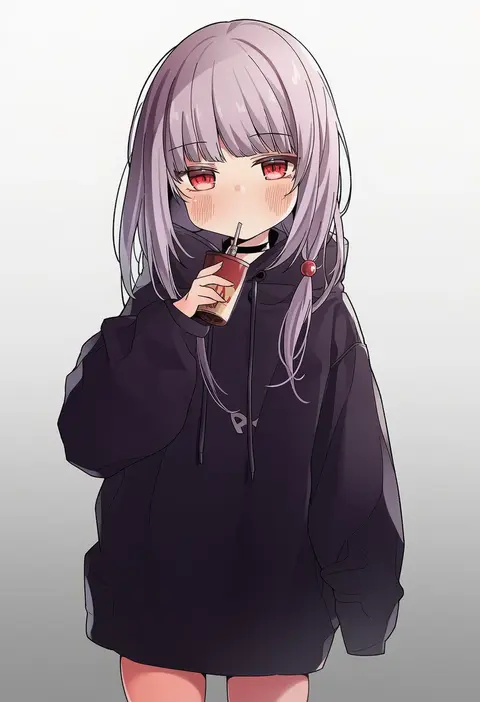
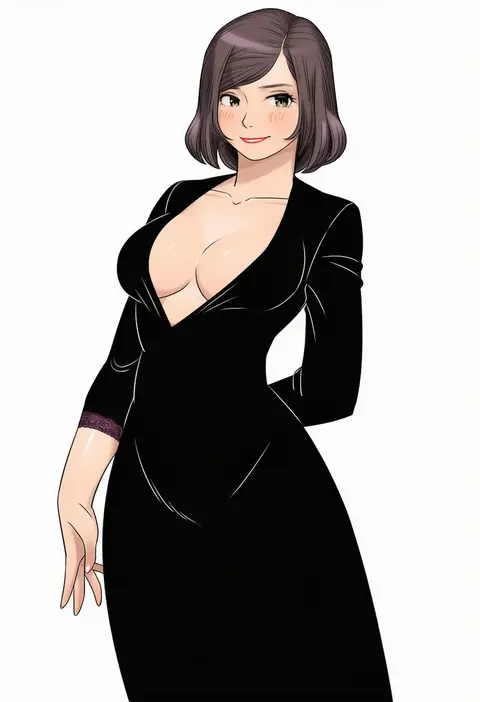
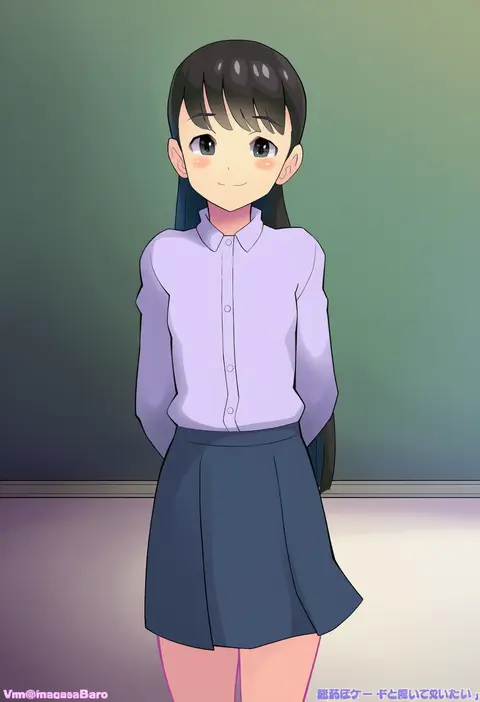
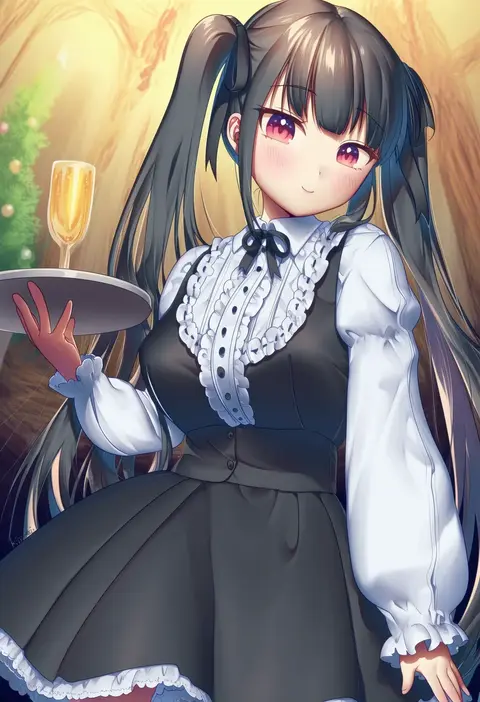
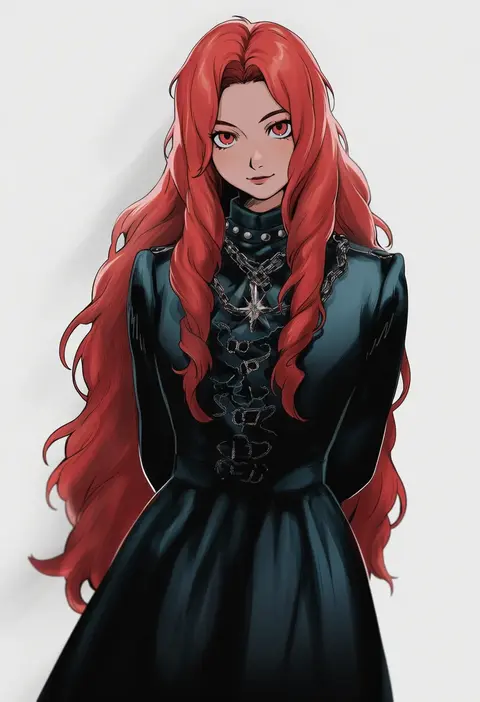
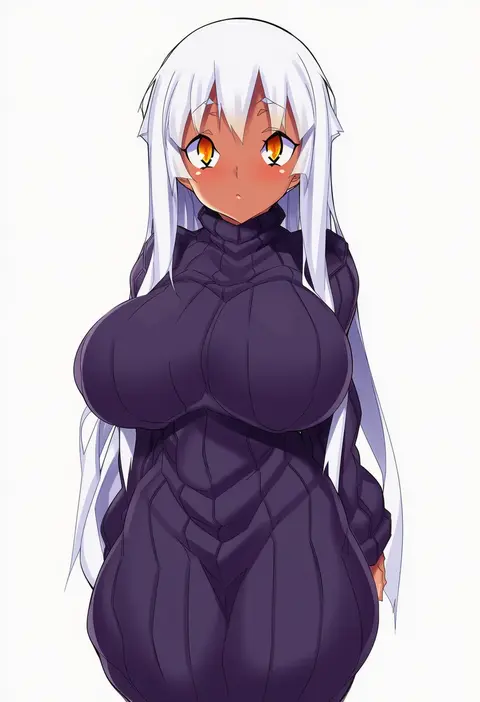
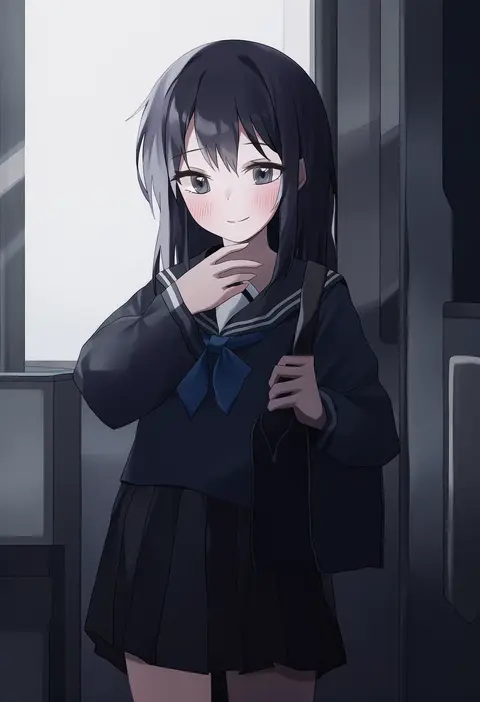
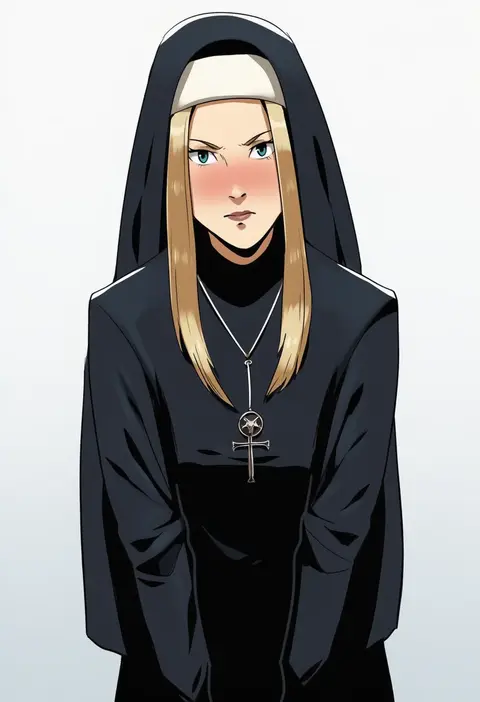
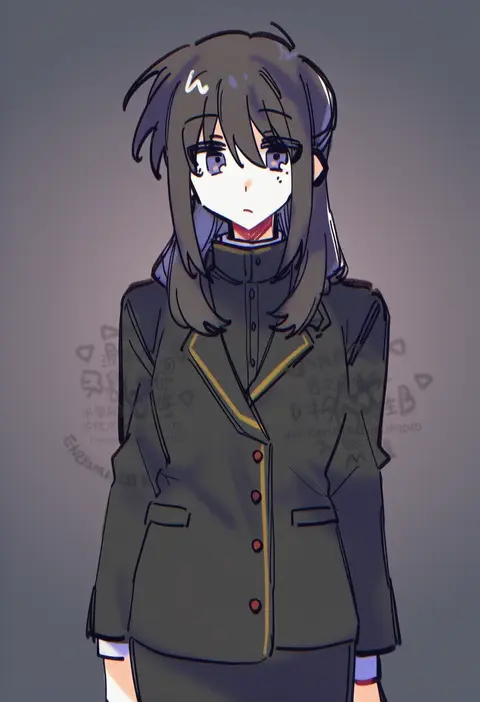
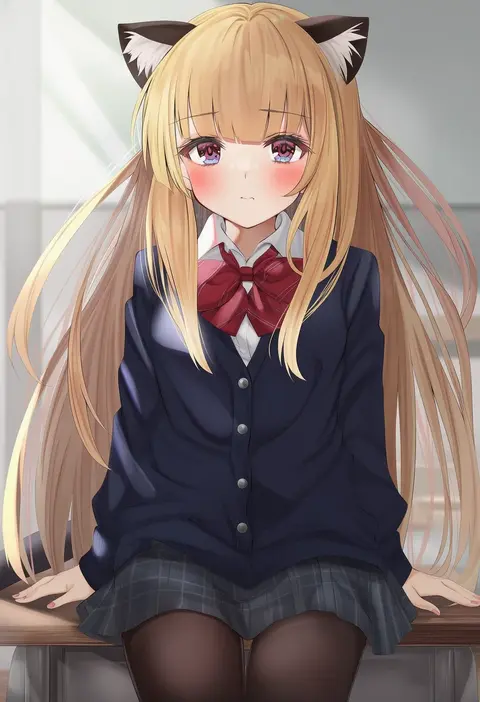
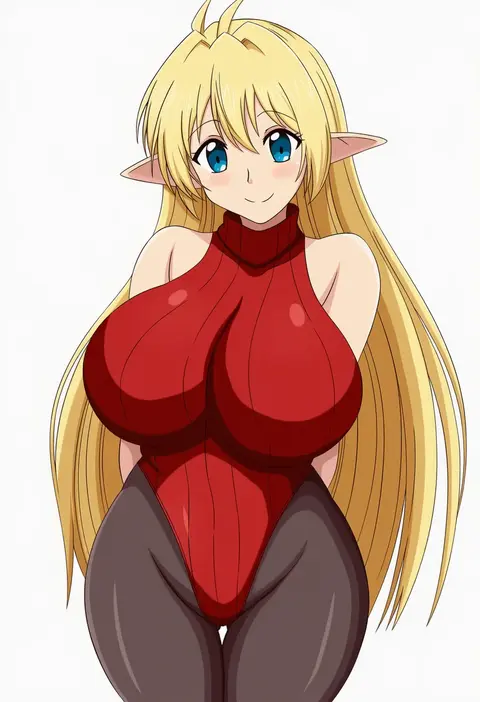
Artist tags tell NovelAI Diffusion to draw in a specific artist's style: line weight, paint texture, face shapes and palette all shift at once. Character and outfit tags decide what is drawn; artist tags decide how. 16,352 tags are listed for V4.5.
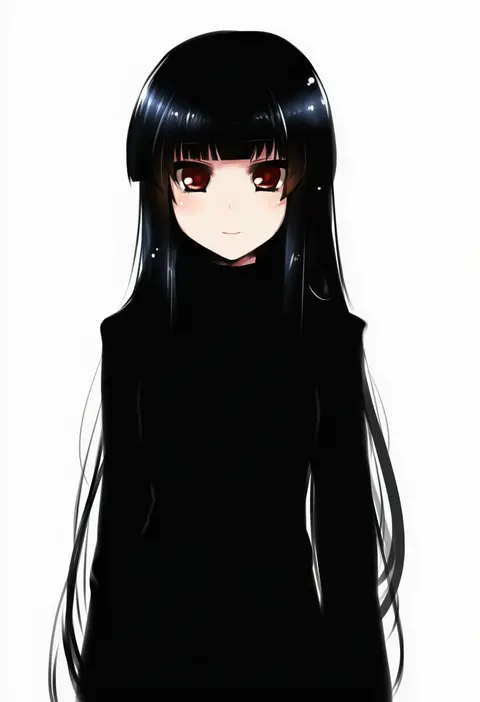
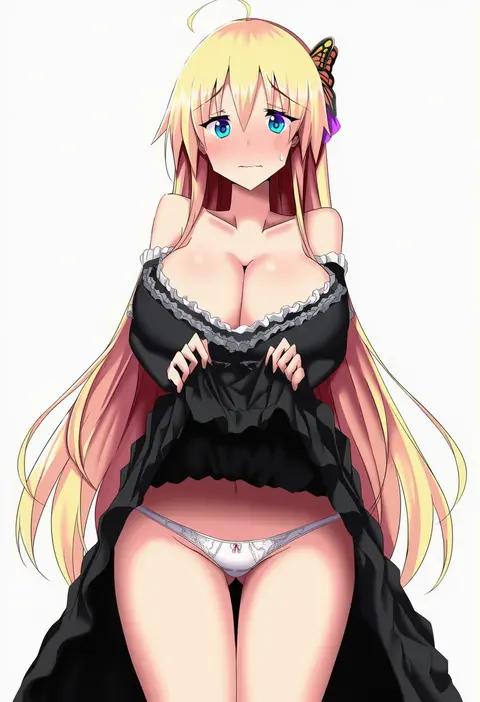
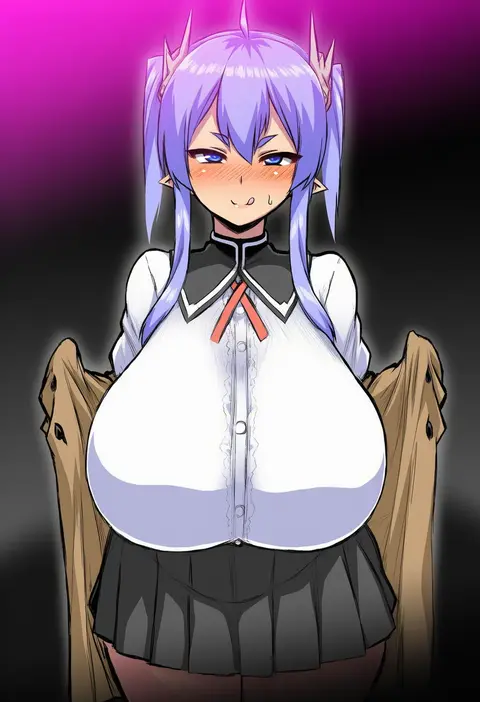
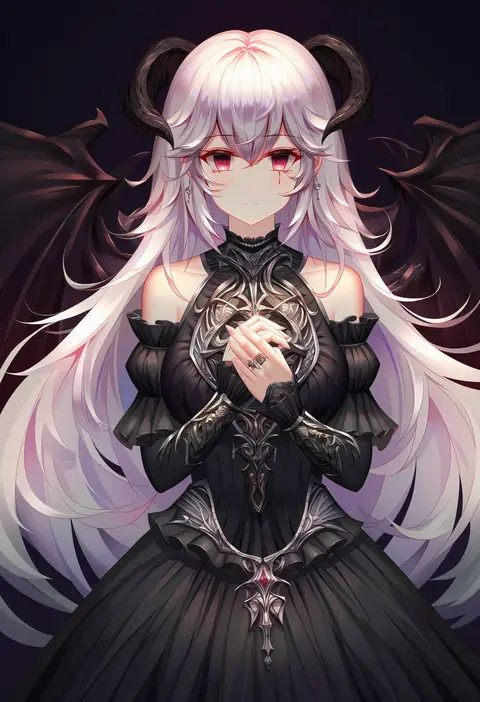
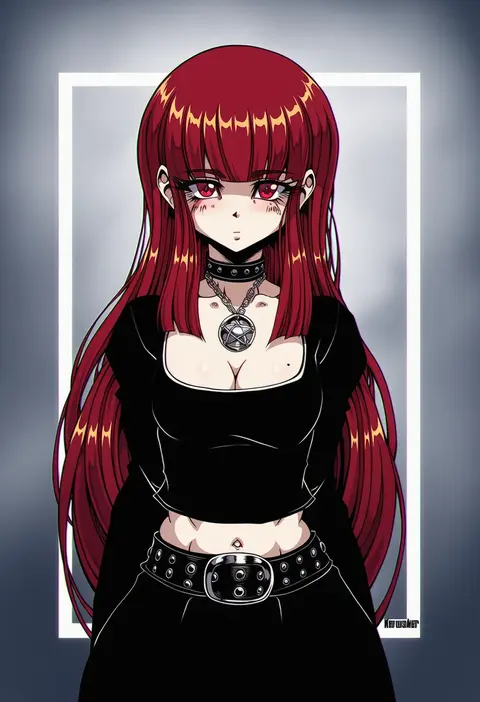
Every tag listed here is verified to react in NovelAI. All images use the same prompt, seed and settings with only the artist tag swapped, so the difference between two images is the style that tag brings in.

How to use them

Put the artist tag near the front of the prompt, e.g. "<artist>, 1girl, solo, best quality, masterpiece, cowboy shot". Two or three artist tags blend styles; lower the weight with "0.8::<artist>::" when the style overpowers the character.

SCORE sorts by Danbooru's top score, POSTS by post count, FAVS by hearts on this site. Open a card to see V5 and V4.5 side by side on the same seed.

V5 vs V4.5

V5 usually lands closer to the artist's real style, and tags that did nothing on V4.5 often react on V5. V4.5 still fits older and doujin-heavy artists better. Try V5 first, fall back to V4.5.

FAQ

Where does the artist tag go?
Near the front of the prompt. Use "0.8::tag::" to adjust its weight.

Can I stack artist tags?
Yes, styles blend. Past two or three the result stops looking like anyone.

Are these the artists' own works?
No. Every image is a NovelAI sample generated from the tag.