V4.5Artists
sort: FAVS▾
▾
>
$

NovelAI Artist Tags List — V4.5

artist --count 16,352[128/273]
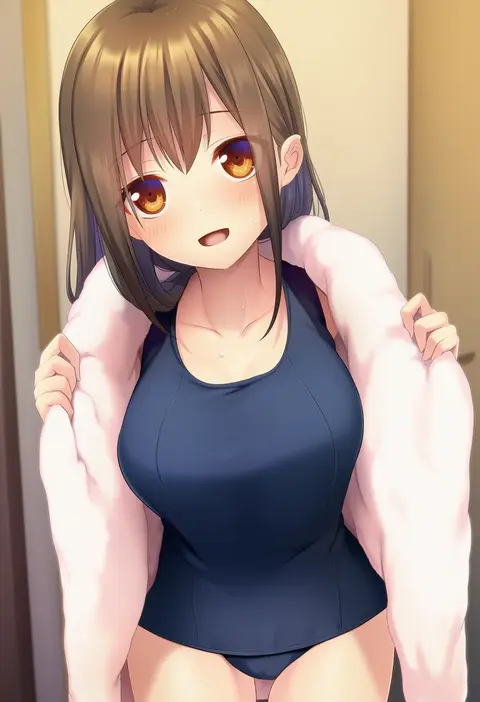
kamioka shun'ya
ARTIST0x1DC4
0
nnyara
ARTIST0x1DC5
0
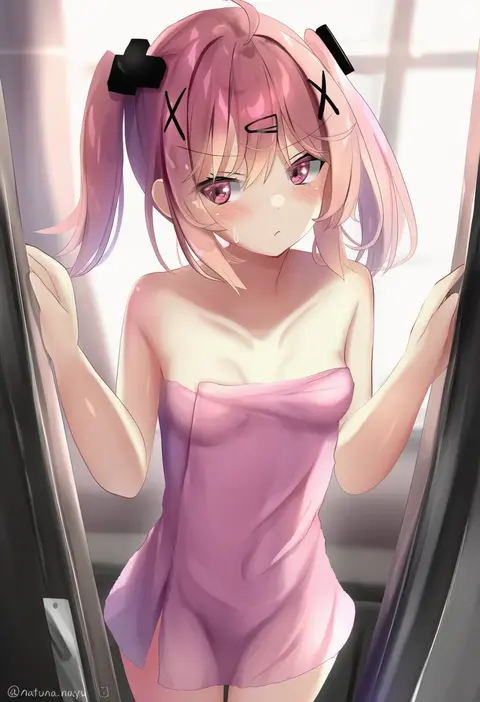
natuna natu
ARTIST0x1DC6
0
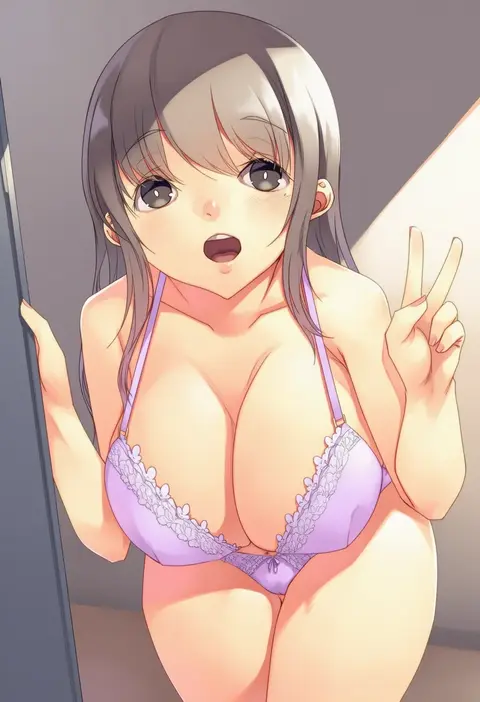
mikage sekizai
ARTIST0x1DC7
0
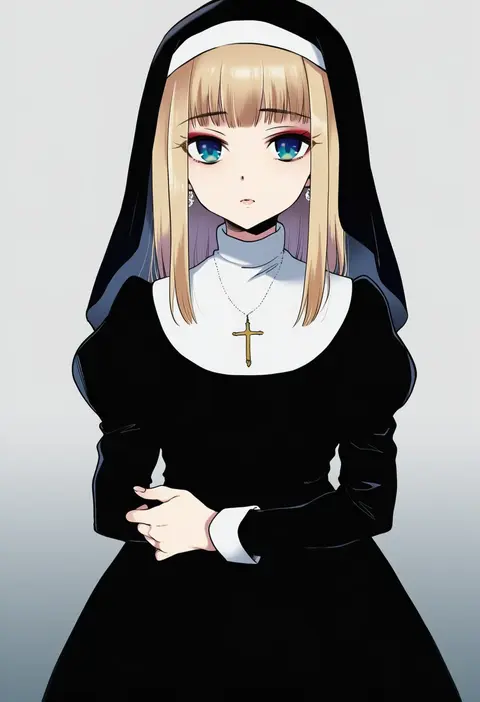
plum (arch)
ARTIST0x1DC8
0
shiwa (siwaa0419)
ARTIST0x1DC9
0
kofunami nana
ARTIST0x1DCA
0
kosokosomaru (higashi taishi)
ARTIST0x1DCB
0
momoirone
ARTIST0x1DCC
0
maiii (smaii i)
ARTIST0x1DCD
0
oshiruko (tsume)
ARTIST0x1DCE
0
merry-san
ARTIST0x1DCF
0
black cola
ARTIST0x1DD0
0
okuma mai
ARTIST0x1DD1
0
idfer
ARTIST0x1DD2
0
tennohi
ARTIST0x1DD3
0
kyou (iuciferic)
ARTIST0x1DD4
0
kuuro kuro
ARTIST0x1DD5
0
magui3
ARTIST0x1DD6
0
rkp
ARTIST0x1DD7
0
miyama amehiko
ARTIST0x1DD8
0
akizuki akina
ARTIST0x1DD9
0
ooyama kina
ARTIST0x1DDA
0
sakurea
ARTIST0x1DDB
0
dav-19
ARTIST0x1DDC
0
nijimoto hirok
ARTIST0x1DDD
0
seinen
ARTIST0x1DDE
0
asya
ARTIST0x1DDF
0
miton (turuyasann)
ARTIST0x1DE0
0
suzumori
ARTIST0x1DE1
0
ginji74
ARTIST0x1DE2
0
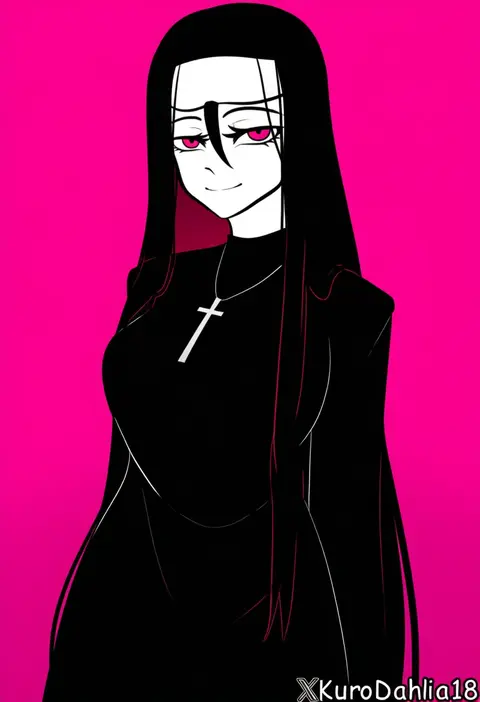
kurodahlia18
ARTIST0x1DE3
0
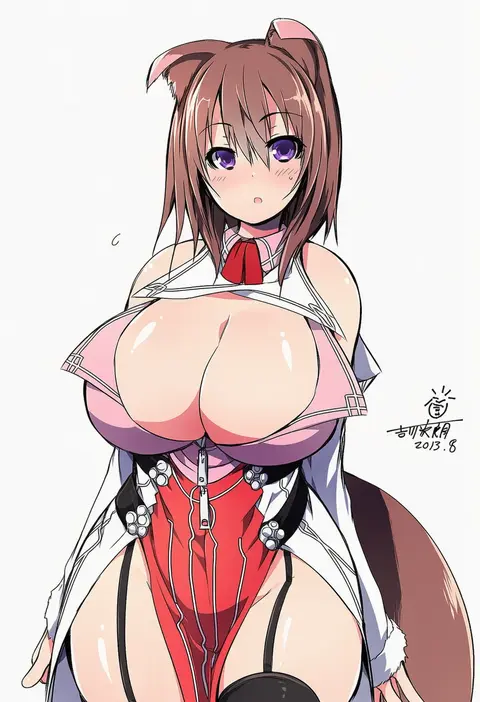
yoshikawa hideaki
ARTIST0x1DE4
0
yamabuki (yamabuki xxxxx)
ARTIST0x1DE5
0
nuruko (nuru55555)
ARTIST0x1DE6
0
azuu (azuucookie)
ARTIST0x1DE7
0
rumiko (rmeco)
ARTIST0x1DE8
0
roena
ARTIST0x1DE9
0
sas (ls08b)
ARTIST0x1DEA
0
sugar you
ARTIST0x1DEB
0
hadant
ARTIST0x1DEC
0
hamanashi (trapiorra)
ARTIST0x1DED
0
sankuma
ARTIST0x1DEE
0
peso (cheese company)
ARTIST0x1DEF
0
haruyuki (yukichasoba)
ARTIST0x1DF0
0
hashi
ARTIST0x1DF1
0
13 (spice!!)
ARTIST0x1DF2
0
itatatata
ARTIST0x1DF3
0
sinzan
ARTIST0x1DF4
0
yug (ekaki)
ARTIST0x1DF5
0
futaba miwa
ARTIST0x1DF6
0
galibo
ARTIST0x1DF7
0
sakura (medilore)
ARTIST0x1DF8
0
muuba
ARTIST0x1DF9
0
enoshima iki
ARTIST0x1DFA
0
vins-mousseux
ARTIST0x1DFB
0
jeanex
ARTIST0x1DFC
0
ganassa
ARTIST0x1DFD
0
ichigain
ARTIST0x1DFE
0
hyoe (hachiechi)
ARTIST0x1DFF
0

What these tags change

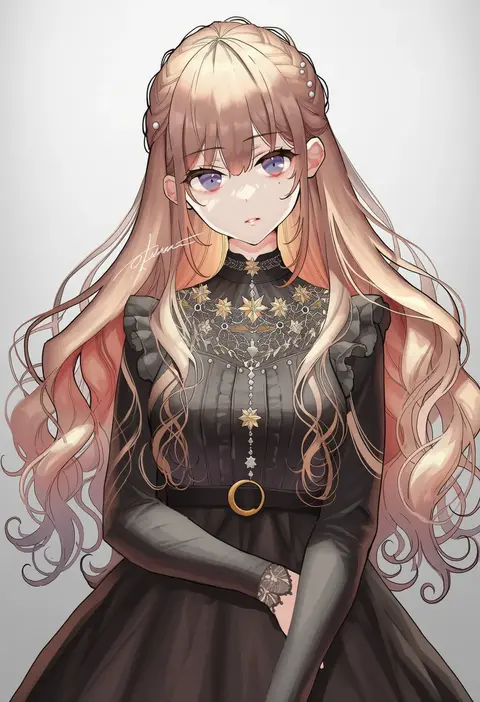
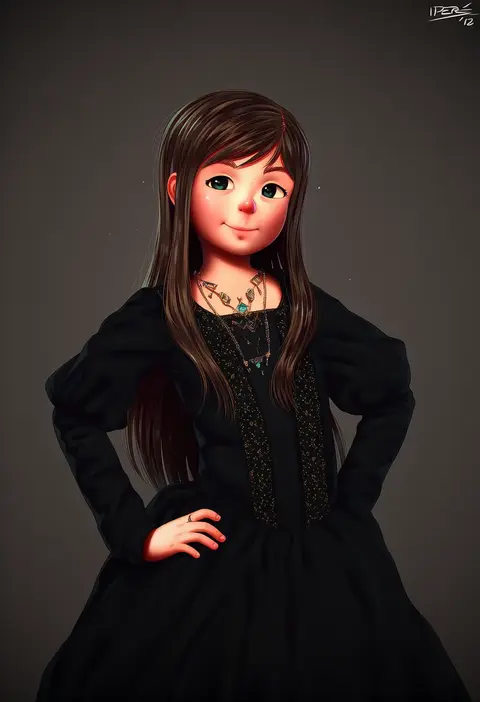
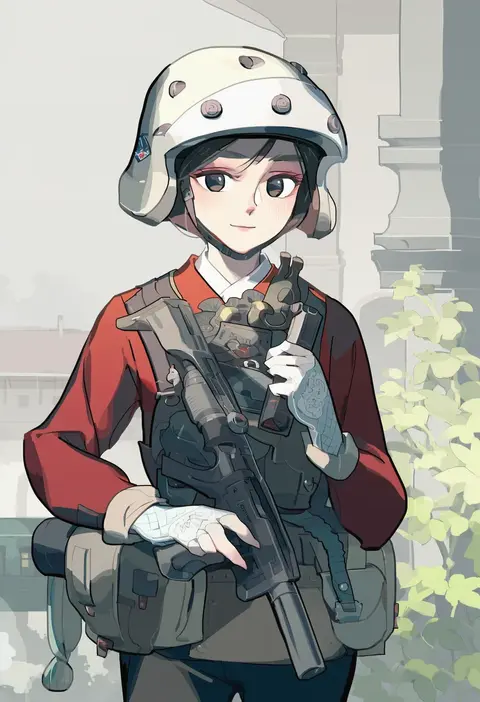
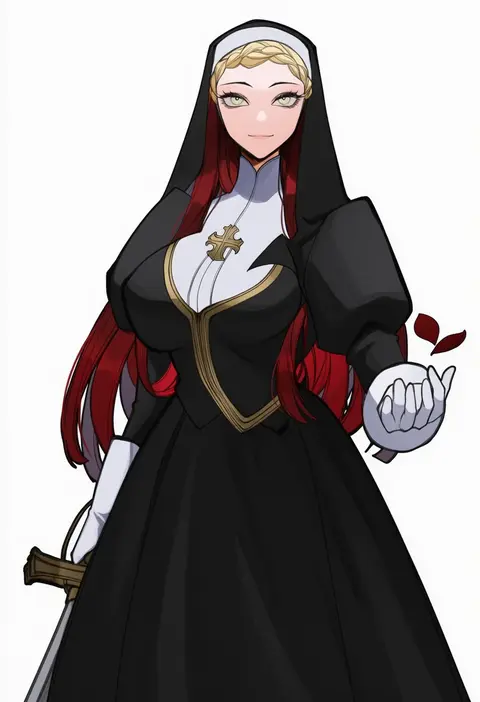
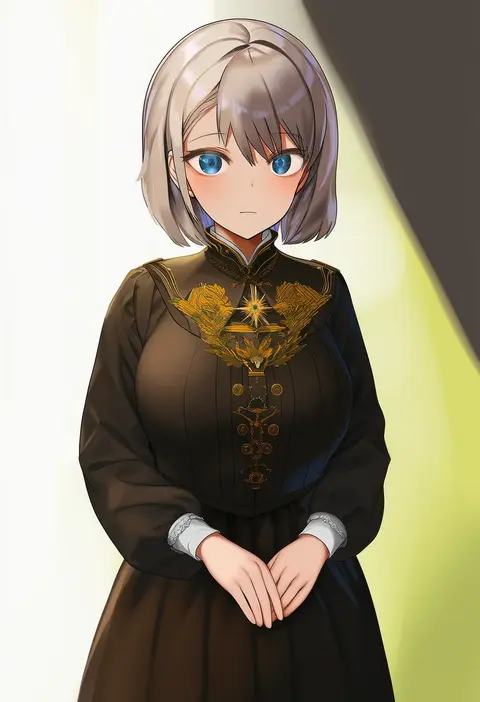
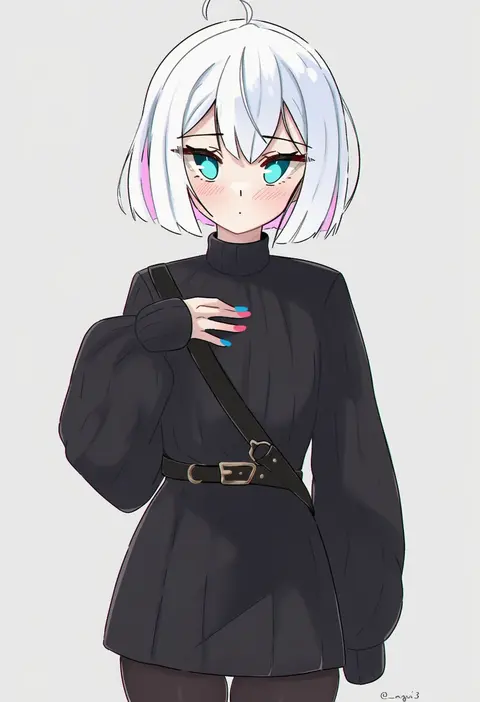
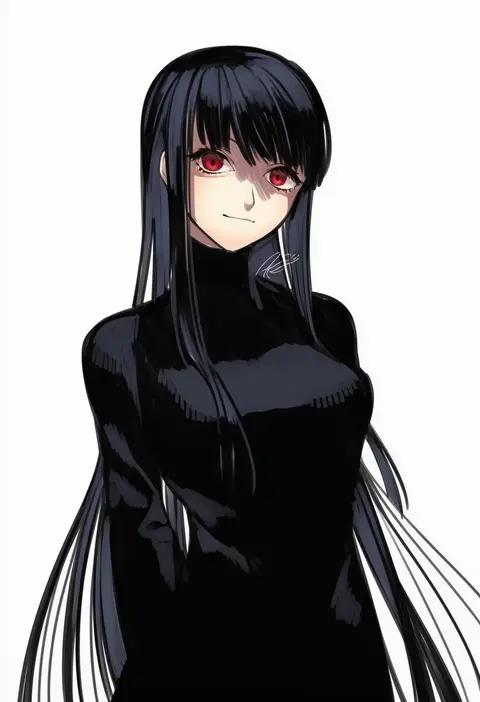
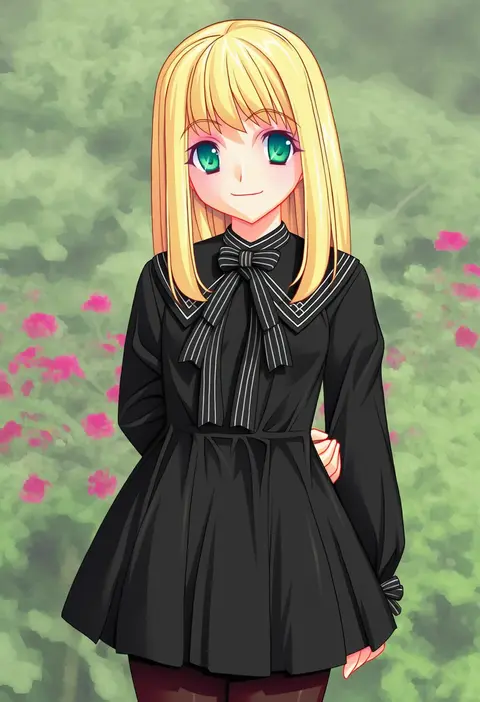
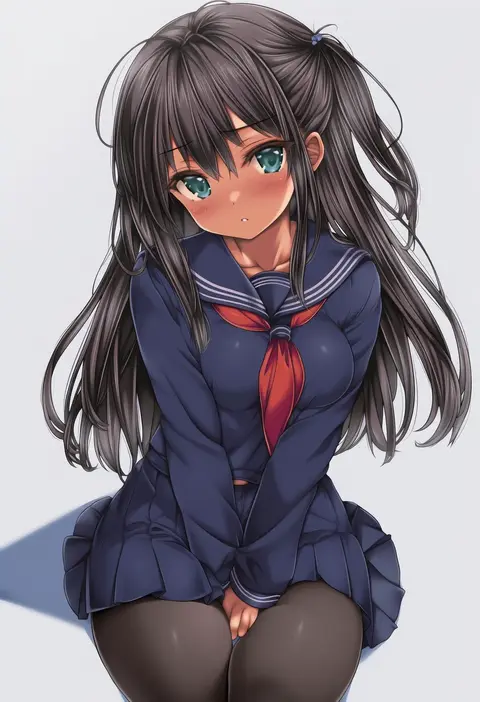
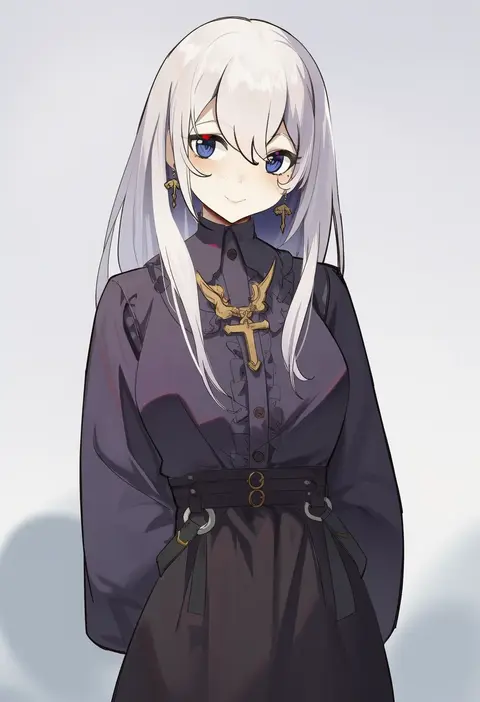
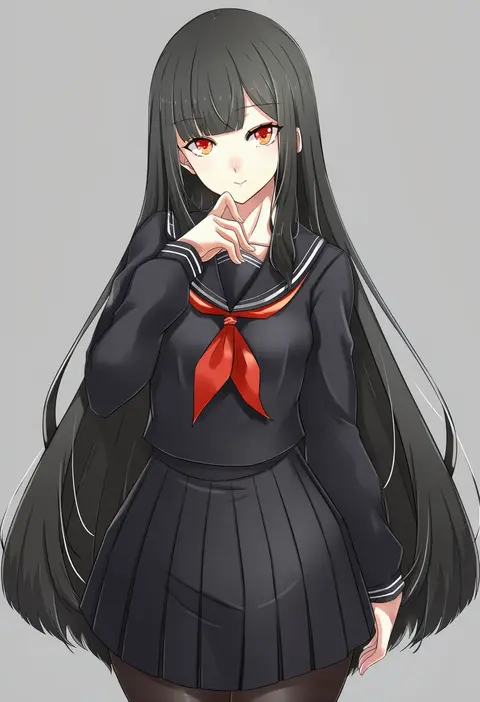
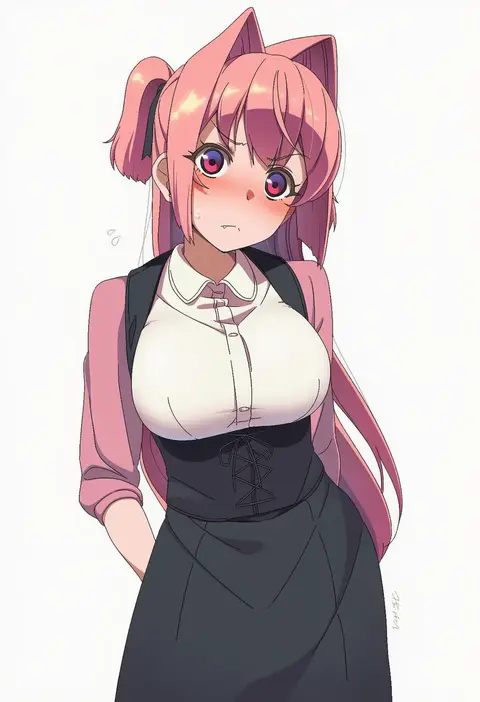
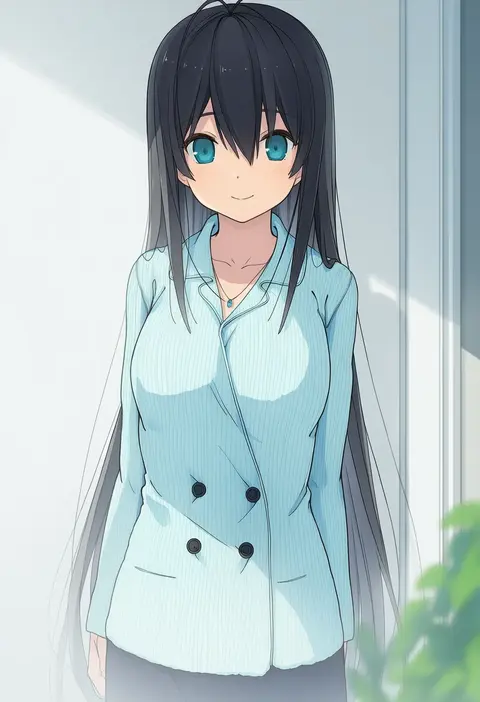
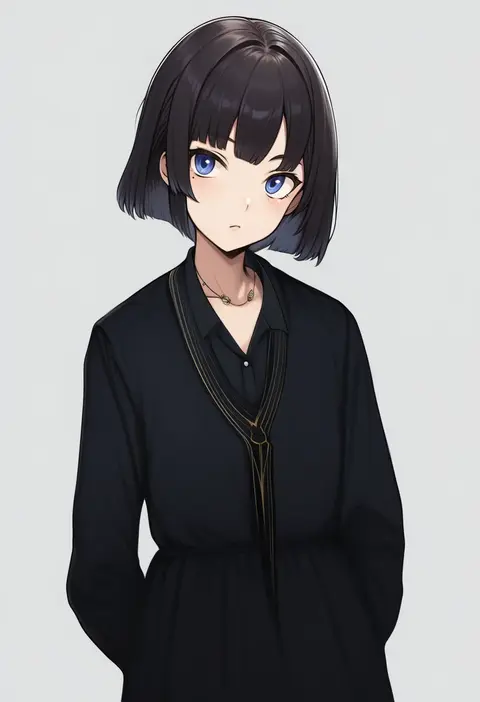
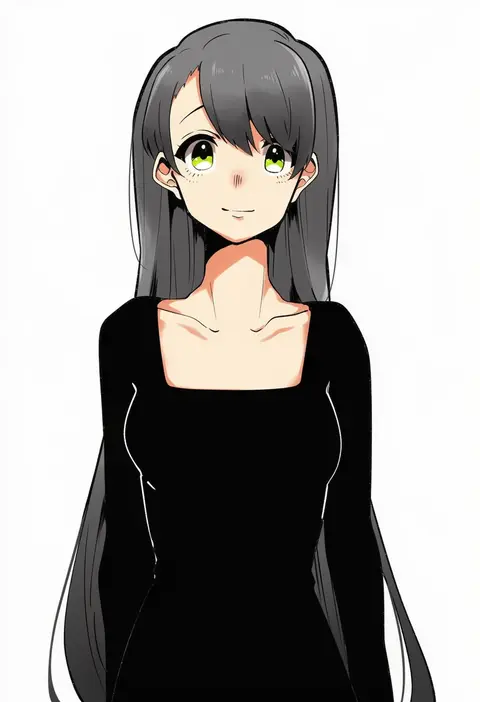
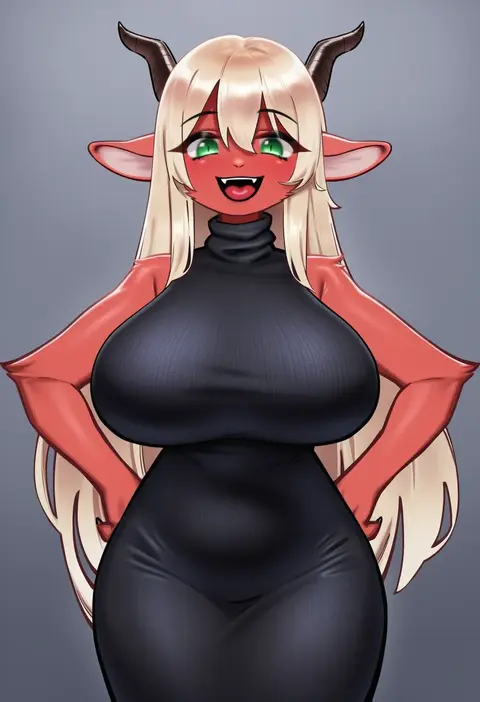
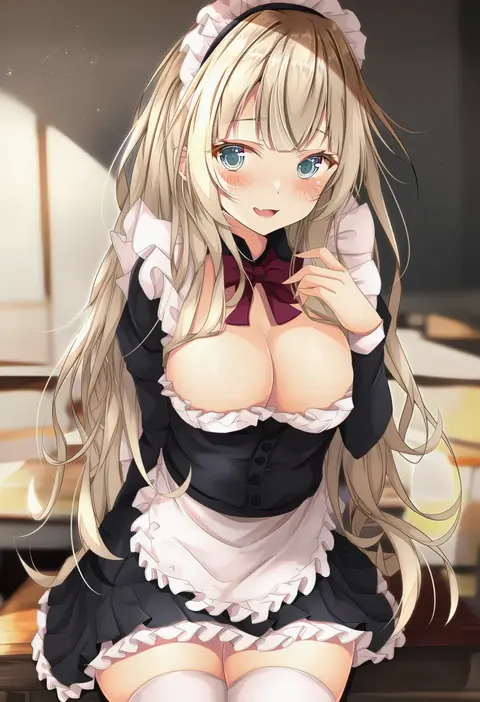
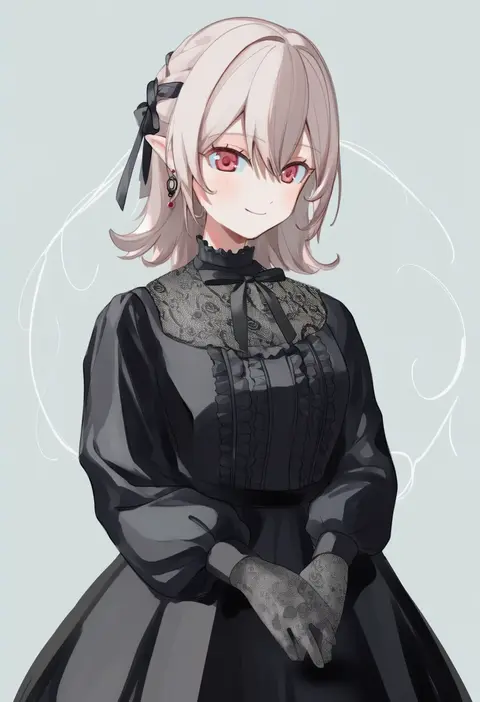
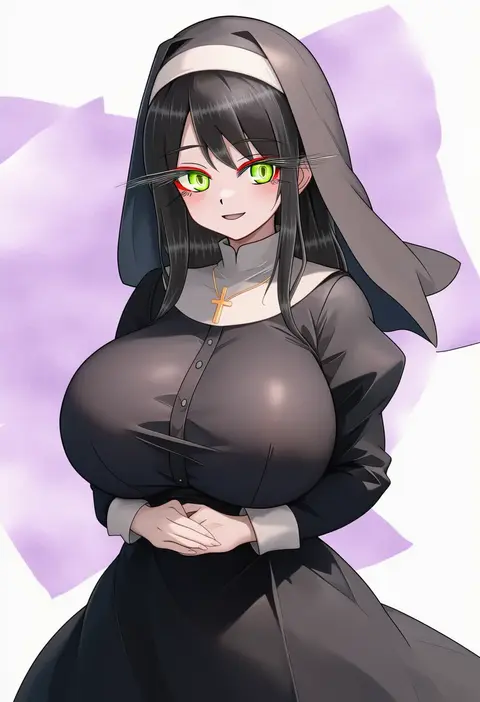
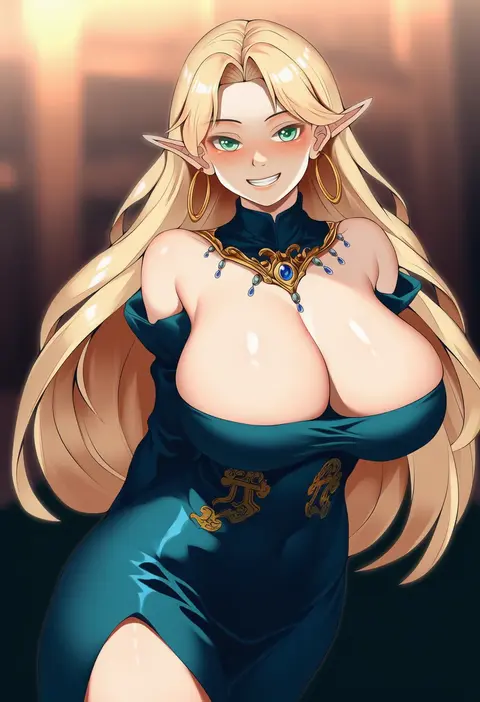
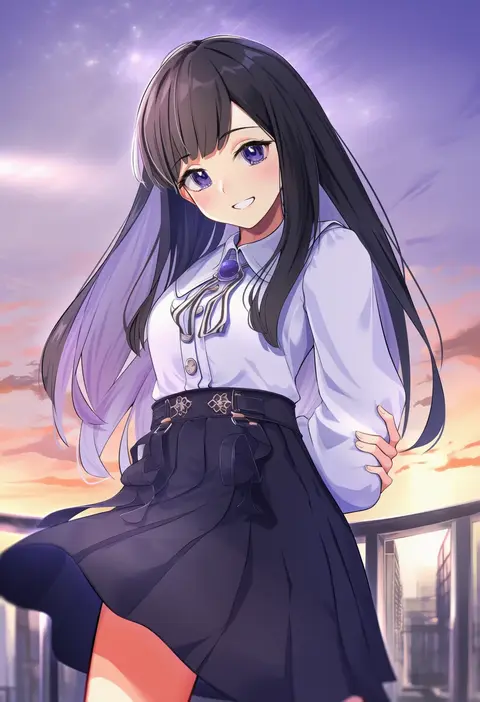
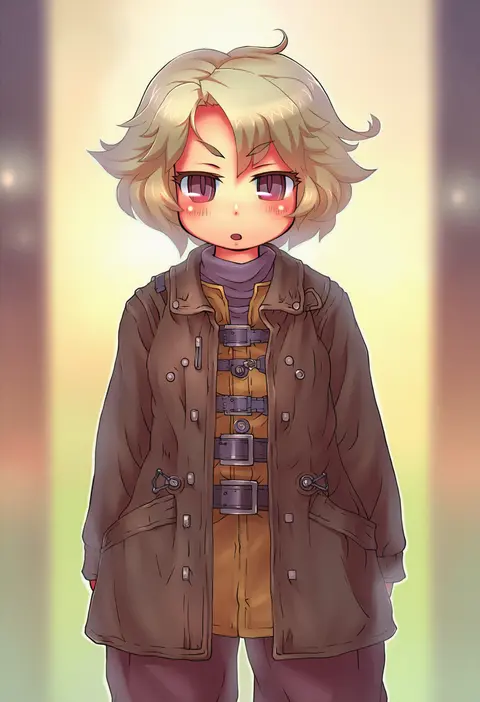
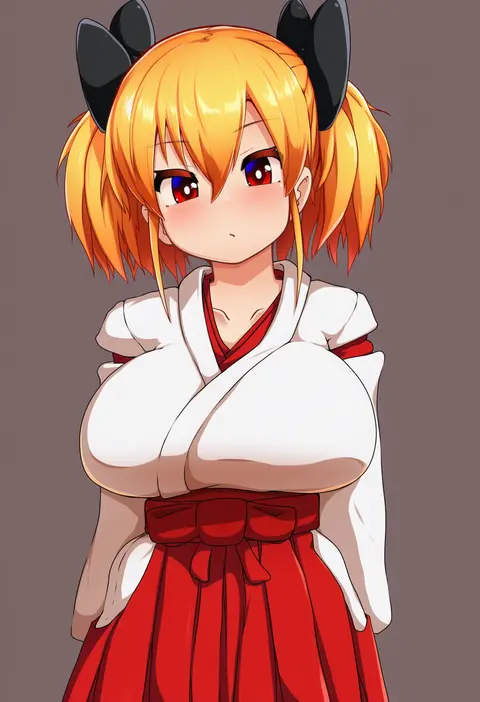
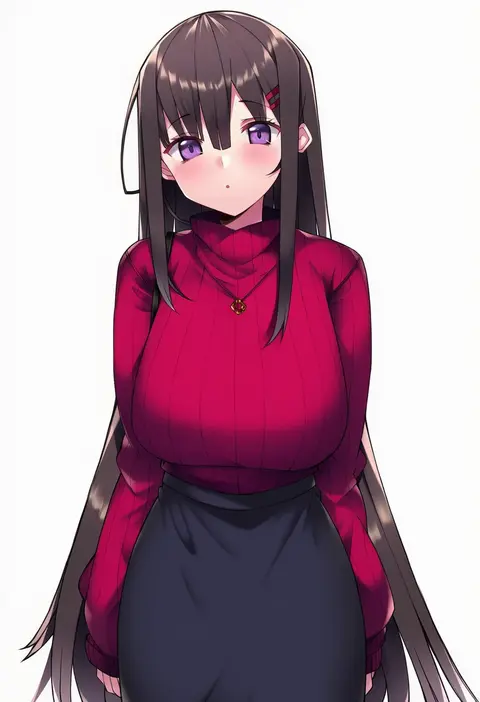
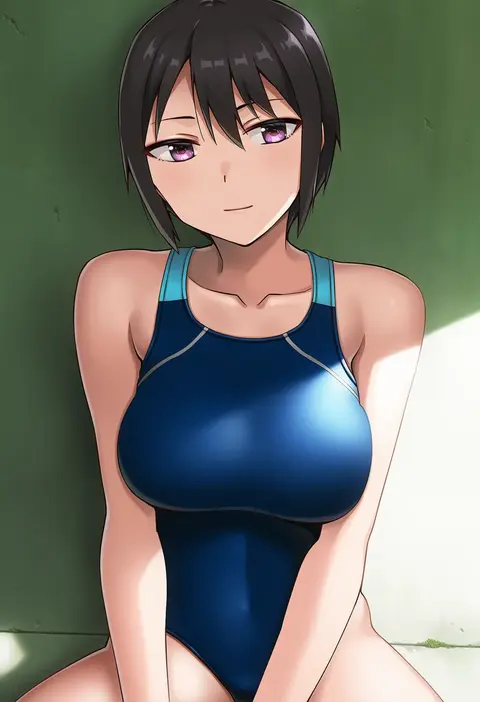
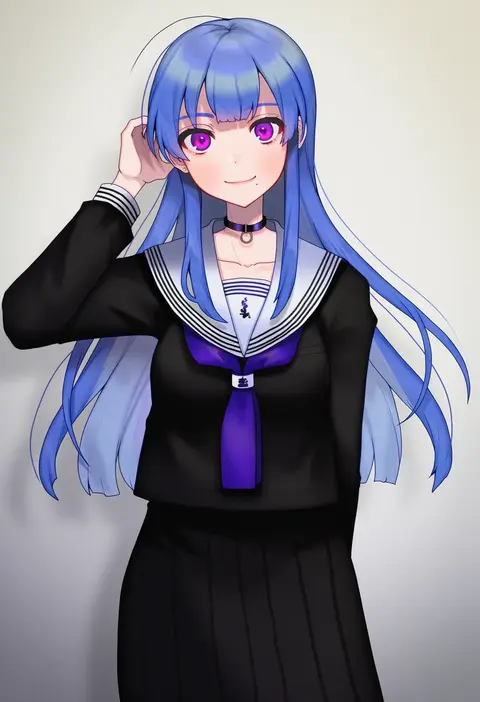
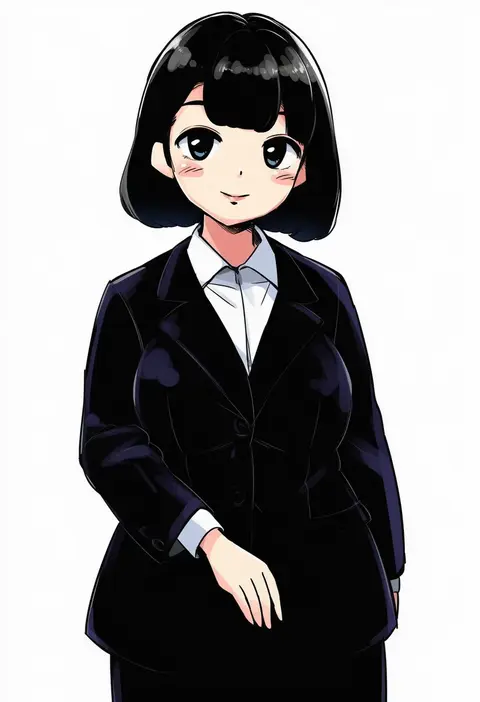
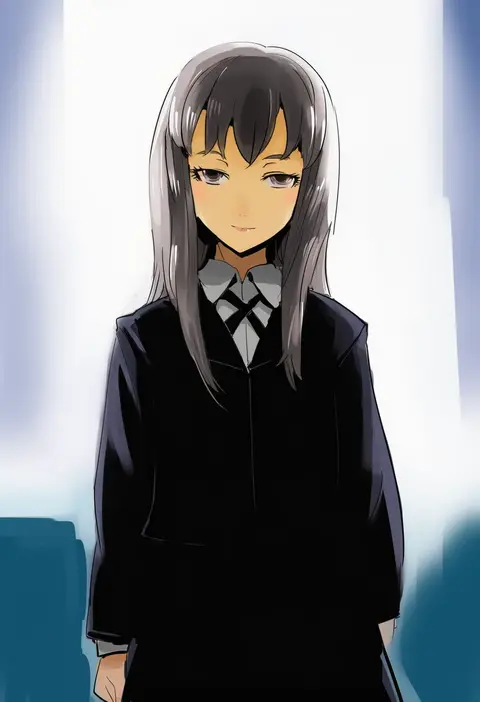
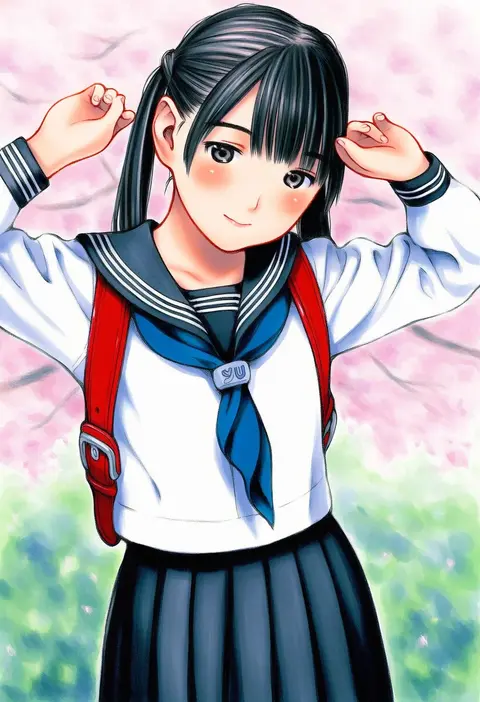
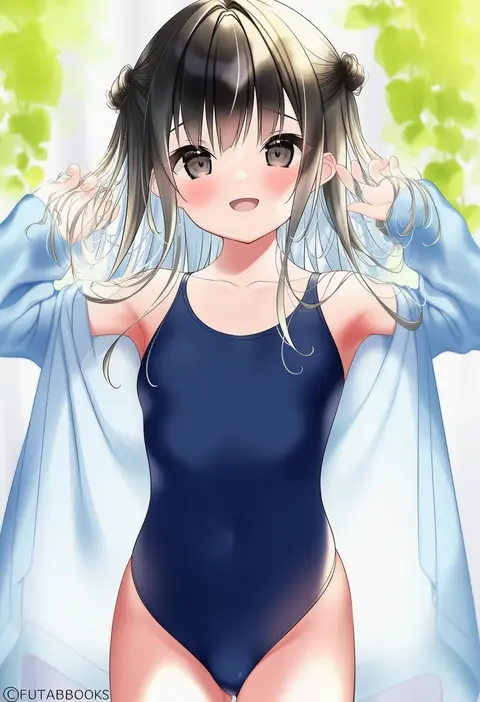
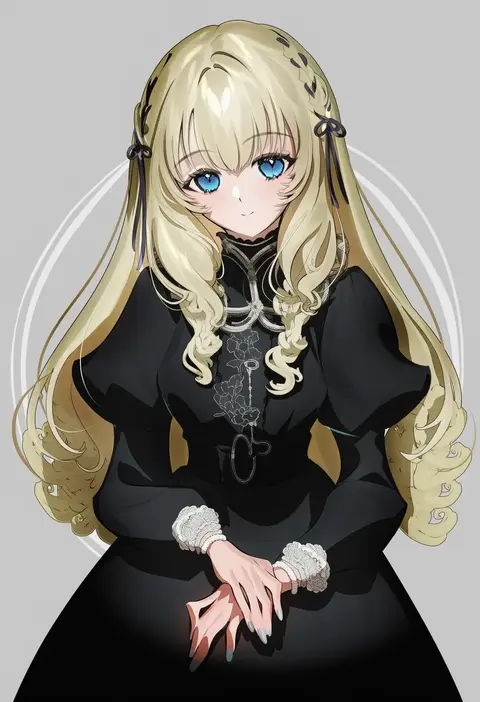
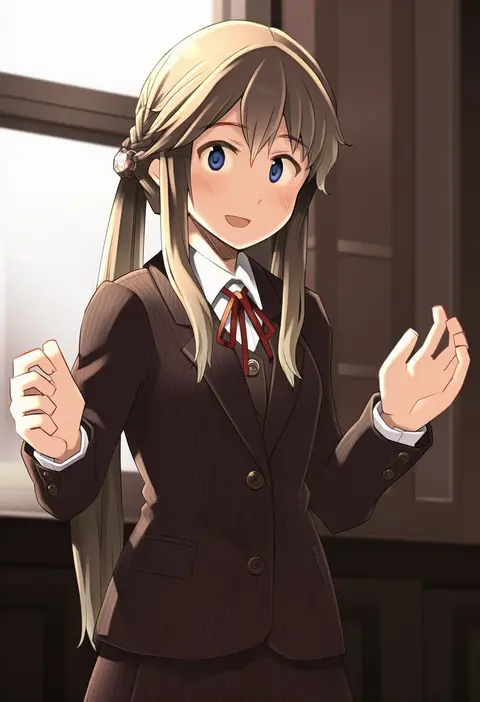
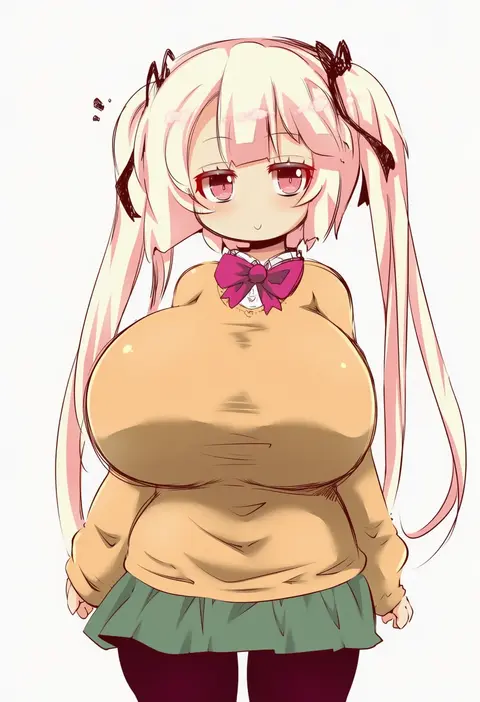
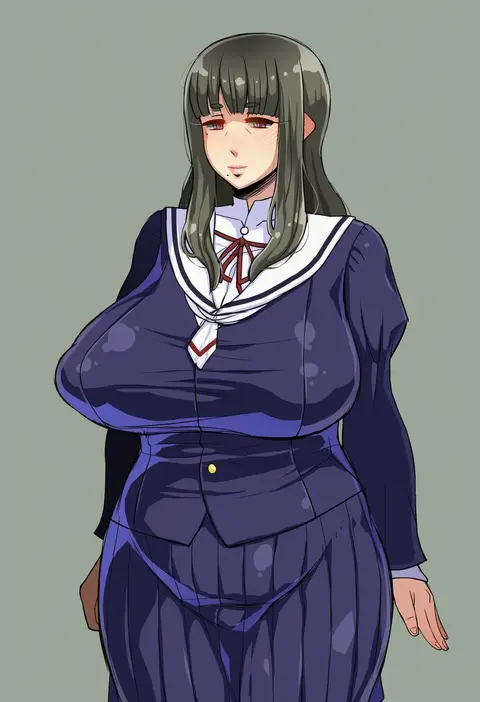
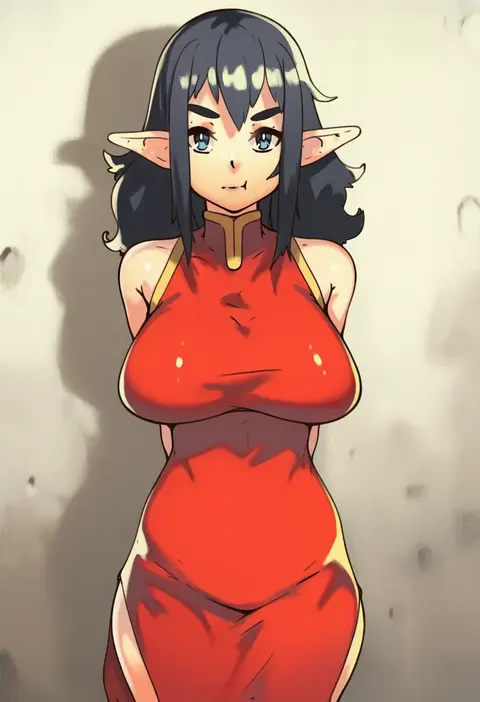
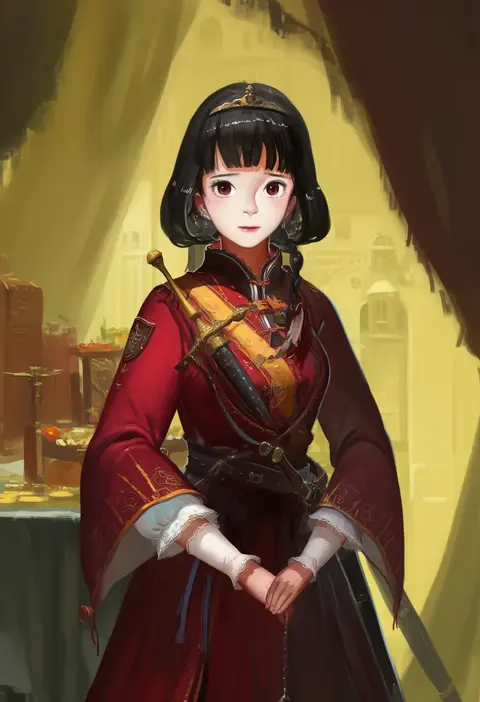
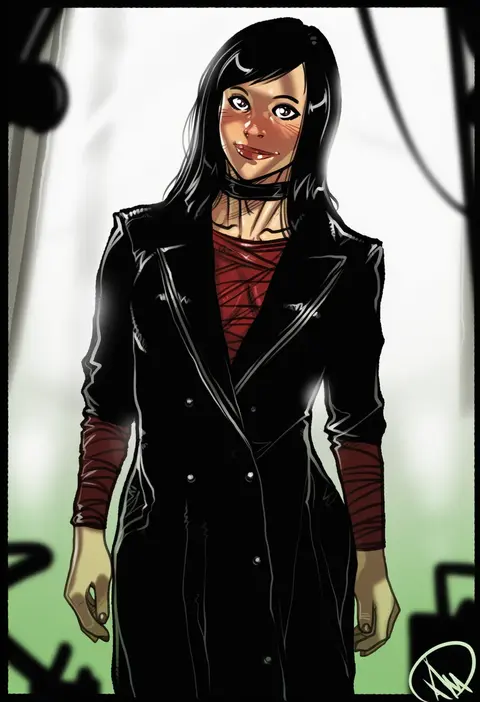
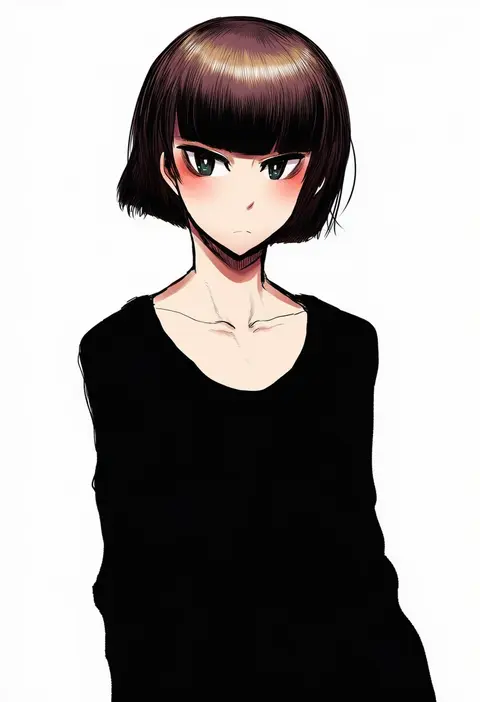
Artist tags tell NovelAI Diffusion to draw in a specific artist's style: line weight, paint texture, face shapes and palette all shift at once. Character and outfit tags decide what is drawn; artist tags decide how. 16,352 tags are listed for V4.5.
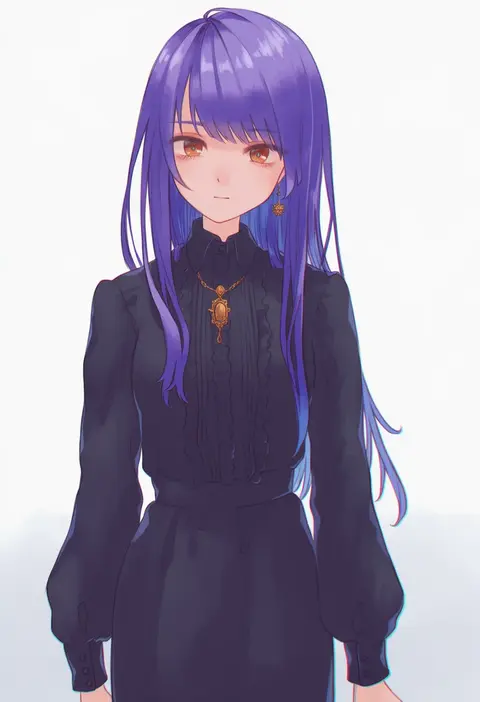
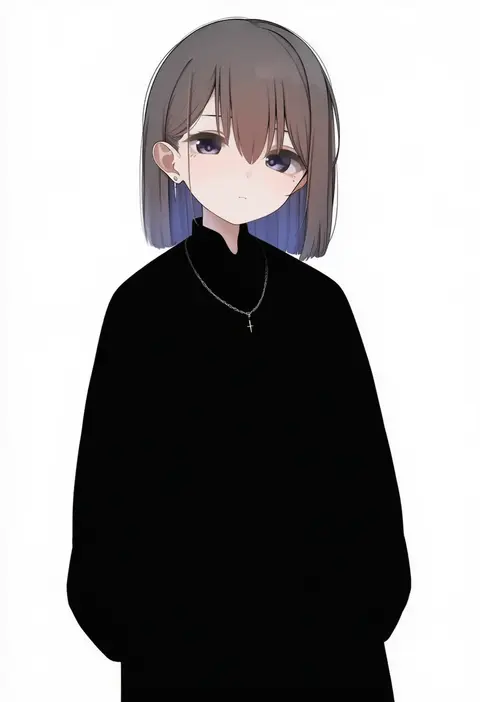
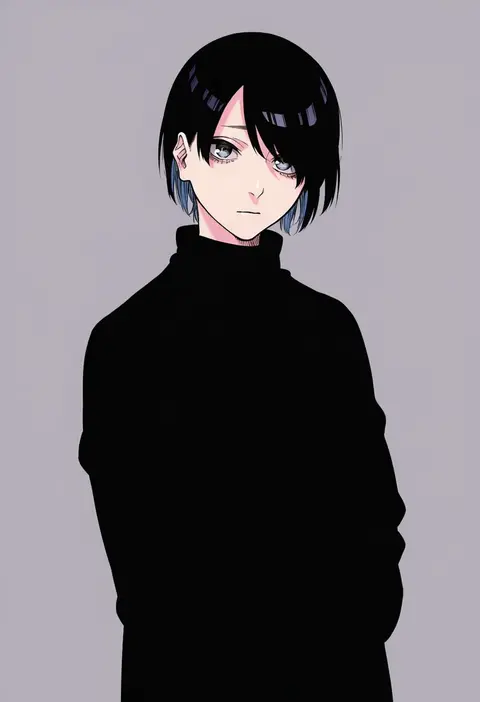
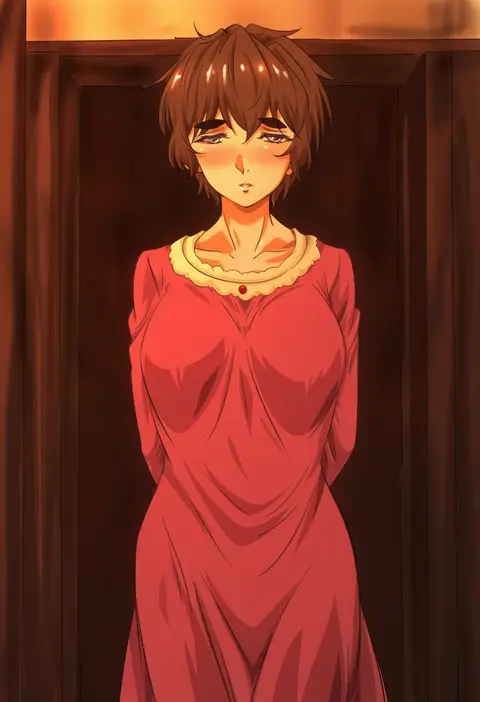
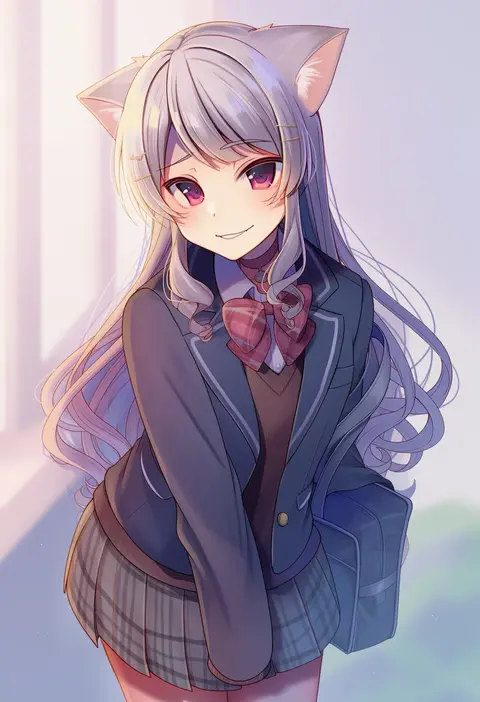
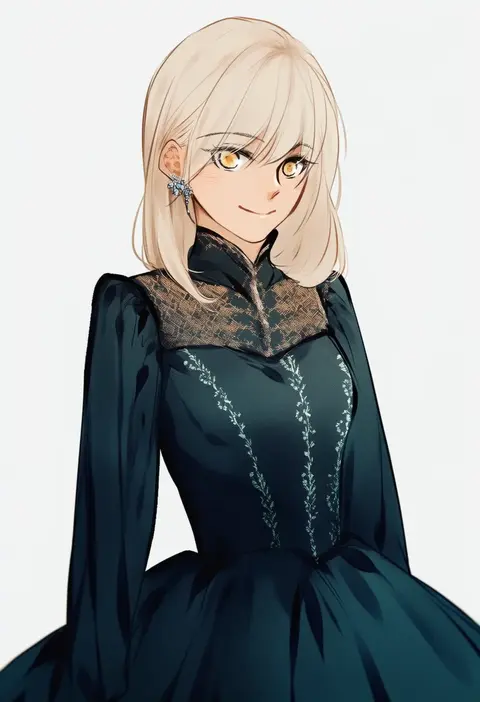
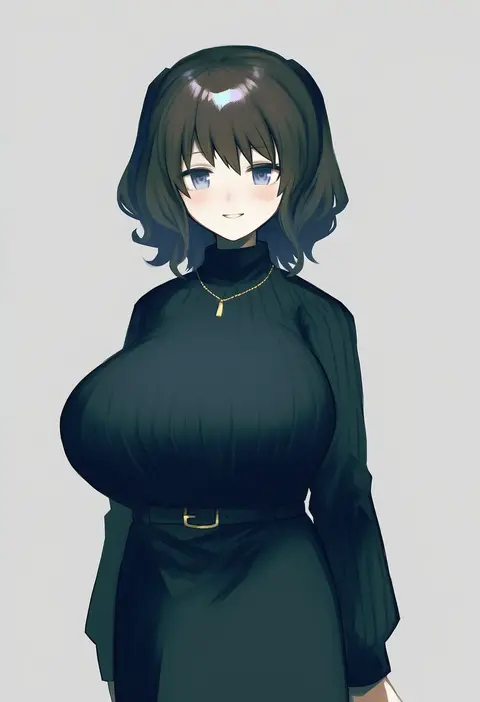
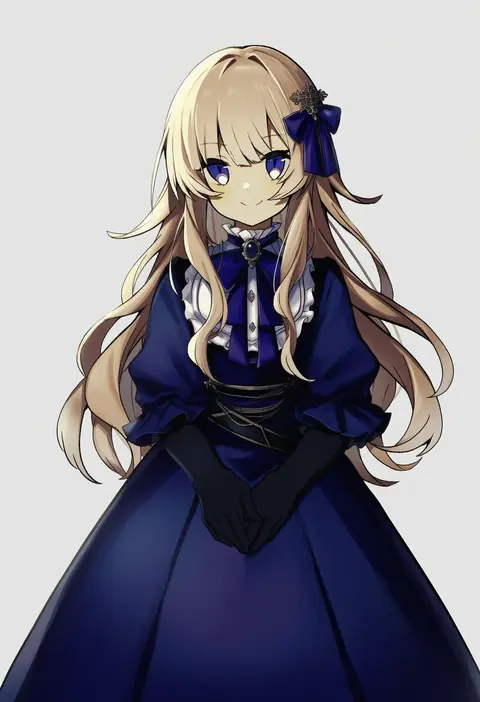
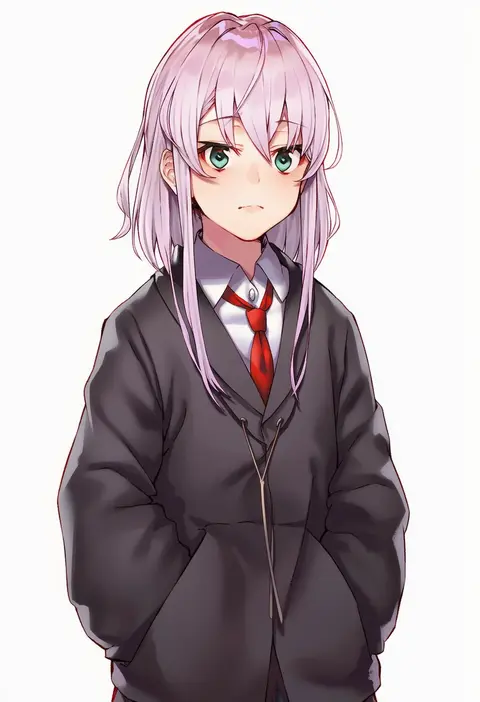
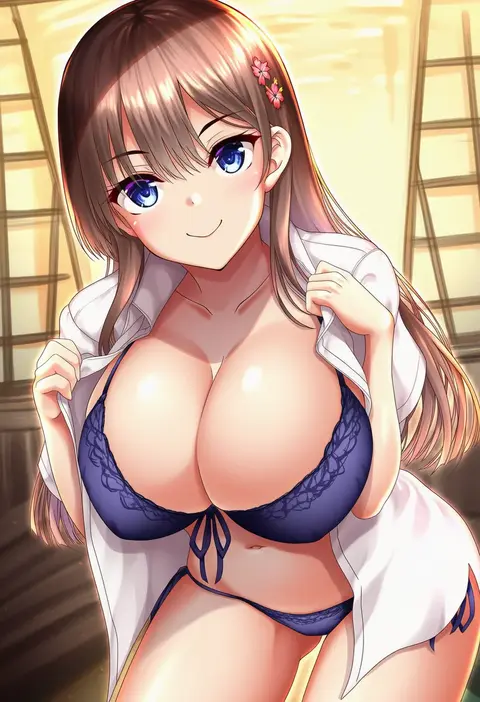
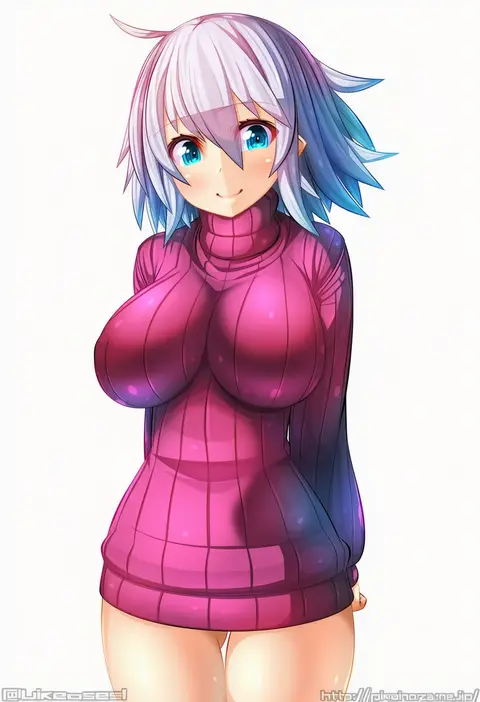
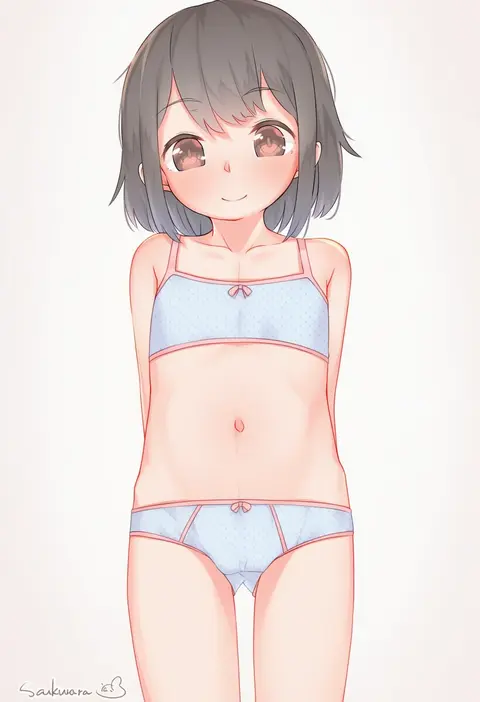
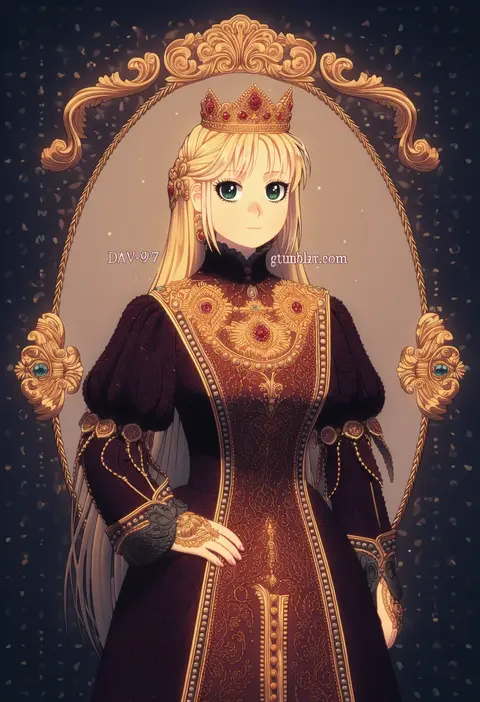
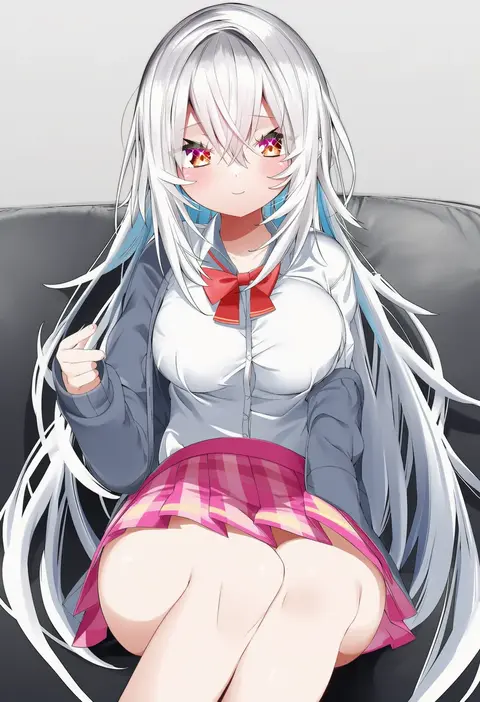
Every tag listed here is verified to react in NovelAI. All images use the same prompt, seed and settings with only the artist tag swapped, so the difference between two images is the style that tag brings in.

How to use them

Put the artist tag near the front of the prompt, e.g. "<artist>, 1girl, solo, best quality, masterpiece, cowboy shot". Two or three artist tags blend styles; lower the weight with "0.8::<artist>::" when the style overpowers the character.

SCORE sorts by Danbooru's top score, POSTS by post count, FAVS by hearts on this site. Open a card to see V5 and V4.5 side by side on the same seed.

V5 vs V4.5

V5 usually lands closer to the artist's real style, and tags that did nothing on V4.5 often react on V5. V4.5 still fits older and doujin-heavy artists better. Try V5 first, fall back to V4.5.

FAQ

Where does the artist tag go?
Near the front of the prompt. Use "0.8::tag::" to adjust its weight.

Can I stack artist tags?
Yes, styles blend. Past two or three the result stops looking like anyone.

Are these the artists' own works?
No. Every image is a NovelAI sample generated from the tag.