V4.5Artists
sort: FAVS▾
▾
>
$

NovelAI Artist Tags List — V4.5

artist --count 16,352[158/273]
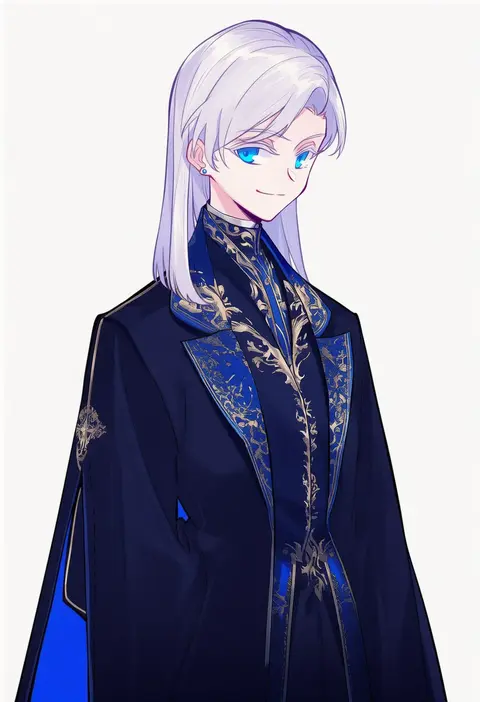
milk puppy
ARTIST0x24CC
0
mitumi mira
ARTIST0x24CD
0
kawausoman
ARTIST0x24CE
0
kyufe
ARTIST0x24CF
0
yottan
ARTIST0x24D0
0
chef no kimagure salad
ARTIST0x24D1
0
nasakixoc
ARTIST0x24D2
0
hidakarumen
ARTIST0x24D3
0
pan koujou
ARTIST0x24D4
0
uedrk yamato
ARTIST0x24D5
0
cloudyman
ARTIST0x24D6
0
fumizuki misoka
ARTIST0x24D7
0
gotoo
ARTIST0x24D8
0
hoshi mikan
ARTIST0x24D9
0
xinzhizhu
ARTIST0x24DA
0
wata do chinkuru
ARTIST0x24DB
0
aki (neyuki41028)
ARTIST0x24DC
0
kokone (coconeeeco)
ARTIST0x24DD
0
takahero
ARTIST0x24DE
0
kago no tori
ARTIST0x24DF
0
magai akashi
ARTIST0x24E0
0
bankage
ARTIST0x24E1
0
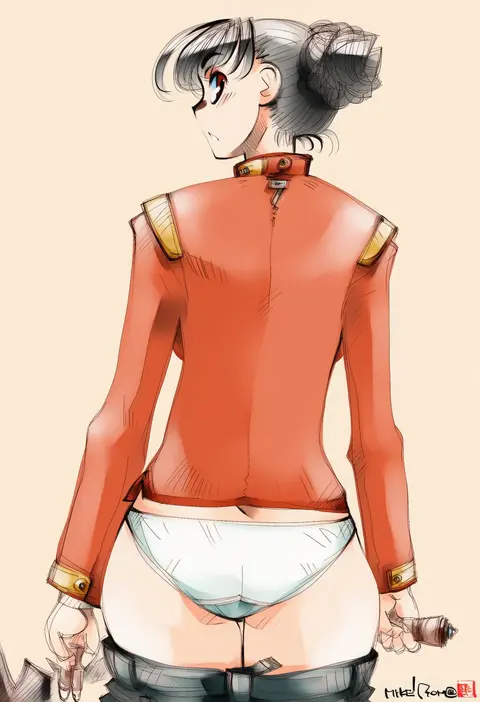
mike156
ARTIST0x24E2
0
nicetack
ARTIST0x24E3
0
anyan (jooho)
ARTIST0x24E4
0
bien (djpwjd1)
ARTIST0x24E5
0
mugichoko (mugi no choko)
ARTIST0x24E6
0
kiba satoshi
ARTIST0x24E7
0
rockthebull
ARTIST0x24E8
0
sumeragi seisuke
ARTIST0x24E9
0
kataro
ARTIST0x24EA
0
ninniku (ninnniku105)
ARTIST0x24EB
0
shooko
ARTIST0x24EC
0
yagidon
ARTIST0x24ED
0
noyomidx
ARTIST0x24EE
0
kws
ARTIST0x24EF
0
oguchi
ARTIST0x24F0
0
ashishun
ARTIST0x24F1
0
hibimegane
ARTIST0x24F2
0
siva (executor)
ARTIST0x24F3
0
hoshikuzu pan
ARTIST0x24F4
0
matsuzaki miyuki
ARTIST0x24F5
0
tajima yukie
ARTIST0x24F6
0
takasugi kou
ARTIST0x24F7
0
ura menu
ARTIST0x24F8
0
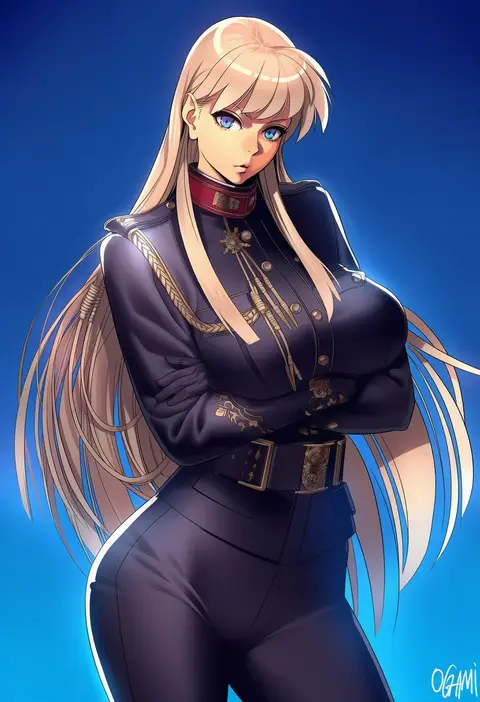
ogami
ARTIST0x24F9
0
yuui hutabakirage
ARTIST0x24FA
0
ha (hura76752775)
ARTIST0x24FB
0
tatata
ARTIST0x24FC
0
yostar pictures
ARTIST0x24FD
0
chaosringen
ARTIST0x24FE
0
soosaresu
ARTIST0x24FF
0
higemu
ARTIST0x2500
0
champi
ARTIST0x2501
0
yuuki nobuteru
ARTIST0x2502
0
tokiwa senkei
ARTIST0x2503
0
tomo (ryo i so )
ARTIST0x2504
0
natsume (menthol)
ARTIST0x2505
0
nogi lief
ARTIST0x2506
0
on (isk1812)
ARTIST0x2507
0

What these tags change

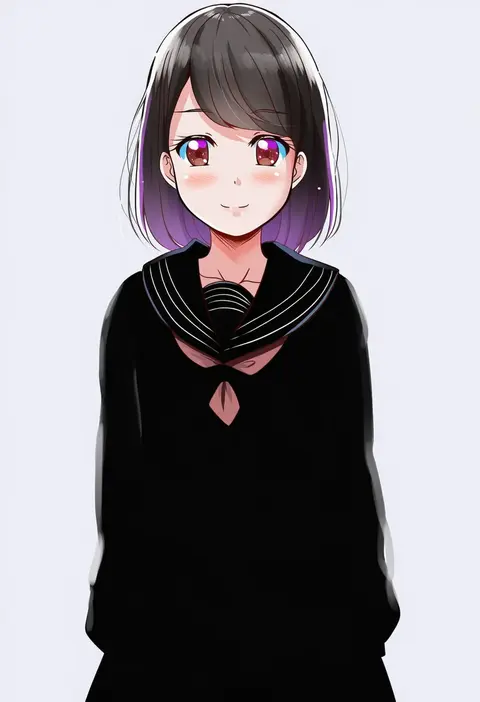
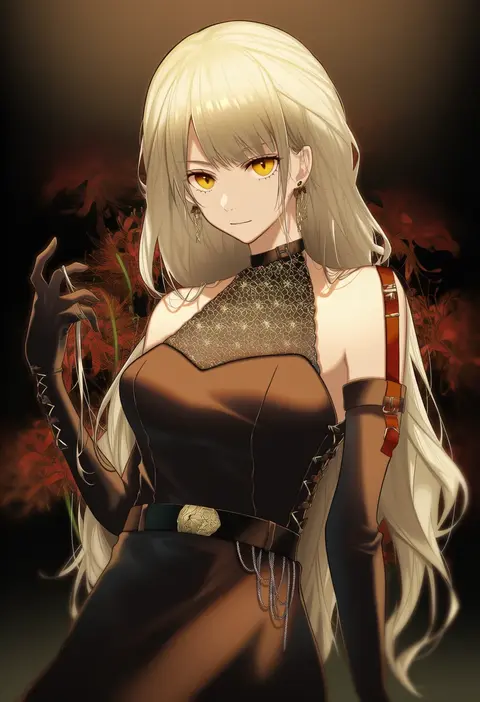
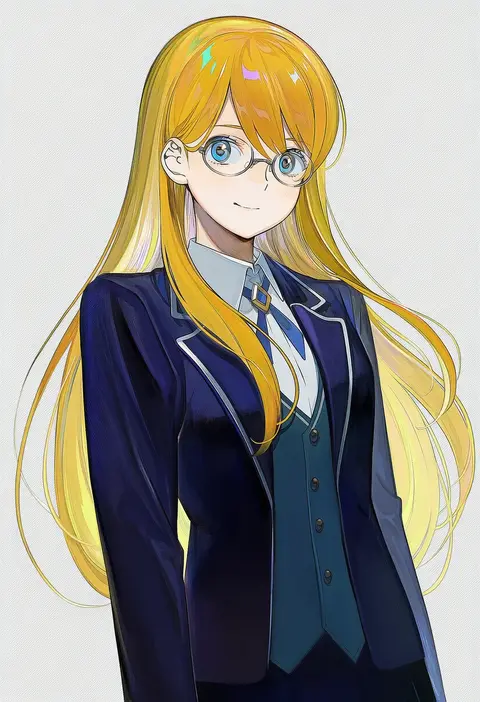
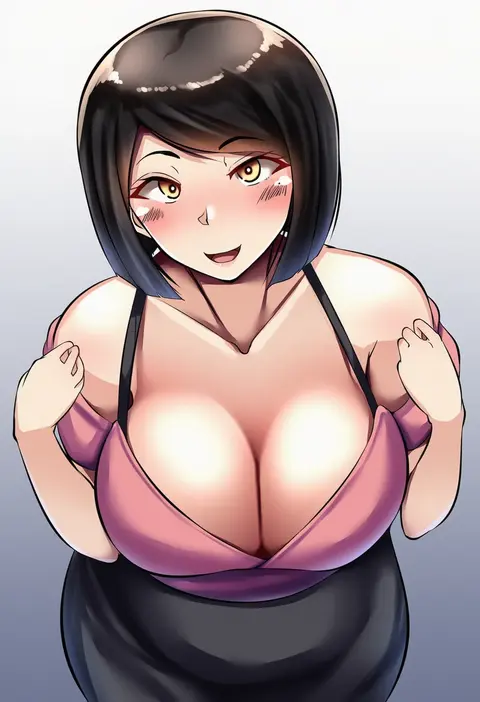
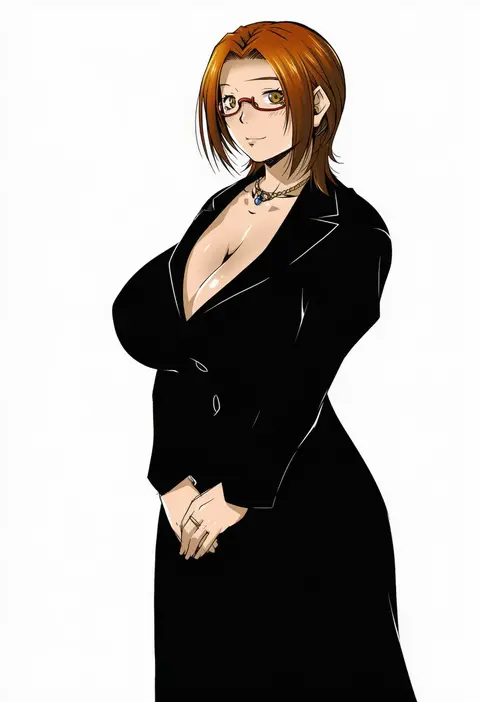
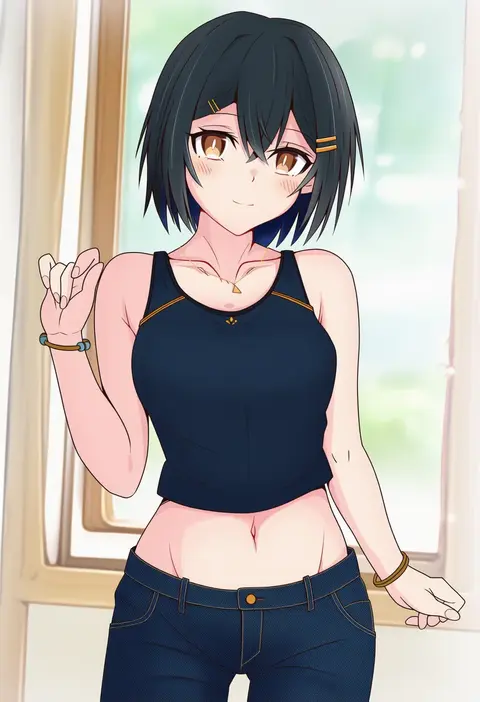
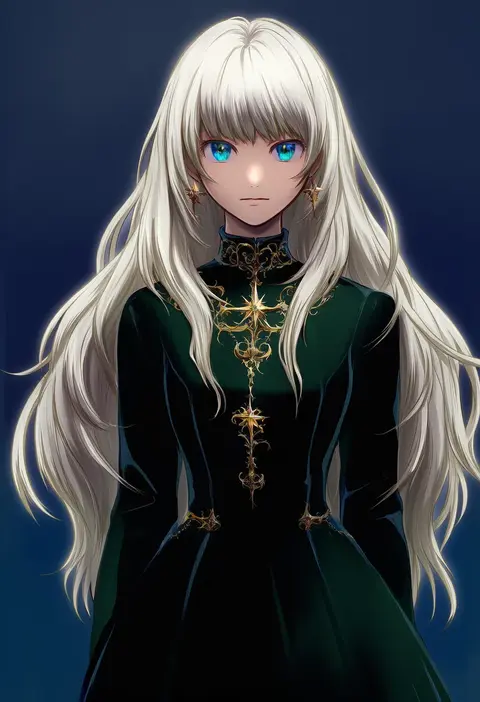
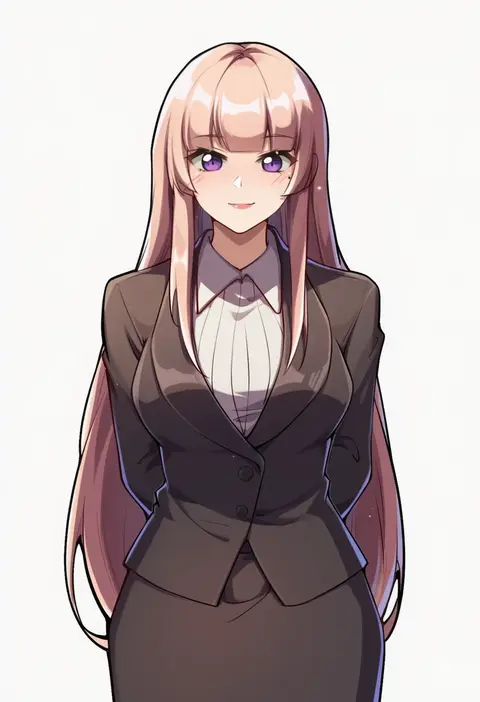
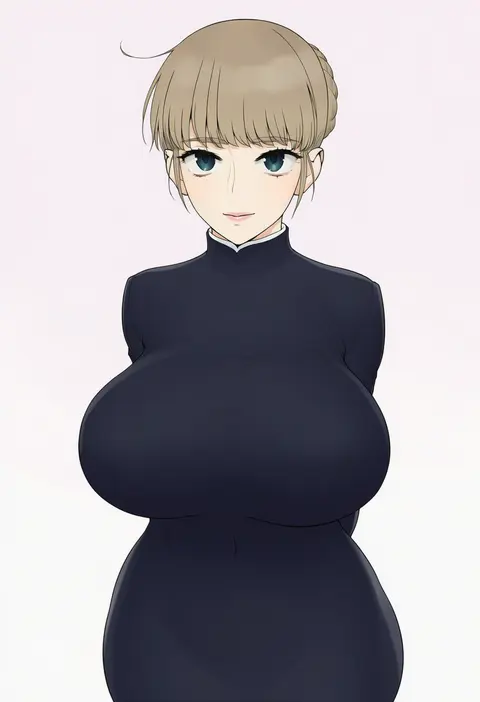
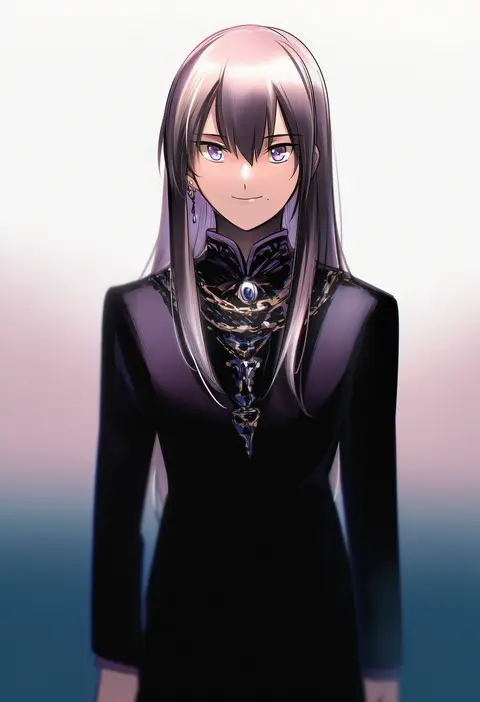
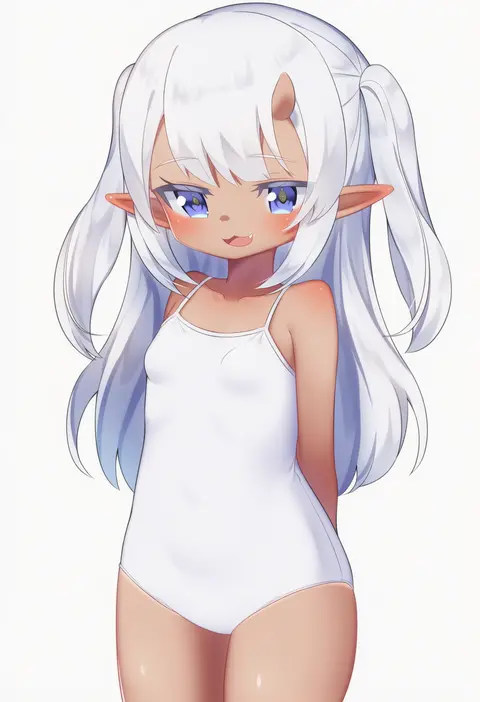
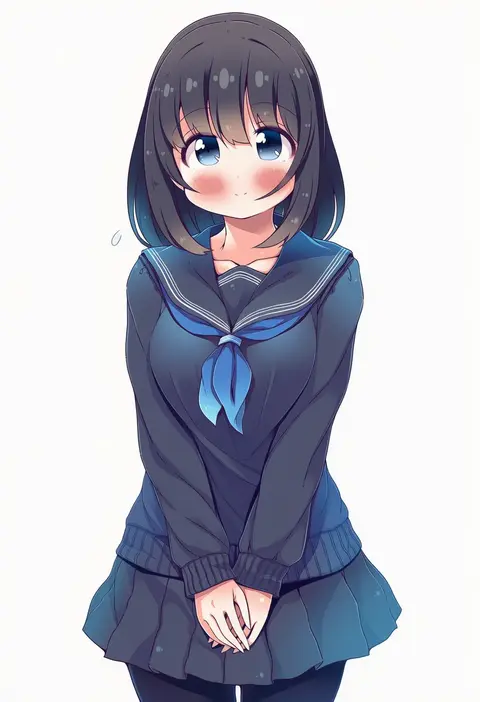
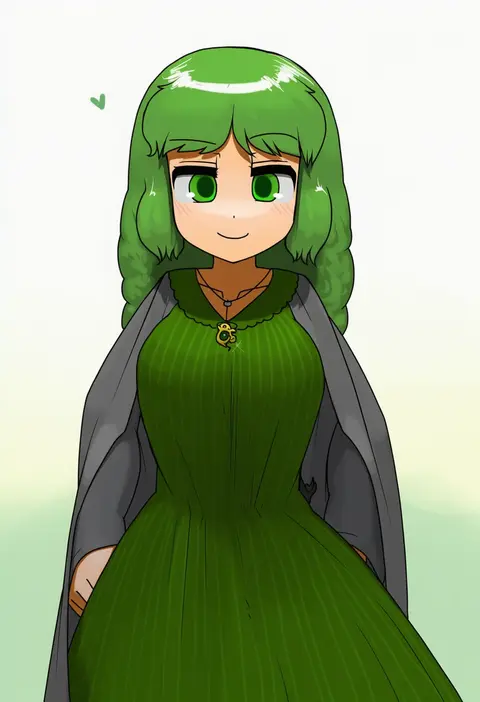
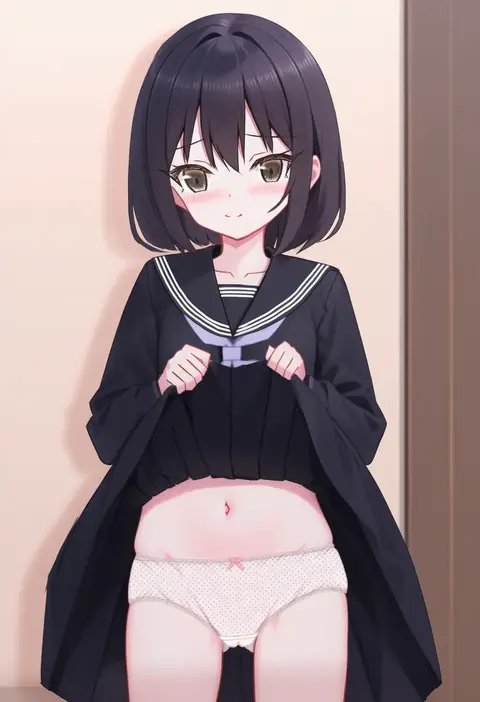
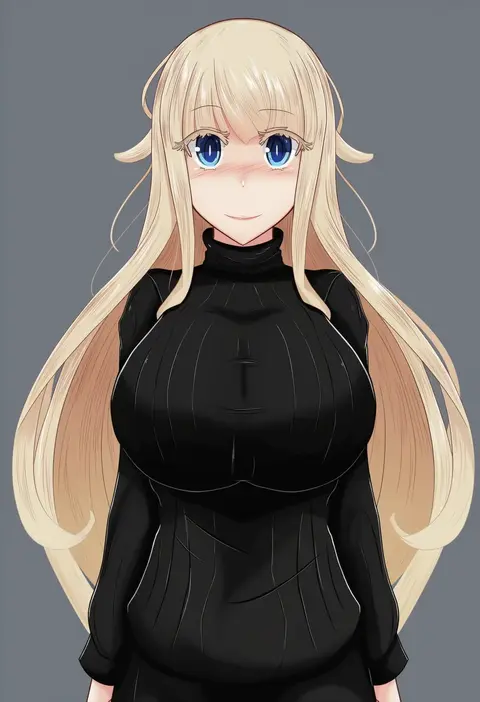
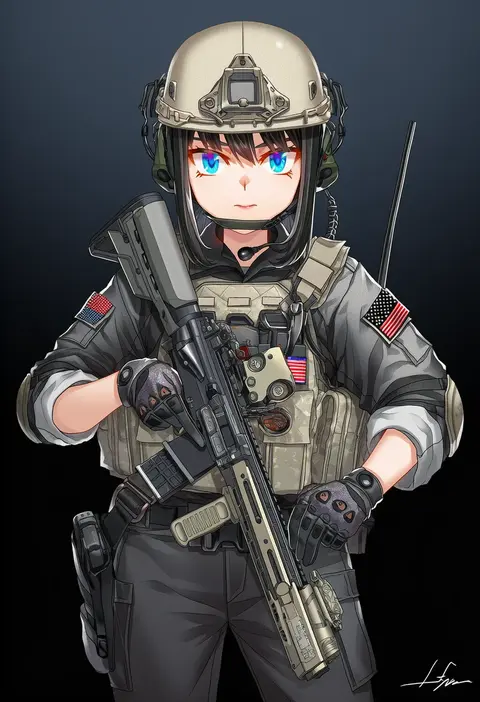
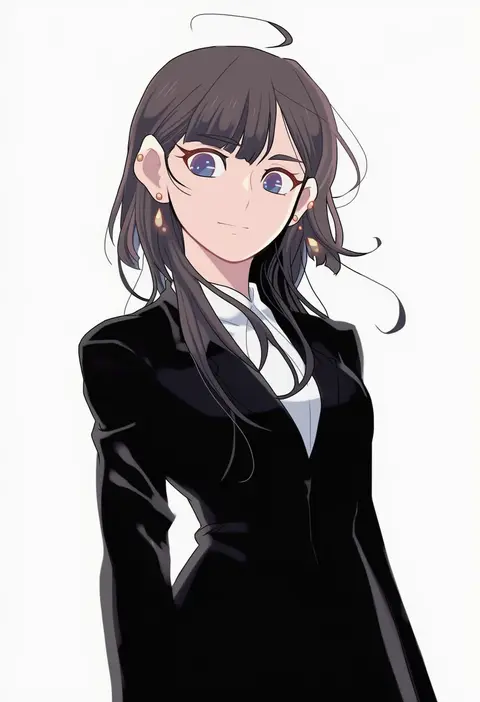
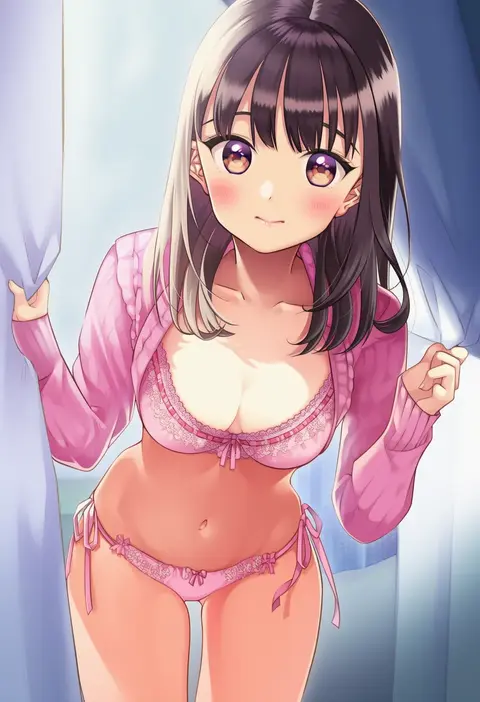
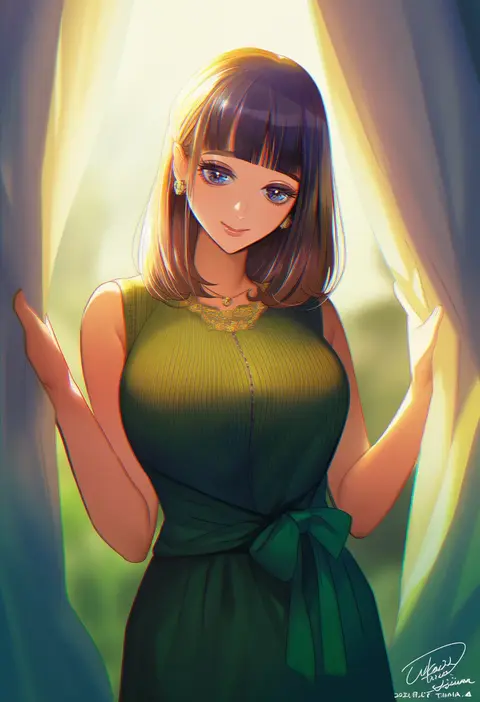
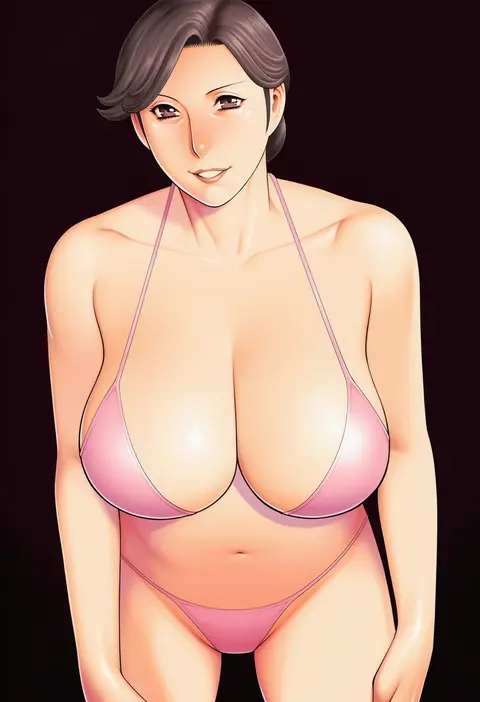
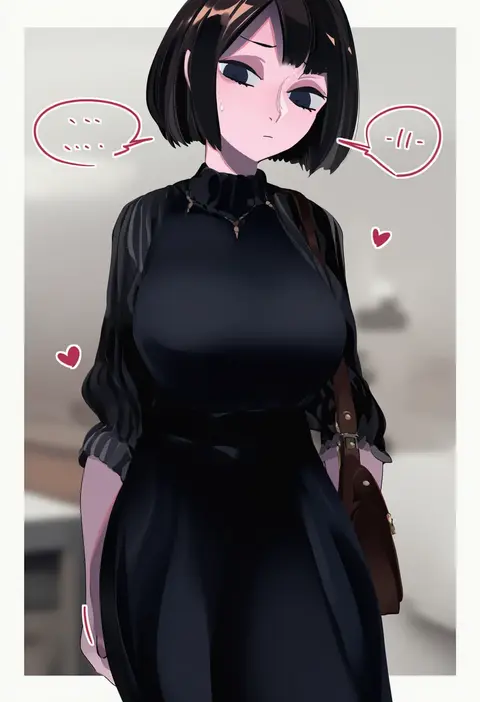
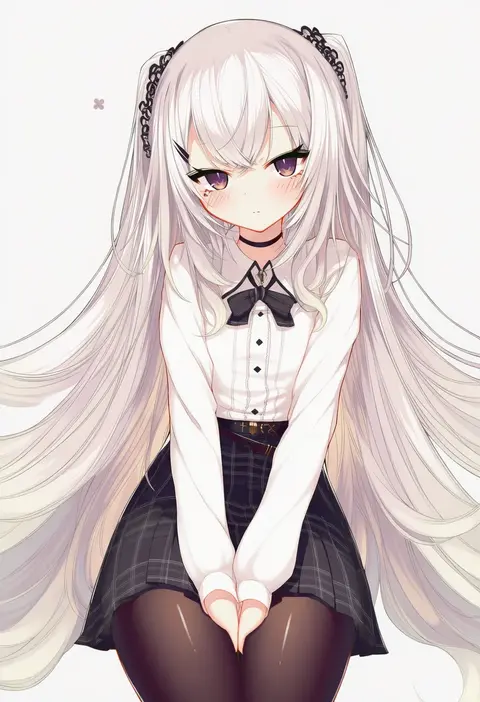
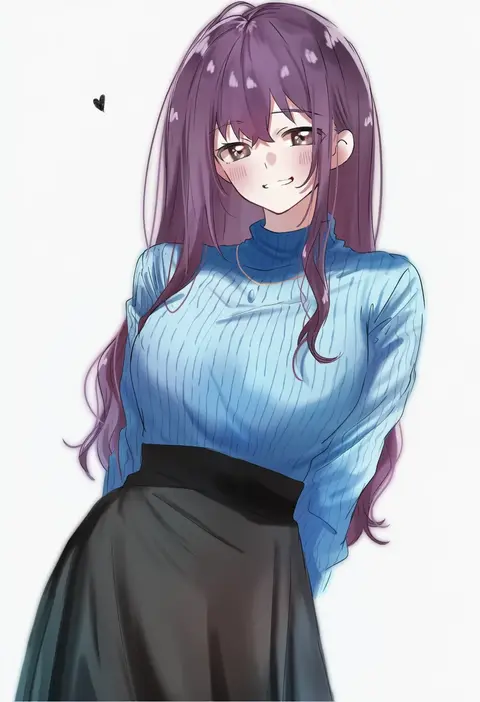
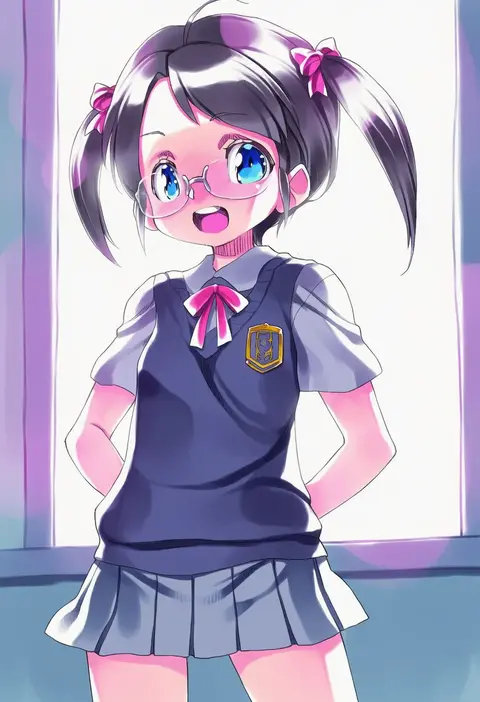
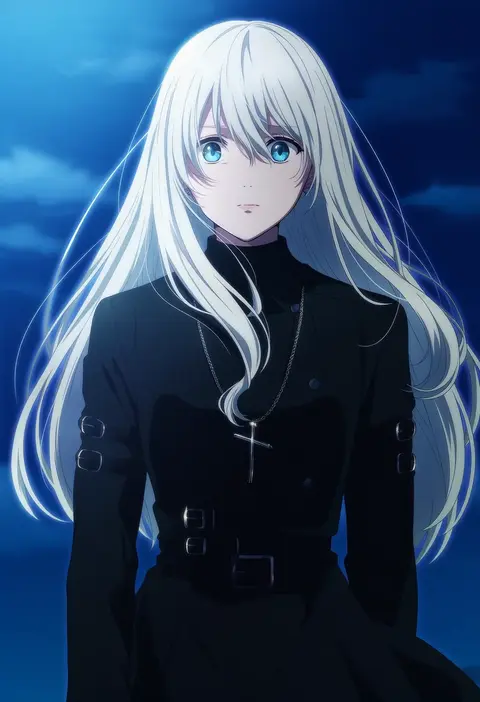
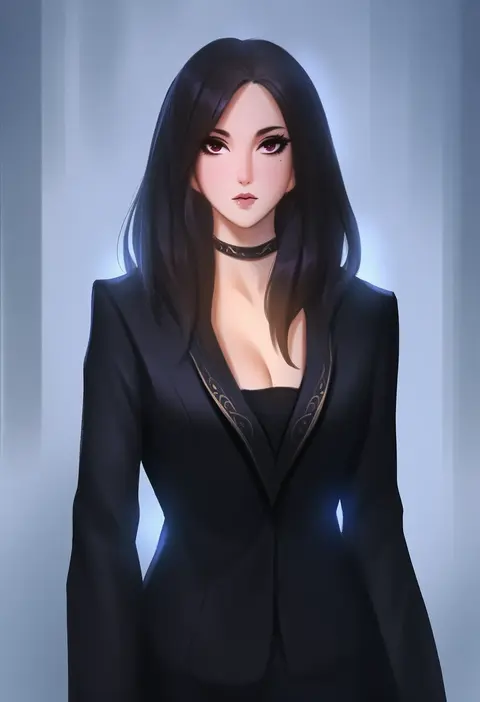
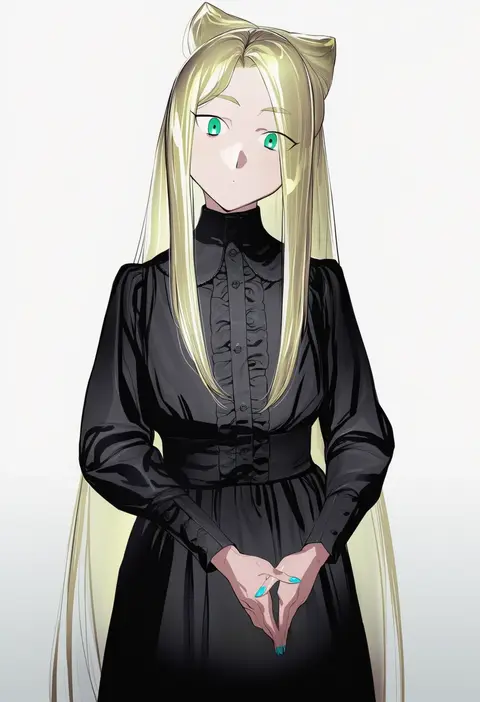
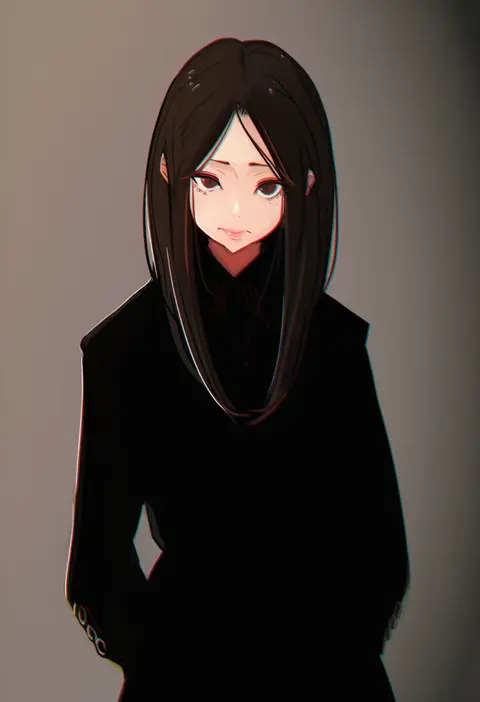
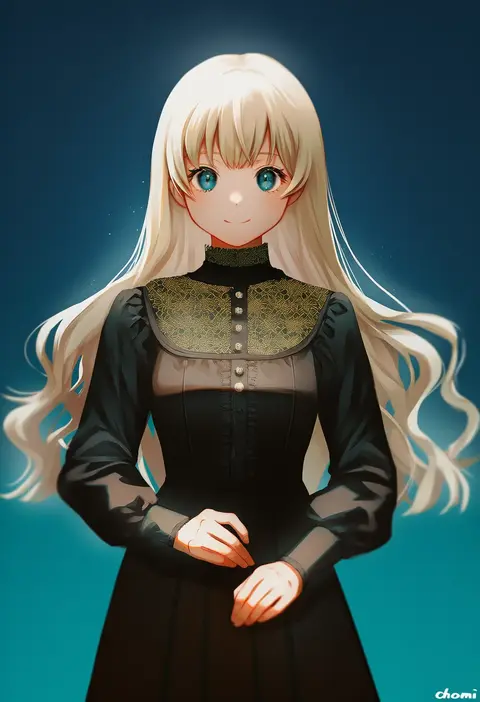
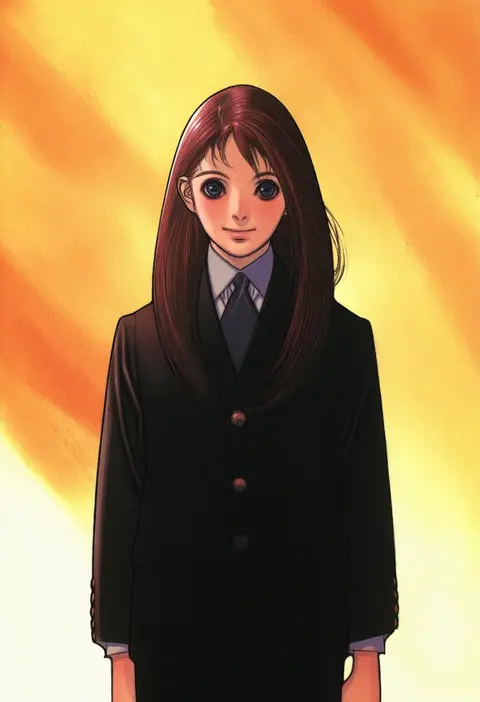
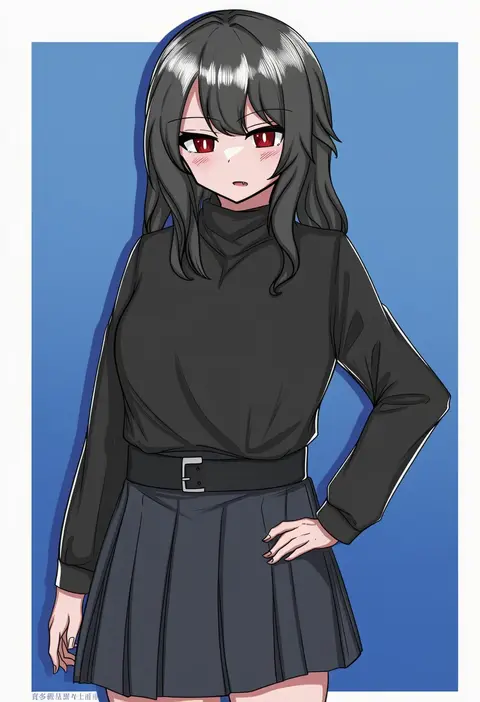
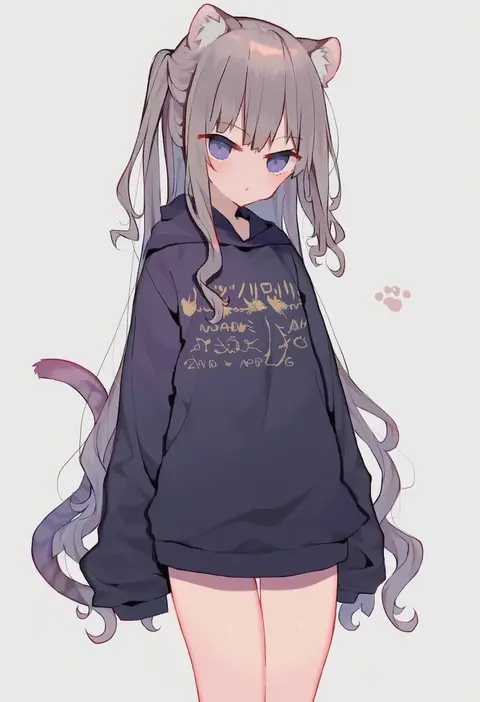
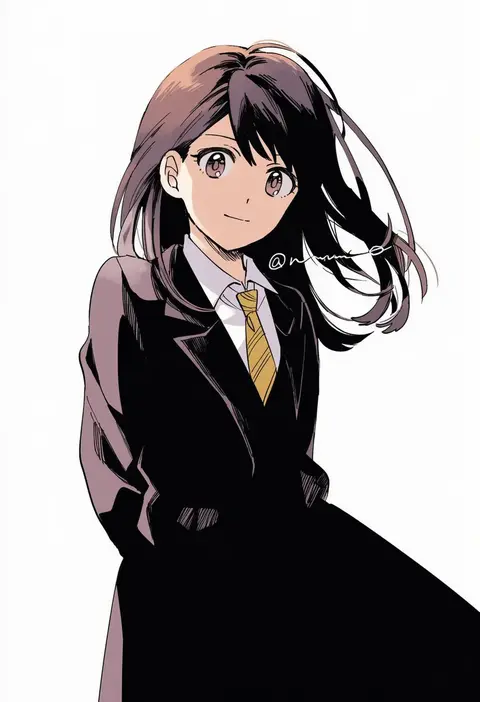
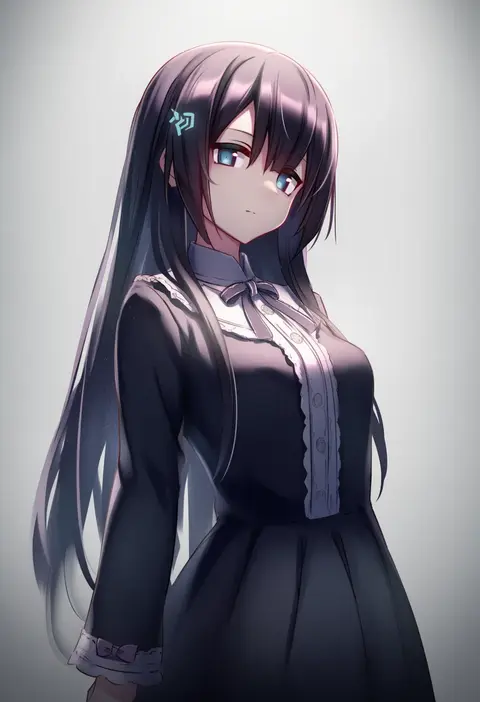
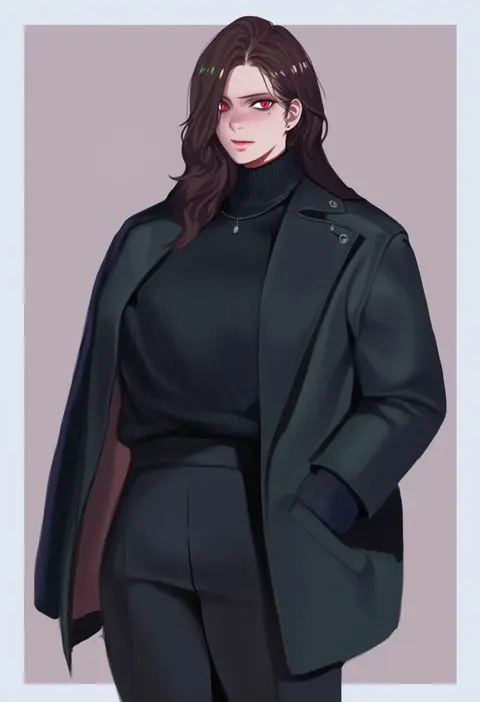
Artist tags tell NovelAI Diffusion to draw in a specific artist's style: line weight, paint texture, face shapes and palette all shift at once. Character and outfit tags decide what is drawn; artist tags decide how. 16,352 tags are listed for V4.5.
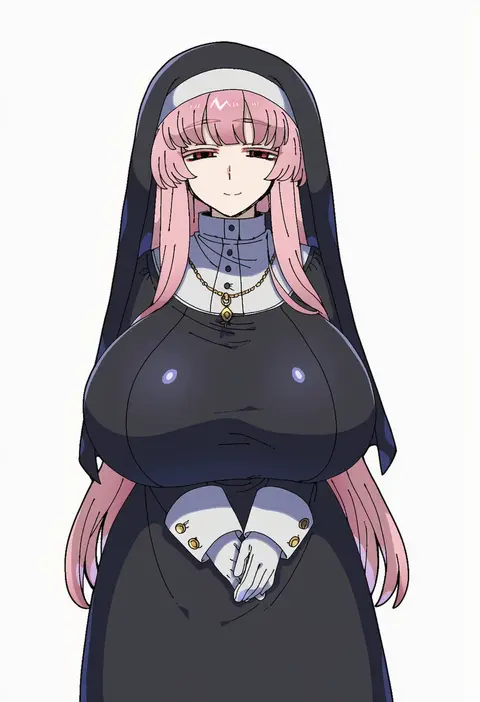
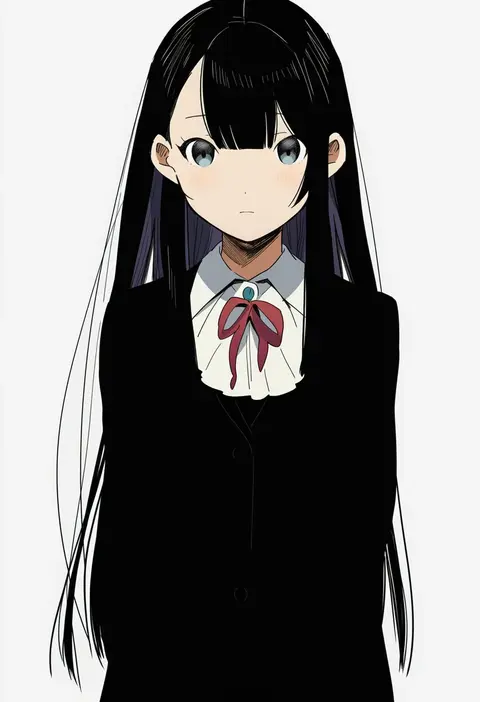
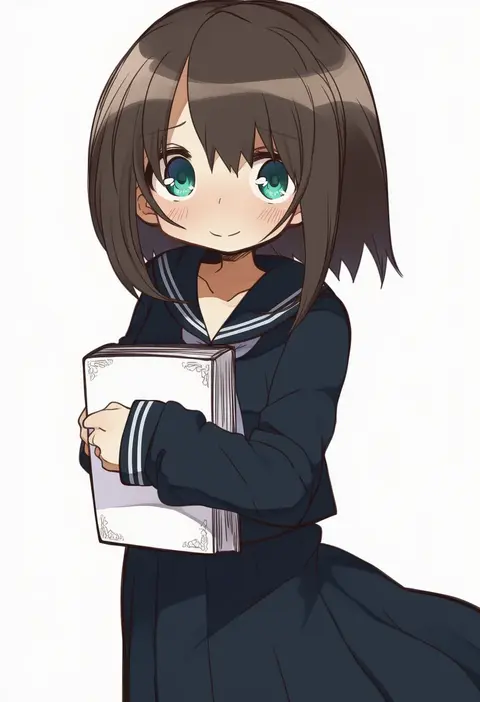
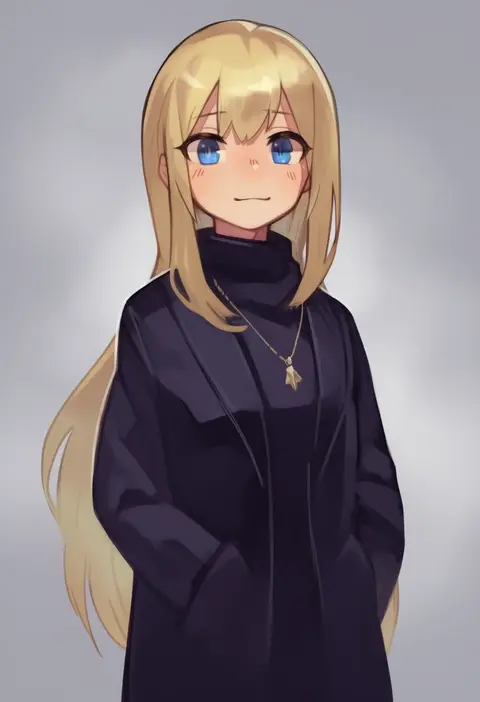
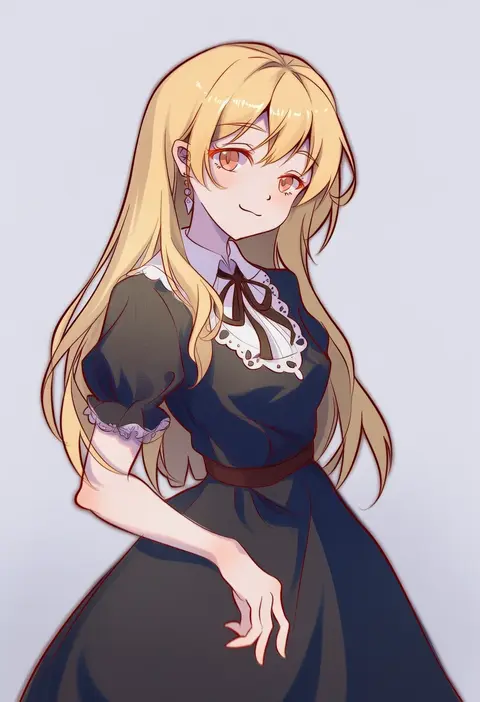
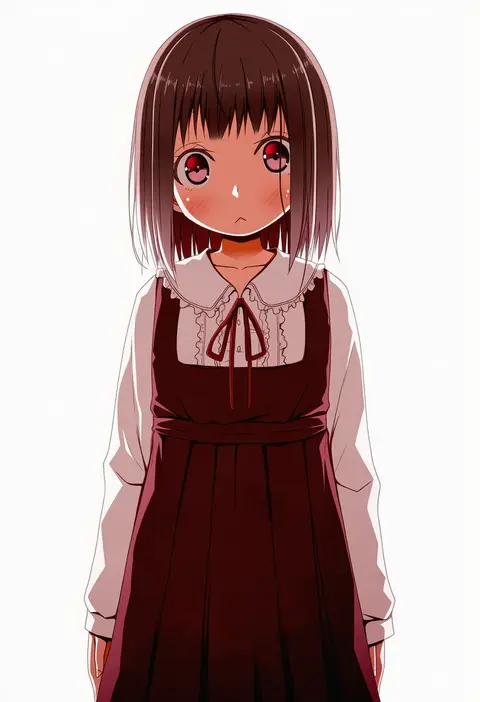
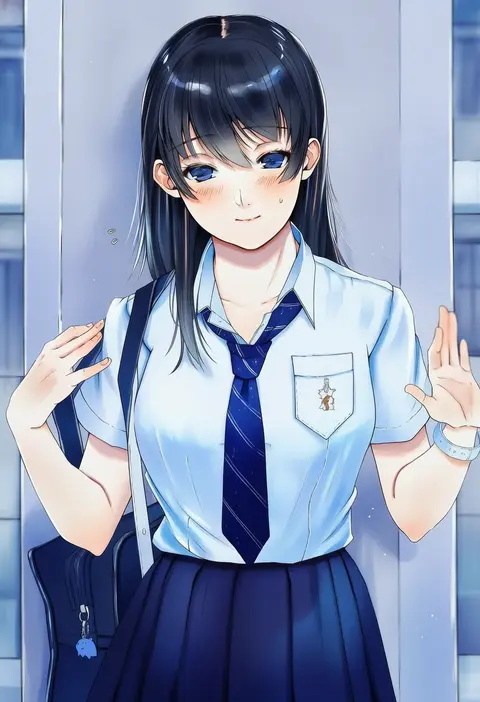
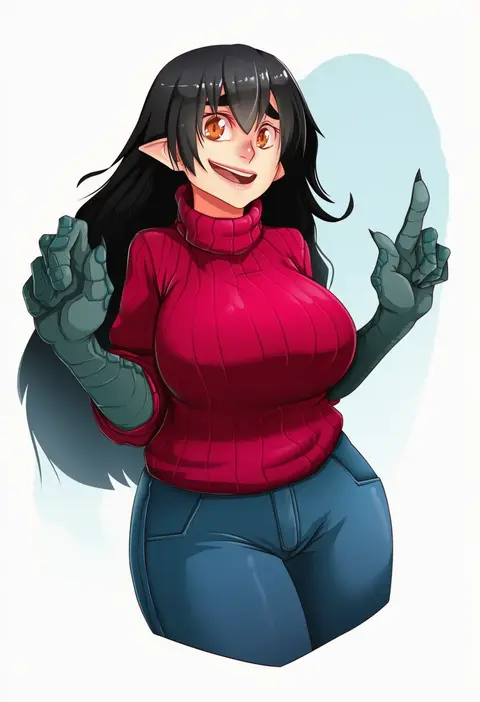
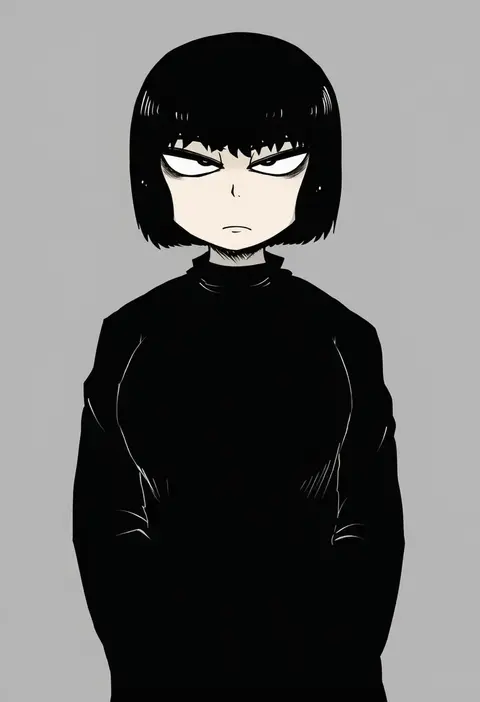
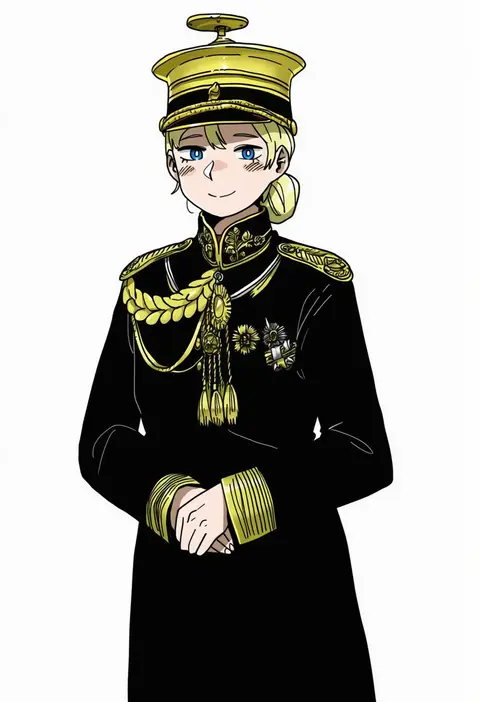
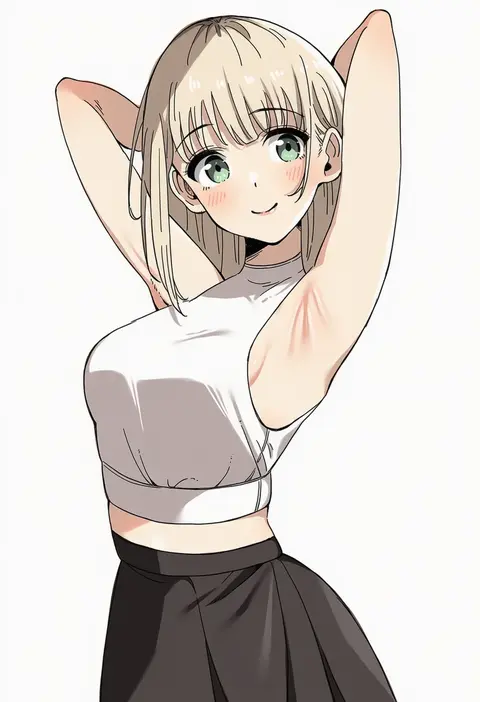
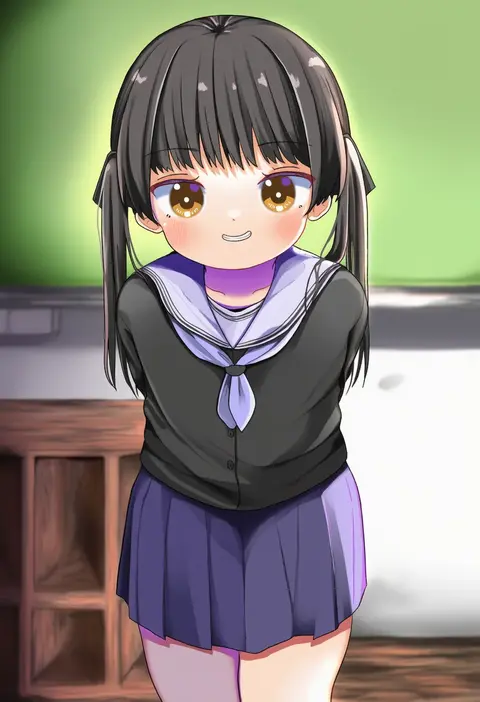
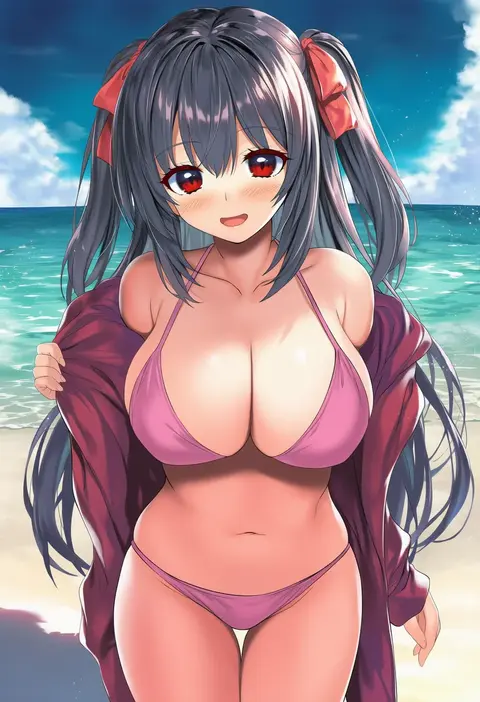
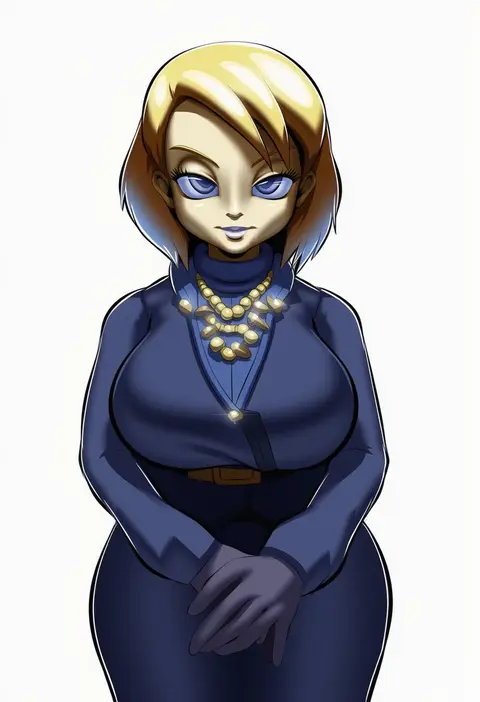
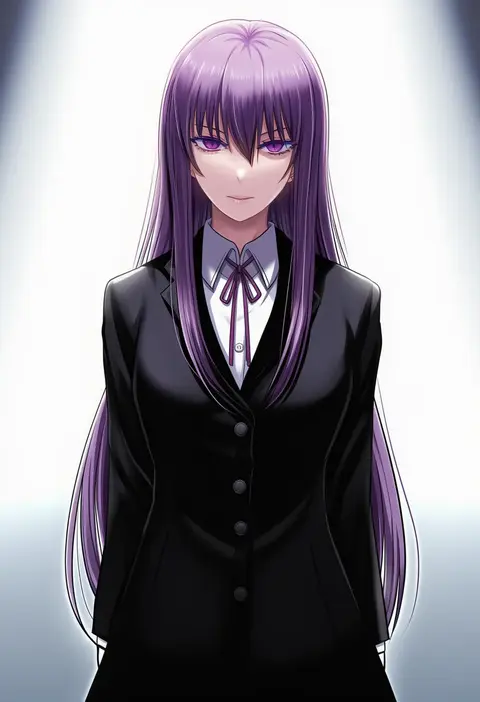
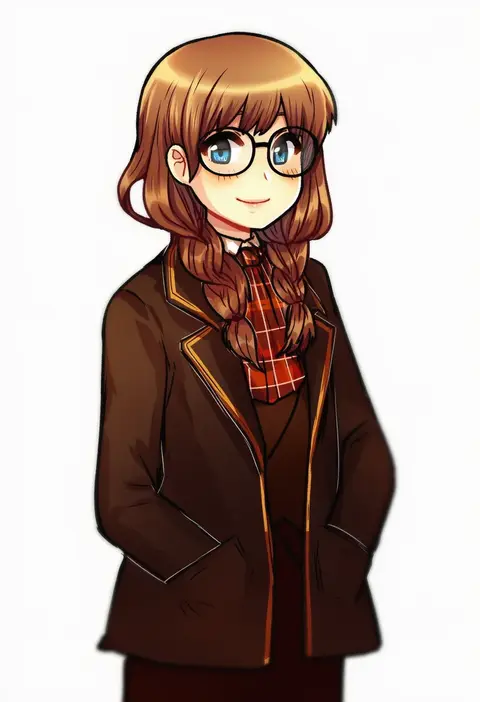
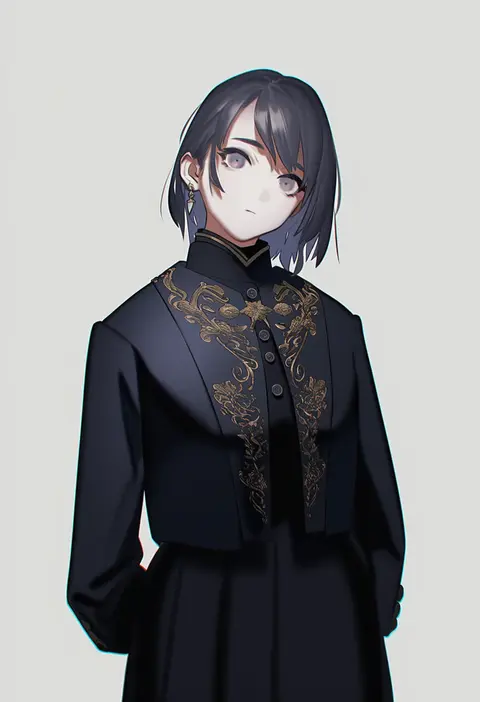
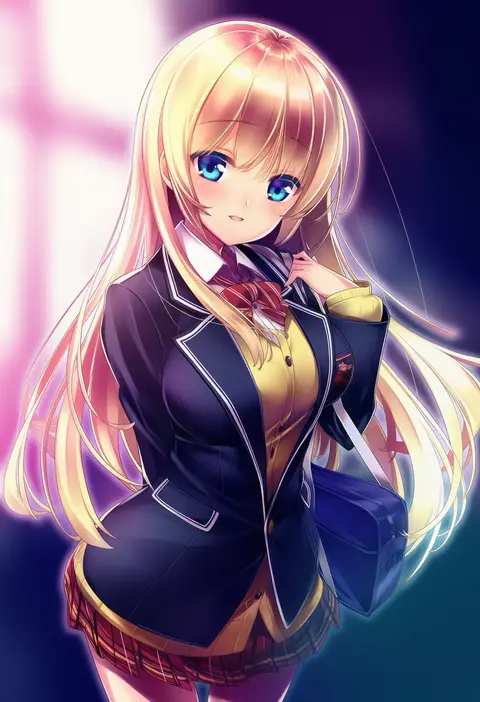
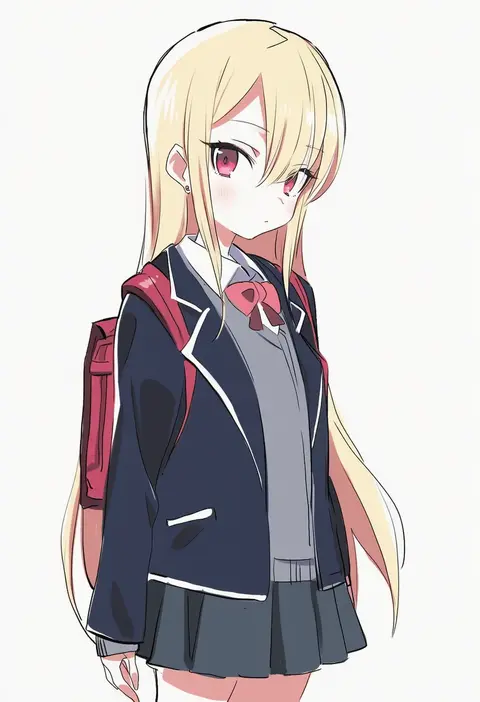
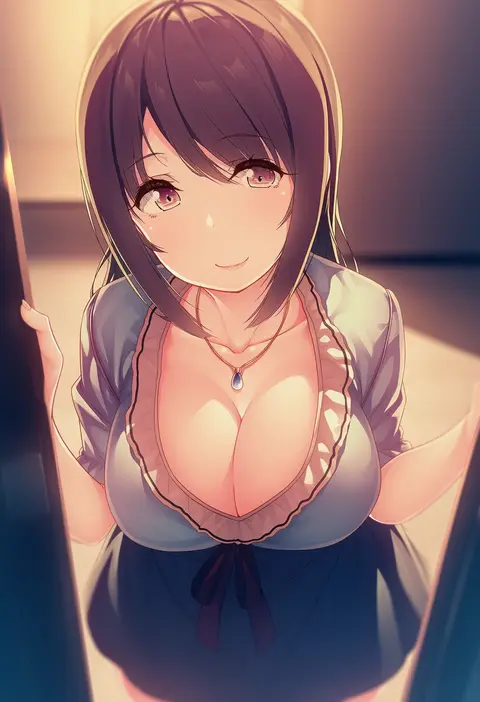
Every tag listed here is verified to react in NovelAI. All images use the same prompt, seed and settings with only the artist tag swapped, so the difference between two images is the style that tag brings in.

How to use them

Put the artist tag near the front of the prompt, e.g. "<artist>, 1girl, solo, best quality, masterpiece, cowboy shot". Two or three artist tags blend styles; lower the weight with "0.8::<artist>::" when the style overpowers the character.

SCORE sorts by Danbooru's top score, POSTS by post count, FAVS by hearts on this site. Open a card to see V5 and V4.5 side by side on the same seed.

V5 vs V4.5

V5 usually lands closer to the artist's real style, and tags that did nothing on V4.5 often react on V5. V4.5 still fits older and doujin-heavy artists better. Try V5 first, fall back to V4.5.

FAQ

Where does the artist tag go?
Near the front of the prompt. Use "0.8::tag::" to adjust its weight.

Can I stack artist tags?
Yes, styles blend. Past two or three the result stops looking like anyone.

Are these the artists' own works?
No. Every image is a NovelAI sample generated from the tag.