V4.5Artists
sort: FAVS▾
▾
>
$

NovelAI Artist Tags List — V4.5

artist --count 16,352[160/273]
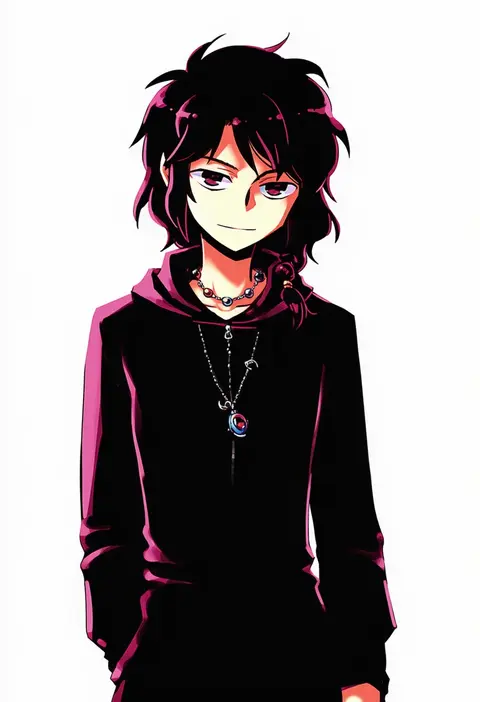
nightea
ARTIST0x2544
0
kupuru (hirumamiyuu)
ARTIST0x2545
0
naoto (yandereheaven)
ARTIST0x2546
0
almic
ARTIST0x2547
0
zzyzzyy
ARTIST0x2548
0
hu sea
ARTIST0x2549
0
en@rain
ARTIST0x254A
0
roshin
ARTIST0x254B
0
kirarin369
ARTIST0x254C
0
kotsu
ARTIST0x254D
0
hiiro yuki
ARTIST0x254E
0
kuro wa shinoru
ARTIST0x254F
0
stem (roam)
ARTIST0x2550
0
reizou
ARTIST0x2551
0
spice mega
ARTIST0x2552
0
awai shiro
ARTIST0x2553
0
nabe0721
ARTIST0x2554
0
mifuta
ARTIST0x2555
0
yagita (astronomie)
ARTIST0x2556
0
konishi (koconatu)
ARTIST0x2557
0
yuumei
ARTIST0x2558
0
arthur ko
ARTIST0x2559
0
hazuki (nyorosuke)
ARTIST0x255A
0
ponsuke (pon00000)
ARTIST0x255B
0
gyozanuko
ARTIST0x255C
0
nanahamu
ARTIST0x255D
0
unime seaflower
ARTIST0x255E
0
eiji (eiji)
ARTIST0x255F
0
araido kagiri
ARTIST0x2560
0
tamahana
ARTIST0x2561
0
arikanrobo
ARTIST0x2562
0
ribucci
ARTIST0x2563
0
arakawa tarou
ARTIST0x2564
0
aibumi
ARTIST0x2565
0
tsunemi aosa
ARTIST0x2566
0
umitonakai
ARTIST0x2567
0
d.koutya
ARTIST0x2568
0
you2
ARTIST0x2569
0
sakura koharu
ARTIST0x256A
0
to (tototo tk)
ARTIST0x256B
0
miike (992058)
ARTIST0x256C
0
sinzen
ARTIST0x256D
0
karv
ARTIST0x256E
0
sorano (12gou)
ARTIST0x256F
0
xiao chichi
ARTIST0x2570
0
flo (guilty hearts)
ARTIST0x2571
0
hatachi
ARTIST0x2572
0
czy (2894456992)
ARTIST0x2573
0
landolt tamaki
ARTIST0x2574
0
shiromoca
ARTIST0x2575
0
patipat asavasena
ARTIST0x2576
0
pochadon
ARTIST0x2577
0
shitou (4h)
ARTIST0x2578
0
noumin
ARTIST0x2579
0
tabuchi (tabuchisanchi)
ARTIST0x257A
0
dreamoon
ARTIST0x257B
0
girutea
ARTIST0x257C
0
mabera
ARTIST0x257D
0
robot cat (robotcatart)
ARTIST0x257E
0
neukkom
ARTIST0x257F
0

What these tags change

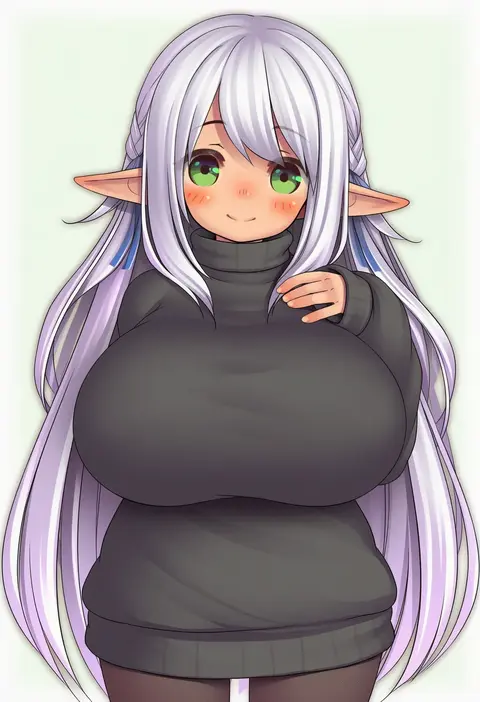
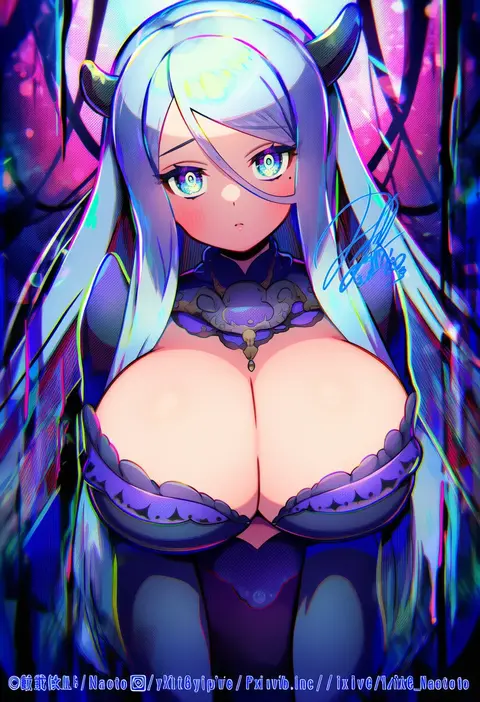
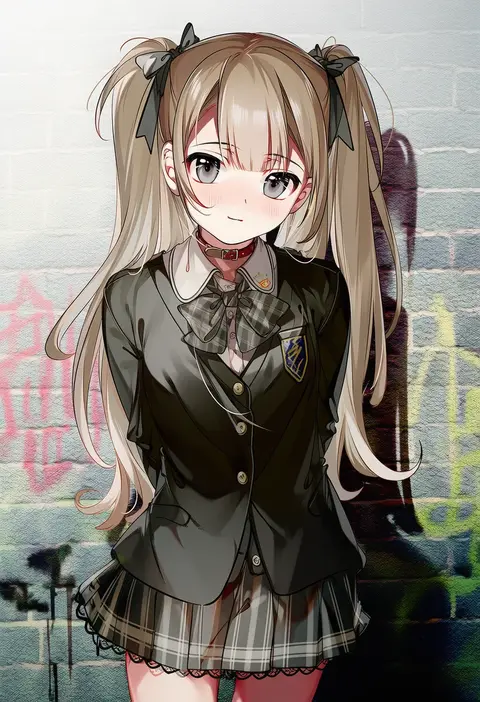
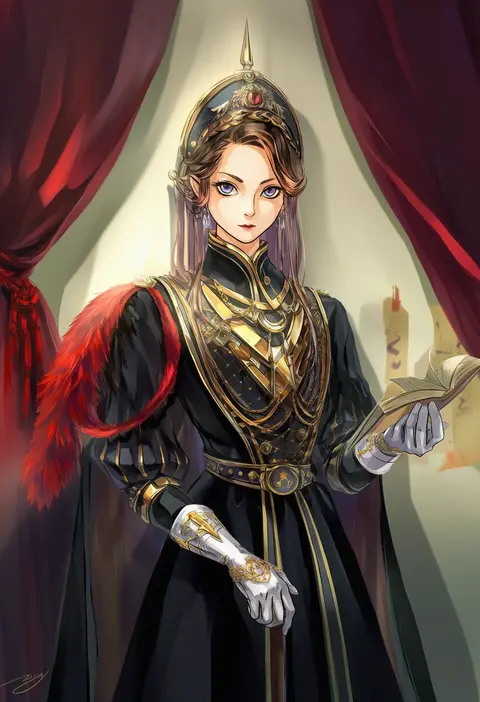
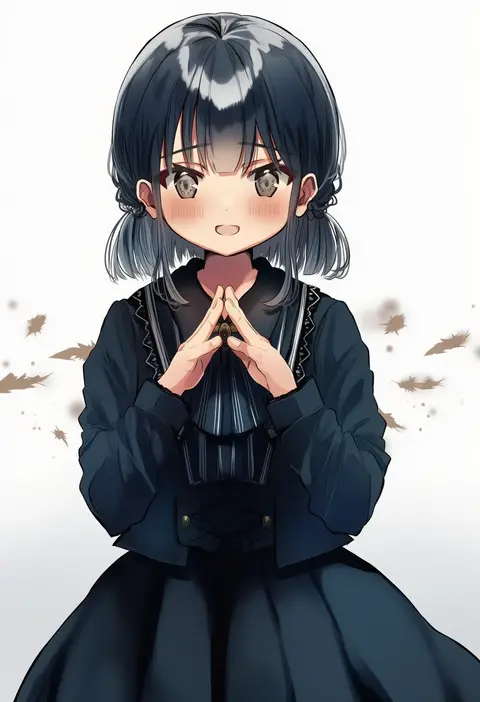
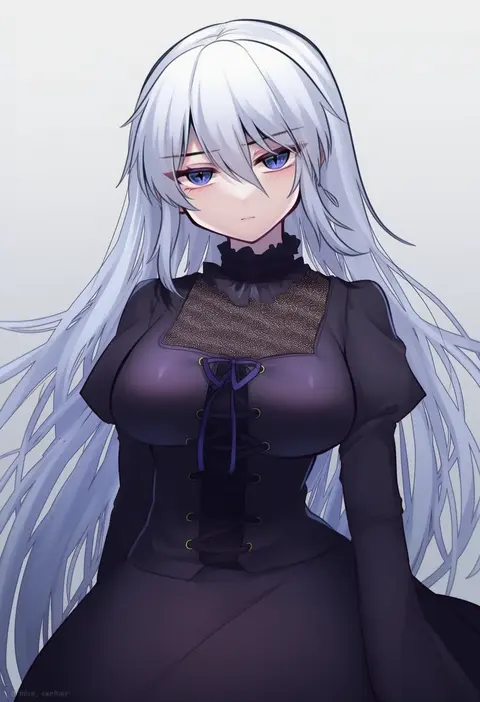
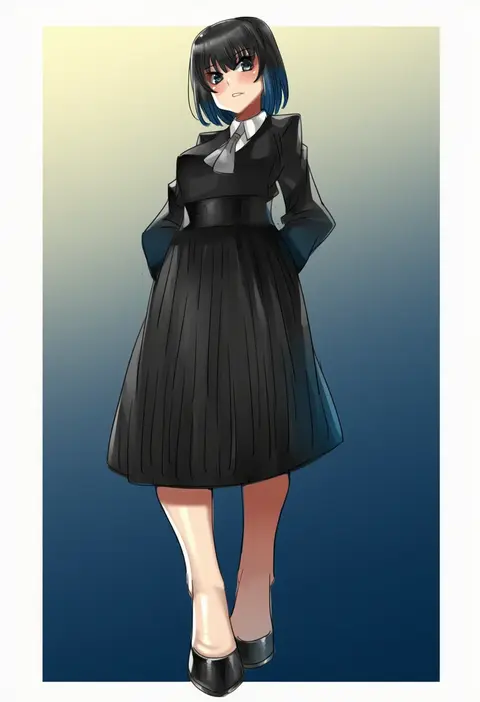
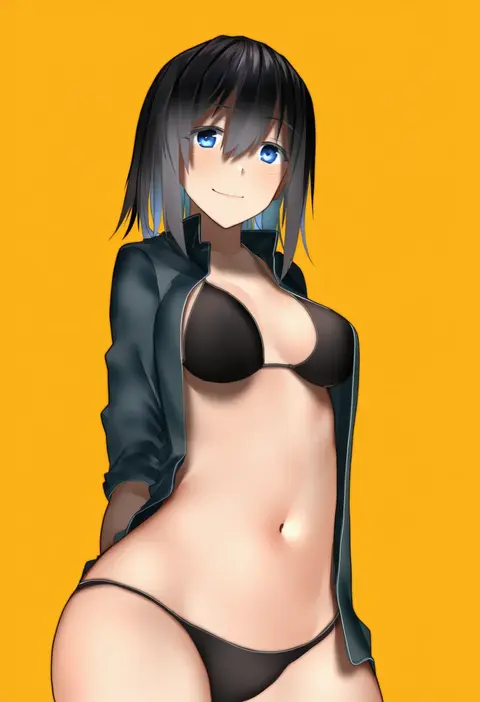
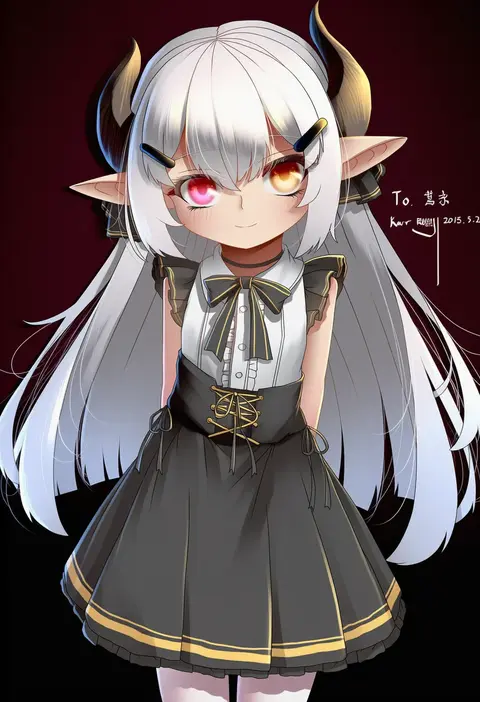
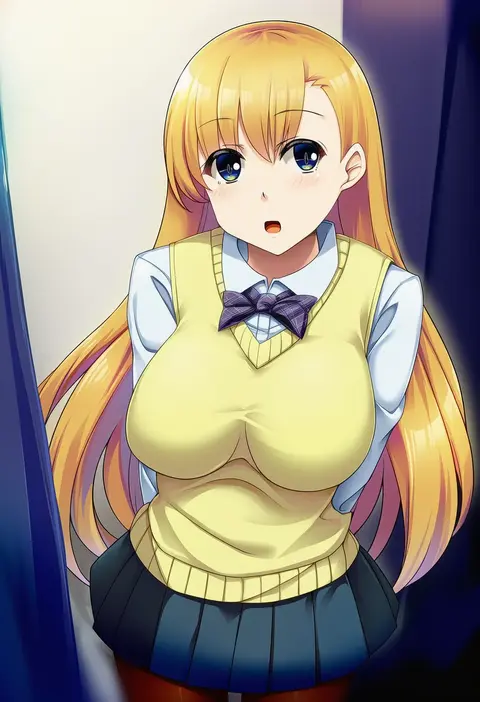
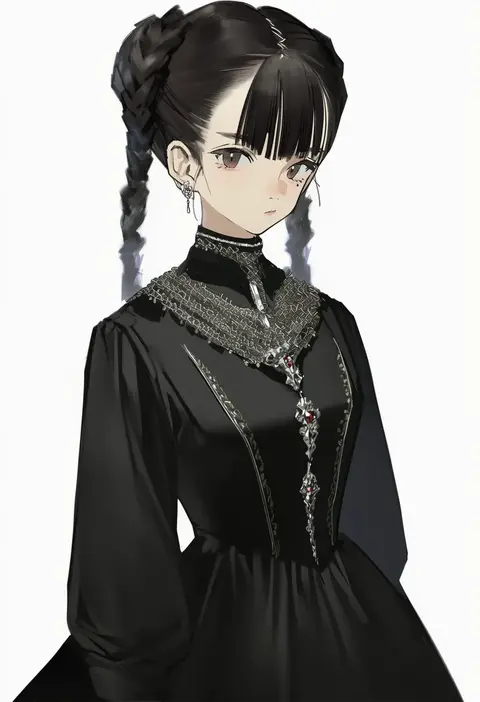
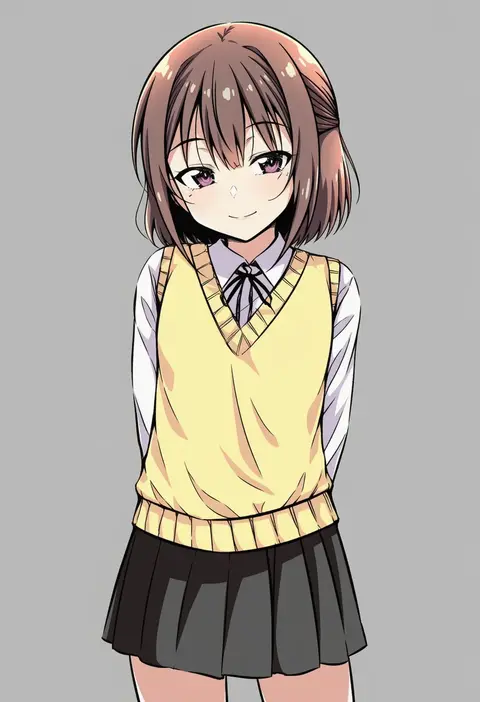
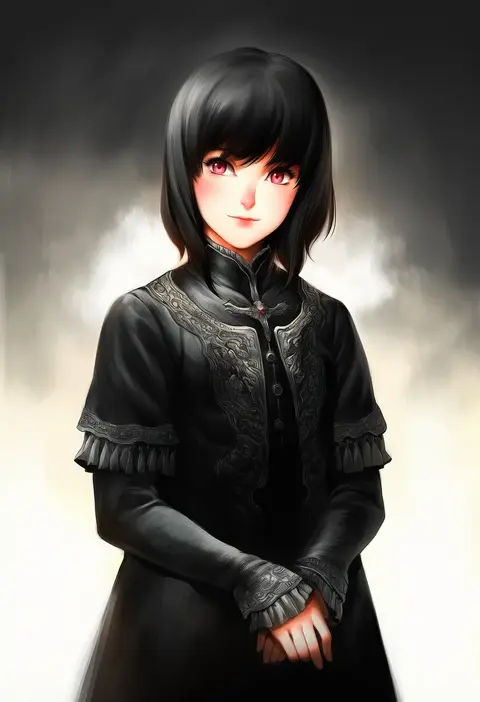
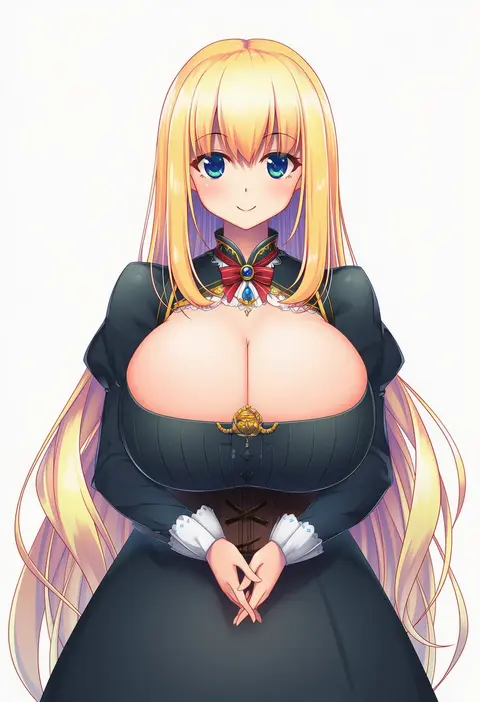
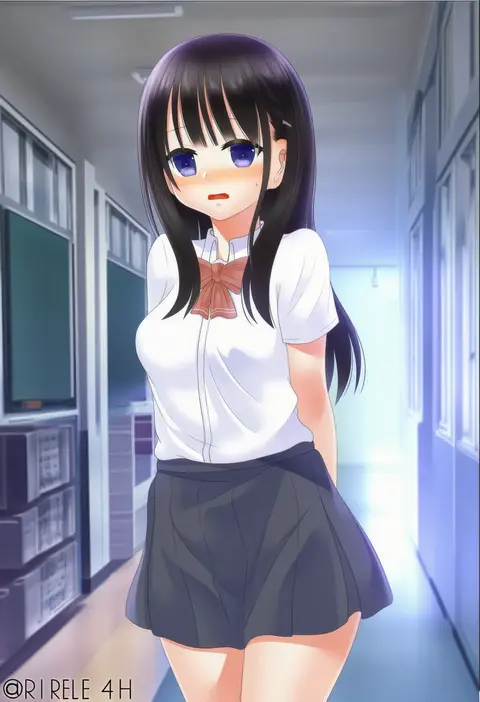
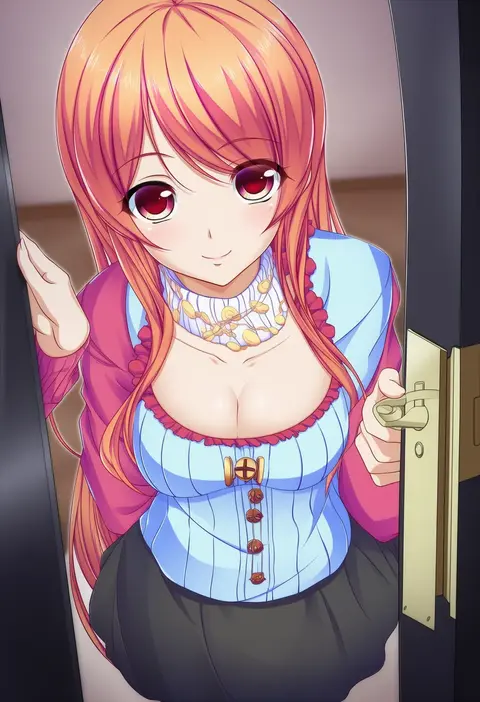
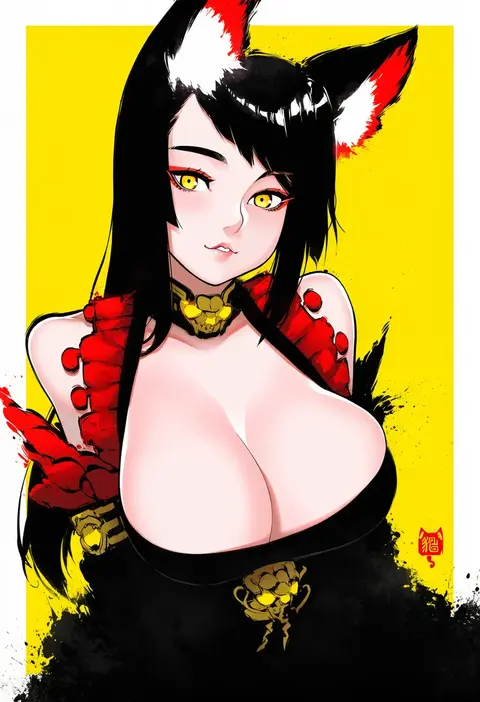
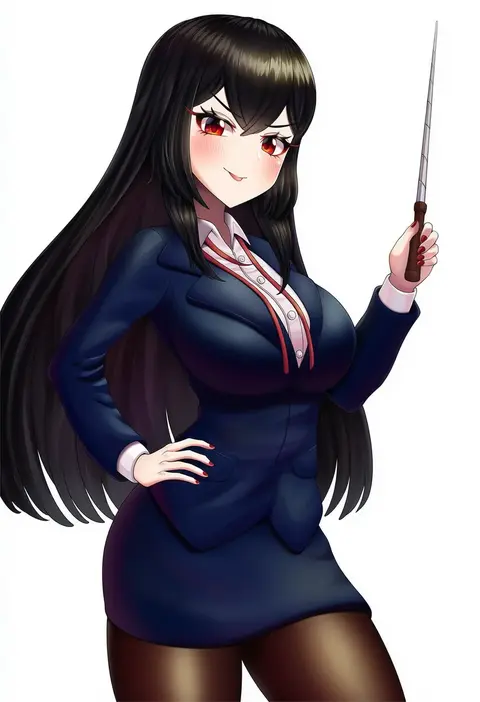
Artist tags tell NovelAI Diffusion to draw in a specific artist's style: line weight, paint texture, face shapes and palette all shift at once. Character and outfit tags decide what is drawn; artist tags decide how. 16,352 tags are listed for V4.5.
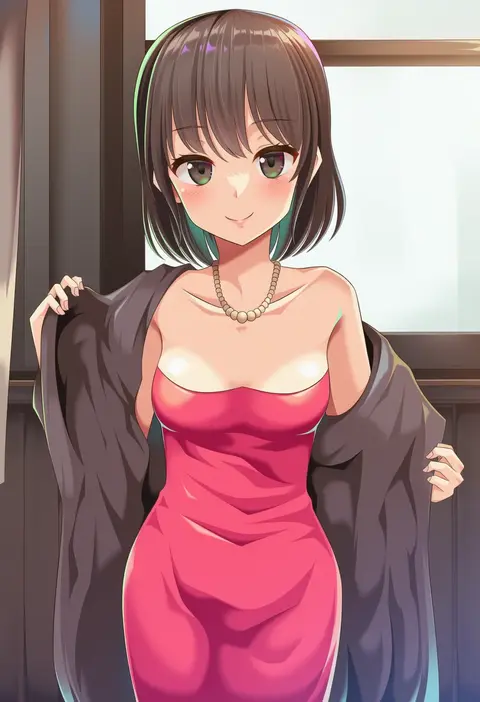
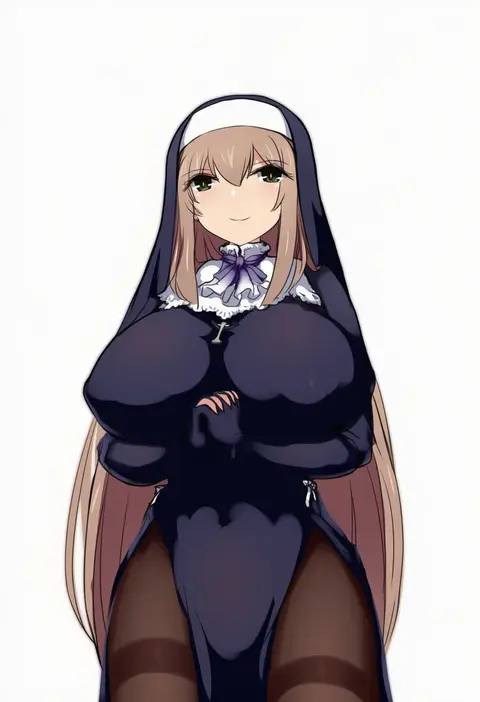
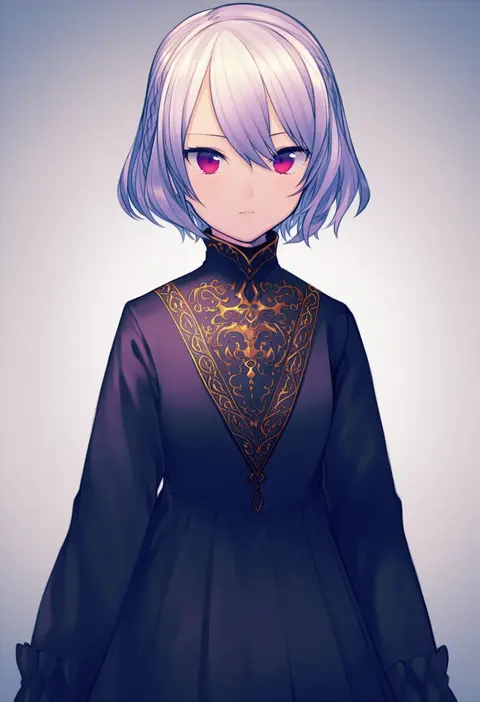
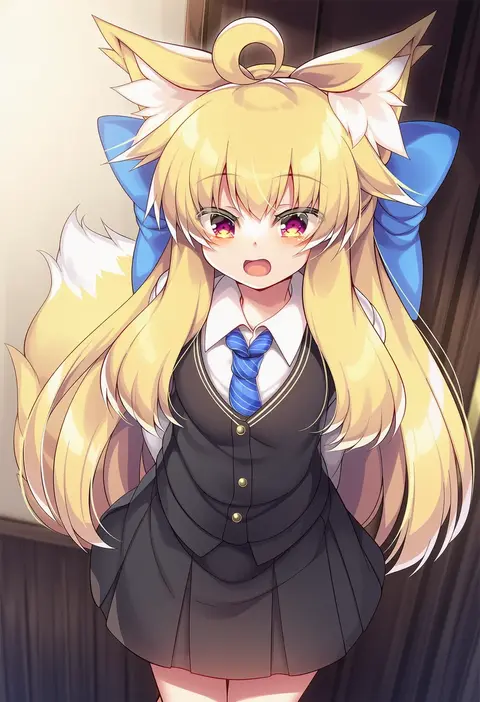
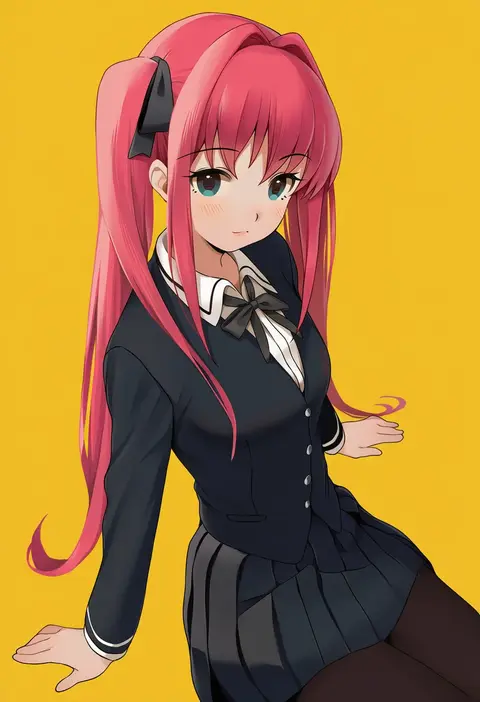
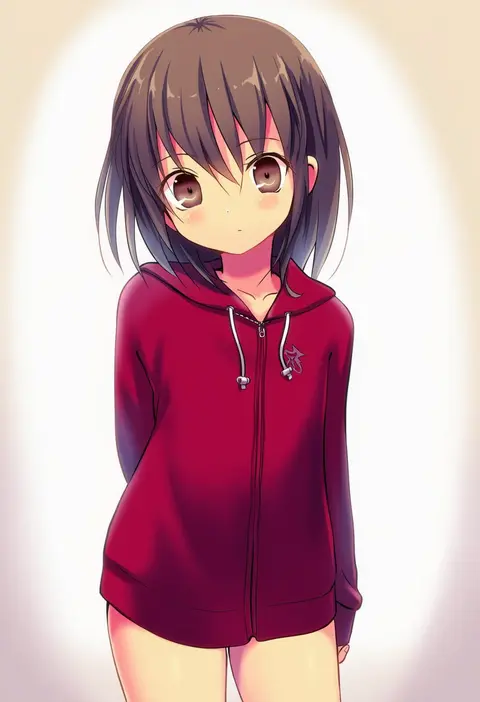
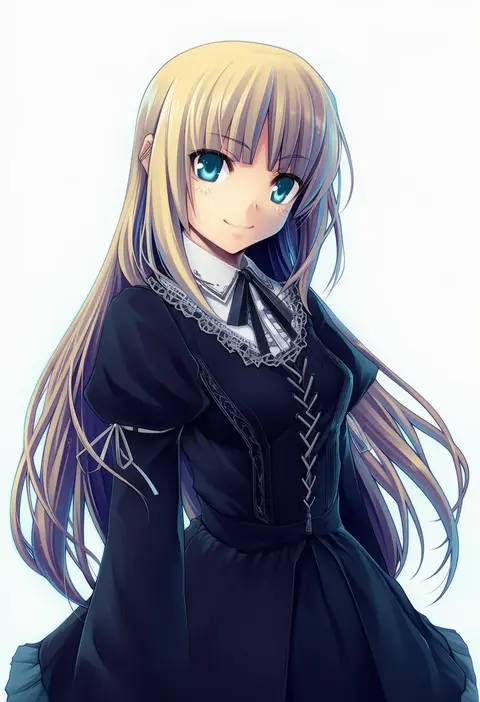
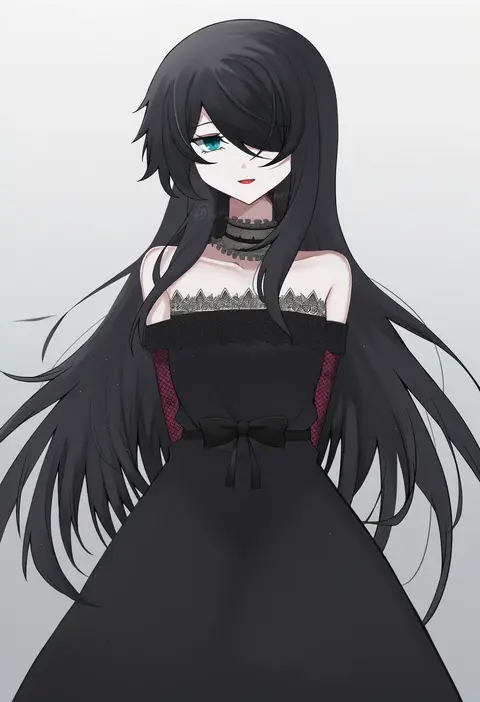
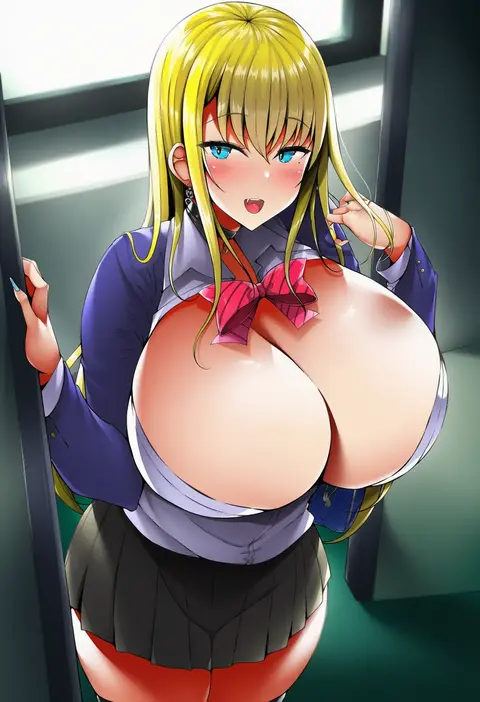
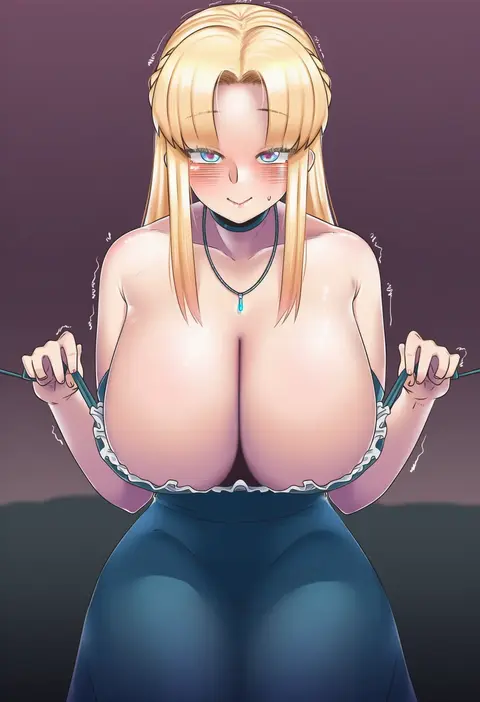
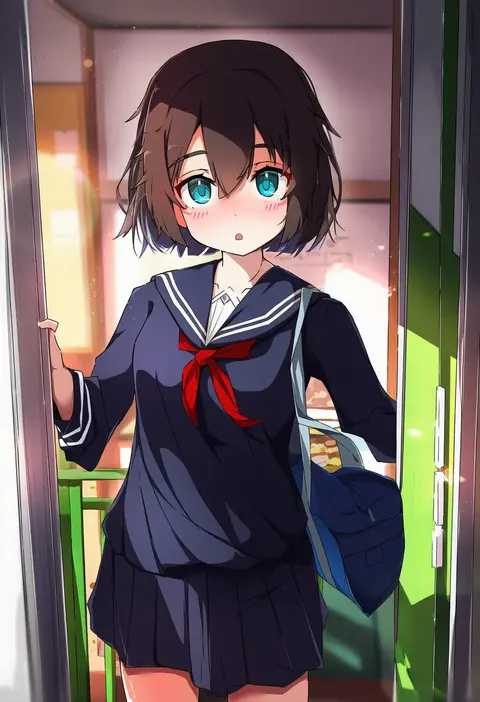
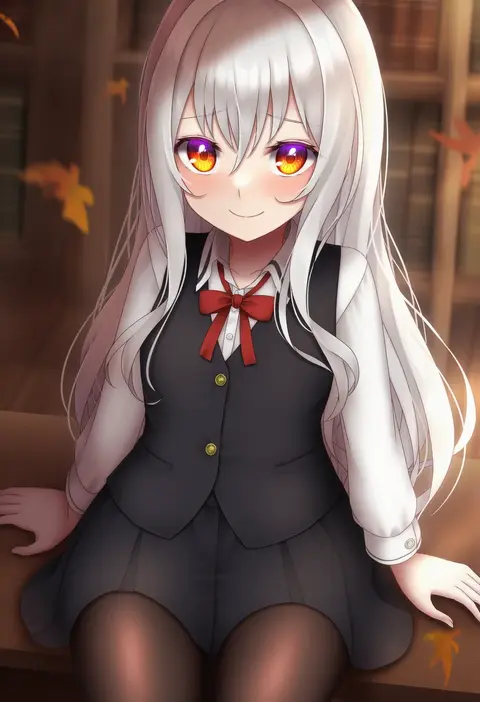
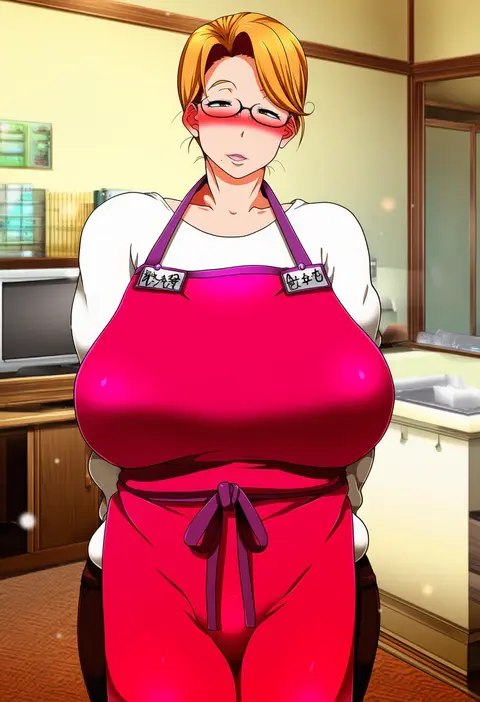
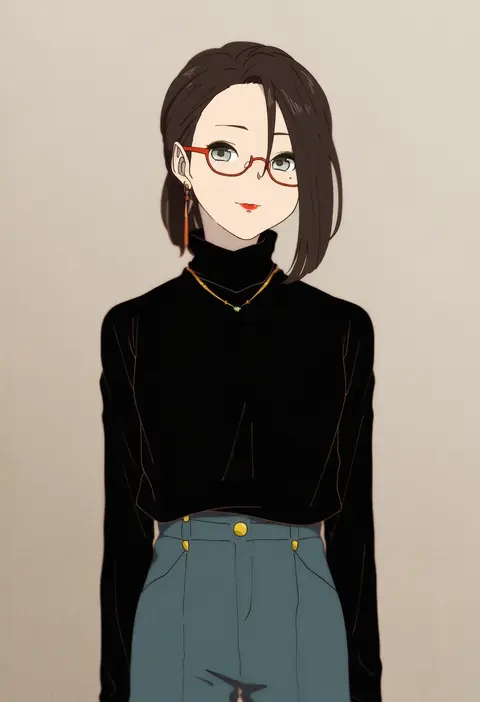
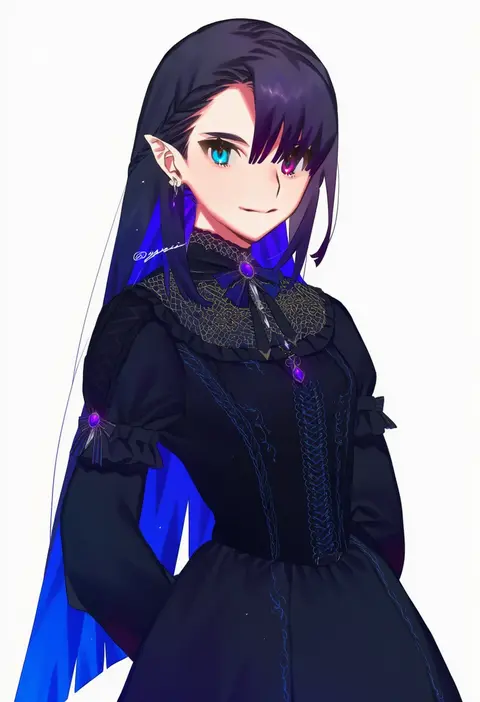
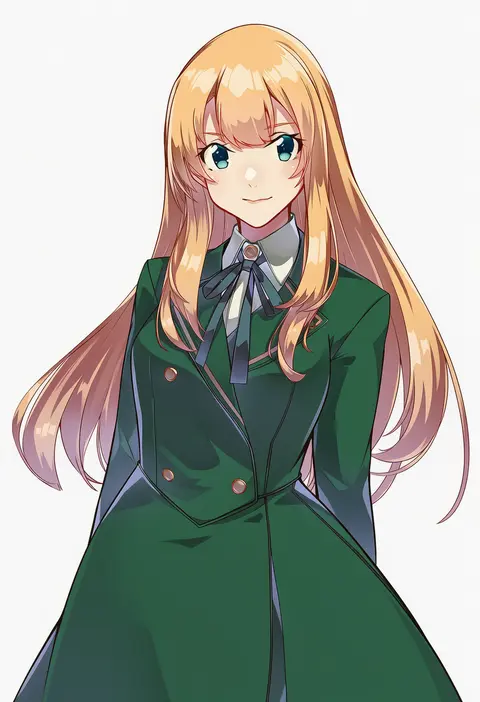
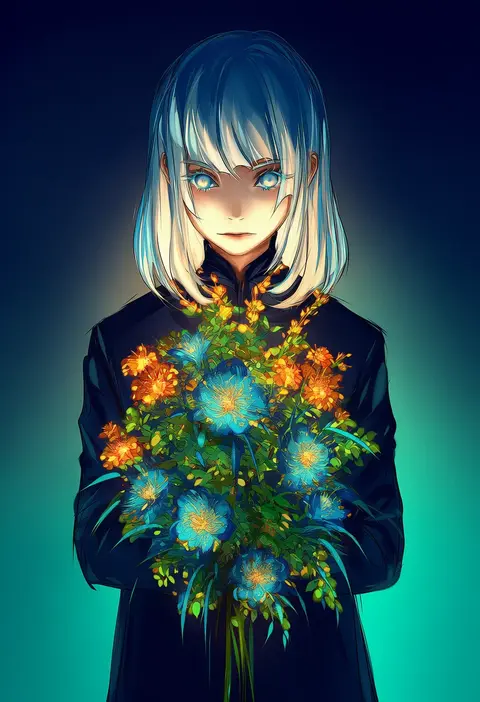
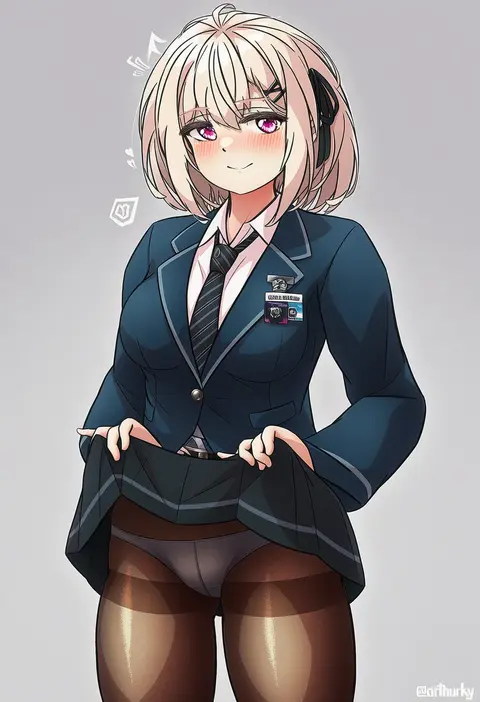
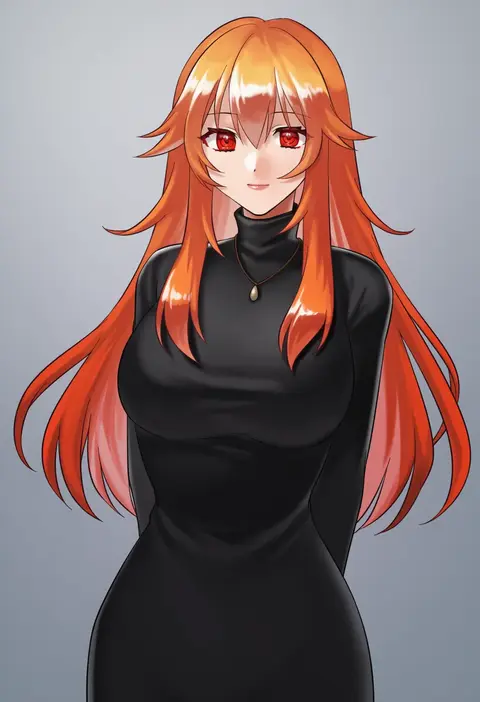
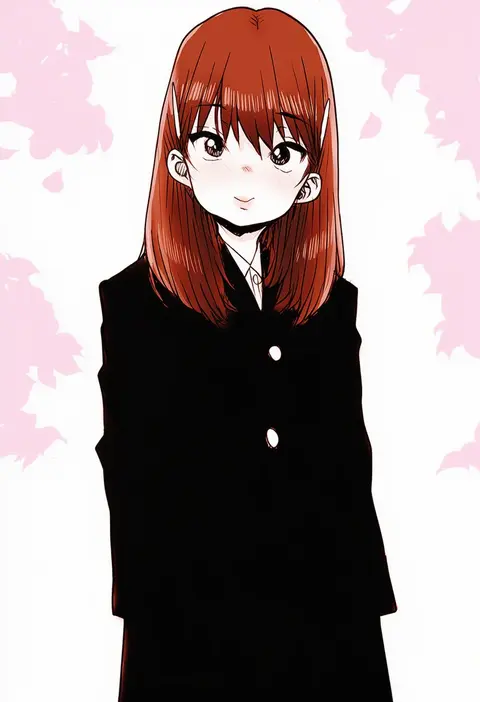
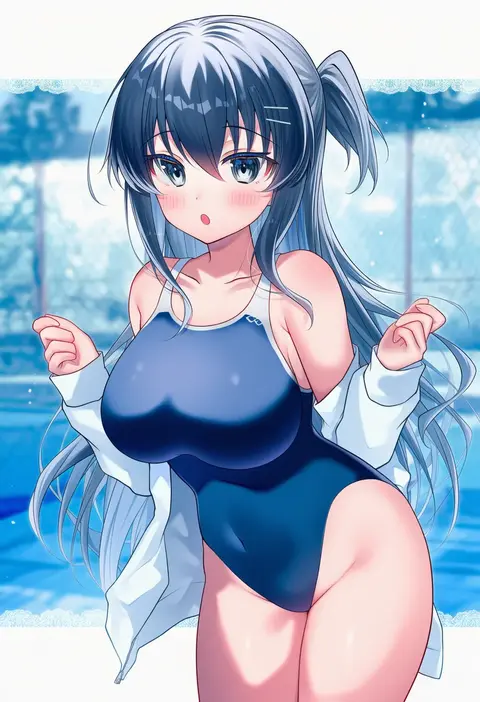
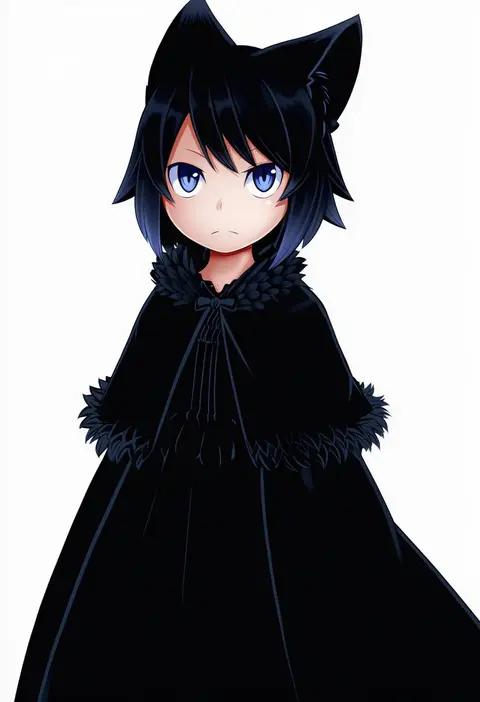
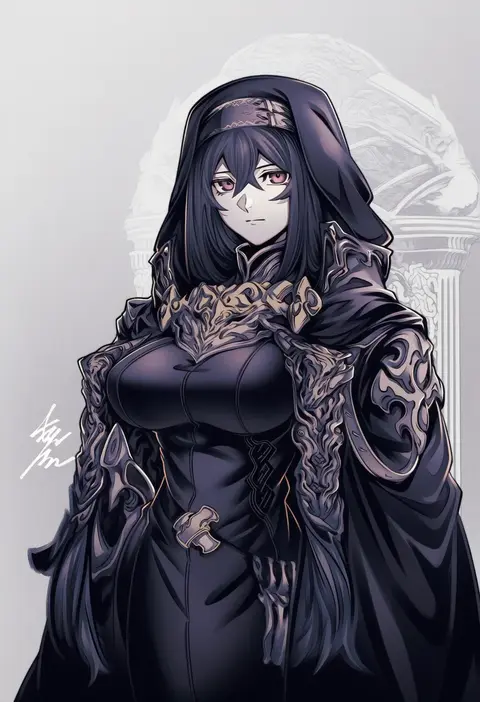
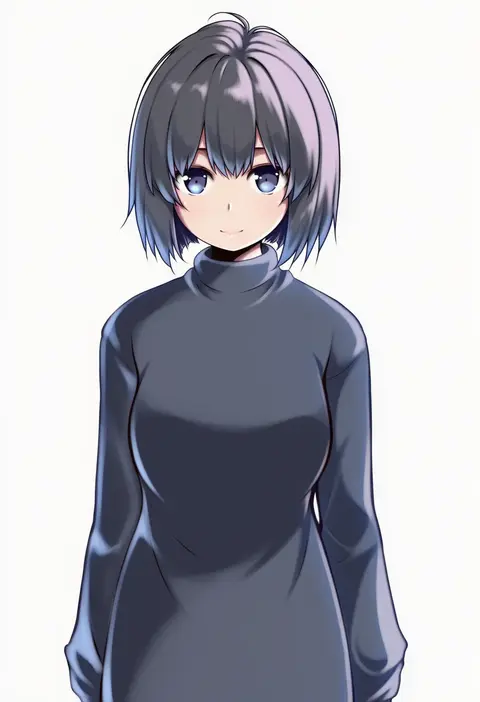
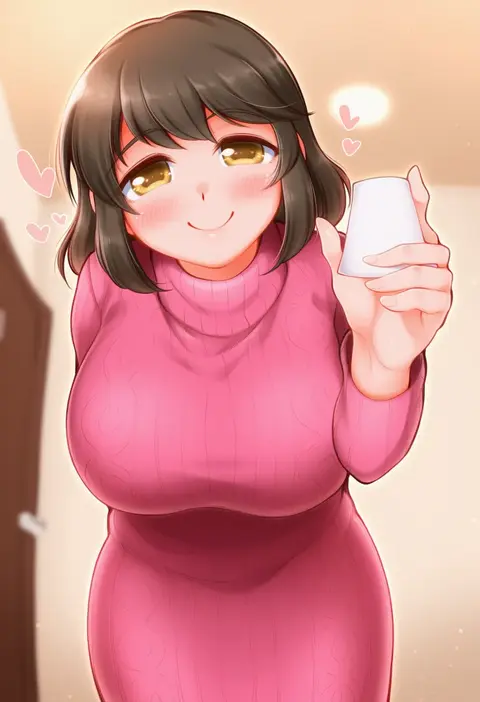
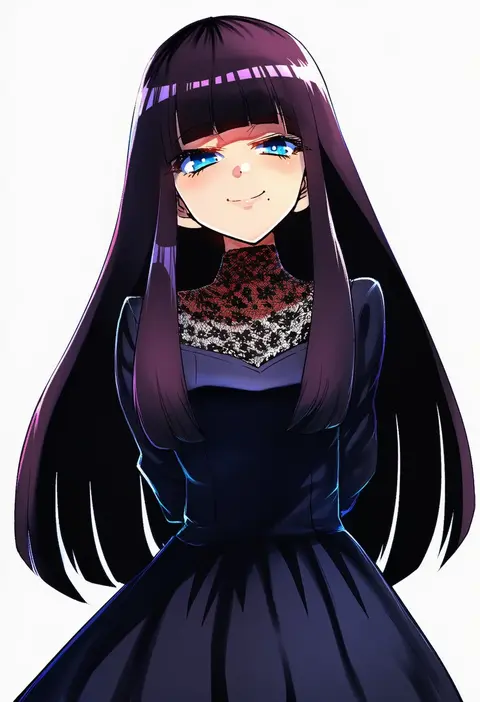
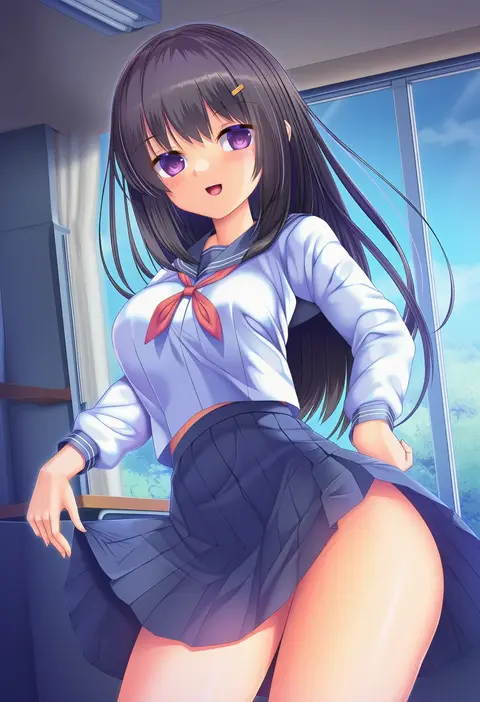
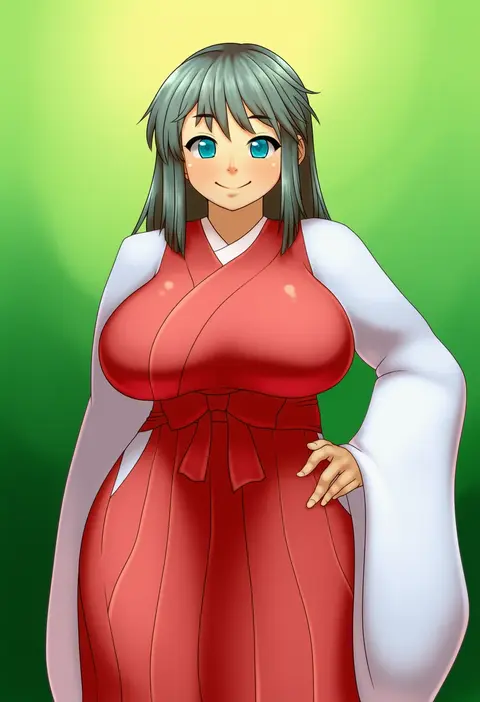
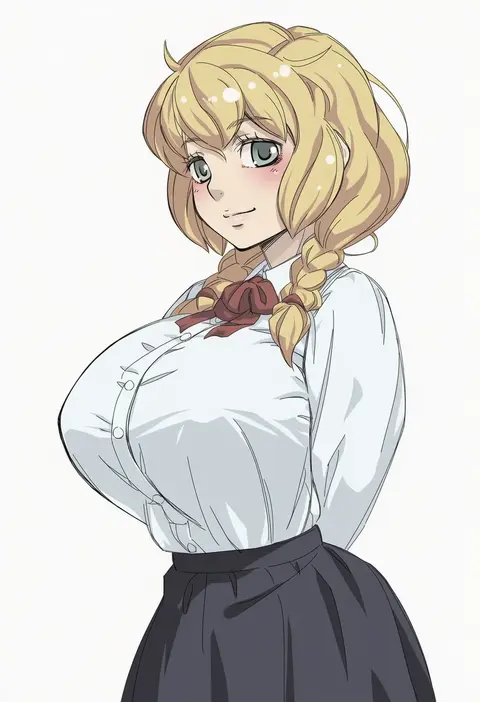
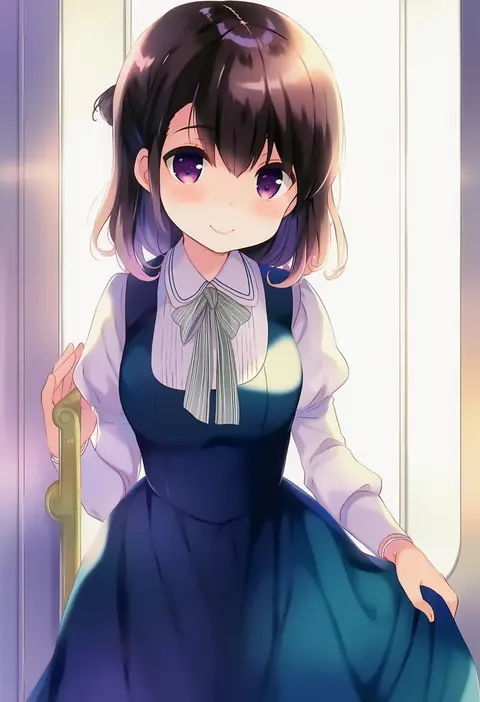
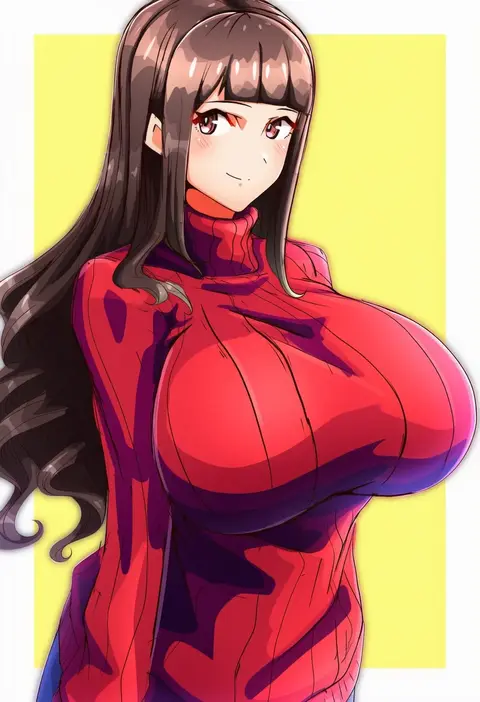
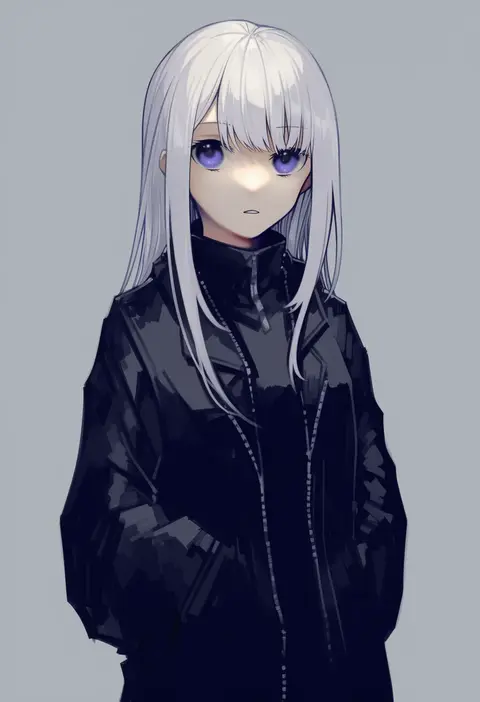
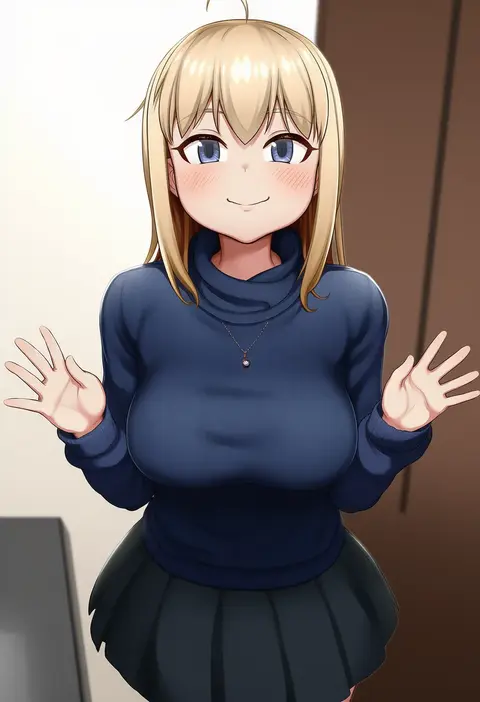
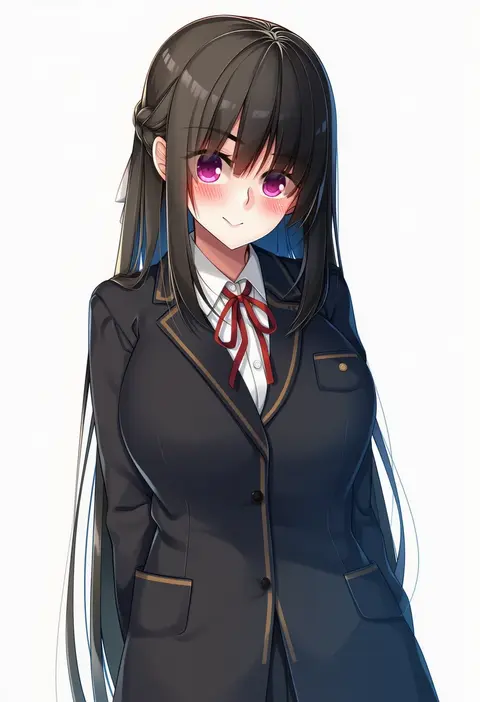
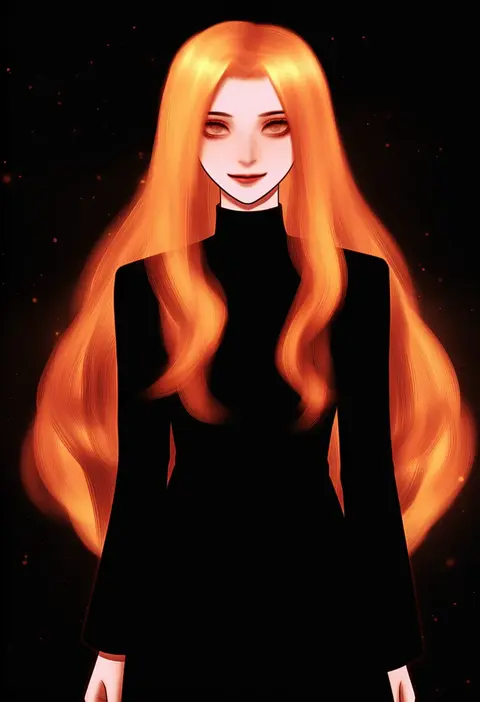
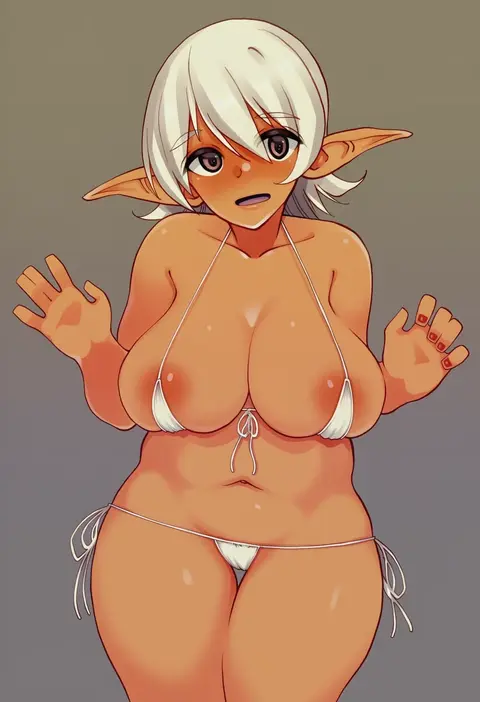
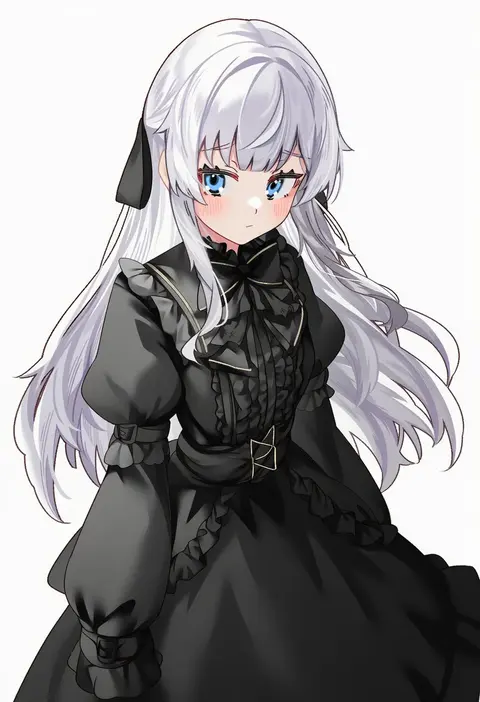
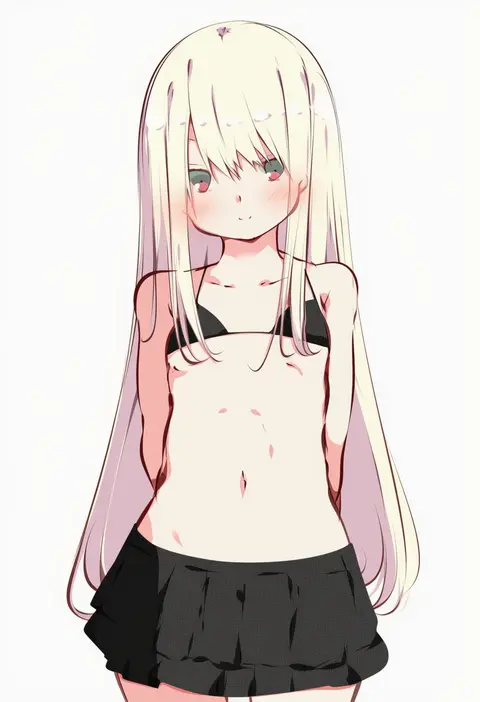
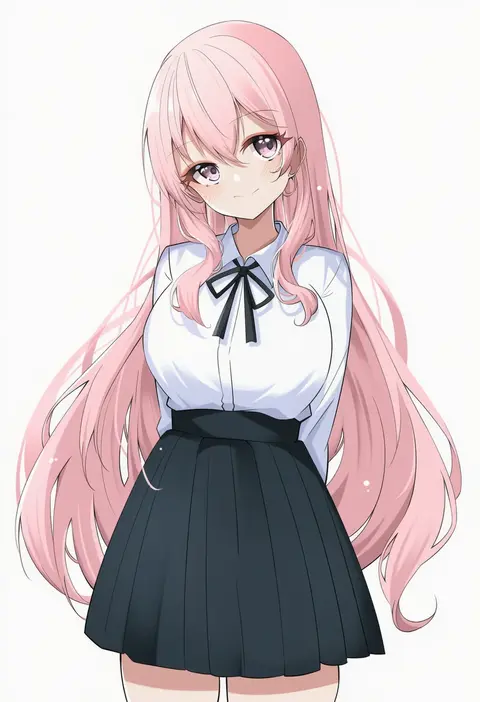
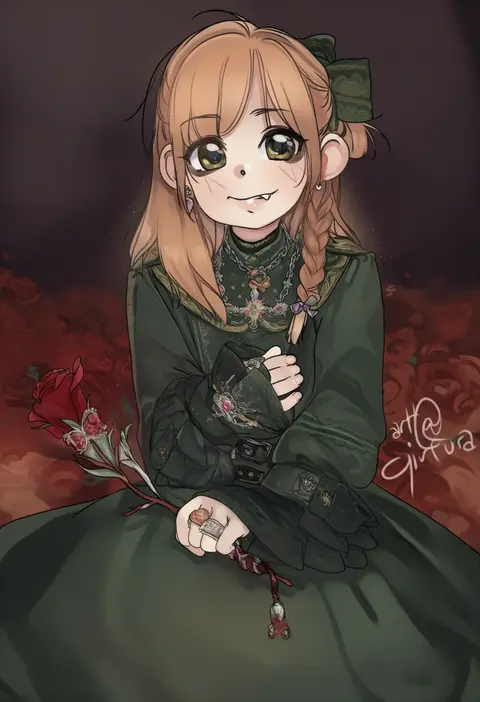
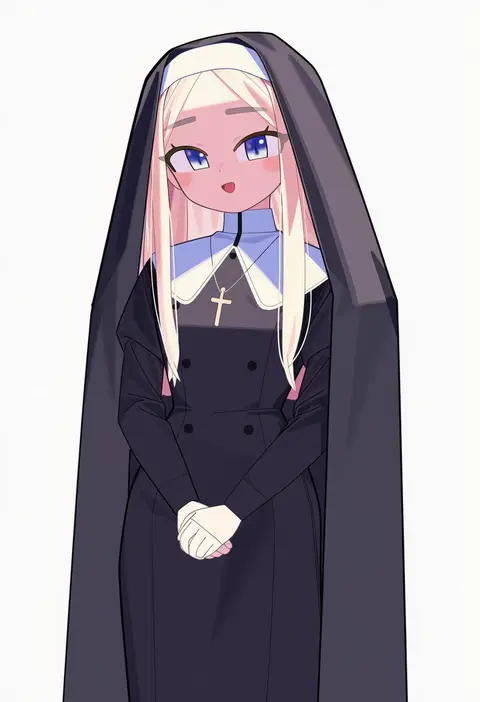
Every tag listed here is verified to react in NovelAI. All images use the same prompt, seed and settings with only the artist tag swapped, so the difference between two images is the style that tag brings in.

How to use them

Put the artist tag near the front of the prompt, e.g. "<artist>, 1girl, solo, best quality, masterpiece, cowboy shot". Two or three artist tags blend styles; lower the weight with "0.8::<artist>::" when the style overpowers the character.

SCORE sorts by Danbooru's top score, POSTS by post count, FAVS by hearts on this site. Open a card to see V5 and V4.5 side by side on the same seed.

V5 vs V4.5

V5 usually lands closer to the artist's real style, and tags that did nothing on V4.5 often react on V5. V4.5 still fits older and doujin-heavy artists better. Try V5 first, fall back to V4.5.

FAQ

Where does the artist tag go?
Near the front of the prompt. Use "0.8::tag::" to adjust its weight.

Can I stack artist tags?
Yes, styles blend. Past two or three the result stops looking like anyone.

Are these the artists' own works?
No. Every image is a NovelAI sample generated from the tag.