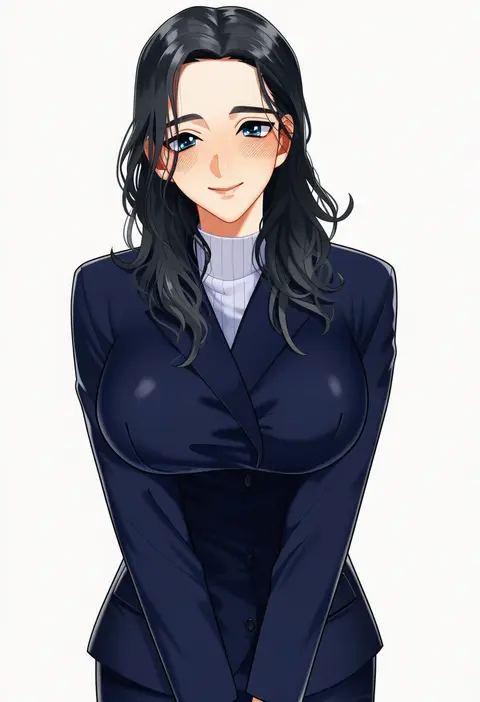
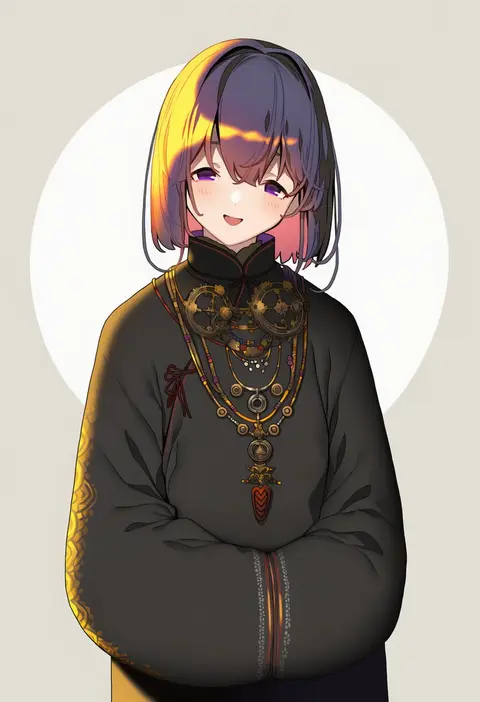
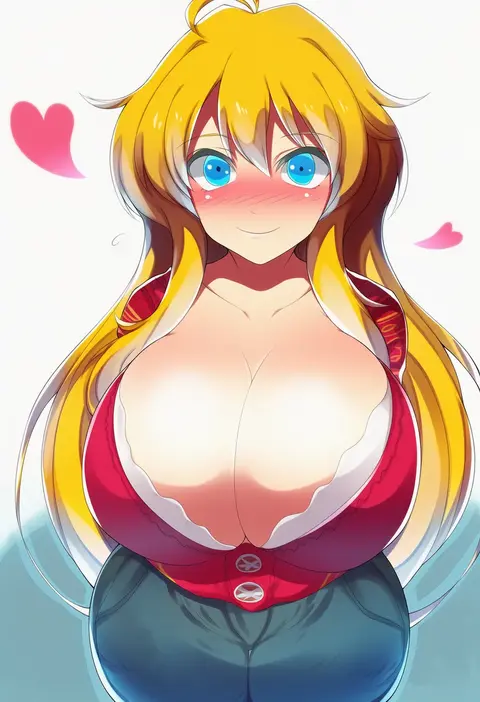
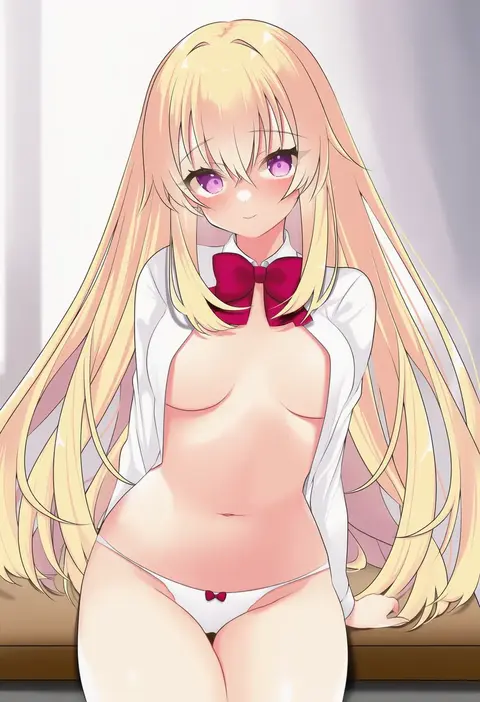
V4.5Artists
sort: FAVS▾
▾
>
$

NovelAI Artist Tags List — V4.5

artist --count 16,352[174/273]
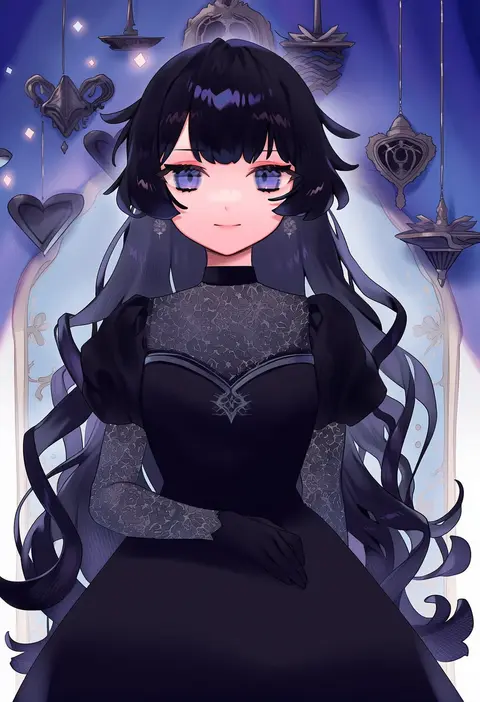
saku nosuke
ARTIST0x288C
0
sho (sumika)
ARTIST0x288D
0
junny
ARTIST0x288E
0
tutsucha illust
ARTIST0x288F
0
itou ayachi
ARTIST0x2890
0
aimobake
ARTIST0x2891
0
nougat (no 9ada)
ARTIST0x2892
0
momo no kanzume
ARTIST0x2893
0
ug333333
ARTIST0x2894
0
pinchi
ARTIST0x2895
0
zenmaibook
ARTIST0x2896
0
mizukami ryouma
ARTIST0x2897
0
tosakaoil
ARTIST0x2898
0
kikunosukemaru
ARTIST0x2899
0
aken
ARTIST0x289A
0
ashiya hiro
ARTIST0x289B
0
pg (pgouwoderen)
ARTIST0x289C
0
mzyk
ARTIST0x289D
0
tsuki-shigure
ARTIST0x289E
0
mizuyoukan (mikususannda)
ARTIST0x289F
0
oboro keisuke
ARTIST0x28A0
0
gomennasai
ARTIST0x28A1
0
ishii hisao
ARTIST0x28A2
0
mashiro aa
ARTIST0x28A3
0
cross (crossryou)
ARTIST0x28A4
0
majoccoid
ARTIST0x28A5
0
miata (miata8674)
ARTIST0x28A6
0
shigetake (buroira)
ARTIST0x28A7
0
abenattou
ARTIST0x28A8
0
matoyama
ARTIST0x28A9
0
yunekoko
ARTIST0x28AA
0
hita (hitapita)
ARTIST0x28AB
0
achan (blue semi)
ARTIST0x28AC
0
kozakura (dictionary)
ARTIST0x28AD
0
hakkai
ARTIST0x28AE
0
jurge
ARTIST0x28AF
0
kouzuki kei
ARTIST0x28B0
0
inyucchi
ARTIST0x28B1
0
hiro (pqtks113)
ARTIST0x28B2
0
reiga (act000)
ARTIST0x28B3
0
yuuki keisuke
ARTIST0x28B4
0
nanpou (nanpou0021)
ARTIST0x28B5
0
otsudou
ARTIST0x28B6
0
miwa yoshikazu
ARTIST0x28B7
0
taku1122
ARTIST0x28B8
0
jin young-in
ARTIST0x28B9
0
haru yu
ARTIST0x28BA
0
ayahi 4
ARTIST0x28BB
0
akabashi yuusuke
ARTIST0x28BC
0
chamumi (mochiumee)
ARTIST0x28BD
0
kinokohime
ARTIST0x28BE
0
minami seira
ARTIST0x28BF
0
mikan (manmarumikan)
ARTIST0x28C0
0
iganashi1
ARTIST0x28C1
0
yomogi dango
ARTIST0x28C2
0
tsuina
ARTIST0x28C3
0
akaneko (redakanekocat)
ARTIST0x28C4
0
funa (sakana)
ARTIST0x28C5
0
meameeea
ARTIST0x28C6
0
kokonoka
ARTIST0x28C7
0

What these tags change

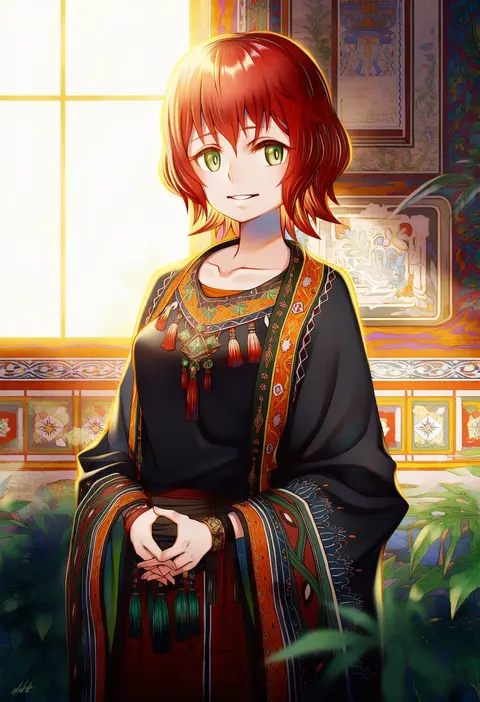
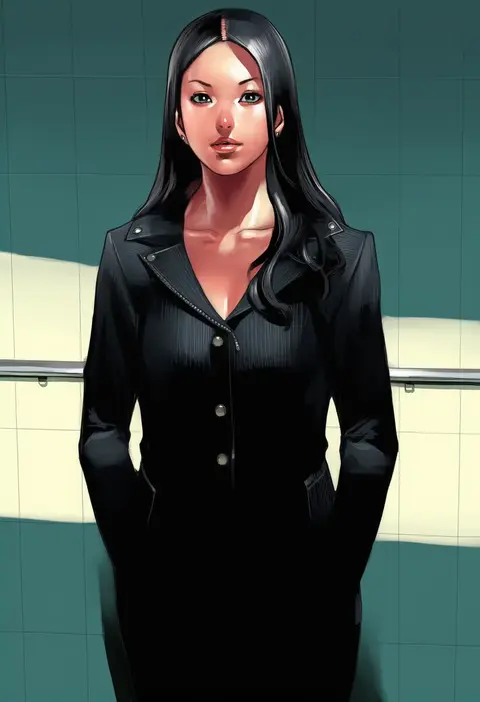
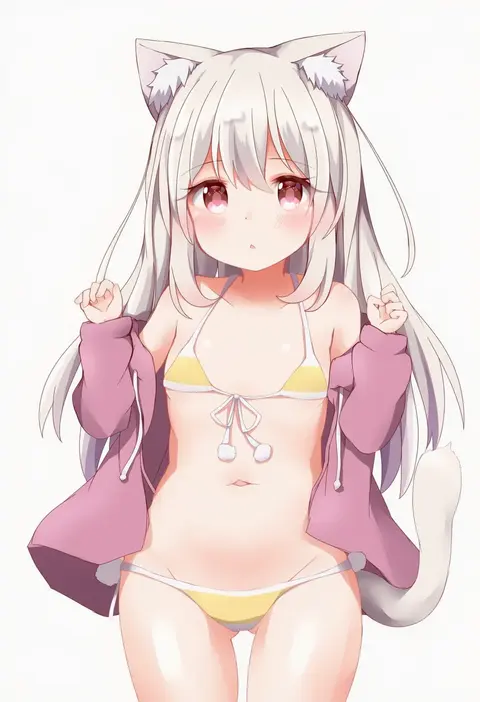
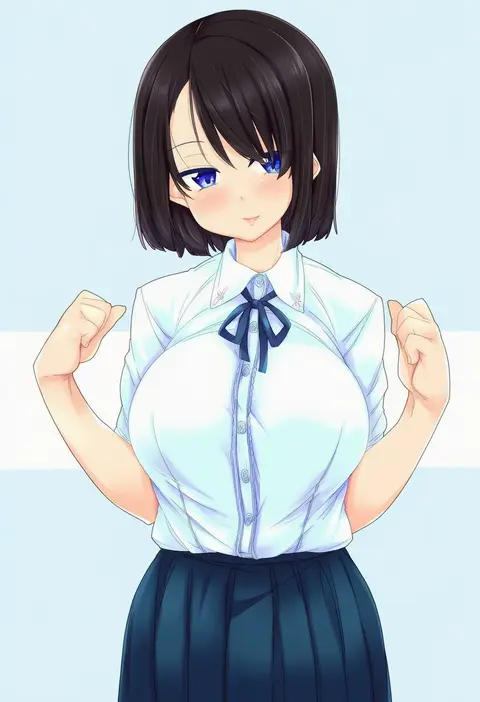
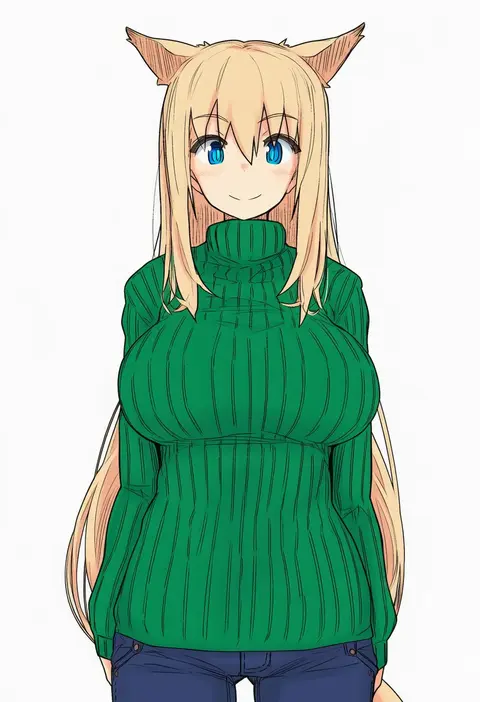
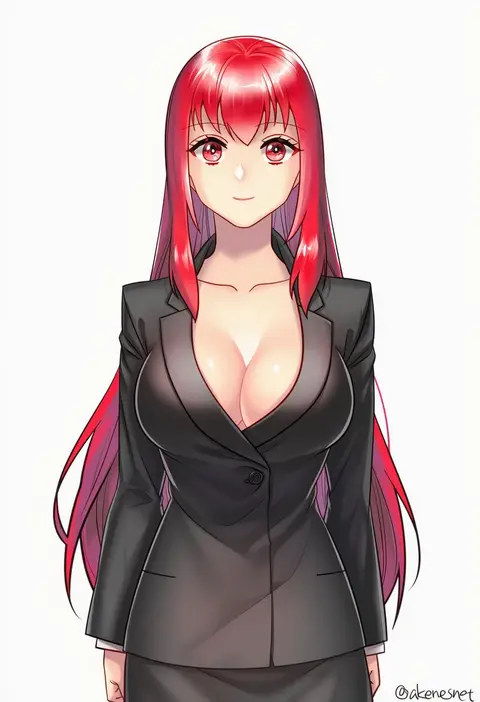
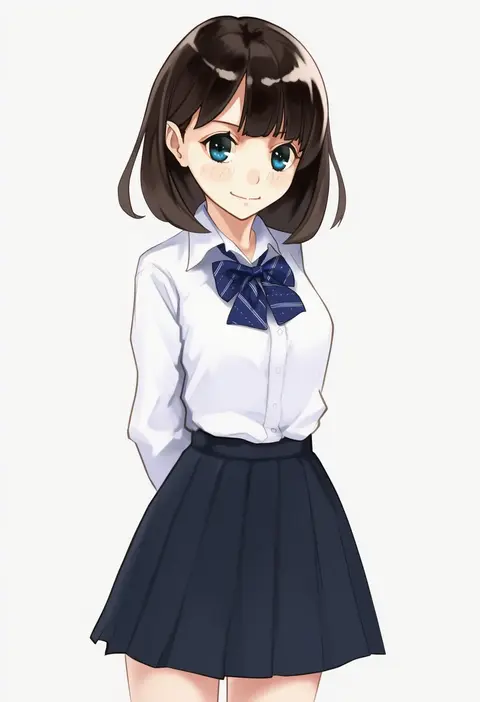
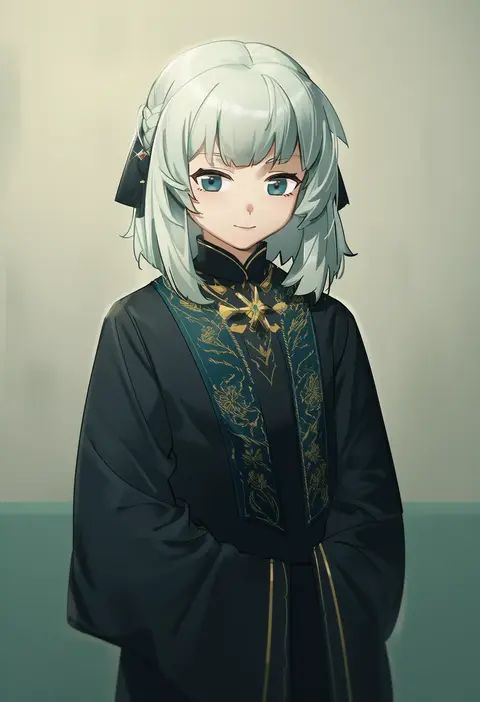
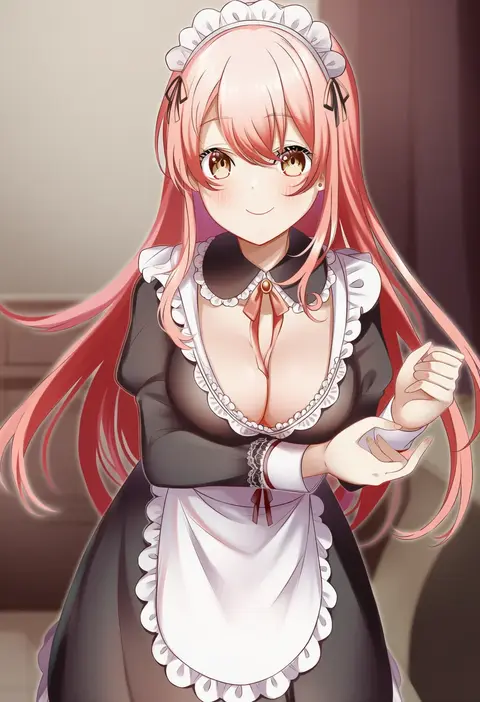
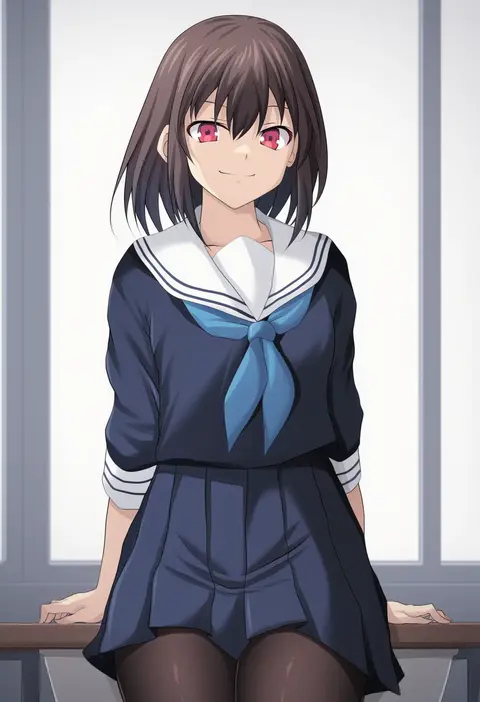
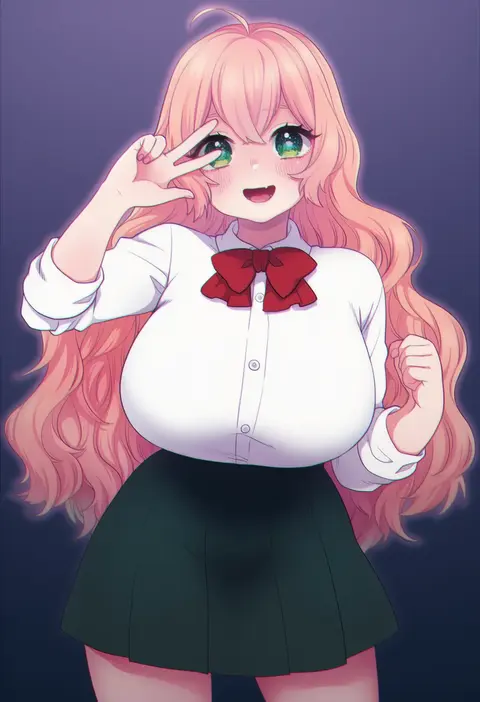
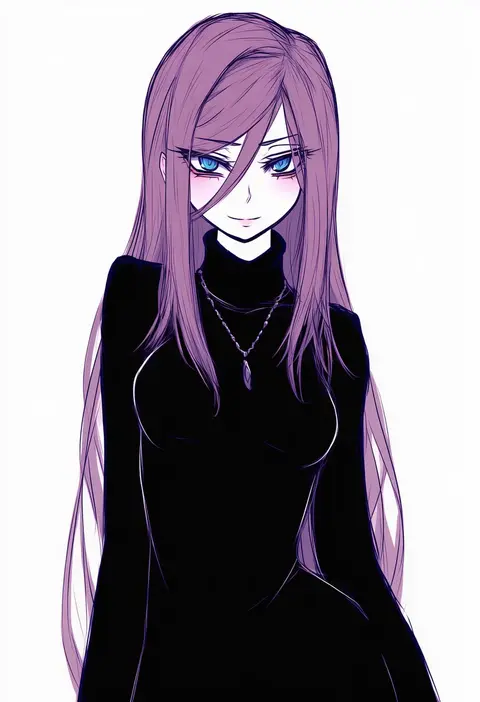
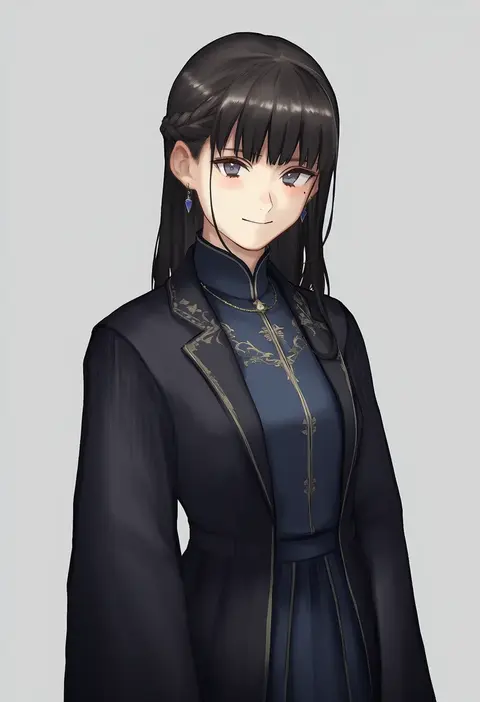
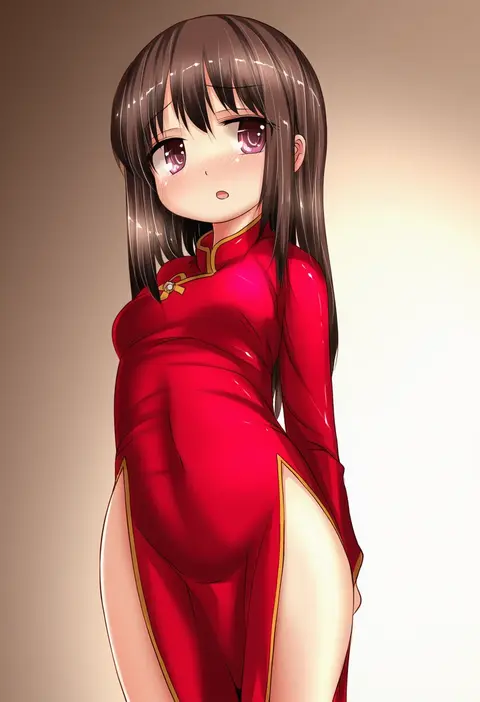
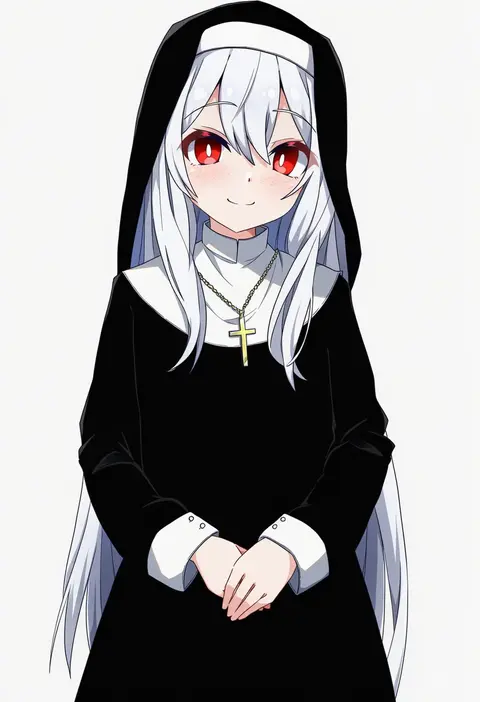
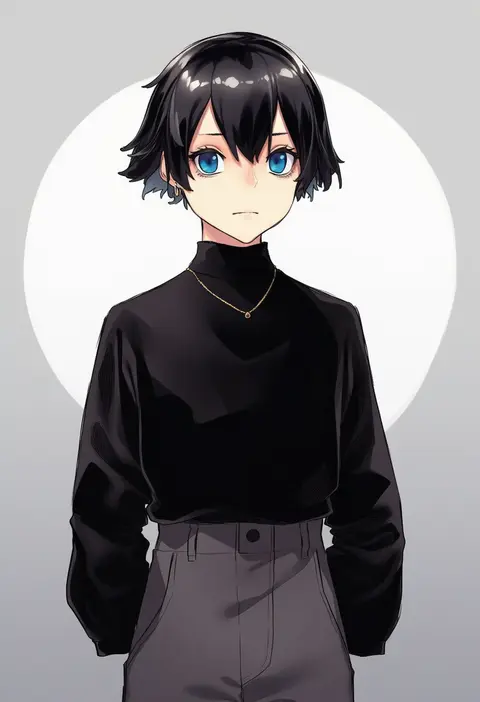
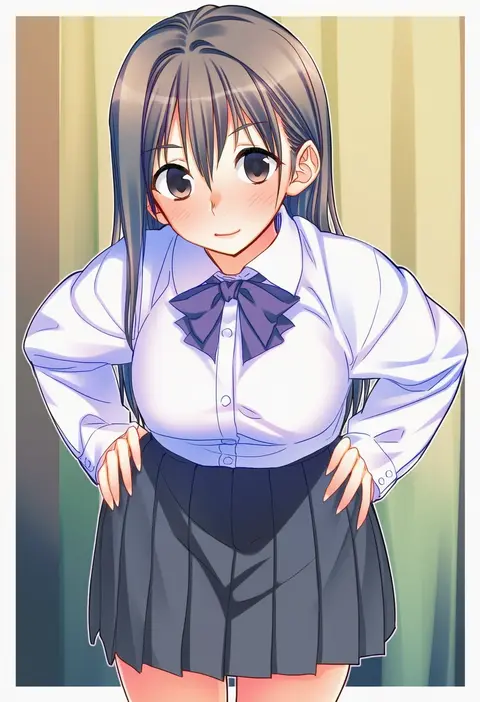
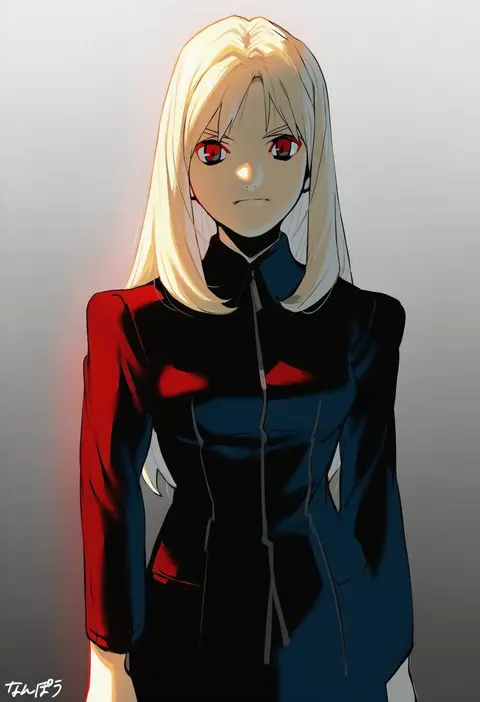
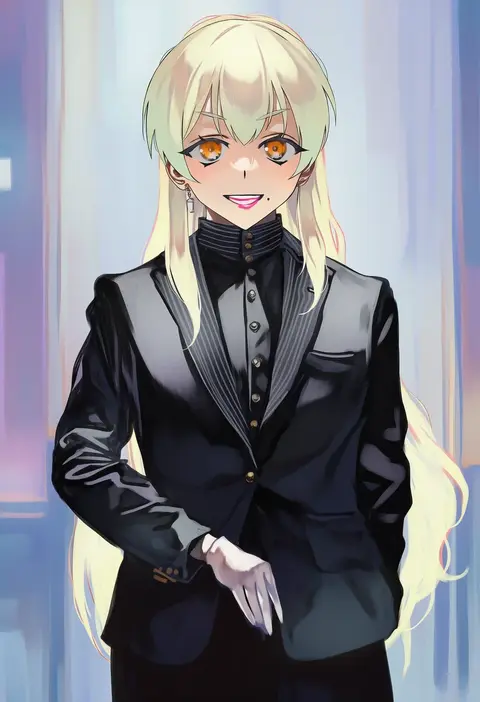
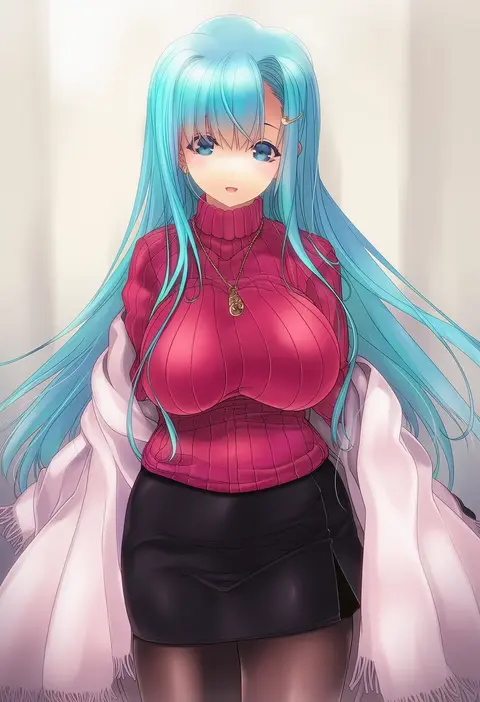
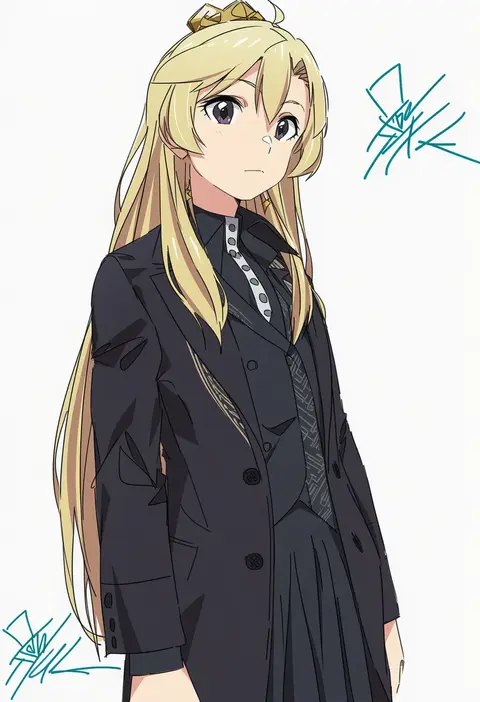
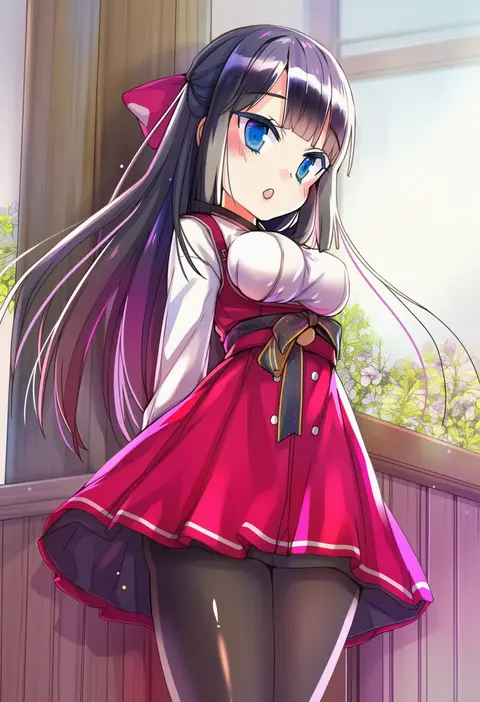
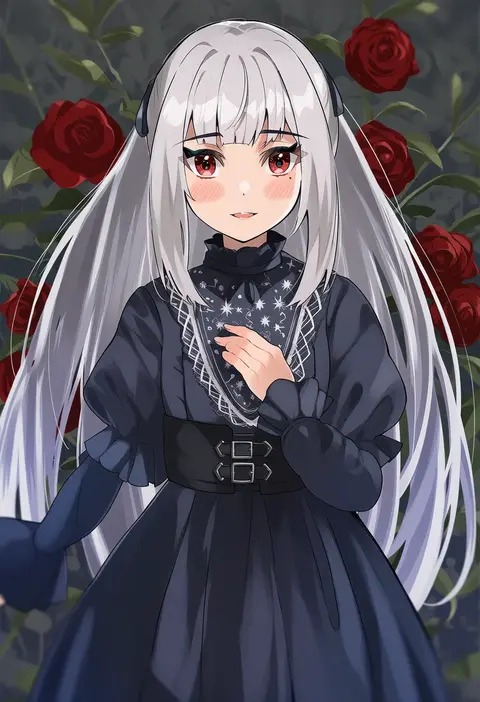
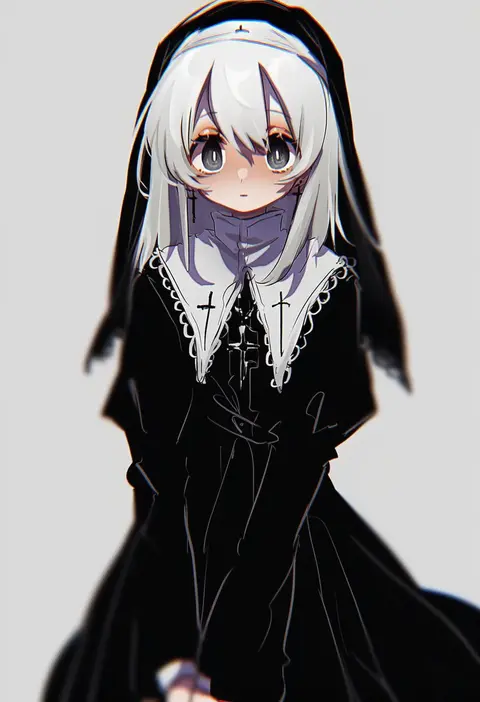
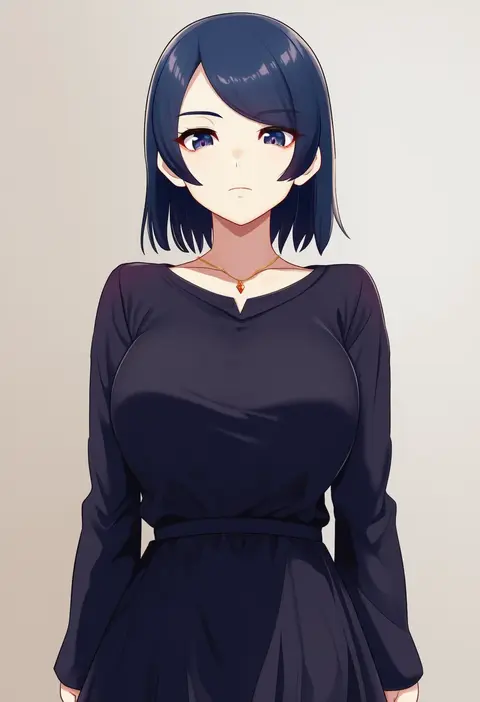
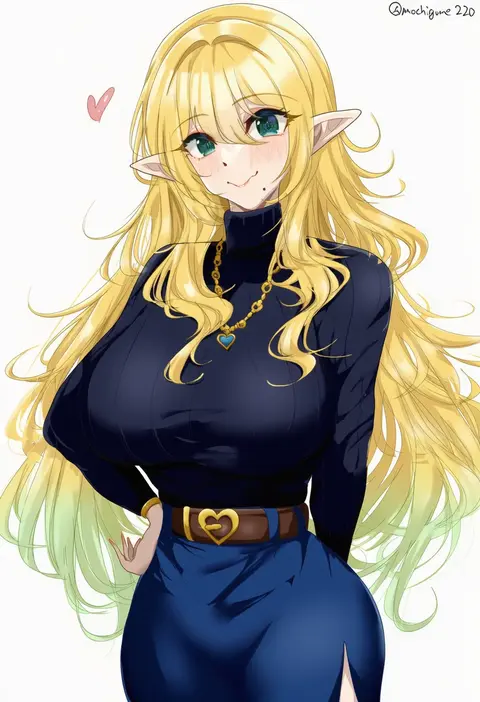
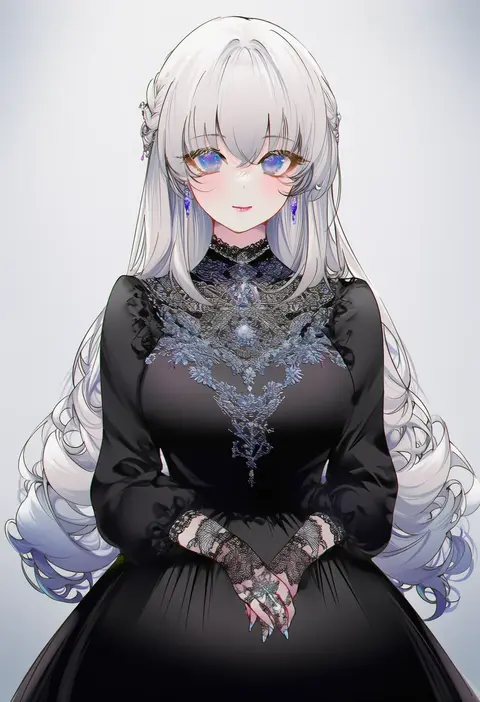
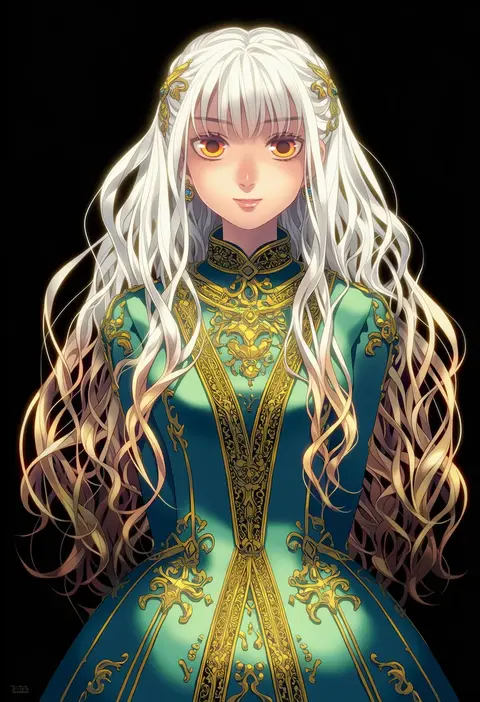
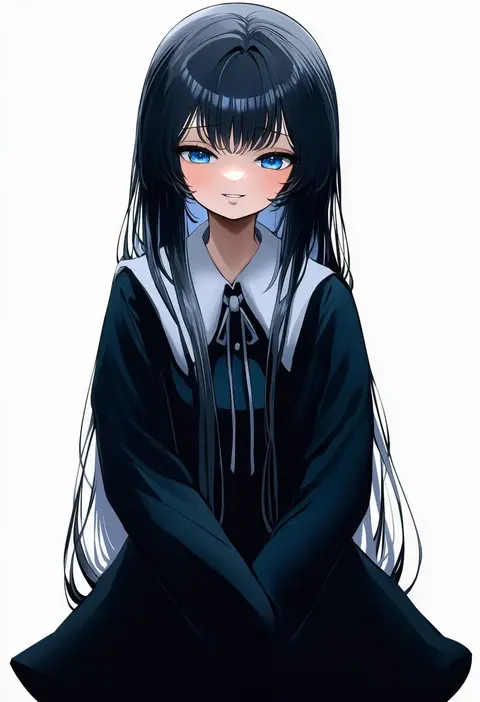
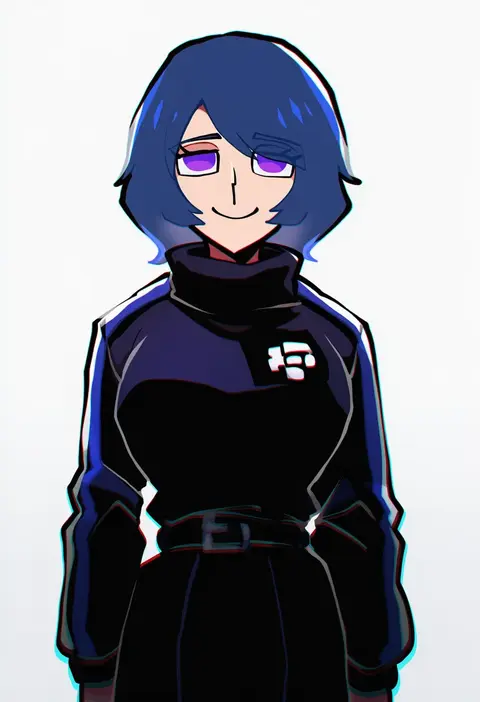
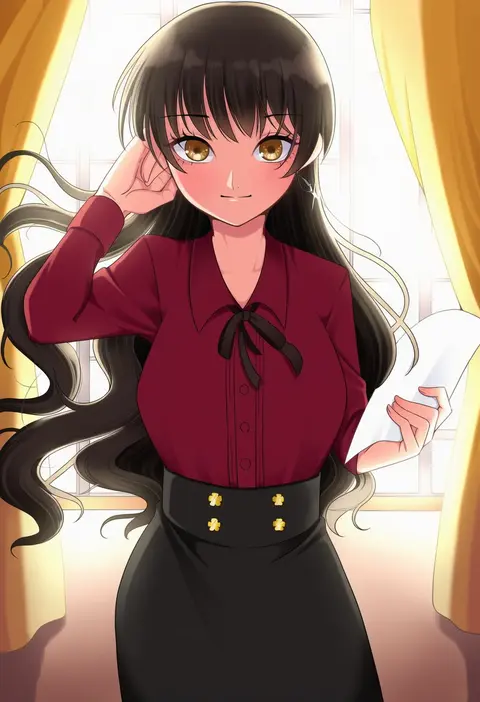
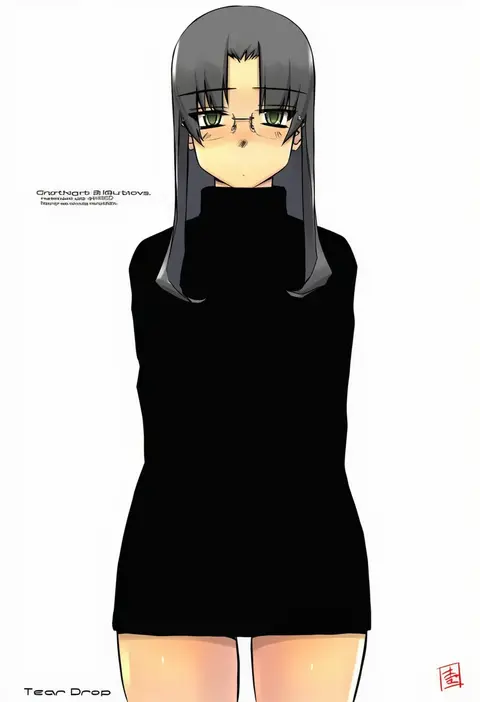
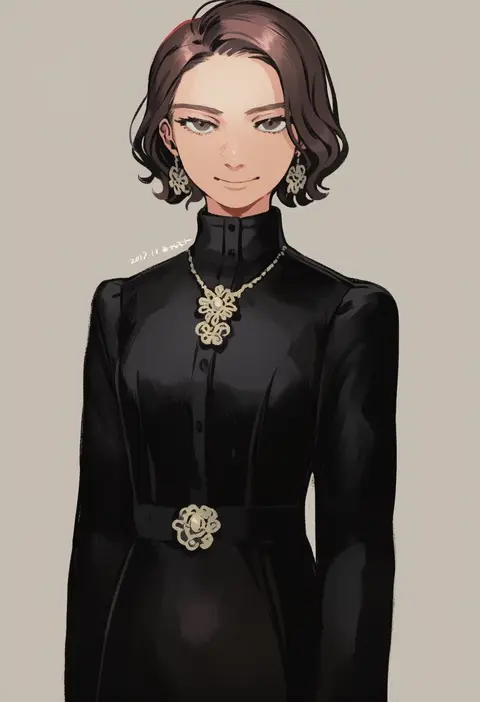
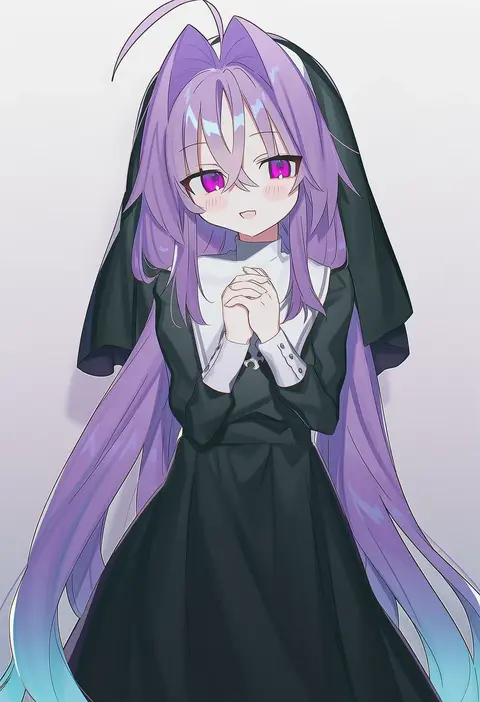
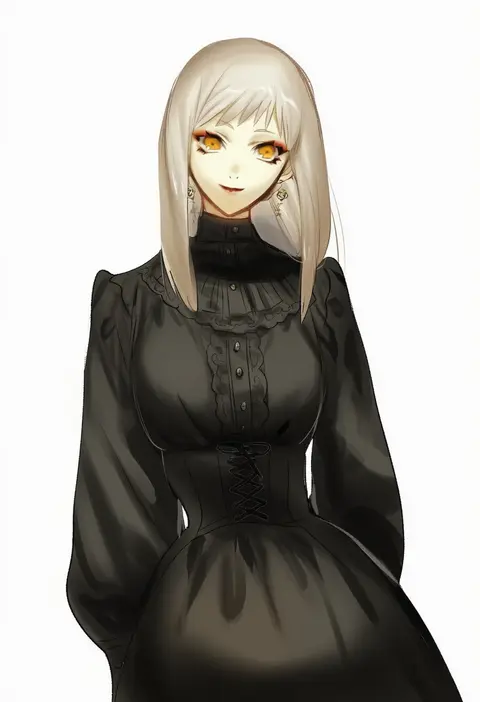
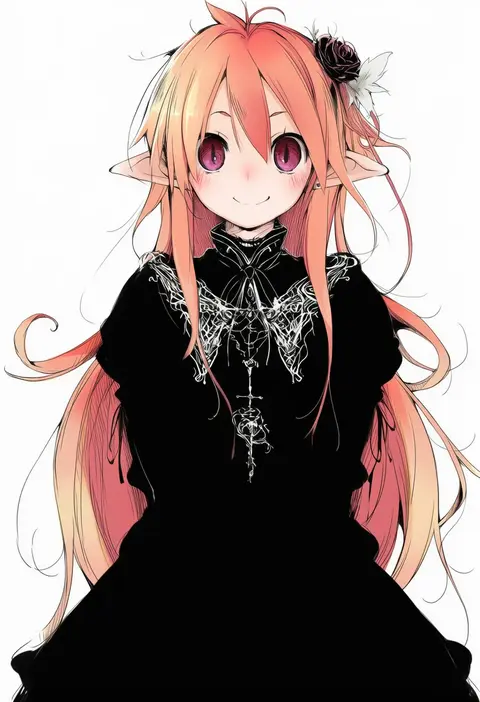
Artist tags tell NovelAI Diffusion to draw in a specific artist's style: line weight, paint texture, face shapes and palette all shift at once. Character and outfit tags decide what is drawn; artist tags decide how. 16,352 tags are listed for V4.5.
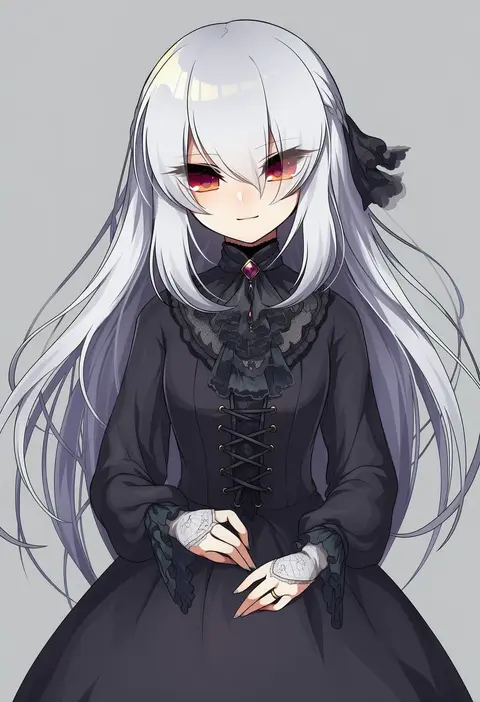
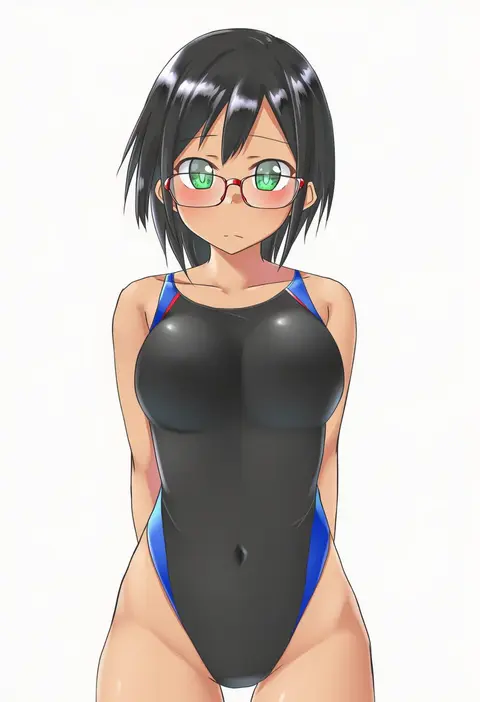
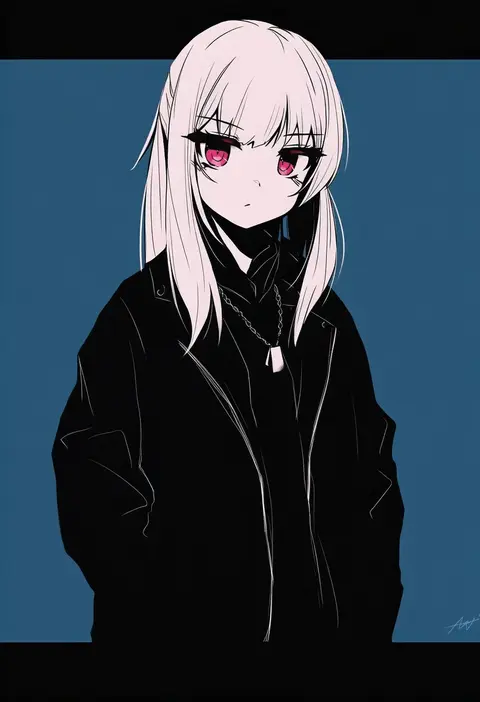
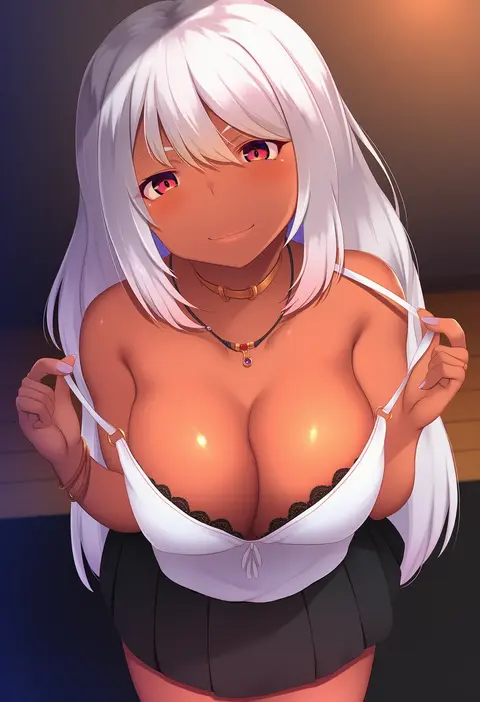
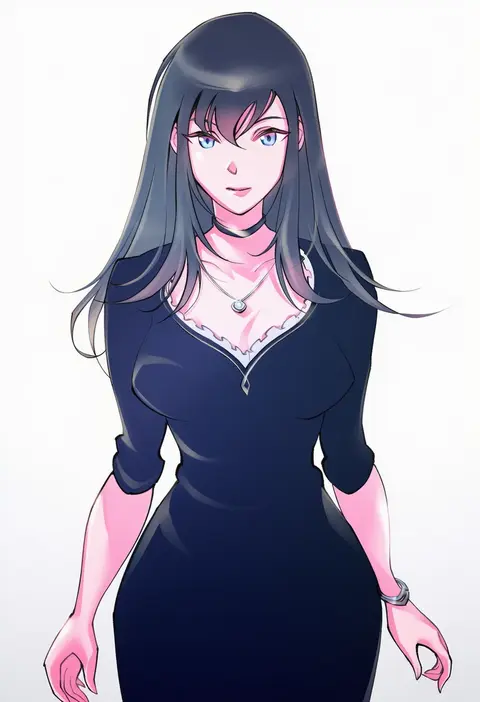
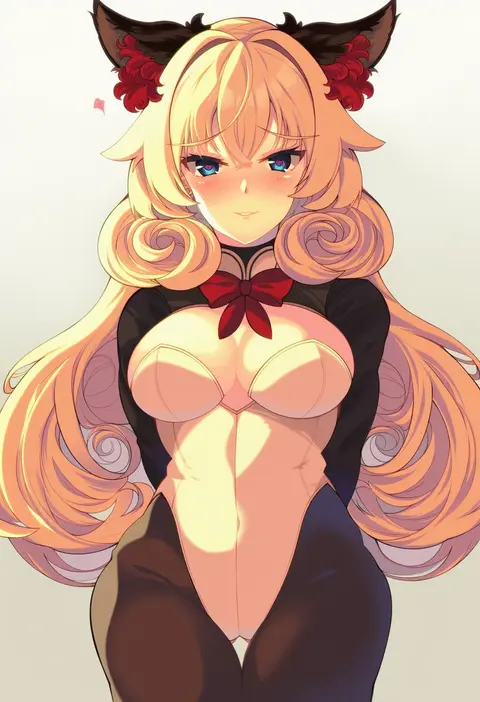
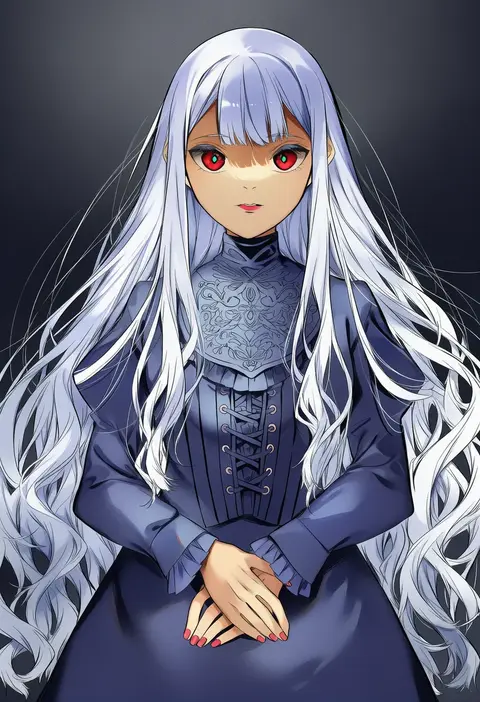
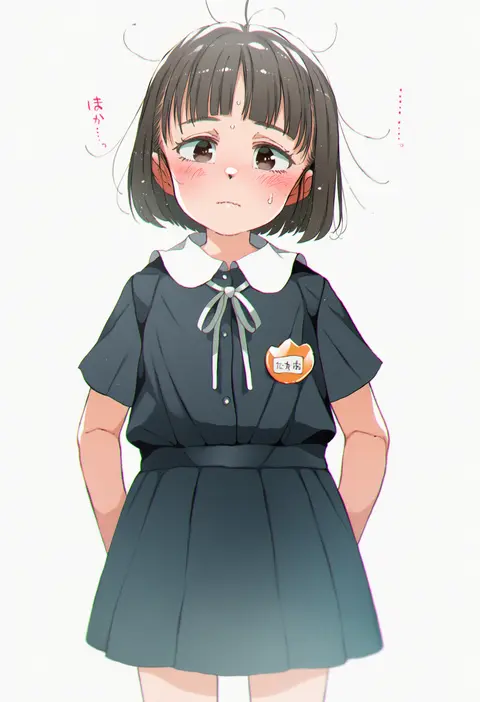
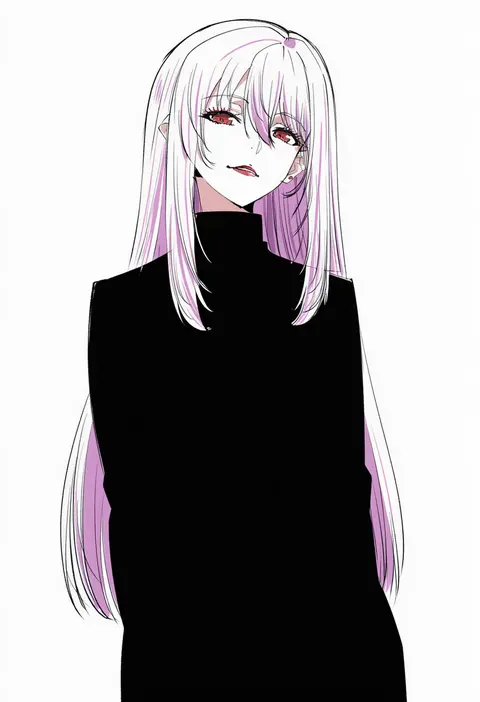
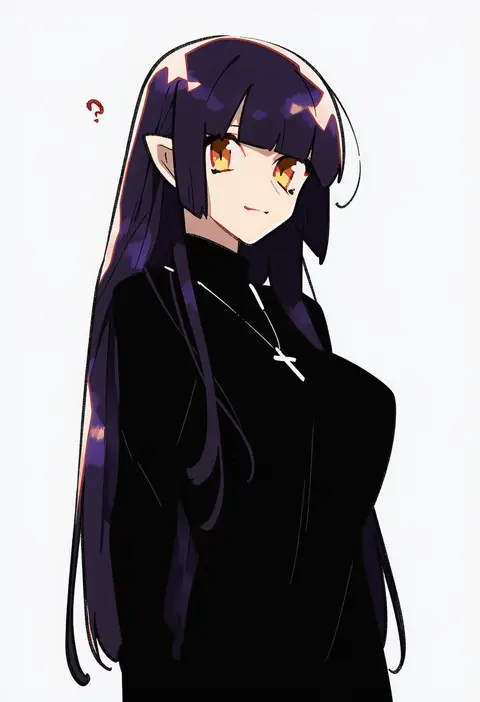
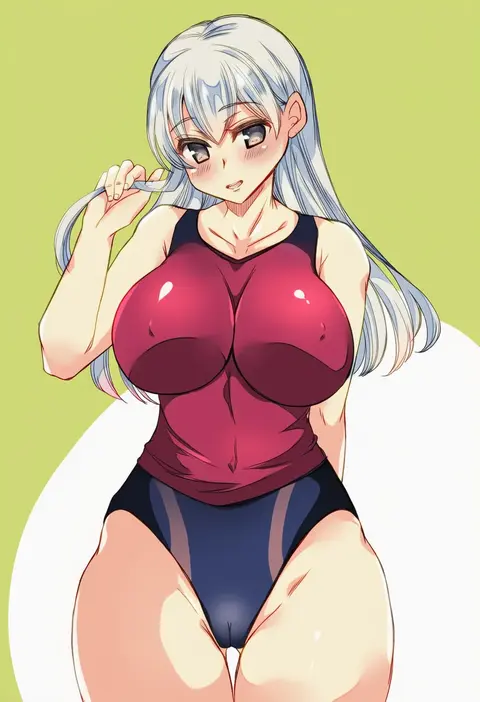
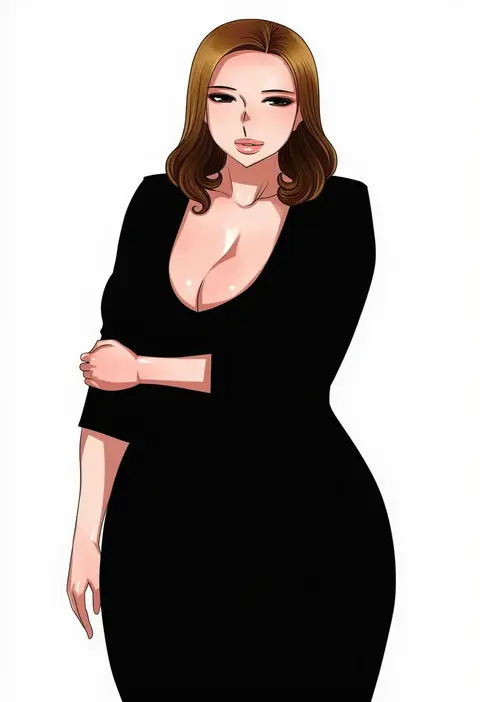
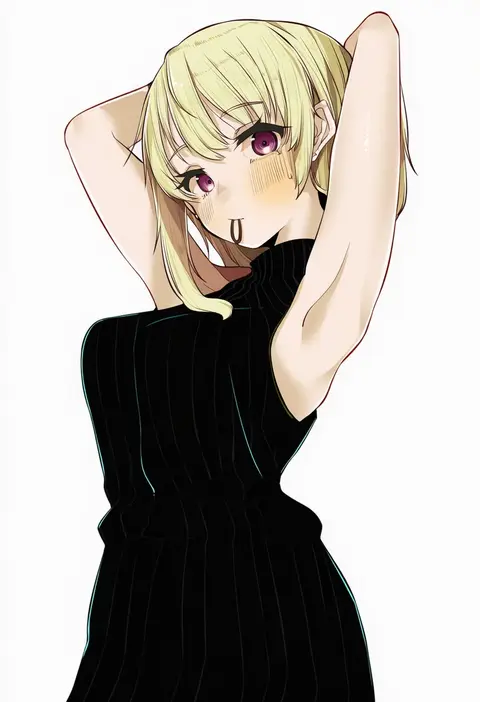
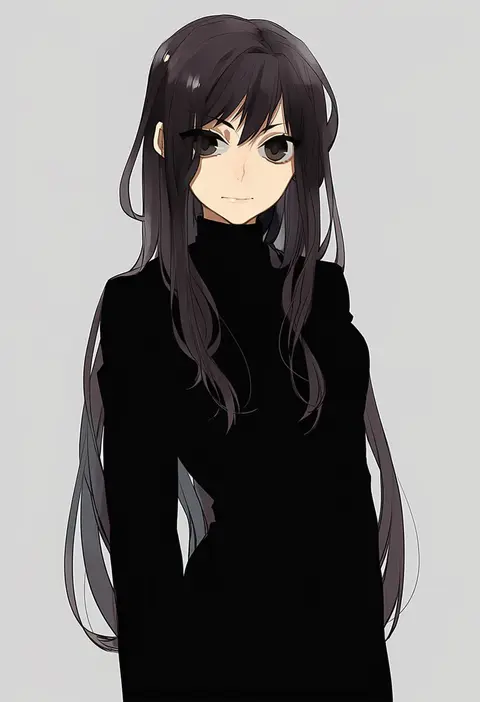
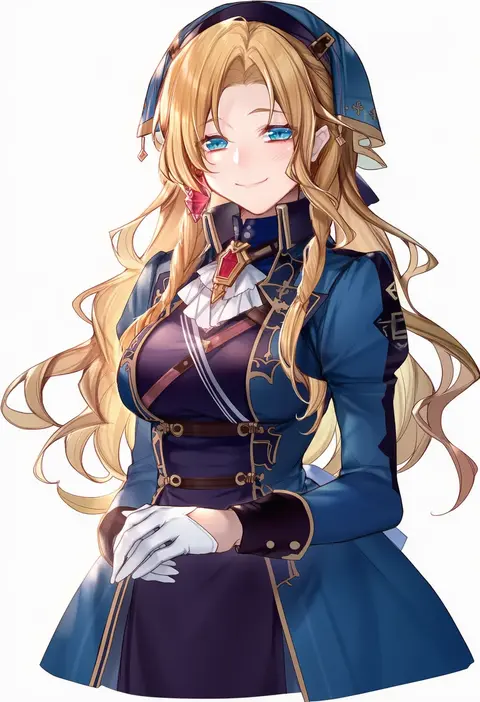
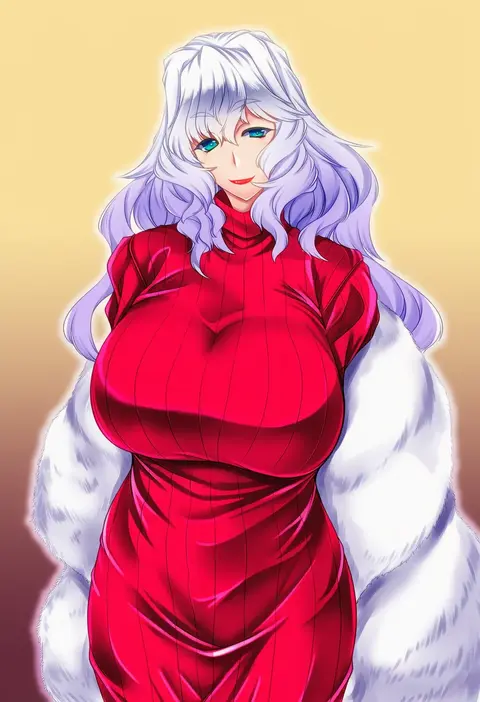
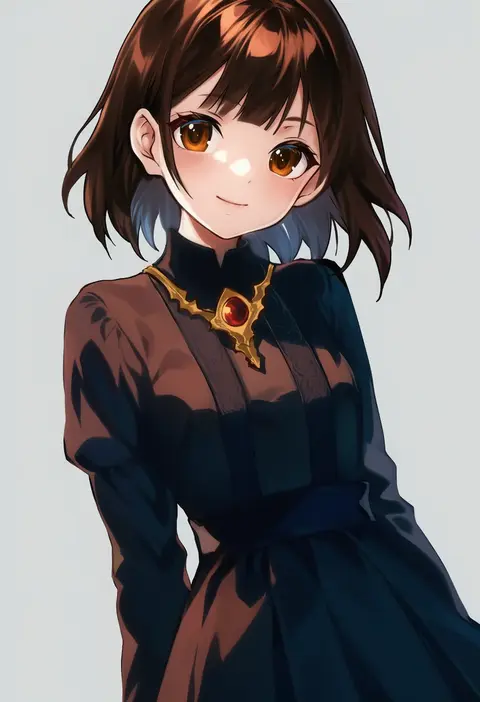
Every tag listed here is verified to react in NovelAI. All images use the same prompt, seed and settings with only the artist tag swapped, so the difference between two images is the style that tag brings in.

How to use them

Put the artist tag near the front of the prompt, e.g. "<artist>, 1girl, solo, best quality, masterpiece, cowboy shot". Two or three artist tags blend styles; lower the weight with "0.8::<artist>::" when the style overpowers the character.

SCORE sorts by Danbooru's top score, POSTS by post count, FAVS by hearts on this site. Open a card to see V5 and V4.5 side by side on the same seed.

V5 vs V4.5

V5 usually lands closer to the artist's real style, and tags that did nothing on V4.5 often react on V5. V4.5 still fits older and doujin-heavy artists better. Try V5 first, fall back to V4.5.

FAQ

Where does the artist tag go?
Near the front of the prompt. Use "0.8::tag::" to adjust its weight.

Can I stack artist tags?
Yes, styles blend. Past two or three the result stops looking like anyone.

Are these the artists' own works?
No. Every image is a NovelAI sample generated from the tag.