V4.5Artists
sort: FAVS▾
▾
>
$

NovelAI Artist Tags List — V4.5

artist --count 16,352[176/273]
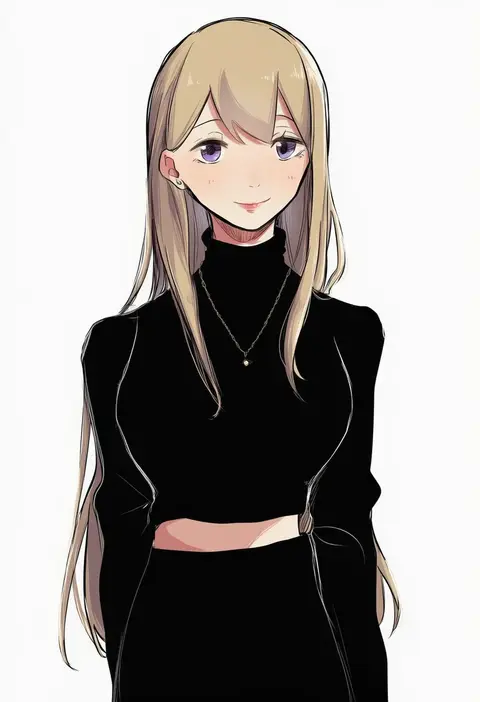
hiyo (2016.10)
ARTIST0x2904
0
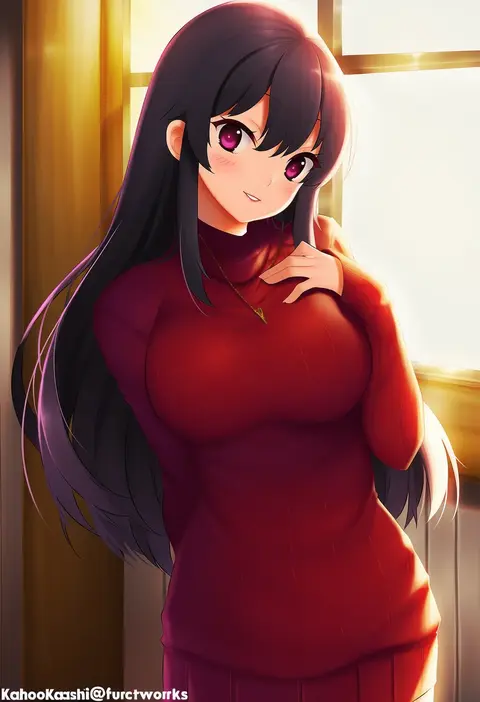
kaho okashii
ARTIST0x2905
0
hinamatsuri touko
ARTIST0x2906
0
riseno
ARTIST0x2907
0
chimachi
ARTIST0x2908
0
necono (nyu6poko)
ARTIST0x2909
0
hanetsuka
ARTIST0x290A
0
tougarashi hideyu
ARTIST0x290B
0
tamago sando
ARTIST0x290C
0
takanae kyourin
ARTIST0x290D
0
tautiki
ARTIST0x290E
0
doria (p f dolia)
ARTIST0x290F
0
namekuji (namekuzu)
ARTIST0x2910
0
teisuu
ARTIST0x2911
0
hasebe akira
ARTIST0x2912
0
claireiosity
ARTIST0x2913
0
aa2233a
ARTIST0x2914
0
hourai ninjin
ARTIST0x2915
0
masso
ARTIST0x2916
0
yumi xsh
ARTIST0x2917
0
pizza man
ARTIST0x2918
0
ace rocket
ARTIST0x2919
0
lengchan (fu626878068)
ARTIST0x291A
0
nirako mona
ARTIST0x291B
0
moai (aoh)
ARTIST0x291C
0
kt. (kaisou-notagui)
ARTIST0x291D
0
tachibana wataru (123tsuki)
ARTIST0x291E
0
kemachiku
ARTIST0x291F
0
saiste
ARTIST0x2920
0
ayakashi (monkeypanch)
ARTIST0x2921
0
47agdragon
ARTIST0x2922
0
mizushima (p201112)
ARTIST0x2923
0
kuune rin
ARTIST0x2924
0
mizuki kotora
ARTIST0x2925
0
nibiiro shizuka
ARTIST0x2926
0
isa (peien516)
ARTIST0x2927
0
kazami karasu
ARTIST0x2928
0
araki495
ARTIST0x2929
0
tripdancer
ARTIST0x292A
0
uro (urotanc)
ARTIST0x292B
0
konkito
ARTIST0x292C
0
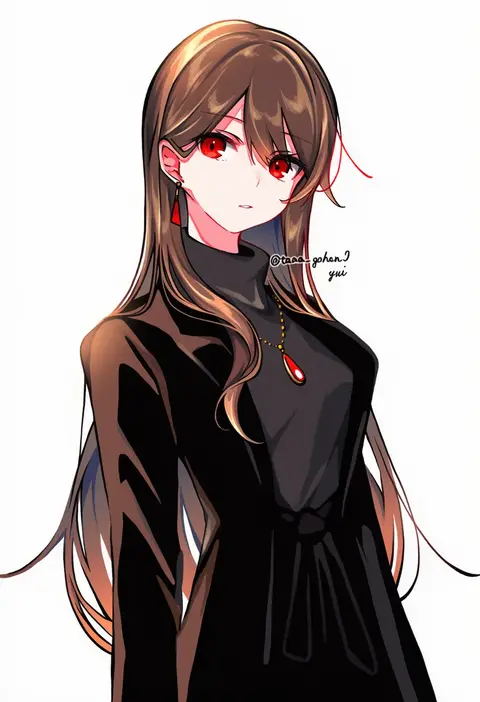
yui (tamagohan)
ARTIST0x292D
0
pomodorosa
ARTIST0x292E
0
kamo (kamonabe 44)
ARTIST0x292F
0
ogino (oginogino)
ARTIST0x2930
0
azuki (azuki-taste)
ARTIST0x2931
0
miko fly
ARTIST0x2932
0
yabe makoto
ARTIST0x2933
0
rain lan
ARTIST0x2934
0
bosstseng
ARTIST0x2935
0
suzumi (fallxalice)
ARTIST0x2936
0
ebanoniwa
ARTIST0x2937
0
orchid (orukido)
ARTIST0x2938
0
con potata
ARTIST0x2939
0
yopan danshaku
ARTIST0x293A
0
rio (rio773)
ARTIST0x293B
0
kokutan kitsunen
ARTIST0x293C
0
arlcn (arlcn 1115)
ARTIST0x293D
0
jeto (jetopyon)
ARTIST0x293E
0
kakuchoshi
ARTIST0x293F
0

What these tags change

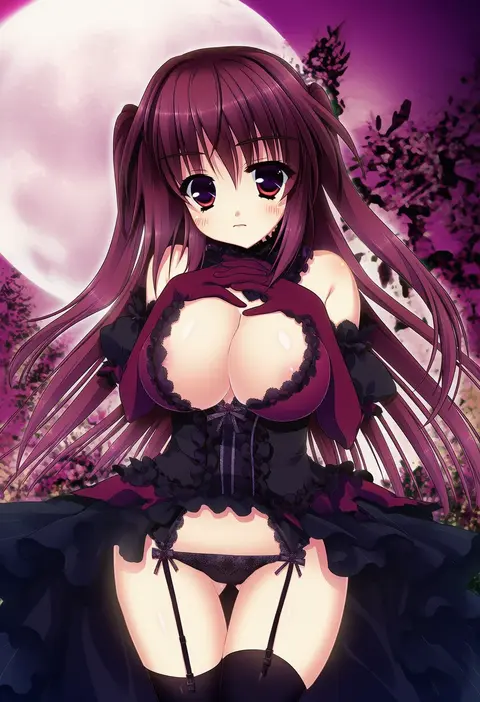
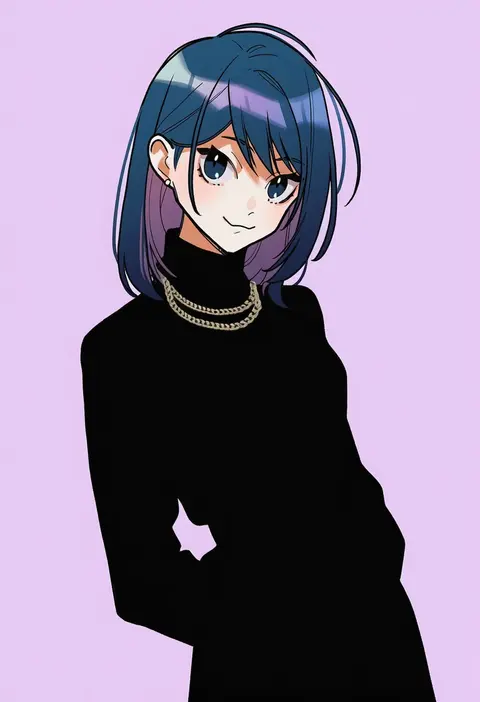
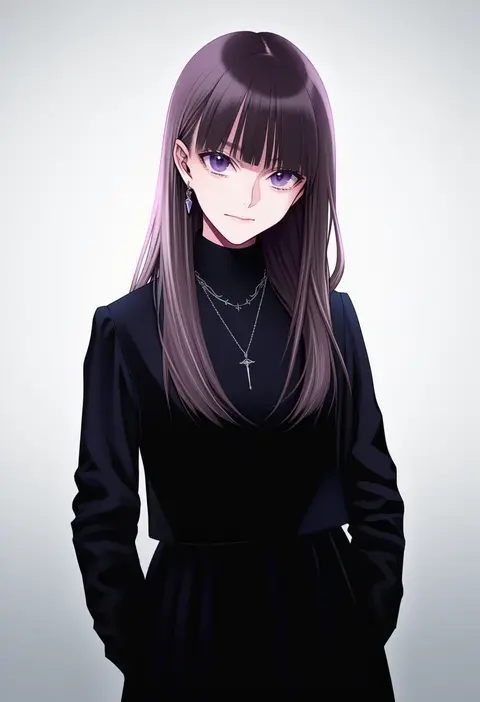
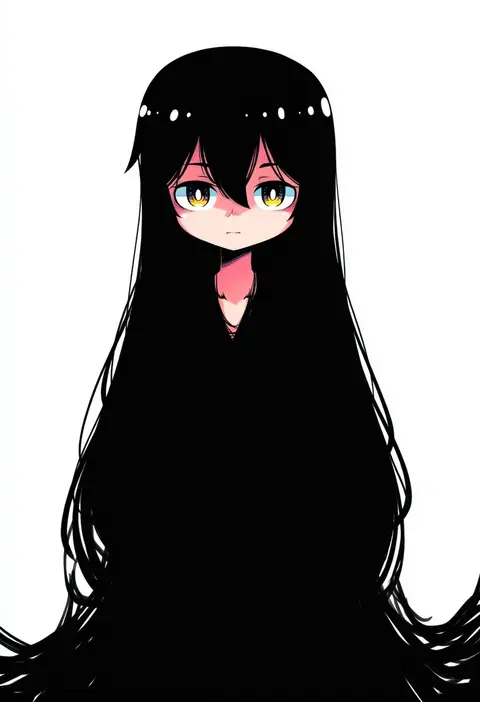
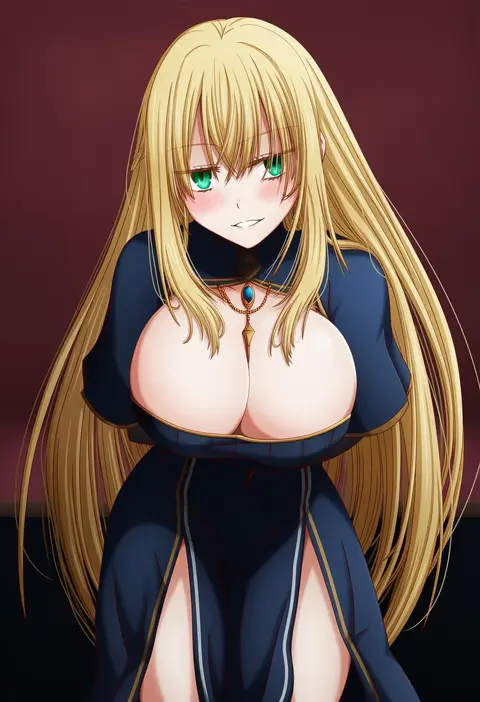
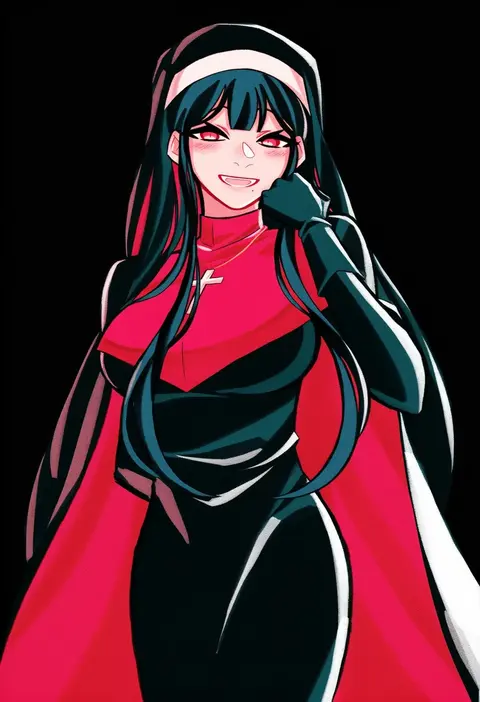
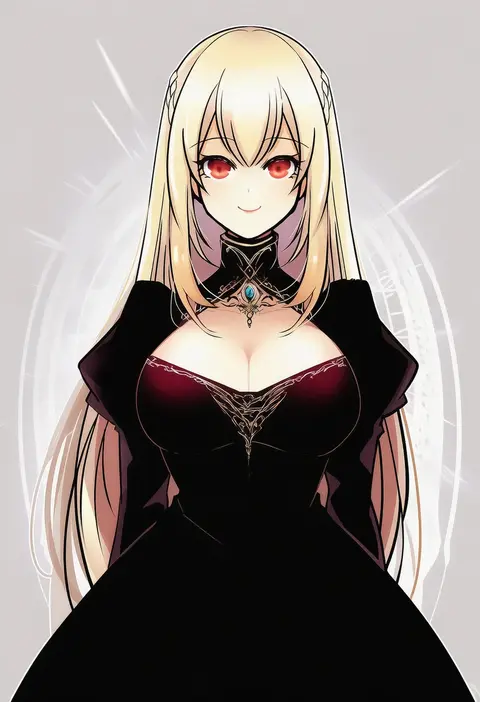
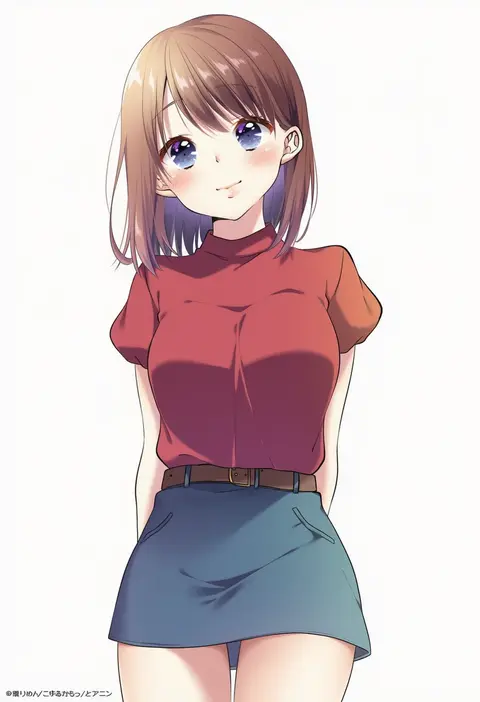
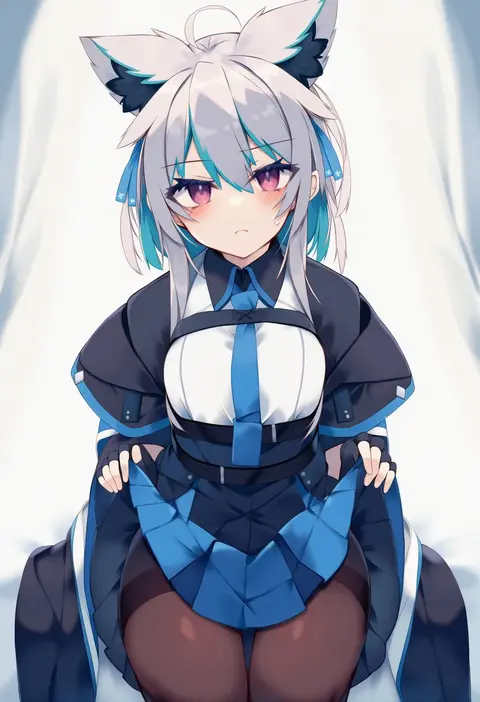
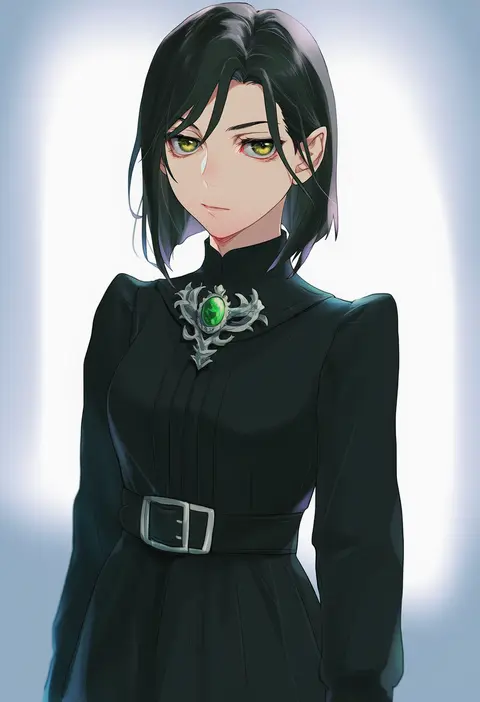
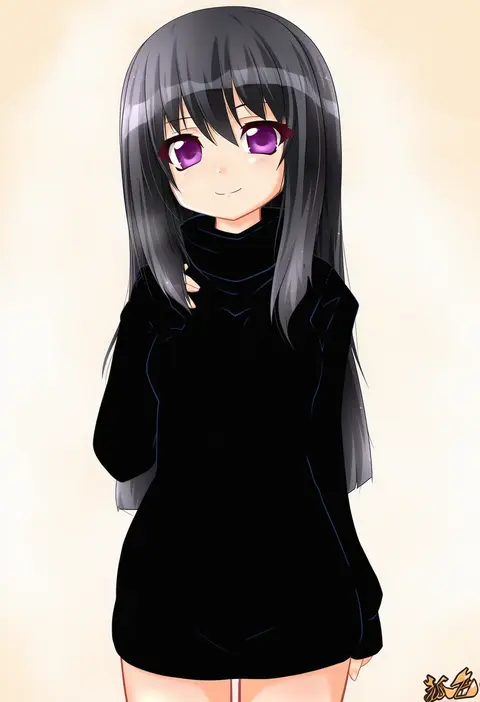
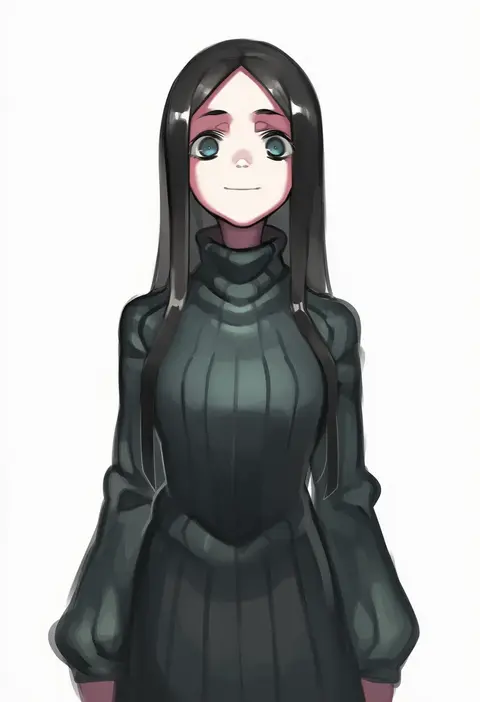
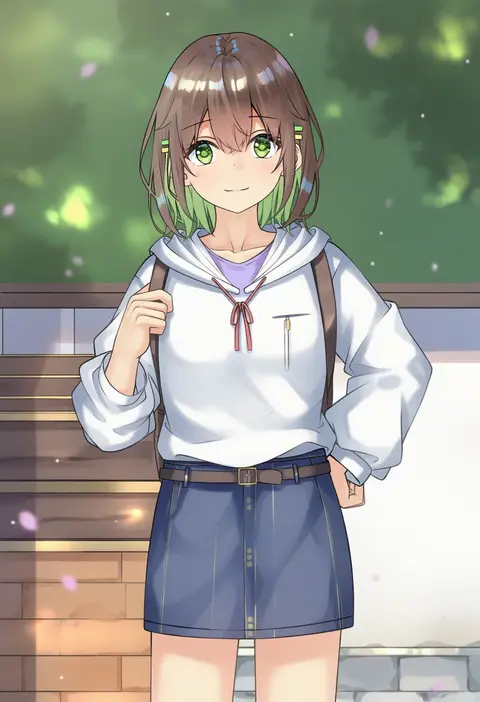
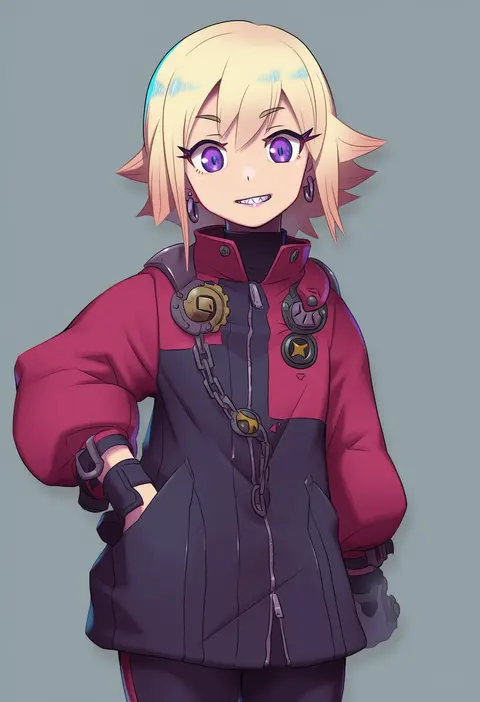
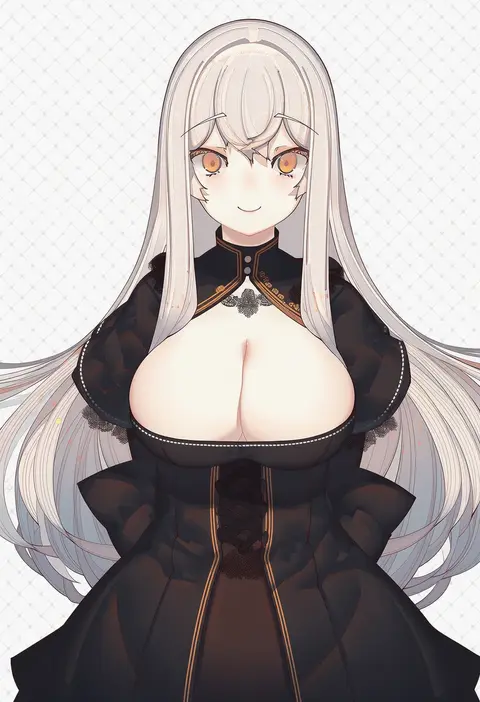
Artist tags tell NovelAI Diffusion to draw in a specific artist's style: line weight, paint texture, face shapes and palette all shift at once. Character and outfit tags decide what is drawn; artist tags decide how. 16,352 tags are listed for V4.5.
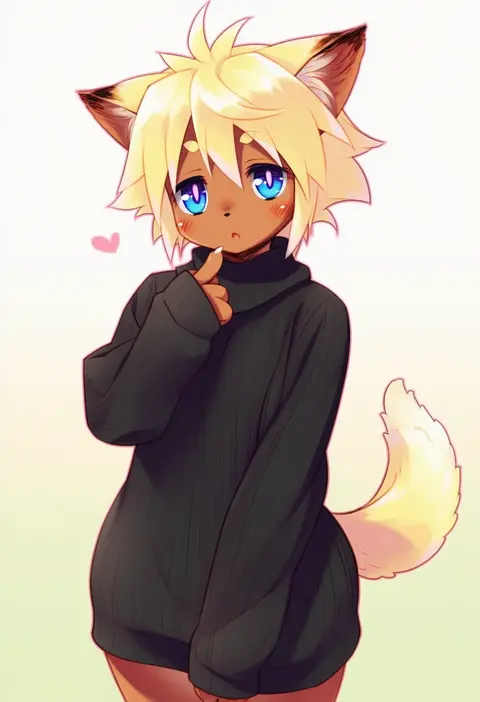
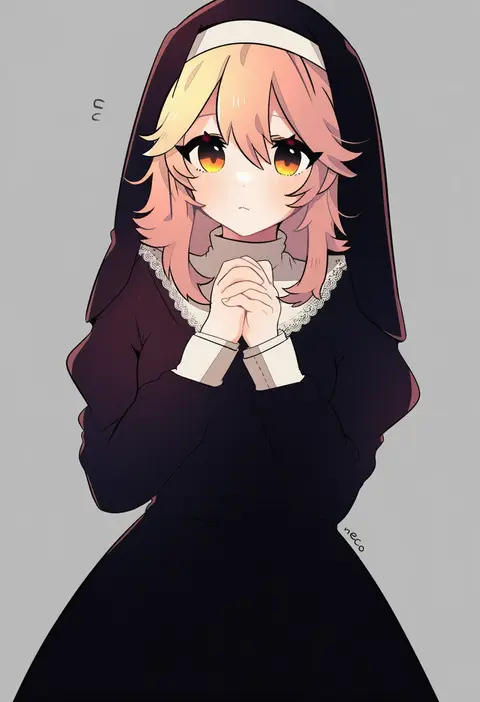
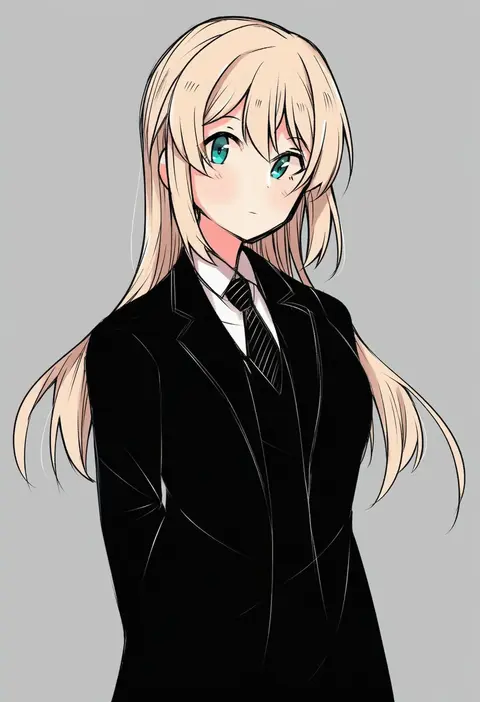
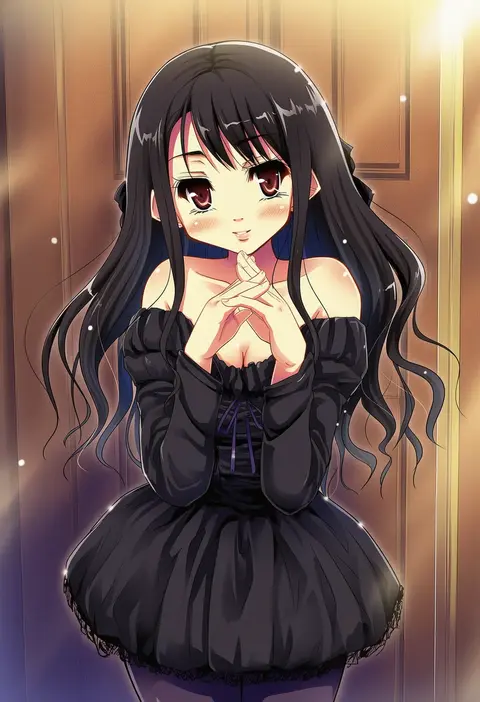
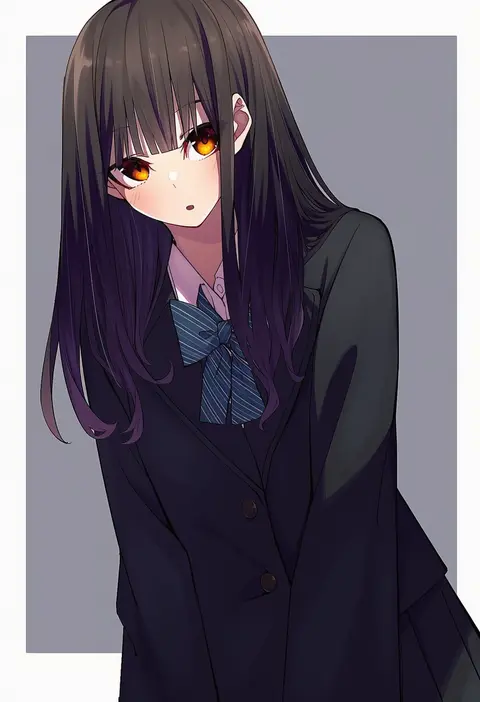
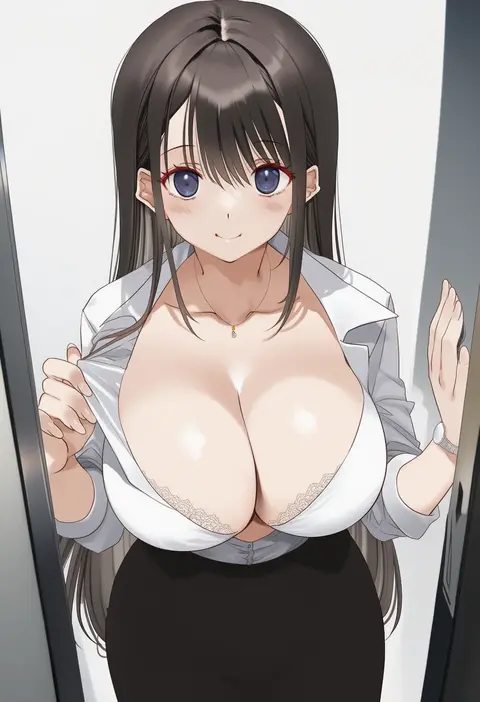
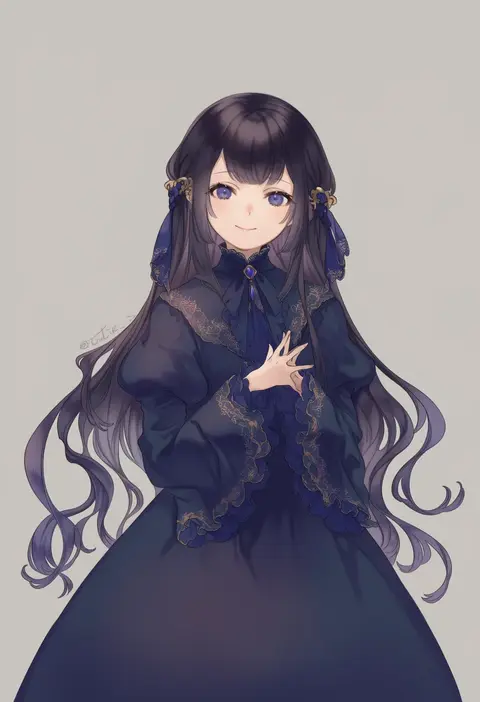
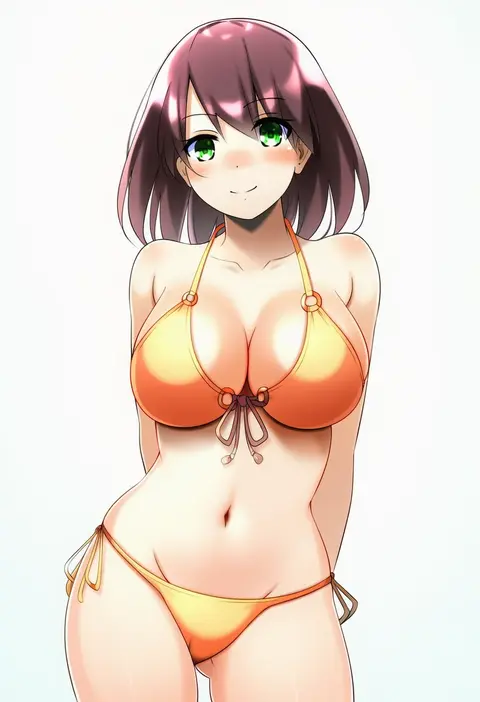
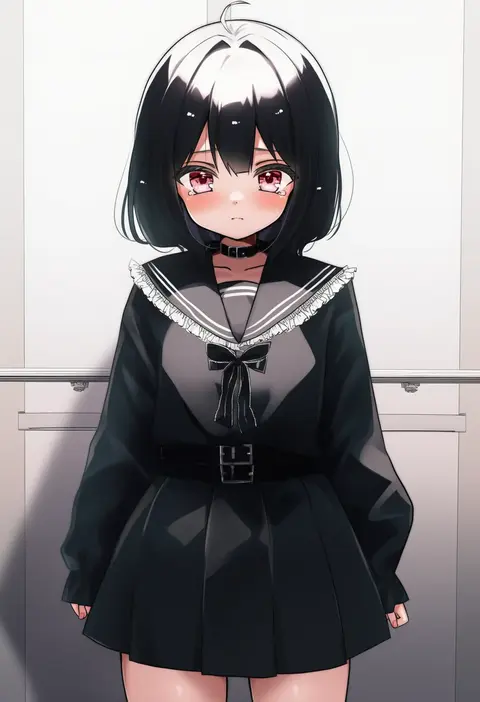
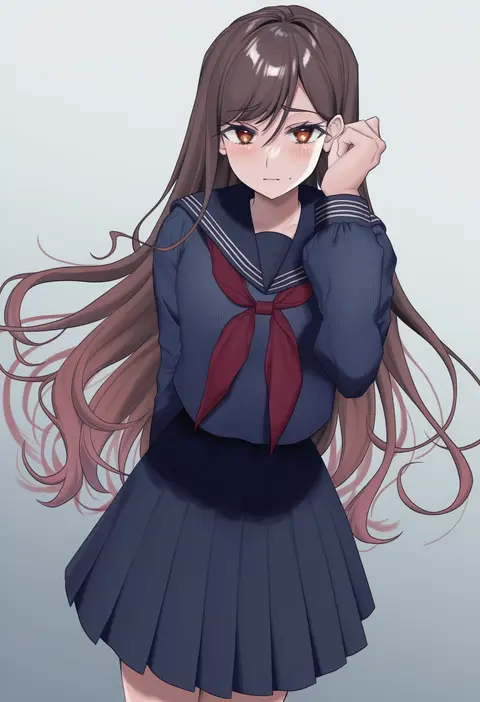
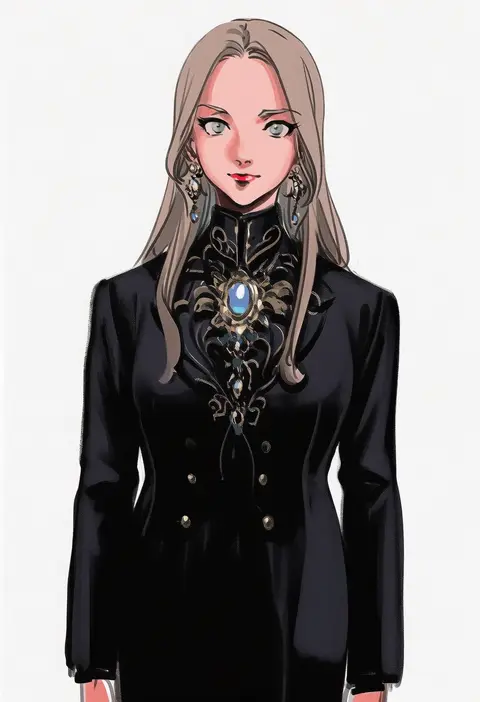
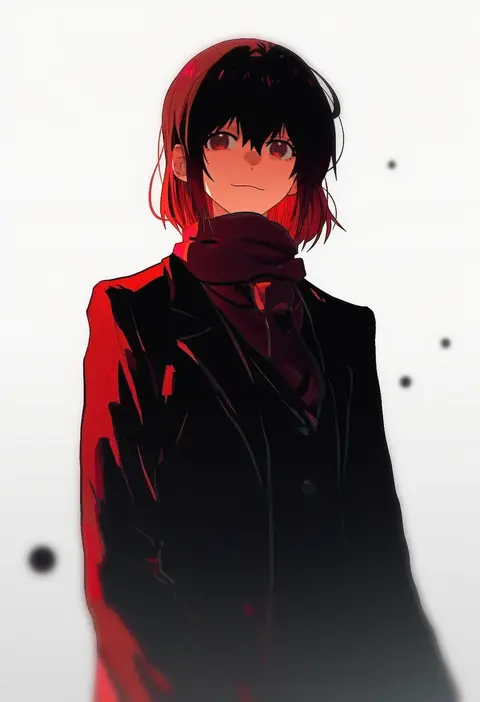
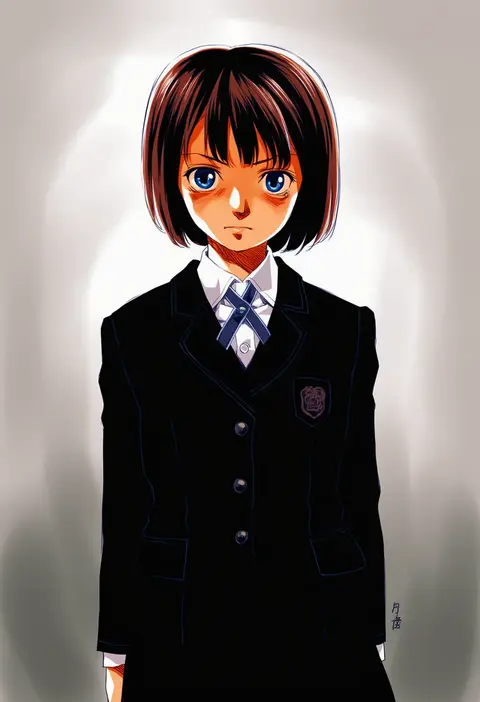
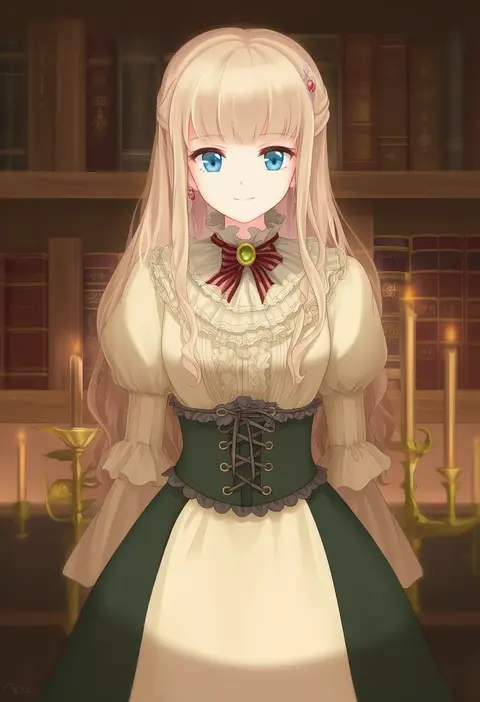
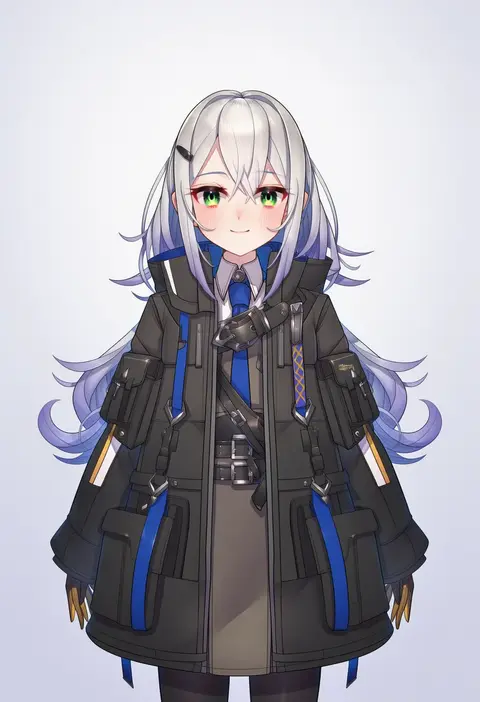
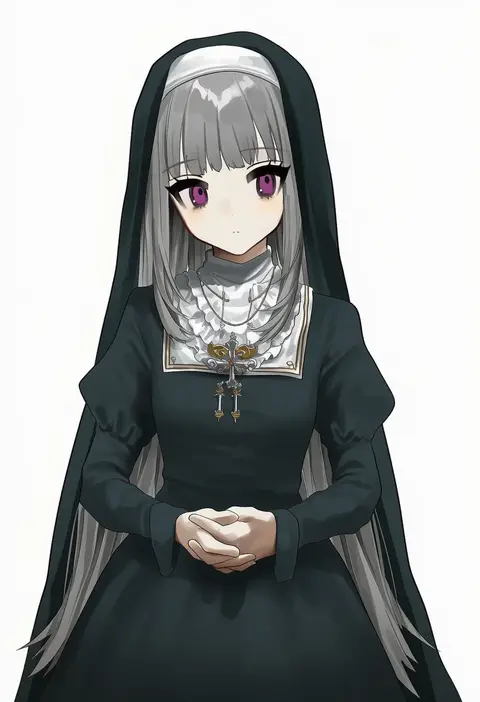
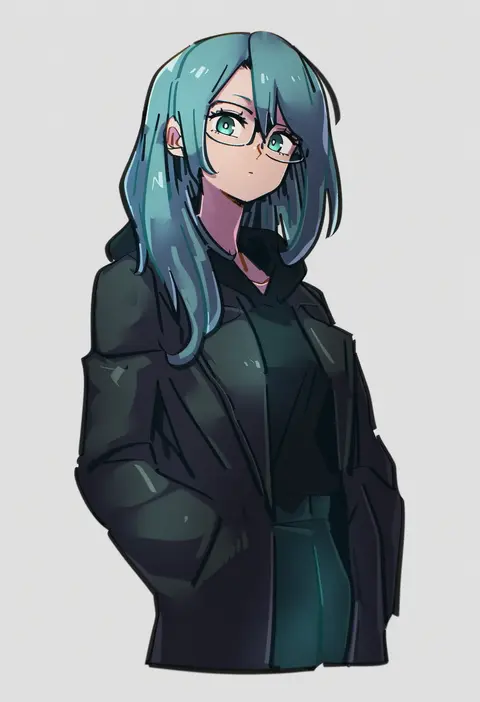
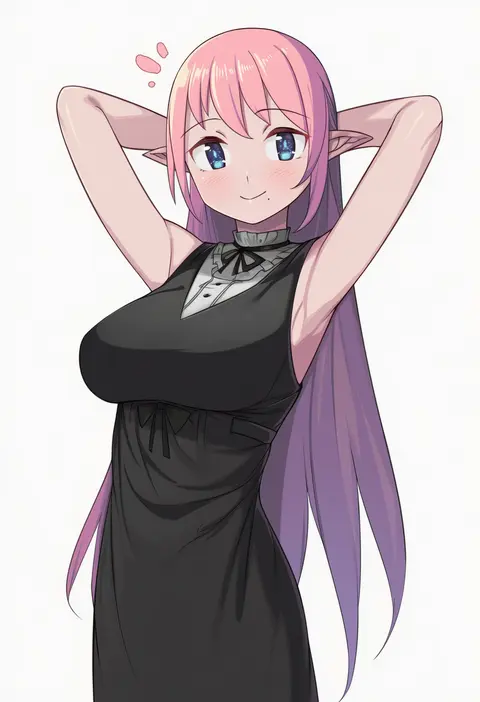
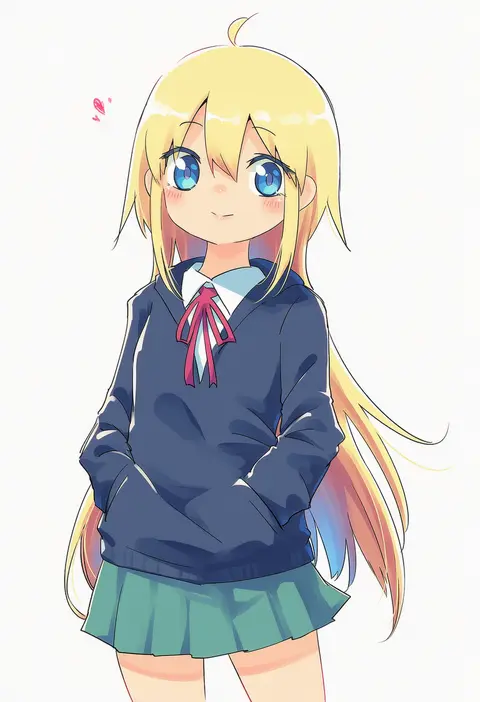
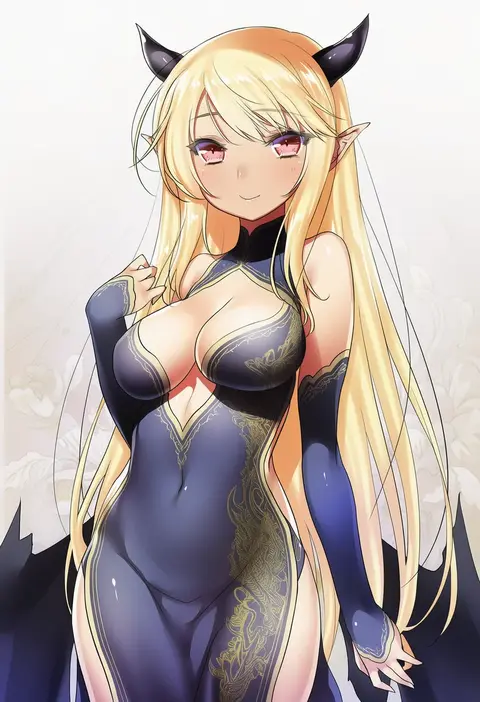
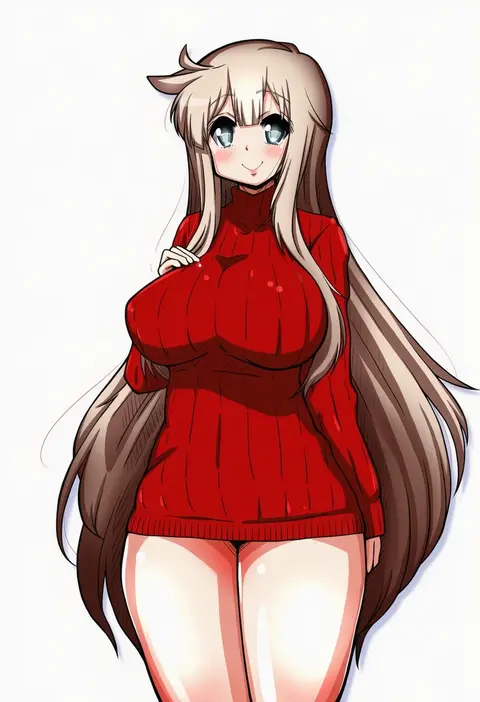
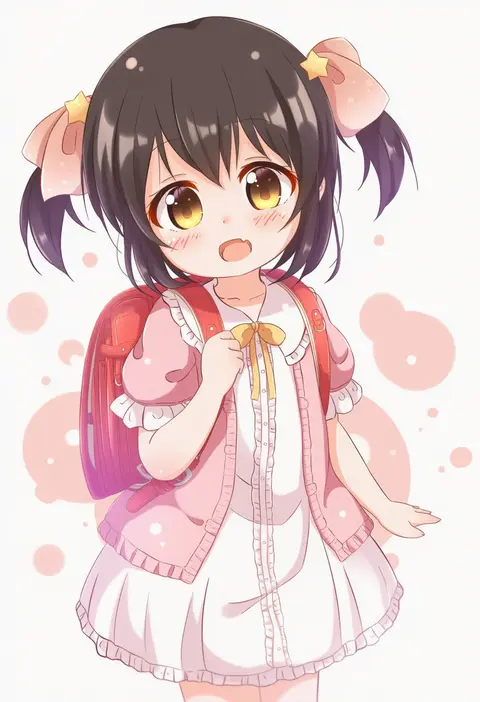
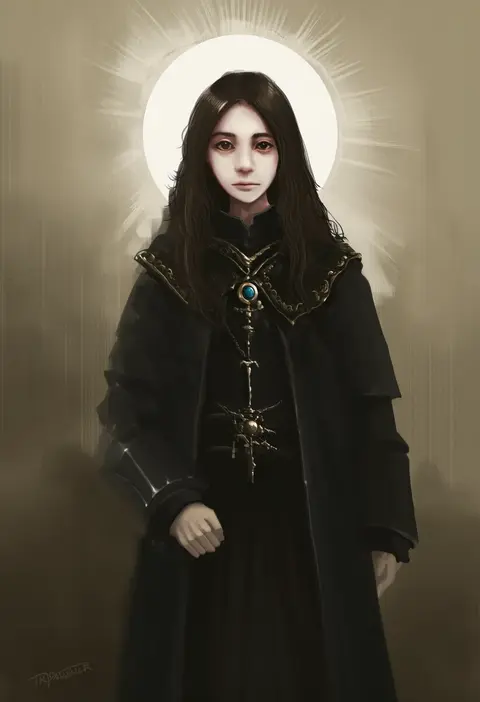
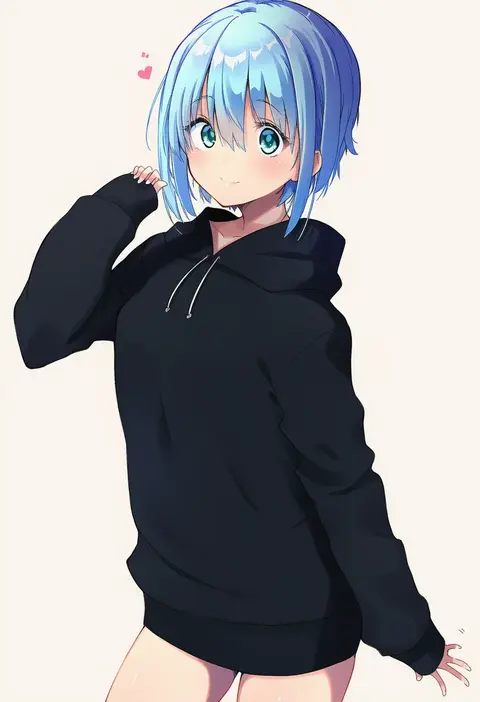
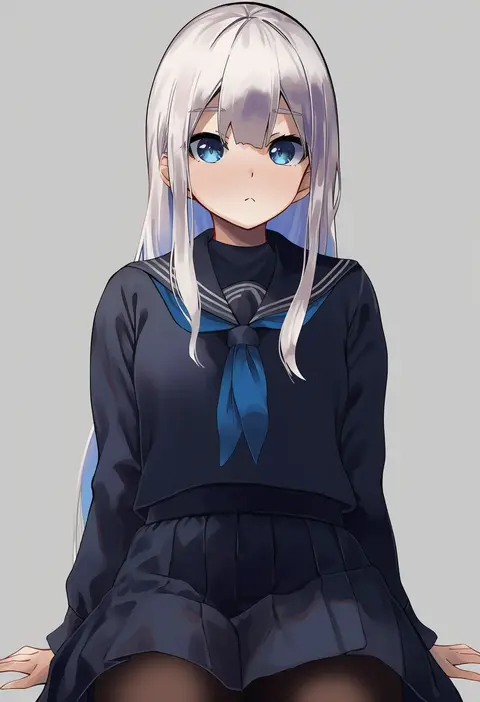
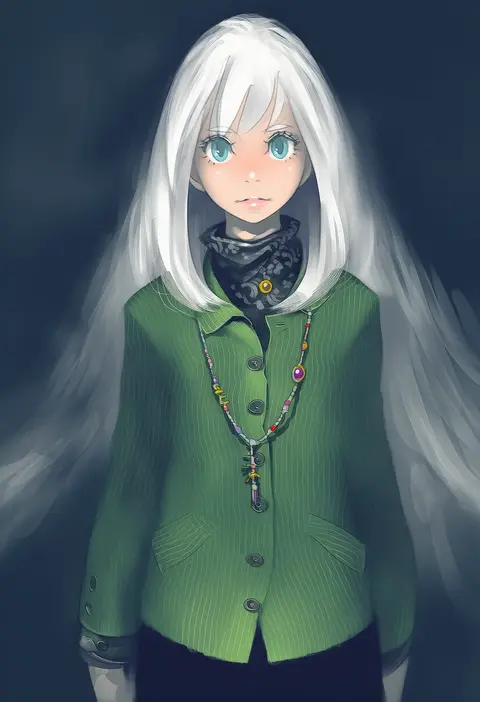
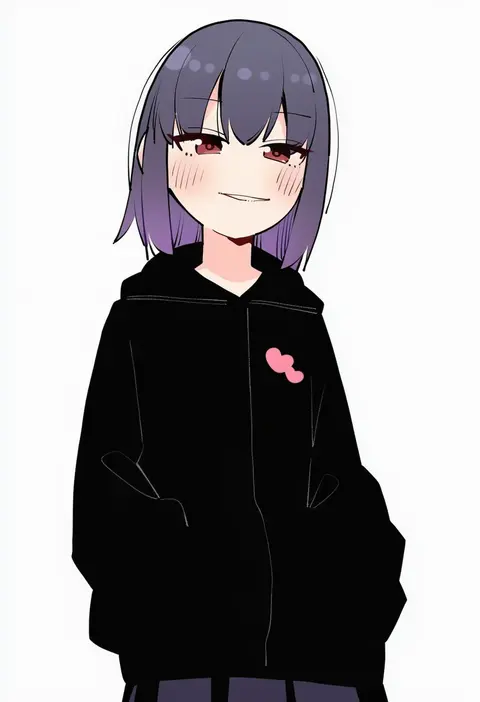
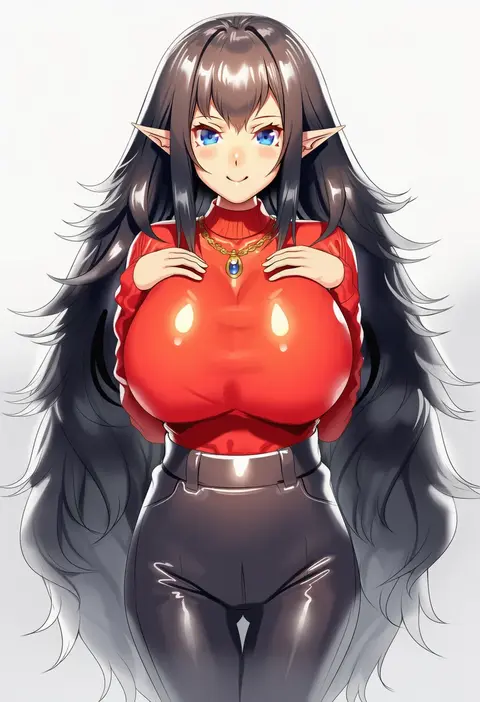
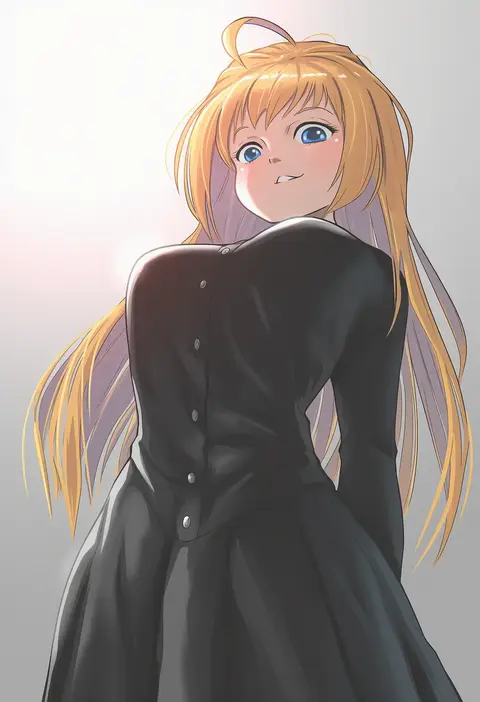
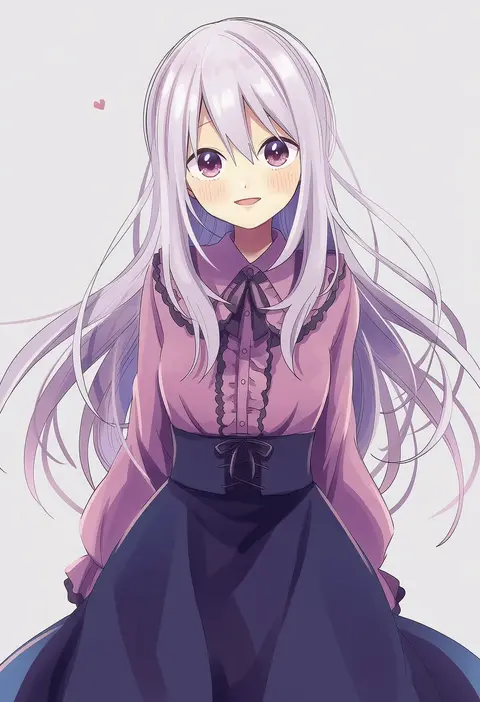
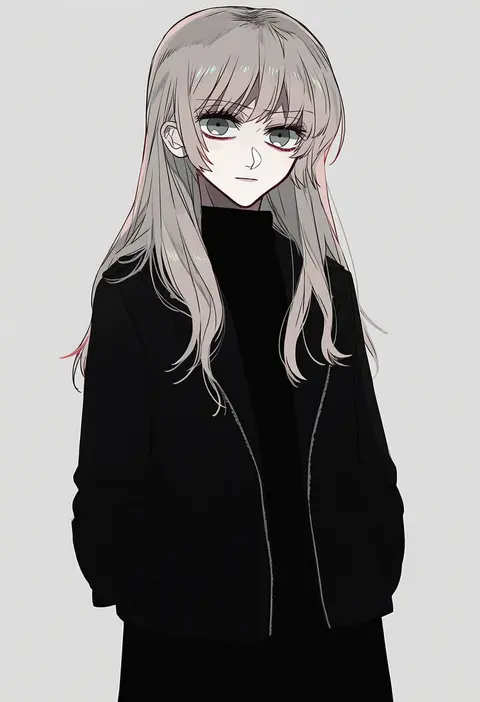
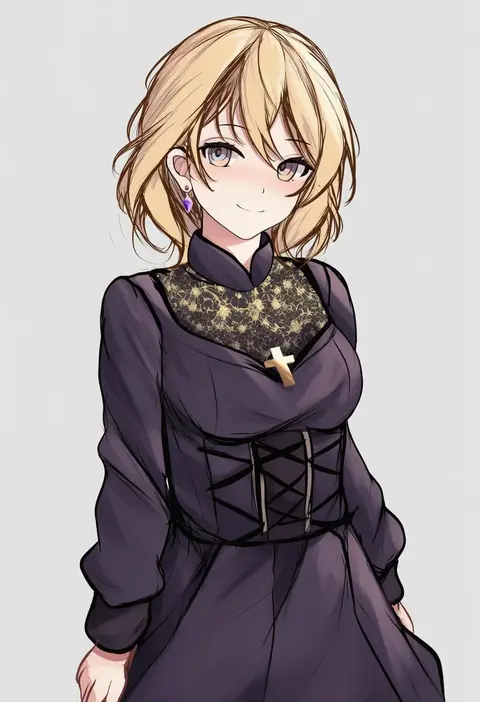
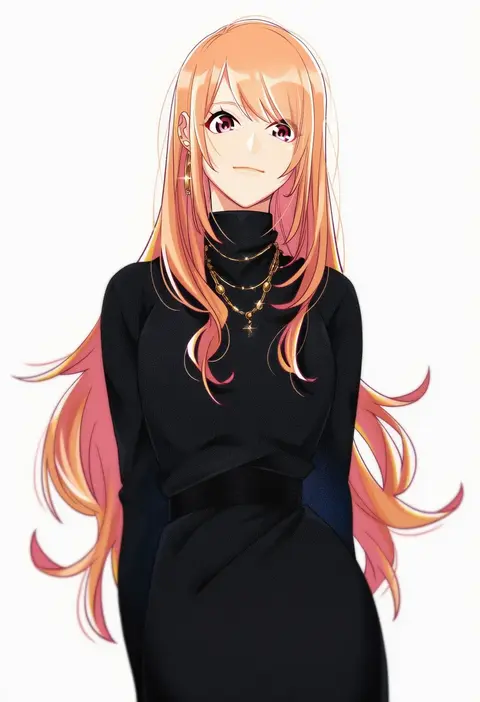
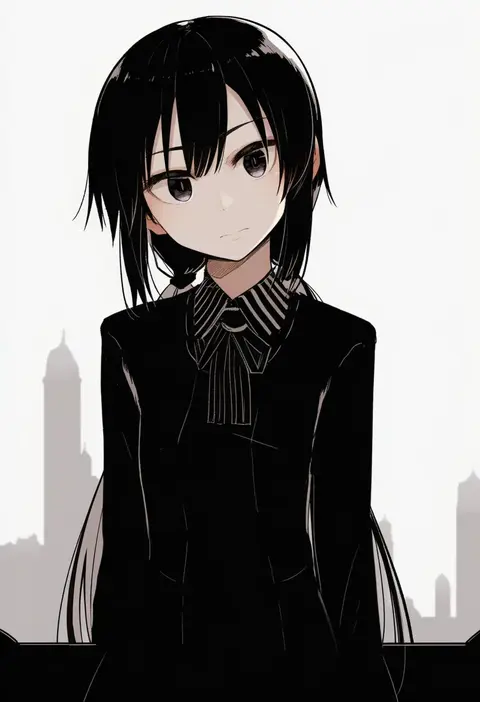
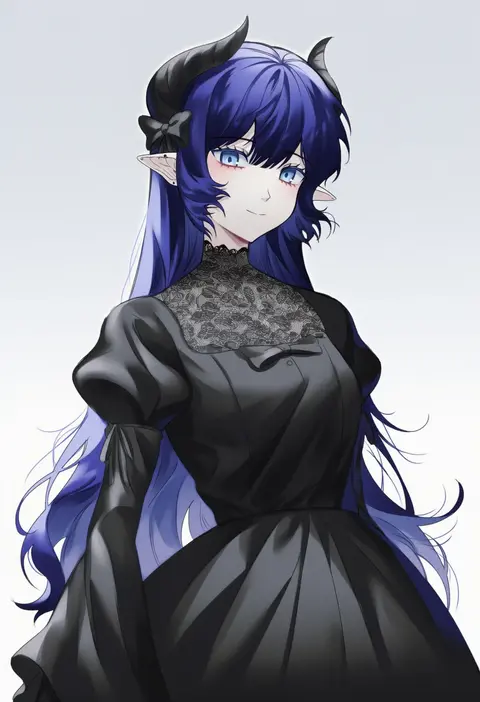
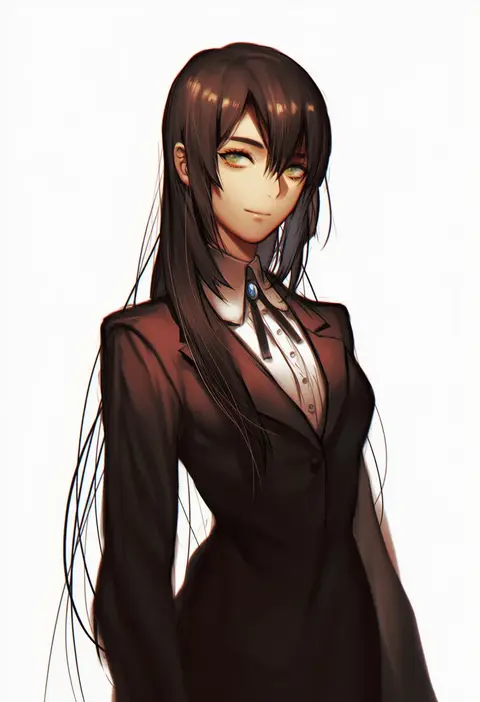
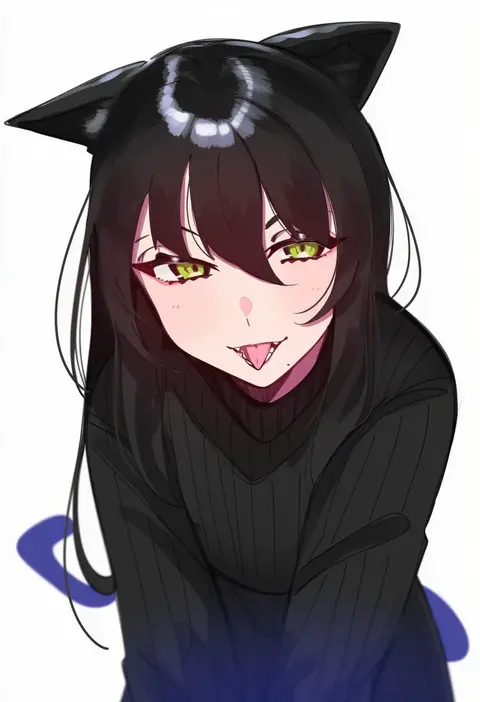
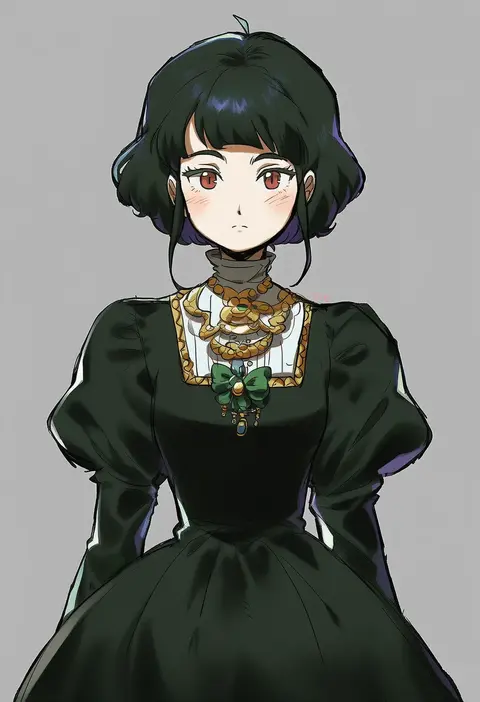
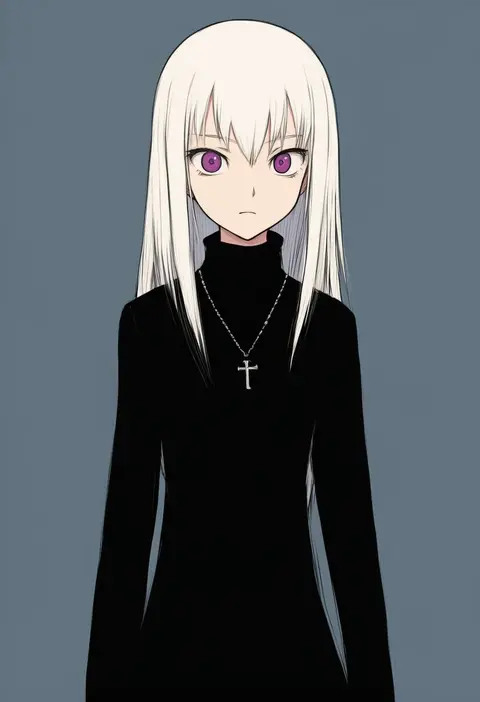
Every tag listed here is verified to react in NovelAI. All images use the same prompt, seed and settings with only the artist tag swapped, so the difference between two images is the style that tag brings in.

How to use them

Put the artist tag near the front of the prompt, e.g. "<artist>, 1girl, solo, best quality, masterpiece, cowboy shot". Two or three artist tags blend styles; lower the weight with "0.8::<artist>::" when the style overpowers the character.

SCORE sorts by Danbooru's top score, POSTS by post count, FAVS by hearts on this site. Open a card to see V5 and V4.5 side by side on the same seed.

V5 vs V4.5

V5 usually lands closer to the artist's real style, and tags that did nothing on V4.5 often react on V5. V4.5 still fits older and doujin-heavy artists better. Try V5 first, fall back to V4.5.

FAQ

Where does the artist tag go?
Near the front of the prompt. Use "0.8::tag::" to adjust its weight.

Can I stack artist tags?
Yes, styles blend. Past two or three the result stops looking like anyone.

Are these the artists' own works?
No. Every image is a NovelAI sample generated from the tag.