V4.5Artists
sort: FAVS▾
▾
>
$

NovelAI Artist Tags List — V4.5

artist --count 16,352[178/273]
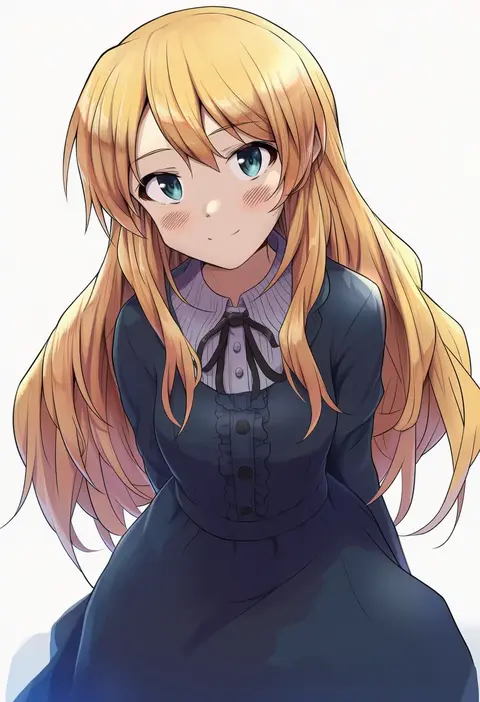
shuucream (syuichi)
ARTIST0x297C
0
genjitsu o miro
ARTIST0x297D
0
thupoppo
ARTIST0x297E
0
greentanuki
ARTIST0x297F
0
tomozo kaoru
ARTIST0x2980
0
sakai eri (illustratoreri)
ARTIST0x2981
0
meimei (meimei89008309)
ARTIST0x2982
0
akira miku ver
ARTIST0x2983
0
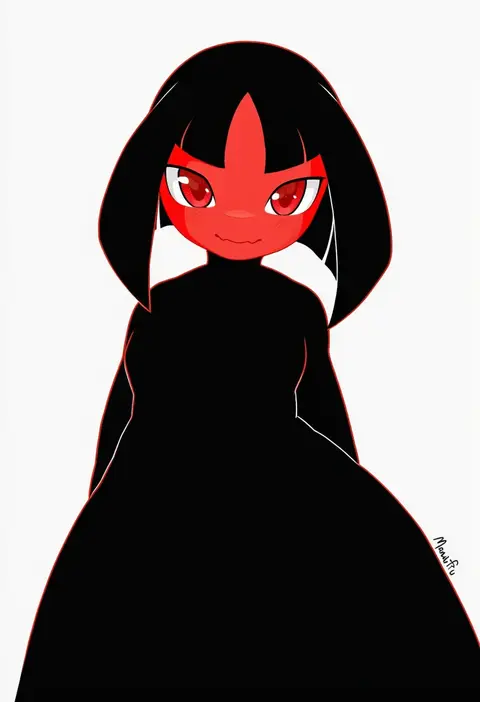
mawaifu
ARTIST0x2984
0
nuko 0108
ARTIST0x2985
0
tatsunokosso
ARTIST0x2986
0
inkey
ARTIST0x2987
0
araragi ayune
ARTIST0x2988
0
atawatsho
ARTIST0x2989
0
kinugasa yuuichi
ARTIST0x298A
0
lq saku
ARTIST0x298B
0
ohhhhhhtsu
ARTIST0x298C
0
gregorius yamada
ARTIST0x298D
0
rinrinne39 (artist)
ARTIST0x298E
0
kaimuari
ARTIST0x298F
0
masato (mirai koubou)
ARTIST0x2990
0
aizawa chihiro
ARTIST0x2991
0
bannouyakunta
ARTIST0x2992
0
clover (lapis lazure)
ARTIST0x2993
0
urokozuki
ARTIST0x2994
0
touma kisa
ARTIST0x2995
0
2c=galore
ARTIST0x2996
0
etomai
ARTIST0x2997
0
hamita (rikopin ika)
ARTIST0x2998
0
j.raido
ARTIST0x2999
0
renocoffee
ARTIST0x299A
0
gen (genetrix)
ARTIST0x299B
0
hototogisu (hot to gis)
ARTIST0x299C
0
thomason366
ARTIST0x299D
0
reo adriano
ARTIST0x299E
0
umiru
ARTIST0x299F
0
sasakura34
ARTIST0x29A0
0
avogado6
ARTIST0x29A1
0
kotoba noriaki
ARTIST0x29A2
0
sakimiya (inschool)
ARTIST0x29A3
0
eichi yuu
ARTIST0x29A4
0
sakizaki saki-p
ARTIST0x29A5
0
ebihara beniko
ARTIST0x29A6
0
kurogarasu
ARTIST0x29A7
0
soramuko
ARTIST0x29A8
0
pun2
ARTIST0x29A9
0
sana (37pisana)
ARTIST0x29AA
0
kamimiya
ARTIST0x29AB
0
mogskg
ARTIST0x29AC
0
polarityplus
ARTIST0x29AD
0
yu (flowerbird3830)
ARTIST0x29AE
0
reiq
ARTIST0x29AF
0
chinchongcha
ARTIST0x29B0
0
sdz (inazuma)
ARTIST0x29B1
0
katagiri (mighty swing)
ARTIST0x29B2
0
box (hotpppink)
ARTIST0x29B3
0
north abyssor
ARTIST0x29B4
0
hikari niji
ARTIST0x29B5
0
tohoyuukarin
ARTIST0x29B6
0
okuto
ARTIST0x29B7
0

What these tags change

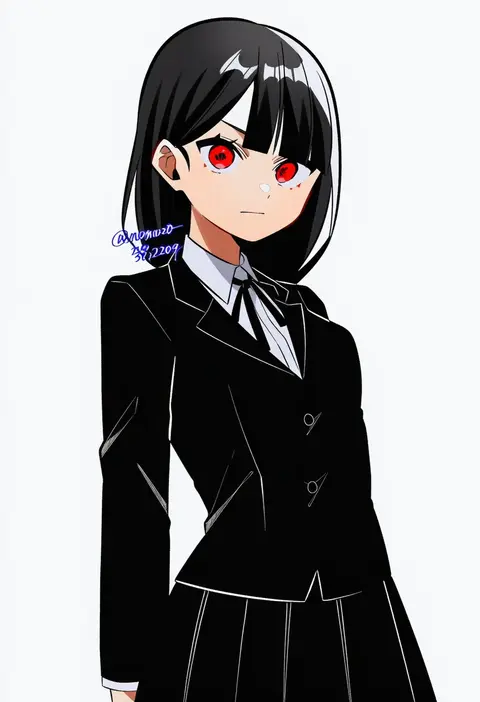
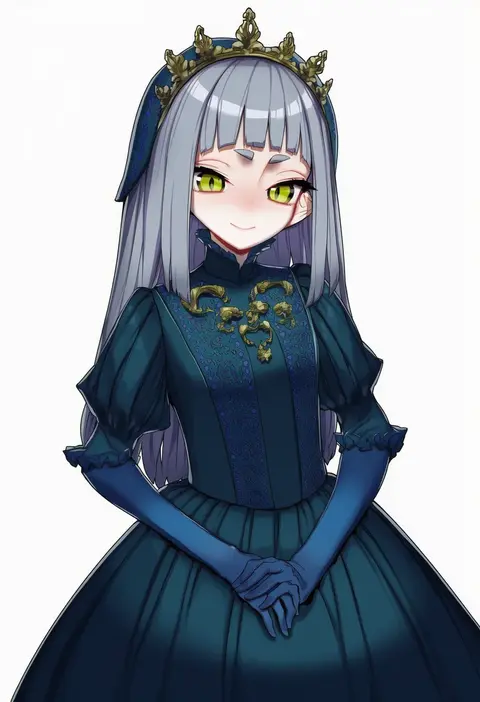
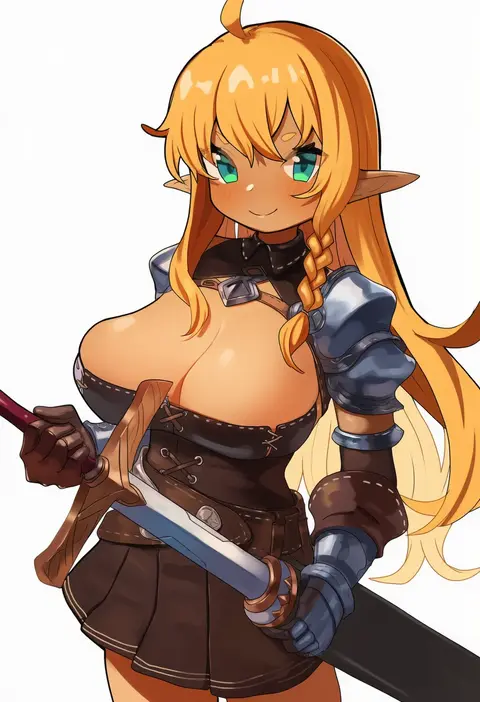
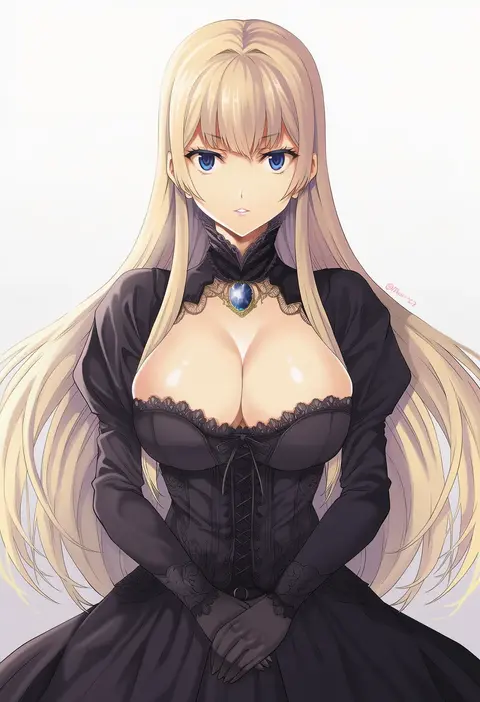
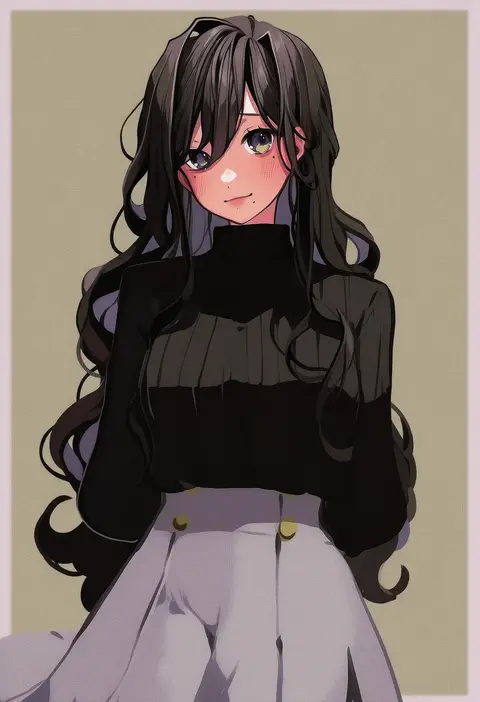
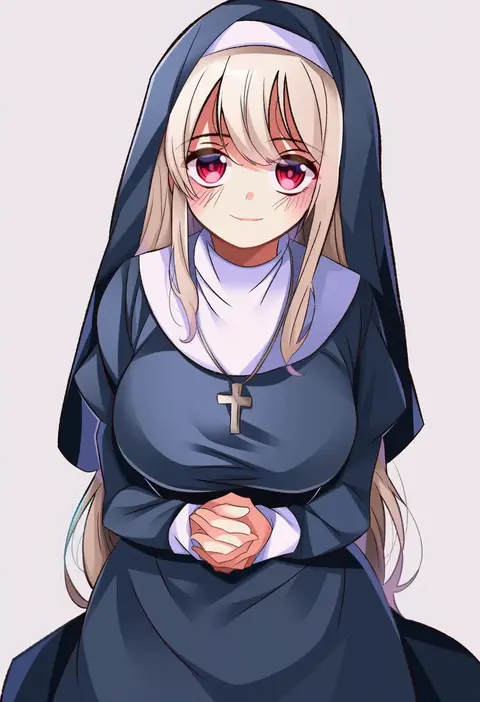
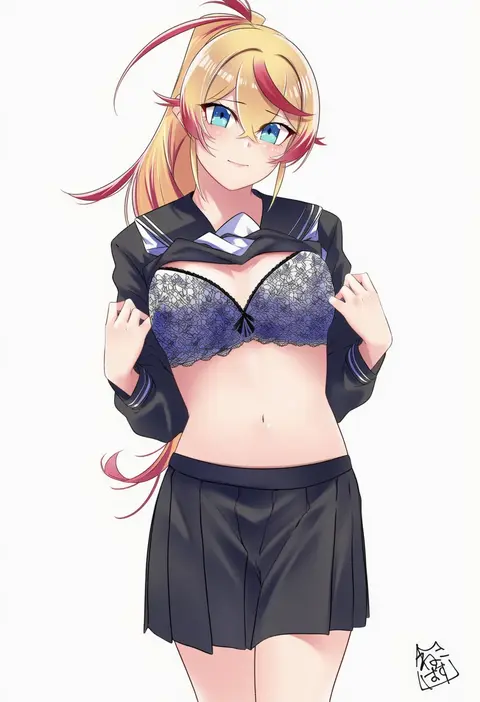
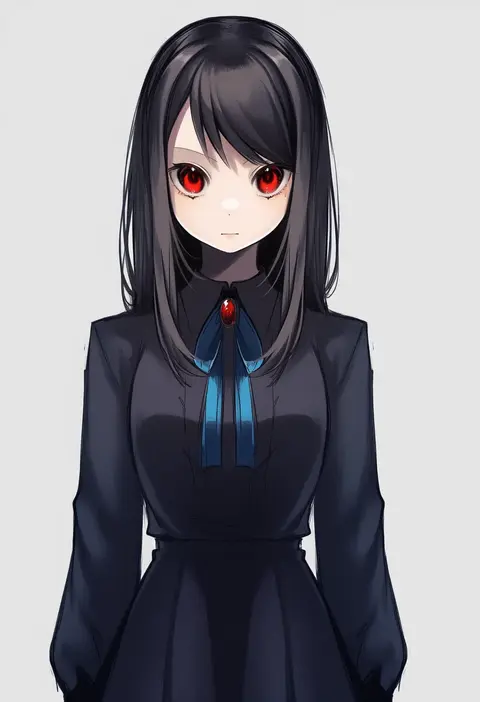
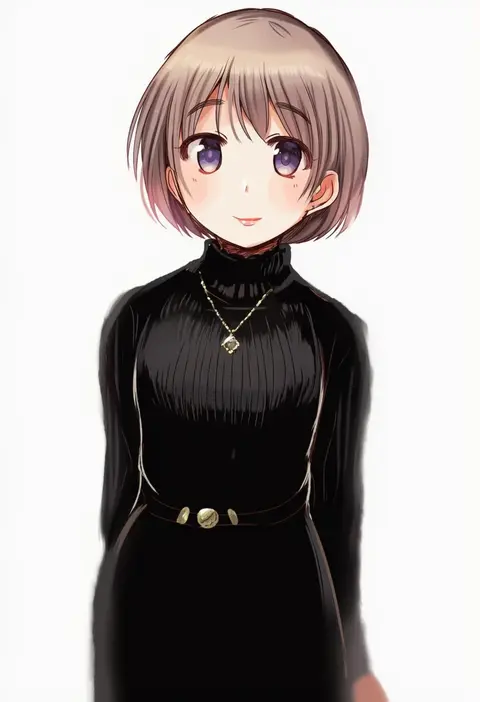
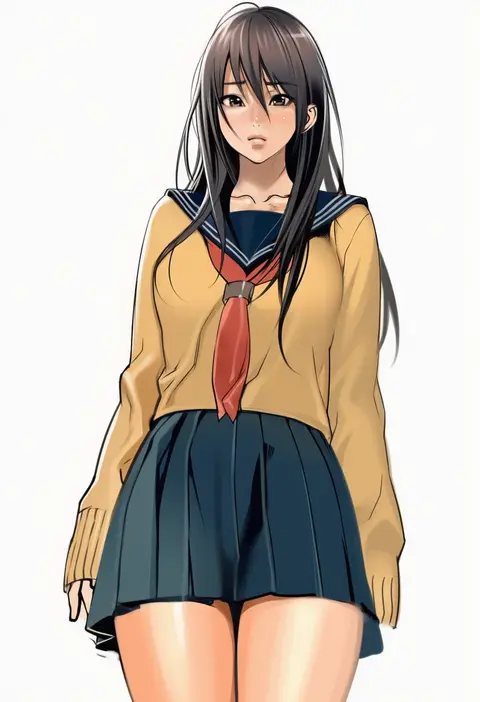
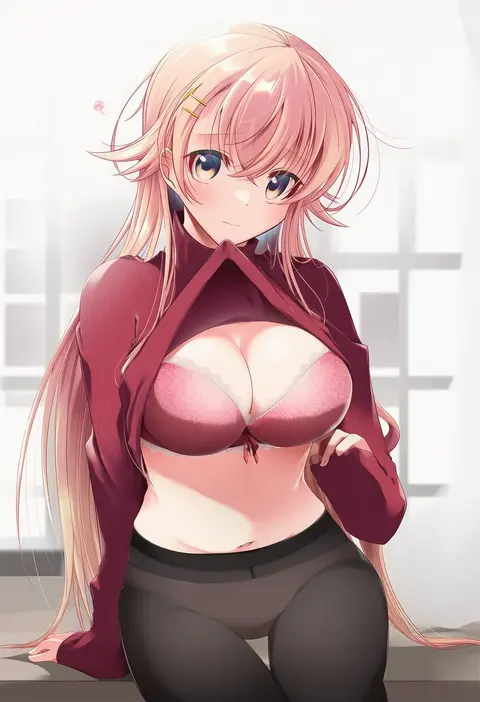
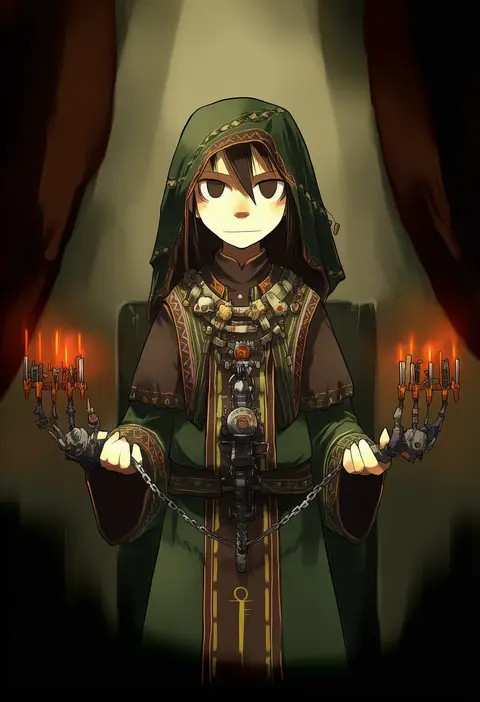
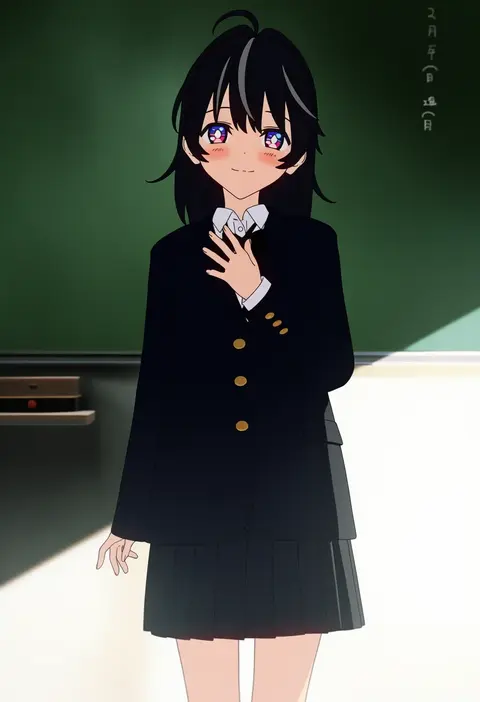
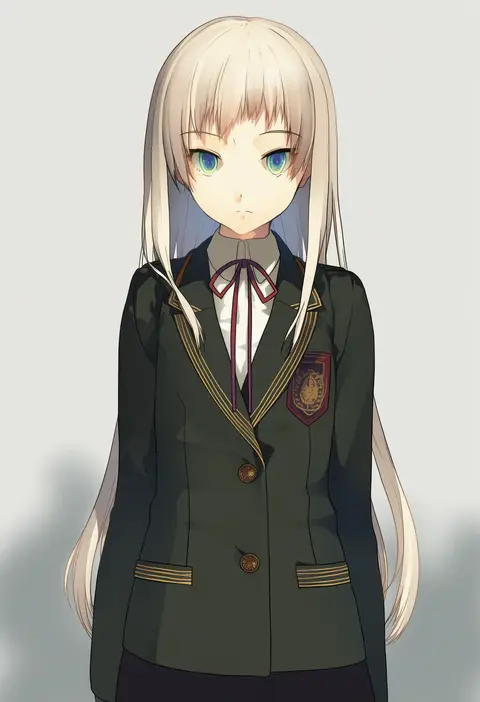
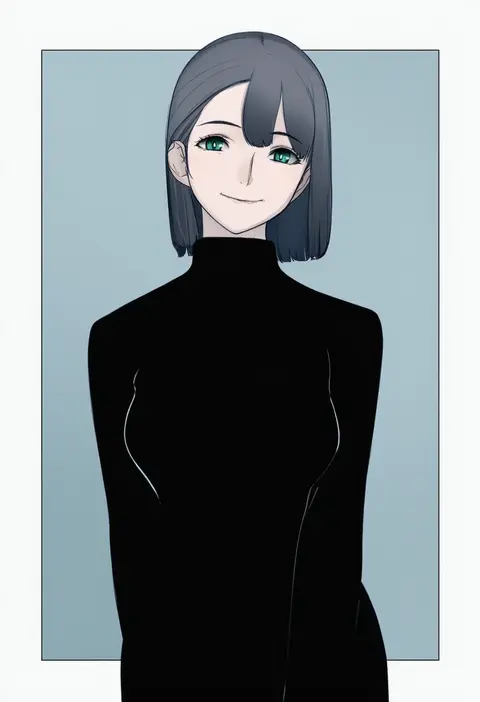
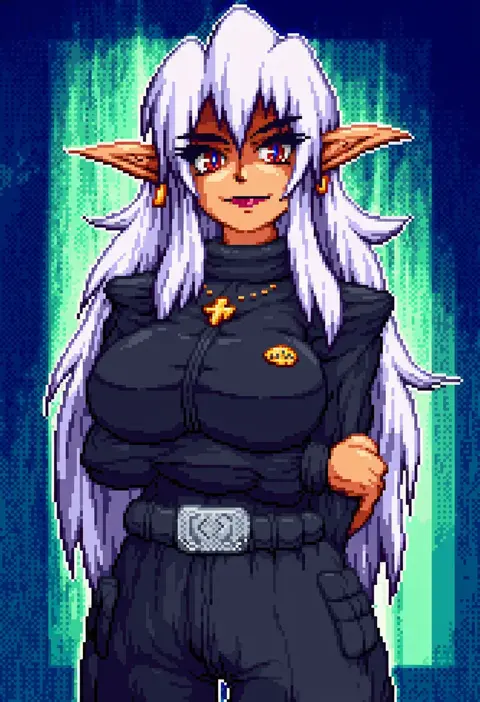
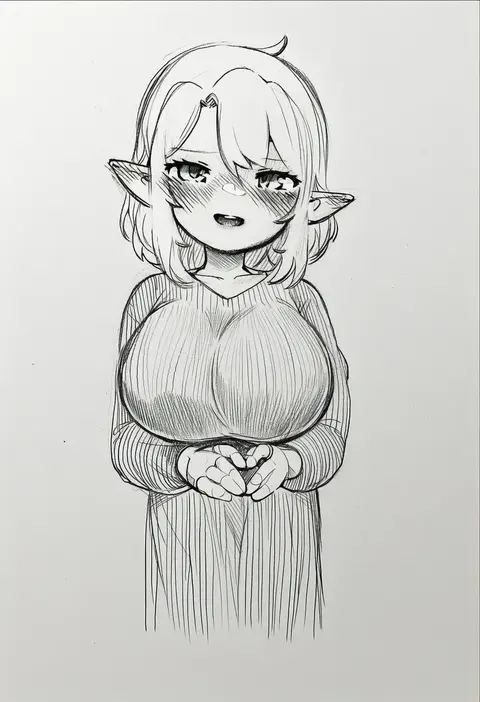
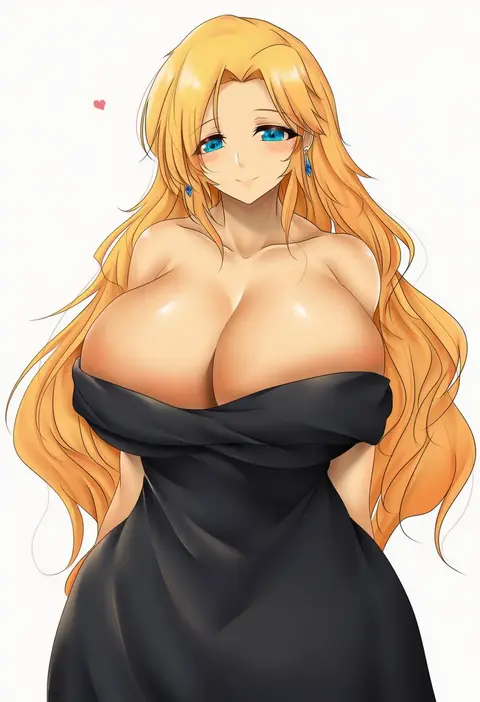
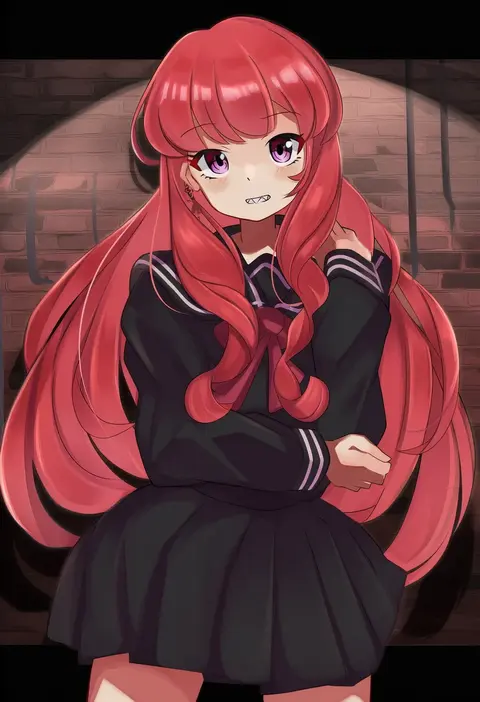
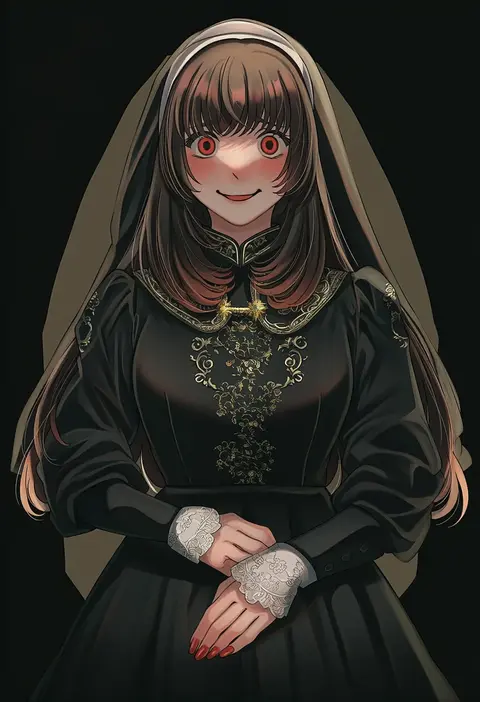
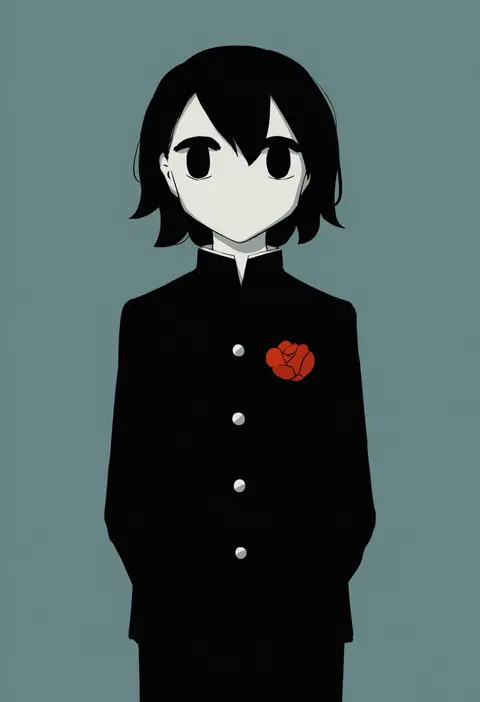
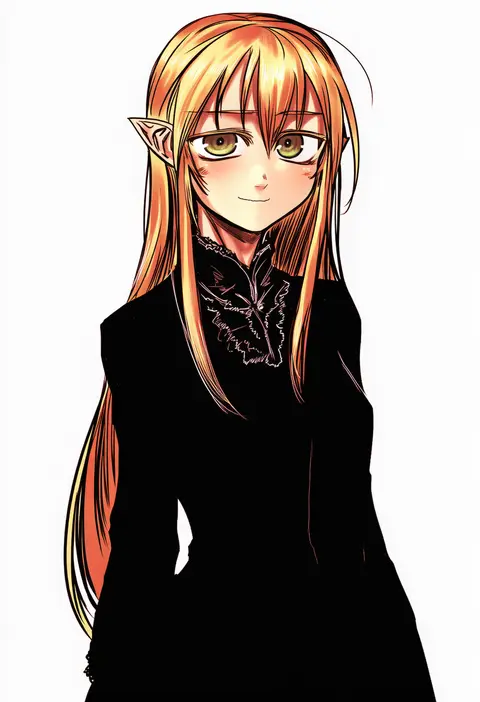
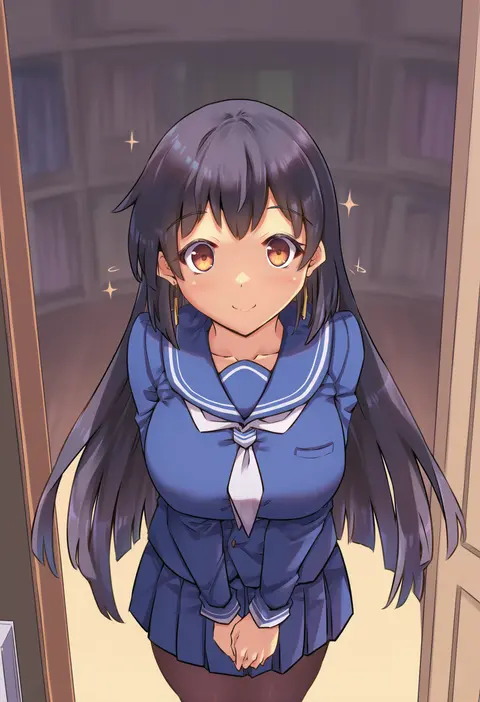
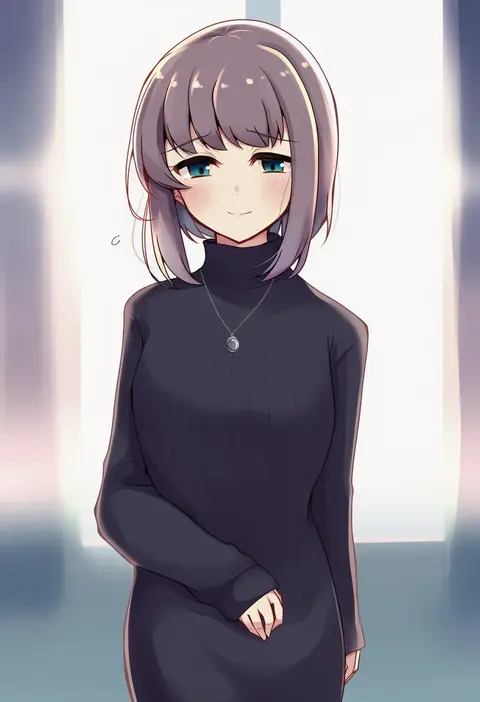
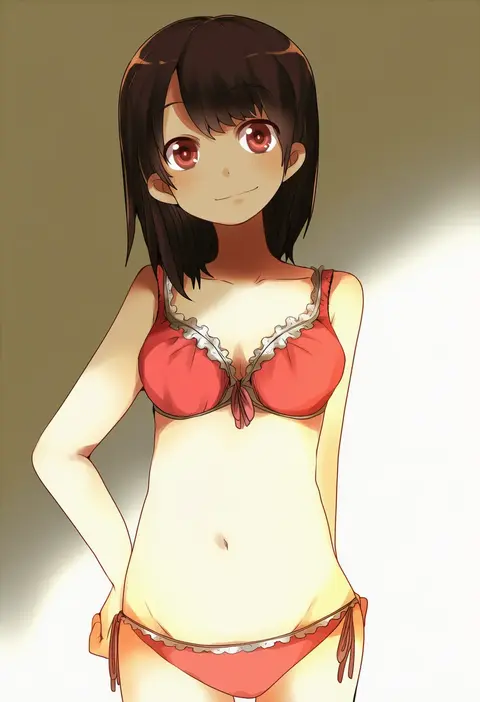
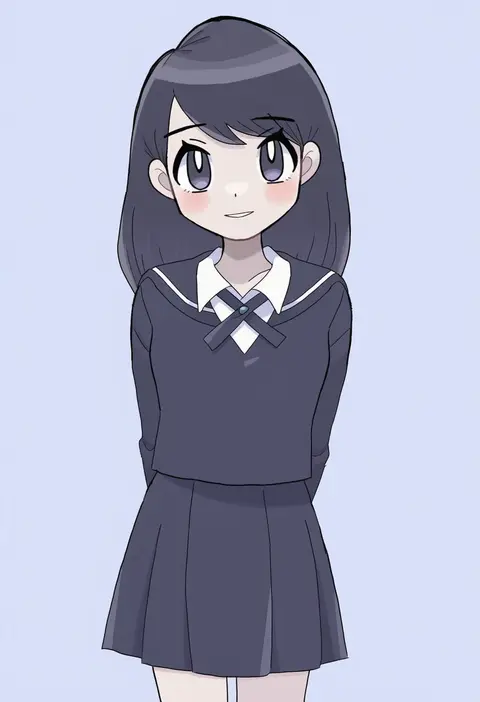
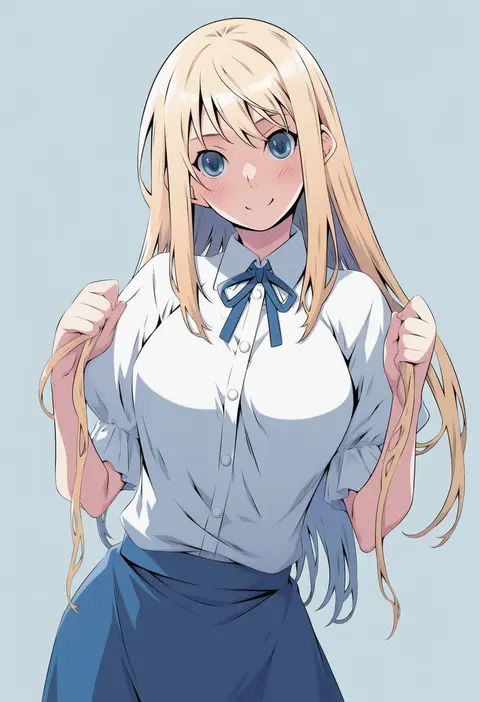
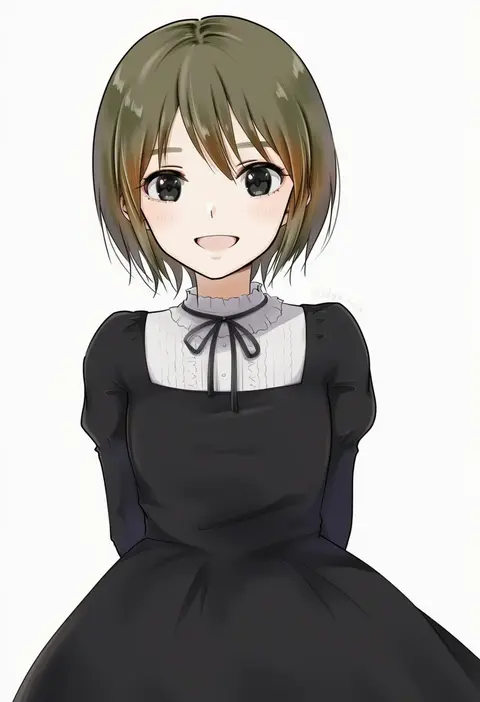
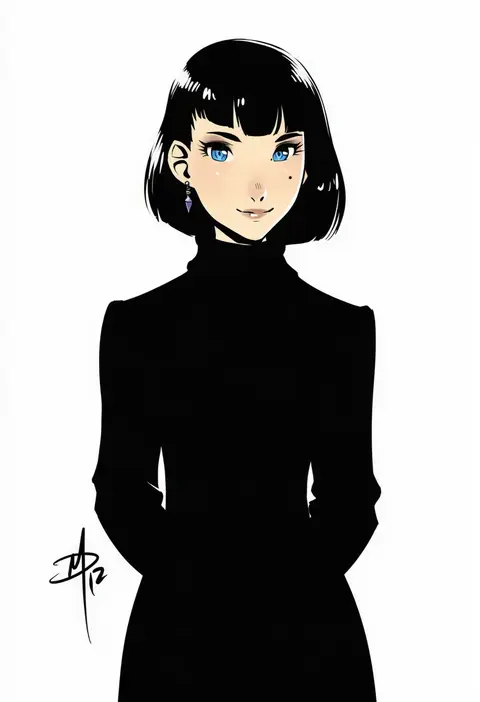
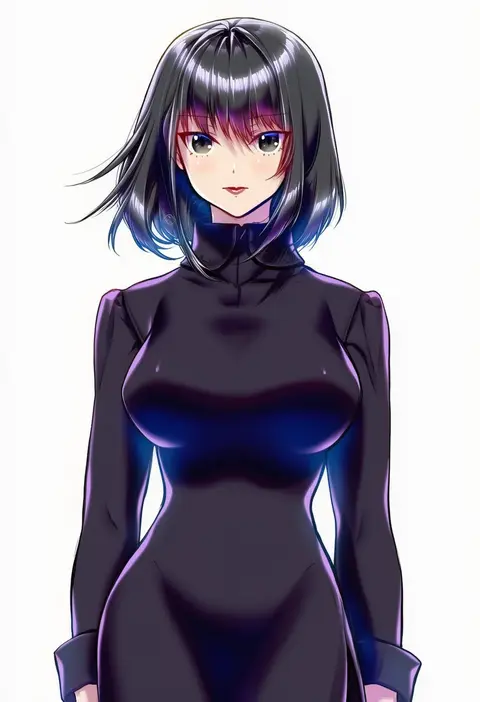
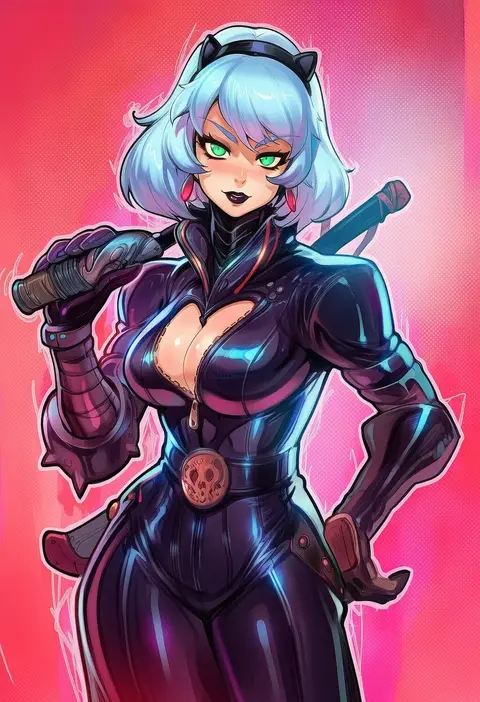
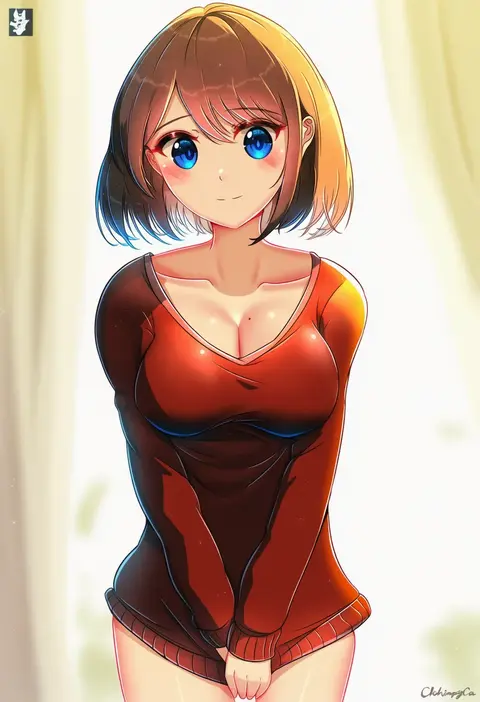
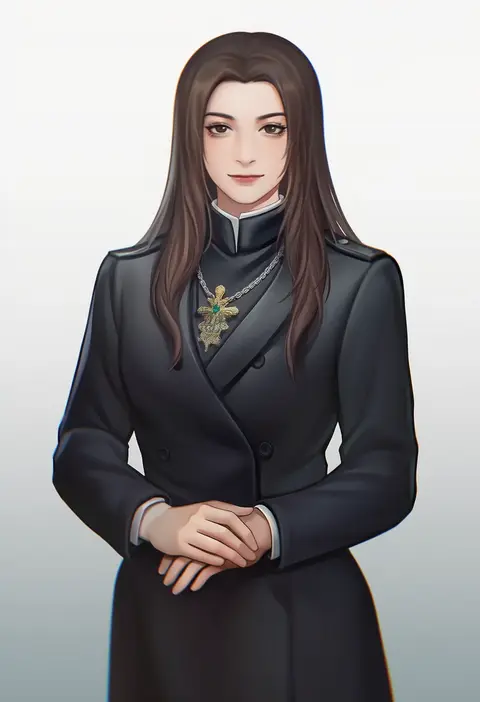
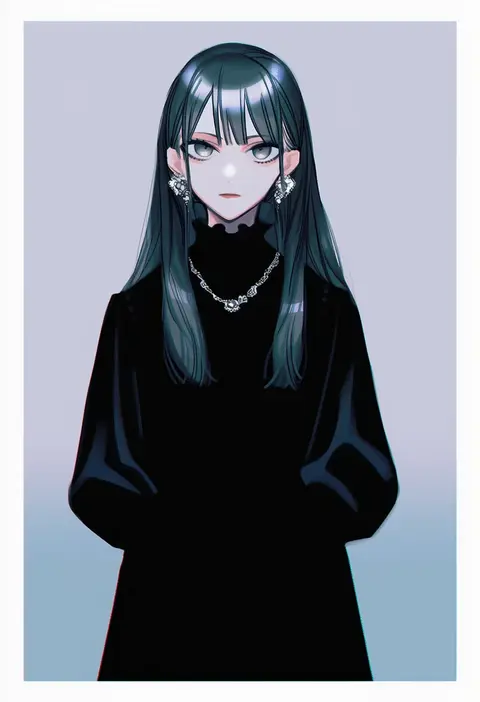
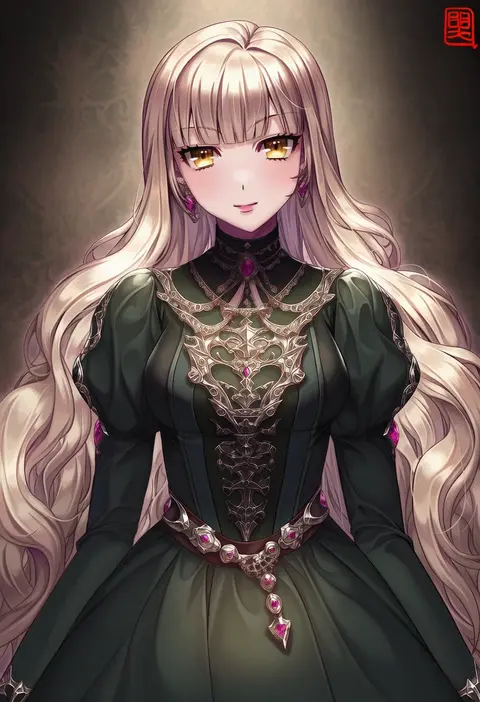
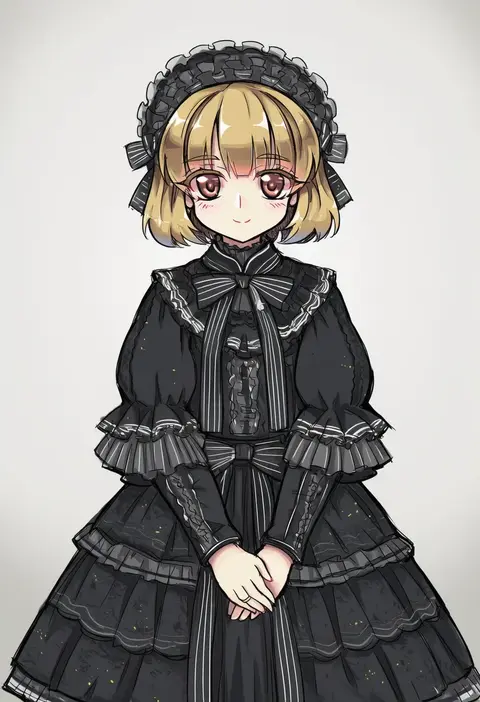
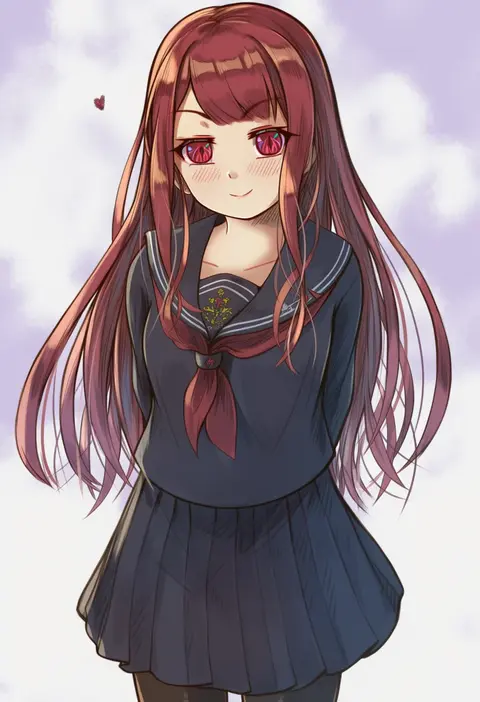
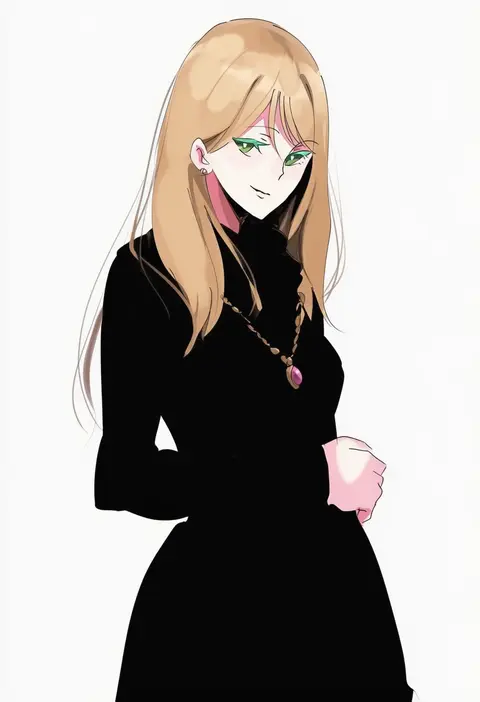
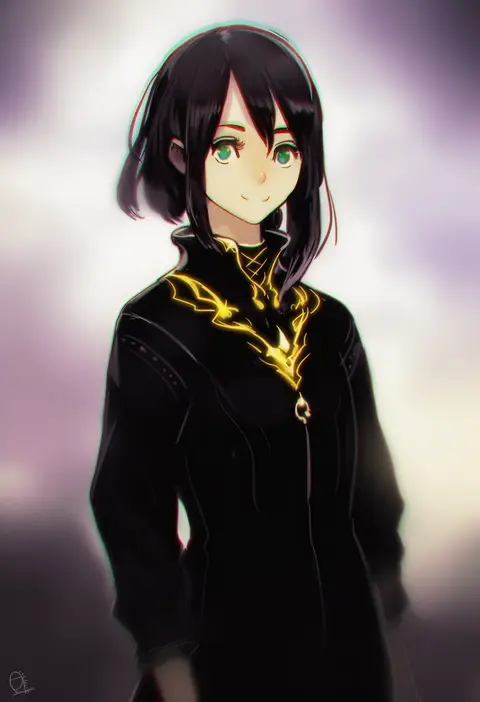
Artist tags tell NovelAI Diffusion to draw in a specific artist's style: line weight, paint texture, face shapes and palette all shift at once. Character and outfit tags decide what is drawn; artist tags decide how. 16,352 tags are listed for V4.5.

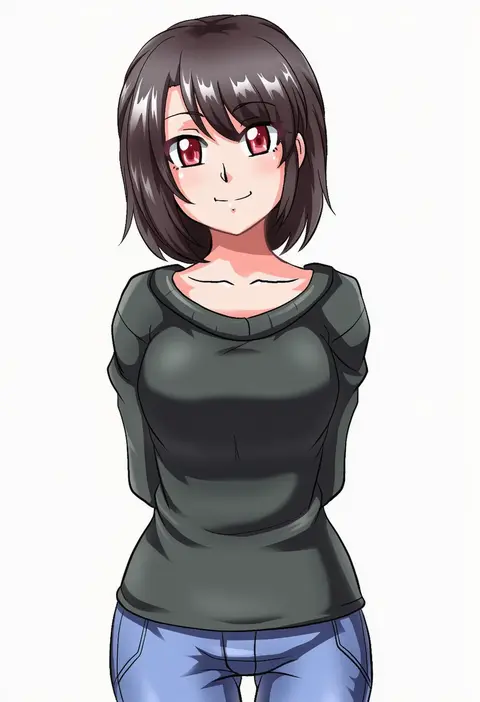
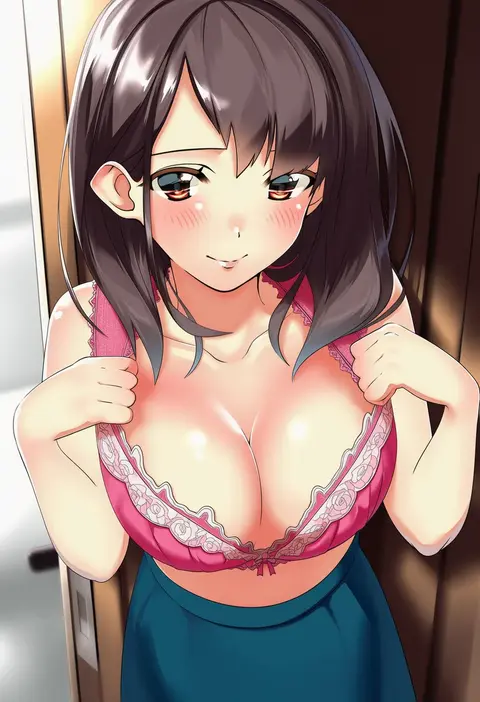
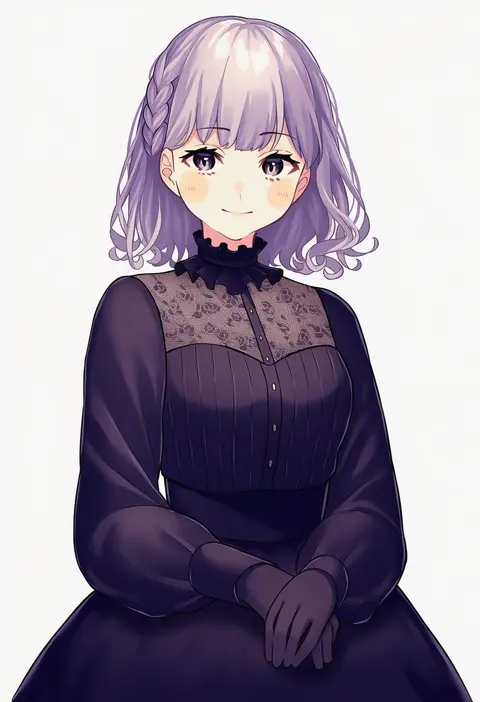
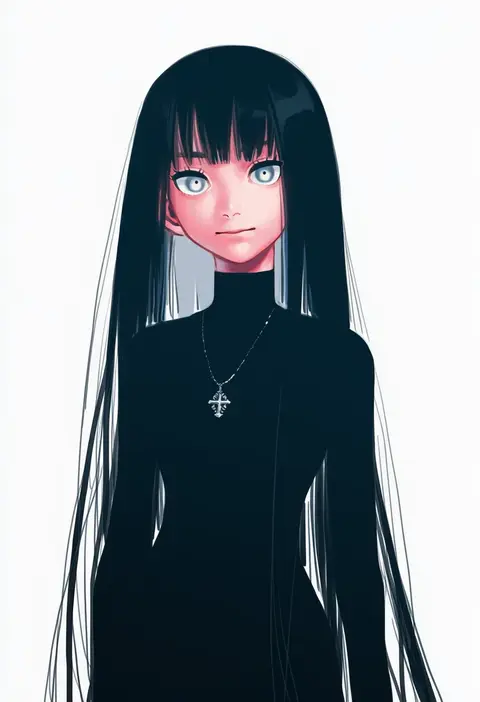
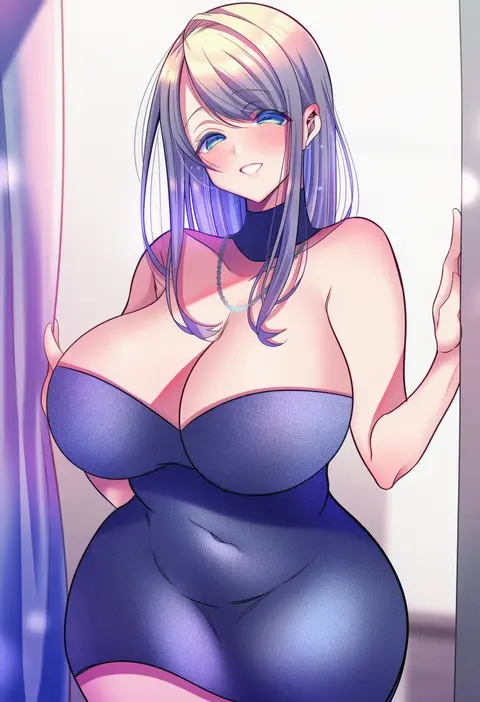
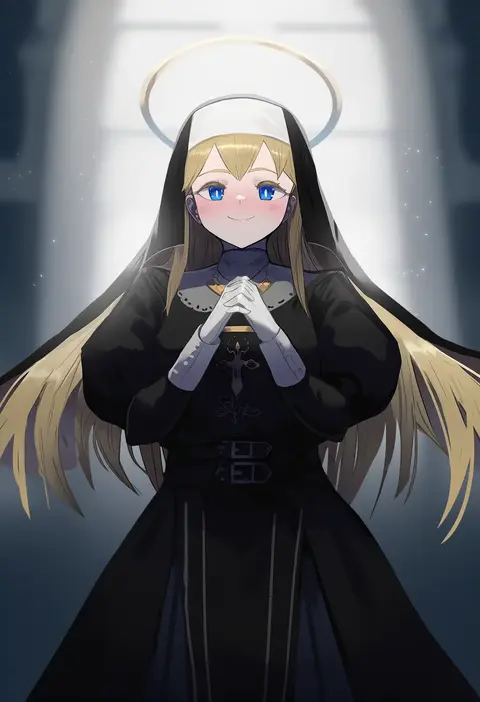
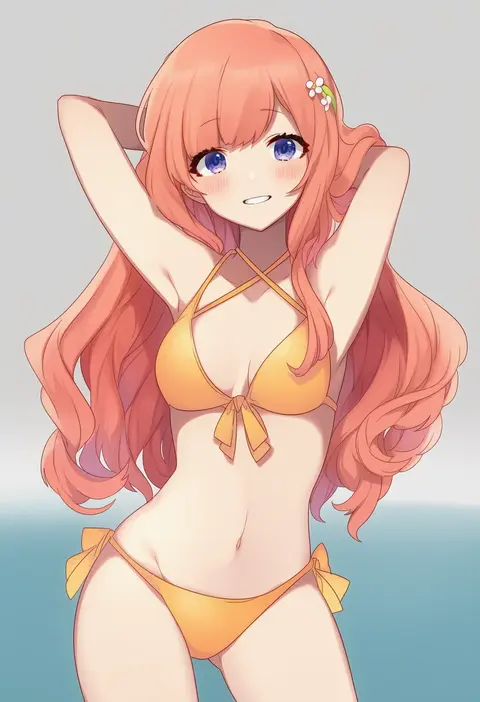
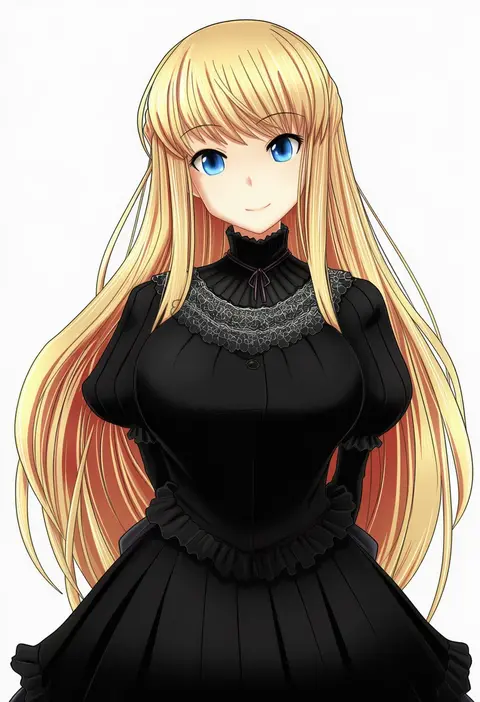
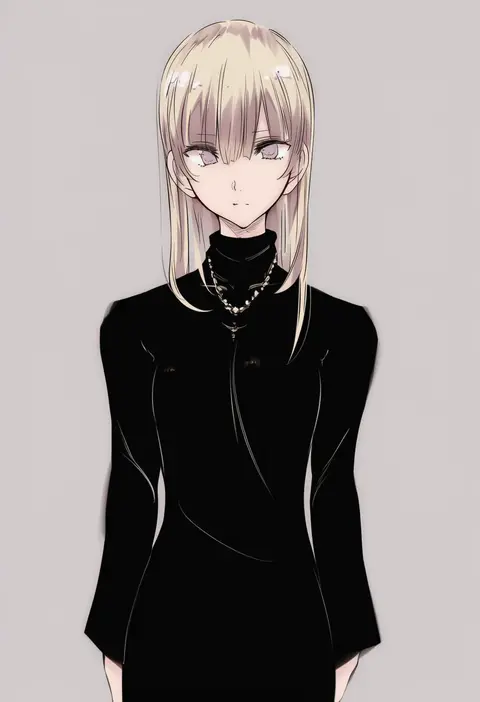
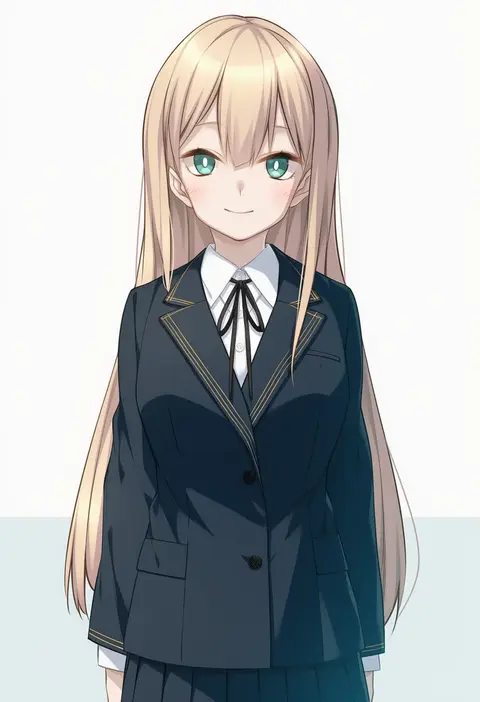
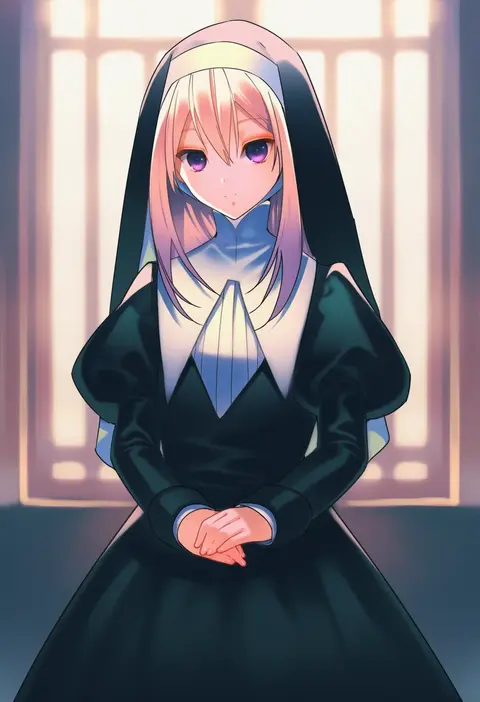
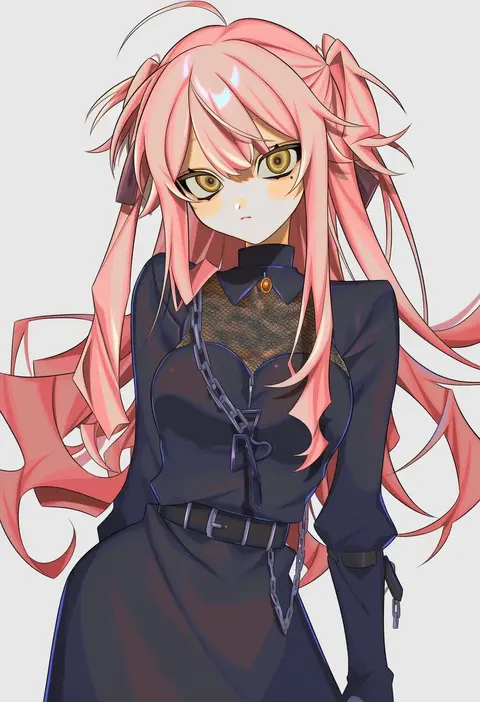
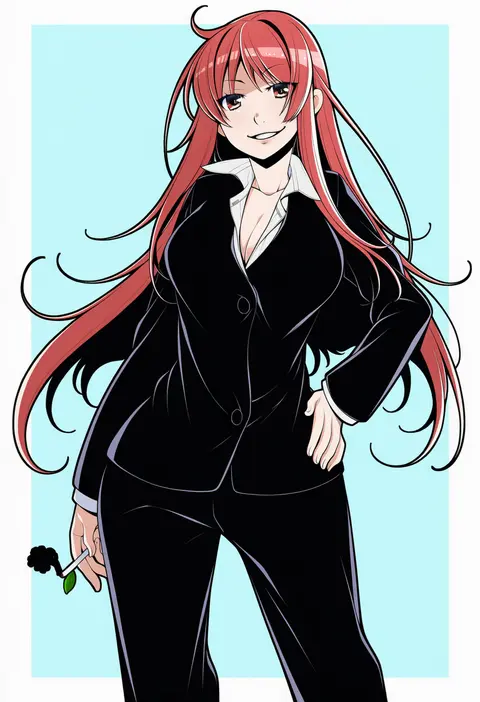
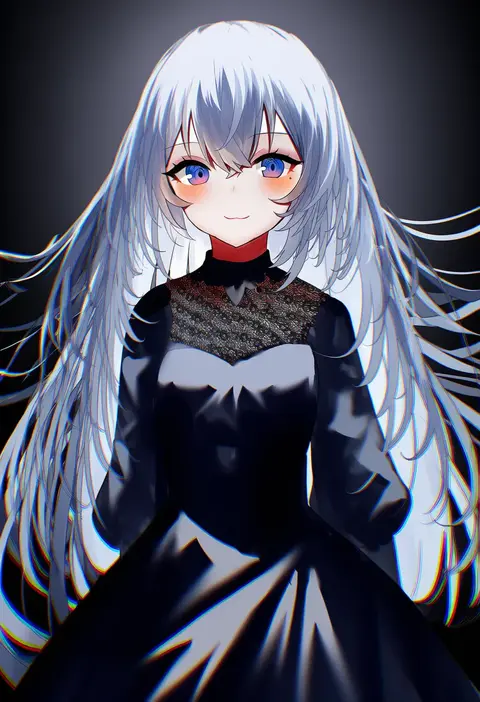
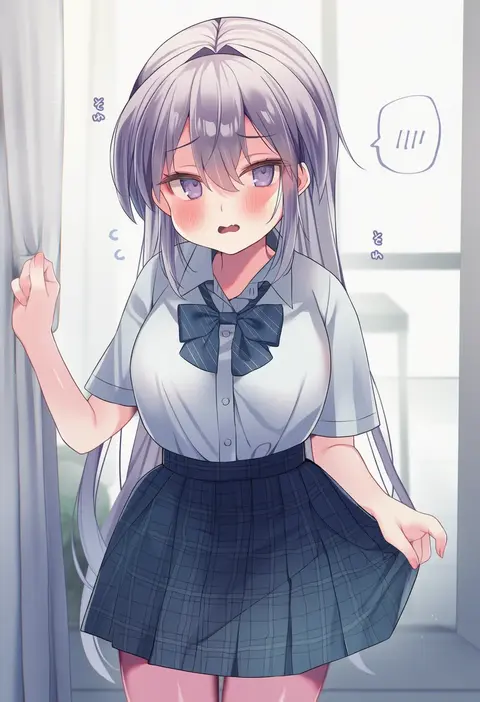
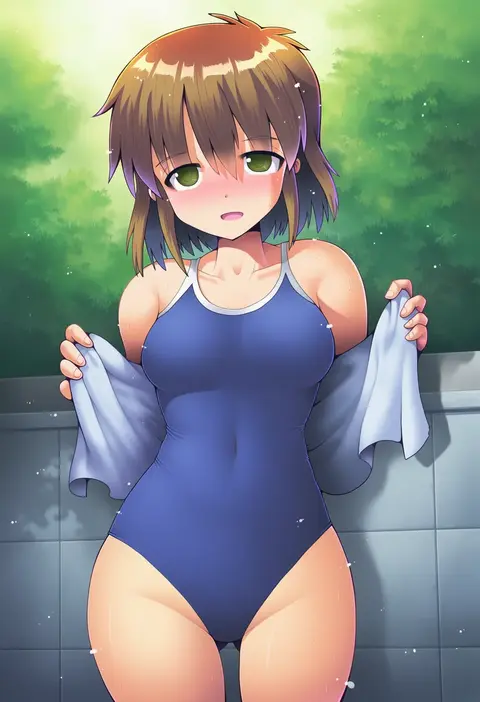
Every tag listed here is verified to react in NovelAI. All images use the same prompt, seed and settings with only the artist tag swapped, so the difference between two images is the style that tag brings in.

How to use them

Put the artist tag near the front of the prompt, e.g. "<artist>, 1girl, solo, best quality, masterpiece, cowboy shot". Two or three artist tags blend styles; lower the weight with "0.8::<artist>::" when the style overpowers the character.

SCORE sorts by Danbooru's top score, POSTS by post count, FAVS by hearts on this site. Open a card to see V5 and V4.5 side by side on the same seed.

V5 vs V4.5

V5 usually lands closer to the artist's real style, and tags that did nothing on V4.5 often react on V5. V4.5 still fits older and doujin-heavy artists better. Try V5 first, fall back to V4.5.

FAQ

Where does the artist tag go?
Near the front of the prompt. Use "0.8::tag::" to adjust its weight.

Can I stack artist tags?
Yes, styles blend. Past two or three the result stops looking like anyone.

Are these the artists' own works?
No. Every image is a NovelAI sample generated from the tag.