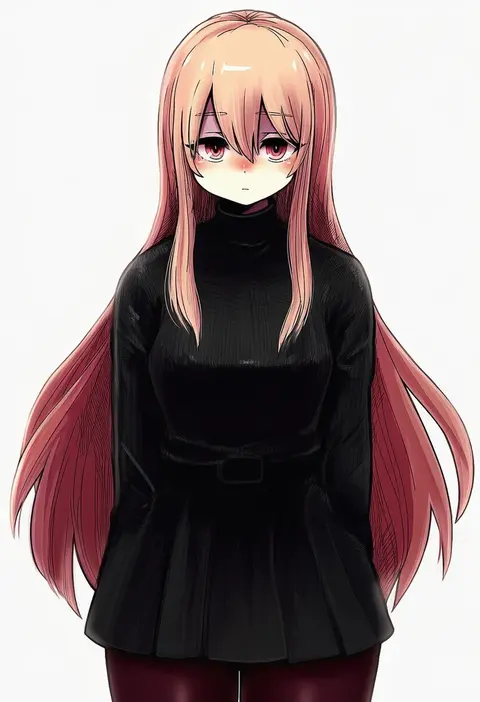
V4.5Artists
sort: FAVS▾
▾
>
$

NovelAI Artist Tags List — V4.5

artist --count 16,352[180/273]
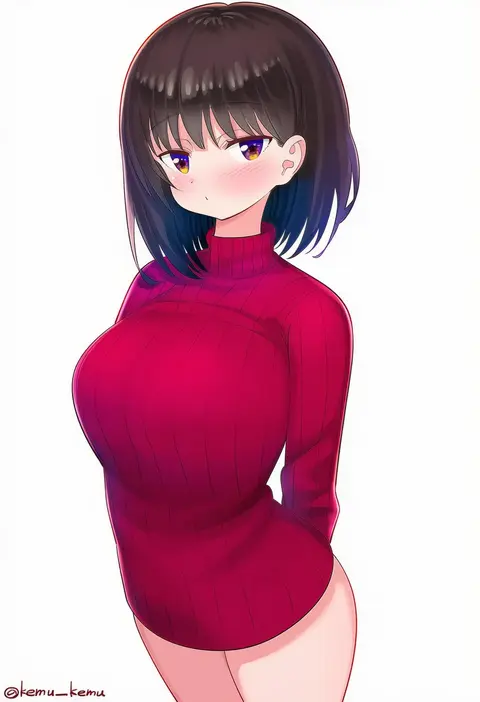
kemu (guruguru dan)
ARTIST0x29F4
0
say hana
ARTIST0x29F5
0
uchiu kazuma
ARTIST0x29F6
0
kakogawa tarou
ARTIST0x29F7
0
honda takaharu
ARTIST0x29F8
0
enelis
ARTIST0x29F9
0
denaseey
ARTIST0x29FA
0
izumi minami
ARTIST0x29FB
0
amazu (kurozu)
ARTIST0x29FC
0
nanohana kohina
ARTIST0x29FD
0
chiba sadoru
ARTIST0x29FE
0
seero
ARTIST0x29FF
0
mizoki kei
ARTIST0x2A00
0
ninjin (ne f g o)
ARTIST0x2A01
0
ruin re birth
ARTIST0x2A02
0
heijialan
ARTIST0x2A03
0
nana mikoto
ARTIST0x2A04
0
kanaria (fuusenkazura)
ARTIST0x2A05
0
kirifrog
ARTIST0x2A06
0
ichino tomizuki
ARTIST0x2A07
0
iro marimo
ARTIST0x2A08
0
onaya masakazu
ARTIST0x2A09
0
yuanagae
ARTIST0x2A0A
0
patch oxxo
ARTIST0x2A0B
0
kanosawa
ARTIST0x2A0C
0
miu (angelo whitechoc)
ARTIST0x2A0D
0
tetsukuzu (yajirushi shita)
ARTIST0x2A0E
0
izumi (toubun kata)
ARTIST0x2A0F
0
kujira hebi
ARTIST0x2A10
0
miyatsuki itsuka
ARTIST0x2A11
0
yoshinao (yoshinao 0203)
ARTIST0x2A12
0
alisia0812
ARTIST0x2A13
0
kita (7kita)
ARTIST0x2A14
0
azit (down)
ARTIST0x2A15
0
velahka
ARTIST0x2A16
0
yamazaki kazu
ARTIST0x2A17
0
yottacc
ARTIST0x2A18
0
tsuyudashimirin
ARTIST0x2A19
0
sasanoha (sasanoha0712)
ARTIST0x2A1A
0
mistermagnolia
ARTIST0x2A1B
0
masukuza j
ARTIST0x2A1C
0
tanashi (mk2)
ARTIST0x2A1D
0
tomobe kinuko
ARTIST0x2A1E
0
hakusai (tiahszld)
ARTIST0x2A1F
0
tonpuu
ARTIST0x2A20
0
chinomaron
ARTIST0x2A21
0
kyuuba melo
ARTIST0x2A22
0
wada kazu
ARTIST0x2A23
0
yuihico
ARTIST0x2A24
0
kisairo kaede
ARTIST0x2A25
0
akai sashimi
ARTIST0x2A26
0
umikochannart
ARTIST0x2A27
0
shironeko yuuki
ARTIST0x2A28
0
ereka
ARTIST0x2A29
0
nai ga
ARTIST0x2A2A
0
neve (morris-minicooper)
ARTIST0x2A2B
0
kimura shiki
ARTIST0x2A2C
0
kishibe
ARTIST0x2A2D
0
ji dao ji
ARTIST0x2A2E
0
unagiman
ARTIST0x2A2F
0

What these tags change

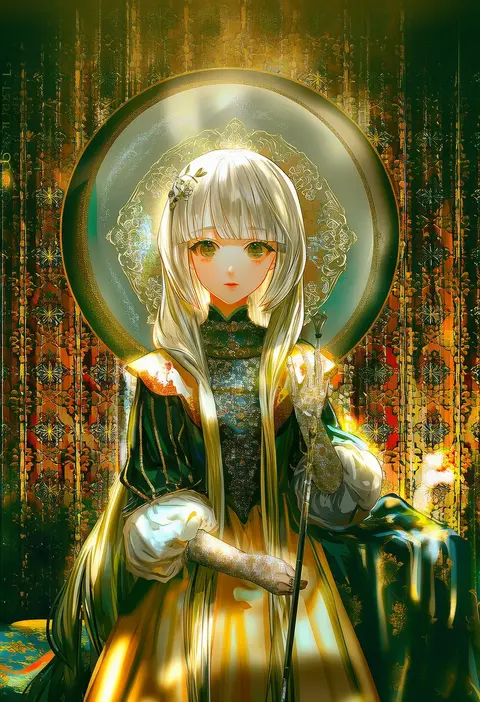
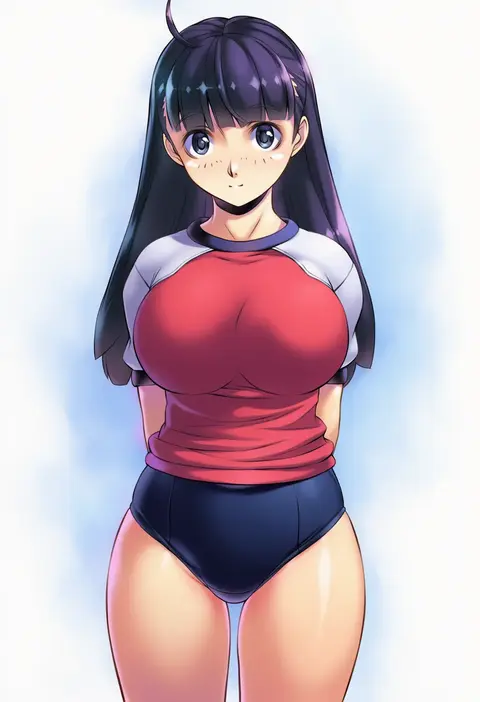
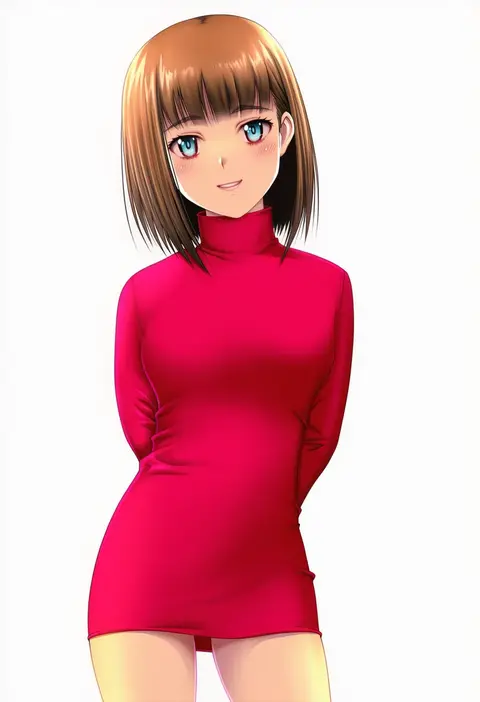
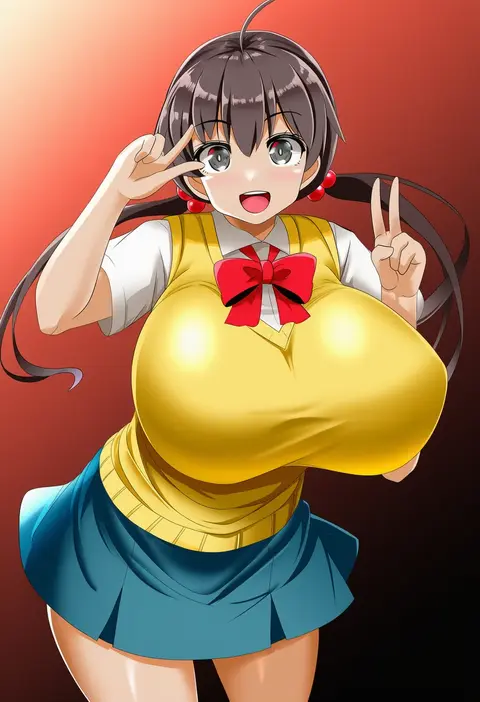
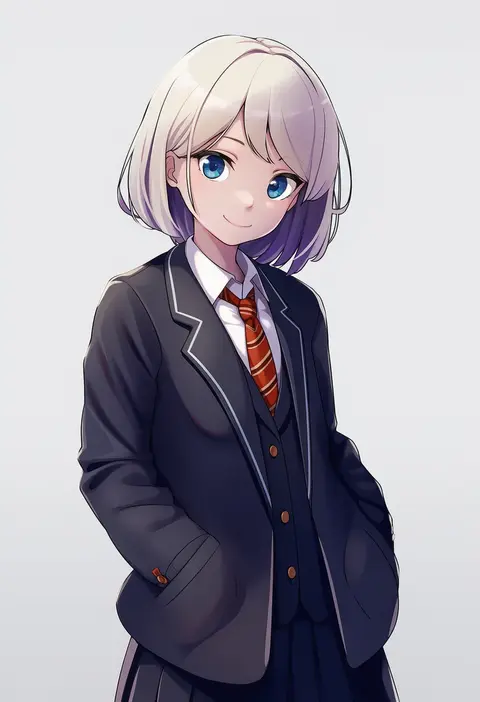
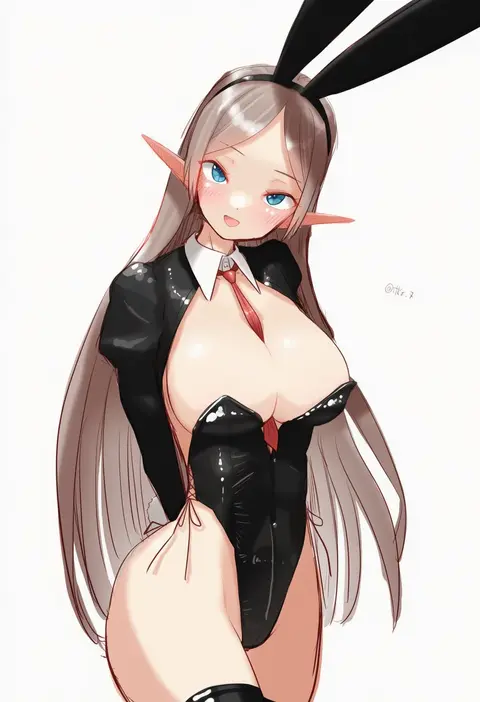
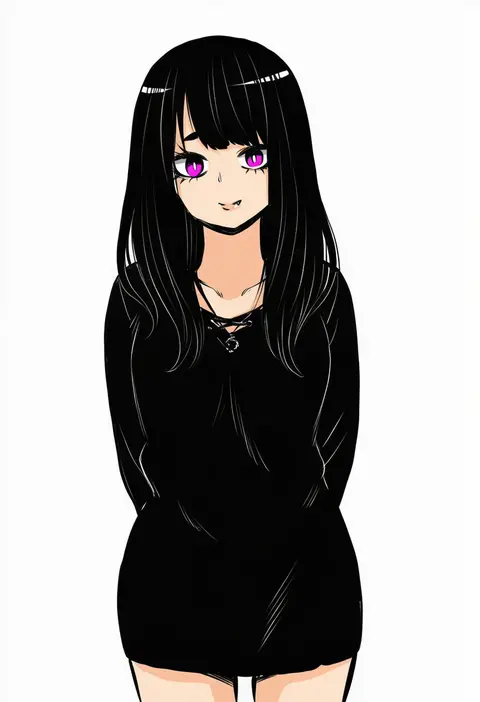
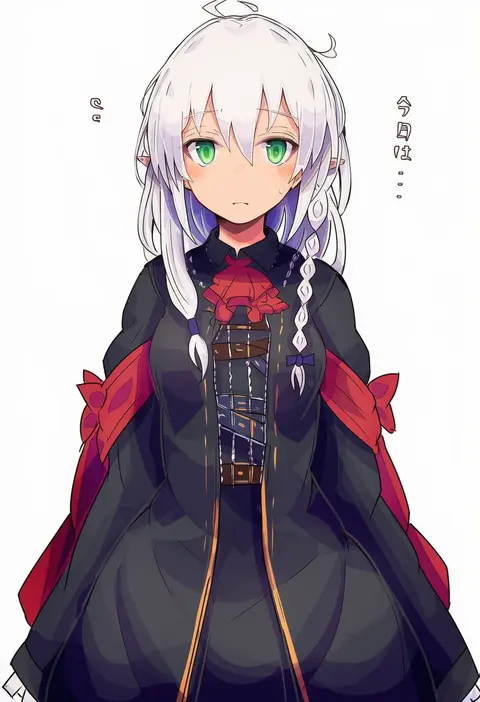
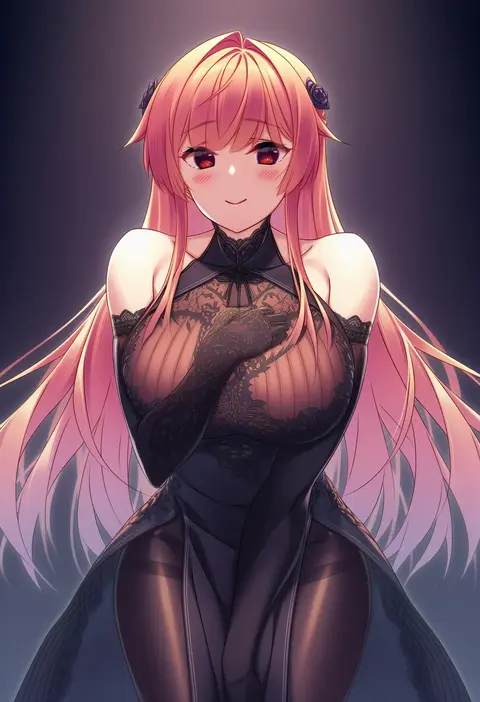
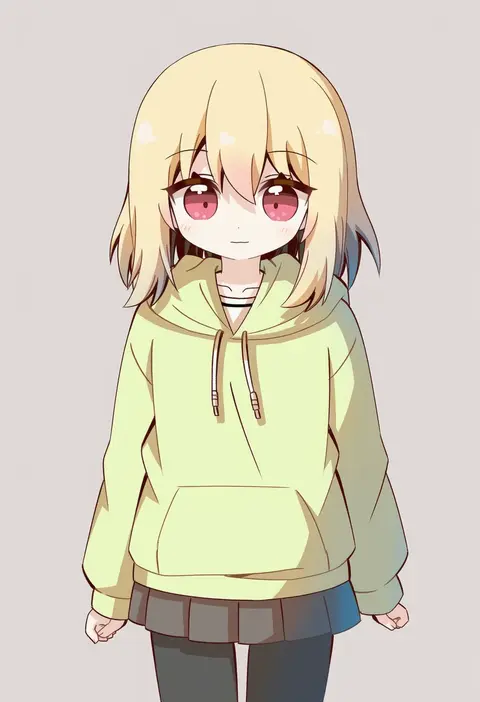
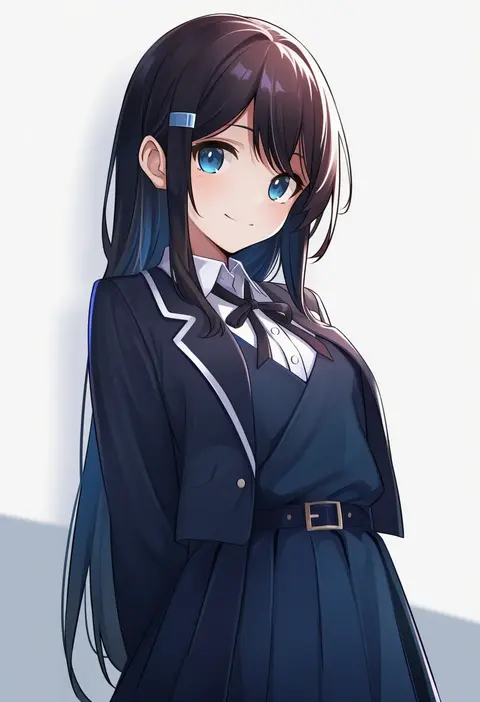
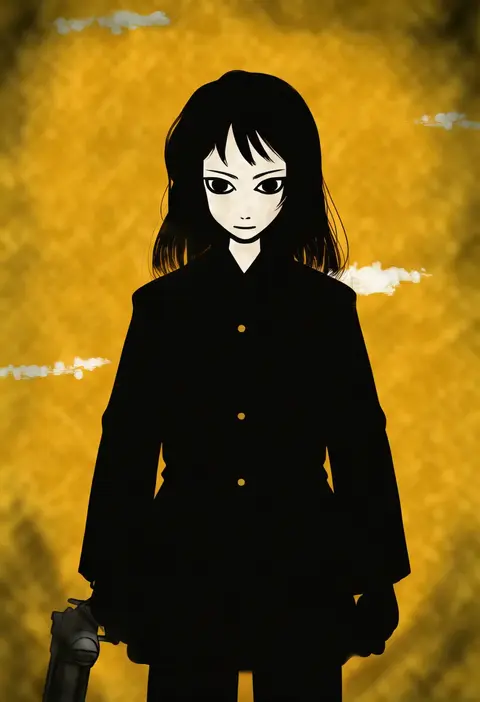
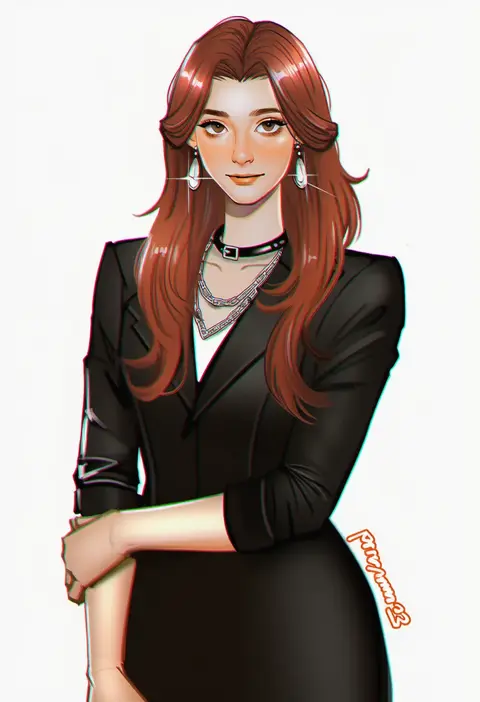
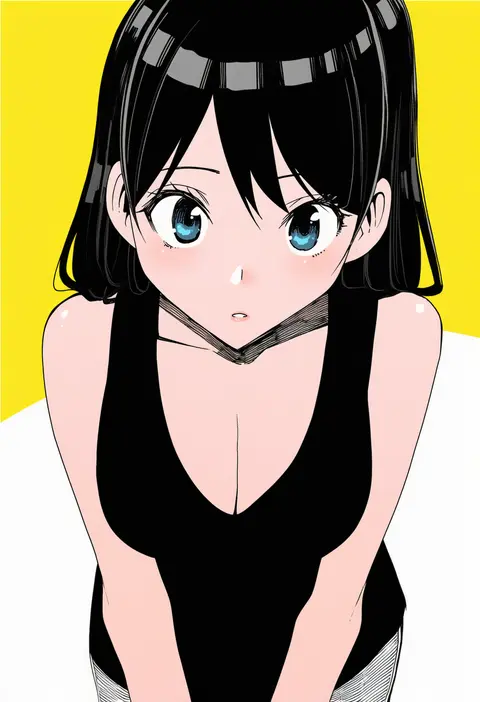
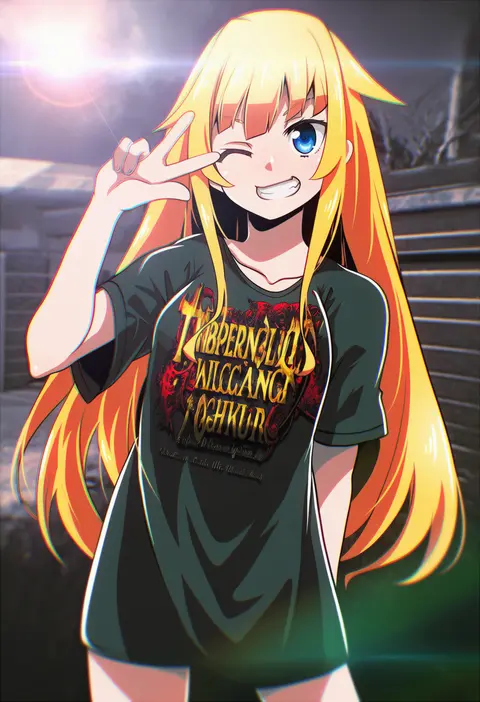
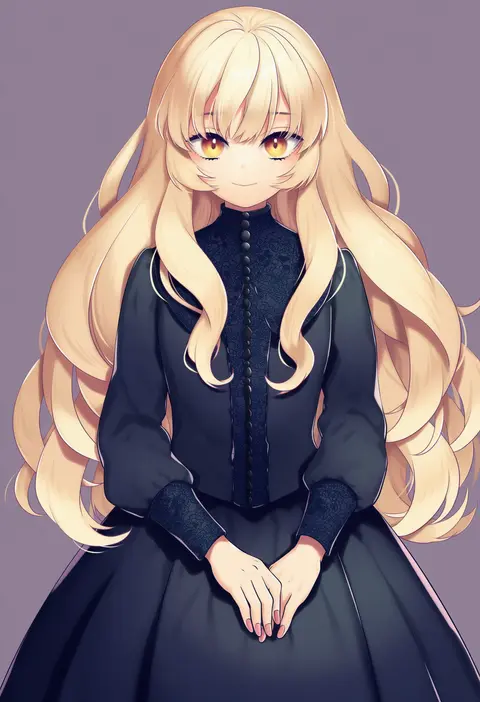
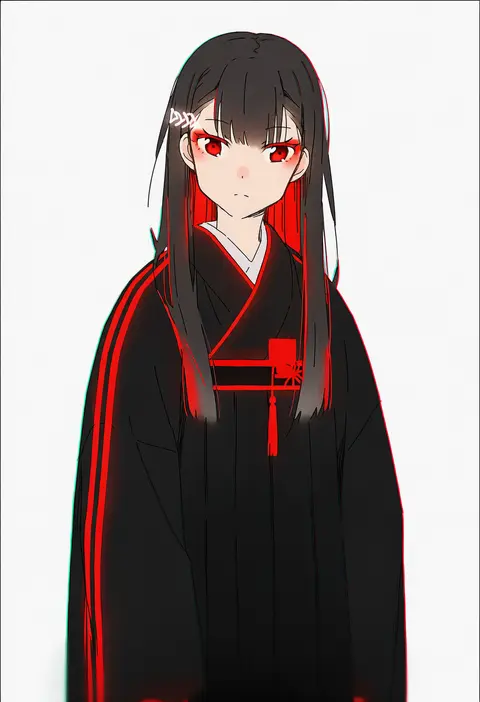
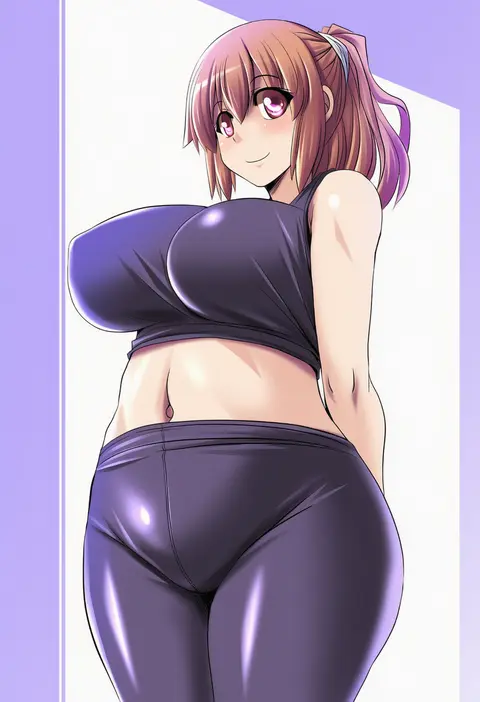
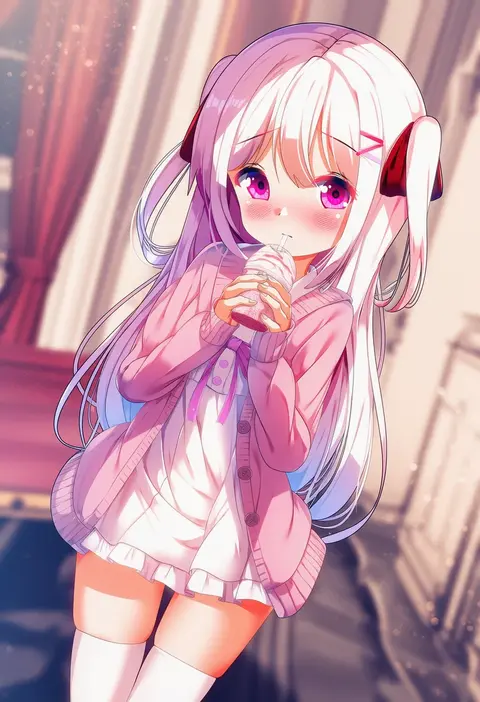
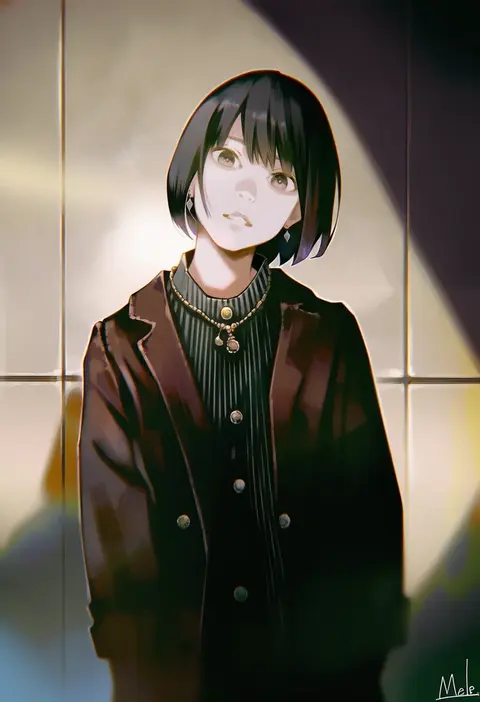
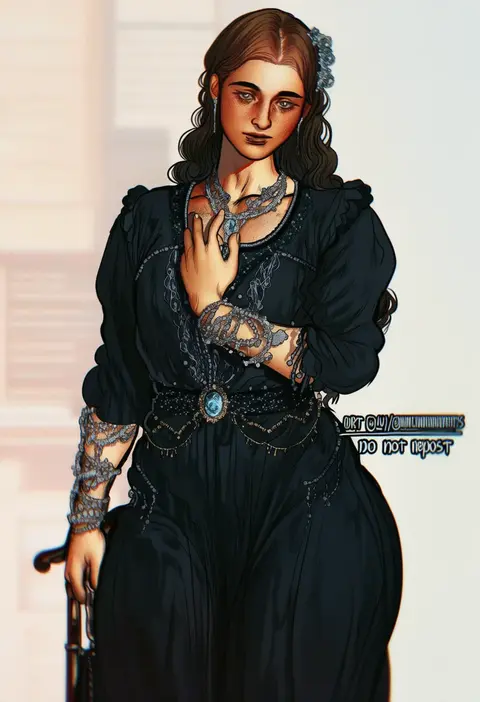
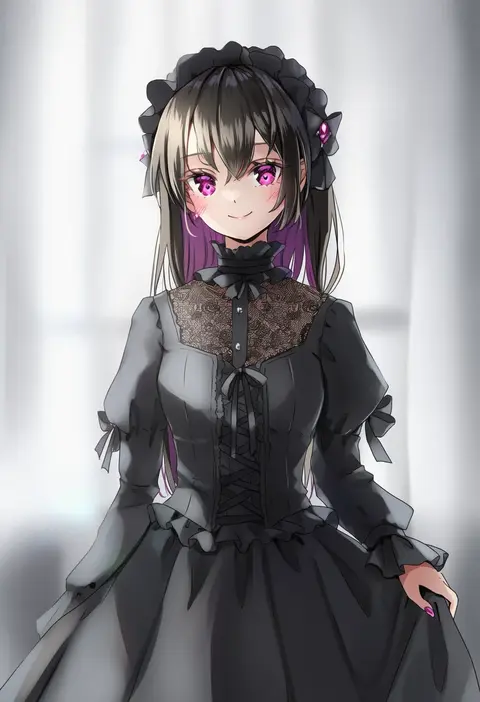
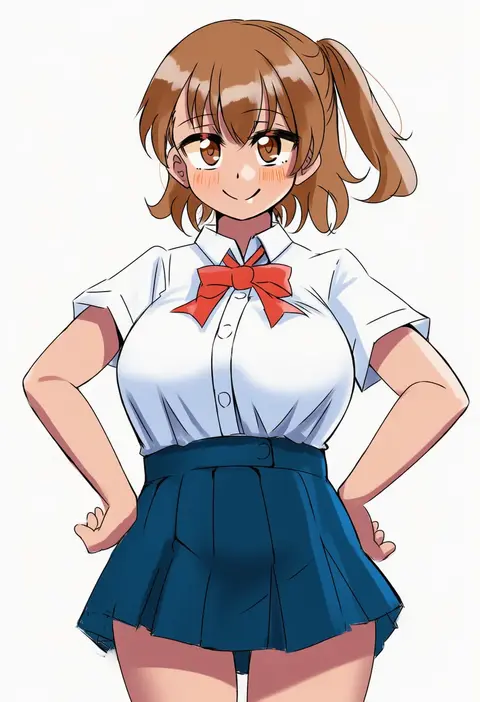
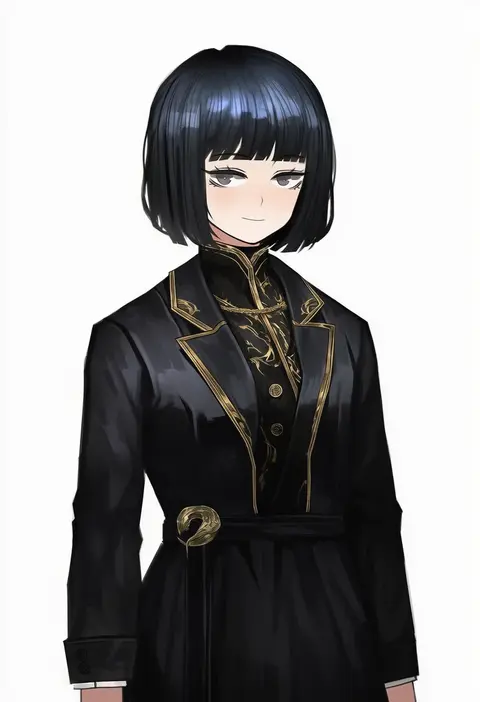
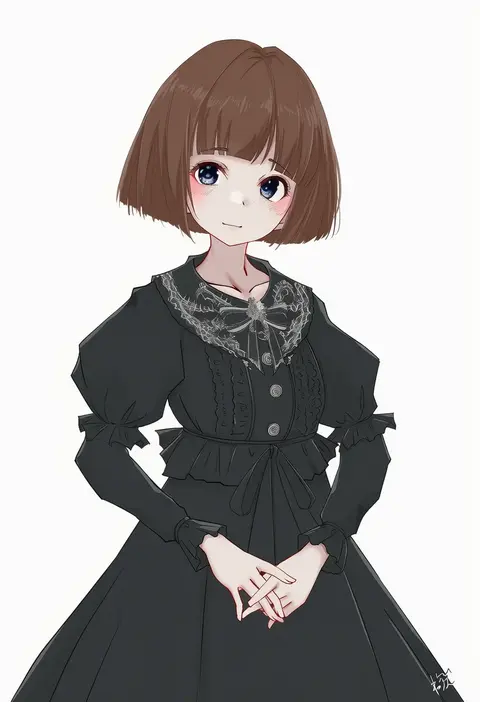
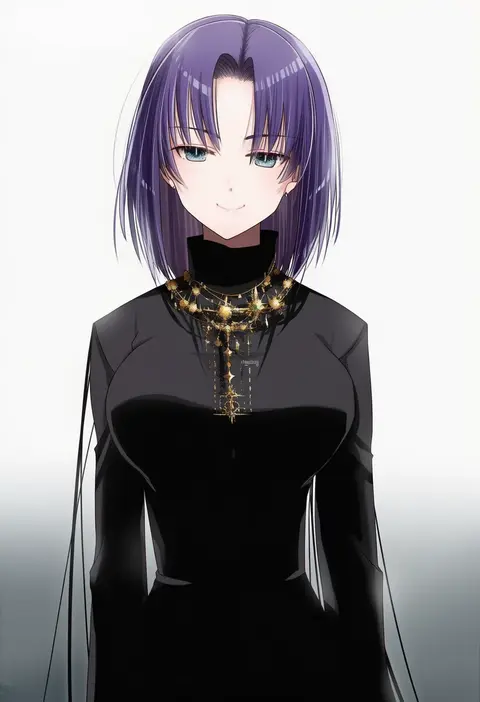
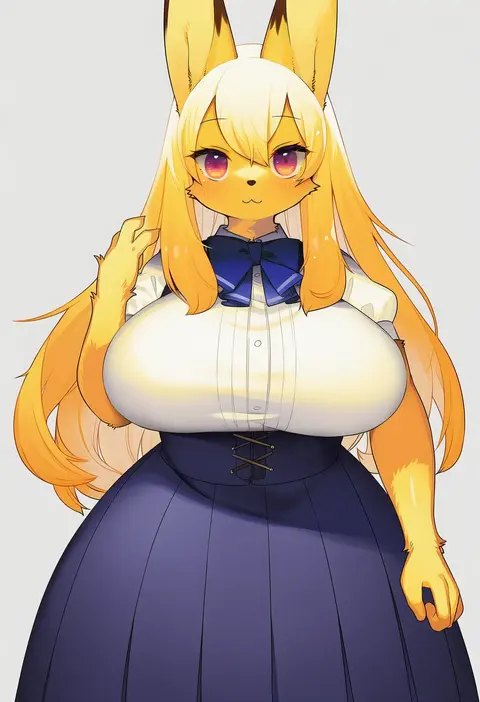
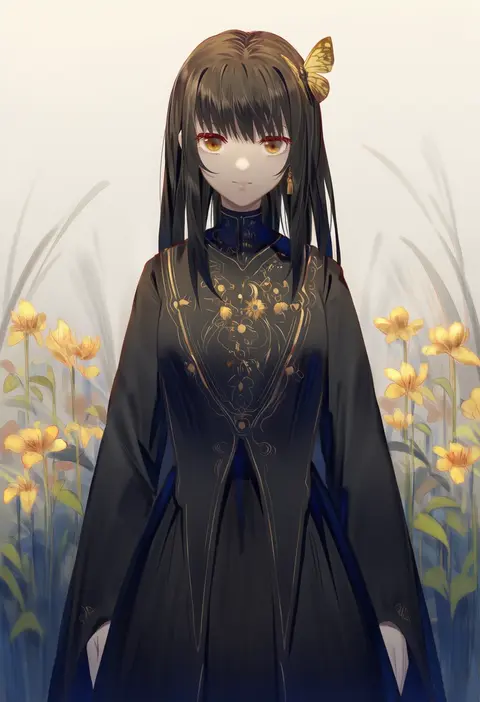
Artist tags tell NovelAI Diffusion to draw in a specific artist's style: line weight, paint texture, face shapes and palette all shift at once. Character and outfit tags decide what is drawn; artist tags decide how. 16,352 tags are listed for V4.5.
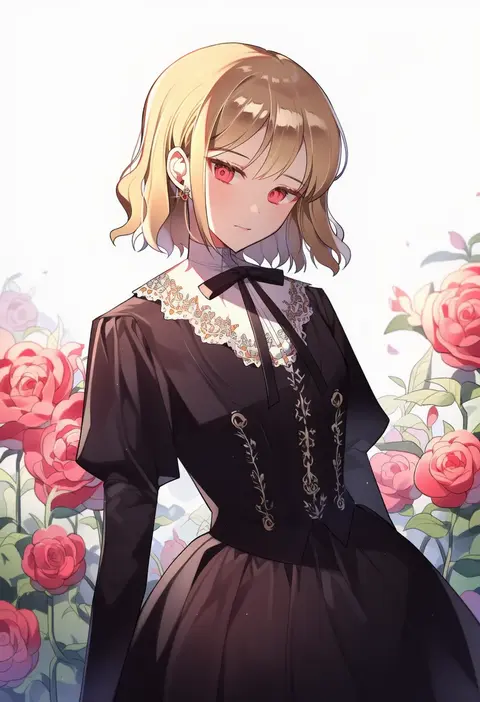
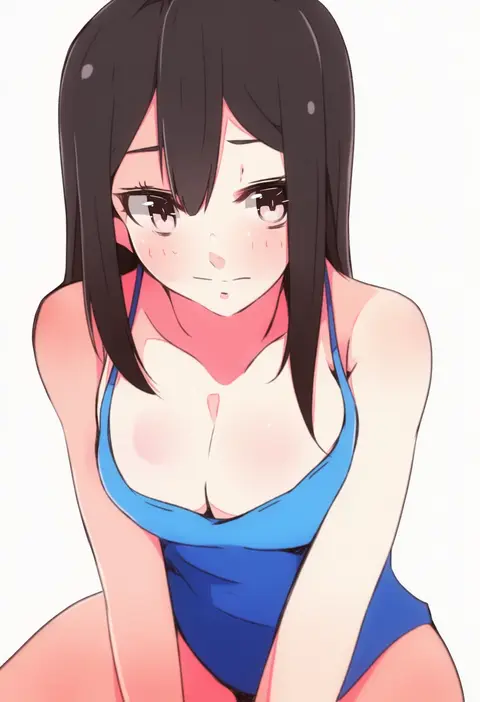
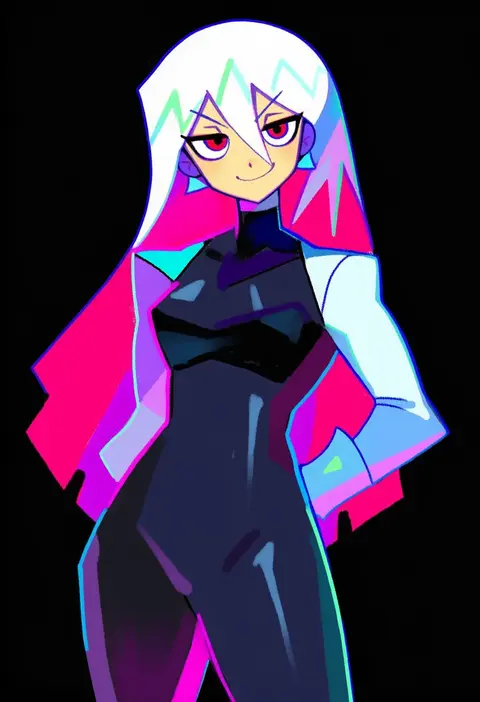
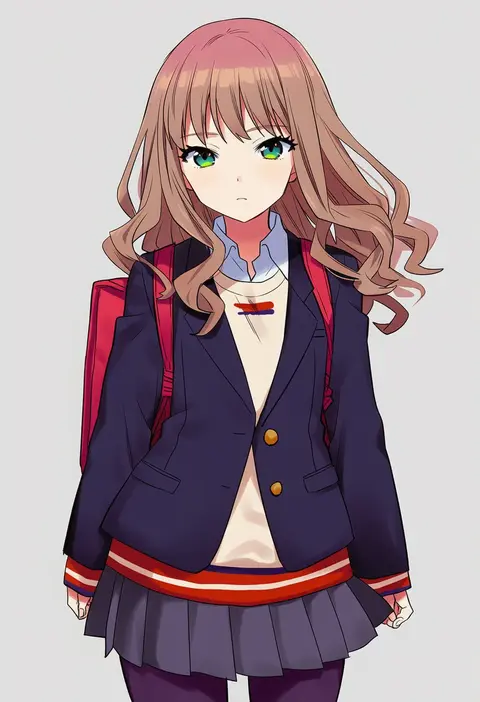
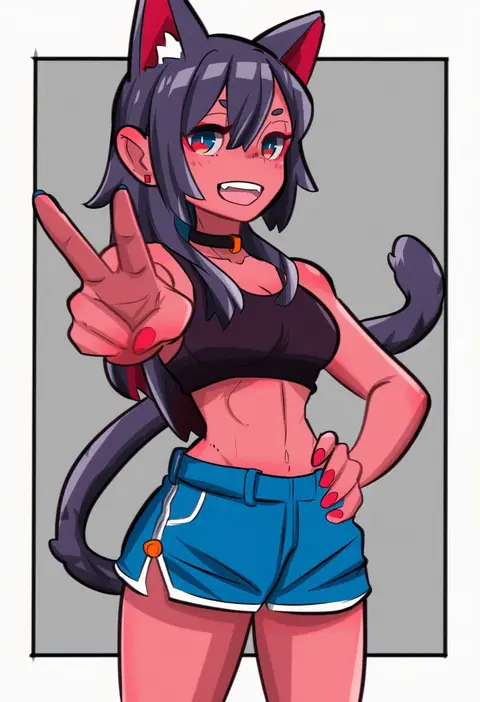
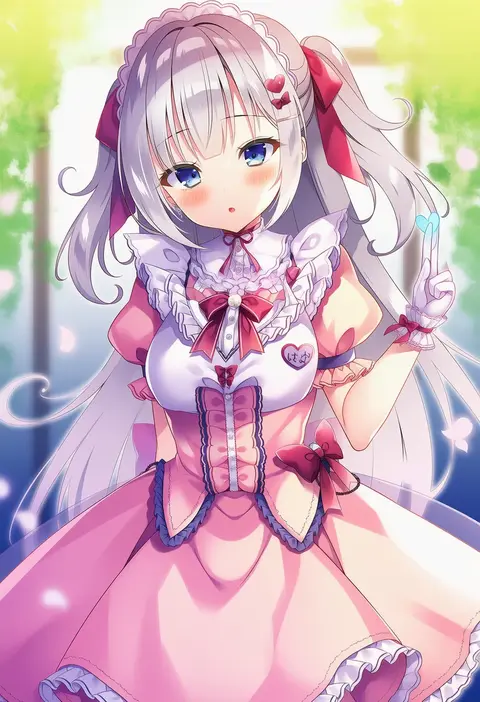
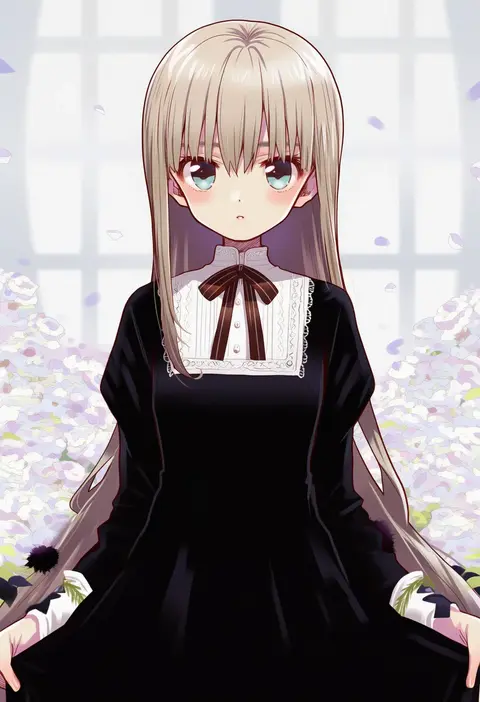
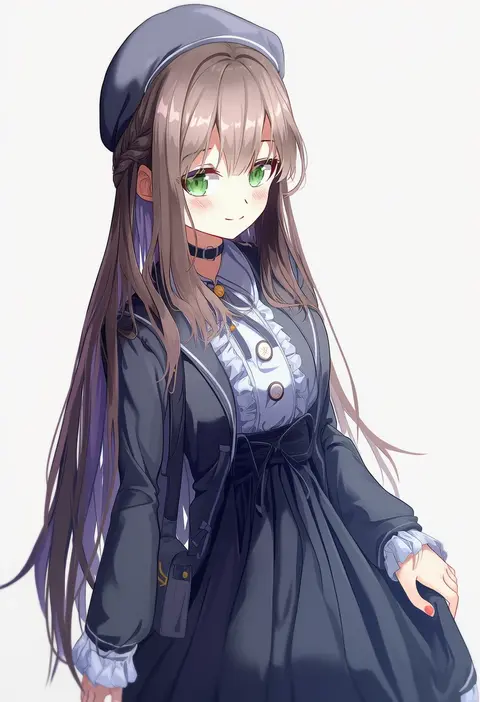
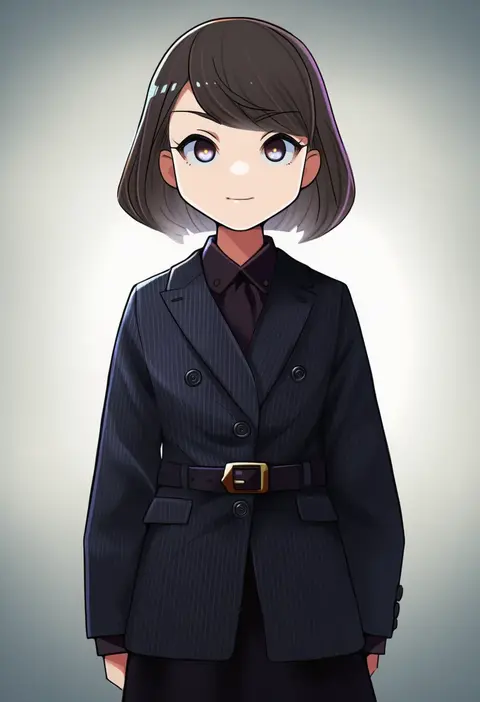
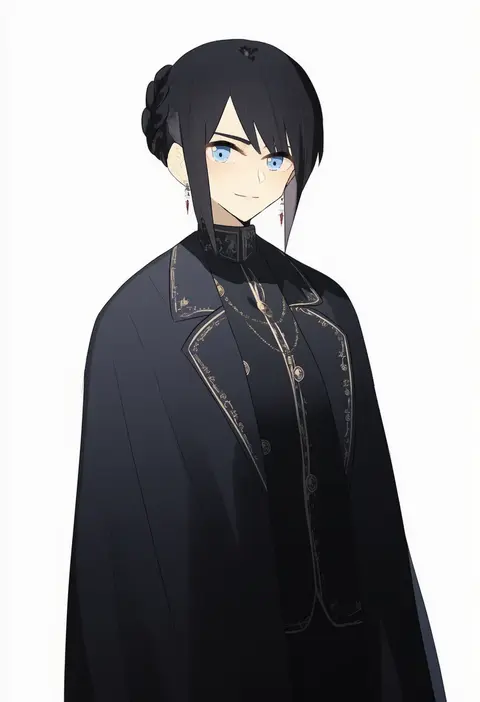
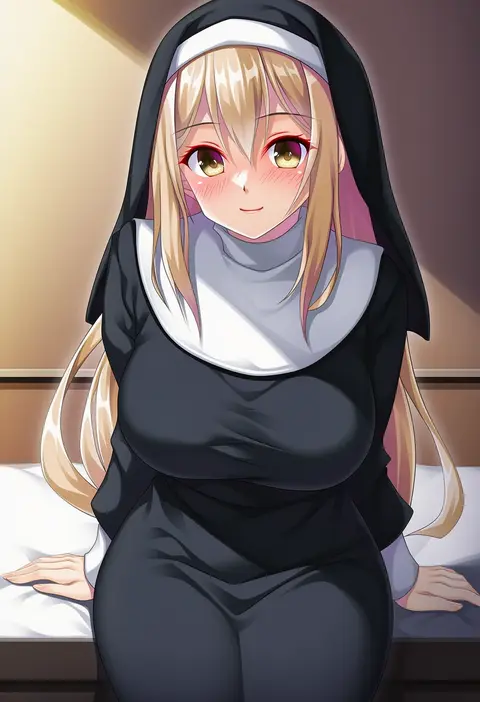
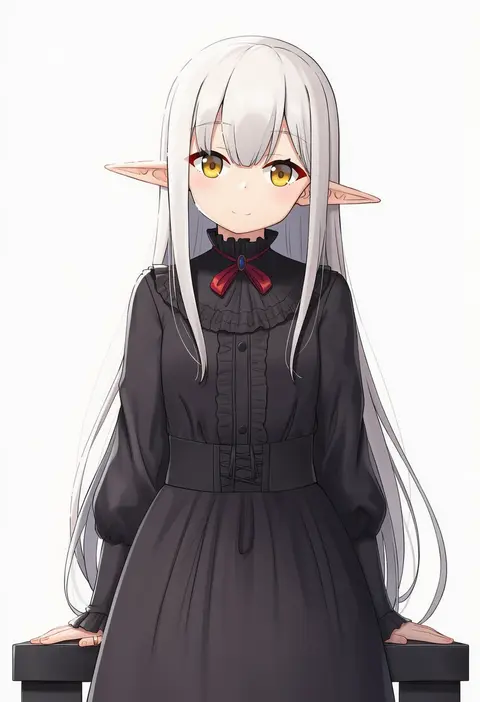
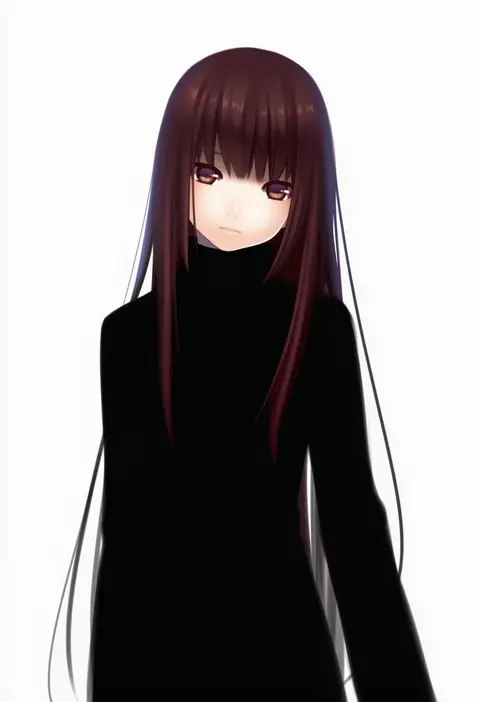
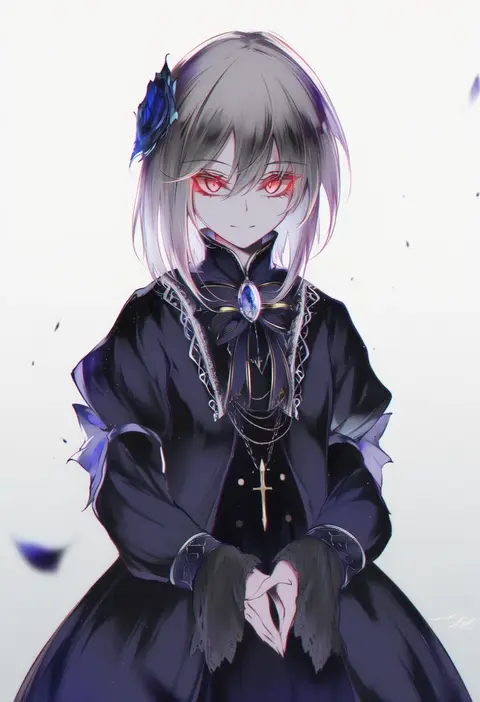
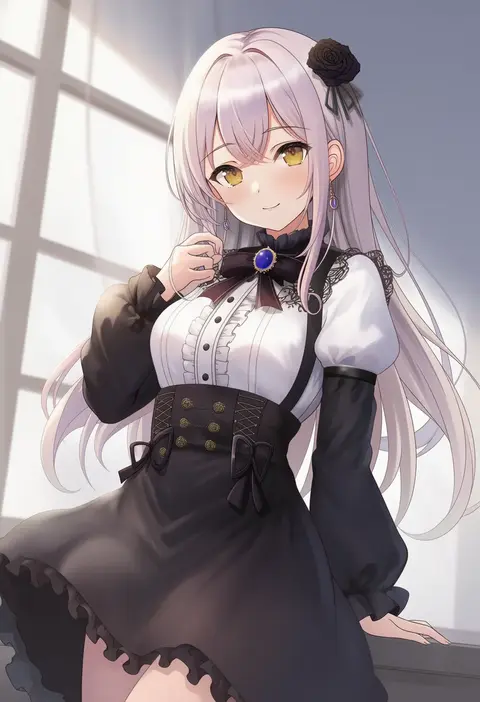
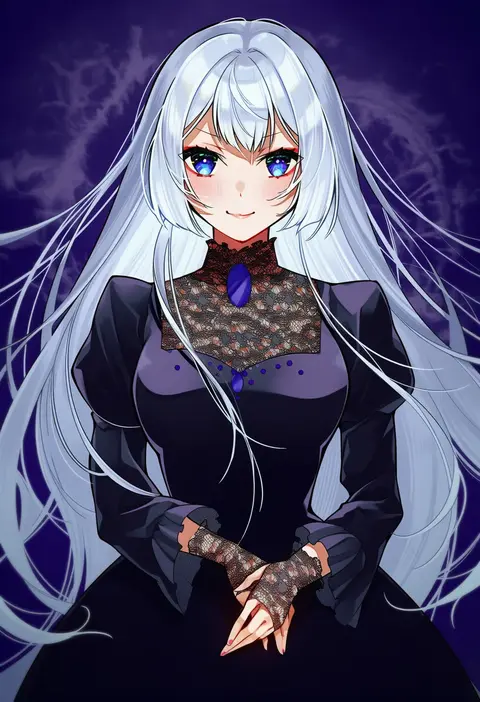
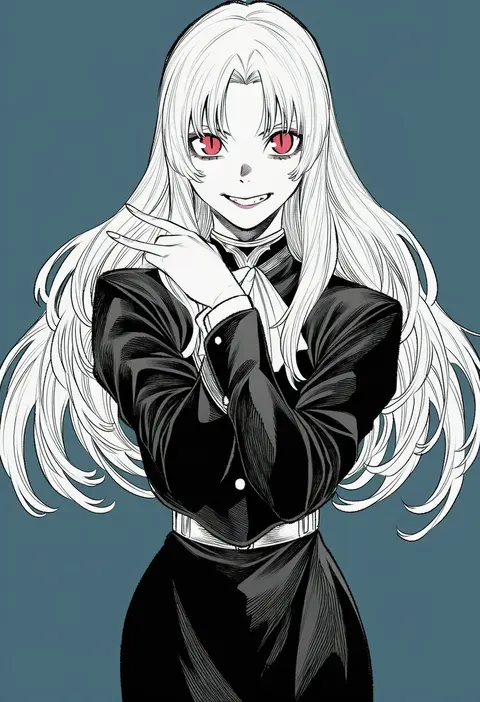
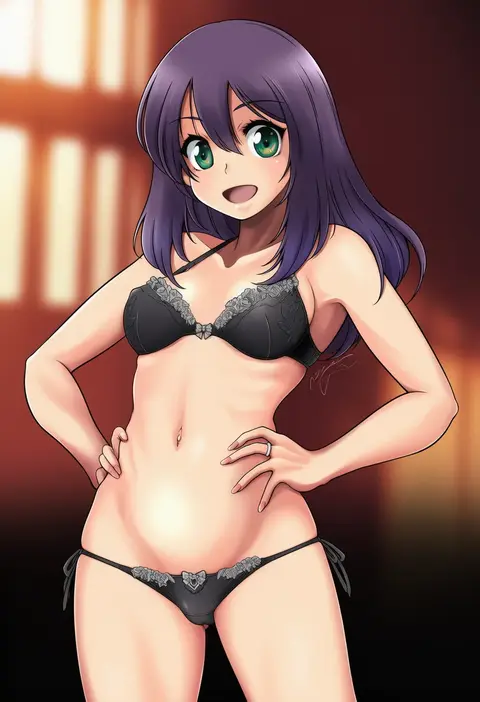
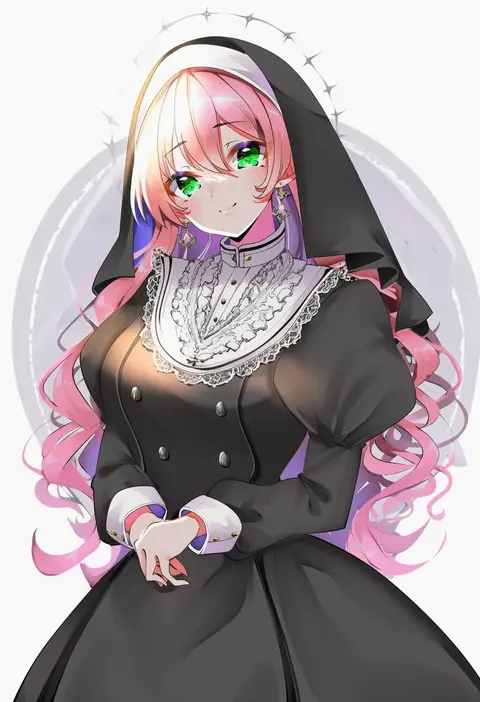
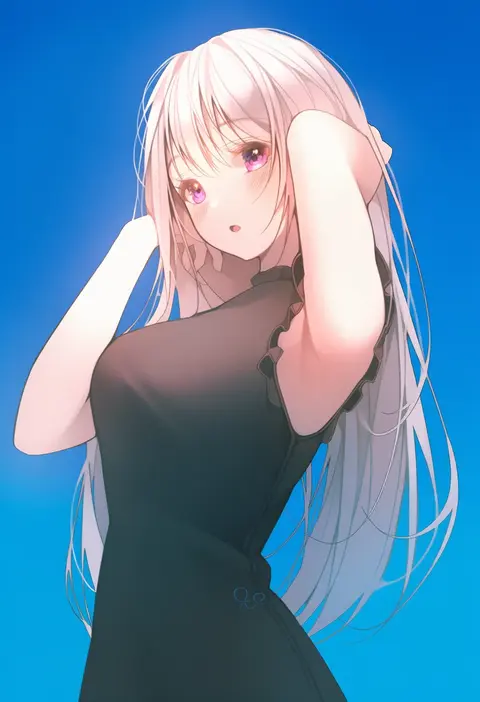
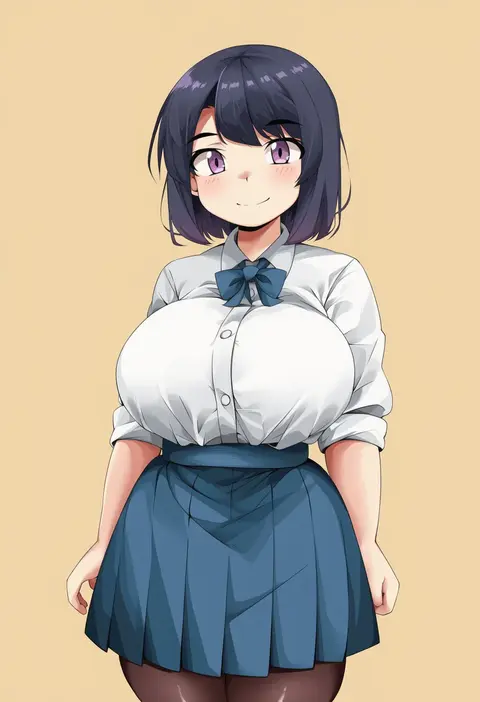
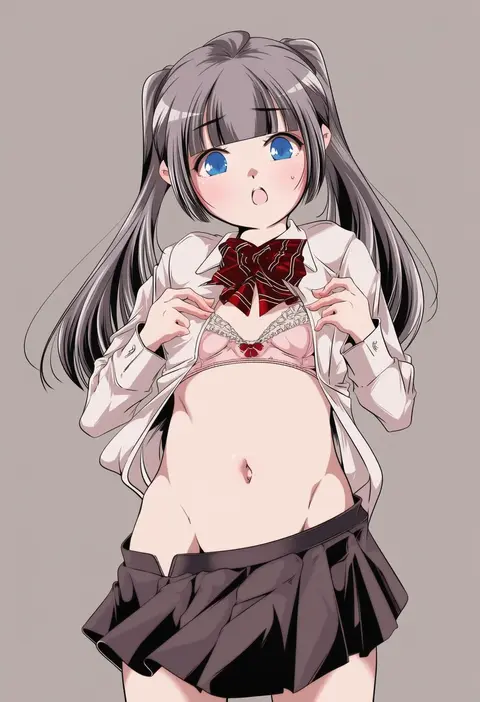
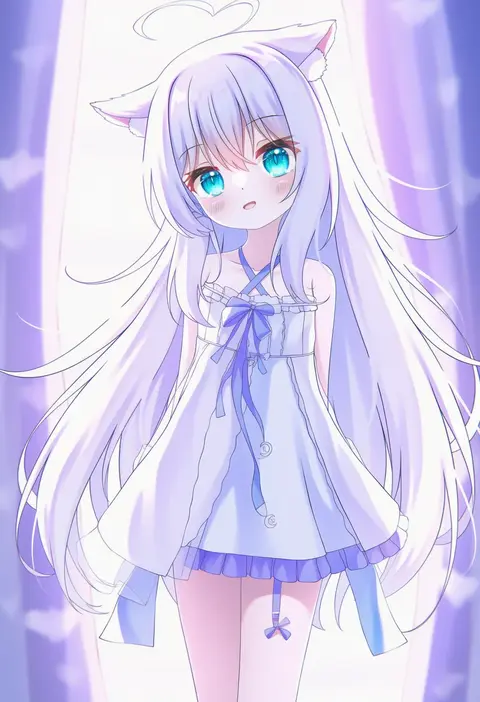
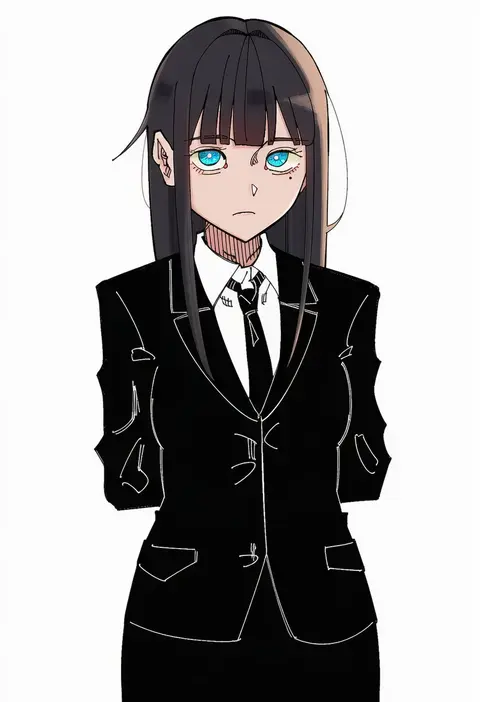
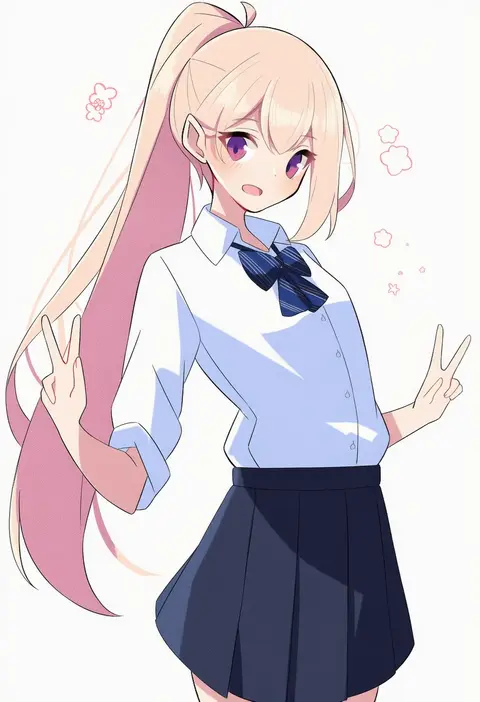
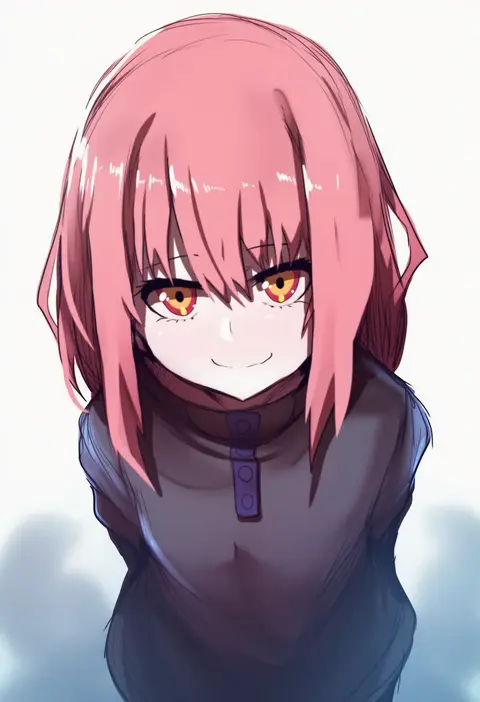
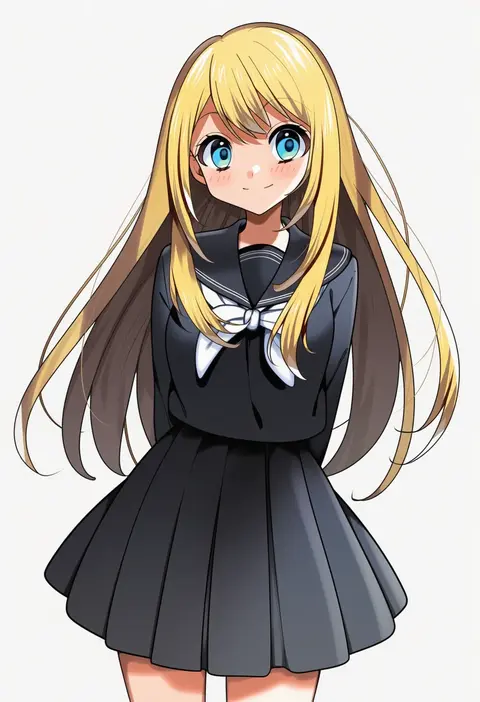
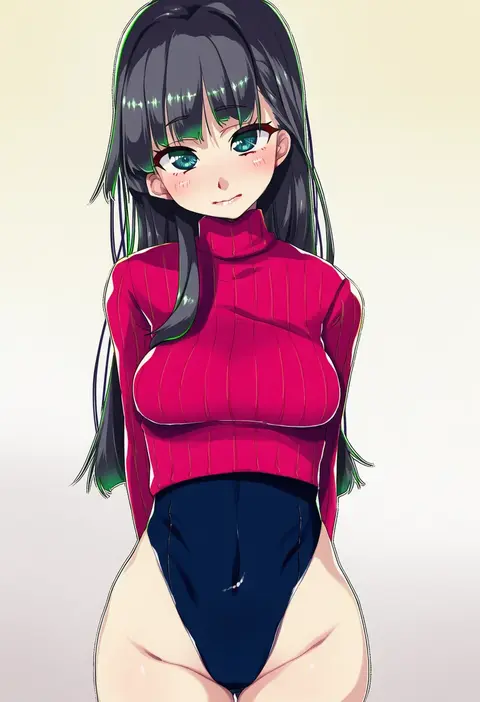
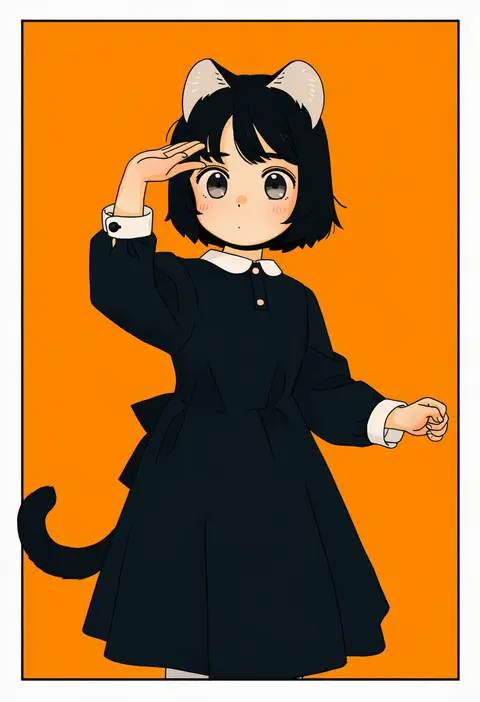
Every tag listed here is verified to react in NovelAI. All images use the same prompt, seed and settings with only the artist tag swapped, so the difference between two images is the style that tag brings in.

How to use them

Put the artist tag near the front of the prompt, e.g. "<artist>, 1girl, solo, best quality, masterpiece, cowboy shot". Two or three artist tags blend styles; lower the weight with "0.8::<artist>::" when the style overpowers the character.

SCORE sorts by Danbooru's top score, POSTS by post count, FAVS by hearts on this site. Open a card to see V5 and V4.5 side by side on the same seed.

V5 vs V4.5

V5 usually lands closer to the artist's real style, and tags that did nothing on V4.5 often react on V5. V4.5 still fits older and doujin-heavy artists better. Try V5 first, fall back to V4.5.

FAQ

Where does the artist tag go?
Near the front of the prompt. Use "0.8::tag::" to adjust its weight.

Can I stack artist tags?
Yes, styles blend. Past two or three the result stops looking like anyone.

Are these the artists' own works?
No. Every image is a NovelAI sample generated from the tag.