V4.5Artists
sort: FAVS▾
▾
>
$

NovelAI Artist Tags List — V4.5

artist --count 16,352[183/273]
linfi-muu
ARTIST0x2AA8
0
misoshiru umai4
ARTIST0x2AA9
0
nakura hakuto
ARTIST0x2AAA
0
makitoshi0316
ARTIST0x2AAB
0
grel (r6hgvu5)
ARTIST0x2AAC
0
feng you
ARTIST0x2AAD
0
tanaka ginji
ARTIST0x2AAE
0
mimuni362
ARTIST0x2AAF
0
tyson tan
ARTIST0x2AB0
0
hidefu kitayan
ARTIST0x2AB1
0
tsukiman
ARTIST0x2AB2
0
wss (nicoseiga19993411)
ARTIST0x2AB3
0
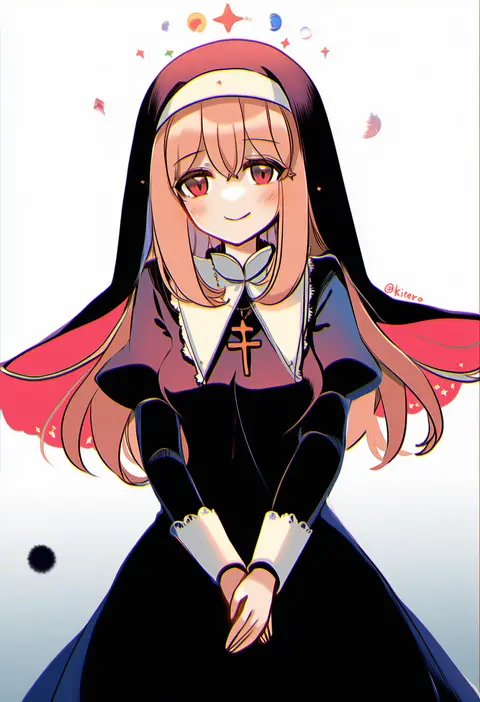
kirero
ARTIST0x2AB4
0
takatsuki nato
ARTIST0x2AB5
0
akara kai
ARTIST0x2AB6
0
nakamura hinato
ARTIST0x2AB7
0
h2so4
ARTIST0x2AB8
0
clear glass (mildmild1311)
ARTIST0x2AB9
0
mashima shima
ARTIST0x2ABA
0
akamaru
ARTIST0x2ABB
0
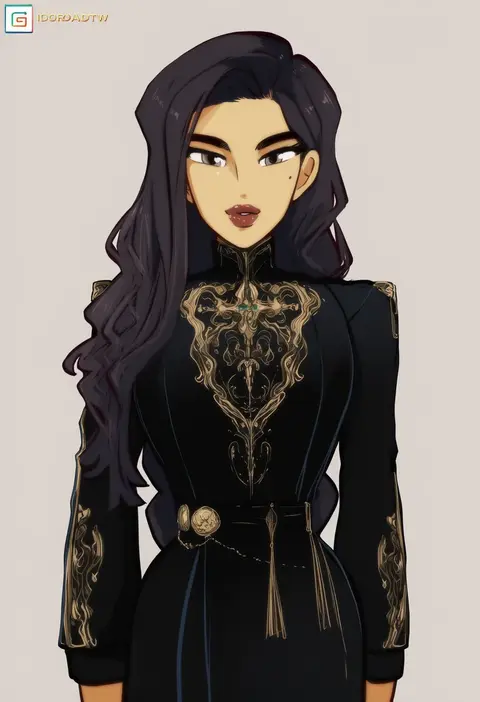
idoraad
ARTIST0x2ABC
0
tsuezu
ARTIST0x2ABD
0
suzaku (zaku6584)
ARTIST0x2ABE
0
hangaku
ARTIST0x2ABF
0
a9b (louis814)
ARTIST0x2AC0
0
ayumaru (art of life)
ARTIST0x2AC1
0
whoru
ARTIST0x2AC2
0
tesun (g noh)
ARTIST0x2AC3
0
seeker
ARTIST0x2AC4
0
hebino rai
ARTIST0x2AC5
0
kouki kuu
ARTIST0x2AC6
0
ryuki@maguro-ex
ARTIST0x2AC7
0
touya (konpekitou)
ARTIST0x2AC8
0
fuyube rion
ARTIST0x2AC9
0
sakazakinchan
ARTIST0x2ACA
0
kimura (ykimu)
ARTIST0x2ACB
0
rino cnc
ARTIST0x2ACC
0
sagamimok
ARTIST0x2ACD
0
xuchuan
ARTIST0x2ACE
0
mana kakkowarai
ARTIST0x2ACF
0
acomu414
ARTIST0x2AD0
0
sugamo (rainysnowy108)
ARTIST0x2AD1
0
kita no shinya
ARTIST0x2AD2
0
shoji sakura
ARTIST0x2AD3
0
vectorek
ARTIST0x2AD4
0
nayoshi (r-744)
ARTIST0x2AD5
0
aluce
ARTIST0x2AD6
0
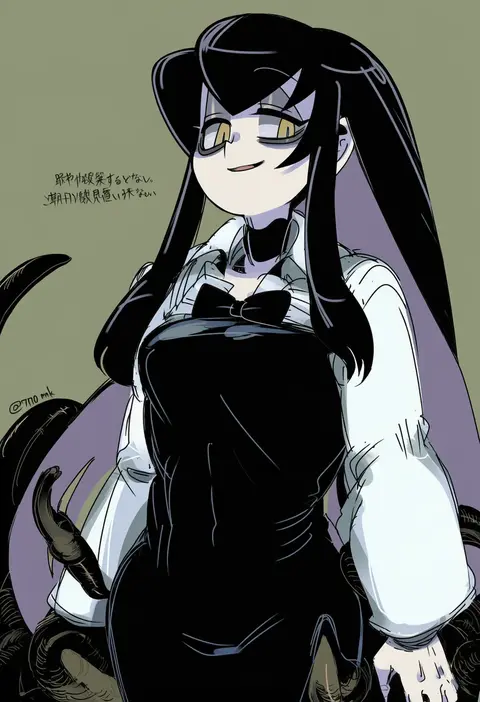
770mk
ARTIST0x2AD7
0
raythalosm
ARTIST0x2AD8
0
gigokku
ARTIST0x2AD9
0
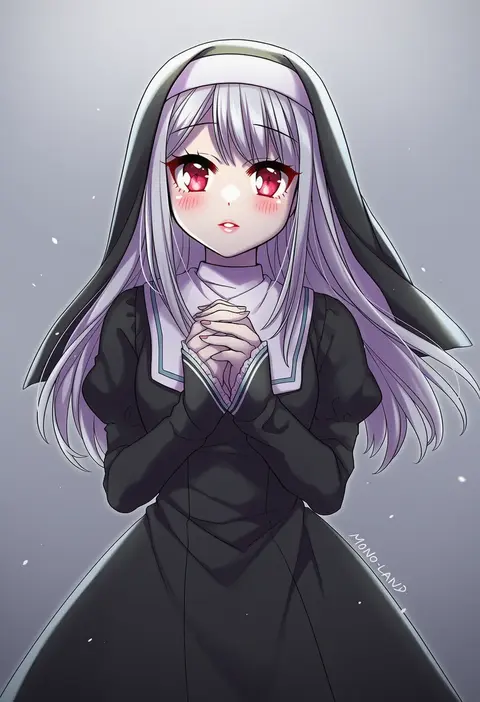
mono land
ARTIST0x2ADA
0
sugi87
ARTIST0x2ADB
0
miyama (yakinikusushi the royal)
ARTIST0x2ADC
0
anny (yoai)
ARTIST0x2ADD
0
esu (tasoesu)
ARTIST0x2ADE
0
kurage1
ARTIST0x2ADF
0
honda takeshi
ARTIST0x2AE0
0
nisino2222
ARTIST0x2AE1
0
monaka ooji
ARTIST0x2AE2
0
xity
ARTIST0x2AE3
0

What these tags change

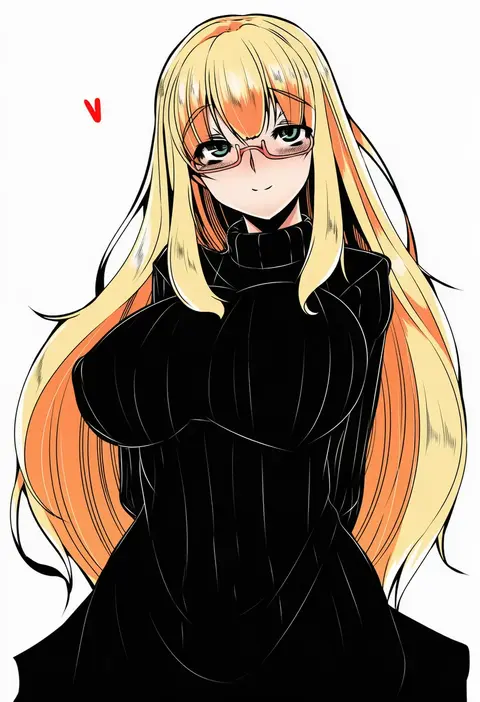
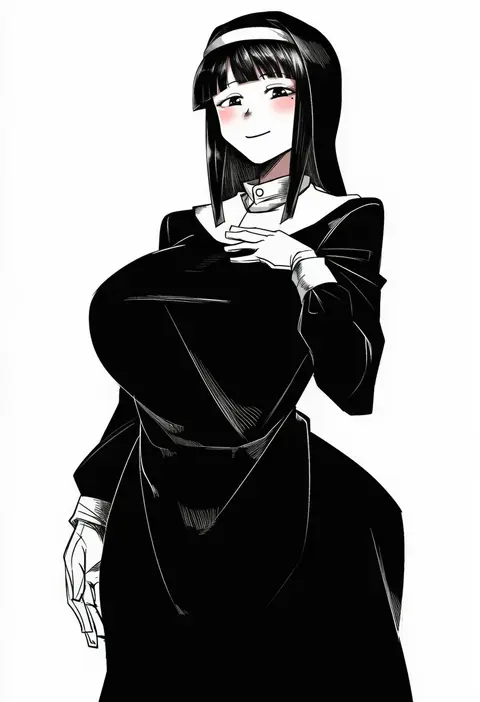
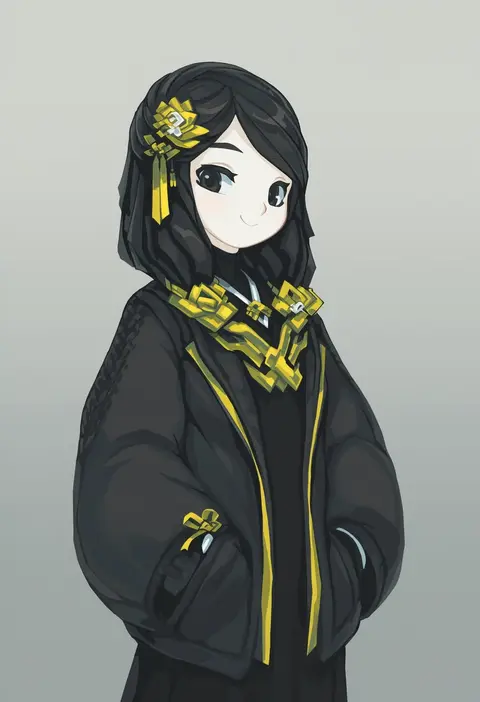
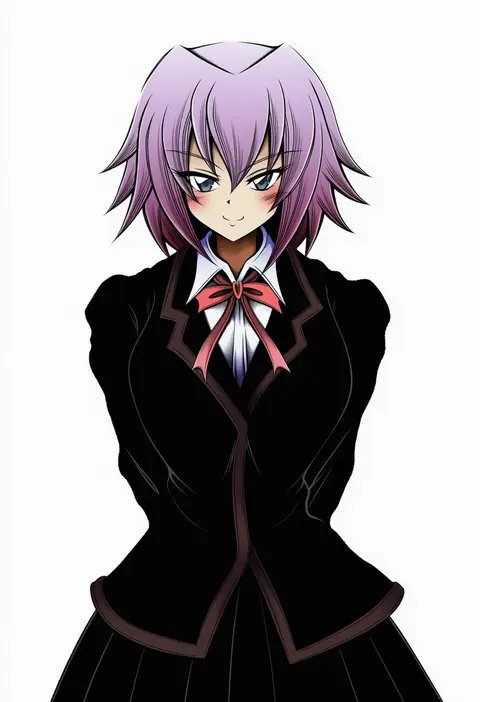
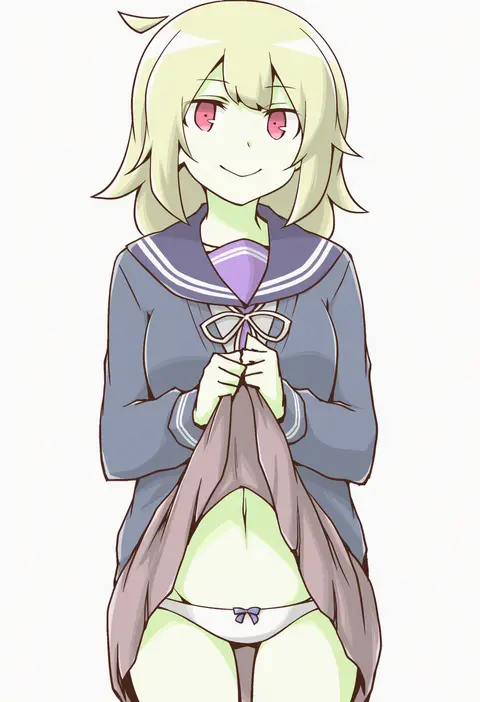
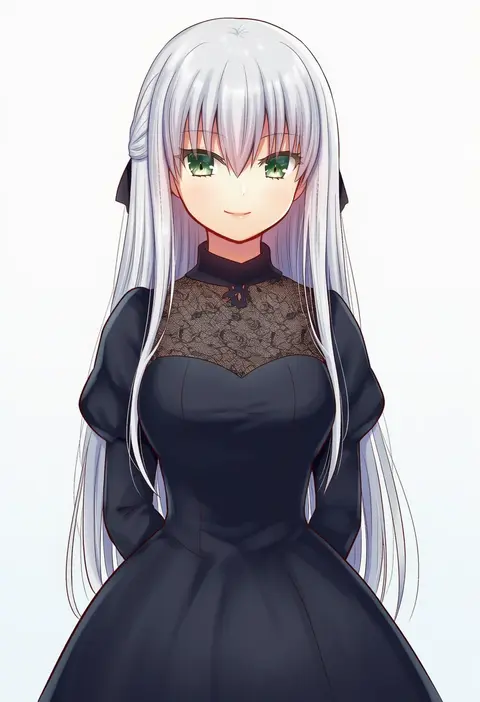
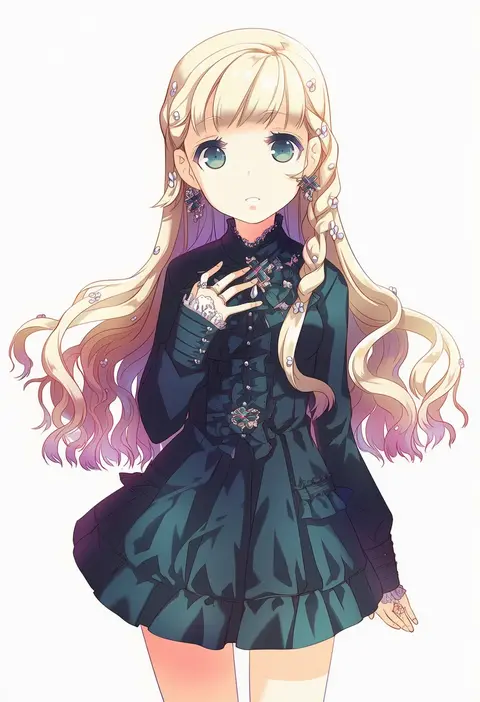
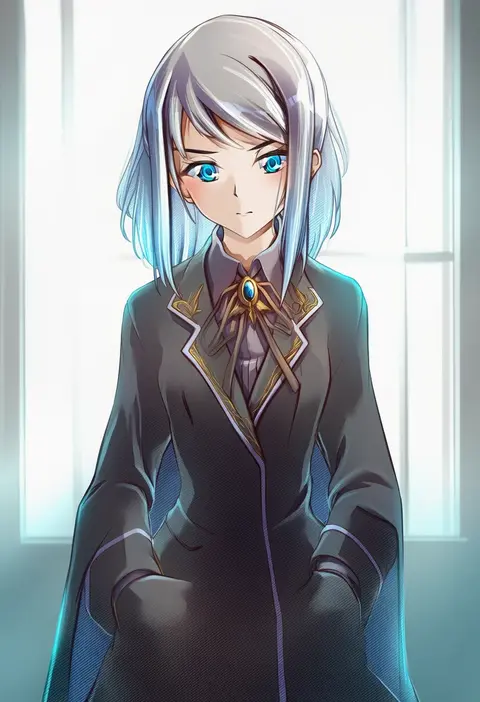
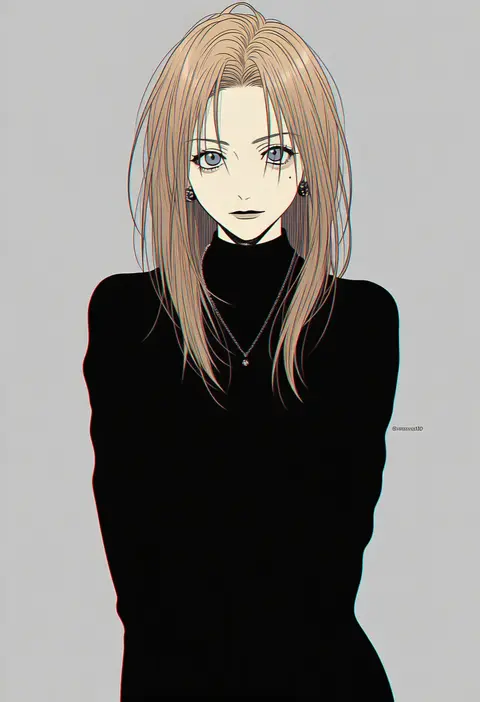
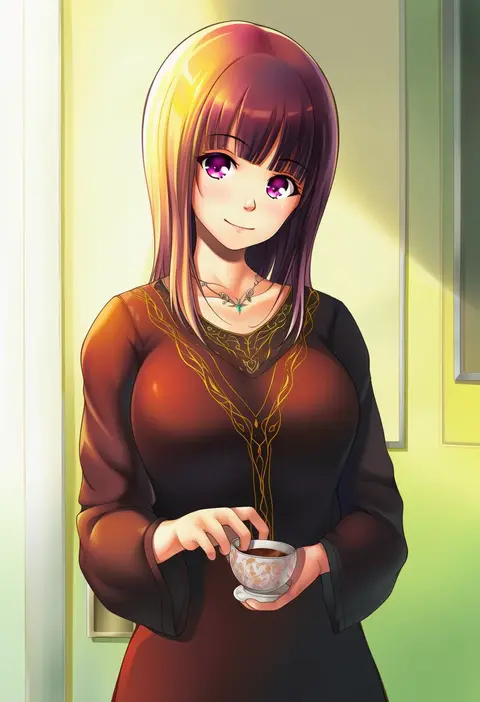
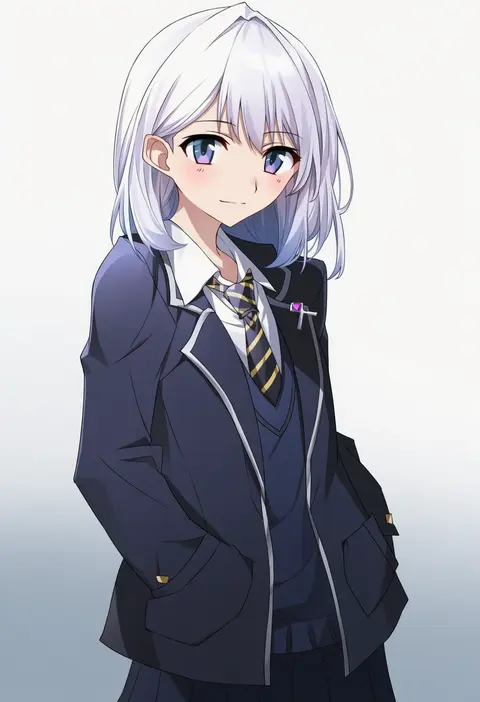
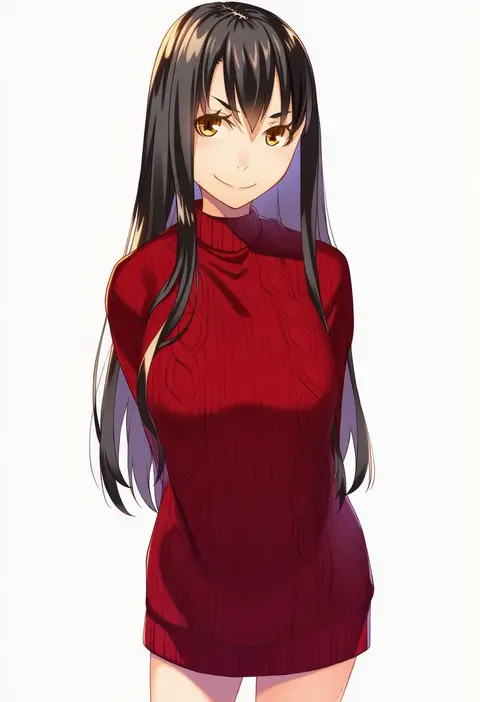
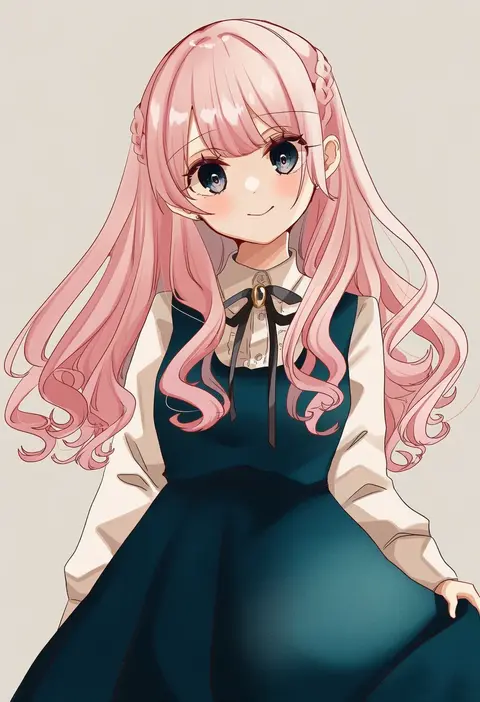
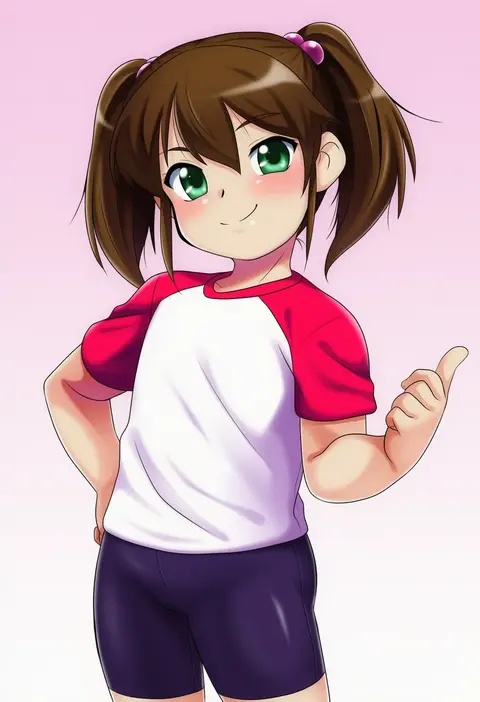
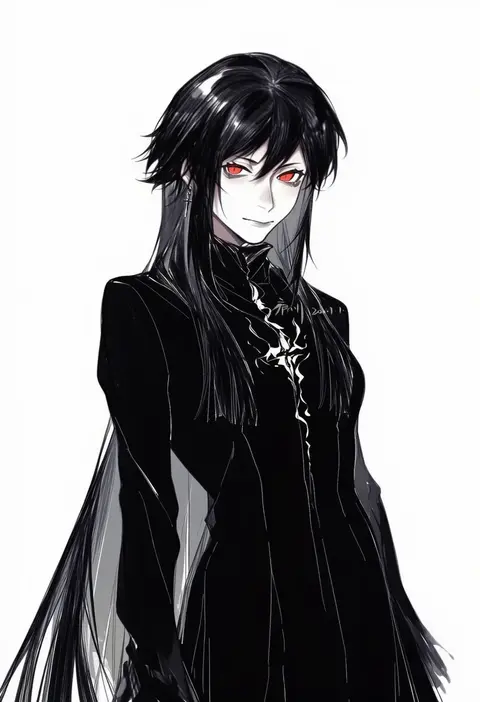
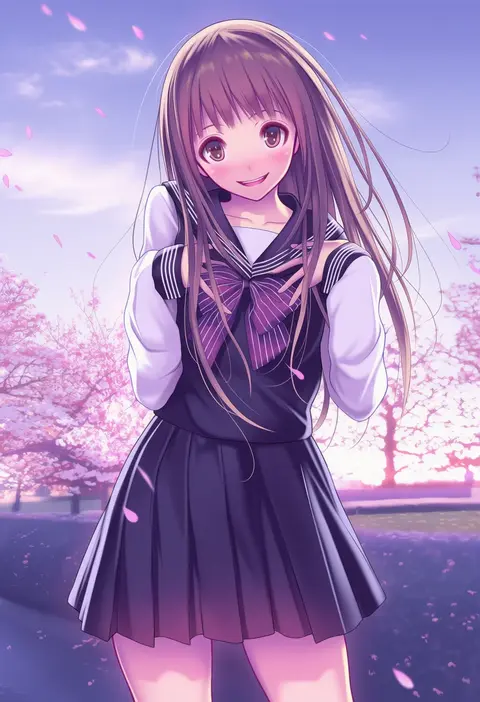
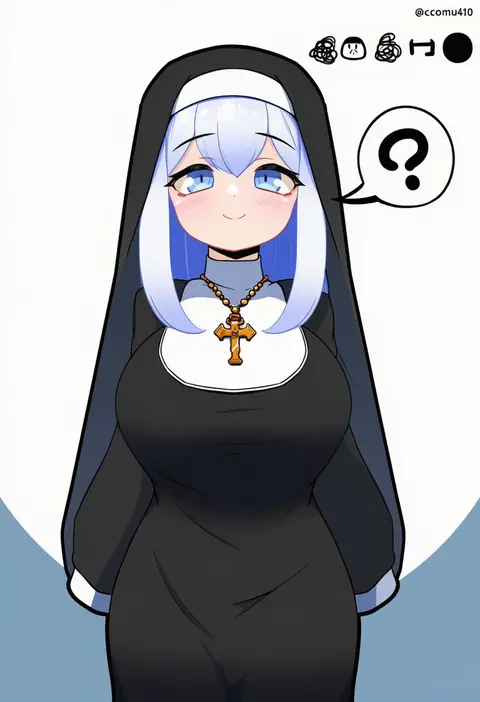
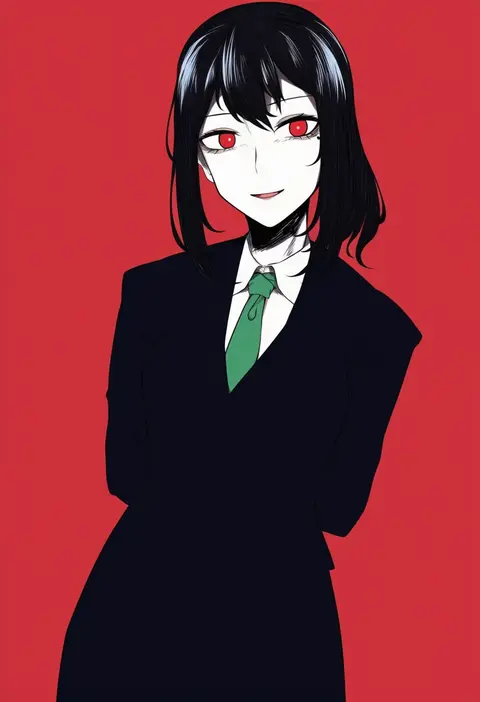
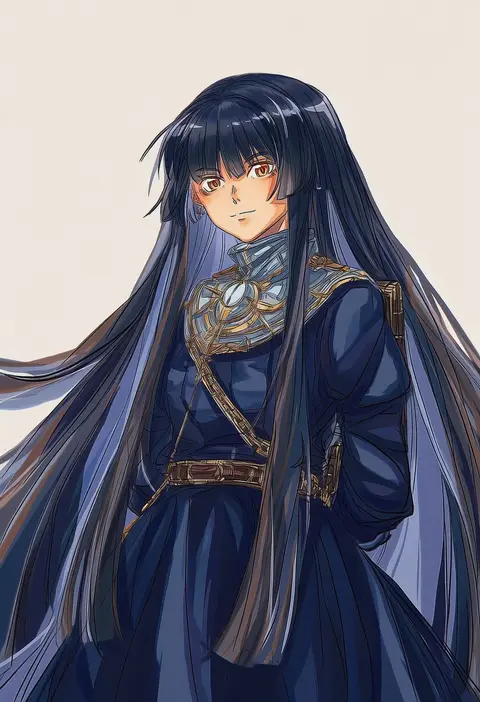
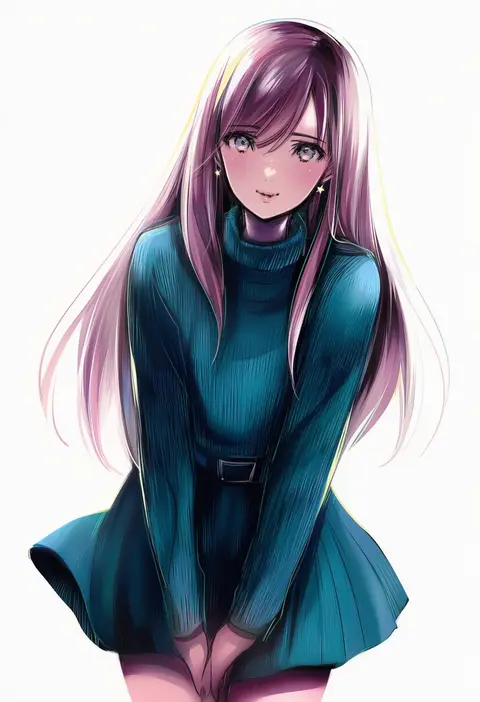
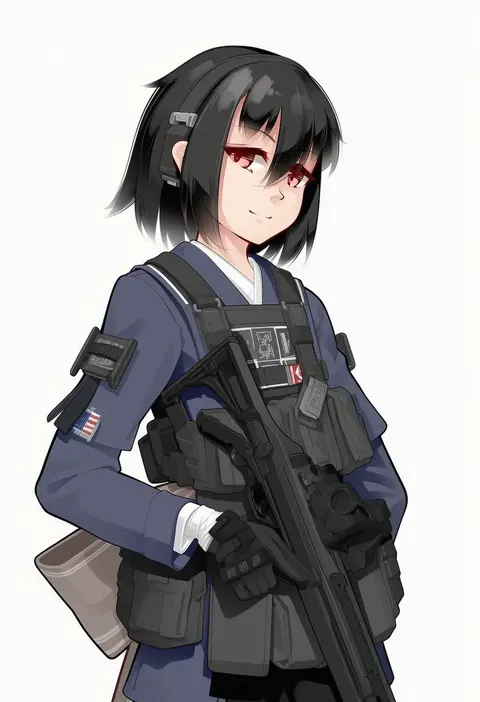
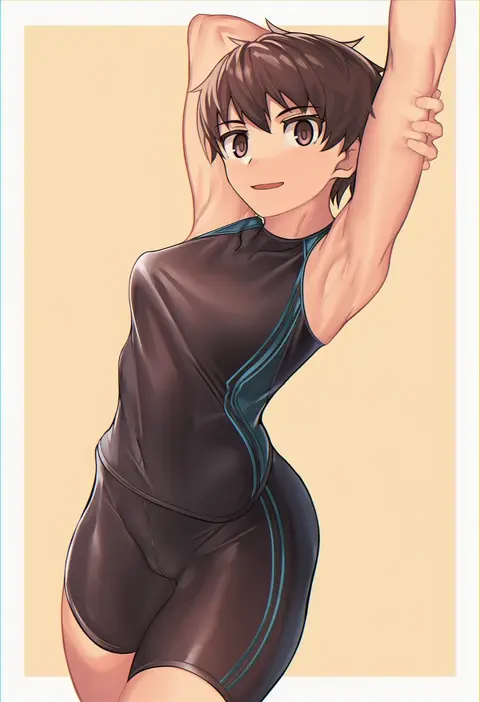
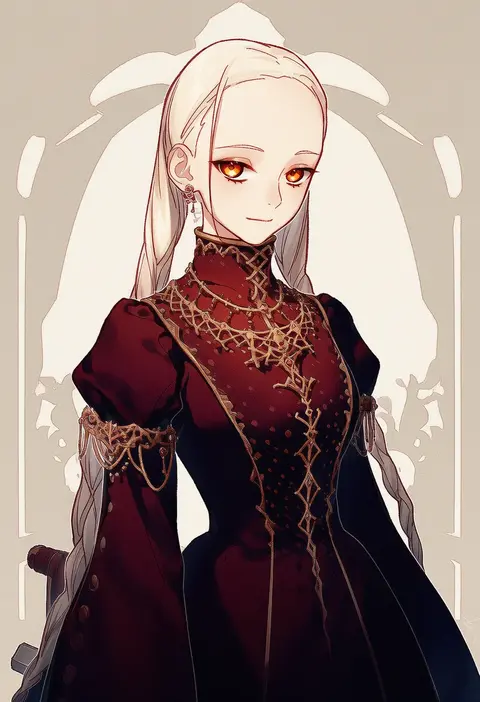
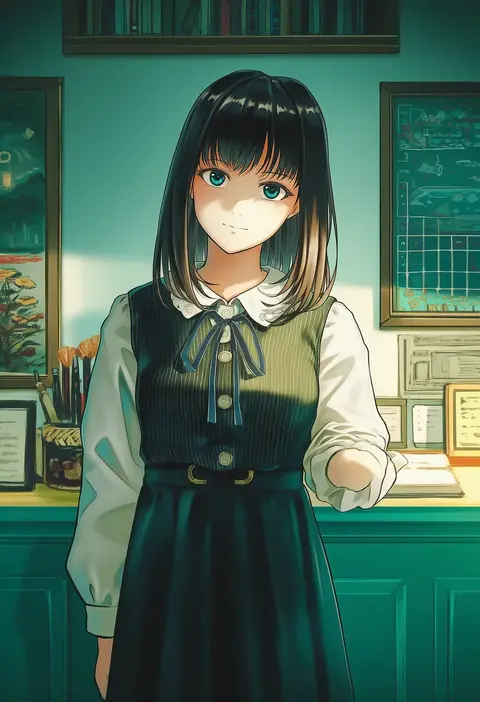
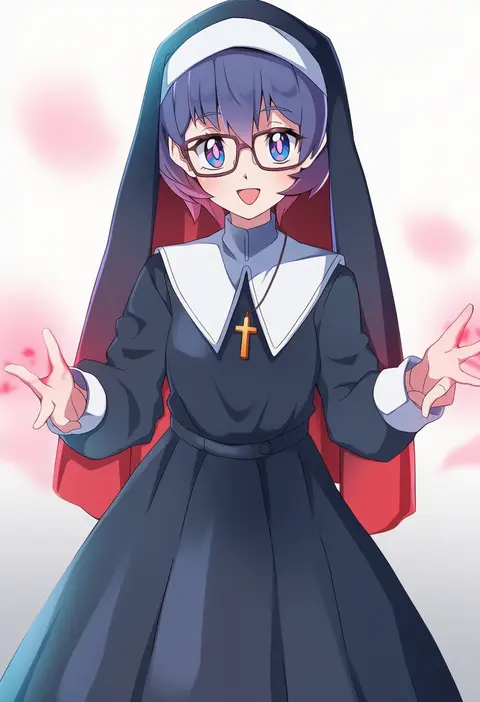
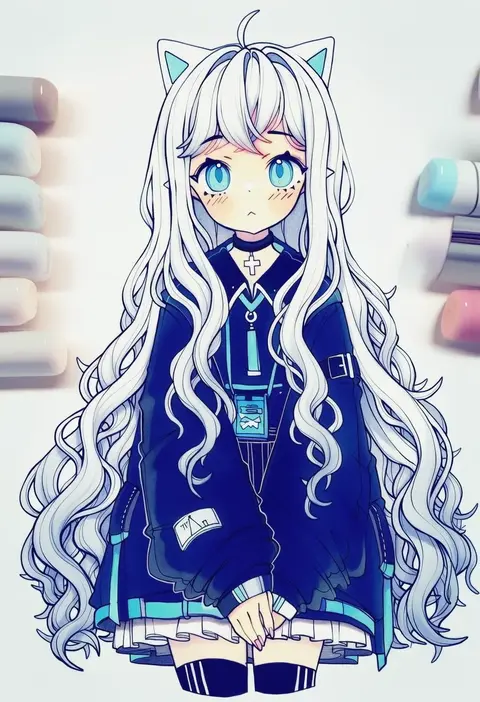
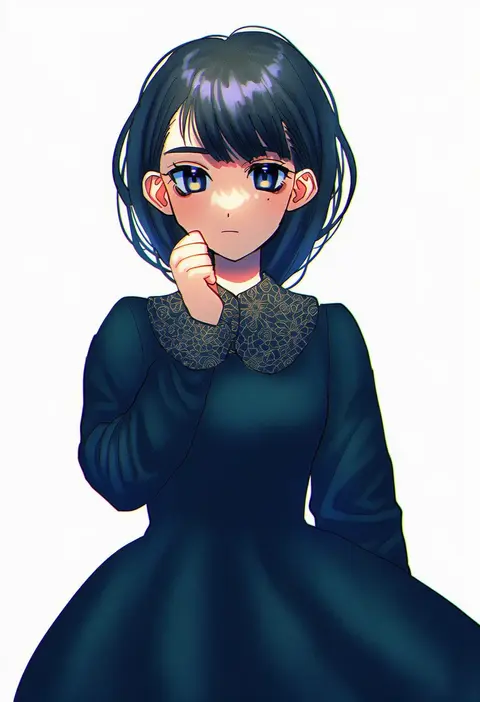
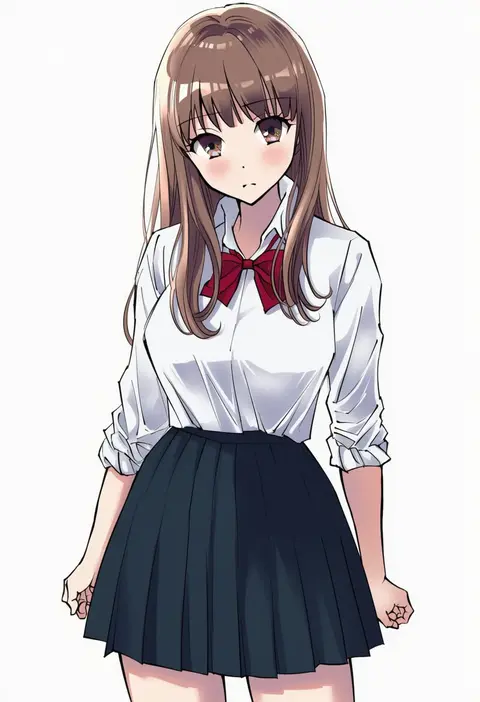
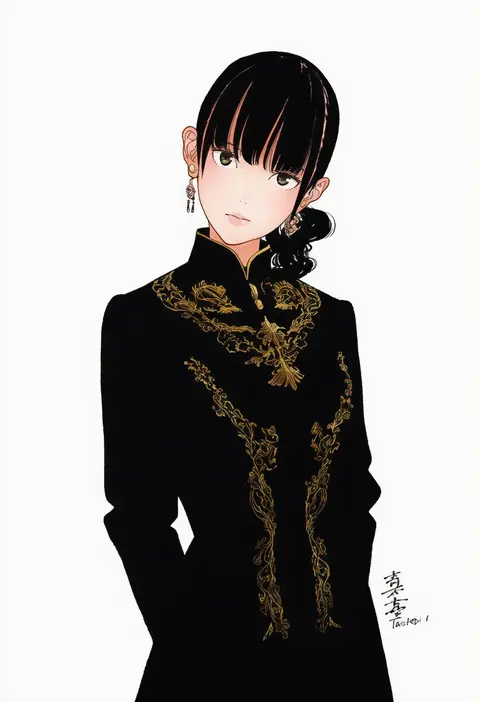
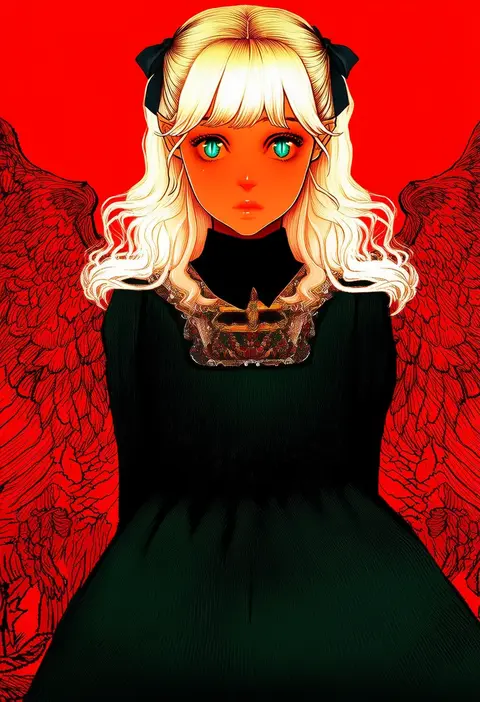
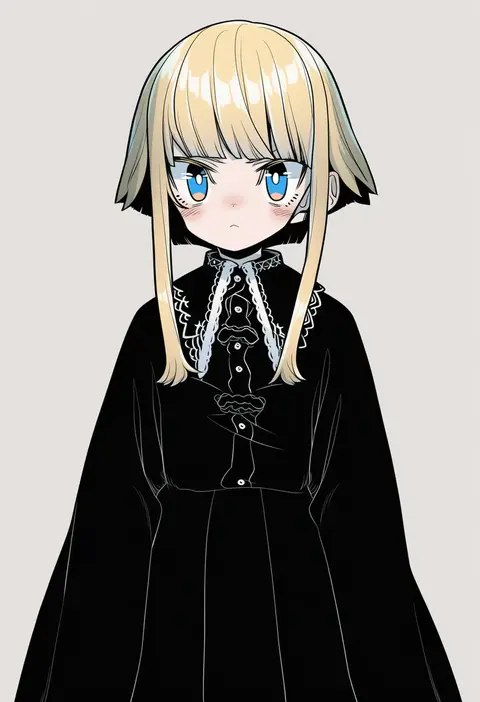
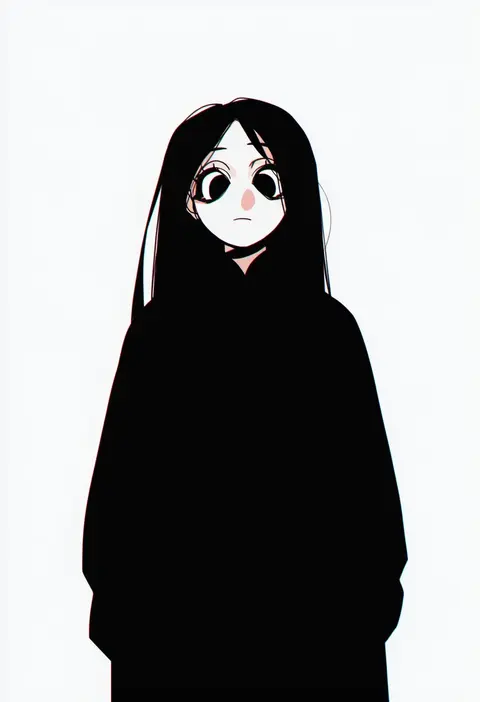
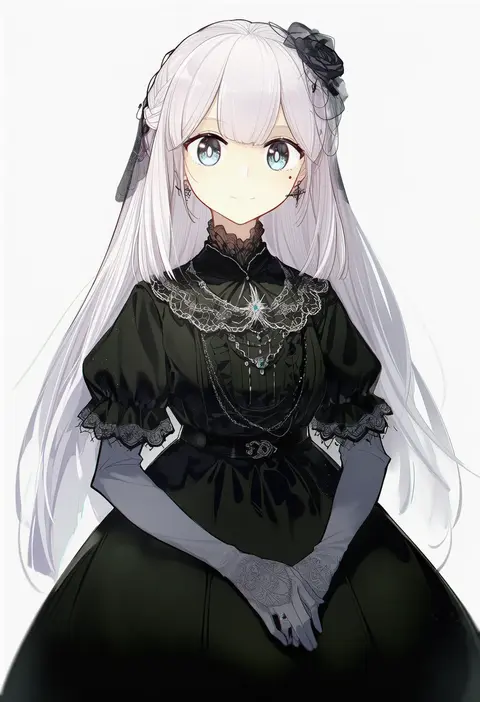
Artist tags tell NovelAI Diffusion to draw in a specific artist's style: line weight, paint texture, face shapes and palette all shift at once. Character and outfit tags decide what is drawn; artist tags decide how. 16,352 tags are listed for V4.5.
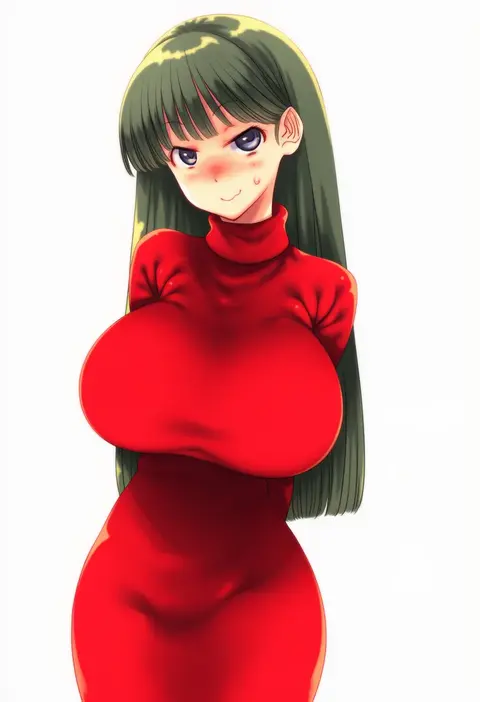
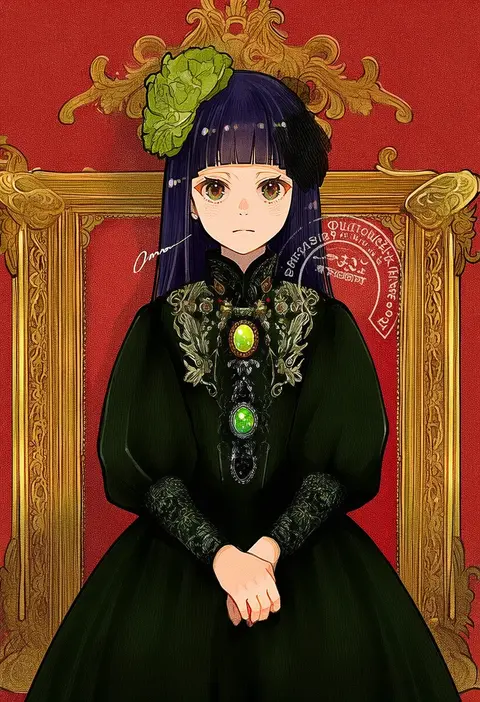
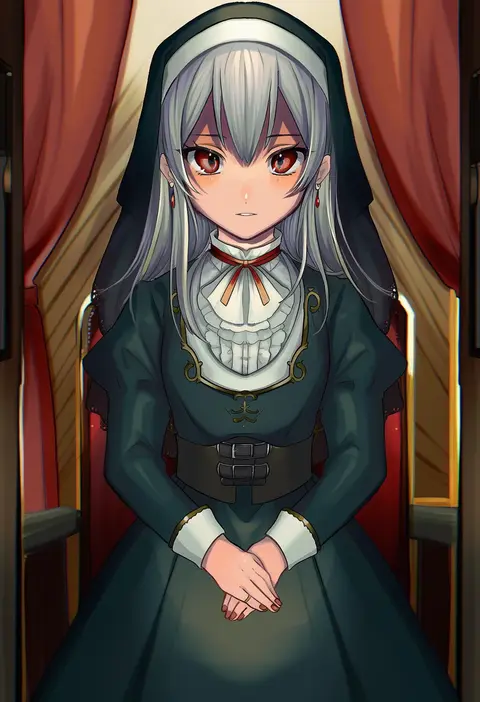
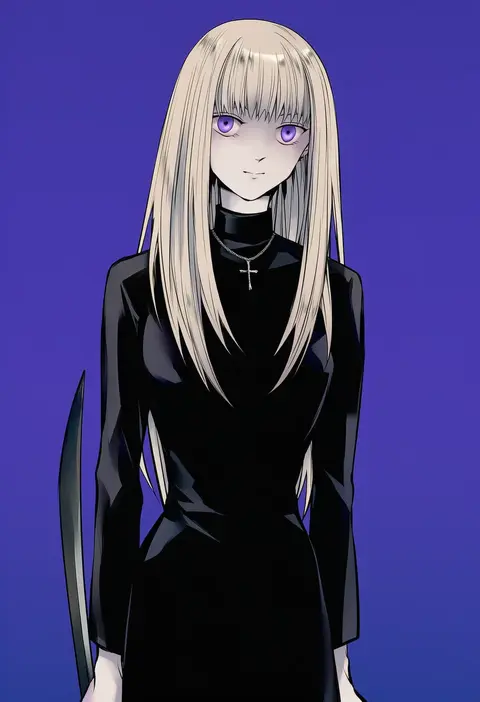
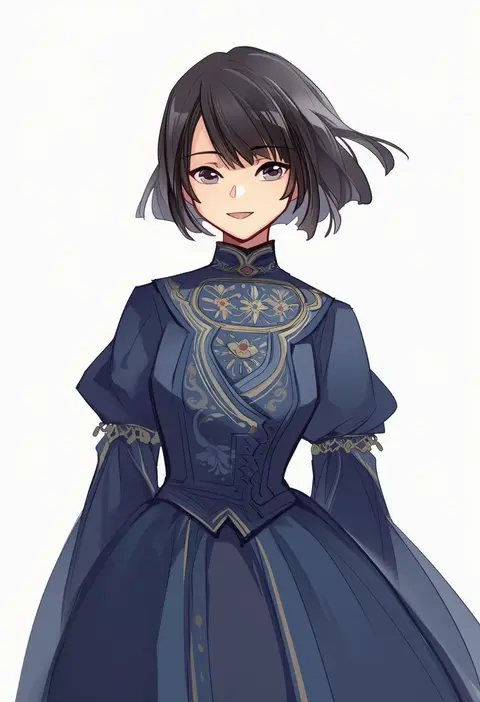
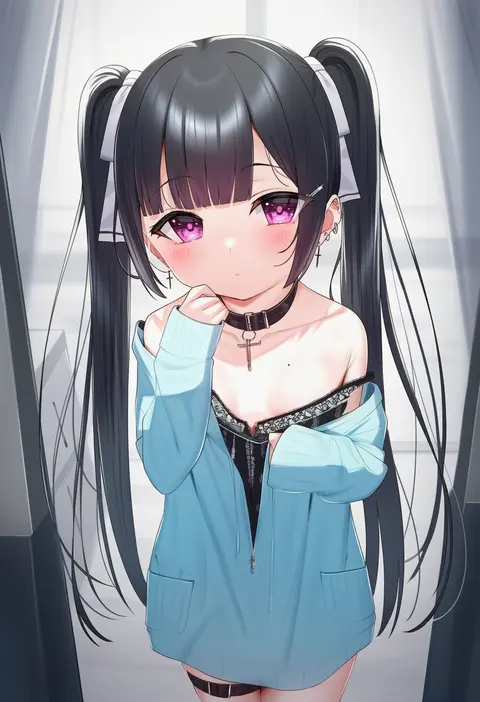
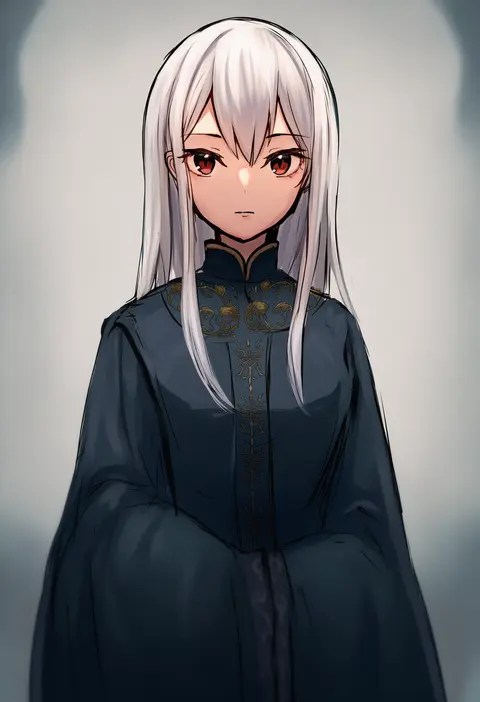
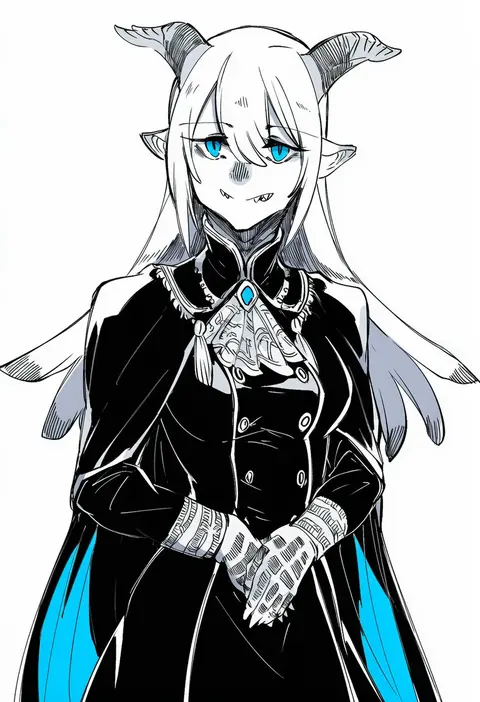
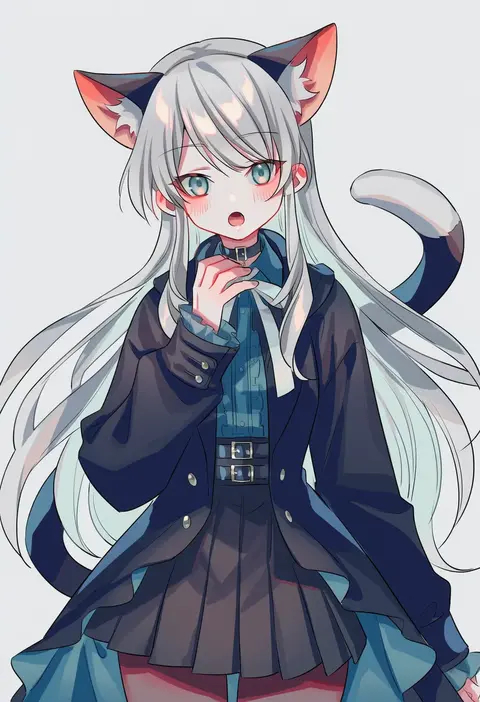
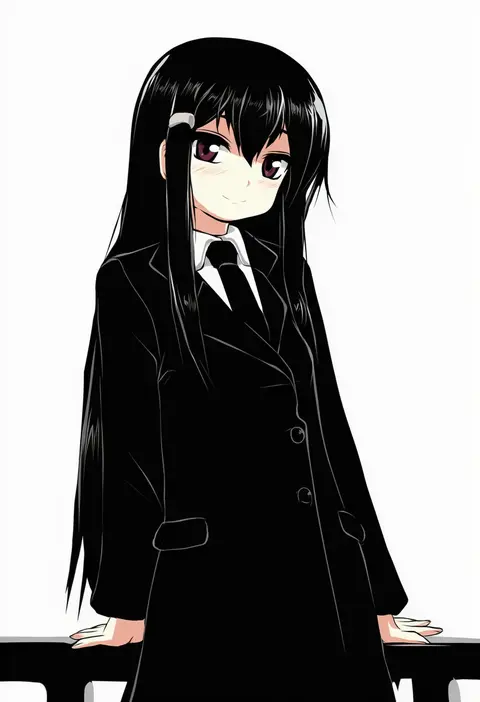
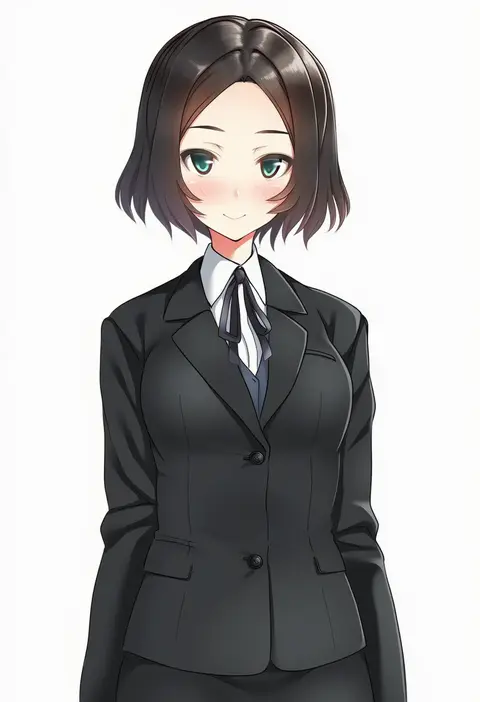
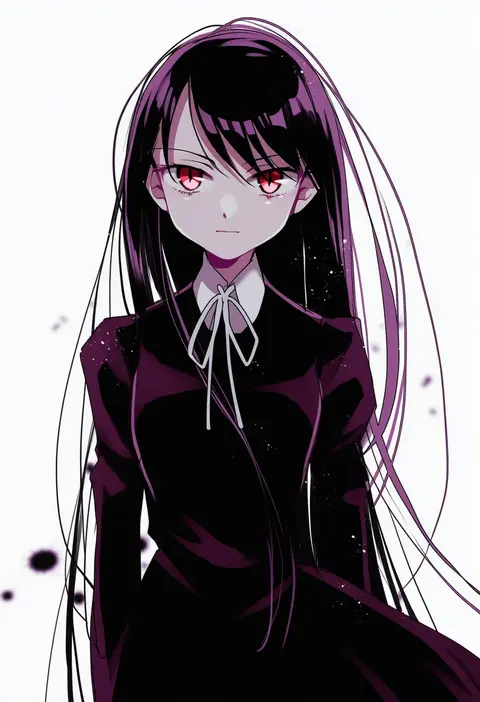
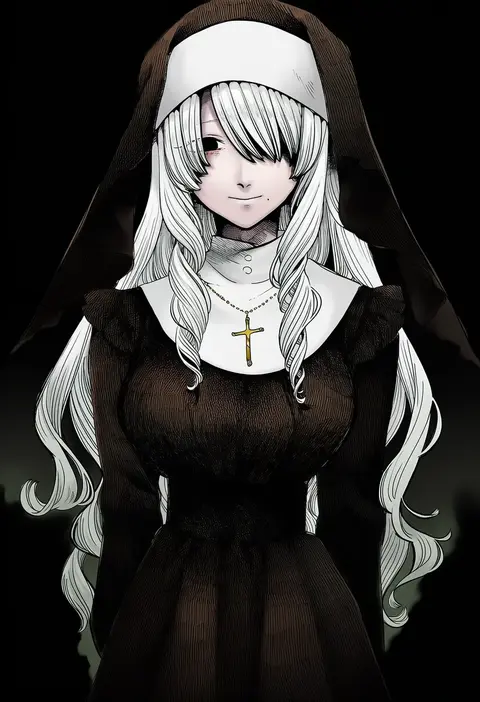
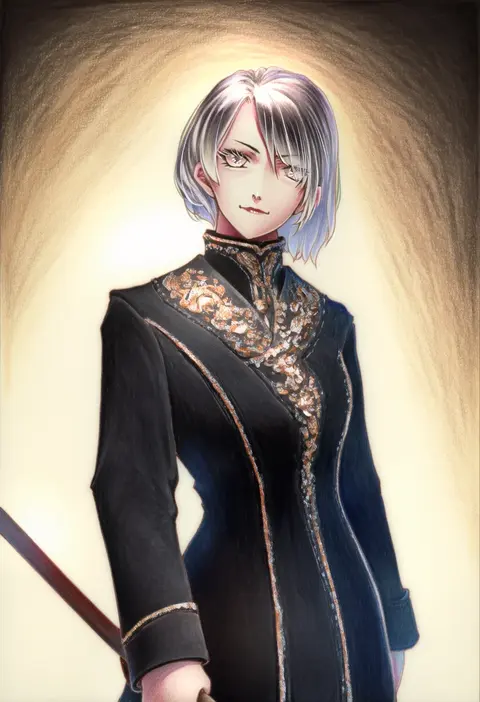
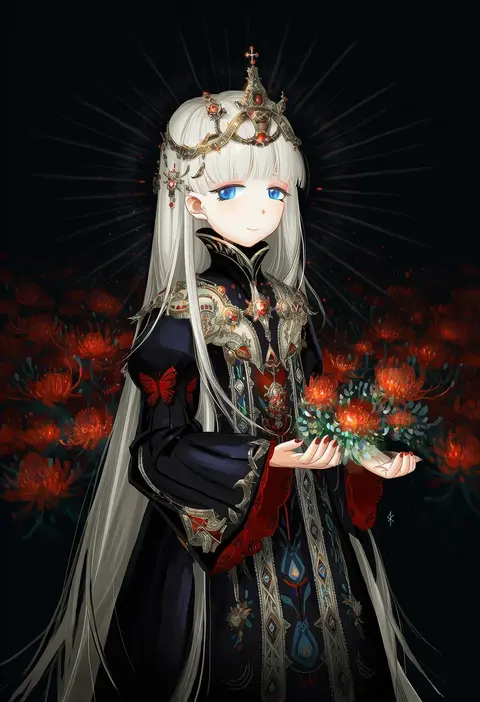
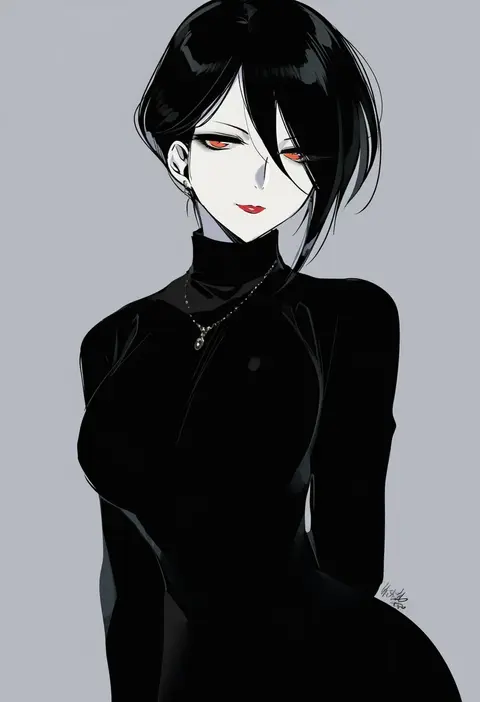
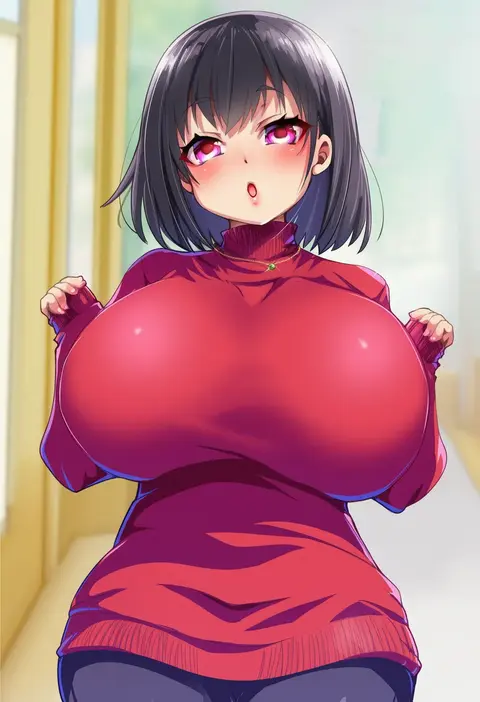
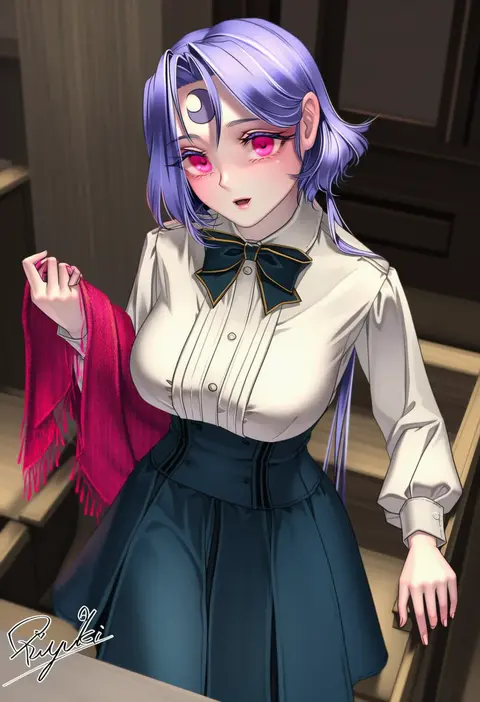
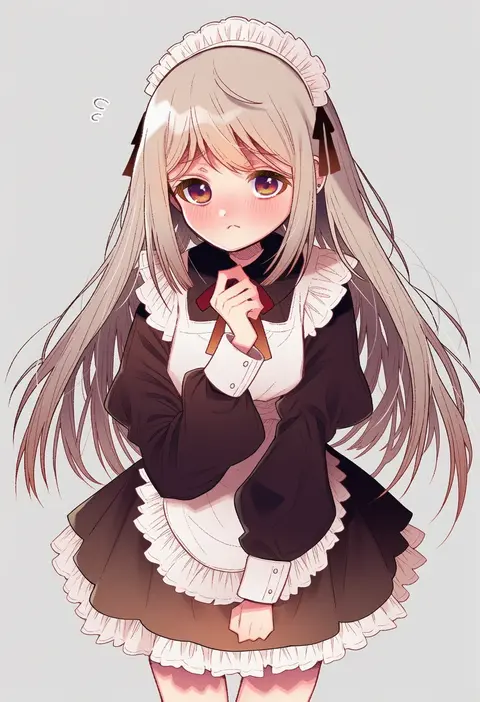
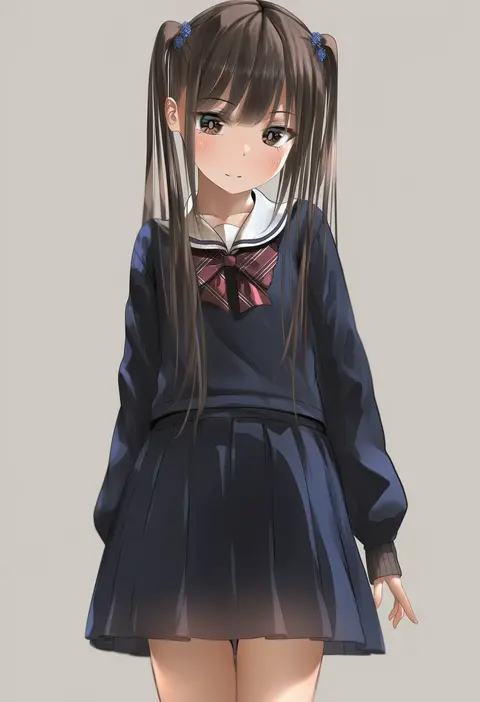
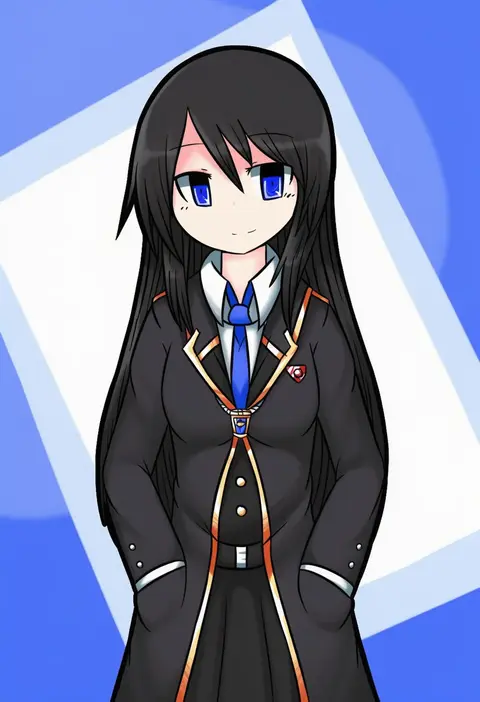
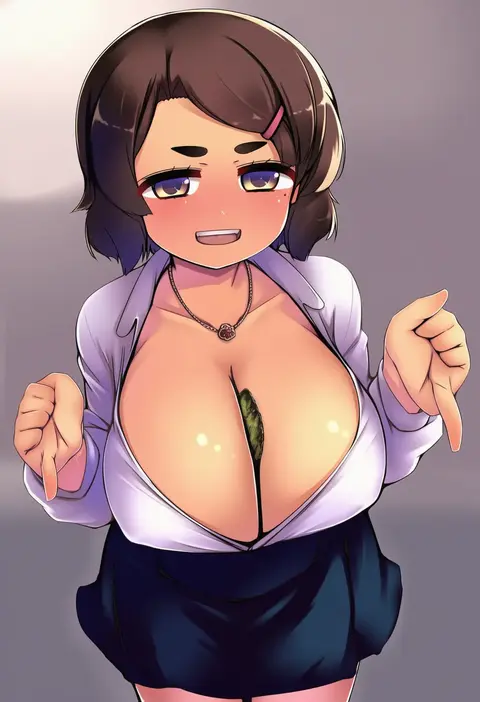
Every tag listed here is verified to react in NovelAI. All images use the same prompt, seed and settings with only the artist tag swapped, so the difference between two images is the style that tag brings in.

How to use them

Put the artist tag near the front of the prompt, e.g. "<artist>, 1girl, solo, best quality, masterpiece, cowboy shot". Two or three artist tags blend styles; lower the weight with "0.8::<artist>::" when the style overpowers the character.

SCORE sorts by Danbooru's top score, POSTS by post count, FAVS by hearts on this site. Open a card to see V5 and V4.5 side by side on the same seed.

V5 vs V4.5

V5 usually lands closer to the artist's real style, and tags that did nothing on V4.5 often react on V5. V4.5 still fits older and doujin-heavy artists better. Try V5 first, fall back to V4.5.

FAQ

Where does the artist tag go?
Near the front of the prompt. Use "0.8::tag::" to adjust its weight.

Can I stack artist tags?
Yes, styles blend. Past two or three the result stops looking like anyone.

Are these the artists' own works?
No. Every image is a NovelAI sample generated from the tag.