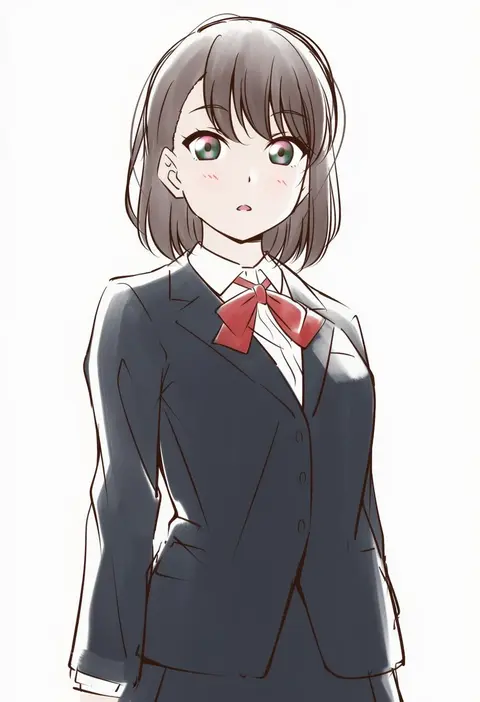
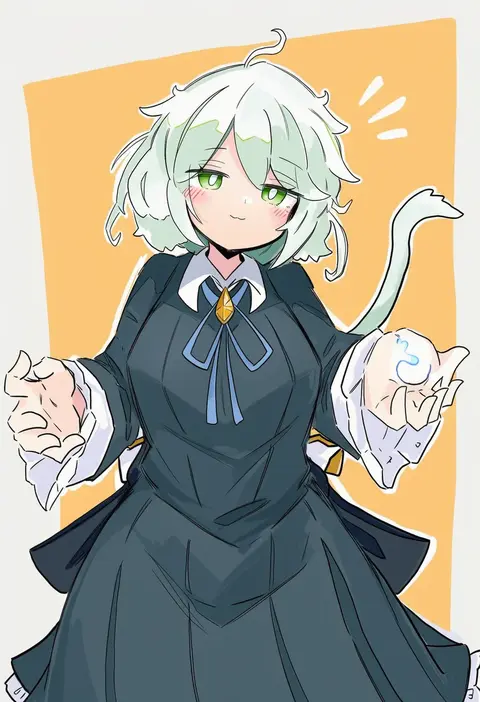
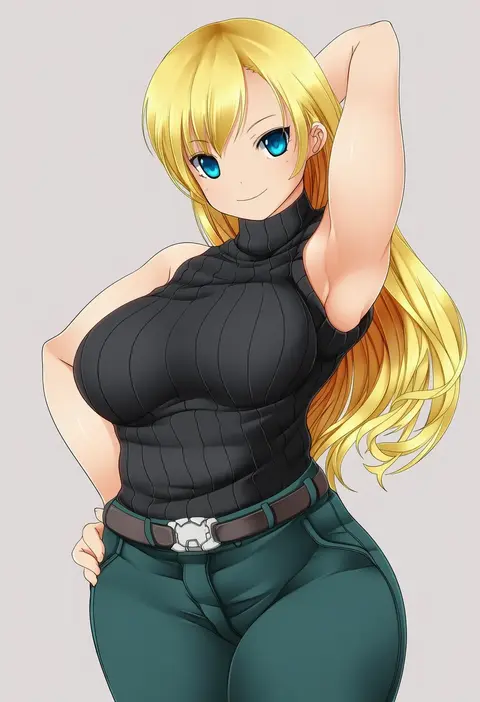
V4.5Artists
sort: FAVS▾
▾
>
$

NovelAI Artist Tags List — V4.5

artist --count 16,352[184/273]
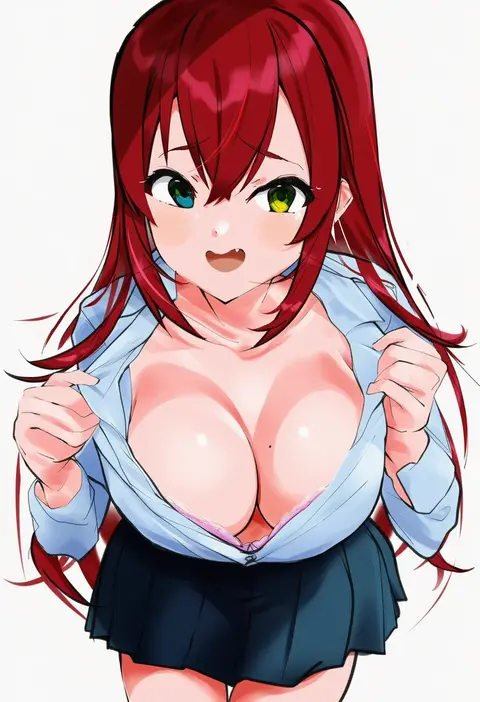
zenoo
ARTIST0x2AE4
0
sakura (39ra)
ARTIST0x2AE5
0
inu777
ARTIST0x2AE6
0
po (anhk5528)
ARTIST0x2AE7
0
takeuma
ARTIST0x2AE8
0
arnold tsang
ARTIST0x2AE9
0
ryuu (ryuraconis)
ARTIST0x2AEA
0
anjuro zeeku
ARTIST0x2AEB
0
honami (yths4221)
ARTIST0x2AEC
0
jpc
ARTIST0x2AED
0
pulp piroshi
ARTIST0x2AEE
0
anoa
ARTIST0x2AEF
0
arai hiroki
ARTIST0x2AF0
0
emoillu
ARTIST0x2AF1
0
shiimai
ARTIST0x2AF2
0
poho
ARTIST0x2AF3
0
weshika
ARTIST0x2AF4
0
takafumi
ARTIST0x2AF5
0
ikari manatsu
ARTIST0x2AF6
0
komaku juushoku
ARTIST0x2AF7
0
hanzou
ARTIST0x2AF8
0
nassukun
ARTIST0x2AF9
0
tenshin amaguri (inobeeto)
ARTIST0x2AFA
0
amezawa koma
ARTIST0x2AFB
0
zannen na hito
ARTIST0x2AFC
0
namie-kun
ARTIST0x2AFD
0
sakurai makoto (custom size)
ARTIST0x2AFE
0
aka tawashi
ARTIST0x2AFF
0
asazuki norito
ARTIST0x2B00
0
ruteko (ruko220)
ARTIST0x2B01
0
ishihara masumi
ARTIST0x2B02
0
sakamoto mineji
ARTIST0x2B03
0
sakura ryuuken
ARTIST0x2B04
0
burisuke (koujiro)
ARTIST0x2B05
0
jas (littlecrime)
ARTIST0x2B06
0
saiba (henrietta)
ARTIST0x2B07
0
senano-yu
ARTIST0x2B08
0
muu rian
ARTIST0x2B09
0
tatsuya (guild plus)
ARTIST0x2B0A
0
hiro (chumo)
ARTIST0x2B0B
0
morishita naochika
ARTIST0x2B0C
0
kishi nisen
ARTIST0x2B0D
0
makai
ARTIST0x2B0E
0
14 (vision5032)
ARTIST0x2B0F
0
ponpon
ARTIST0x2B10
0
araizumi rui
ARTIST0x2B11
0
maybecrosswise
ARTIST0x2B12
0
kahadu (kawazu)
ARTIST0x2B13
0
akito (sub707)
ARTIST0x2B14
0
porupurucha
ARTIST0x2B15
0
acea4
ARTIST0x2B16
0
naguru (cyoroama)
ARTIST0x2B17
0
edamameoka
ARTIST0x2B18
0
kawasaki tadataka
ARTIST0x2B19
0
inuki (aruurara)
ARTIST0x2B1A
0
kurasawa kyoushou
ARTIST0x2B1B
0
nanaran
ARTIST0x2B1C
0
anibache
ARTIST0x2B1D
0
tatutaniyuuto
ARTIST0x2B1E
0
ashita yaru
ARTIST0x2B1F
0

What these tags change

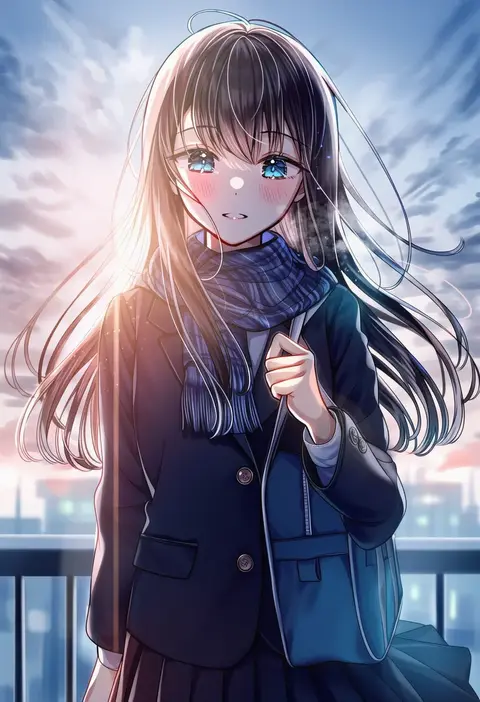
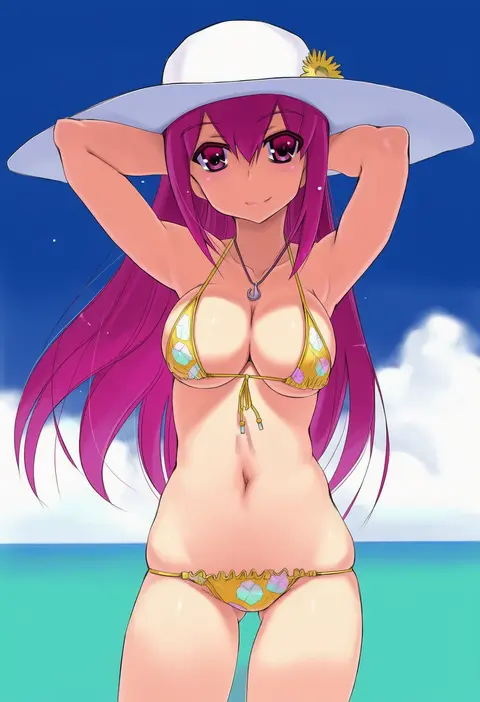
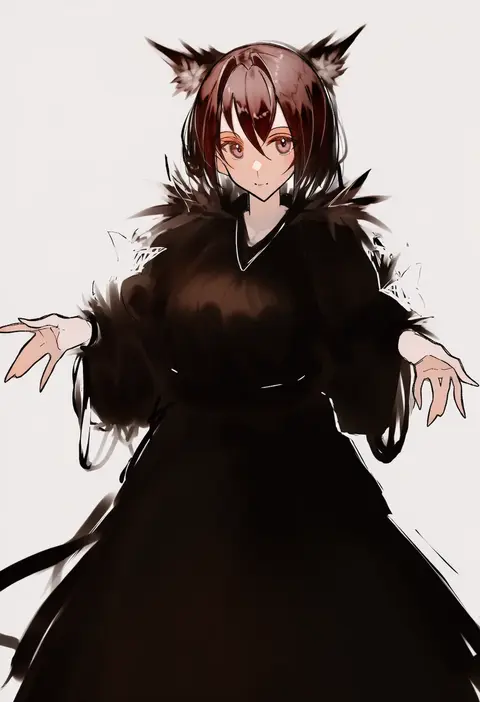
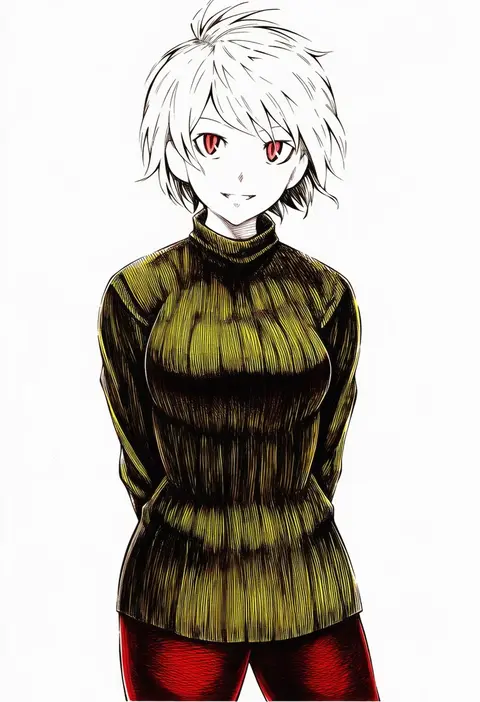
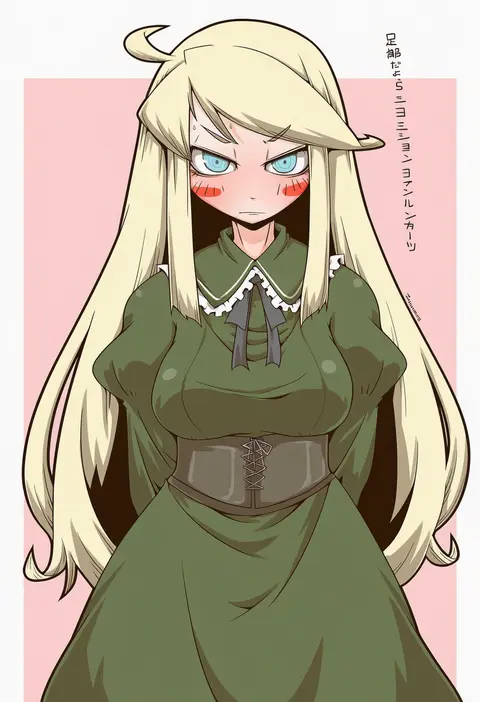
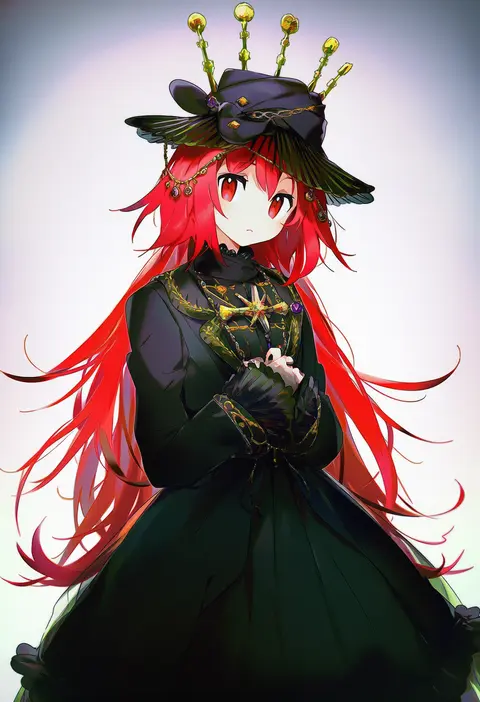
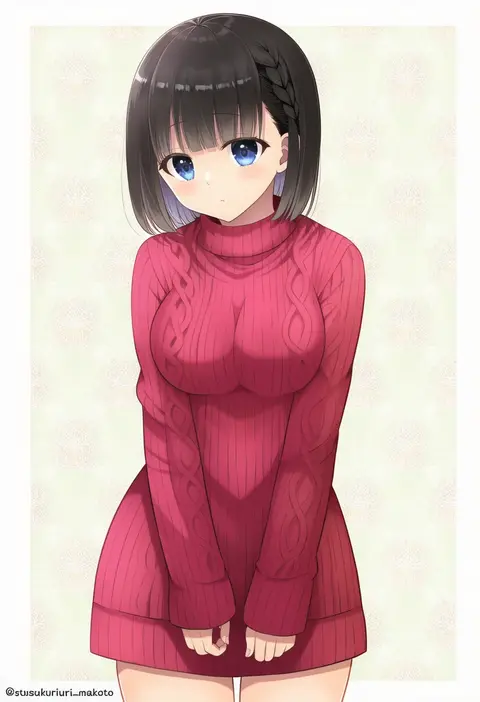
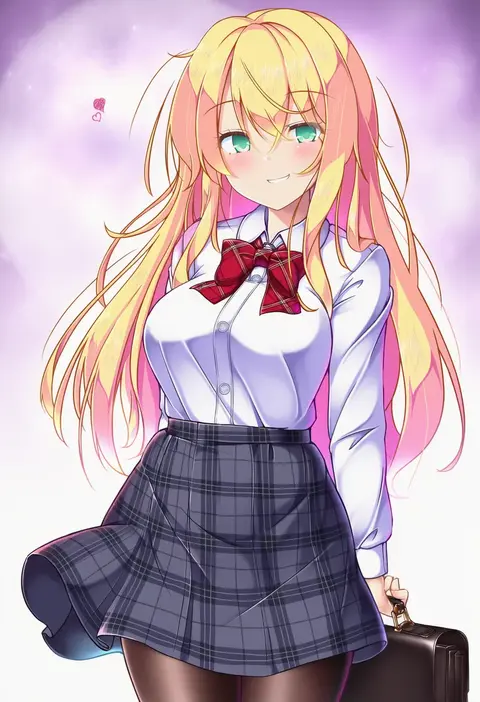
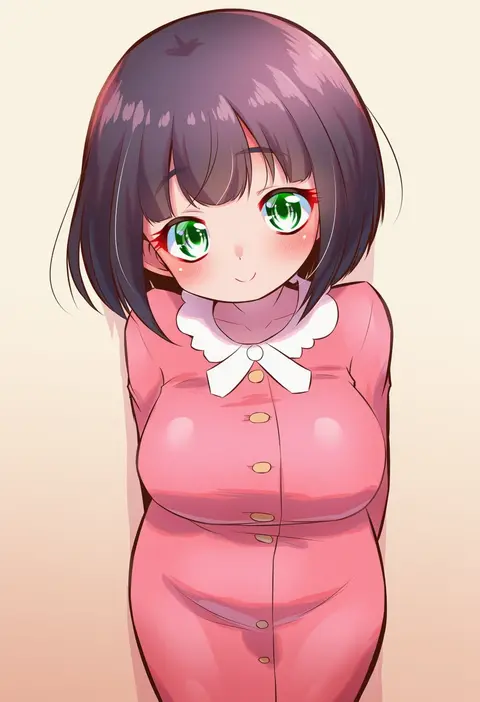
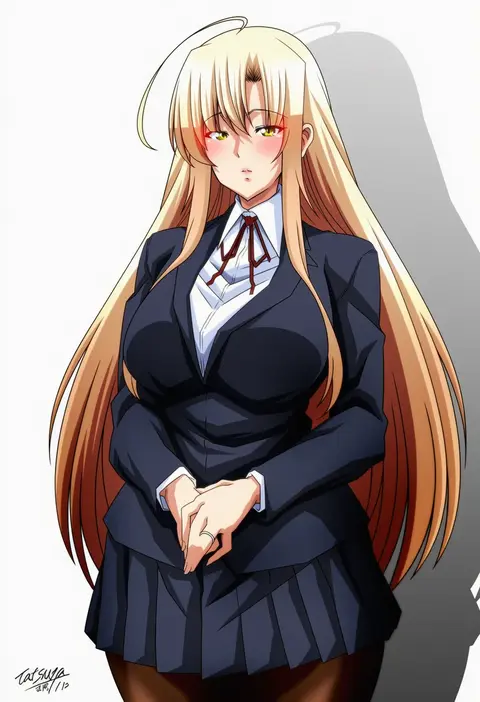
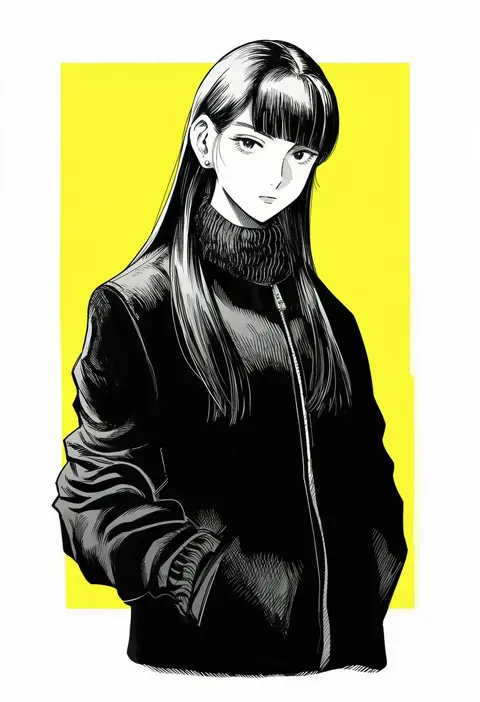
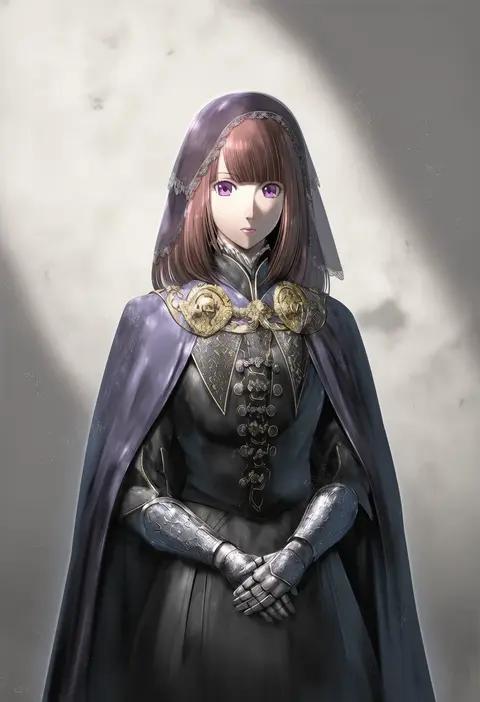
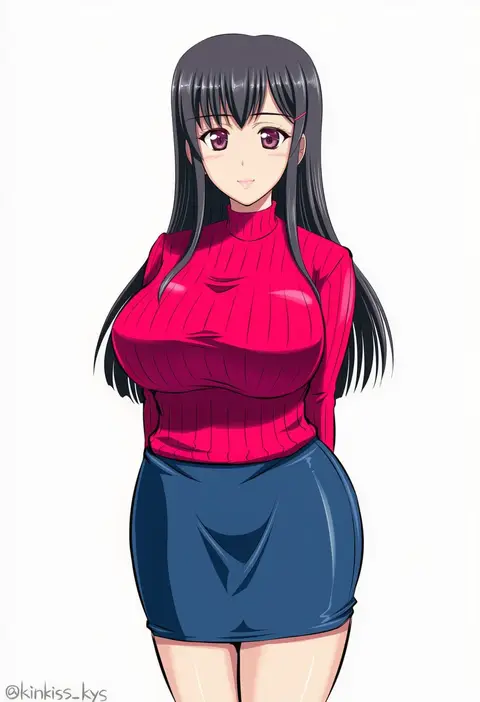
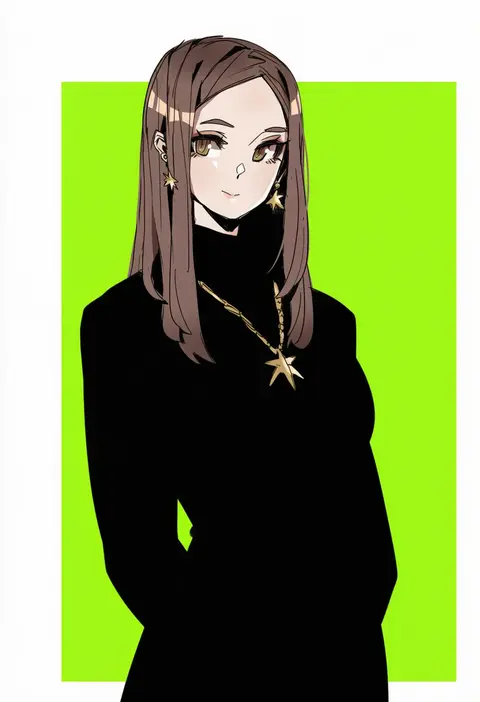
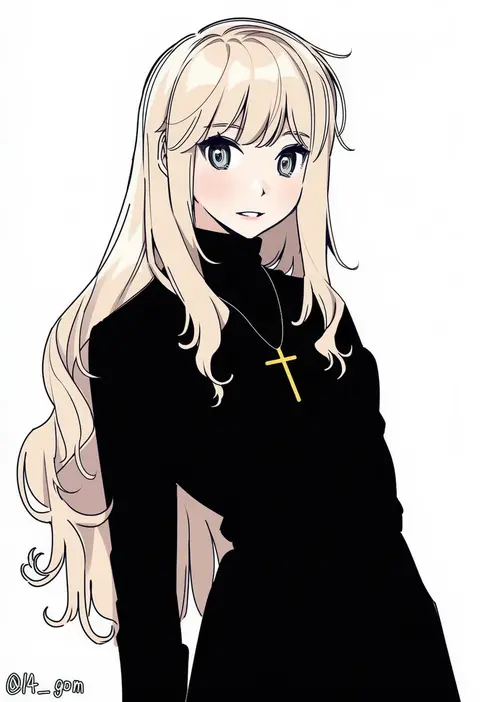
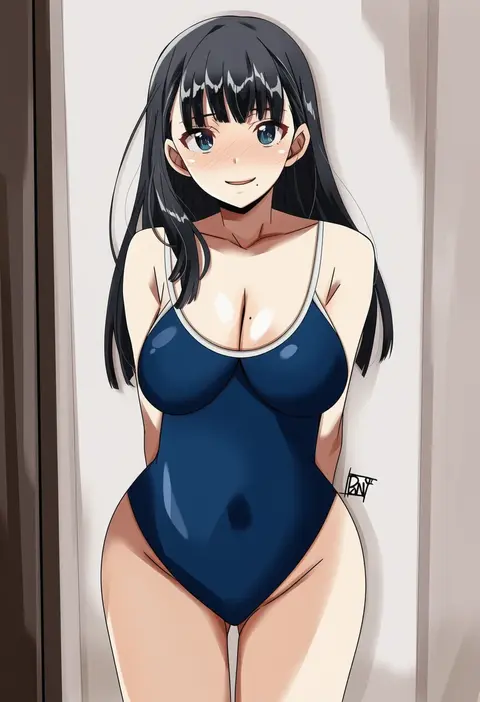
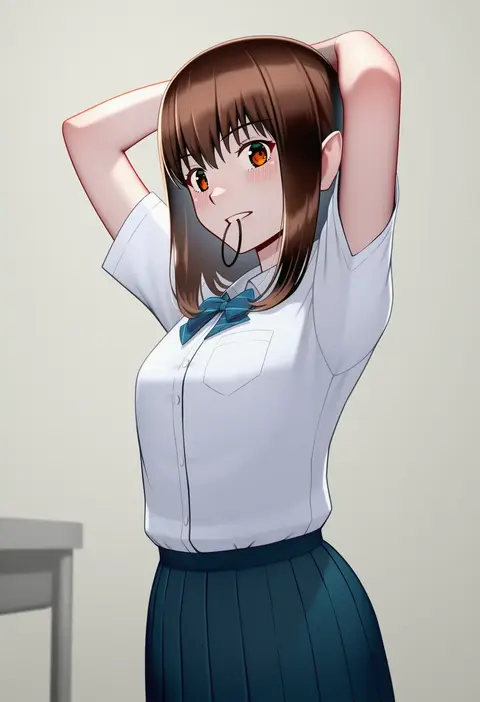
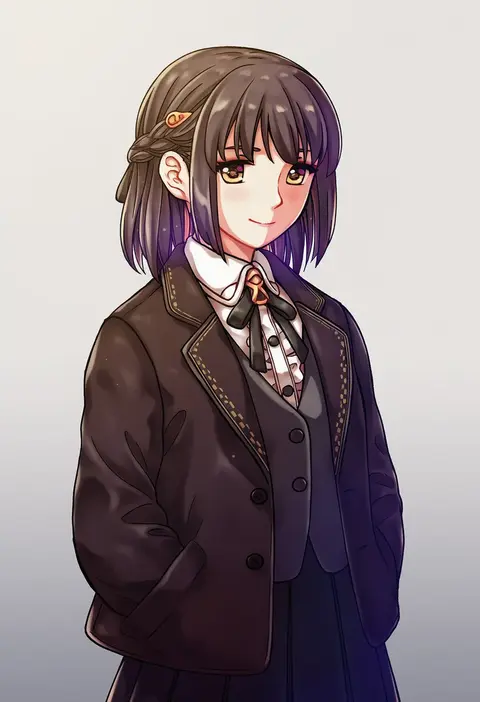
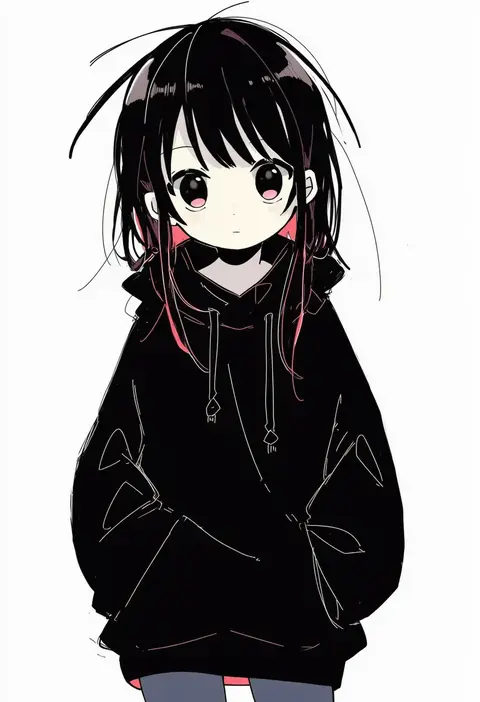
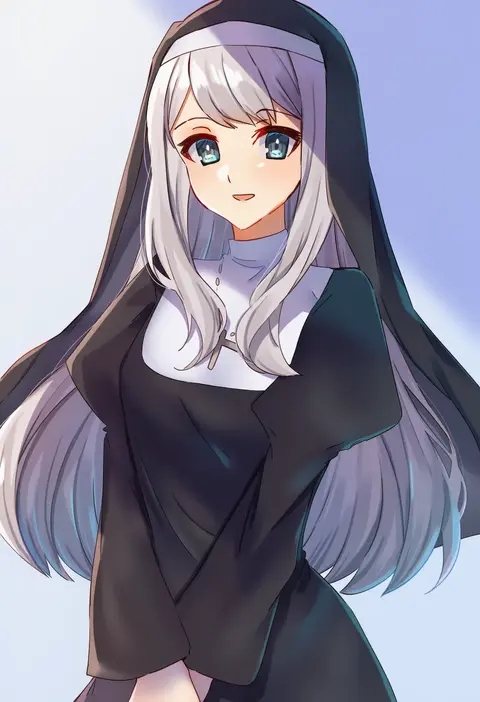
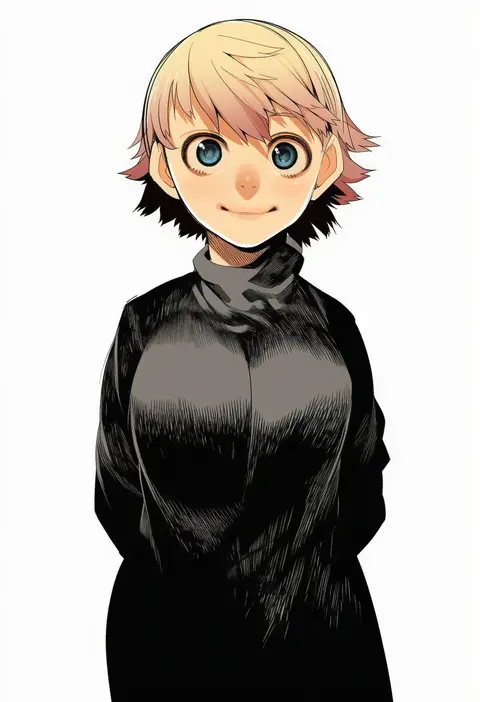
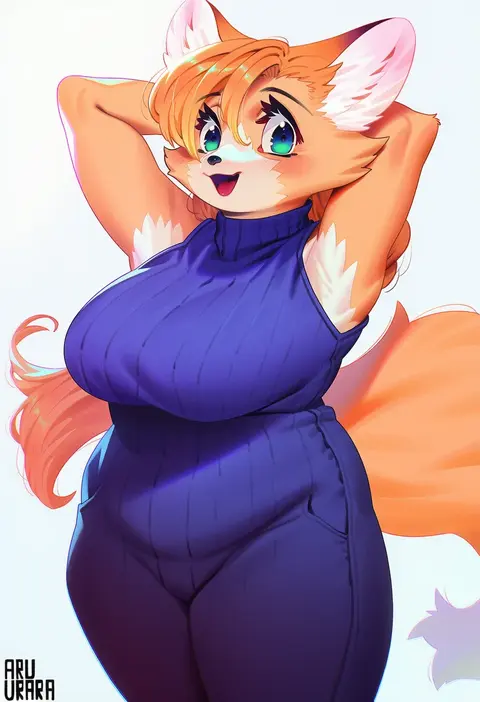
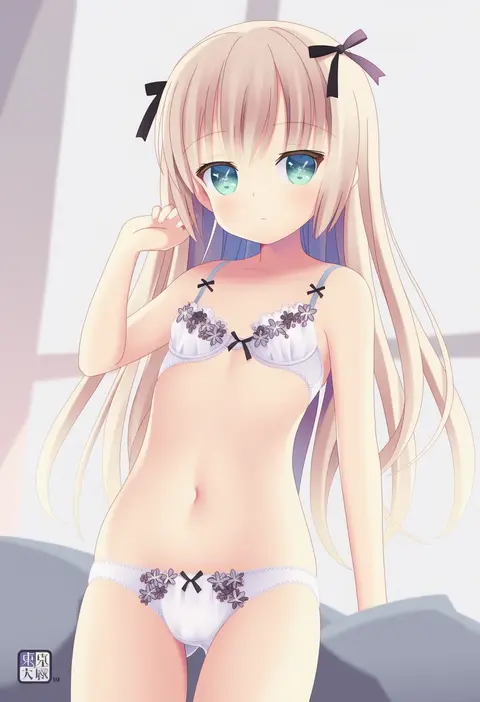
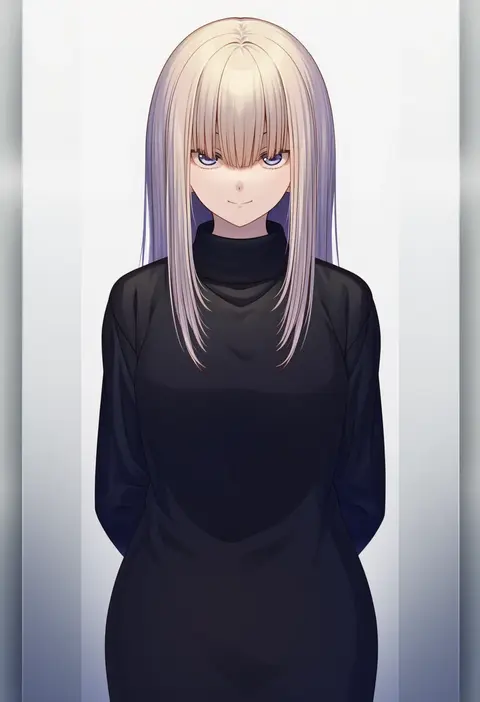
Artist tags tell NovelAI Diffusion to draw in a specific artist's style: line weight, paint texture, face shapes and palette all shift at once. Character and outfit tags decide what is drawn; artist tags decide how. 16,352 tags are listed for V4.5.
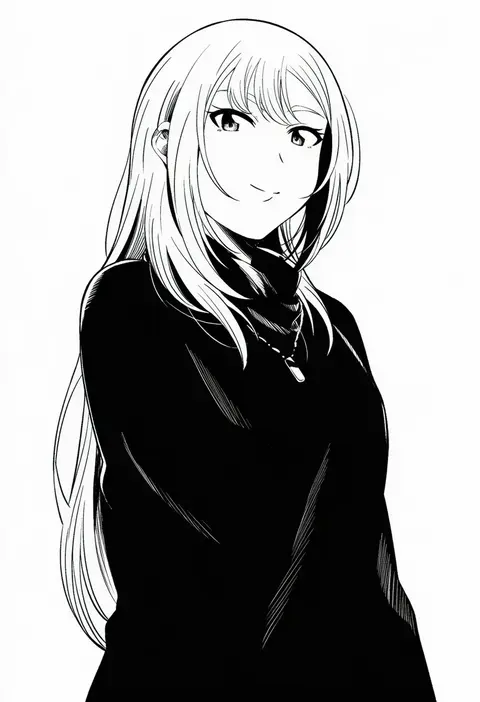
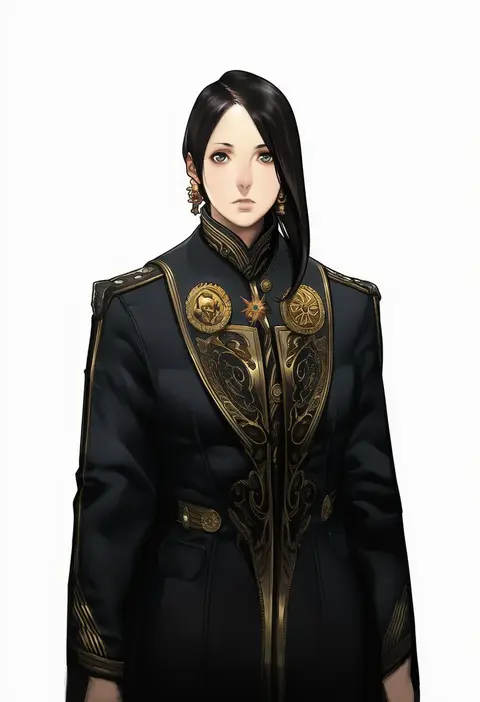
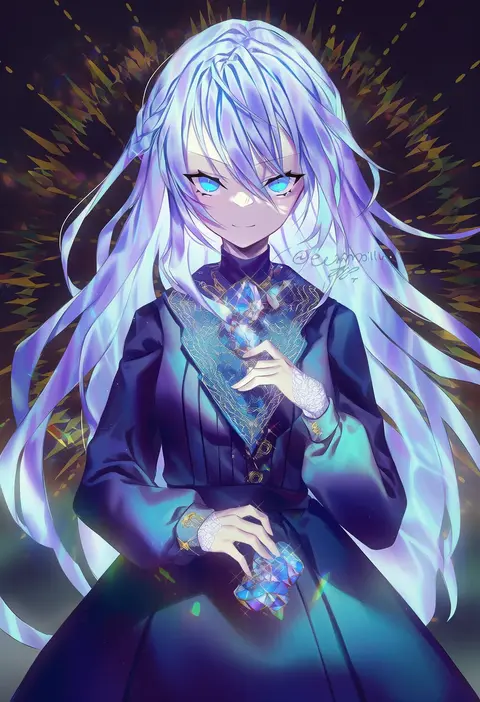
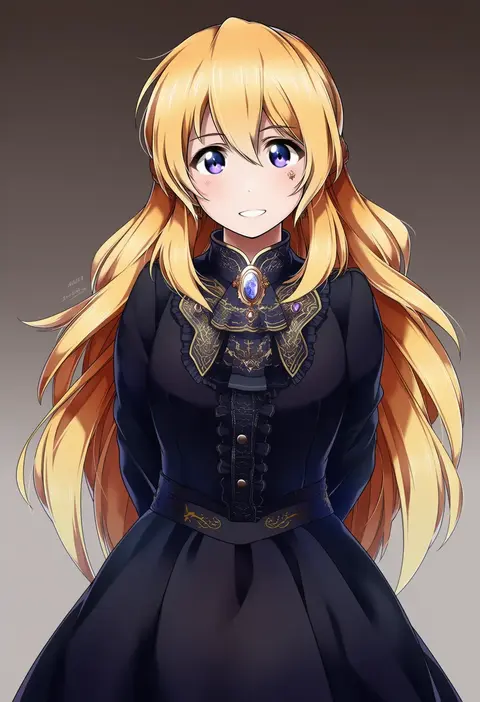
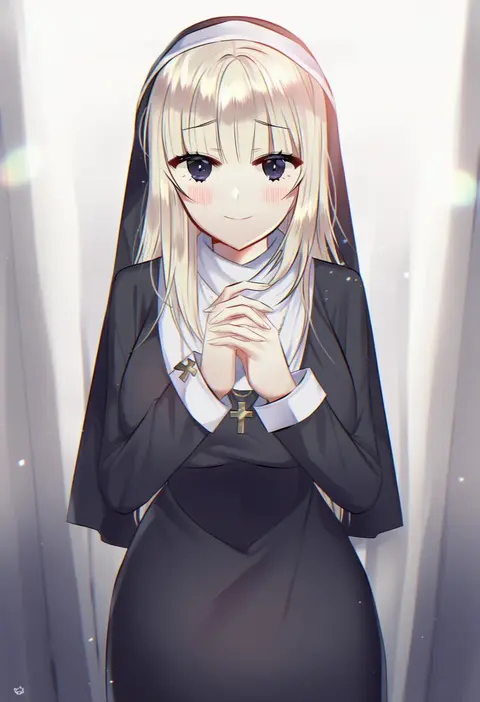
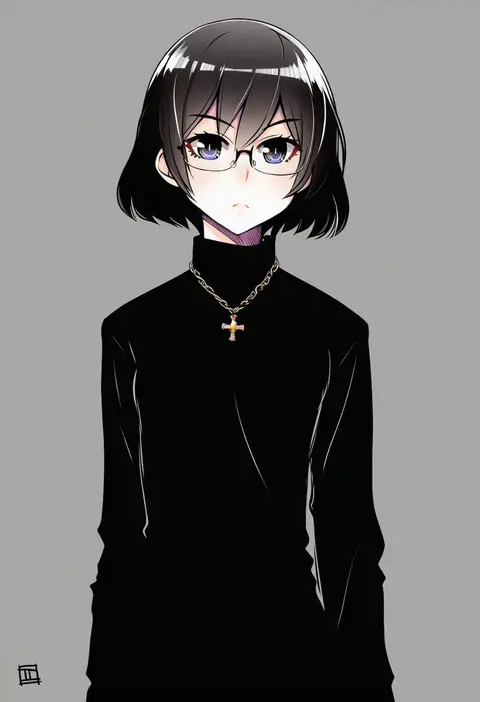
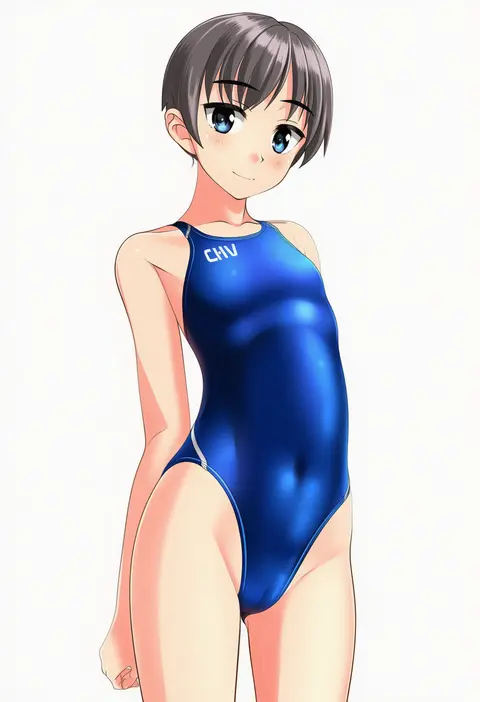
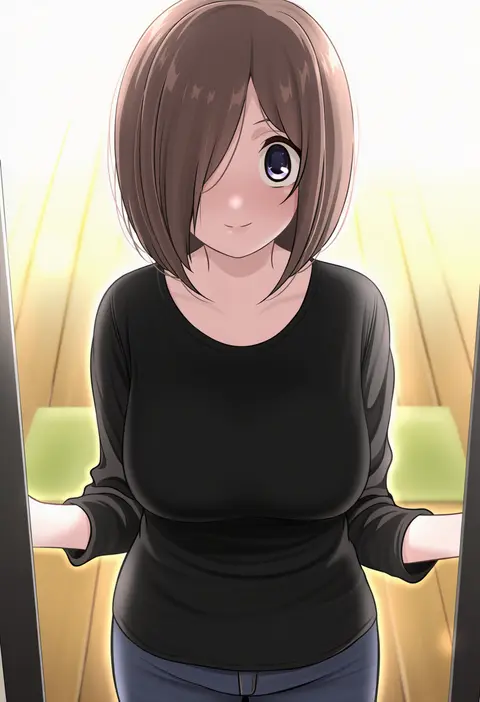
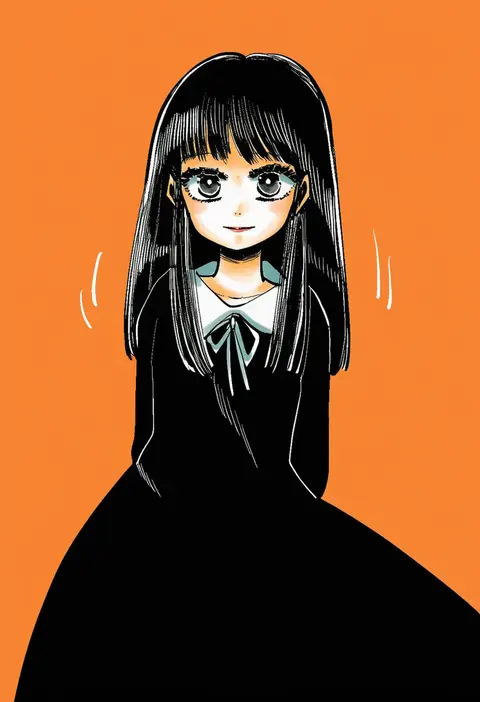
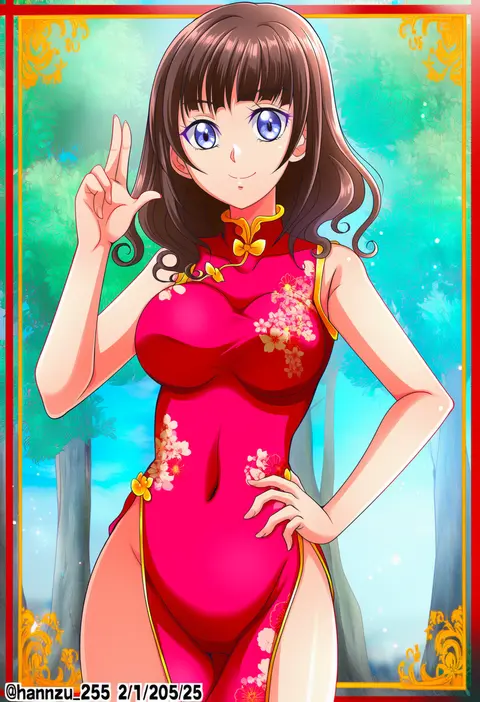
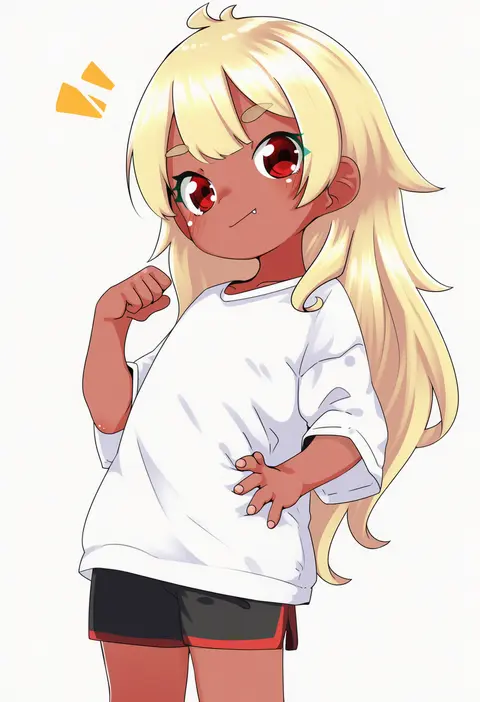
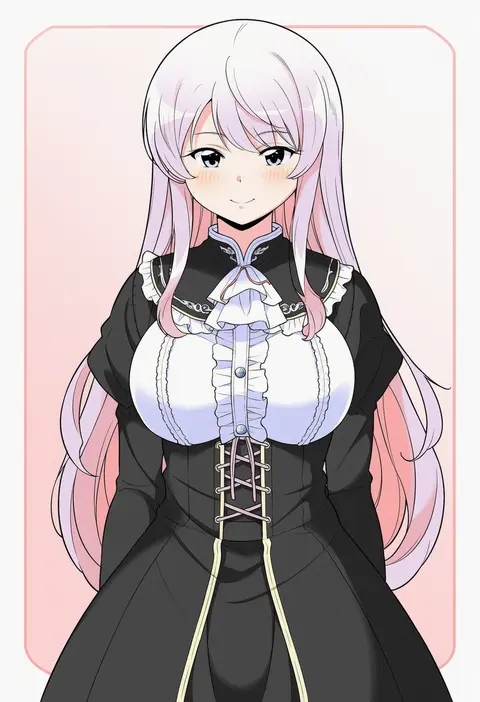
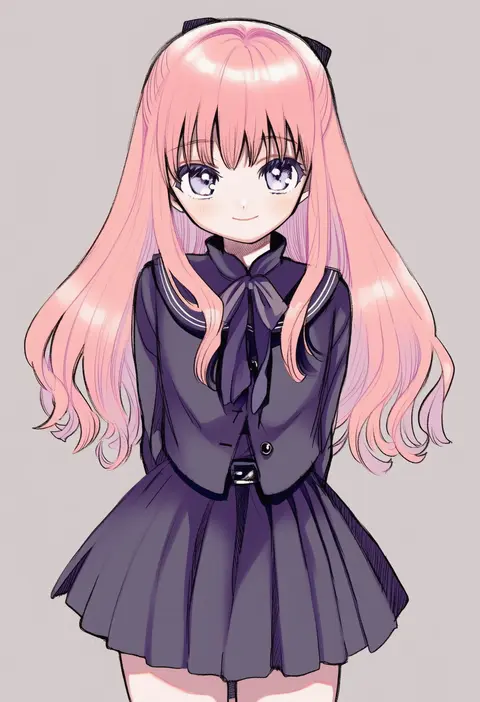
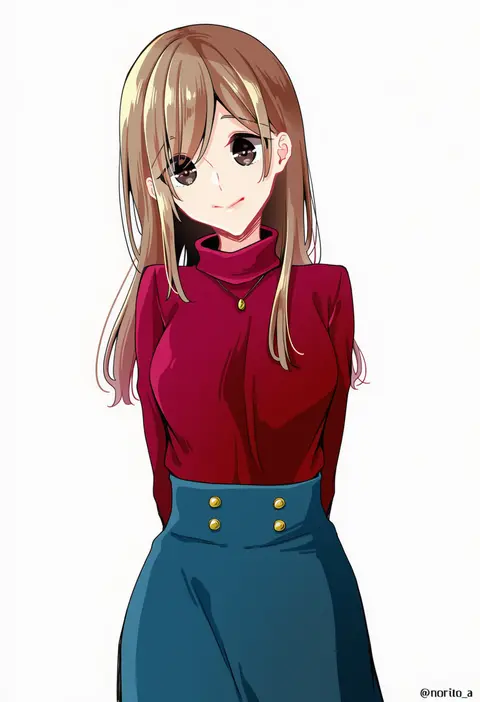
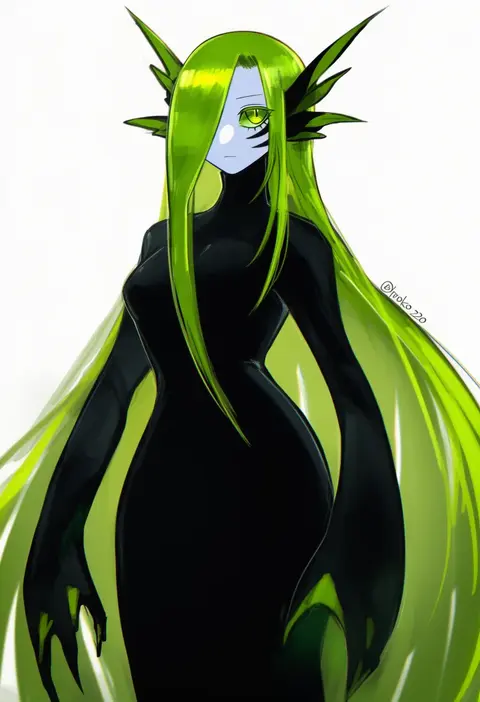
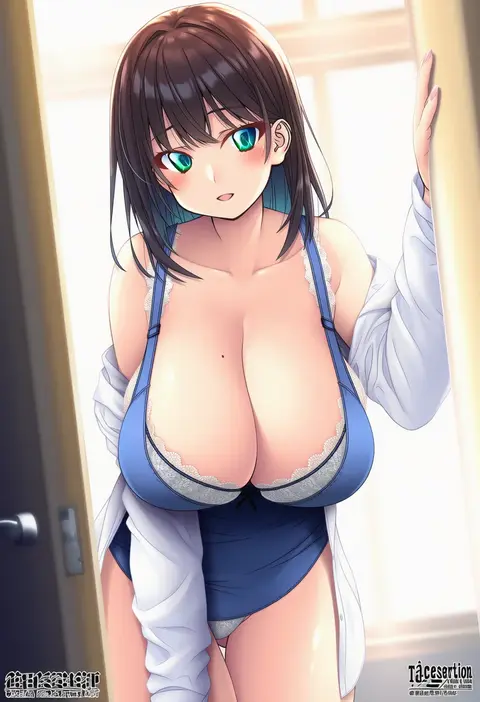
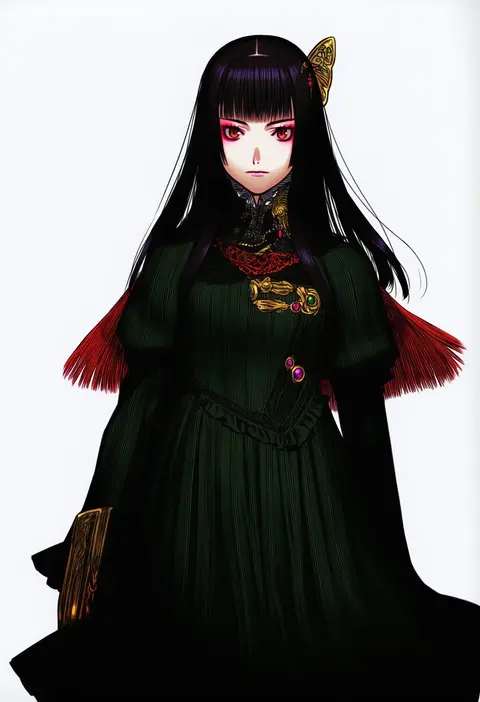
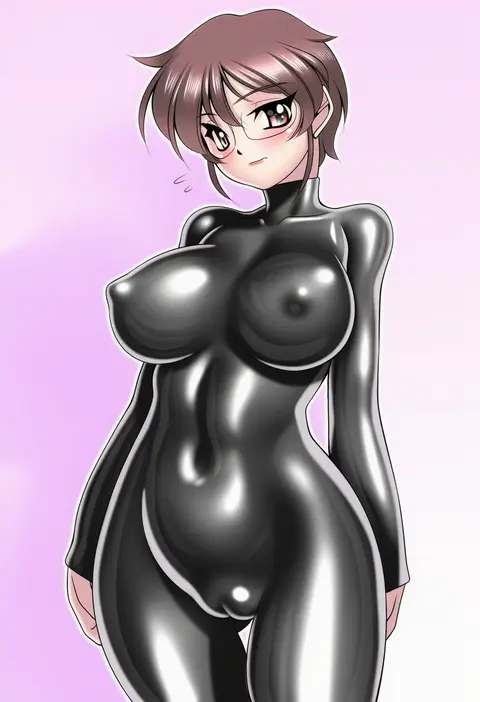
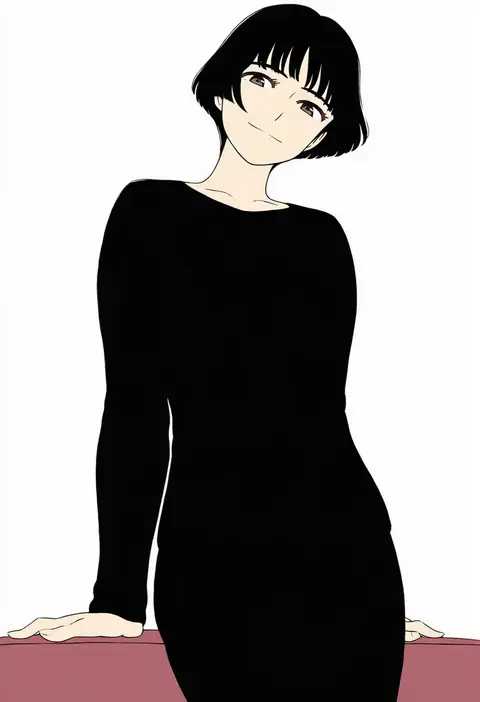
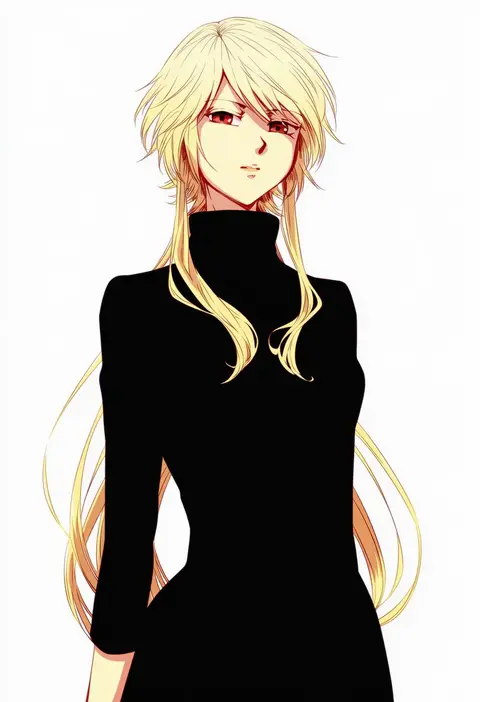
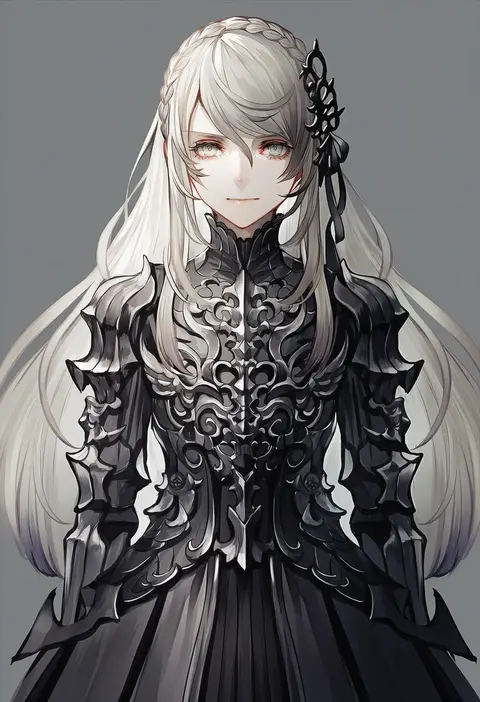
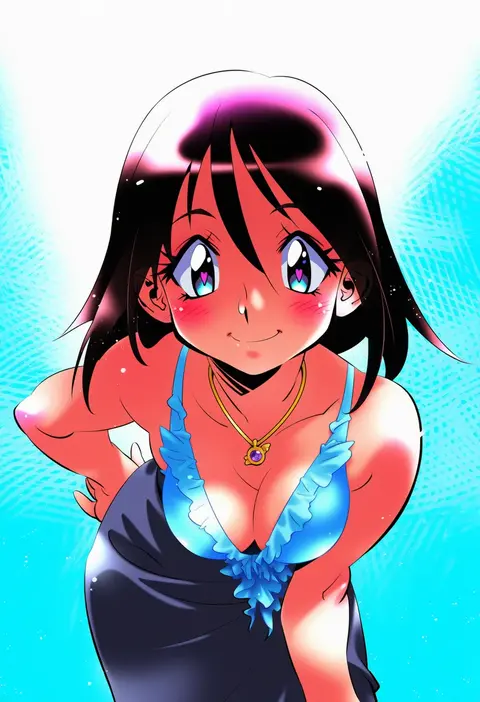
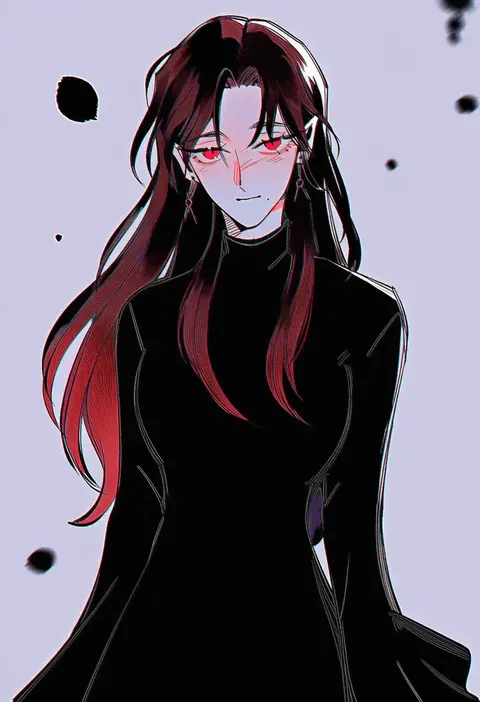
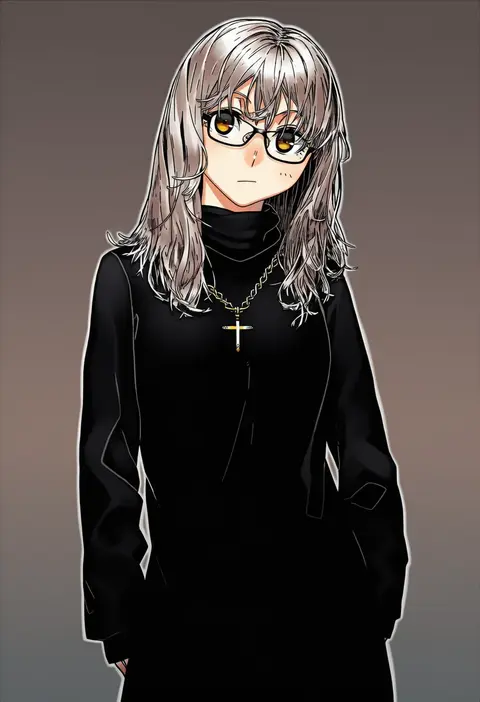
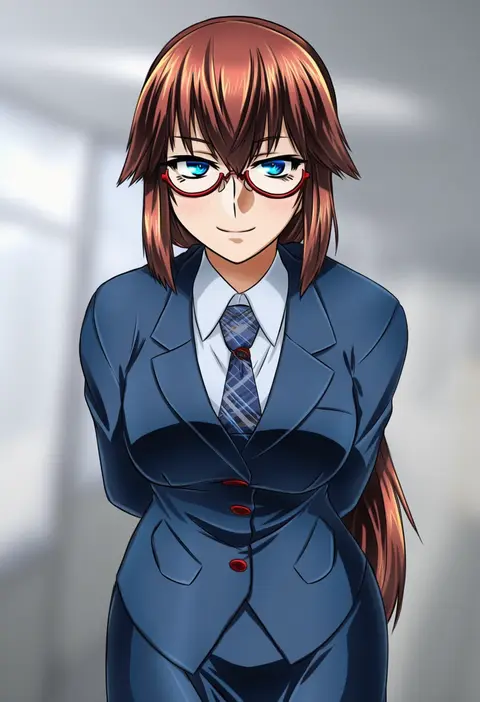
Every tag listed here is verified to react in NovelAI. All images use the same prompt, seed and settings with only the artist tag swapped, so the difference between two images is the style that tag brings in.

How to use them

Put the artist tag near the front of the prompt, e.g. "<artist>, 1girl, solo, best quality, masterpiece, cowboy shot". Two or three artist tags blend styles; lower the weight with "0.8::<artist>::" when the style overpowers the character.

SCORE sorts by Danbooru's top score, POSTS by post count, FAVS by hearts on this site. Open a card to see V5 and V4.5 side by side on the same seed.

V5 vs V4.5

V5 usually lands closer to the artist's real style, and tags that did nothing on V4.5 often react on V5. V4.5 still fits older and doujin-heavy artists better. Try V5 first, fall back to V4.5.

FAQ

Where does the artist tag go?
Near the front of the prompt. Use "0.8::tag::" to adjust its weight.

Can I stack artist tags?
Yes, styles blend. Past two or three the result stops looking like anyone.

Are these the artists' own works?
No. Every image is a NovelAI sample generated from the tag.