V4.5Artists
sort: FAVS▾
▾
>
$

NovelAI Artist Tags List — V4.5

artist --count 16,352[188/273]
kirai shouen
ARTIST0x2BD4
0
xin yu hua yin
ARTIST0x2BD5
0
ken'ichi (ken1ro u)
ARTIST0x2BD6
0
moti yousei
ARTIST0x2BD7
0
merlusa
ARTIST0x2BD8
0
reitou mikan
ARTIST0x2BD9
0
crimson comics
ARTIST0x2BDA
0
rumie
ARTIST0x2BDB
0
gumoyu
ARTIST0x2BDC
0
yomoyama yotabanashi
ARTIST0x2BDD
0
nishiumi yuuta
ARTIST0x2BDE
0
mygiorni
ARTIST0x2BDF
0
saijou haruki
ARTIST0x2BE0
0
gb (doubleleaf)
ARTIST0x2BE1
0
neonfloyd
ARTIST0x2BE2
0
uki atsuya
ARTIST0x2BE3
0
rikose
ARTIST0x2BE4
0
yami (m31)
ARTIST0x2BE5
0
t-okada
ARTIST0x2BE6
0
arnold-s
ARTIST0x2BE7
0
neme
ARTIST0x2BE8
0
sakakidani
ARTIST0x2BE9
0
murano101
ARTIST0x2BEA
0
maruse nisanosuke
ARTIST0x2BEB
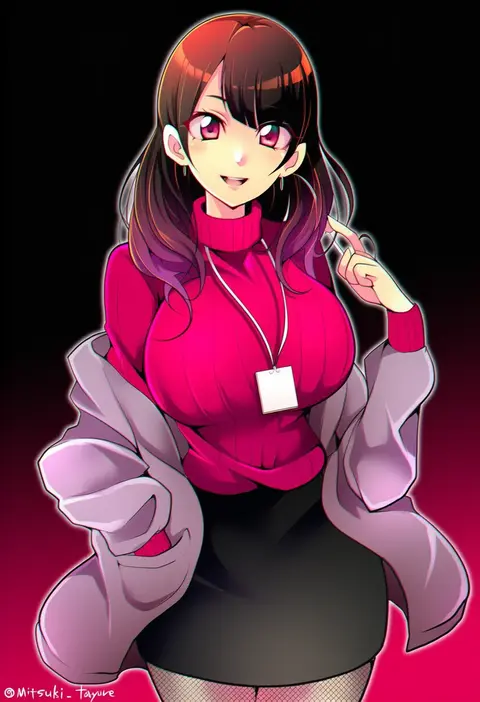
0
mitsuki tayura
ARTIST0x2BEC
0
ng (kimjae737)
ARTIST0x2BED
0
nn (eogks)
ARTIST0x2BEE
0
bashen chenyue
ARTIST0x2BEF
0
kauto
ARTIST0x2BF0
0
koenza botoke
ARTIST0x2BF1
0
tatara (alnath may)
ARTIST0x2BF2
0
youhei (testament)
ARTIST0x2BF3
0
hechima (issindotai)
ARTIST0x2BF4
0
callan (callancoe)
ARTIST0x2BF5
0
kazuki seihou
ARTIST0x2BF6
0
mar10
ARTIST0x2BF7
0
richou (zerozero1101)
ARTIST0x2BF8
0
tentsuu (tentwo)
ARTIST0x2BF9
0
gapamopa
ARTIST0x2BFA
0
ancotsubu
ARTIST0x2BFB
0
akiba hideki
ARTIST0x2BFC
0
cocoa (cafe-hotcocoa)
ARTIST0x2BFD
0
yorurokujuu
ARTIST0x2BFE
0
lemtun
ARTIST0x2BFF
0
teroru
ARTIST0x2C00
0
y75zei
ARTIST0x2C01
0
semikichi
ARTIST0x2C02
0
fule
ARTIST0x2C03
0
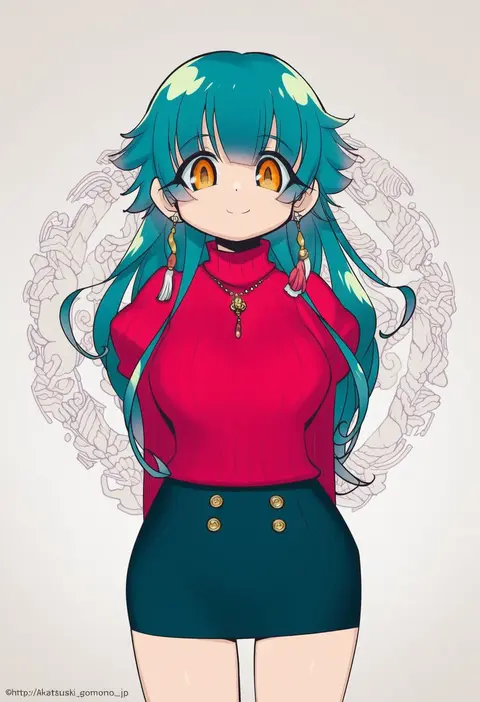
akatsuki gomoku
ARTIST0x2C04
0
battlegaregga
ARTIST0x2C05
0
inana umi
ARTIST0x2C06
0
bazz000033
ARTIST0x2C07
0
jetto komusou
ARTIST0x2C08
0
lokulo no mawashimono
ARTIST0x2C09
0
oso (toolate)
ARTIST0x2C0A
0
kugimiya atsuki
ARTIST0x2C0B
0
sw (taco)
ARTIST0x2C0C
0
oda takayuki
ARTIST0x2C0D
0
massala
ARTIST0x2C0E
0
shiba itsuki
ARTIST0x2C0F
0

What these tags change

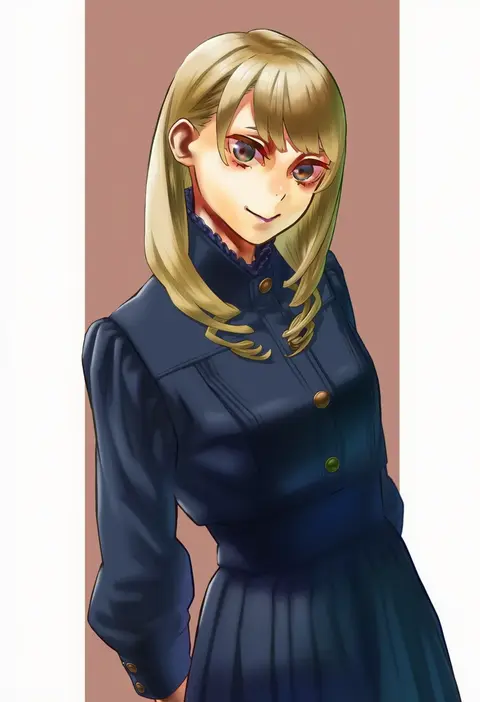
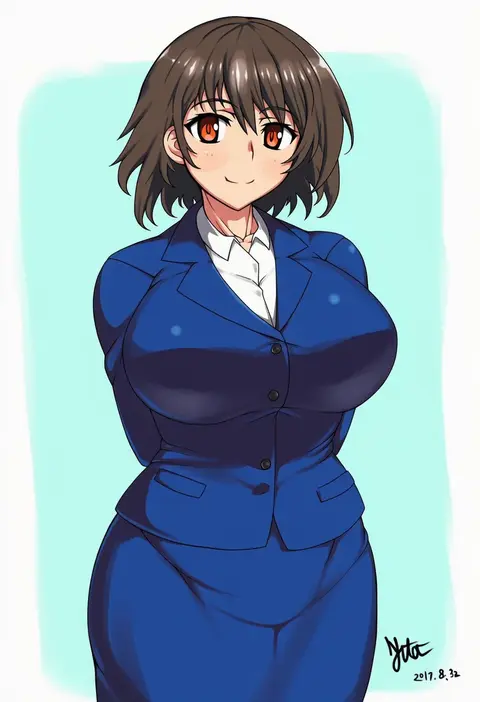
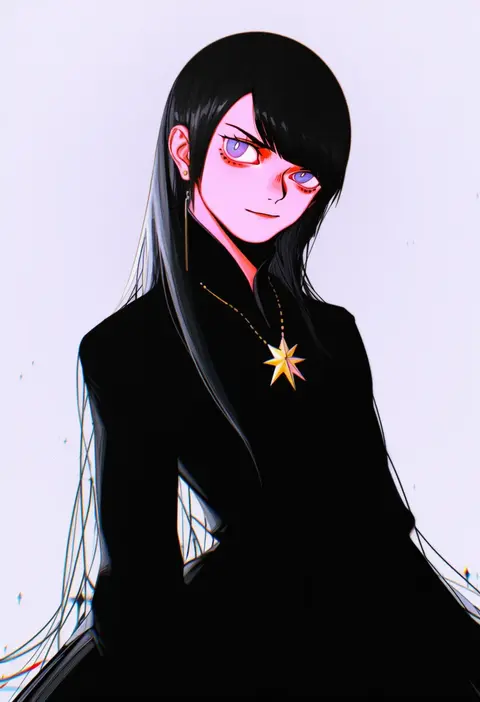
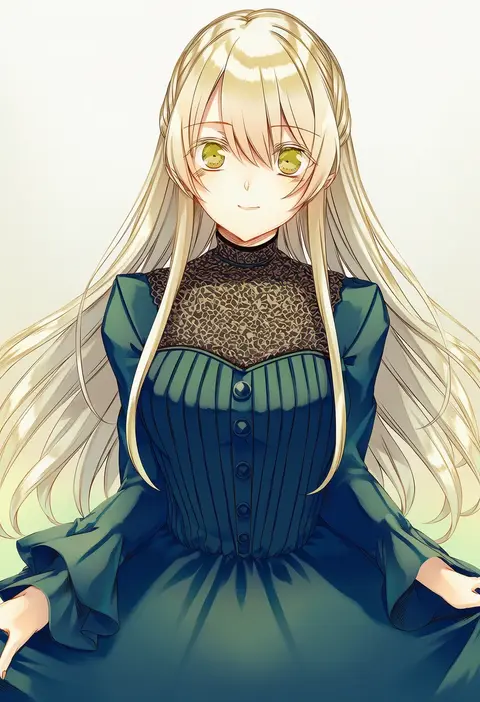
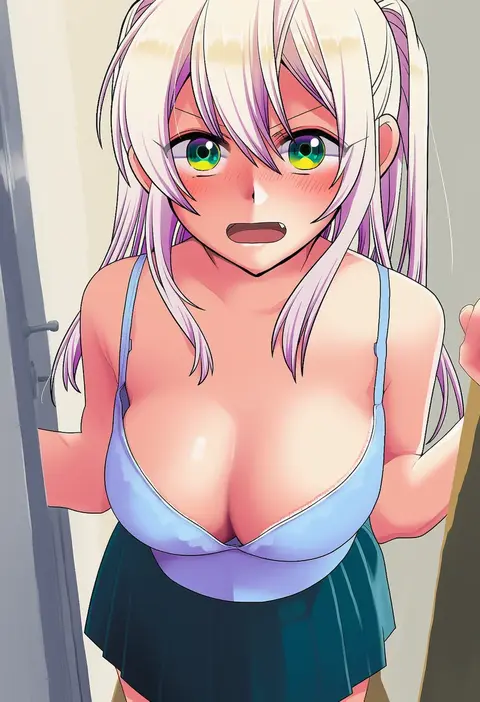
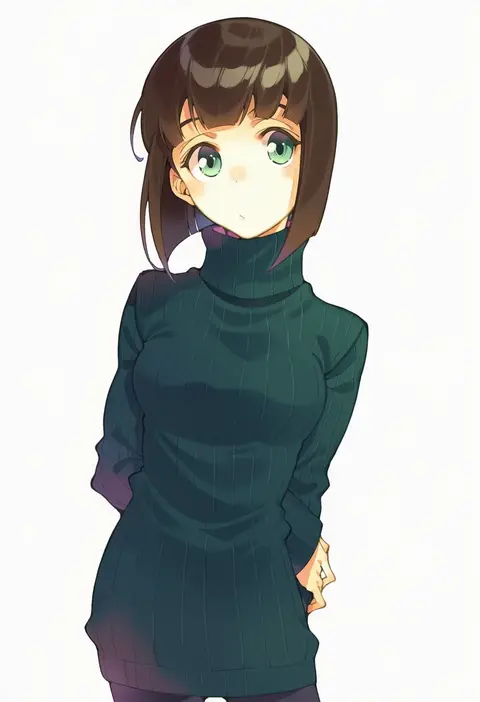
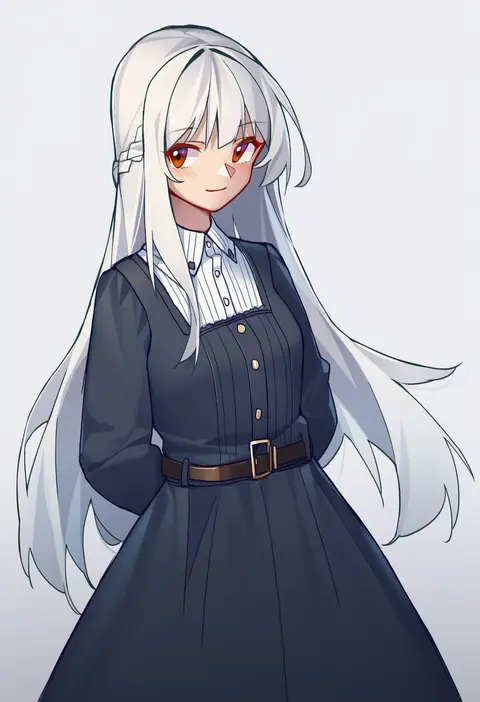
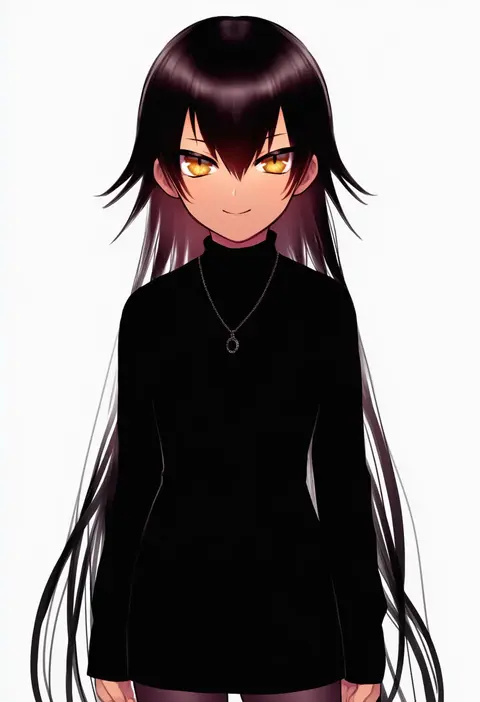
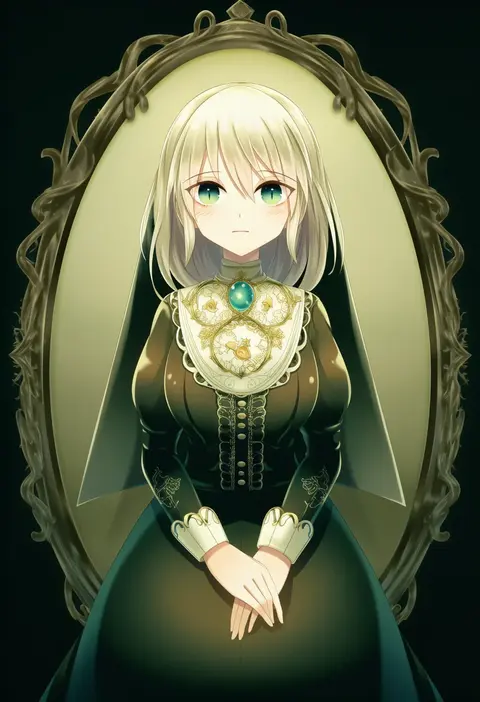
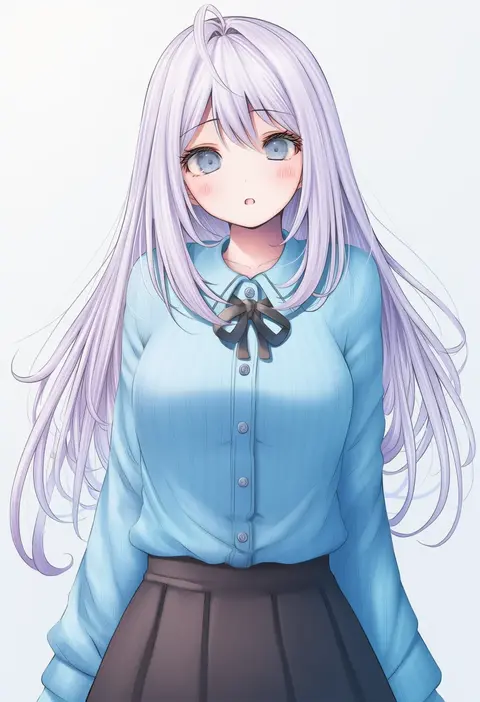
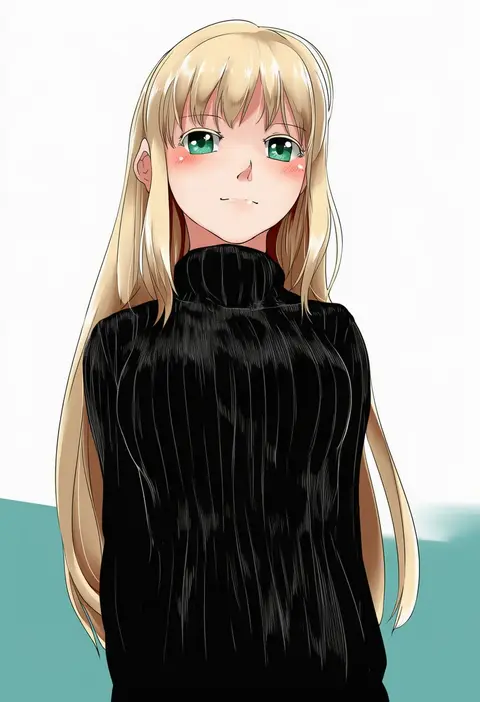
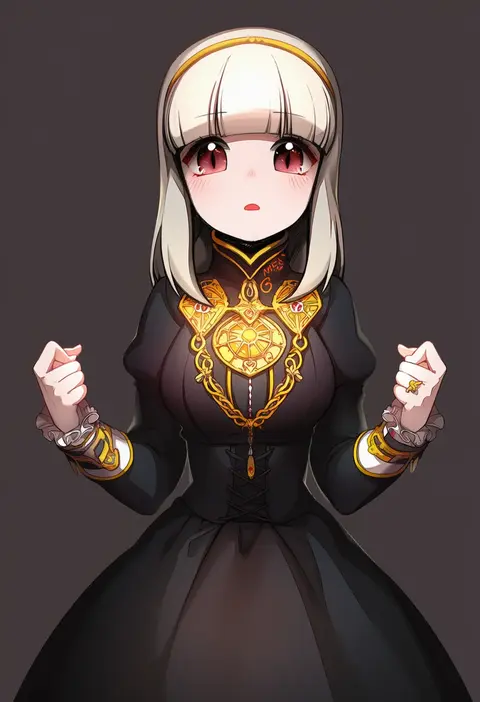
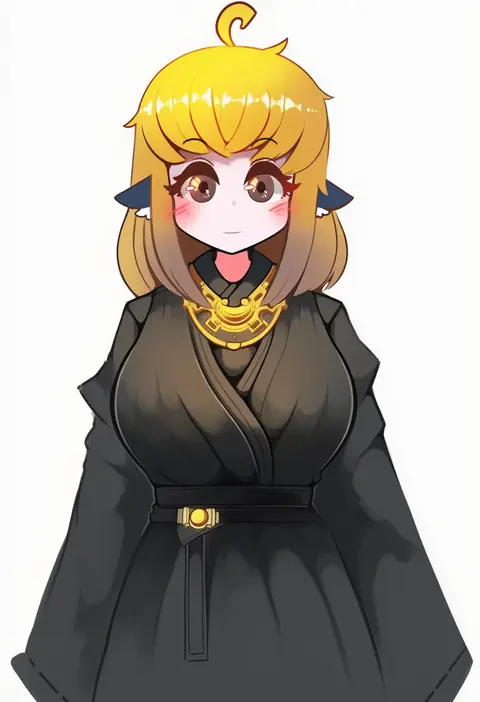
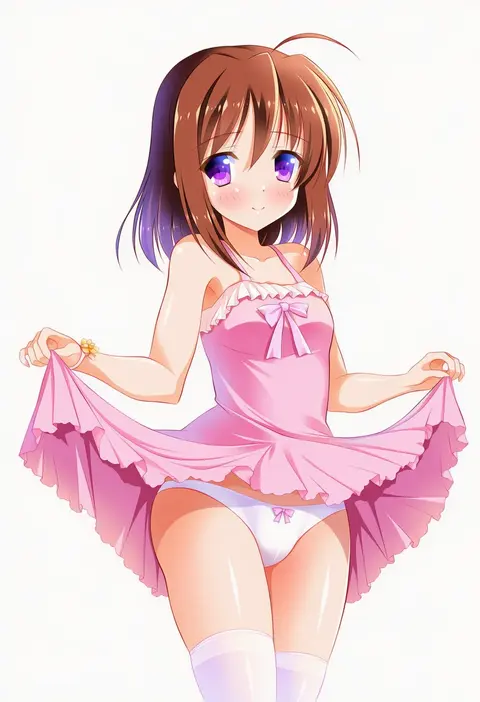
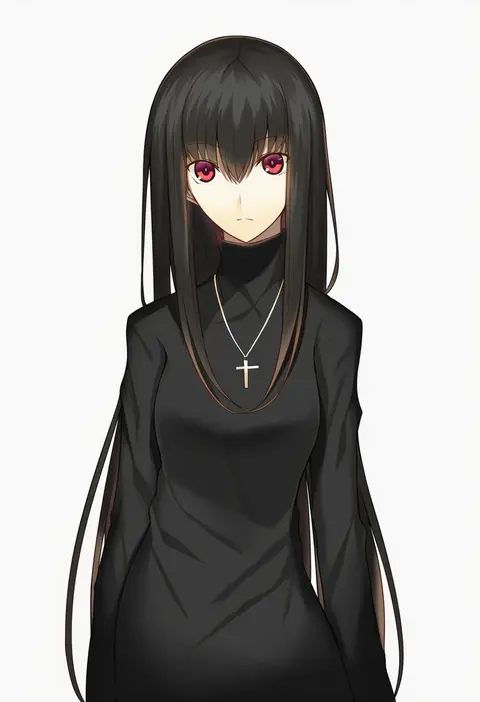
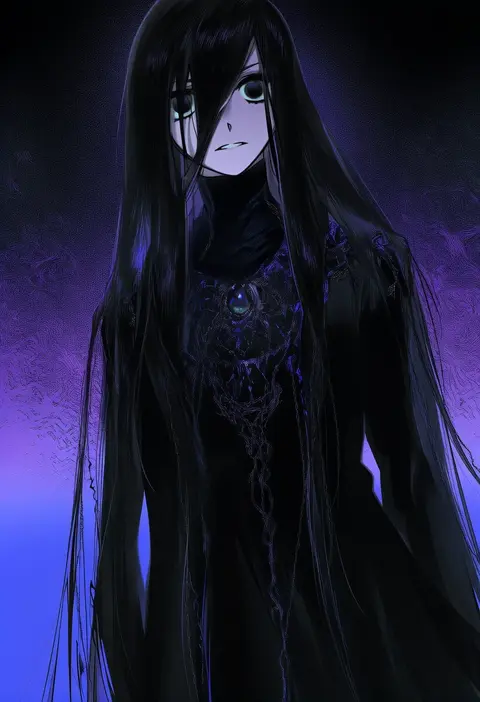
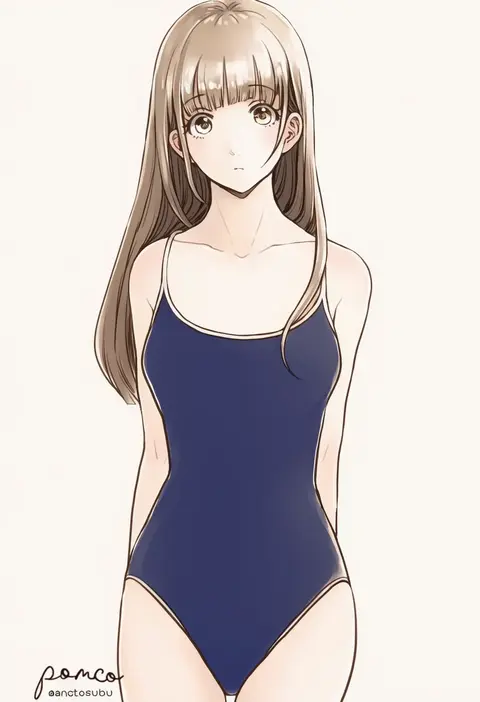
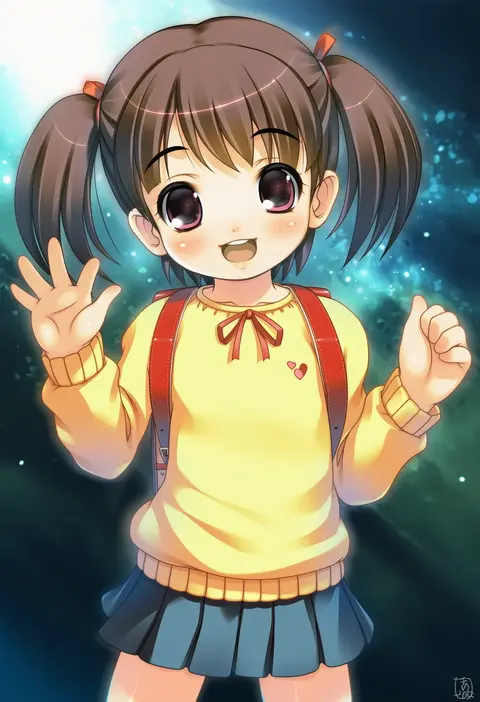
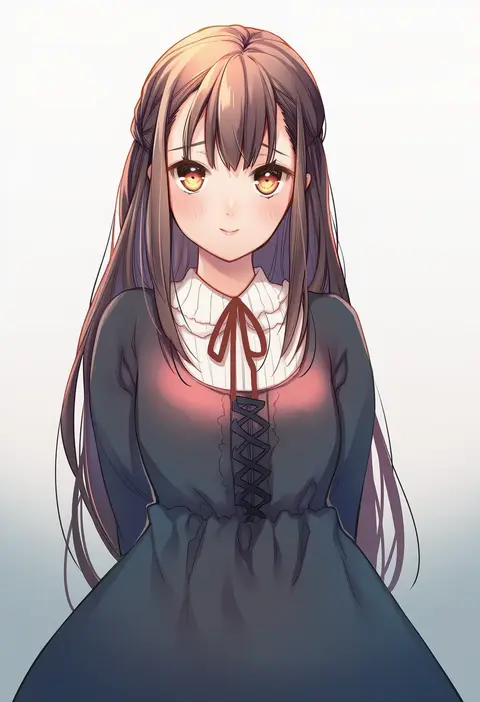
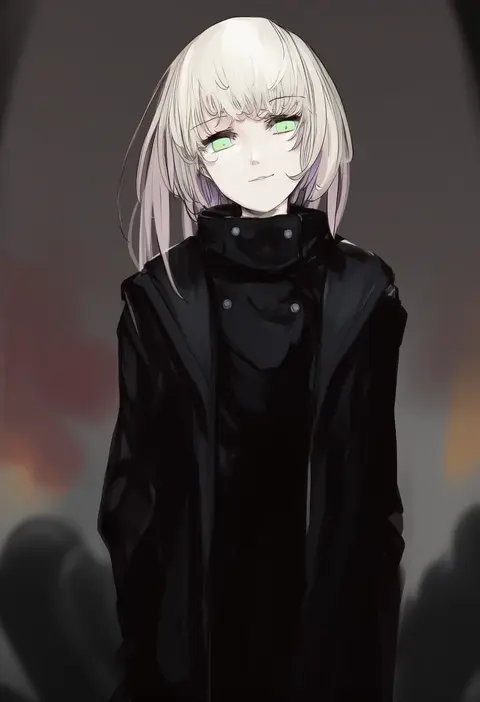
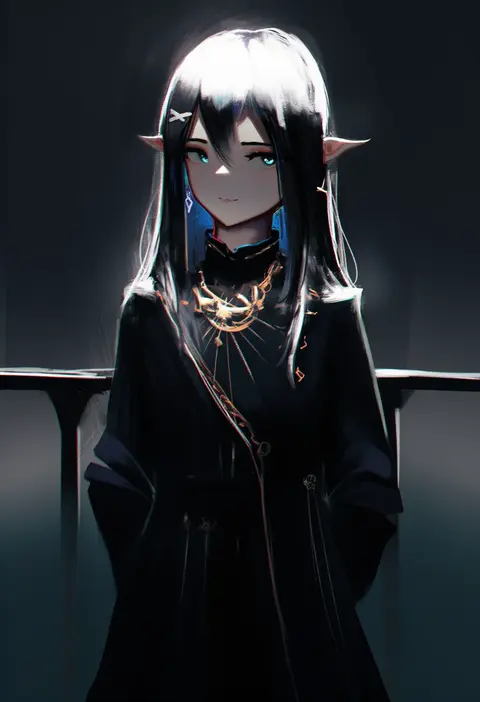
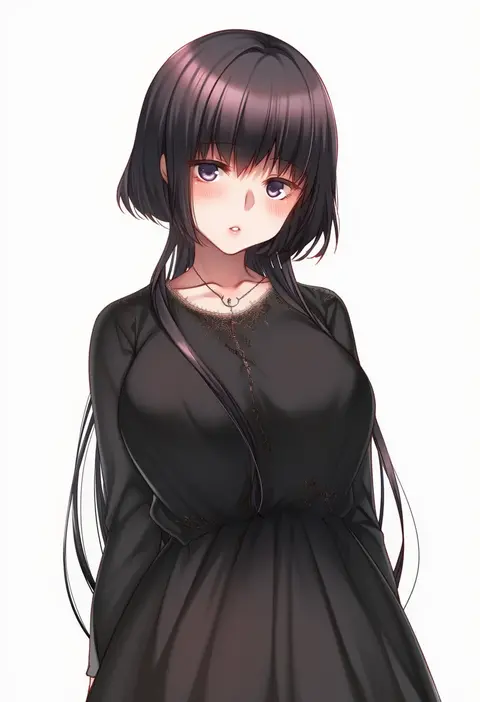
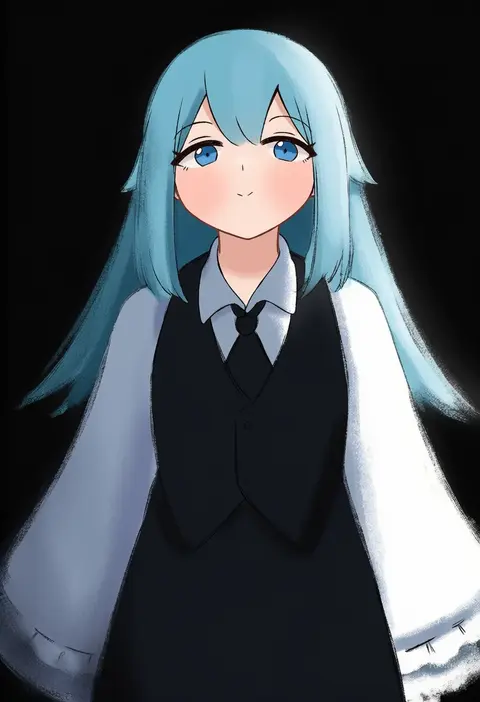
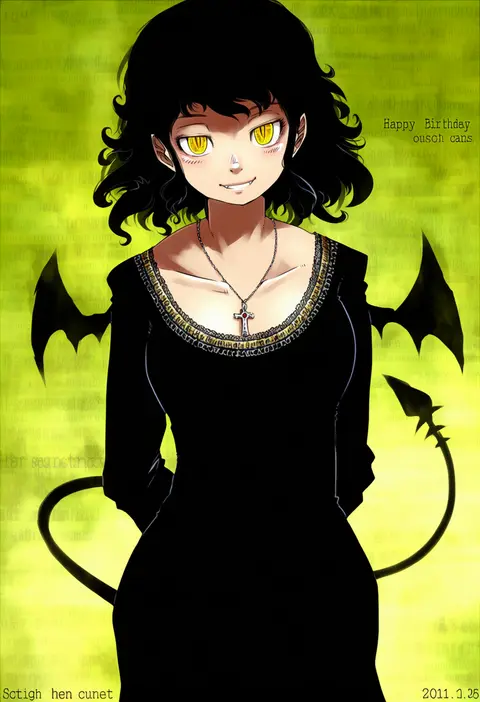
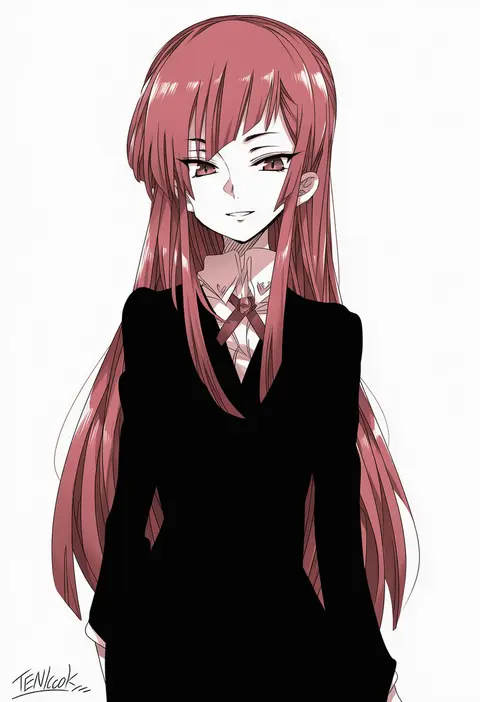
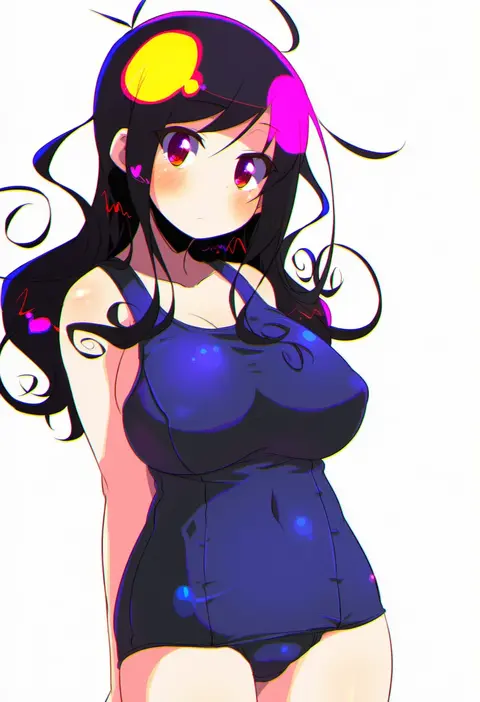
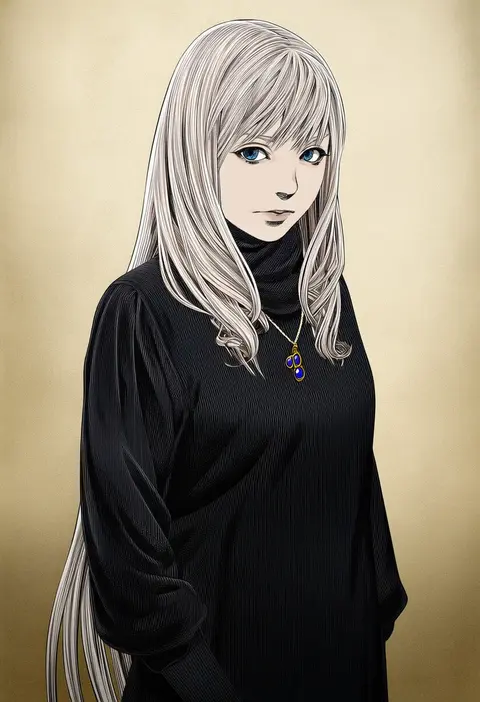
Artist tags tell NovelAI Diffusion to draw in a specific artist's style: line weight, paint texture, face shapes and palette all shift at once. Character and outfit tags decide what is drawn; artist tags decide how. 16,352 tags are listed for V4.5.
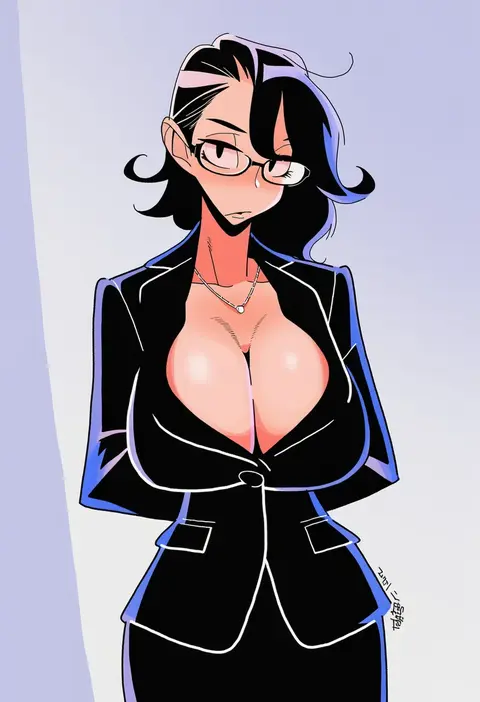
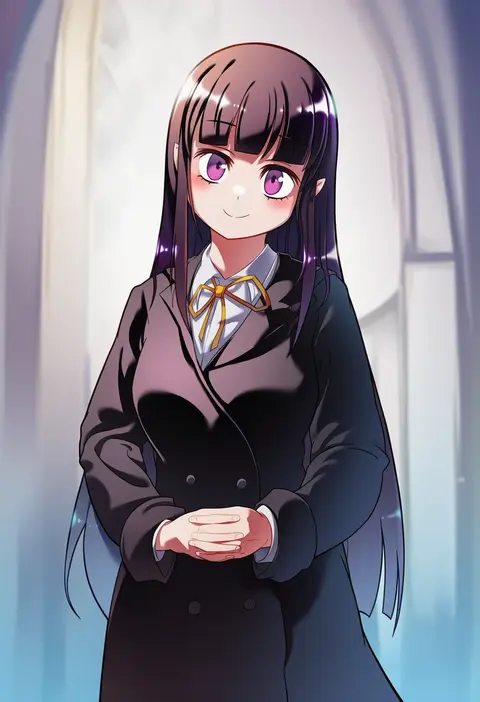
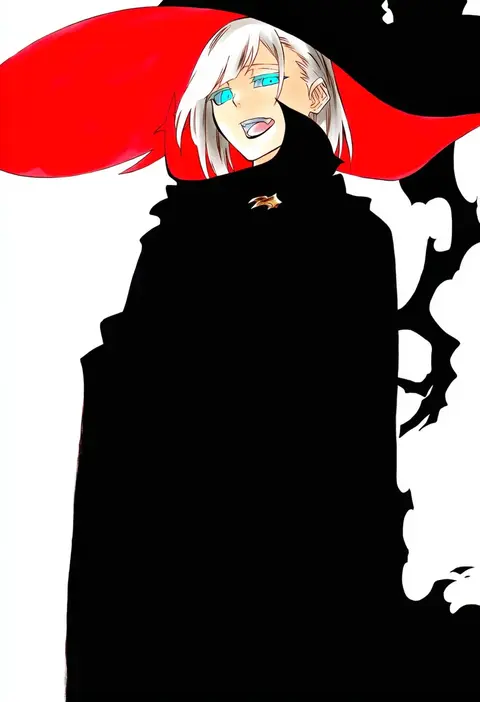
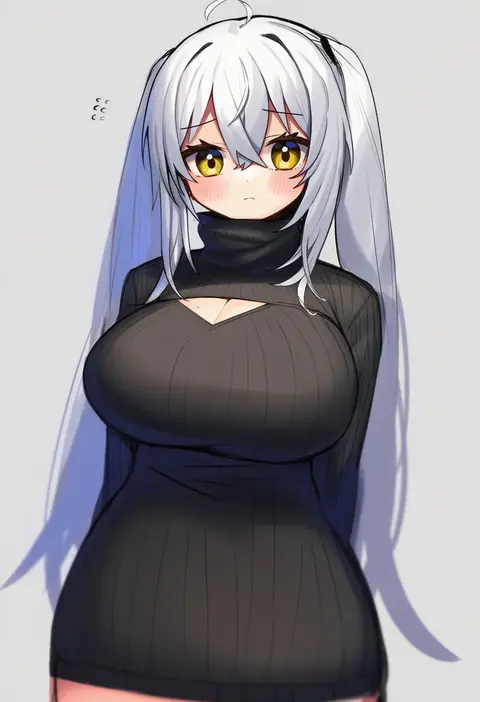
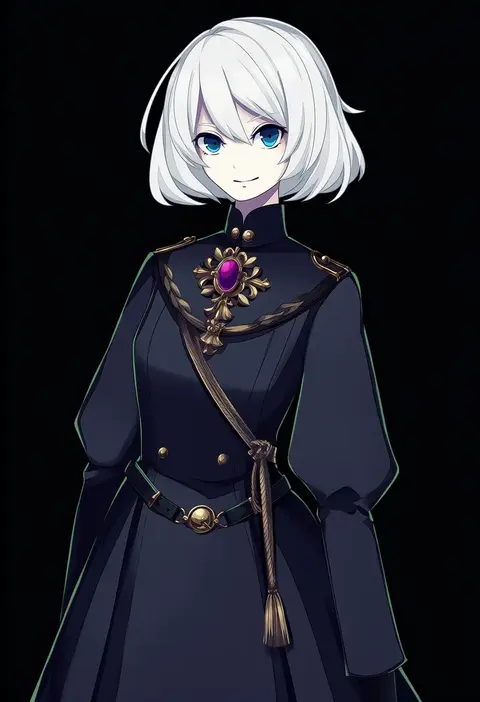
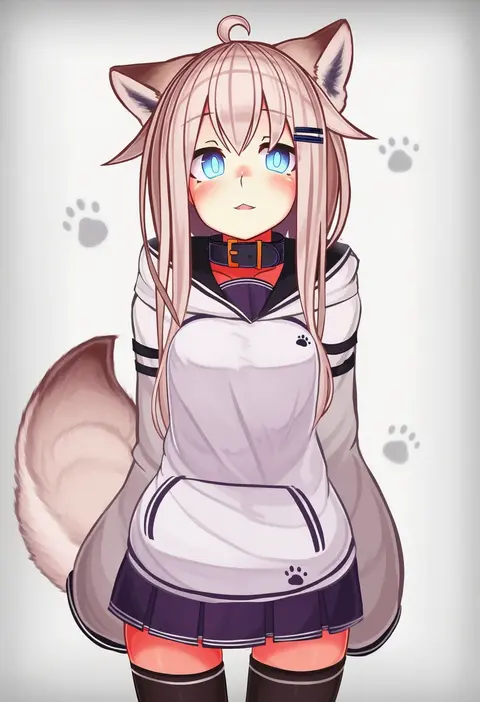
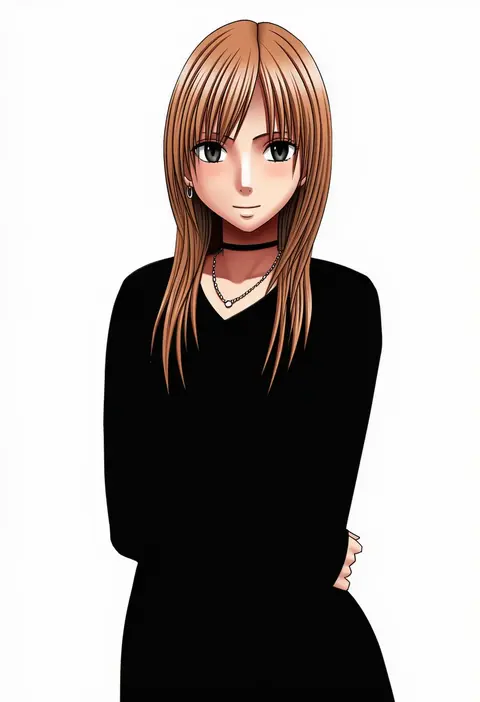
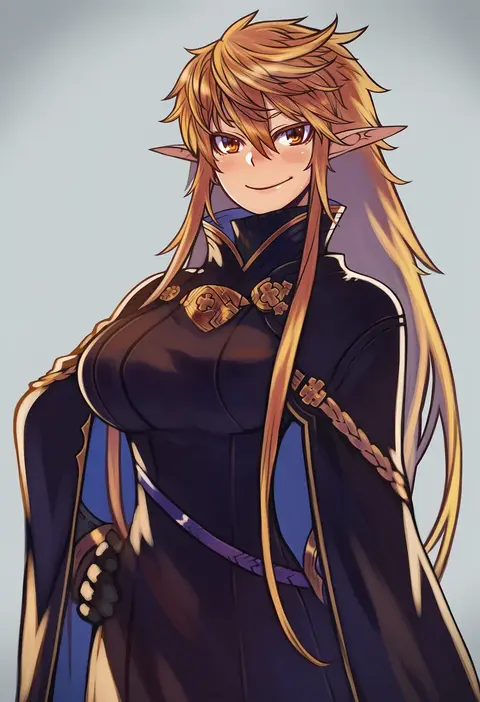
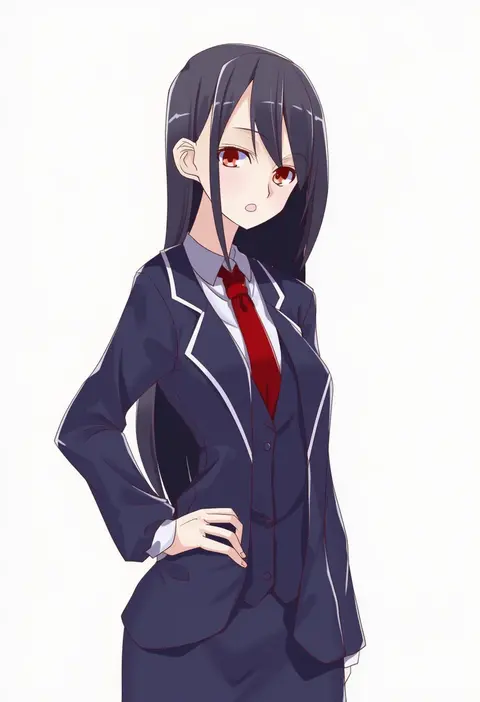
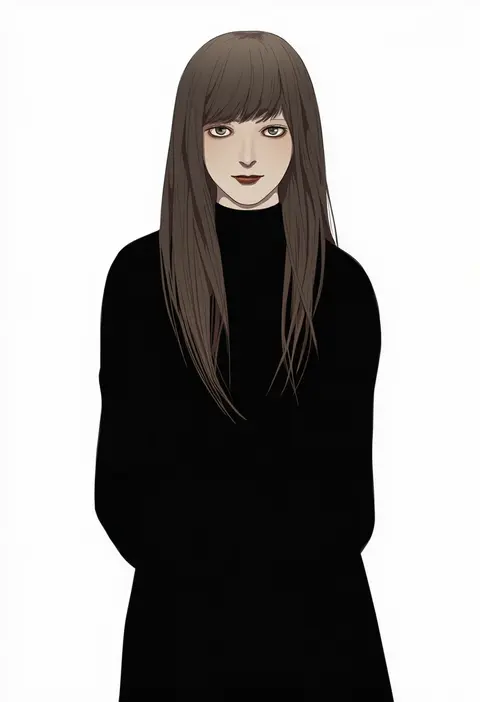
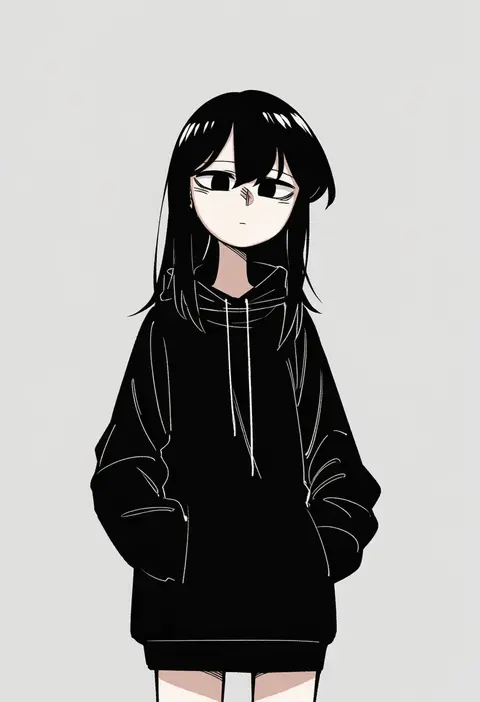
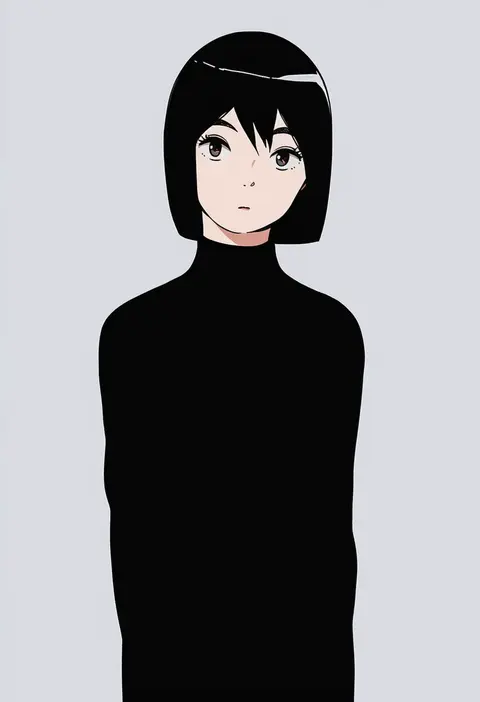
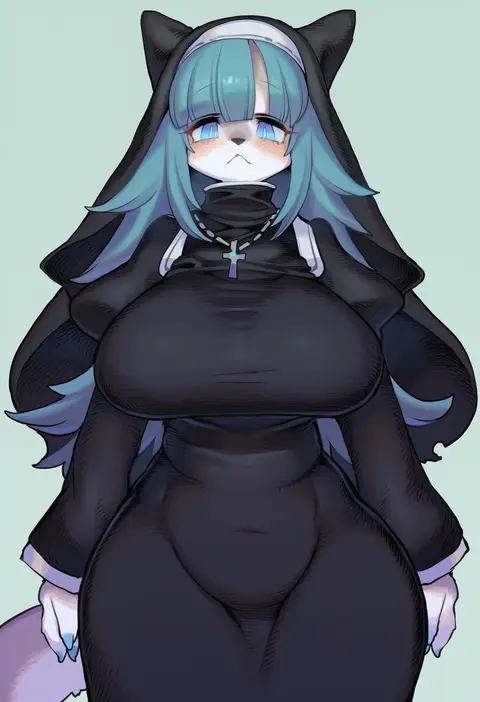
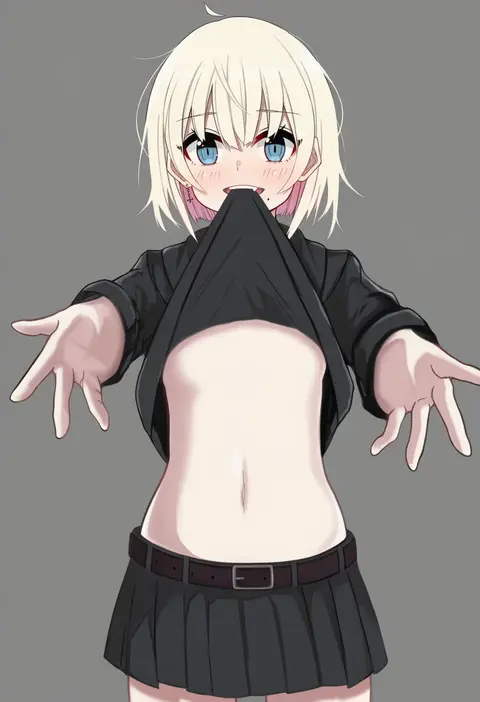
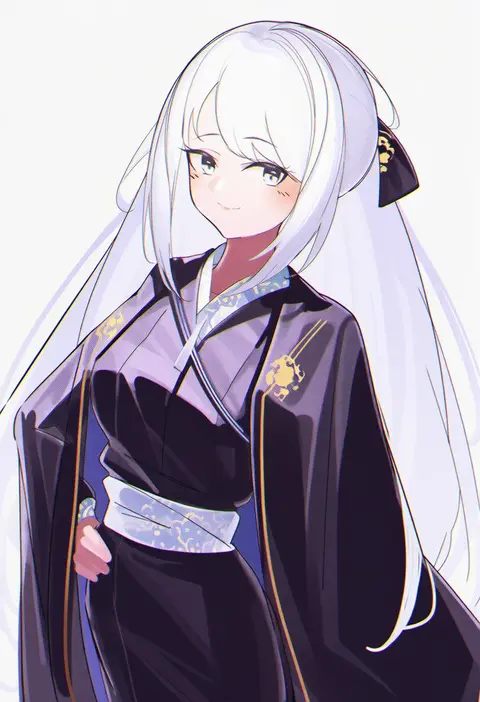
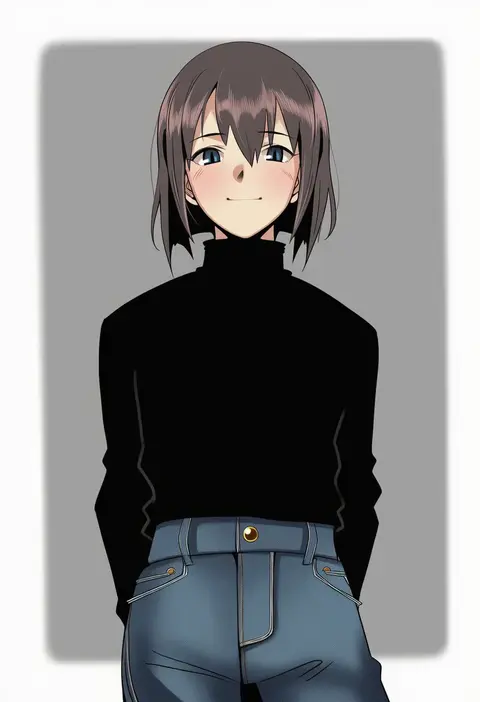
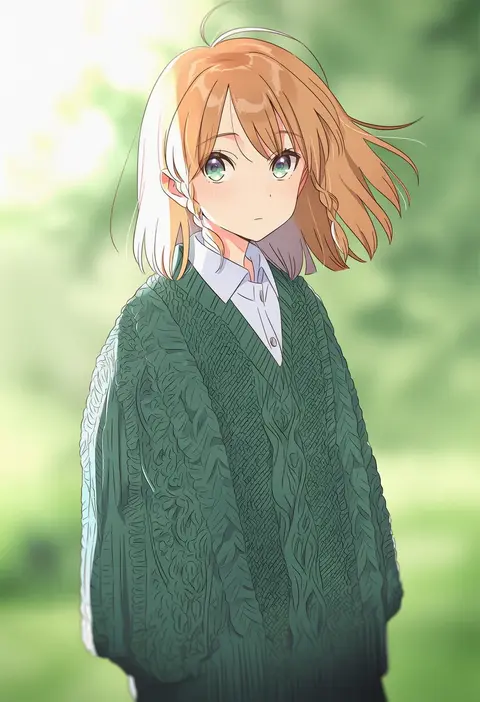
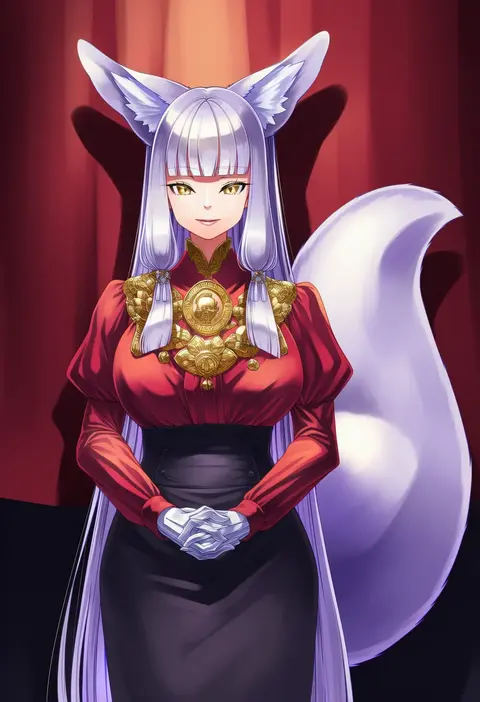
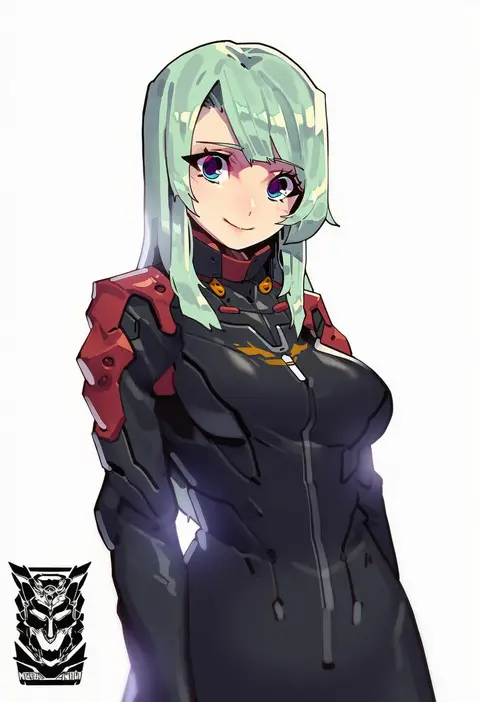
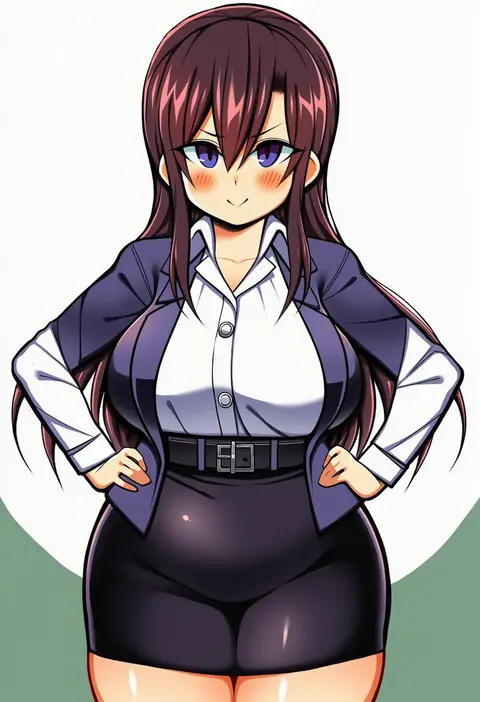
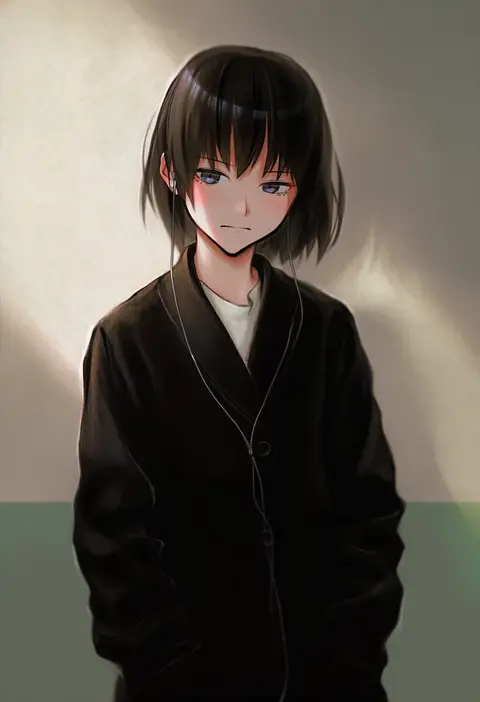
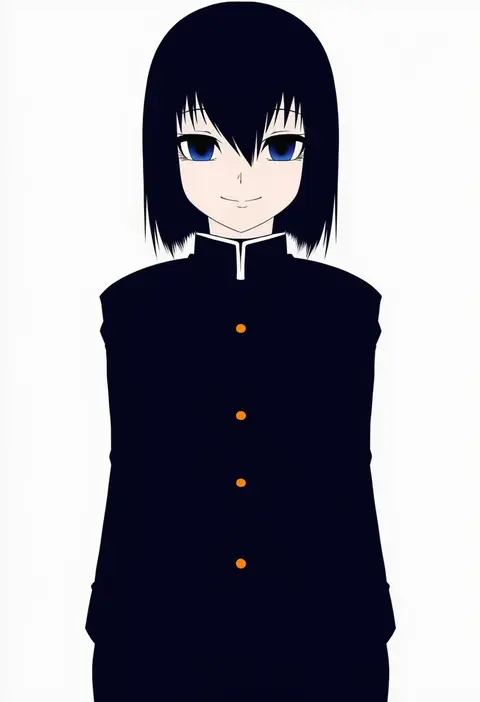
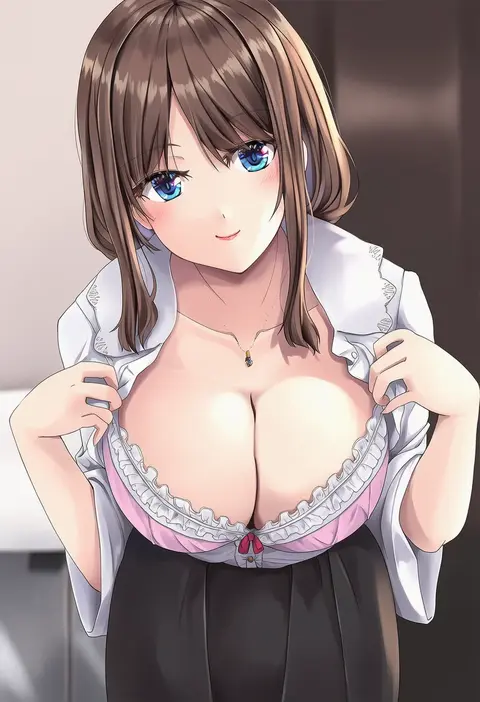
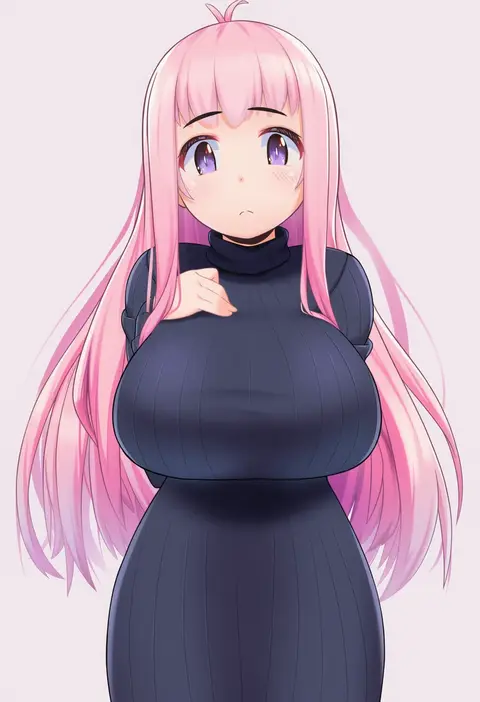
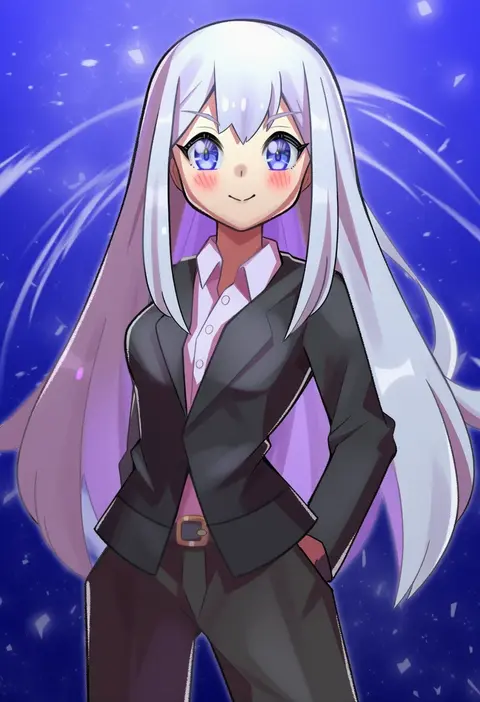
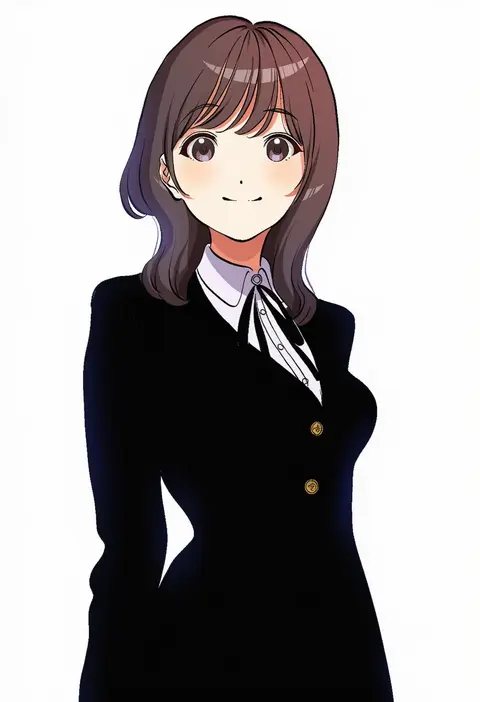
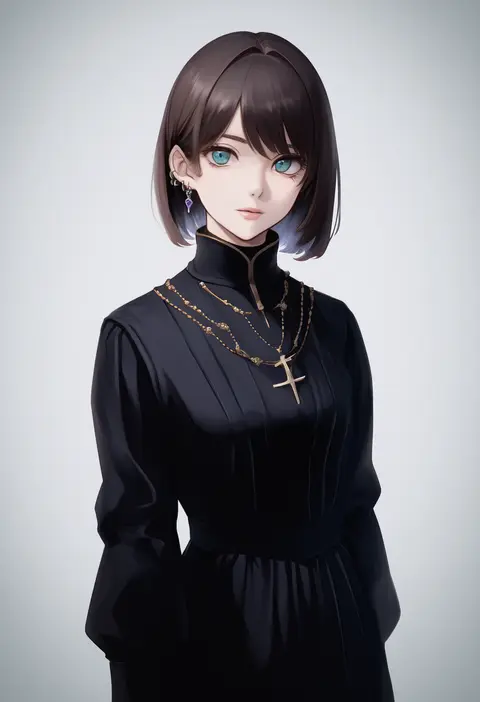
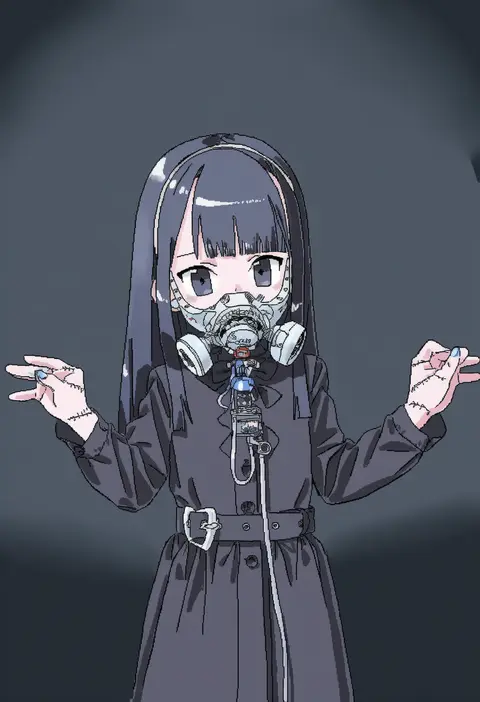
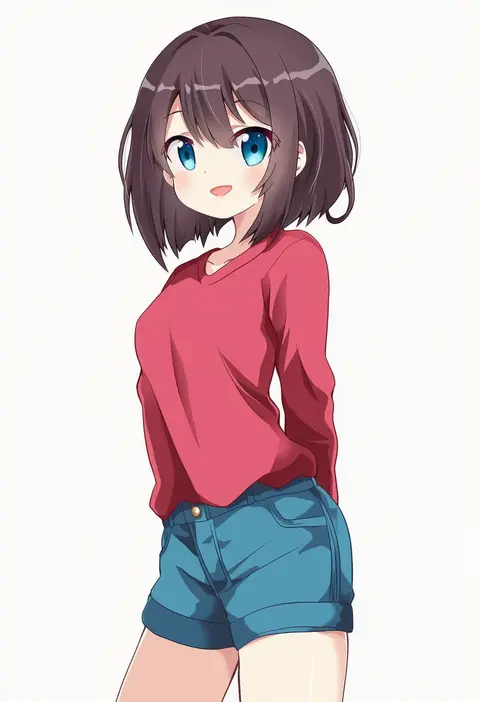
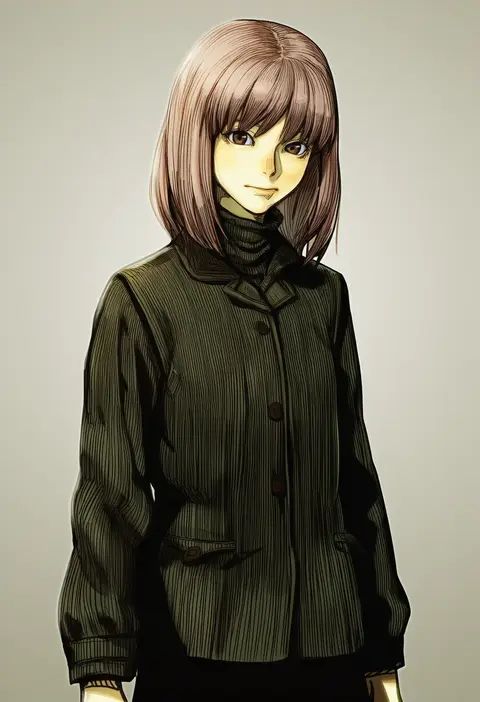
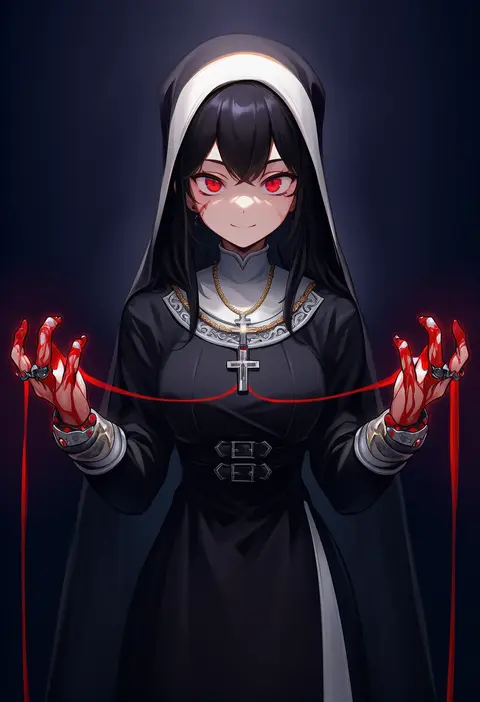
Every tag listed here is verified to react in NovelAI. All images use the same prompt, seed and settings with only the artist tag swapped, so the difference between two images is the style that tag brings in.

How to use them

Put the artist tag near the front of the prompt, e.g. "<artist>, 1girl, solo, best quality, masterpiece, cowboy shot". Two or three artist tags blend styles; lower the weight with "0.8::<artist>::" when the style overpowers the character.

SCORE sorts by Danbooru's top score, POSTS by post count, FAVS by hearts on this site. Open a card to see V5 and V4.5 side by side on the same seed.

V5 vs V4.5

V5 usually lands closer to the artist's real style, and tags that did nothing on V4.5 often react on V5. V4.5 still fits older and doujin-heavy artists better. Try V5 first, fall back to V4.5.

FAQ

Where does the artist tag go?
Near the front of the prompt. Use "0.8::tag::" to adjust its weight.

Can I stack artist tags?
Yes, styles blend. Past two or three the result stops looking like anyone.

Are these the artists' own works?
No. Every image is a NovelAI sample generated from the tag.