V4.5Artists
sort: FAVS▾
▾
>
$

NovelAI Artist Tags List — V4.5

artist --count 16,352[189/273]
kazaana
ARTIST0x2C10
0
inuno rakugaki
ARTIST0x2C11
0
udukikosuke
ARTIST0x2C12
0
captain yue
ARTIST0x2C13
0
yuno (suke yuno)
ARTIST0x2C14
0
zeco
ARTIST0x2C15
0
3four
ARTIST0x2C16
0
kaatsu katsurou
ARTIST0x2C17
0
tensugi takashi
ARTIST0x2C18
0
misha (hoongju)
ARTIST0x2C19
0
morogami ryou
ARTIST0x2C1A
0
dokan (dkn)
ARTIST0x2C1B
0
takumi (scya)
ARTIST0x2C1C
0
inishie kumo
ARTIST0x2C1D
0
pinch (nesume)
ARTIST0x2C1E
0
yuuhi homare
ARTIST0x2C1F
0
k00s
ARTIST0x2C20
0
sumeragi hamao
ARTIST0x2C21
0
mocollie
ARTIST0x2C22
0
gram 9
ARTIST0x2C23
0
hi iro
ARTIST0x2C24
0
dongsa wonhyong
ARTIST0x2C25
0
sakura moyon
ARTIST0x2C26
0
kazuboh
ARTIST0x2C27
0
manio
ARTIST0x2C28
0
kansuke
ARTIST0x2C29
0
kataru (ubw-emiya)
ARTIST0x2C2A
0
ikuhashi muiko
ARTIST0x2C2B
0
io (onisarashi)
ARTIST0x2C2C
0
cbgb
ARTIST0x2C2D
0
siy (shengxiu760722)
ARTIST0x2C2E
0
yoshida inuhito
ARTIST0x2C2F
0
furorina
ARTIST0x2C30
0
zephylyne
ARTIST0x2C31
0
tafuto
ARTIST0x2C32
0
ayame iro (toumei dolce)
ARTIST0x2C33
0
digiral
ARTIST0x2C34
0
kusami toka naku au
ARTIST0x2C35
0
inoue yoshihisa
ARTIST0x2C36
0
alfred (artist)
ARTIST0x2C37
0
haseneko
ARTIST0x2C38
0
nakaba (mode)
ARTIST0x2C39
0
john su
ARTIST0x2C3A
0
ohse
ARTIST0x2C3B
0
ten (lu2948d)
ARTIST0x2C3C
0
chamba
ARTIST0x2C3D
0
touryou
ARTIST0x2C3E
0
nekoita
ARTIST0x2C3F
0
ryuuki (hydrangea)
ARTIST0x2C40
0
shirogami seisho
ARTIST0x2C41
0
kyuukei usagi
ARTIST0x2C42
0
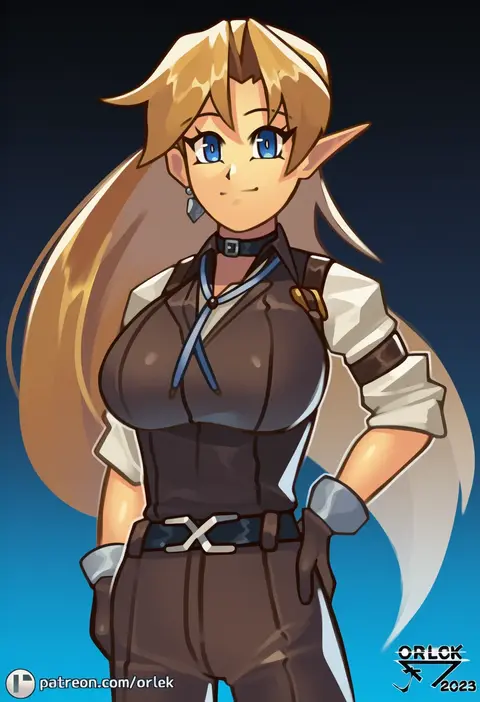
orlek
ARTIST0x2C43
0
yumu (8181018)
ARTIST0x2C44
0
hirokazu (analysis-depth)
ARTIST0x2C45
0
onoe
ARTIST0x2C46
0
uta 25
ARTIST0x2C47
0
kiyakyuu
ARTIST0x2C48
0
zawabug
ARTIST0x2C49
0
kuromiya
ARTIST0x2C4A
0
omachi (slabco)
ARTIST0x2C4B
0

What these tags change

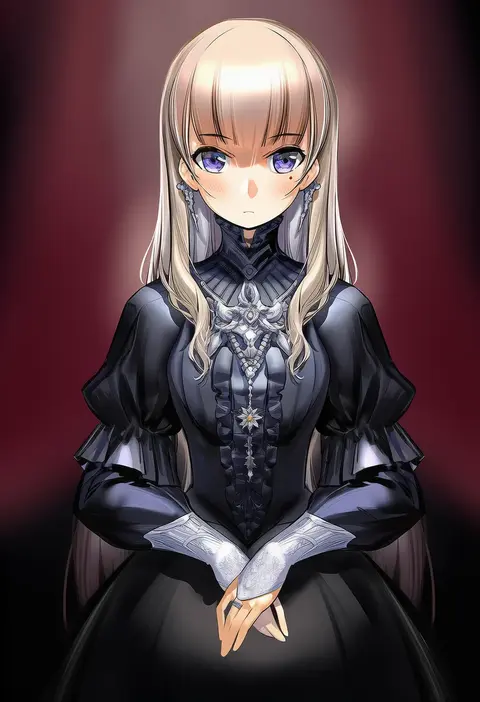
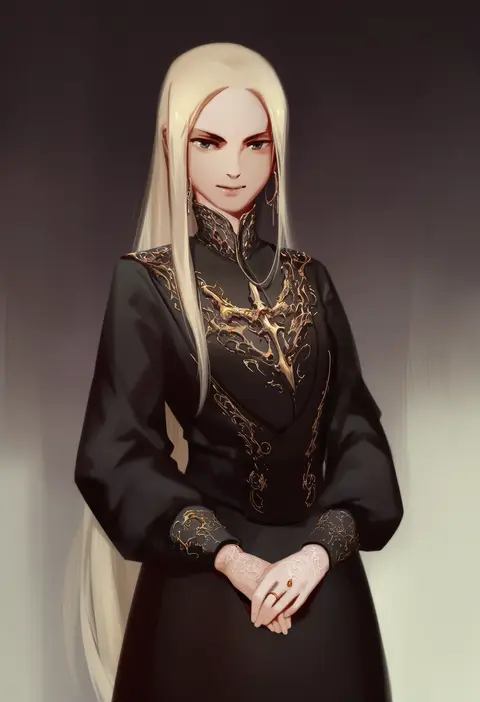
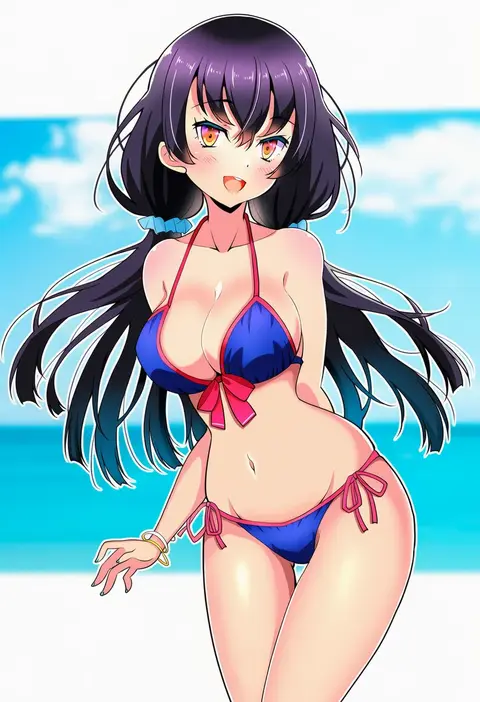
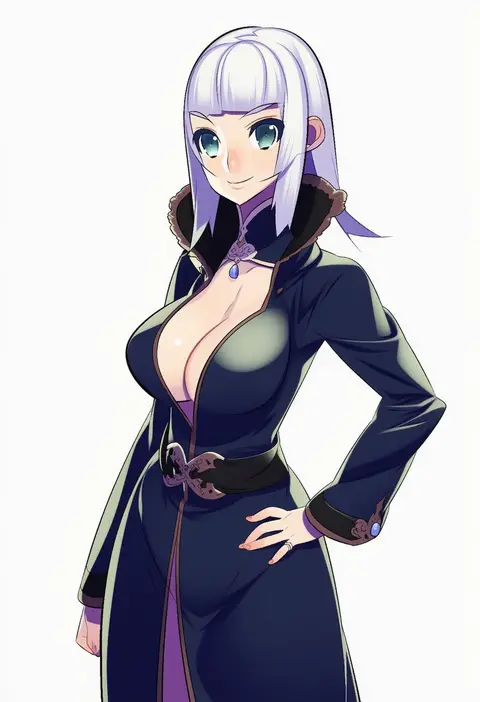
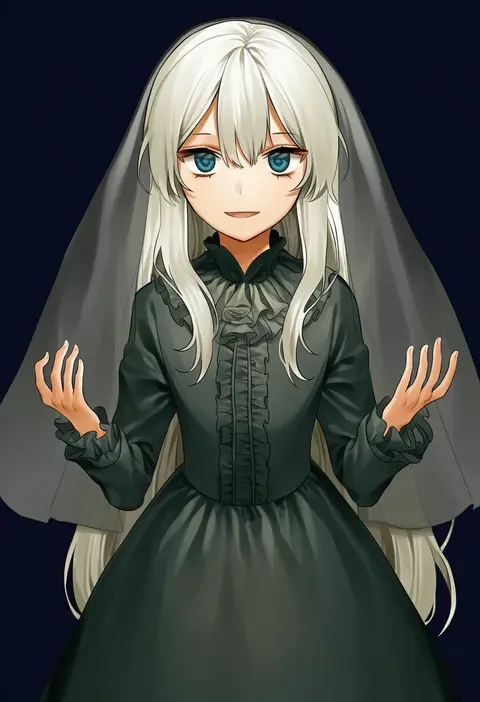
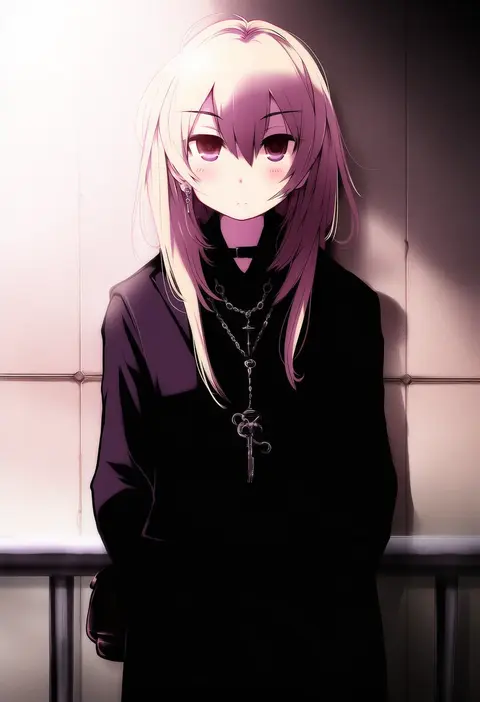
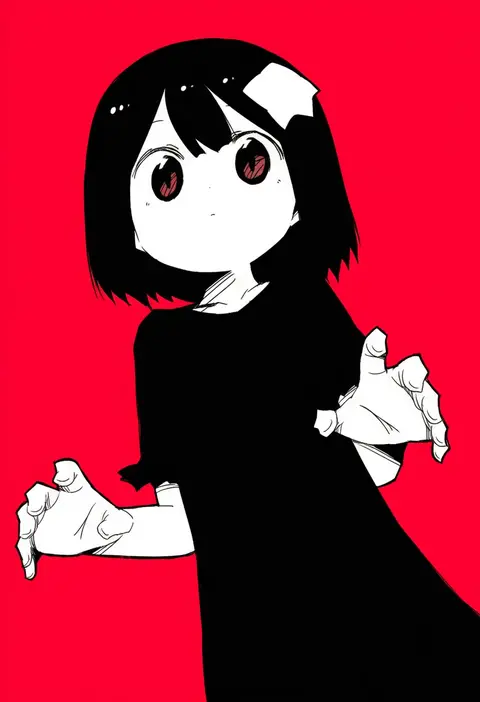
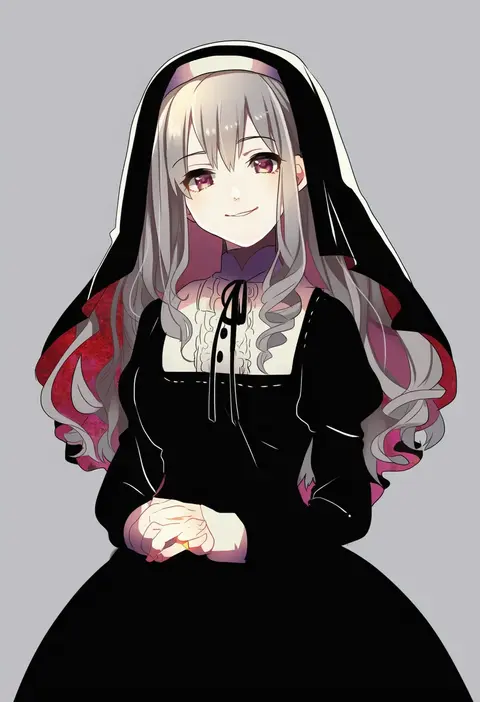
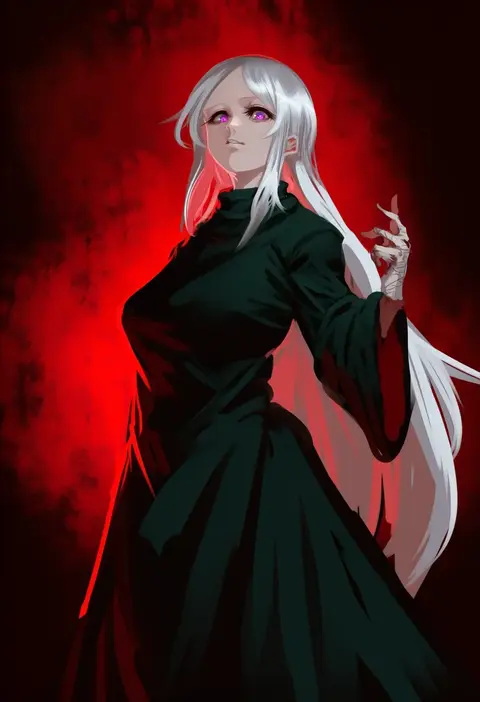
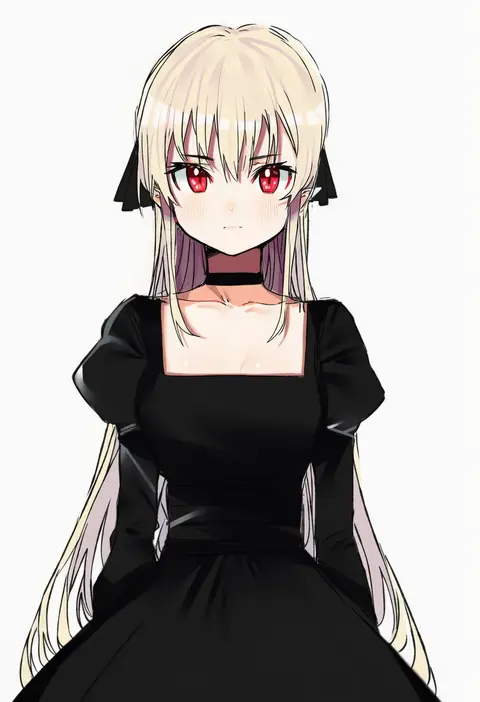
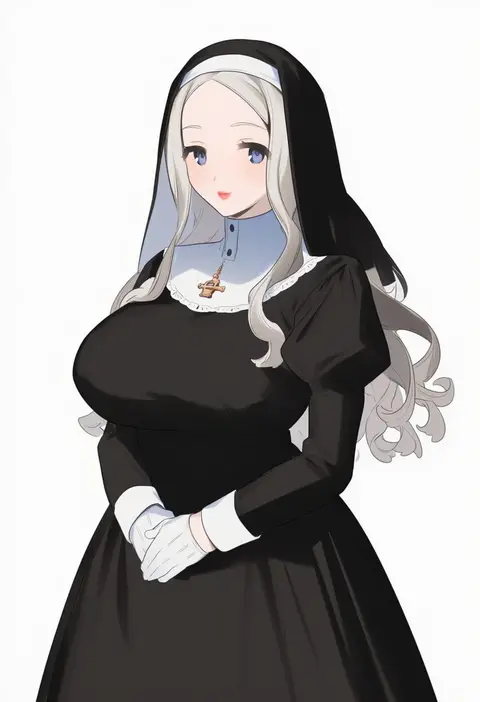
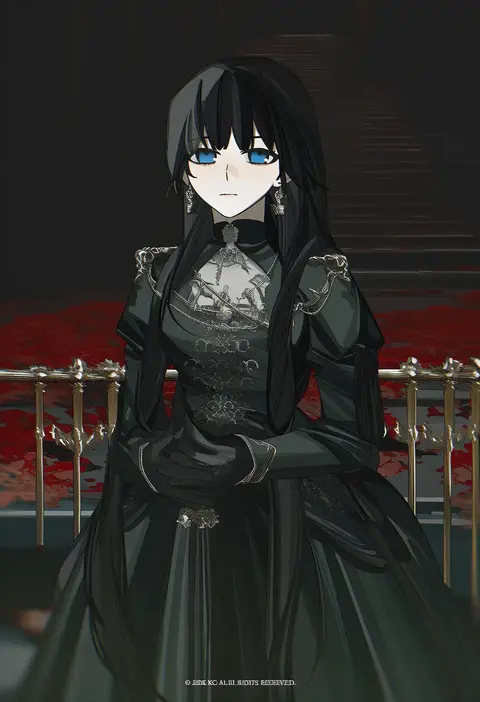
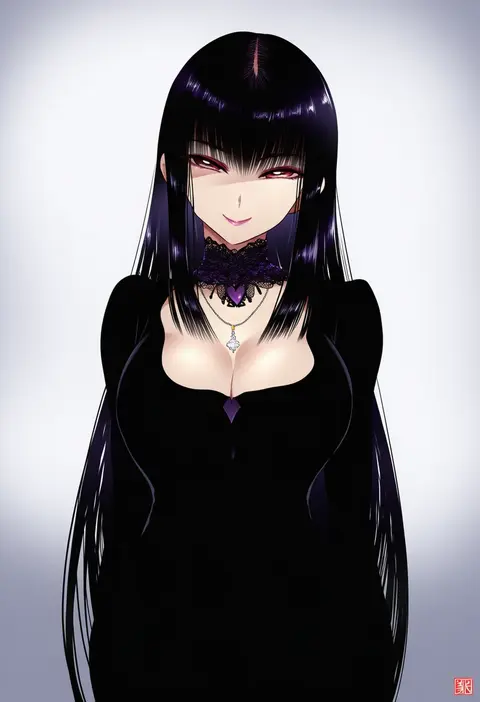
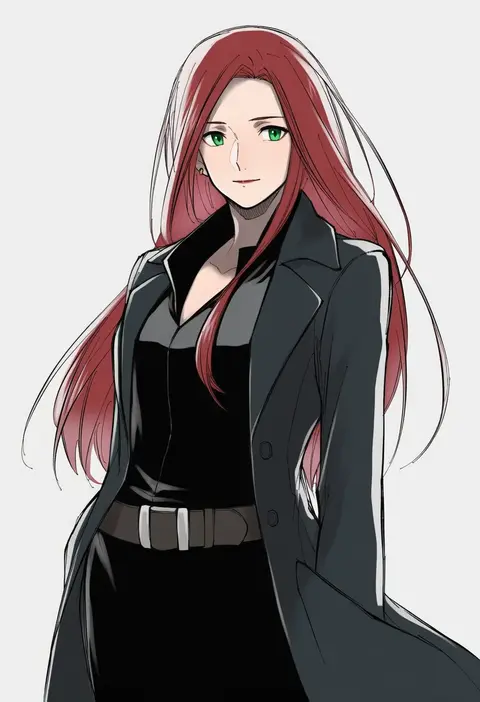
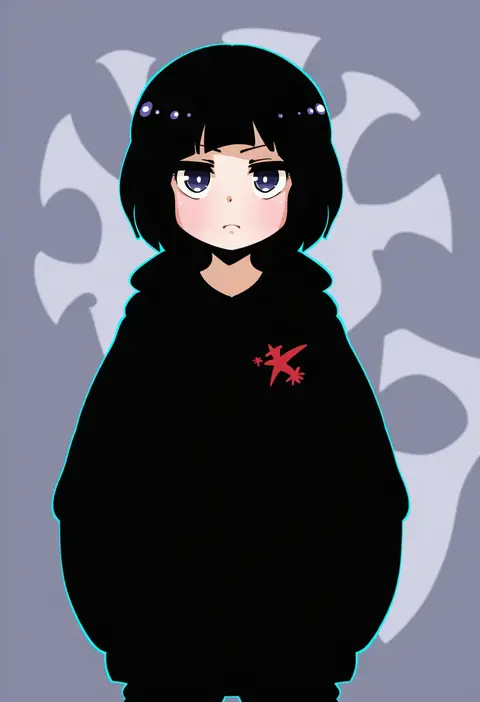
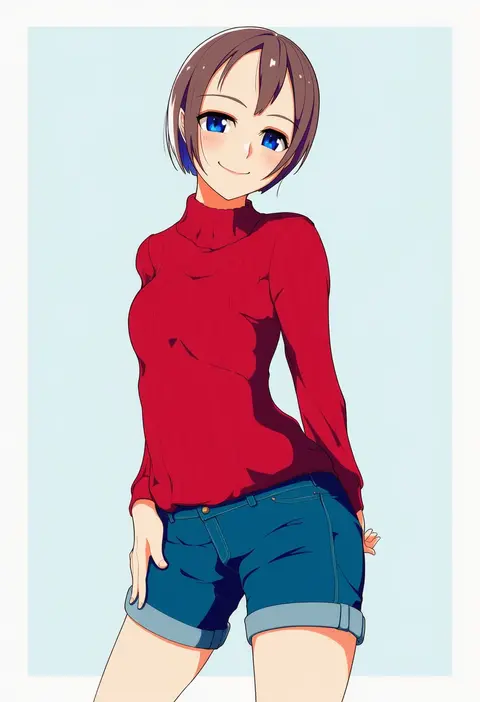
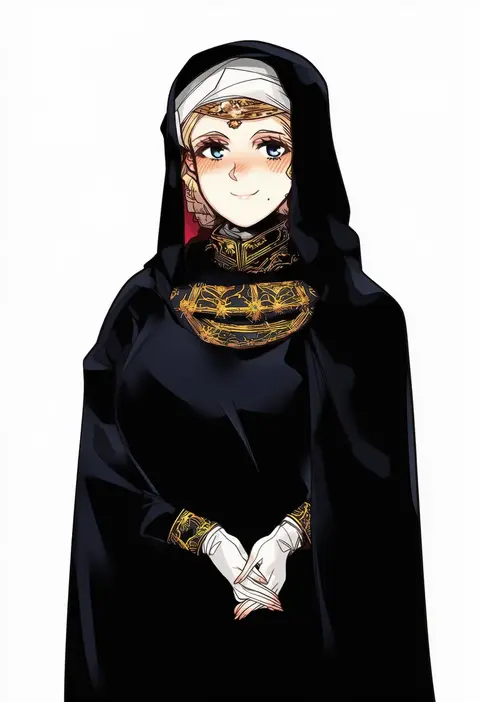
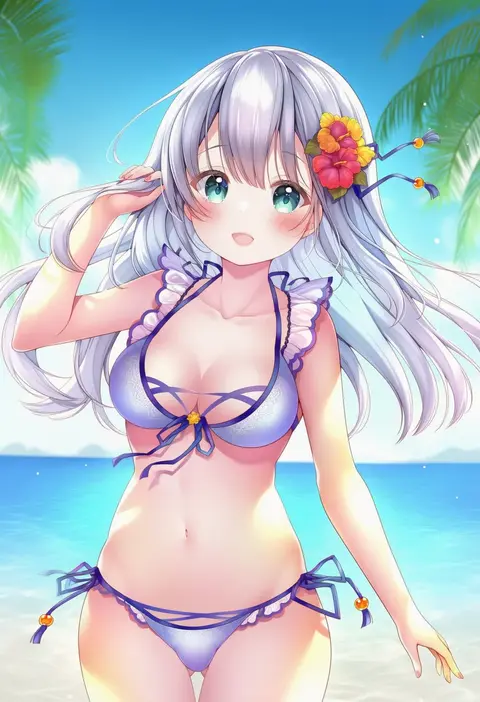
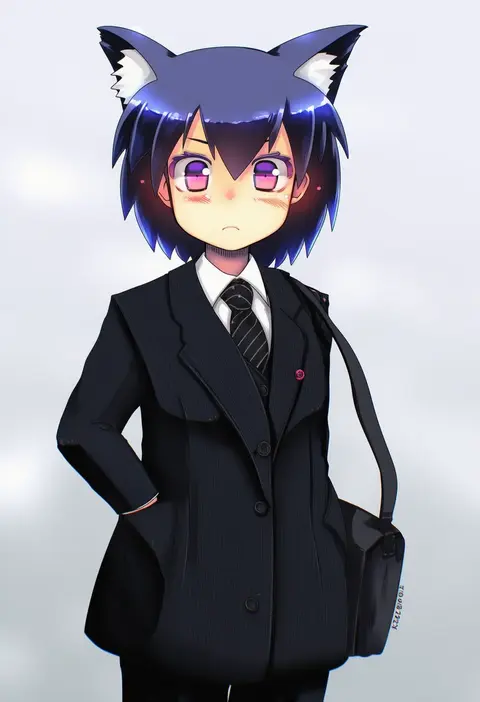
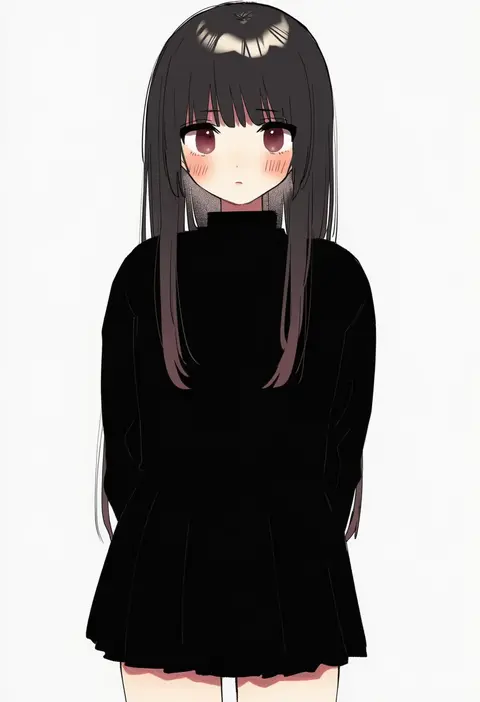
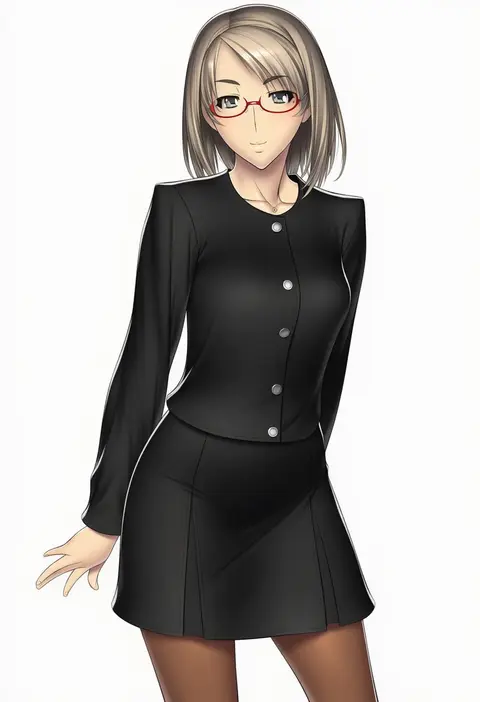
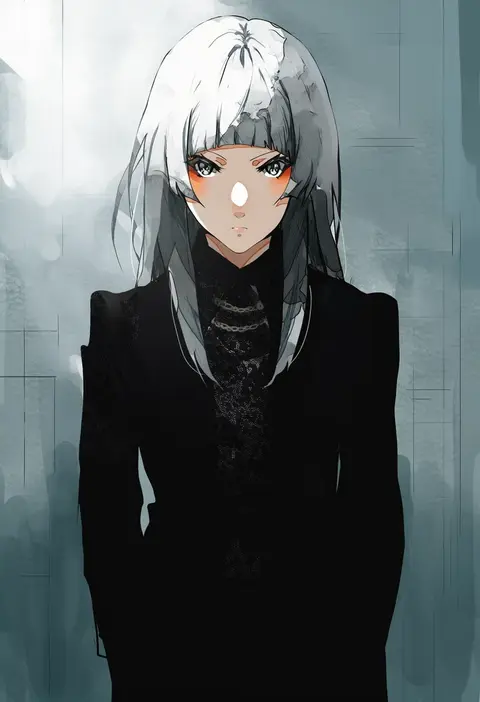
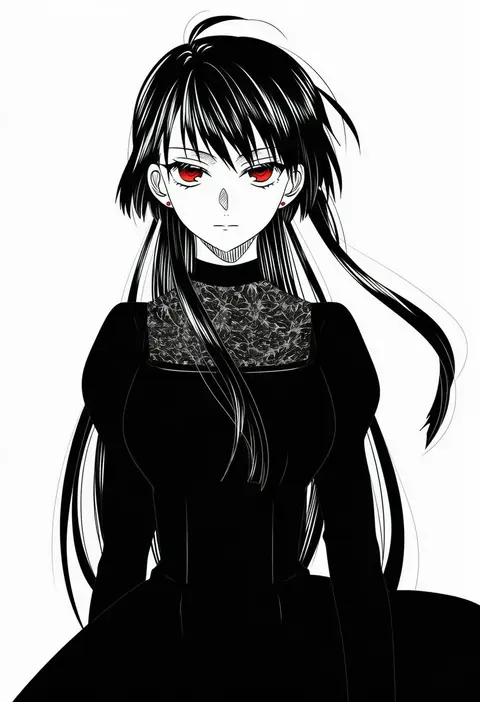
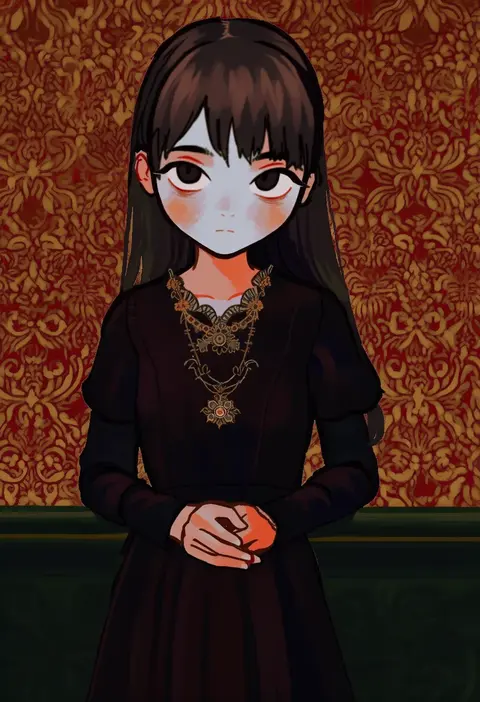
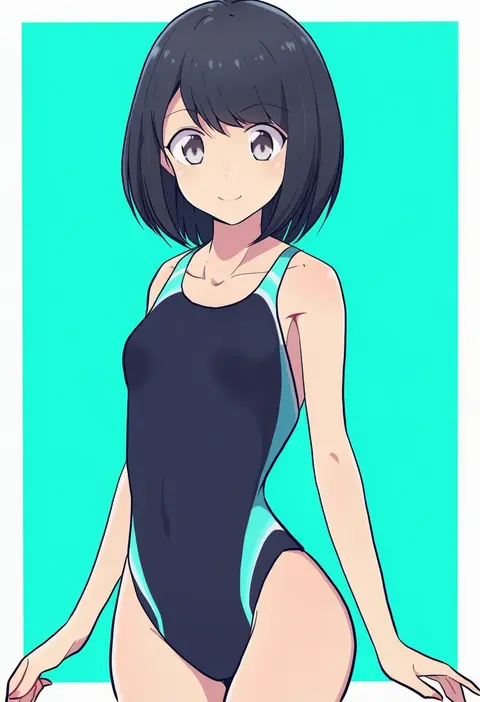
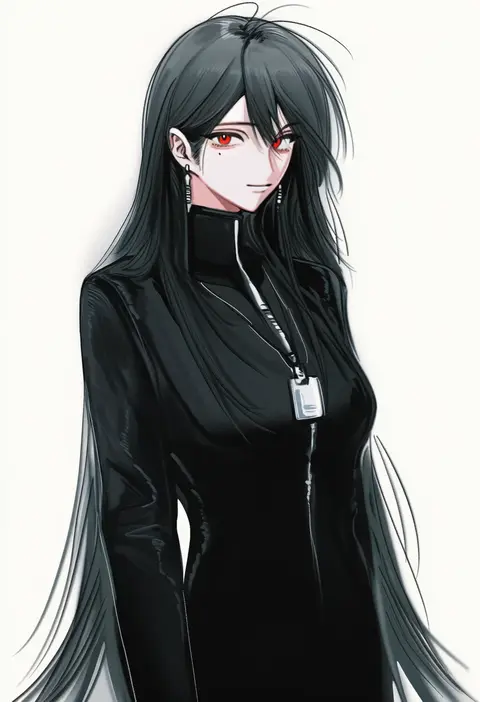
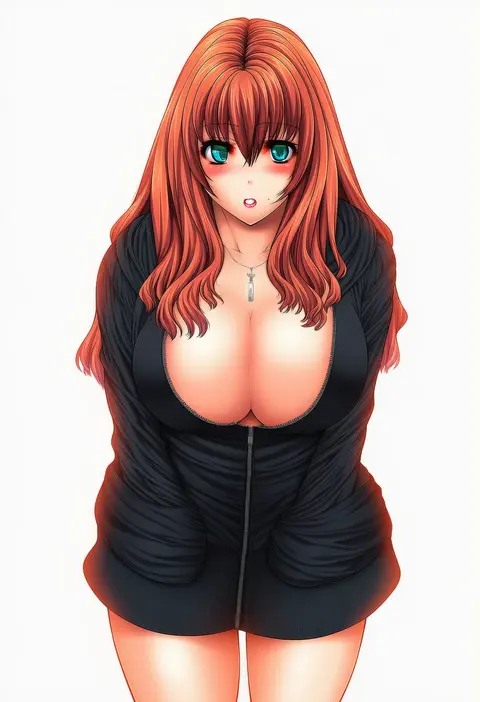
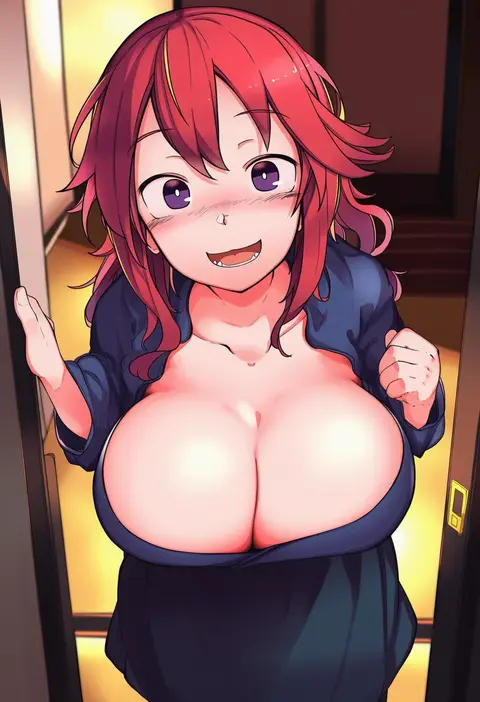
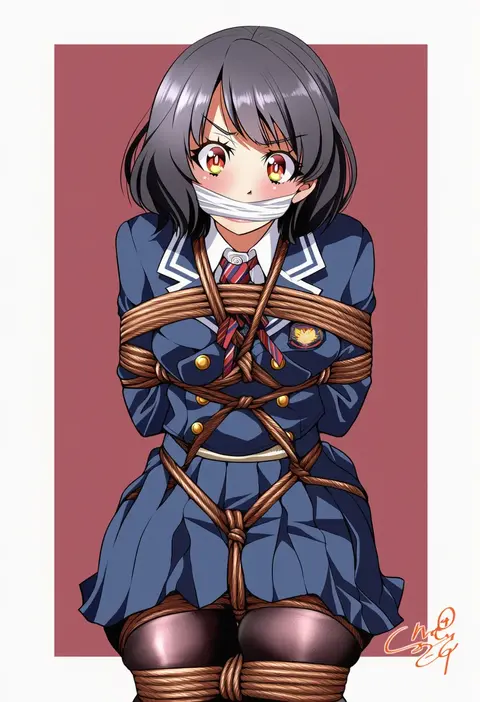
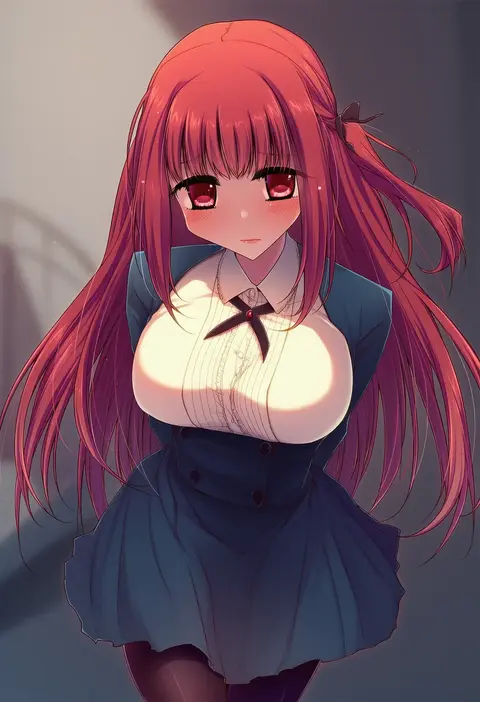
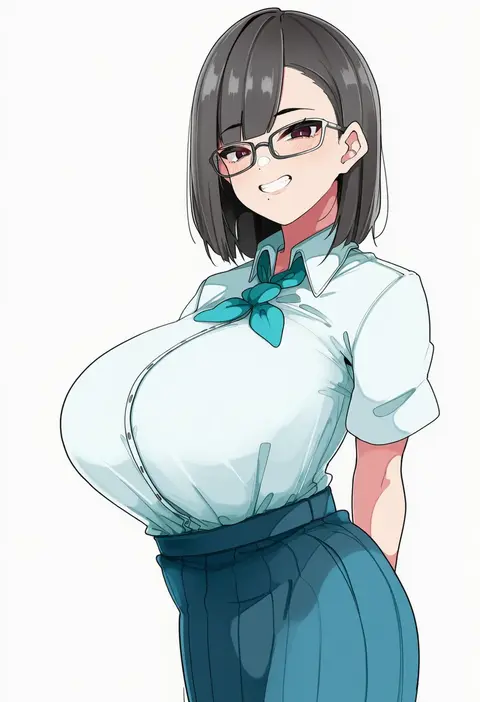
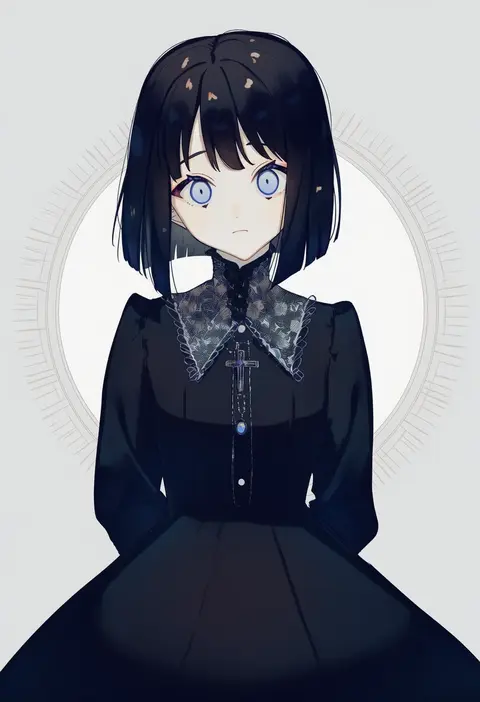
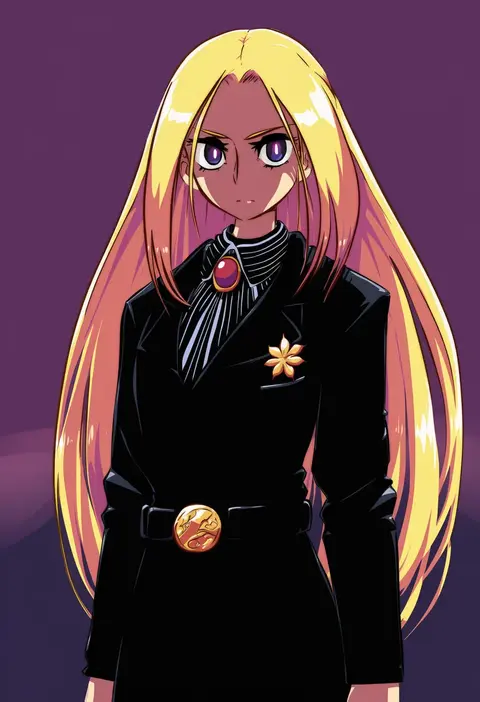
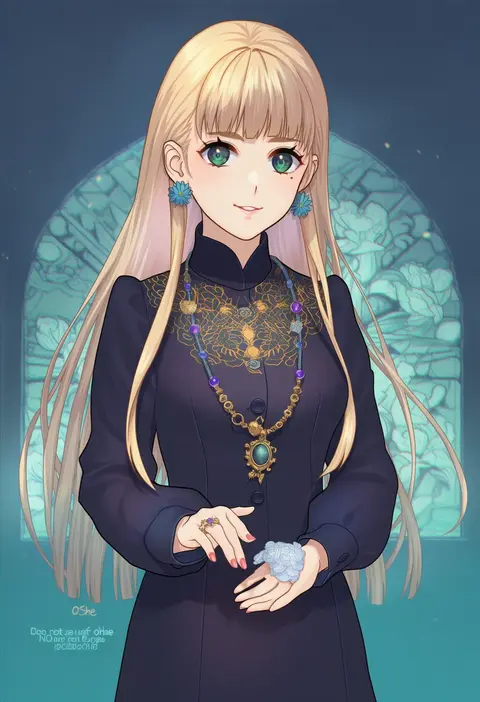
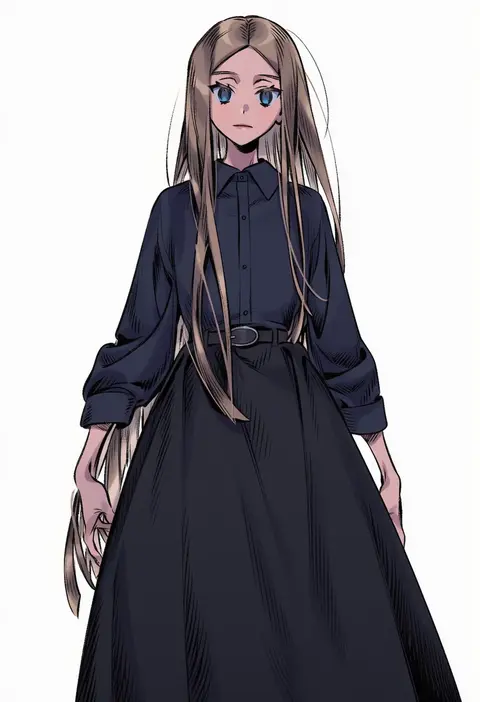
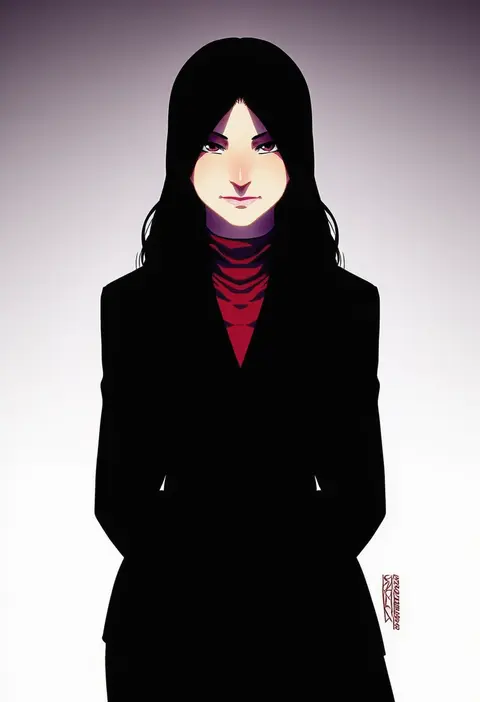
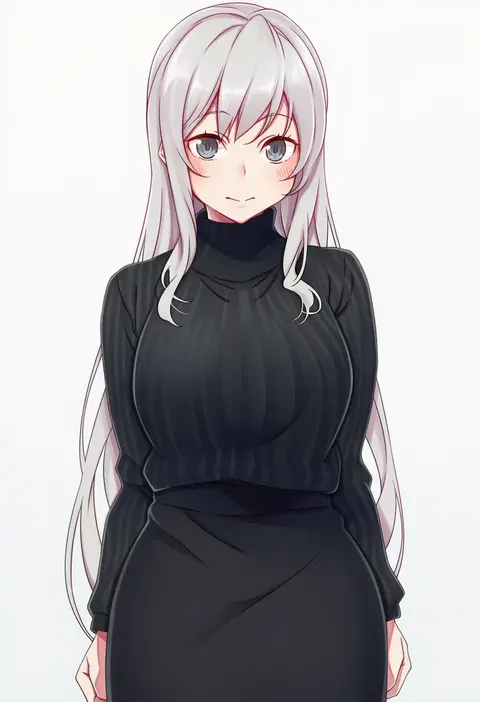
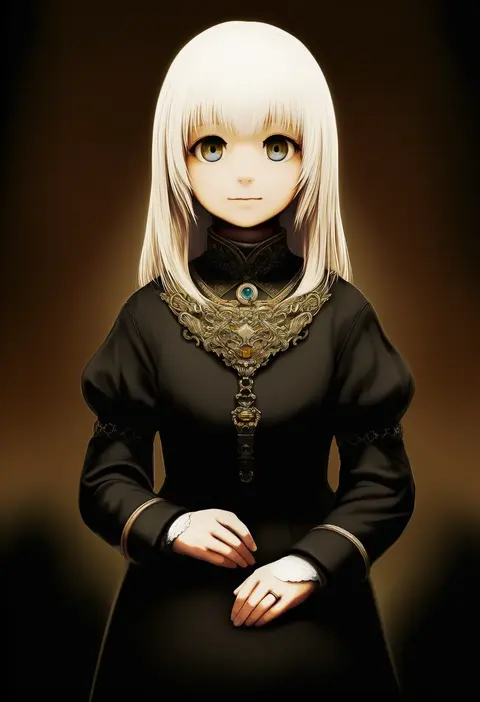
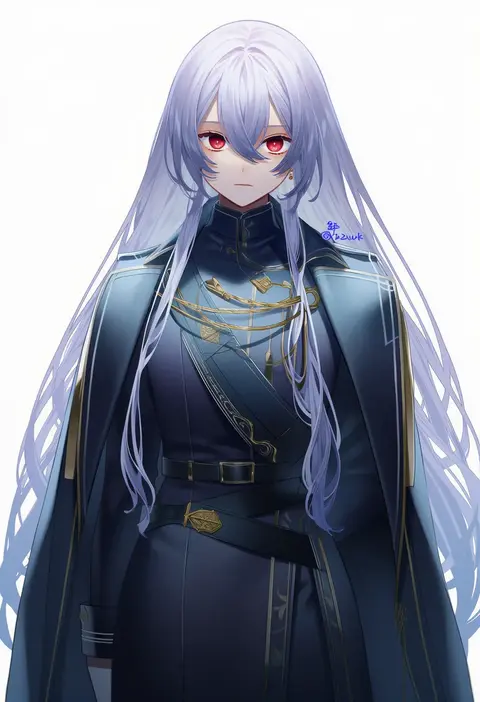
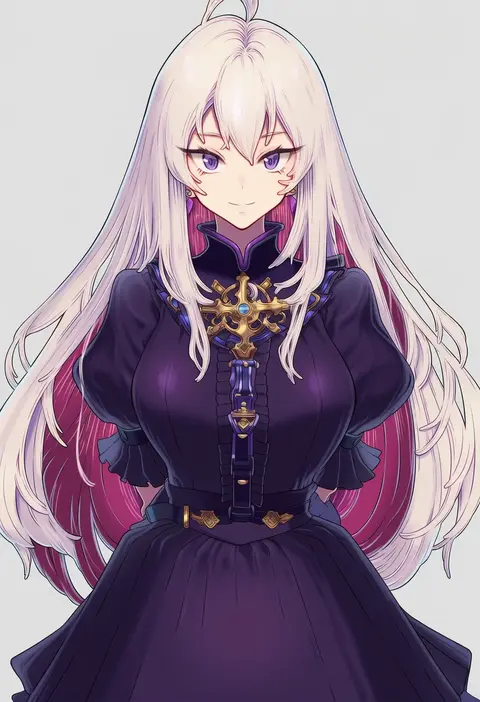
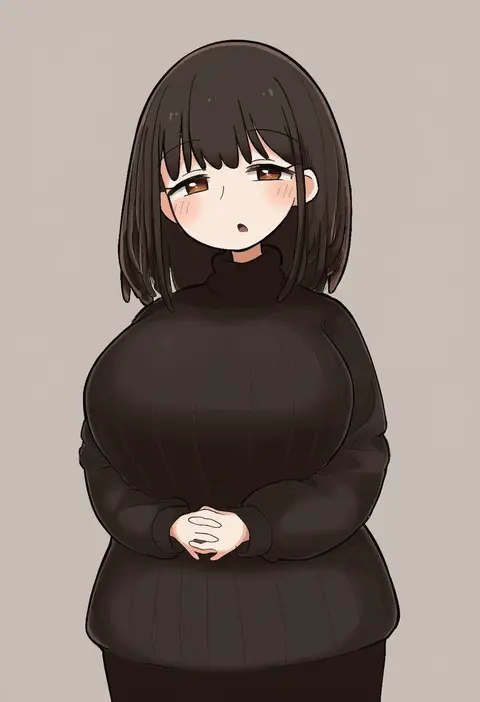
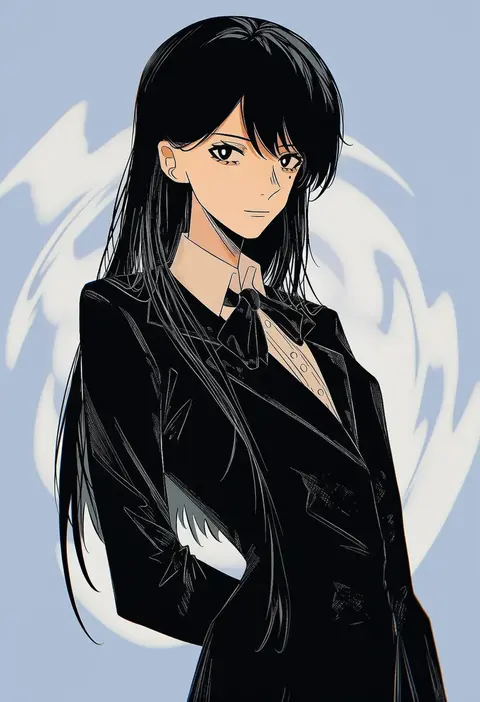
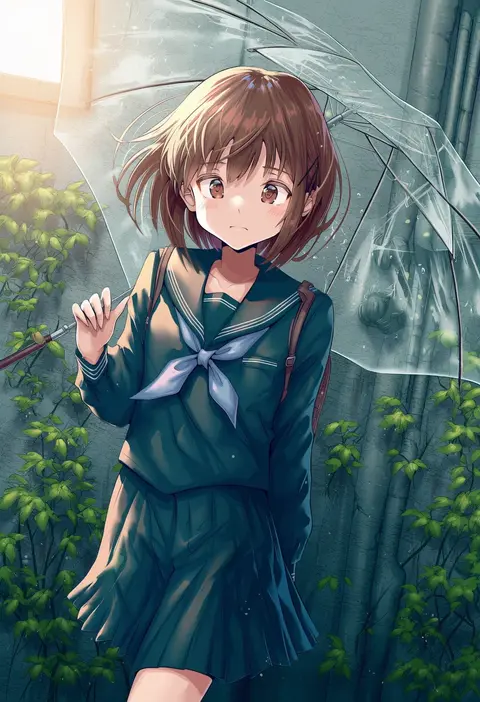
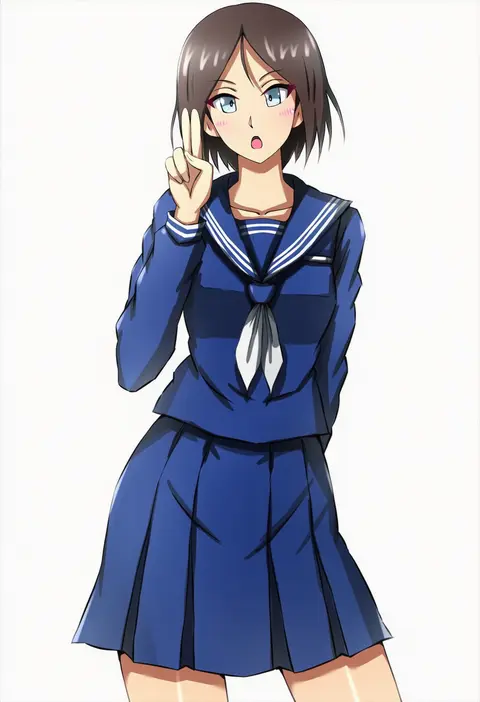
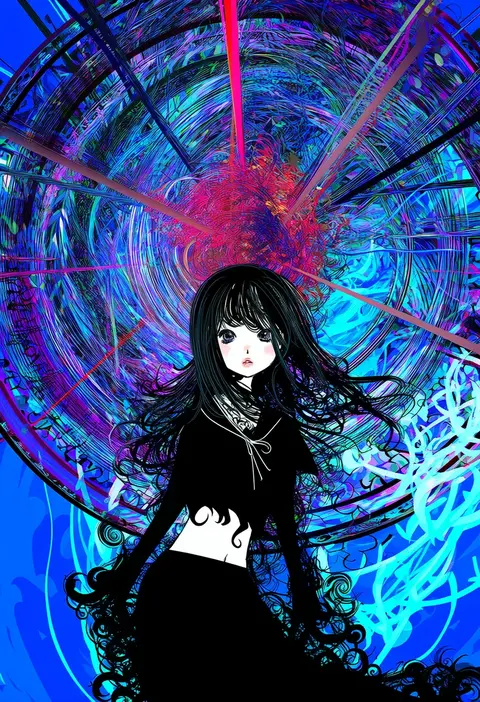
Artist tags tell NovelAI Diffusion to draw in a specific artist's style: line weight, paint texture, face shapes and palette all shift at once. Character and outfit tags decide what is drawn; artist tags decide how. 16,352 tags are listed for V4.5.
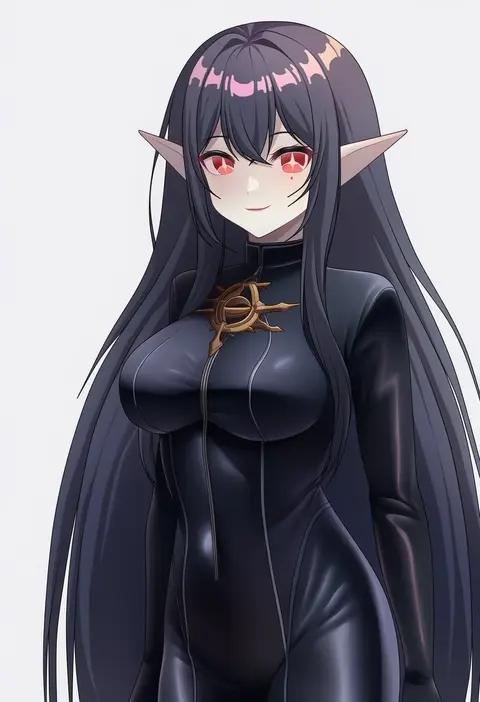
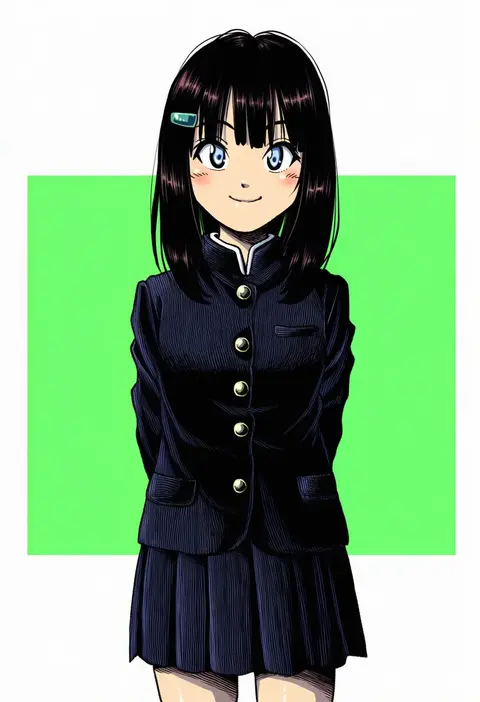
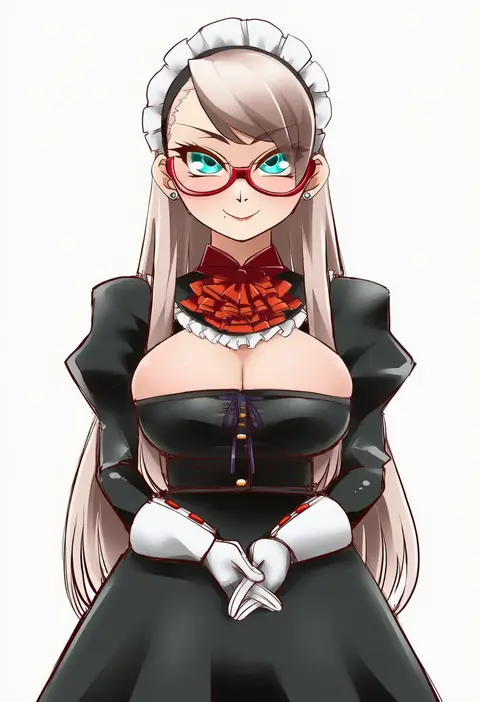
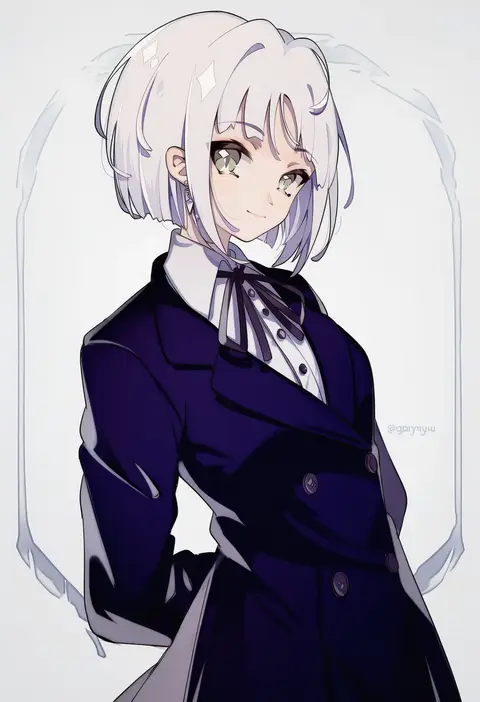
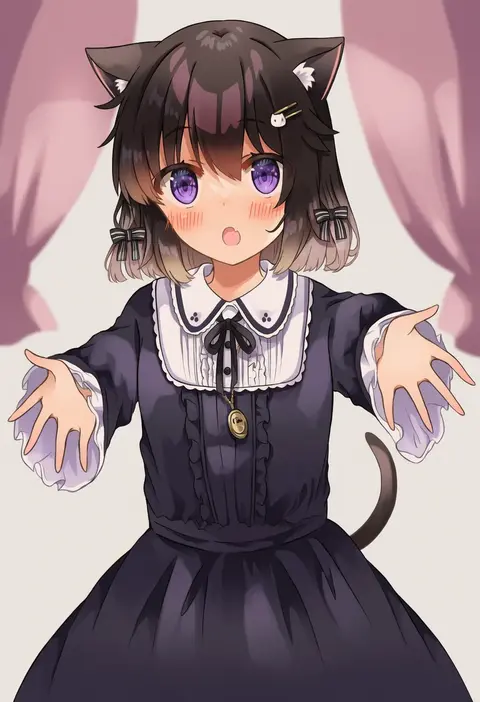
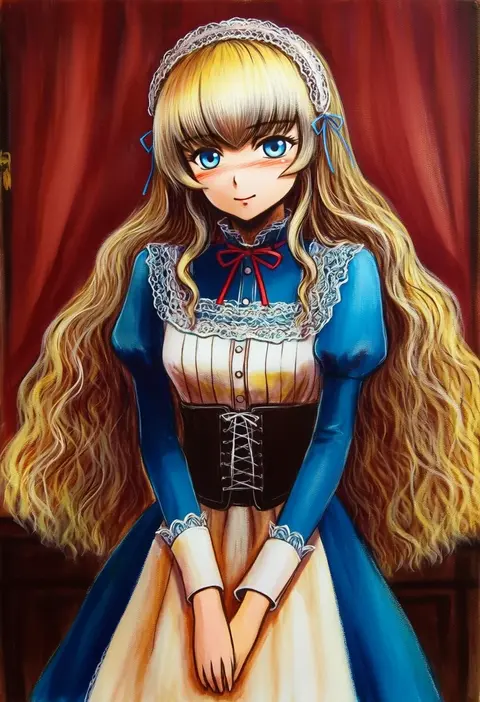
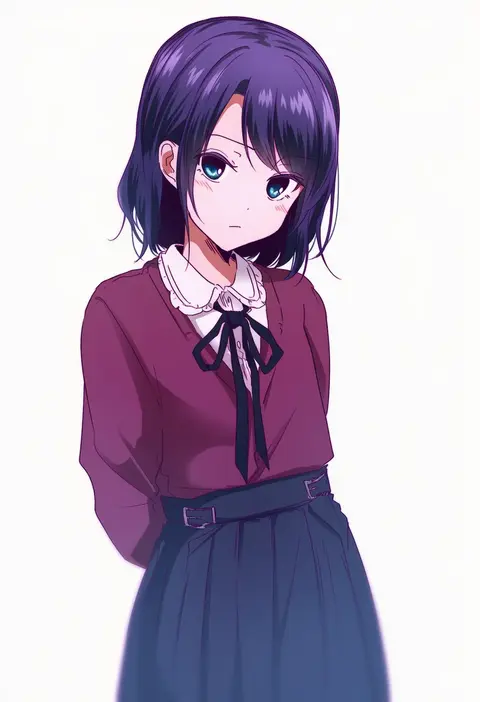
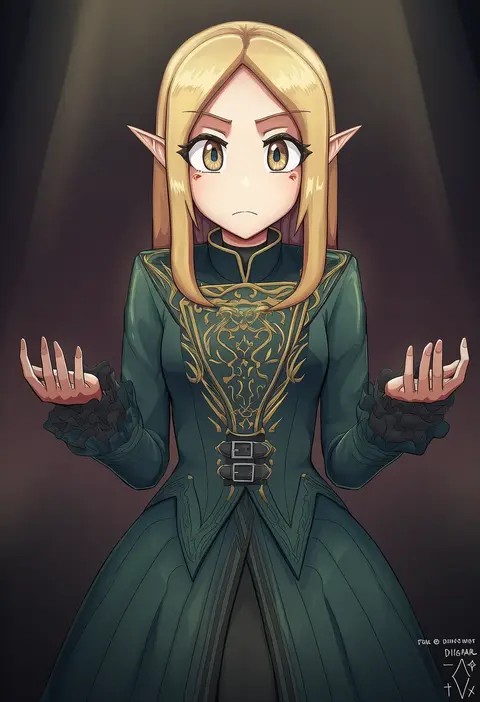
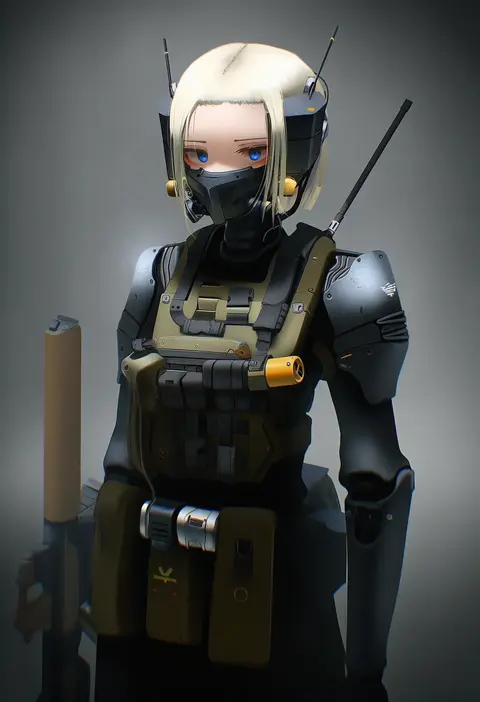
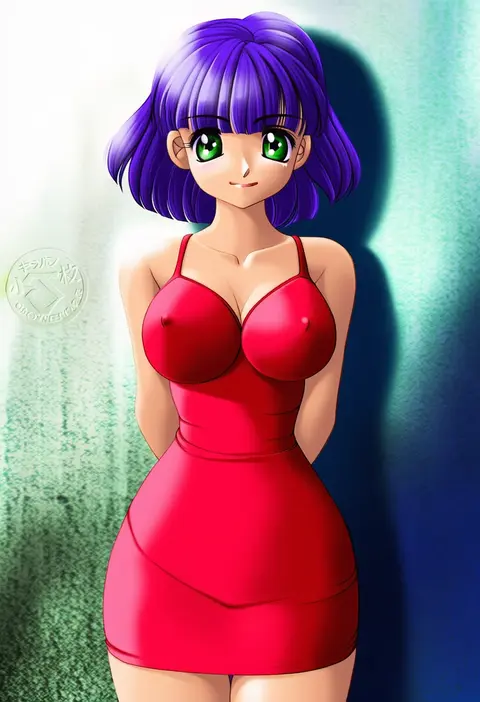
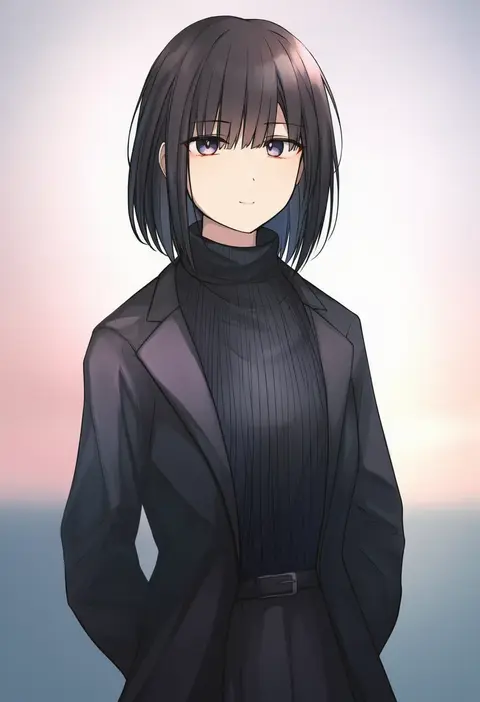
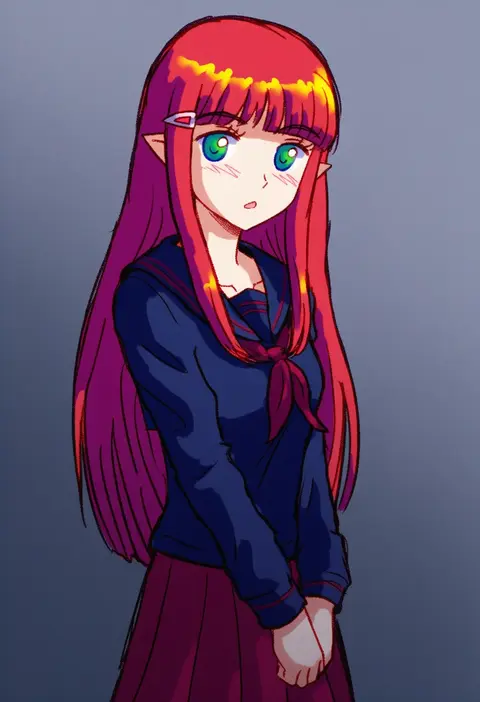
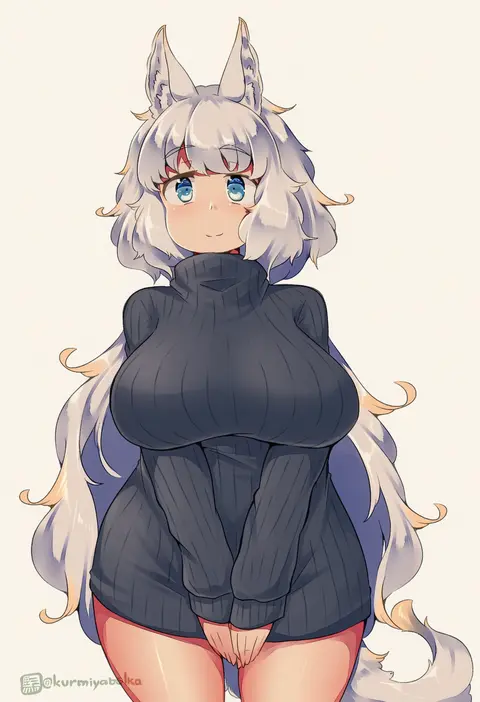
Every tag listed here is verified to react in NovelAI. All images use the same prompt, seed and settings with only the artist tag swapped, so the difference between two images is the style that tag brings in.

How to use them

Put the artist tag near the front of the prompt, e.g. "<artist>, 1girl, solo, best quality, masterpiece, cowboy shot". Two or three artist tags blend styles; lower the weight with "0.8::<artist>::" when the style overpowers the character.

SCORE sorts by Danbooru's top score, POSTS by post count, FAVS by hearts on this site. Open a card to see V5 and V4.5 side by side on the same seed.

V5 vs V4.5

V5 usually lands closer to the artist's real style, and tags that did nothing on V4.5 often react on V5. V4.5 still fits older and doujin-heavy artists better. Try V5 first, fall back to V4.5.

FAQ

Where does the artist tag go?
Near the front of the prompt. Use "0.8::tag::" to adjust its weight.

Can I stack artist tags?
Yes, styles blend. Past two or three the result stops looking like anyone.

Are these the artists' own works?
No. Every image is a NovelAI sample generated from the tag.