V4.5Artists
sort: FAVS▾
▾
>
$

NovelAI Artist Tags List — V4.5

artist --count 16,352[193/273]
matangom
ARTIST0x2D00
0
yukiko (tesseract)
ARTIST0x2D01
0
yuzuki kei
ARTIST0x2D02
0
zpolice
ARTIST0x2D03
0
yukimitsuki
ARTIST0x2D04
0
teramoto kaoru
ARTIST0x2D05
0
nozomi fuuten
ARTIST0x2D06
0
00kashian00
ARTIST0x2D07
0
tetsukuzu tetsuko
ARTIST0x2D08
0
mihifu
ARTIST0x2D09
0
maka (morphine)
ARTIST0x2D0A
0
sheska xue
ARTIST0x2D0B
0
wspread
ARTIST0x2D0C
0
kinutani yutaka
ARTIST0x2D0D
0
yannn
ARTIST0x2D0E
0
j humbo
ARTIST0x2D0F
0
kiriu
ARTIST0x2D10
0
paprika shikiso
ARTIST0x2D11
0
0 (znanimo)
ARTIST0x2D12
0
koto (colorcube)
ARTIST0x2D13
0
gau (n00 shi)
ARTIST0x2D14
0
moo (umineko)
ARTIST0x2D15
0
kohakugin
ARTIST0x2D16
0
vyolfers
ARTIST0x2D17
0
aoi hiro
ARTIST0x2D18
0
hiyo kiki
ARTIST0x2D19
0
mizunomoto
ARTIST0x2D1A
0
yofukashi
ARTIST0x2D1B
0
kirieppa
ARTIST0x2D1C
0
otton
ARTIST0x2D1D
0
k (art71)
ARTIST0x2D1E
0
kurahana chinatsu
ARTIST0x2D1F
0
dhiea
ARTIST0x2D20
0
honoka chiffon
ARTIST0x2D21
0
fujisawa takashi
ARTIST0x2D22
0
chachie
ARTIST0x2D23
0
kisei2
ARTIST0x2D24
0
kugi ta hori taira
ARTIST0x2D25
0
fukujima kiwi
ARTIST0x2D26
0
ichinose (sorario)
ARTIST0x2D27
0
ida (idalol490)
ARTIST0x2D28
0
herokick
ARTIST0x2D29
0
royalwatts
ARTIST0x2D2A
0
yuuki hana (jtnp5334)
ARTIST0x2D2B
0
ueda katsuhito
ARTIST0x2D2C
0
donnpati
ARTIST0x2D2D
0
umxzo
ARTIST0x2D2E
0
danna (tsukimisou)
ARTIST0x2D2F
0
soriya
ARTIST0x2D30
0
himurohiromu
ARTIST0x2D31
0
kujou karasuma
ARTIST0x2D32
0
naegi (naegidokoro)
ARTIST0x2D33
0
sakuragi ren
ARTIST0x2D34
0
mizuki (koko lost)
ARTIST0x2D35
0
yuuki (yuyuki000)
ARTIST0x2D36
0
lotosu
ARTIST0x2D37
0
tamagogayu1998
ARTIST0x2D38
0
chibirisu
ARTIST0x2D39
0
taa (acid)
ARTIST0x2D3A
0
kamotama
ARTIST0x2D3B
0

What these tags change

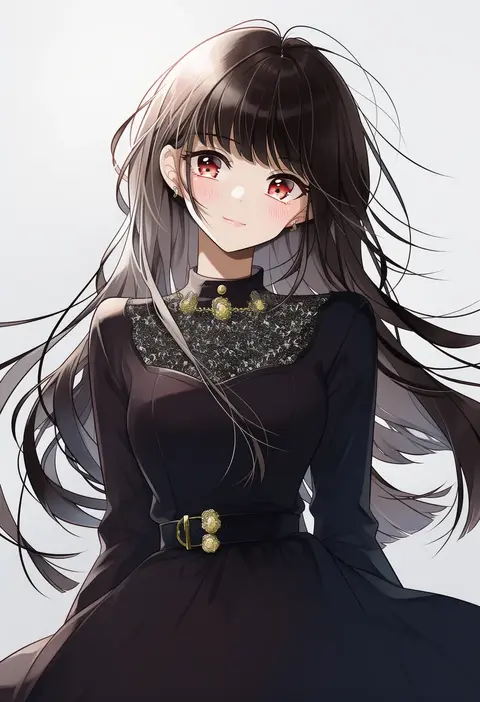
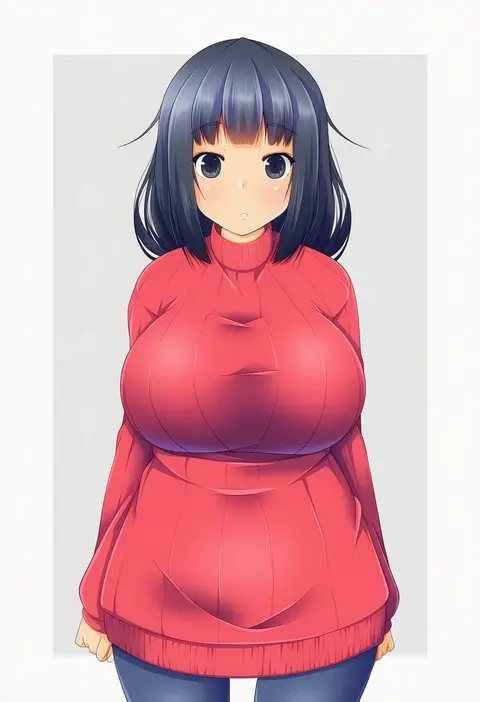
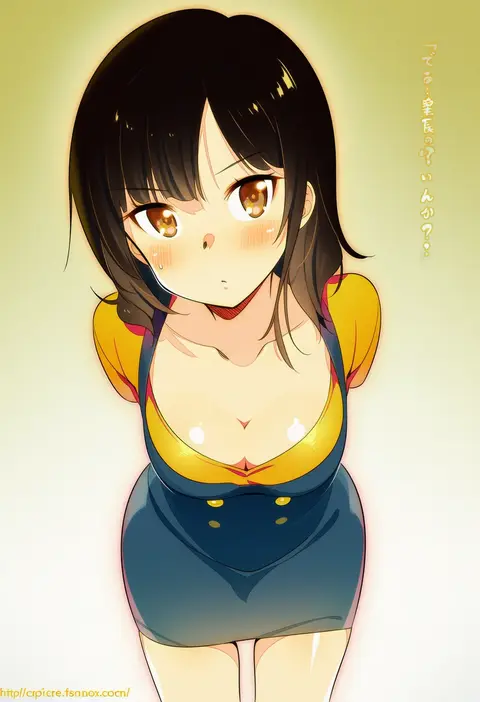
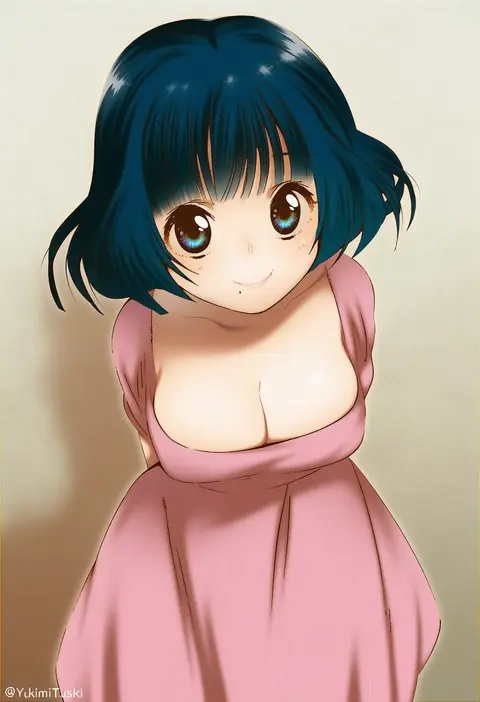
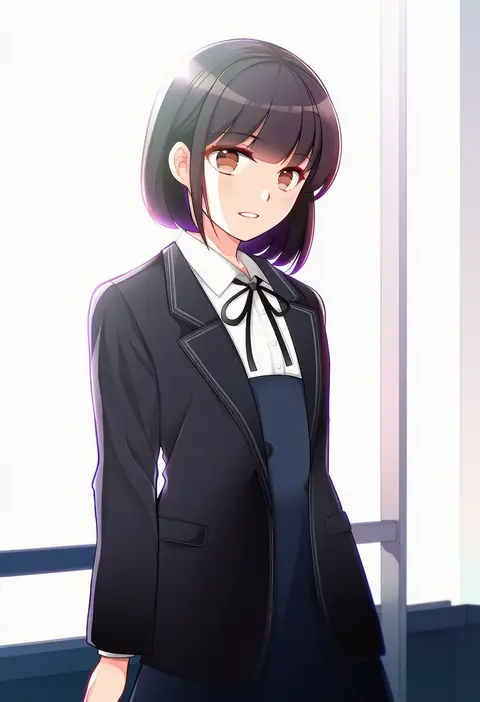
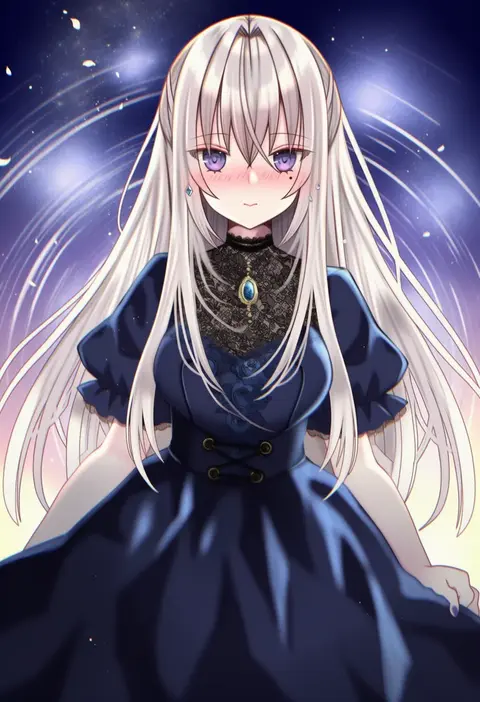
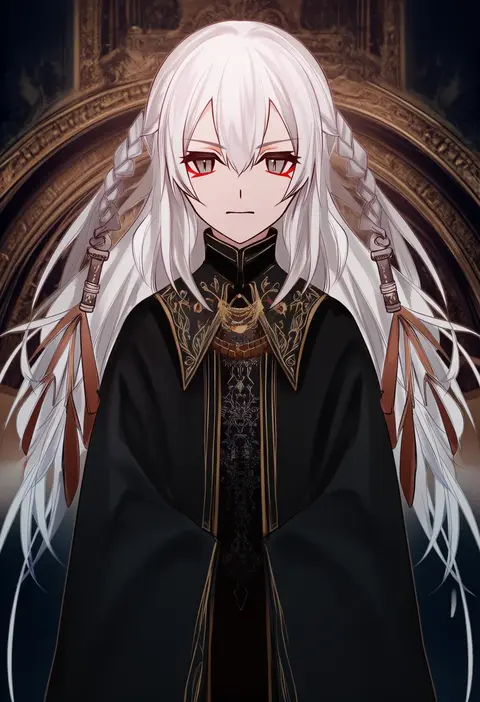
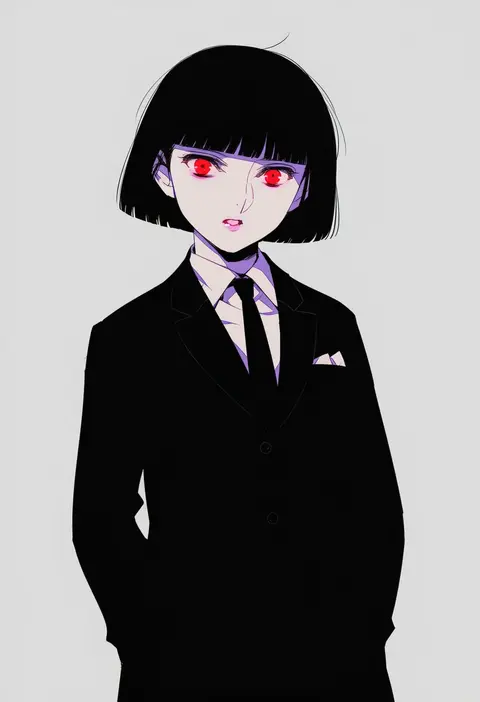
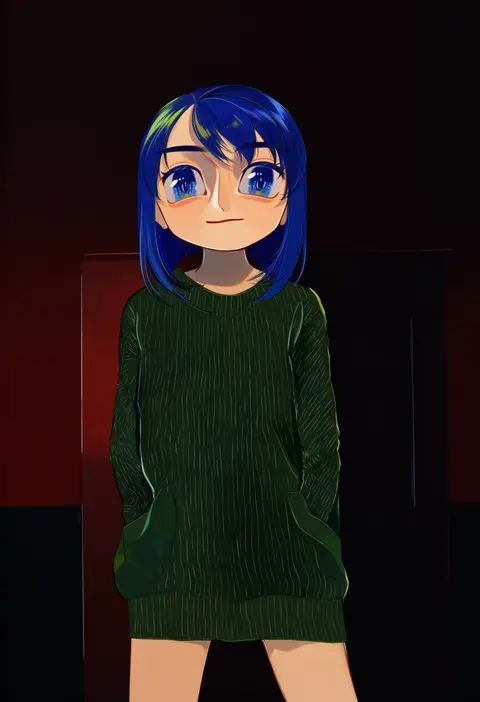
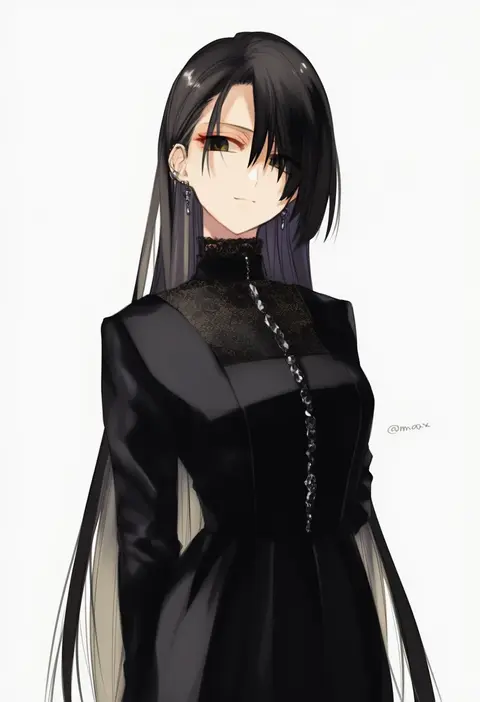
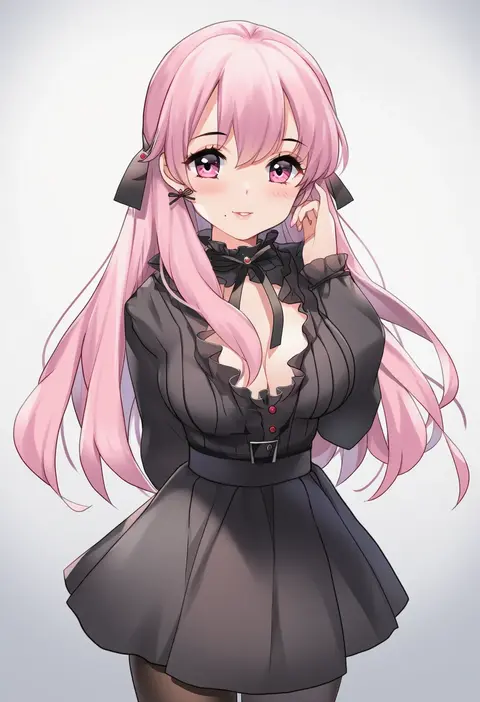
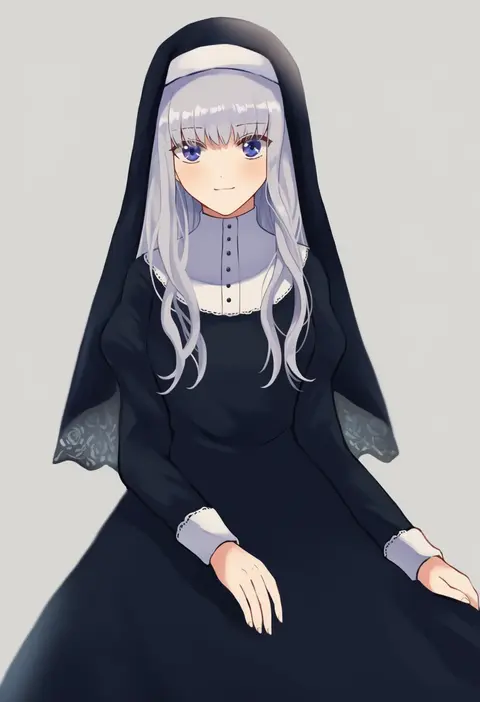
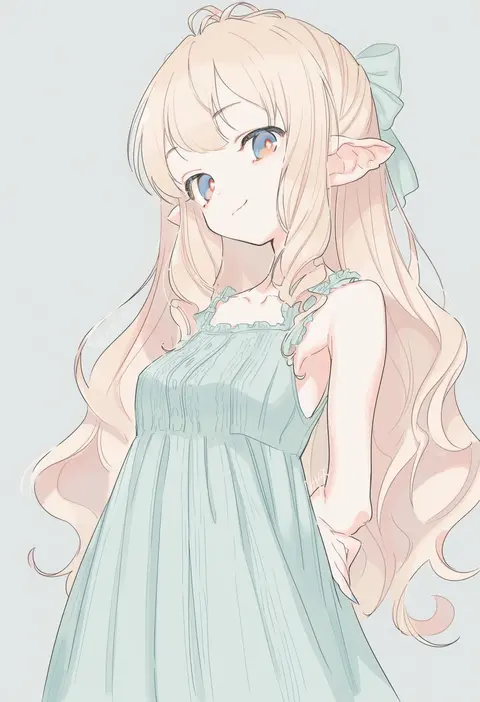
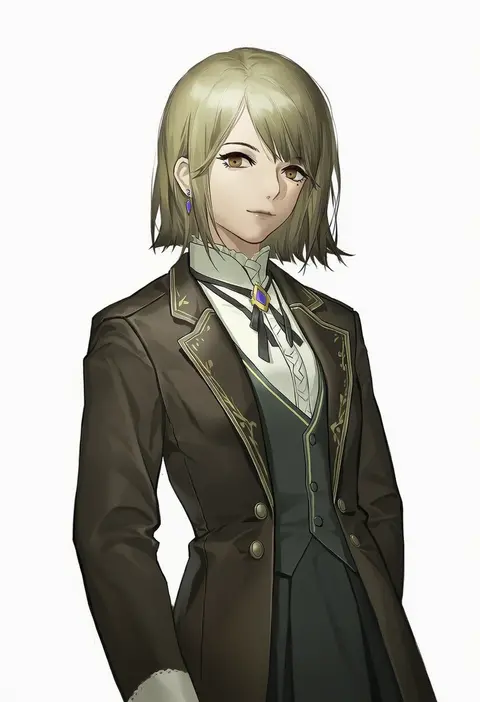
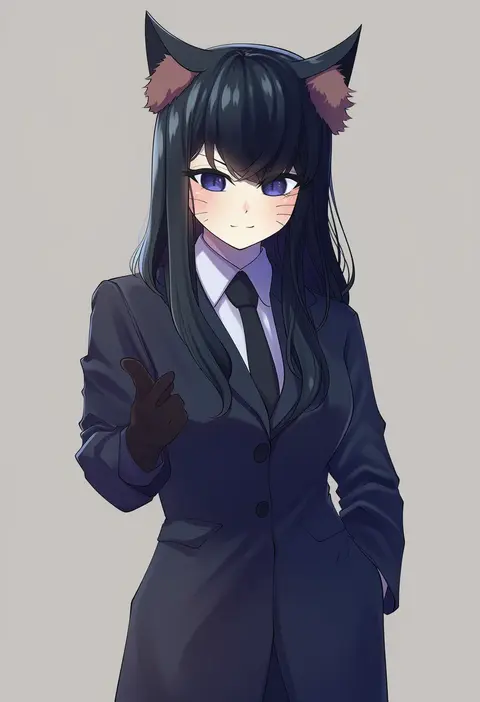
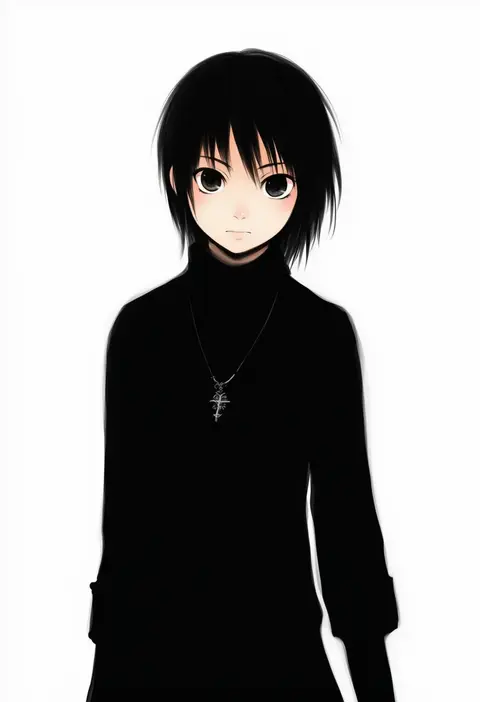
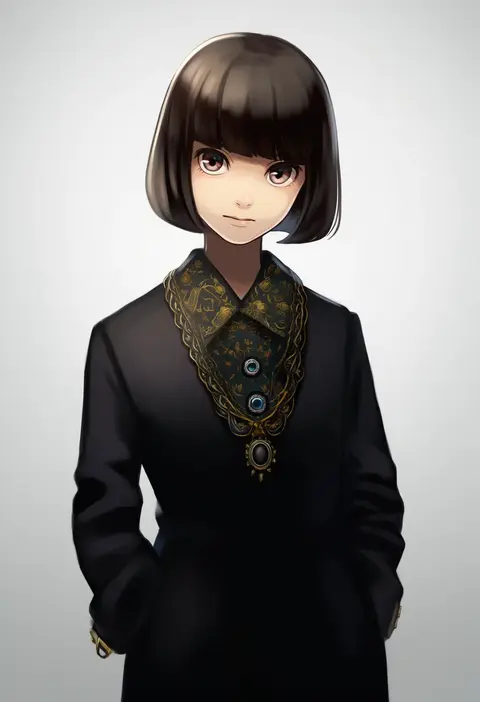
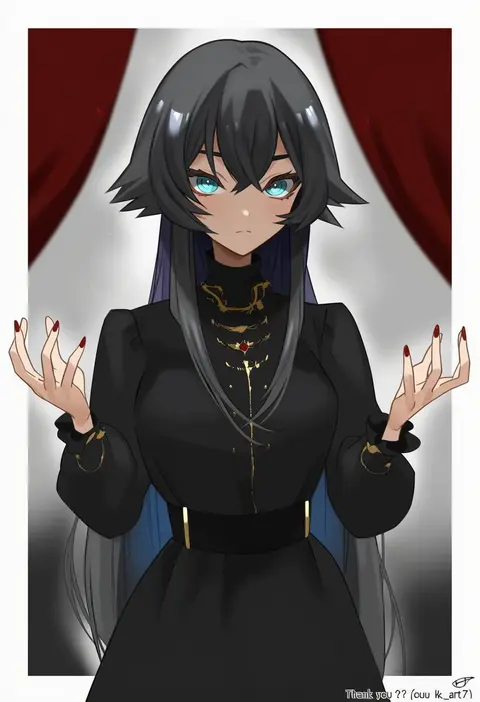
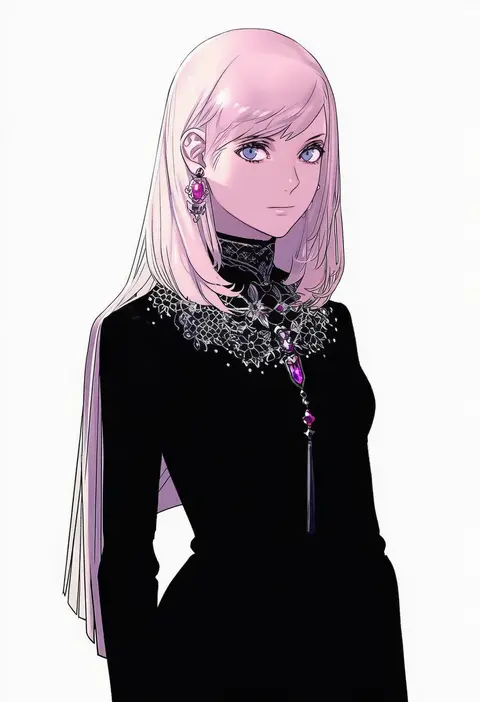
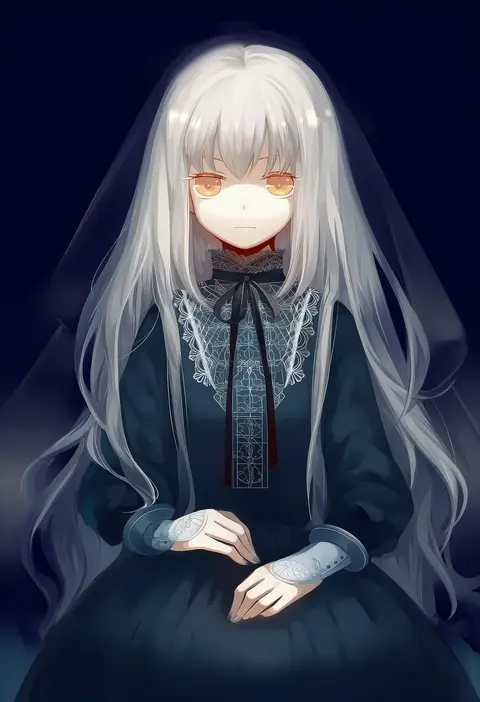
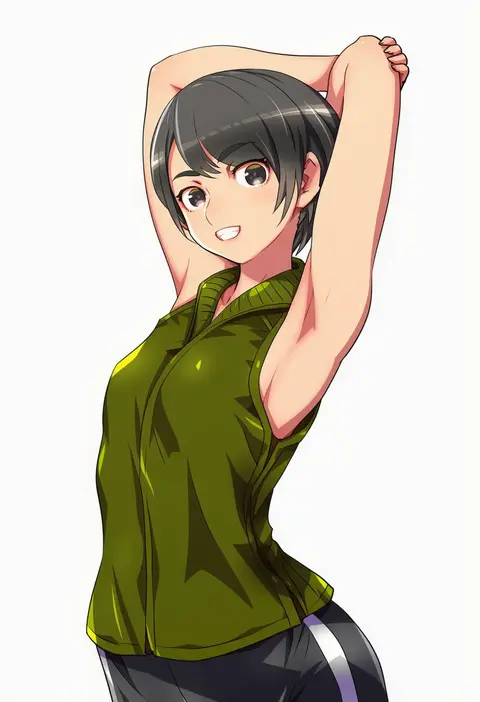
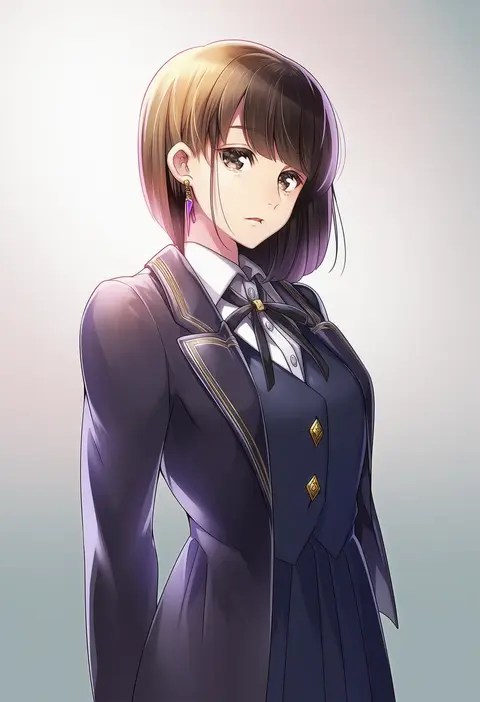
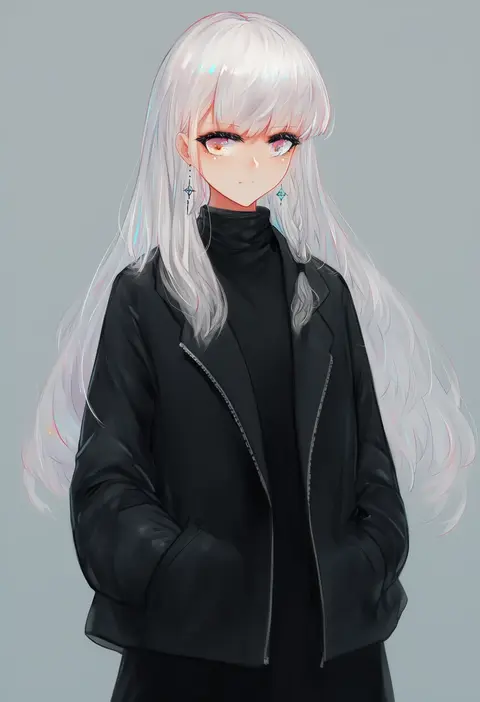
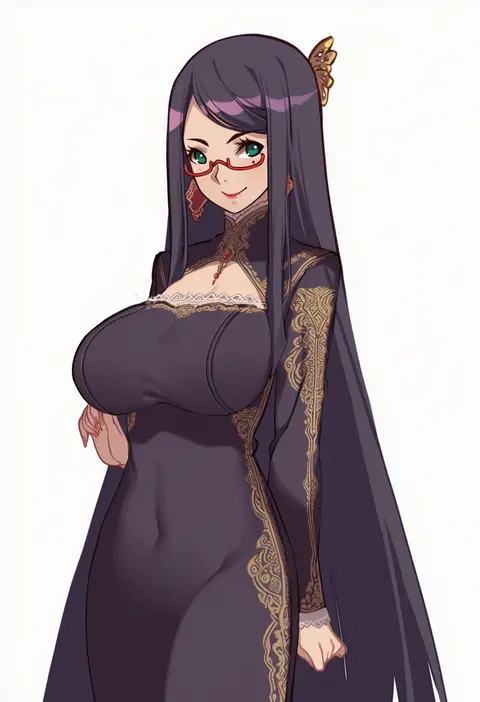
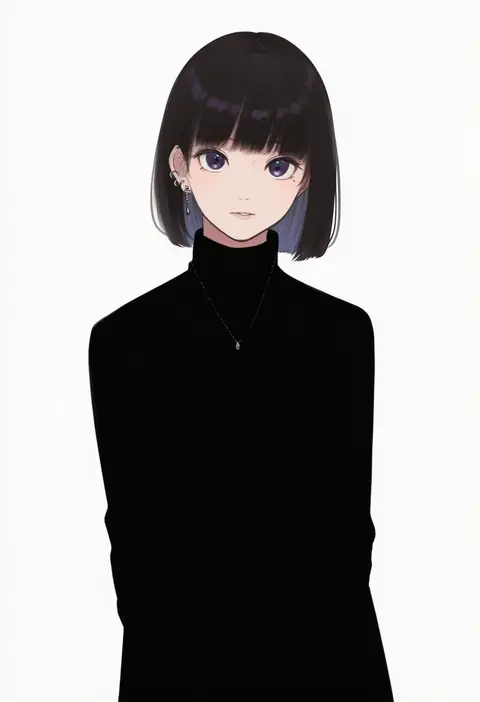
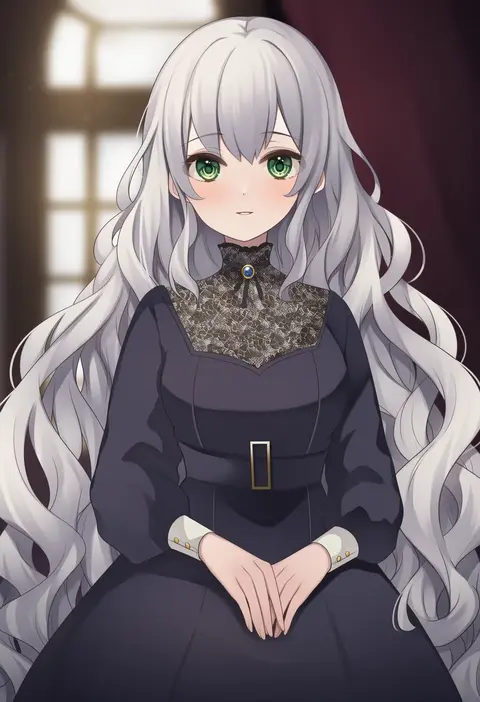
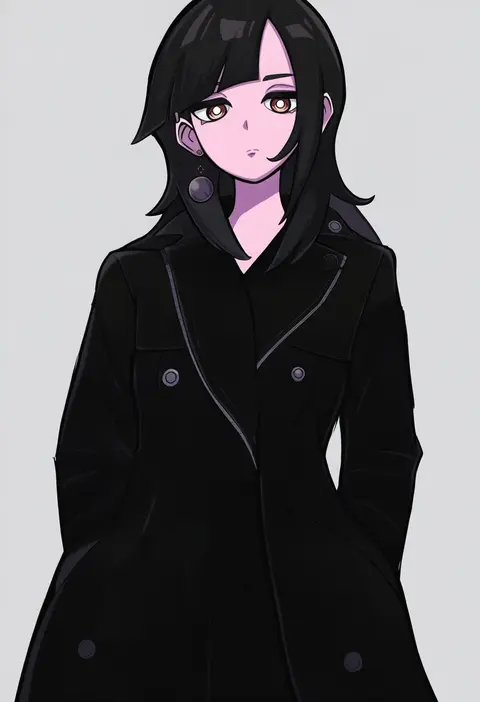
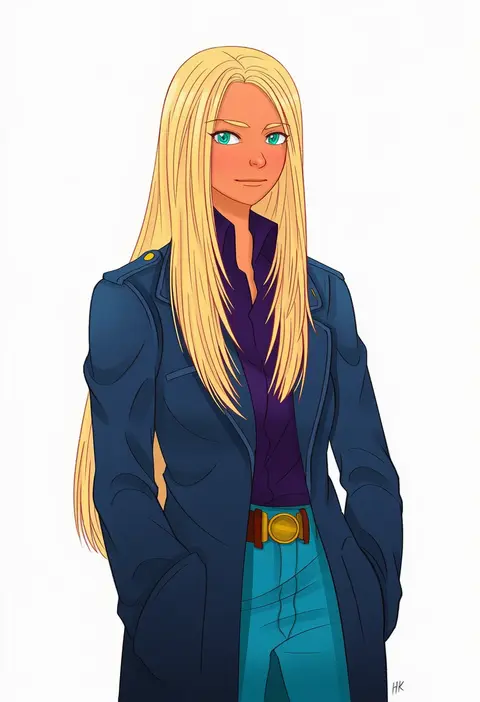
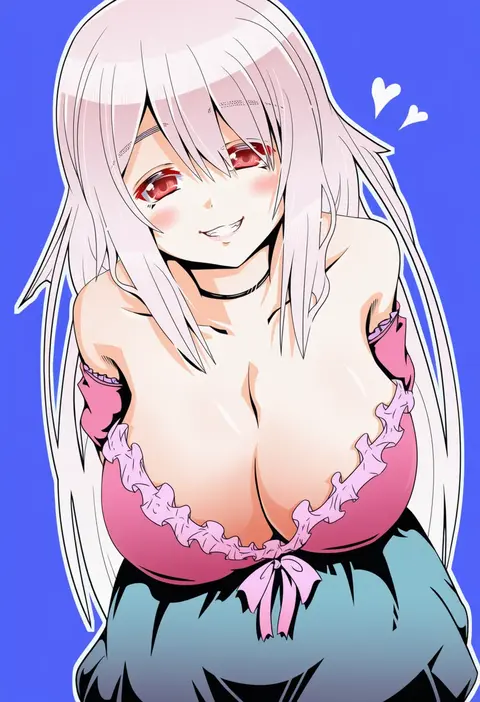
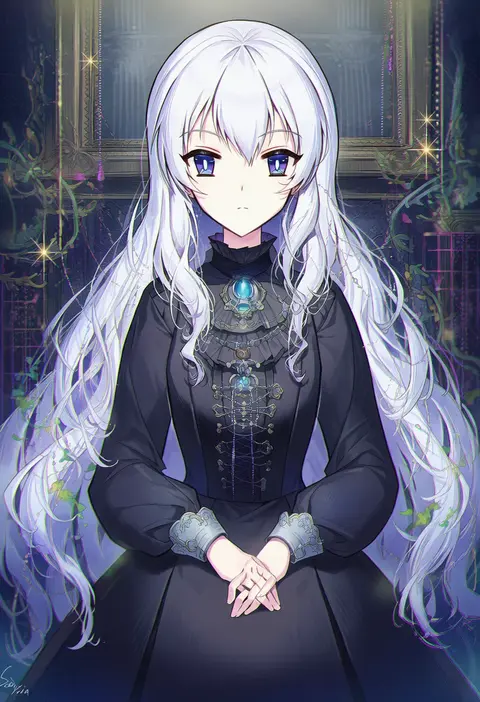
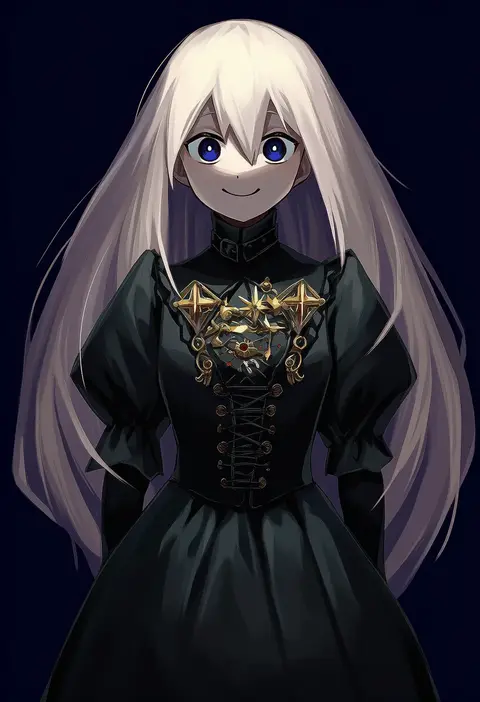
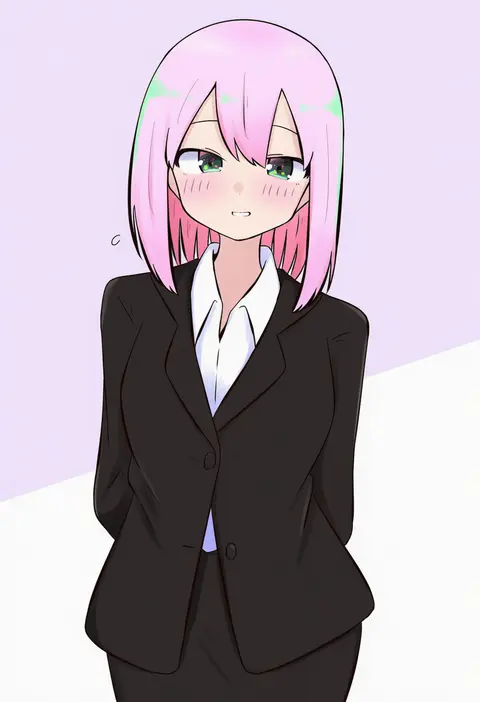
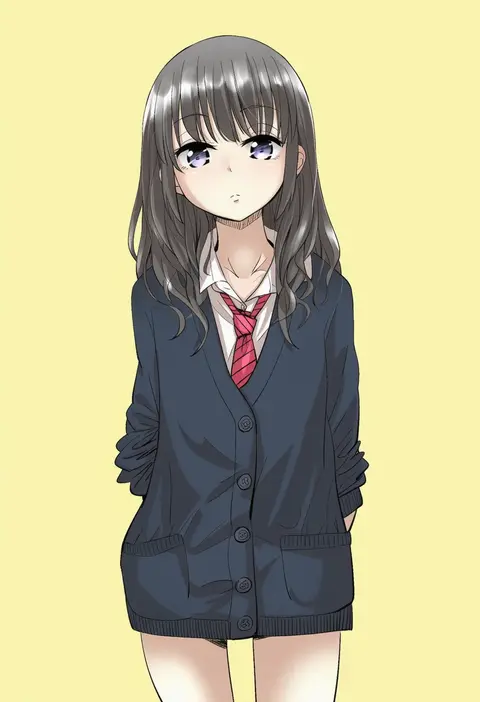
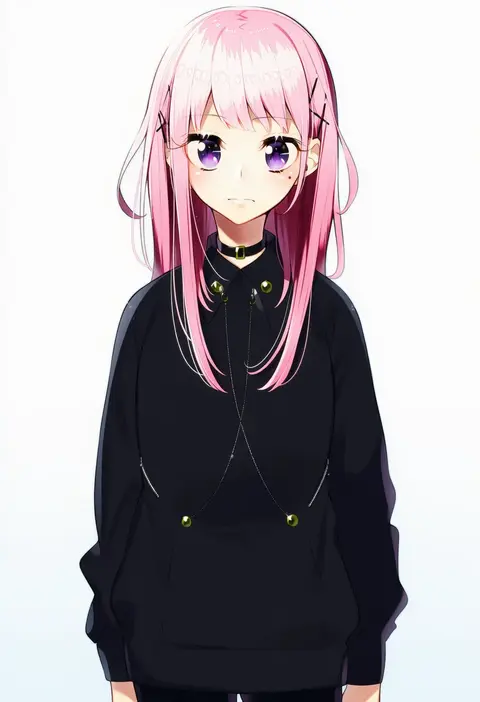
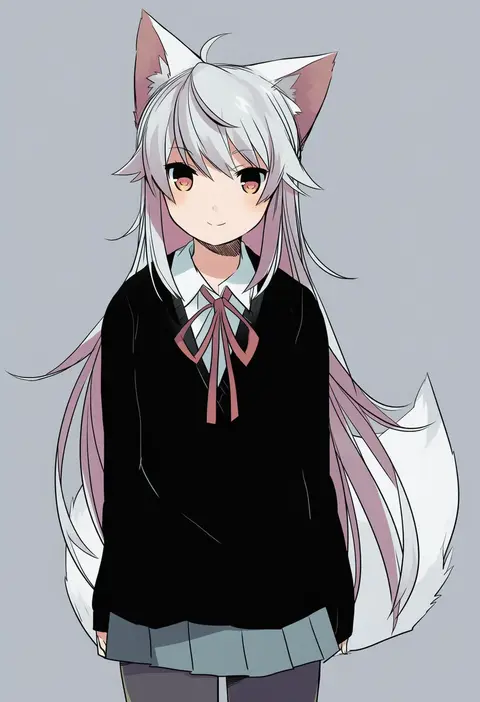
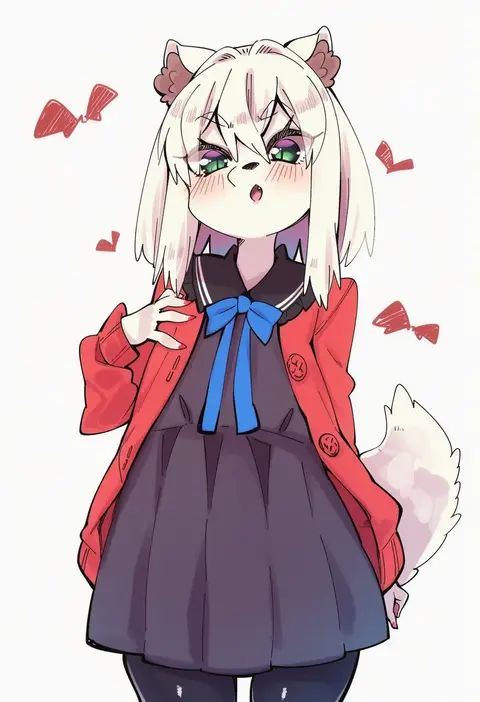
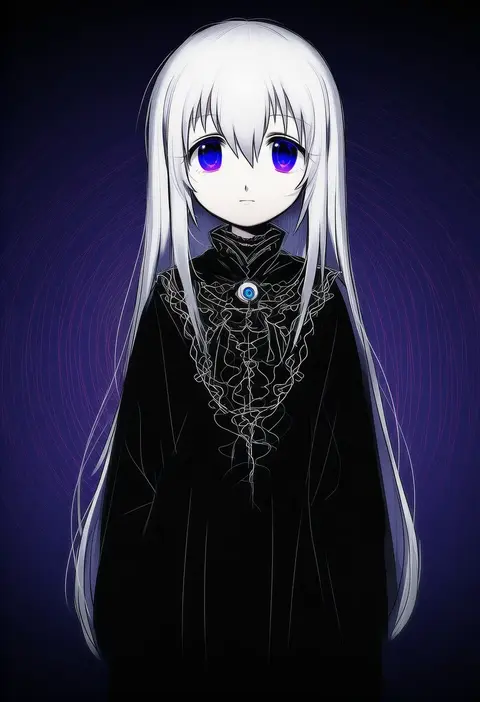
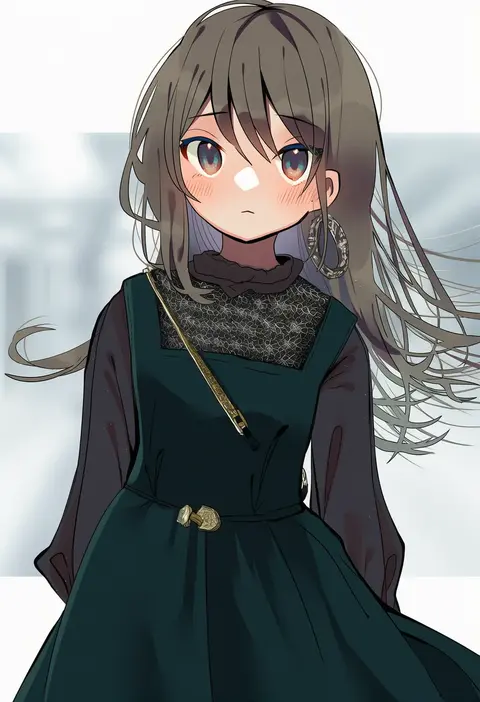
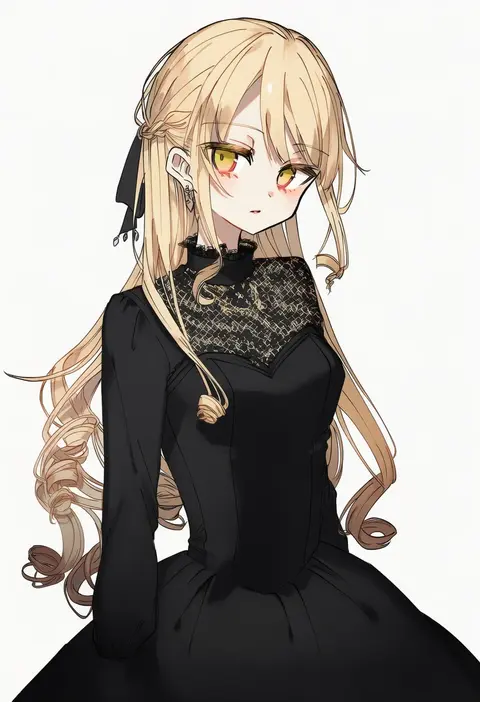
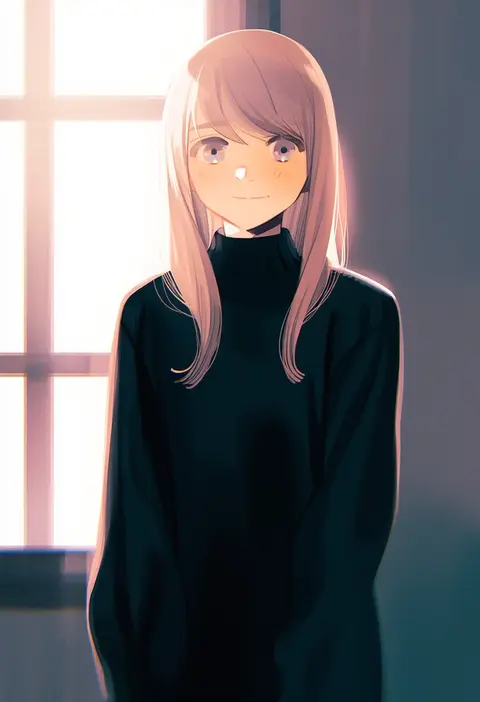
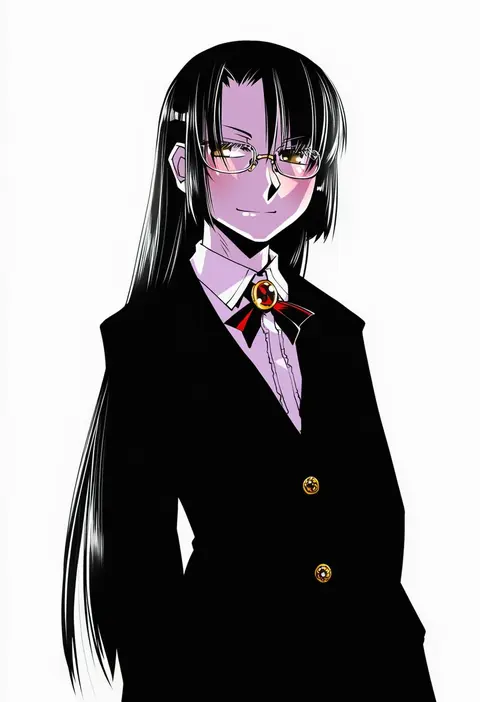
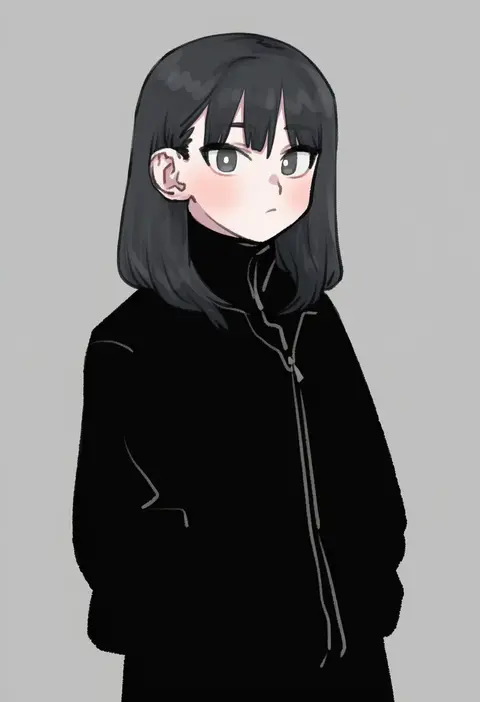
Artist tags tell NovelAI Diffusion to draw in a specific artist's style: line weight, paint texture, face shapes and palette all shift at once. Character and outfit tags decide what is drawn; artist tags decide how. 16,352 tags are listed for V4.5.
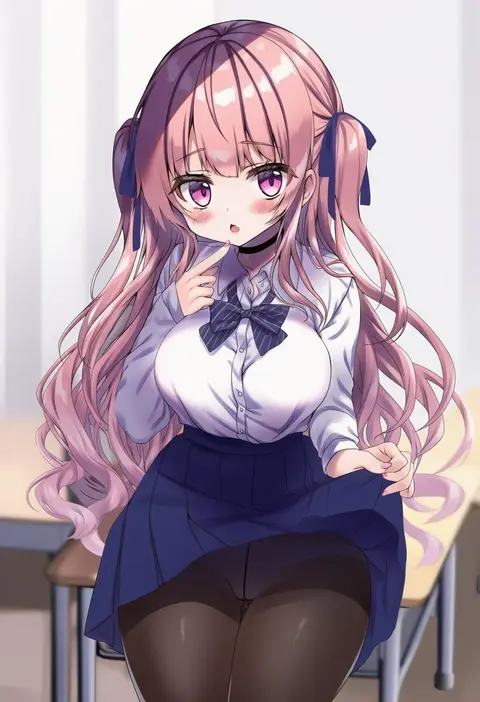
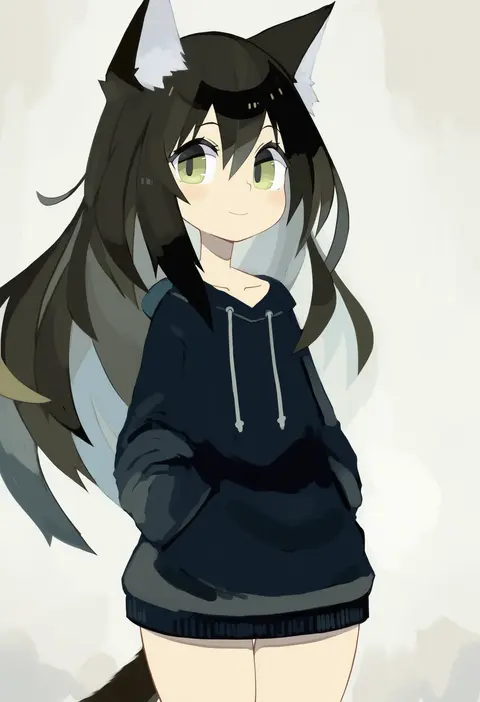
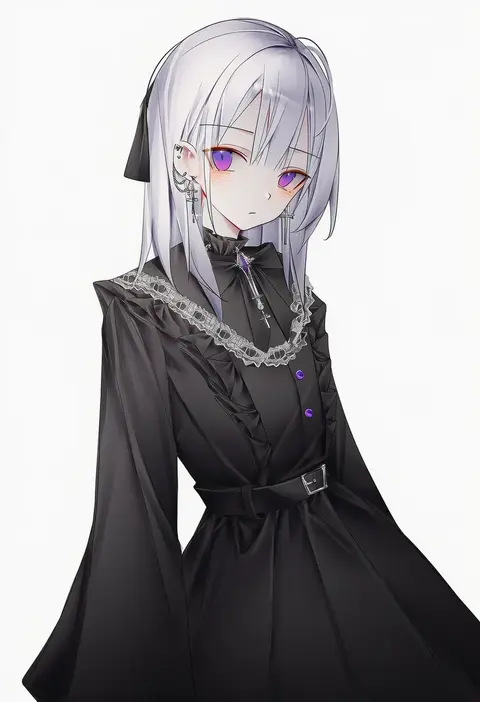
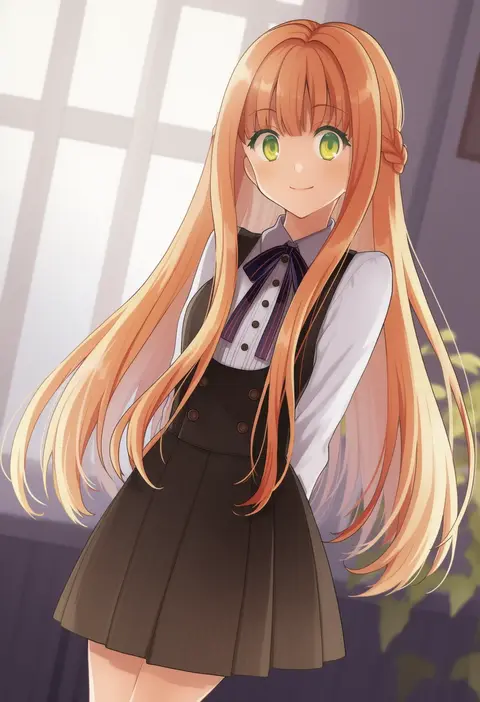
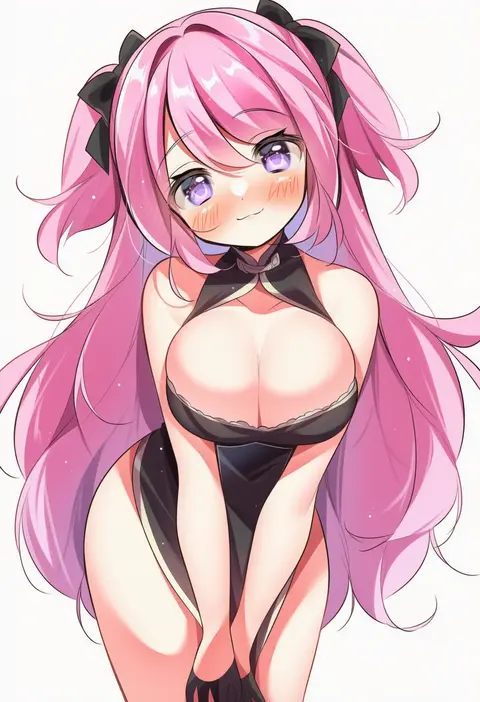
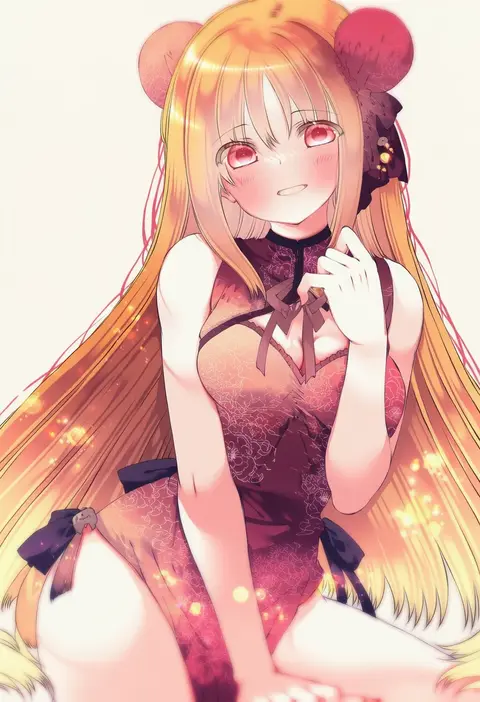
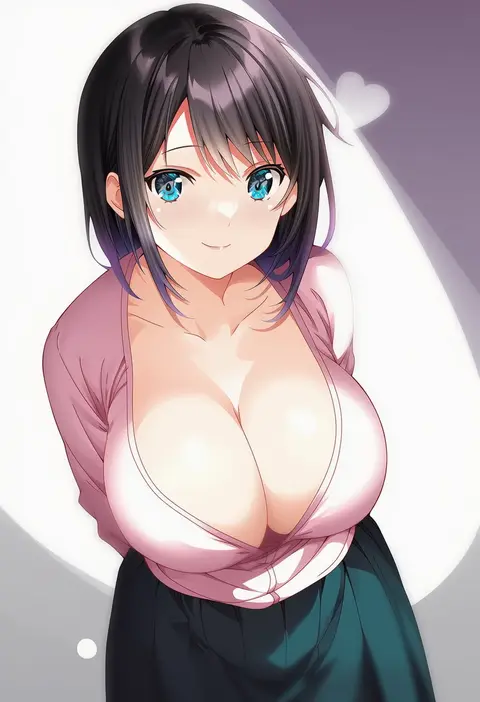
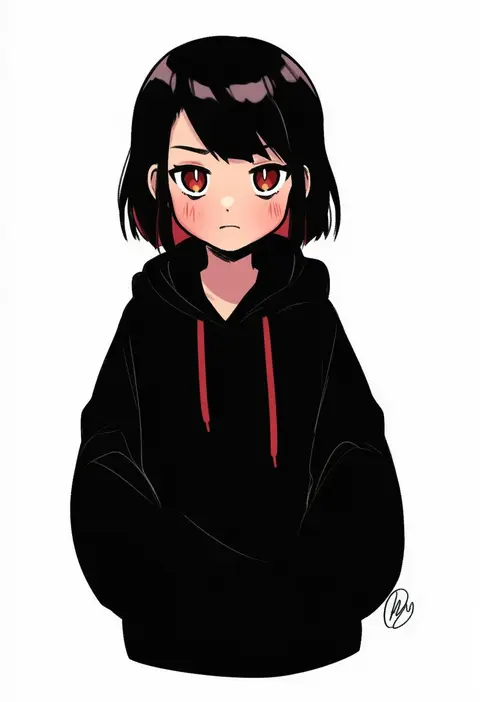
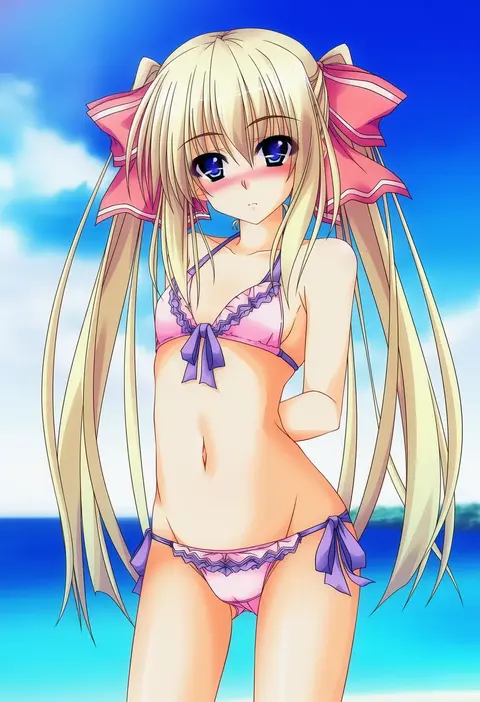
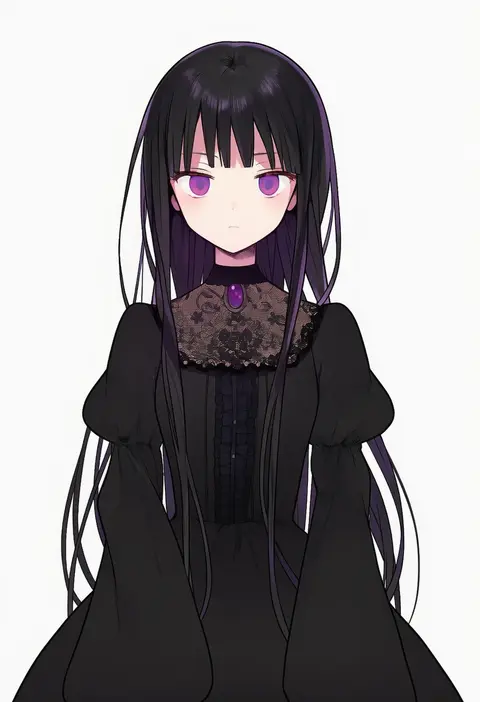
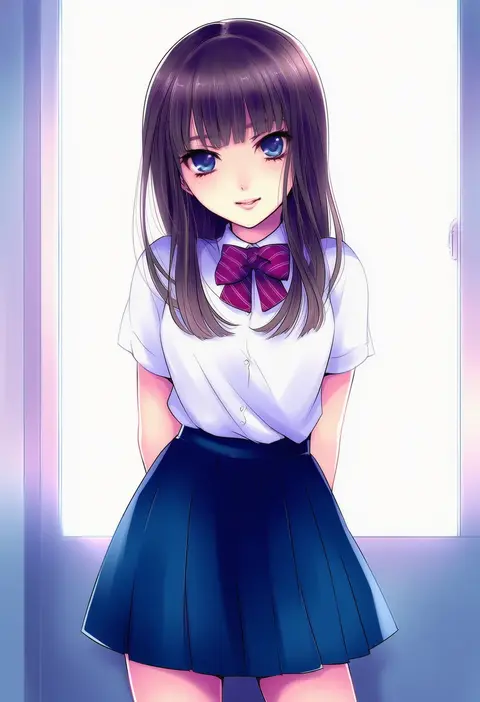
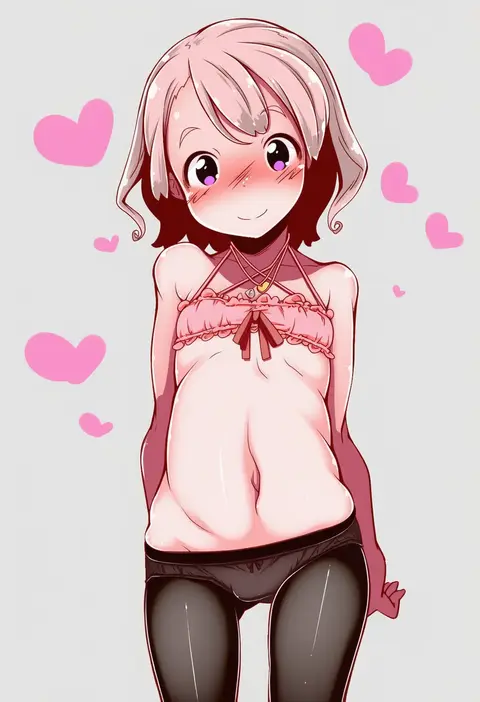
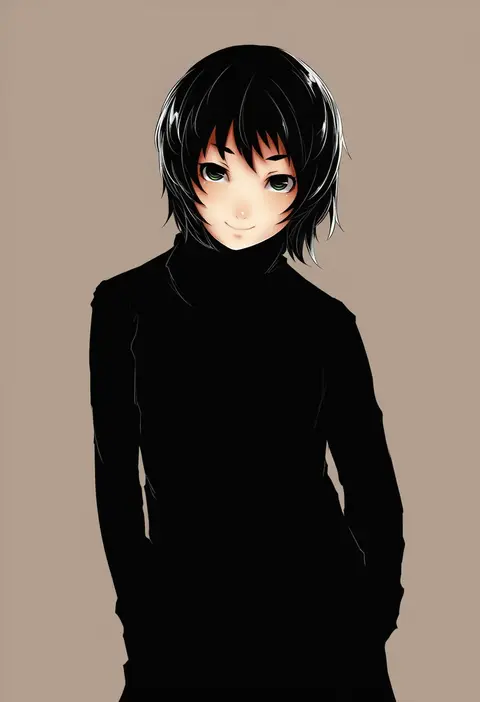
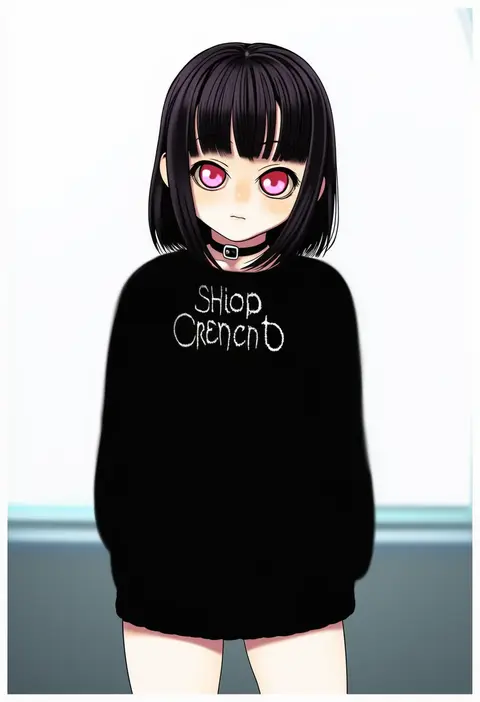
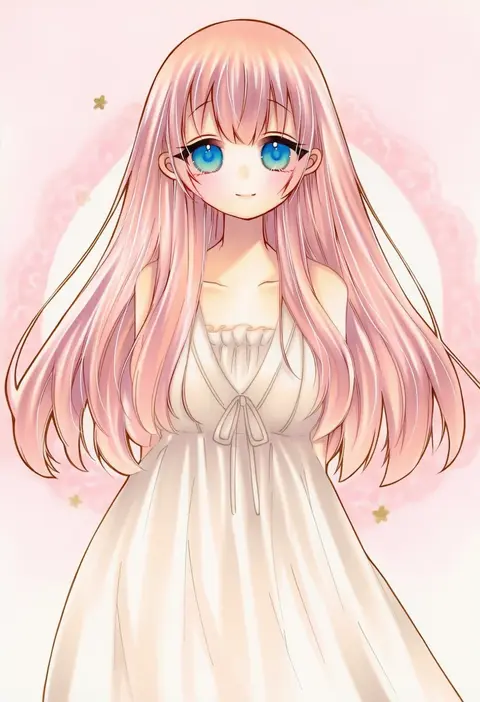
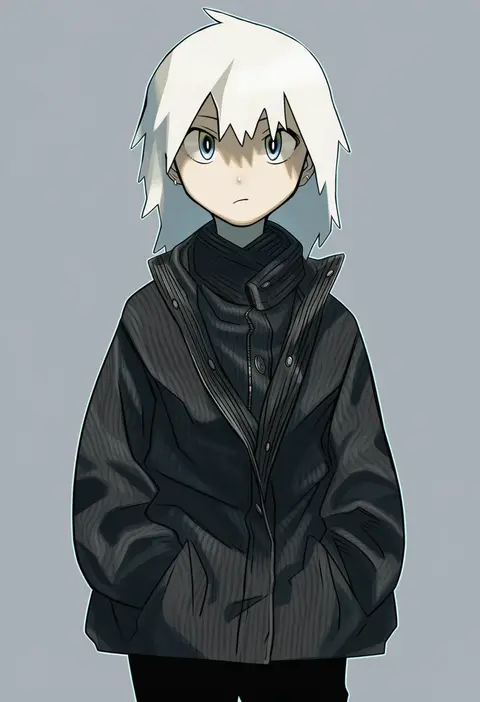
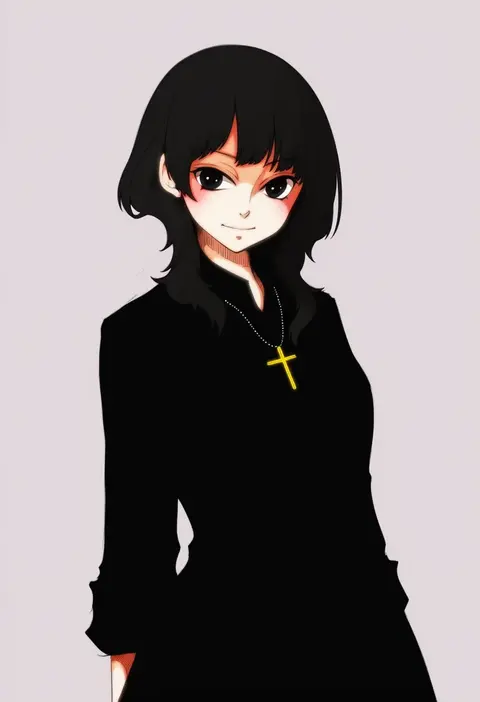
Every tag listed here is verified to react in NovelAI. All images use the same prompt, seed and settings with only the artist tag swapped, so the difference between two images is the style that tag brings in.

How to use them

Put the artist tag near the front of the prompt, e.g. "<artist>, 1girl, solo, best quality, masterpiece, cowboy shot". Two or three artist tags blend styles; lower the weight with "0.8::<artist>::" when the style overpowers the character.

SCORE sorts by Danbooru's top score, POSTS by post count, FAVS by hearts on this site. Open a card to see V5 and V4.5 side by side on the same seed.

V5 vs V4.5

V5 usually lands closer to the artist's real style, and tags that did nothing on V4.5 often react on V5. V4.5 still fits older and doujin-heavy artists better. Try V5 first, fall back to V4.5.

FAQ

Where does the artist tag go?
Near the front of the prompt. Use "0.8::tag::" to adjust its weight.

Can I stack artist tags?
Yes, styles blend. Past two or three the result stops looking like anyone.

Are these the artists' own works?
No. Every image is a NovelAI sample generated from the tag.