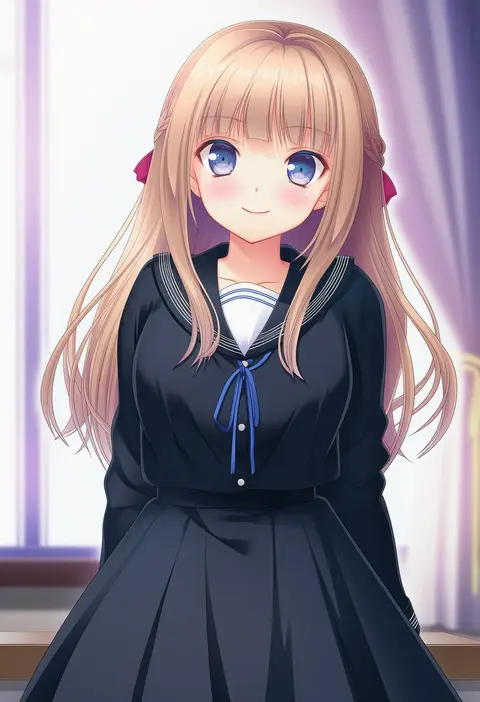
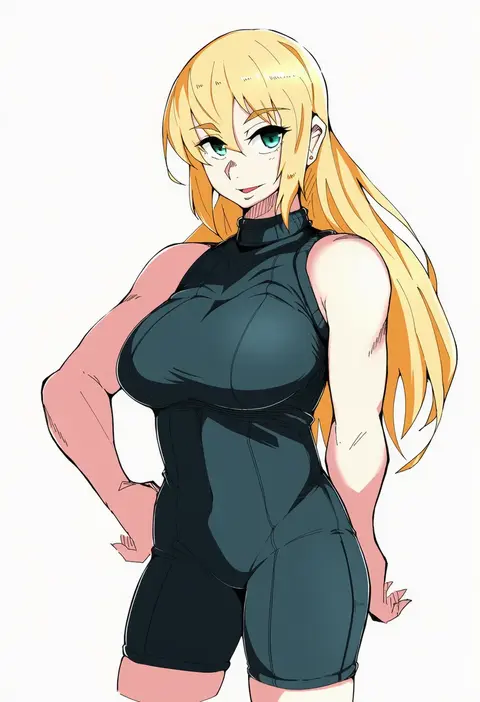
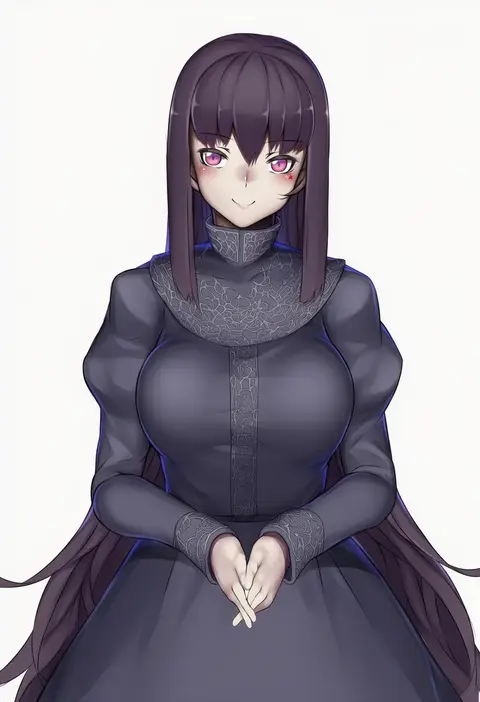
V4.5Artists
sort: FAVS▾
▾
>
$

NovelAI Artist Tags List — V4.5

artist --count 16,352[194/273]
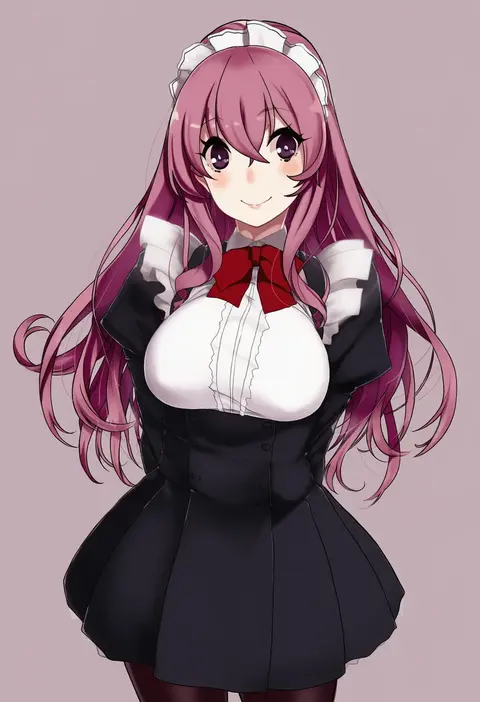
kirisato itsuki
ARTIST0x2D3C
0
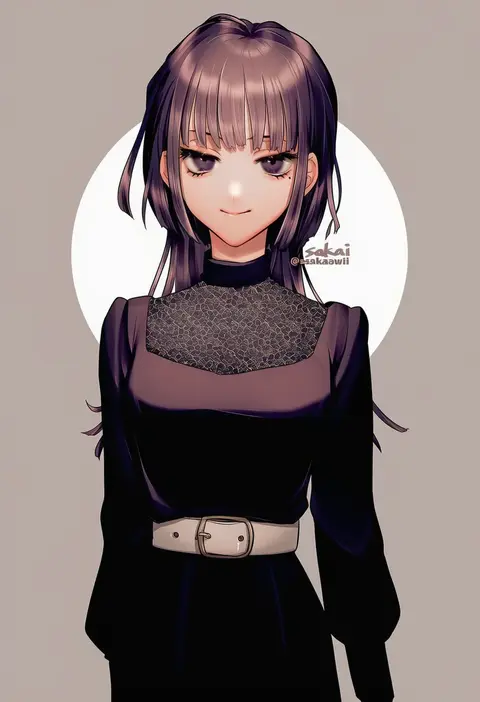
sakai (motomei)
ARTIST0x2D3D
0
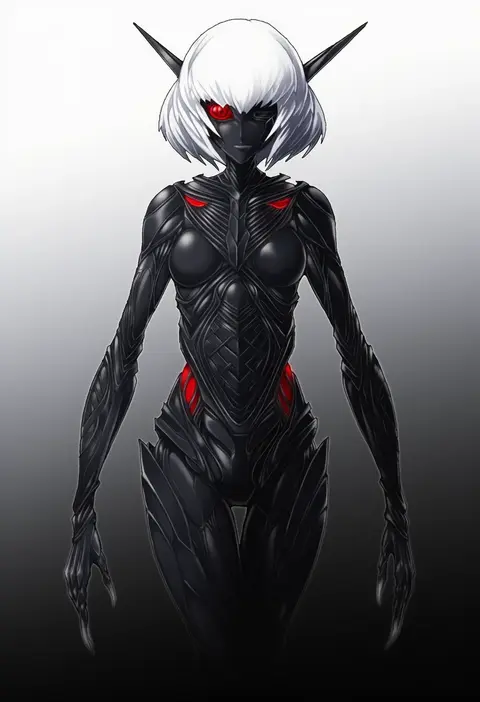
mazeran
ARTIST0x2D3E
0
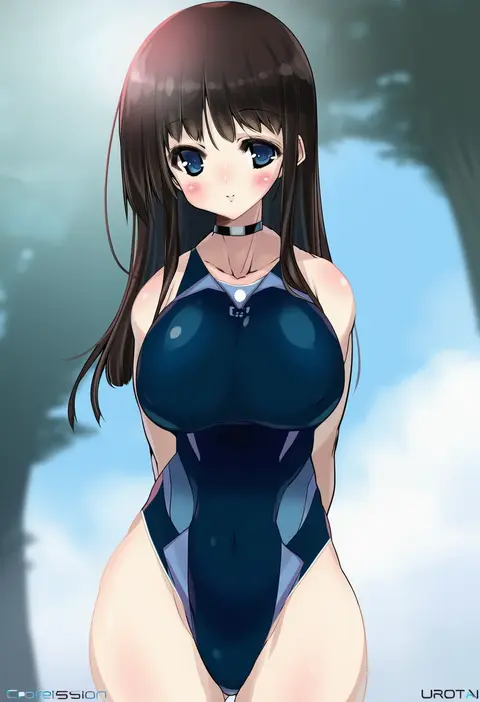
urotan
ARTIST0x2D3F
0
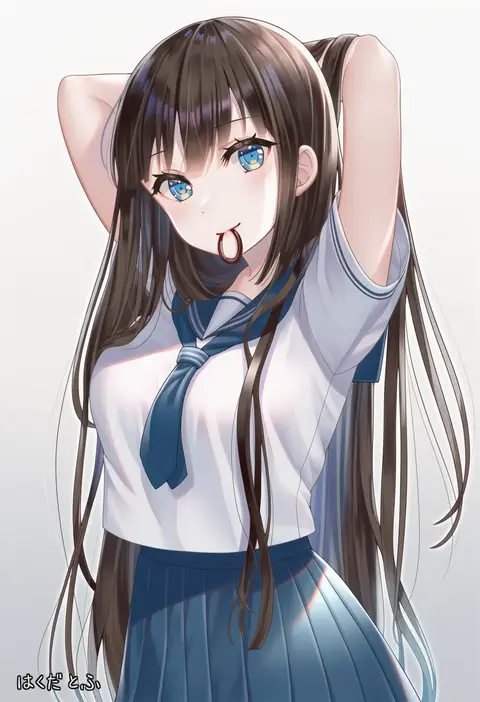
hakuda tofu
ARTIST0x2D40
0
sensen
ARTIST0x2D41
0
ooshima tomo
ARTIST0x2D42
0
sako (35s 00)
ARTIST0x2D43
0
kushida you
ARTIST0x2D44
0
shiki (shiki1230)
ARTIST0x2D45
0
yamane masahiro
ARTIST0x2D46
0
talgi
ARTIST0x2D47
0
sasanomesi
ARTIST0x2D48
0
geo (yukishitadou)
ARTIST0x2D49
0
sainohikari
ARTIST0x2D4A
0
tenacitysaho
ARTIST0x2D4B
0
tsujii luki
ARTIST0x2D4C
0
agenasu
ARTIST0x2D4D
0
otabe sakura
ARTIST0x2D4E
0
fe (tetsu)
ARTIST0x2D4F
0
nanaume (shichimi tougarashi)
ARTIST0x2D50
0
oze (xyz go go11)
ARTIST0x2D51
0
rasen manga
ARTIST0x2D52
0
kometubu0712
ARTIST0x2D53
0
jizell
ARTIST0x2D54
0
nazuka (mikkamisaki)
ARTIST0x2D55
0
takom
ARTIST0x2D56
0
manle
ARTIST0x2D57
0
hajime (caramel toone)
ARTIST0x2D58
0
nakagawa waka
ARTIST0x2D59
0
hoshibuchi
ARTIST0x2D5A
0
henyomen
ARTIST0x2D5B
0
kagari6496
ARTIST0x2D5C
0
magari (c0rn3r)
ARTIST0x2D5D
0
noise (mokusei)
ARTIST0x2D5E
0
stiel
ARTIST0x2D5F
0
sugiura
ARTIST0x2D60
0
anoko (darenokoanoko)
ARTIST0x2D61
0
chooco (chocoshi)
ARTIST0x2D62
0
meu203
ARTIST0x2D63
0
asa (1asa-0-asa1)
ARTIST0x2D64
0
tenmu shinryuusai
ARTIST0x2D65
0
bseibutsu
ARTIST0x2D66
0
sekisei (superego51)
ARTIST0x2D67
0
okyao
ARTIST0x2D68
0
sagara riri
ARTIST0x2D69
0
sinobi illust
ARTIST0x2D6A
0
haobuguniao
ARTIST0x2D6B
0
hentai oyaji
ARTIST0x2D6C
0
tsukimoto aoi
ARTIST0x2D6D
0
alonemistrist
ARTIST0x2D6E
0
minimilieu
ARTIST0x2D6F
0
kanibasami
ARTIST0x2D70
0
abaraya
ARTIST0x2D71
0
nanami ayane
ARTIST0x2D72
0
nexas
ARTIST0x2D73
0
ginko (nico)
ARTIST0x2D74
0
tarayuki
ARTIST0x2D75
0
tibino
ARTIST0x2D76
0
pome charo
ARTIST0x2D77
0

What these tags change

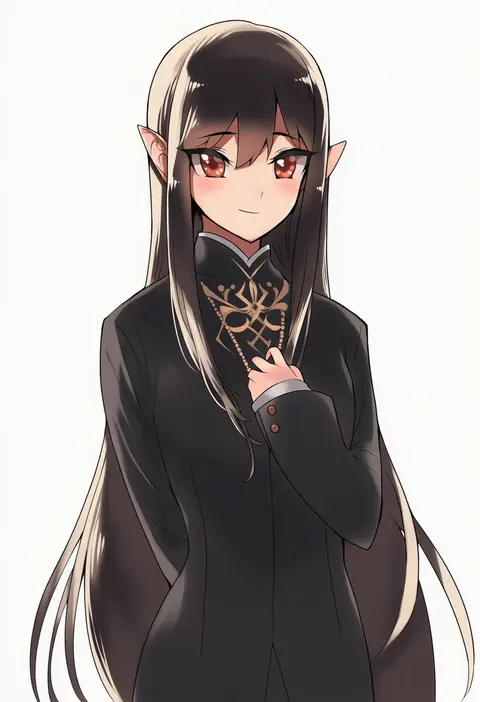
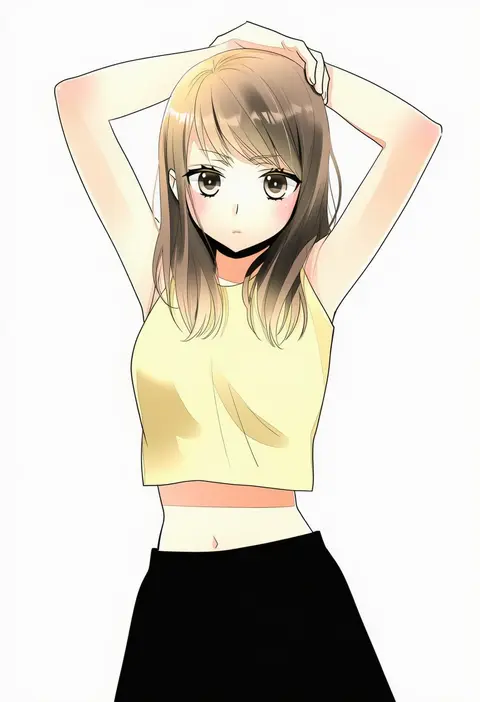
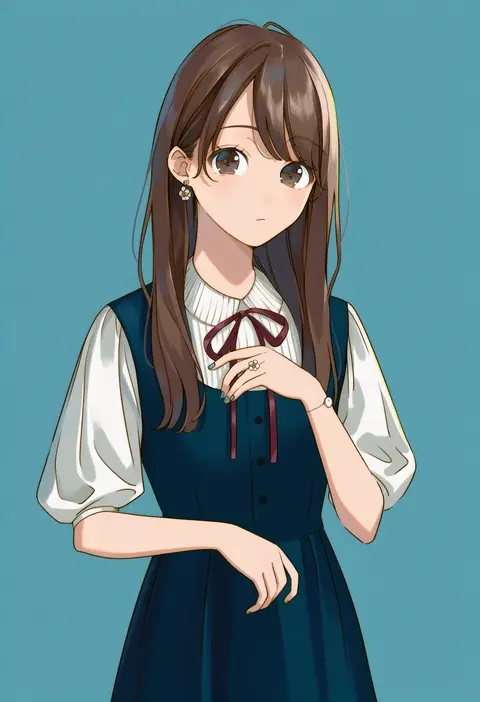
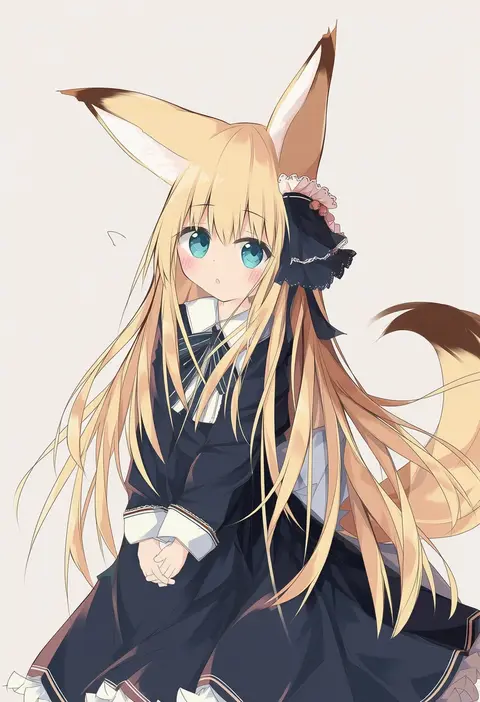
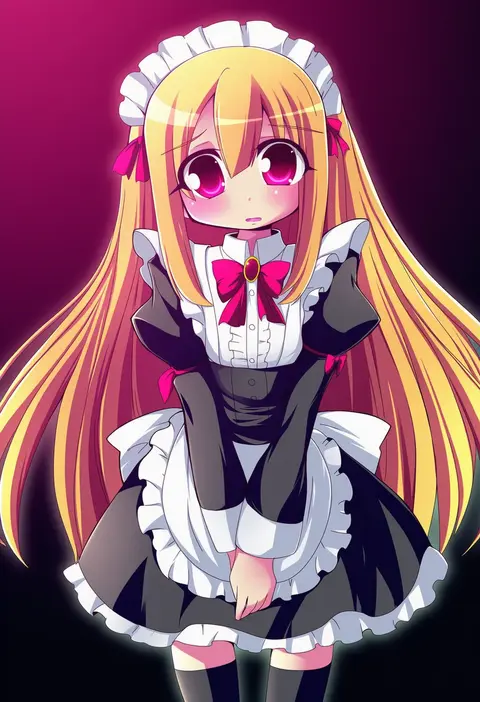
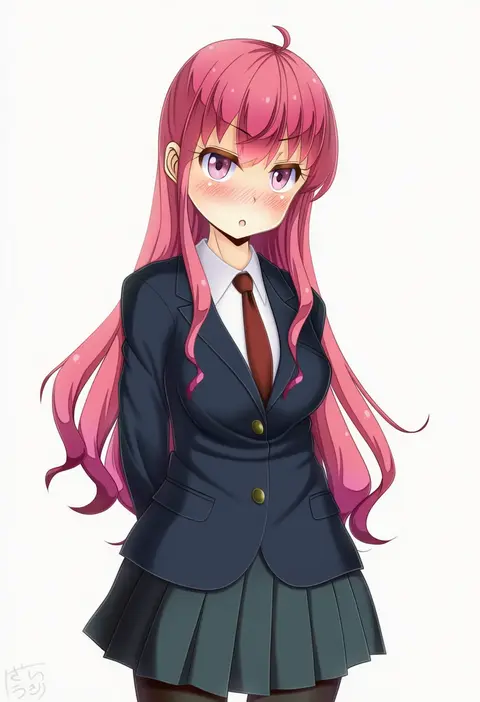
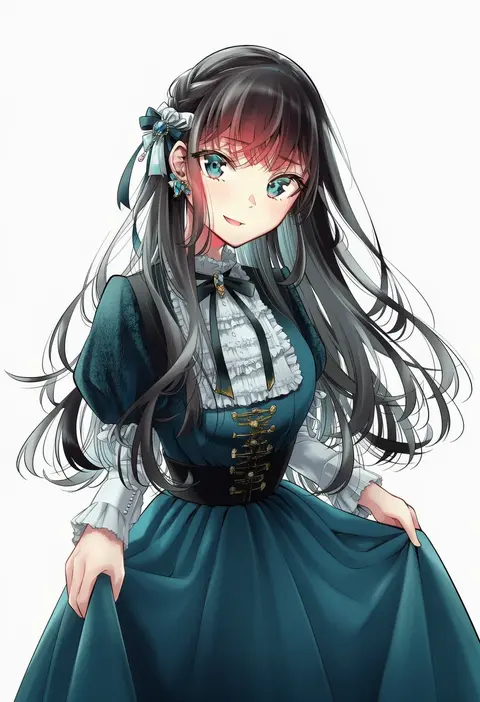
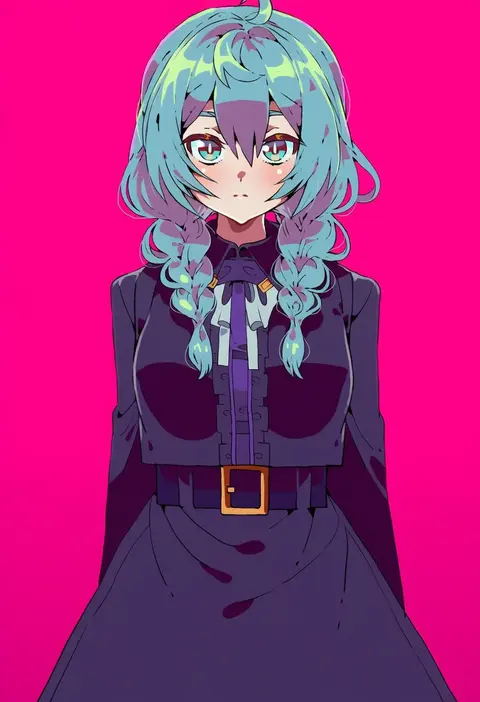
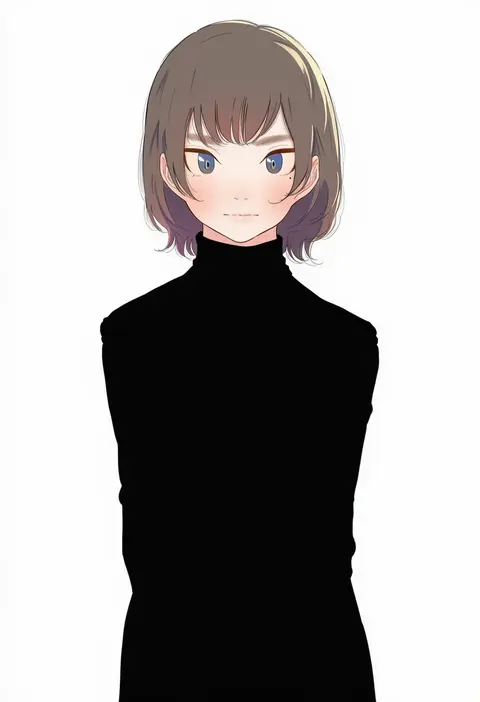
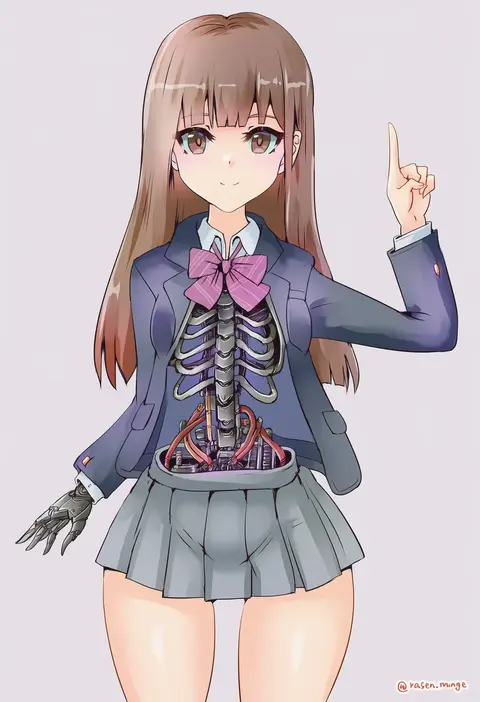
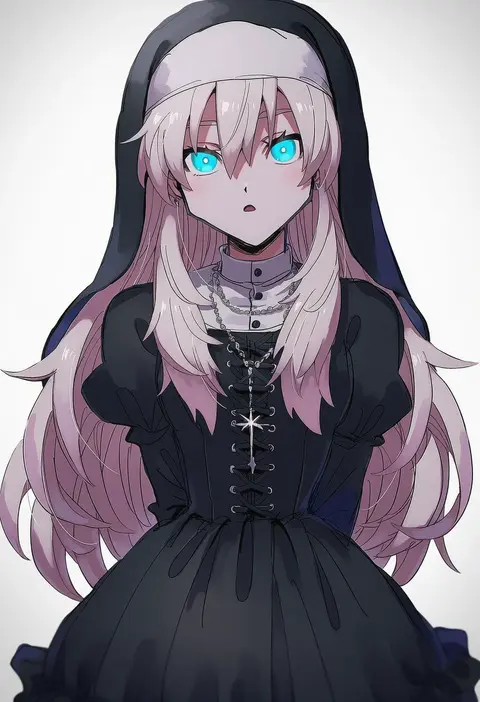
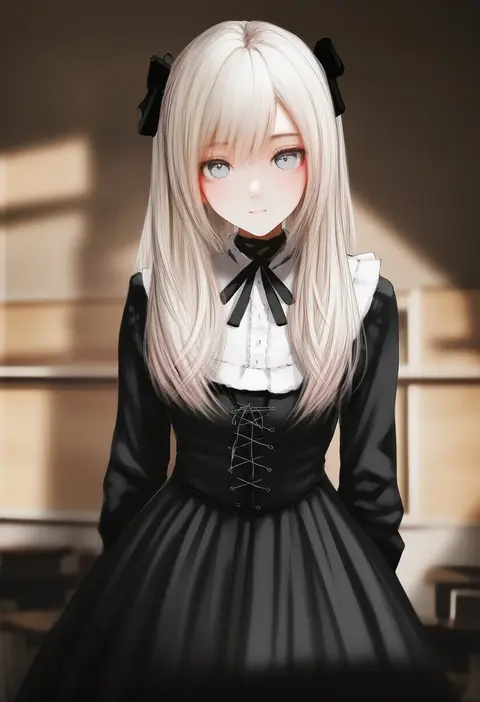
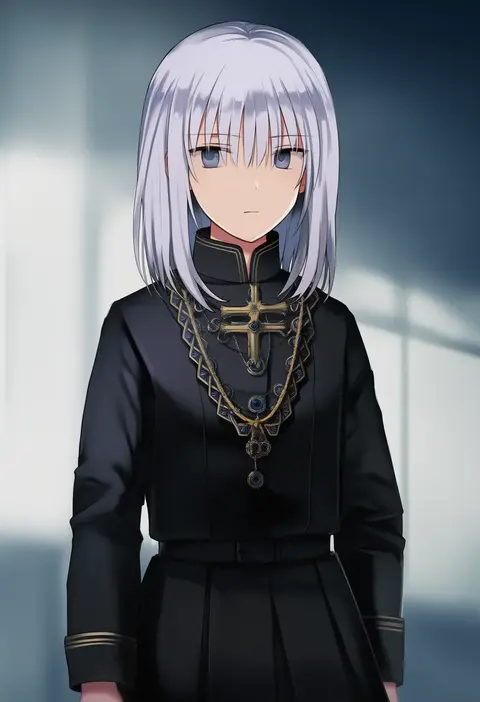
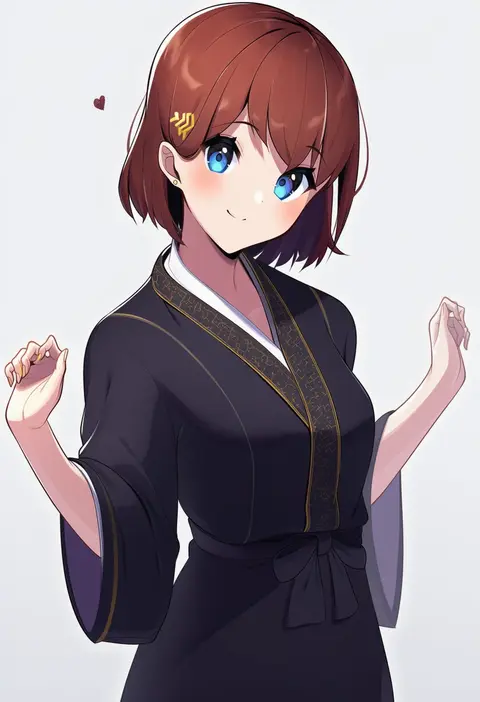
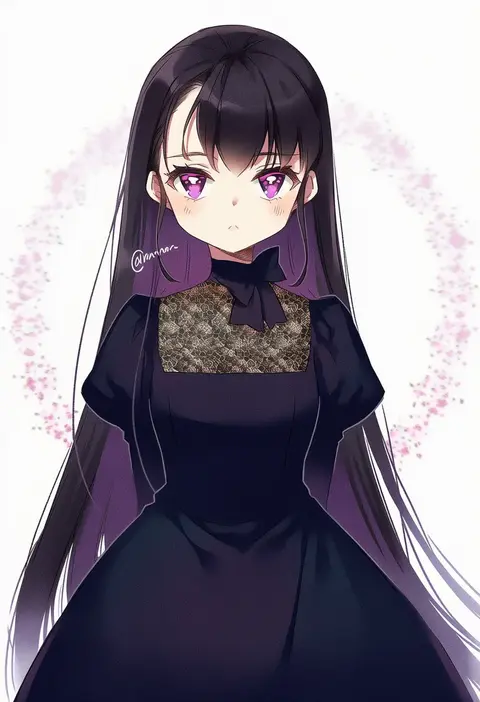
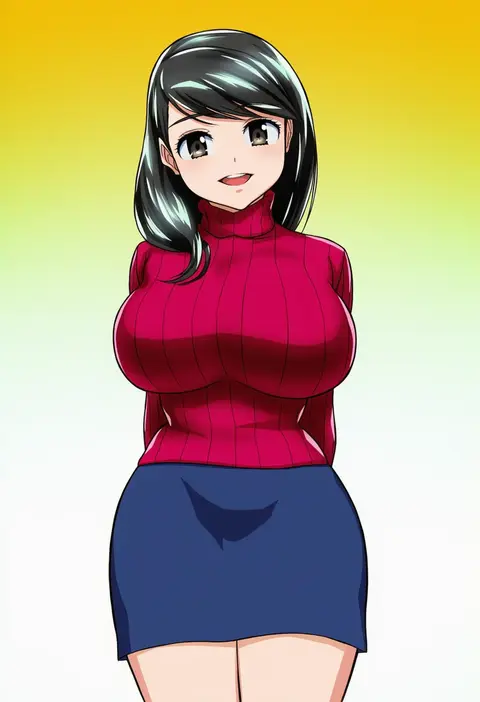
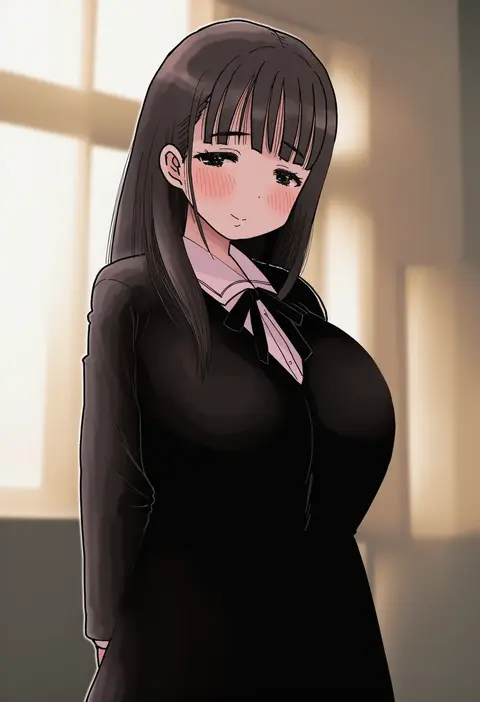
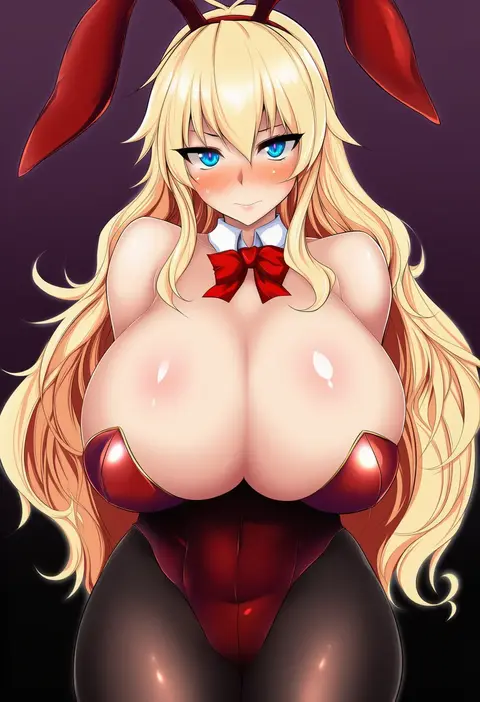
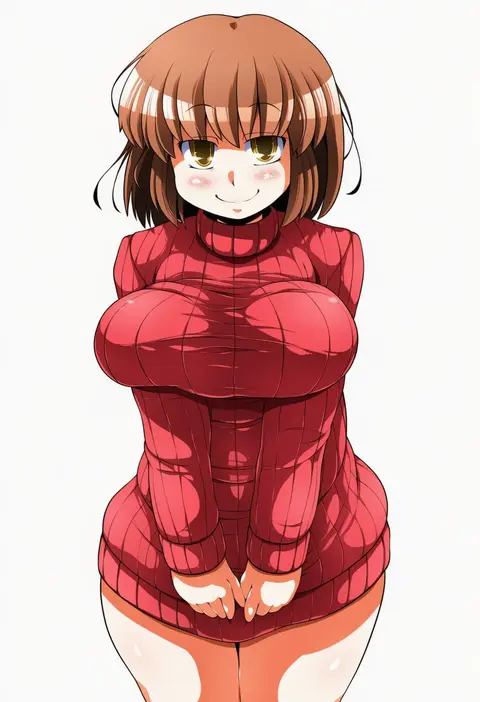
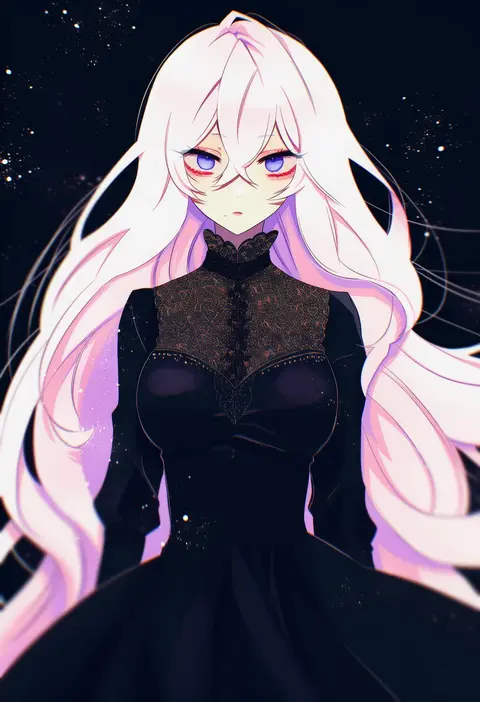
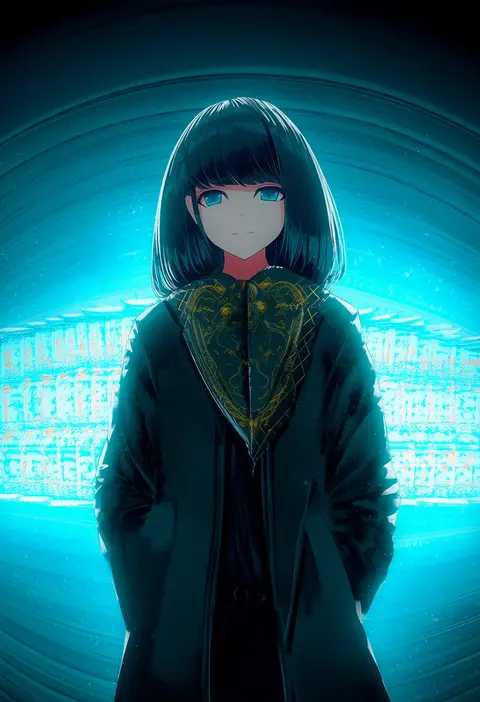
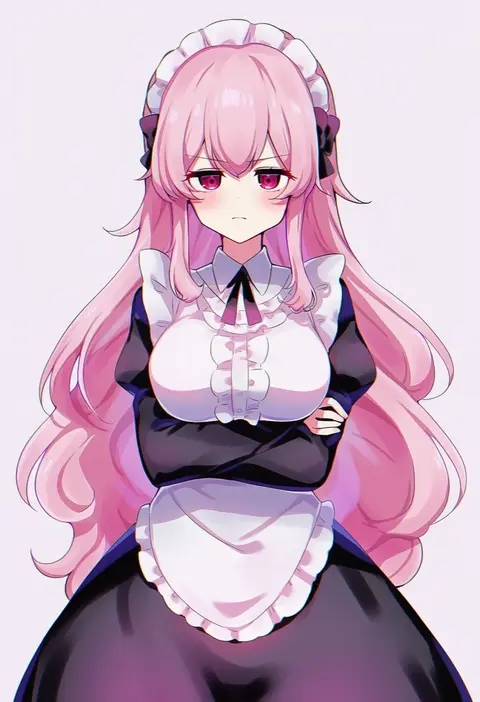
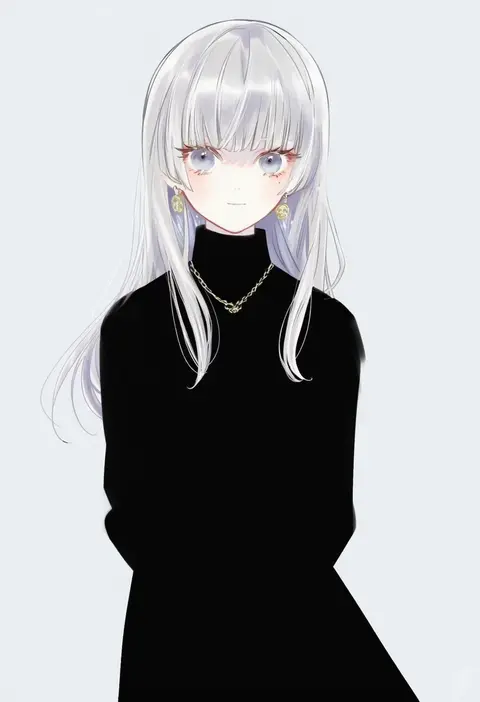
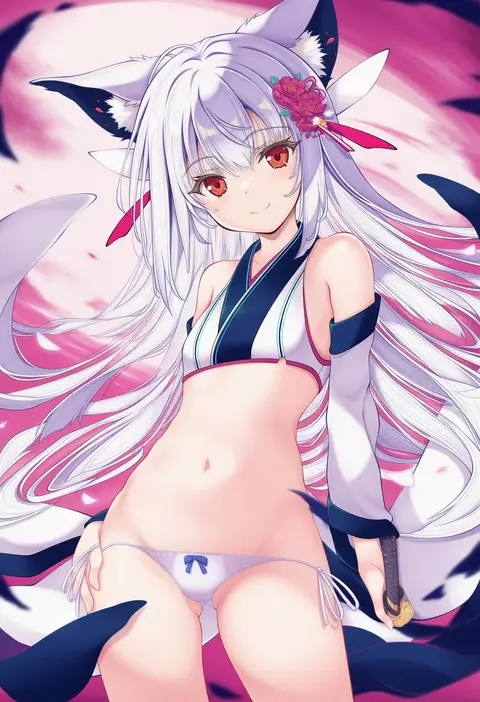
Artist tags tell NovelAI Diffusion to draw in a specific artist's style: line weight, paint texture, face shapes and palette all shift at once. Character and outfit tags decide what is drawn; artist tags decide how. 16,352 tags are listed for V4.5.
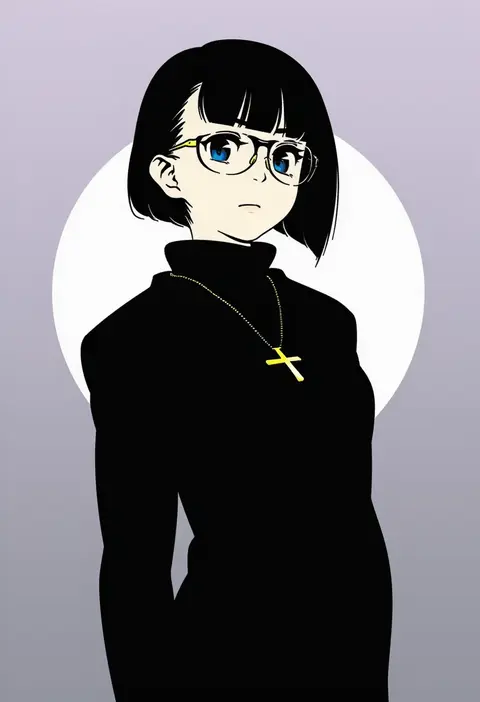
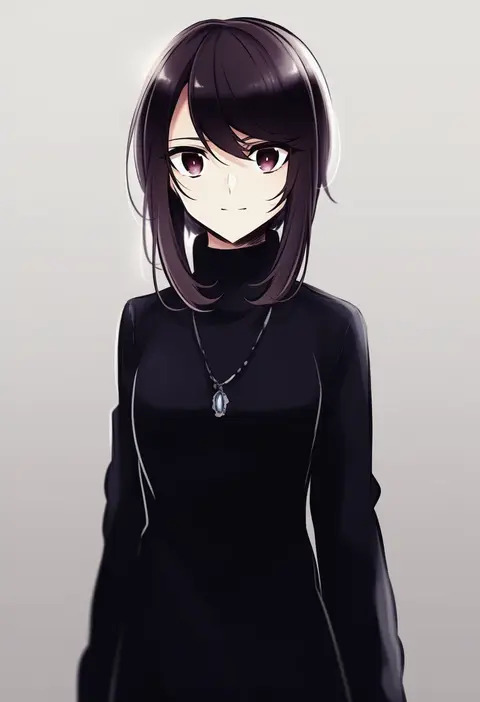
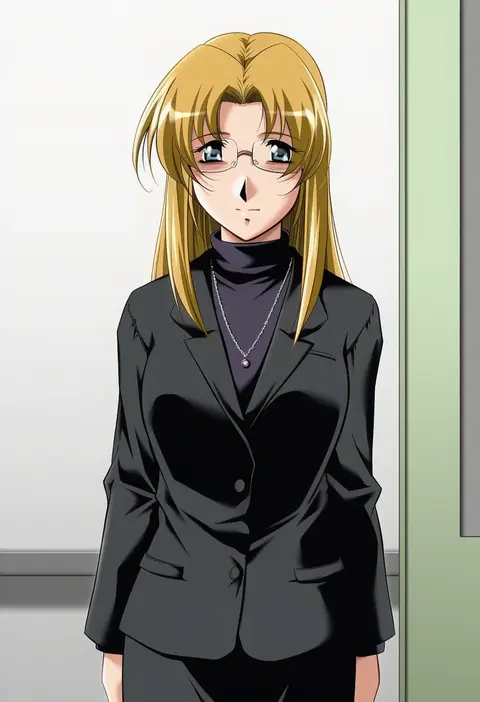
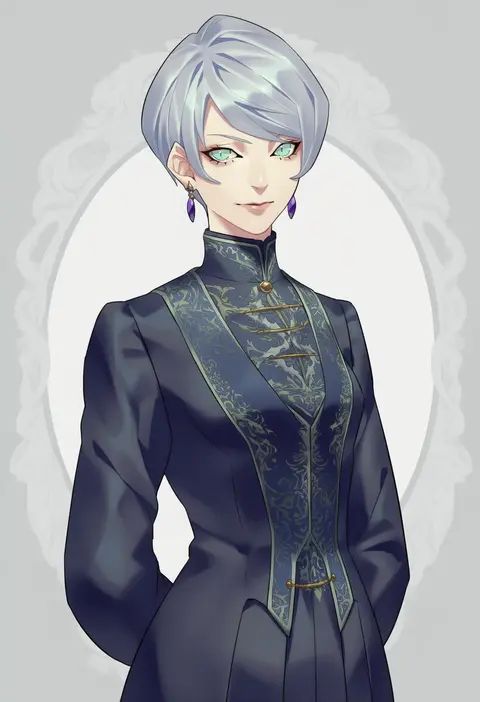
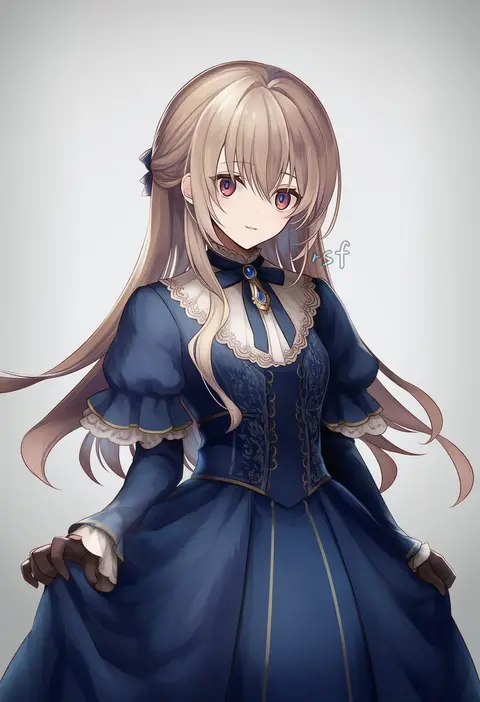
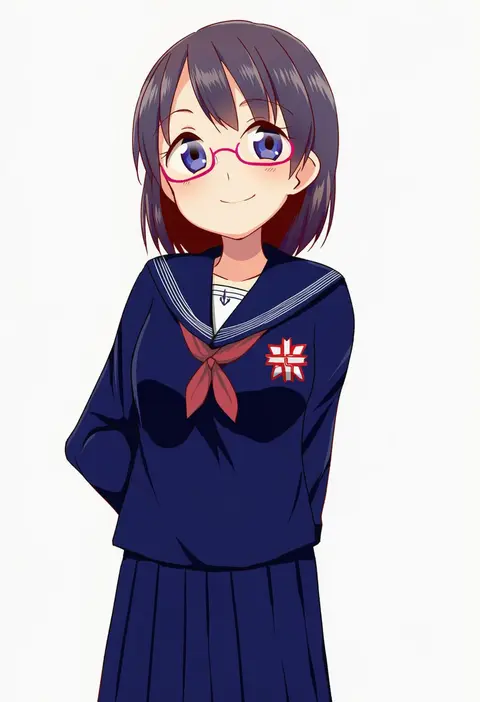
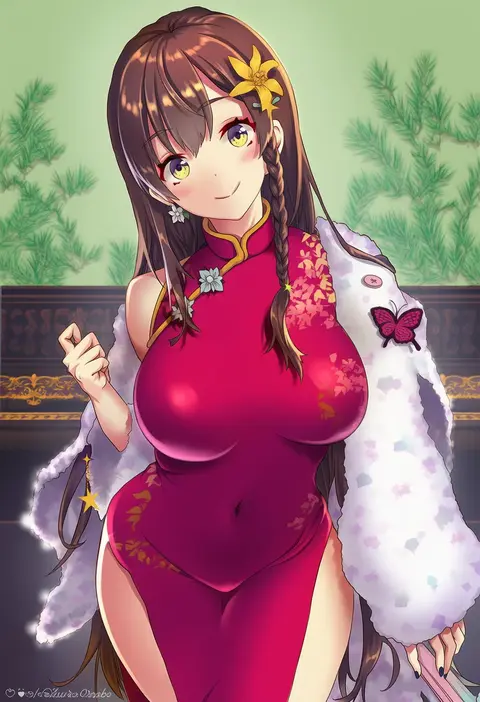
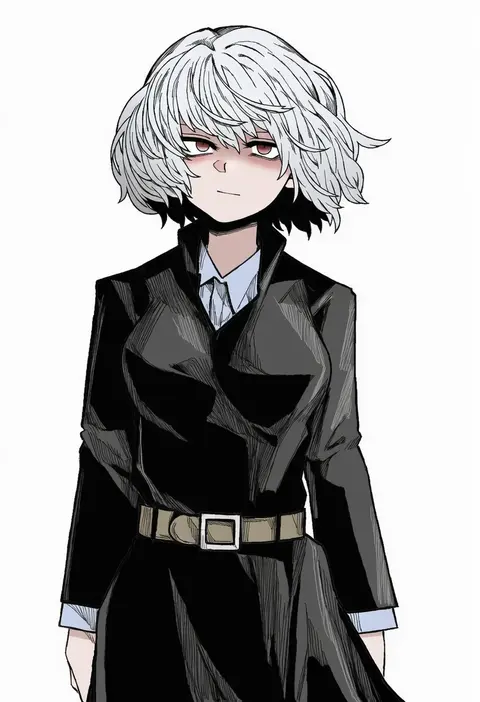
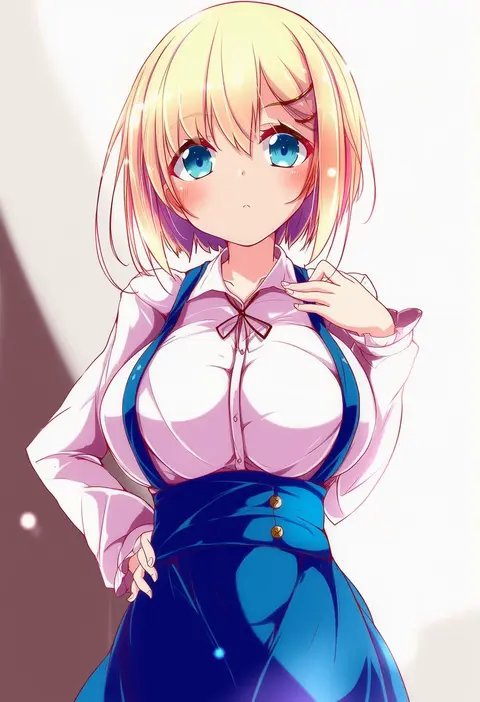
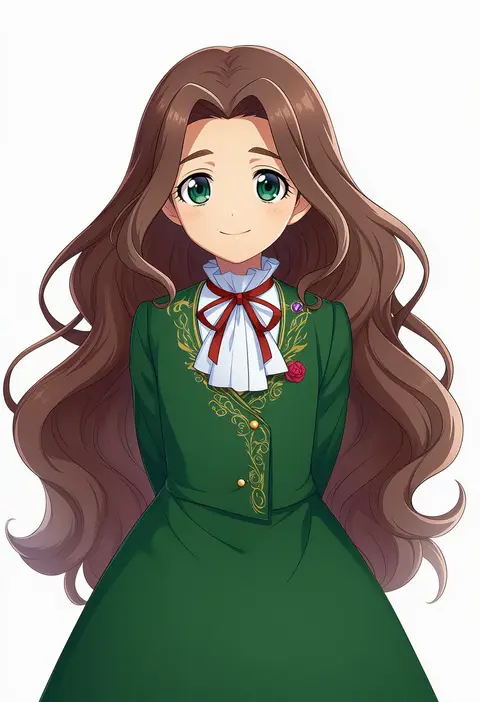
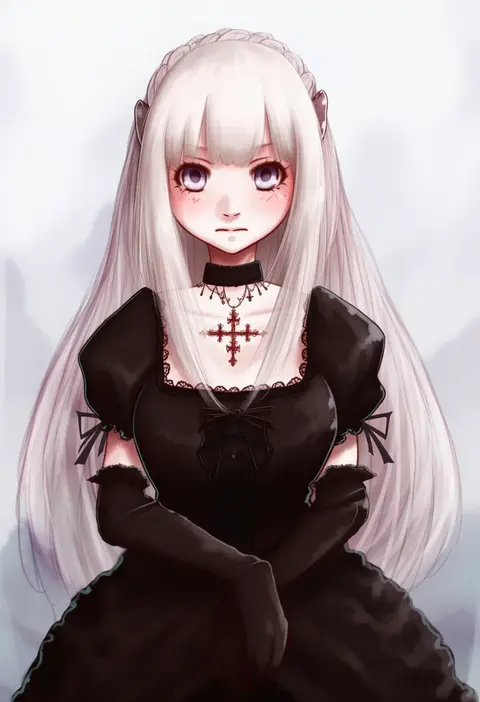
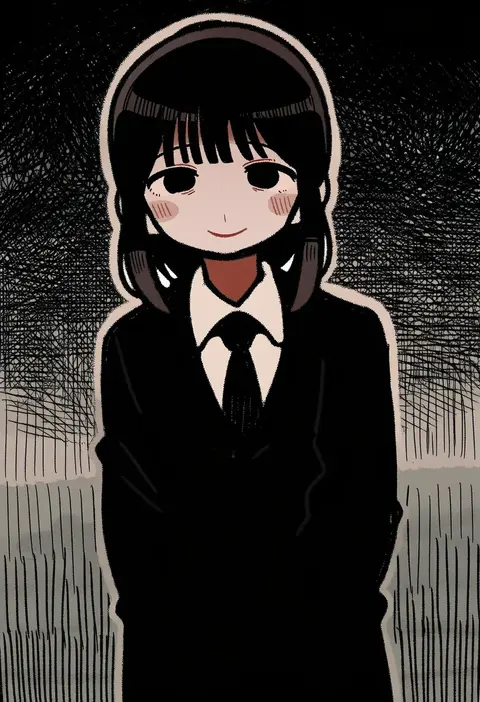
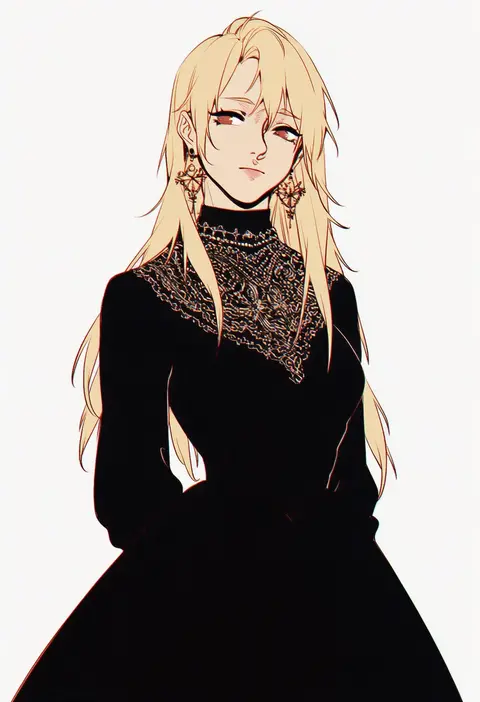
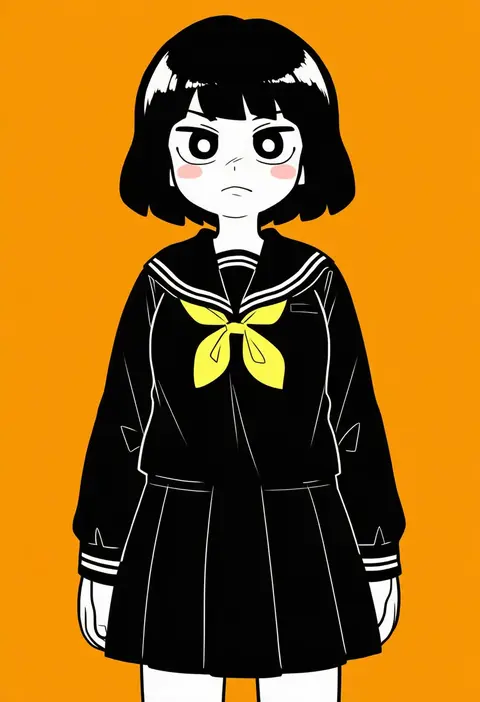
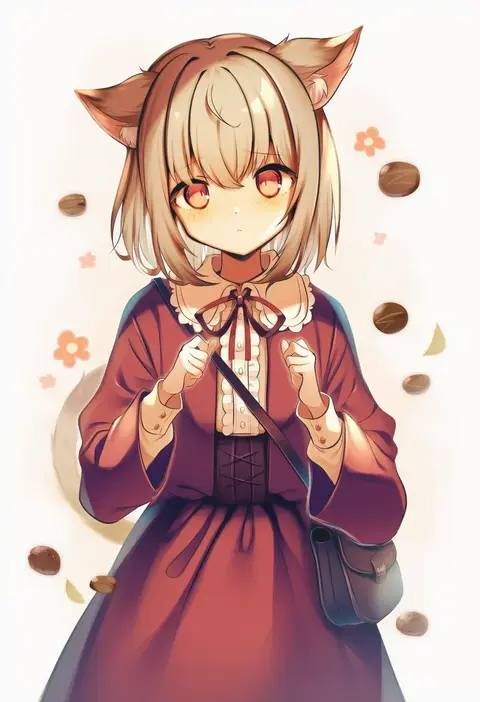
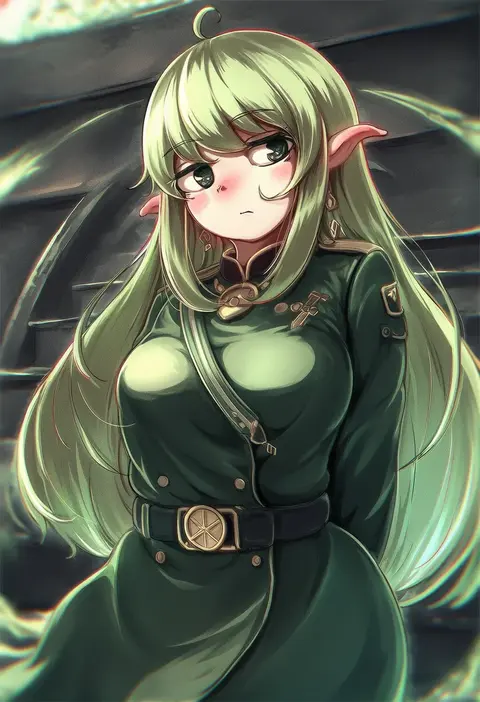
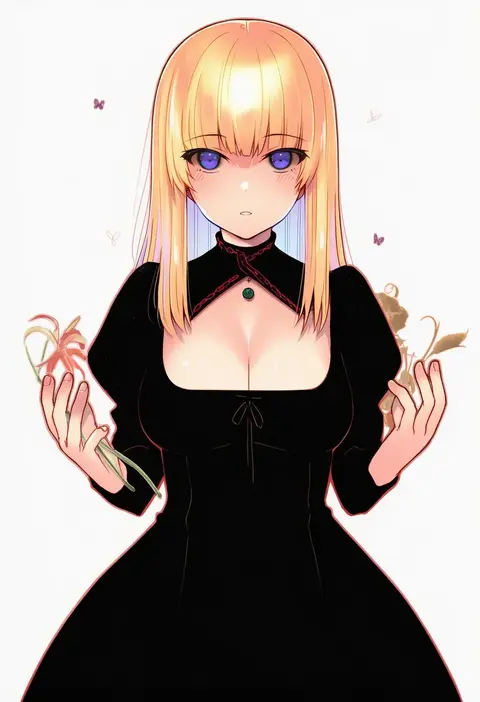
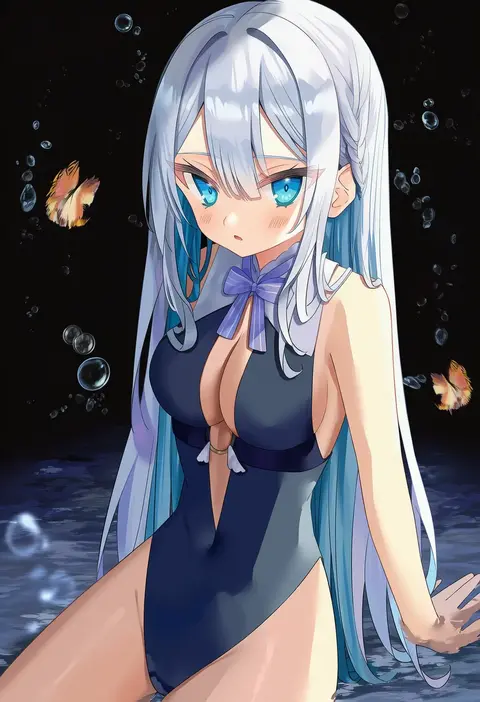
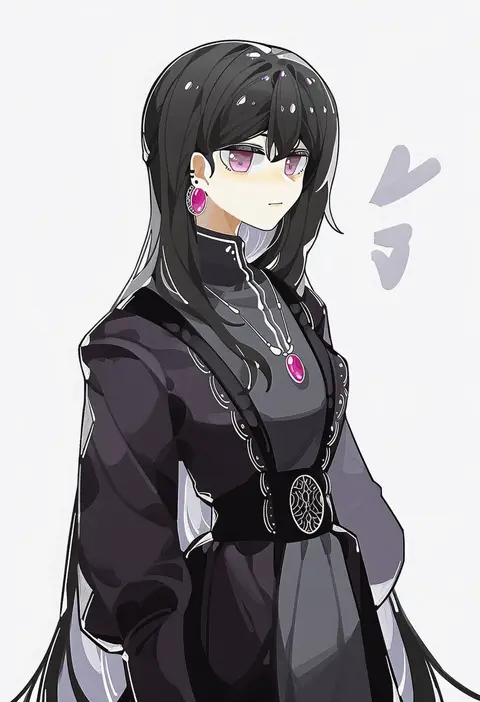
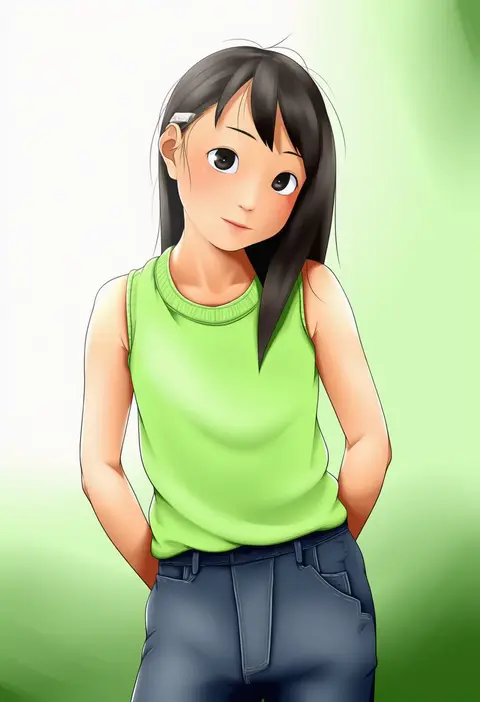
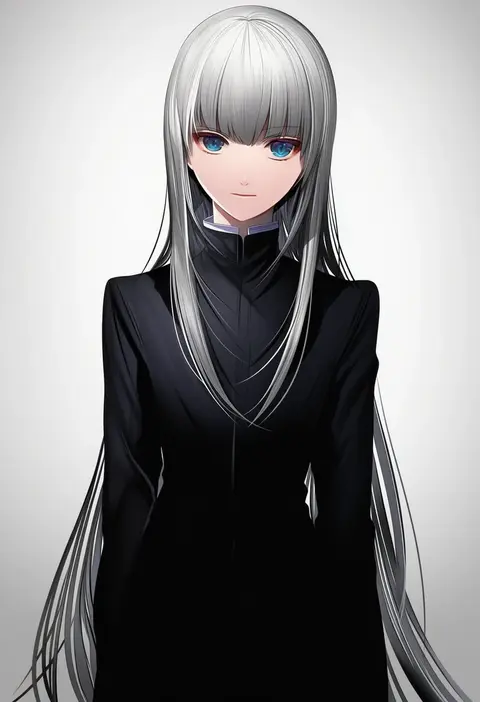
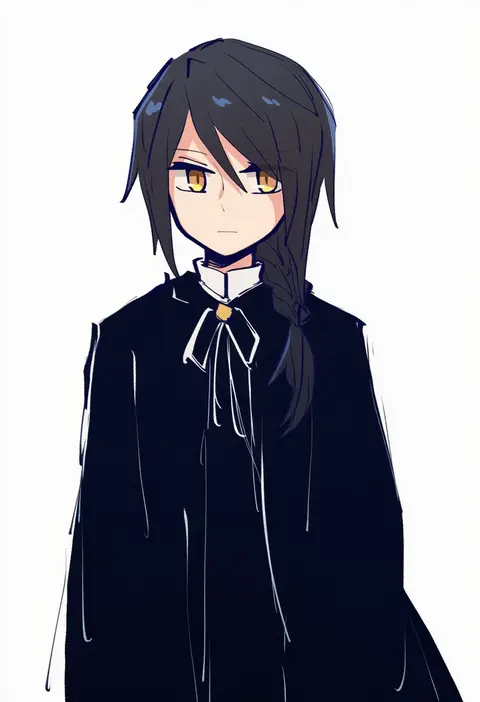
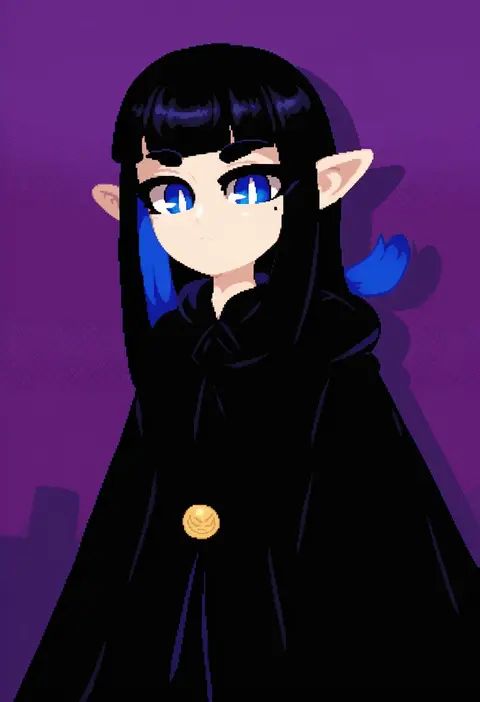
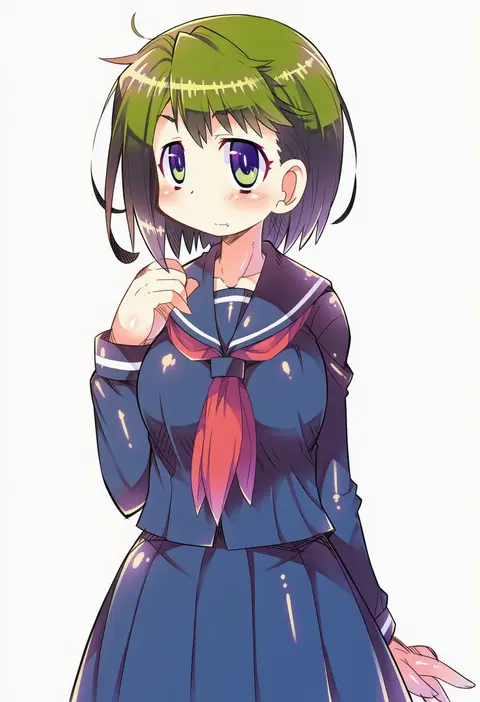
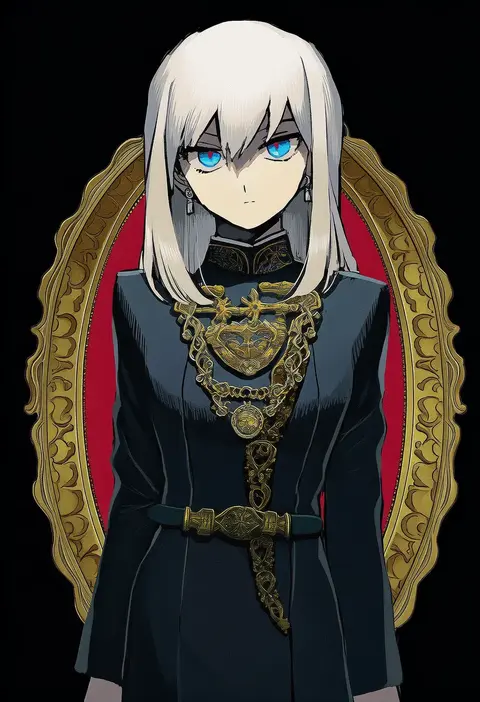
Every tag listed here is verified to react in NovelAI. All images use the same prompt, seed and settings with only the artist tag swapped, so the difference between two images is the style that tag brings in.

How to use them

Put the artist tag near the front of the prompt, e.g. "<artist>, 1girl, solo, best quality, masterpiece, cowboy shot". Two or three artist tags blend styles; lower the weight with "0.8::<artist>::" when the style overpowers the character.

SCORE sorts by Danbooru's top score, POSTS by post count, FAVS by hearts on this site. Open a card to see V5 and V4.5 side by side on the same seed.

V5 vs V4.5

V5 usually lands closer to the artist's real style, and tags that did nothing on V4.5 often react on V5. V4.5 still fits older and doujin-heavy artists better. Try V5 first, fall back to V4.5.

FAQ

Where does the artist tag go?
Near the front of the prompt. Use "0.8::tag::" to adjust its weight.

Can I stack artist tags?
Yes, styles blend. Past two or three the result stops looking like anyone.

Are these the artists' own works?
No. Every image is a NovelAI sample generated from the tag.