V4.5Artists
sort: FAVS▾
▾
>
$

NovelAI Artist Tags List — V4.5

artist --count 16,352[197/273]
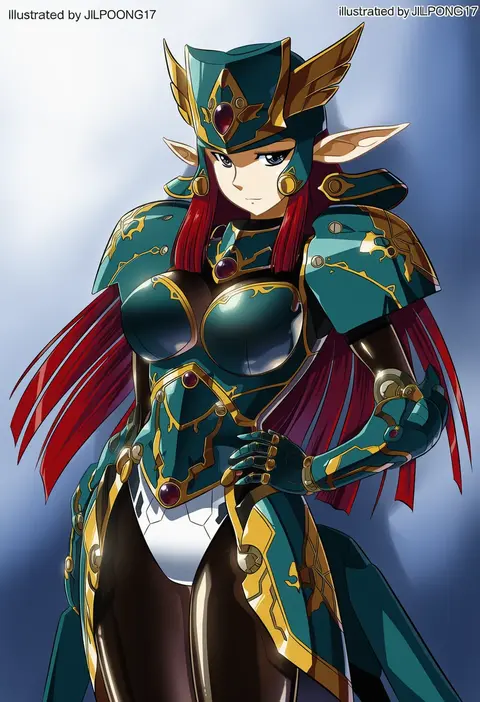
jilpoong17
ARTIST0x2DF0
0
souryuu (double dragon)
ARTIST0x2DF1
0
nekoma hikaru
ARTIST0x2DF2
0
saiko (saisaka)
ARTIST0x2DF3
0
aco (koaya ako)
ARTIST0x2DF4
0
kimuti-g
ARTIST0x2DF5
0
towako (10wk0)
ARTIST0x2DF6
0
kurage cc
ARTIST0x2DF7
0
jamir
ARTIST0x2DF8
0
arlonn
ARTIST0x2DF9
0
tugmix
ARTIST0x2DFA
0
mutsuno hekisa
ARTIST0x2DFB
0
honkawa works
ARTIST0x2DFC
0
katsura masakazu
ARTIST0x2DFD
0
rean (r ean)
ARTIST0x2DFE
0
kuroume (aihikarikuroume24)
ARTIST0x2DFF
0
dou (mame eee)
ARTIST0x2E00
0
myam (123ab456c)
ARTIST0x2E01
0
natsu (anta tte hitoha)
ARTIST0x2E02
0
ryosios
ARTIST0x2E03
0
matsuda yuusuke
ARTIST0x2E04
0
ken (koala)
ARTIST0x2E05
0
buran buta
ARTIST0x2E06
0
tsurukame
ARTIST0x2E07
0
kuresento
ARTIST0x2E08
0
kodachi (kuroyuri shoukougun)
ARTIST0x2E09
0
asada hachi
ARTIST0x2E0A
0
naufaldreamer
ARTIST0x2E0B
0
miyao ryuu
ARTIST0x2E0C
0
takorice
ARTIST0x2E0D
0
onnaski
ARTIST0x2E0E
0
shi chimi
ARTIST0x2E0F
0
osumoto1
ARTIST0x2E10
0
tcb
ARTIST0x2E11
0
sakurano ru
ARTIST0x2E12
0
akimaki yuu
ARTIST0x2E13
0
zooanime
ARTIST0x2E14
0
kamenozoki momomo
ARTIST0x2E15
0
melanbread
ARTIST0x2E16
0
ayano yuu (sonma 1426)
ARTIST0x2E17
0
kitsune (kazenouta)
ARTIST0x2E18
0
yururi nano
ARTIST0x2E19
0
buchi (y0u0ri )
ARTIST0x2E1A
0
emg (christain)
ARTIST0x2E1B
0
tobi (kotetsu)
ARTIST0x2E1C
0
yuchi (salmon-1000)
ARTIST0x2E1D
0
chiri (ch!)
ARTIST0x2E1E
0
fuyuno yuuki
ARTIST0x2E1F
0
otomeza ryuseigun
ARTIST0x2E20
0
nori20170709
ARTIST0x2E21
0
masamuuu
ARTIST0x2E22
0
y naf
ARTIST0x2E23
0
crybringer
ARTIST0x2E24
0
patzzi
ARTIST0x2E25
0
ken-ji
ARTIST0x2E26
0
kuroba u
ARTIST0x2E27
0
zeroyon (yukkuri remirya)
ARTIST0x2E28
0
lily0428
ARTIST0x2E29
0
rascal (feuille)
ARTIST0x2E2A
0
umberblack
ARTIST0x2E2B
0

What these tags change

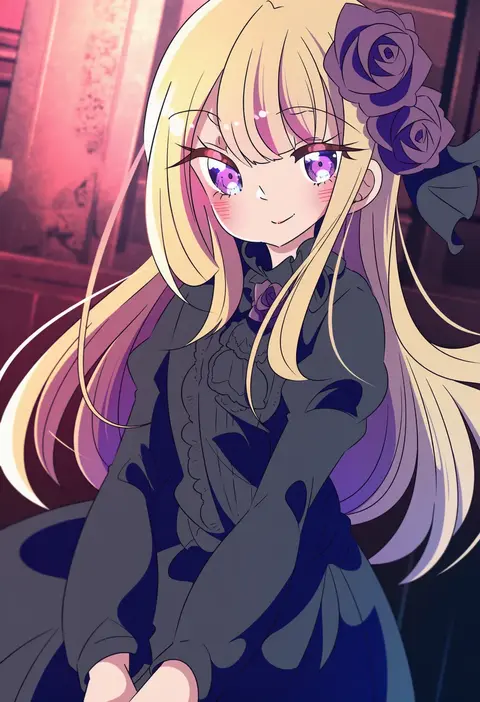
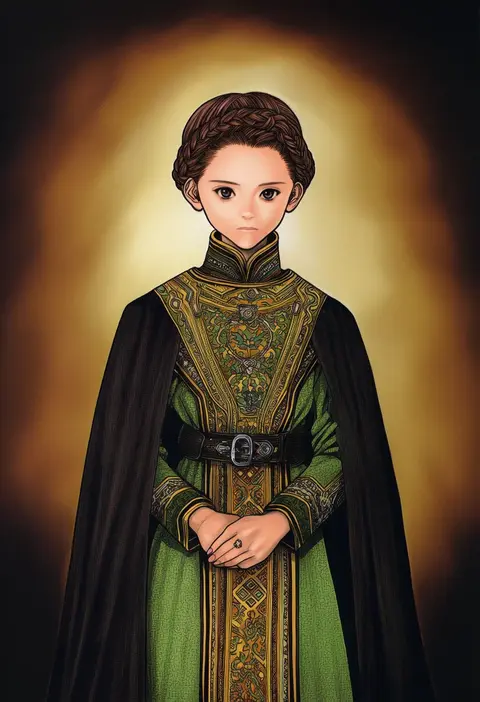
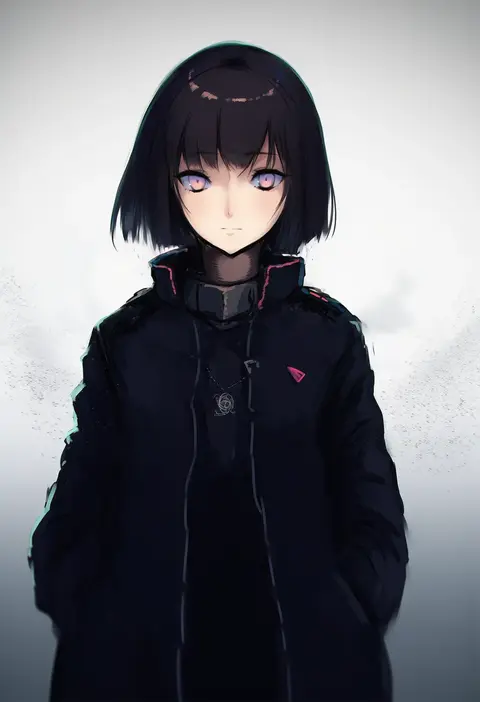
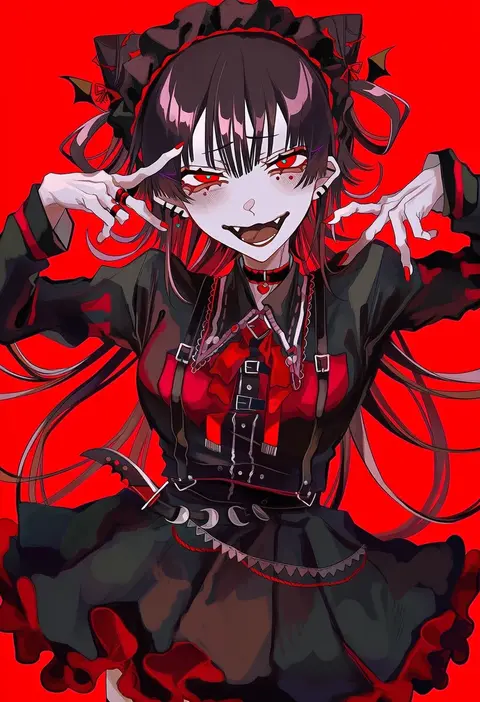
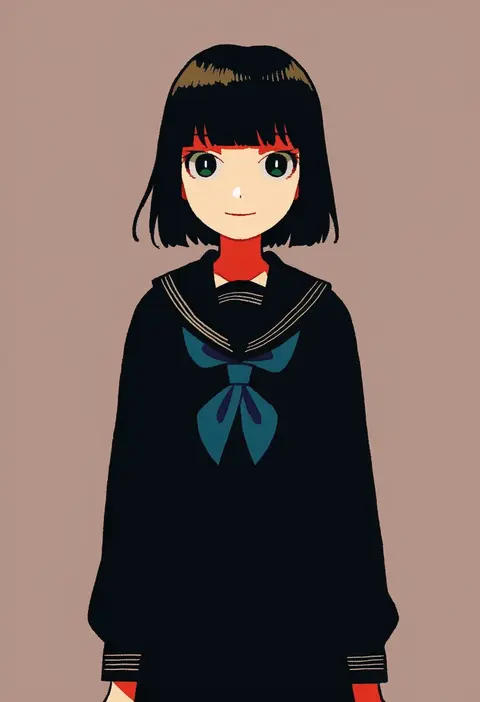
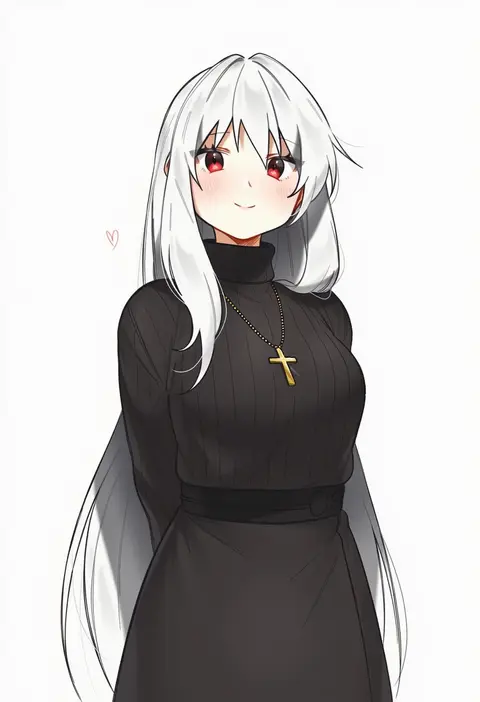
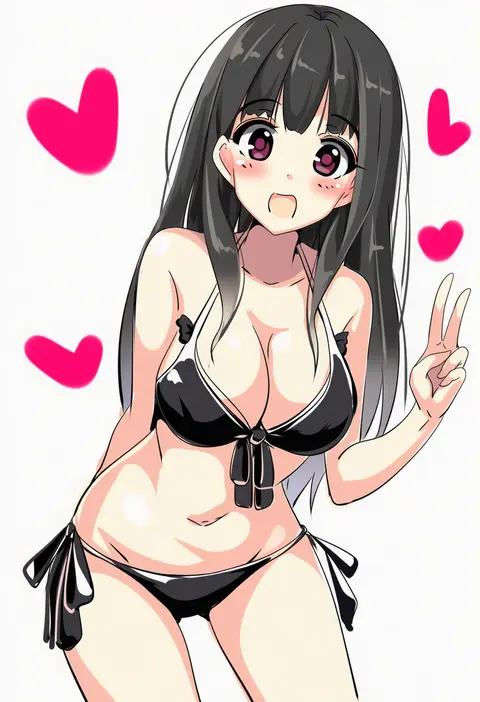
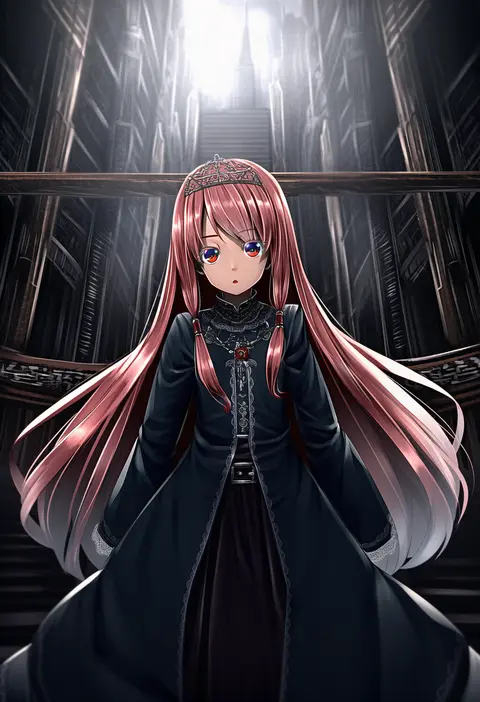
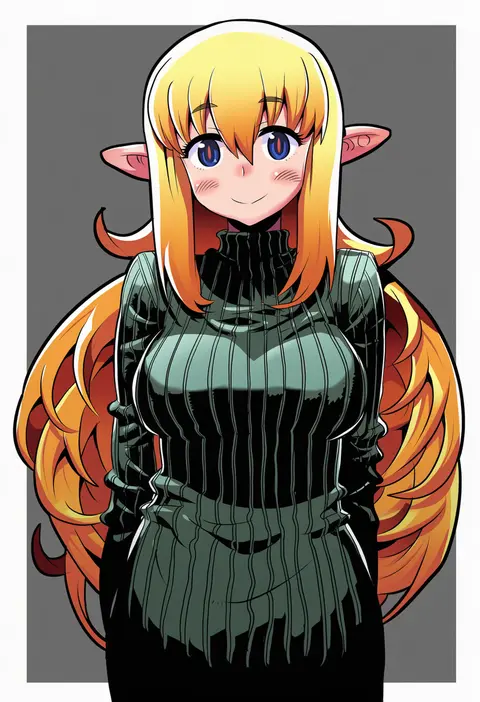
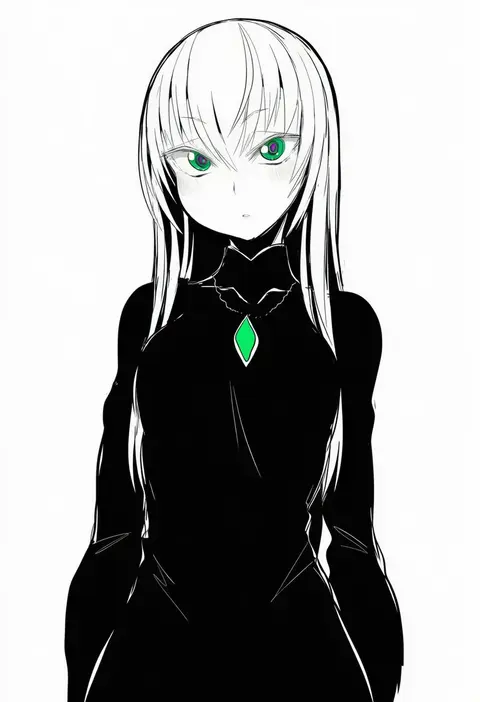
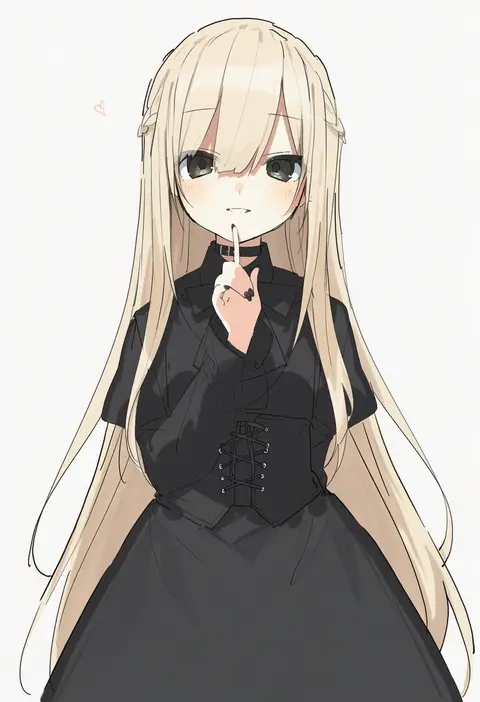
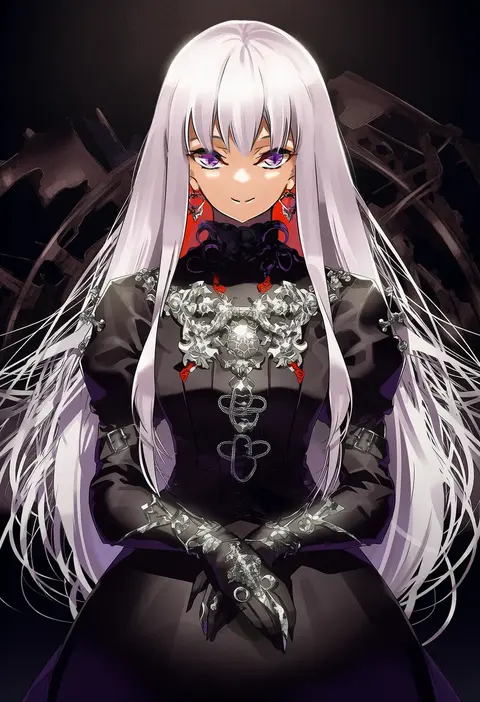
Artist tags tell NovelAI Diffusion to draw in a specific artist's style: line weight, paint texture, face shapes and palette all shift at once. Character and outfit tags decide what is drawn; artist tags decide how. 16,352 tags are listed for V4.5.
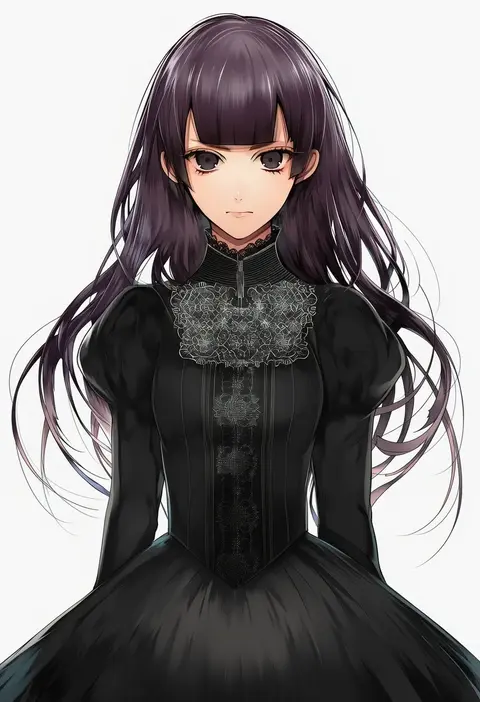
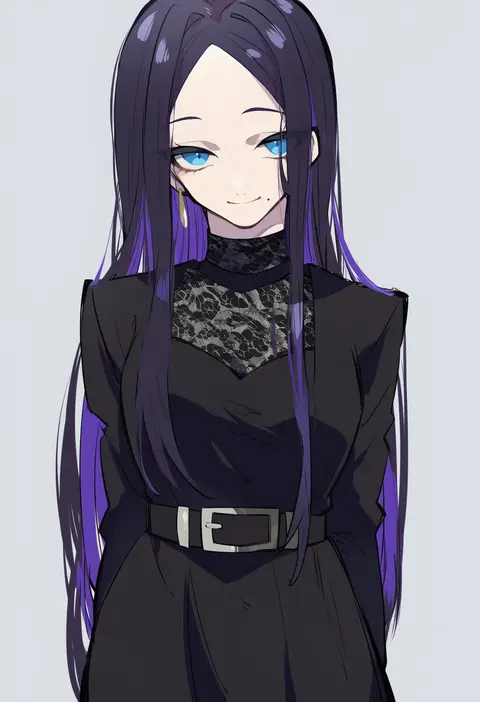
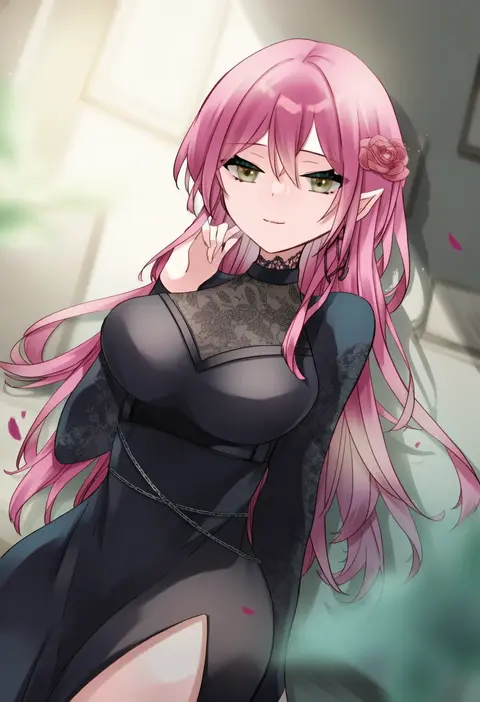
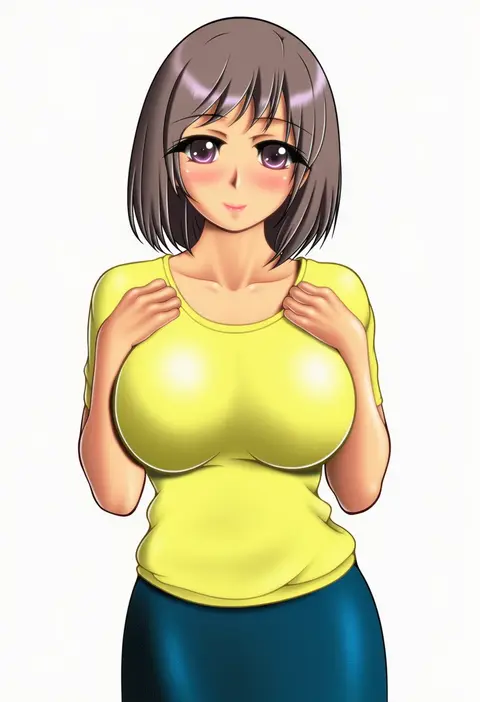
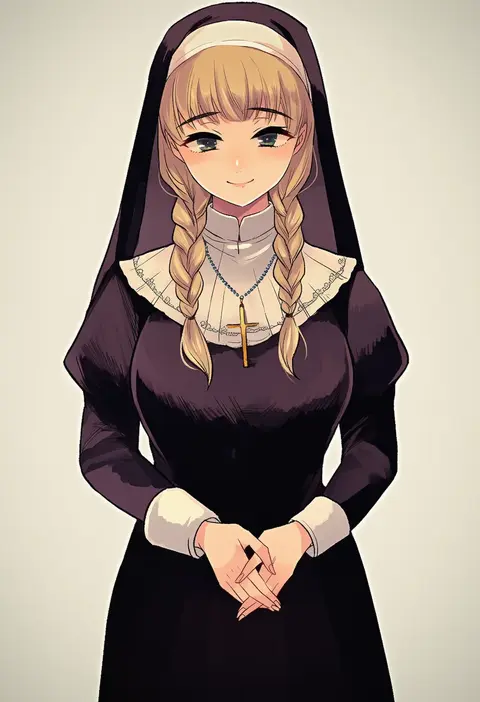
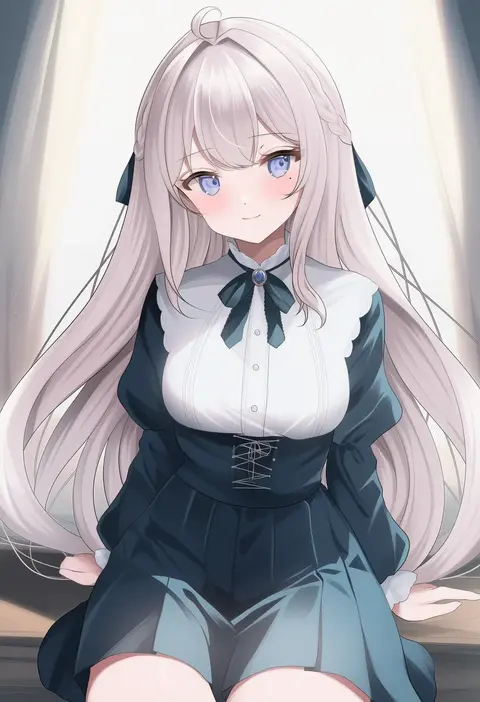
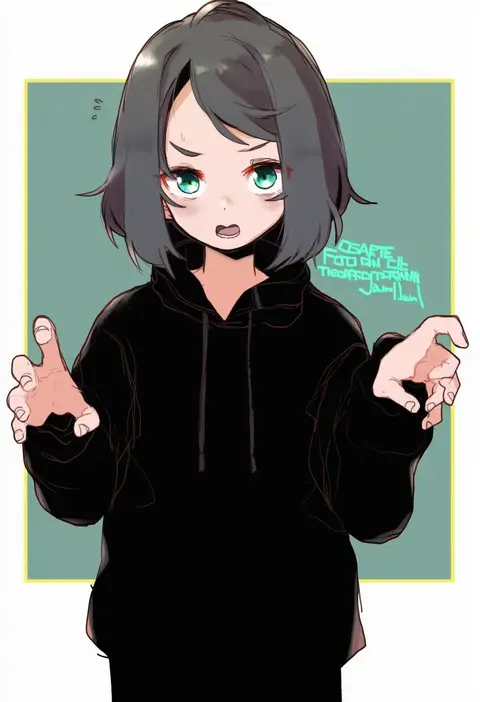
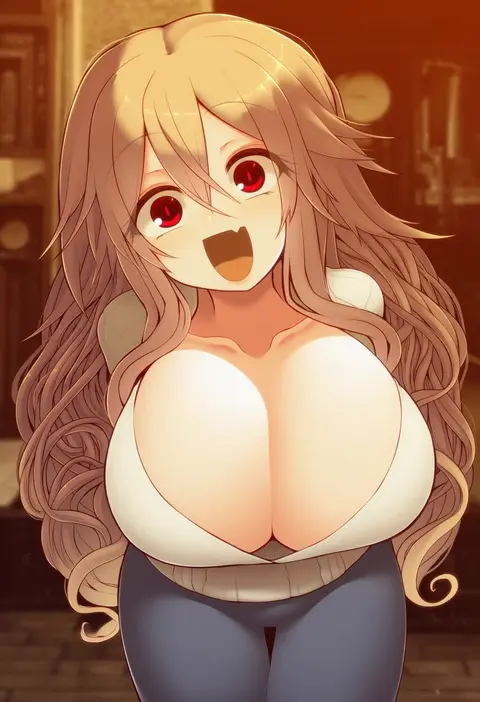
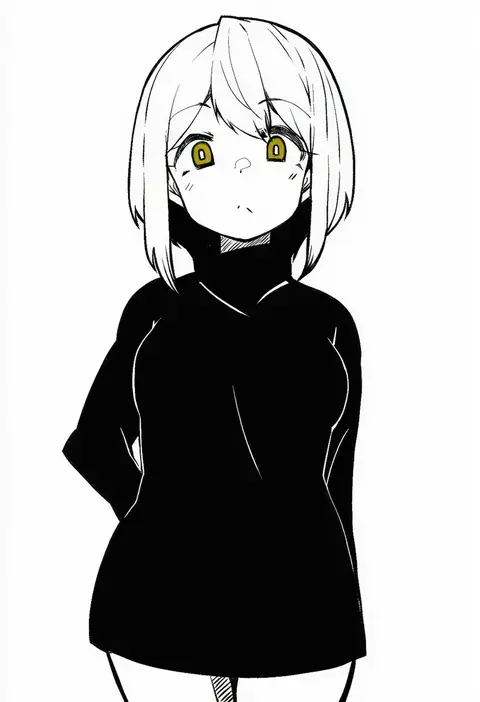
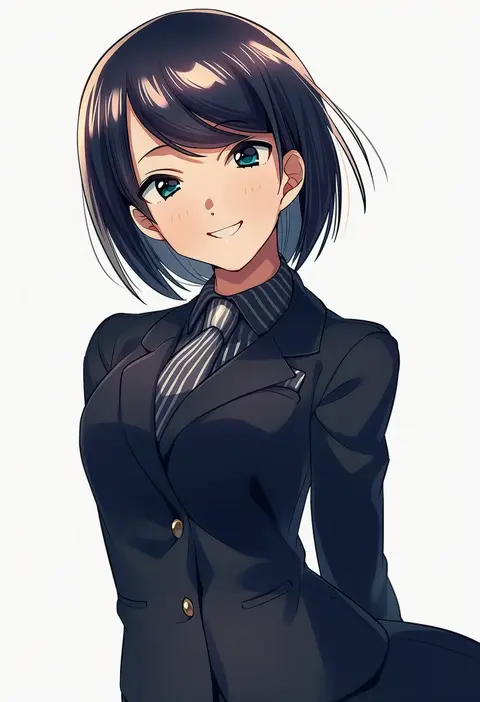
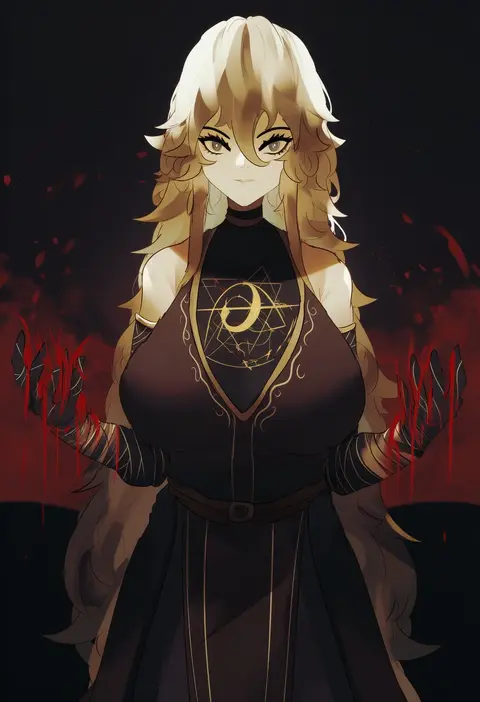
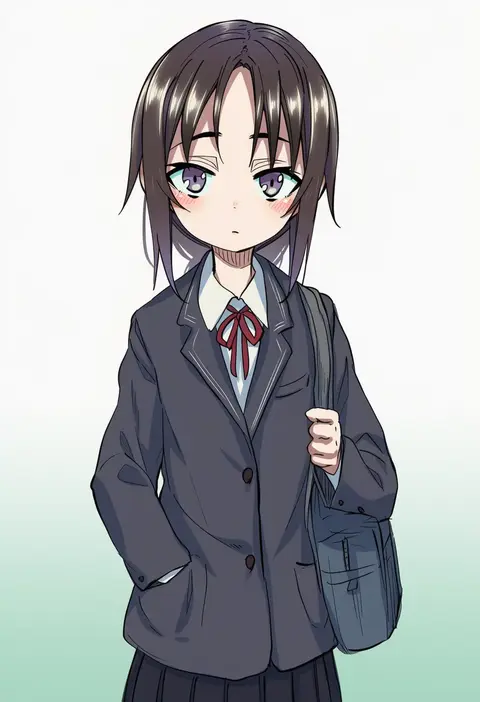
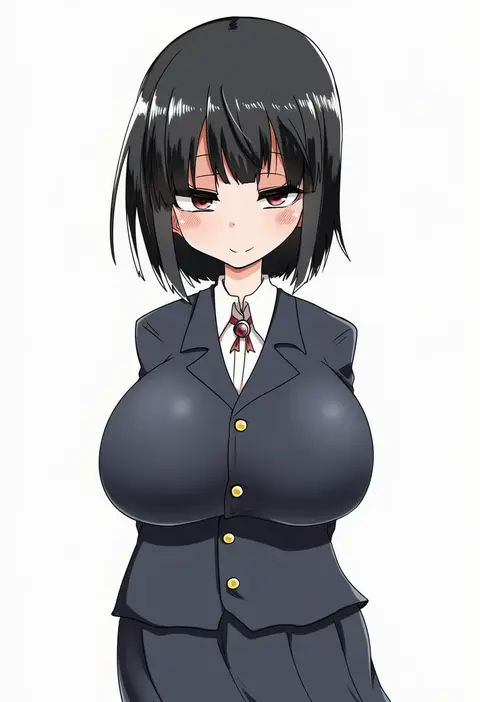
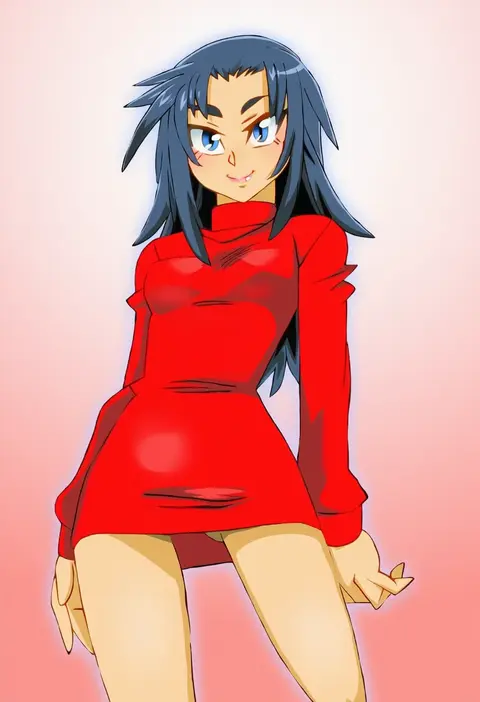
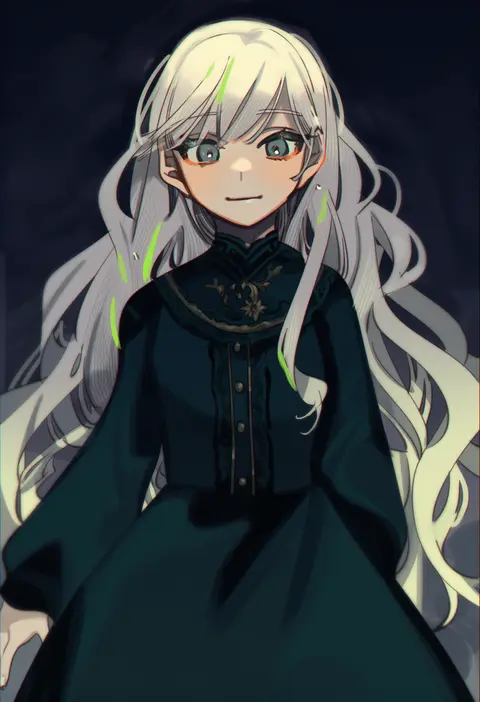
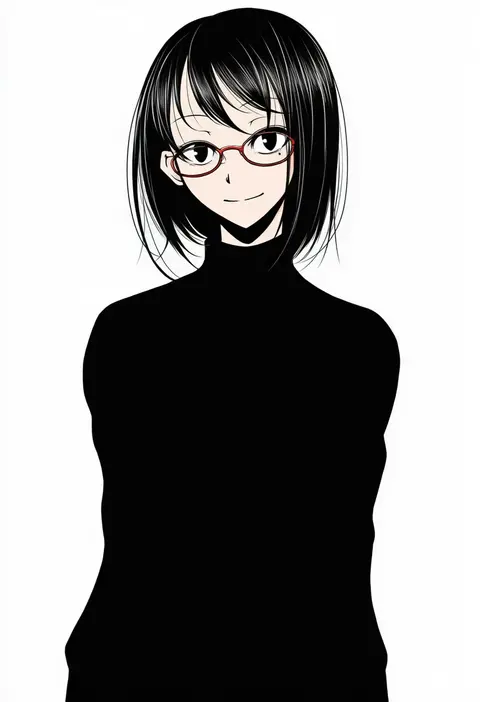
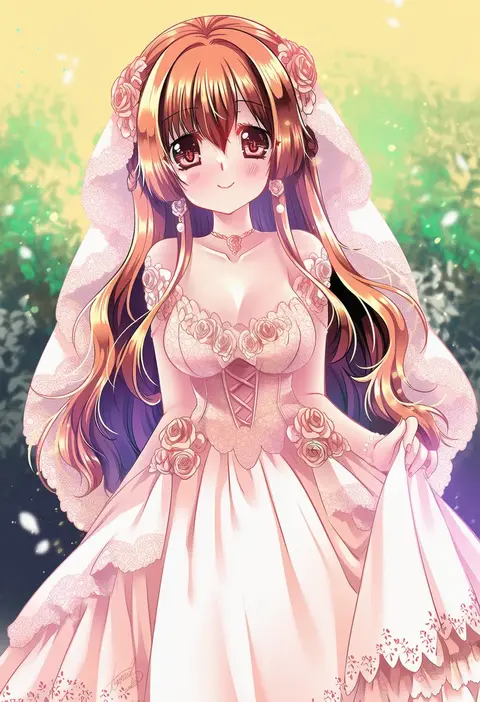
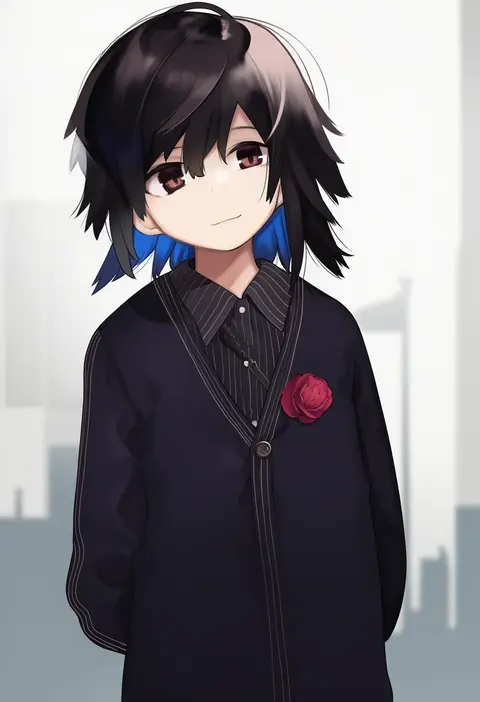
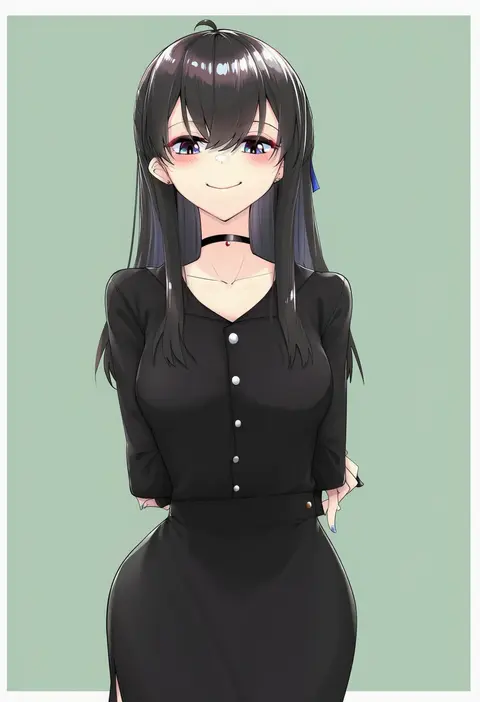
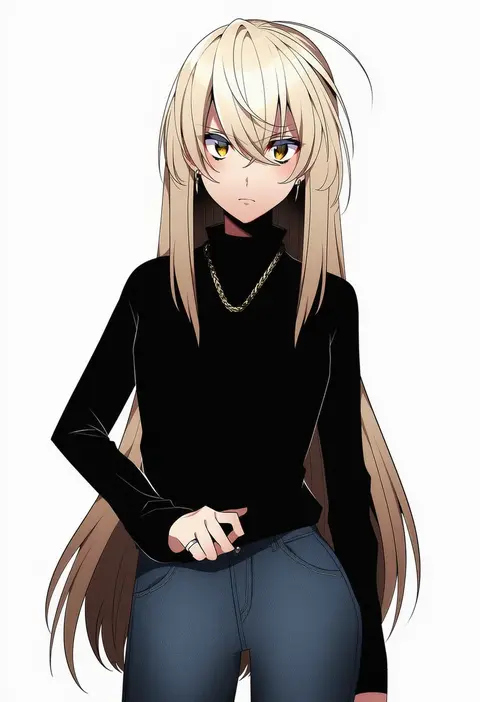
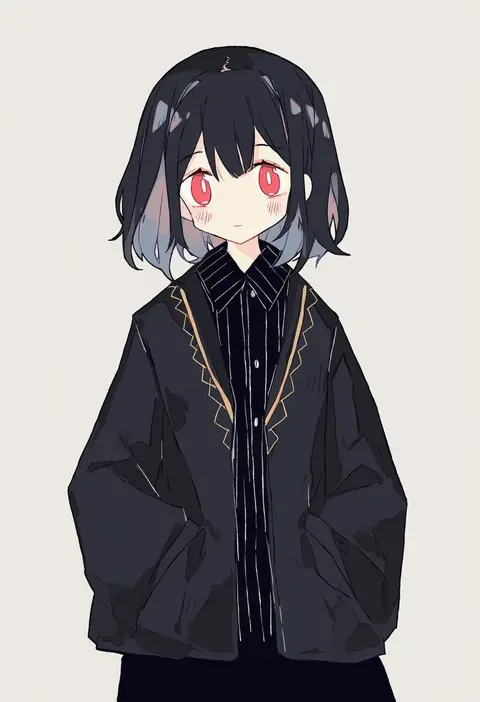
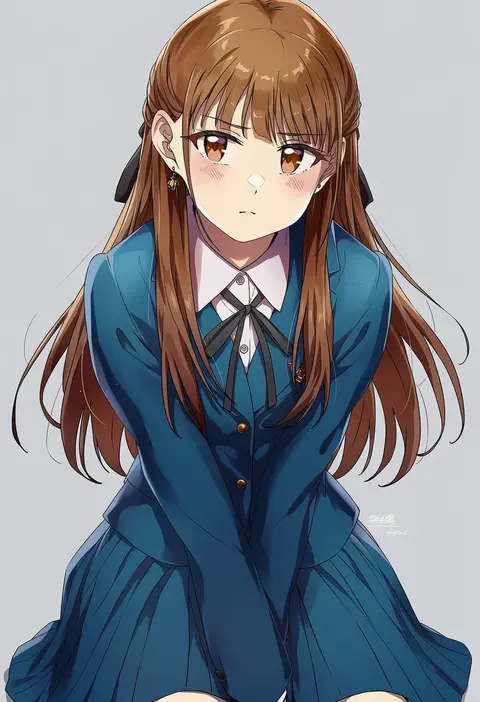
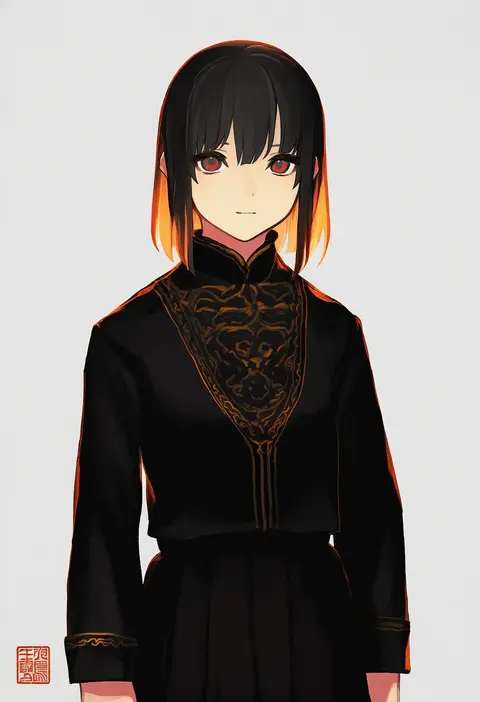
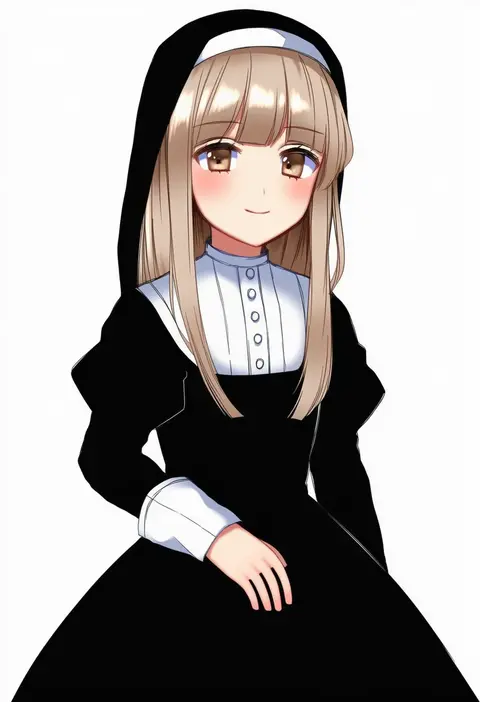
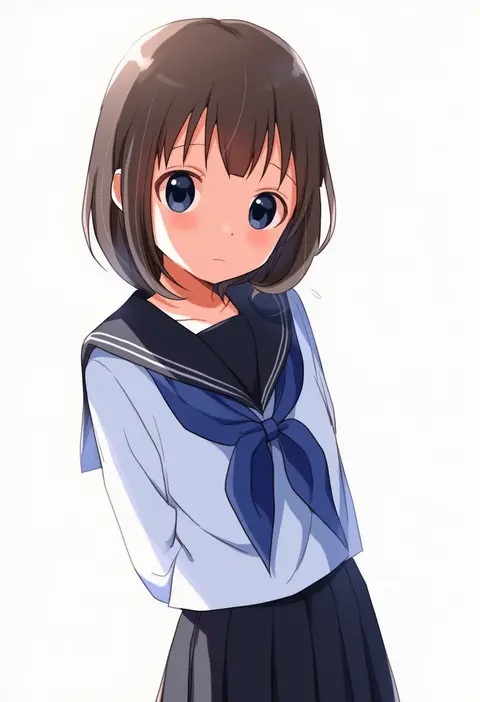
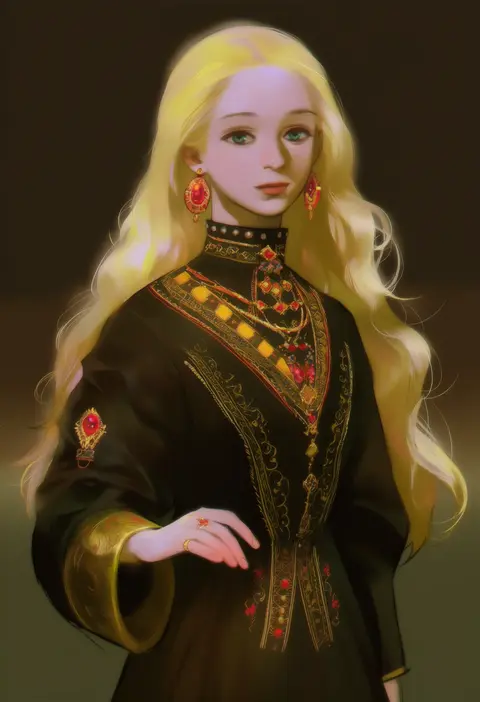
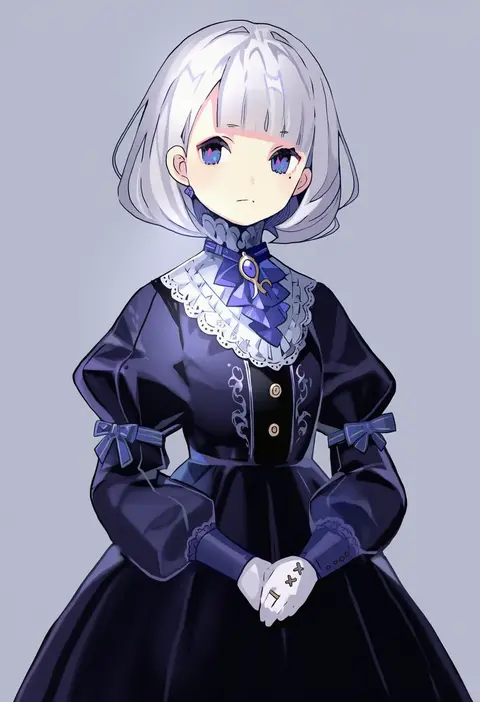
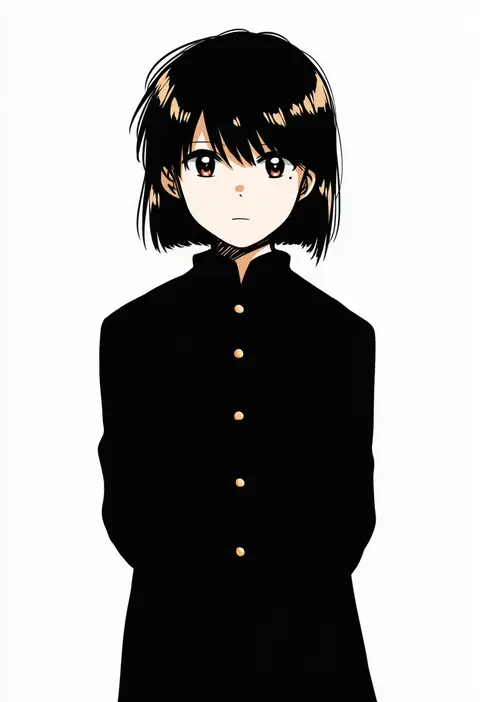
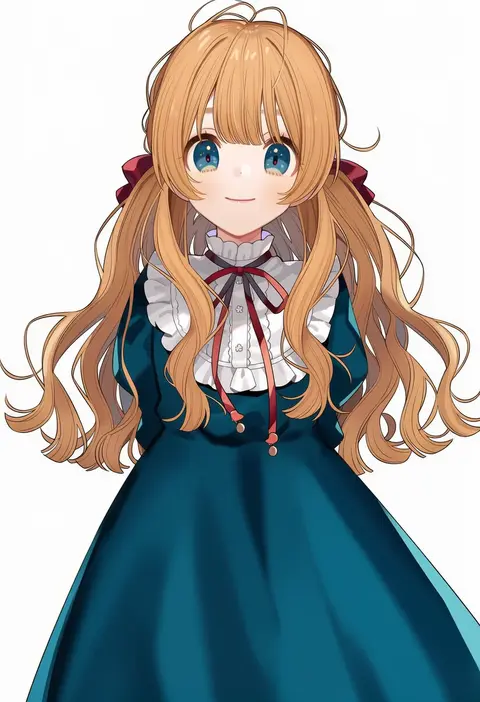
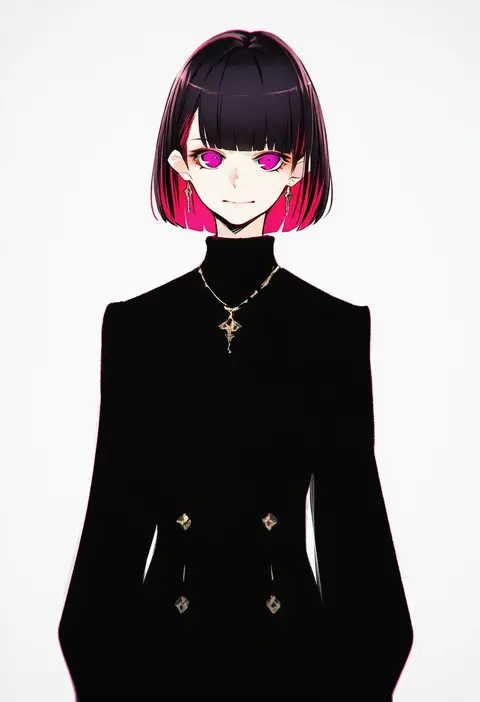
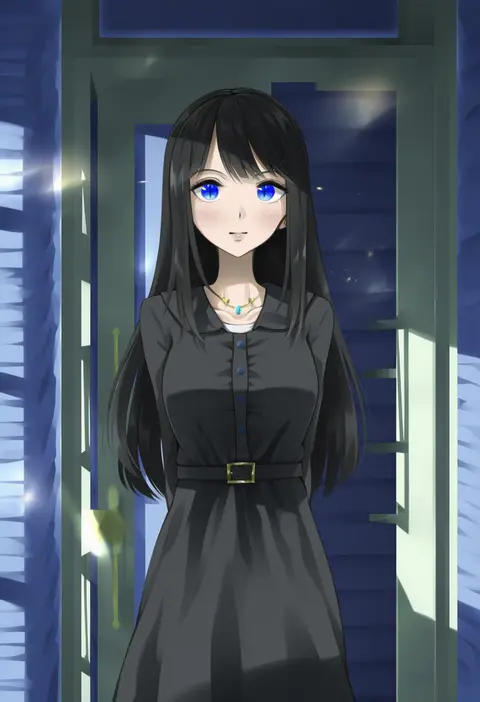
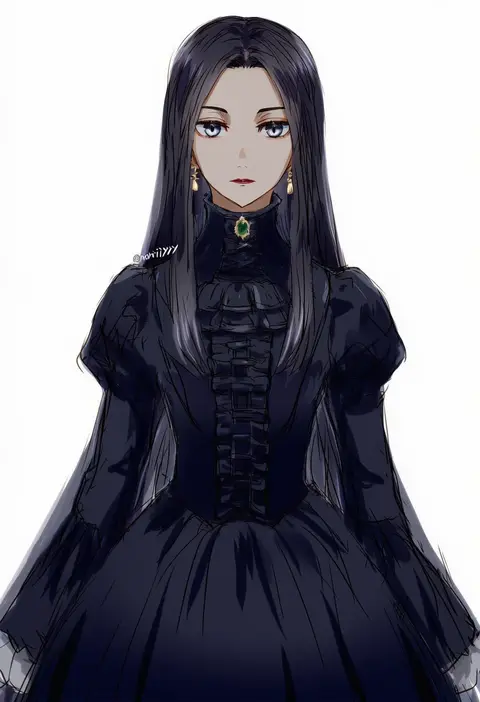
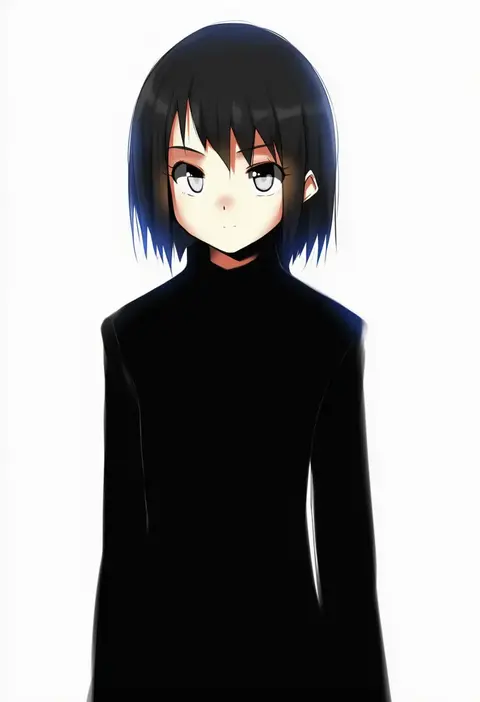
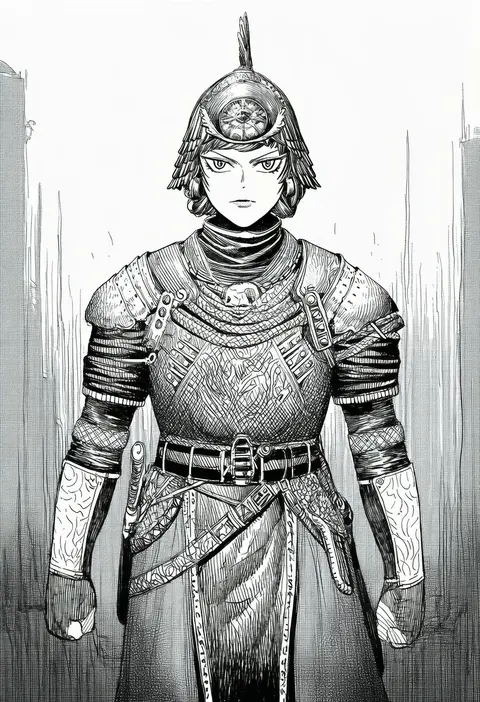
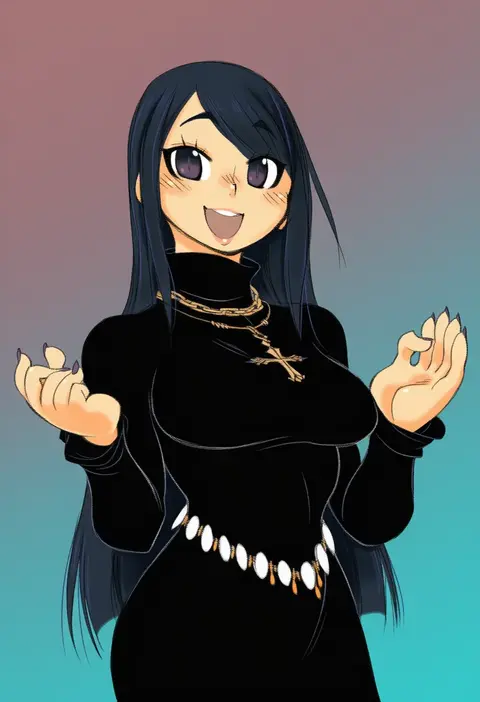
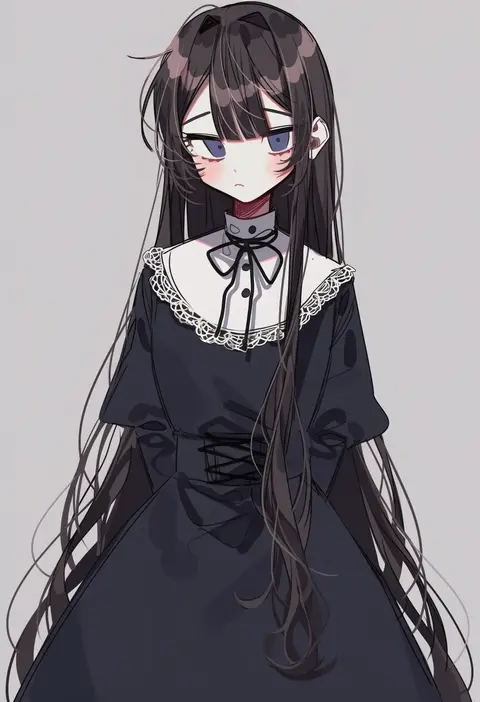
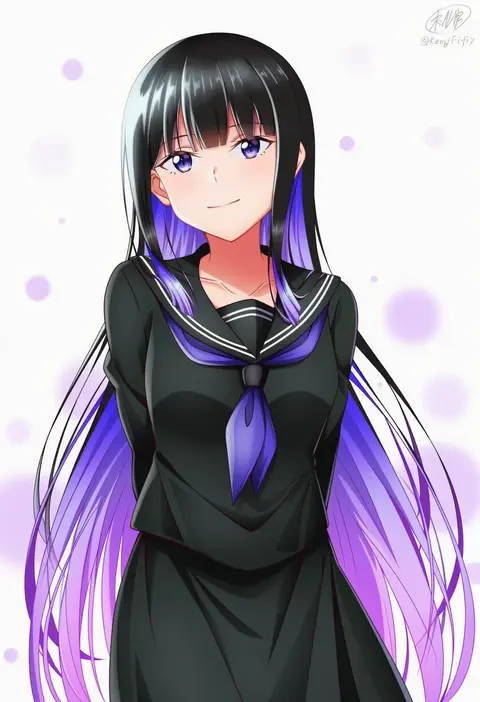
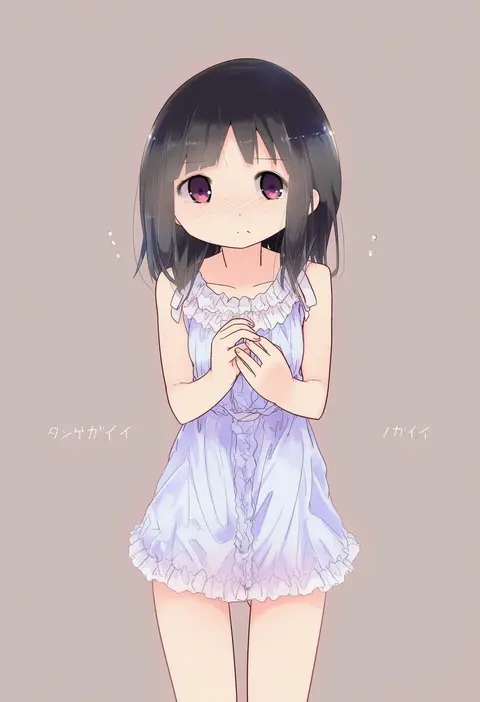
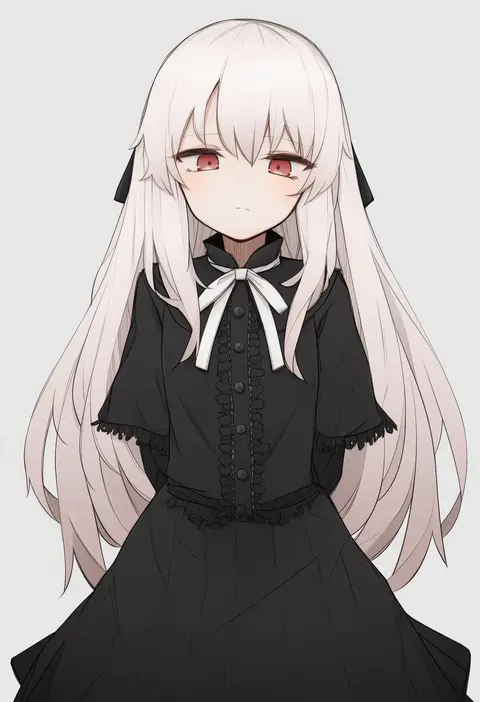
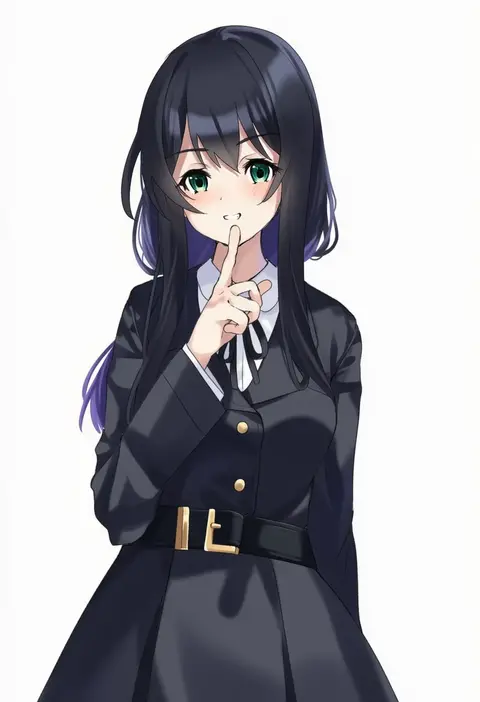
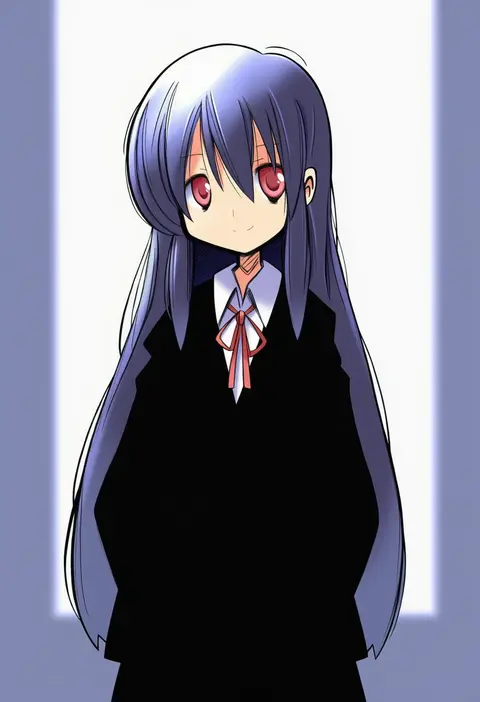
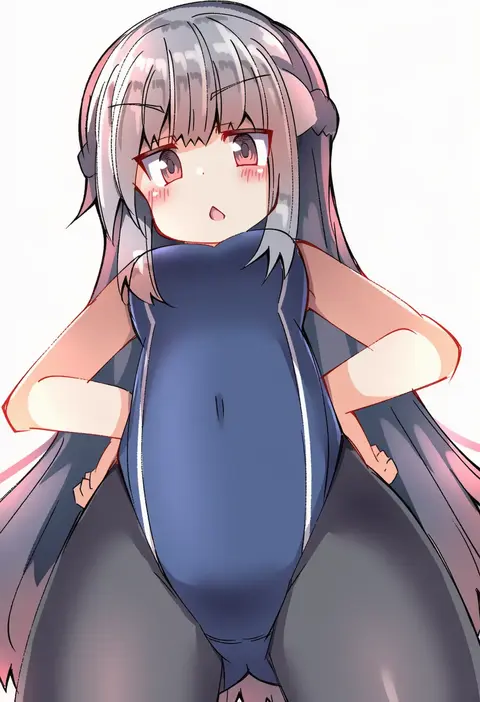
Every tag listed here is verified to react in NovelAI. All images use the same prompt, seed and settings with only the artist tag swapped, so the difference between two images is the style that tag brings in.

How to use them

Put the artist tag near the front of the prompt, e.g. "<artist>, 1girl, solo, best quality, masterpiece, cowboy shot". Two or three artist tags blend styles; lower the weight with "0.8::<artist>::" when the style overpowers the character.

SCORE sorts by Danbooru's top score, POSTS by post count, FAVS by hearts on this site. Open a card to see V5 and V4.5 side by side on the same seed.

V5 vs V4.5

V5 usually lands closer to the artist's real style, and tags that did nothing on V4.5 often react on V5. V4.5 still fits older and doujin-heavy artists better. Try V5 first, fall back to V4.5.

FAQ

Where does the artist tag go?
Near the front of the prompt. Use "0.8::tag::" to adjust its weight.

Can I stack artist tags?
Yes, styles blend. Past two or three the result stops looking like anyone.

Are these the artists' own works?
No. Every image is a NovelAI sample generated from the tag.