V4.5Artists
sort: FAVS▾
▾
>
$

NovelAI Artist Tags List — V4.5

artist --count 16,352[214/273]
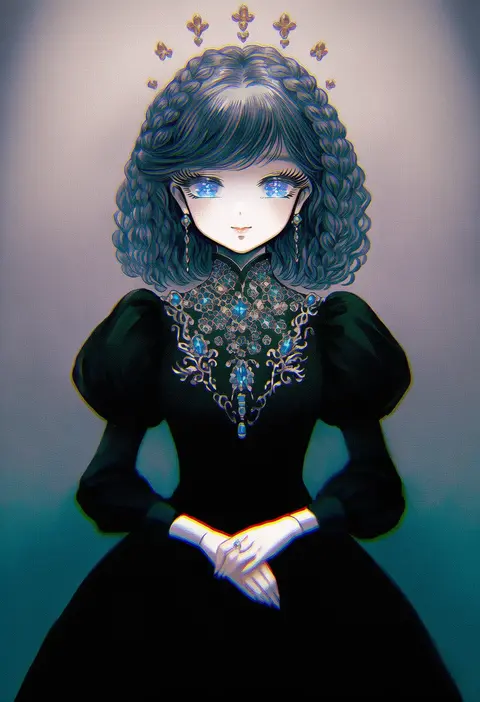
takatora
ARTIST0x31EC
0
poaro
ARTIST0x31ED
0
zan (harukahime)
ARTIST0x31EE
0
yokota mamoru
ARTIST0x31EF
0
moudoku (decopon3rd)
ARTIST0x31F0
0
elizabeth (tomas21)
ARTIST0x31F1
0
kanoe soushi
ARTIST0x31F2
0
nou (nounknown)
ARTIST0x31F3
0
saihate (d3)
ARTIST0x31F4
0
haruhata mutsuki
ARTIST0x31F5
0
fuji fujino
ARTIST0x31F6
0
yoshito
ARTIST0x31F7
0
sunday aki
ARTIST0x31F8
0
shiosoda
ARTIST0x31F9
0
noba
ARTIST0x31FA
0
kusanagi kaoru
ARTIST0x31FB
0
hirokiku
ARTIST0x31FC
0
yumoran
ARTIST0x31FD
0
uzaki (jiro)
ARTIST0x31FE
0
mitsuki meia
ARTIST0x31FF
0
kuzumochi (kuzumochiya)
ARTIST0x3200
0
zipsunz
ARTIST0x3201
0
satomachi
ARTIST0x3202
0
hanazome dotera
ARTIST0x3203
0
nogisaka kushio
ARTIST0x3204
0
fis (t83192933)
ARTIST0x3205
0
mayachi (amuriya)
ARTIST0x3206
0
ivy (675671)
ARTIST0x3207
0
longmei er de tuzi
ARTIST0x3208
0
michiru (amphibian)
ARTIST0x3209
0
south ac
ARTIST0x320A
0
pinguinkotak
ARTIST0x320B
0
ichiyan
ARTIST0x320C
0
yuno385
ARTIST0x320D
0
yomiya sateko
ARTIST0x320E
0
yonema
ARTIST0x320F
0
pikurusu
ARTIST0x3210
0
mofu (mof swimradio)
ARTIST0x3211
0
yasuhara roku
ARTIST0x3212
0
wadante
ARTIST0x3213
0
azel (laevateinn495)
ARTIST0x3214
0
d omm
ARTIST0x3215
0
oruto (ort+)
ARTIST0x3216
0
fuyuichi
ARTIST0x3217
0
hizuki aya
ARTIST0x3218
0
kantarou (8kan)
ARTIST0x3219
0
gmot
ARTIST0x321A
0
retsuna
ARTIST0x321B
0
smile (rz)
ARTIST0x321C
0
fujima (k114)
ARTIST0x321D
0
kenix
ARTIST0x321E
0
nakasawa kei
ARTIST0x321F
0
yuriyuri (ccc)
ARTIST0x3220
0
shigureteki
ARTIST0x3221
0
leilin
ARTIST0x3222
0
yuyi
ARTIST0x3223
0
cake mogo
ARTIST0x3224
0
kashmir 0808
ARTIST0x3225
0
tp (kido 94)
ARTIST0x3226
0
marin (myuy 3)
ARTIST0x3227
0

What these tags change

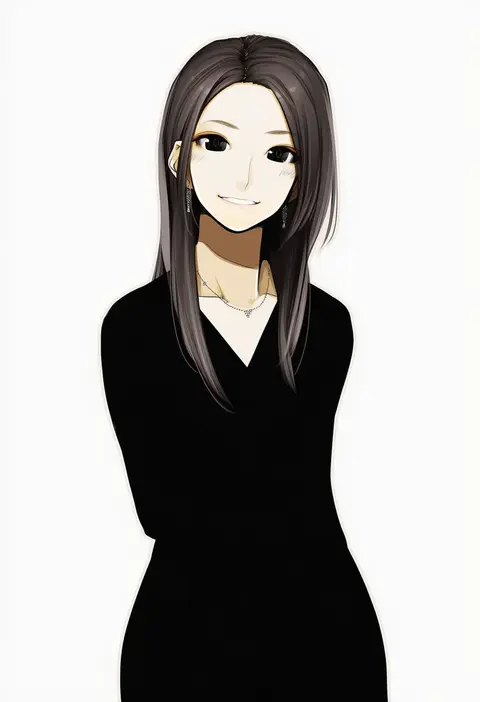
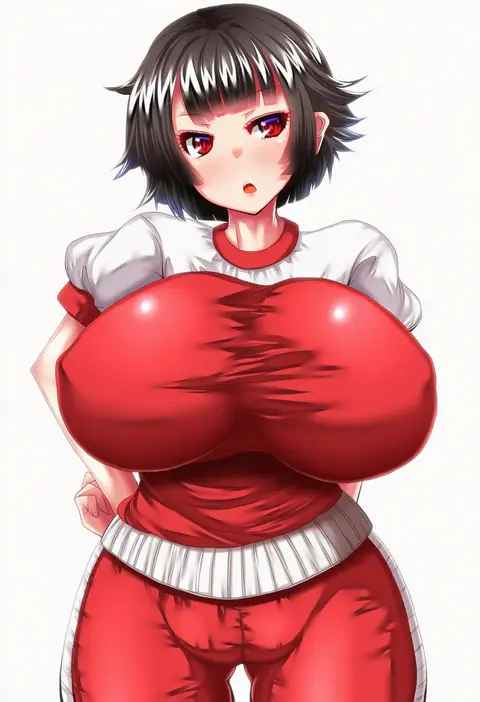
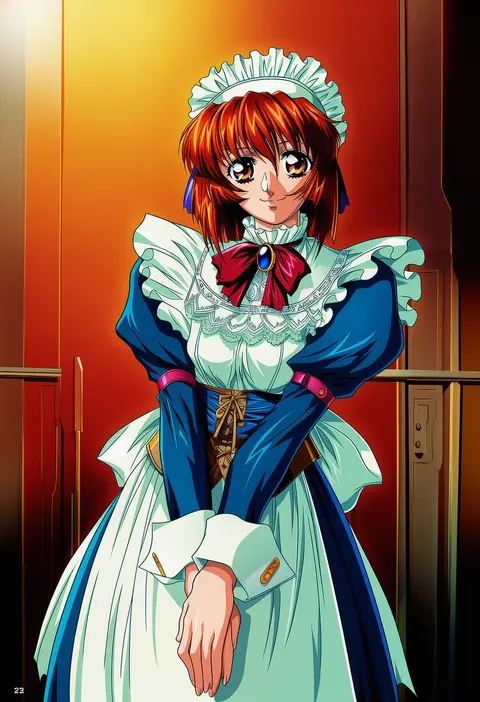
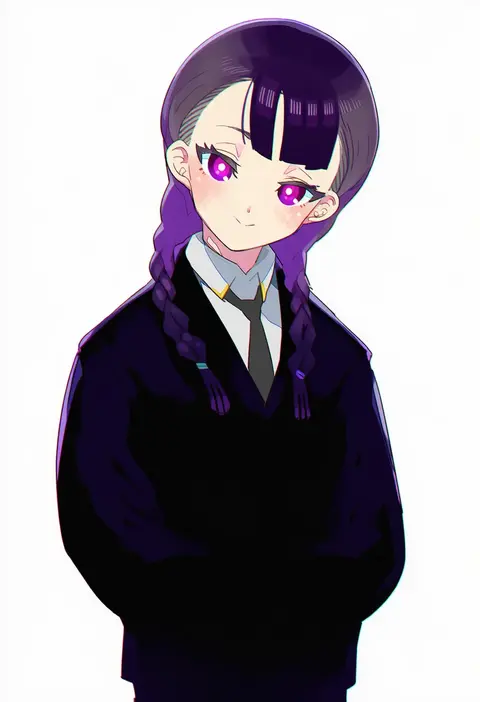
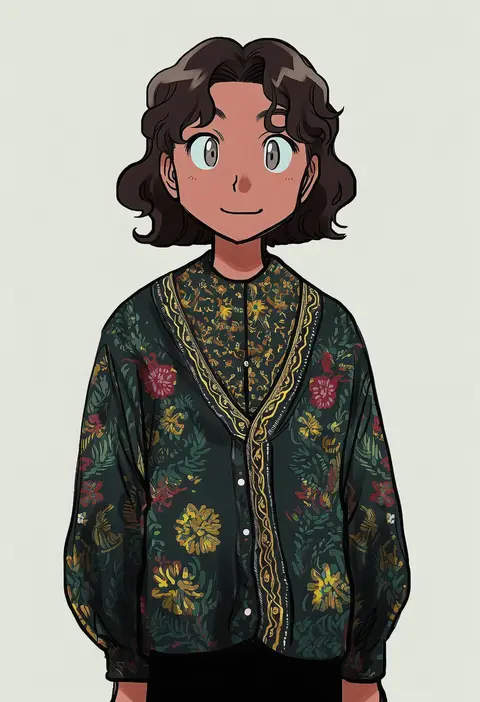
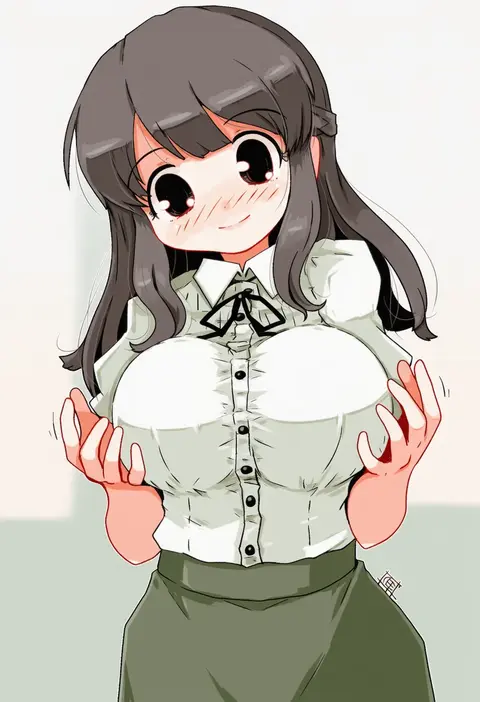
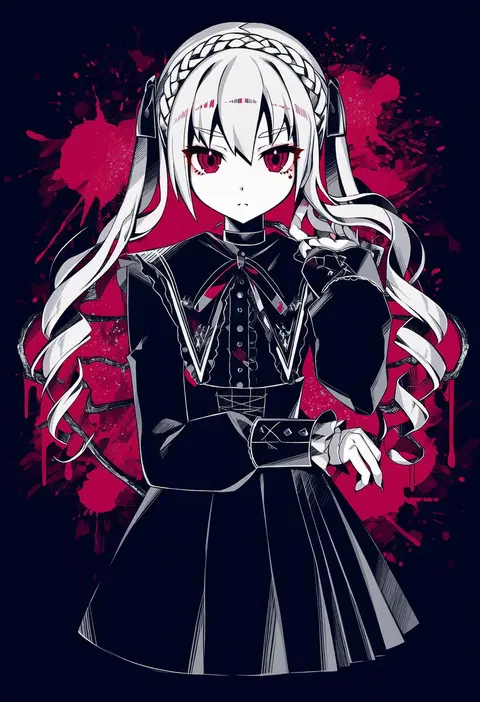
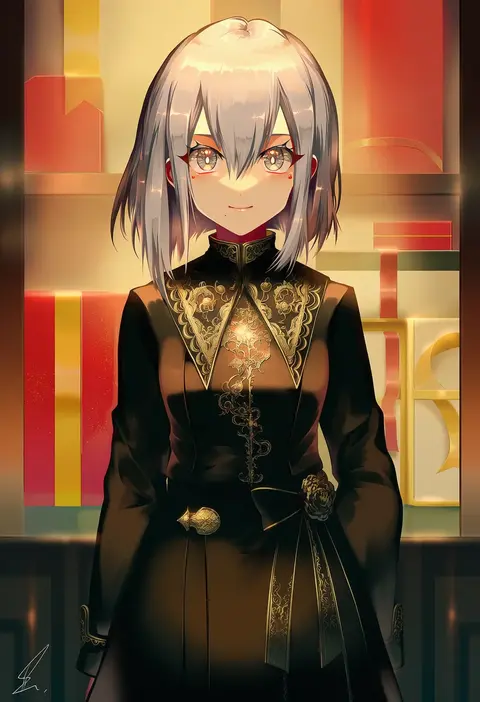
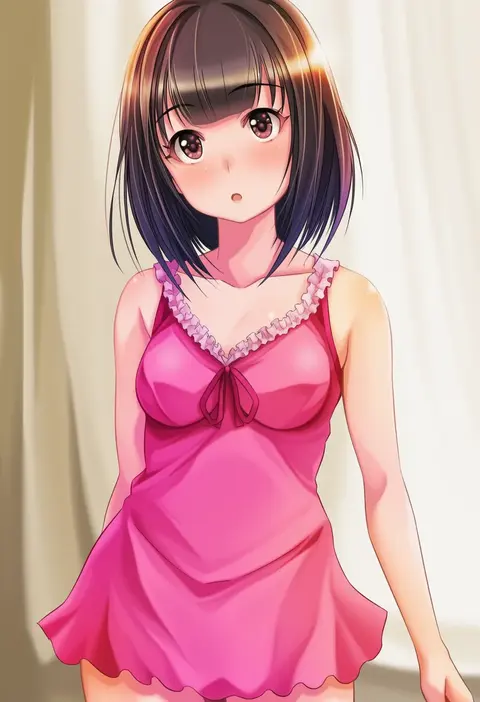
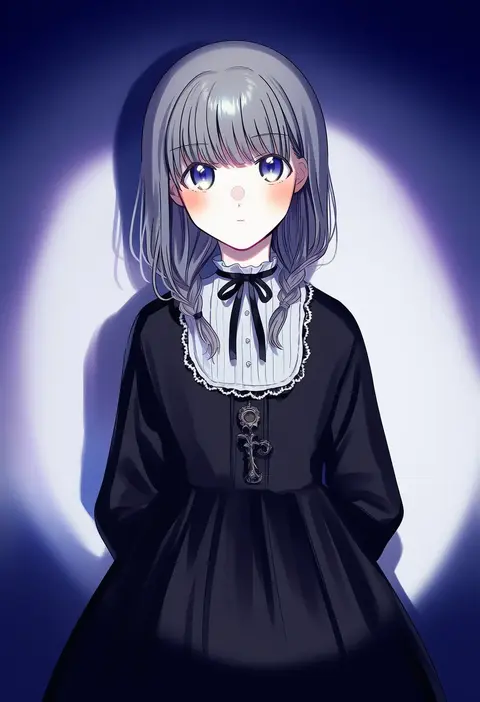
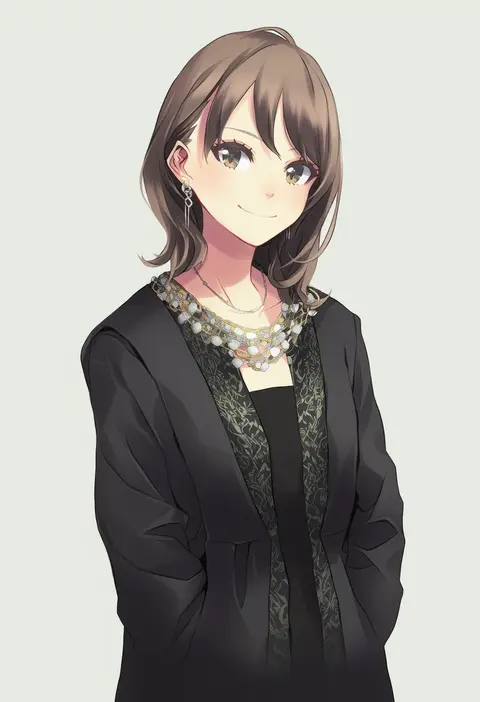
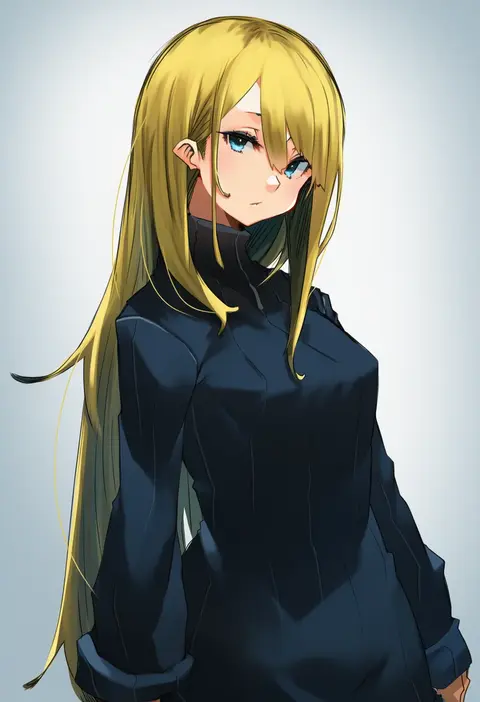
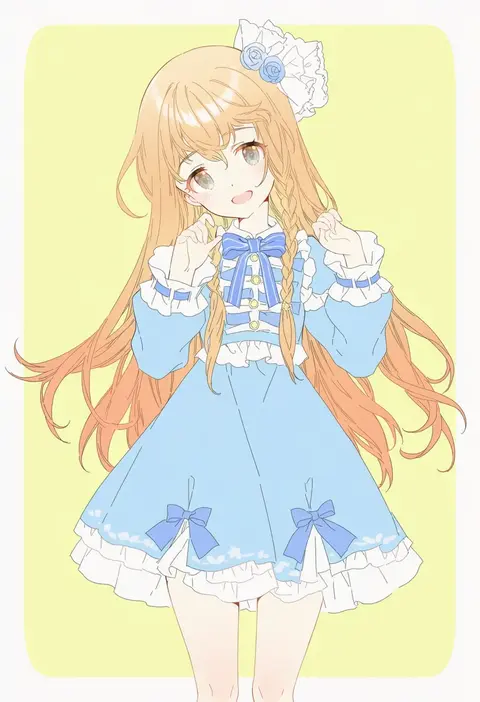
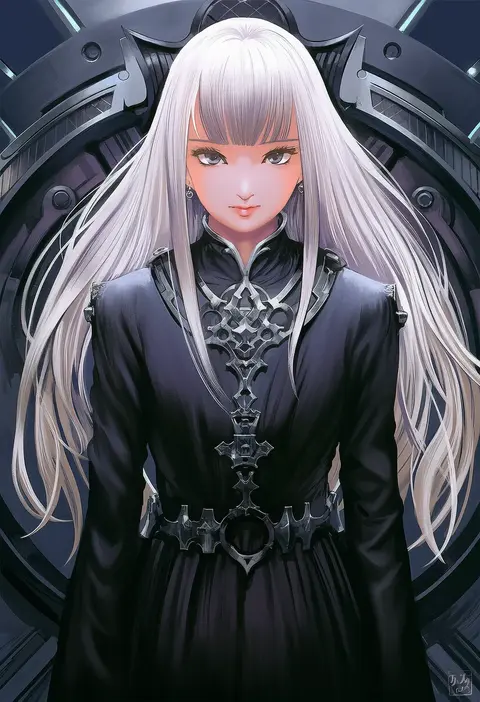
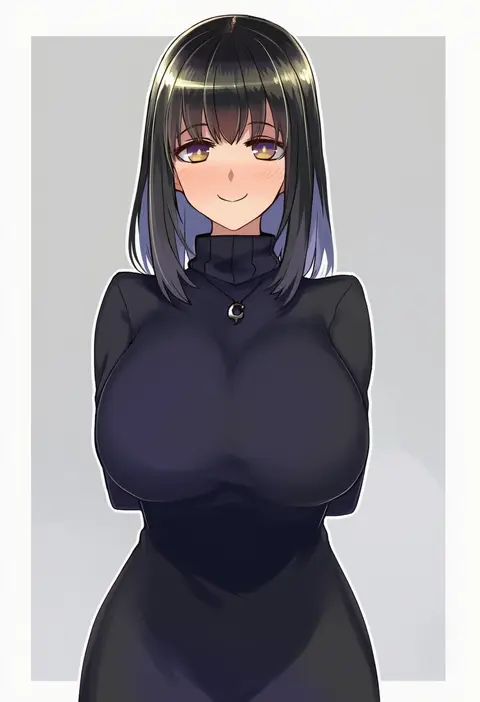
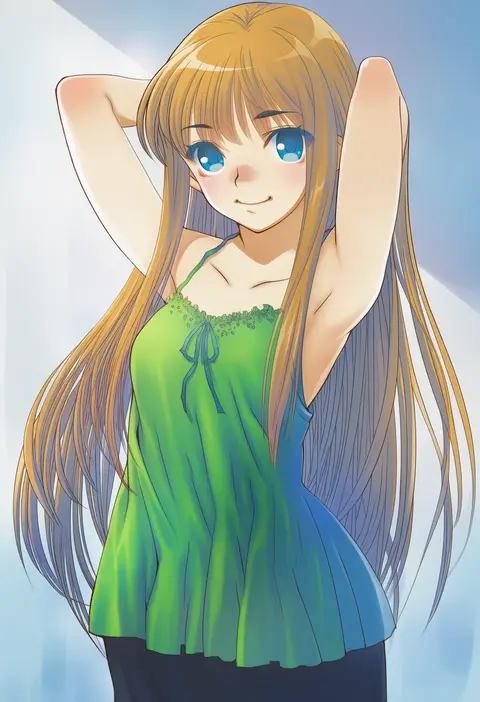
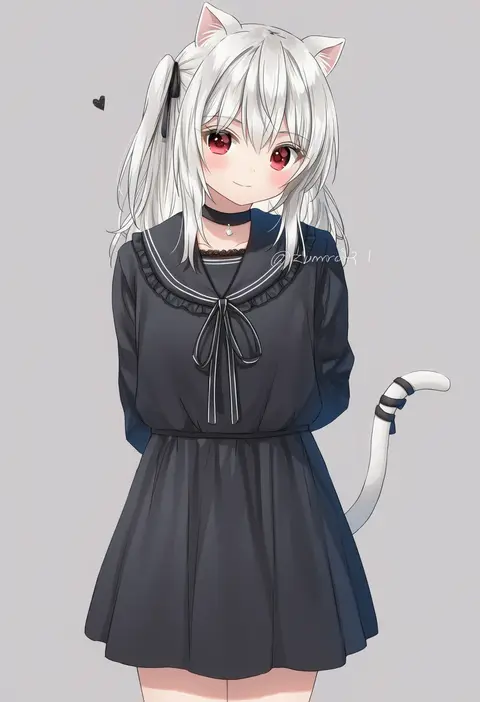
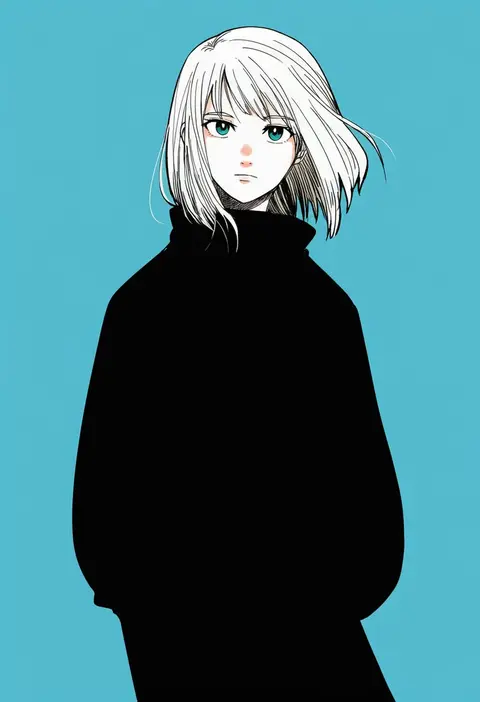
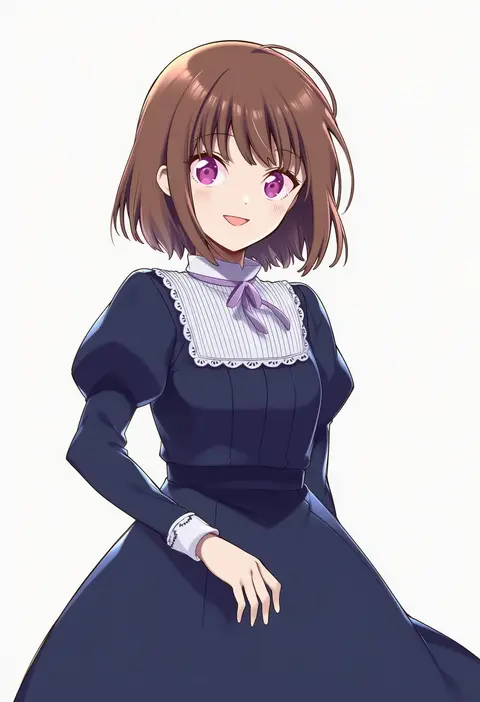
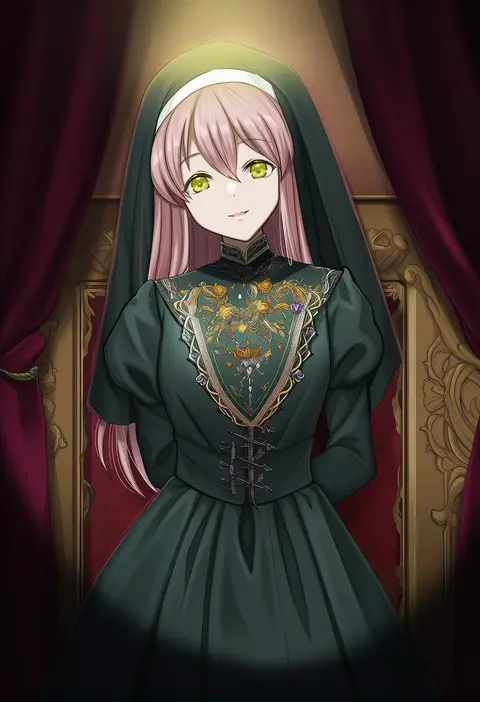
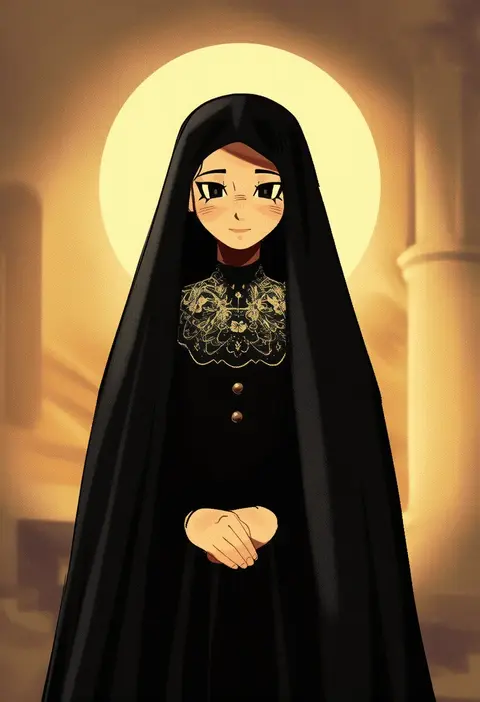
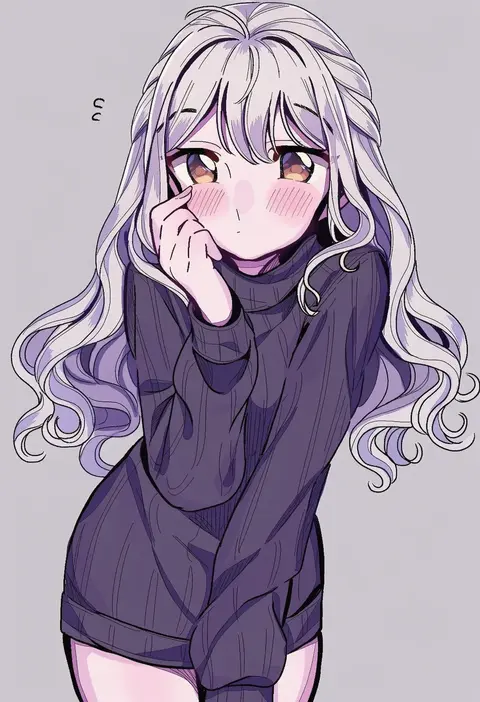
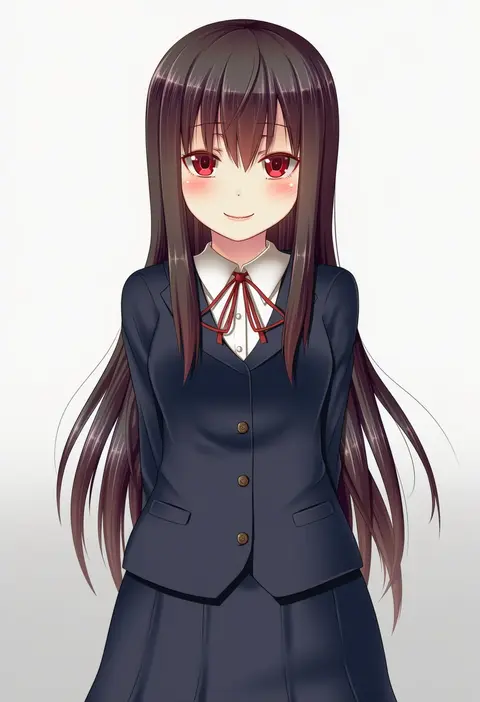
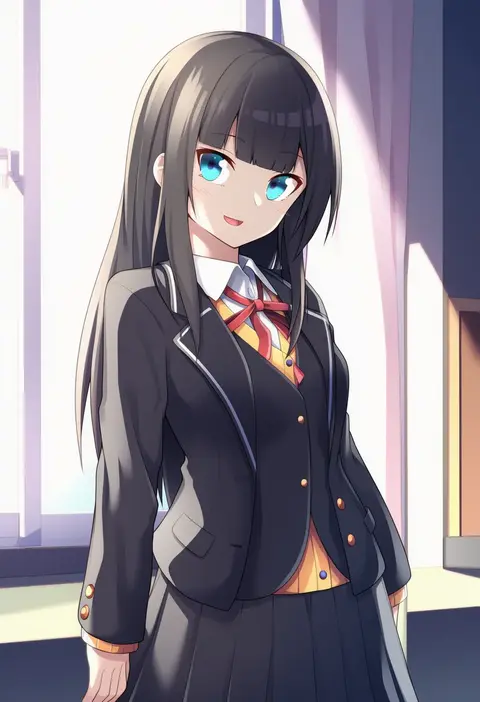
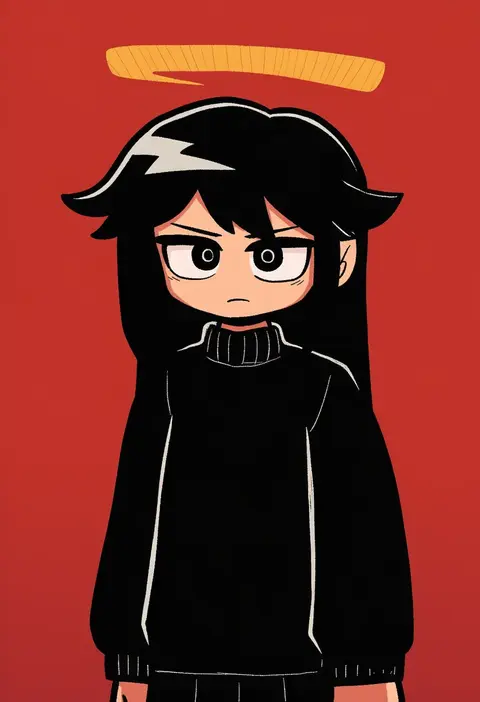
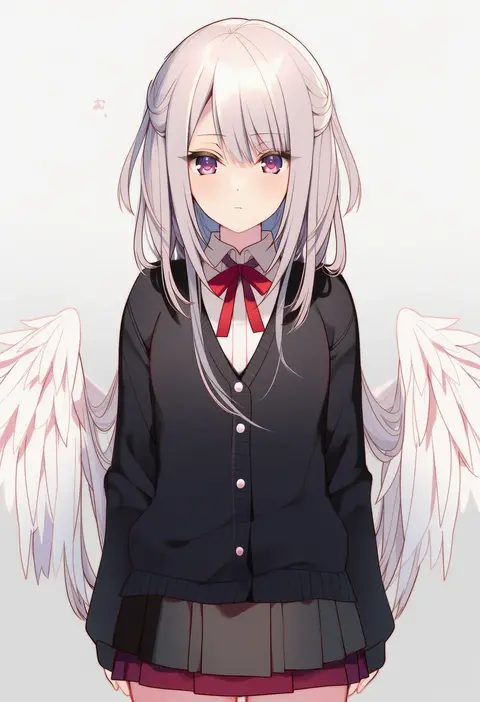
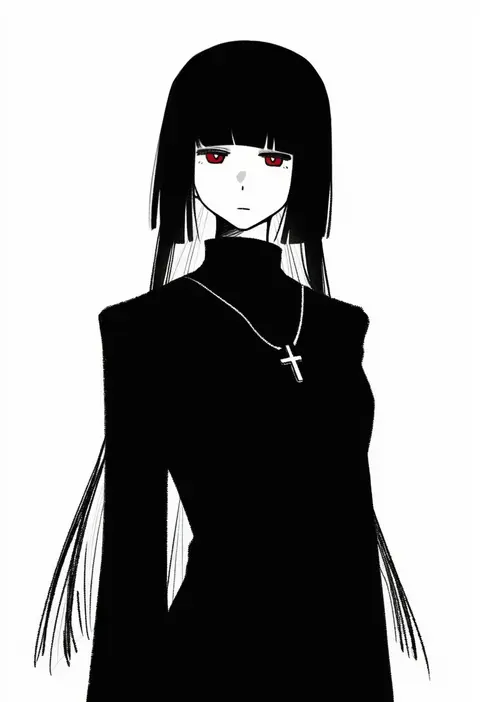
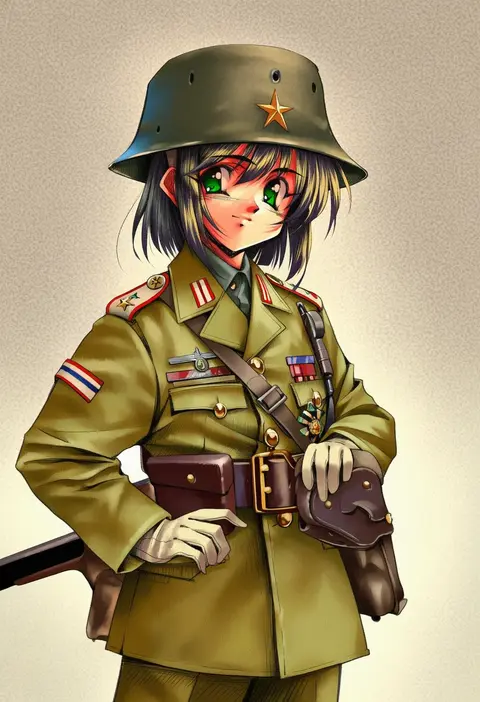
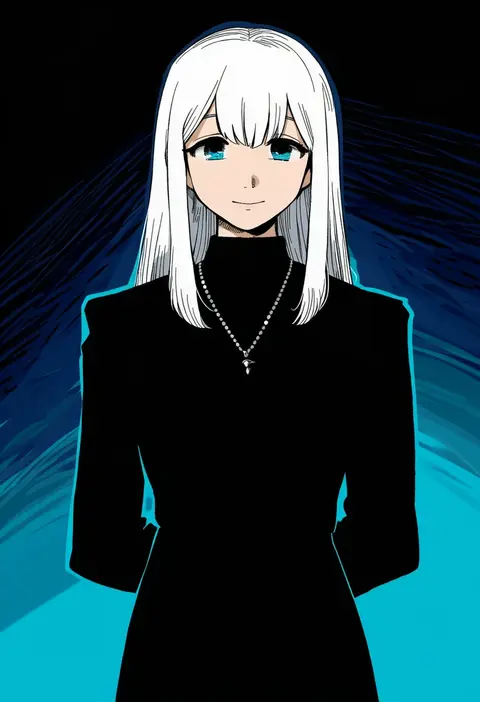
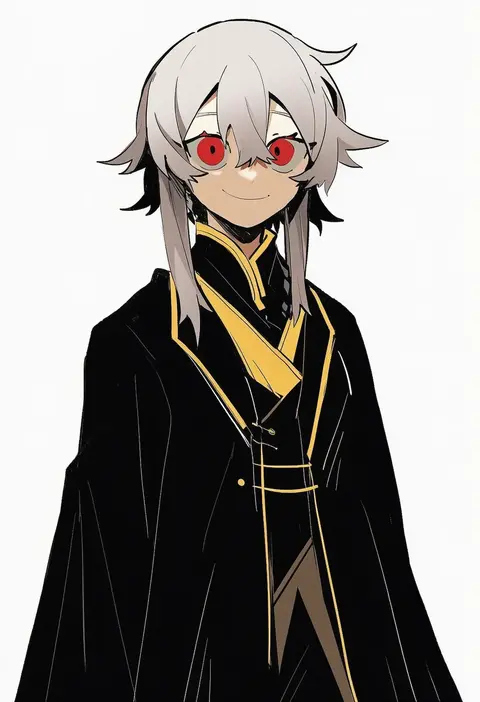
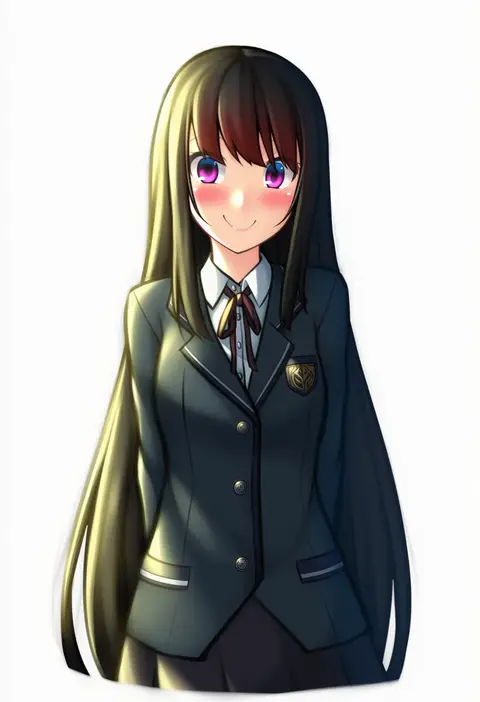
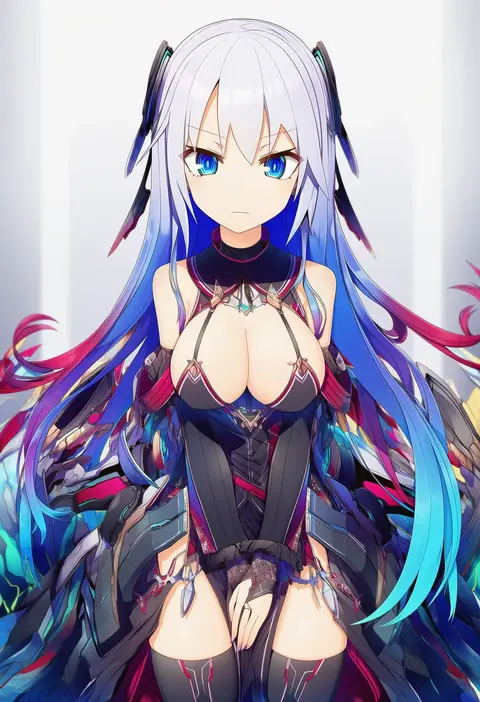
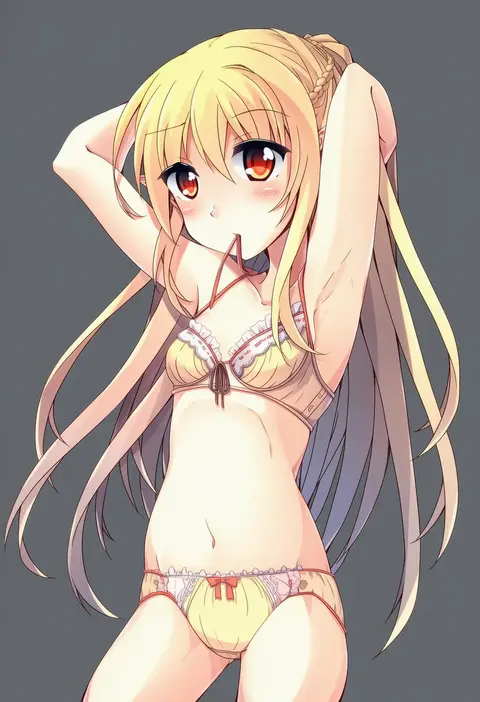
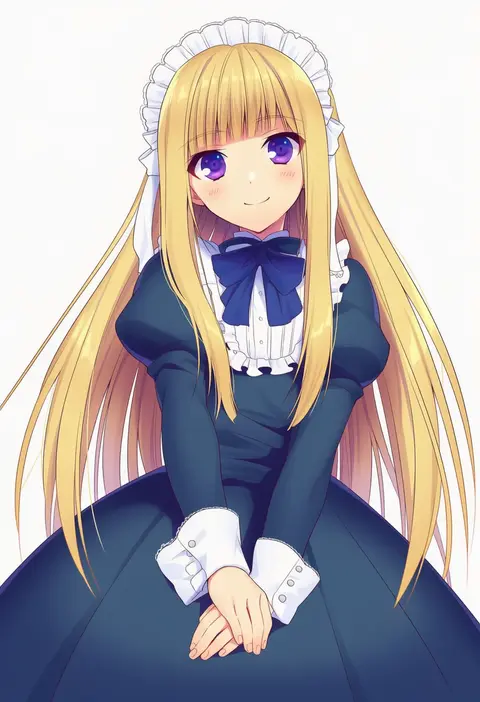
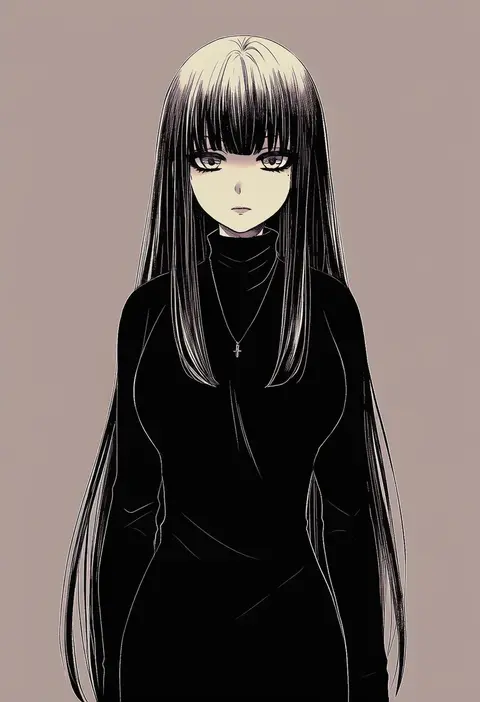
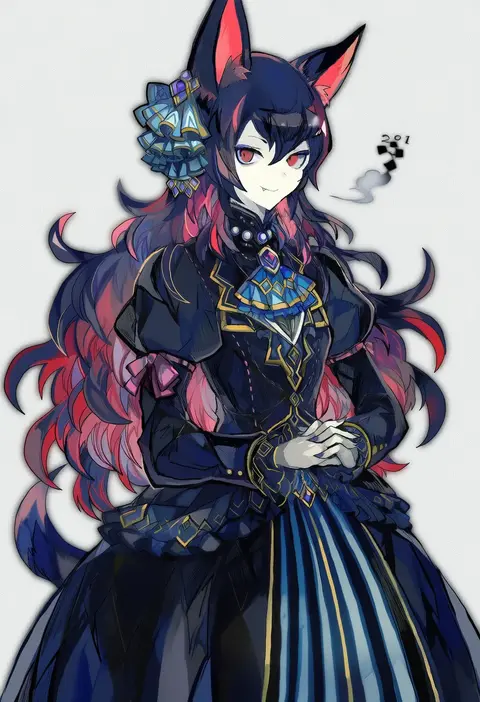
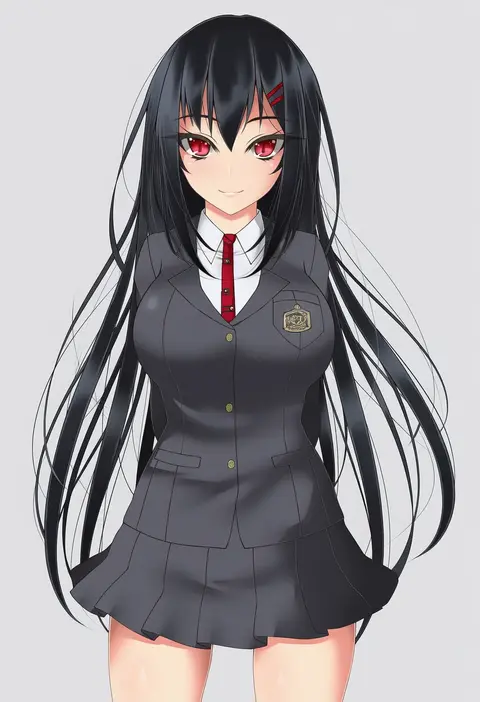
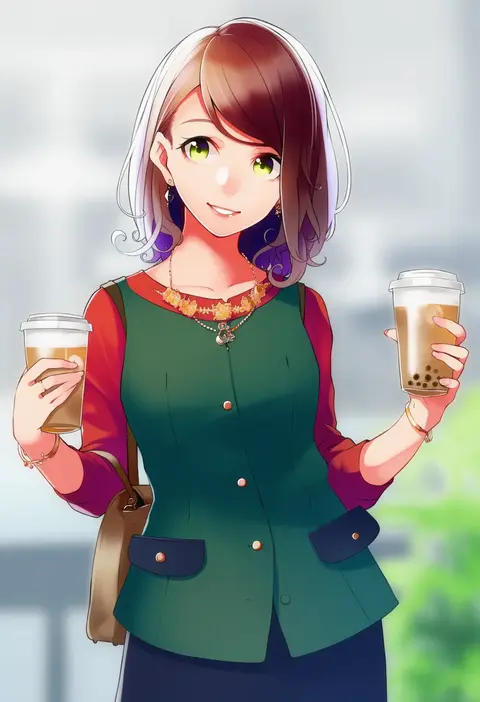
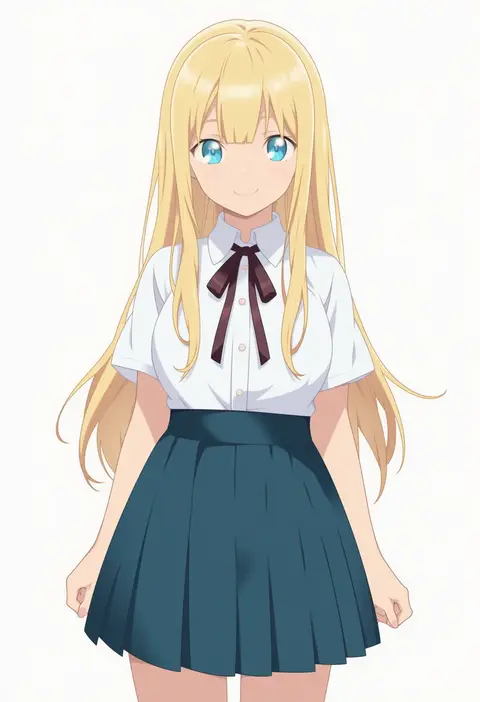
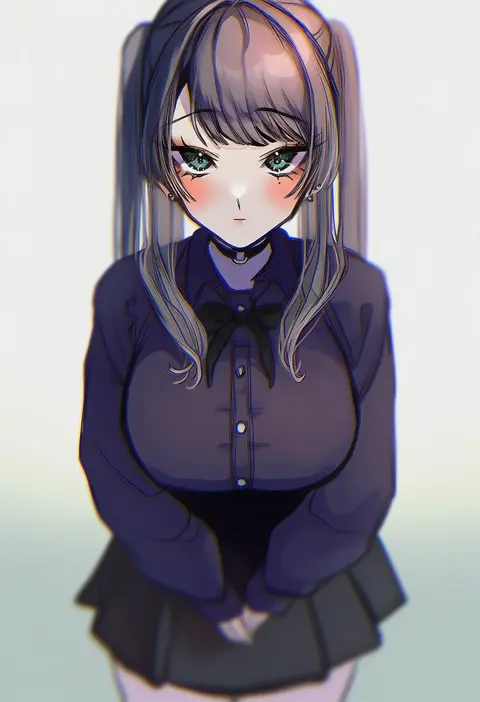
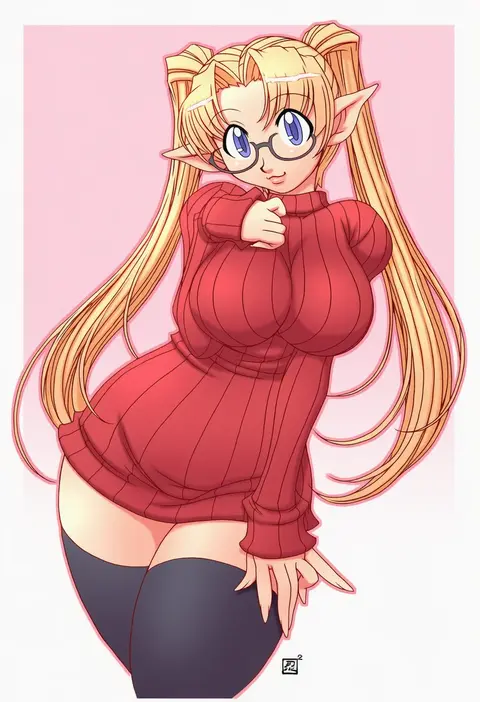
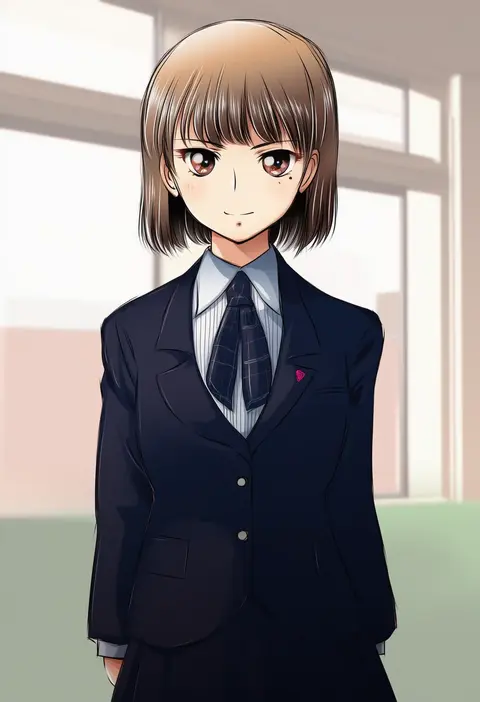
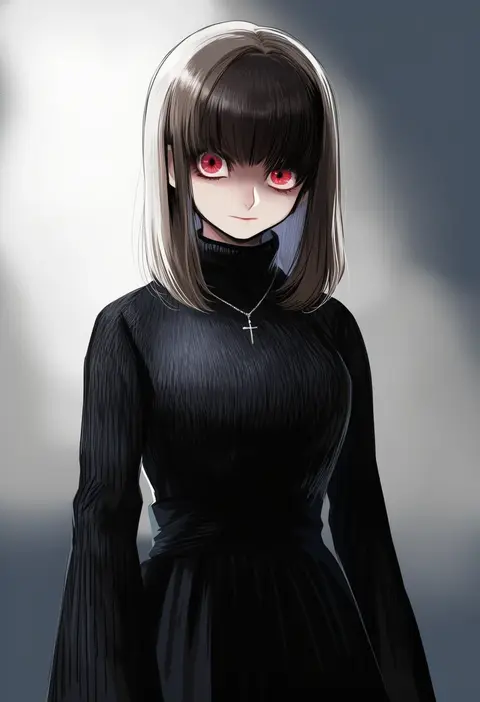
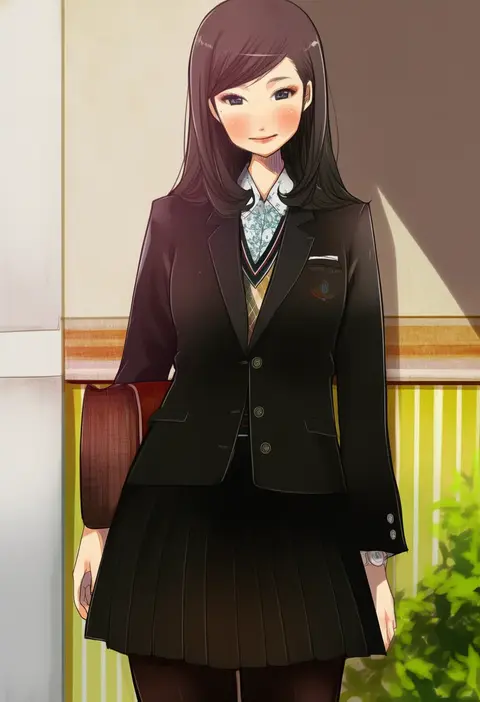
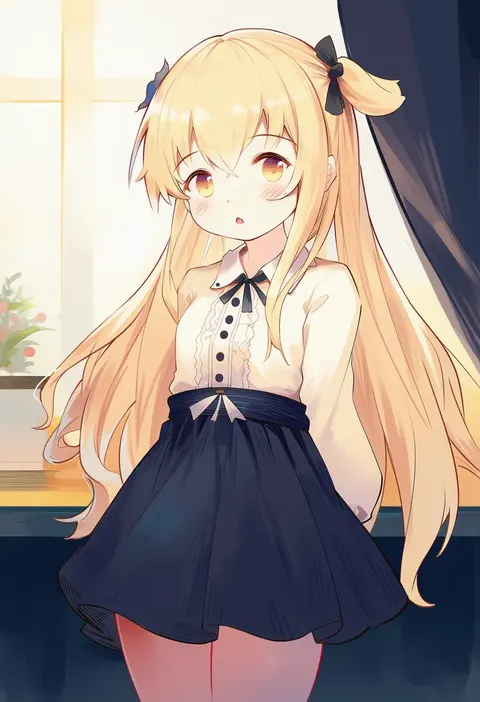
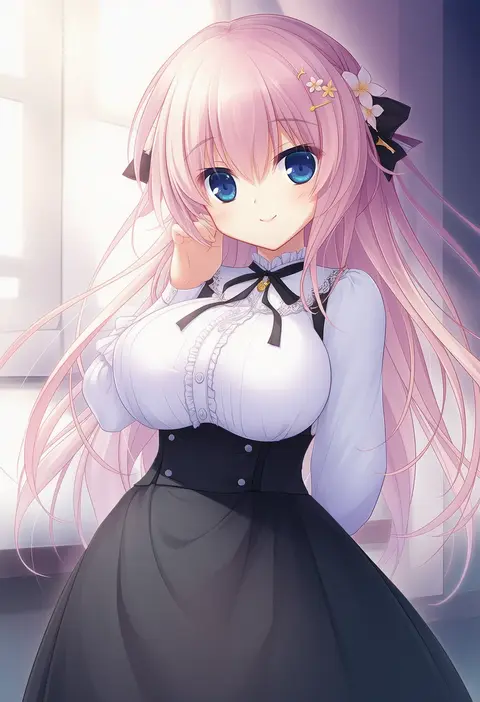
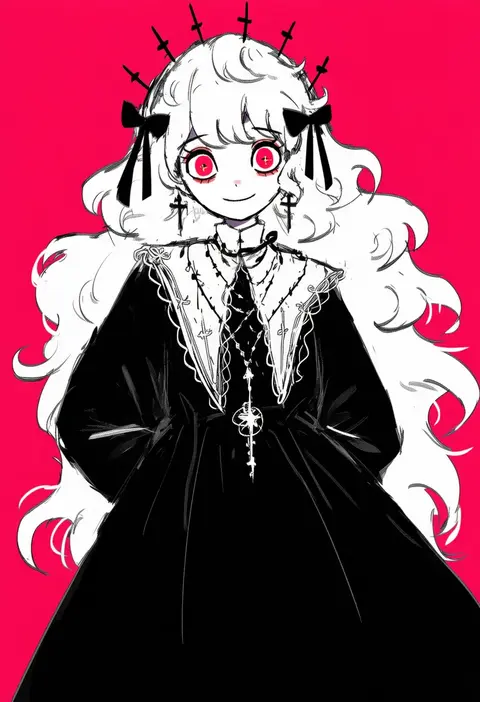
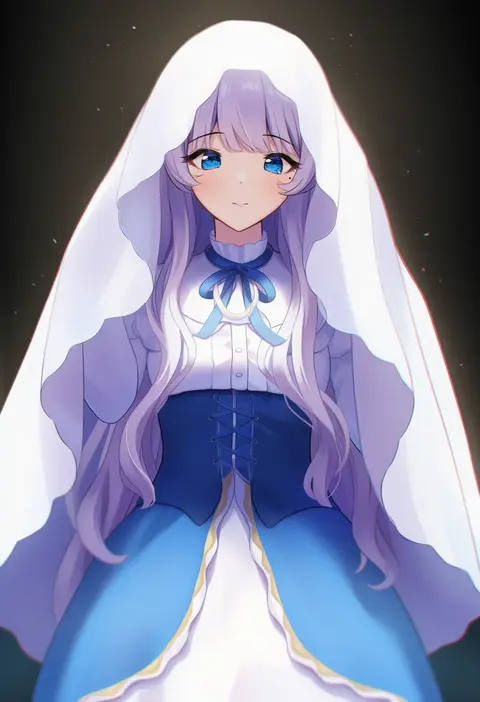
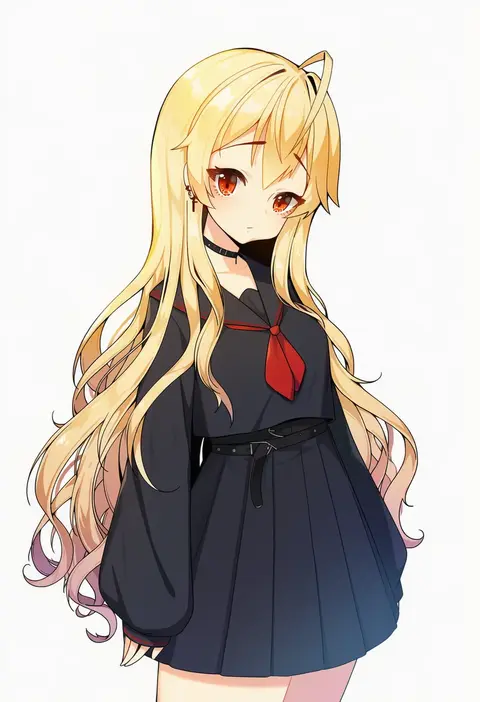
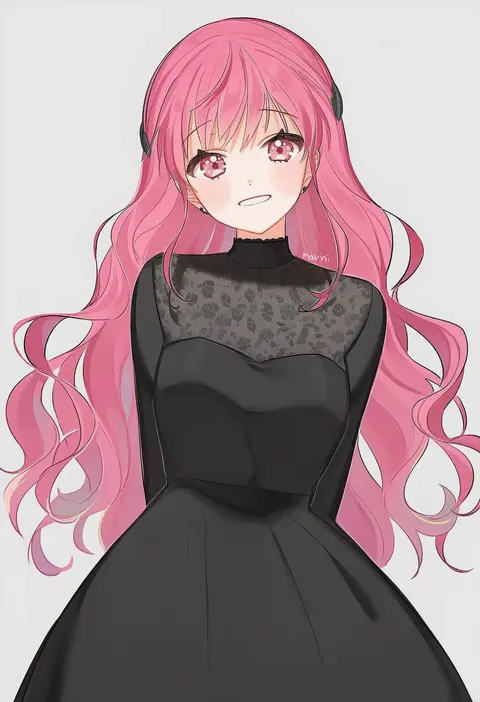
Artist tags tell NovelAI Diffusion to draw in a specific artist's style: line weight, paint texture, face shapes and palette all shift at once. Character and outfit tags decide what is drawn; artist tags decide how. 16,352 tags are listed for V4.5.
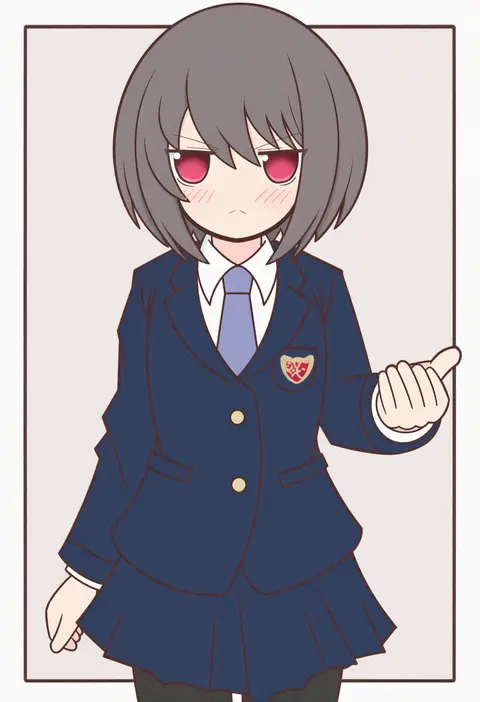
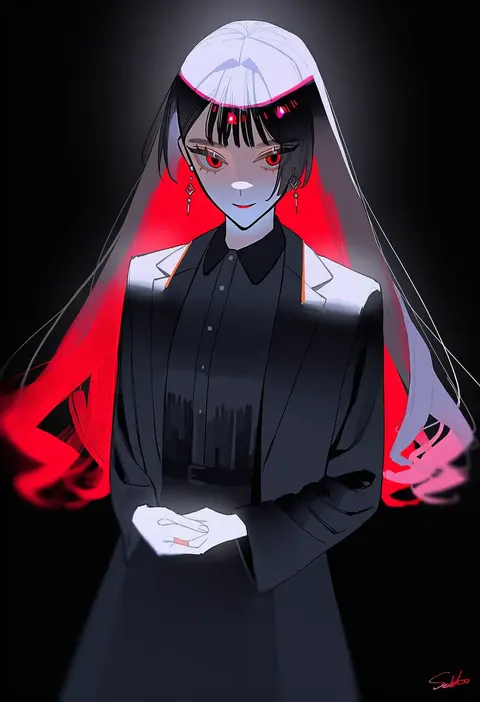
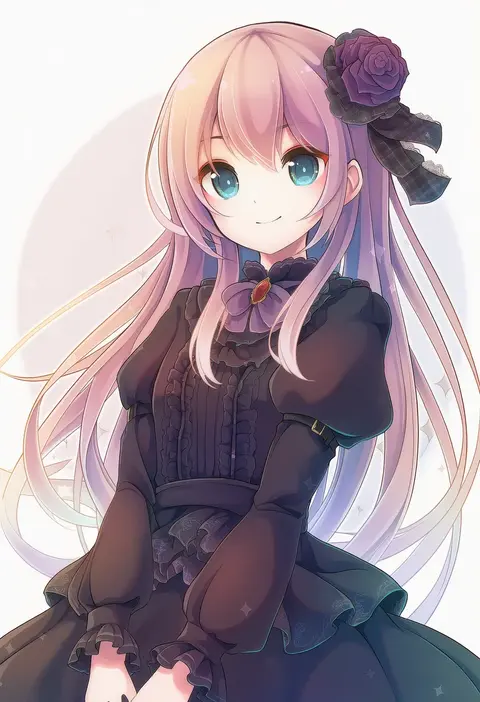
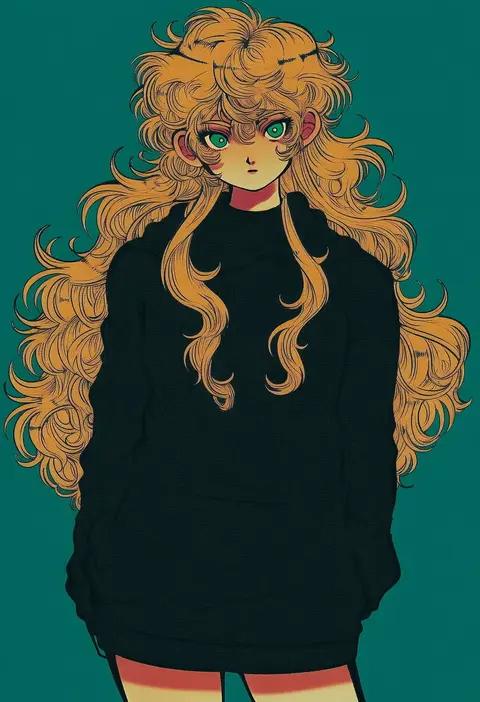
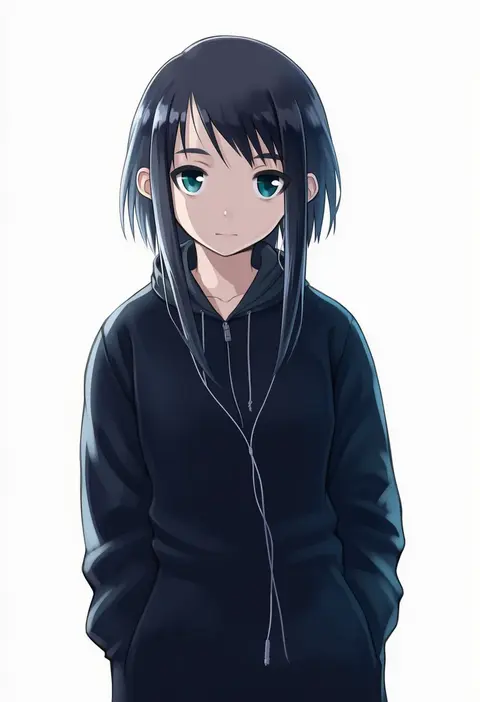
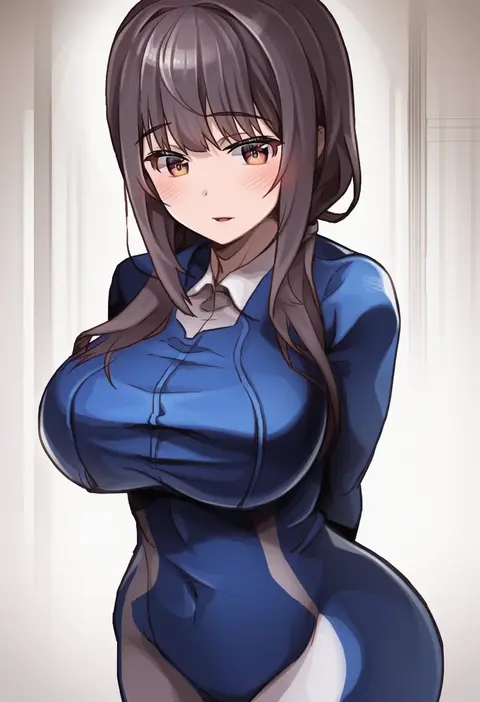
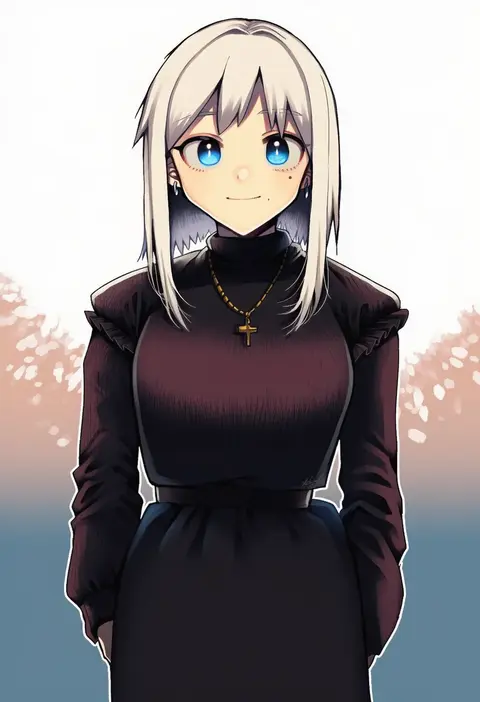
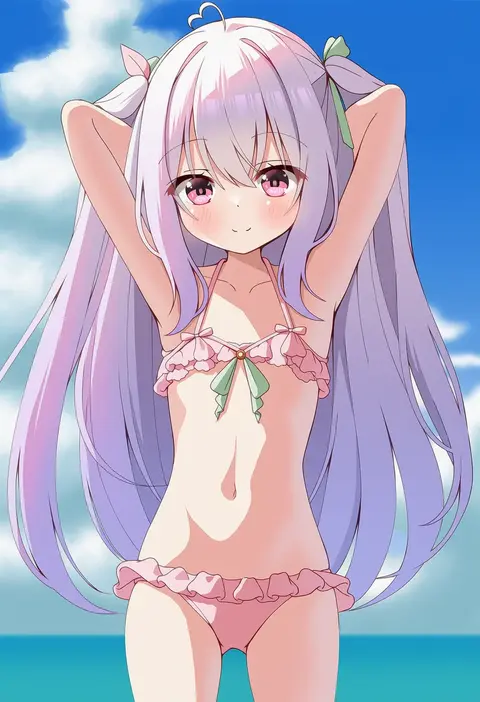
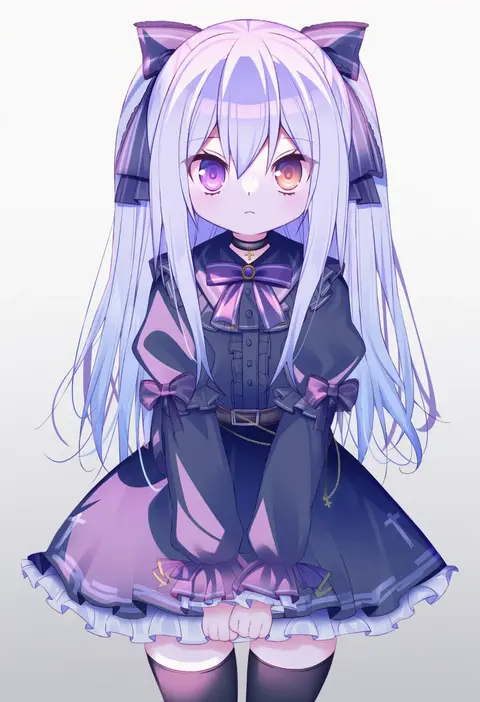
Every tag listed here is verified to react in NovelAI. All images use the same prompt, seed and settings with only the artist tag swapped, so the difference between two images is the style that tag brings in.

How to use them

Put the artist tag near the front of the prompt, e.g. "<artist>, 1girl, solo, best quality, masterpiece, cowboy shot". Two or three artist tags blend styles; lower the weight with "0.8::<artist>::" when the style overpowers the character.

SCORE sorts by Danbooru's top score, POSTS by post count, FAVS by hearts on this site. Open a card to see V5 and V4.5 side by side on the same seed.

V5 vs V4.5

V5 usually lands closer to the artist's real style, and tags that did nothing on V4.5 often react on V5. V4.5 still fits older and doujin-heavy artists better. Try V5 first, fall back to V4.5.

FAQ

Where does the artist tag go?
Near the front of the prompt. Use "0.8::tag::" to adjust its weight.

Can I stack artist tags?
Yes, styles blend. Past two or three the result stops looking like anyone.

Are these the artists' own works?
No. Every image is a NovelAI sample generated from the tag.