V4.5Artists
sort: FAVS▾
▾
>
$

NovelAI Artist Tags List — V4.5

artist --count 16,352[212/273]
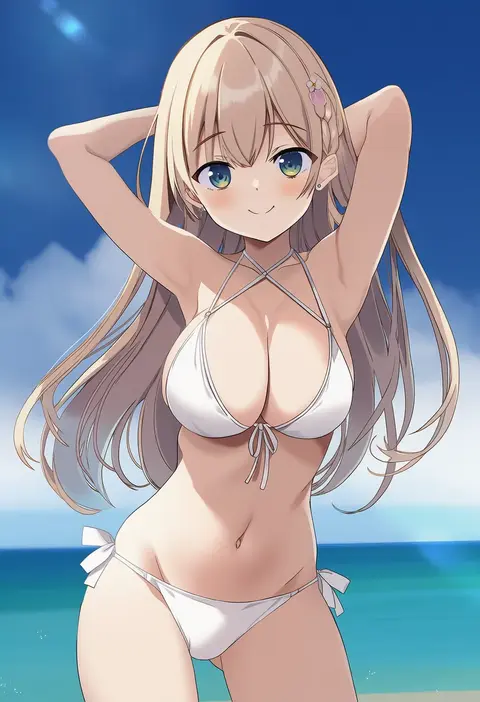
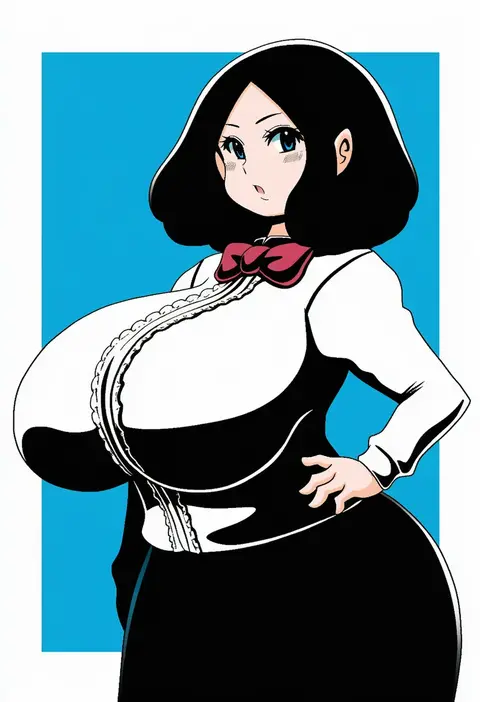
takashina masato
ARTIST0x3174
0
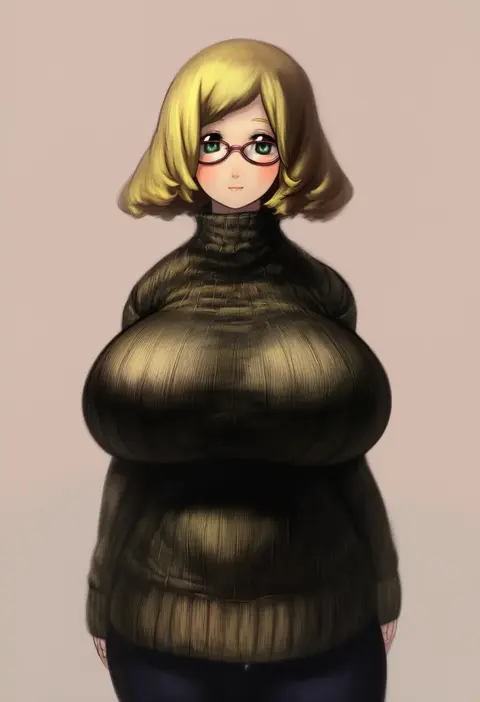
uchuu no mozuku
ARTIST0x3175
0
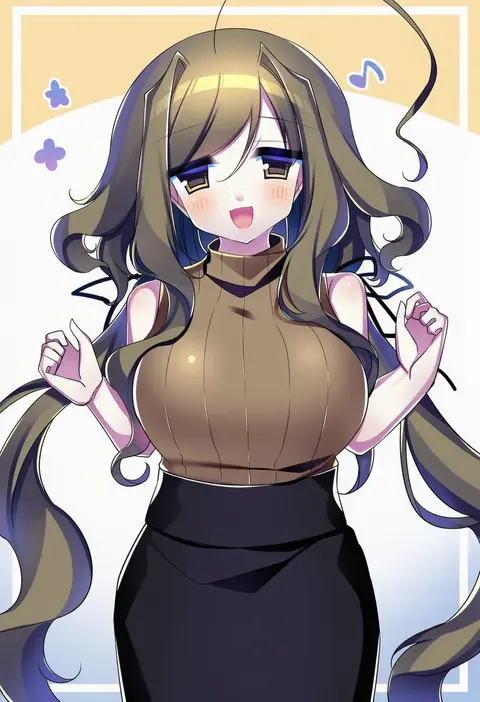
torotei
ARTIST0x3176
0
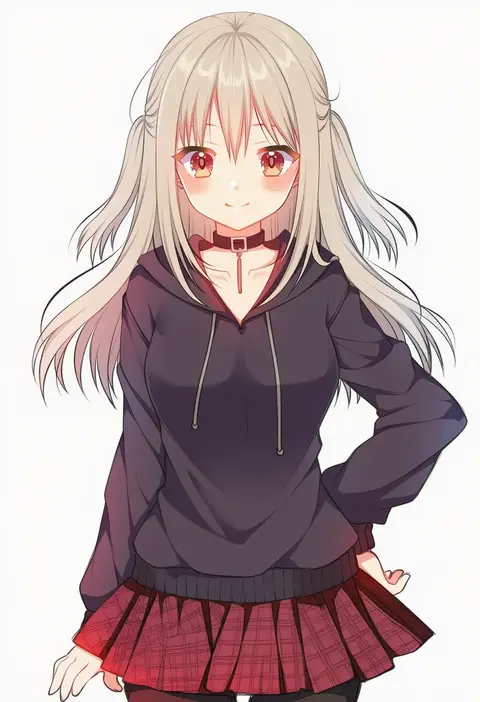
houzuki (hotondo)
ARTIST0x3177
0
monrooru
ARTIST0x3178
0
kaminagi (kaminagi-tei)
ARTIST0x3179
0
mizuki (flowerlanguage)
ARTIST0x317A
0
miyako hito
ARTIST0x317B
0
ld (luna dial398)
ARTIST0x317C
0
powerlesssong
ARTIST0x317D
0
mikeran (mikelan)
ARTIST0x317E
0
fifiruu
ARTIST0x317F
0
nagayama yuunon
ARTIST0x3180
0
dangomushi
ARTIST0x3181
0
mana (tsurubeji)
ARTIST0x3182
0
potato pot
ARTIST0x3183
0
hama chon
ARTIST0x3184
0
ri (qrcode)
ARTIST0x3185
0
hazuki ruu
ARTIST0x3186
0
totoharu (kujirai minato)
ARTIST0x3187
0
inuarashi
ARTIST0x3188
0
tsukimirin
ARTIST0x3189
0
chamupei
ARTIST0x318A
0
oshiaki
ARTIST0x318B
0
kuramoto takato
ARTIST0x318C
0
abe suke
ARTIST0x318D
0
chikuwa (tks)
ARTIST0x318E
0
konata gazel
ARTIST0x318F
0
spawnfoxy
ARTIST0x3190
0
bachera
ARTIST0x3191
0
shukinuko
ARTIST0x3192
0
hwaryeok
ARTIST0x3193
0
banishment
ARTIST0x3194
0
akira (meltyhip)
ARTIST0x3195
0
manyako (mohumohu)
ARTIST0x3196
0
spark621
ARTIST0x3197
0
otsumami (bu-bu-heaven)
ARTIST0x3198
0
kawanobe
ARTIST0x3199
0
koutarosu
ARTIST0x319A
0
binayu
ARTIST0x319B
0
kujou mikuru
ARTIST0x319C
0
ayamisiro
ARTIST0x319D
0
charamells
ARTIST0x319E
0
nobicco
ARTIST0x319F
0
kasa list
ARTIST0x31A0
0
kusumoto shizuru
ARTIST0x31A1
0
yunioshi
ARTIST0x31A2
0
blackbox (blackbox9158)
ARTIST0x31A3
0
eringikinono
ARTIST0x31A4
0
gurajio
ARTIST0x31A5
0
yasaka syu
ARTIST0x31A6
0
yen-mi
ARTIST0x31A7
0
makaria
ARTIST0x31A8
0
mistrail
ARTIST0x31A9
0
hemorina
ARTIST0x31AA
0
nomura tetsuya
ARTIST0x31AB
0
nina (pastime)
ARTIST0x31AC
0
fukunaga kazuhiro
ARTIST0x31AD
0
sinakyo
ARTIST0x31AE
0
pinki (shounenkakuseiya)
ARTIST0x31AF
0

What these tags change

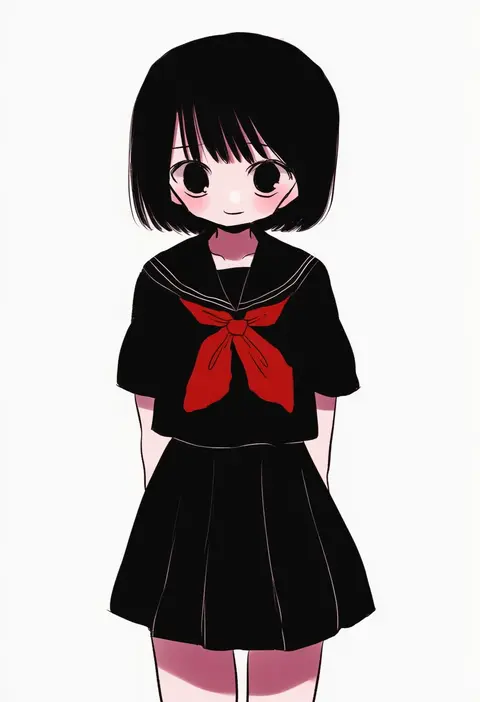
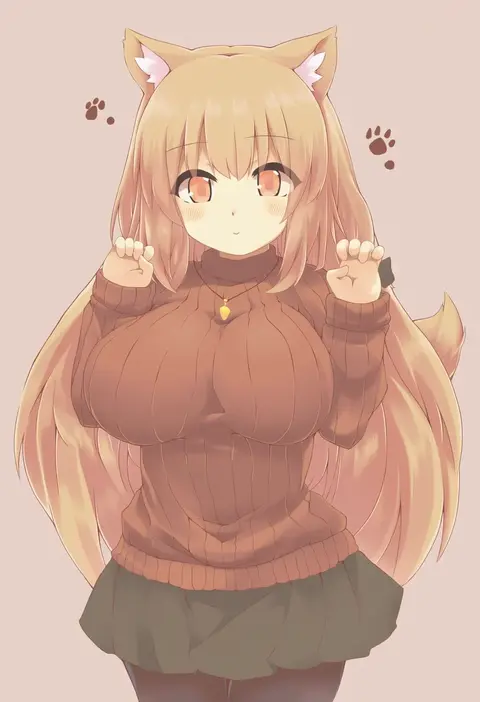
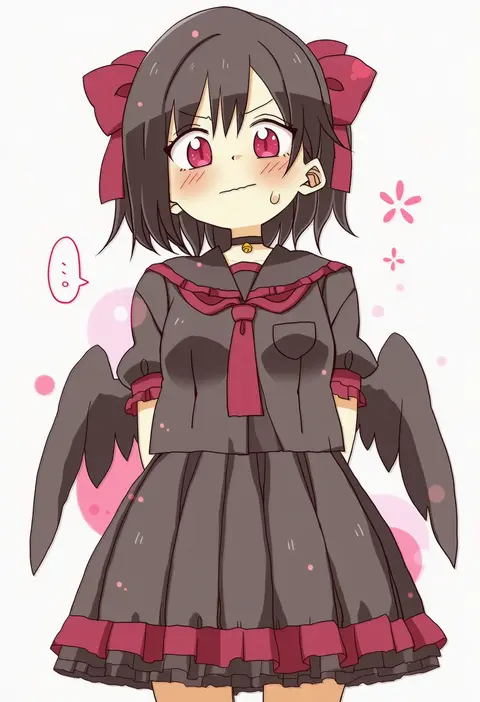
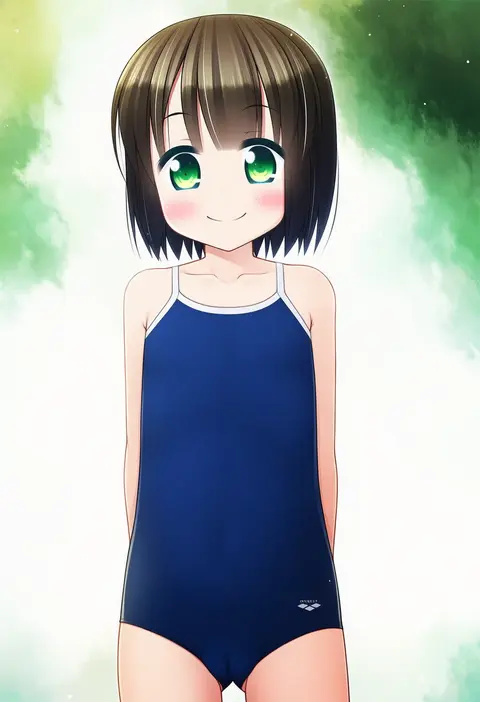
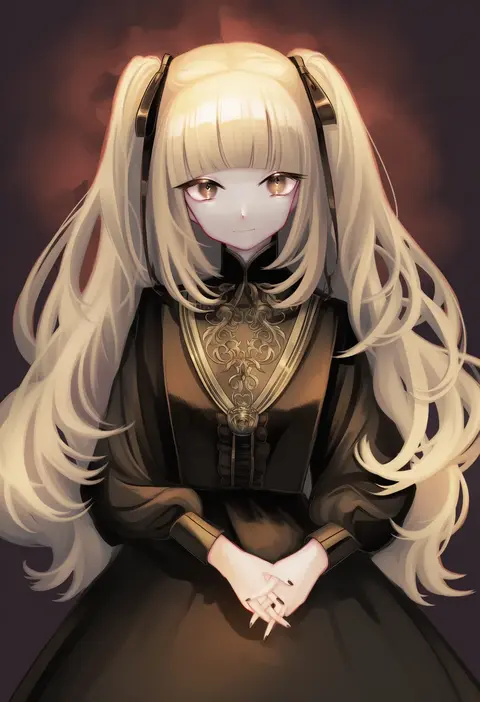
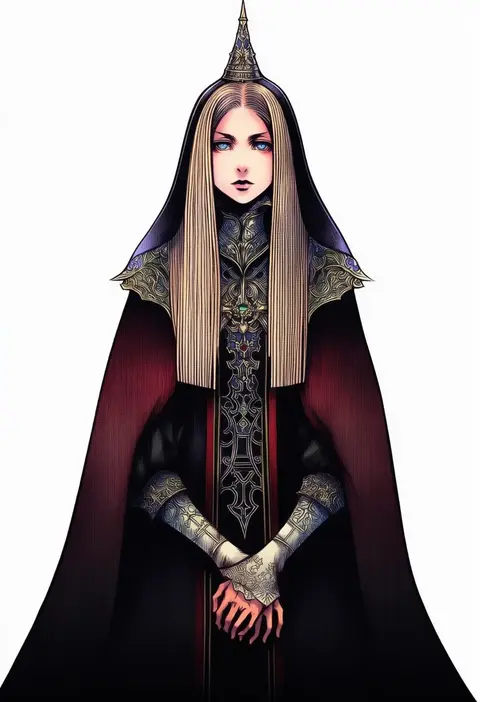
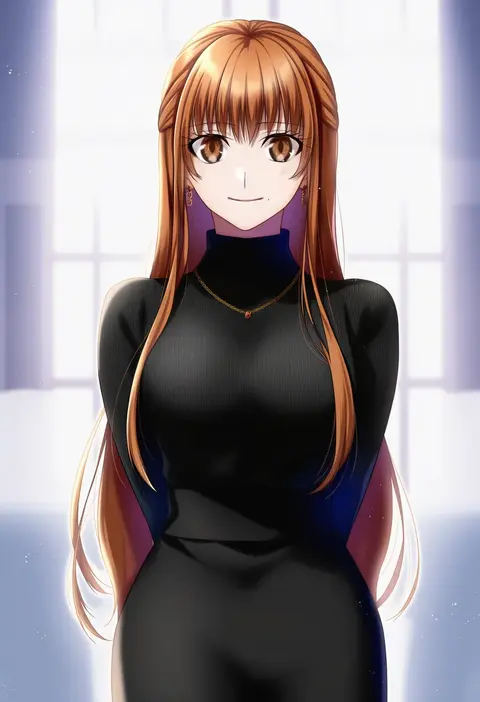
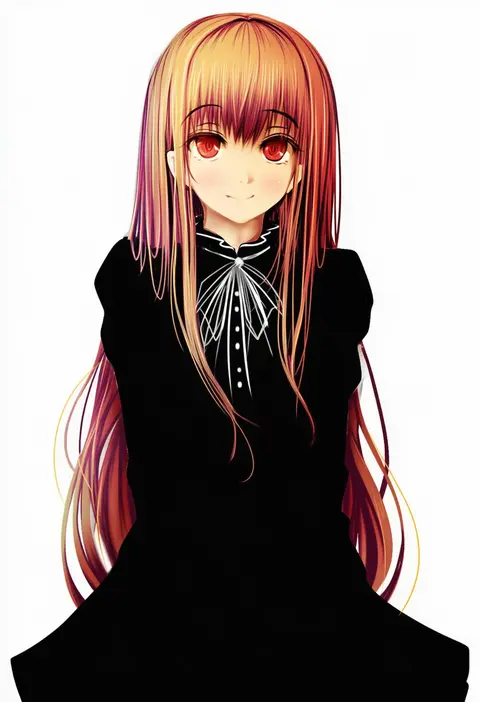
Artist tags tell NovelAI Diffusion to draw in a specific artist's style: line weight, paint texture, face shapes and palette all shift at once. Character and outfit tags decide what is drawn; artist tags decide how. 16,352 tags are listed for V4.5.
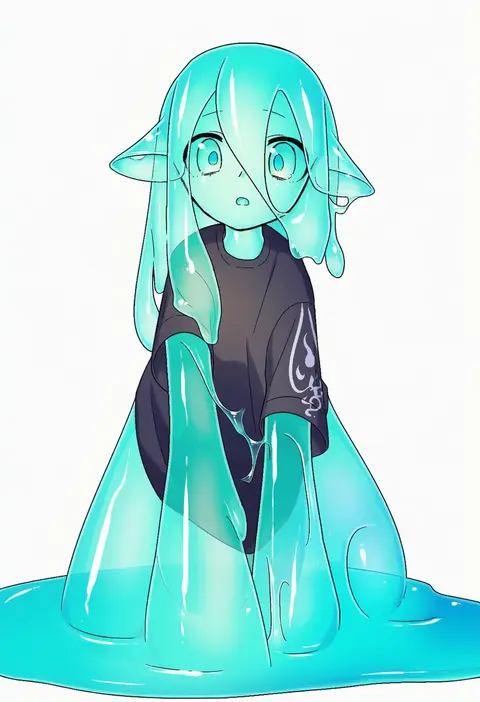
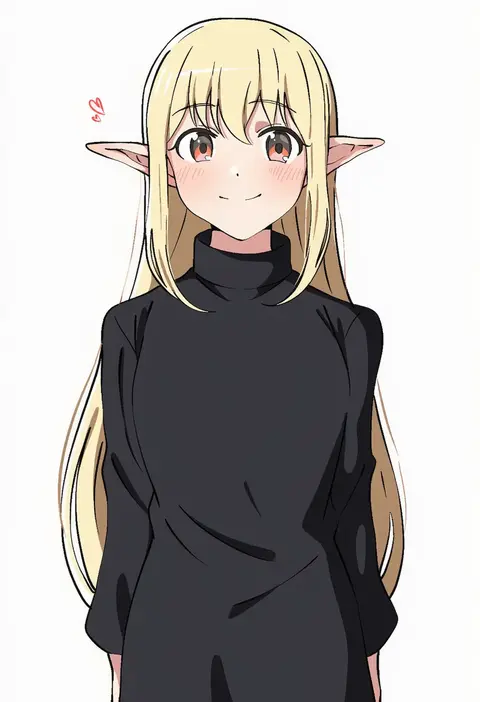
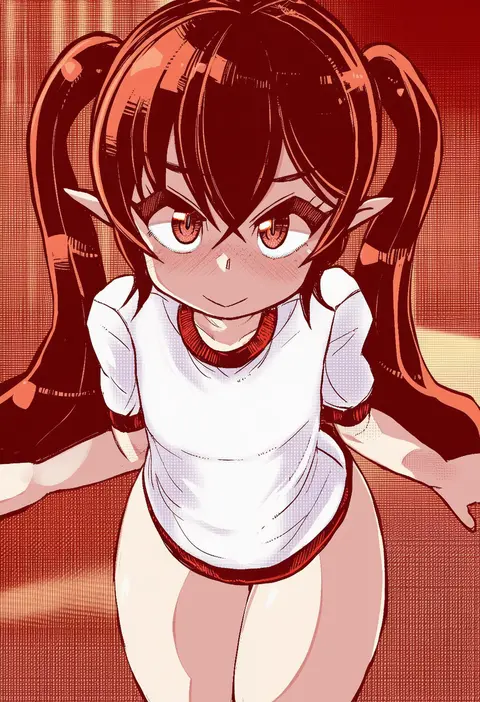
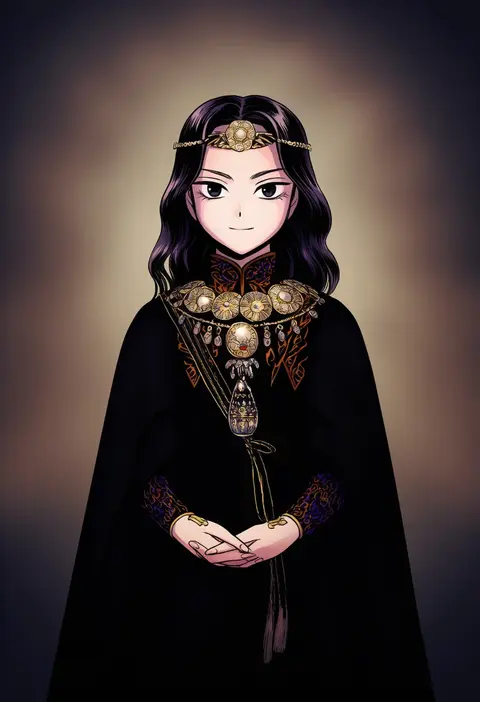
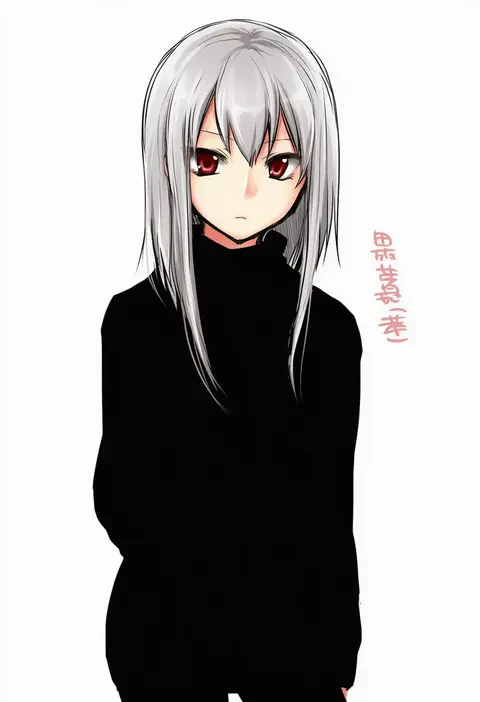
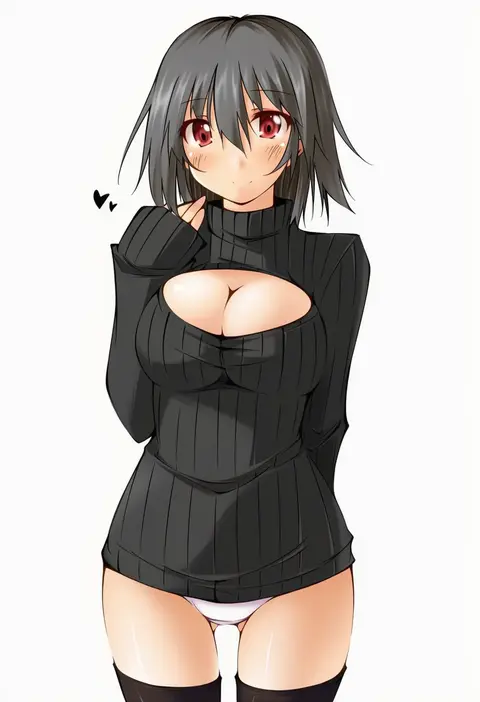
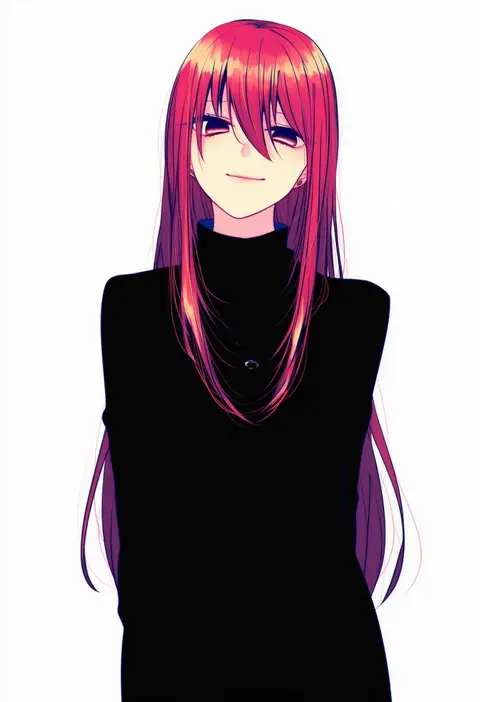
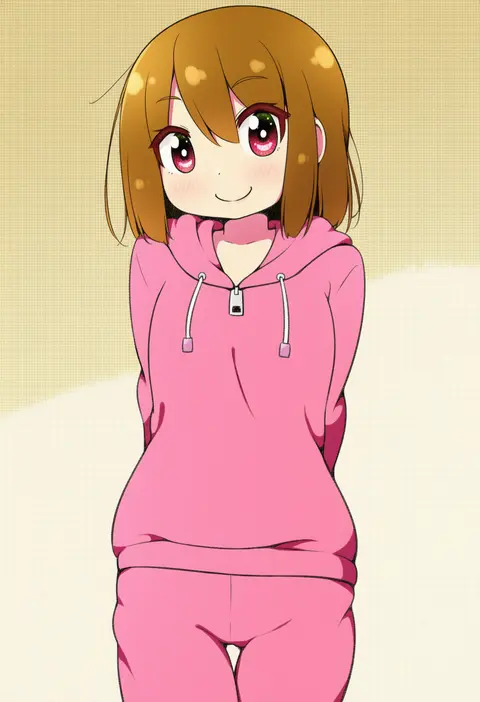
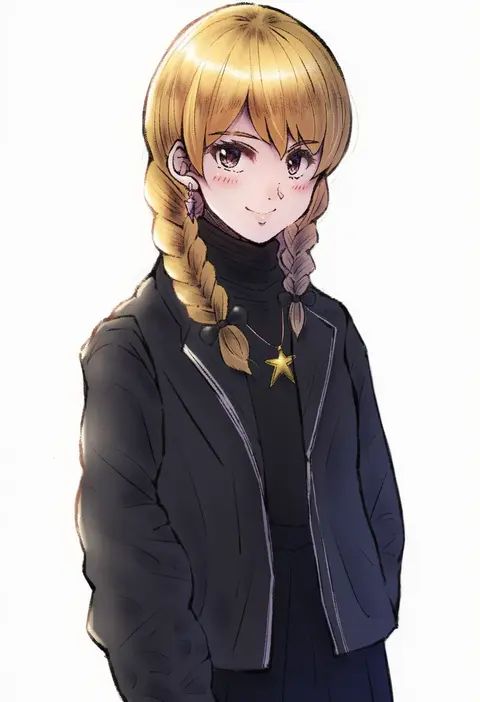
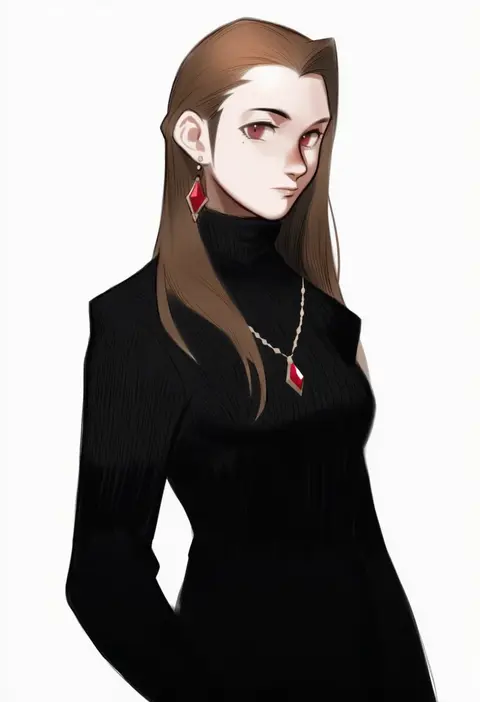
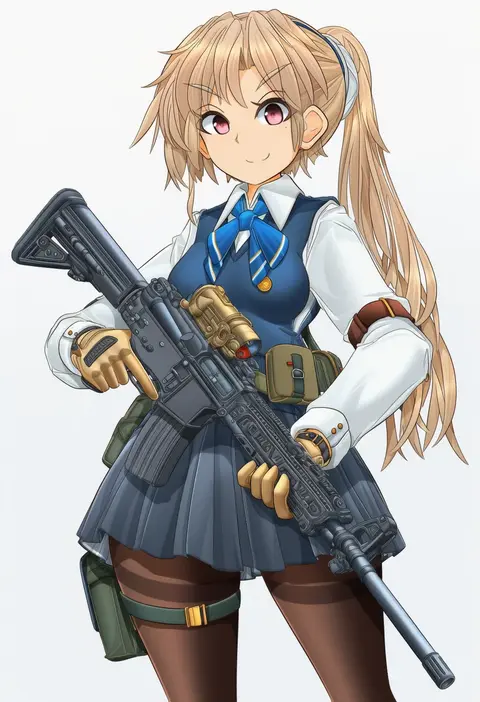
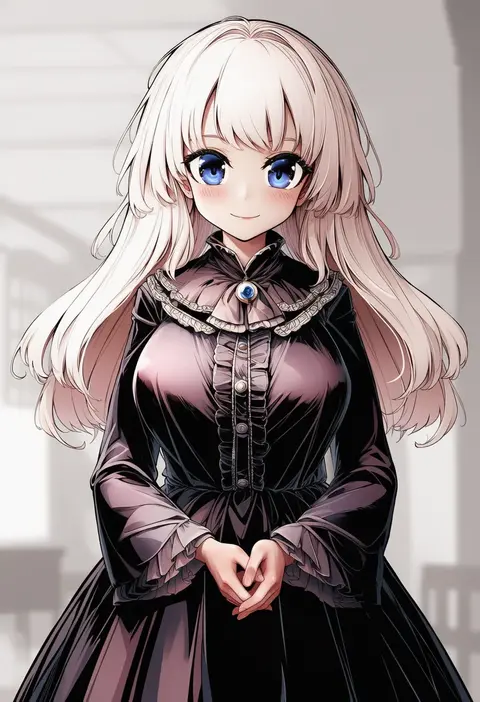
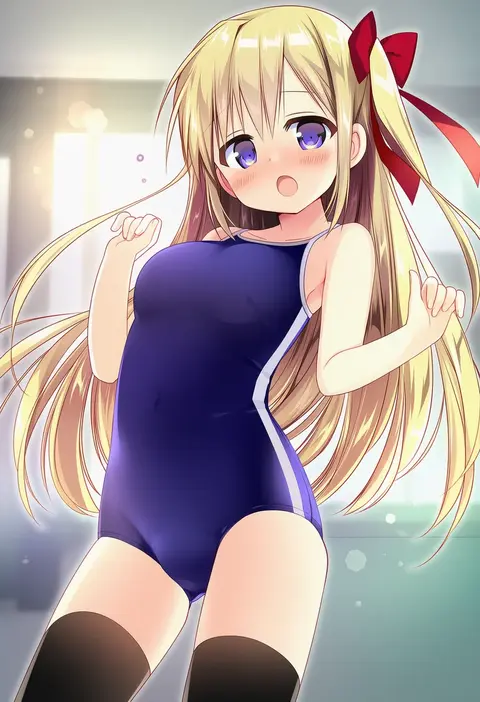
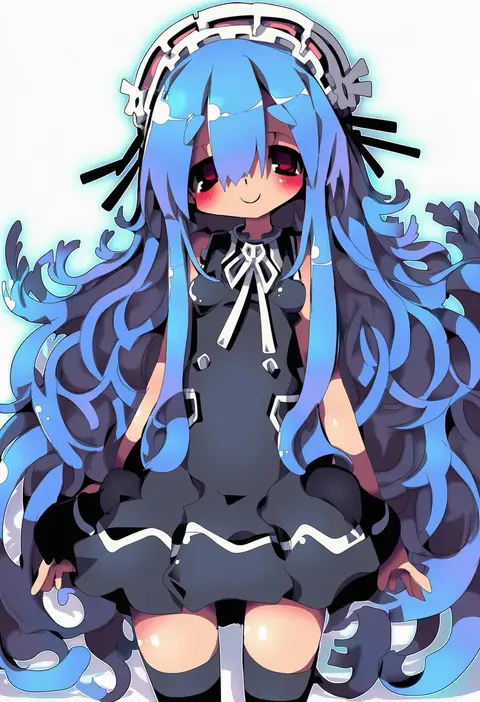
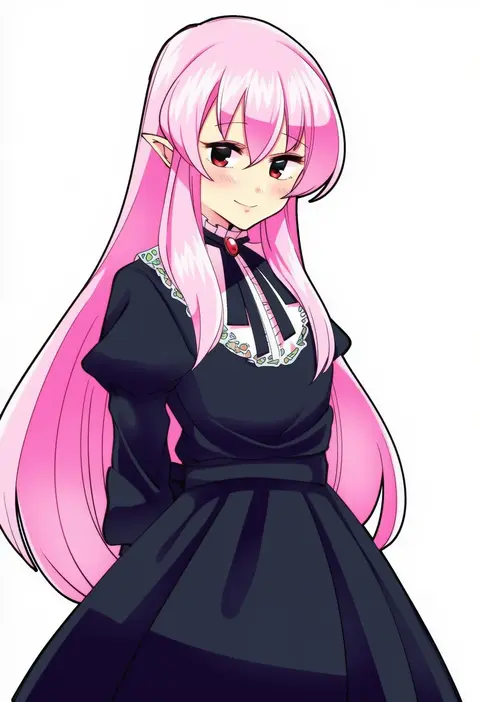
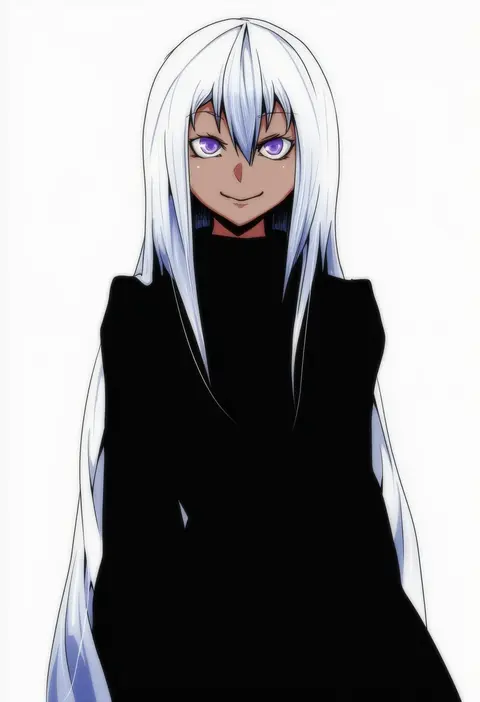
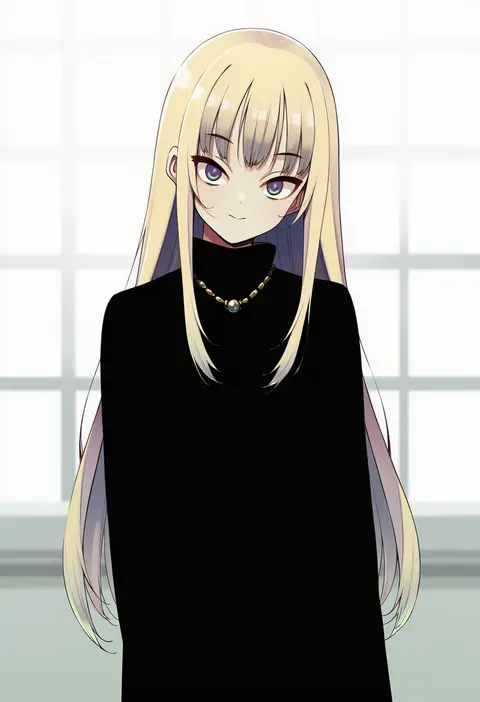
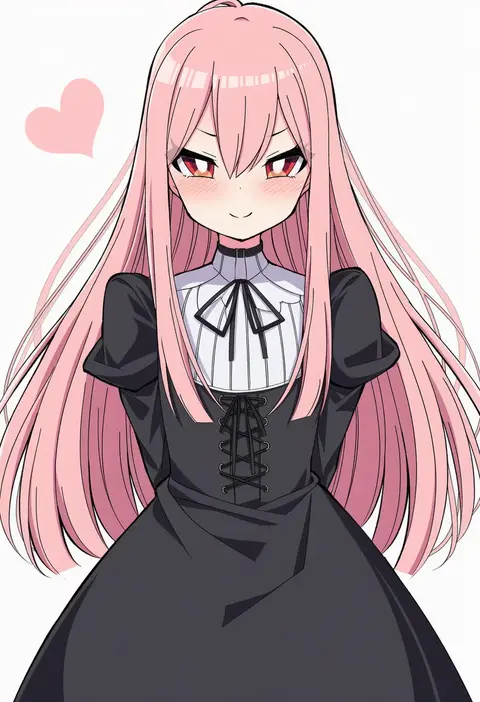
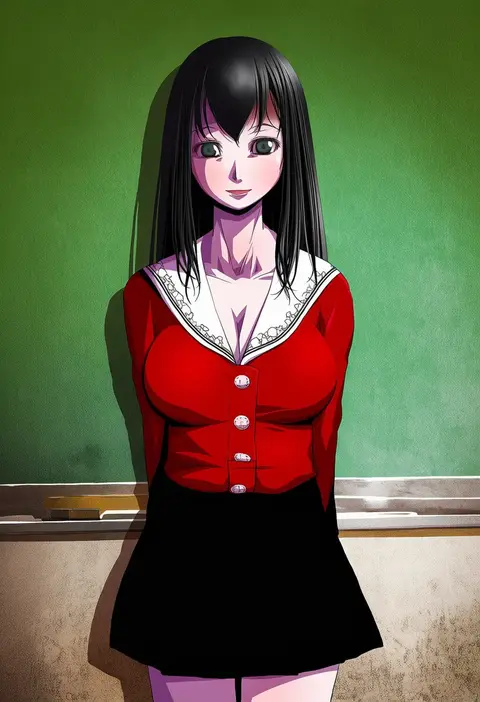
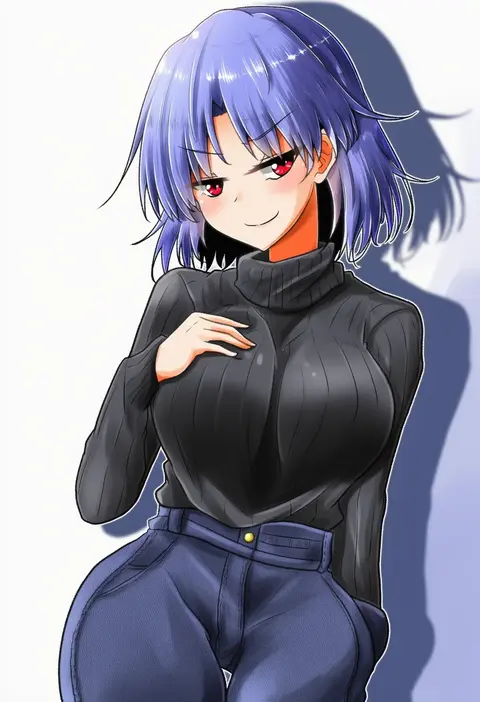
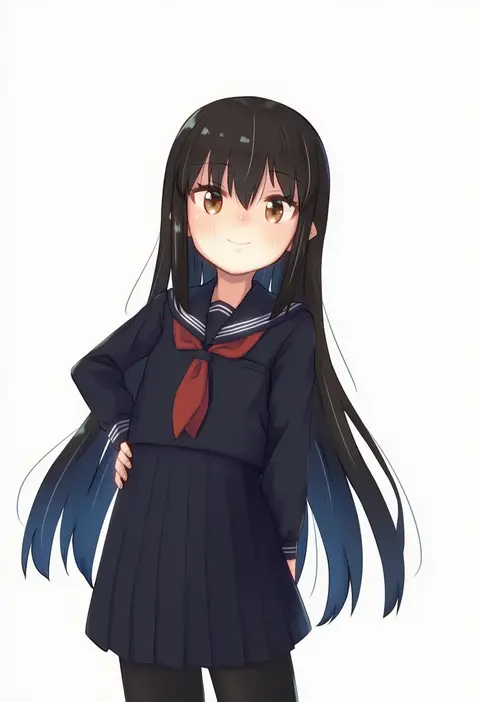
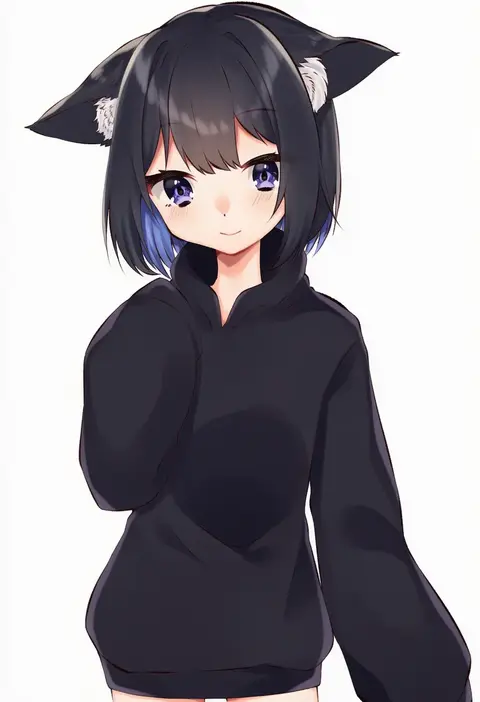
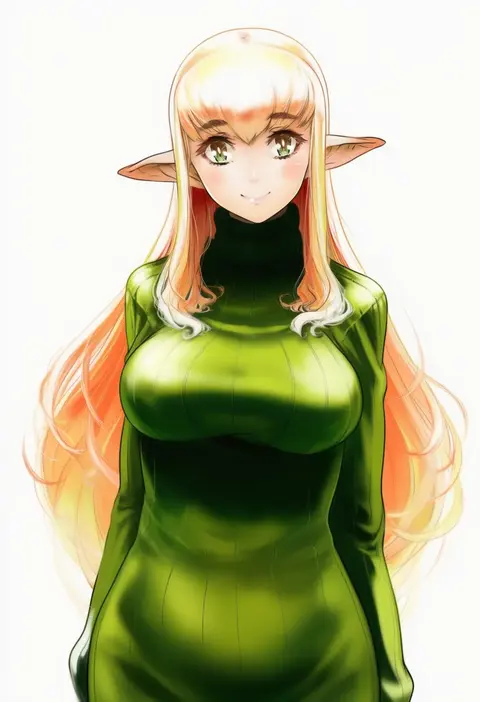
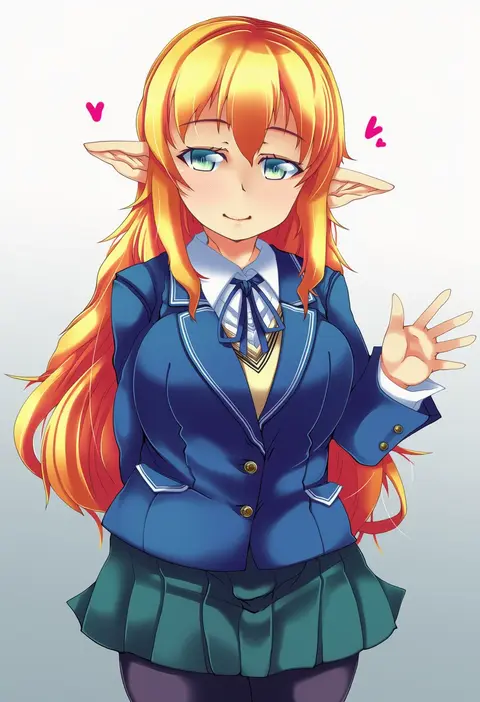
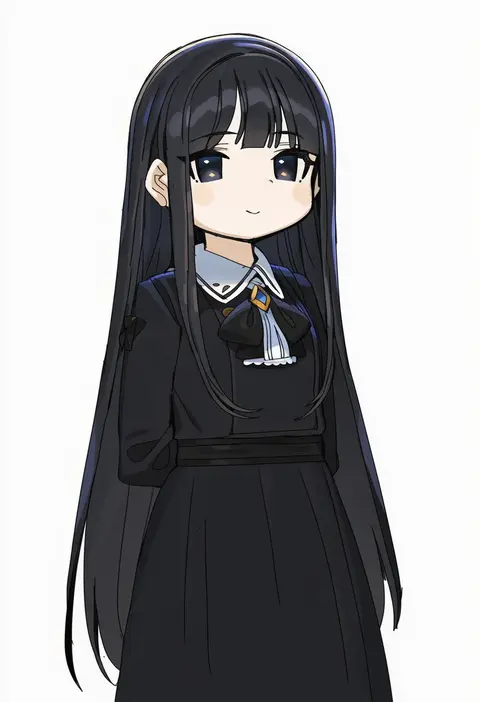
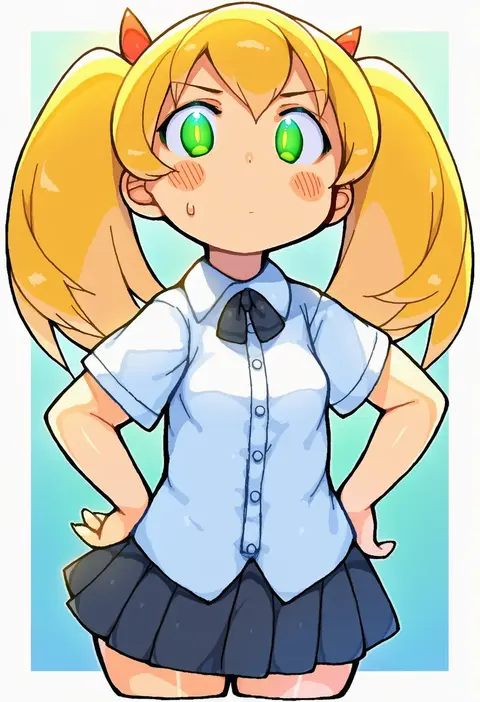
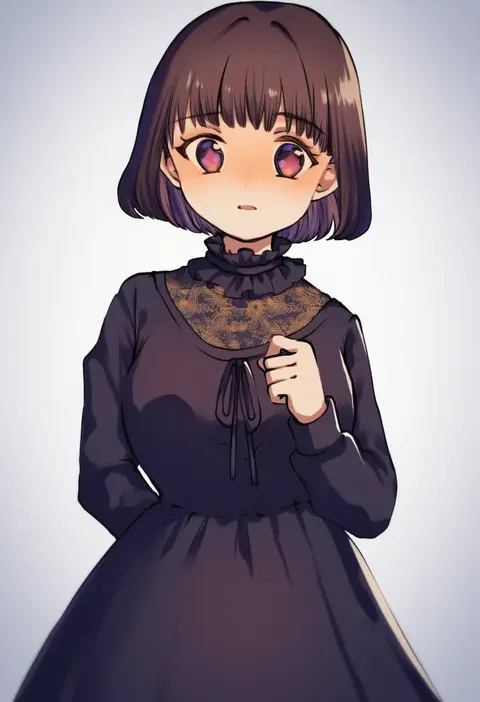
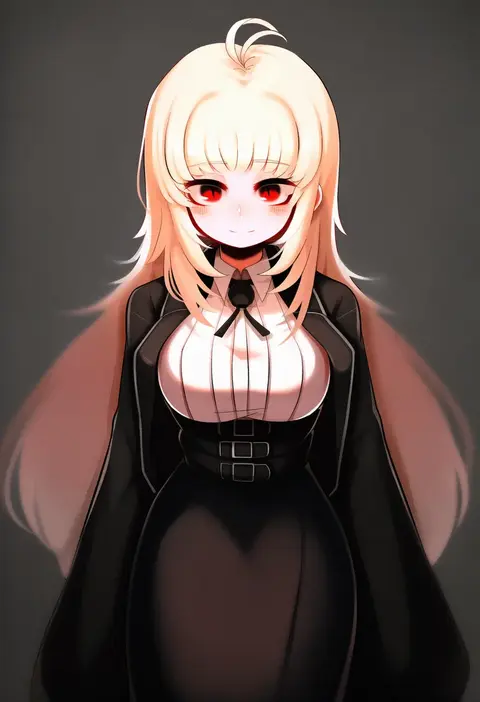
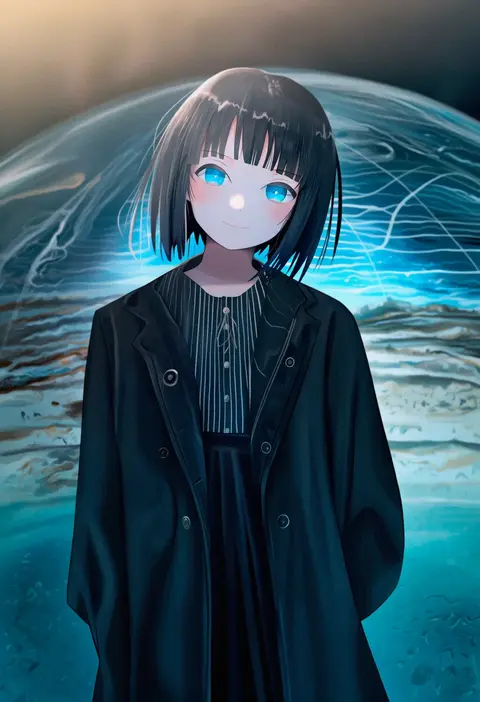
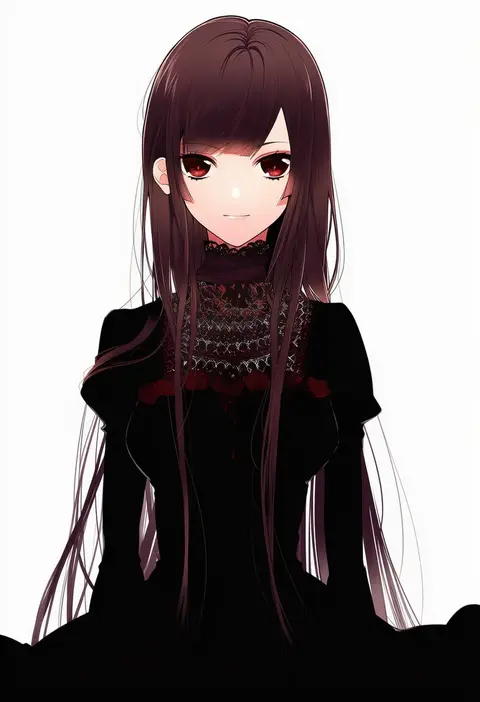
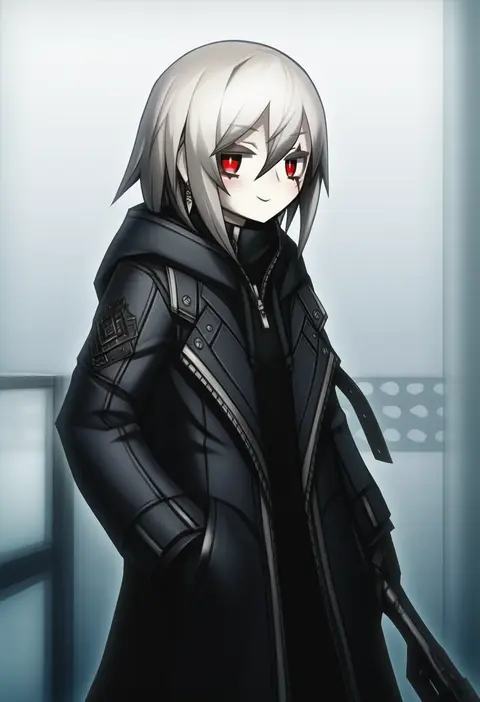
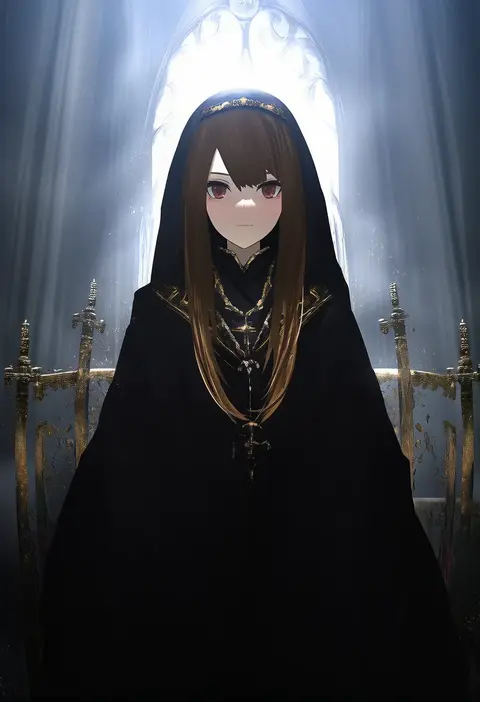
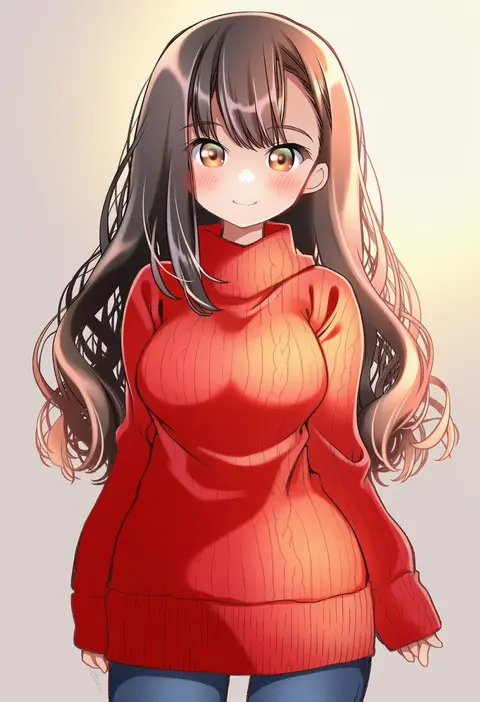
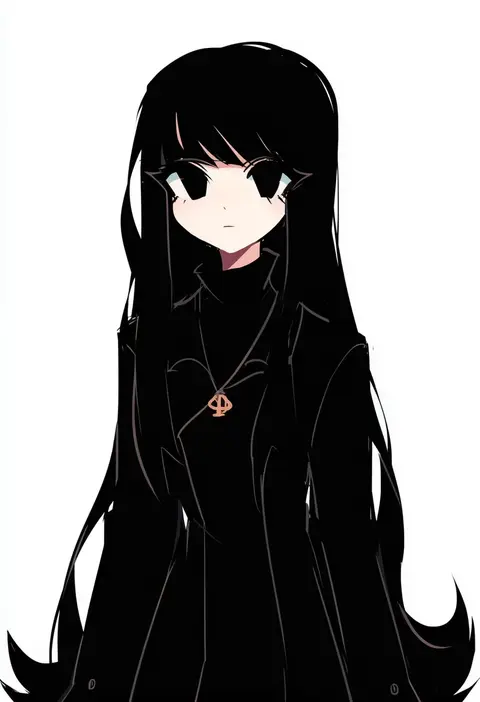
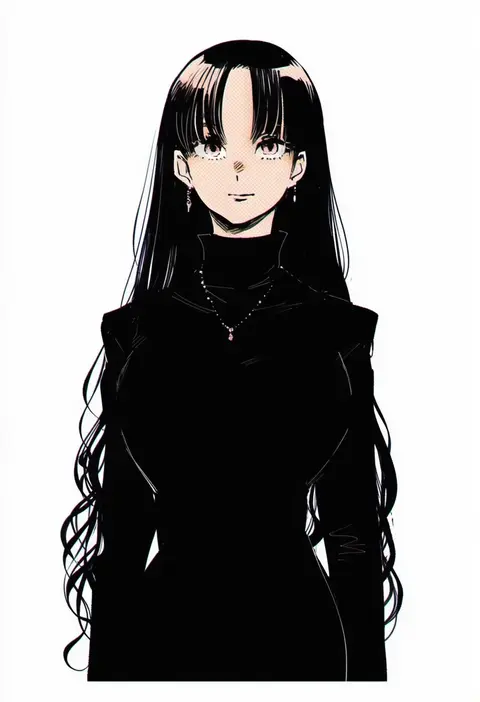
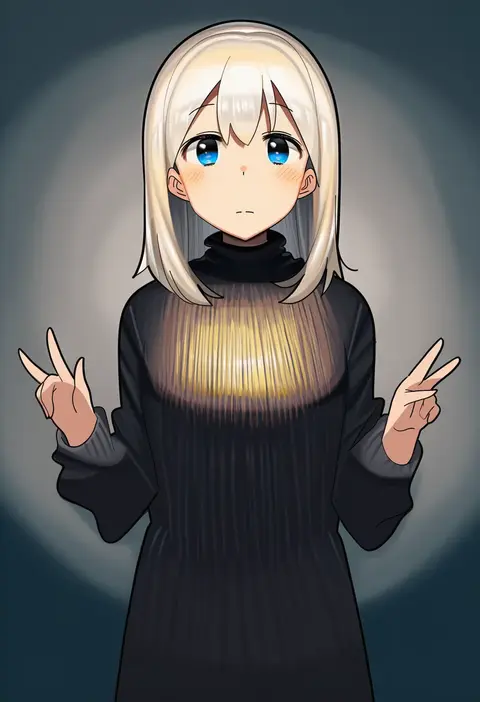
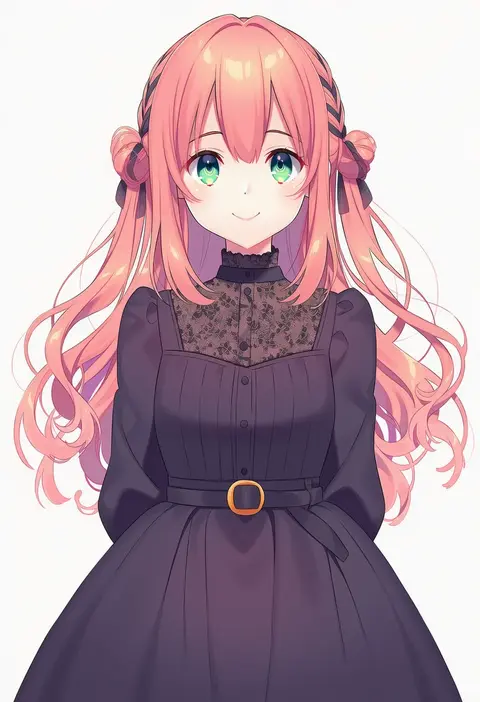
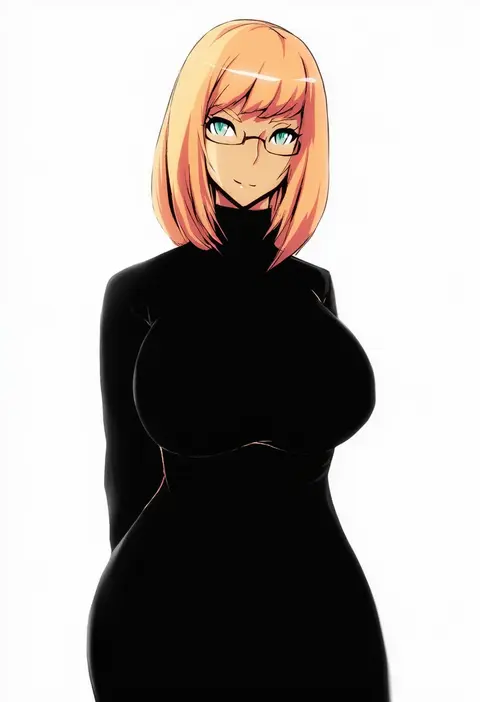
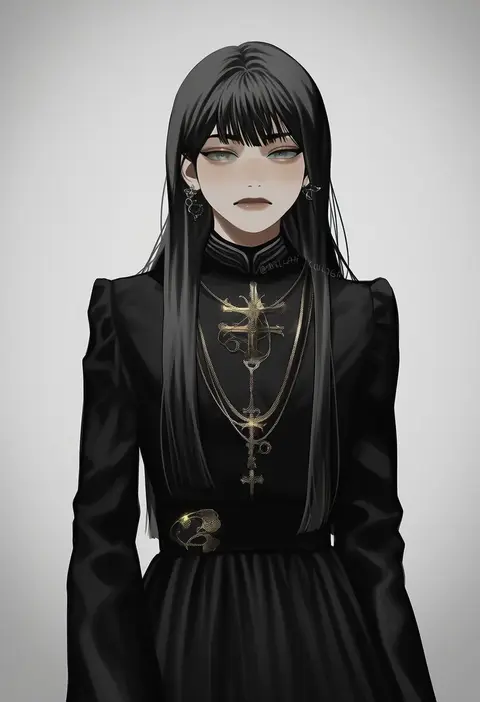
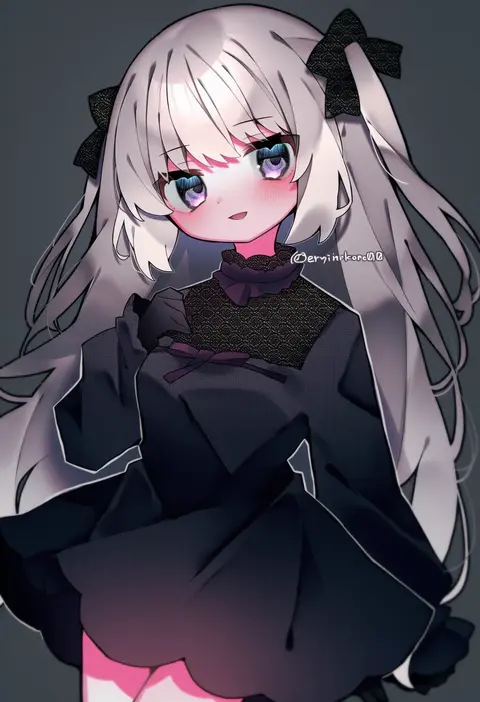
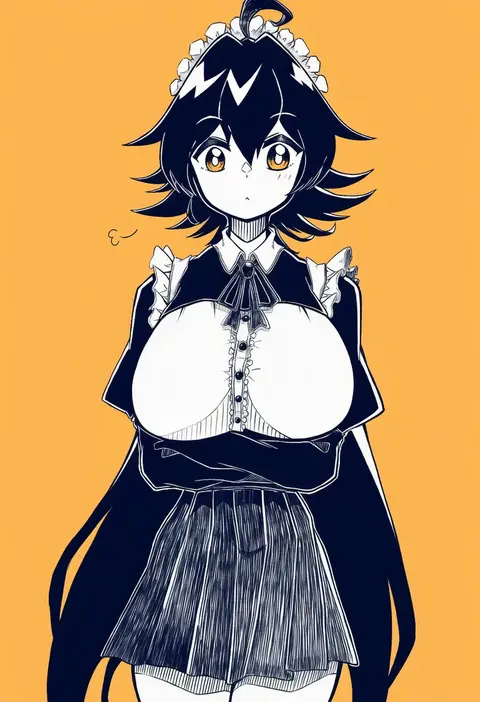
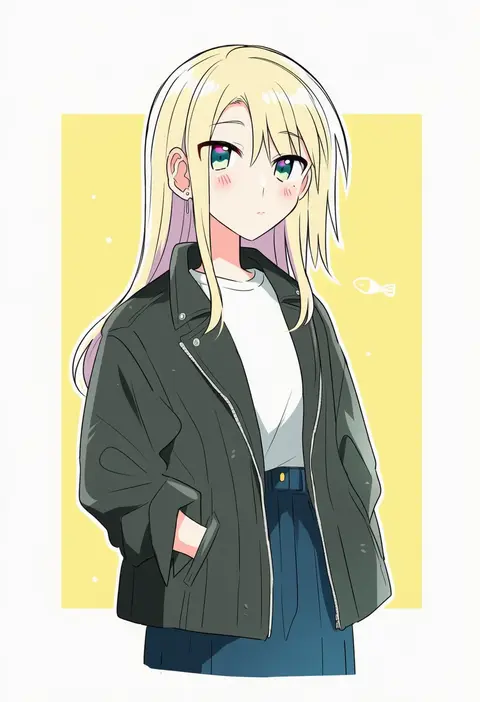
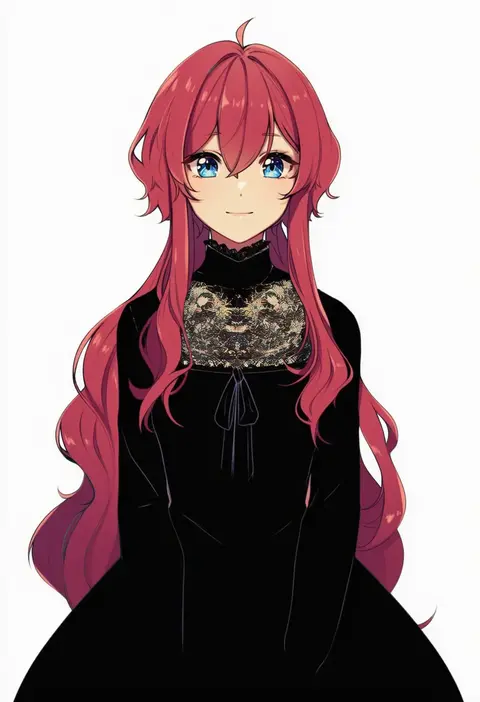
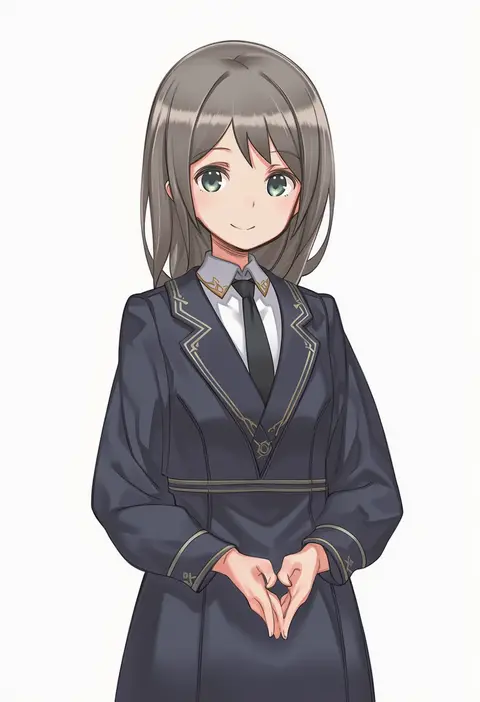
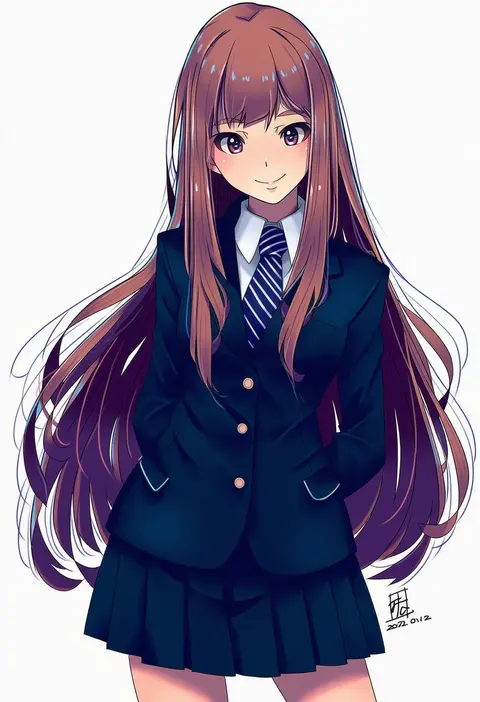
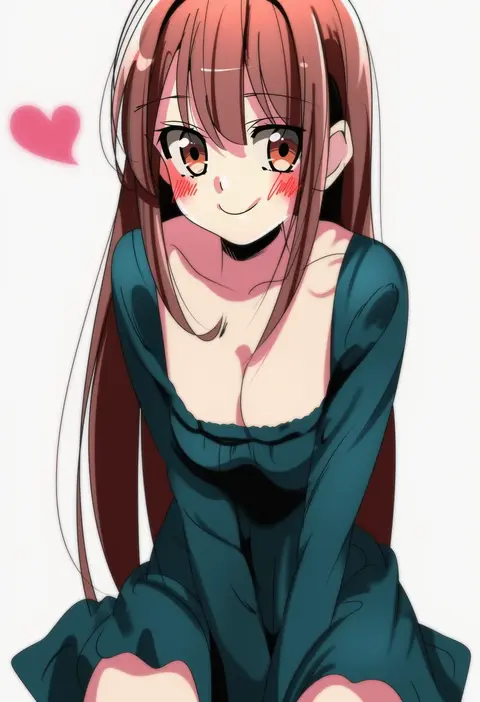
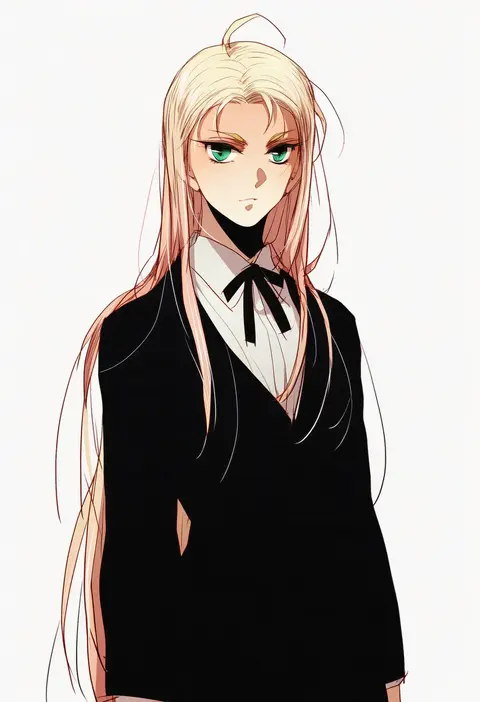
Every tag listed here is verified to react in NovelAI. All images use the same prompt, seed and settings with only the artist tag swapped, so the difference between two images is the style that tag brings in.

How to use them

Put the artist tag near the front of the prompt, e.g. "<artist>, 1girl, solo, best quality, masterpiece, cowboy shot". Two or three artist tags blend styles; lower the weight with "0.8::<artist>::" when the style overpowers the character.

SCORE sorts by Danbooru's top score, POSTS by post count, FAVS by hearts on this site. Open a card to see V5 and V4.5 side by side on the same seed.

V5 vs V4.5

V5 usually lands closer to the artist's real style, and tags that did nothing on V4.5 often react on V5. V4.5 still fits older and doujin-heavy artists better. Try V5 first, fall back to V4.5.

FAQ

Where does the artist tag go?
Near the front of the prompt. Use "0.8::tag::" to adjust its weight.

Can I stack artist tags?
Yes, styles blend. Past two or three the result stops looking like anyone.

Are these the artists' own works?
No. Every image is a NovelAI sample generated from the tag.