V4.5Artists
sort: FAVS▾
▾
>
$

NovelAI Artist Tags List — V4.5

artist --count 16,352[210/273]
sumi keiichi
ARTIST0x30FC
0
relio db318
ARTIST0x30FD
0
yukirin
ARTIST0x30FE
0
tsuta no ha
ARTIST0x30FF
0
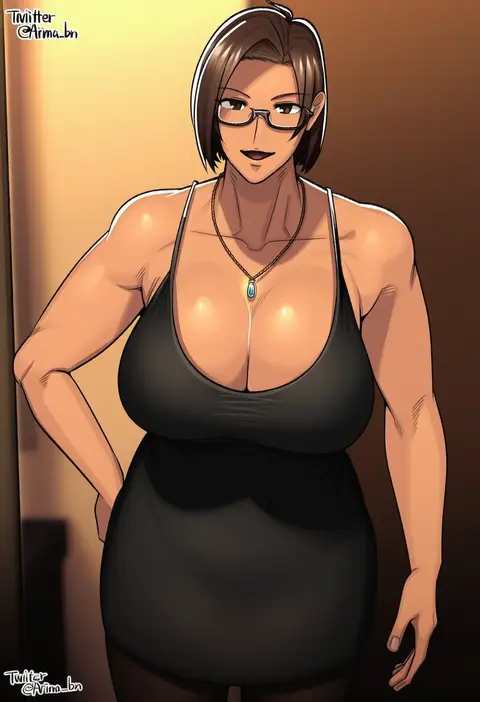
arima (arima bn)
ARTIST0x3100
0
nancou (nankou)
ARTIST0x3101
0
yuu (1007yu)
ARTIST0x3102
0
satsumi
ARTIST0x3103
0
soul (tamashii)
ARTIST0x3104
0
is ii
ARTIST0x3105
0
hoshimiya mashiro
ARTIST0x3106
0
itefu
ARTIST0x3107
0
kurono
ARTIST0x3108
0
sakurato remi
ARTIST0x3109
0
nekoyama
ARTIST0x310A
0
yutsuka (amyucca)
ARTIST0x310B
0
okazaki oka
ARTIST0x310C
0
nakano (2 mannaka)
ARTIST0x310D
0
tony kuusisto
ARTIST0x310E
0
mtyy
ARTIST0x310F
0
akisha
ARTIST0x3110
0
kaizeru
ARTIST0x3111
0
krazehkai
ARTIST0x3112
0
shikou sakugo (qqap9gt9k)
ARTIST0x3113
0
sakuragi rian
ARTIST0x3114
0
muraicchi (momocchi)
ARTIST0x3115
0
chanmura
ARTIST0x3116
0
jiguang haibao
ARTIST0x3117
0
mizuiro123
ARTIST0x3118
0
tetsu tissue
ARTIST0x3119
0
arutarika (ri kaoekaki)
ARTIST0x311A
0
manekinekoppoi inu
ARTIST0x311B
0
cuon (kuon)
ARTIST0x311C
0
kamiya tadato
ARTIST0x311D
0
youko-shima
ARTIST0x311E
0
shinoasa
ARTIST0x311F
0
nishimata aoi
ARTIST0x3120
0
chihiro (kemonomichi)
ARTIST0x3121
0
kurata rine
ARTIST0x3122
0
flipper
ARTIST0x3123
0
simoyuki
ARTIST0x3124
0
demizu posuka
ARTIST0x3125
0
horikou
ARTIST0x3126
0
yokoshima (euphoria)
ARTIST0x3127
0
uenomigi
ARTIST0x3128
0
baran. (ba ra ran)
ARTIST0x3129
0
kitsuneno denpachi
ARTIST0x312A
0
chm (macharge)
ARTIST0x312B
0
ino (tellu0120)
ARTIST0x312C
0
shihou (g-o-s)
ARTIST0x312D
0
h-new
ARTIST0x312E
0
tokiame
ARTIST0x312F
0
mayo (becky2006)
ARTIST0x3130
0
tanaka rikimaru
ARTIST0x3131
0
miyabi akino
ARTIST0x3132
0
evandragon
ARTIST0x3133
0
asahikawa hiyori
ARTIST0x3134
0
yuya090602
ARTIST0x3135
0
nicutoka
ARTIST0x3136
0
rokuichi
ARTIST0x3137
0

What these tags change

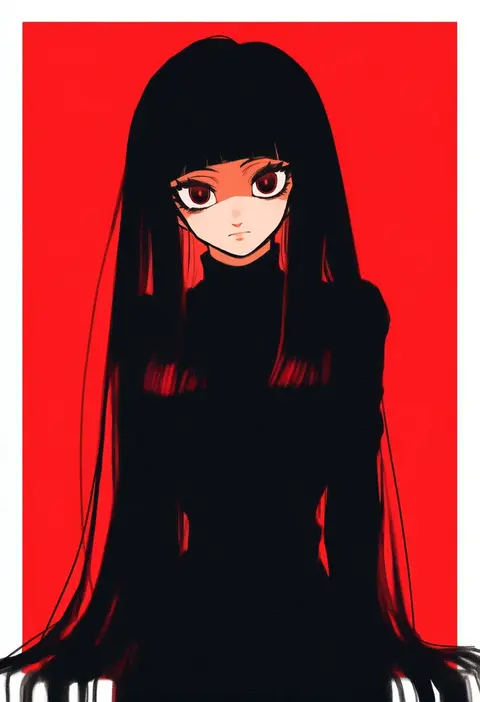
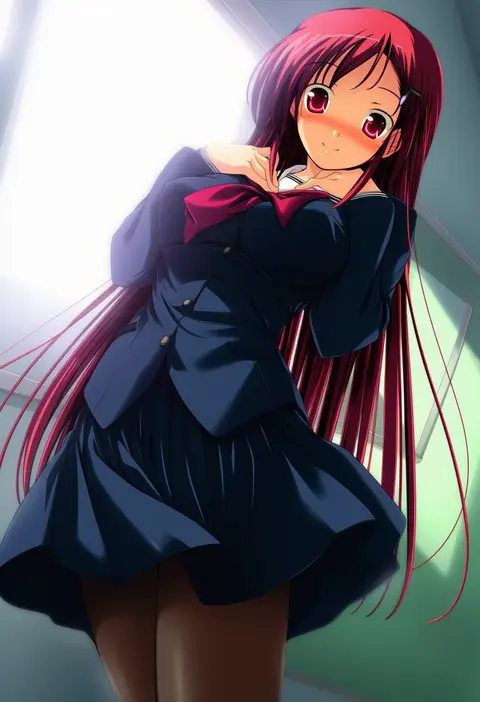
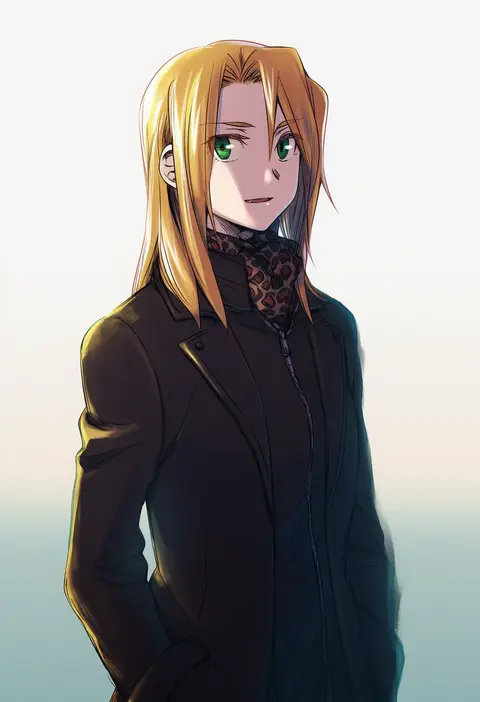
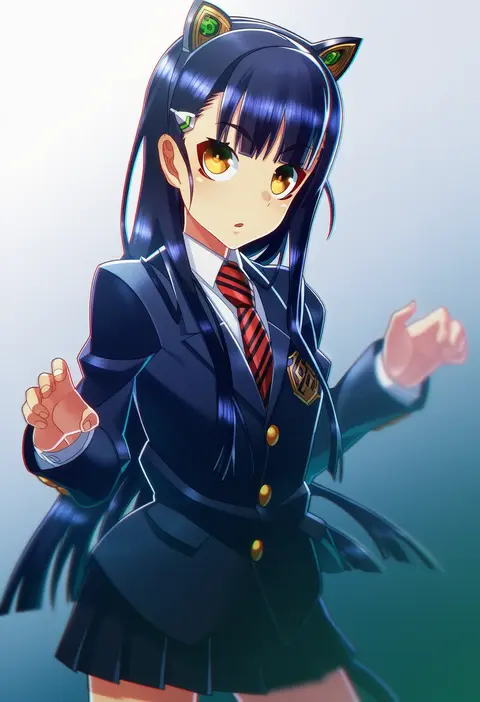
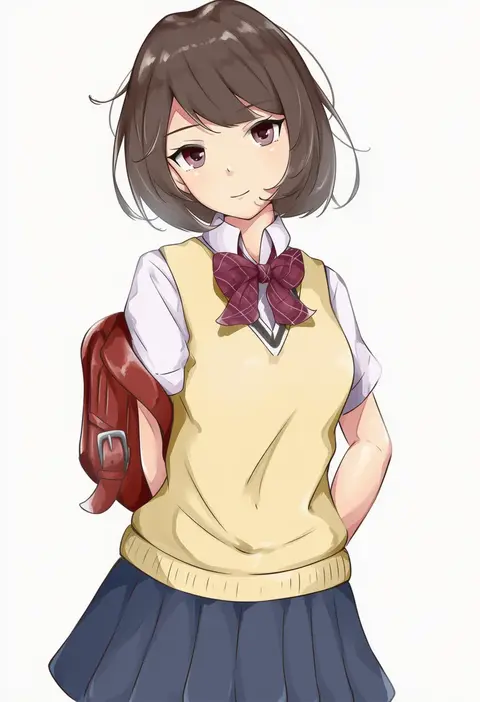
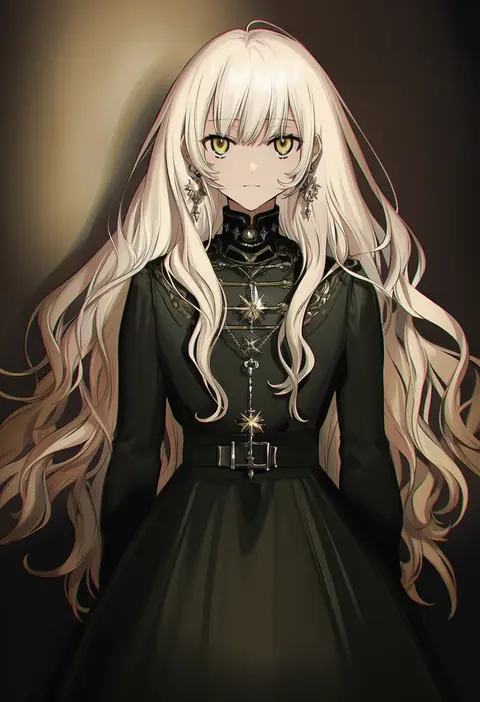
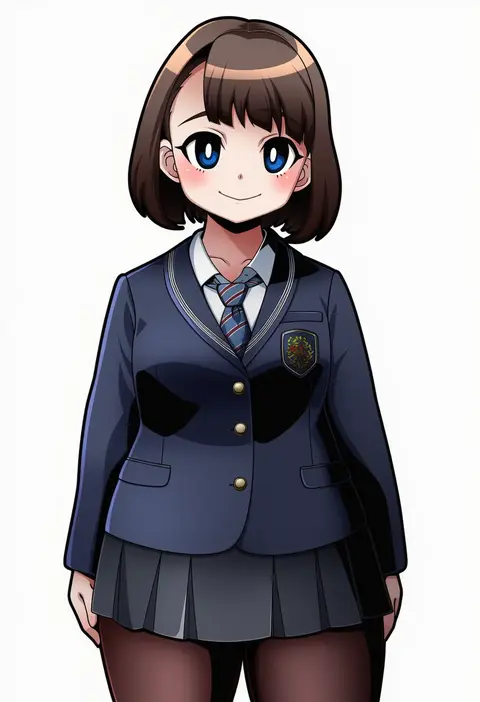
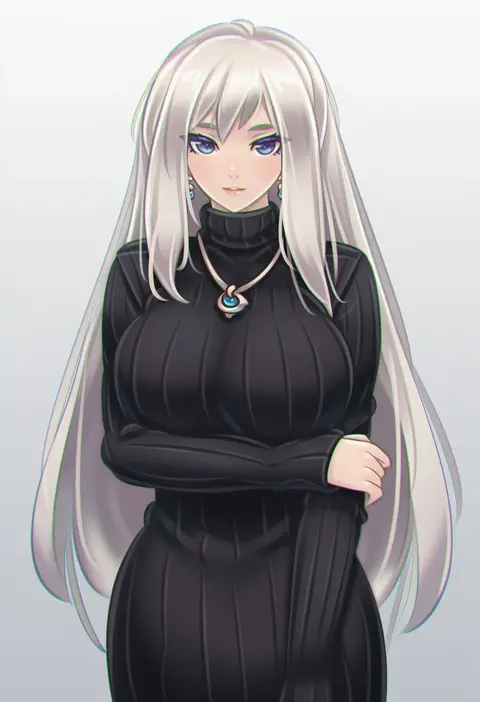
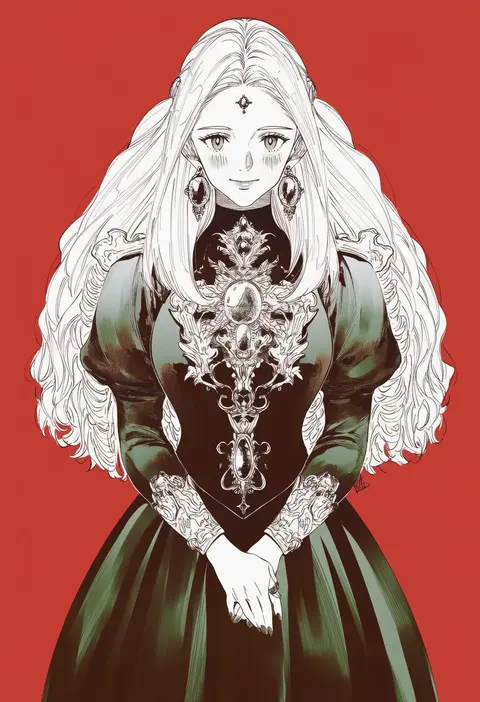
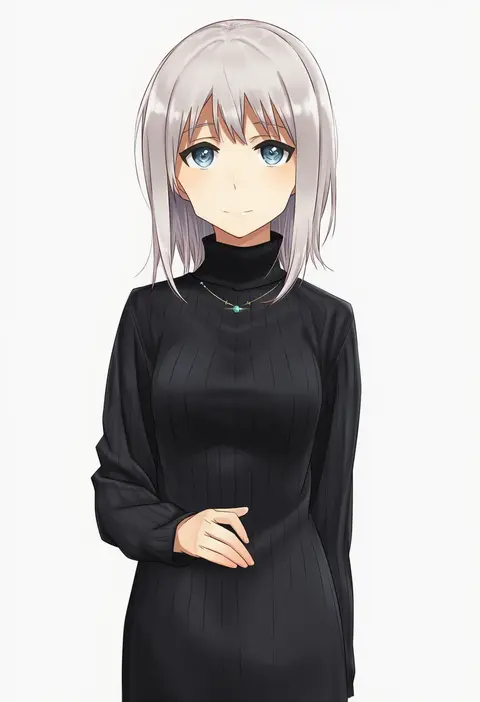
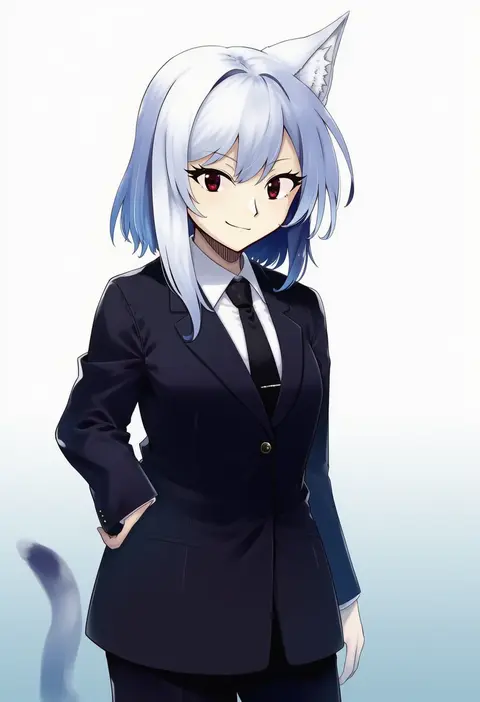
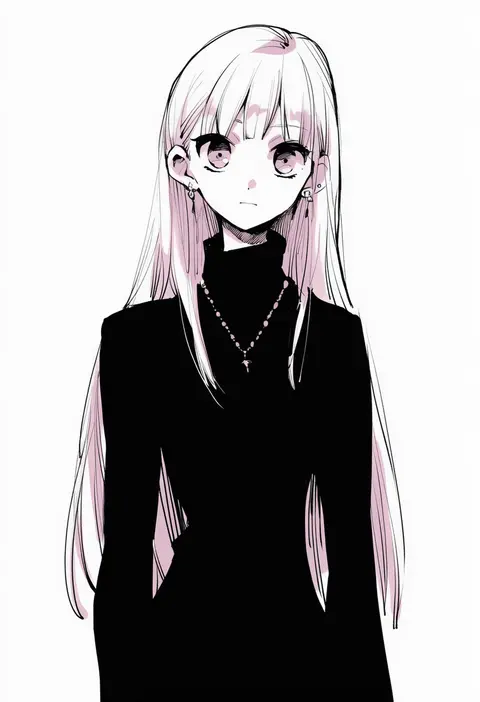
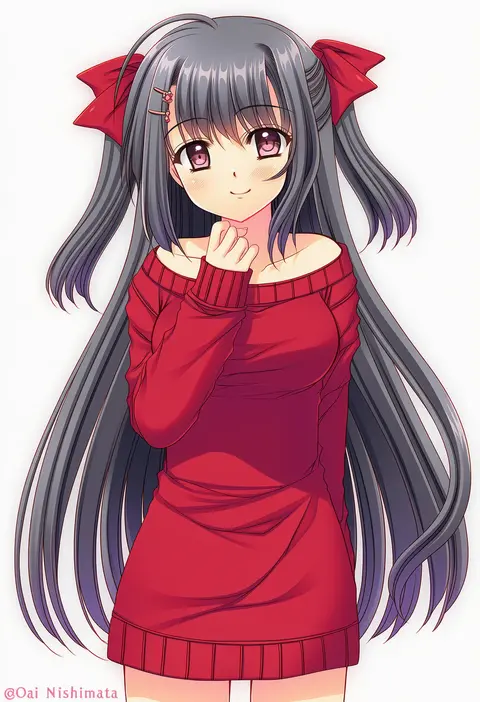
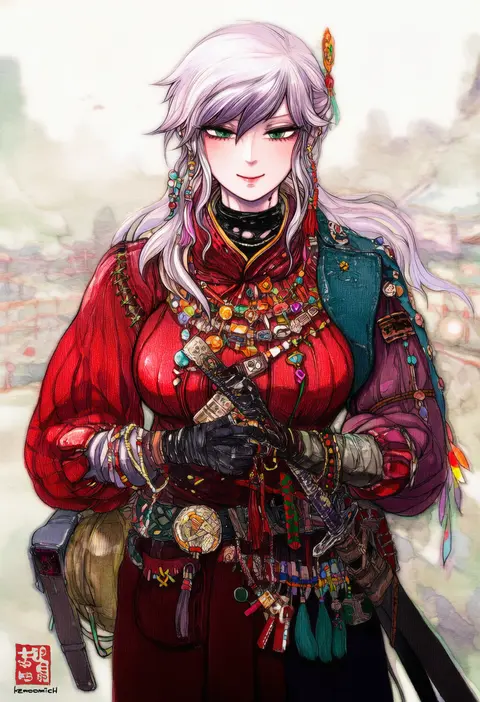
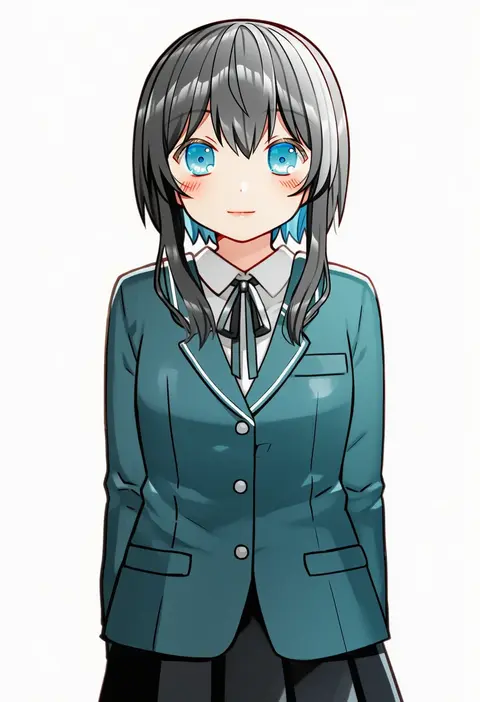
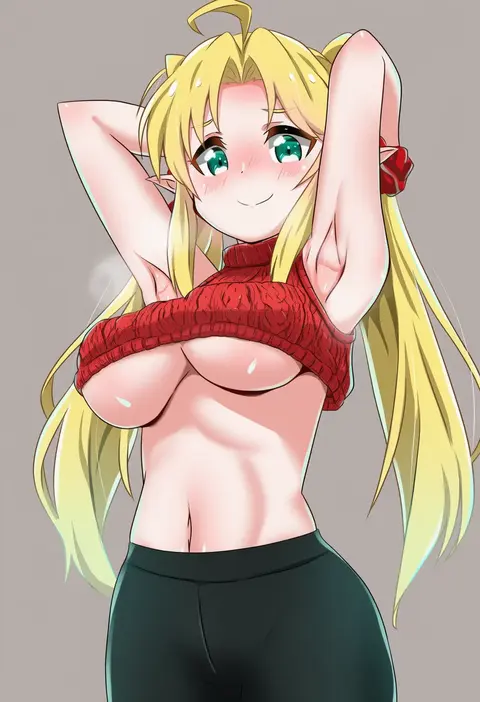
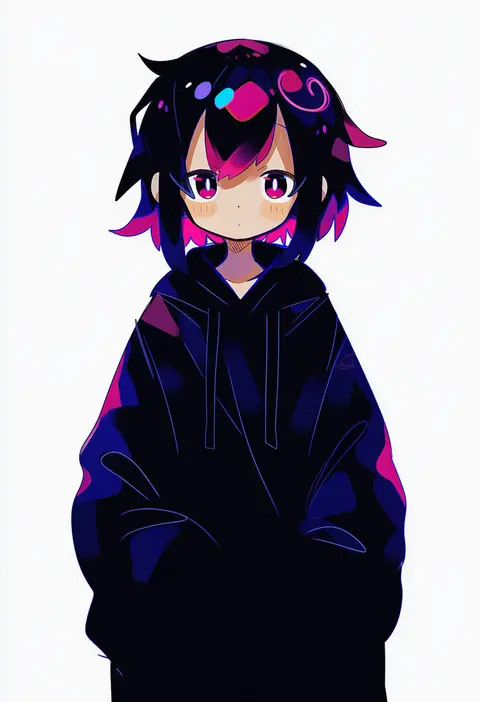
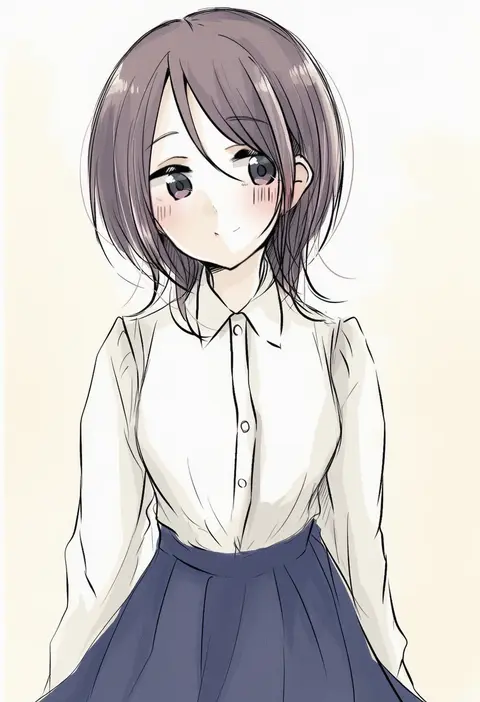
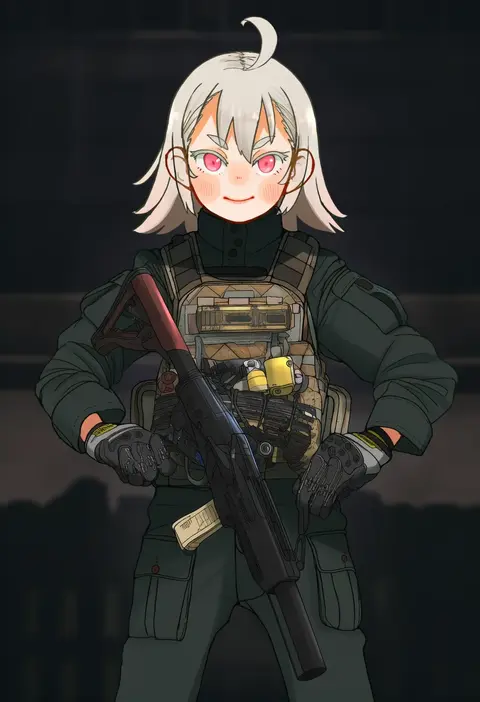
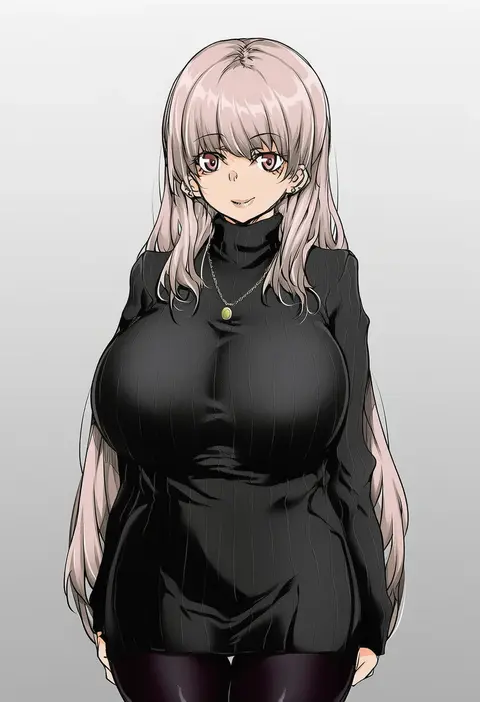
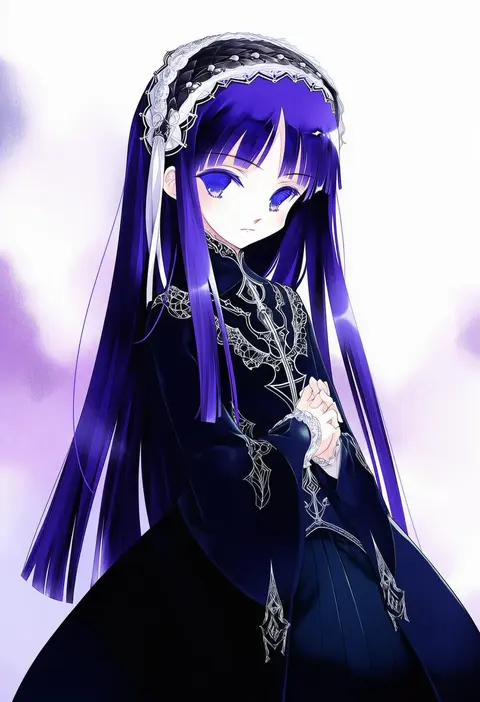
Artist tags tell NovelAI Diffusion to draw in a specific artist's style: line weight, paint texture, face shapes and palette all shift at once. Character and outfit tags decide what is drawn; artist tags decide how. 16,352 tags are listed for V4.5.
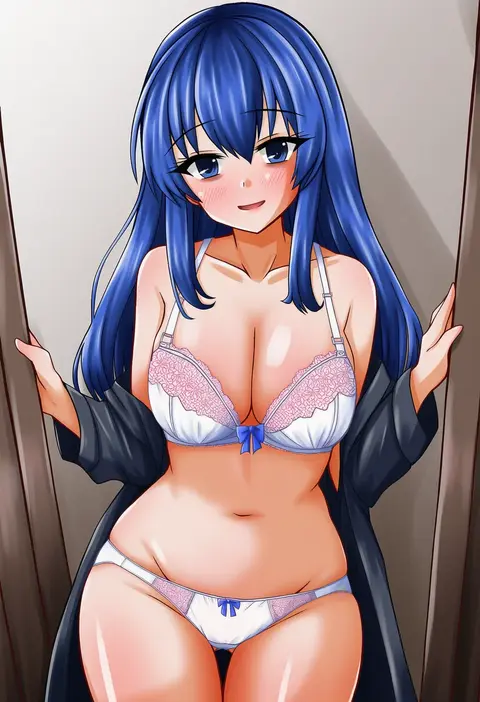
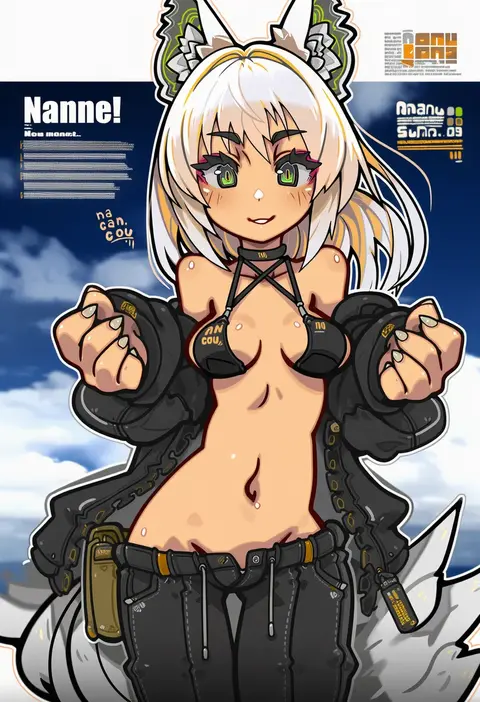
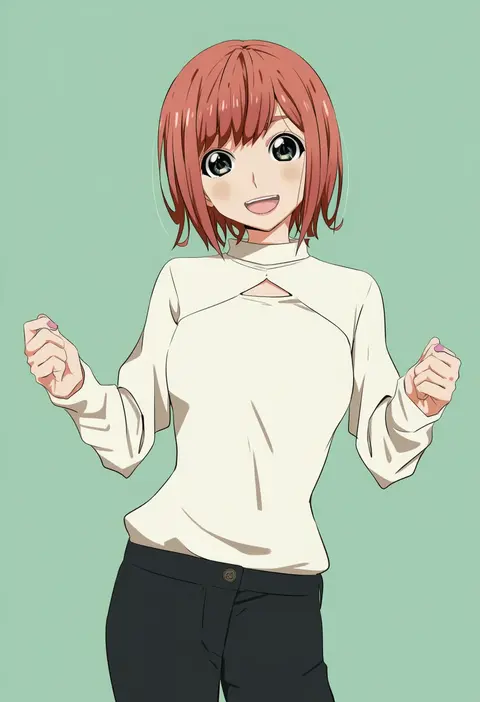
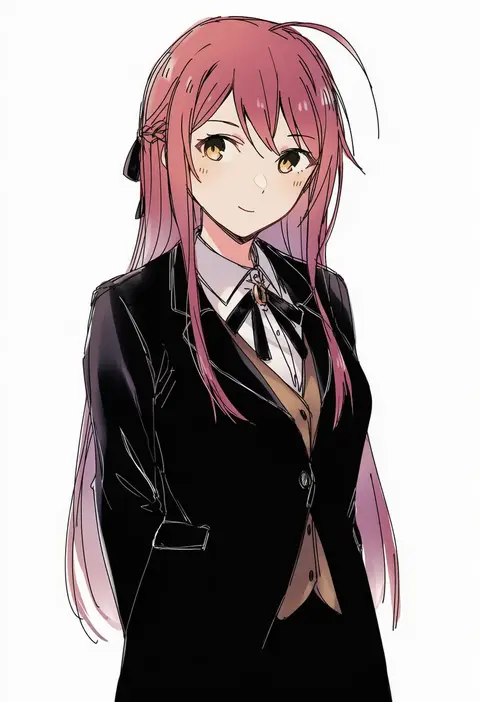
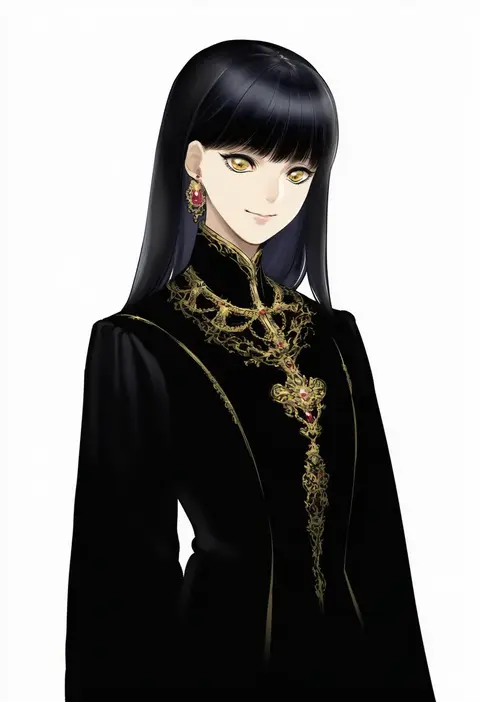
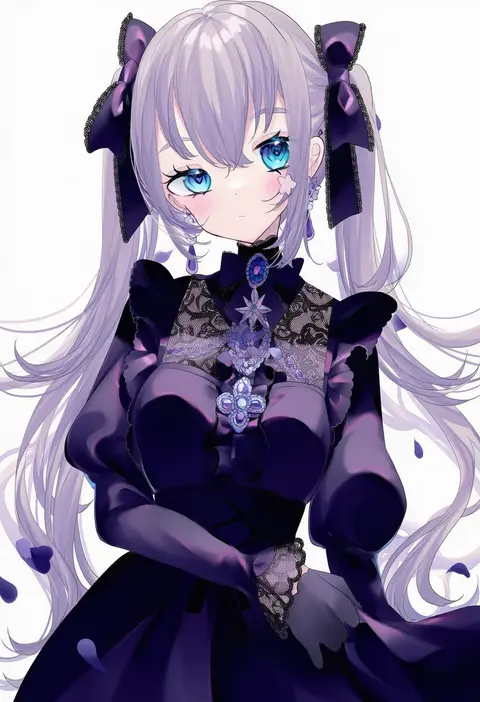
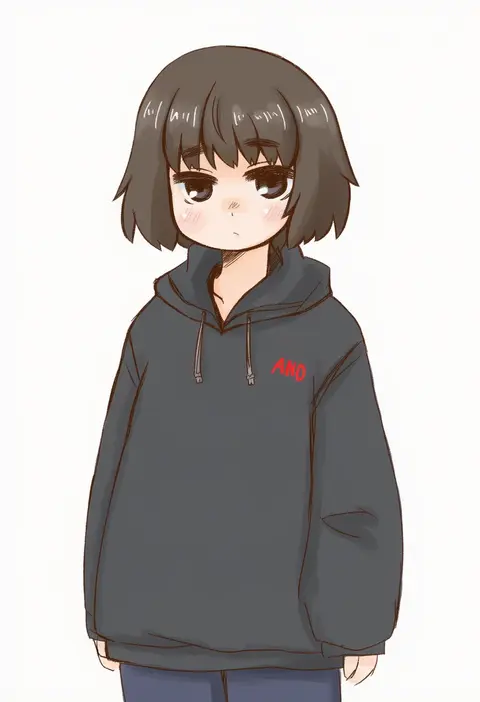
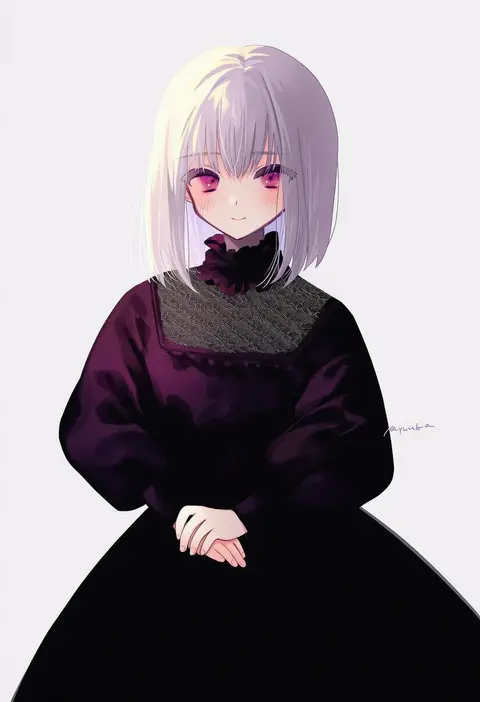
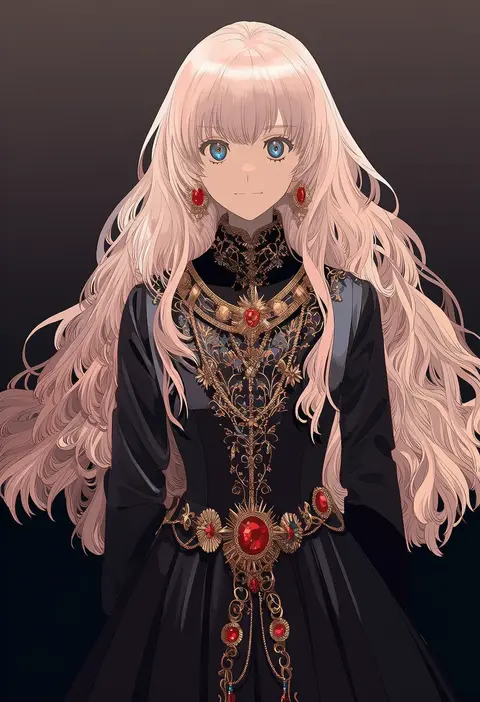
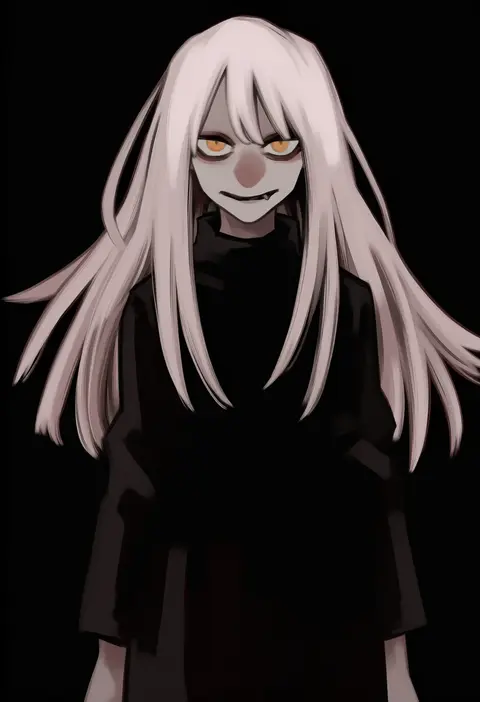
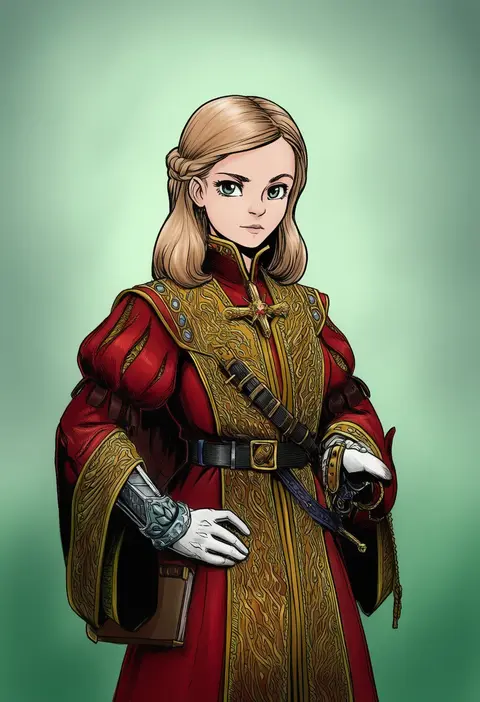
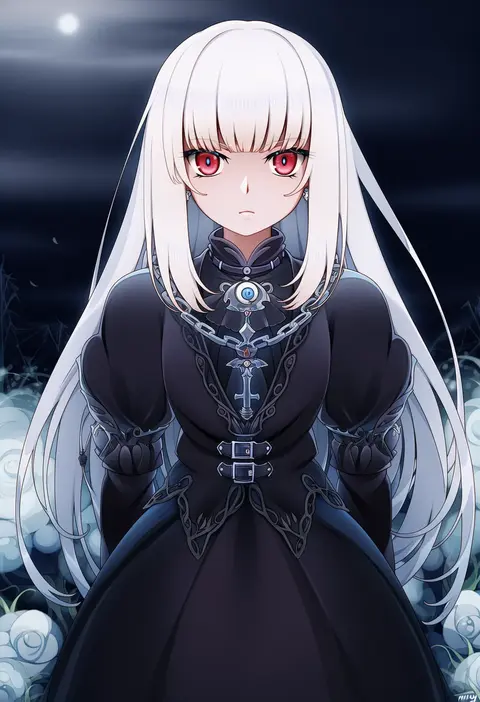
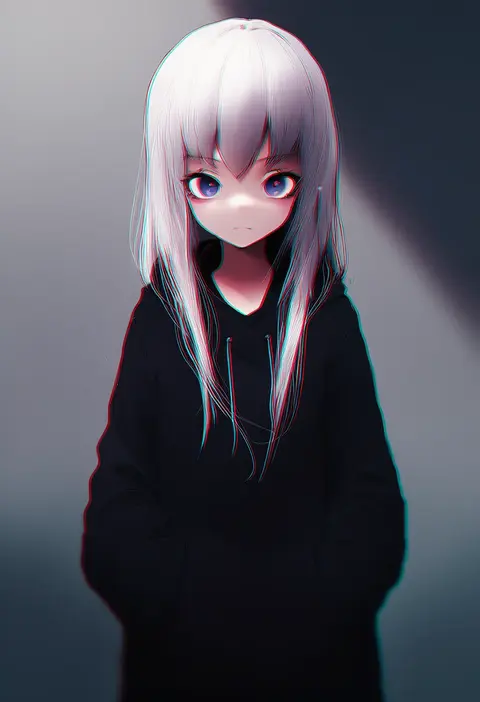
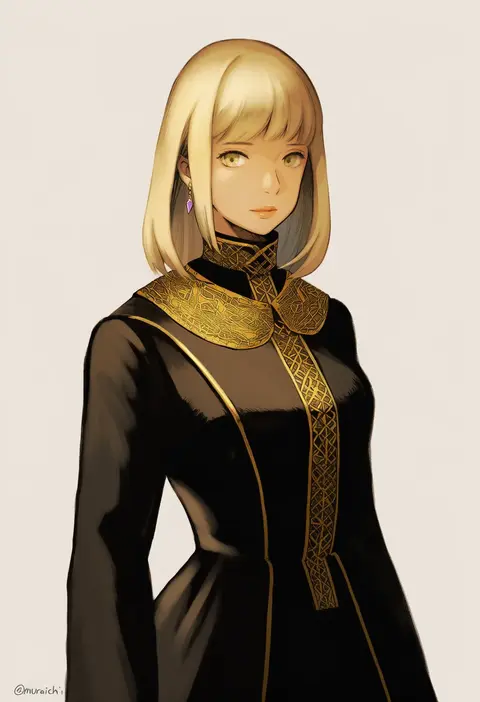
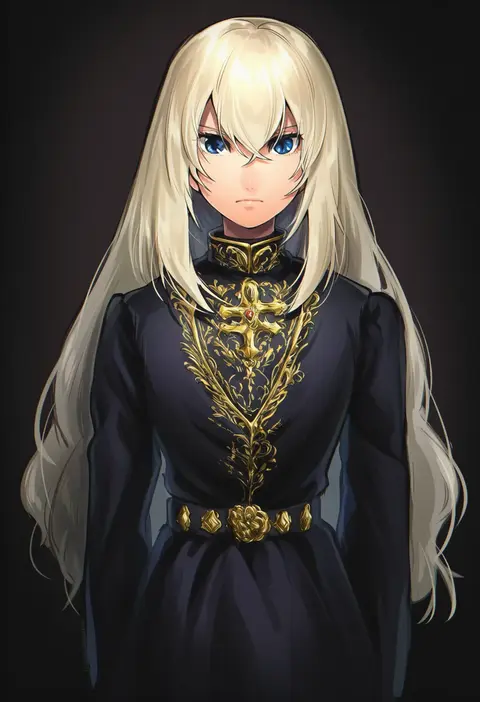
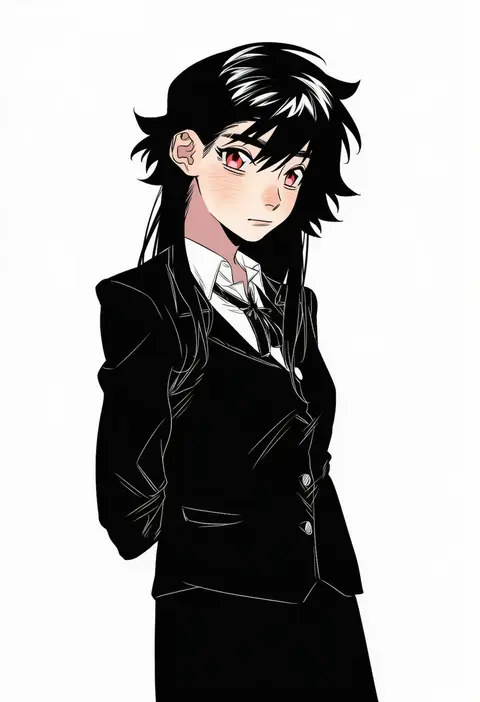
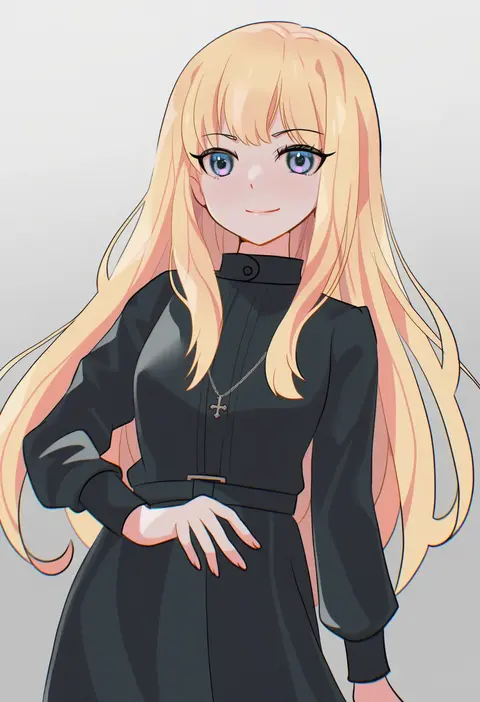
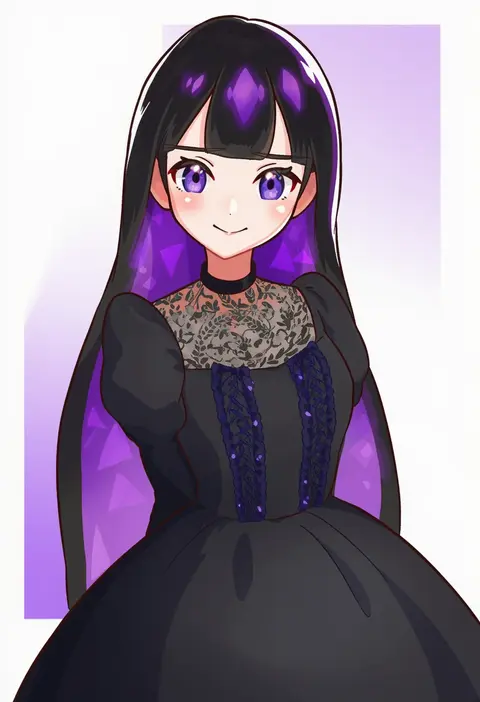
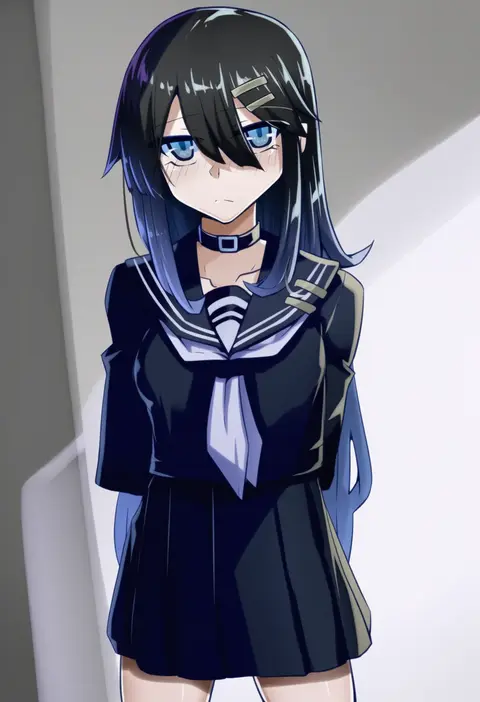
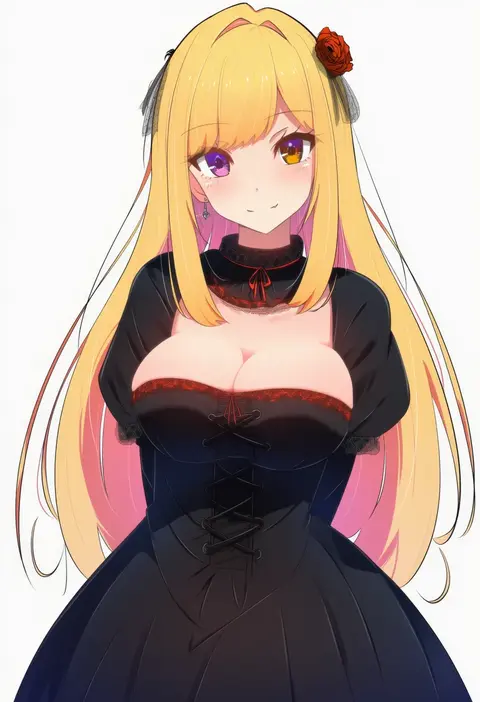
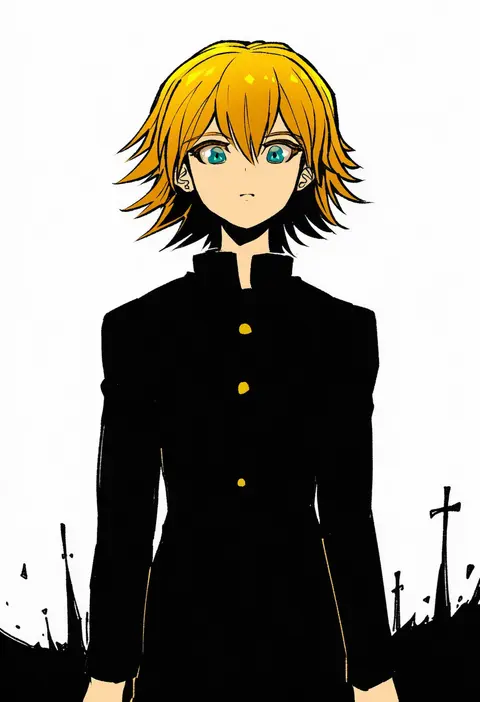
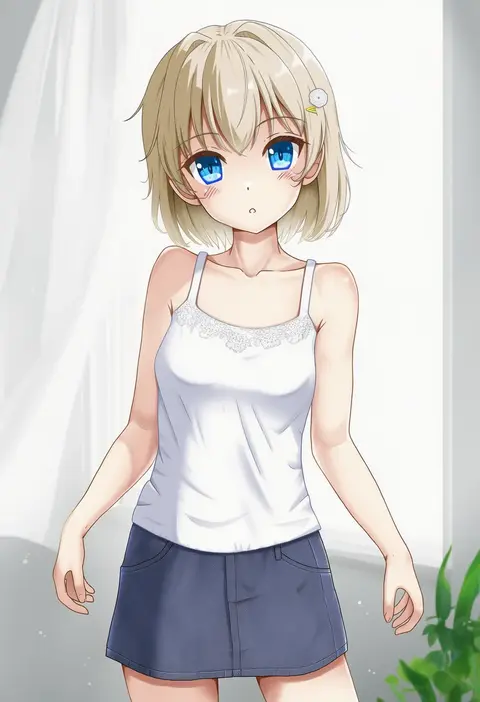
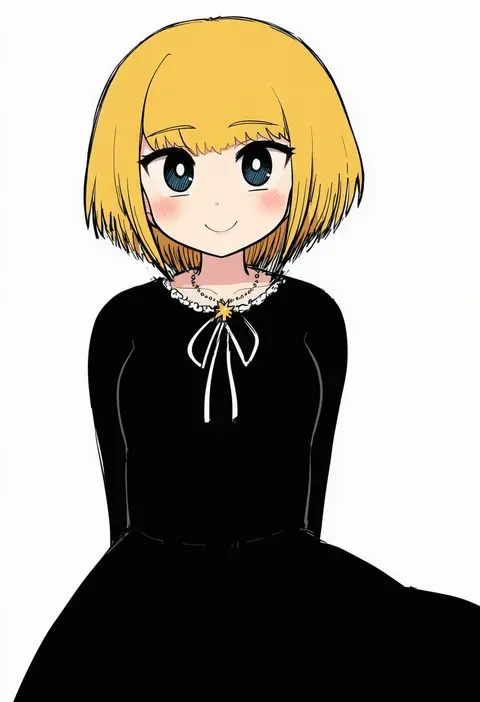
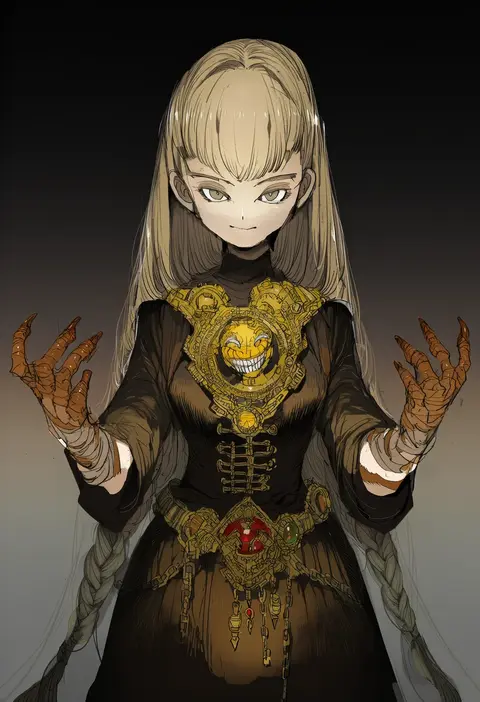
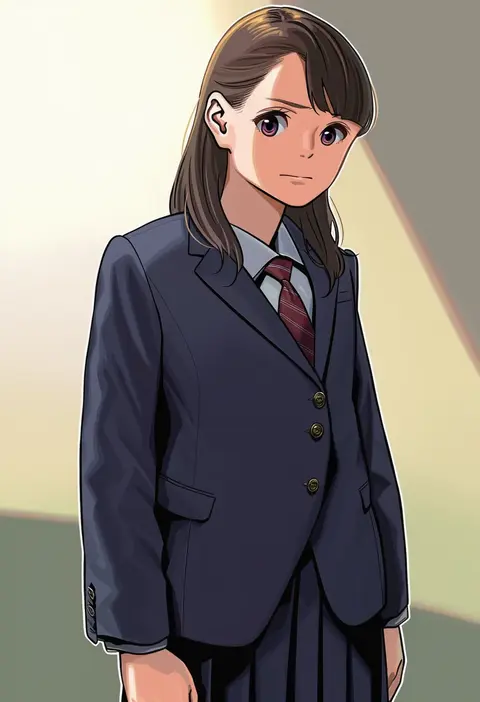
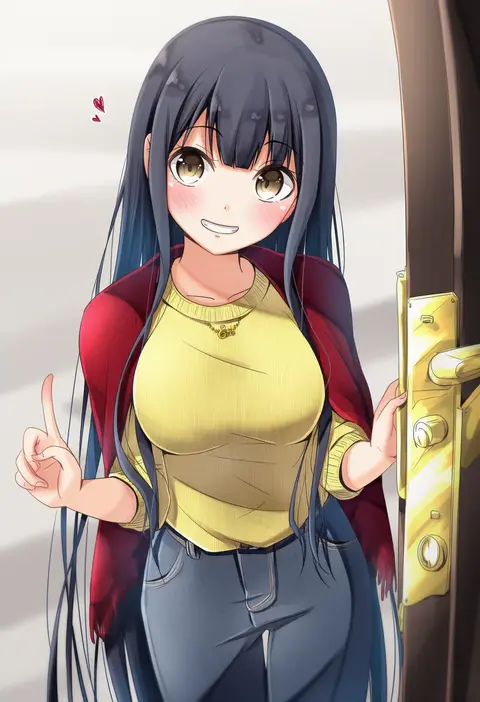
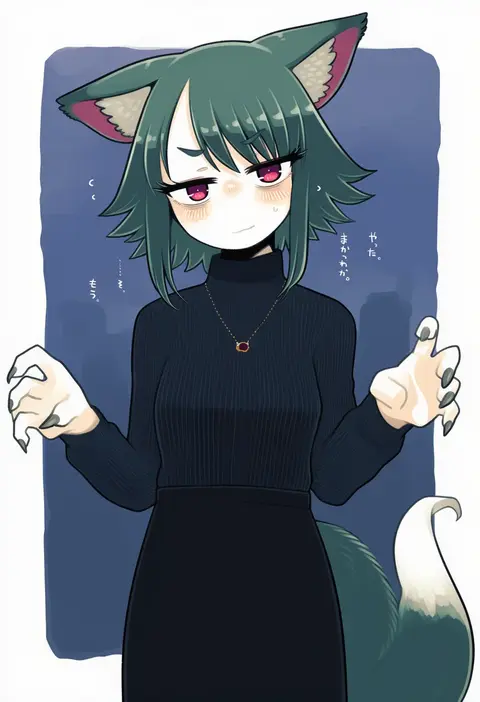
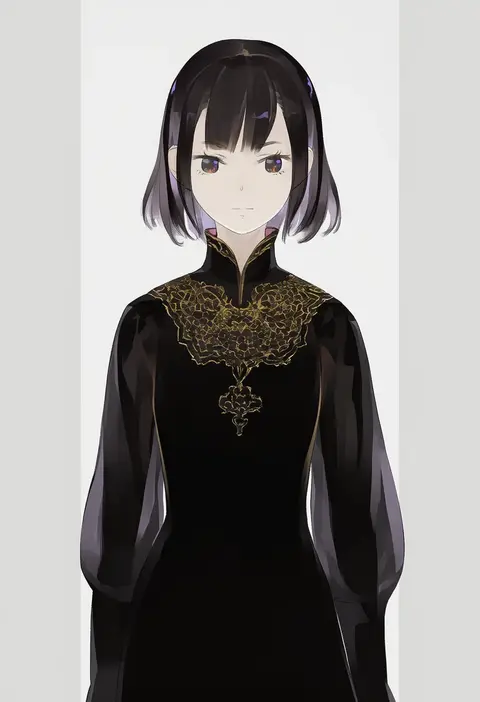
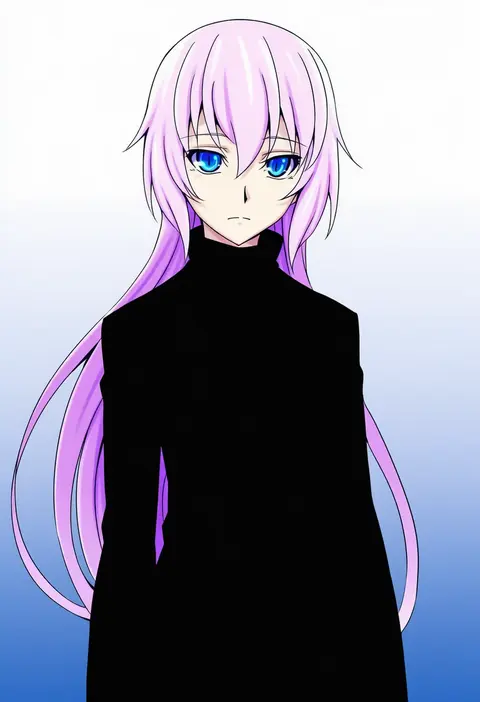
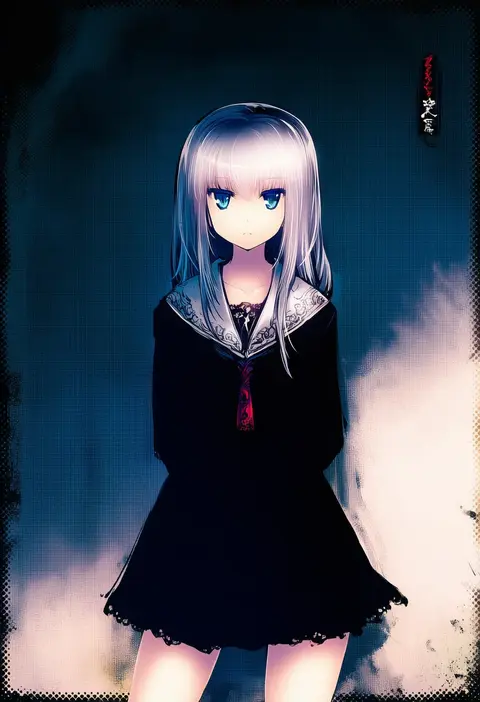
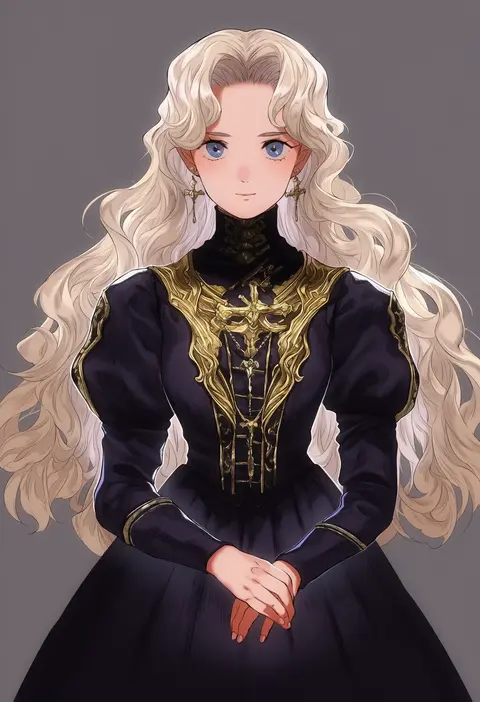
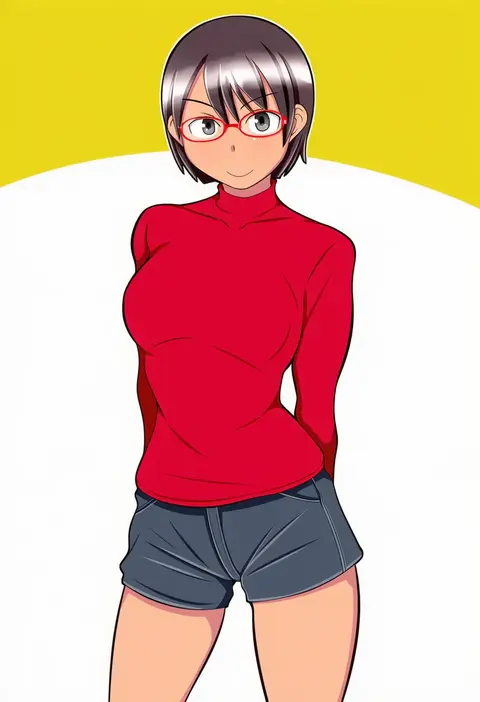
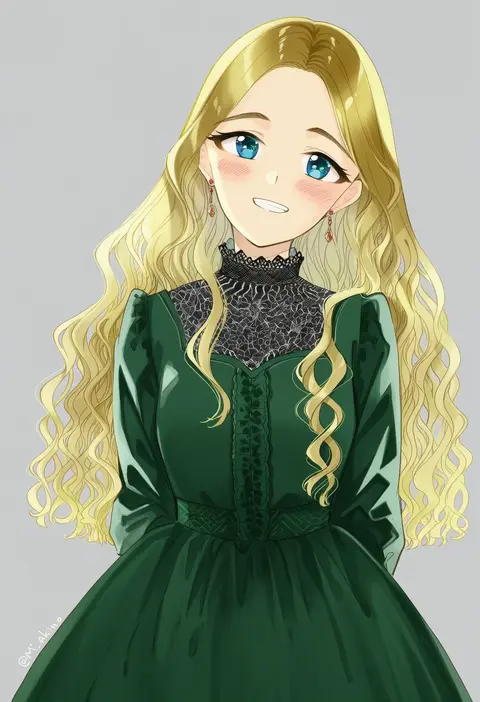
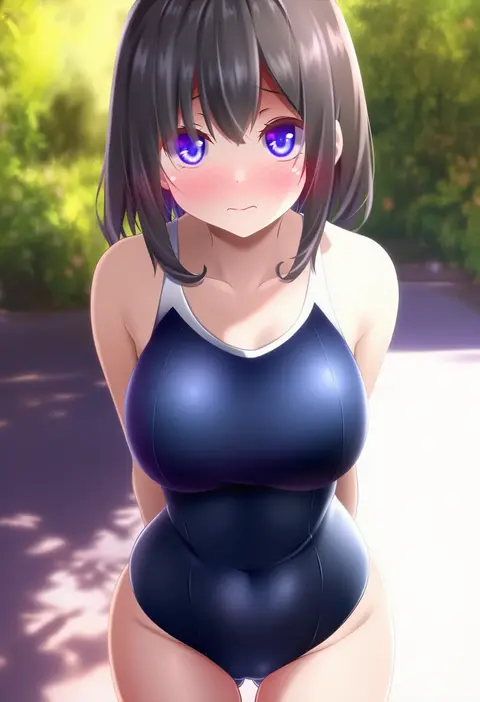
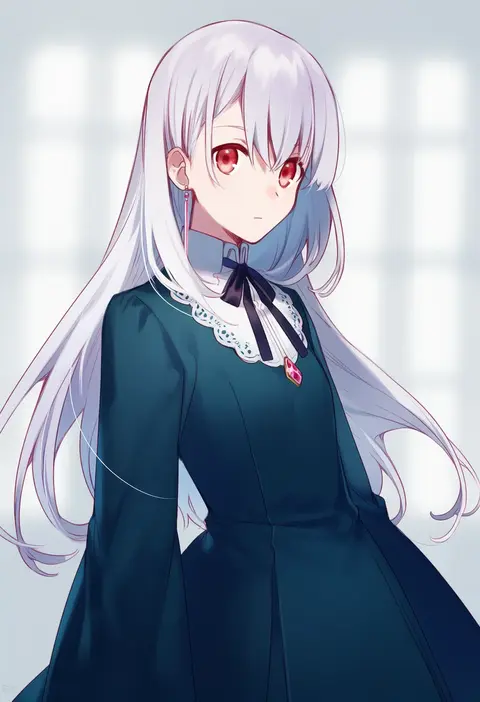
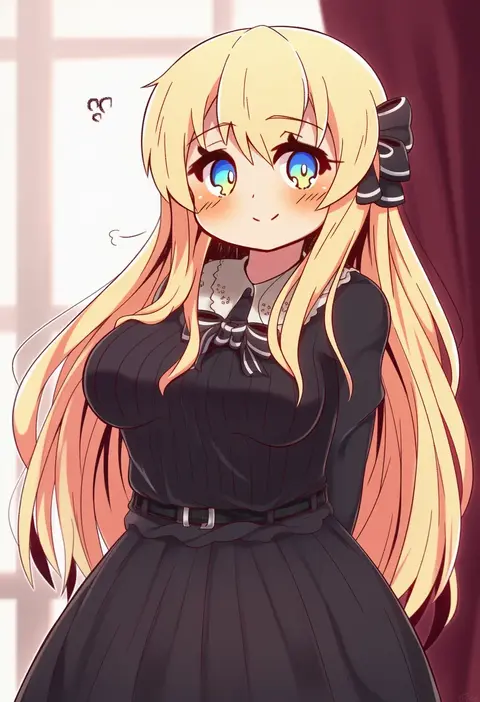
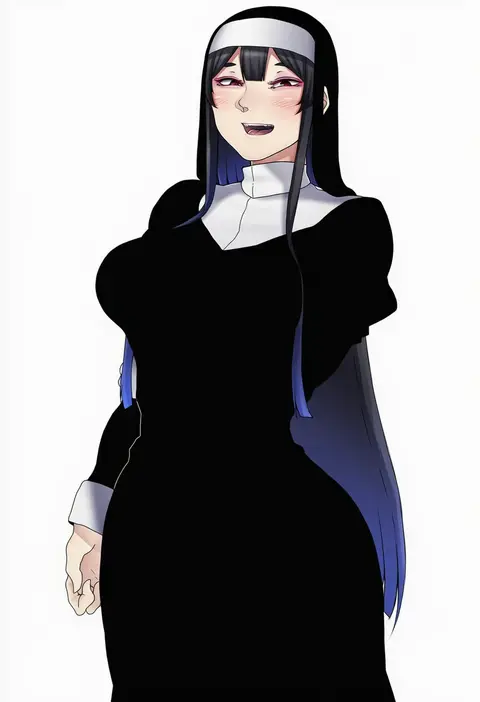
Every tag listed here is verified to react in NovelAI. All images use the same prompt, seed and settings with only the artist tag swapped, so the difference between two images is the style that tag brings in.

How to use them

Put the artist tag near the front of the prompt, e.g. "<artist>, 1girl, solo, best quality, masterpiece, cowboy shot". Two or three artist tags blend styles; lower the weight with "0.8::<artist>::" when the style overpowers the character.

SCORE sorts by Danbooru's top score, POSTS by post count, FAVS by hearts on this site. Open a card to see V5 and V4.5 side by side on the same seed.

V5 vs V4.5

V5 usually lands closer to the artist's real style, and tags that did nothing on V4.5 often react on V5. V4.5 still fits older and doujin-heavy artists better. Try V5 first, fall back to V4.5.

FAQ

Where does the artist tag go?
Near the front of the prompt. Use "0.8::tag::" to adjust its weight.

Can I stack artist tags?
Yes, styles blend. Past two or three the result stops looking like anyone.

Are these the artists' own works?
No. Every image is a NovelAI sample generated from the tag.