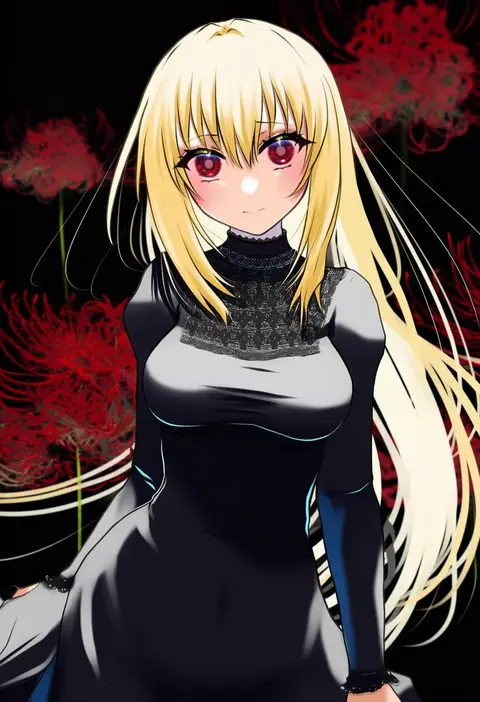
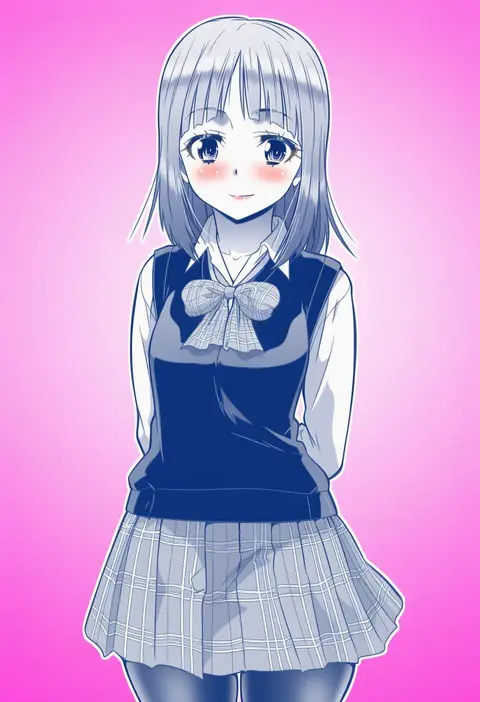
V4.5Artists
sort: FAVS▾
▾
>
$

NovelAI Artist Tags List — V4.5

artist --count 16,352[208/273]
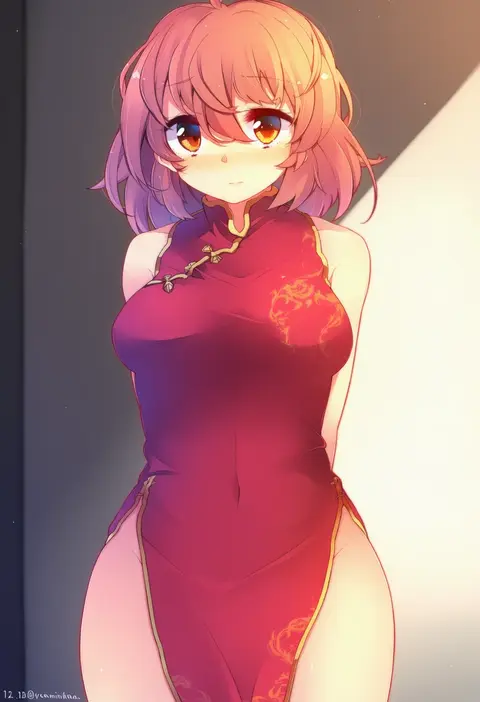
fuuen (akagaminanoka)
ARTIST0x3084
0
yumesato makura
ARTIST0x3085
0
nekobaka
ARTIST0x3086
0
kakone
ARTIST0x3087
0
robaco
ARTIST0x3088
0
sasairebun
ARTIST0x3089
0
medu (rubish)
ARTIST0x308A
0
irohara mitabi
ARTIST0x308B
0
hirune (konekonelkk)
ARTIST0x308C
0
hiiringu
ARTIST0x308D
0
umiroku
ARTIST0x308E
0
shiranagi
ARTIST0x308F
0
ki (kk-sk-ray)
ARTIST0x3090
0
suyohara
ARTIST0x3091
0
eta
ARTIST0x3092
0
esureki
ARTIST0x3093
0
mizuki (mizuki ame)
ARTIST0x3094
0
ki (adotadot)
ARTIST0x3095
0
satou toshiyuki
ARTIST0x3096
0
kerok (joniko1110)
ARTIST0x3097
0
sora no amagumo
ARTIST0x3098
0
dreadtie
ARTIST0x3099
0
kusada souta
ARTIST0x309A
0
sakana (saka11205)
ARTIST0x309B
0
mityubi
ARTIST0x309C
0
furahata gen
ARTIST0x309D
0
sashiyu
ARTIST0x309E
0
tsuno no hito
ARTIST0x309F
0
sumiyama sui
ARTIST0x30A0
0
ura tomomi
ARTIST0x30A1
0
suoni (deeperocean)
ARTIST0x30A2
0
rayvon
ARTIST0x30A3
0
oborofu
ARTIST0x30A4
0
yosaku (roach)
ARTIST0x30A5
0
natsupa
ARTIST0x30A6
0
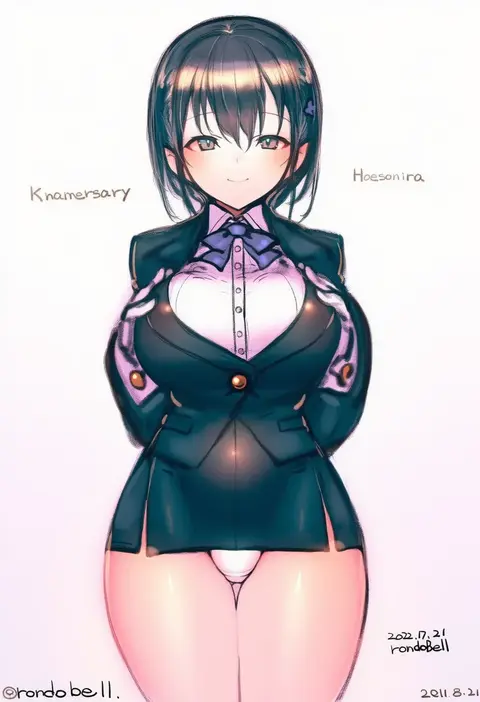
rondo bell
ARTIST0x30A7
0
oneroom-disco
ARTIST0x30A8
0
nikamoka
ARTIST0x30A9
0
neko danshaku
ARTIST0x30AA
0
minowa sukyaru
ARTIST0x30AB
0
kokoro no koibito
ARTIST0x30AC
0
maru daizu (aqua6233)
ARTIST0x30AD
0
rokuya (68 zusao)
ARTIST0x30AE
0
yamazaki tsukune
ARTIST0x30AF
0
chiwa (chiwa0617)
ARTIST0x30B0
0
teketeke (tasutekete)
ARTIST0x30B1
0
kouba
ARTIST0x30B2
0
sushi (sashimise)
ARTIST0x30B3
0
sakuro
ARTIST0x30B4
0
aohane
ARTIST0x30B5
0
inu3
ARTIST0x30B6
0
axleaki
ARTIST0x30B7
0
dobato
ARTIST0x30B8
0
nokachoco114
ARTIST0x30B9
0
sunday31
ARTIST0x30BA
0
doyachii
ARTIST0x30BB
0
hiro yoshinaka
ARTIST0x30BC
0
mao (6r)
ARTIST0x30BD
0
mu tu bu
ARTIST0x30BE
0
kaneko naoya
ARTIST0x30BF
0

What these tags change

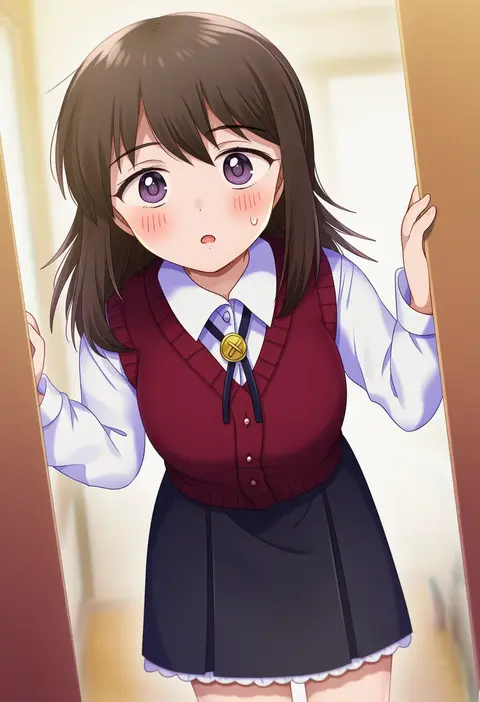
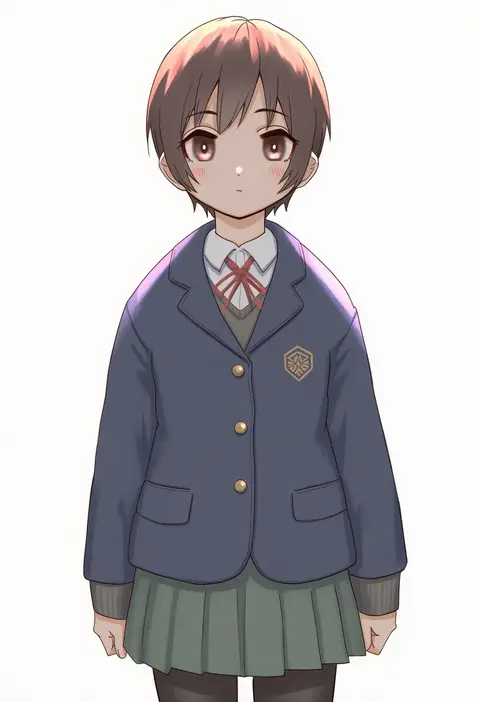
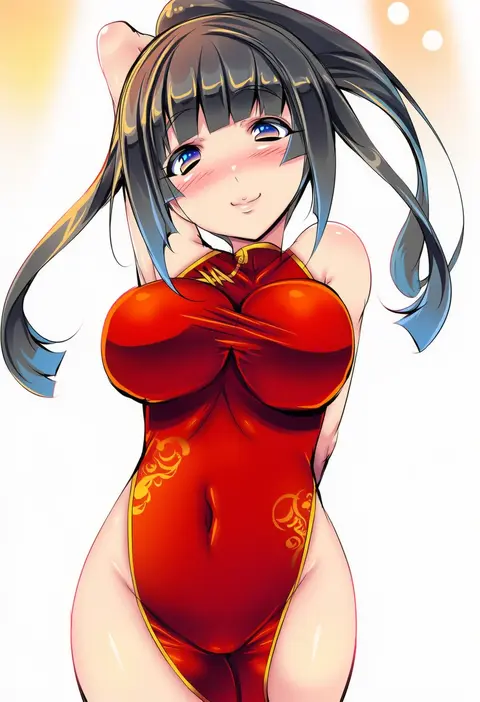
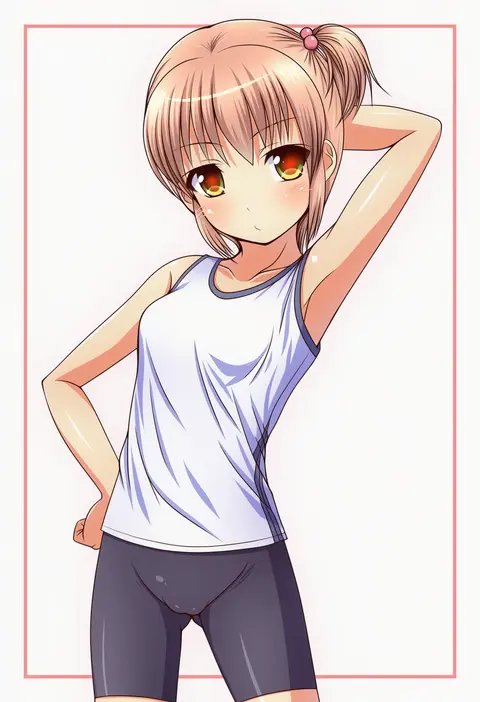
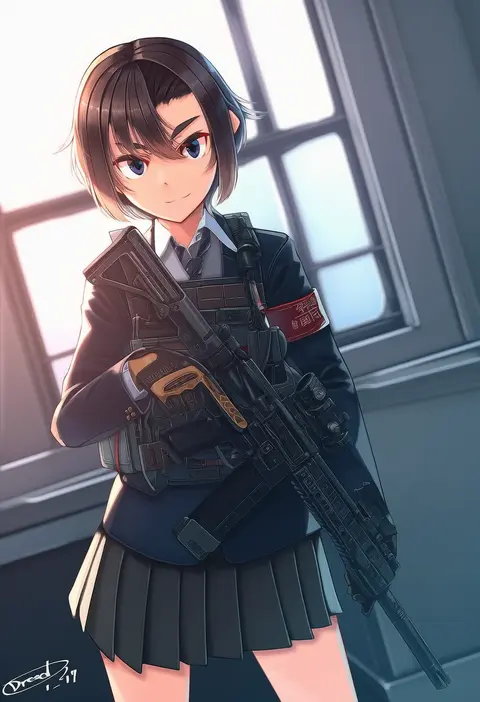
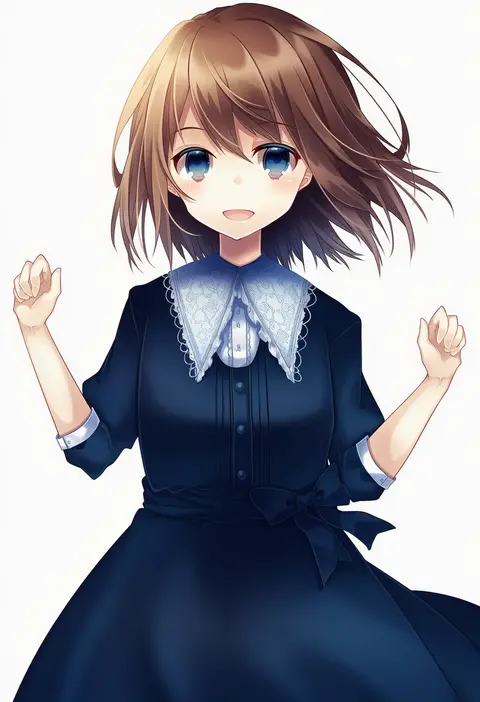
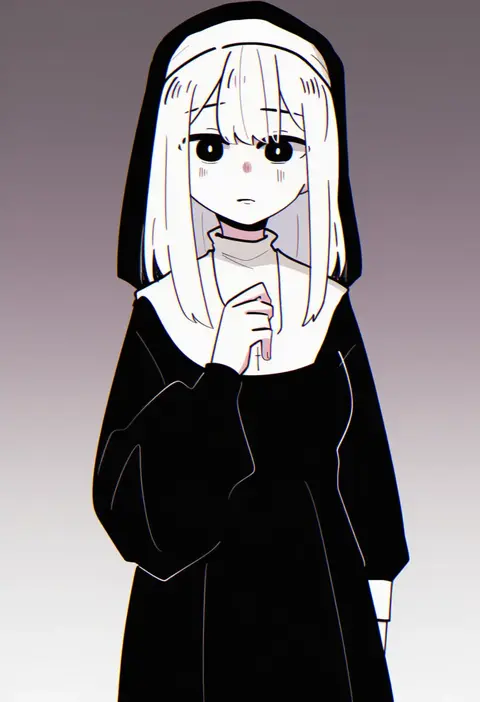
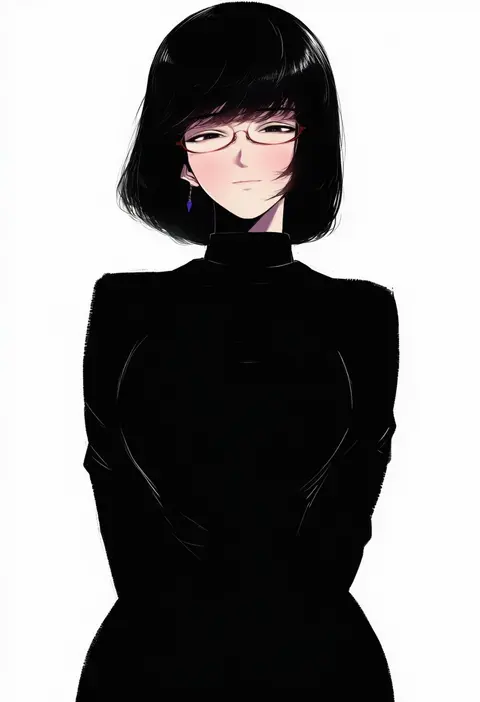
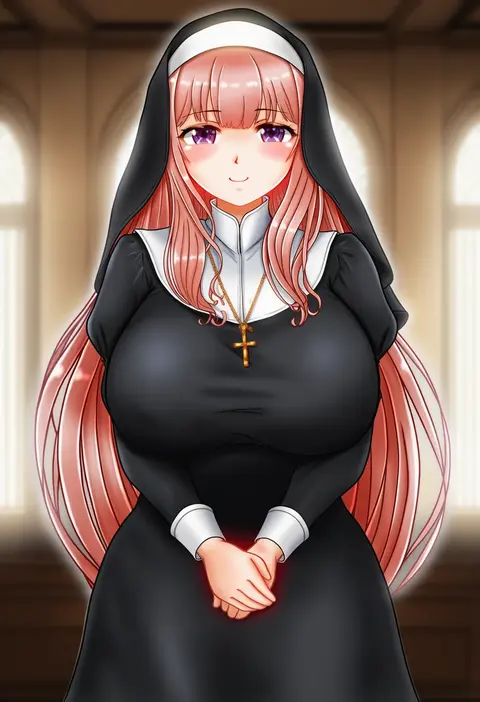
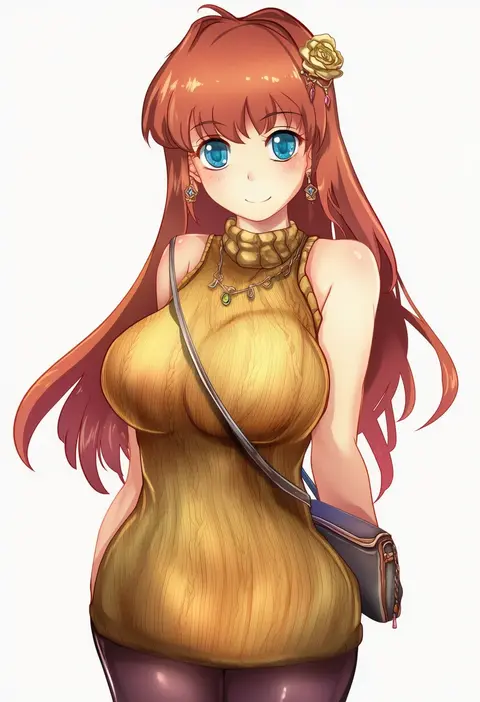
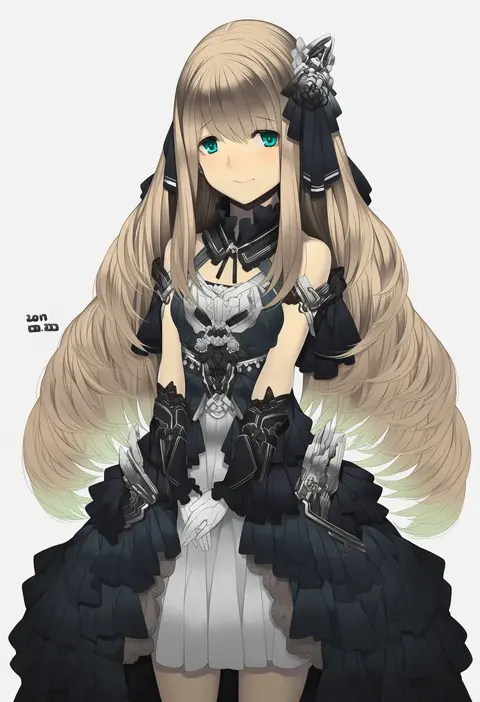
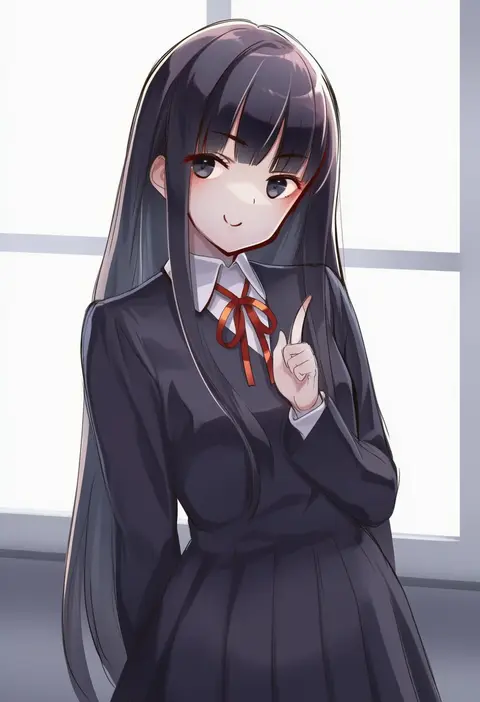
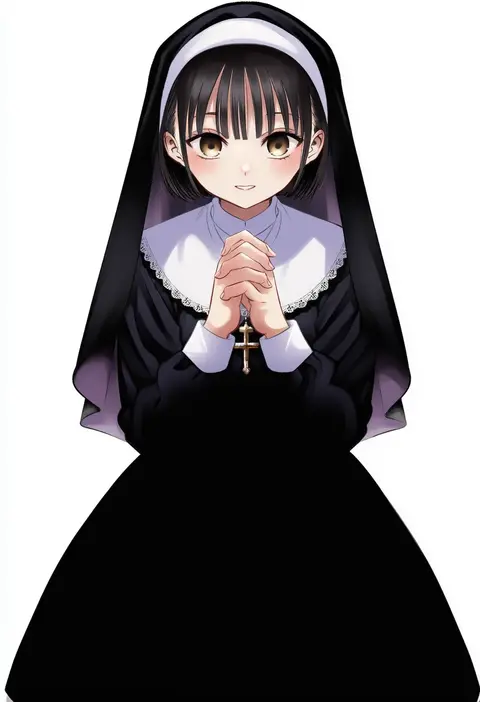
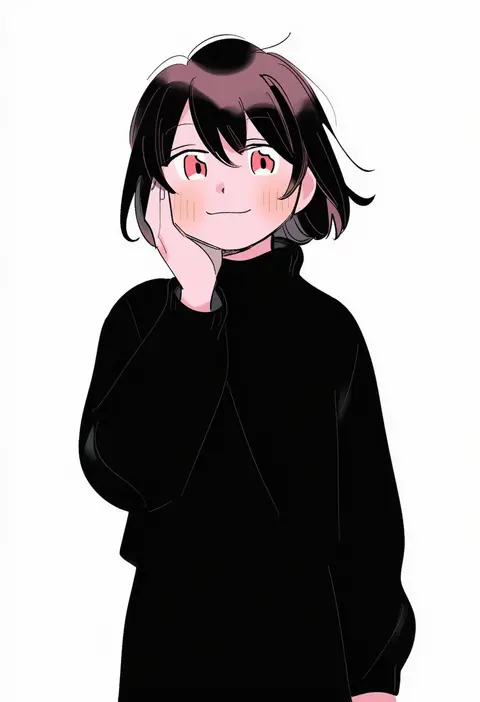
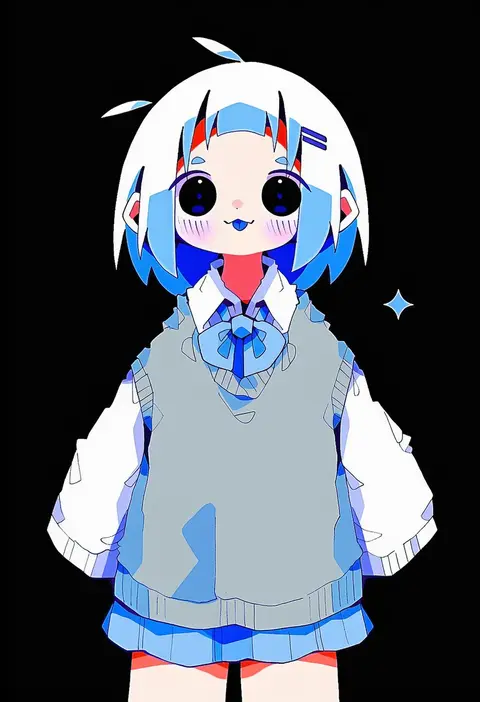
Artist tags tell NovelAI Diffusion to draw in a specific artist's style: line weight, paint texture, face shapes and palette all shift at once. Character and outfit tags decide what is drawn; artist tags decide how. 16,352 tags are listed for V4.5.
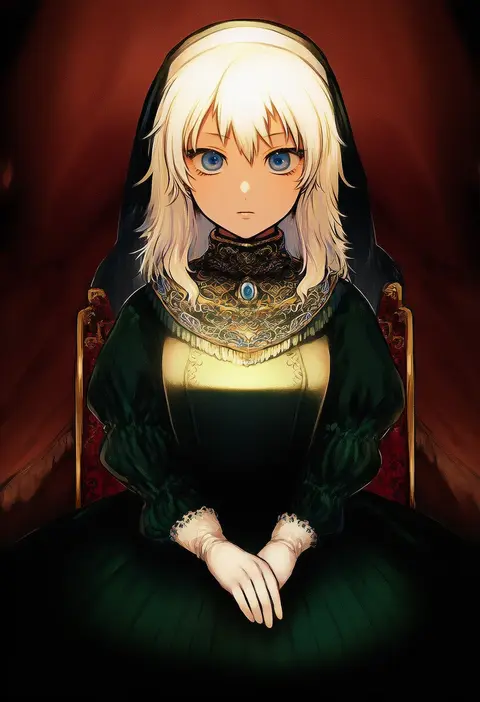
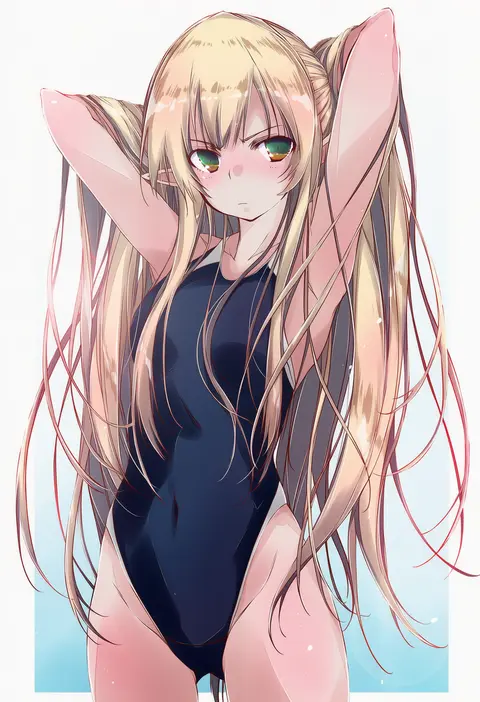
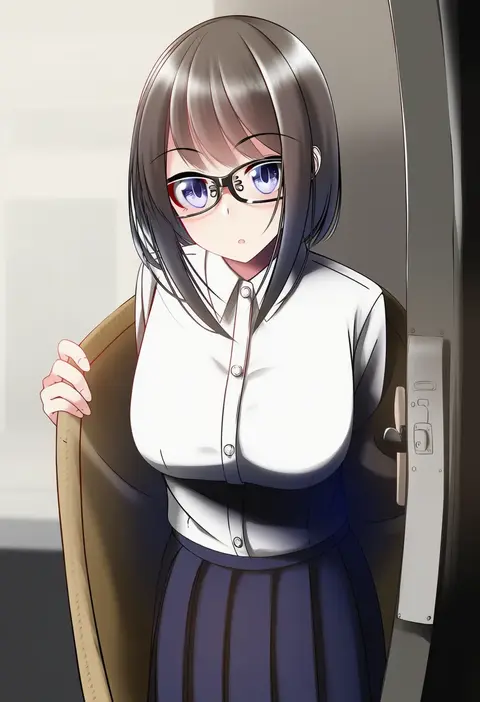
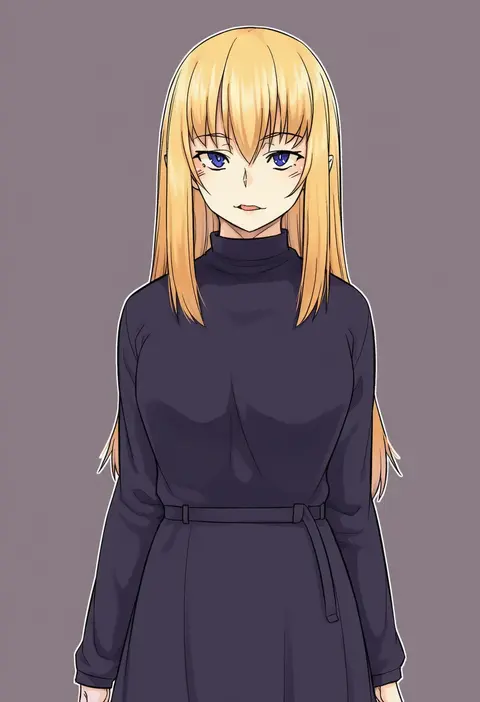
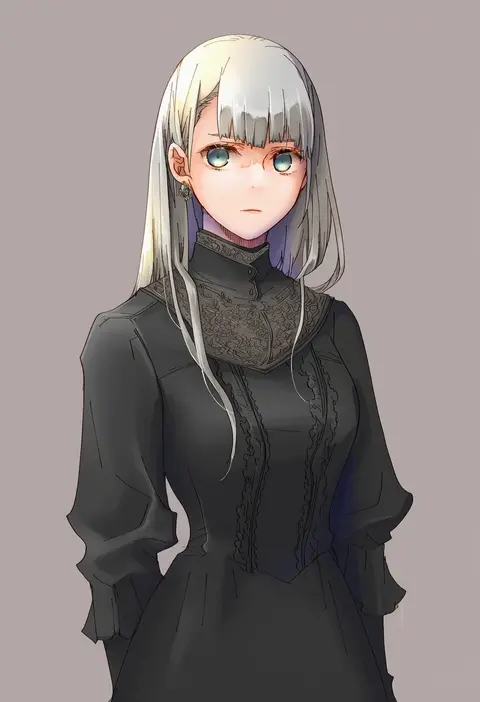
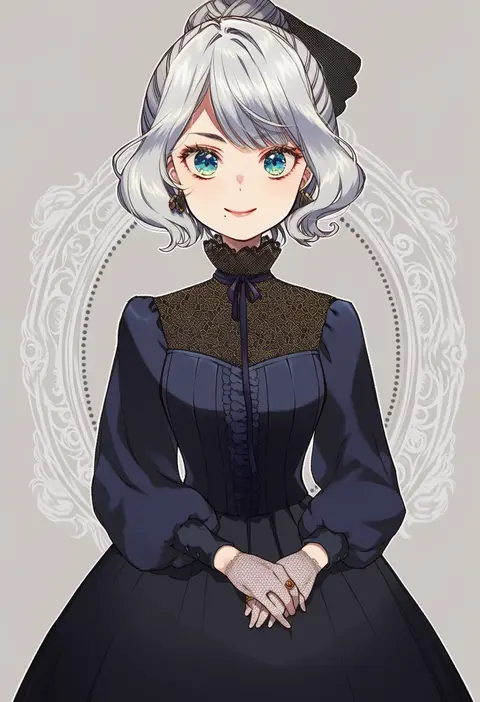
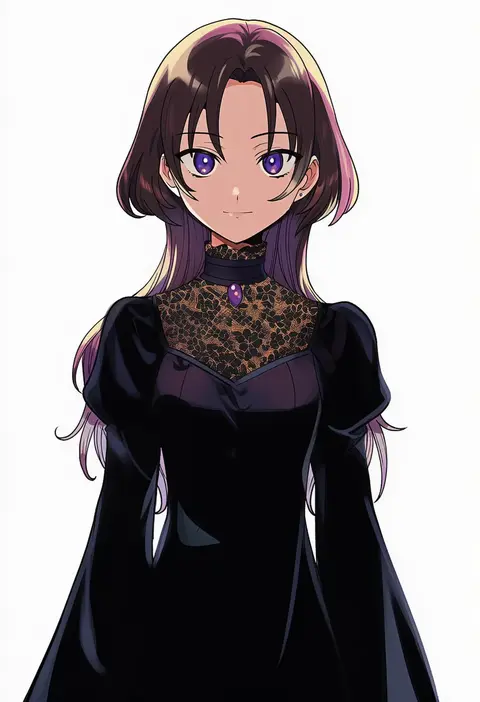
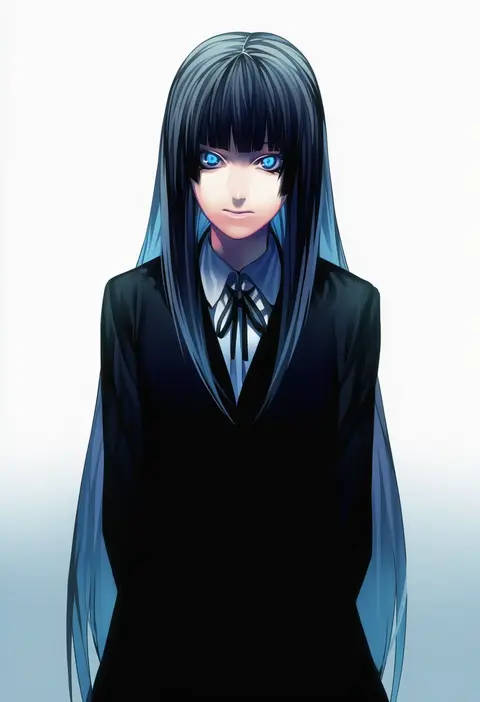
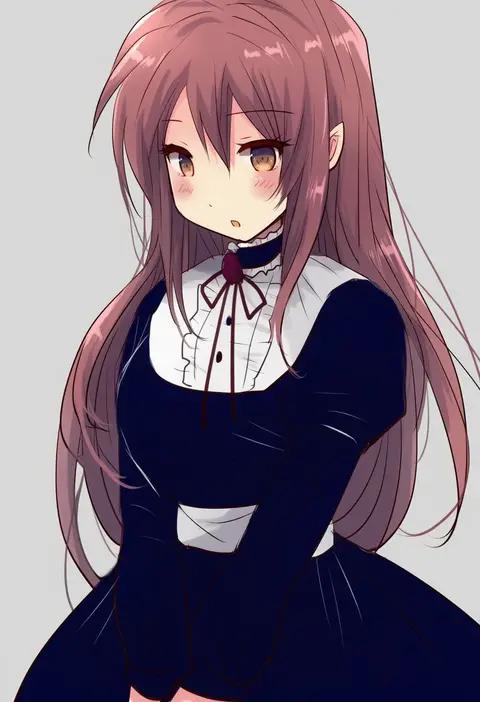
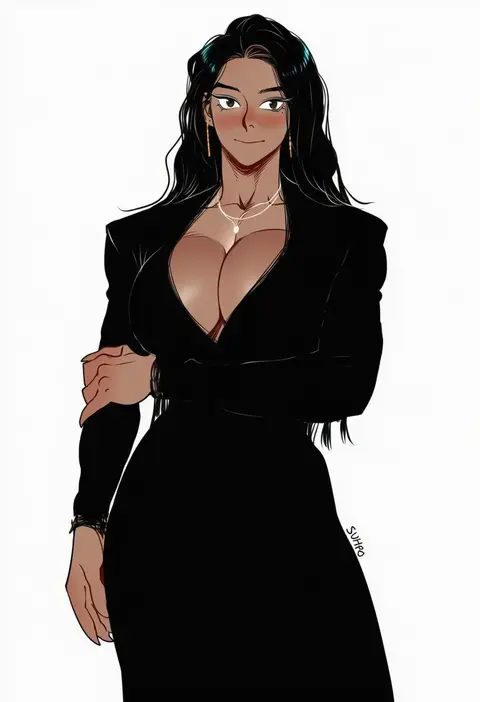
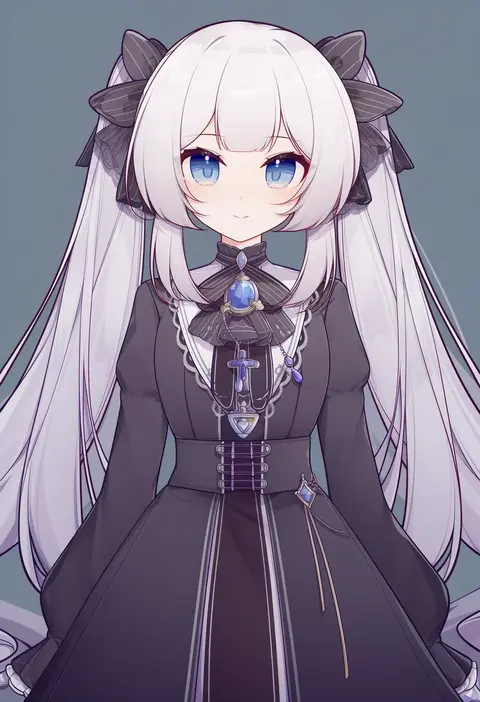
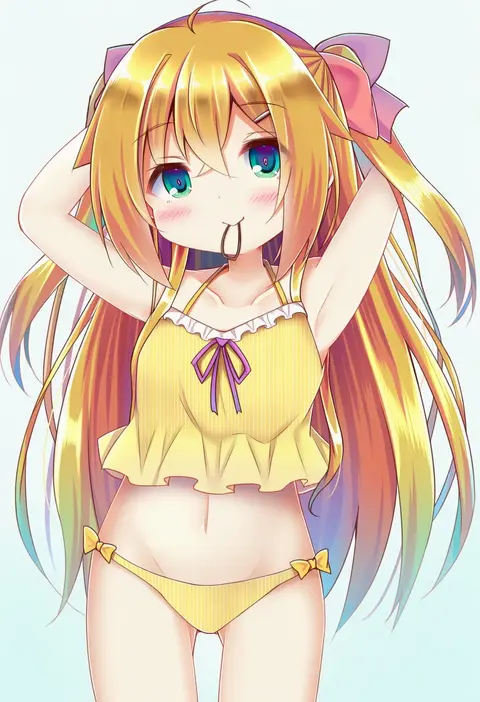
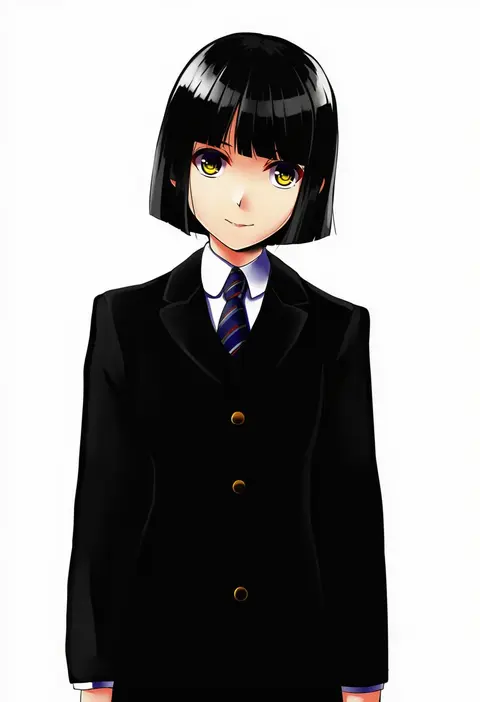
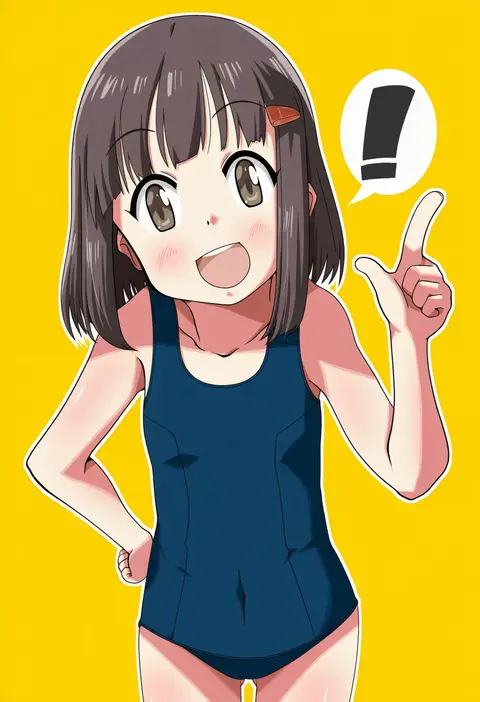
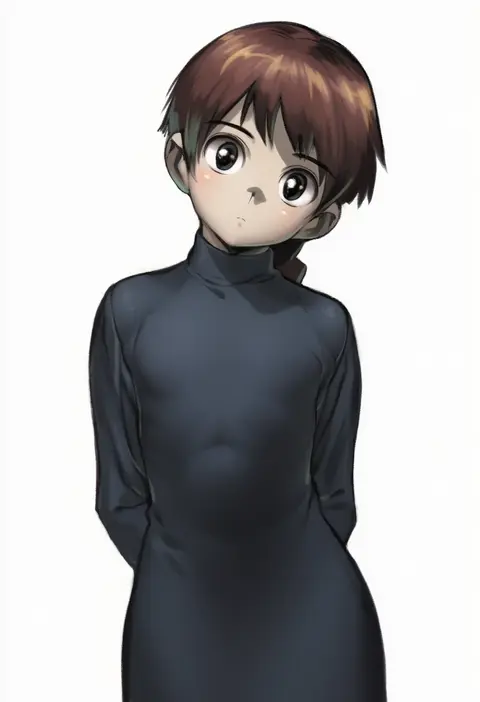
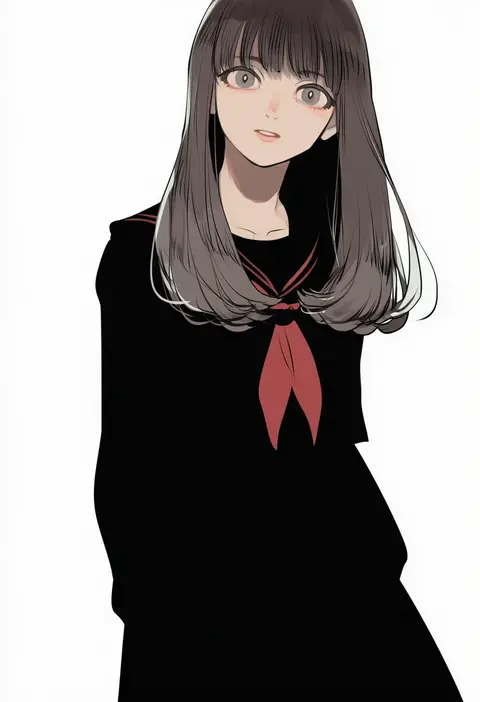
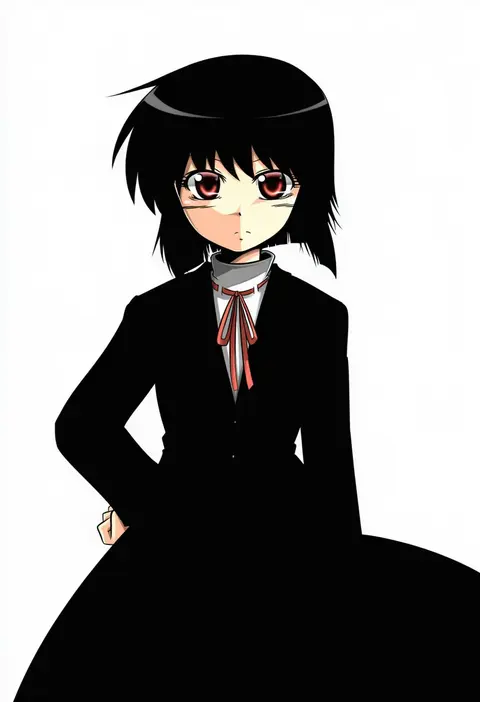
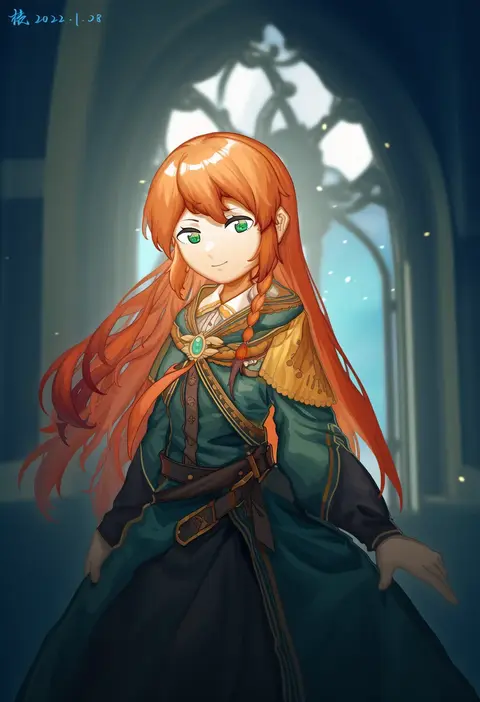
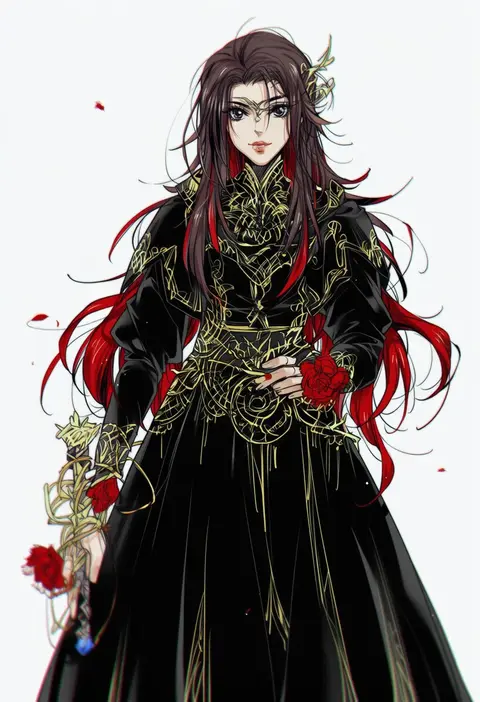
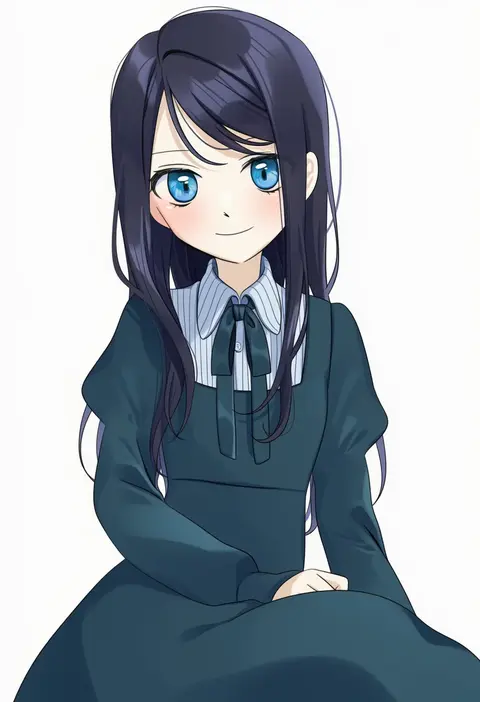
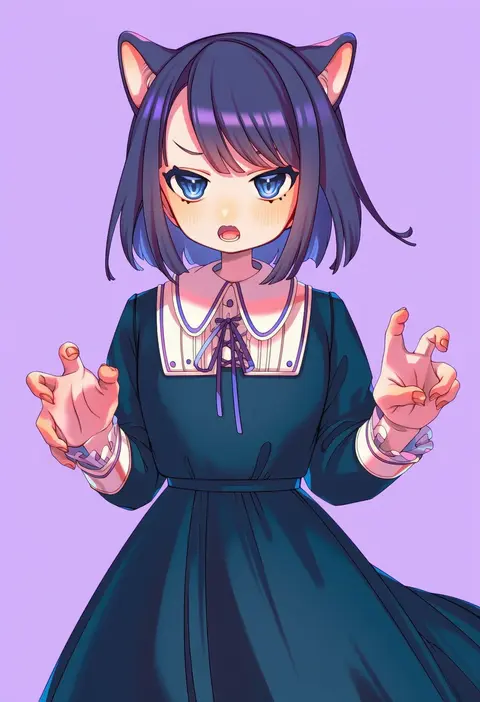
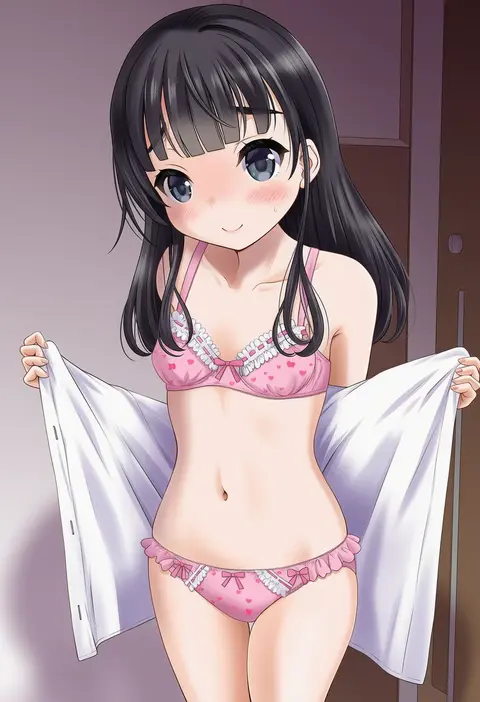
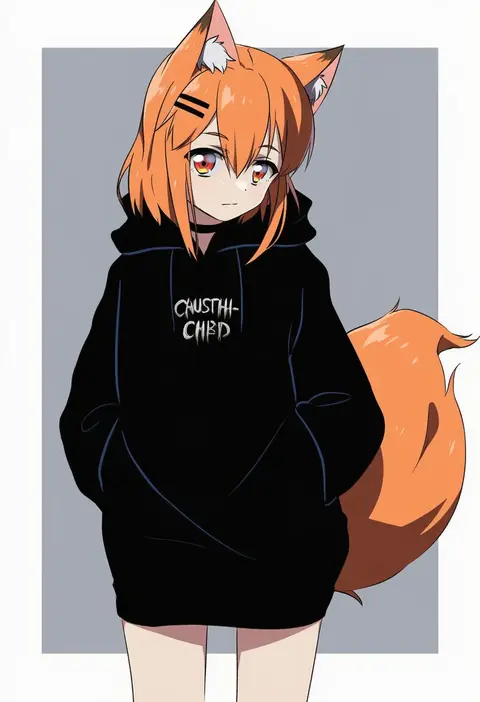
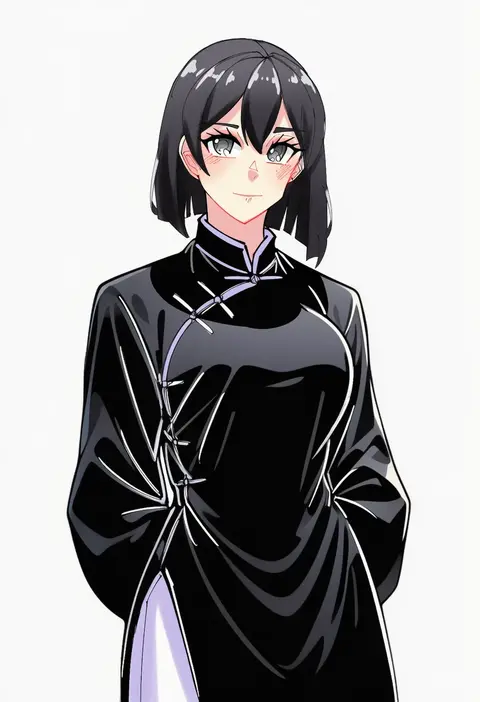
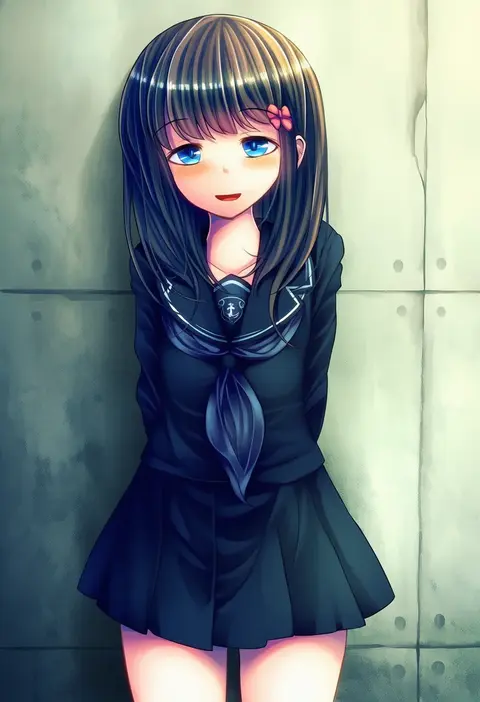
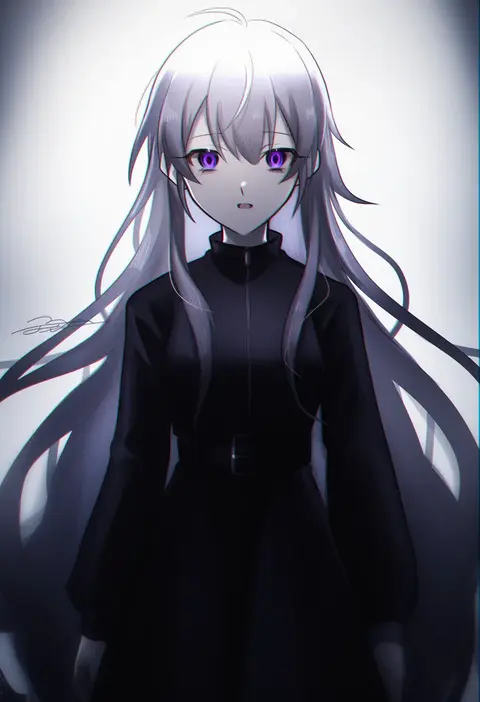
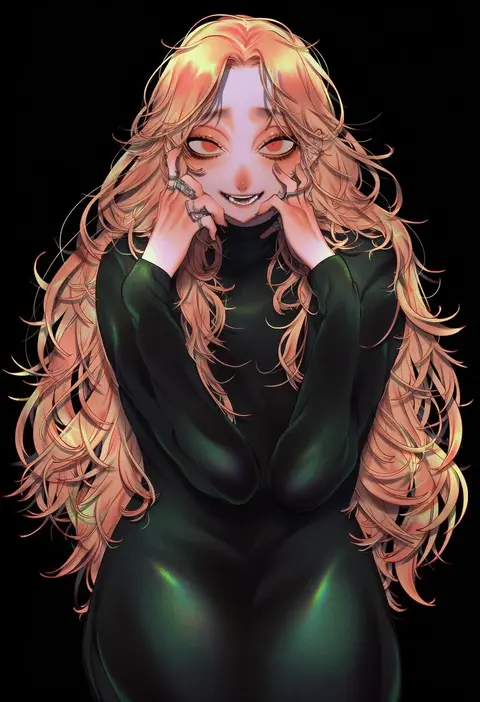
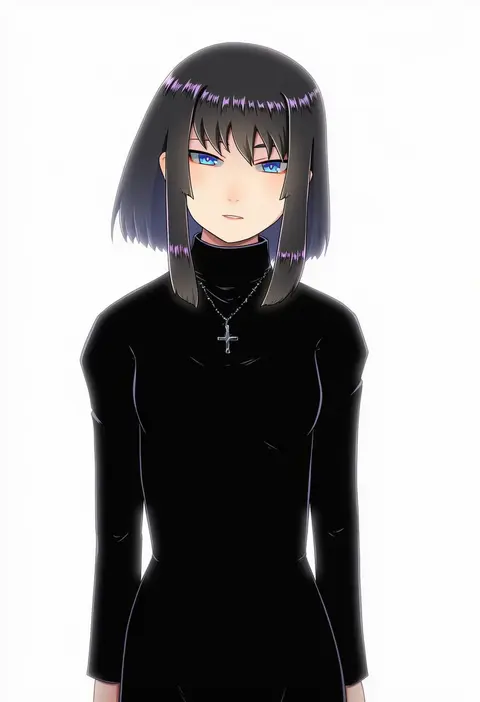
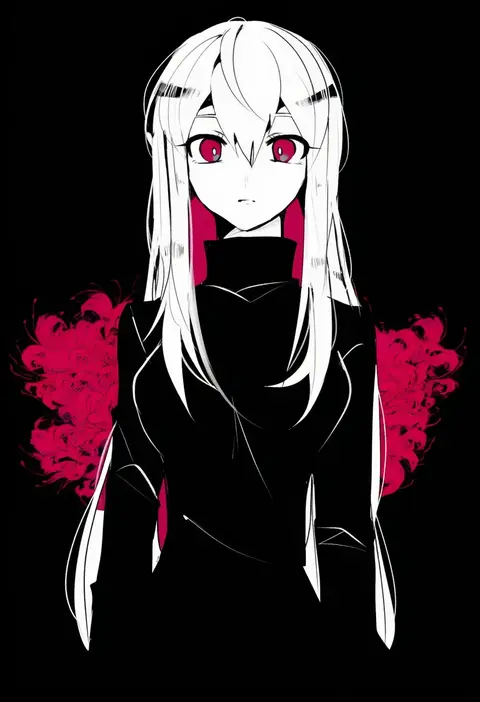
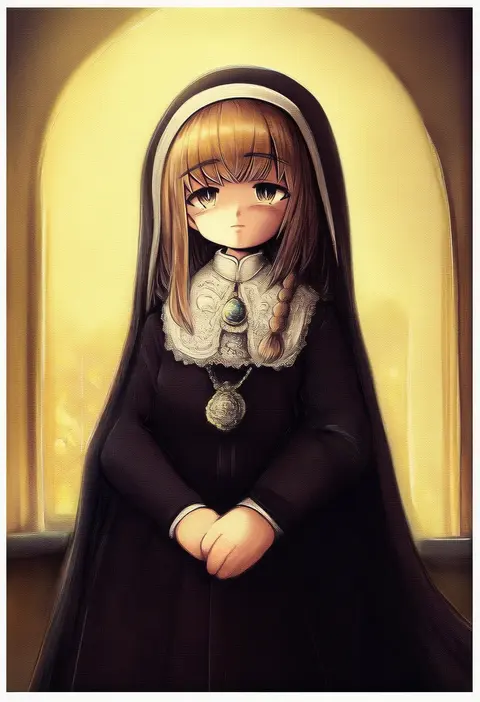
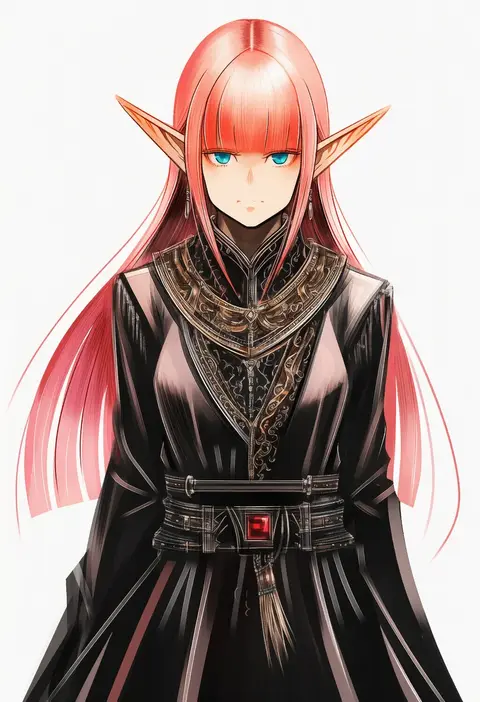
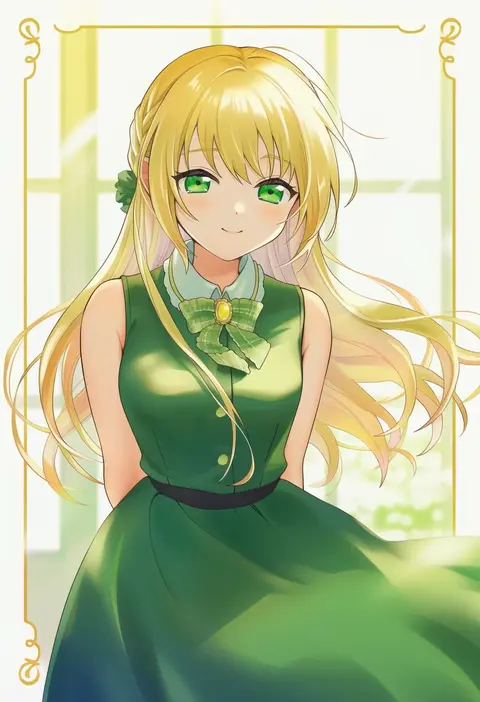
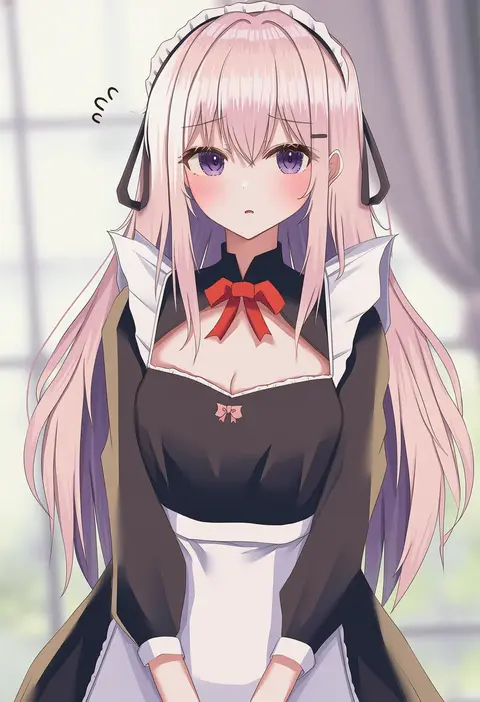
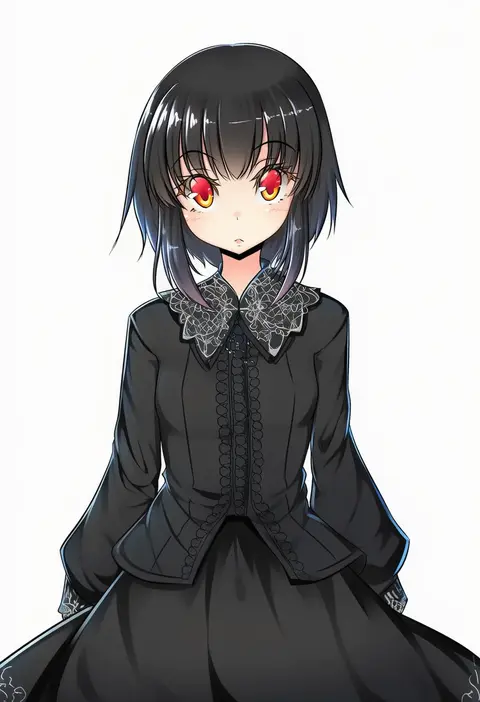
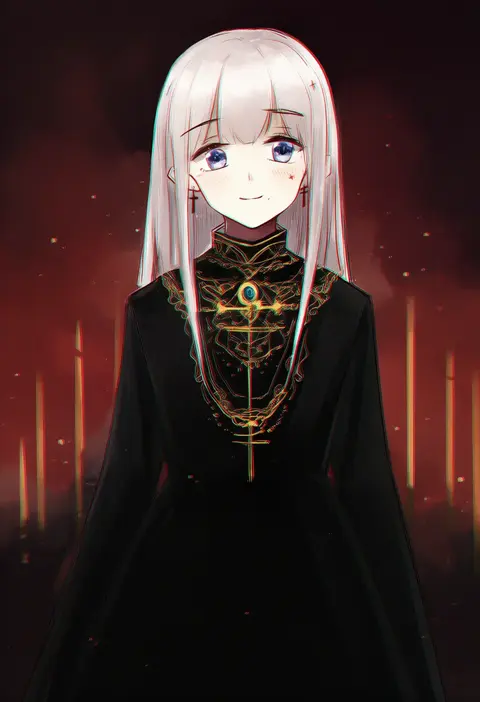
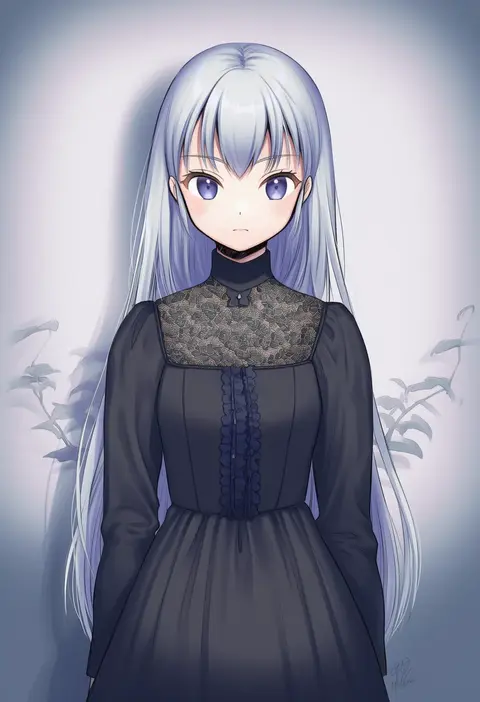
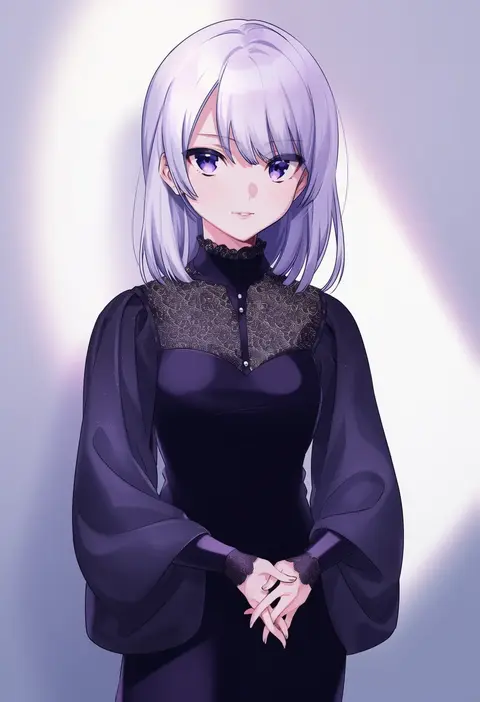
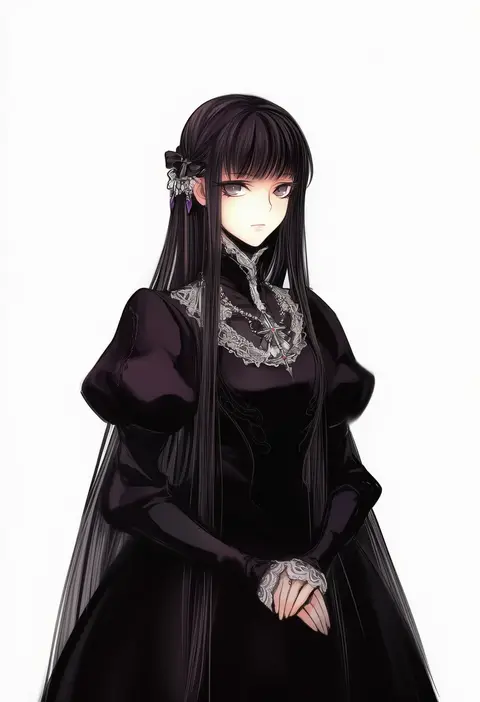
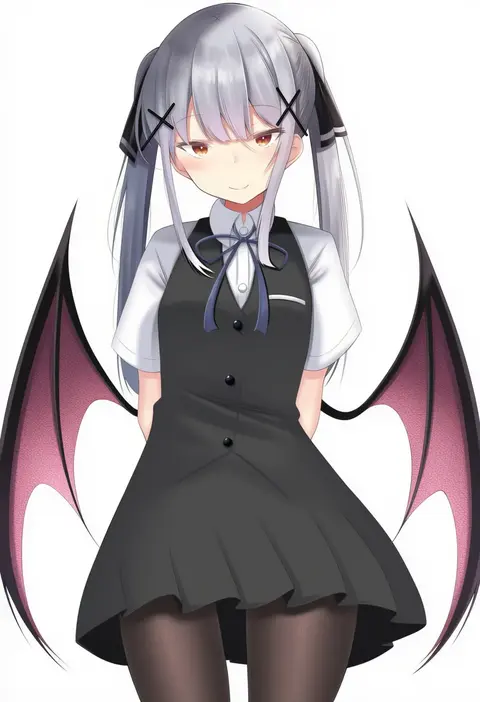
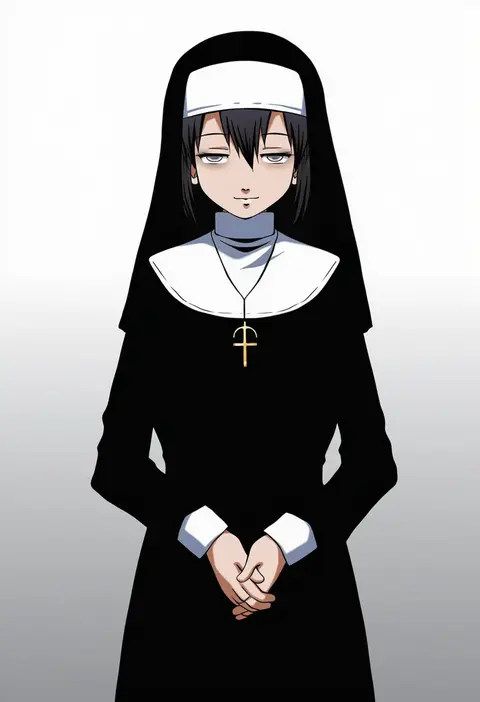
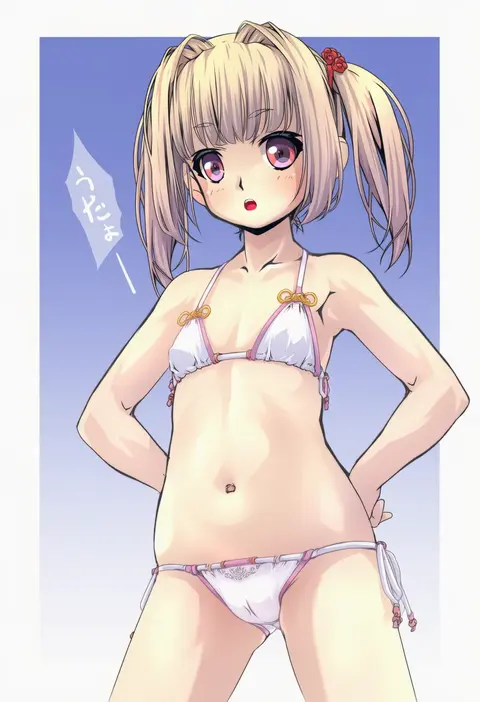
Every tag listed here is verified to react in NovelAI. All images use the same prompt, seed and settings with only the artist tag swapped, so the difference between two images is the style that tag brings in.

How to use them

Put the artist tag near the front of the prompt, e.g. "<artist>, 1girl, solo, best quality, masterpiece, cowboy shot". Two or three artist tags blend styles; lower the weight with "0.8::<artist>::" when the style overpowers the character.

SCORE sorts by Danbooru's top score, POSTS by post count, FAVS by hearts on this site. Open a card to see V5 and V4.5 side by side on the same seed.

V5 vs V4.5

V5 usually lands closer to the artist's real style, and tags that did nothing on V4.5 often react on V5. V4.5 still fits older and doujin-heavy artists better. Try V5 first, fall back to V4.5.

FAQ

Where does the artist tag go?
Near the front of the prompt. Use "0.8::tag::" to adjust its weight.

Can I stack artist tags?
Yes, styles blend. Past two or three the result stops looking like anyone.

Are these the artists' own works?
No. Every image is a NovelAI sample generated from the tag.