V4.5Artists
sort: FAVS▾
▾
>
$

NovelAI Artist Tags List — V4.5

artist --count 16,352[207/273]
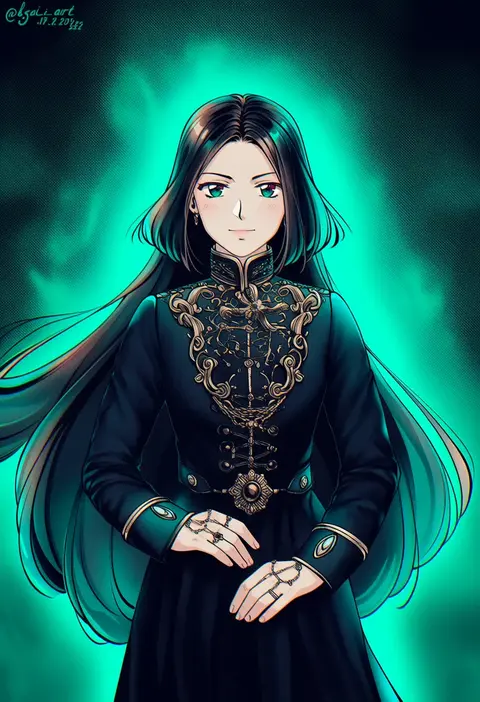
kay-i
ARTIST0x3048
0
mochinue
ARTIST0x3049
0
snatti
ARTIST0x304A
0
hanamura pink
ARTIST0x304B
0
honma (honmatomohiro)
ARTIST0x304C
0
gyaza
ARTIST0x304D
0
mimizubare
ARTIST0x304E
0
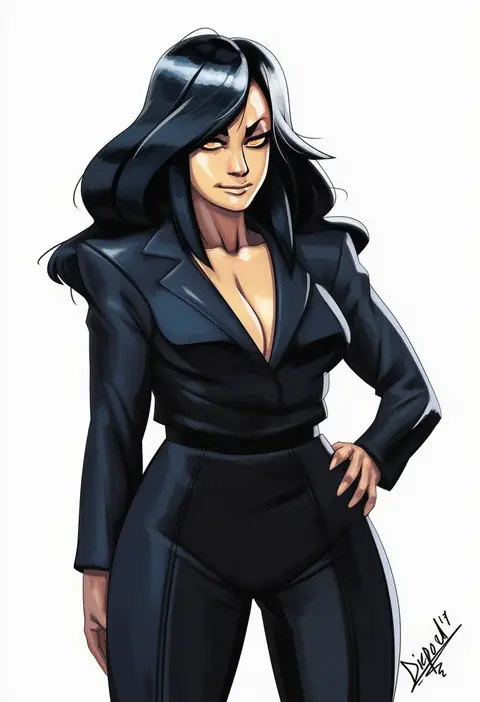
diepod
ARTIST0x304F
0
hanaon
ARTIST0x3050
0
ryota tentei
ARTIST0x3051
0
tokoi
ARTIST0x3052
0
mato (mozu hayanie)
ARTIST0x3053
0
dash b
ARTIST0x3054
0
na! (na'mr)
ARTIST0x3055
0
haccan
ARTIST0x3056
0
ikuchi osutega
ARTIST0x3057
0
hi ye
ARTIST0x3058
0
hirokawa kouichirou
ARTIST0x3059
0
miso panda
ARTIST0x305A
0
yoshiwo
ARTIST0x305B
0
arowana2111
ARTIST0x305C
0
katuko deluxe
ARTIST0x305D
0
hattori masahiko
ARTIST0x305E
0
bing zizi
ARTIST0x305F
0
natsushiro
ARTIST0x3060
0
usagino suzu
ARTIST0x3061
0
gondom
ARTIST0x3062
0
asuka shirou
ARTIST0x3063
0
abaratani kurou
ARTIST0x3064
0
mizuki maya
ARTIST0x3065
0
pemu
ARTIST0x3066
0
nitaka (fujikichi)
ARTIST0x3067
0
tsengyun
ARTIST0x3068
0
mo (nmnme)
ARTIST0x3069
0
yumenouchi chiharu
ARTIST0x306A
0
nin nakajima
ARTIST0x306B
0
konoe yuba
ARTIST0x306C
0
asoka
ARTIST0x306D
0
utsugi (skydream)
ARTIST0x306E
0
lch
ARTIST0x306F
0
loveloveknight
ARTIST0x3070
0
murakami meishi
ARTIST0x3071
0
u emper
ARTIST0x3072
0
yoko.u
ARTIST0x3073
0
manabe jouji
ARTIST0x3074
0
umemaneneco
ARTIST0x3075
0
haruyonoto
ARTIST0x3076
0
oito (bowstringsmall)
ARTIST0x3077
0
achyue
ARTIST0x3078
0
minoru (minoru uwutemp)
ARTIST0x3079
0
not on shana
ARTIST0x307A
0
vetania
ARTIST0x307B
0
ikasoba
ARTIST0x307C
0
takatsuki kahiro
ARTIST0x307D
0
tomono rui
ARTIST0x307E
0
xukong
ARTIST0x307F
0
kuro lee
ARTIST0x3080
0
satoshi (peso727)
ARTIST0x3081
0
yukichi (eikichi)
ARTIST0x3082
0
toutenkou
ARTIST0x3083
0

What these tags change

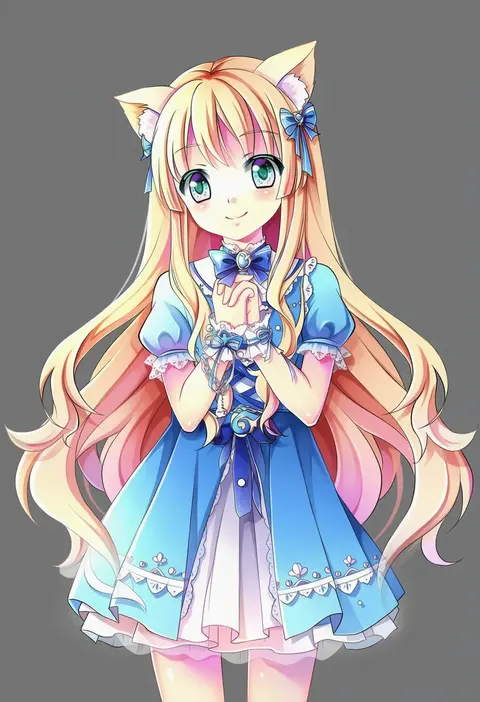
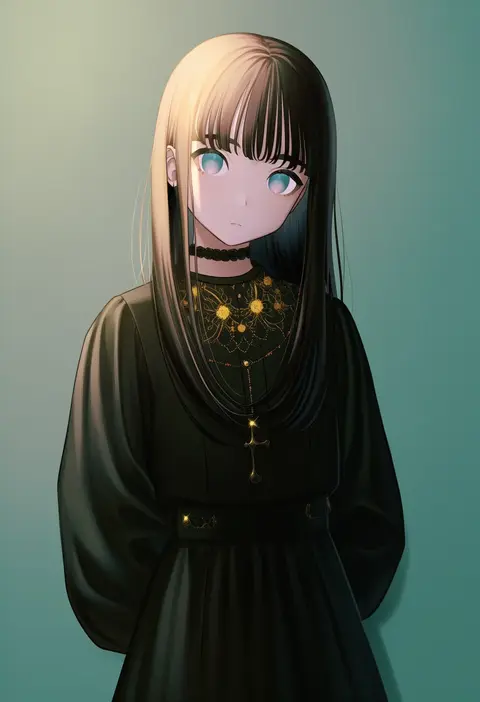
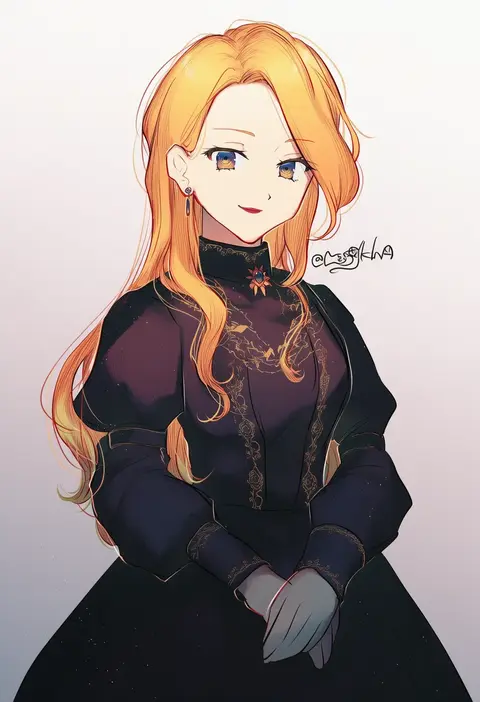
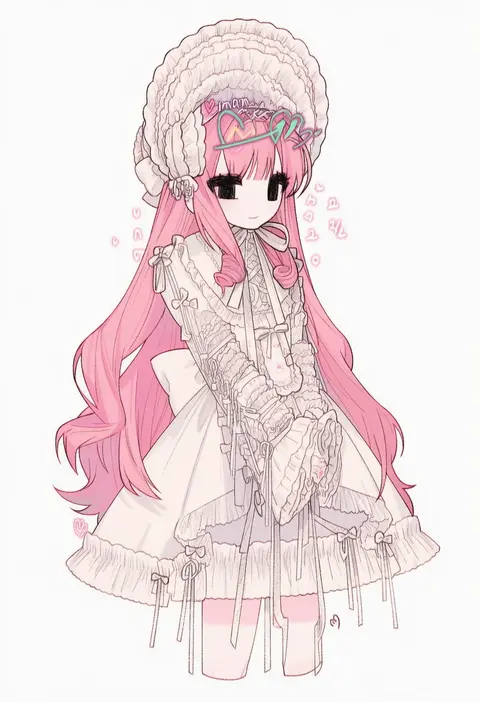
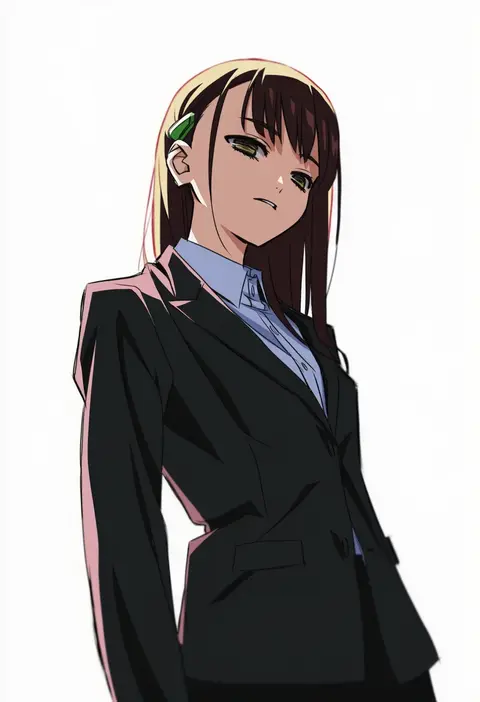
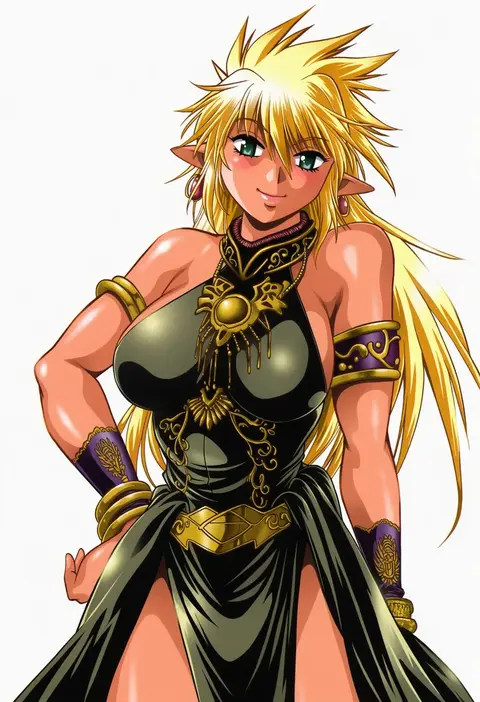
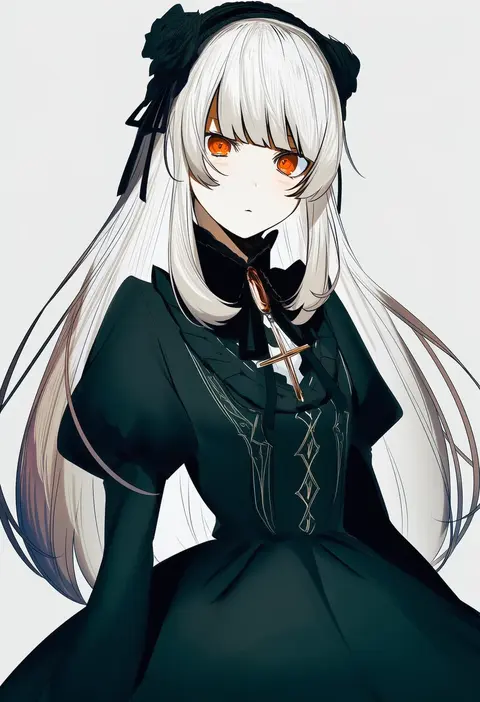
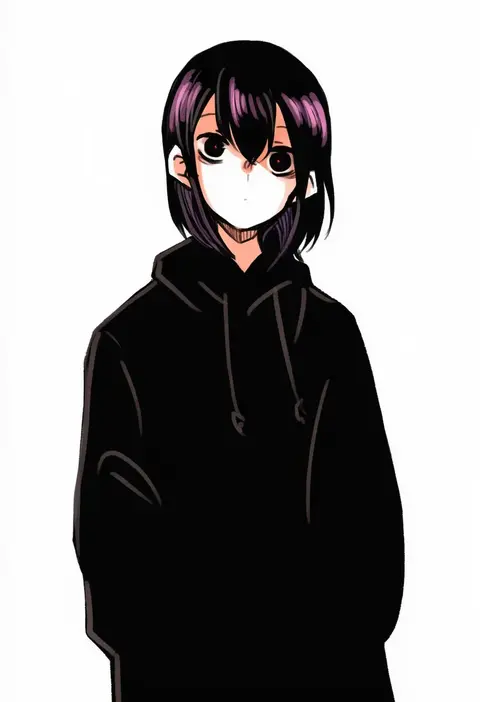
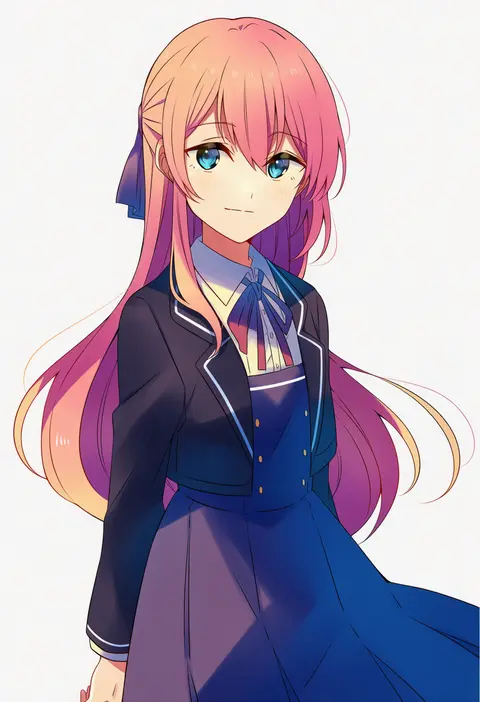
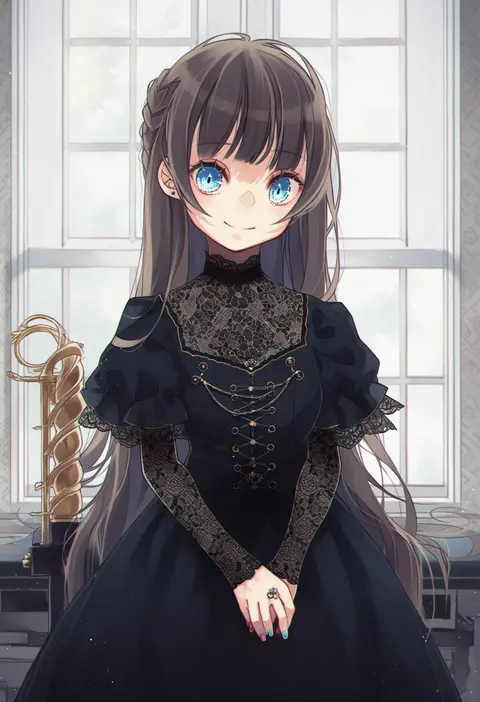
Artist tags tell NovelAI Diffusion to draw in a specific artist's style: line weight, paint texture, face shapes and palette all shift at once. Character and outfit tags decide what is drawn; artist tags decide how. 16,352 tags are listed for V4.5.
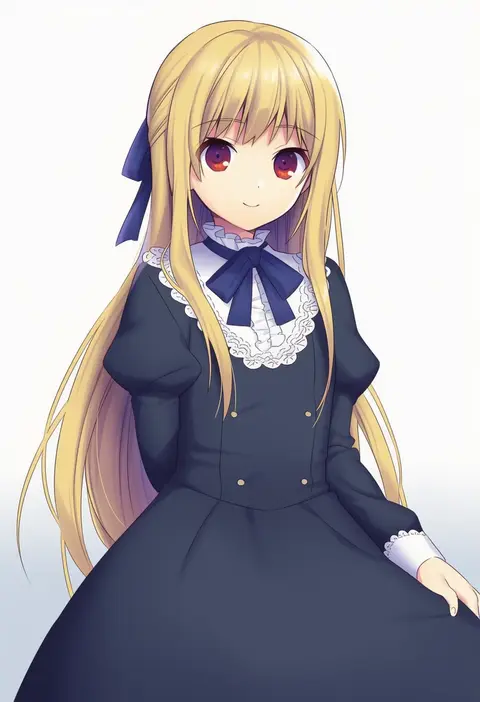
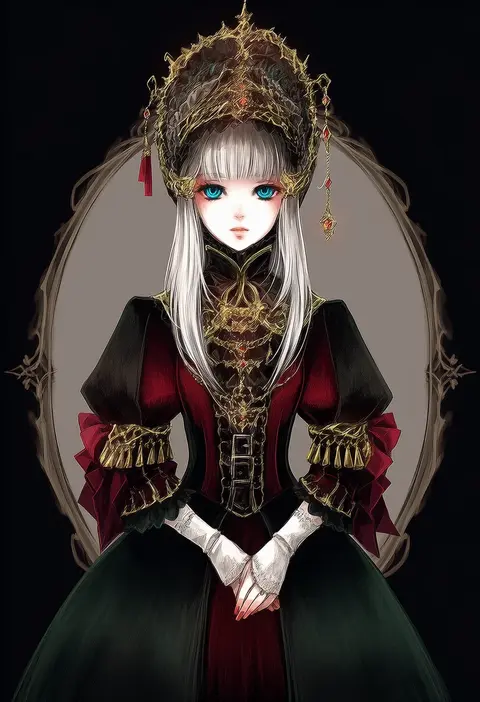
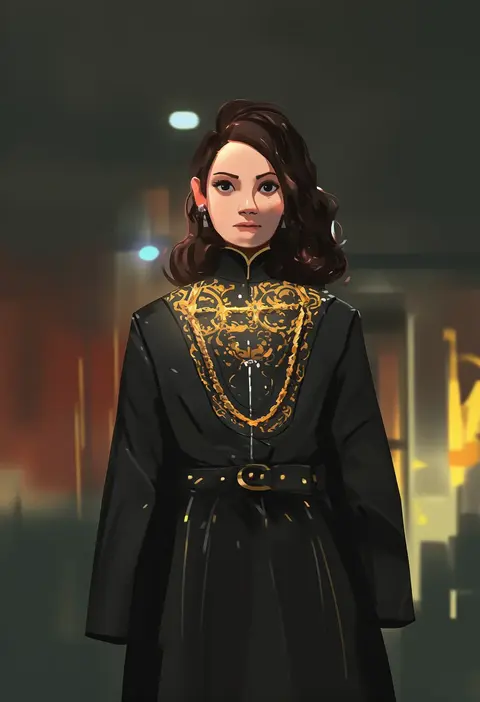
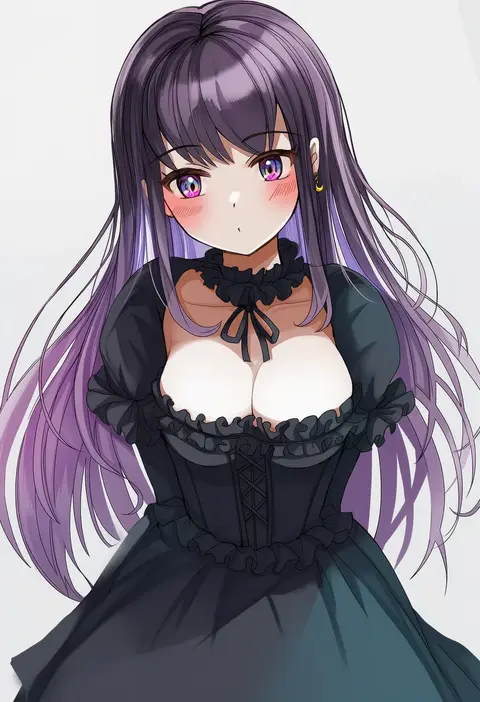
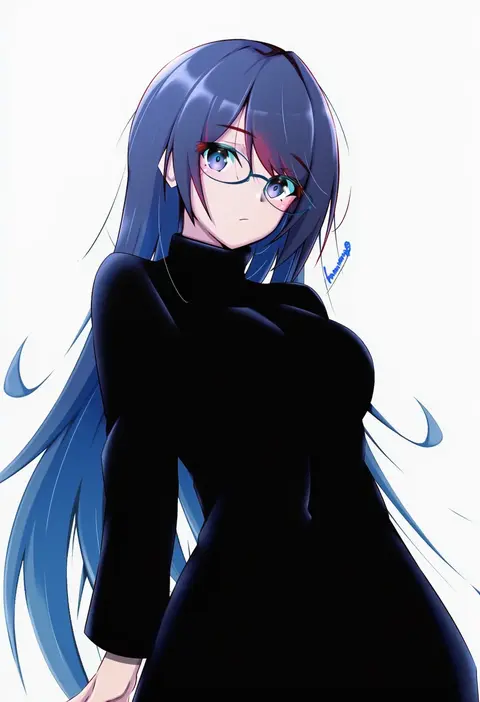
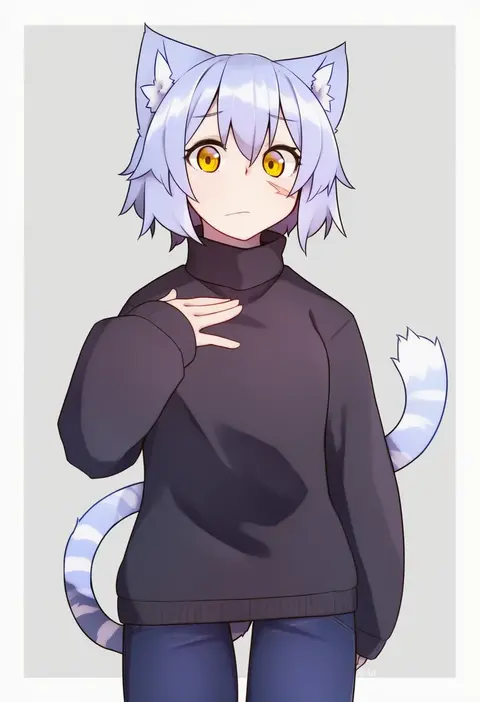
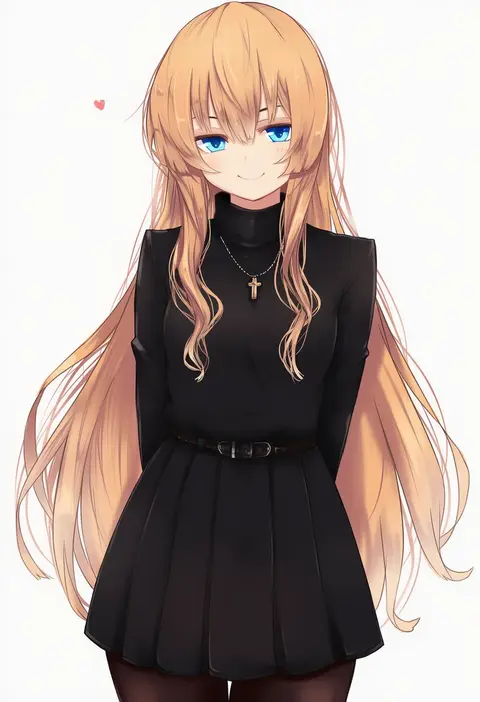
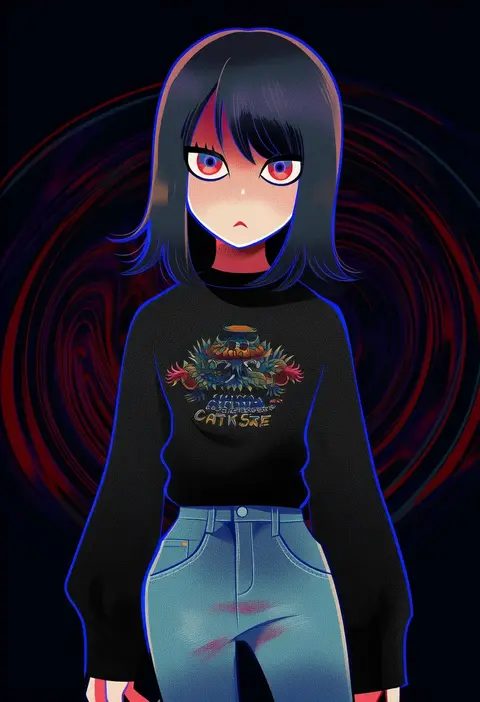
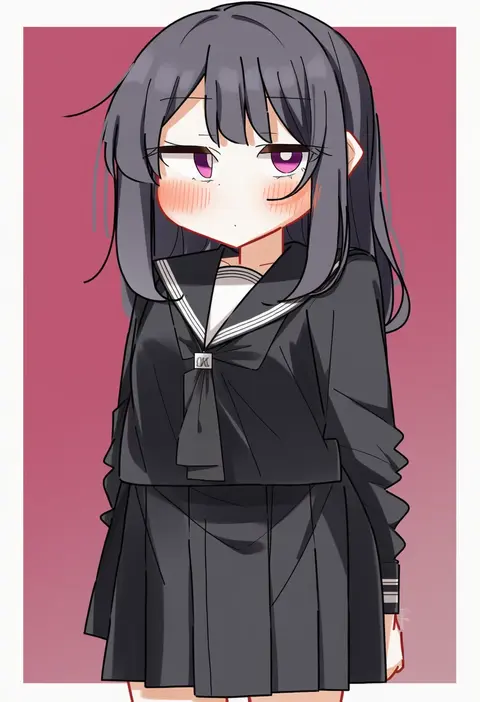
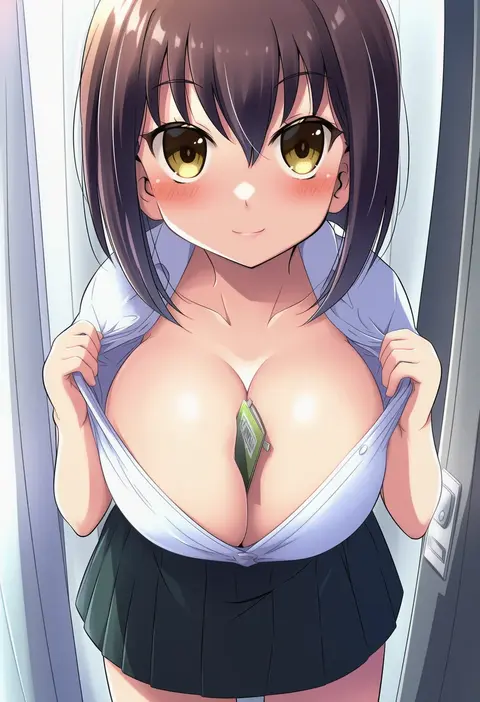
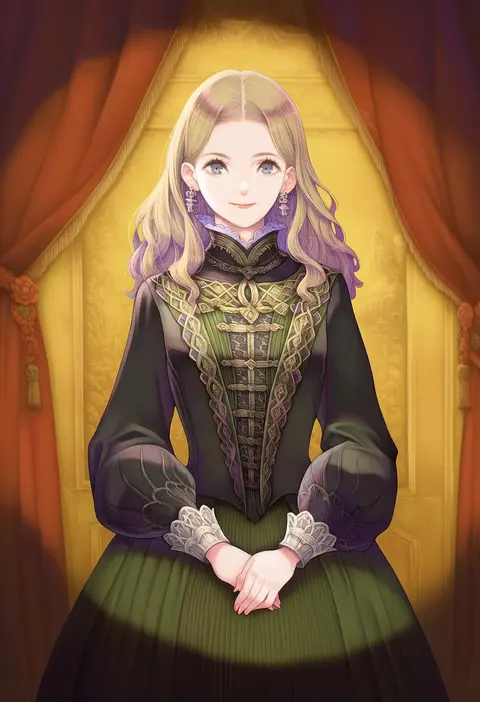
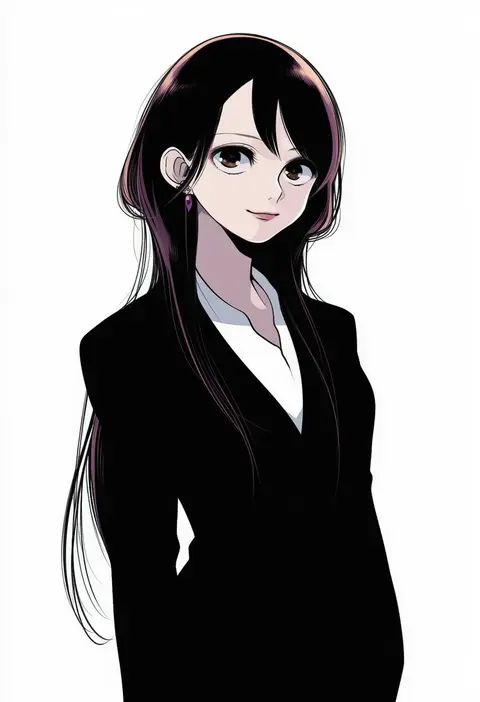
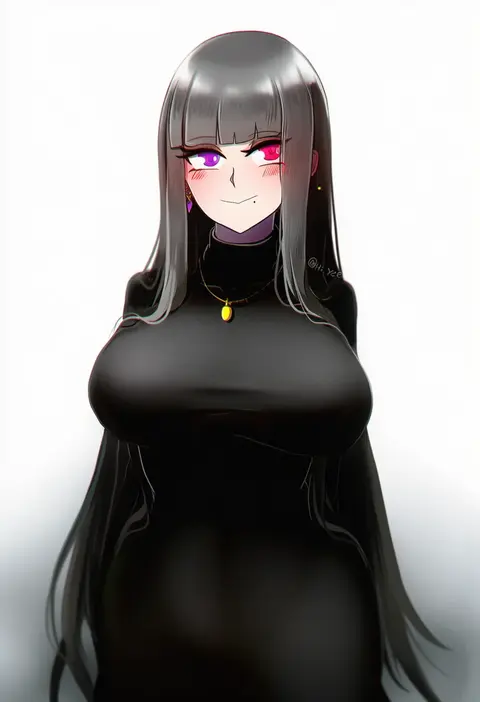
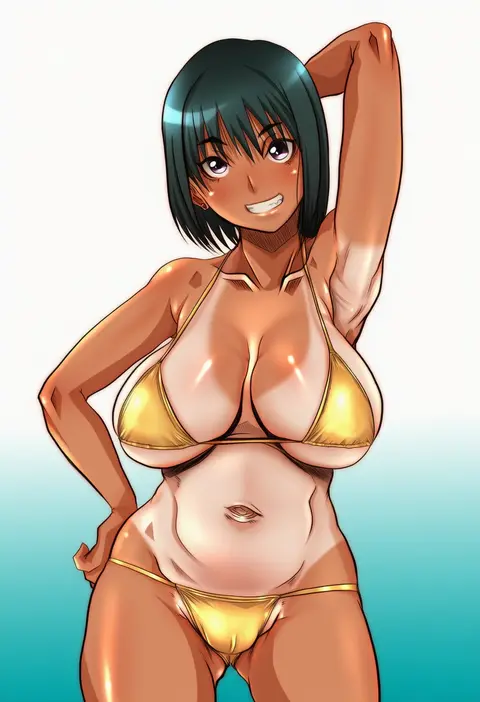
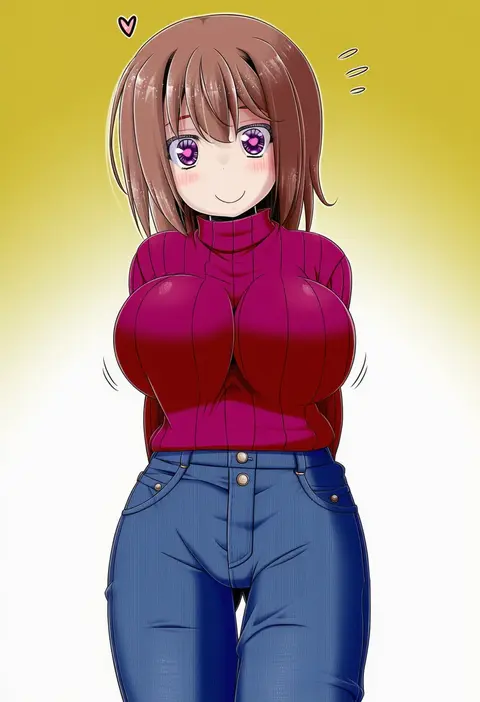
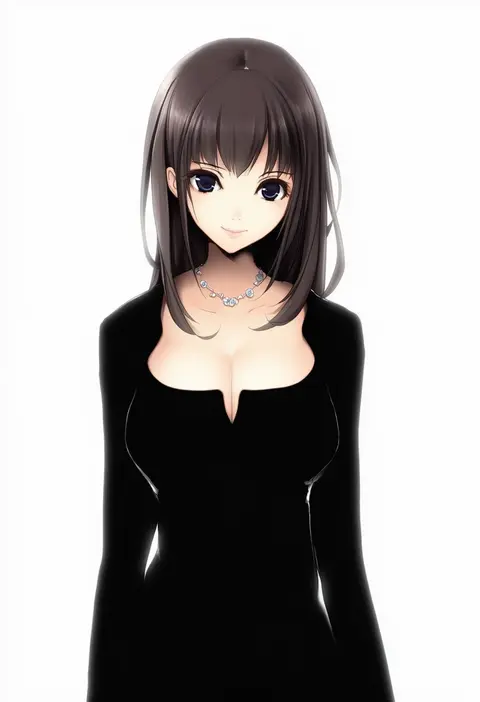
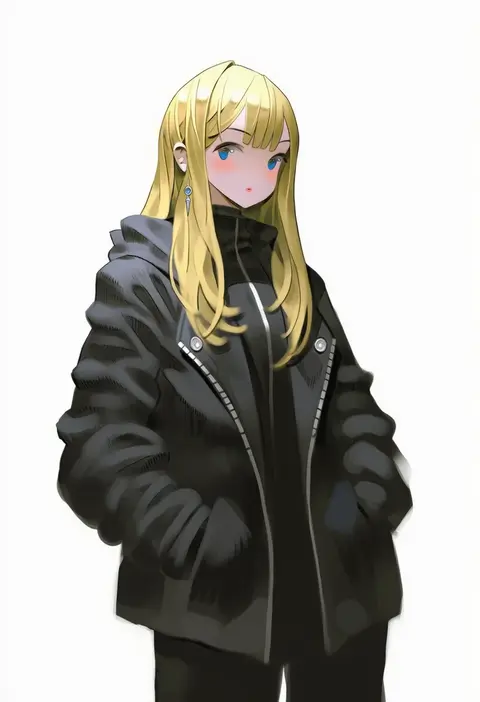
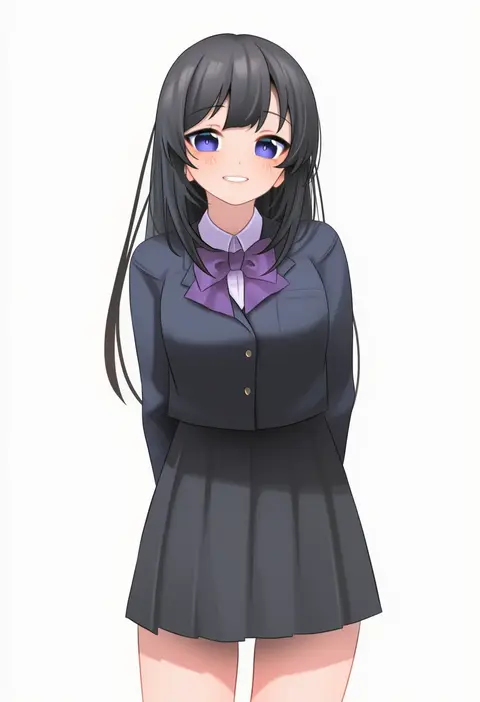
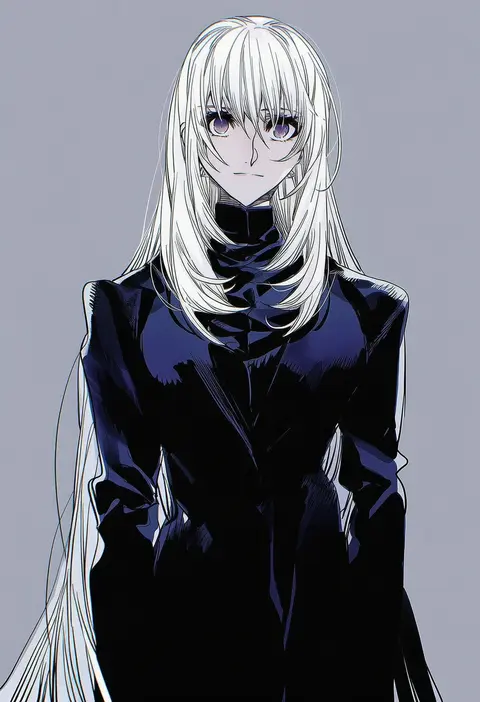
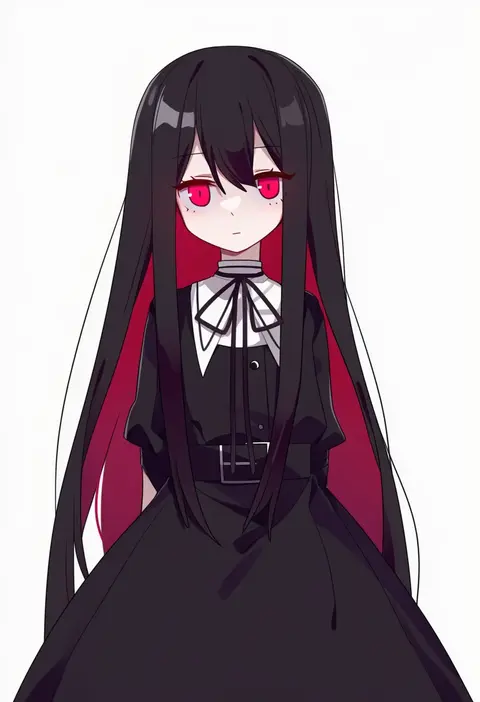
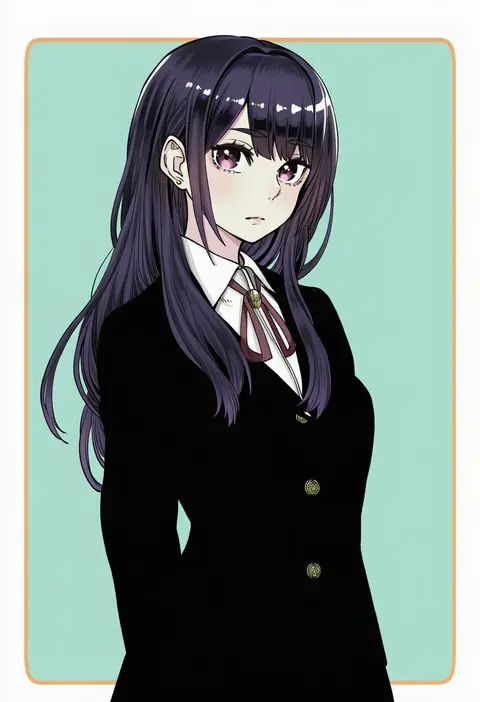
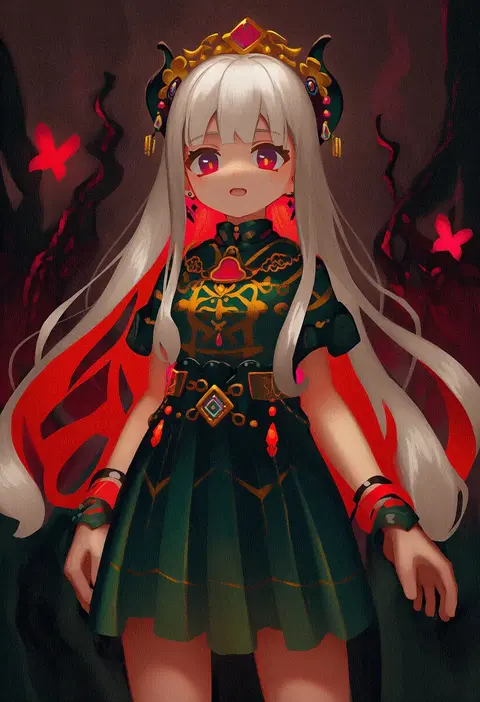
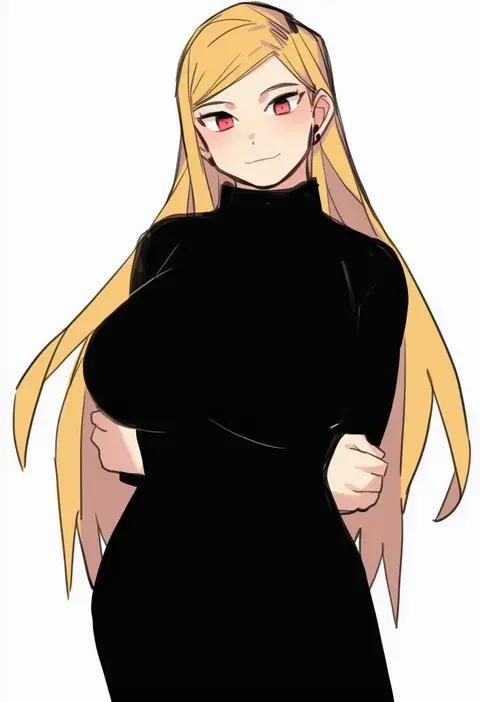
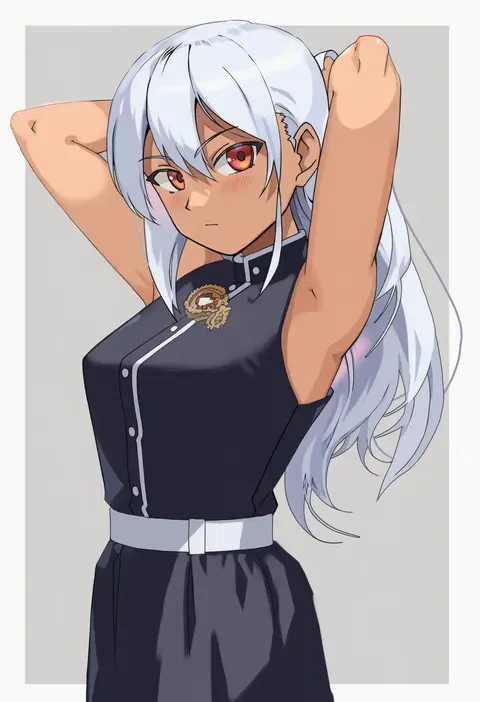
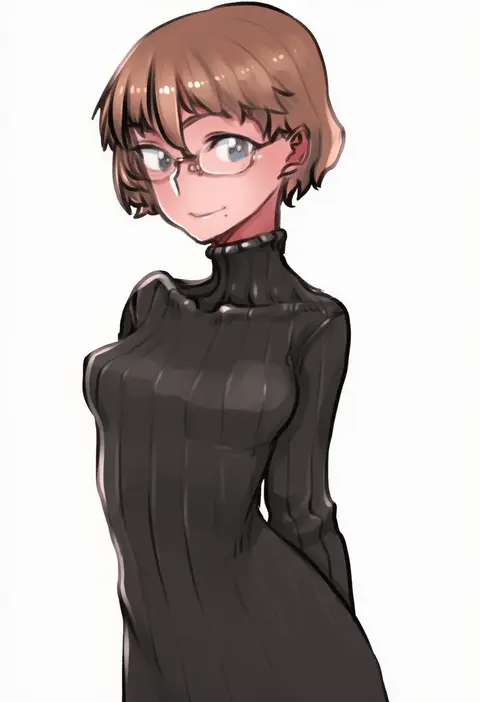
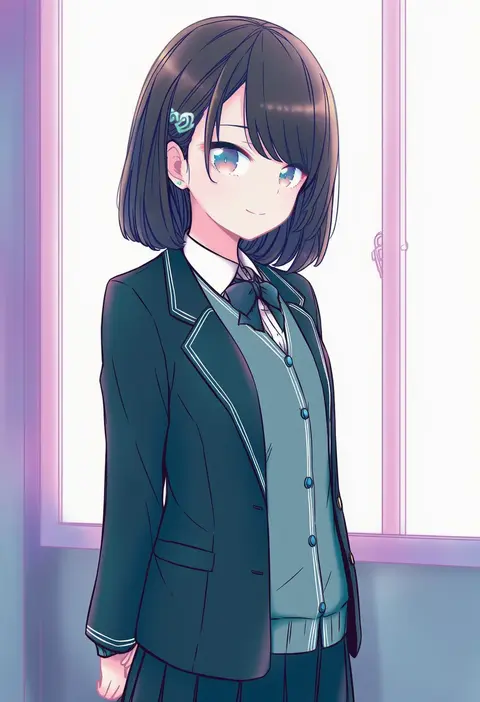
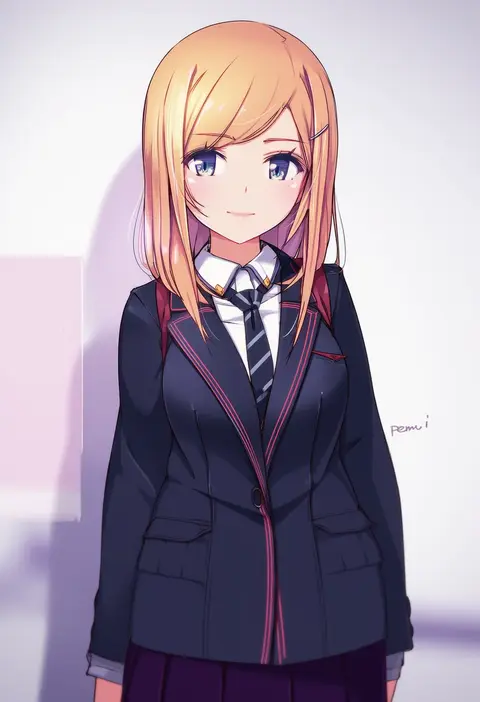
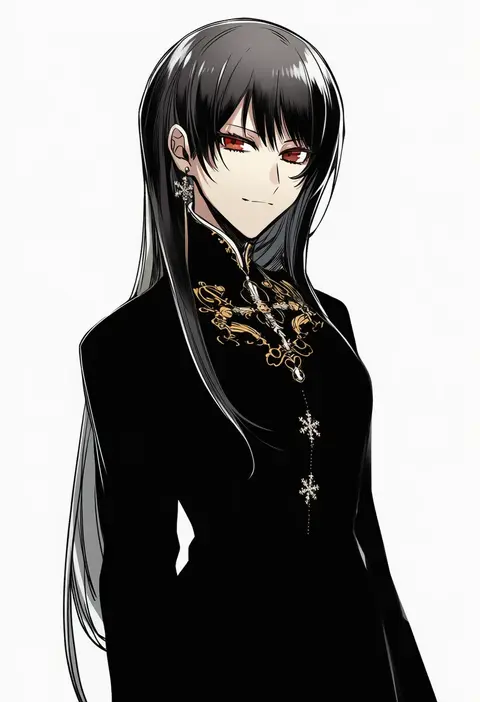
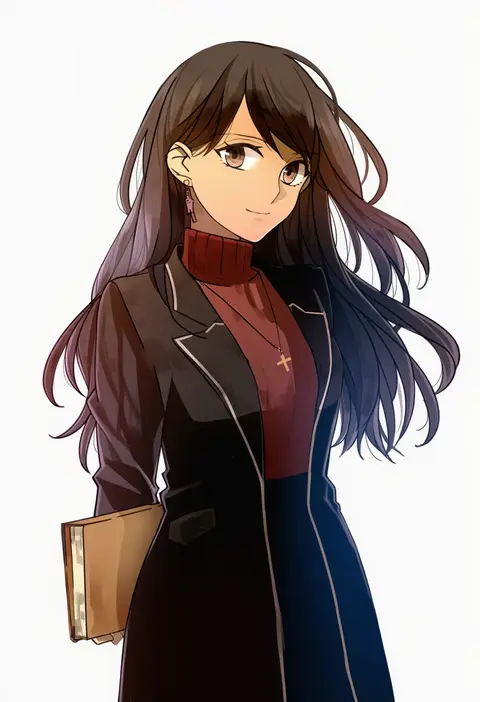
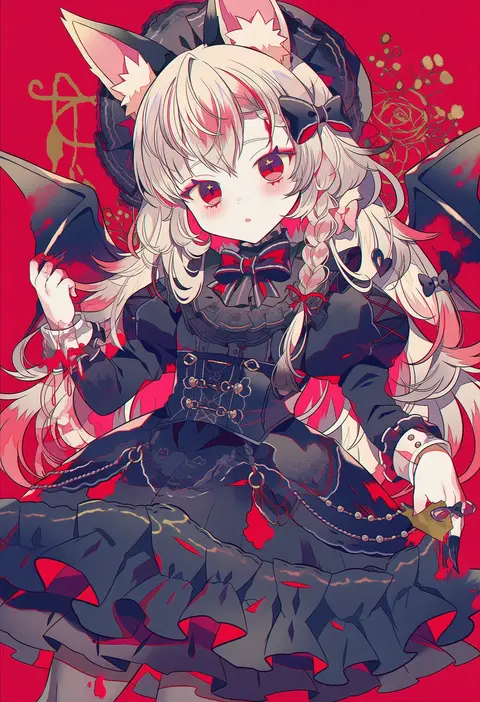
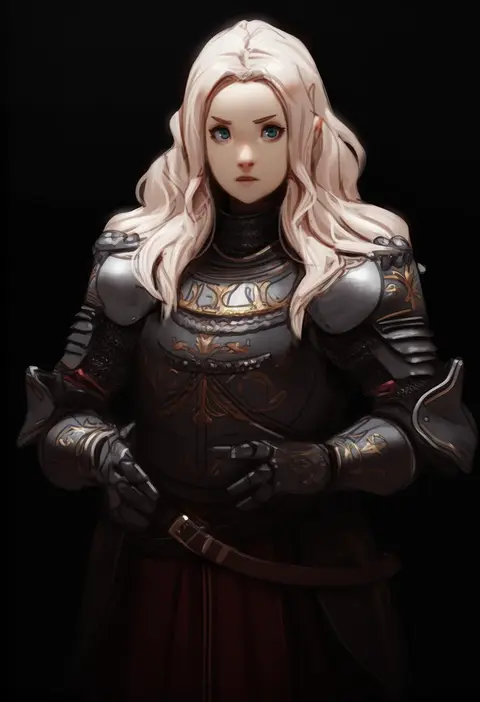
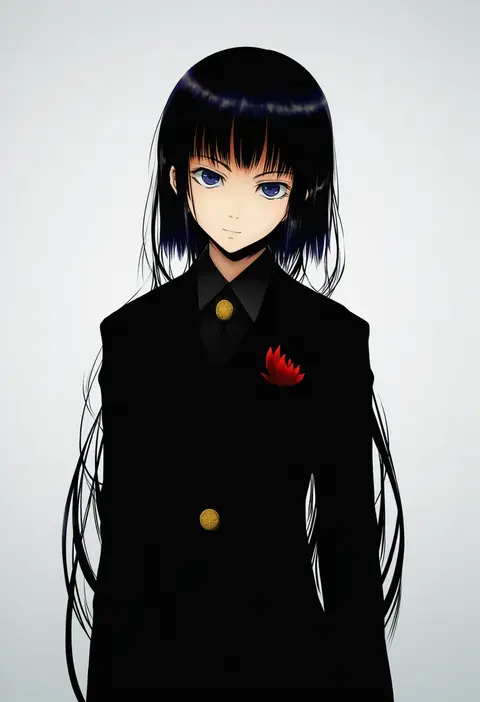
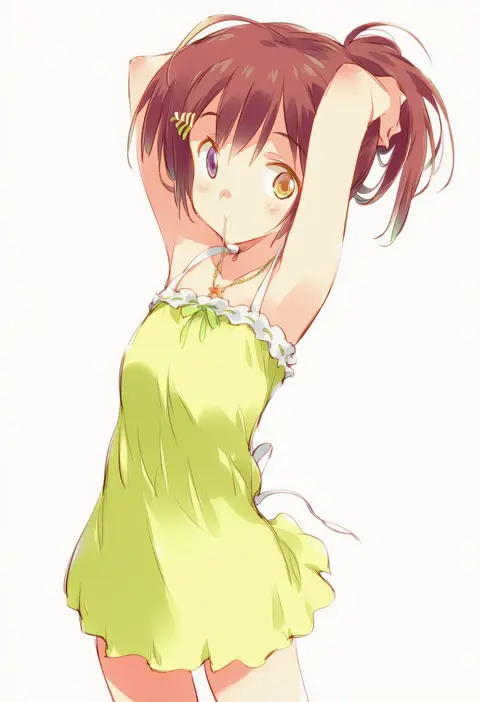
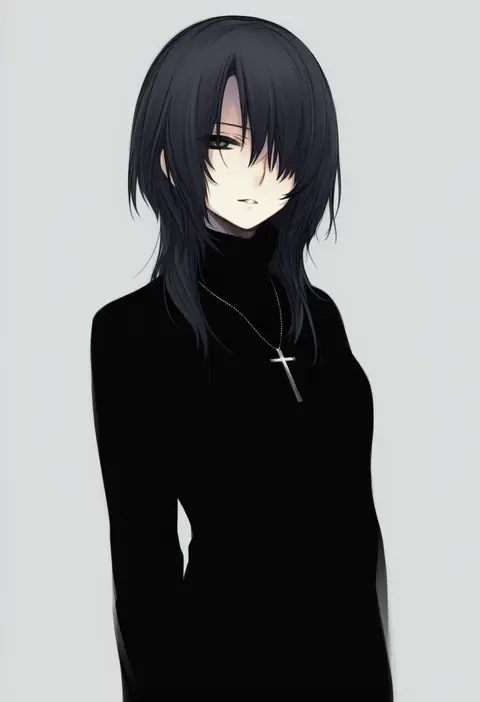
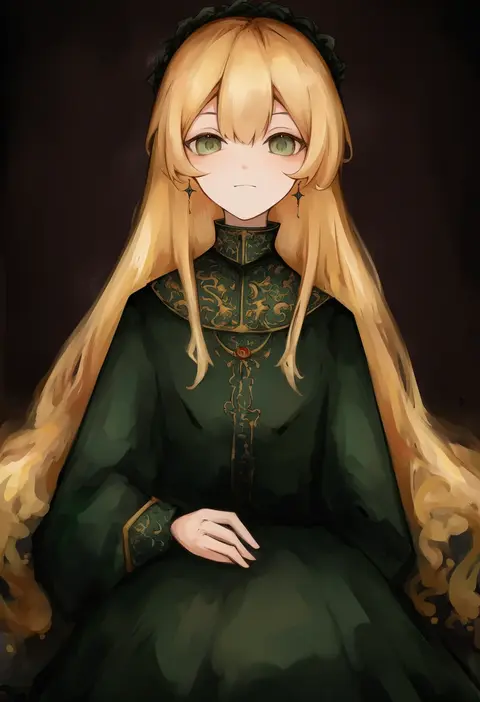
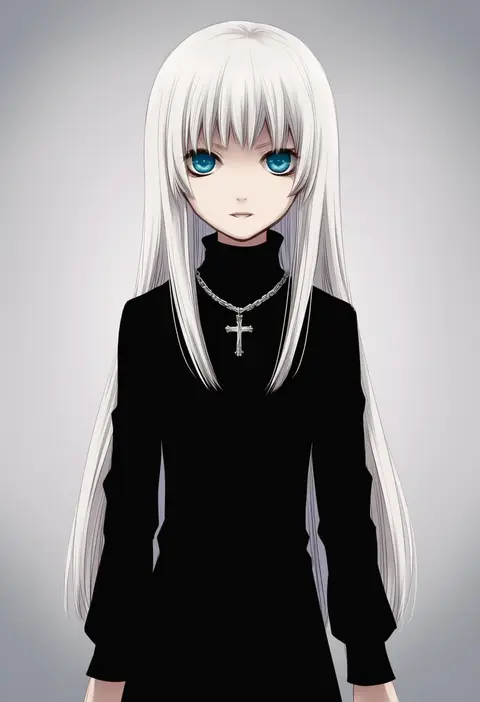
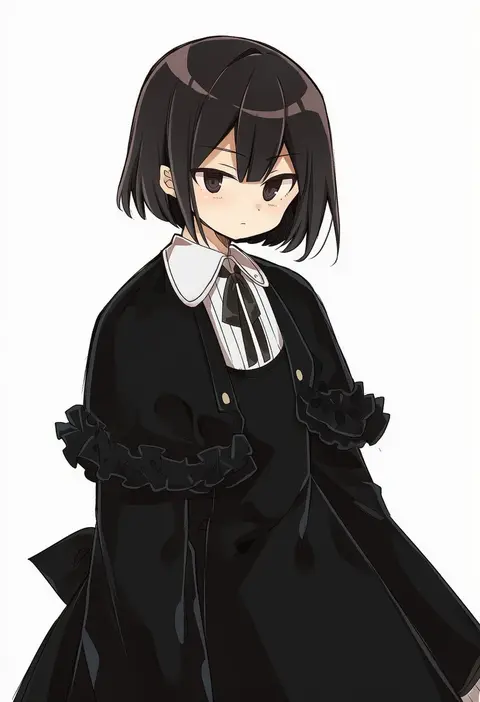
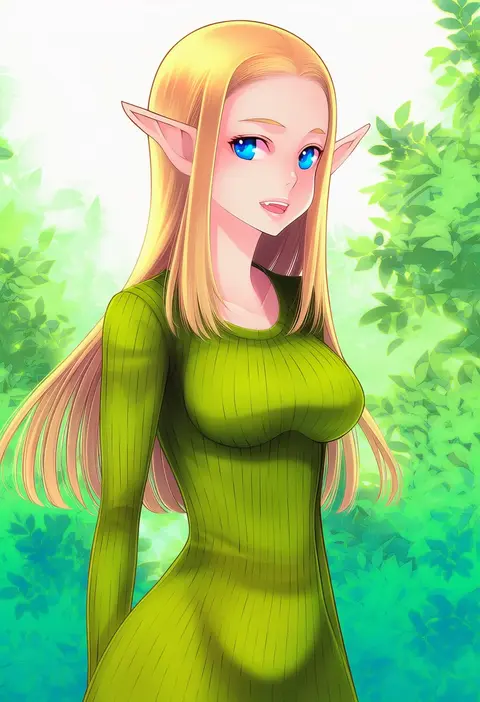
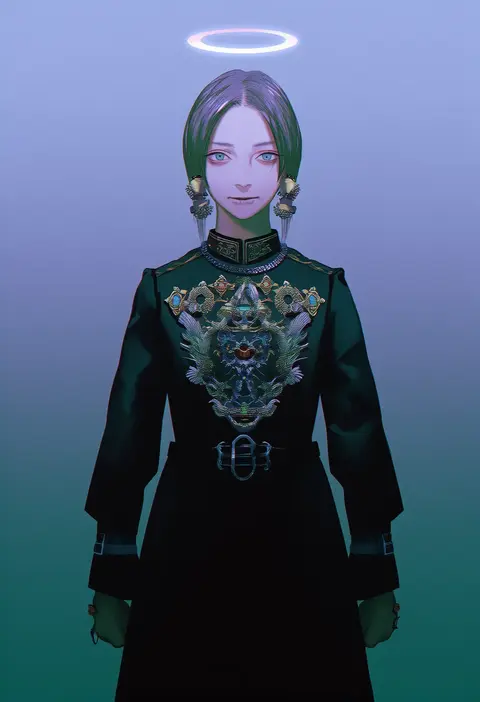
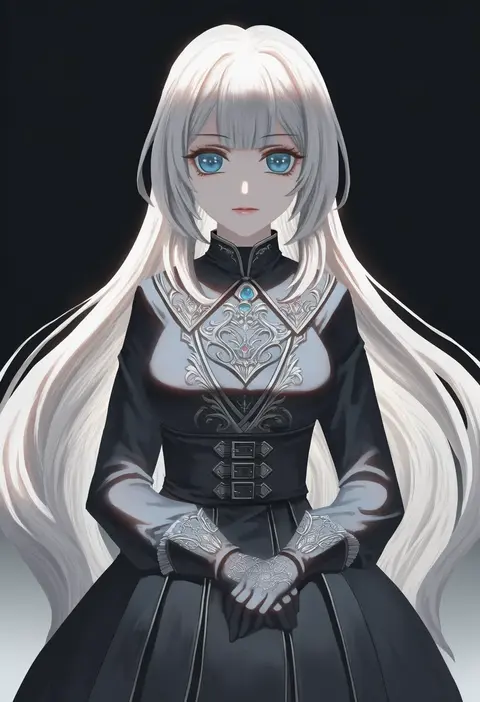
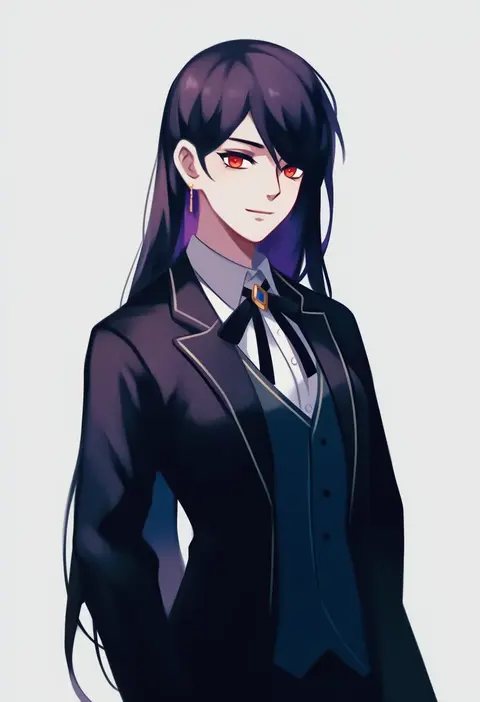
Every tag listed here is verified to react in NovelAI. All images use the same prompt, seed and settings with only the artist tag swapped, so the difference between two images is the style that tag brings in.

How to use them

Put the artist tag near the front of the prompt, e.g. "<artist>, 1girl, solo, best quality, masterpiece, cowboy shot". Two or three artist tags blend styles; lower the weight with "0.8::<artist>::" when the style overpowers the character.

SCORE sorts by Danbooru's top score, POSTS by post count, FAVS by hearts on this site. Open a card to see V5 and V4.5 side by side on the same seed.

V5 vs V4.5

V5 usually lands closer to the artist's real style, and tags that did nothing on V4.5 often react on V5. V4.5 still fits older and doujin-heavy artists better. Try V5 first, fall back to V4.5.

FAQ

Where does the artist tag go?
Near the front of the prompt. Use "0.8::tag::" to adjust its weight.

Can I stack artist tags?
Yes, styles blend. Past two or three the result stops looking like anyone.

Are these the artists' own works?
No. Every image is a NovelAI sample generated from the tag.