V4.5Artists
sort: FAVS▾
▾
>
$

NovelAI Artist Tags List — V4.5

artist --count 16,352[218/273]
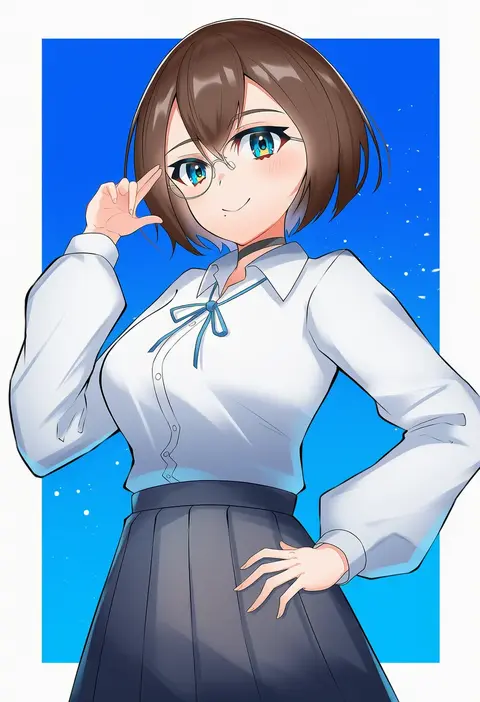
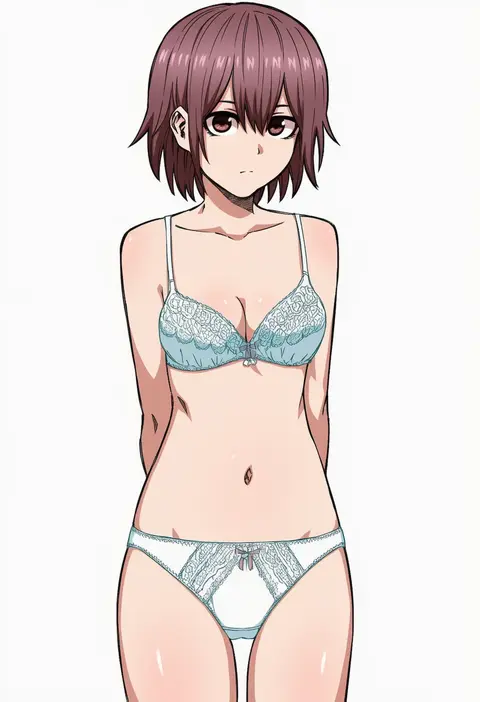
k@bu
ARTIST0x32DC
0
tuskryo
ARTIST0x32DD
0
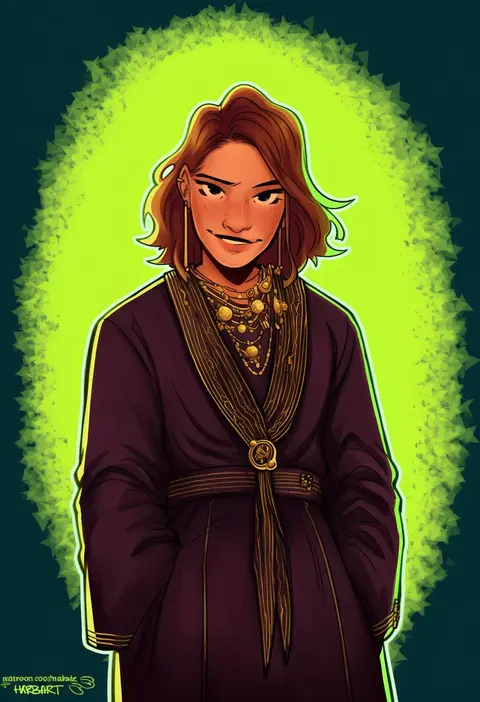
habkart
ARTIST0x32DE
0
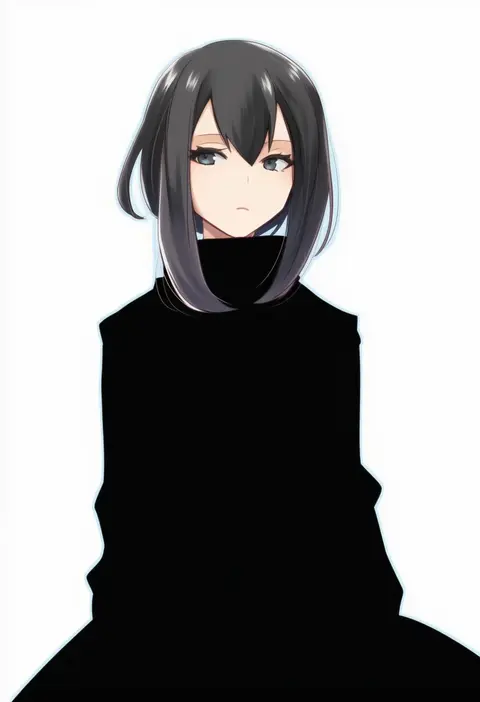
mudo (saji)
ARTIST0x32DF
0
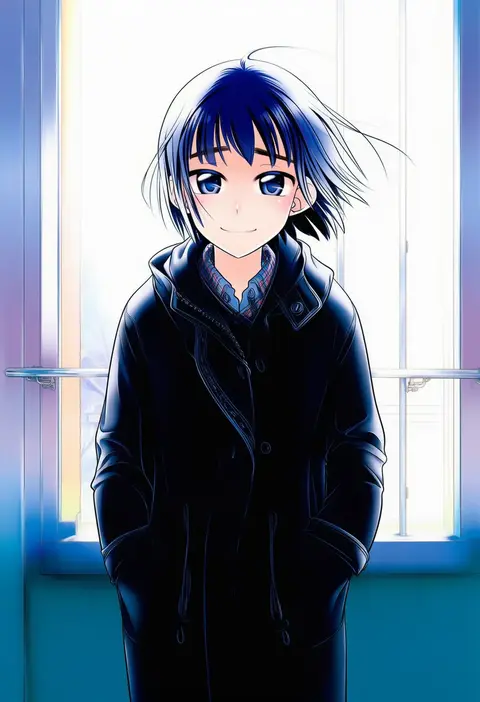
ootsuka mahiro
ARTIST0x32E0
0
niyororinpayamaru
ARTIST0x32E1
0
yi lee
ARTIST0x32E2
0
kotowari (newtype kenkyuujo)
ARTIST0x32E3
0
rikumoto yoshiyuki
ARTIST0x32E4
0
toku sonchou
ARTIST0x32E5
0
wogura
ARTIST0x32E6
0
ninjin nouka
ARTIST0x32E7
0
irouha
ARTIST0x32E8
0
kisa (k isa)
ARTIST0x32E9
0
satou satoru
ARTIST0x32EA
0
waltz (tram)
ARTIST0x32EB
0
tuoer
ARTIST0x32EC
0
cink-knic
ARTIST0x32ED
0
cosmic bear
ARTIST0x32EE
0
miyashita miki
ARTIST0x32EF
0
momimaki
ARTIST0x32F0
0
yuzuyunagi
ARTIST0x32F1
0
frischenq
ARTIST0x32F2
0
mangshuo
ARTIST0x32F3
0
yukimura tsubame
ARTIST0x32F4
0
fujii rino
ARTIST0x32F5
0
ekusa takahito
ARTIST0x32F6
0
ueda hajime
ARTIST0x32F7
0
mizuhara aki
ARTIST0x32F8
0
rotte (1109)
ARTIST0x32F9
0
ame.
ARTIST0x32FA
0
yujup
ARTIST0x32FB
0
tokumi yuiko
ARTIST0x32FC
0
fujishima shinnosuke
ARTIST0x32FD
0
tyomimas
ARTIST0x32FE
0
mosako
ARTIST0x32FF
0
kazeno
ARTIST0x3300
0
dosugon
ARTIST0x3301
0
mikimoto haruhiko
ARTIST0x3302
0
ikurauni
ARTIST0x3303
0
dise (psychoro)
ARTIST0x3304
0
ar (rikuesuto)
ARTIST0x3305
0
jaho
ARTIST0x3306
0
lazyartlazy12
ARTIST0x3307
0
huei nazuki
ARTIST0x3308
0
kusakabe (kusakabeworks)
ARTIST0x3309
0
takahata yuki
ARTIST0x330A
0
pote (pote 39)
ARTIST0x330B
0
lee hyeseung
ARTIST0x330C
0
kobone
ARTIST0x330D
0
kinosaki
ARTIST0x330E
0
kilart
ARTIST0x330F
0
misha (ohds101)
ARTIST0x3310
0
enuni
ARTIST0x3311
0
walluka
ARTIST0x3312
0
oborotsuki kakeru
ARTIST0x3313
0
suzuki rika
ARTIST0x3314
0
tamagawa yukimaru
ARTIST0x3315
0
shiino sera
ARTIST0x3316
0
beancurd
ARTIST0x3317
0

What these tags change

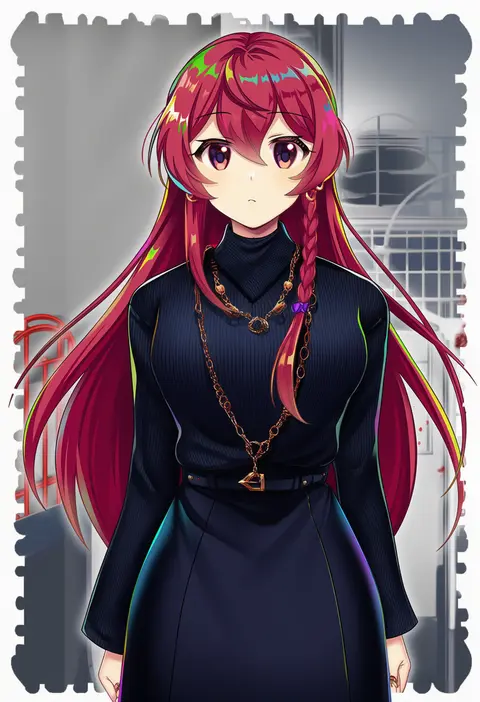
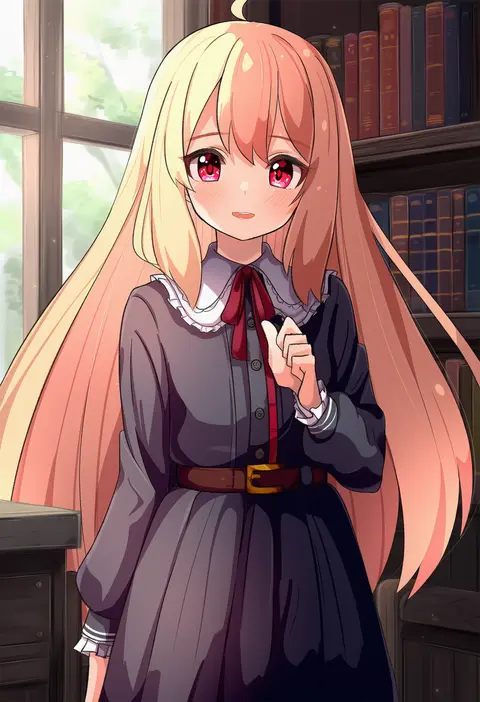
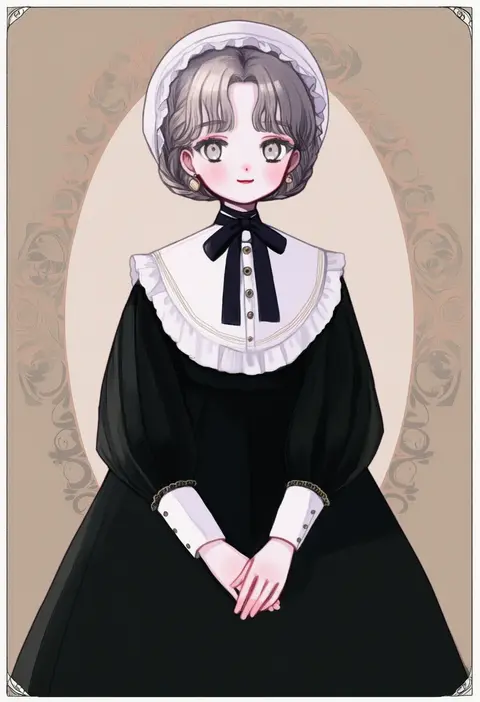
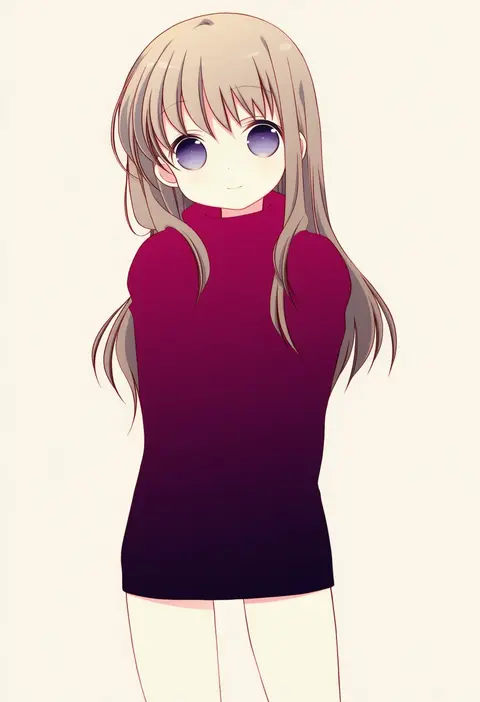
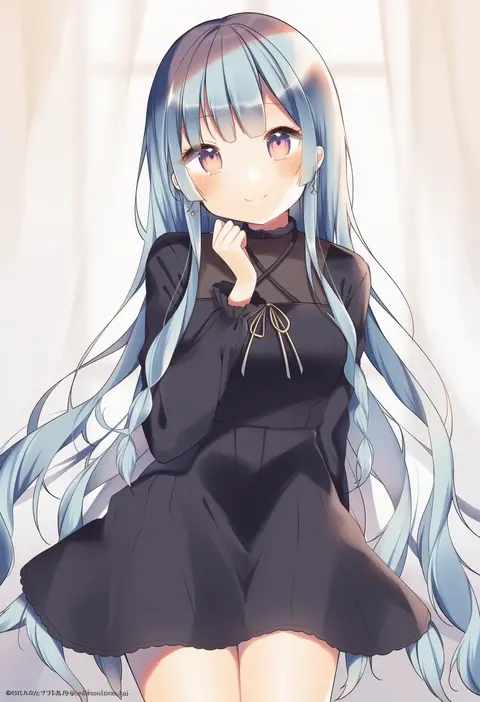
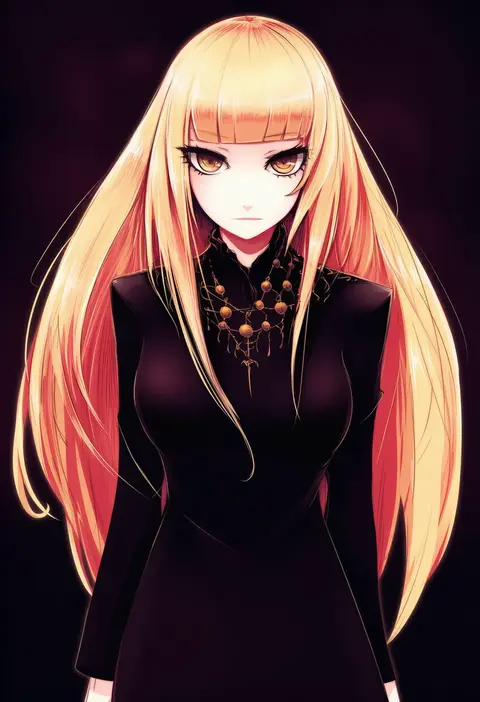
Artist tags tell NovelAI Diffusion to draw in a specific artist's style: line weight, paint texture, face shapes and palette all shift at once. Character and outfit tags decide what is drawn; artist tags decide how. 16,352 tags are listed for V4.5.
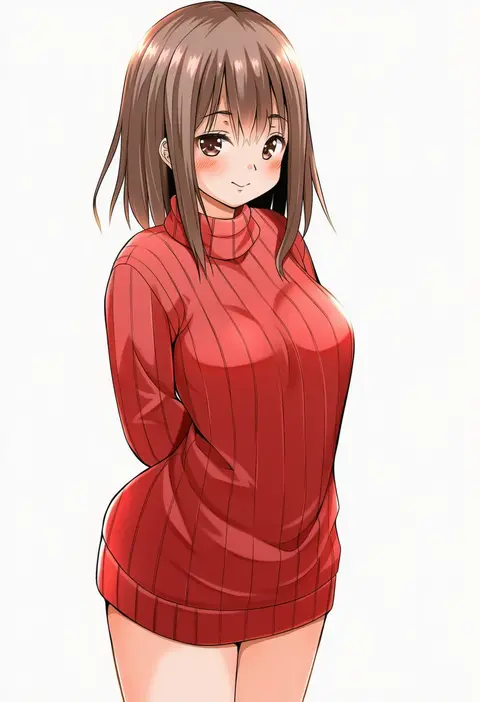
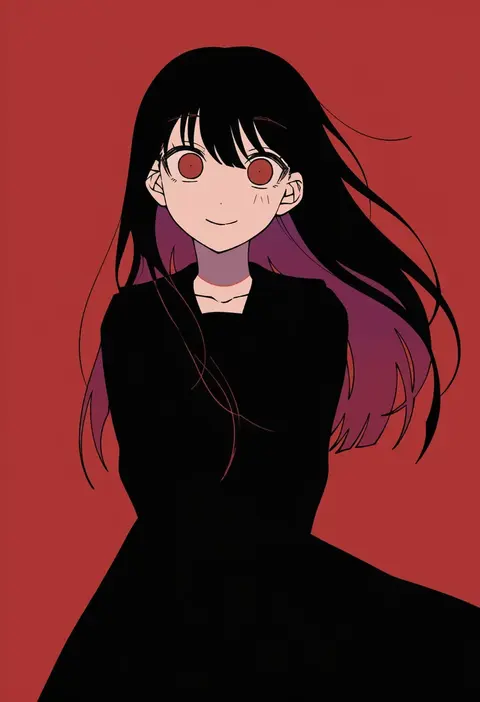
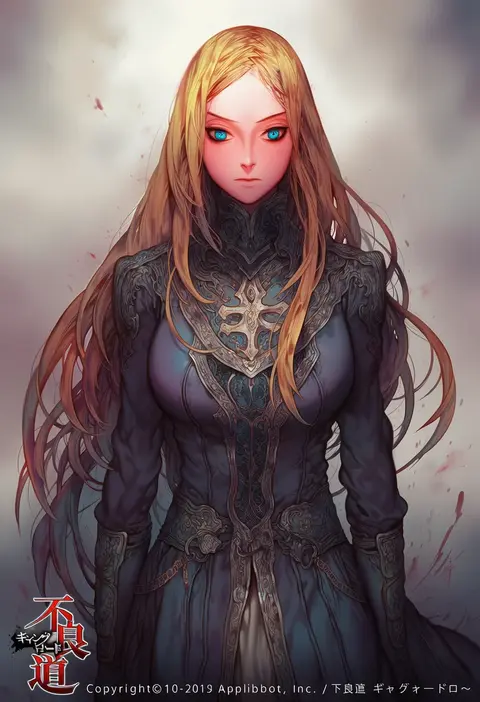
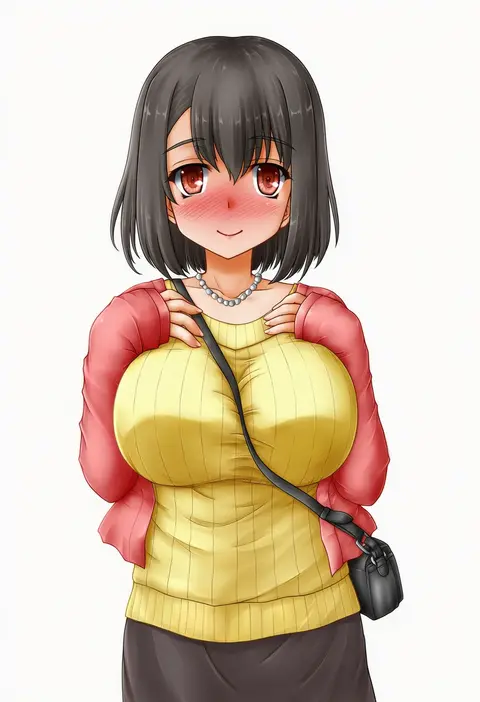
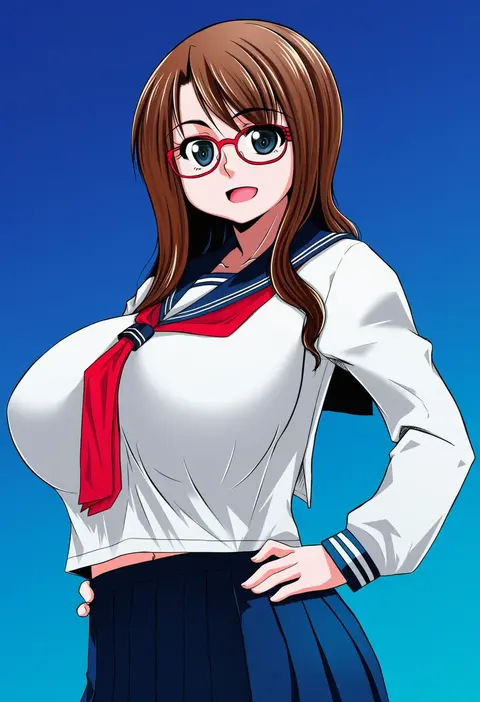
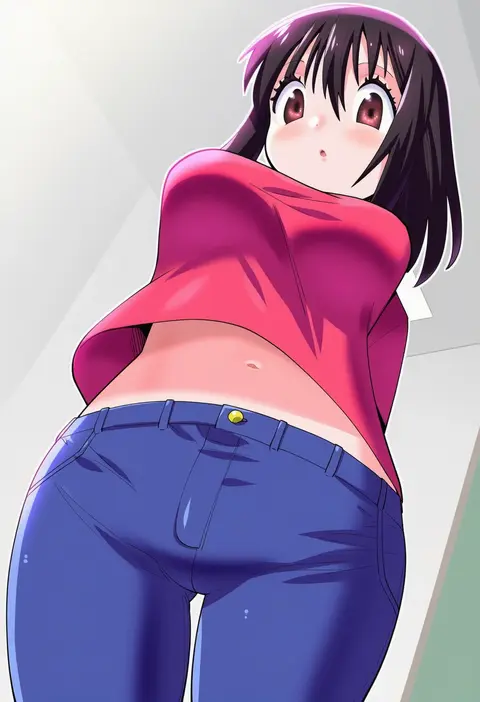
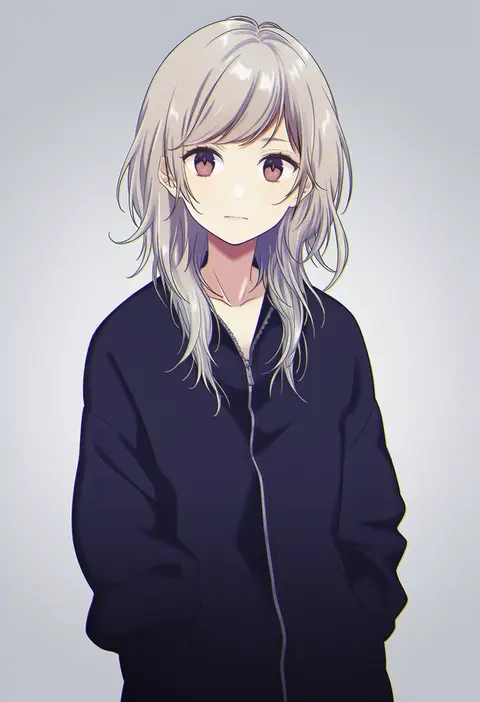
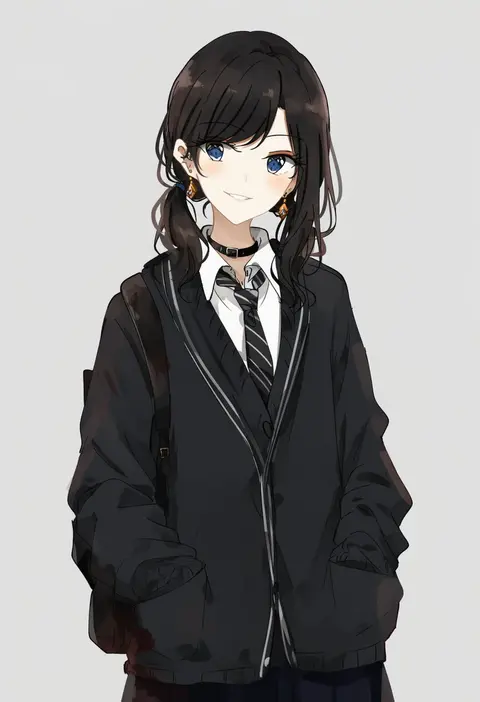
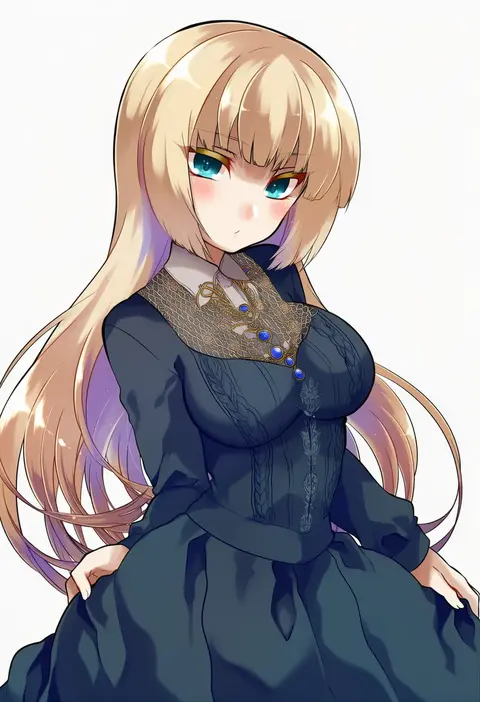
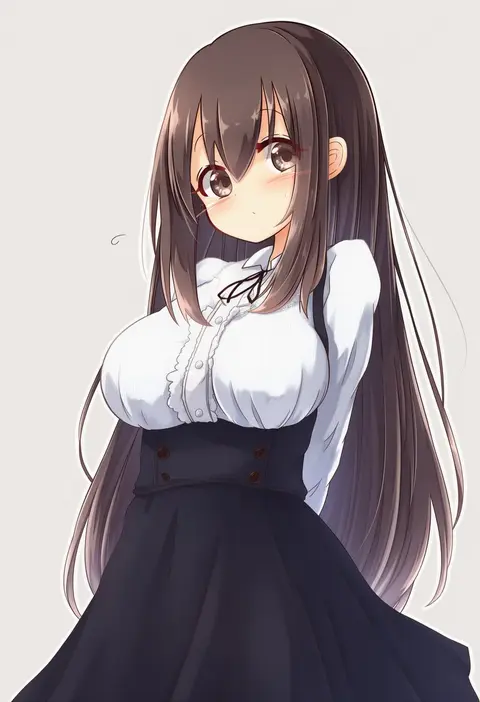
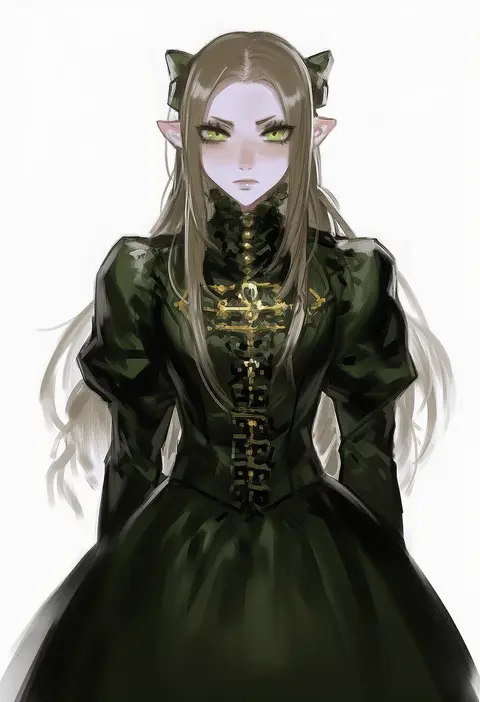
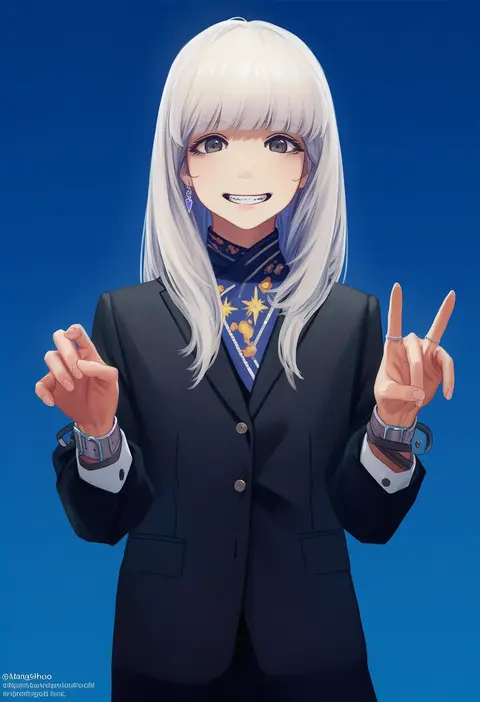
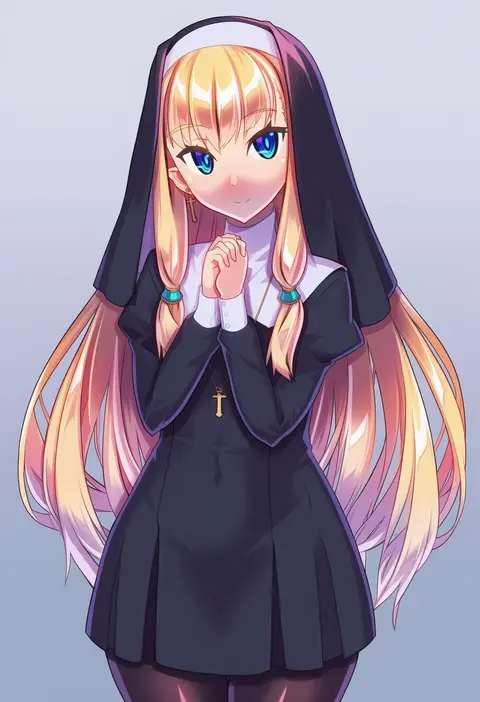
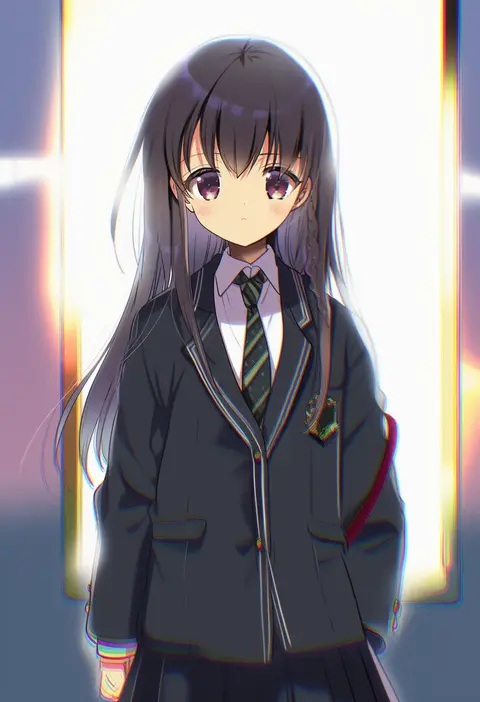
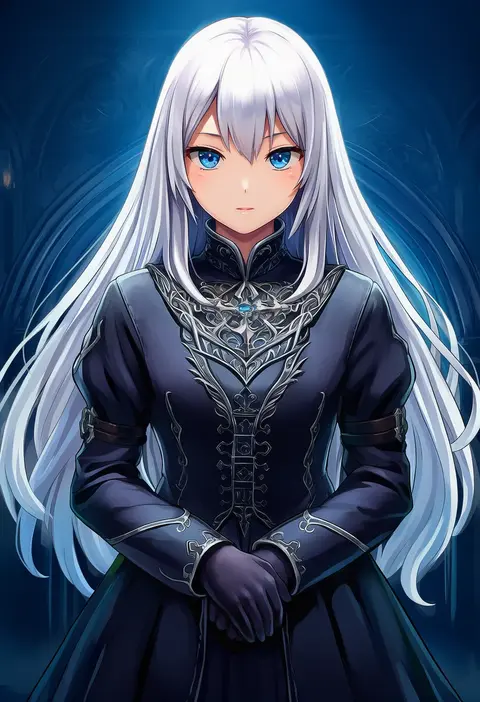
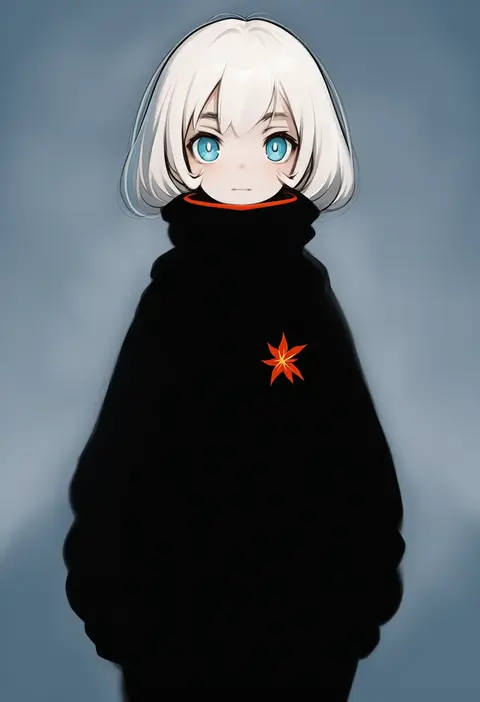
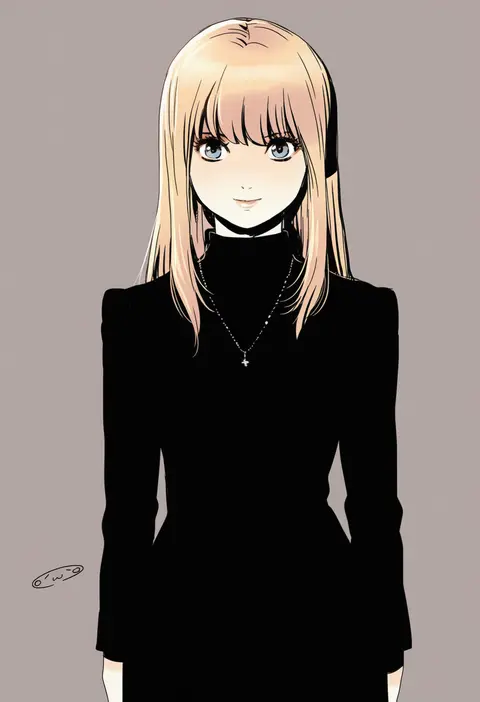
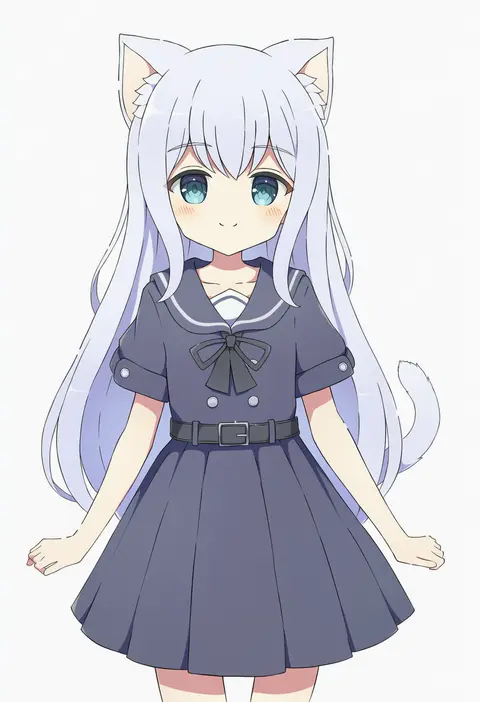
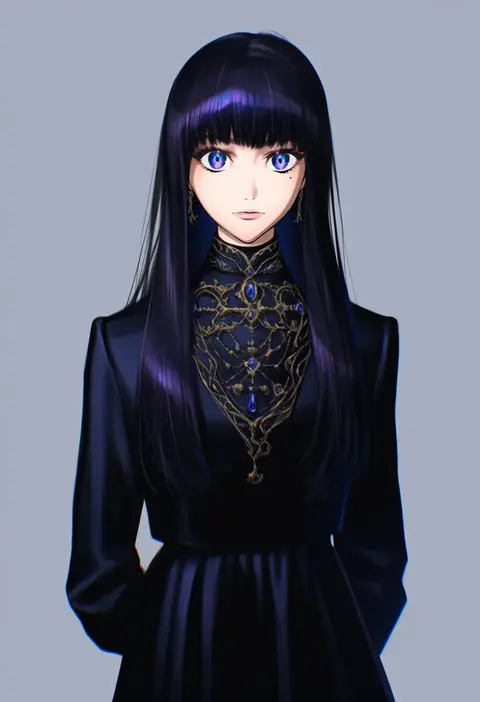
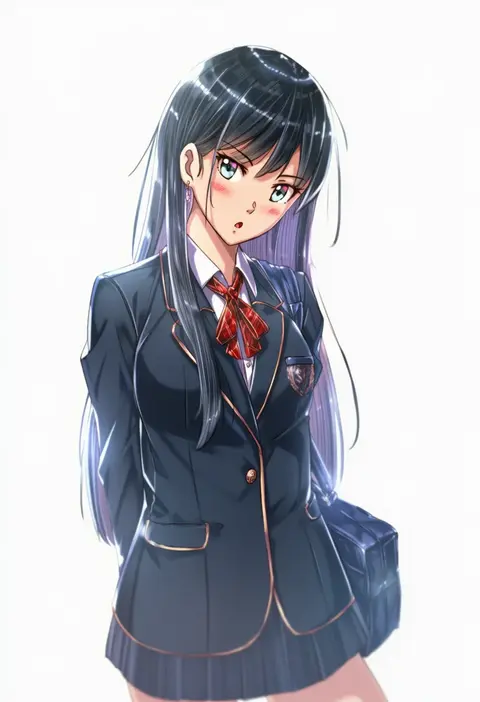
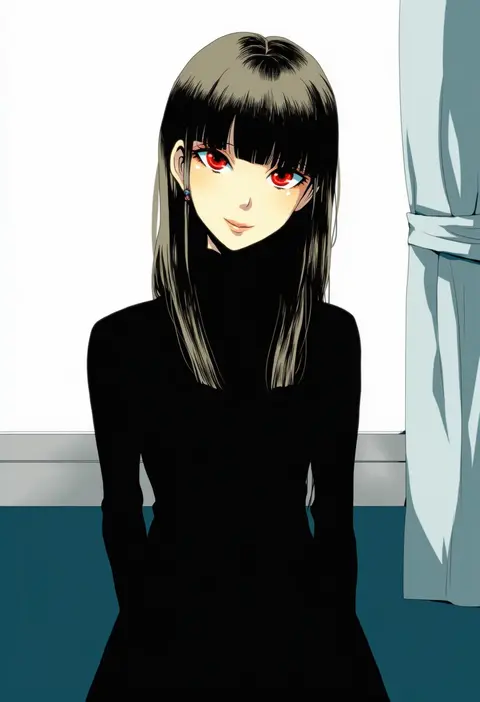
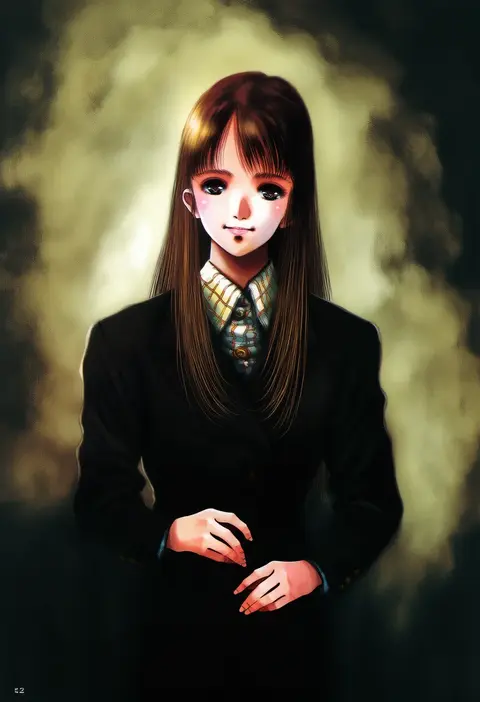
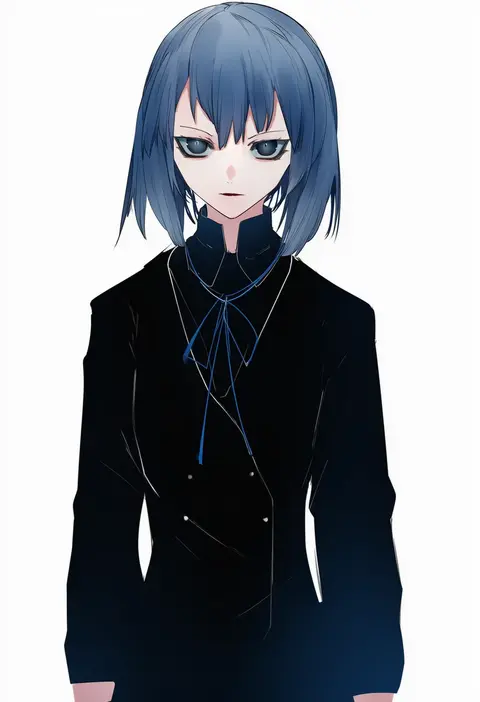
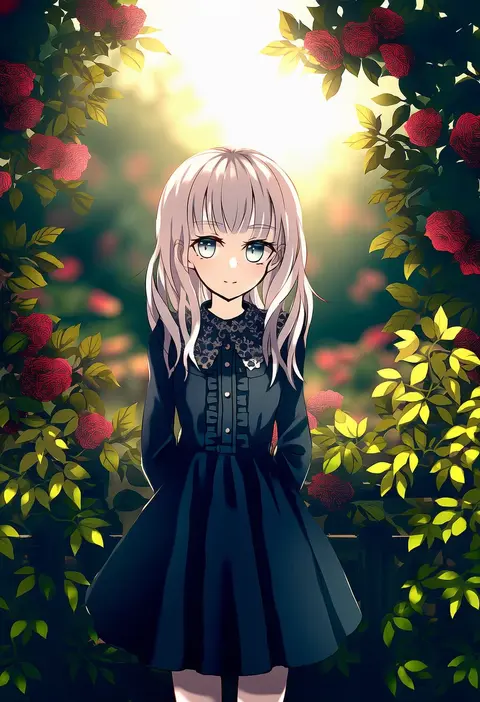
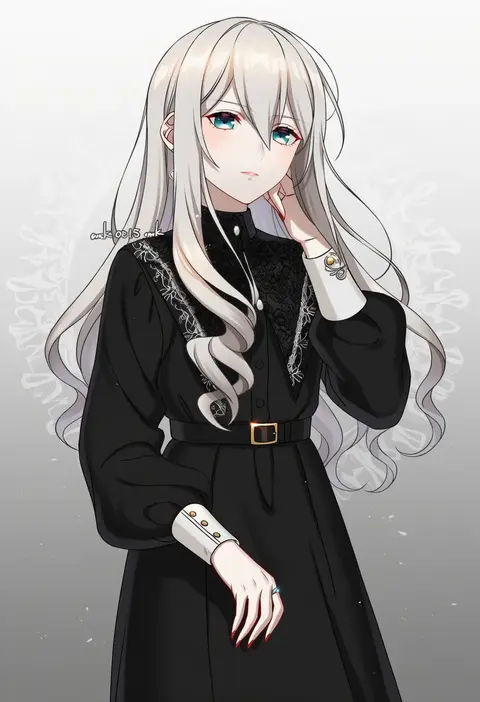
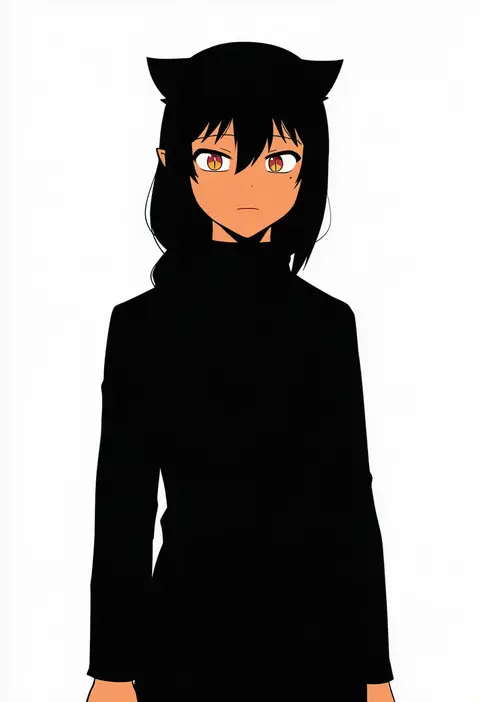
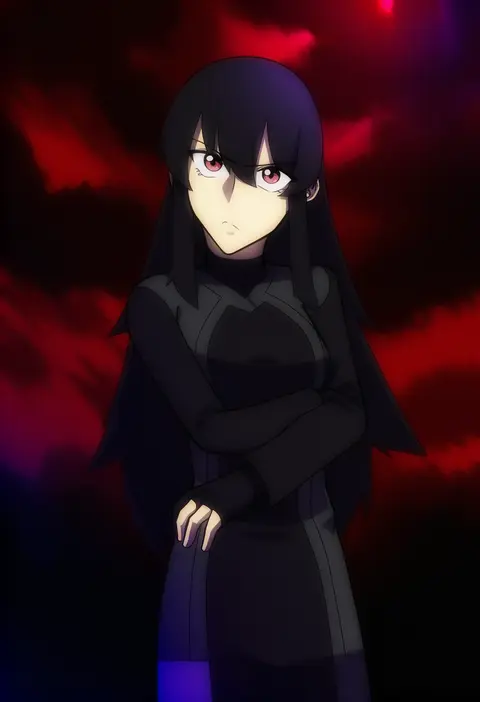
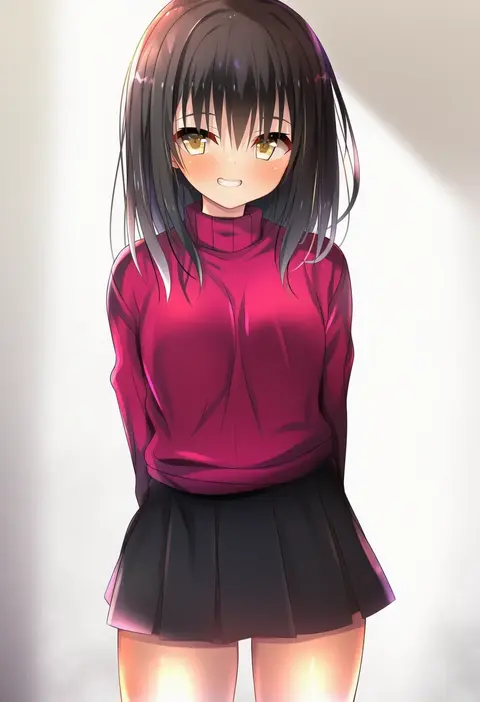
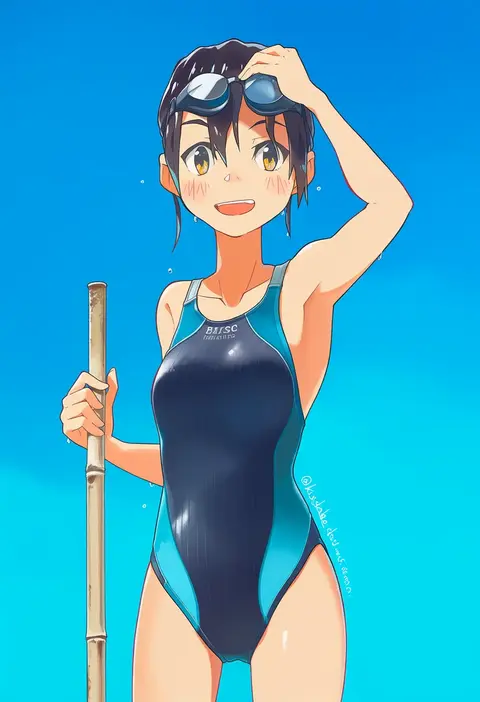
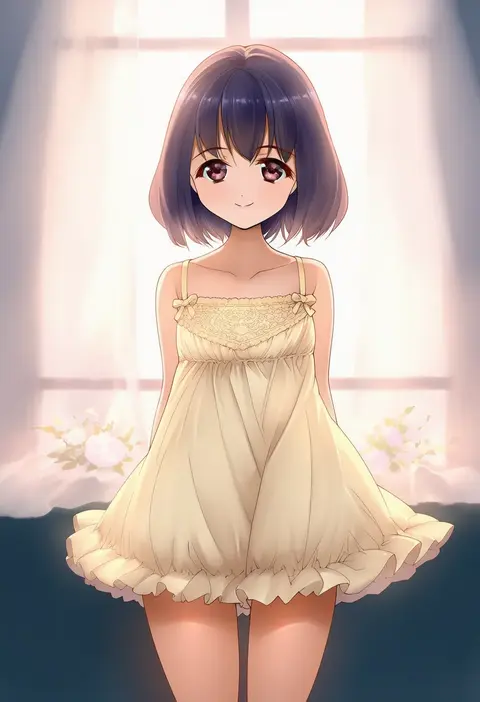
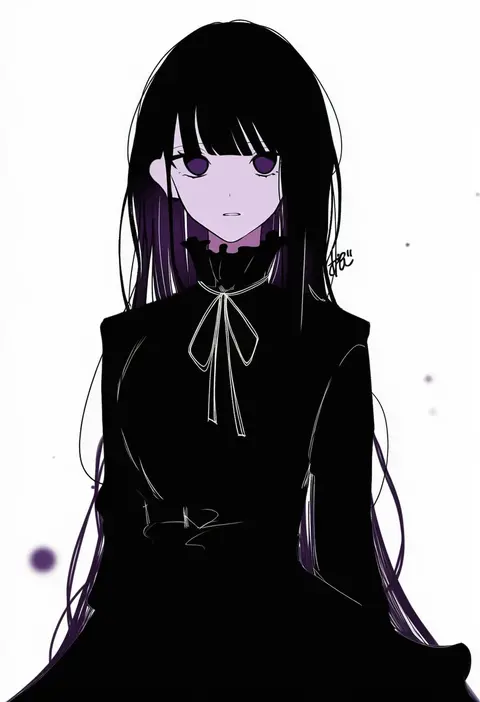
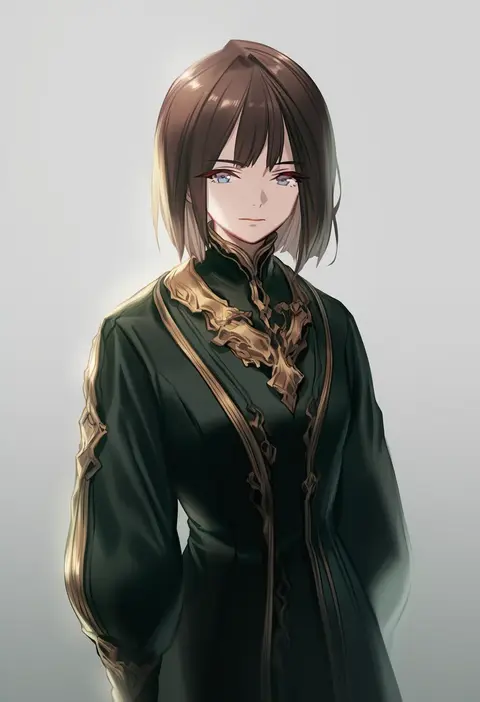
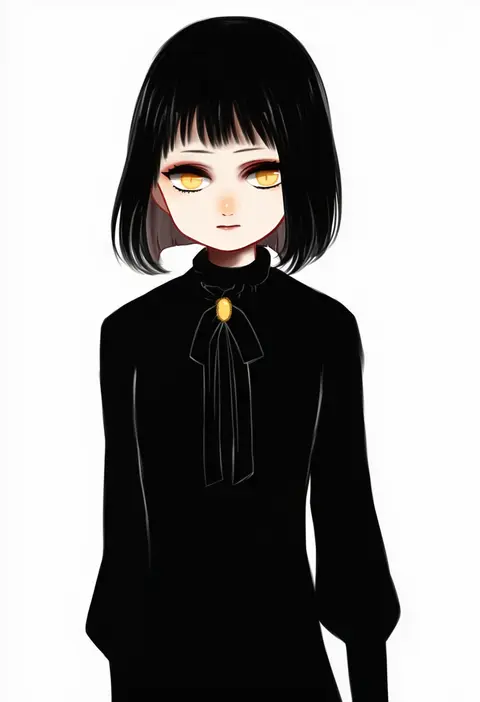
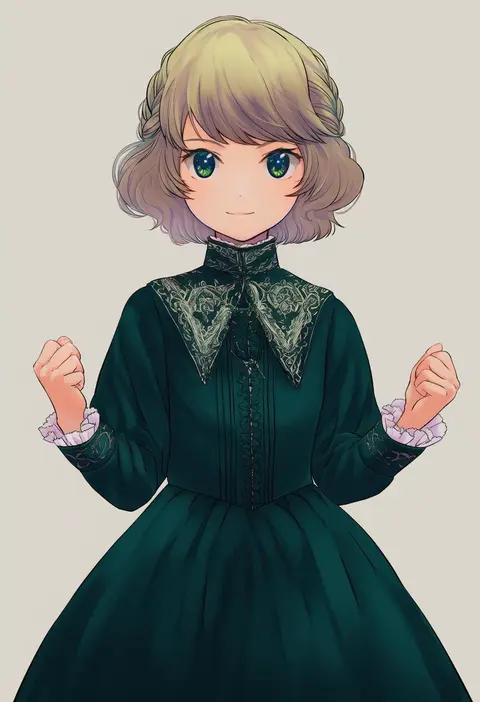
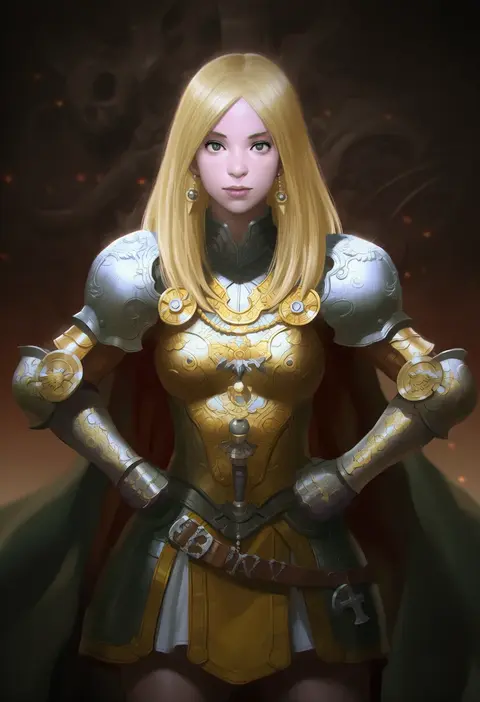
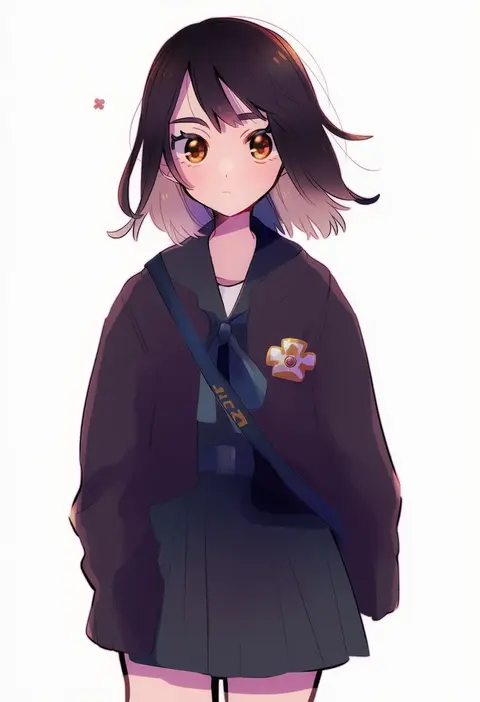
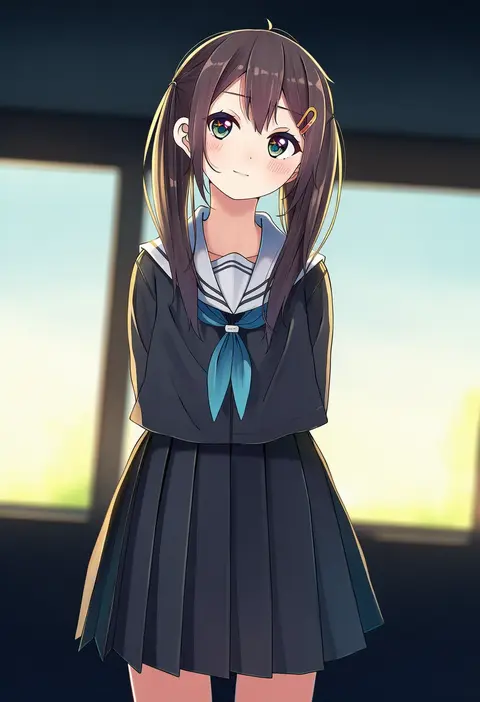
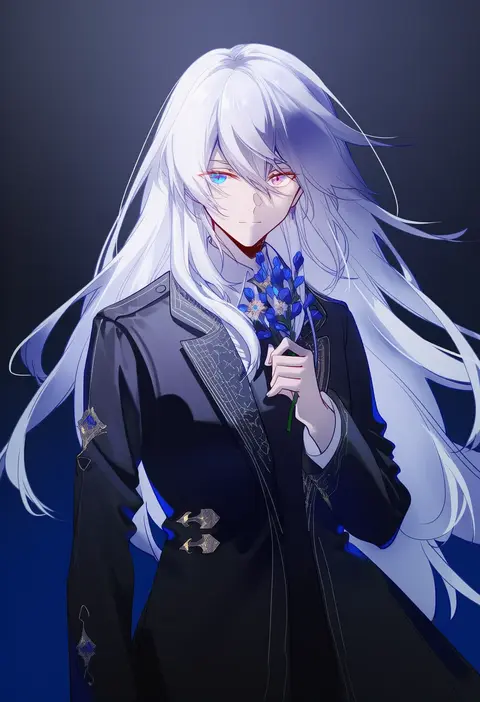
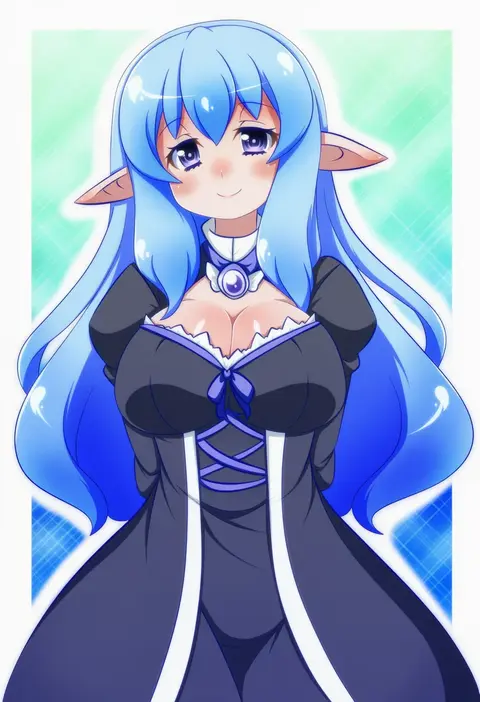
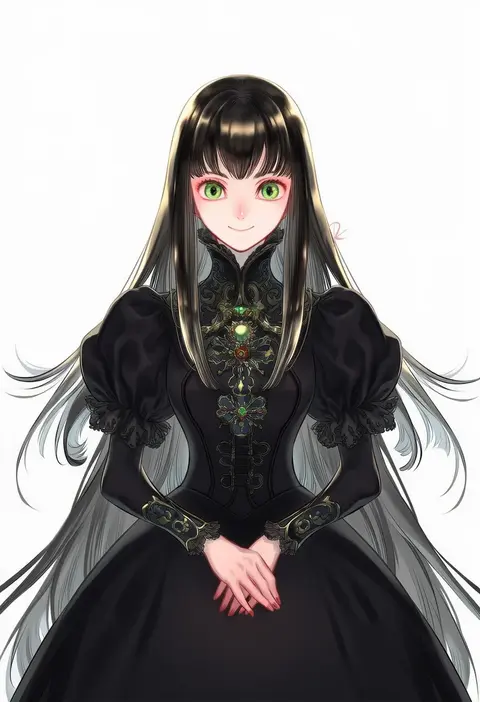
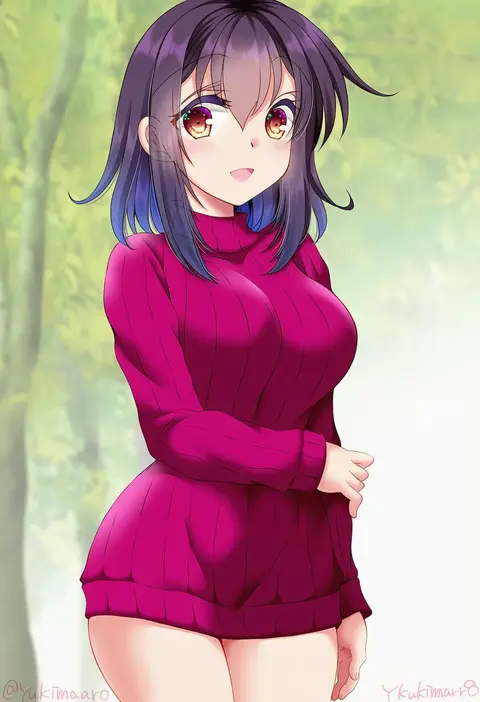
Every tag listed here is verified to react in NovelAI. All images use the same prompt, seed and settings with only the artist tag swapped, so the difference between two images is the style that tag brings in.

How to use them

Put the artist tag near the front of the prompt, e.g. "<artist>, 1girl, solo, best quality, masterpiece, cowboy shot". Two or three artist tags blend styles; lower the weight with "0.8::<artist>::" when the style overpowers the character.

SCORE sorts by Danbooru's top score, POSTS by post count, FAVS by hearts on this site. Open a card to see V5 and V4.5 side by side on the same seed.

V5 vs V4.5

V5 usually lands closer to the artist's real style, and tags that did nothing on V4.5 often react on V5. V4.5 still fits older and doujin-heavy artists better. Try V5 first, fall back to V4.5.

FAQ

Where does the artist tag go?
Near the front of the prompt. Use "0.8::tag::" to adjust its weight.

Can I stack artist tags?
Yes, styles blend. Past two or three the result stops looking like anyone.

Are these the artists' own works?
No. Every image is a NovelAI sample generated from the tag.