V4.5Artists
sort: FAVS▾
▾
>
$

NovelAI Artist Tags List — V4.5

artist --count 16,352[219/273]
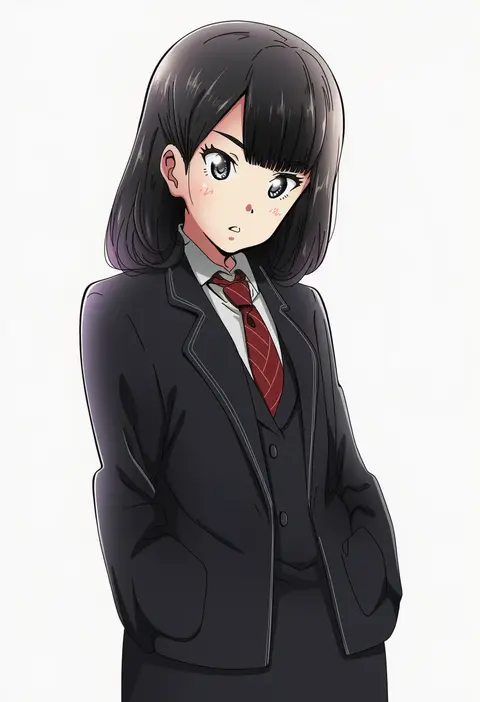
kanau
ARTIST0x3318
0
toushirou (sugarwhite1046)
ARTIST0x3319
0
organ derwald
ARTIST0x331A
0
banjou azusa
ARTIST0x331B
0
toufu mentaru zabuton
ARTIST0x331C
0
chikichi
ARTIST0x331D
0
tera hiroshi
ARTIST0x331E
0
eringi (rmrafrn)
ARTIST0x331F
0
doku corne
ARTIST0x3320
0
oomasa teikoku
ARTIST0x3321
0
kesuida
ARTIST0x3322
0
neko sensha
ARTIST0x3323
0
hane (azelye)
ARTIST0x3324
0
kazekawa nagi
ARTIST0x3325
0
rowya
ARTIST0x3326
0
mush820823
ARTIST0x3327
0
umagenzin
ARTIST0x3328
0
yuineko
ARTIST0x3329
0
tian (my dear)
ARTIST0x332A
0
freely2327
ARTIST0x332B
0
mk-5
ARTIST0x332C
0
hatsuko
ARTIST0x332D
0
kdash
ARTIST0x332E
0
otowa (otoha4634)
ARTIST0x332F
0
d tomoki
ARTIST0x3330
0
potemki11
ARTIST0x3331
0
botantouki
ARTIST0x3332
0
suzushiro (gripen39)
ARTIST0x3333
0
arata iri
ARTIST0x3334
0
yaya hiyayaka
ARTIST0x3335
0
kisaragi kokoro (hazuki)
ARTIST0x3336
0
tyrnickleback
ARTIST0x3337
0
hourai kiriri
ARTIST0x3338
0
aono (aonocrotowa)
ARTIST0x3339
0
haine
ARTIST0x333A
0
mitsu yomogi
ARTIST0x333B
0
kuroten
ARTIST0x333C
0
ogata tomio
ARTIST0x333D
0
tefutene
ARTIST0x333E
0
nash (na-si)
ARTIST0x333F
0
nepperoni
ARTIST0x3340
0
tetopetesone
ARTIST0x3341
0
unagi sango
ARTIST0x3342
0
nurikabe (mictlan-tecuhtli)
ARTIST0x3343
0
shiba yuuki
ARTIST0x3344
0
rokushaku neko
ARTIST0x3345
0
haru (toyst)
ARTIST0x3346
0
shee take
ARTIST0x3347
0
mitya
ARTIST0x3348
0
kuro kosyou
ARTIST0x3349
0
hiro (hirohiro31)
ARTIST0x334A
0
osashin (osada)
ARTIST0x334B
0
shinshin
ARTIST0x334C
0
uranaishi (miraura)
ARTIST0x334D
0
bae (baebae)
ARTIST0x334E
0
tekehiro
ARTIST0x334F
0
gomipomi
ARTIST0x3350
0
akane souichi
ARTIST0x3351
0
takahashi tetsuya
ARTIST0x3352
0
ech
ARTIST0x3353
0

What these tags change

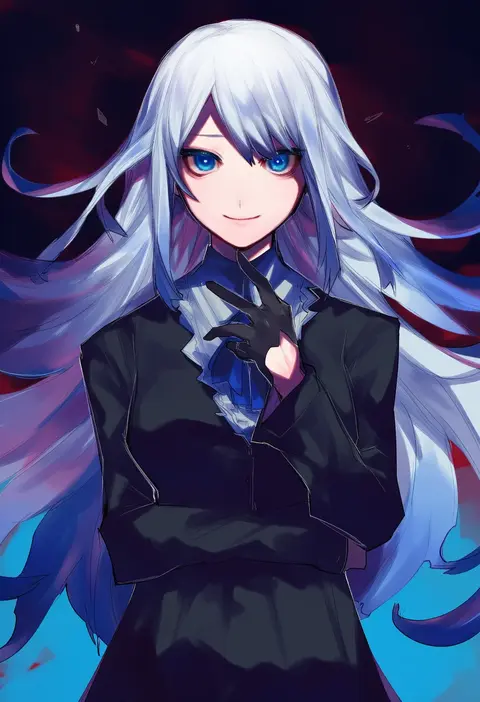
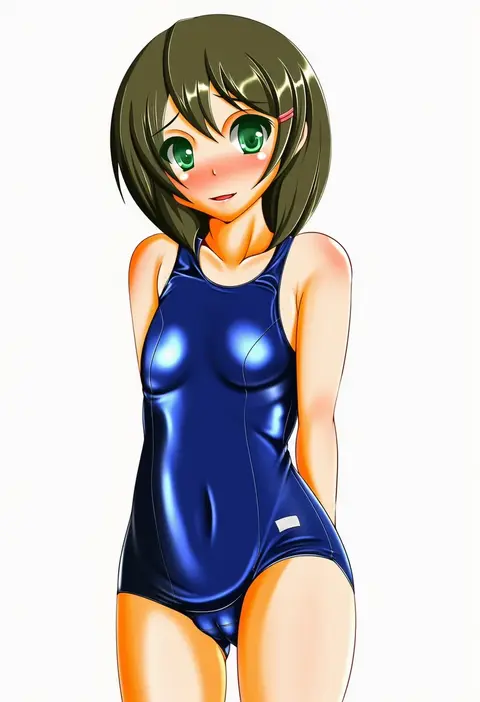
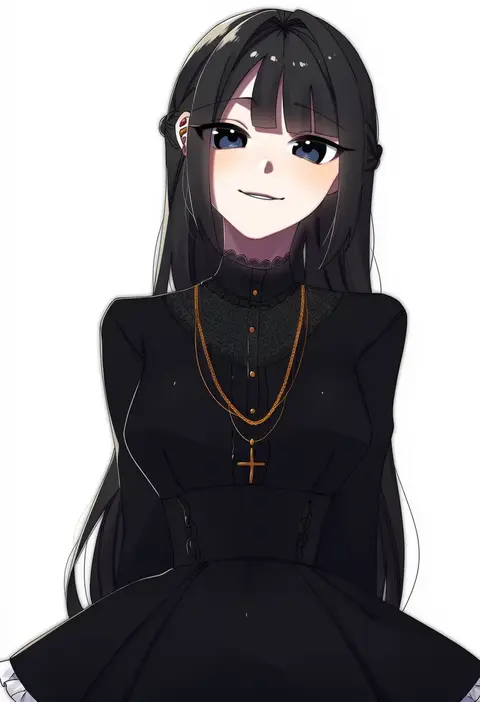
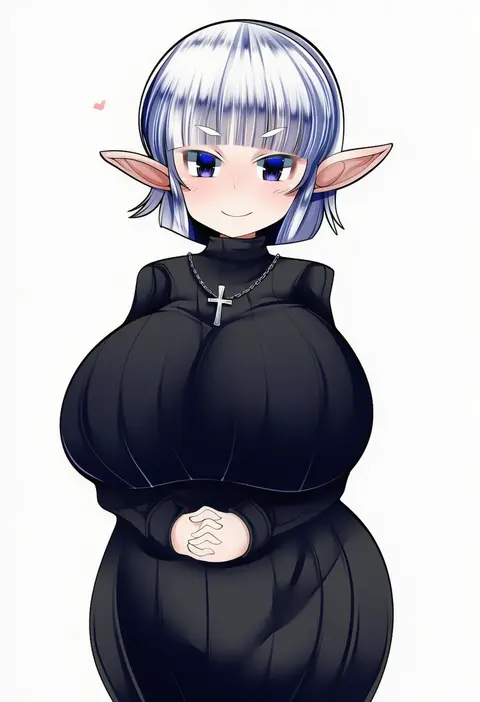
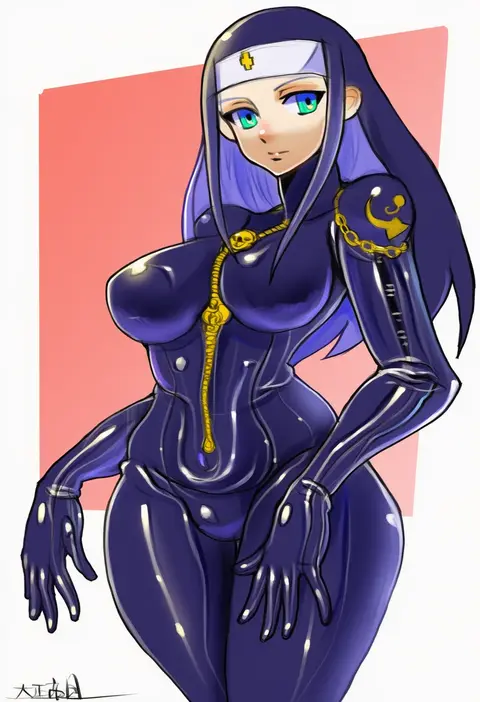
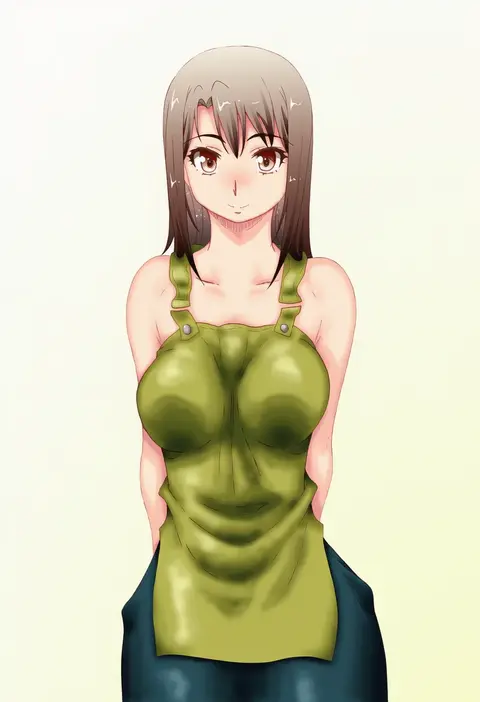
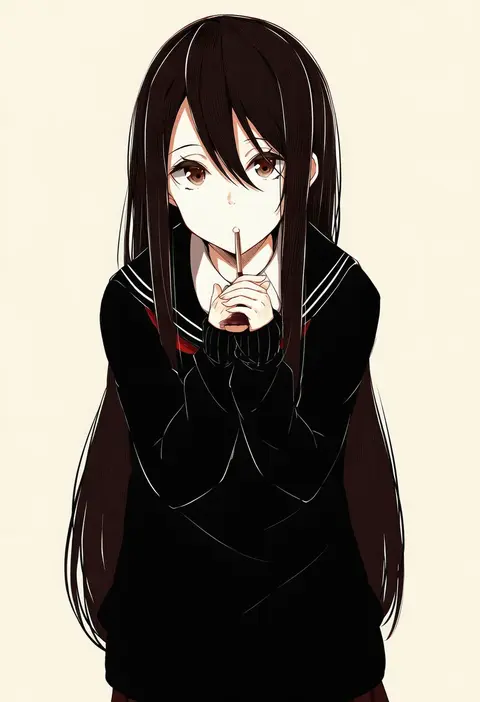
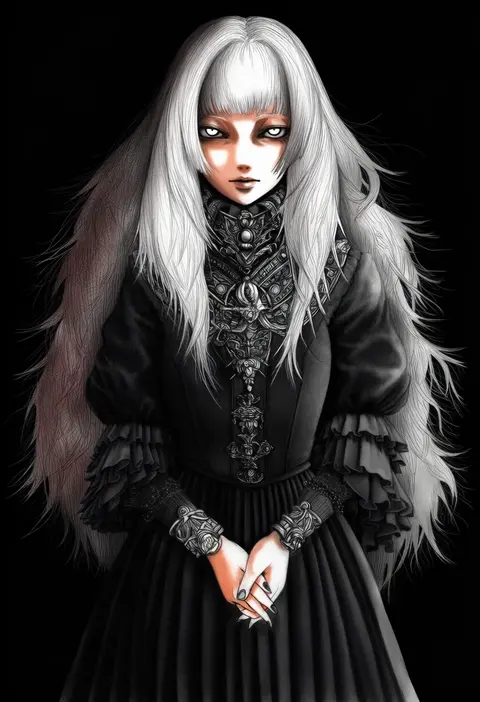
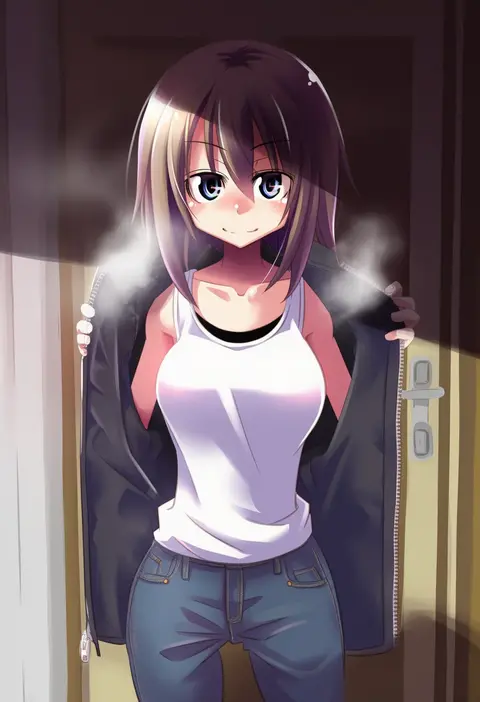
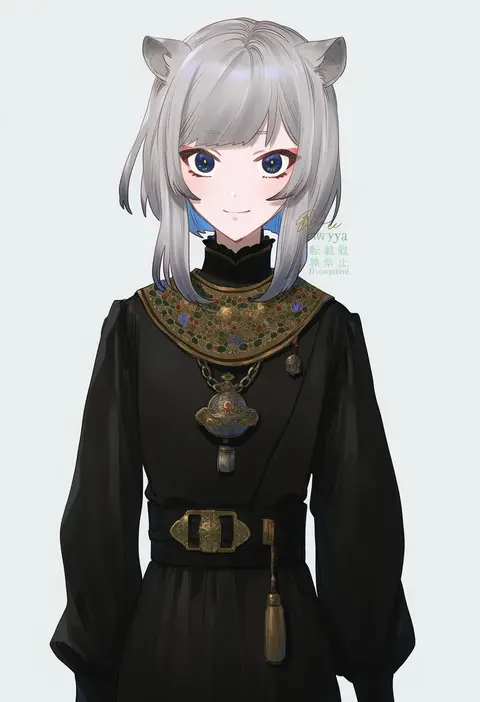
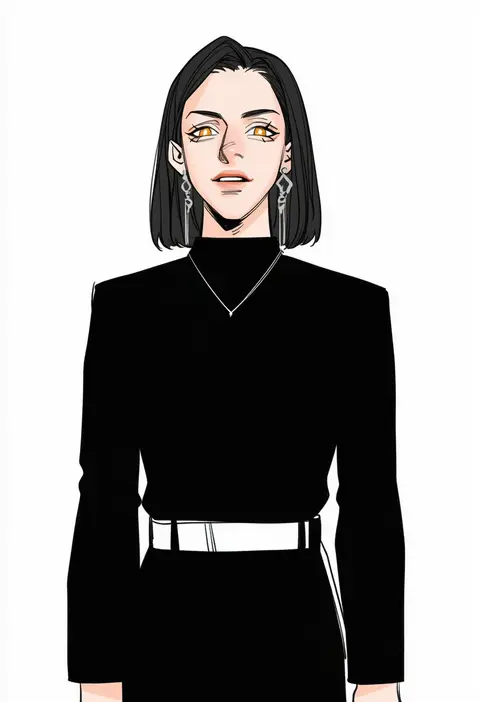
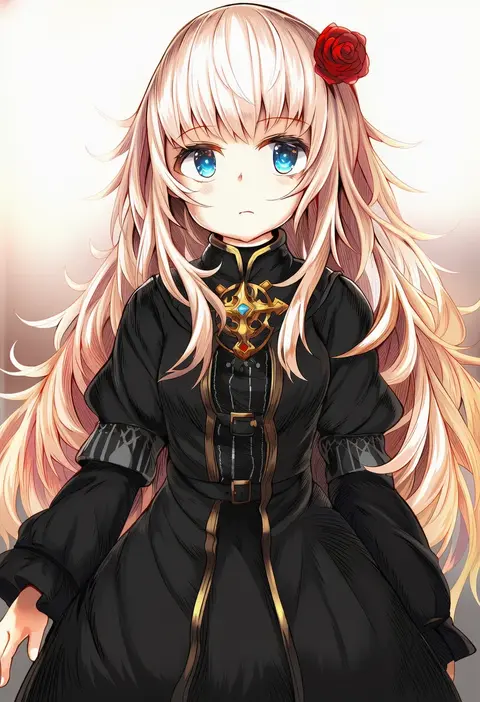
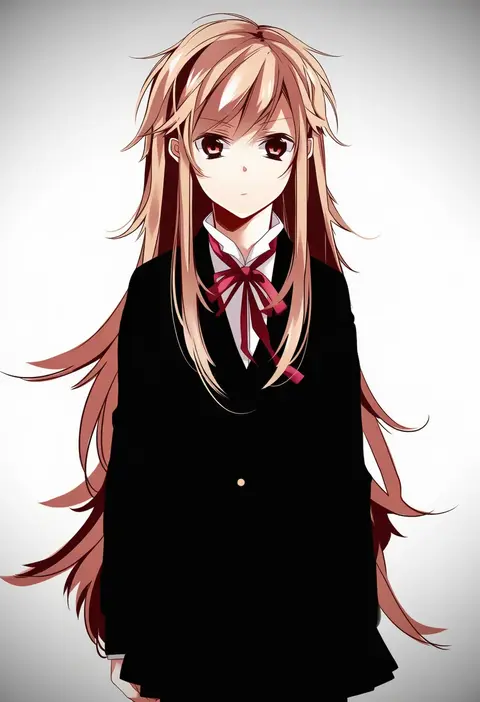
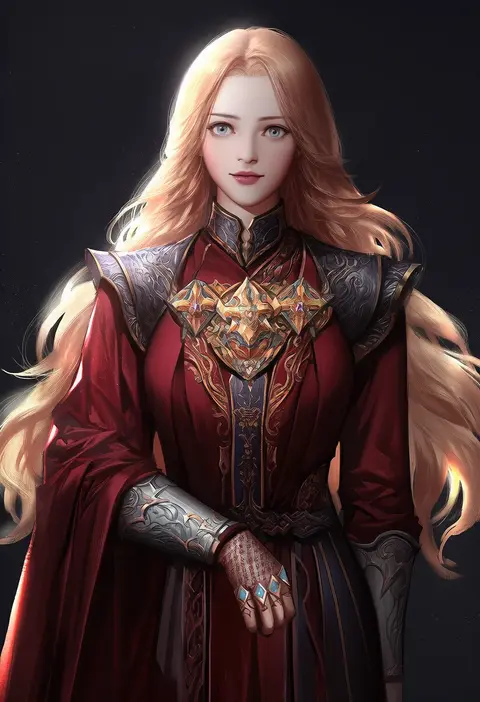
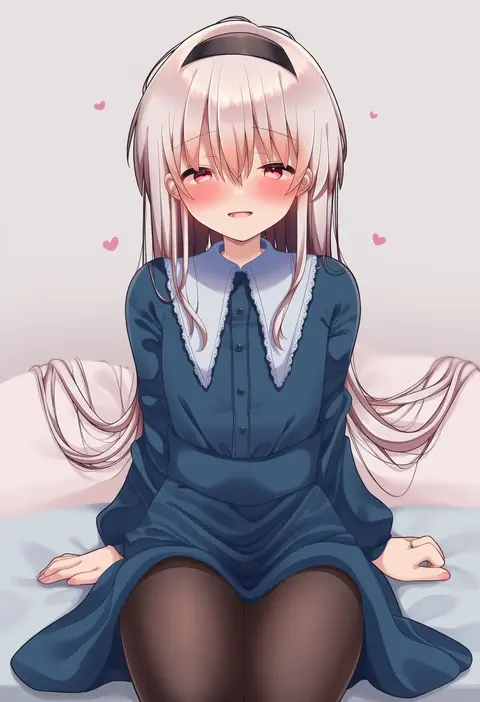
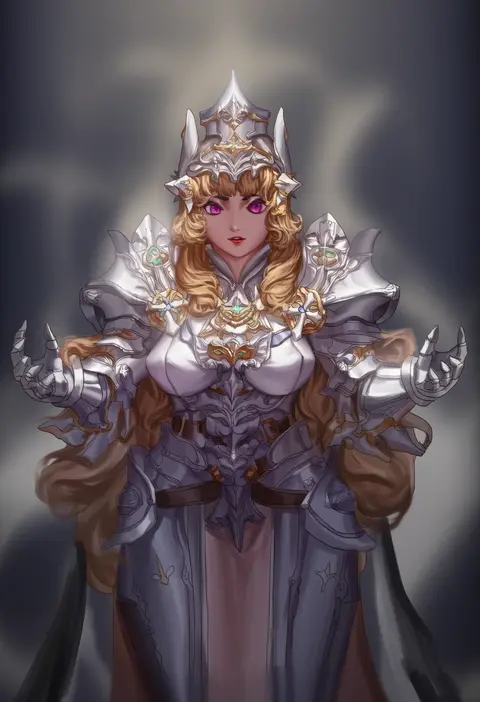
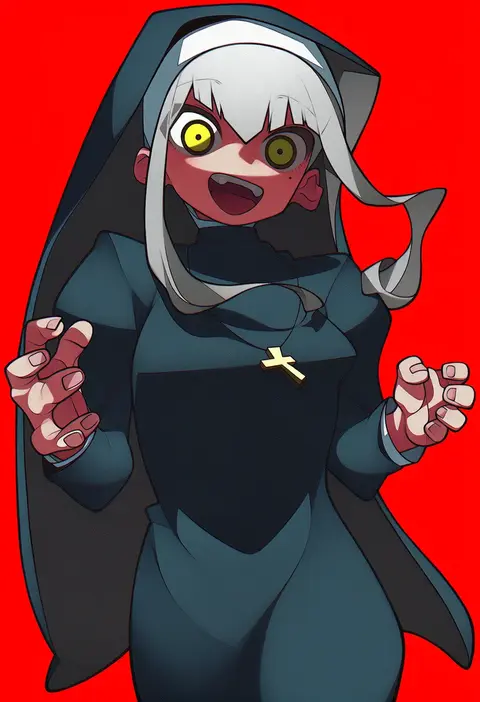
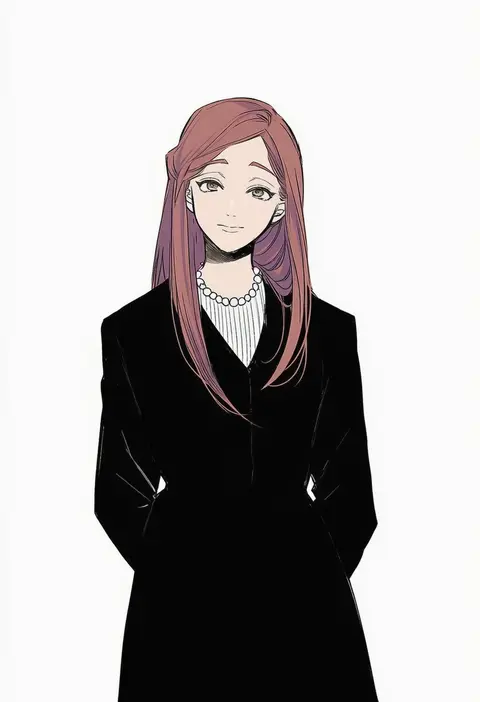
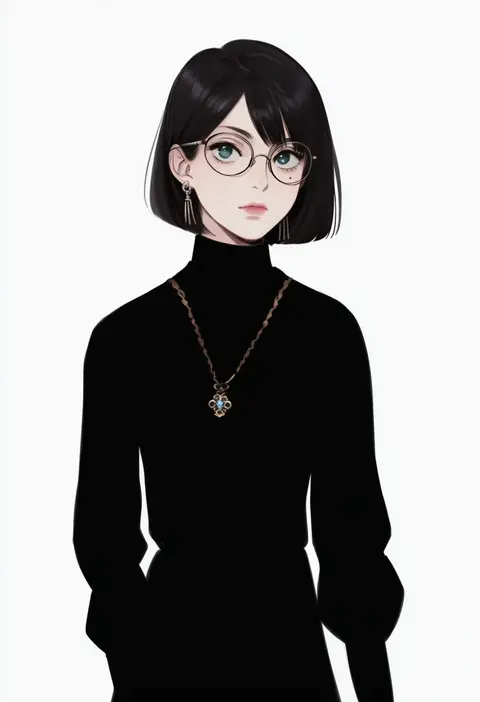
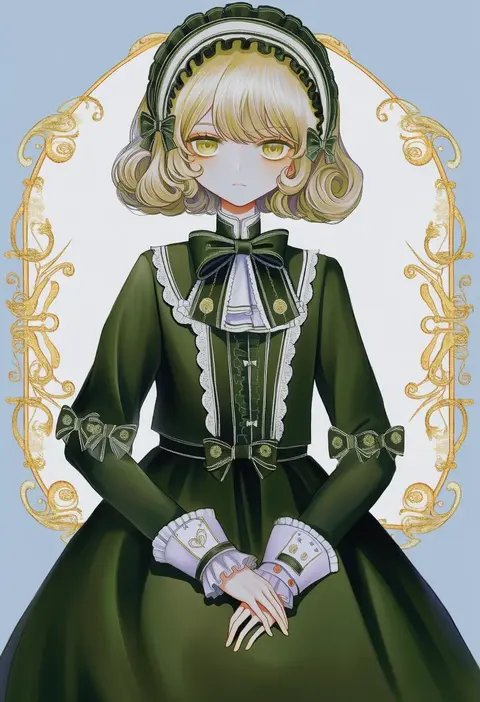
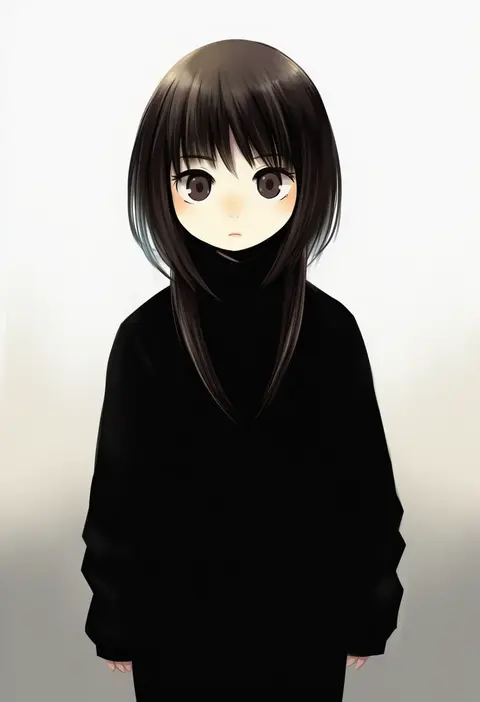
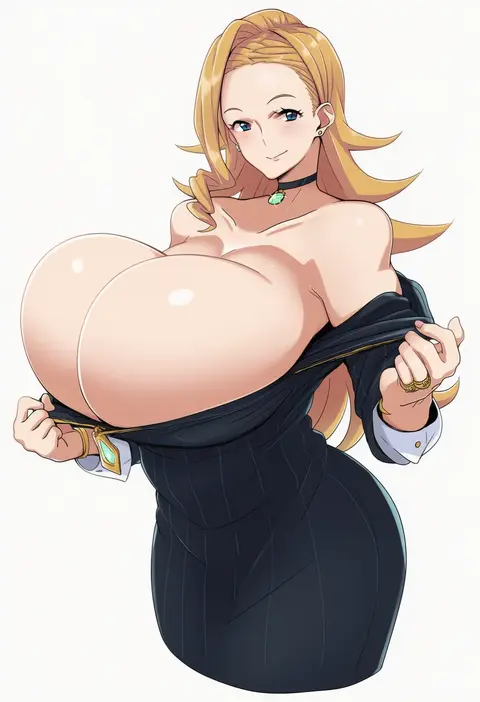
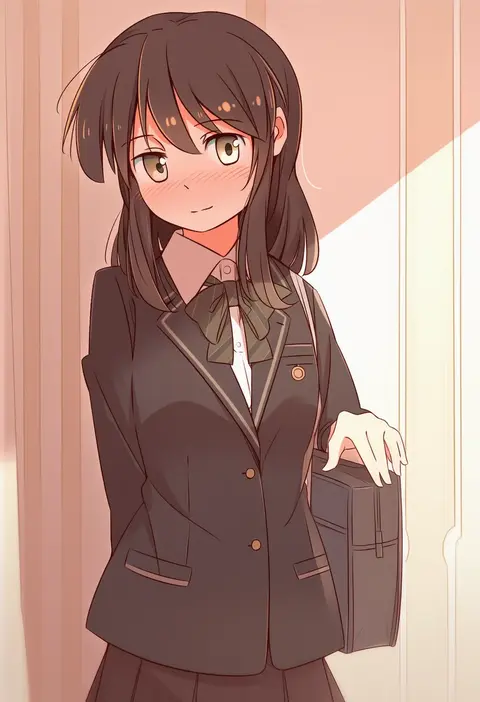
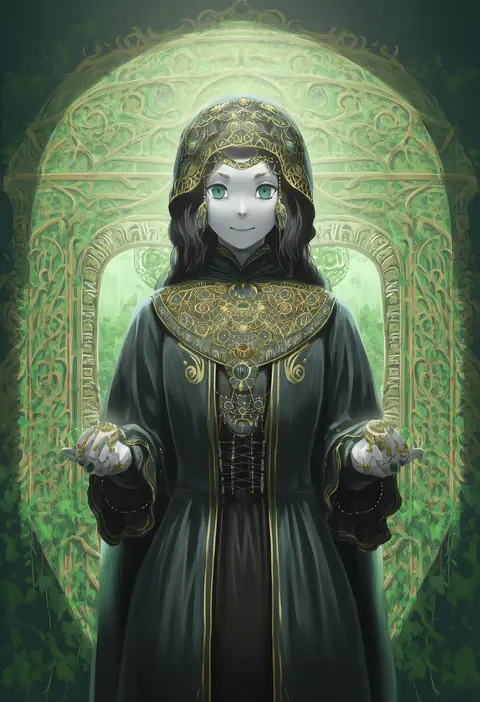
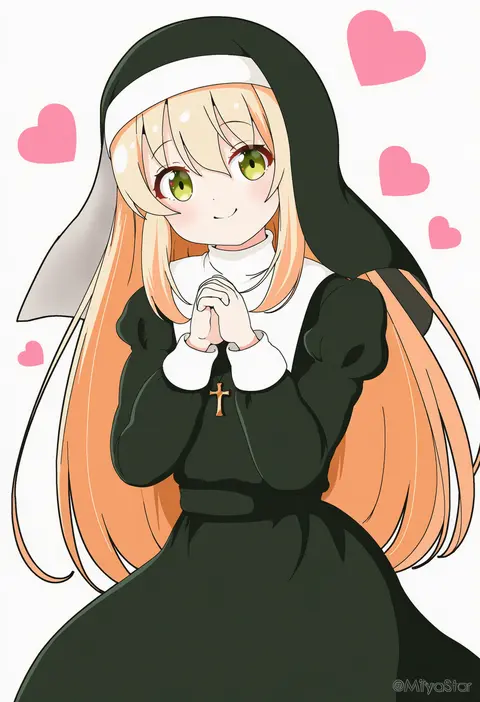
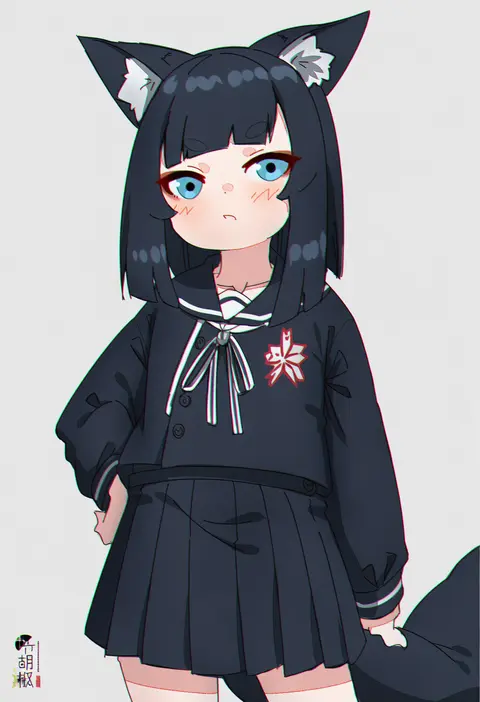
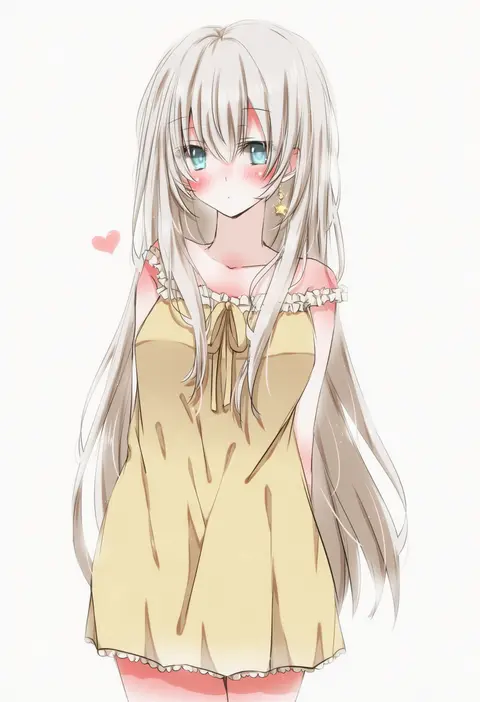
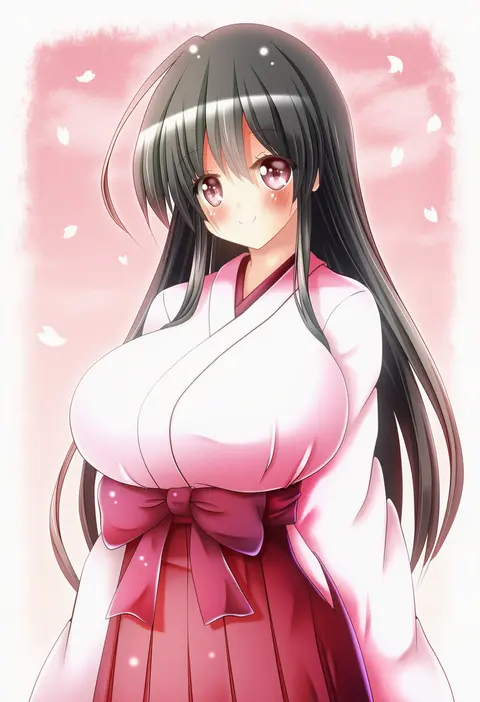
Artist tags tell NovelAI Diffusion to draw in a specific artist's style: line weight, paint texture, face shapes and palette all shift at once. Character and outfit tags decide what is drawn; artist tags decide how. 16,352 tags are listed for V4.5.
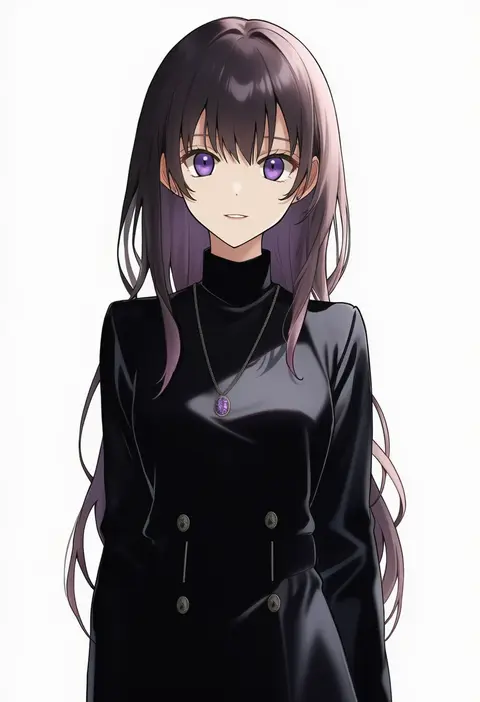
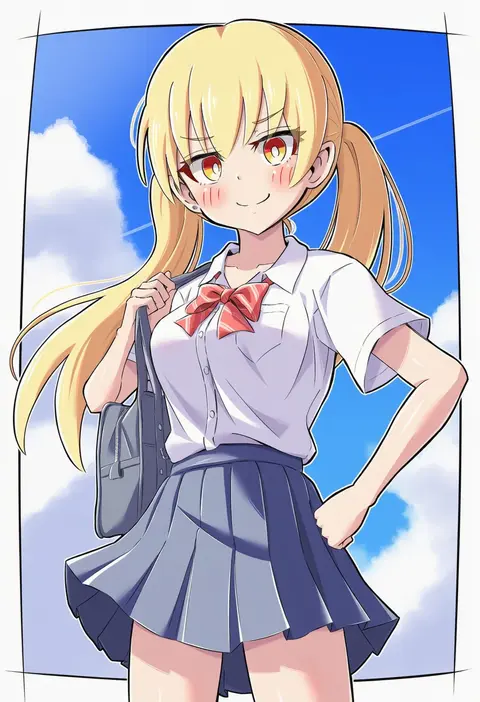
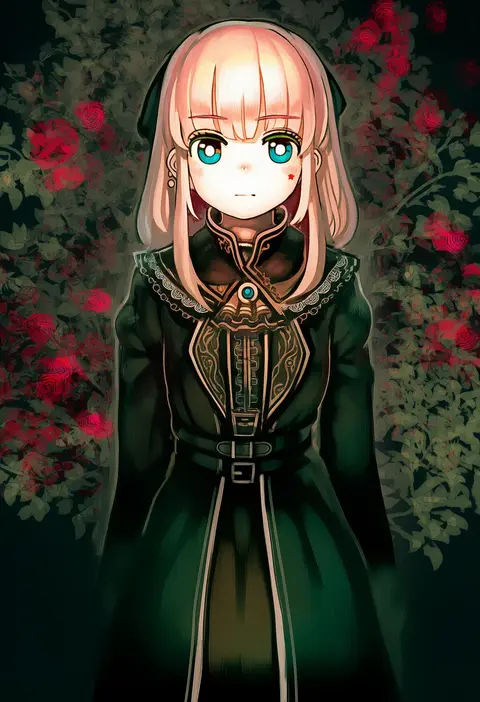
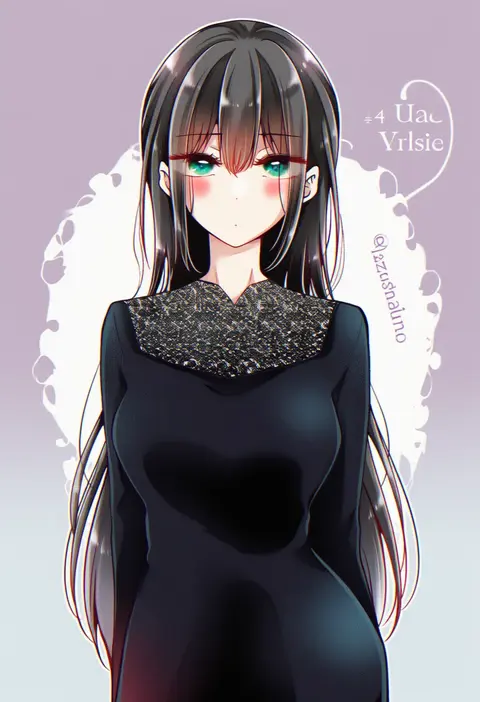
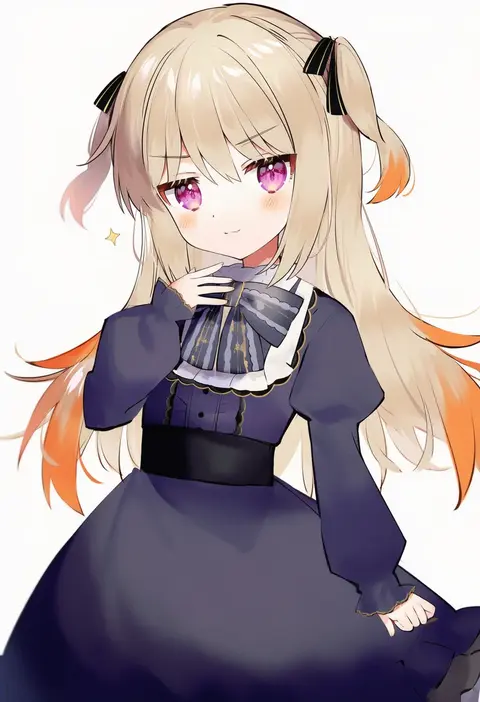
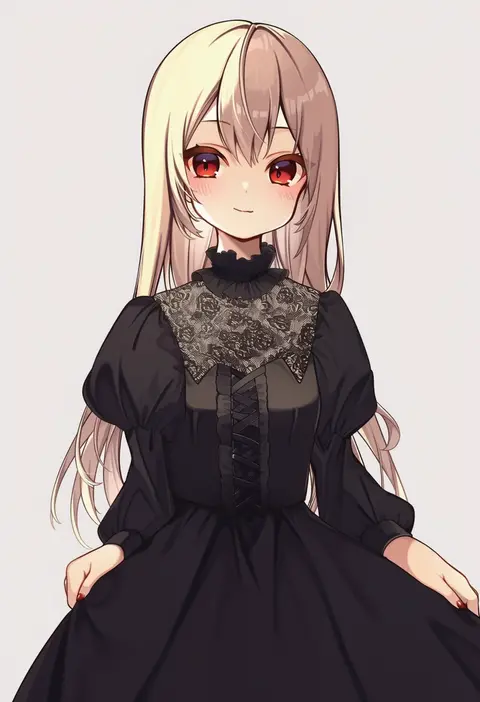
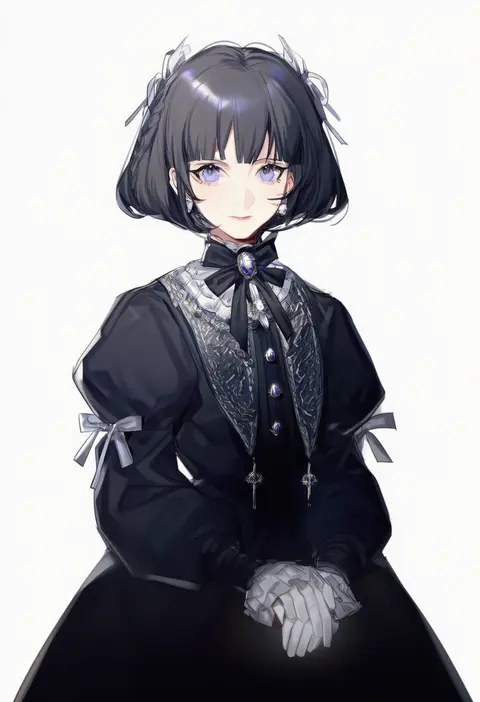
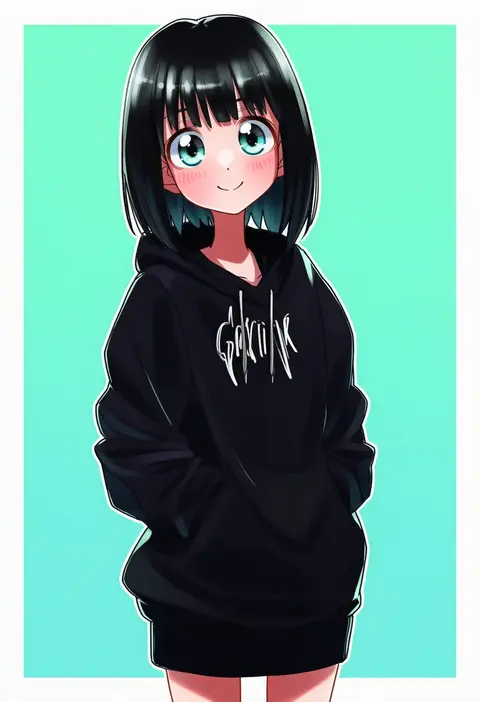
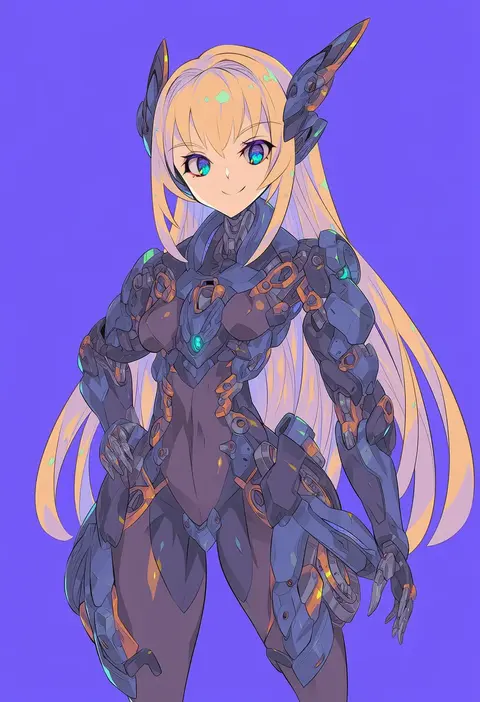
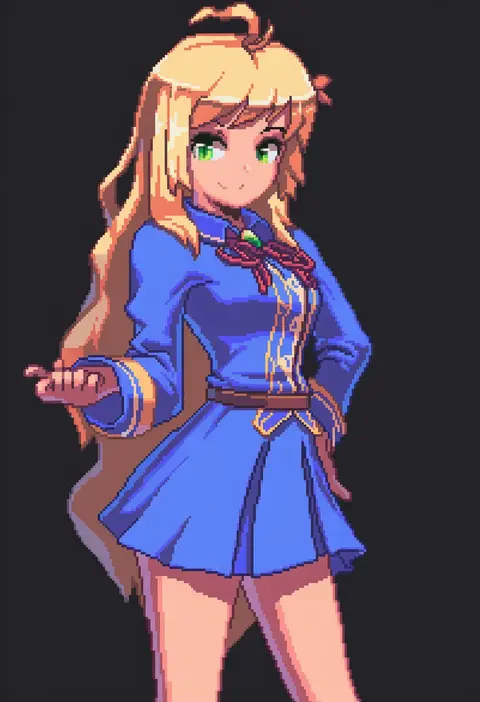
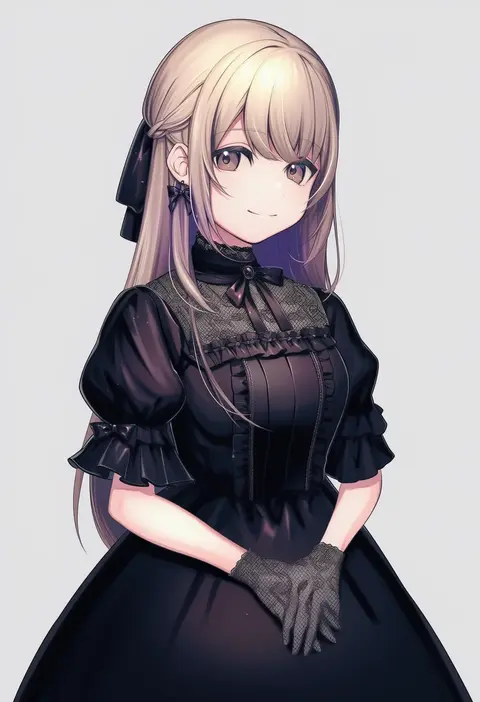
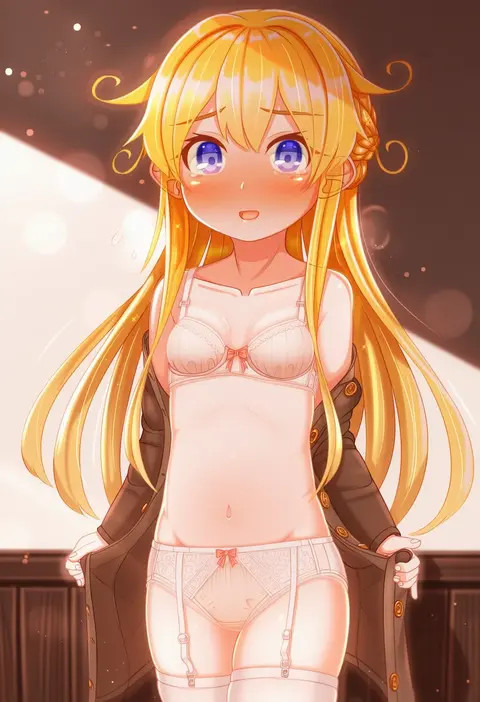
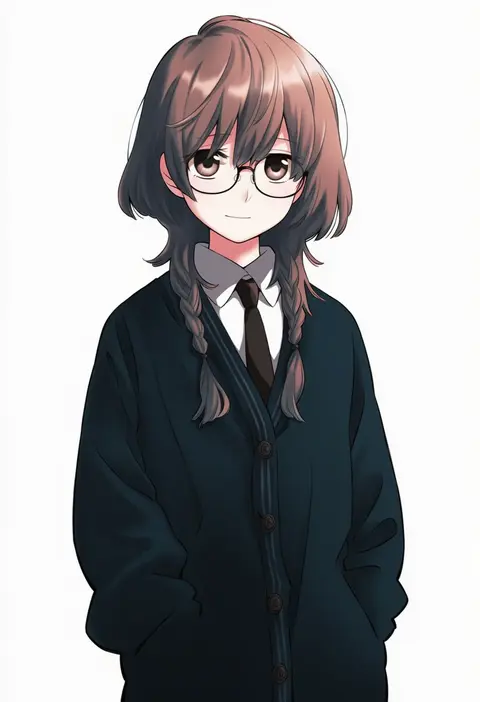
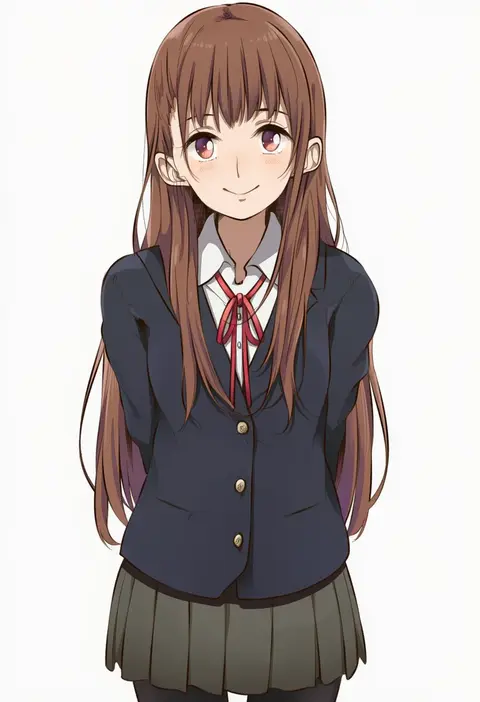
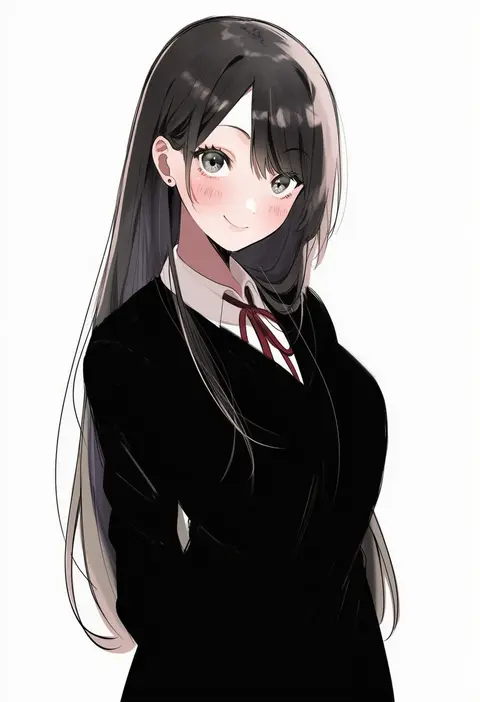
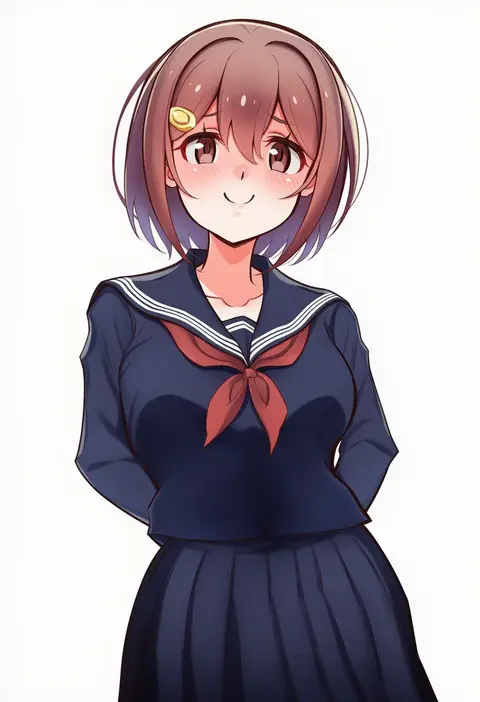
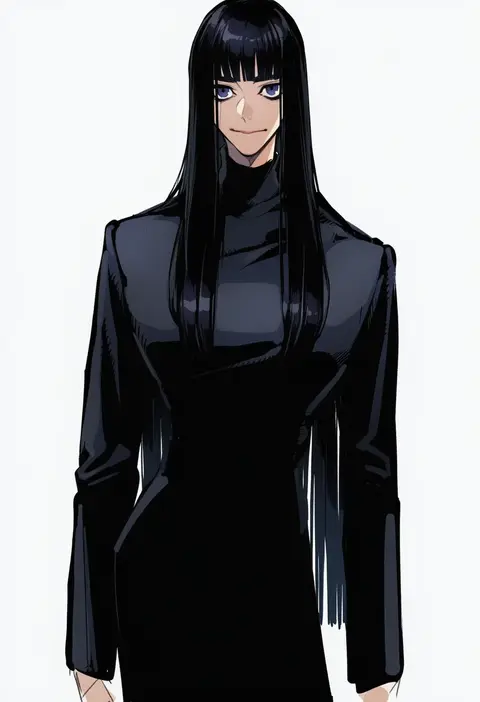
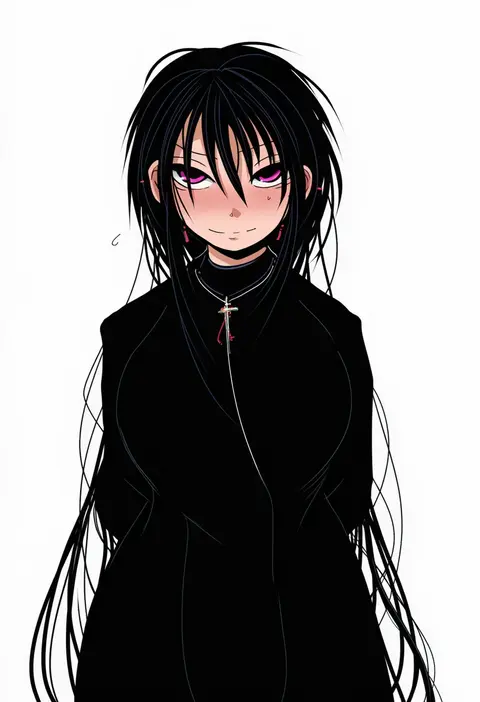
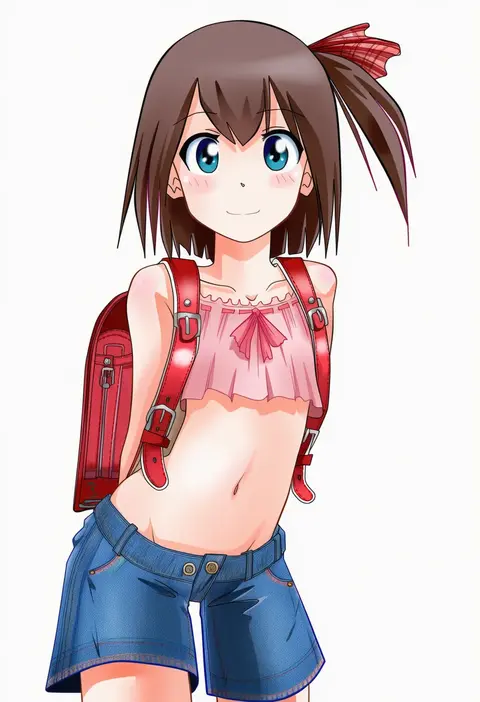
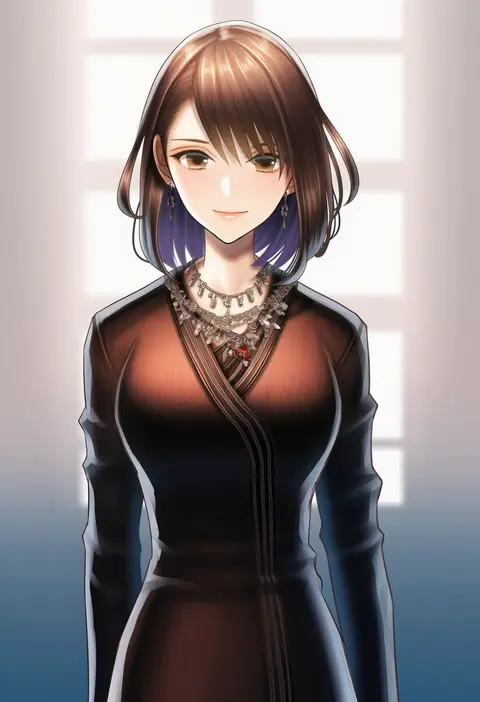
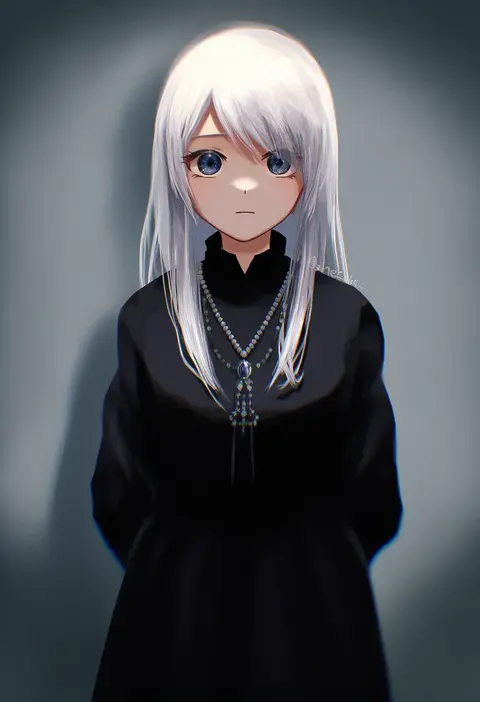
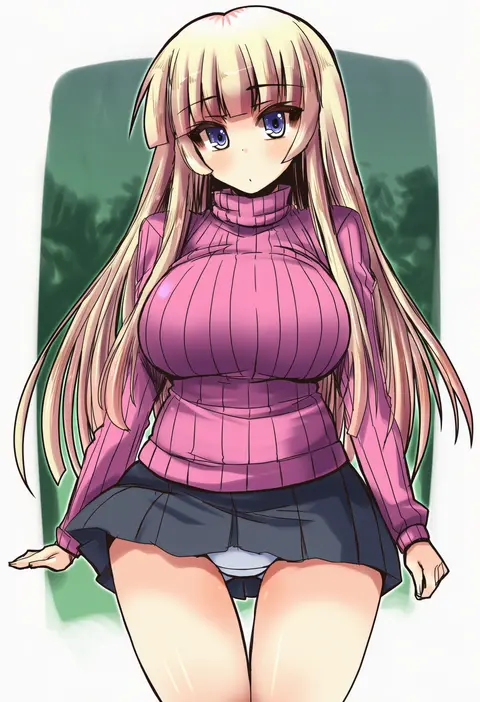
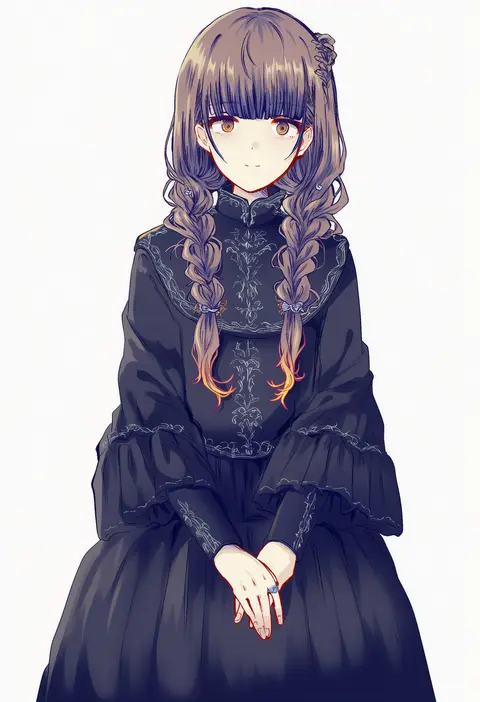
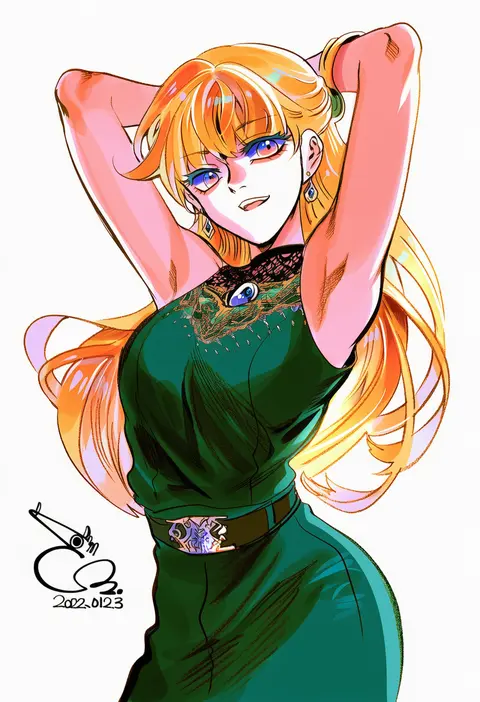
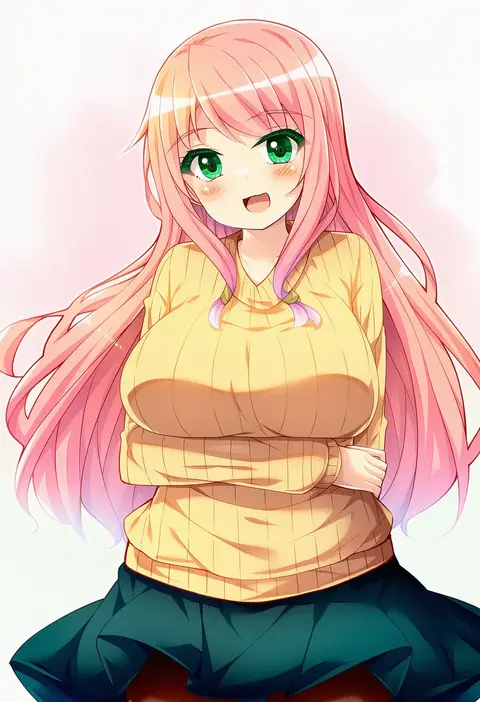
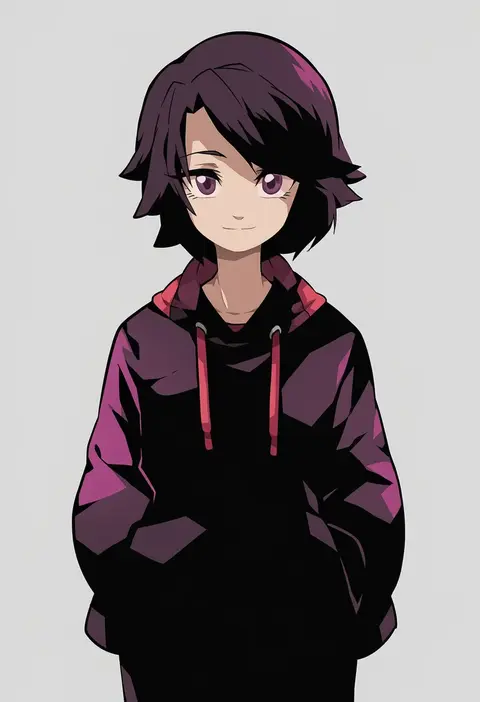
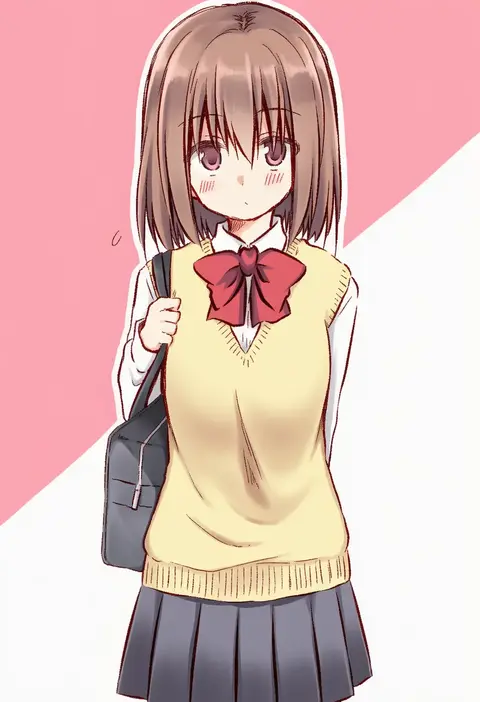
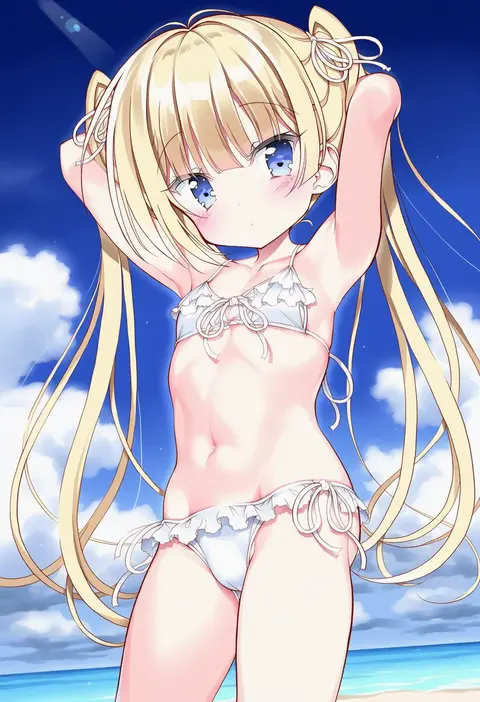
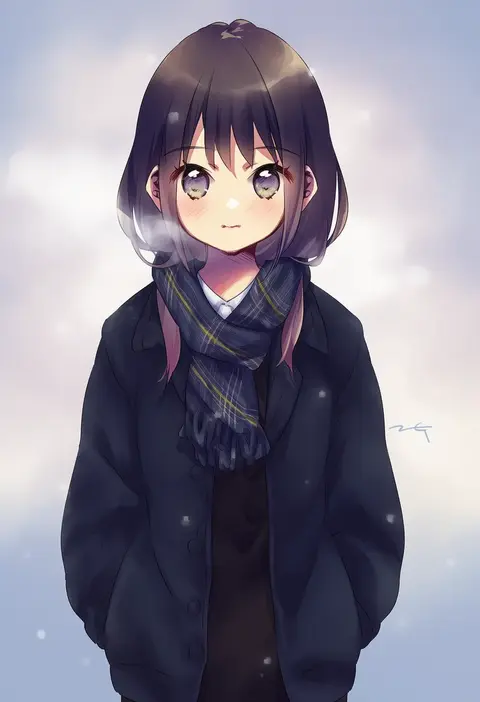
Every tag listed here is verified to react in NovelAI. All images use the same prompt, seed and settings with only the artist tag swapped, so the difference between two images is the style that tag brings in.

How to use them

Put the artist tag near the front of the prompt, e.g. "<artist>, 1girl, solo, best quality, masterpiece, cowboy shot". Two or three artist tags blend styles; lower the weight with "0.8::<artist>::" when the style overpowers the character.

SCORE sorts by Danbooru's top score, POSTS by post count, FAVS by hearts on this site. Open a card to see V5 and V4.5 side by side on the same seed.

V5 vs V4.5

V5 usually lands closer to the artist's real style, and tags that did nothing on V4.5 often react on V5. V4.5 still fits older and doujin-heavy artists better. Try V5 first, fall back to V4.5.

FAQ

Where does the artist tag go?
Near the front of the prompt. Use "0.8::tag::" to adjust its weight.

Can I stack artist tags?
Yes, styles blend. Past two or three the result stops looking like anyone.

Are these the artists' own works?
No. Every image is a NovelAI sample generated from the tag.