V4.5Artists
sort: FAVS▾
▾
>
$

NovelAI Artist Tags List — V4.5

artist --count 16,352[222/273]
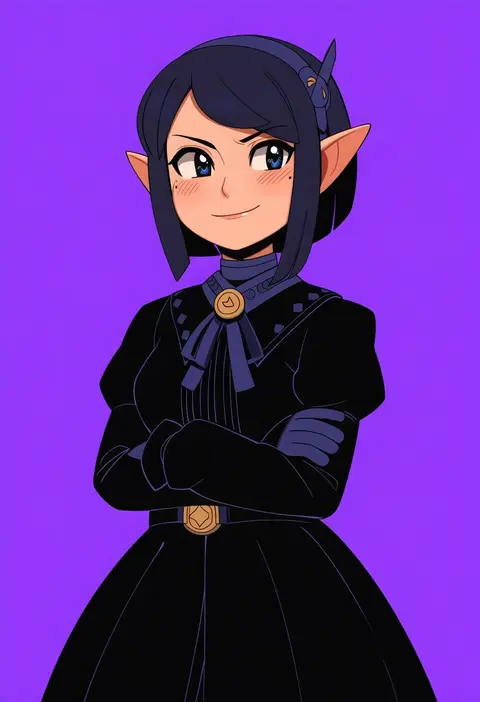
digimin
ARTIST0x33CC
0
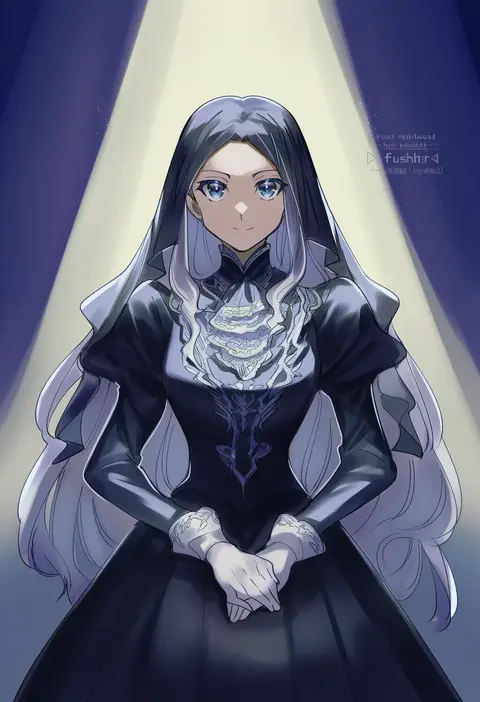
fushitasu
ARTIST0x33CD
0
mizuno (okn66)
ARTIST0x33CE
0
mercy rabbit
ARTIST0x33CF
0
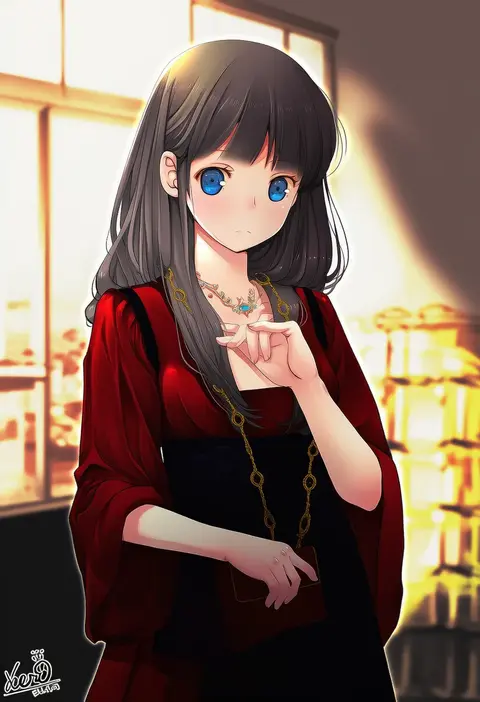
kero sweet
ARTIST0x33D0
0
mirin (coene65)
ARTIST0x33D1
0
tsuyomaru
ARTIST0x33D2
0
chikage (kinokodou)
ARTIST0x33D3
0
nami nami (belphegor-5812)
ARTIST0x33D4
0
tokio neo
ARTIST0x33D5
0
hirota tsuu
ARTIST0x33D6
0
aspara
ARTIST0x33D7
0
momae mac
ARTIST0x33D8
0
nakayama yukiji
ARTIST0x33D9
0
satou (3366 s)
ARTIST0x33DA
0
rei (tdn ng)
ARTIST0x33DB
0
shiomizu (swat)
ARTIST0x33DC
0
sikorsky
ARTIST0x33DD
0
deep (deep4946)
ARTIST0x33DE
0
geike
ARTIST0x33DF
0
khn (kihana)
ARTIST0x33E0
0
kamaboko senshi
ARTIST0x33E1
0
raybar
ARTIST0x33E2
0
masirosu
ARTIST0x33E3
0
makiaato
ARTIST0x33E4
0
gg dal
ARTIST0x33E5
0
potekite
ARTIST0x33E6
0
lvetica
ARTIST0x33E7
0
muraryo
ARTIST0x33E8
0
sugapi
ARTIST0x33E9
0
momoda yasuhito
ARTIST0x33EA
0
sukkirito (rangusan)
ARTIST0x33EB
0
mami (apsaras)
ARTIST0x33EC
0
nogami takeshi
ARTIST0x33ED
0
pecopecosupipi
ARTIST0x33EE
0
xezeno
ARTIST0x33EF
0
zero-go
ARTIST0x33F0
0
ebi pri shrimp
ARTIST0x33F1
0
tomiwo
ARTIST0x33F2
0
shinonoko (tubamecider)
ARTIST0x33F3
0
ukan muri
ARTIST0x33F4
0
miyamae porin
ARTIST0x33F5
0
james turner
ARTIST0x33F6
0
nat latework
ARTIST0x33F7
0
mizunashi hayate
ARTIST0x33F8
0
unyon
ARTIST0x33F9
0
sanae (satansanae)
ARTIST0x33FA
0
azuazu 0405
ARTIST0x33FB
0
paintedmike
ARTIST0x33FC
0
adyisu
ARTIST0x33FD
0
byte (grunty-hag1)
ARTIST0x33FE
0
denpaken pochi
ARTIST0x33FF
0
mp100days
ARTIST0x3400
0
shuu illust
ARTIST0x3401
0
telaform
ARTIST0x3402
0
drdr ao midoro
ARTIST0x3403
0
furai
ARTIST0x3404
0
kuuma25 kuma
ARTIST0x3405
0
kotobuki toro
ARTIST0x3406
0
yada (xxxadaman)
ARTIST0x3407
0

What these tags change

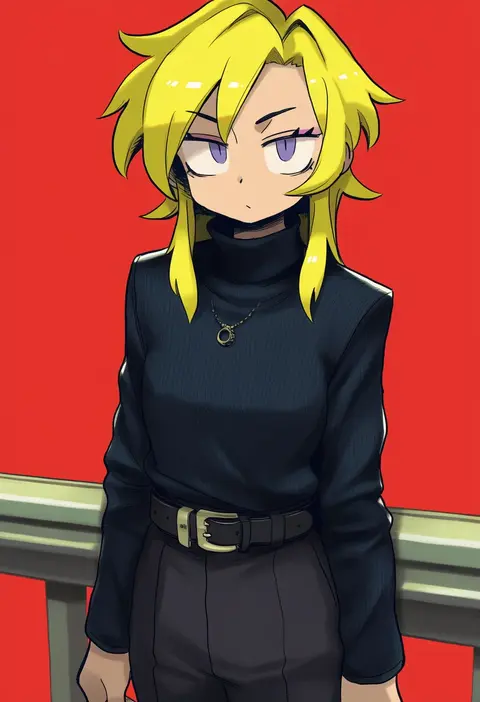
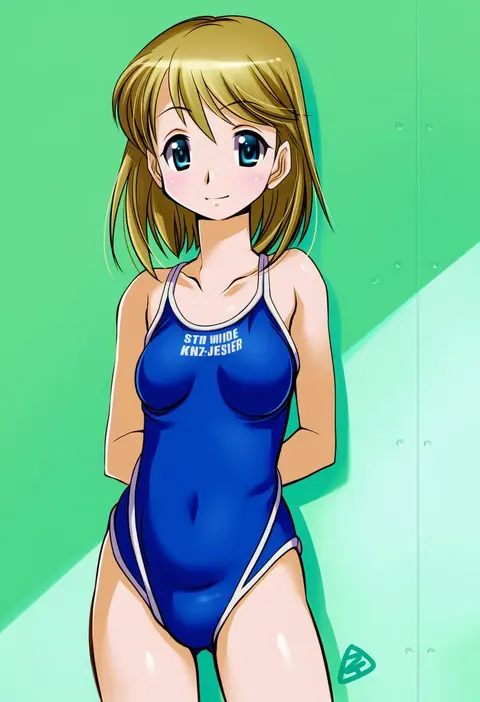
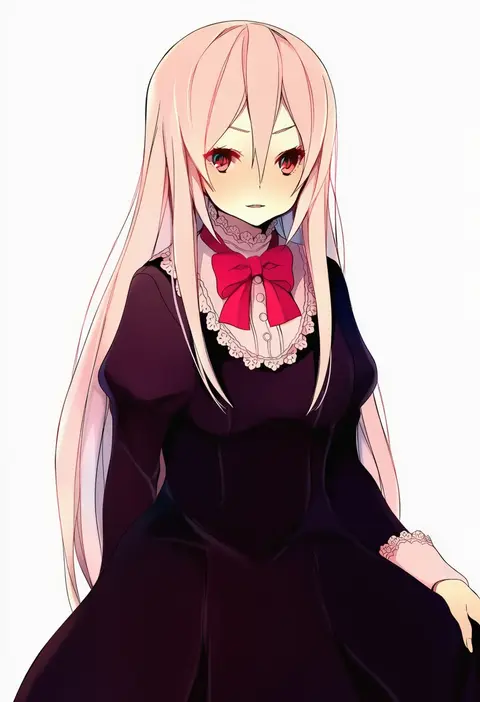
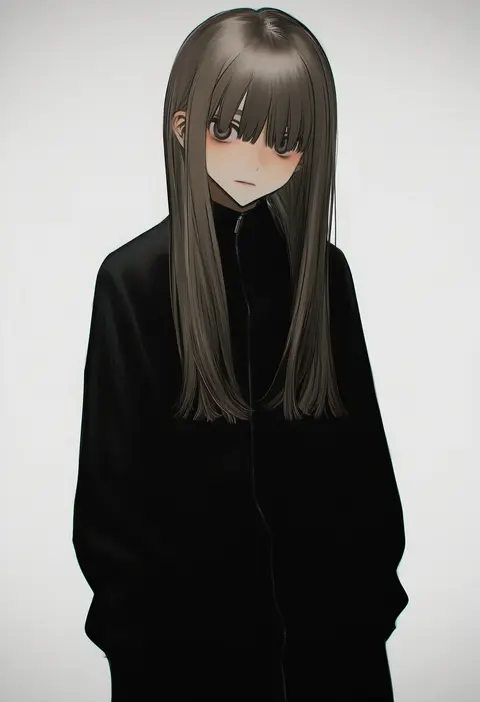
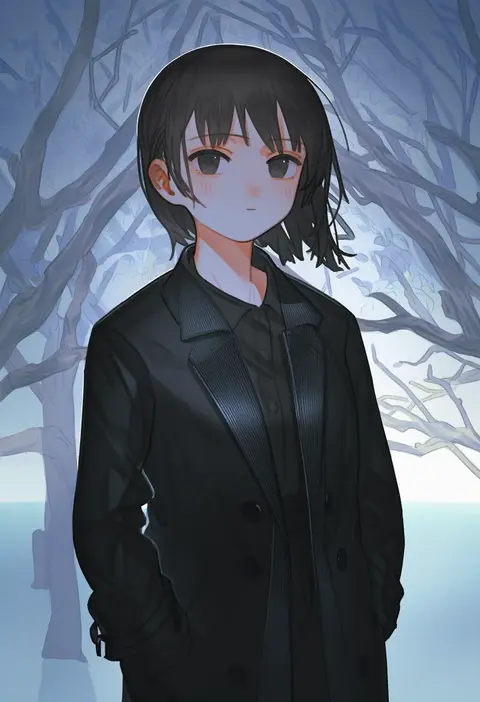
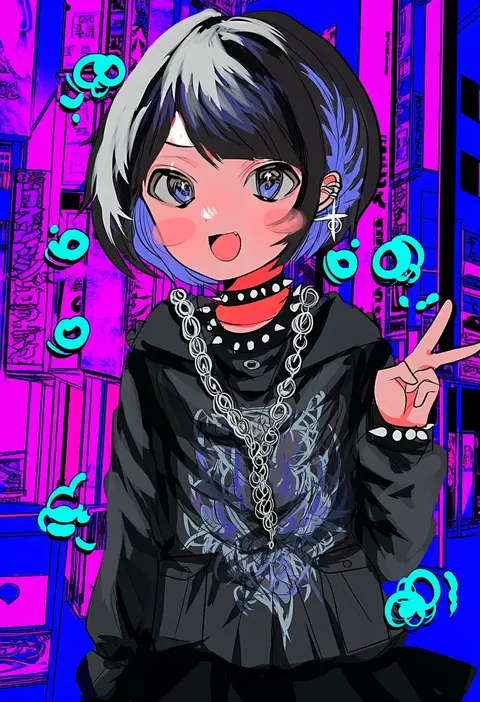
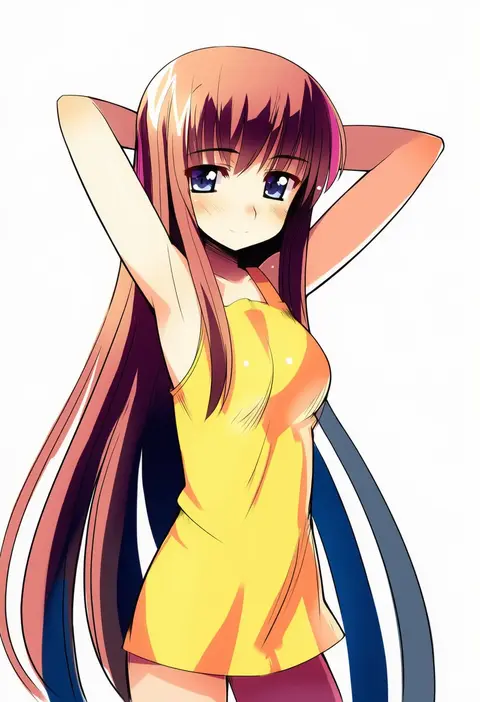
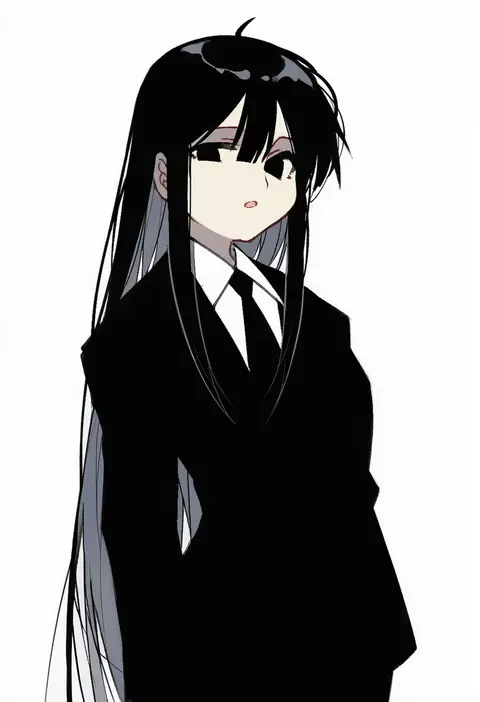
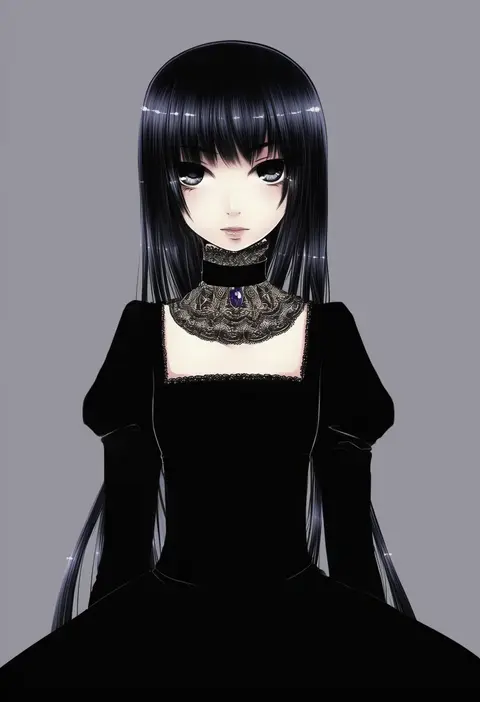
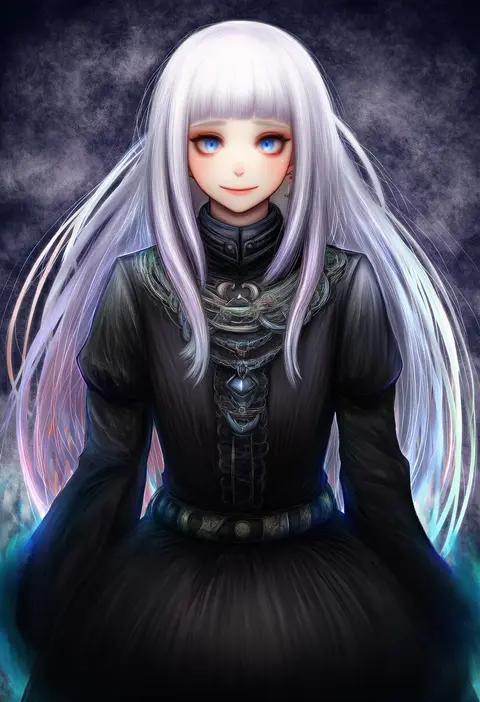
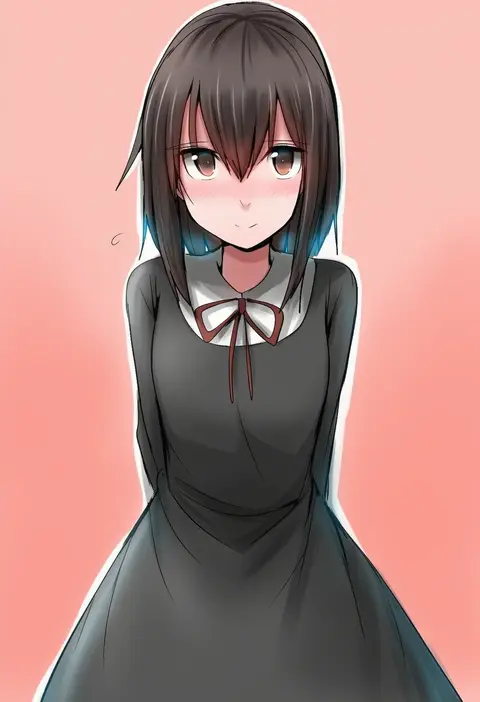
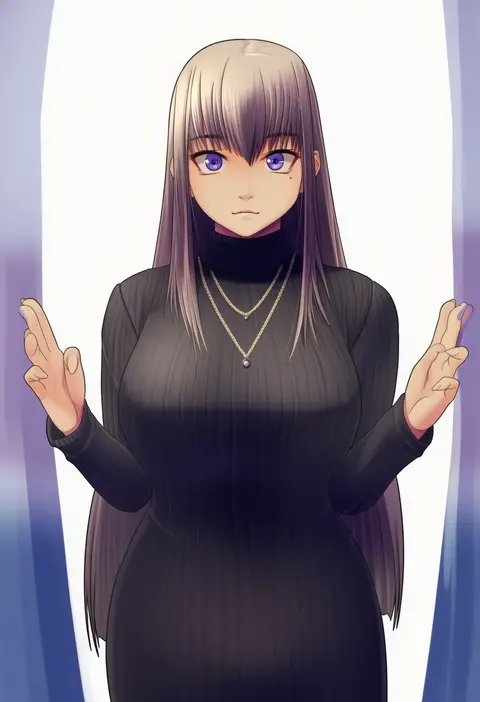
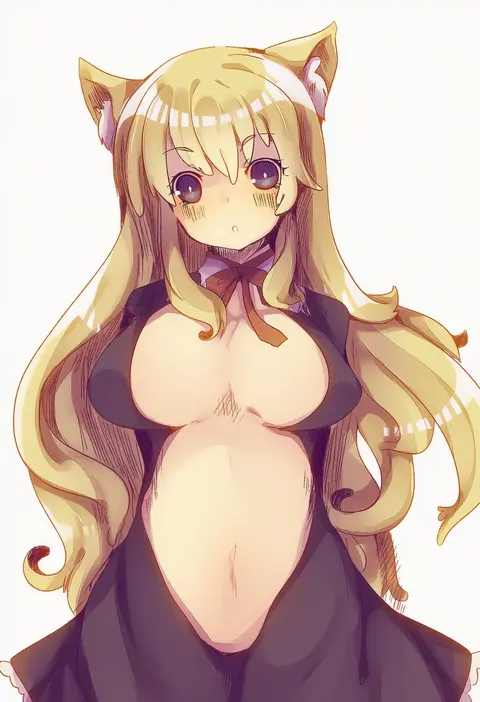
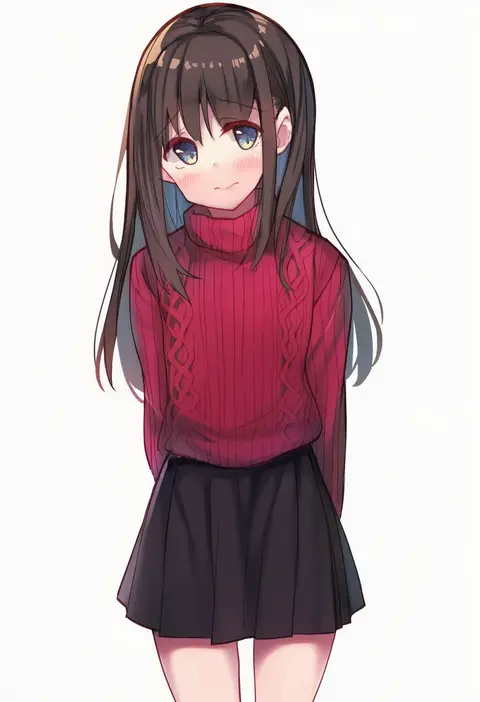
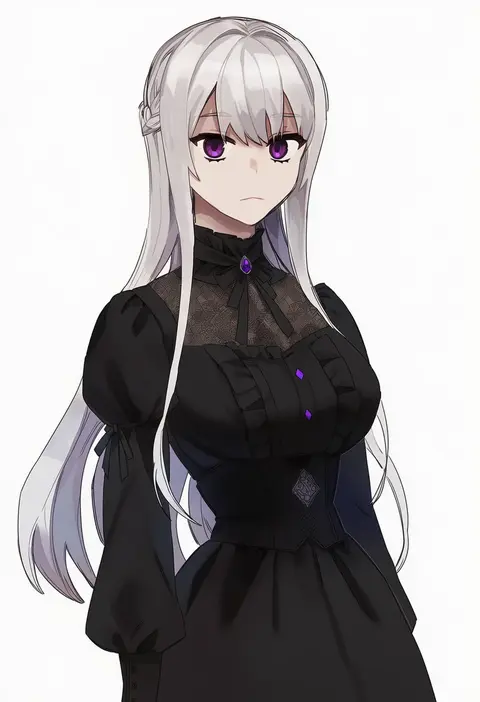
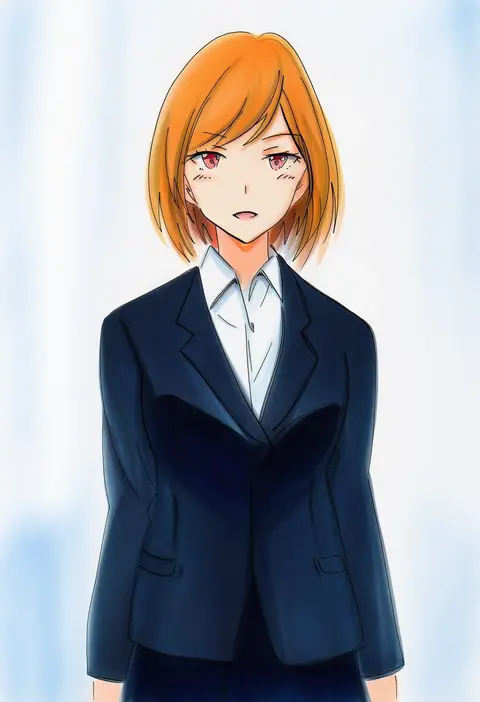
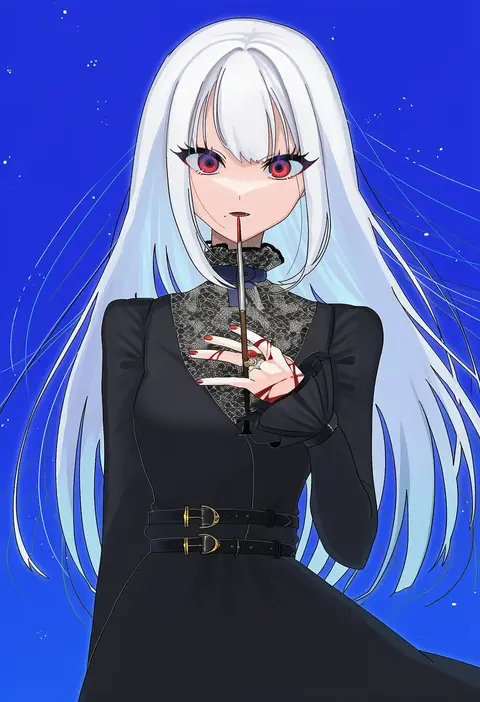
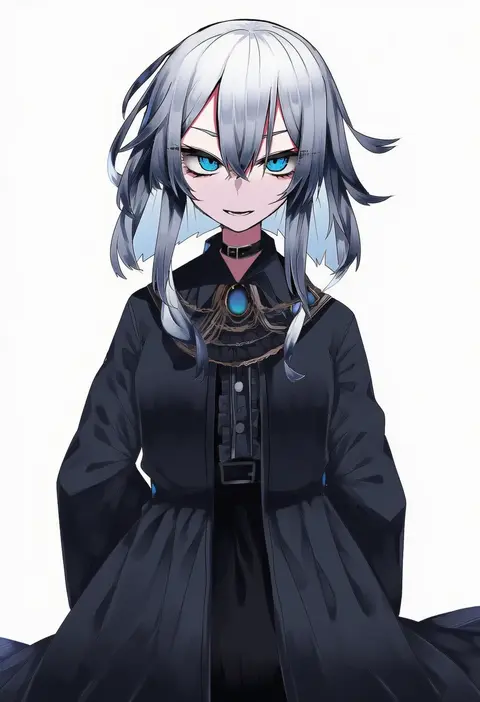
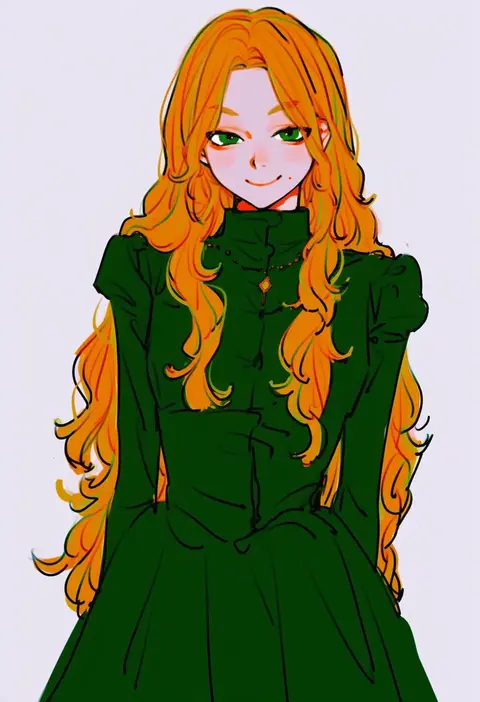
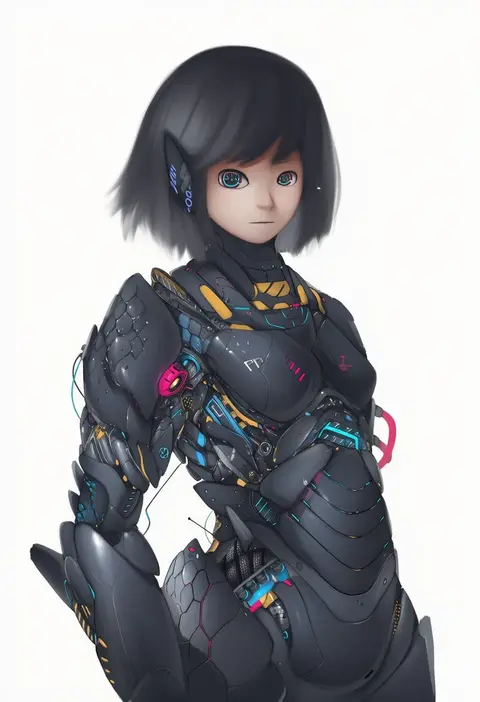
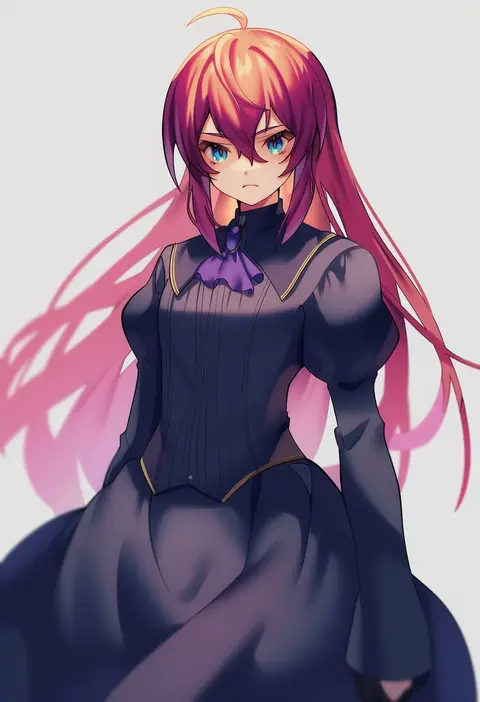
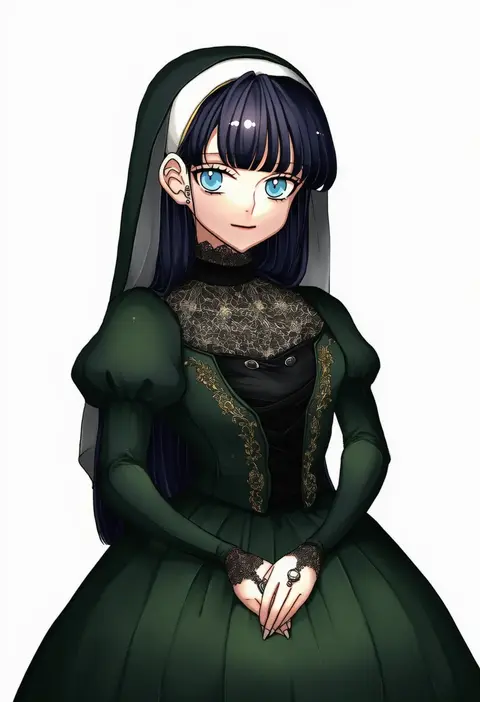
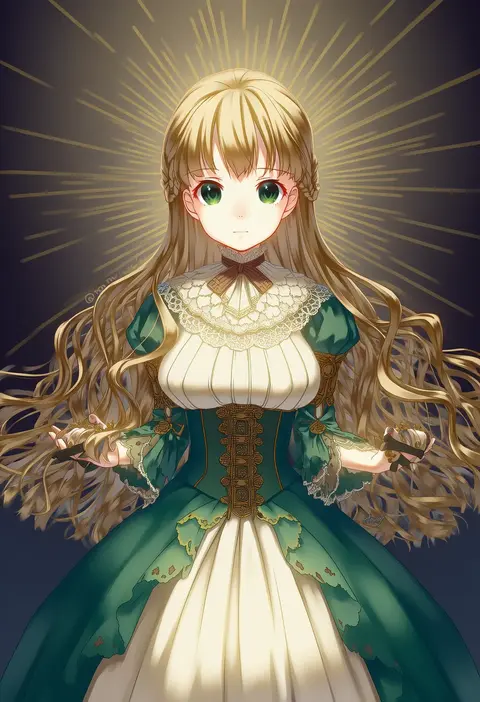
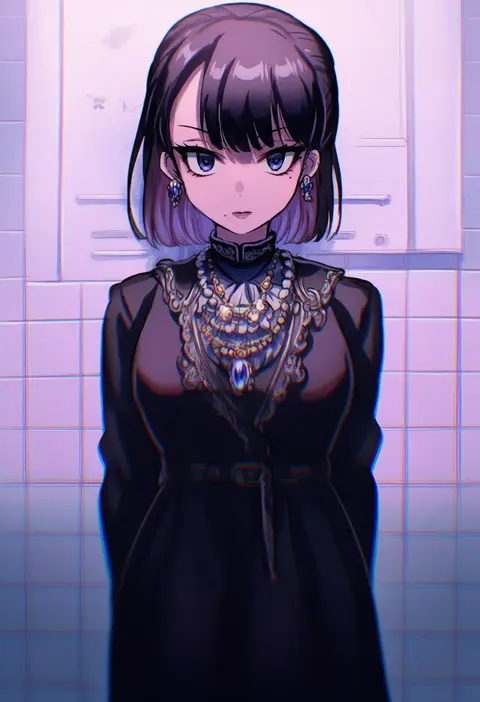
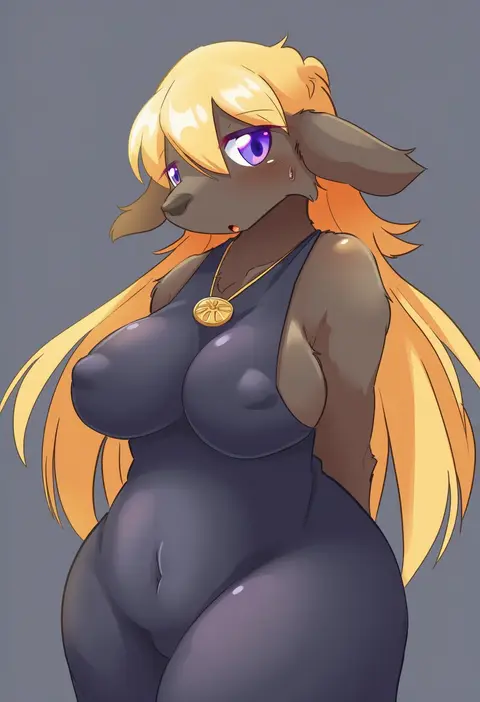
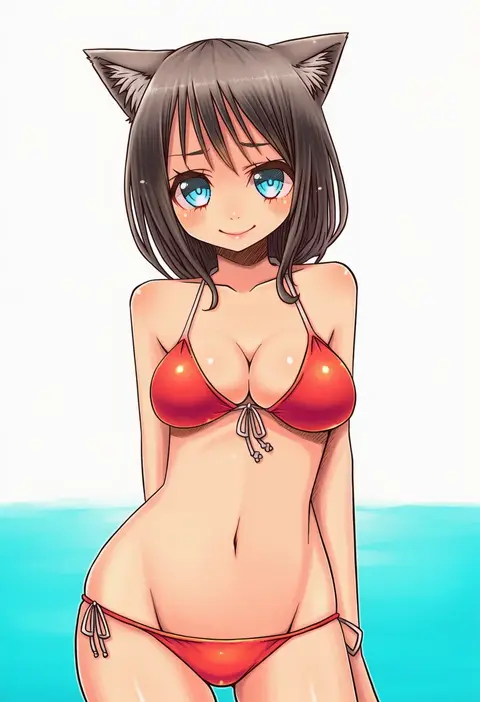
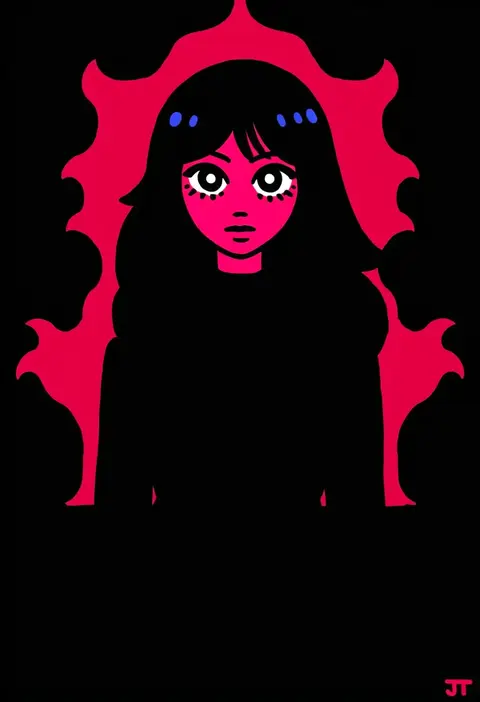
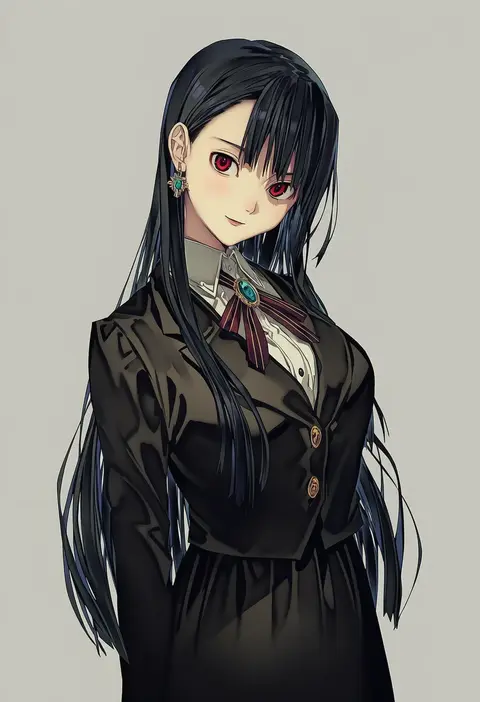
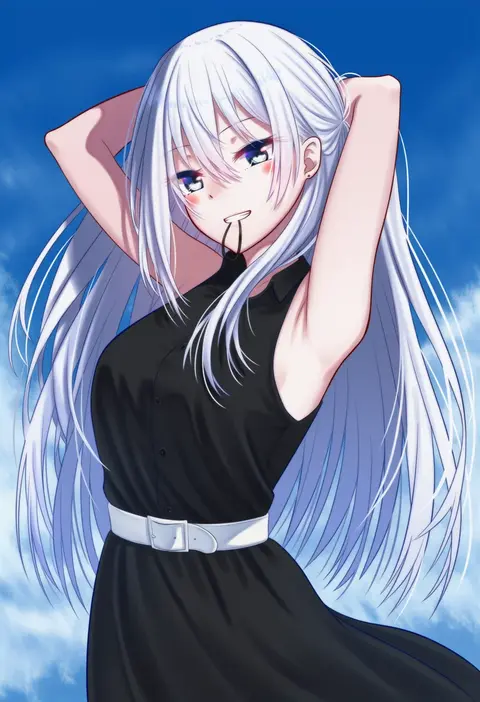
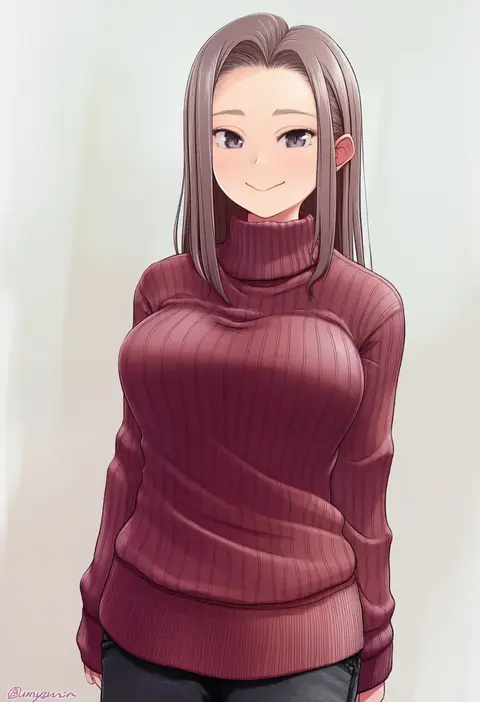
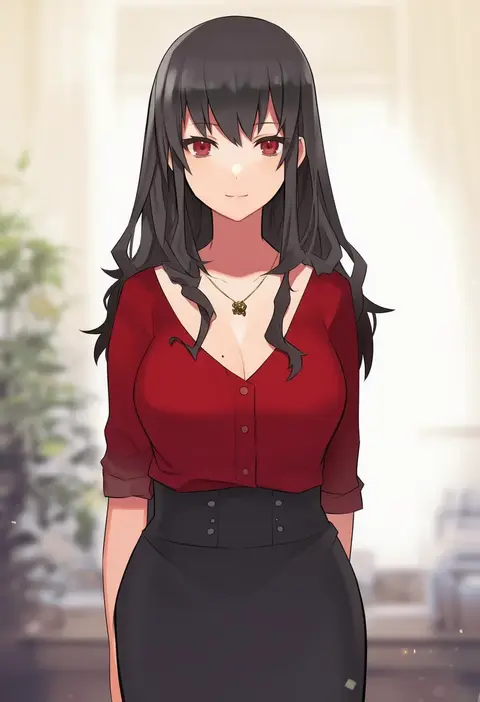
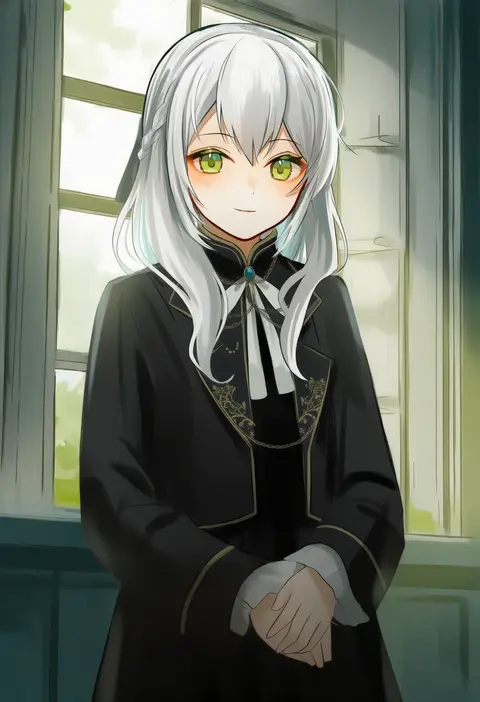
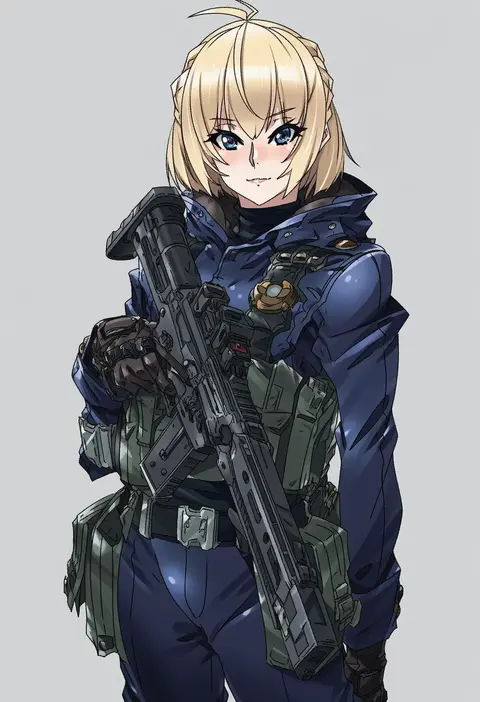
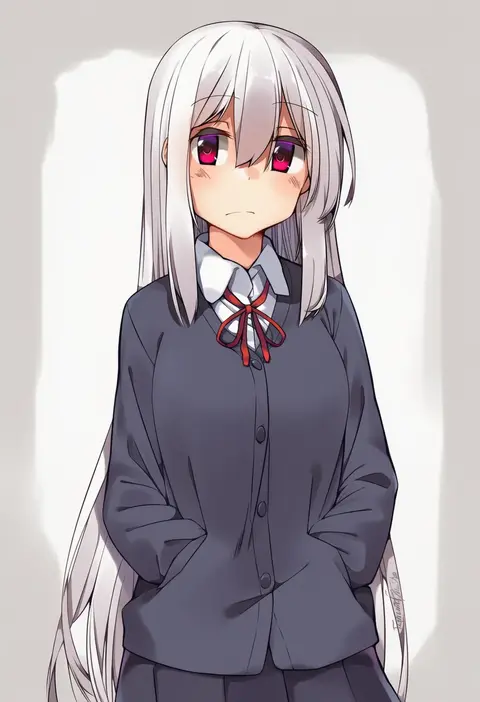
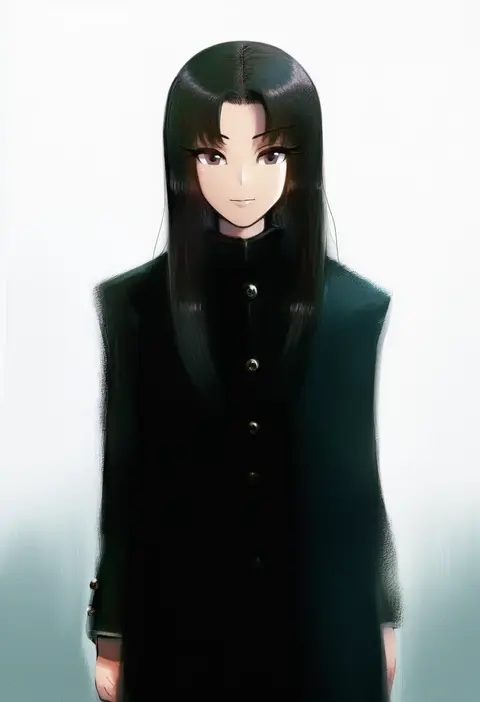
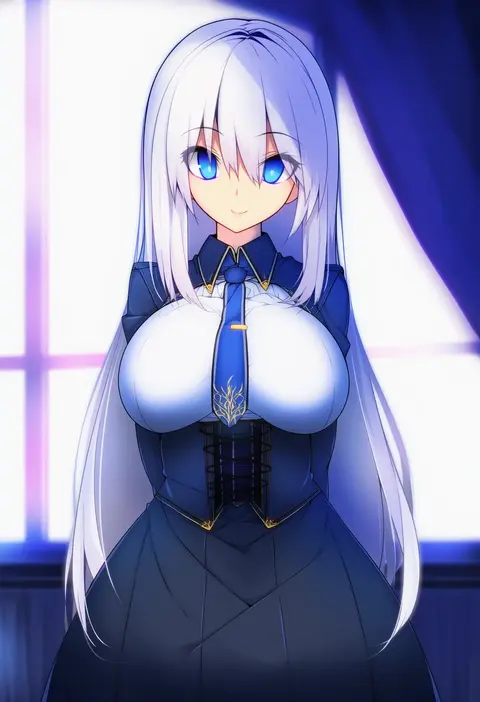
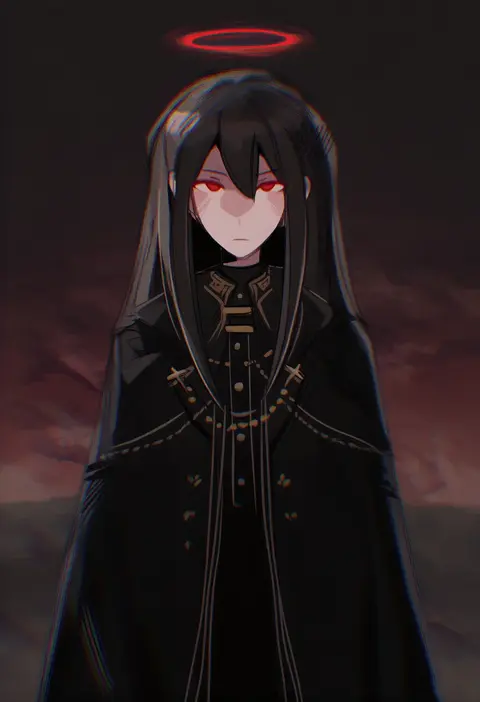
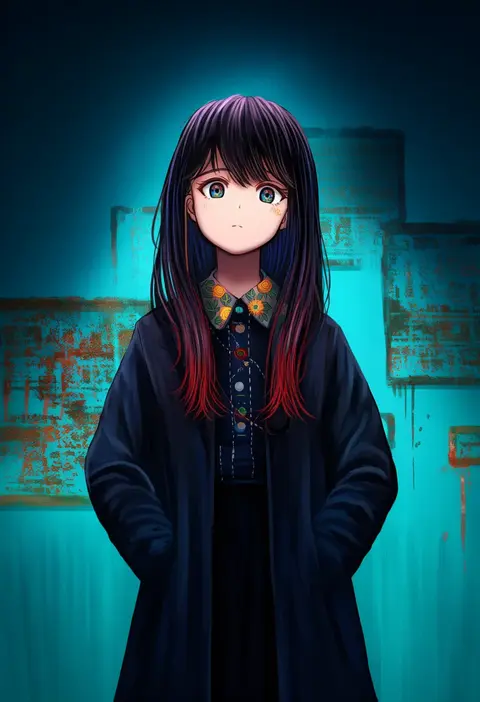
Artist tags tell NovelAI Diffusion to draw in a specific artist's style: line weight, paint texture, face shapes and palette all shift at once. Character and outfit tags decide what is drawn; artist tags decide how. 16,352 tags are listed for V4.5.
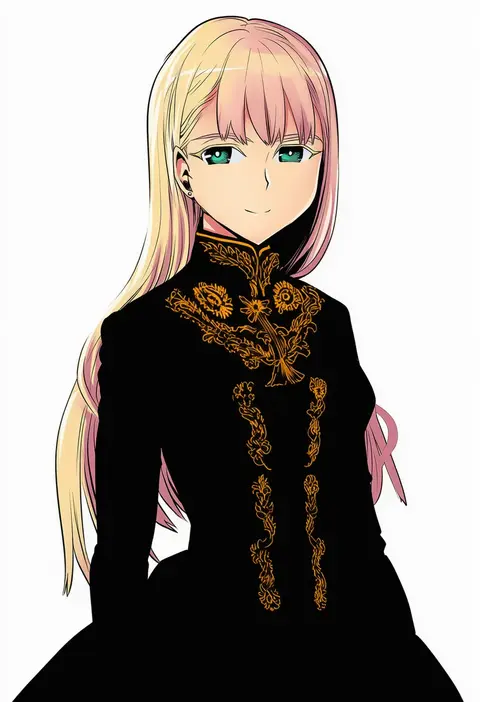
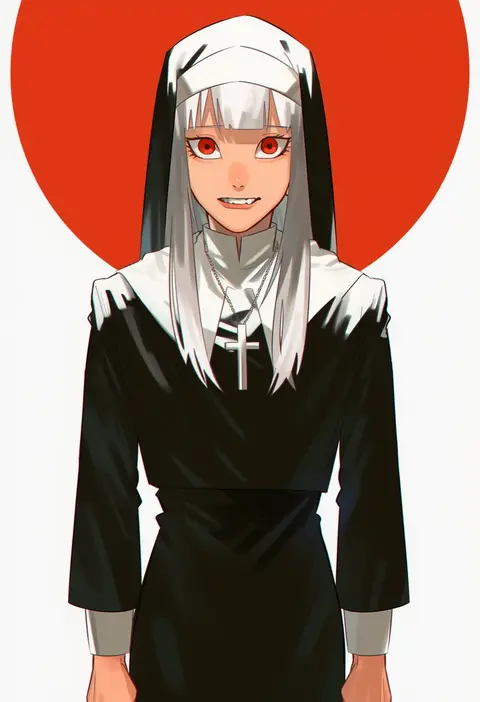
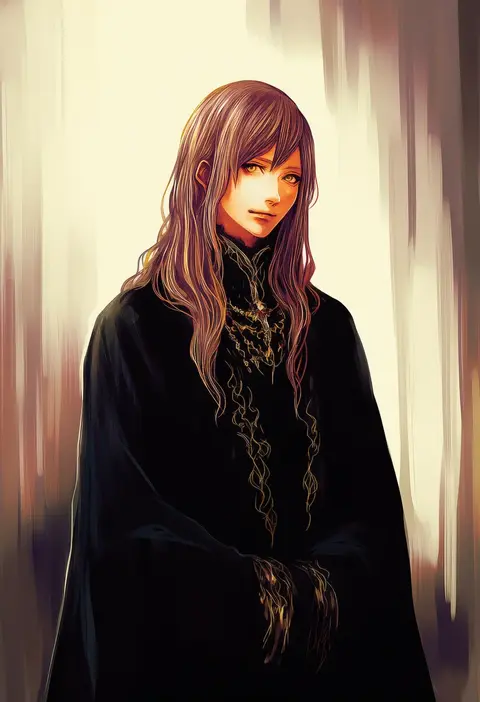
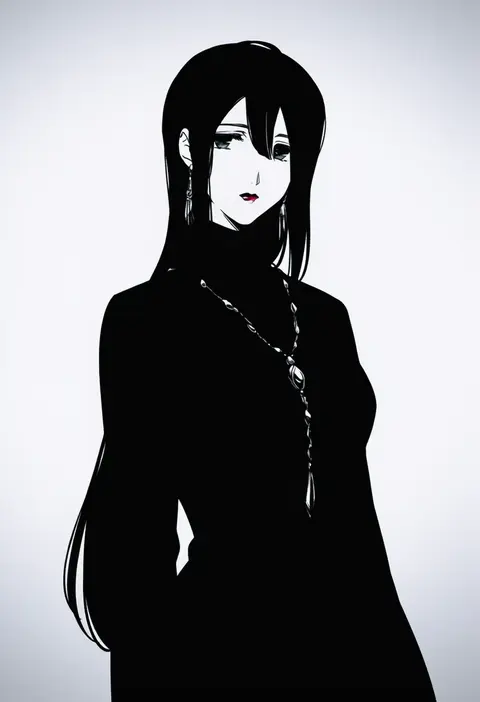
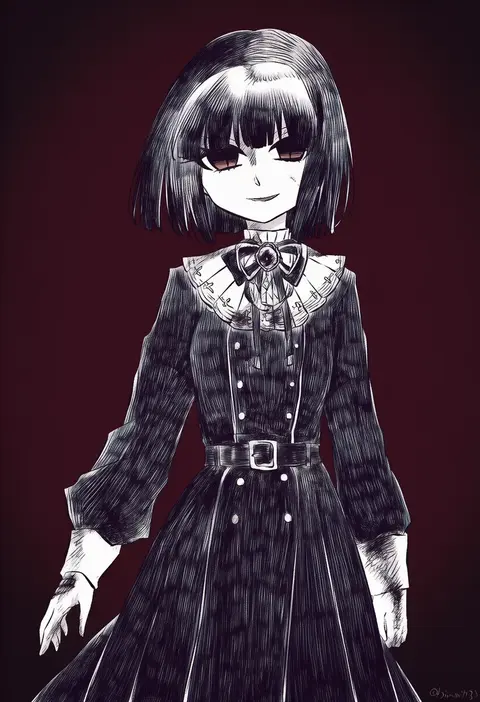
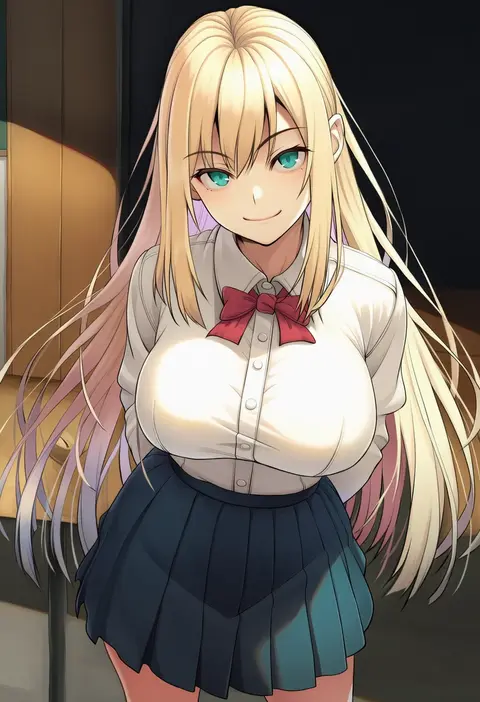
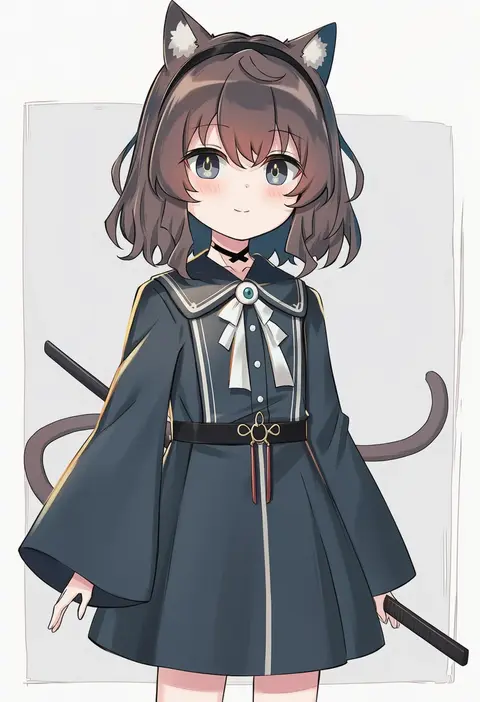
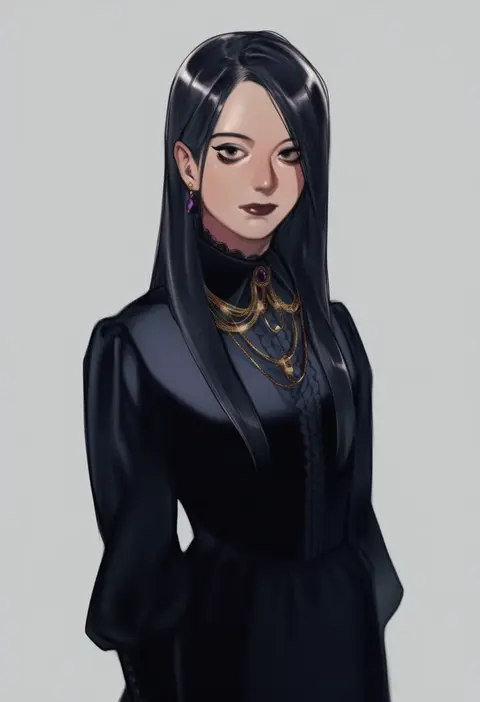
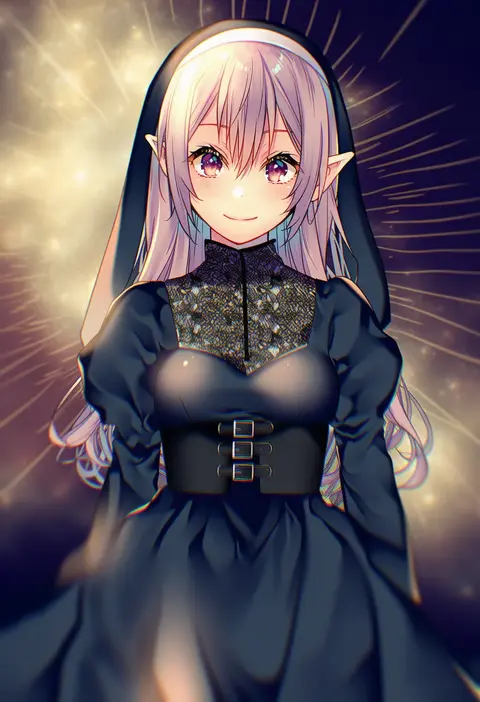
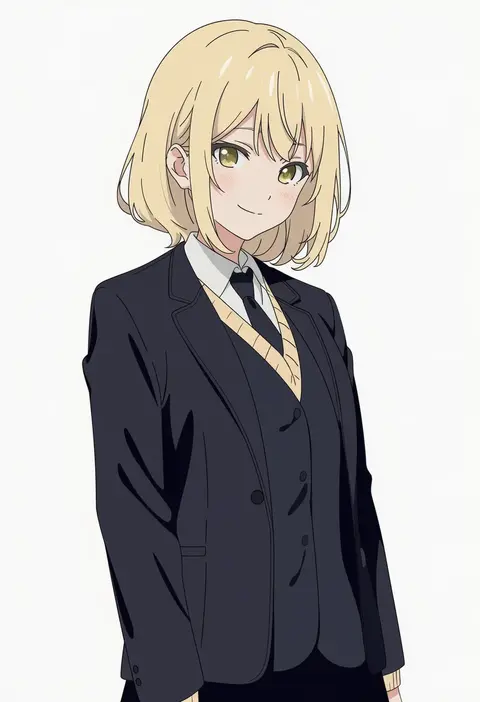
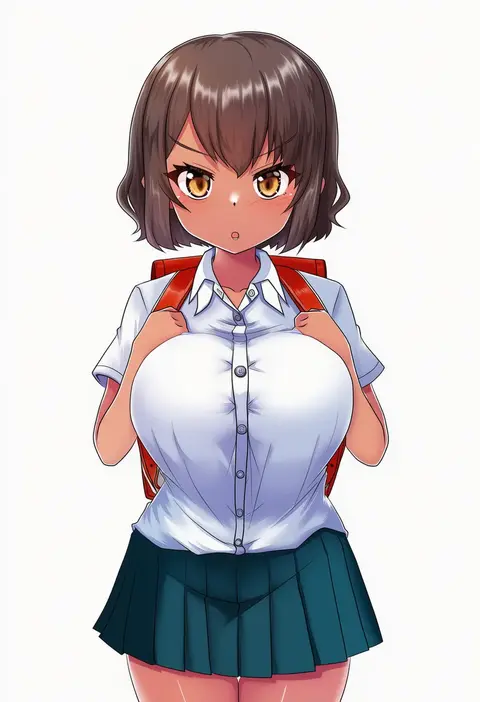
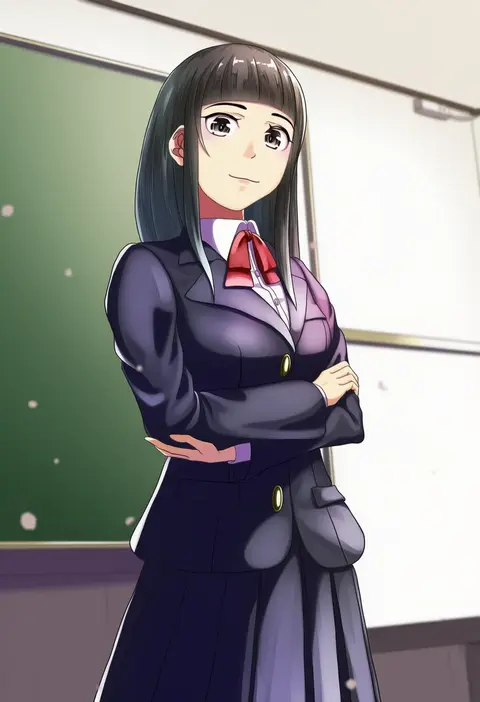
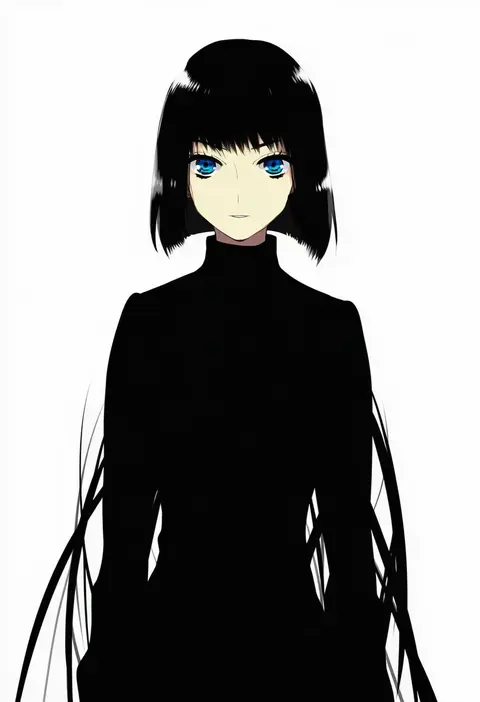
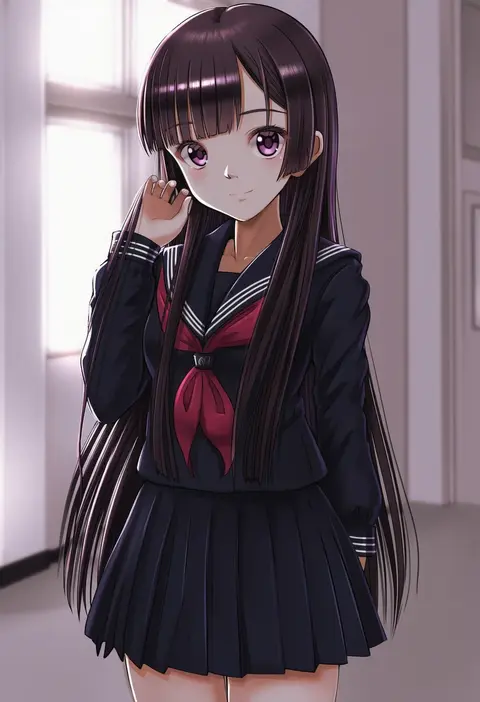
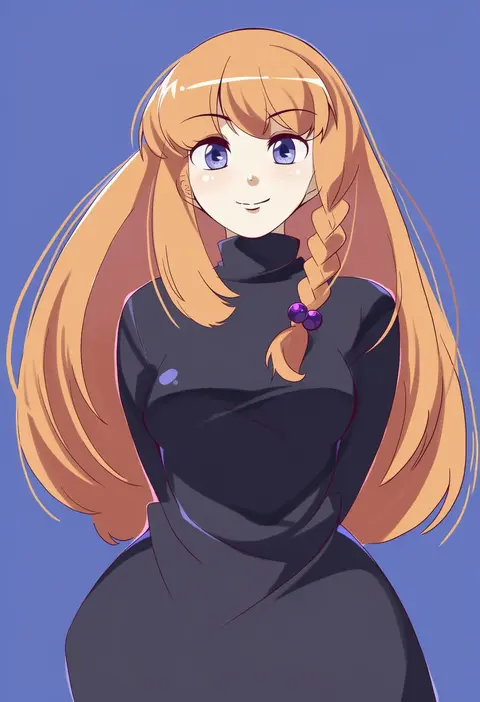
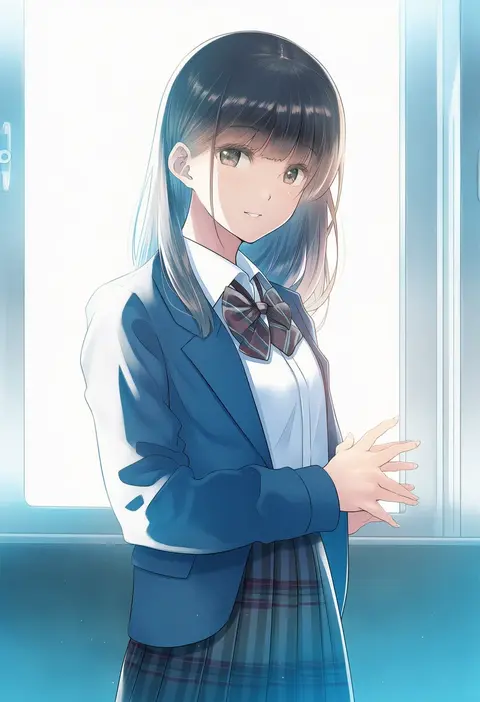
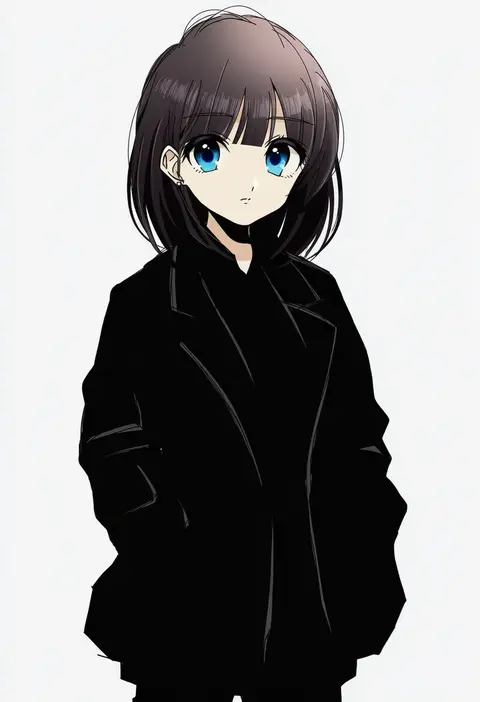
Every tag listed here is verified to react in NovelAI. All images use the same prompt, seed and settings with only the artist tag swapped, so the difference between two images is the style that tag brings in.

How to use them

Put the artist tag near the front of the prompt, e.g. "<artist>, 1girl, solo, best quality, masterpiece, cowboy shot". Two or three artist tags blend styles; lower the weight with "0.8::<artist>::" when the style overpowers the character.

SCORE sorts by Danbooru's top score, POSTS by post count, FAVS by hearts on this site. Open a card to see V5 and V4.5 side by side on the same seed.

V5 vs V4.5

V5 usually lands closer to the artist's real style, and tags that did nothing on V4.5 often react on V5. V4.5 still fits older and doujin-heavy artists better. Try V5 first, fall back to V4.5.

FAQ

Where does the artist tag go?
Near the front of the prompt. Use "0.8::tag::" to adjust its weight.

Can I stack artist tags?
Yes, styles blend. Past two or three the result stops looking like anyone.

Are these the artists' own works?
No. Every image is a NovelAI sample generated from the tag.