V4.5Artists
sort: FAVS▾
▾
>
$

NovelAI Artist Tags List — V4.5

artist --count 16,352[225/273]
henet hene
ARTIST0x3480
0
ariga hitoshi
ARTIST0x3481
0
asou shin
ARTIST0x3482
0
ryu genshin77
ARTIST0x3483
0
yamasuta
ARTIST0x3484
0
00047
ARTIST0x3485
0
kosuzume
ARTIST0x3486
0
ebi puri (ebi-ebi)
ARTIST0x3487
0
halu-ca
ARTIST0x3488
0
tobi (nekomata homara)
ARTIST0x3489
0
ibuki pon
ARTIST0x348A
0
shiwo (siwosi)
ARTIST0x348B
0
wakku kan
ARTIST0x348C
0
dizi930
ARTIST0x348D
0
nanao futaba
ARTIST0x348E
0
segamark
ARTIST0x348F
0
yuasa makoto
ARTIST0x3490
0
kakiuchi itsuki
ARTIST0x3491
0
yorktown cv-5
ARTIST0x3492
0
gum (gmng)
ARTIST0x3493
0
suisen-21
ARTIST0x3494
0
yogisya
ARTIST0x3495
0
choko egg
ARTIST0x3496
0
langley1000
ARTIST0x3497
0
tetsu (teppei)
ARTIST0x3498
0
atoatto
ARTIST0x3499
0
wusagi2
ARTIST0x349A
0
dabadhi
ARTIST0x349B
0
soragane (banisinngurei)
ARTIST0x349C
0
aru ra une
ARTIST0x349D
0
shibuhiko
ARTIST0x349E
0
musashiya chougenbou
ARTIST0x349F
0
kudou makoto
ARTIST0x34A0
0
panzuban
ARTIST0x34A1
0
yoshikawa kazunori
ARTIST0x34A2
0
sankaku
ARTIST0x34A3
0
omocat
ARTIST0x34A4
0
inui (jt1116)
ARTIST0x34A5
0
koh rd
ARTIST0x34A6
0
hajime (ak-r)
ARTIST0x34A7
0
cheeseko
ARTIST0x34A8
0
jyaoh0731
ARTIST0x34A9
0
minagi
ARTIST0x34AA
0
mitarashi neko
ARTIST0x34AB
0
onomekaman
ARTIST0x34AC
0
nair (mindcreator)
ARTIST0x34AD
0
morita (moritania)
ARTIST0x34AE
0
roang
ARTIST0x34AF
0
qy73
ARTIST0x34B0
0
weasel (close-to-the-edge)
ARTIST0x34B1
0
madara sai
ARTIST0x34B2
0
mizuki yuuma
ARTIST0x34B3
0
miniru
ARTIST0x34B4
0
rice (rice8p)
ARTIST0x34B5
0
akitsu taira
ARTIST0x34B6
0
oninamako
ARTIST0x34B7
0
yumeko (yumeyana g)
ARTIST0x34B8
0
bayashiko
ARTIST0x34B9
0
zer00han
ARTIST0x34BA
0
asagi (banzoku210)
ARTIST0x34BB
0

What these tags change

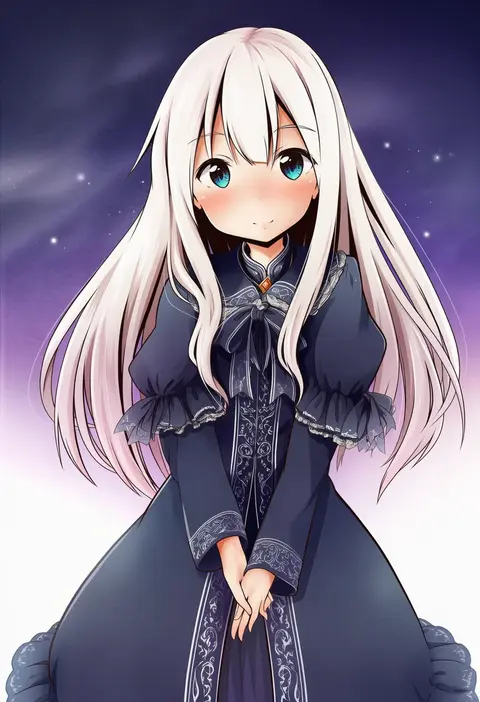
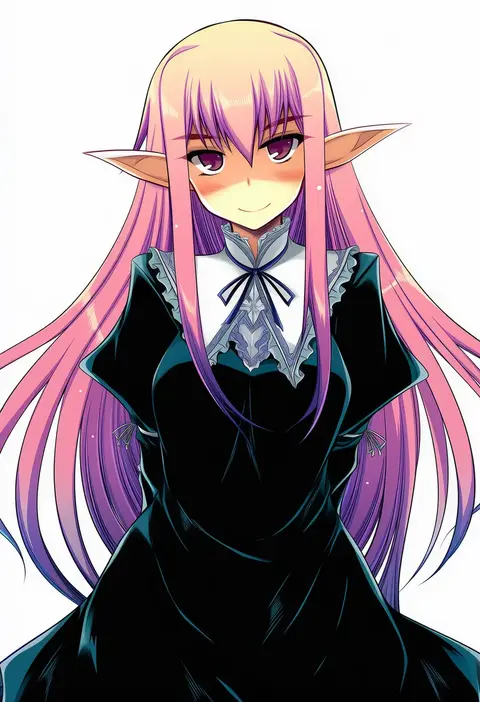
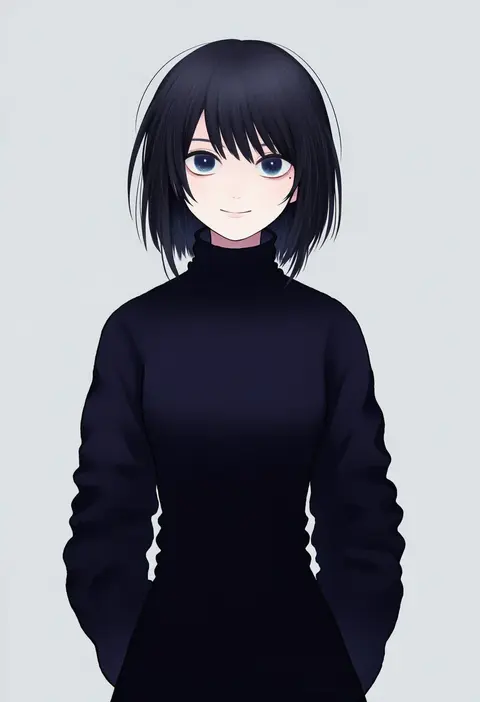
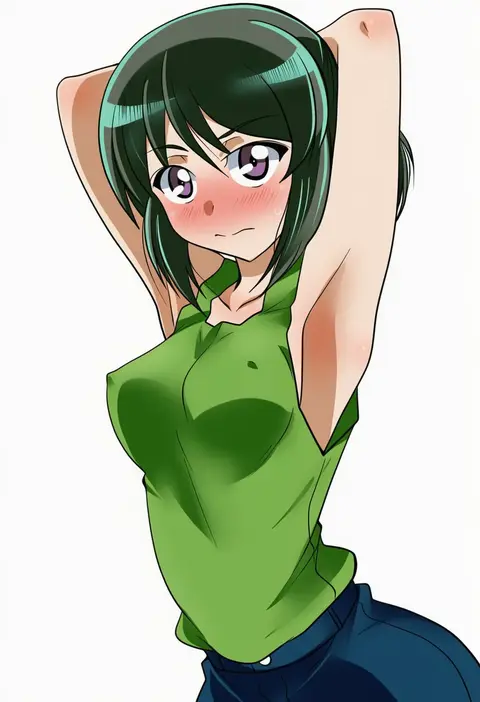
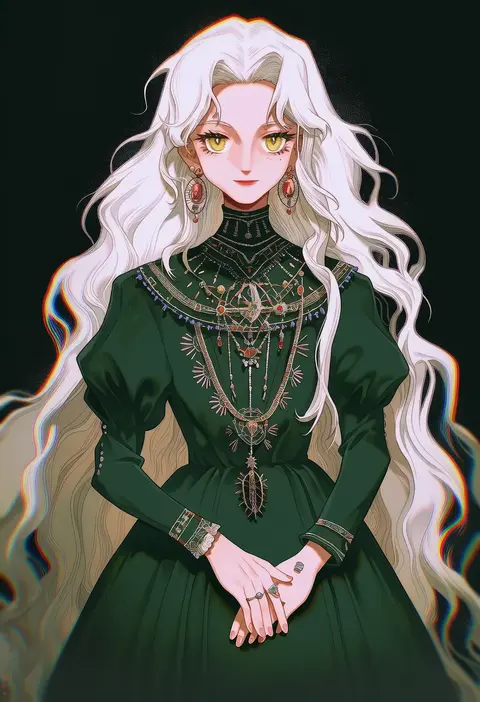
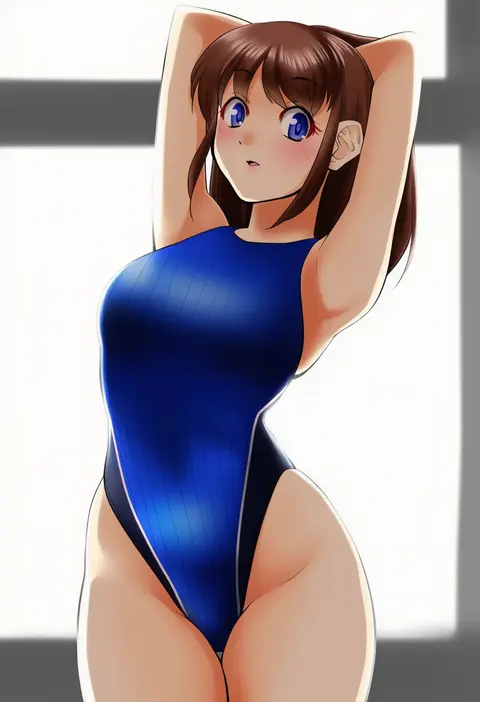
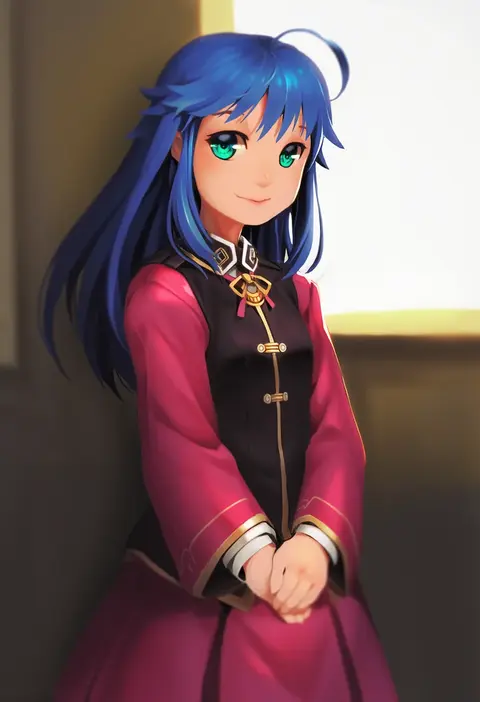
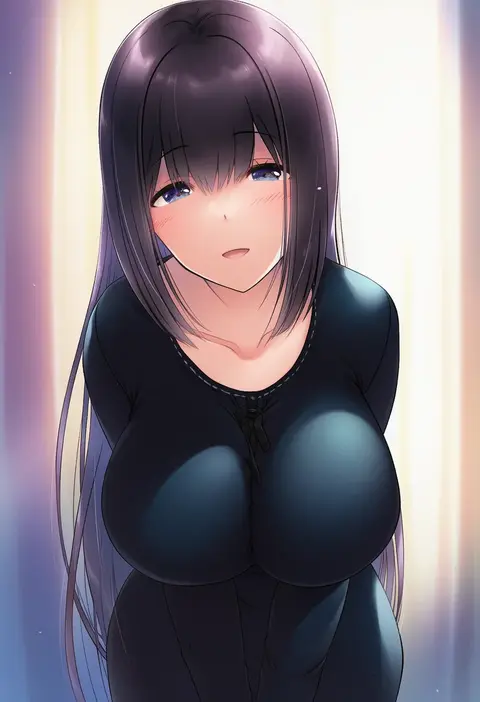
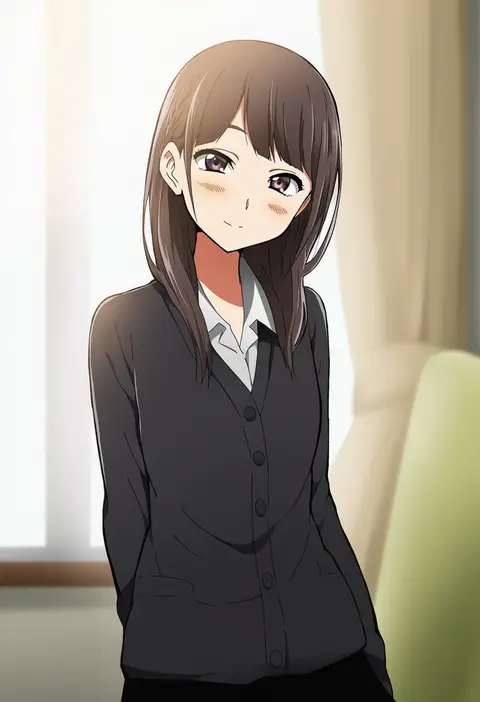
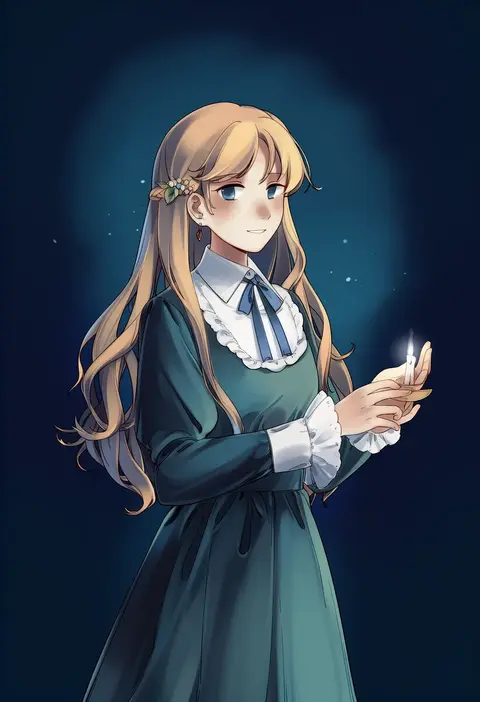
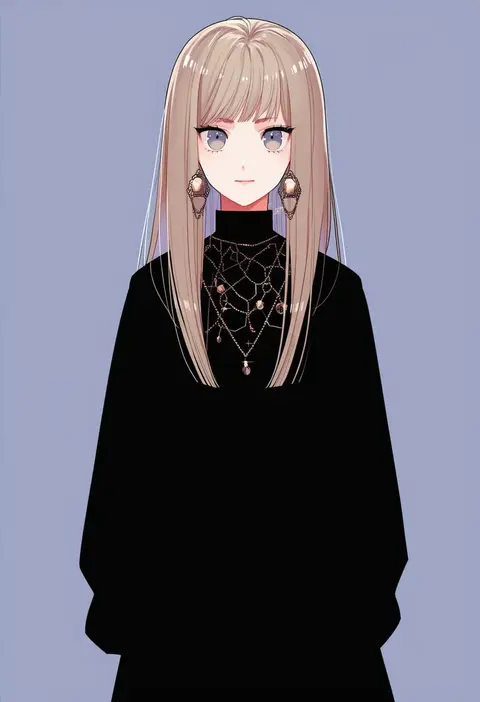
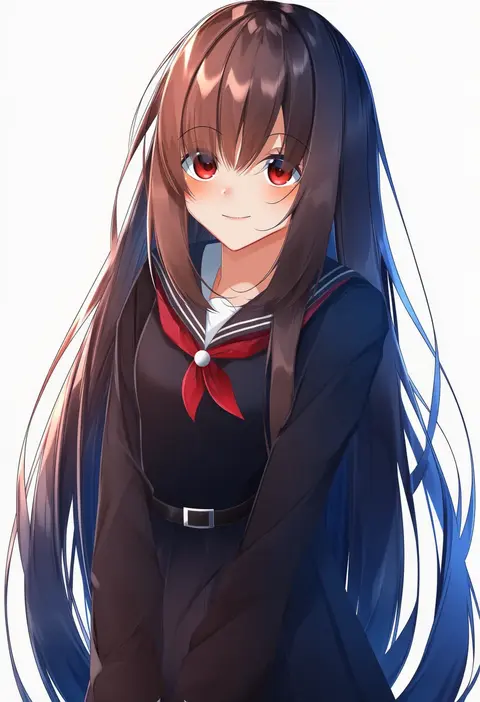
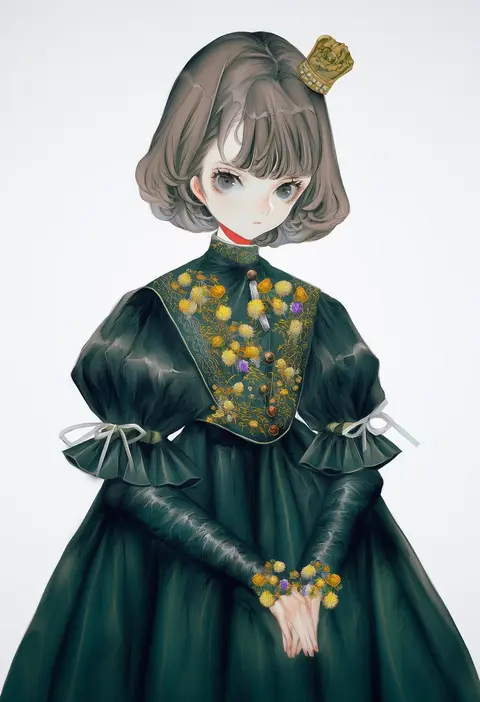
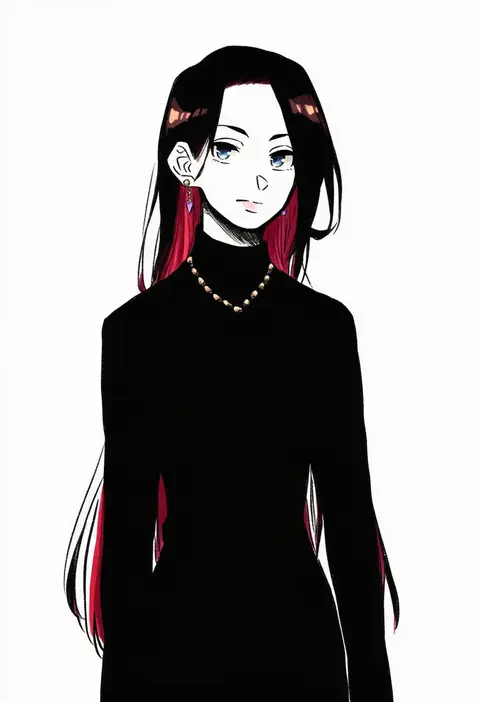
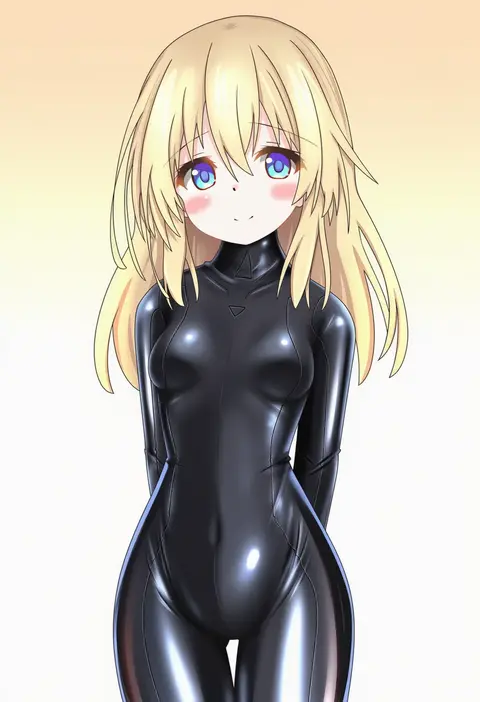
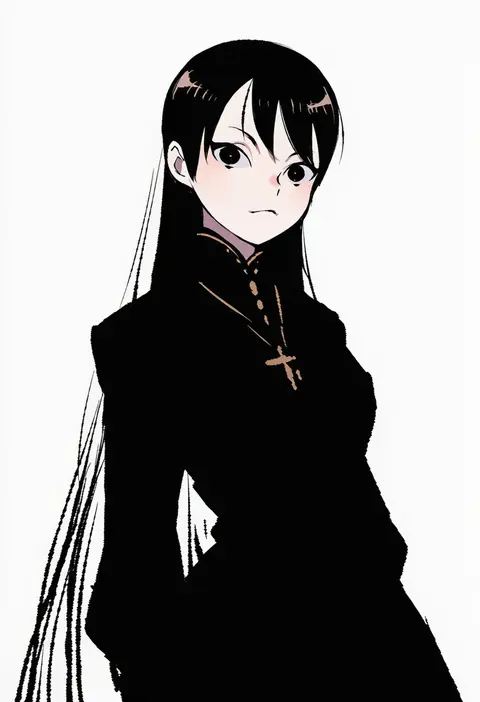
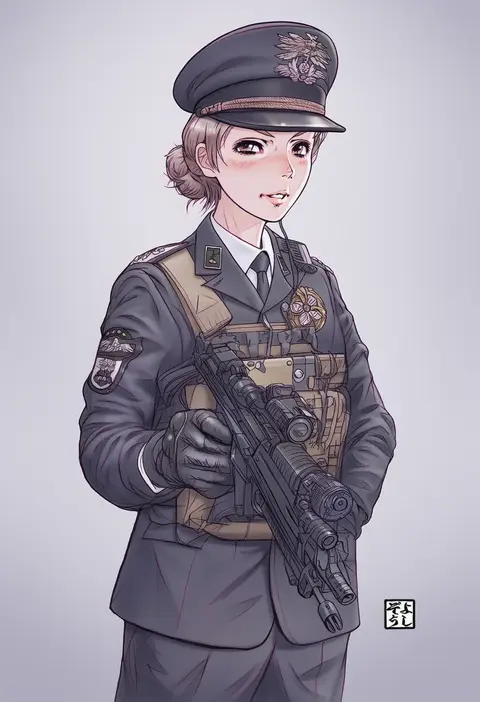
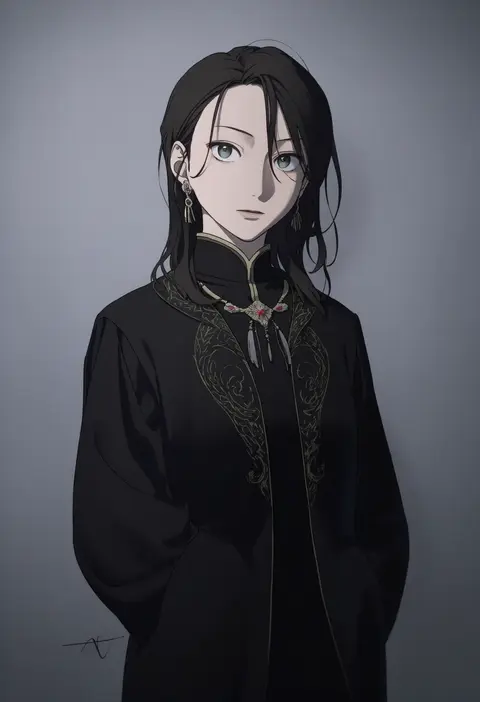
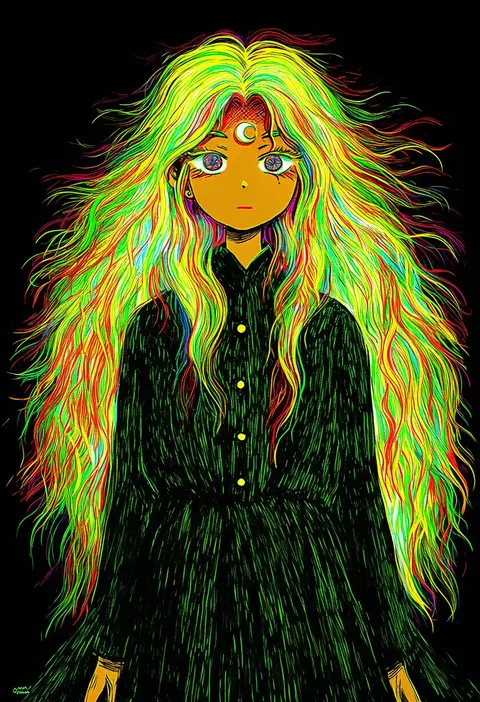
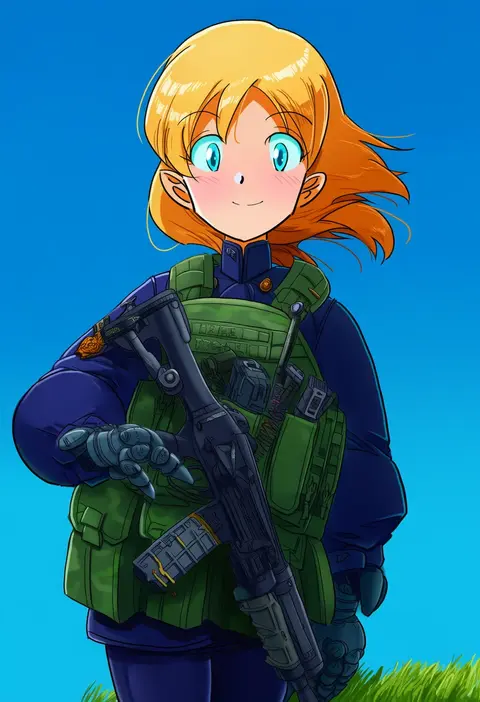
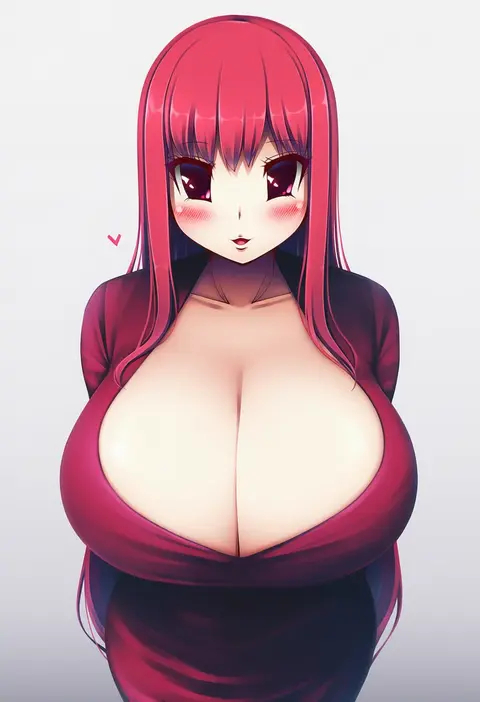
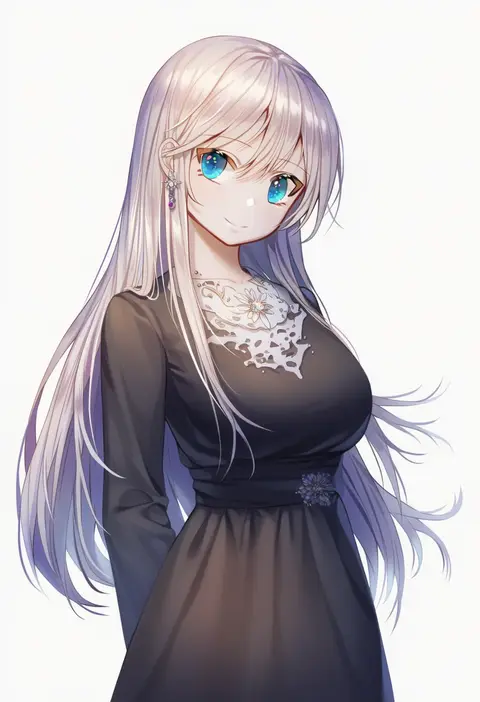
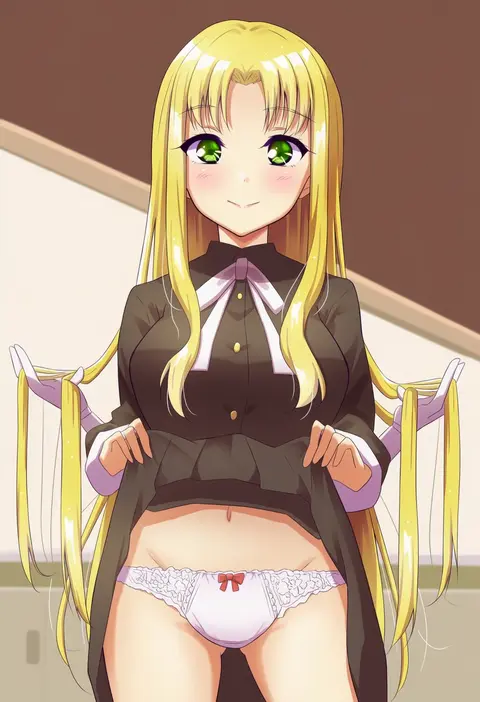
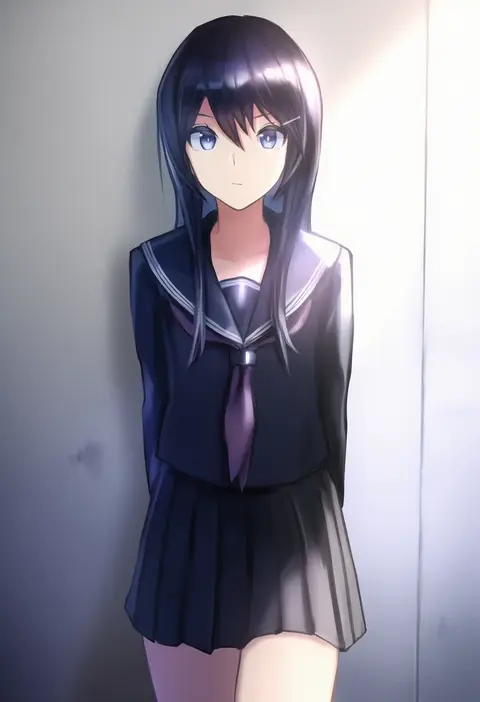
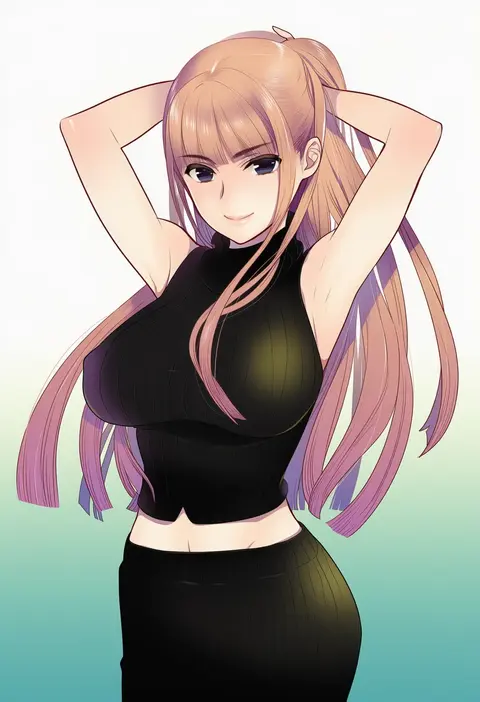
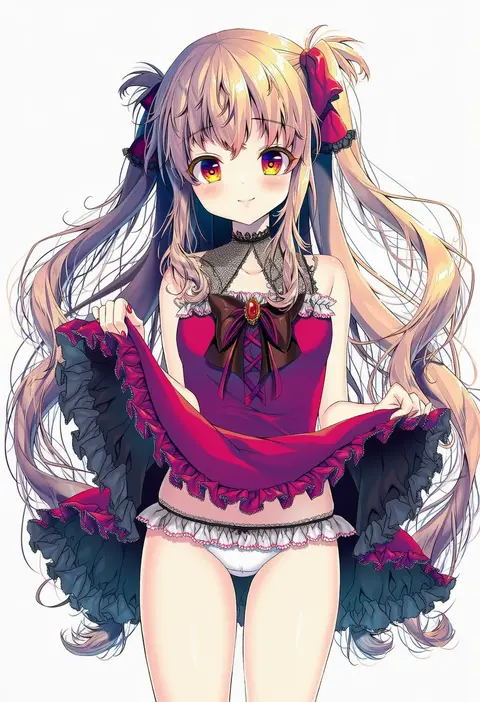
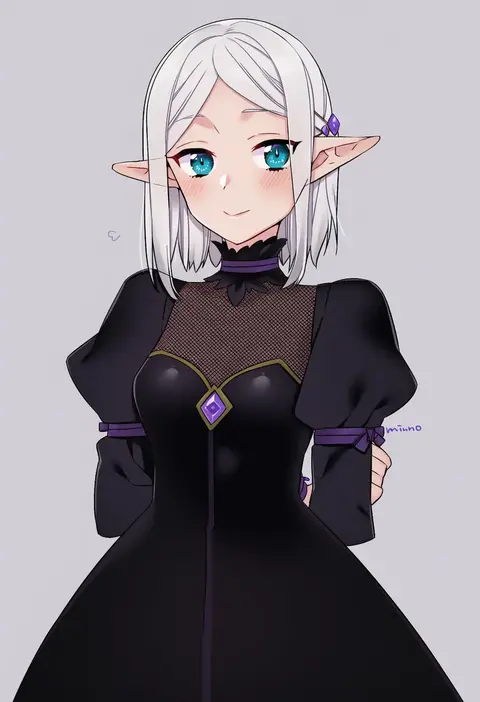
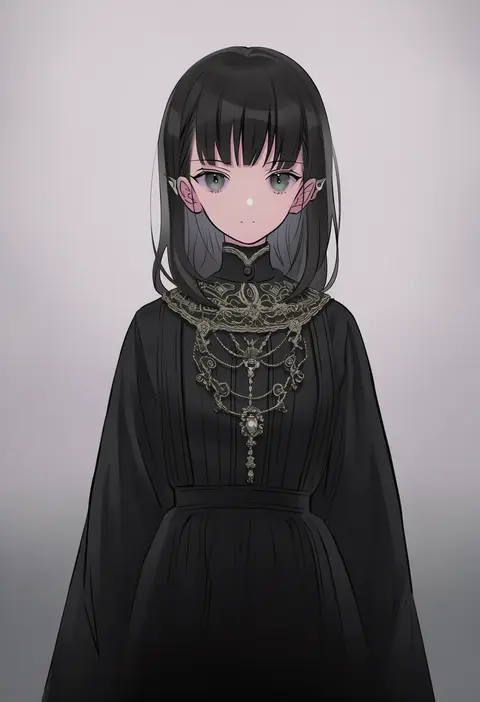
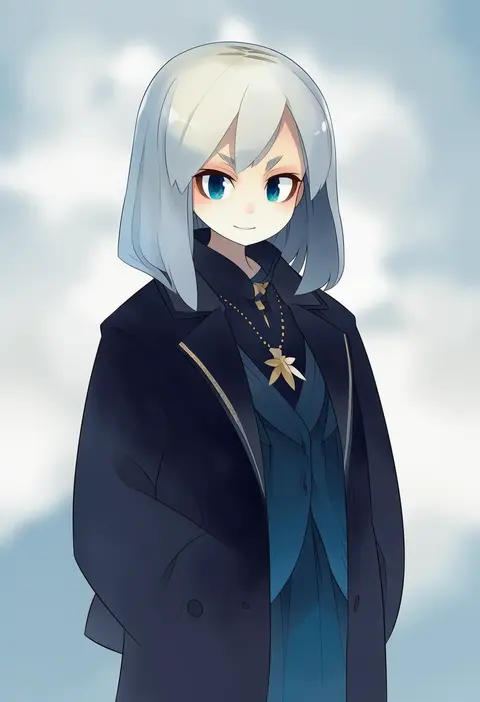
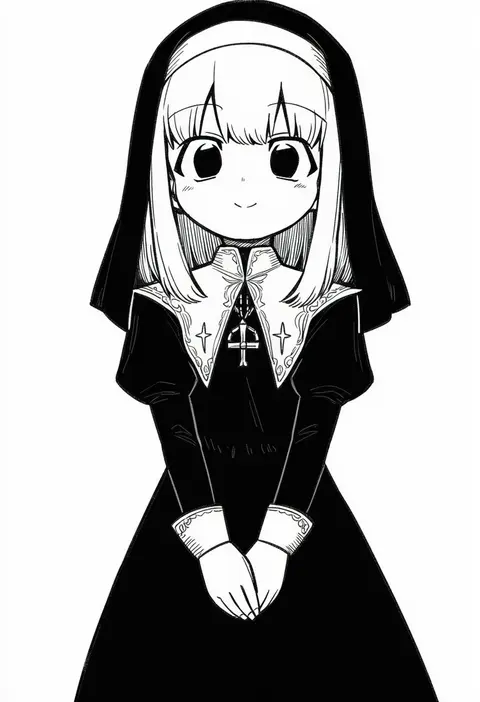
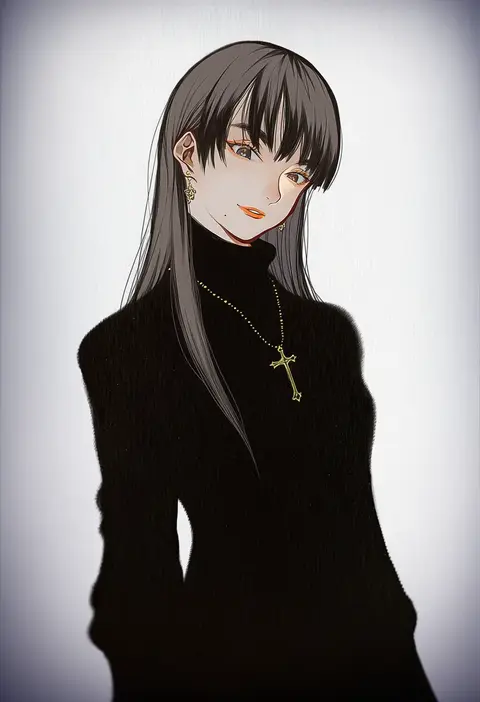
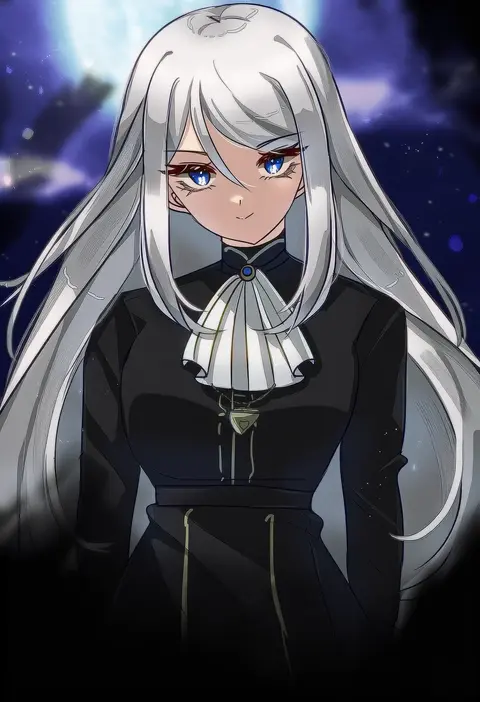
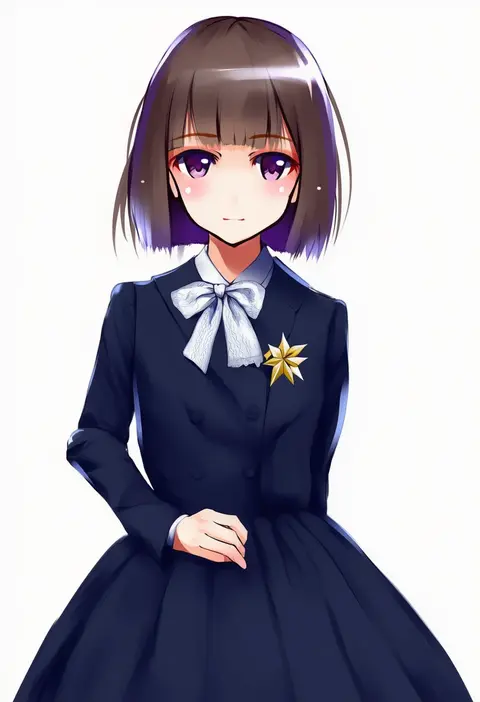
Artist tags tell NovelAI Diffusion to draw in a specific artist's style: line weight, paint texture, face shapes and palette all shift at once. Character and outfit tags decide what is drawn; artist tags decide how. 16,352 tags are listed for V4.5.
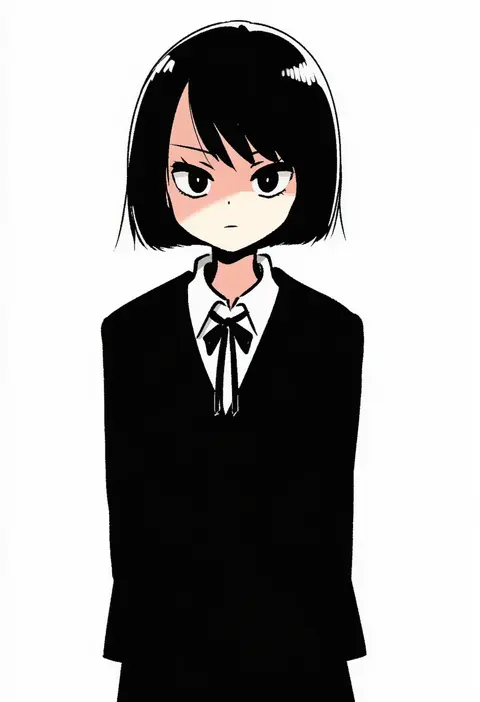
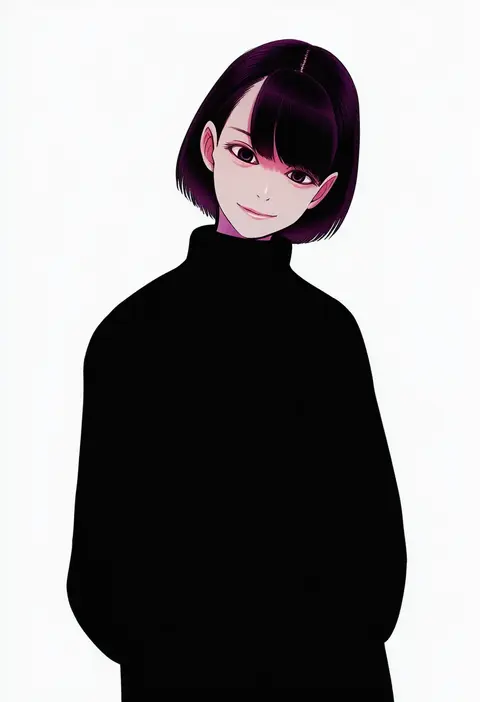
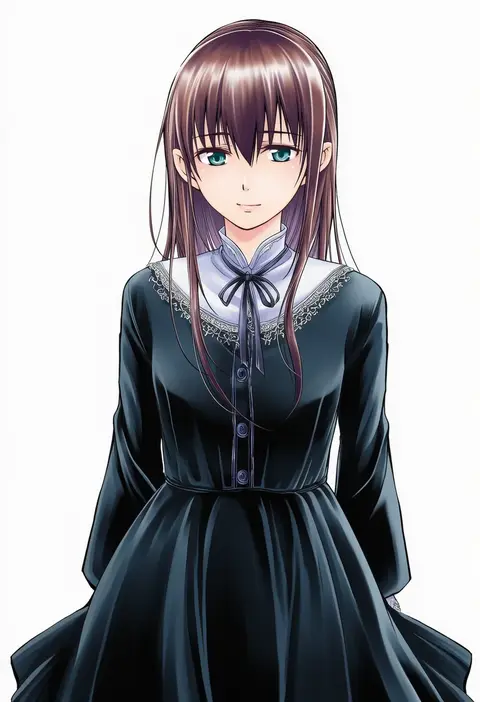
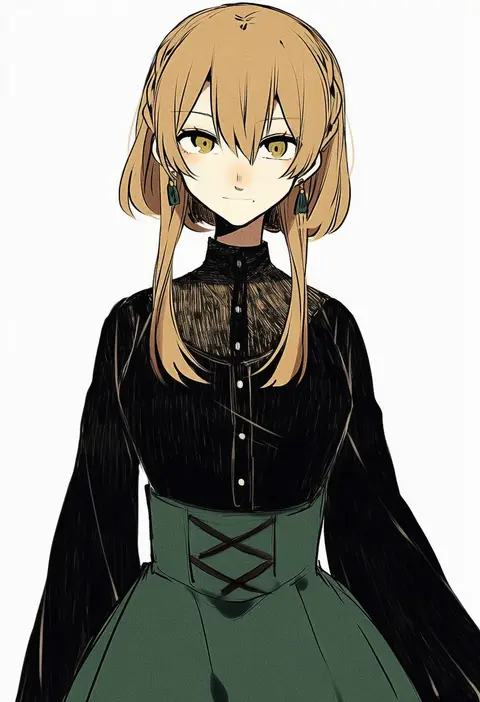
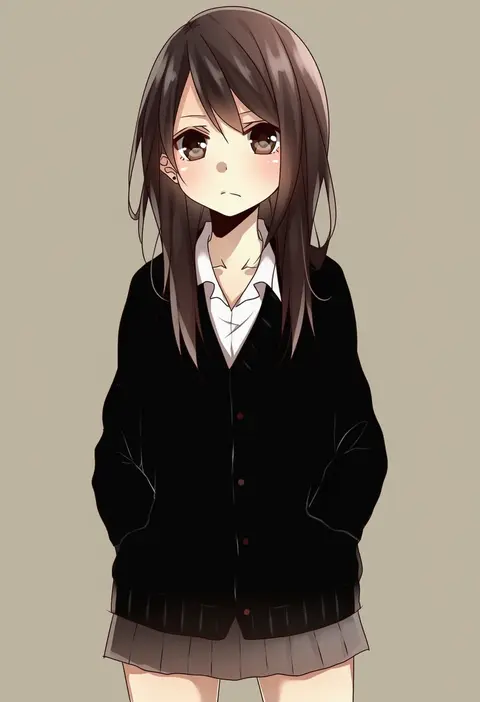
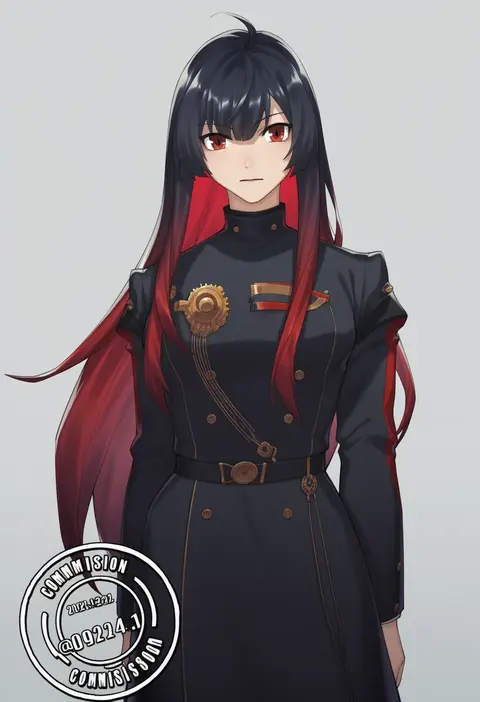
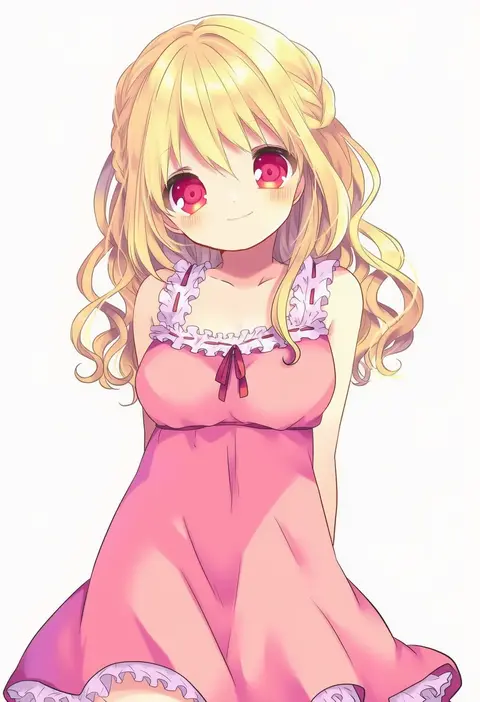
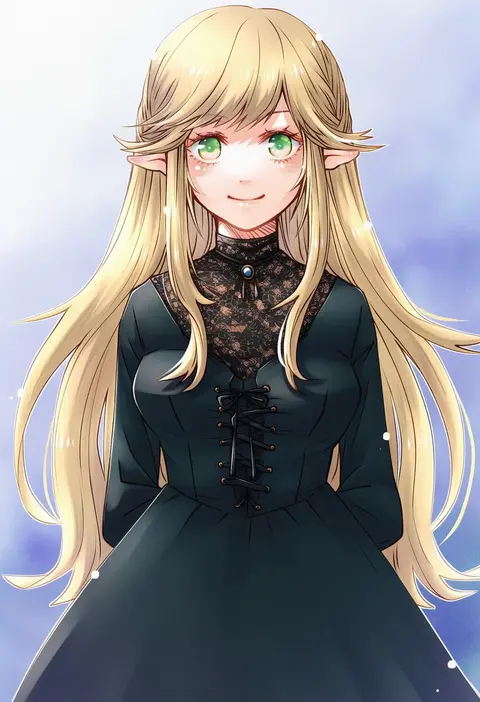
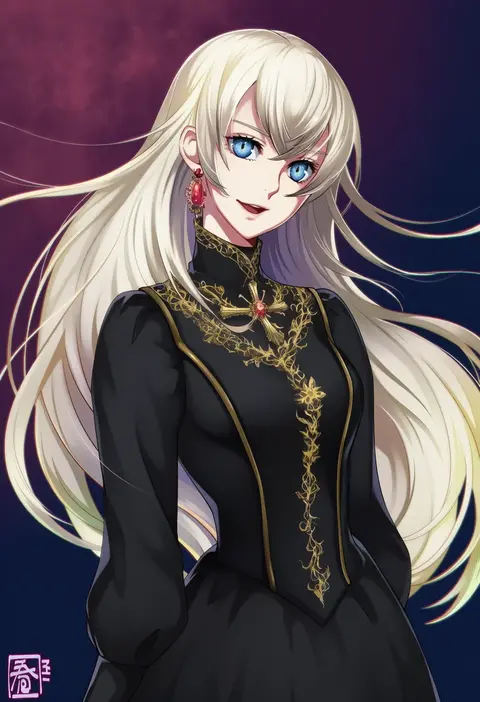
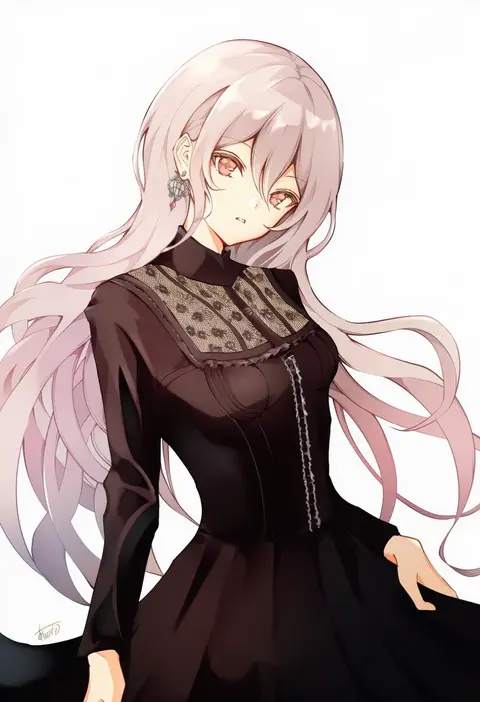
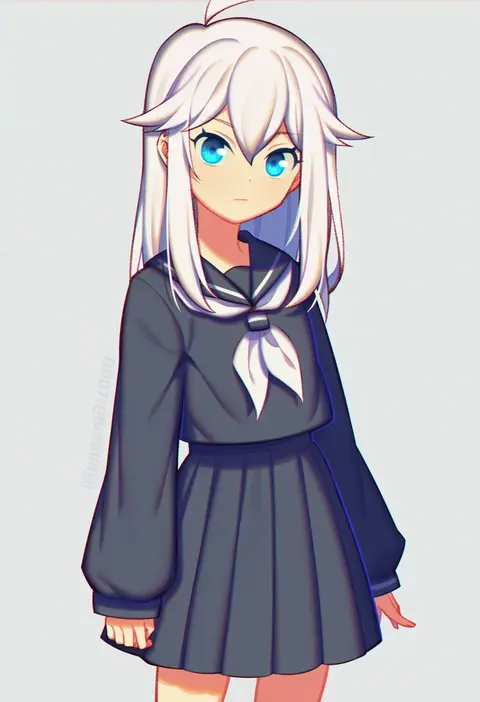
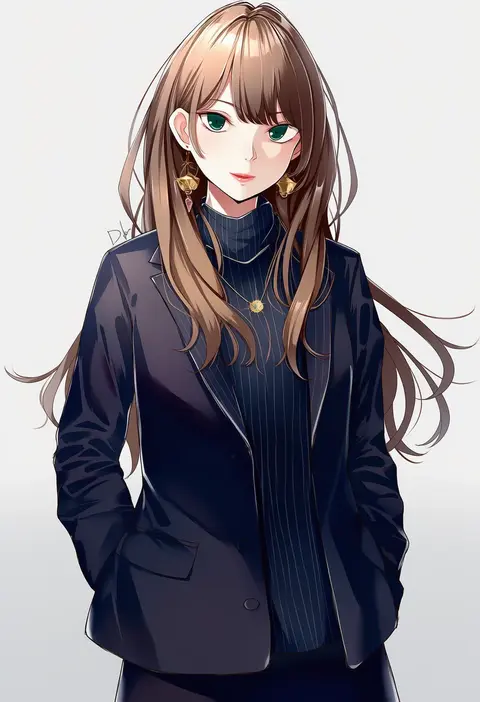
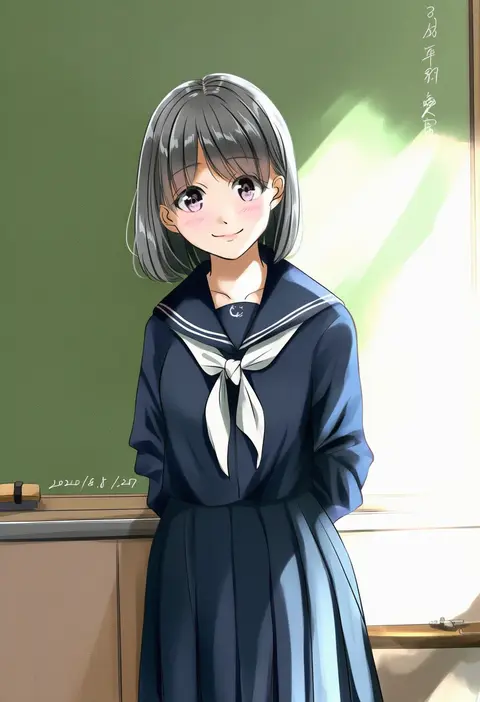
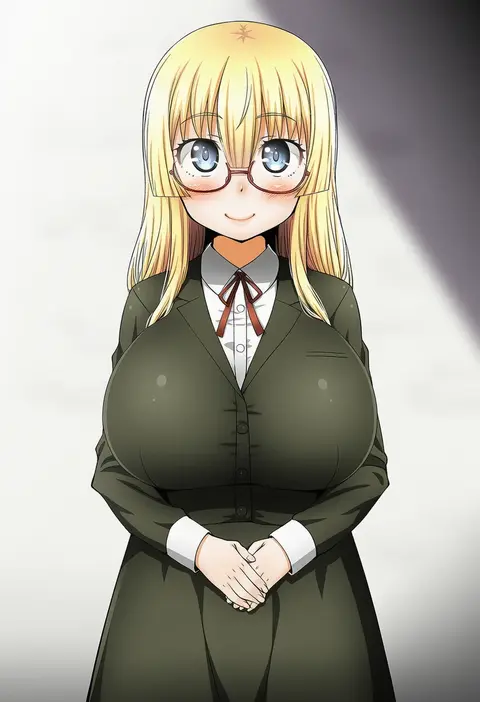
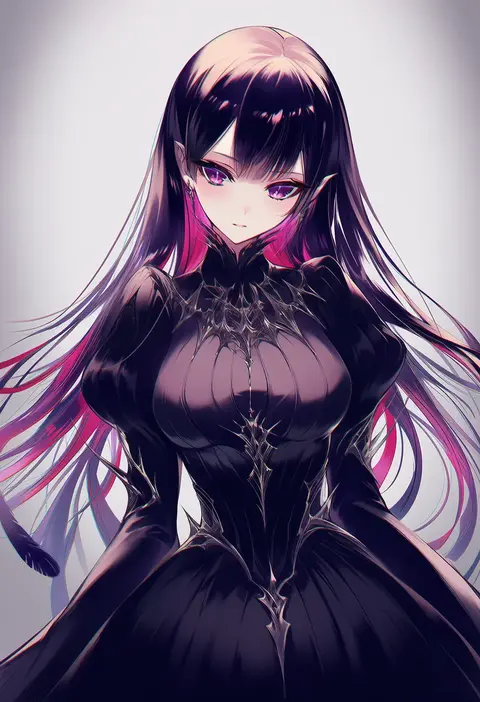
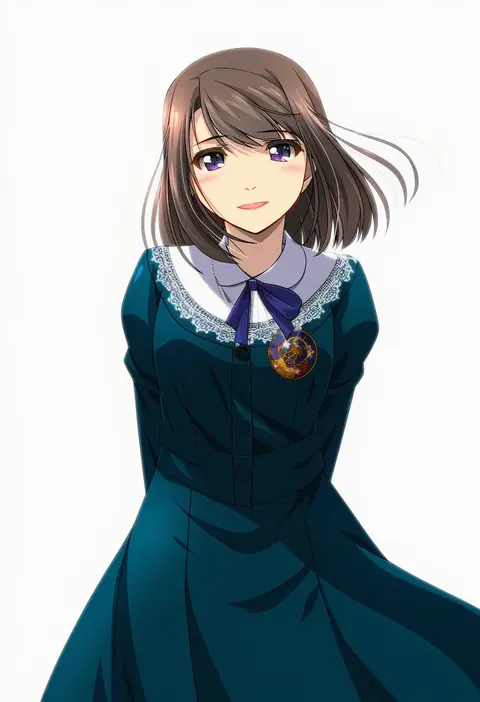
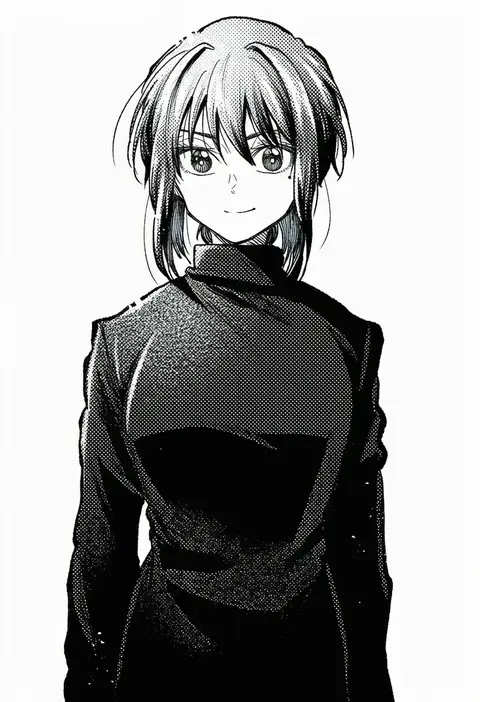
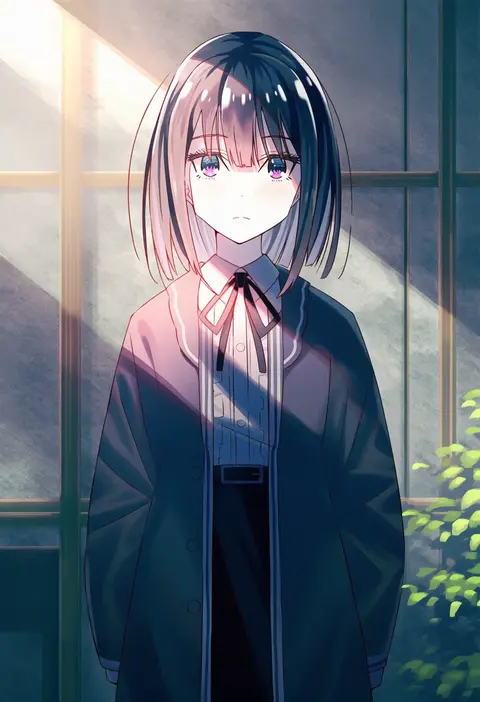
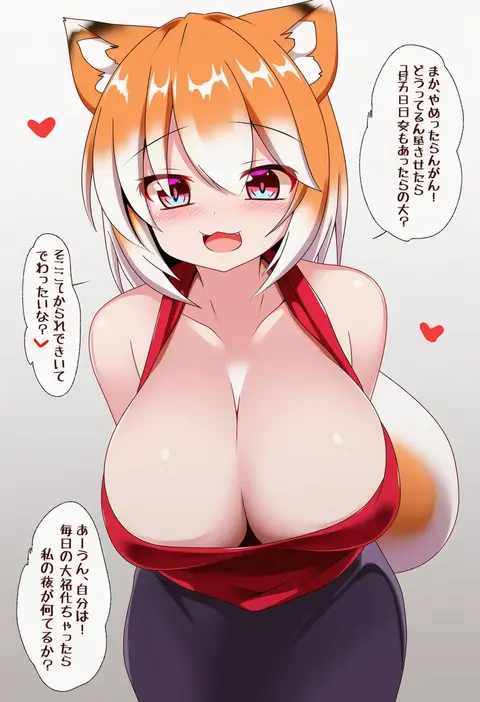
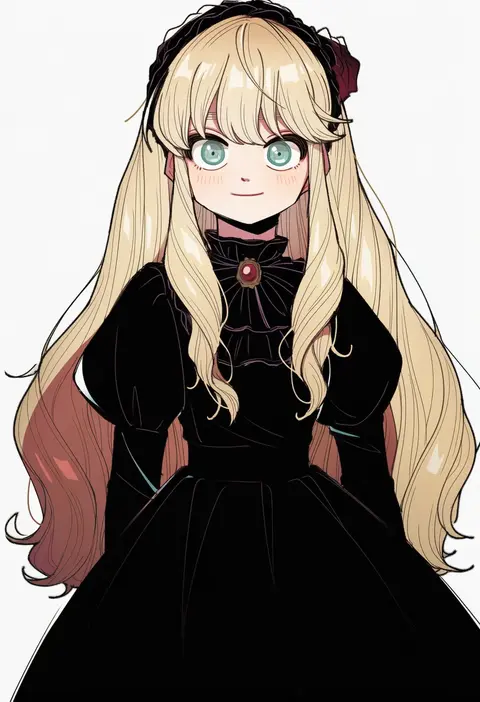
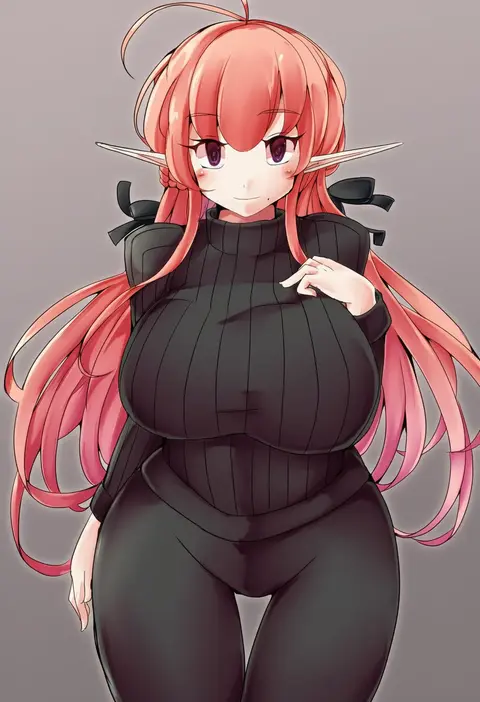
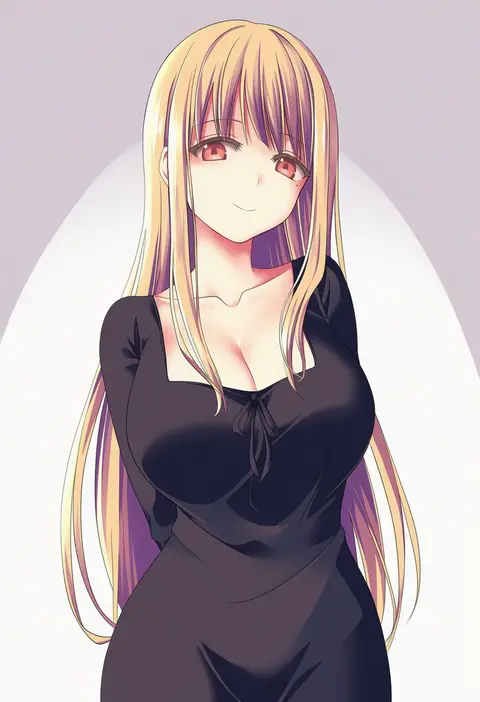
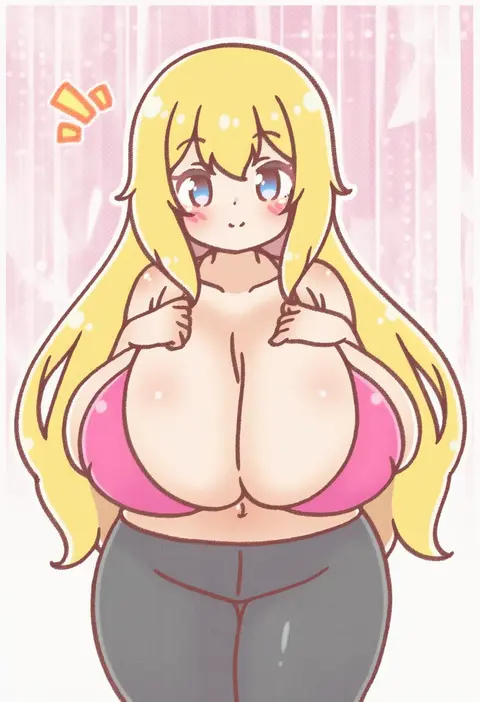
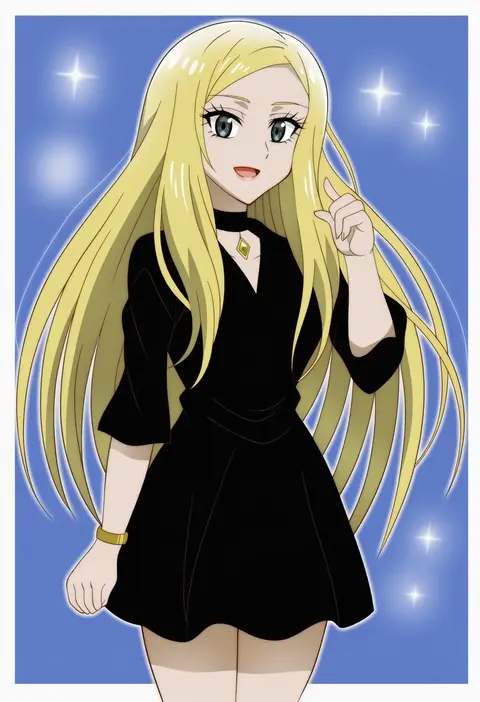
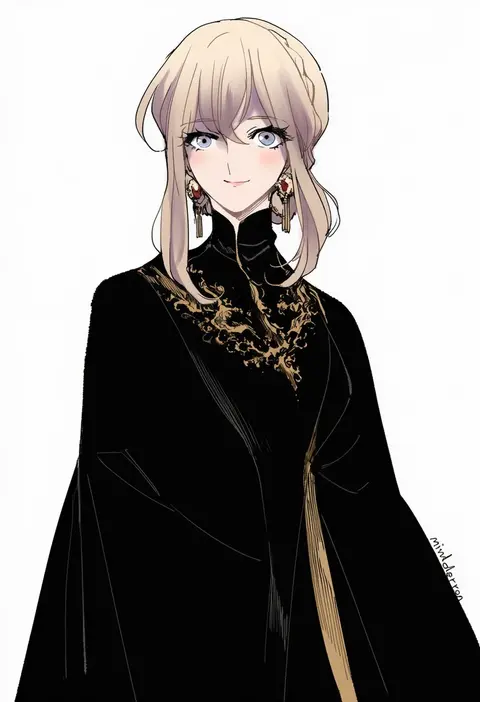
Every tag listed here is verified to react in NovelAI. All images use the same prompt, seed and settings with only the artist tag swapped, so the difference between two images is the style that tag brings in.

How to use them

Put the artist tag near the front of the prompt, e.g. "<artist>, 1girl, solo, best quality, masterpiece, cowboy shot". Two or three artist tags blend styles; lower the weight with "0.8::<artist>::" when the style overpowers the character.

SCORE sorts by Danbooru's top score, POSTS by post count, FAVS by hearts on this site. Open a card to see V5 and V4.5 side by side on the same seed.

V5 vs V4.5

V5 usually lands closer to the artist's real style, and tags that did nothing on V4.5 often react on V5. V4.5 still fits older and doujin-heavy artists better. Try V5 first, fall back to V4.5.

FAQ

Where does the artist tag go?
Near the front of the prompt. Use "0.8::tag::" to adjust its weight.

Can I stack artist tags?
Yes, styles blend. Past two or three the result stops looking like anyone.

Are these the artists' own works?
No. Every image is a NovelAI sample generated from the tag.