V4.5Artists
sort: FAVS▾
▾
>
$

NovelAI Artist Tags List — V4.5

artist --count 16,352[223/273]
macciatto (aciel02)
ARTIST0x3408
0
n2midori
ARTIST0x3409
0
kankurou
ARTIST0x340A
0
rion (glayjirobass)
ARTIST0x340B
0
enperuto (yarumi)
ARTIST0x340C
0
wani (mezo)
ARTIST0x340D
0
kumoi takashi
ARTIST0x340E
0
nagisa iori
ARTIST0x340F
0
anderson m0311
ARTIST0x3410
0
mugisepa
ARTIST0x3411
0
saiguchi otoufu
ARTIST0x3412
0
niiko (gonnzou)
ARTIST0x3413
0
nanashiro gorou
ARTIST0x3414
0
seijun
ARTIST0x3415
0
offbeat
ARTIST0x3416
0
sakura hiyori
ARTIST0x3417
0
pop (electromagneticwave)
ARTIST0x3418
0
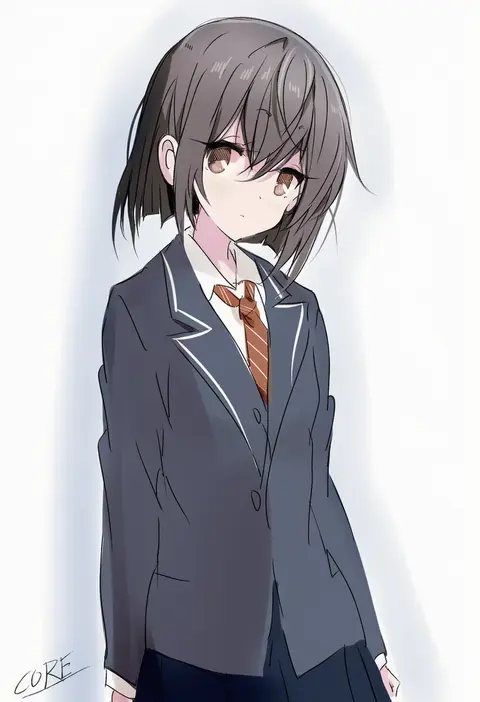
core (mayomayo)
ARTIST0x3419
0
kisaragi kaya
ARTIST0x341A
0
kyaku tasu
ARTIST0x341B
0
mieharu
ARTIST0x341C
0
alison (alison airlines)
ARTIST0x341D
0
gunjou row
ARTIST0x341E
0
stoic seraphim
ARTIST0x341F
0
neruzou
ARTIST0x3420
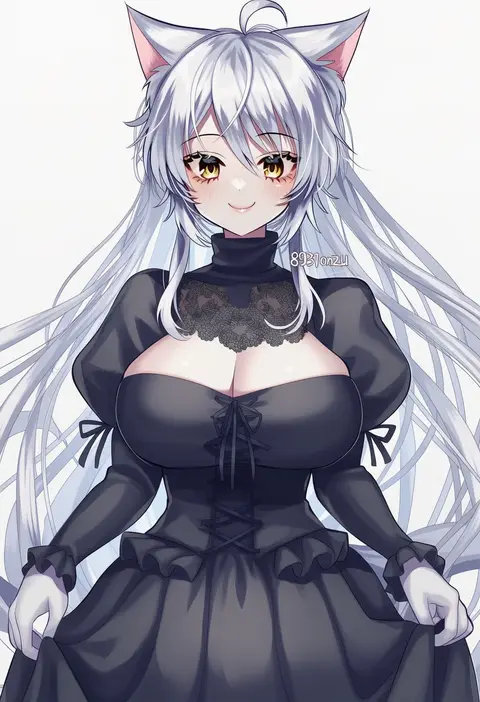
0
8931ponzu
ARTIST0x3421
0
lemon pan
ARTIST0x3422
0
soresaki
ARTIST0x3423
0
kelvin-trainerk
ARTIST0x3424
0
misaki juri
ARTIST0x3425
0
boke-chan
ARTIST0x3426
0
kayako (tdxxxk)
ARTIST0x3427
0
darkside
ARTIST0x3428
0
kosai takayuki
ARTIST0x3429
0
maguro (mawaru sushi)
ARTIST0x342A
0
goma irasuto
ARTIST0x342B
0
flaw eight
ARTIST0x342C
0
magatsumagic
ARTIST0x342D
0
samei ikusa
ARTIST0x342E
0
matsukuzu
ARTIST0x342F
0
bafarin
ARTIST0x3430
0
nanimonothing
ARTIST0x3431
0
omyo (myomyomyo22)
ARTIST0x3432
0
qtonagi
ARTIST0x3433
0
asterozoa
ARTIST0x3434
0
g ieep
ARTIST0x3435
0
noroi (rnatataki)
ARTIST0x3436
0
izumi masashi
ARTIST0x3437
0
kozou (rifa)
ARTIST0x3438
0
mizu cx
ARTIST0x3439
0
oobari masami
ARTIST0x343A
0
gleision adain
ARTIST0x343B
0
mashue
ARTIST0x343C
0
anbutter siruko
ARTIST0x343D
0
kuriyuzu kuryuu
ARTIST0x343E
0
sinaooo
ARTIST0x343F
0
tladpwl03
ARTIST0x3440
0
yoshitani motoka
ARTIST0x3441
0
asatani tomoyo
ARTIST0x3442
0
marimo jh
ARTIST0x3443
0

What these tags change

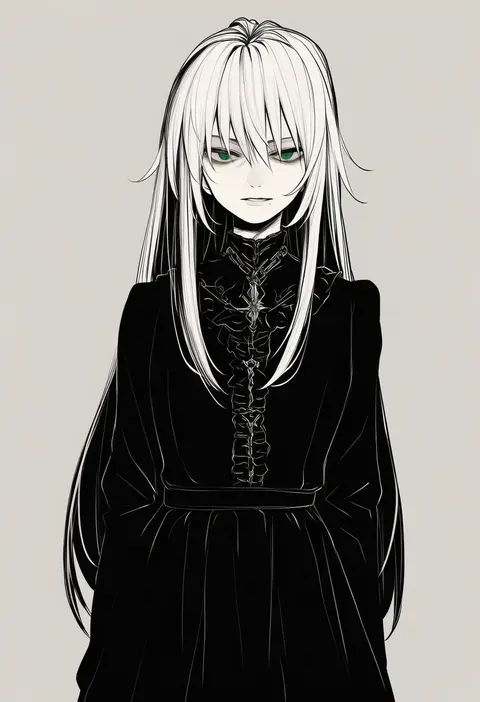
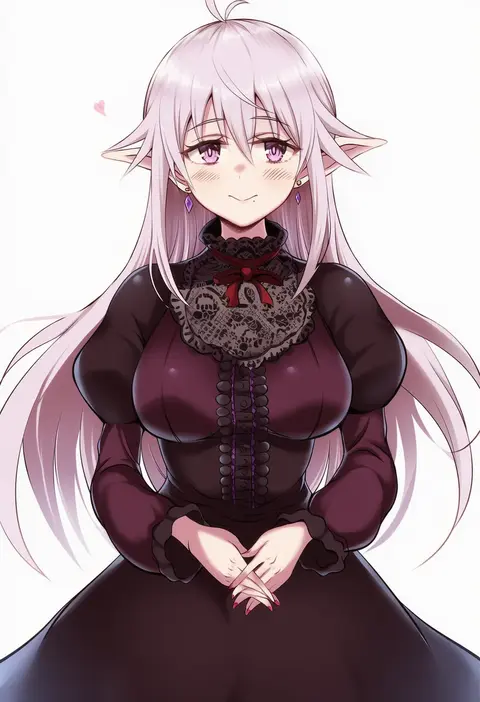
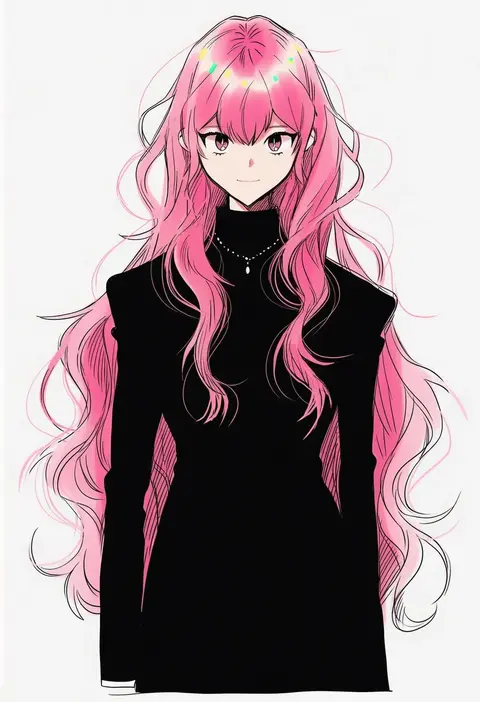
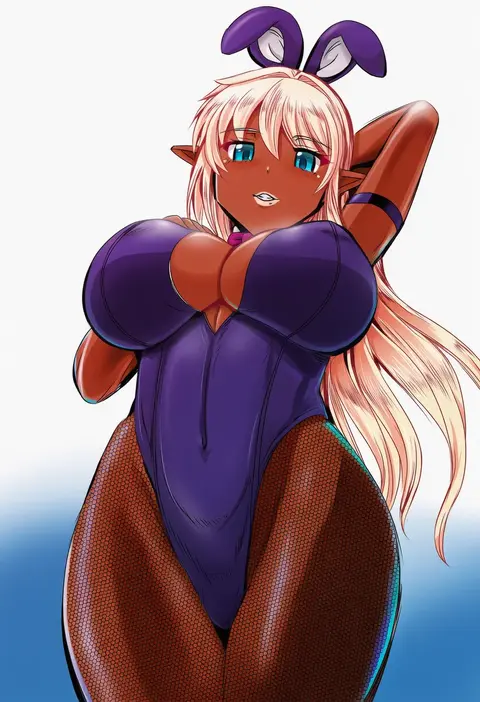
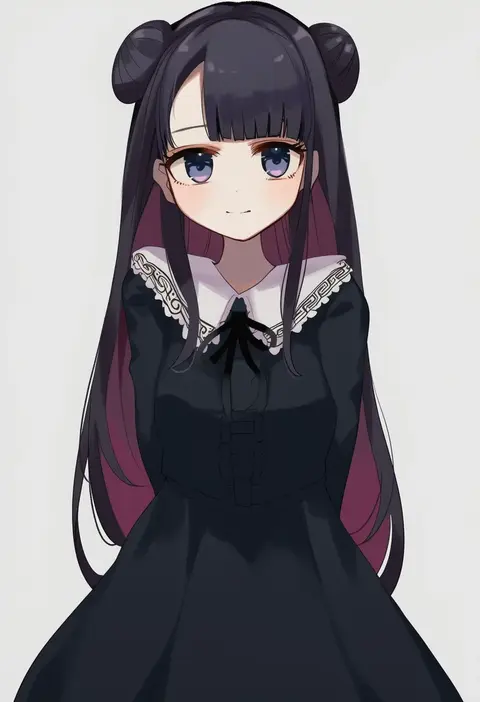
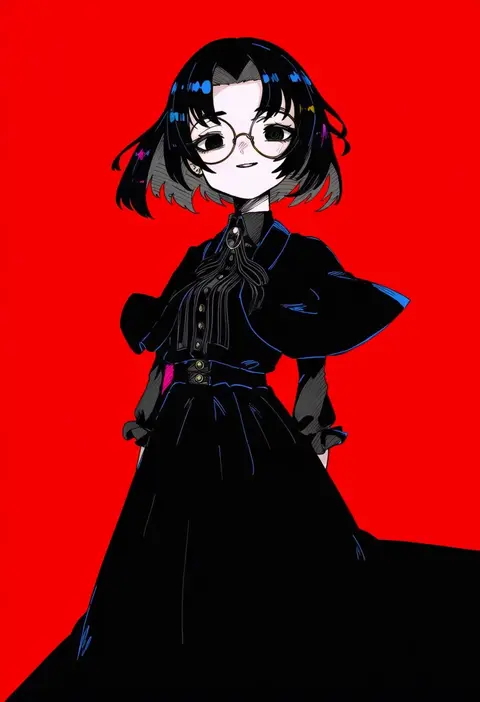
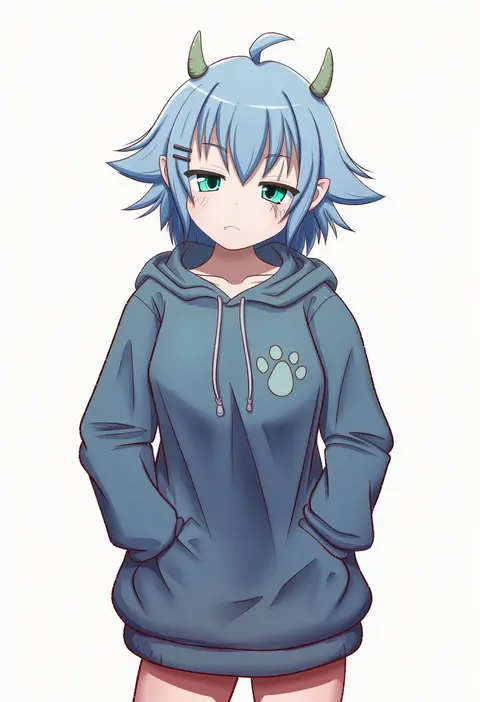
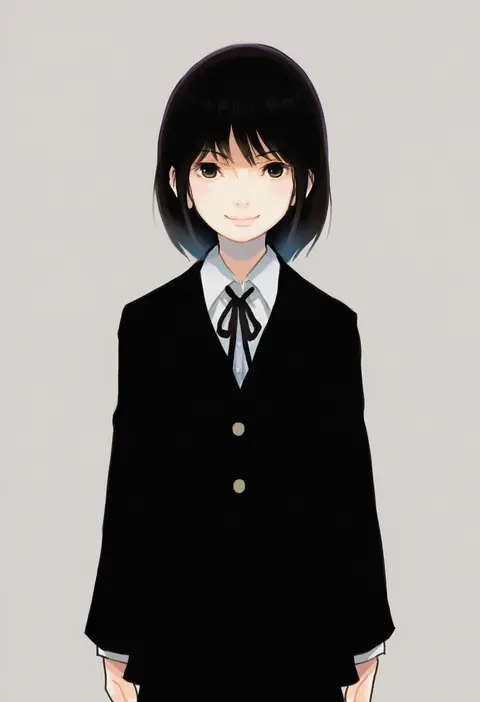
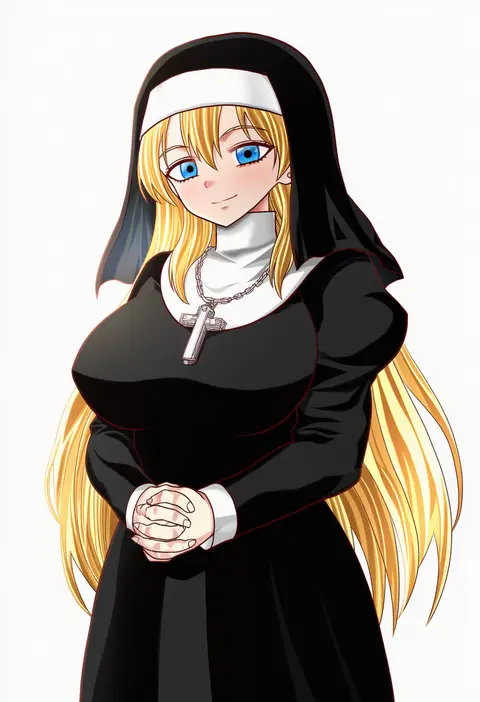
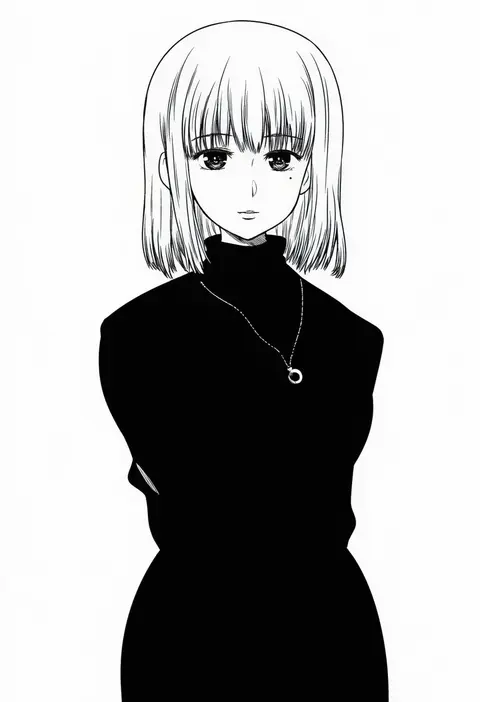
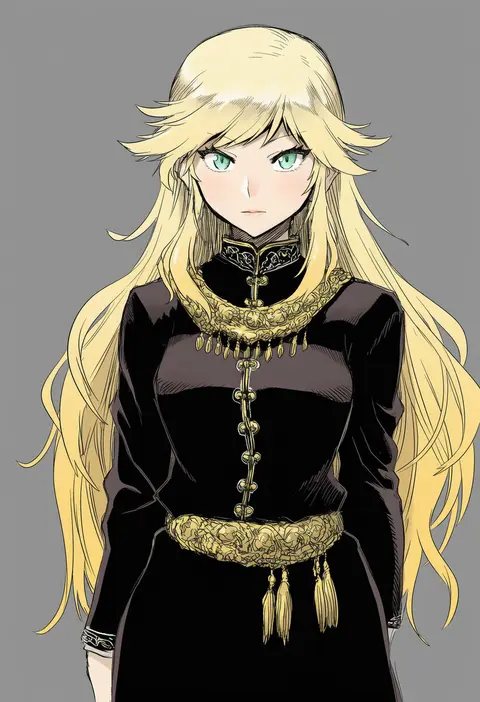
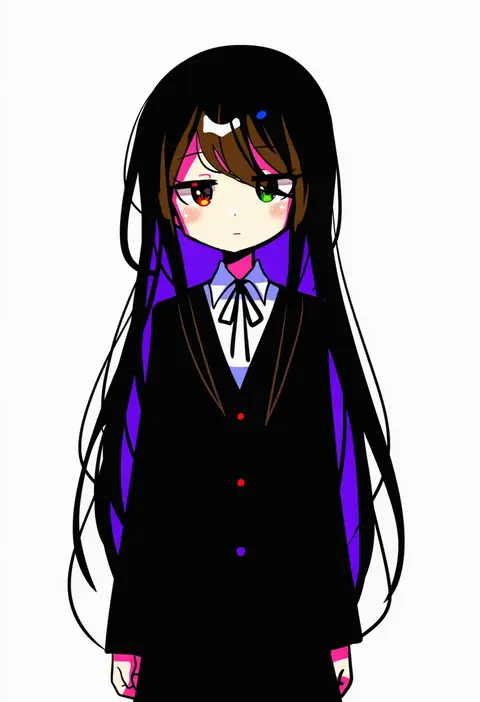
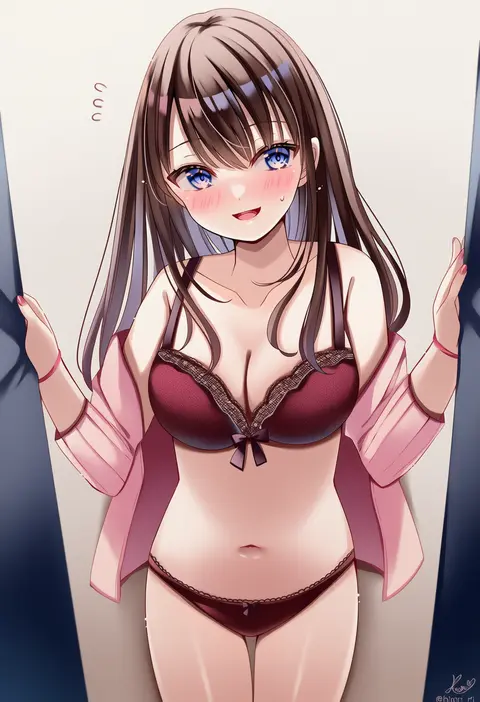
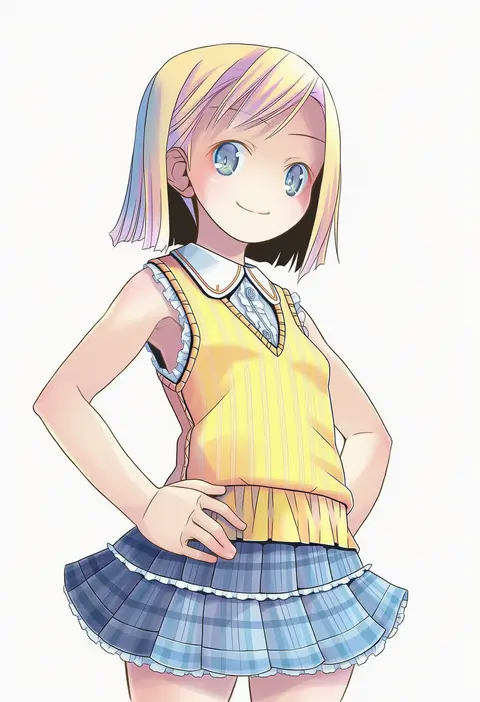
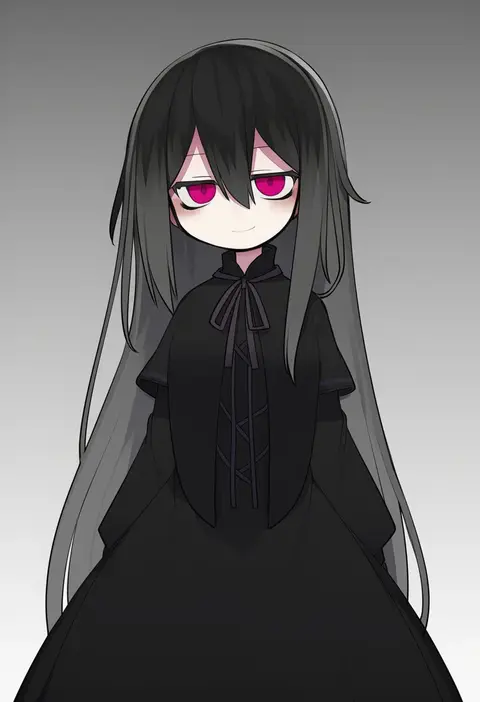
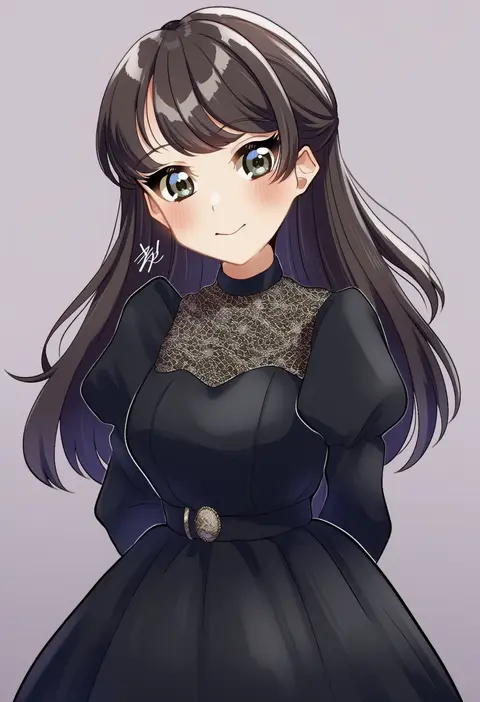
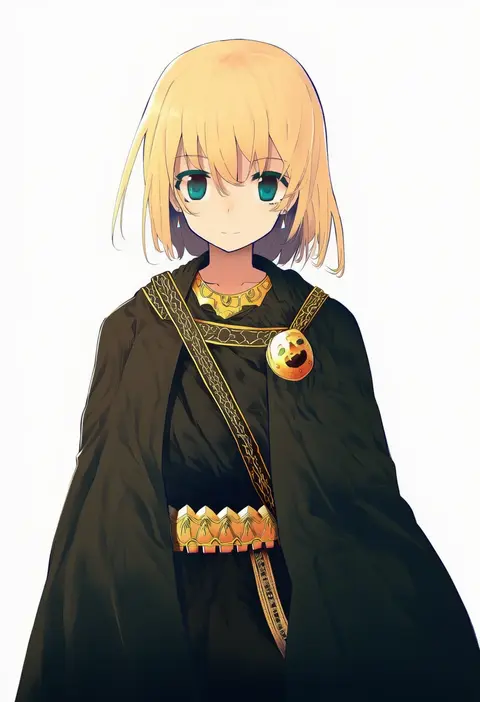
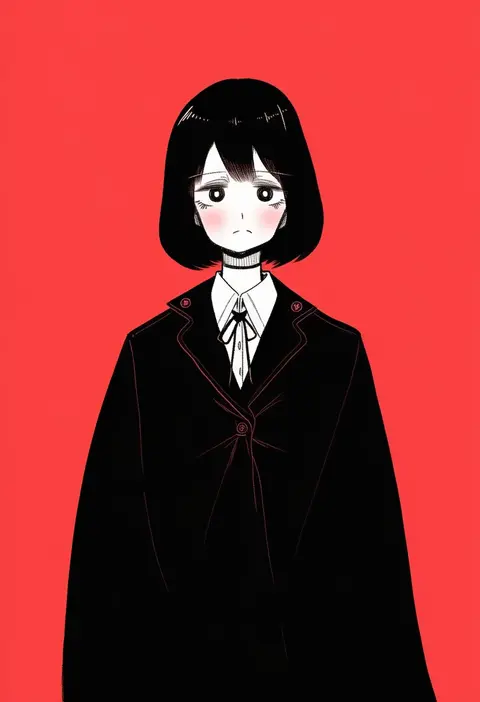
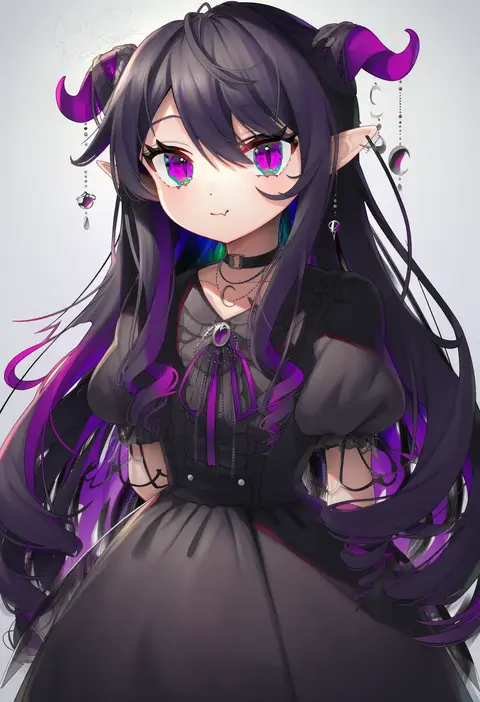
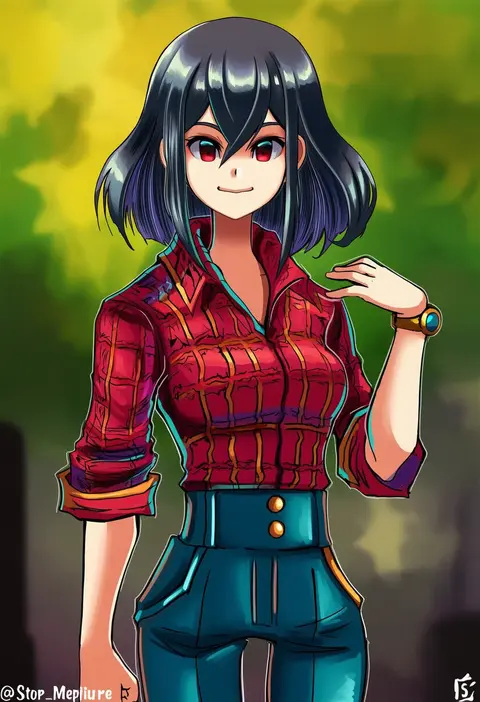
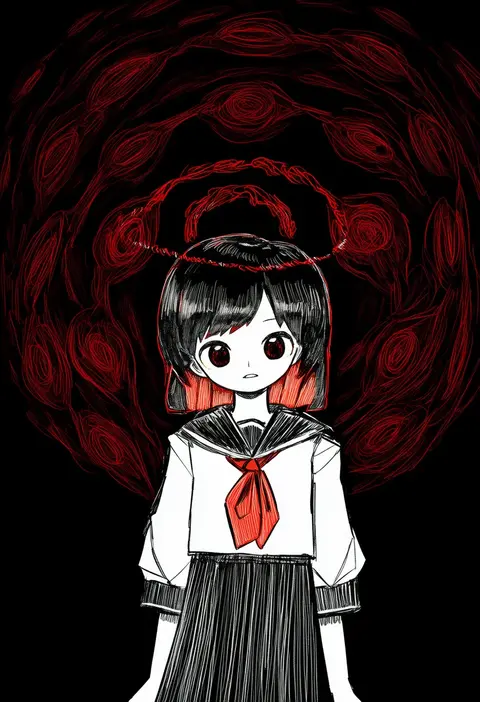
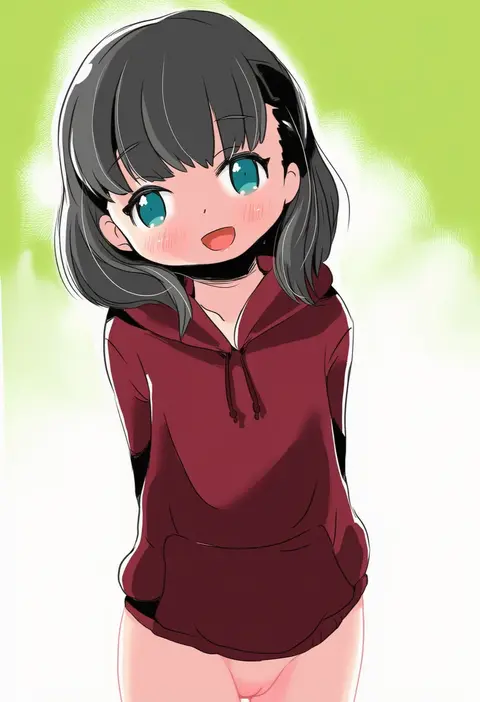
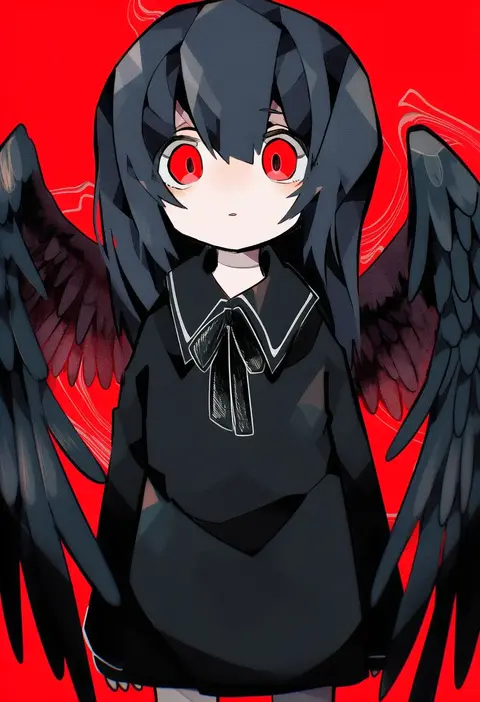
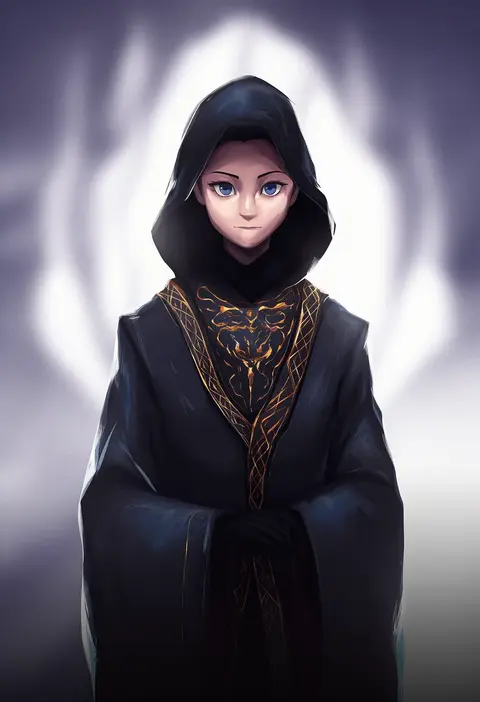
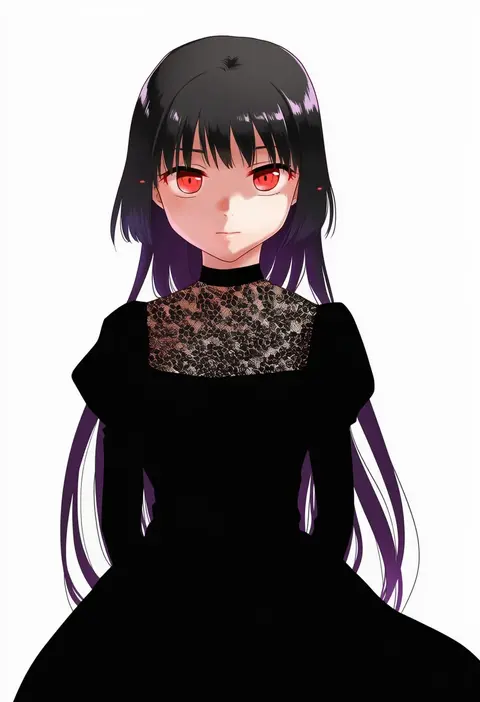
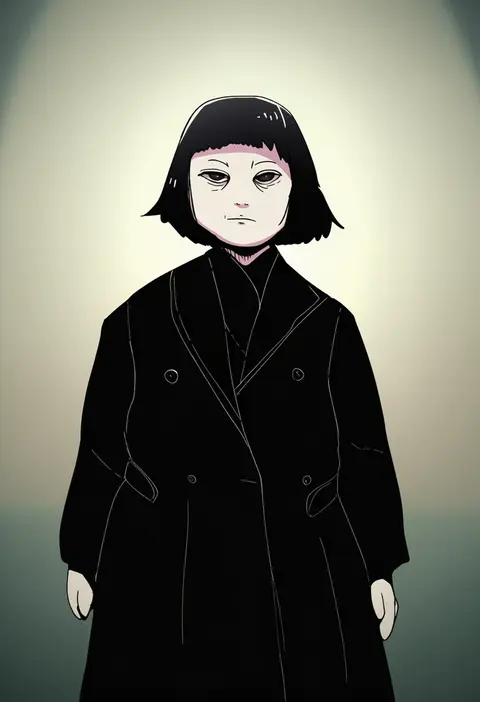
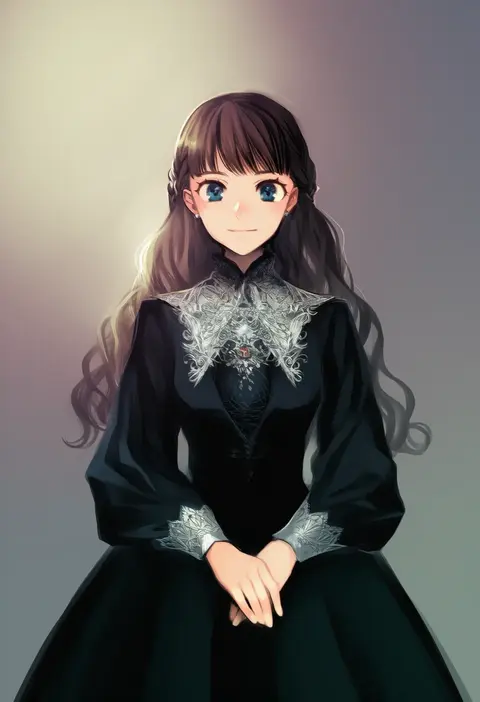
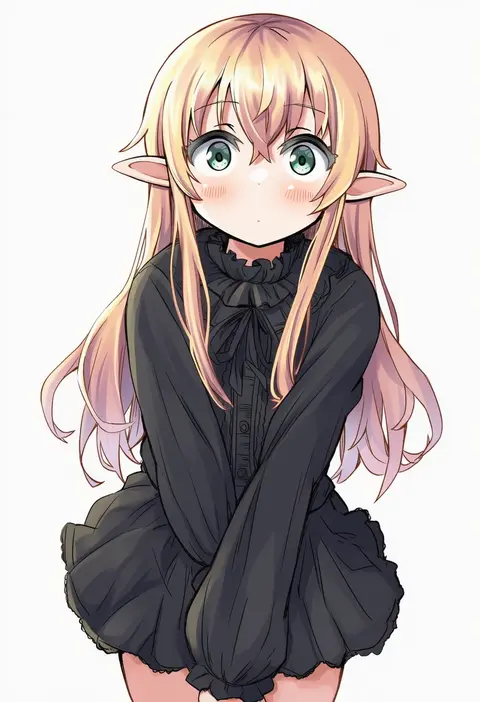
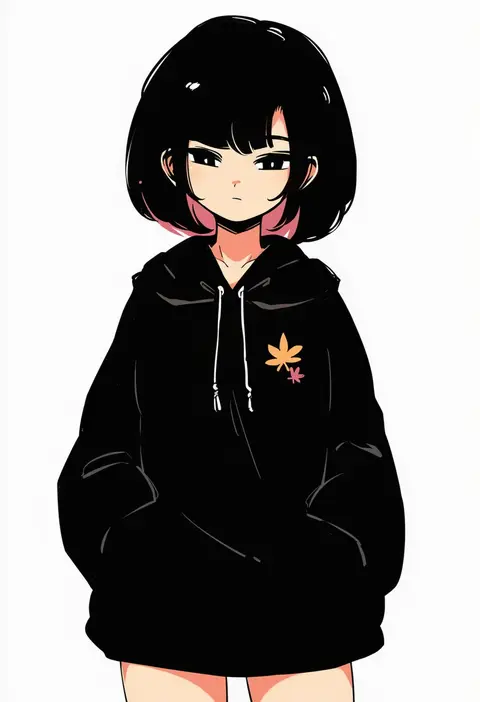
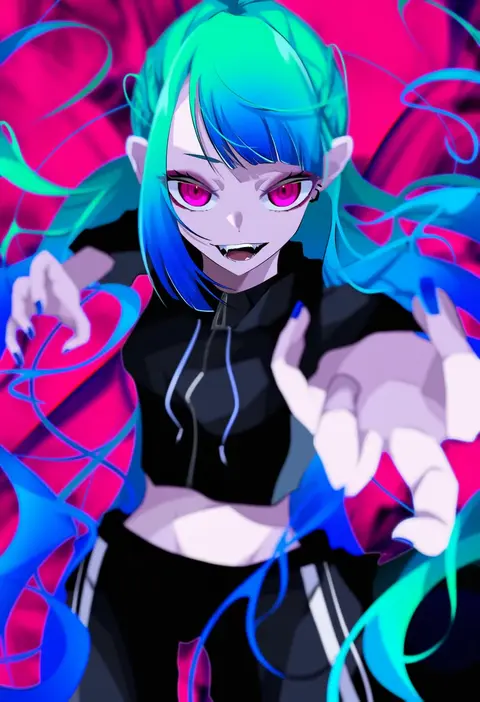
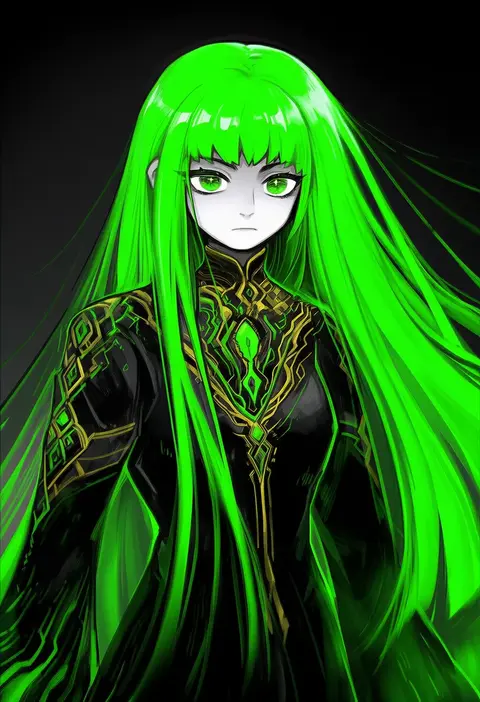
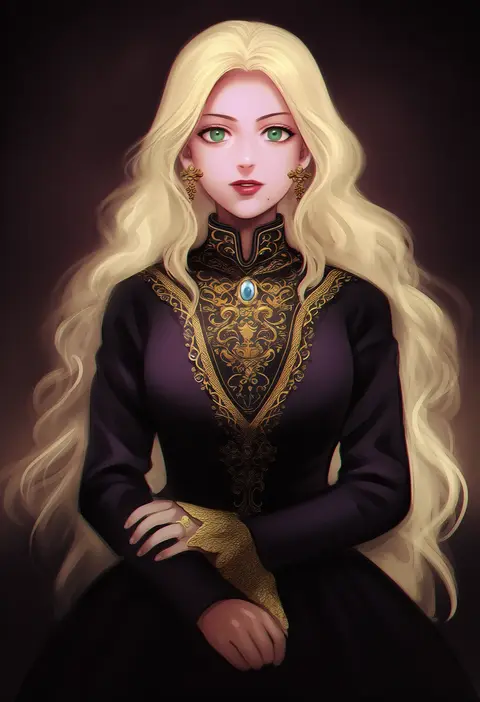
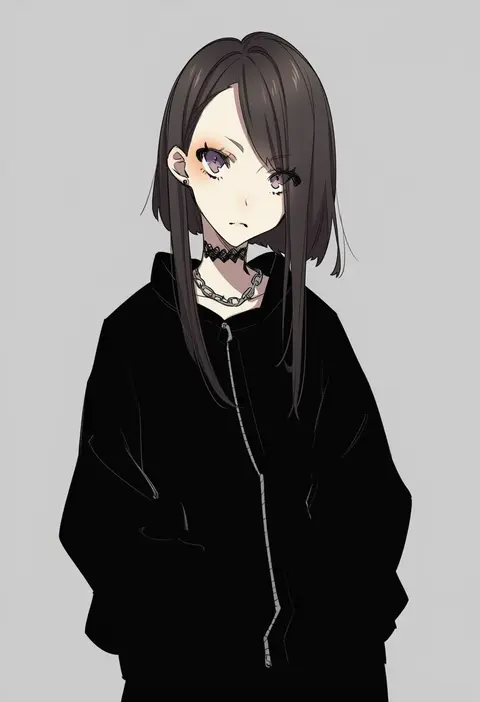
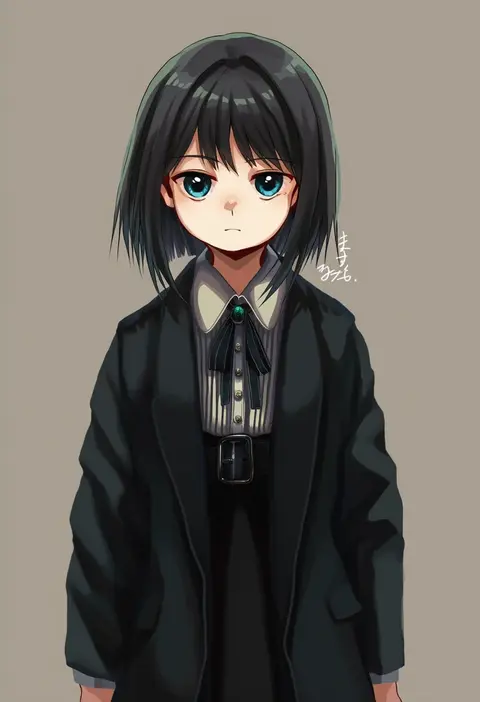
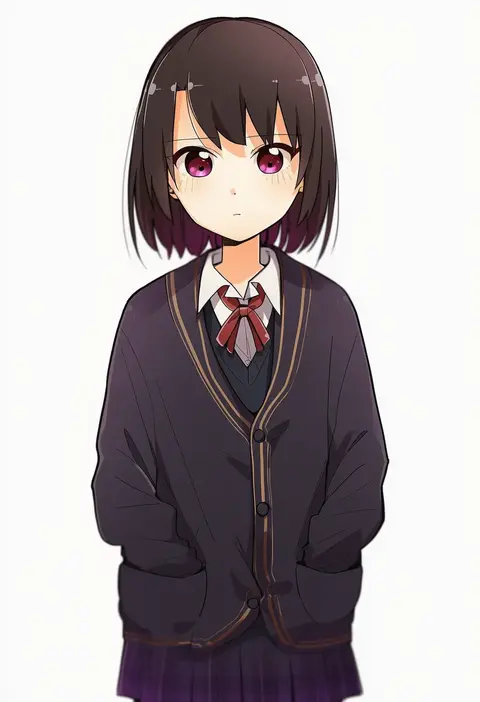
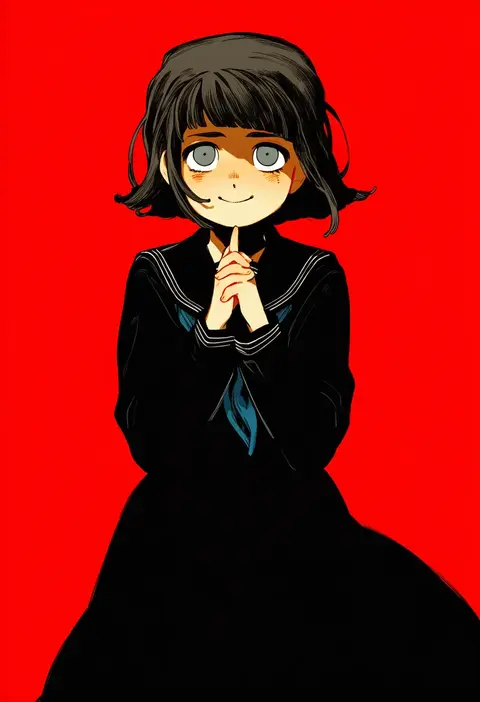
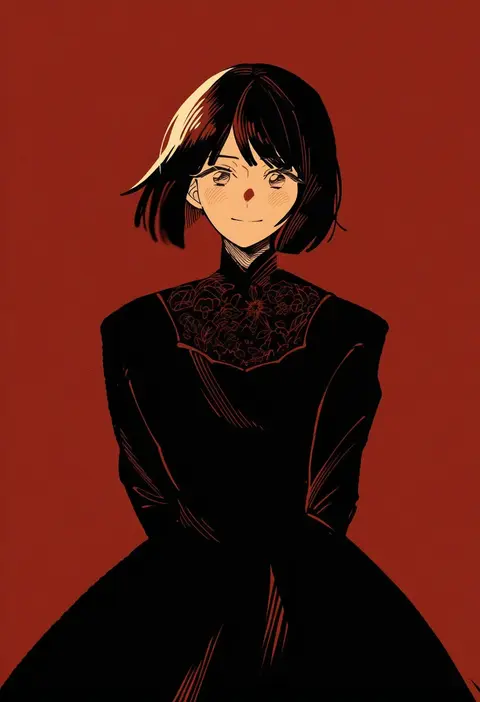
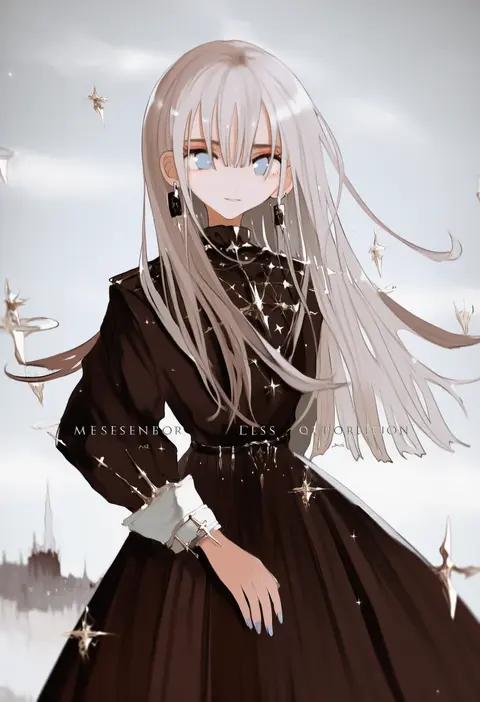
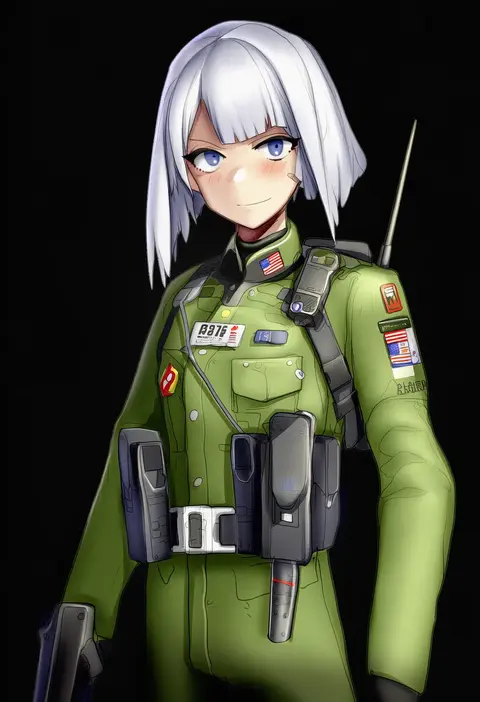
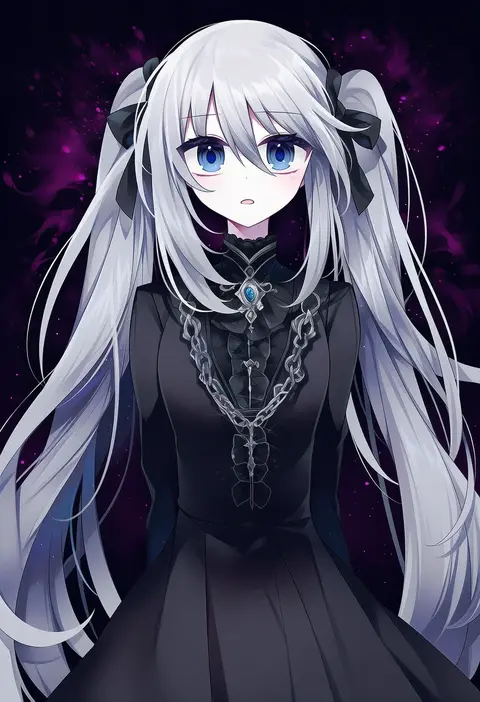
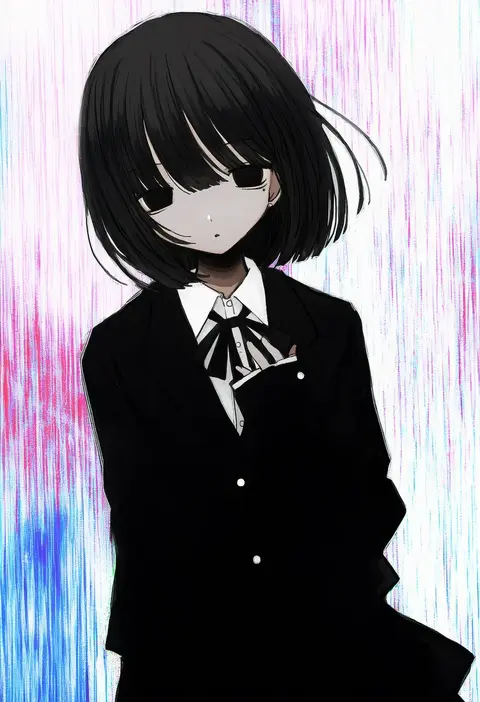
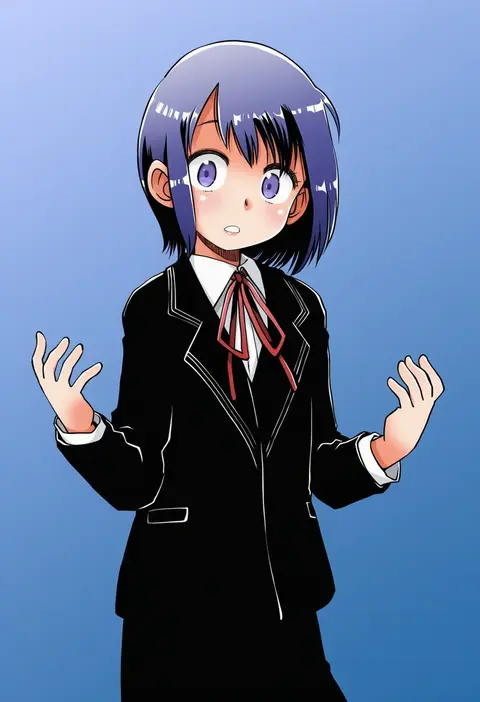
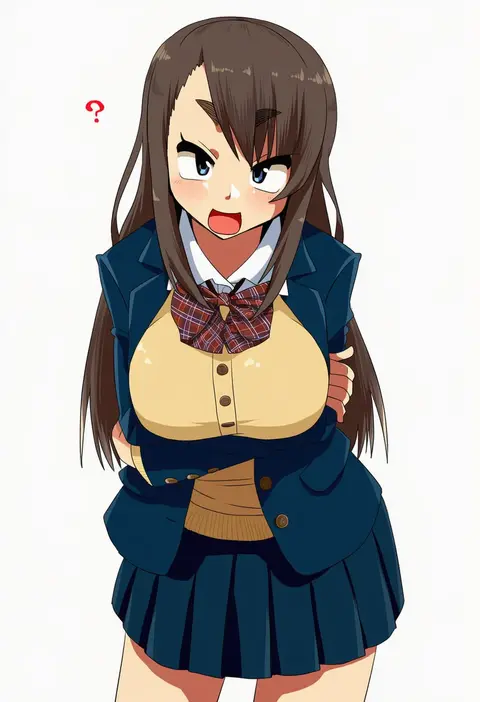
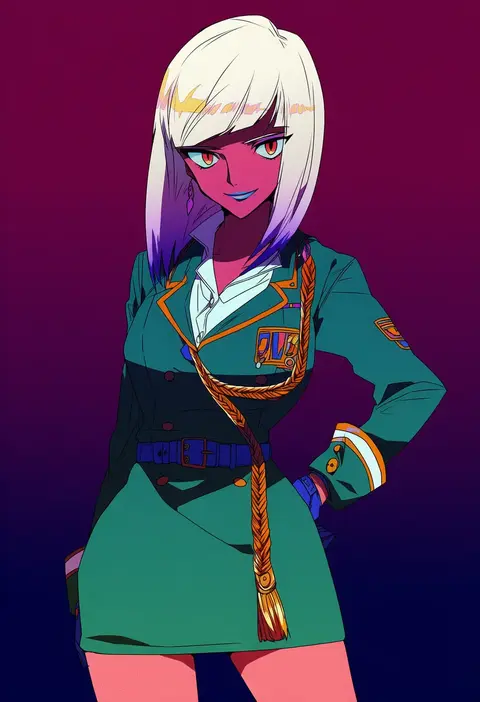
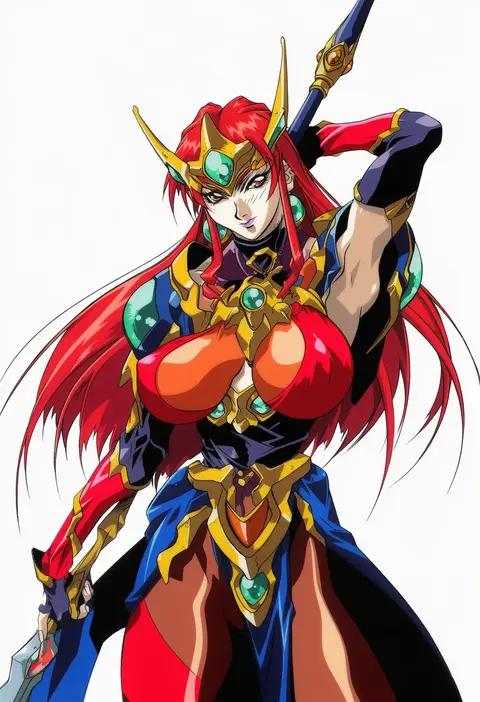
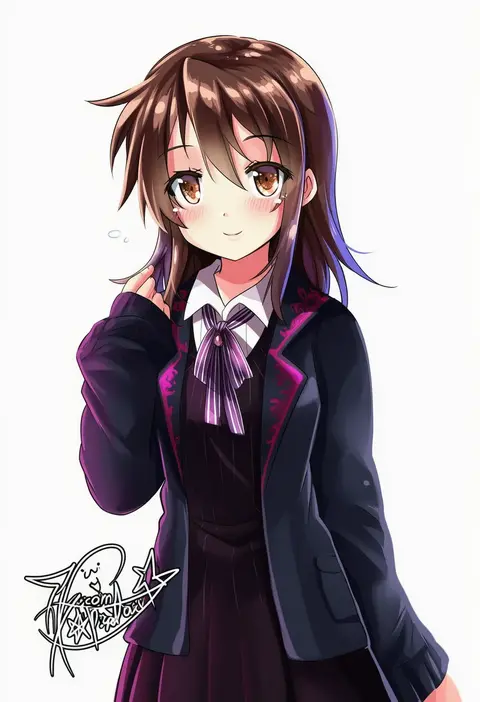
Artist tags tell NovelAI Diffusion to draw in a specific artist's style: line weight, paint texture, face shapes and palette all shift at once. Character and outfit tags decide what is drawn; artist tags decide how. 16,352 tags are listed for V4.5.
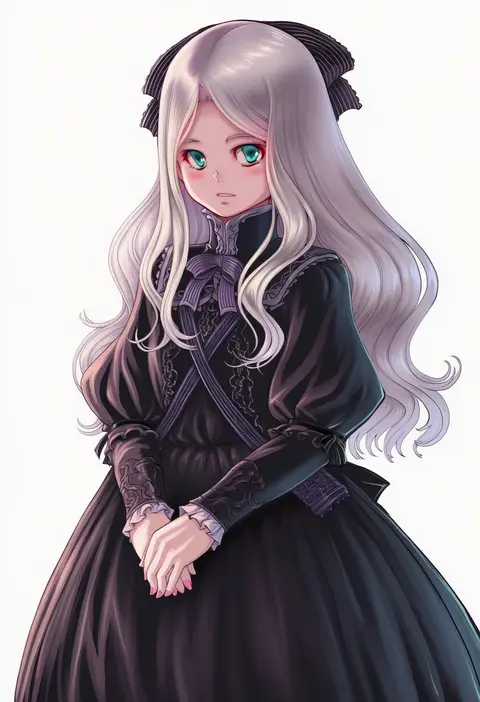
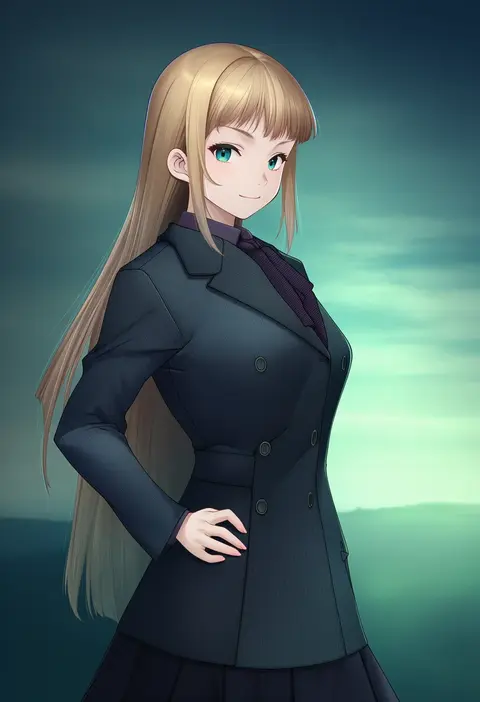
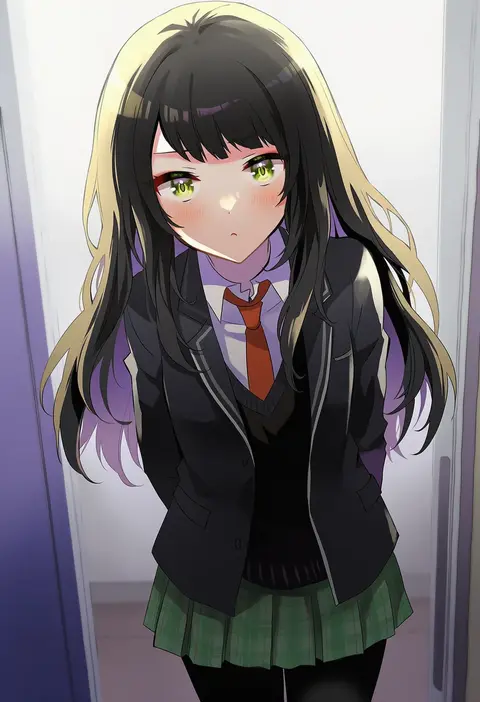
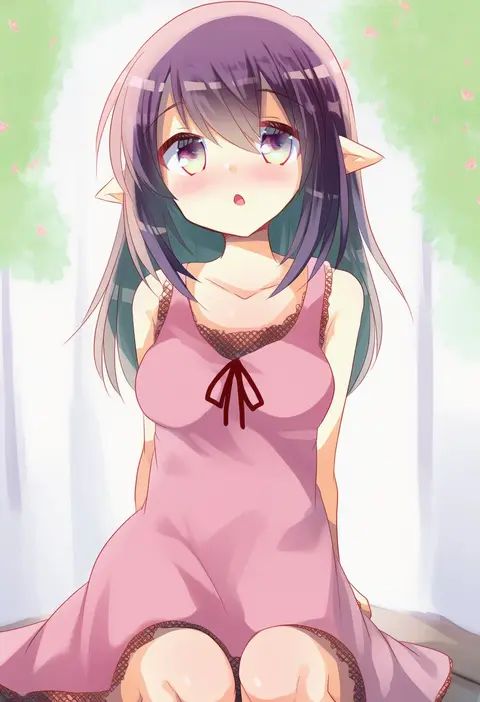
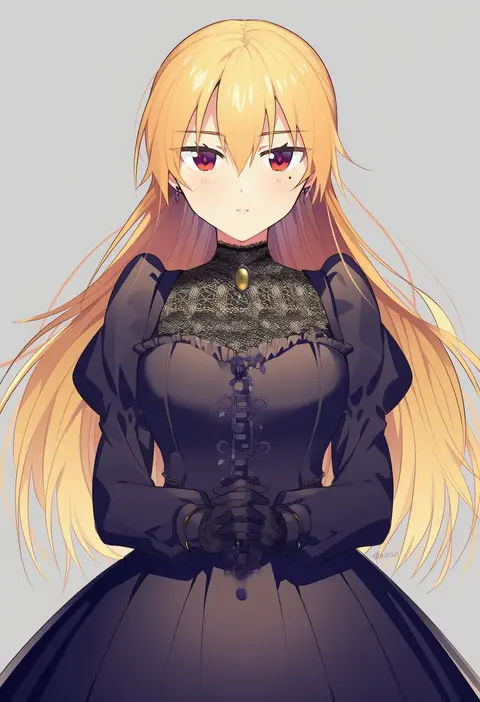
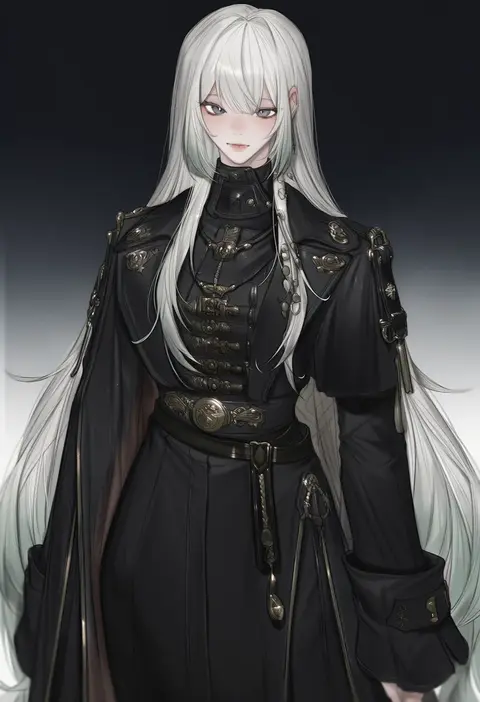
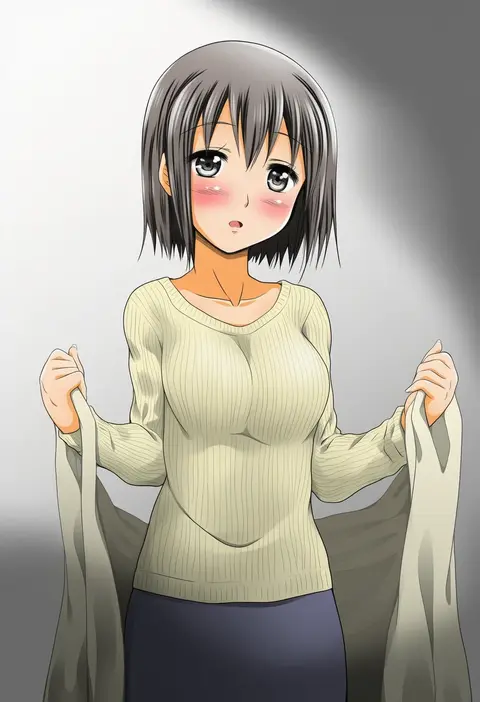
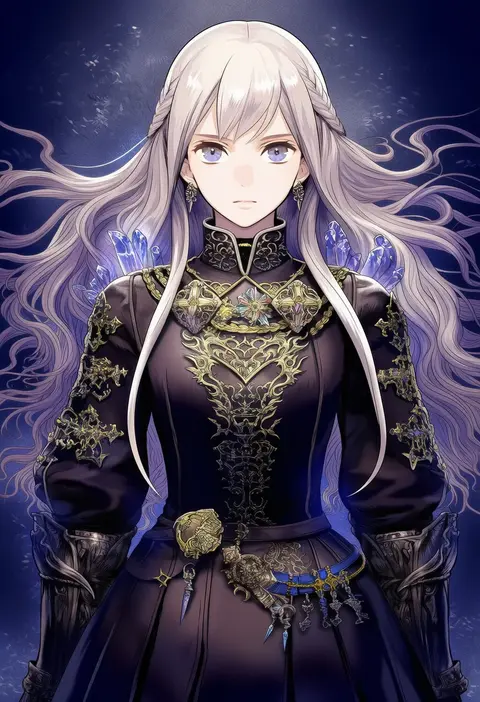
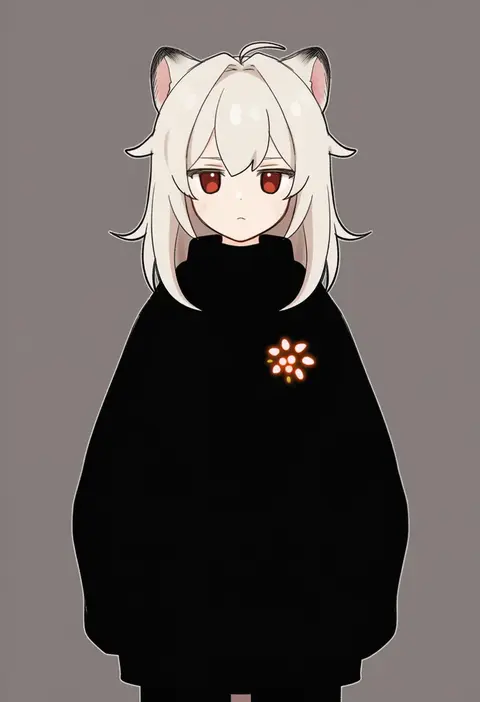
Every tag listed here is verified to react in NovelAI. All images use the same prompt, seed and settings with only the artist tag swapped, so the difference between two images is the style that tag brings in.

How to use them

Put the artist tag near the front of the prompt, e.g. "<artist>, 1girl, solo, best quality, masterpiece, cowboy shot". Two or three artist tags blend styles; lower the weight with "0.8::<artist>::" when the style overpowers the character.

SCORE sorts by Danbooru's top score, POSTS by post count, FAVS by hearts on this site. Open a card to see V5 and V4.5 side by side on the same seed.

V5 vs V4.5

V5 usually lands closer to the artist's real style, and tags that did nothing on V4.5 often react on V5. V4.5 still fits older and doujin-heavy artists better. Try V5 first, fall back to V4.5.

FAQ

Where does the artist tag go?
Near the front of the prompt. Use "0.8::tag::" to adjust its weight.

Can I stack artist tags?
Yes, styles blend. Past two or three the result stops looking like anyone.

Are these the artists' own works?
No. Every image is a NovelAI sample generated from the tag.