V4.5Artists
sort: FAVS▾
▾
>
$

NovelAI Artist Tags List — V4.5

artist --count 16,352[224/273]
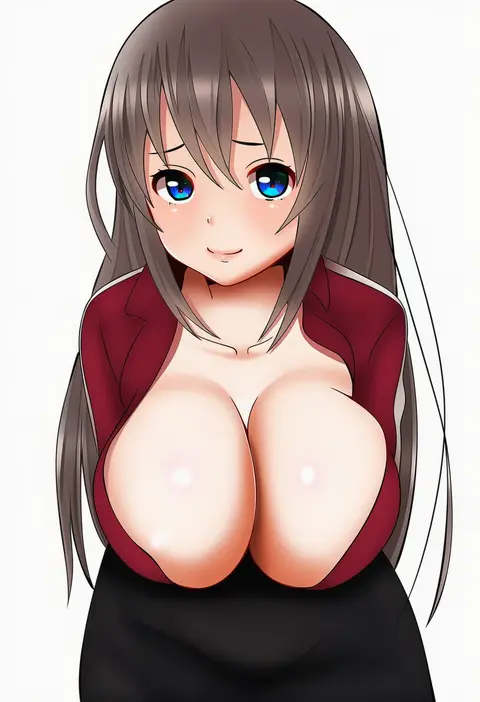
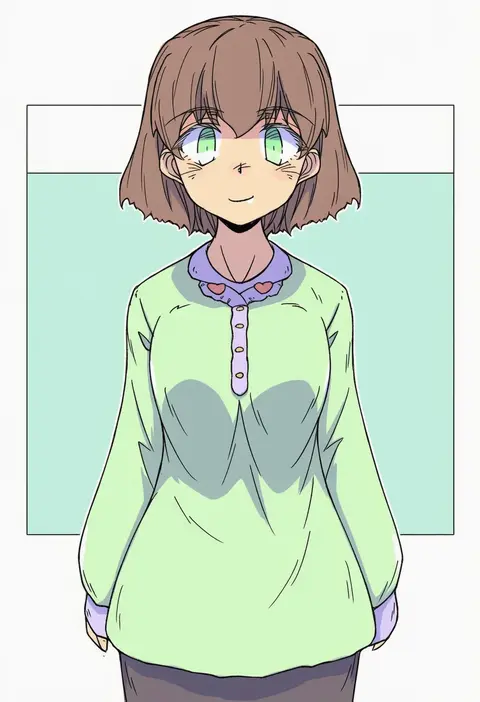
hifumi kei
ARTIST0x3444
0
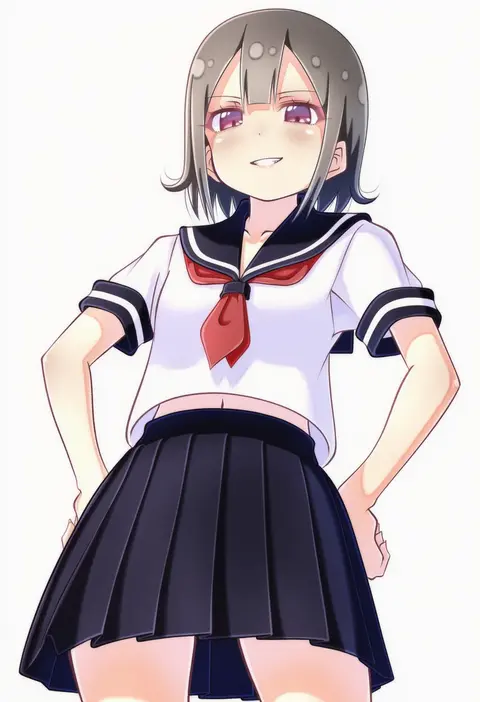
okiura
ARTIST0x3445
0
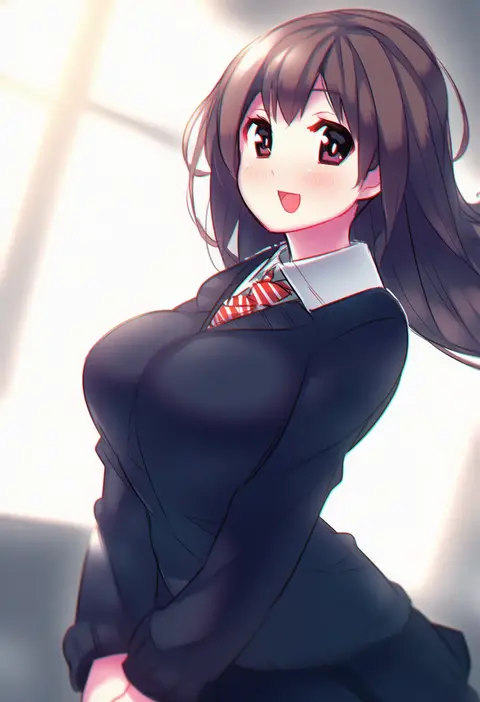
mgk968
ARTIST0x3446
0
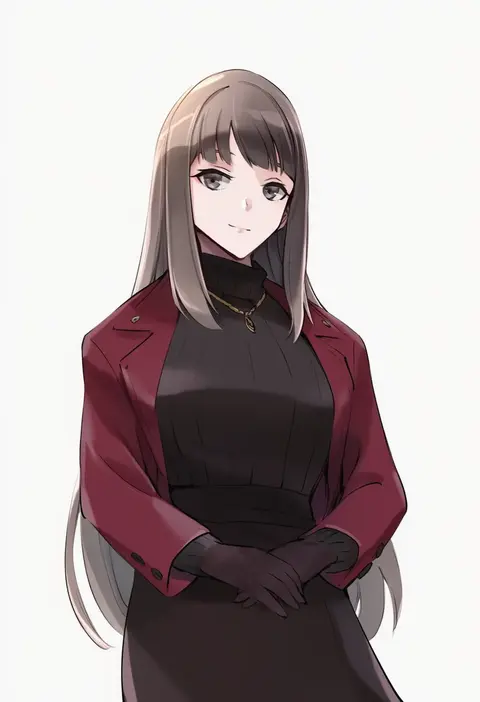
koru pera
ARTIST0x3447
0
marueri
ARTIST0x3448
0
ikaheigen
ARTIST0x3449
0
shovelwell
ARTIST0x344A
0
harukappa
ARTIST0x344B
0
hoshino madoka
ARTIST0x344C
0
rokugatsu t
ARTIST0x344D
0
sakofu
ARTIST0x344E
0
mikakami1e
ARTIST0x344F
0
eka eri
ARTIST0x3450
0
nonsensemanna
ARTIST0x3451
0
xiaosamiao
ARTIST0x3452
0
nekopantsu (blt)
ARTIST0x3453
0
sidarim
ARTIST0x3454
0
konabetate
ARTIST0x3455
0
doora (dora0913)
ARTIST0x3456
0
shiraki shiori
ARTIST0x3457
0
kamon rider
ARTIST0x3458
0
renshiu
ARTIST0x3459
0
pontasu
ARTIST0x345A
0
blue vert
ARTIST0x345B
0
e-bushi
ARTIST0x345C
0
akai ronii
ARTIST0x345D
0
nayuhi (yukimuu14)
ARTIST0x345E
0
zhou huan (dgpe2833)
ARTIST0x345F
0
lanubis
ARTIST0x3460
0
amg (nwmnmllf)
ARTIST0x3461
0
sesmkun
ARTIST0x3462
0
saekiya sabou
ARTIST0x3463
0
baka-man
ARTIST0x3464
0
bioroid hei
ARTIST0x3465
0
souno kazuki
ARTIST0x3466
0
oyuyu
ARTIST0x3467
0
a-kiraa (whisper)
ARTIST0x3468
0
matarasu (aaaaaaaaj)
ARTIST0x3469
0
miy 001
ARTIST0x346A
0
akinoko
ARTIST0x346B
0
ueta kazuyuki
ARTIST0x346C
0
yano toshinori
ARTIST0x346D
0
hoshizuki (seigetsu)
ARTIST0x346E
0
dopey (dopq)
ARTIST0x346F
0
gogiga gagagigo
ARTIST0x3470
0
natsuya (kuttuki)
ARTIST0x3471
0
hirasaka makoto
ARTIST0x3472
0
tachitsu teto
ARTIST0x3473
0
d-m (dii emu)
ARTIST0x3474
0
tsuutenkaaku
ARTIST0x3475
0
momoji (lobolobo2010)
ARTIST0x3476
0
iumi urura
ARTIST0x3477
0
opagi
ARTIST0x3478
0
benizuwai
ARTIST0x3479
0
amane kurumi
ARTIST0x347A
0
hinata momo
ARTIST0x347B
0
konno takashi
ARTIST0x347C
0
kapuchii
ARTIST0x347D
0
oofushi ao
ARTIST0x347E
0
hai to hickory
ARTIST0x347F
0

What these tags change

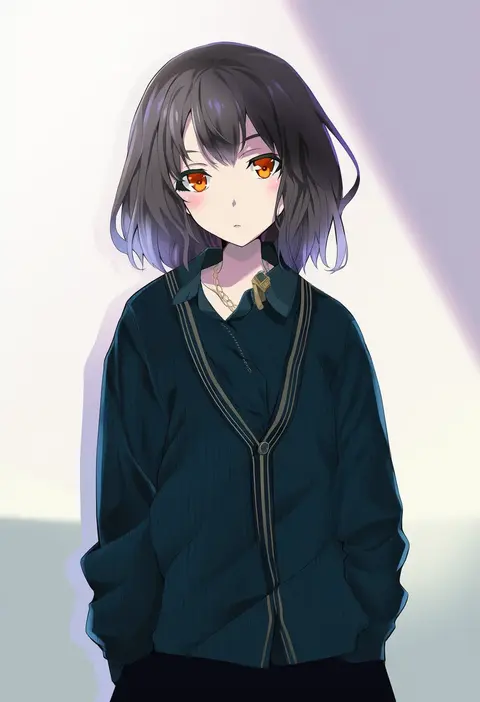
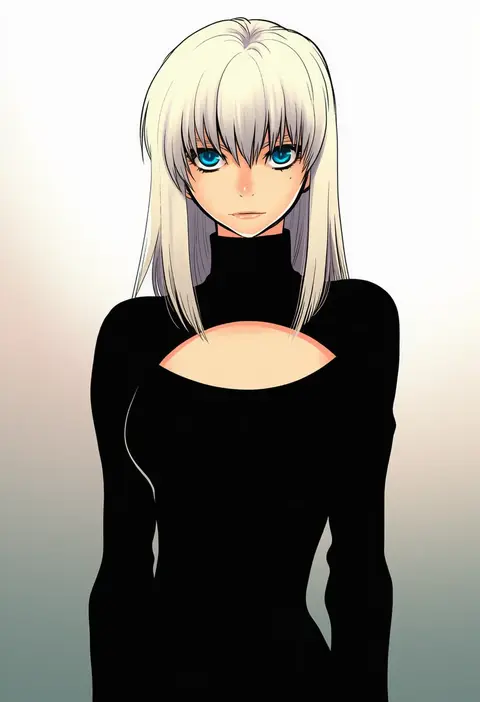
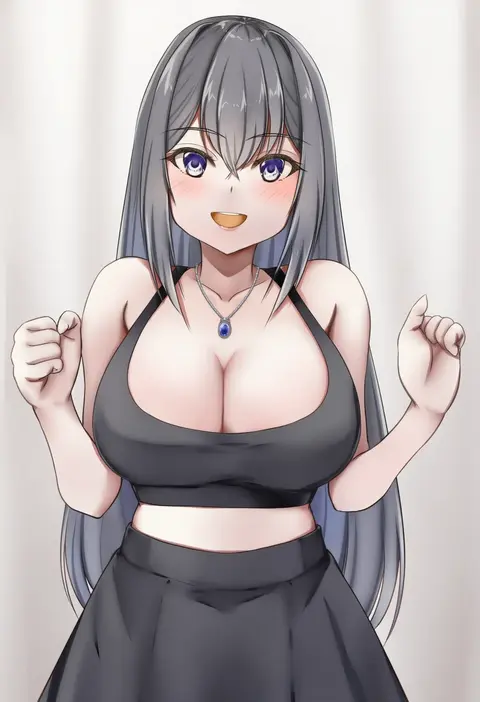
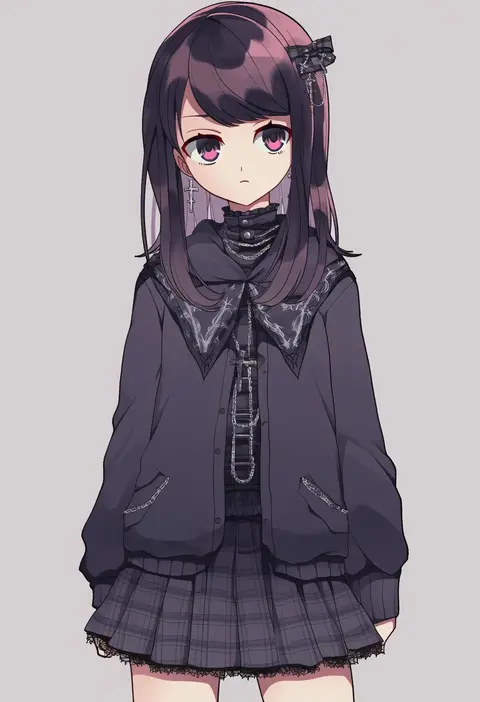
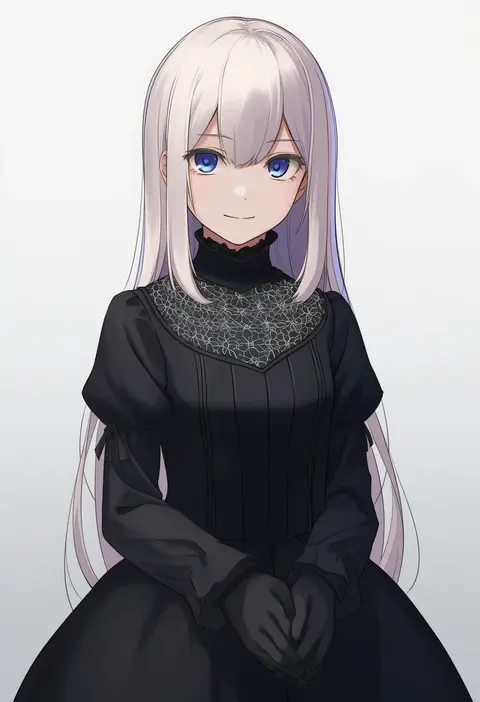
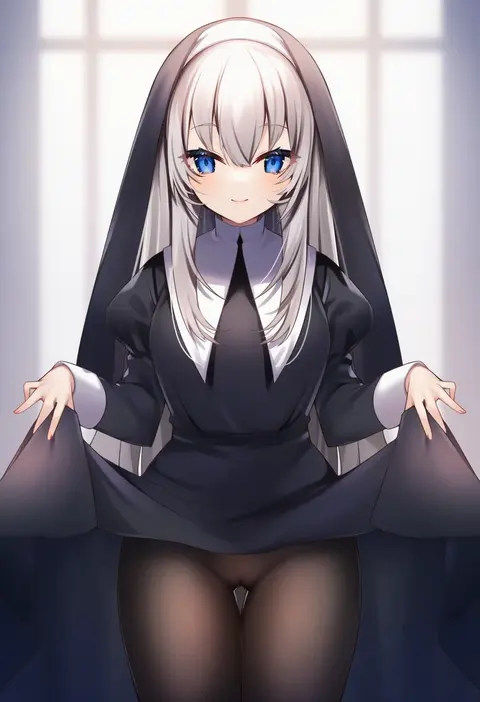
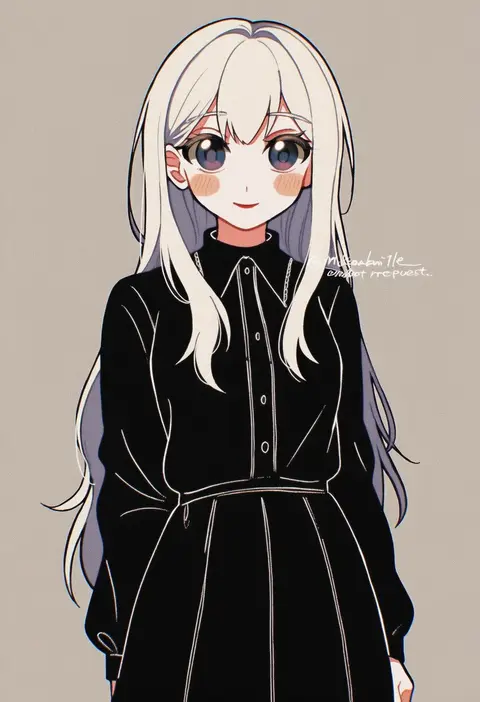
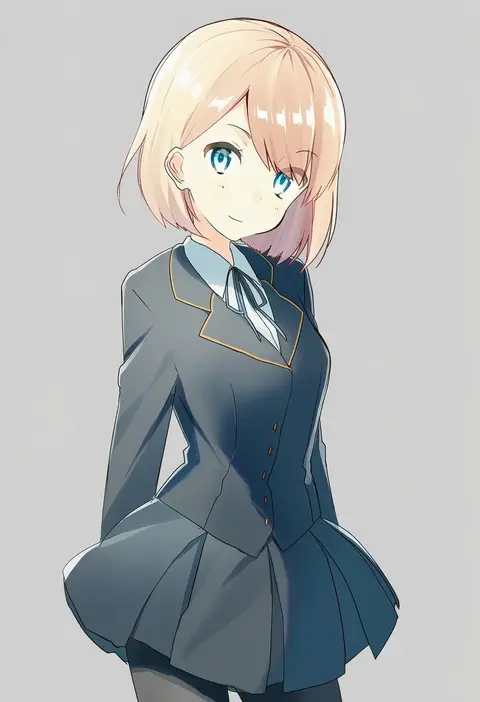
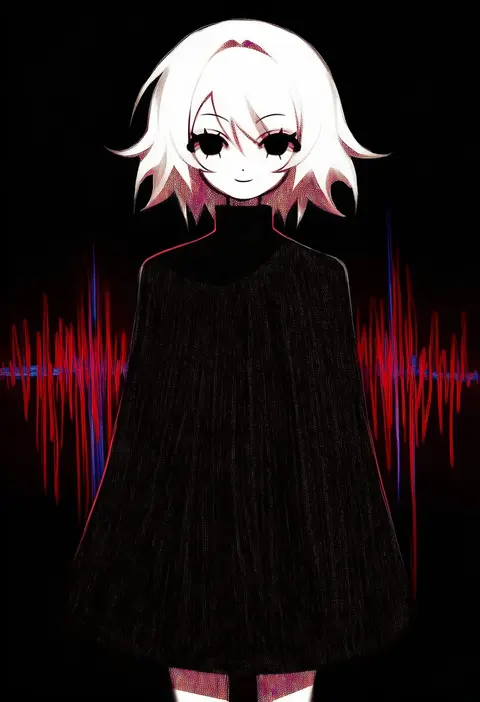
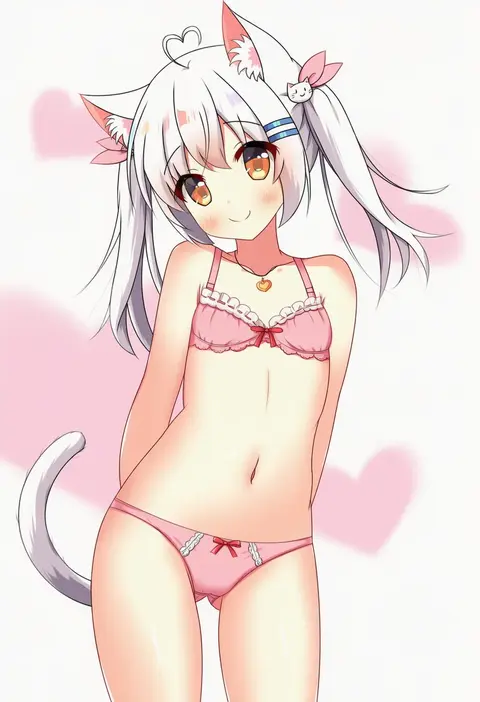
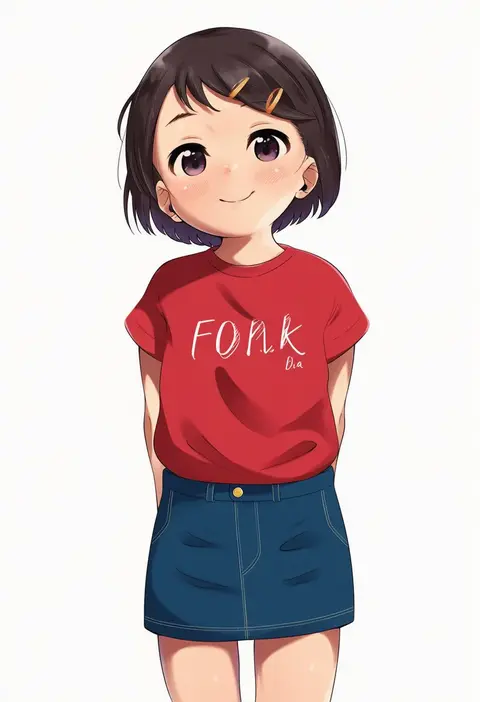
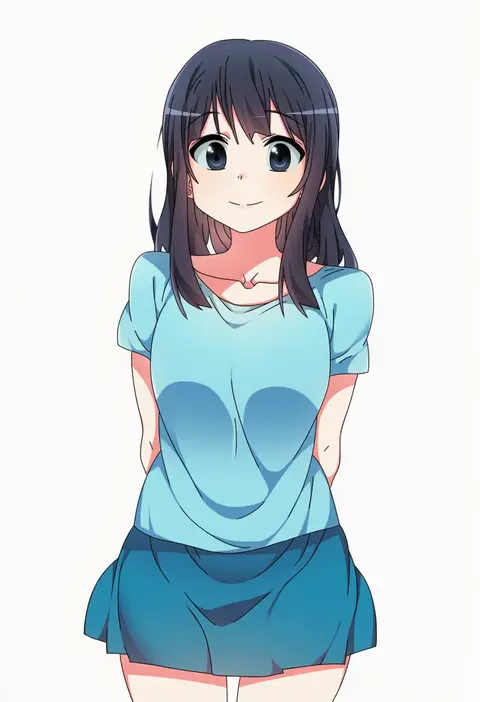
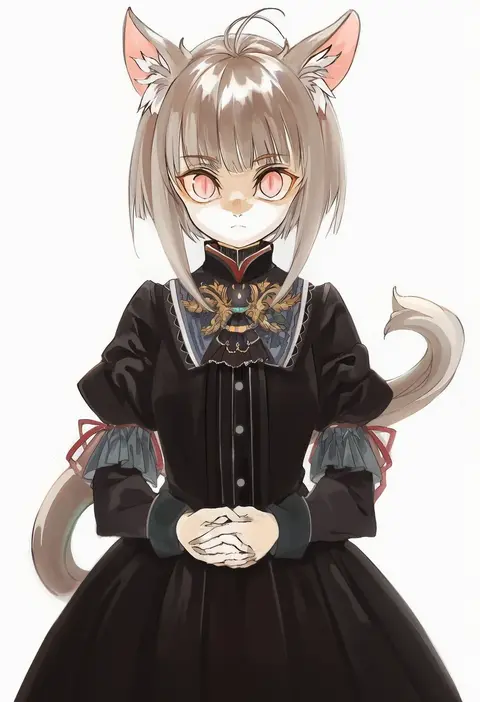
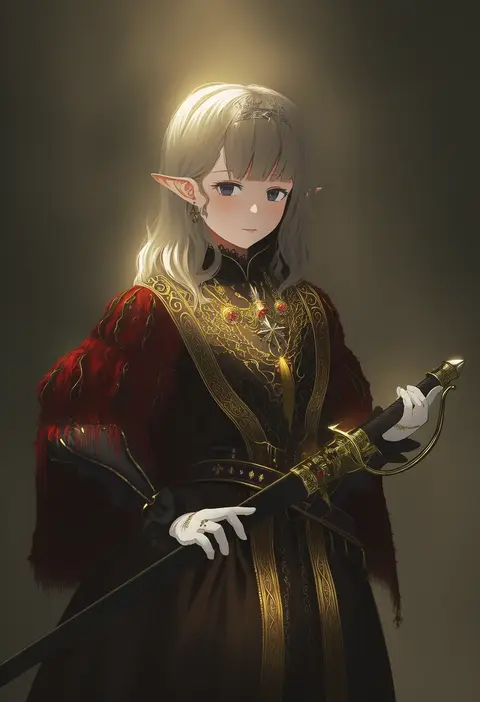
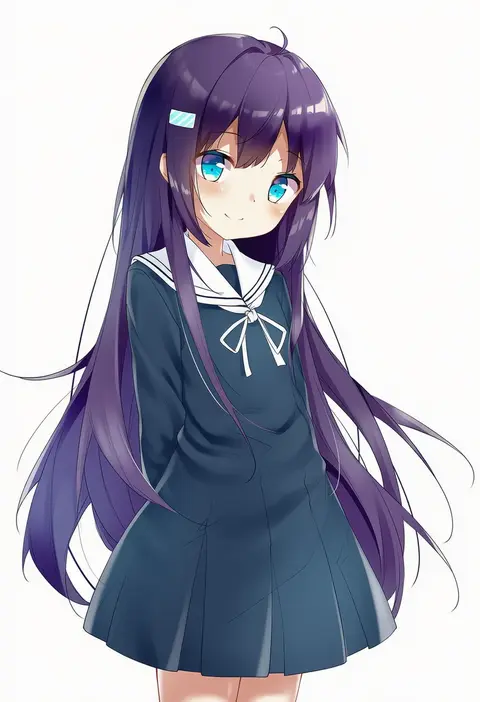
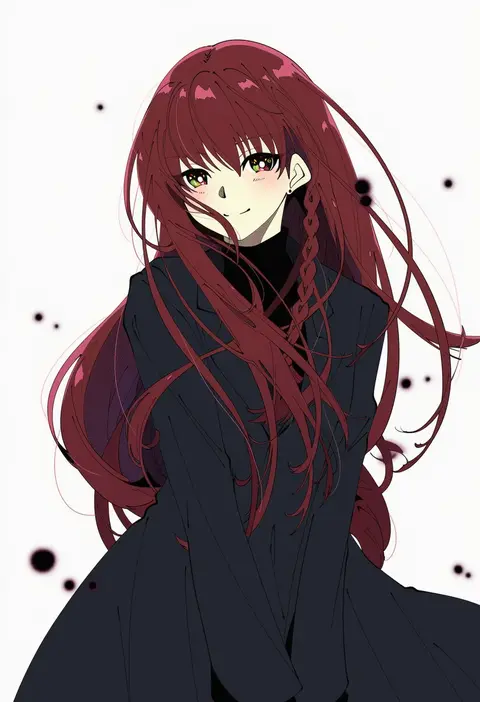
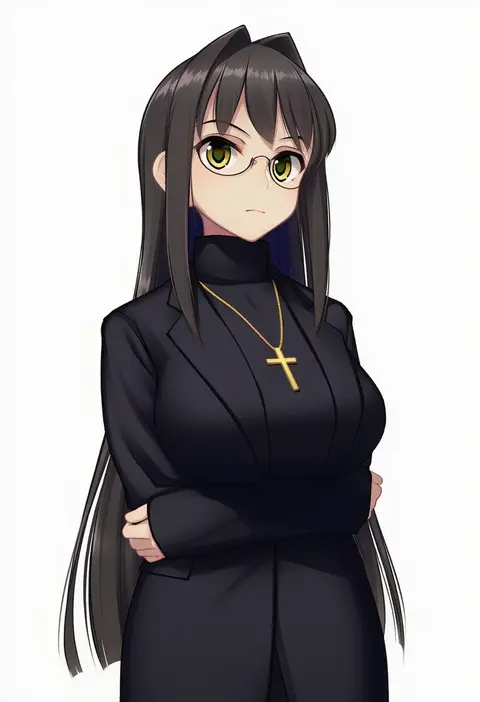
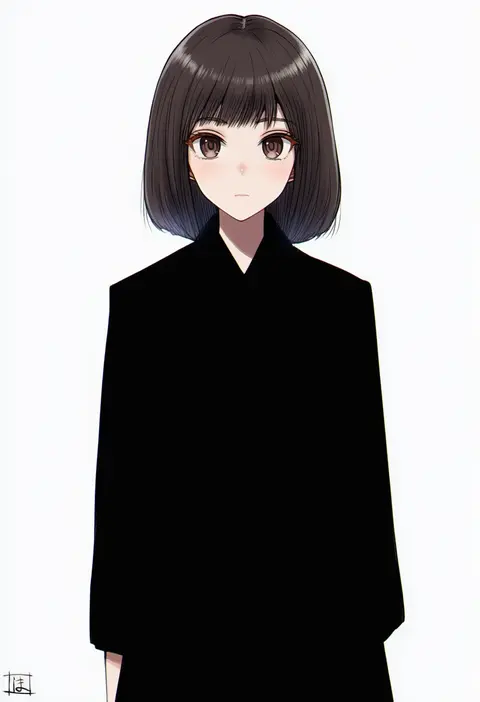
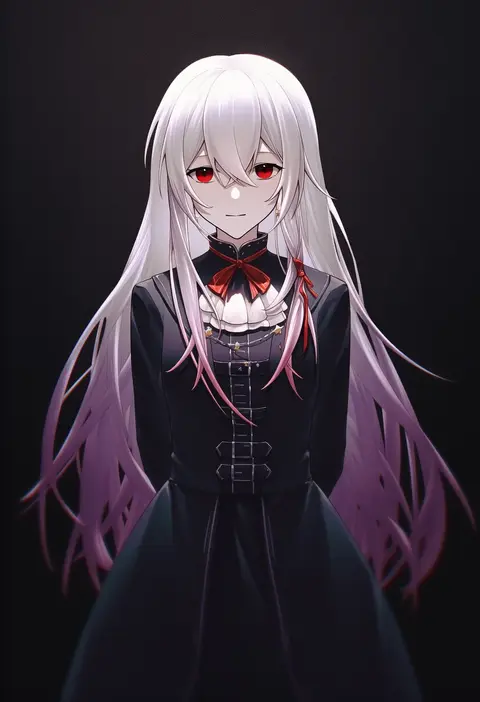
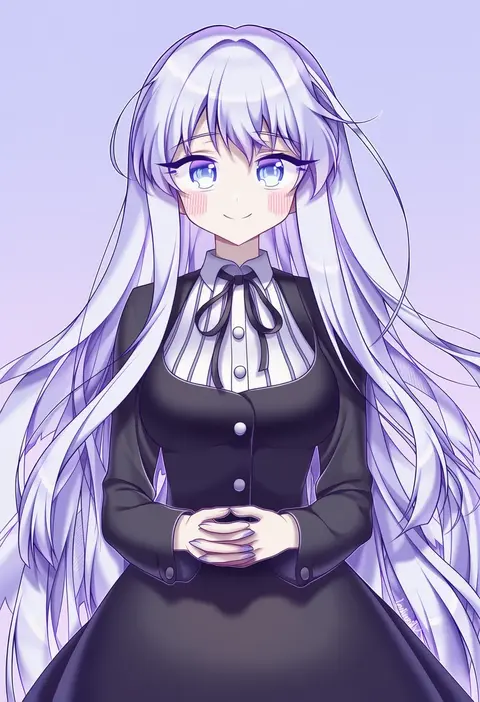
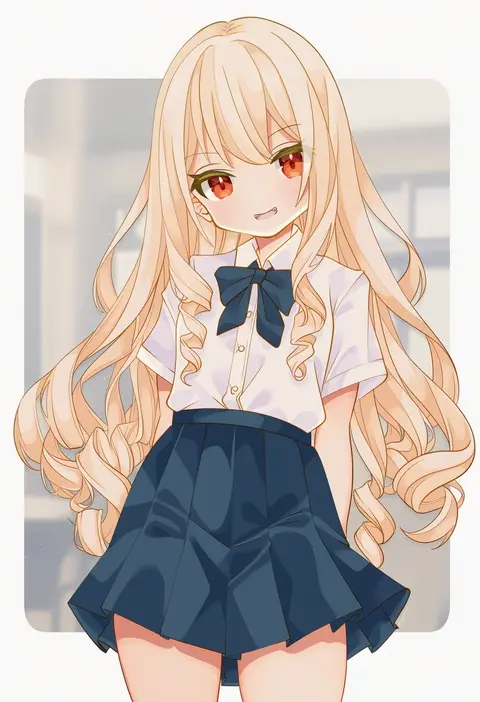
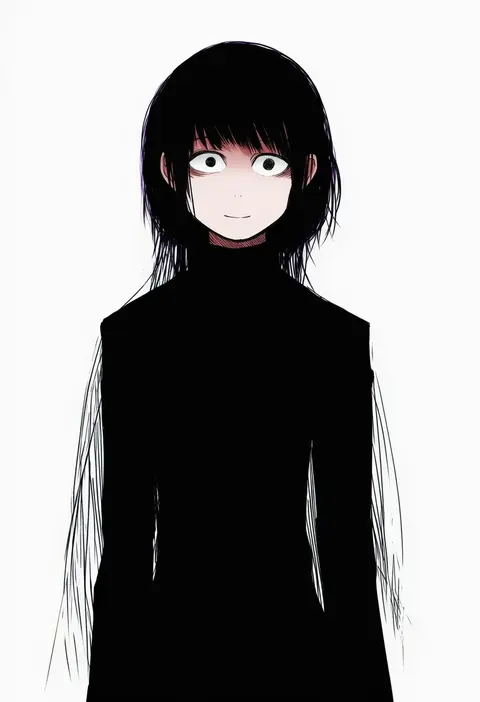
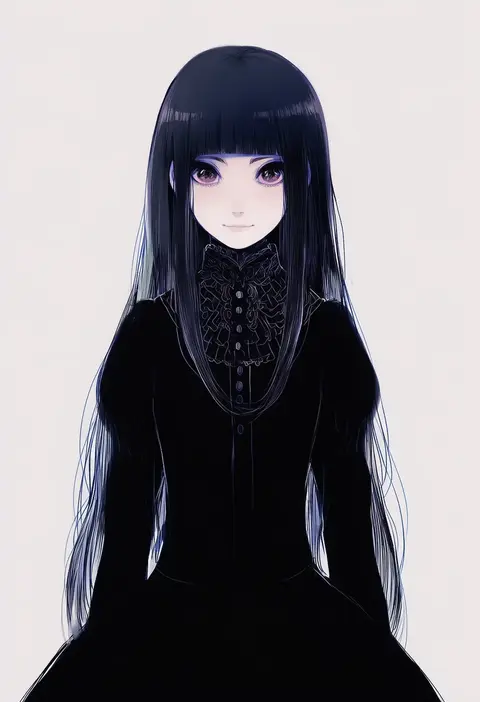
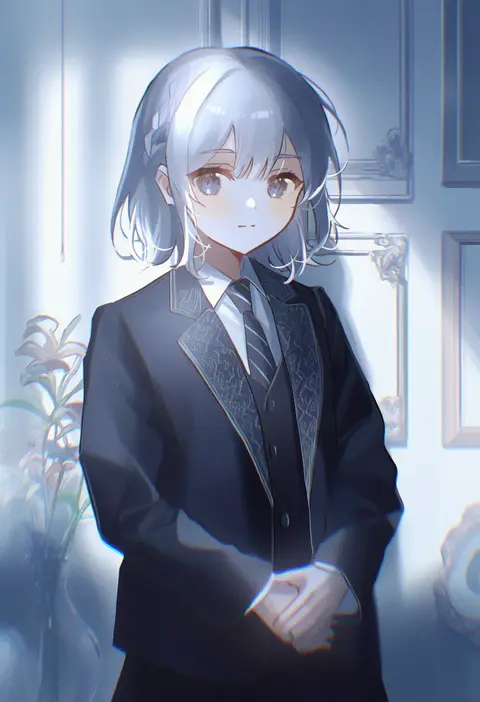
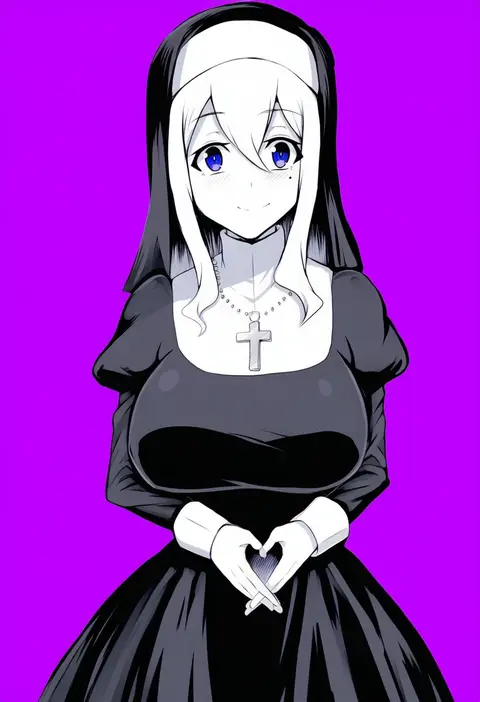
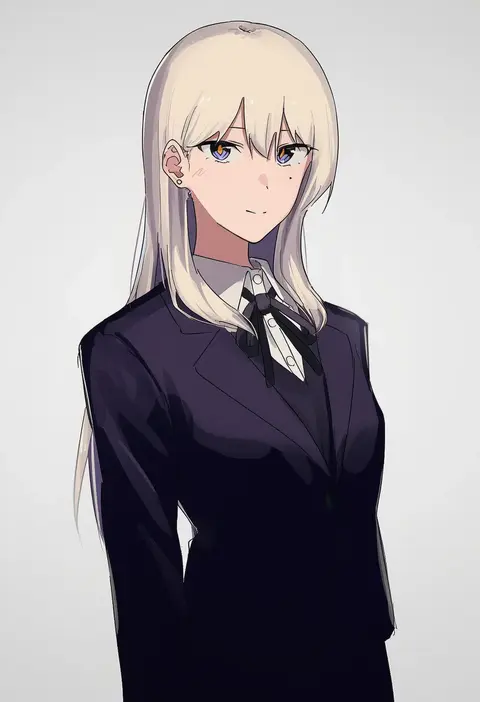
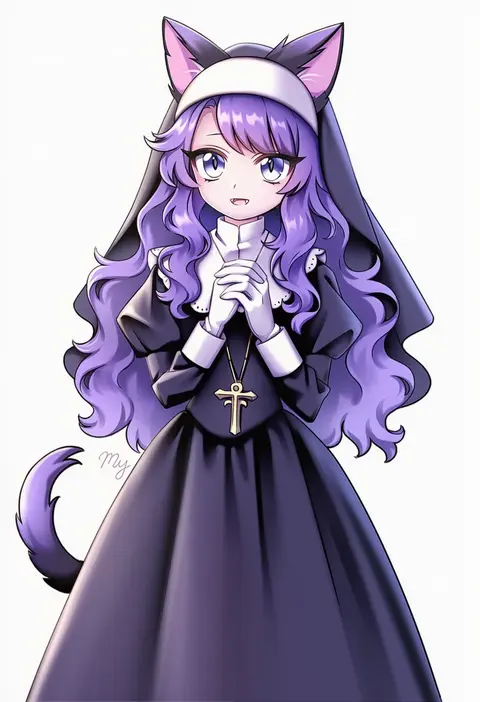
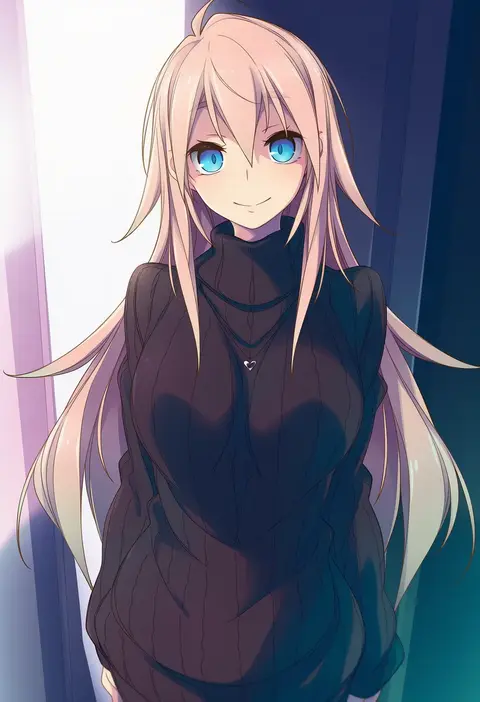
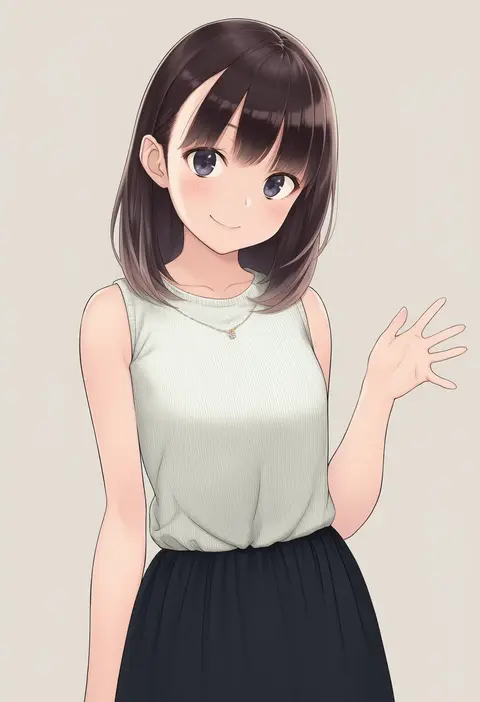
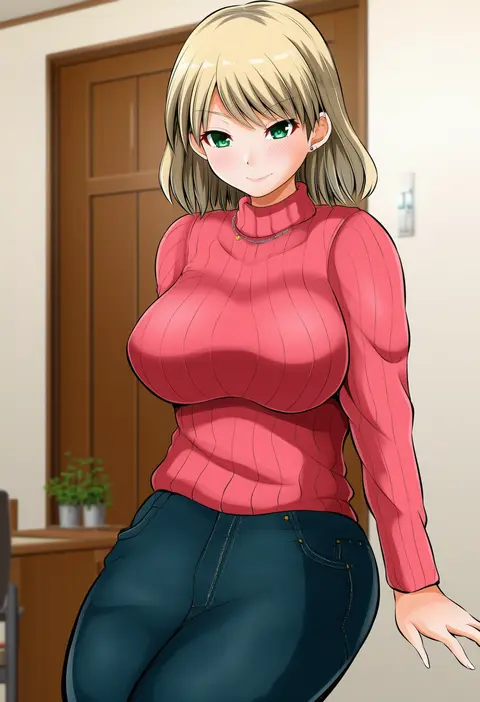
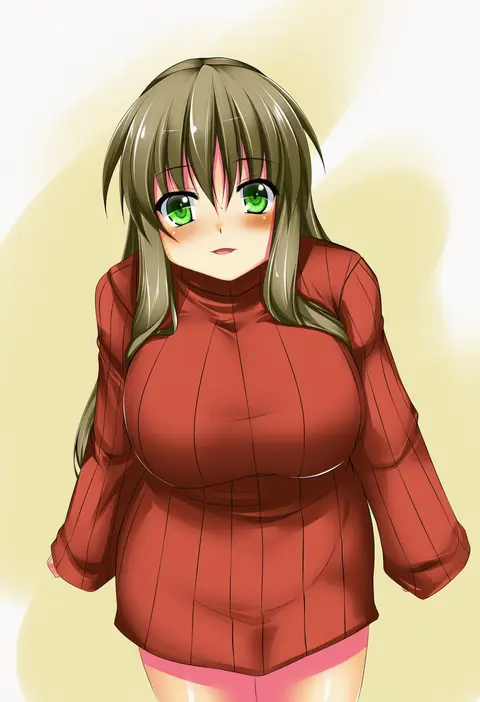
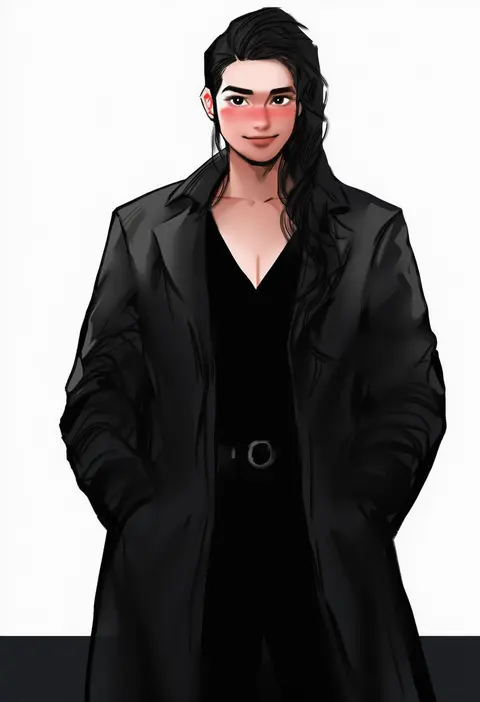
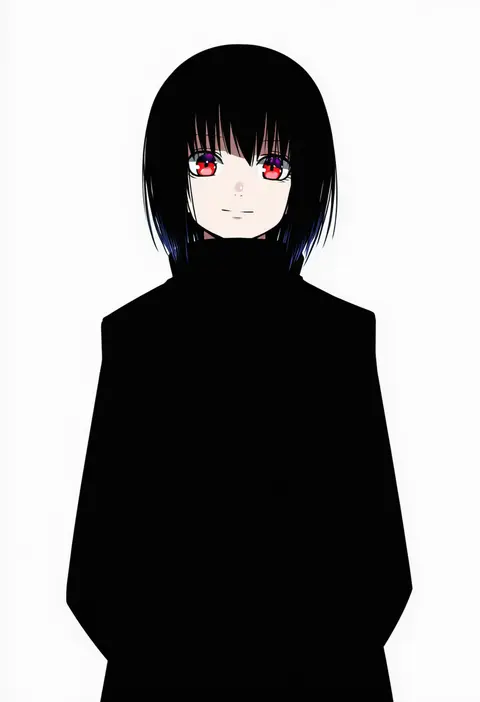
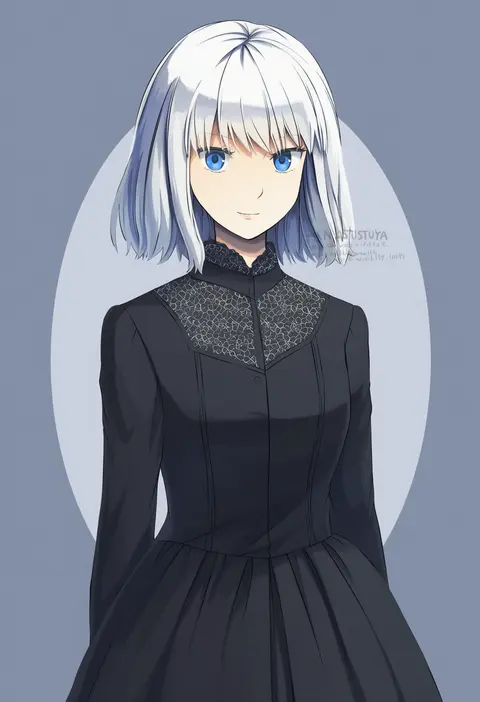
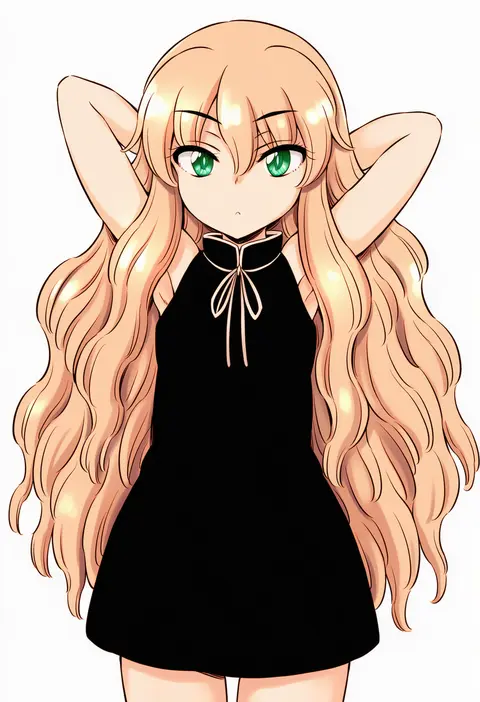
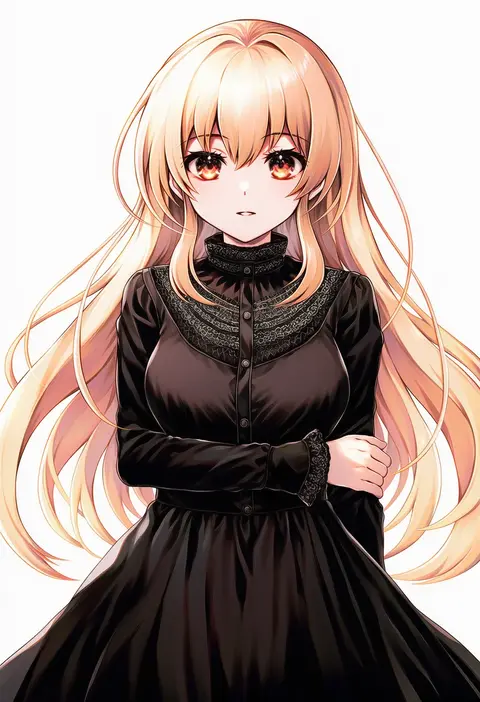
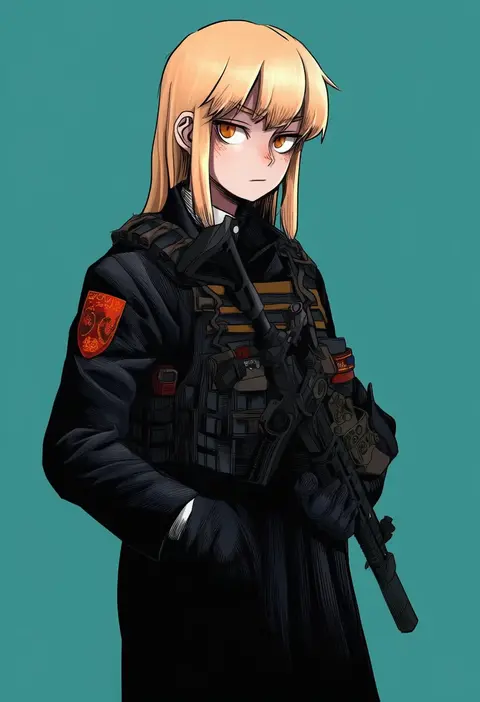
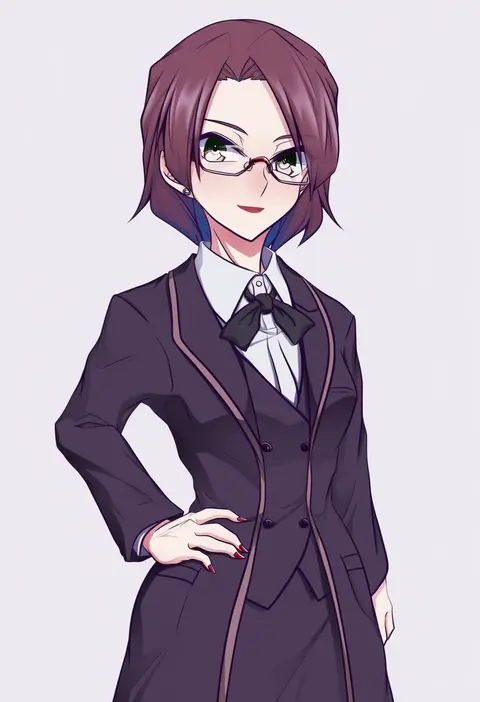
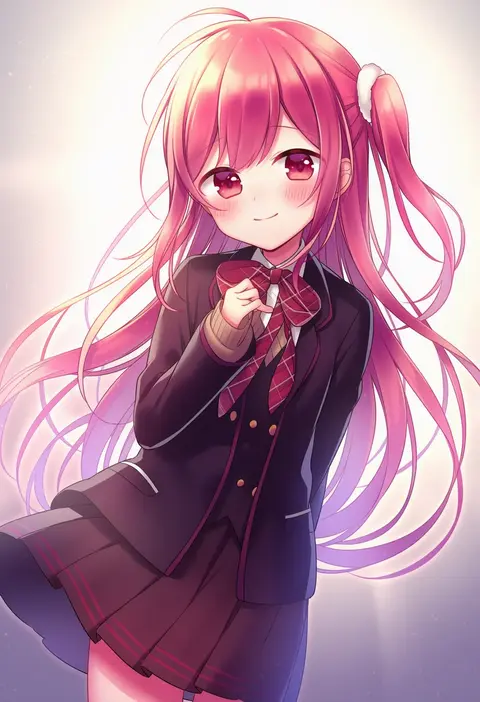
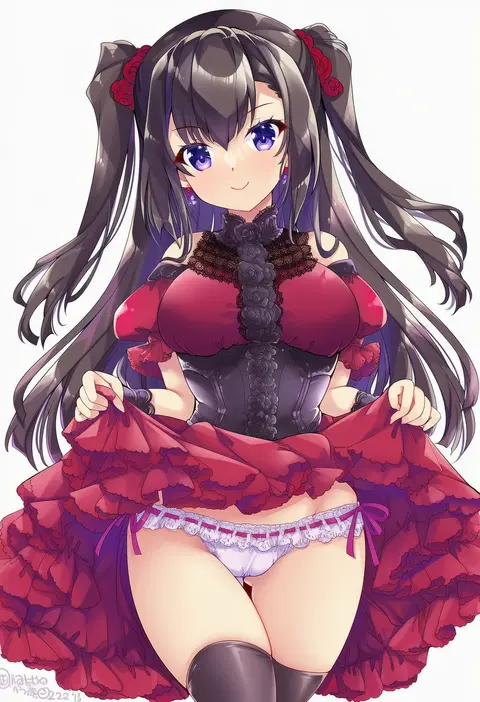
Artist tags tell NovelAI Diffusion to draw in a specific artist's style: line weight, paint texture, face shapes and palette all shift at once. Character and outfit tags decide what is drawn; artist tags decide how. 16,352 tags are listed for V4.5.
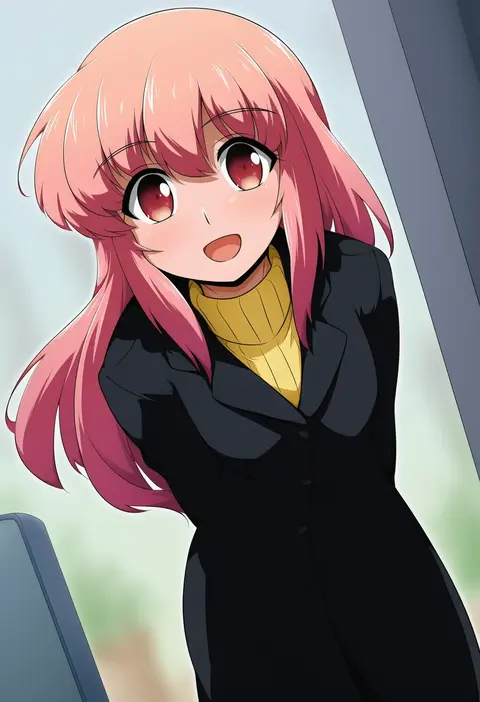
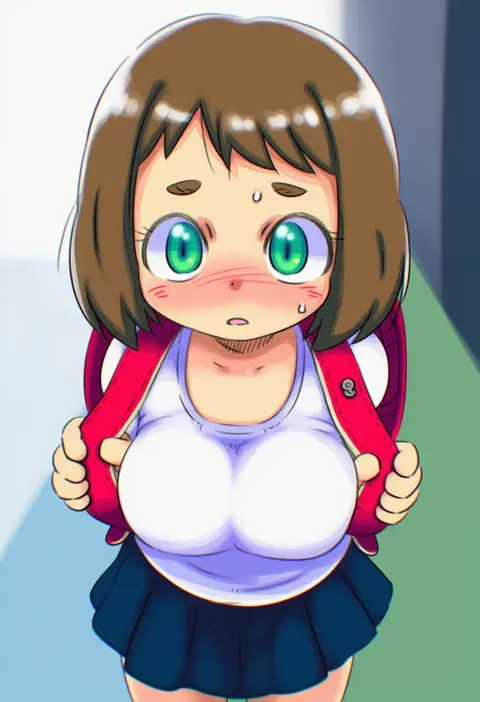
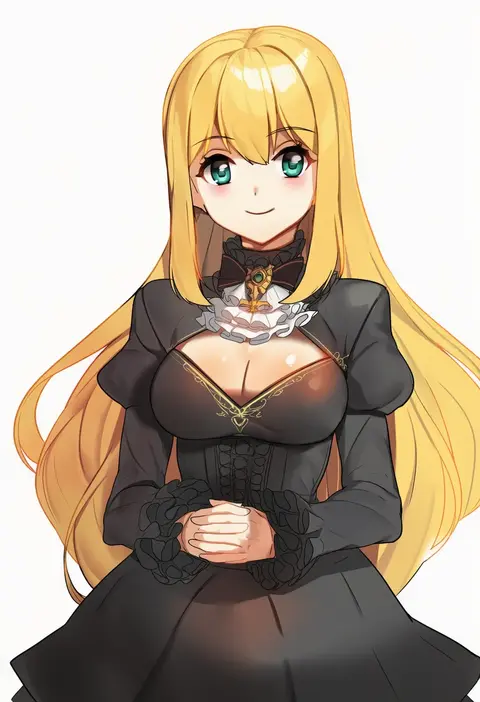
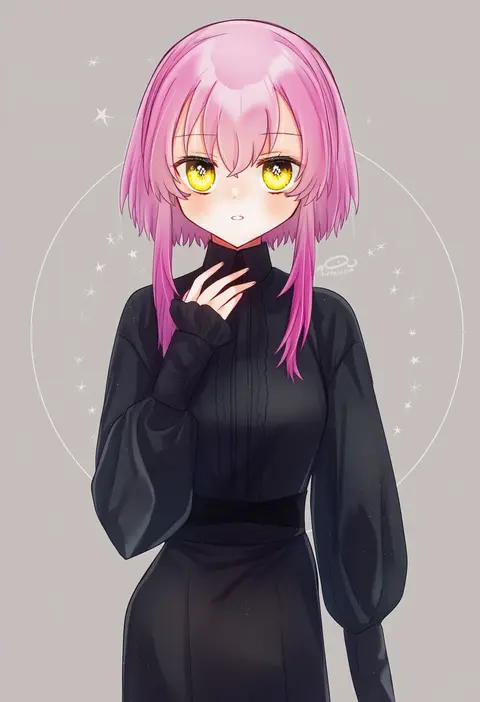
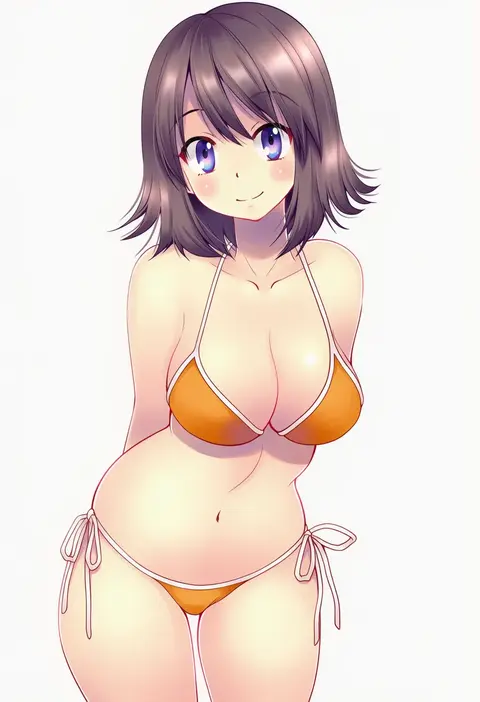
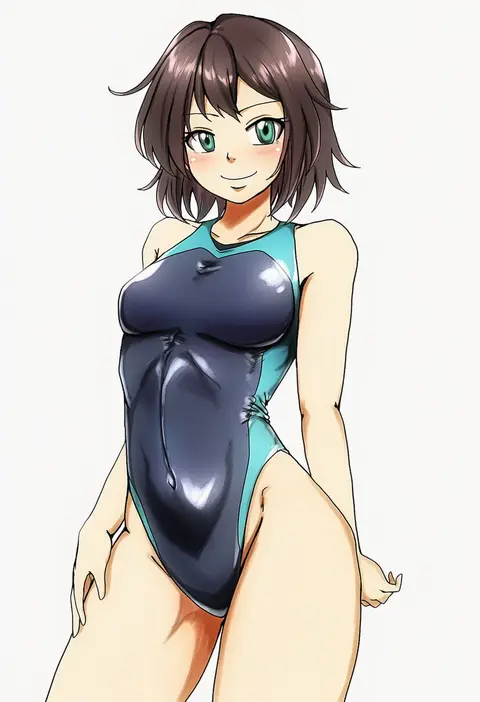
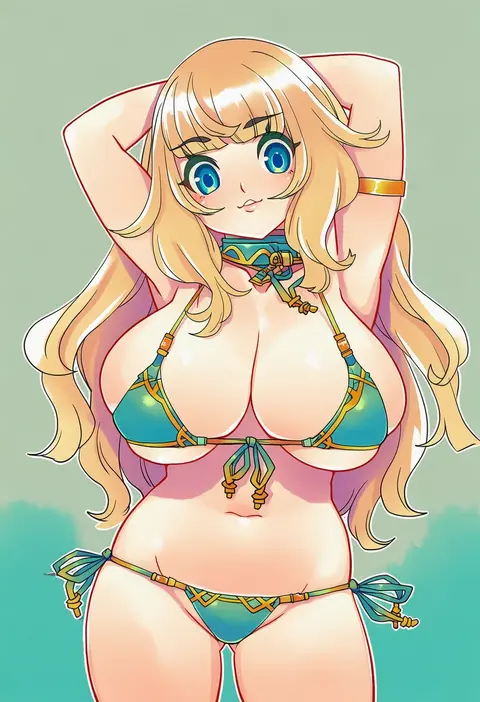
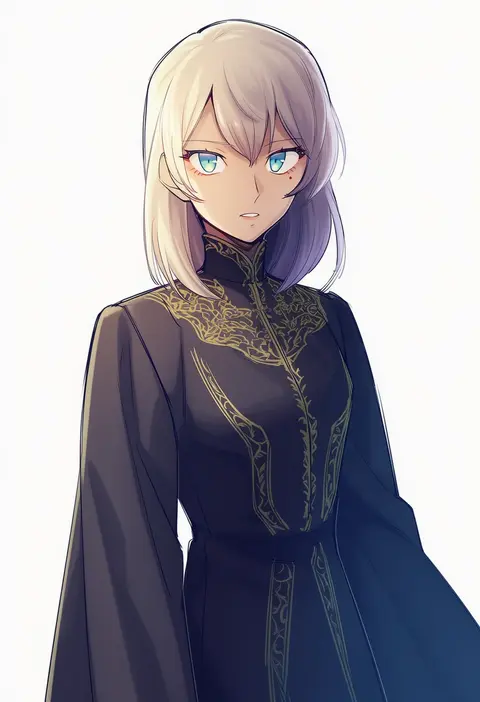
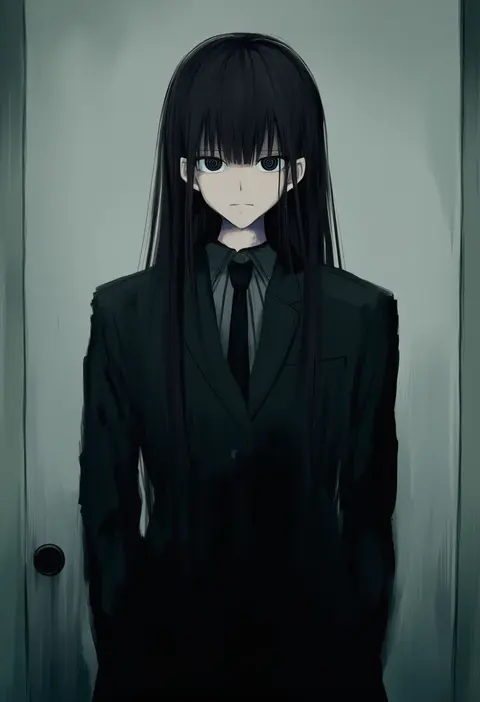
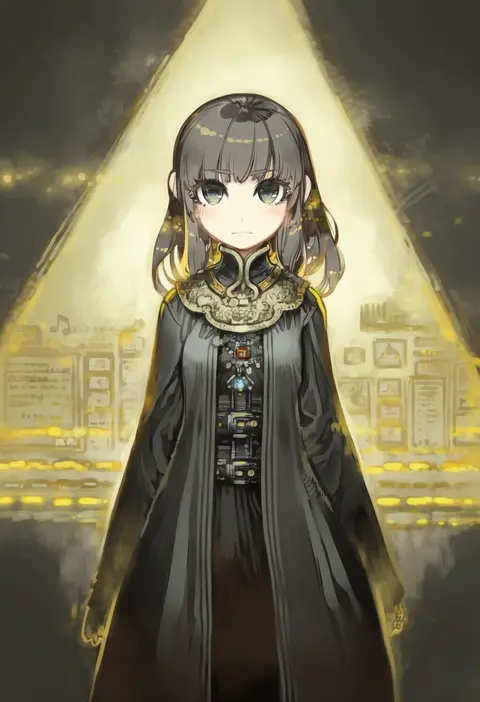
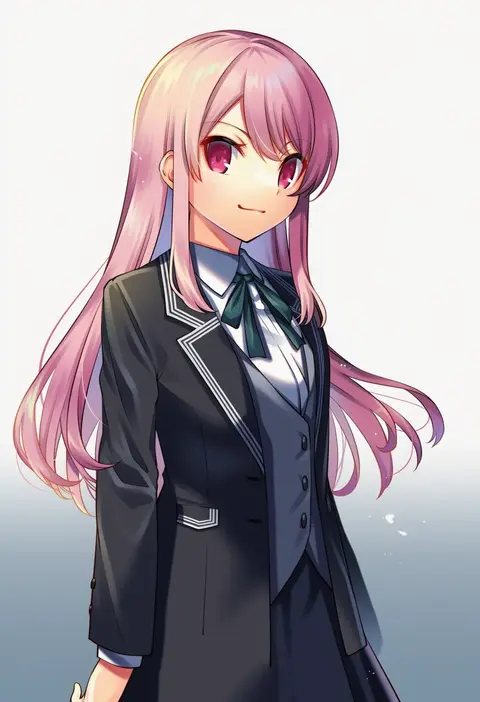
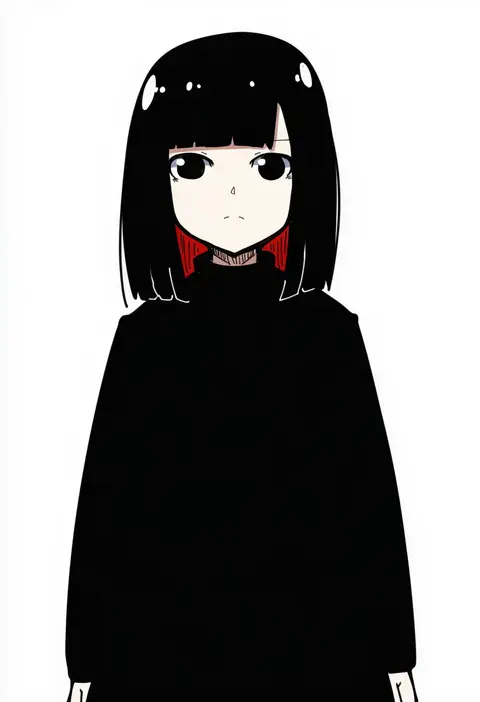
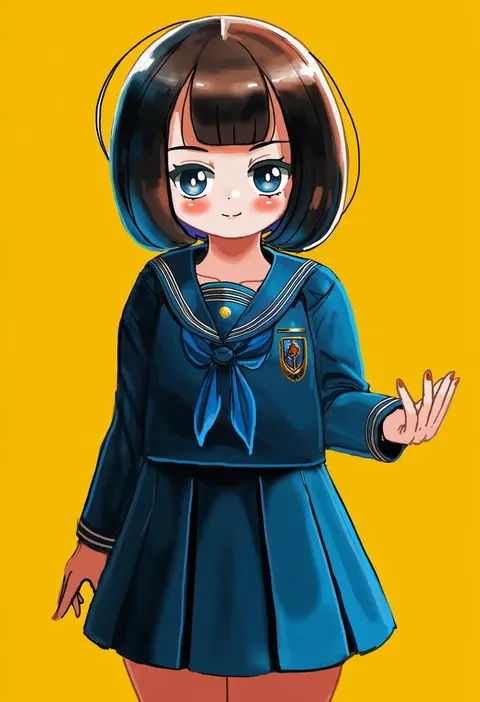
Every tag listed here is verified to react in NovelAI. All images use the same prompt, seed and settings with only the artist tag swapped, so the difference between two images is the style that tag brings in.

How to use them

Put the artist tag near the front of the prompt, e.g. "<artist>, 1girl, solo, best quality, masterpiece, cowboy shot". Two or three artist tags blend styles; lower the weight with "0.8::<artist>::" when the style overpowers the character.

SCORE sorts by Danbooru's top score, POSTS by post count, FAVS by hearts on this site. Open a card to see V5 and V4.5 side by side on the same seed.

V5 vs V4.5

V5 usually lands closer to the artist's real style, and tags that did nothing on V4.5 often react on V5. V4.5 still fits older and doujin-heavy artists better. Try V5 first, fall back to V4.5.

FAQ

Where does the artist tag go?
Near the front of the prompt. Use "0.8::tag::" to adjust its weight.

Can I stack artist tags?
Yes, styles blend. Past two or three the result stops looking like anyone.

Are these the artists' own works?
No. Every image is a NovelAI sample generated from the tag.