V4.5Artists
sort: FAVS▾
▾
>
$

NovelAI Artist Tags List — V4.5

artist --count 16,352[229/273]
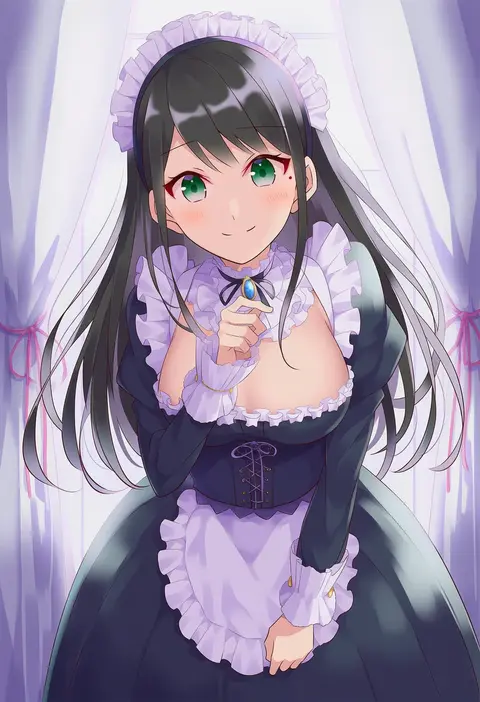
iincho (airi8751)
ARTIST0x3570
0
minazuki tooru
ARTIST0x3571
0
nakachiruno
ARTIST0x3572
0
noveske n4
ARTIST0x3573
0
kakiha makoto
ARTIST0x3574
0
wasabi shoujo
ARTIST0x3575
0
aki inu
ARTIST0x3576
0
ruroo
ARTIST0x3577
0
ich.
ARTIST0x3578
0
tsuru (thunder tsuru)
ARTIST0x3579
0
piyomotsu
ARTIST0x357A
0
anti (untea9)
ARTIST0x357B
0
ini (inunabe00)
ARTIST0x357C
0
munakata (sekimizu kazuki)
ARTIST0x357D
0
san-pon
ARTIST0x357E
0
gia
ARTIST0x357F
0
gunp
ARTIST0x3580
0
bonkara (sokuseki maou)
ARTIST0x3581
0
ueda ryou
ARTIST0x3582
0
takoyaki (roast)
ARTIST0x3583
0
refeia
ARTIST0x3584
0
matsurika youko
ARTIST0x3585
0
hama! (3toshinhmkz)
ARTIST0x3586
0
urara (ckt)
ARTIST0x3587
0
hagioshi
ARTIST0x3588
0
gisyo
ARTIST0x3589
0
tj-type1
ARTIST0x358A
0
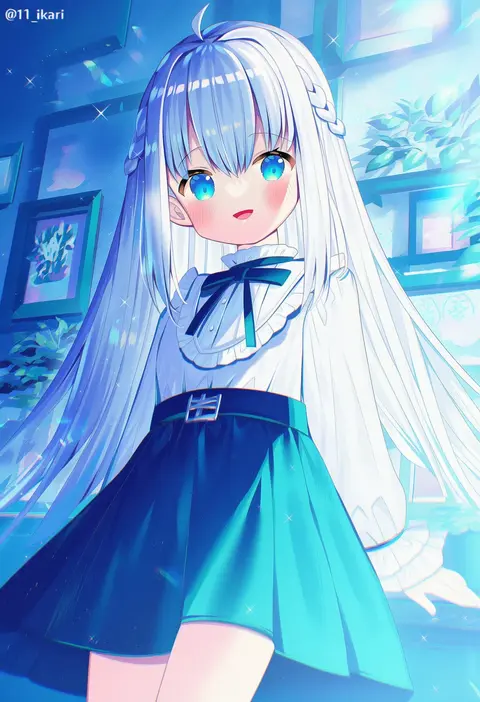
ikari (aor3507)
ARTIST0x358B
0
hatsushiro mamimu
ARTIST0x358C
0
miz (mizillustration)
ARTIST0x358D
0
tsubaki (tatajd)
ARTIST0x358E
0
hiiragi souren
ARTIST0x358F
0
tanaka io (craftstudio)
ARTIST0x3590
0
nyamo
ARTIST0x3591
0
char (2v 26)
ARTIST0x3592
0
iris anemone
ARTIST0x3593
0
iwatobi hiro
ARTIST0x3594
0
cpu (hexivision)
ARTIST0x3595
0
mikoto (oi plus)
ARTIST0x3596
0
meipoi
ARTIST0x3597
0
nuno (pppompon)
ARTIST0x3598
0
gengetsu chihiro
ARTIST0x3599
0
tokiwa (mukoku)
ARTIST0x359A
0
cong1991
ARTIST0x359B
0
seitei (04seitei)
ARTIST0x359C
0
yuu (masarunomori)
ARTIST0x359D
0
gozz
ARTIST0x359E
0
shousan (hno3syo)
ARTIST0x359F
0
yukinojou yakan
ARTIST0x35A0
0
nanabuluku
ARTIST0x35A1
0
sema (vivaviva 02)
ARTIST0x35A2
0
matty (zuwzi)
ARTIST0x35A3
0
doroame (ameyu)
ARTIST0x35A4
0
sirataki umauma
ARTIST0x35A5
0
hashiro
ARTIST0x35A6
0
kanipanda
ARTIST0x35A7
0
namihaya
ARTIST0x35A8
0
ametama (runarunaruta5656)
ARTIST0x35A9
0
yandr4hope
ARTIST0x35AA
0
mizumi zumi
ARTIST0x35AB
0

What these tags change

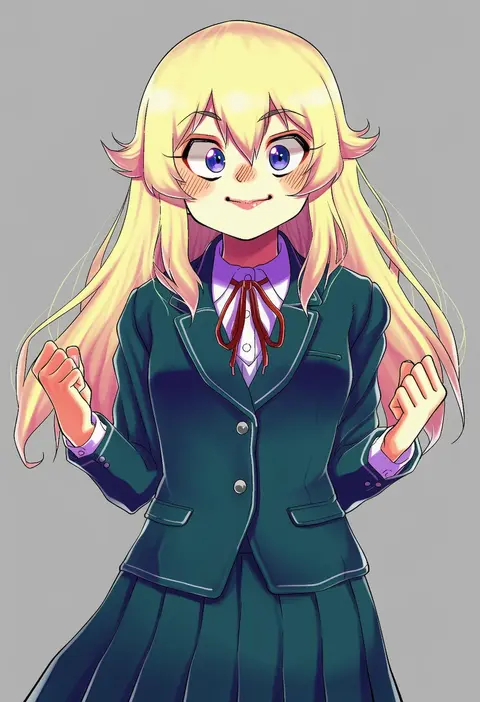
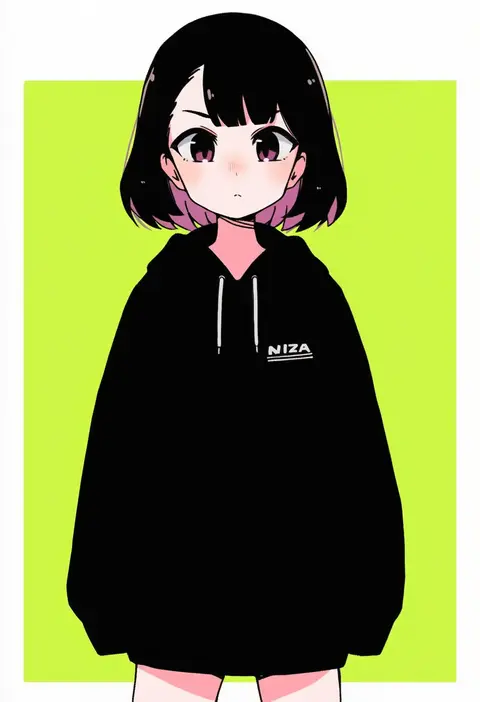
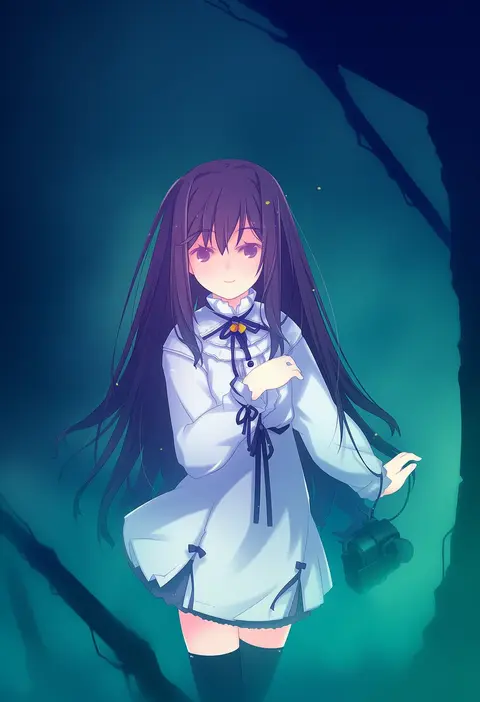
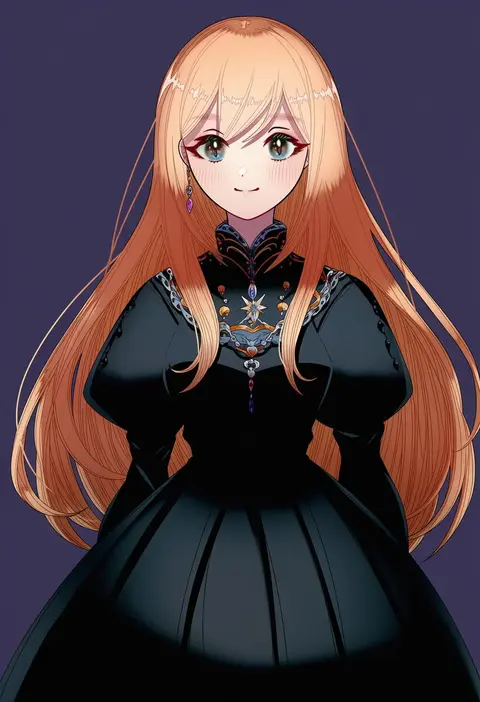
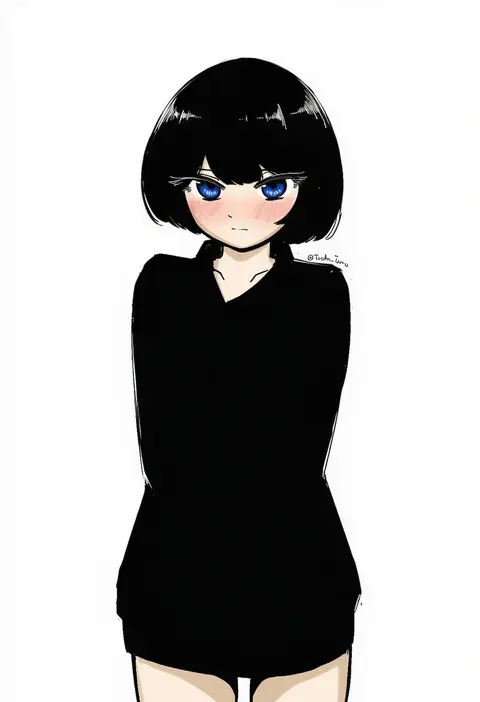
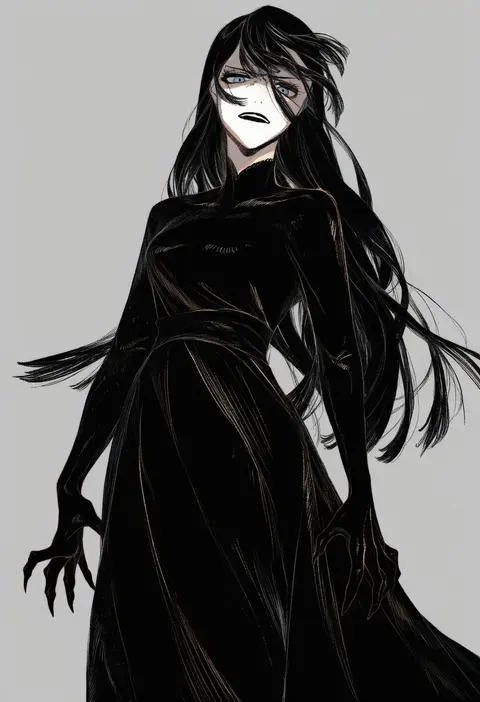
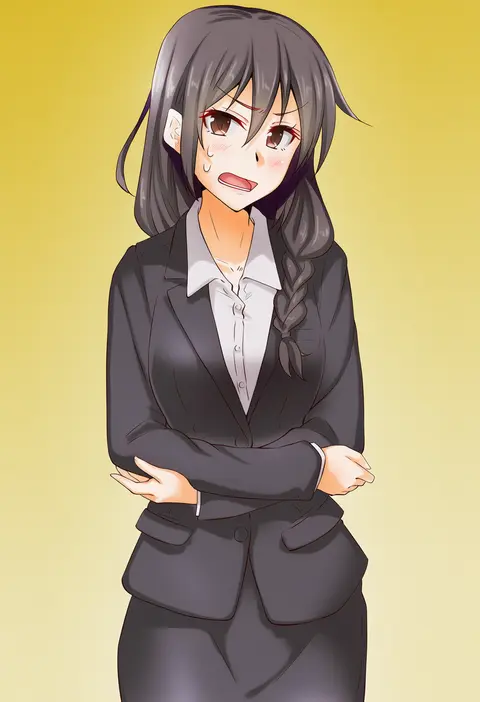
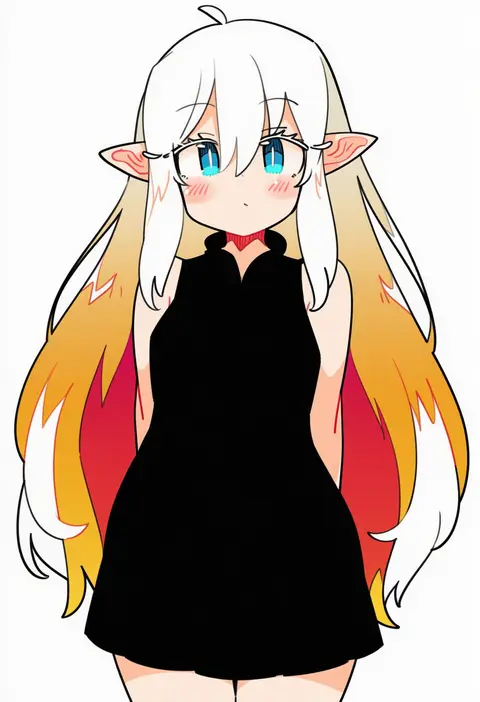
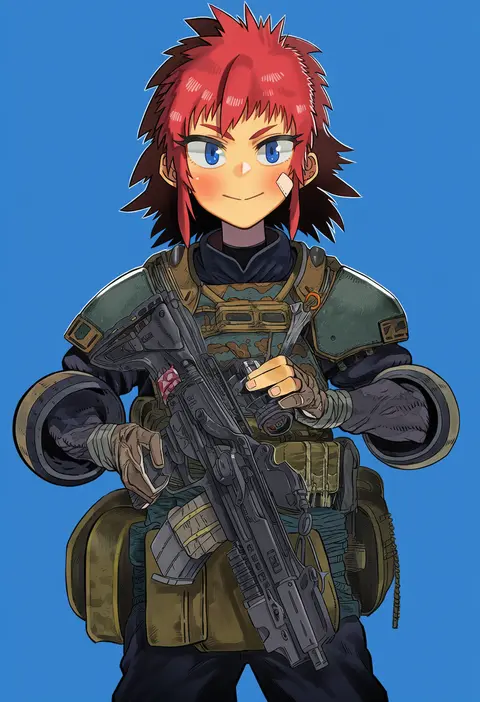
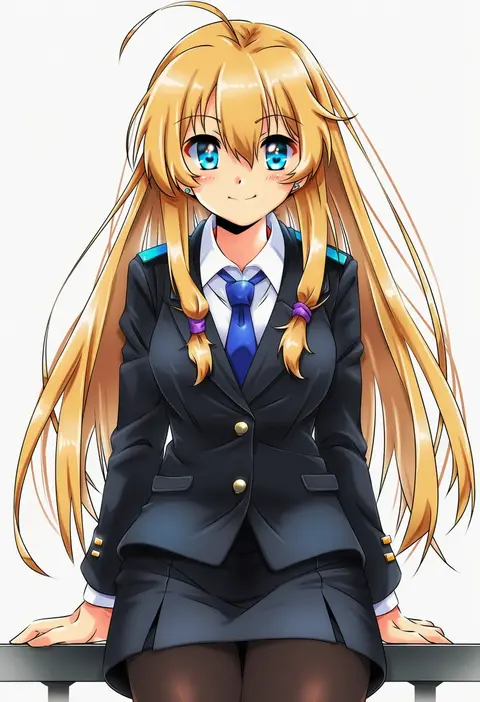
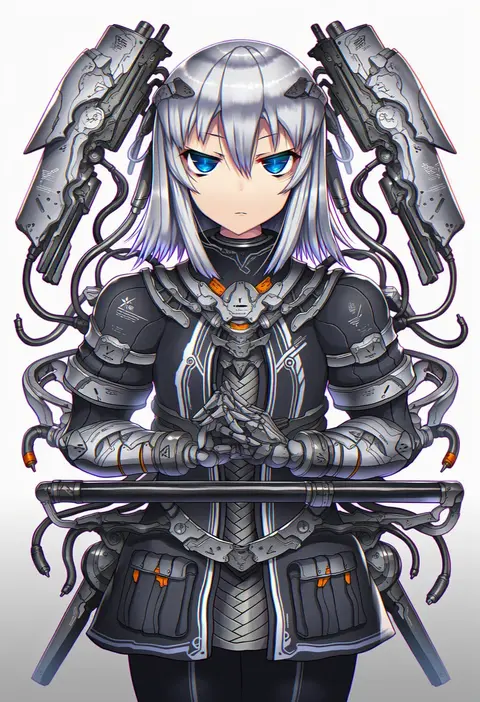
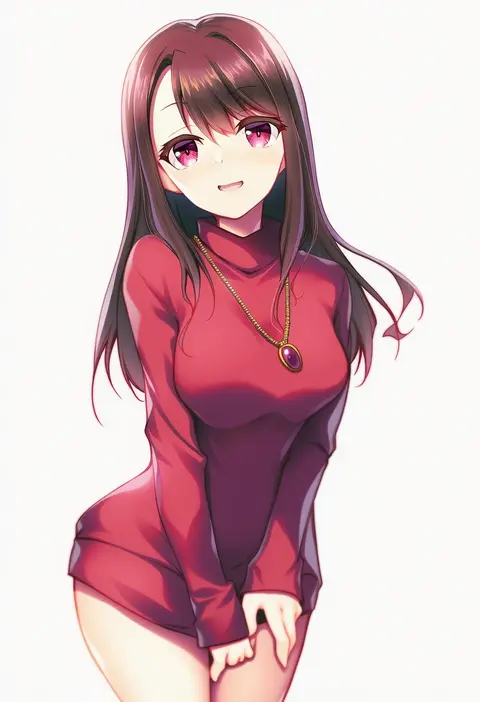
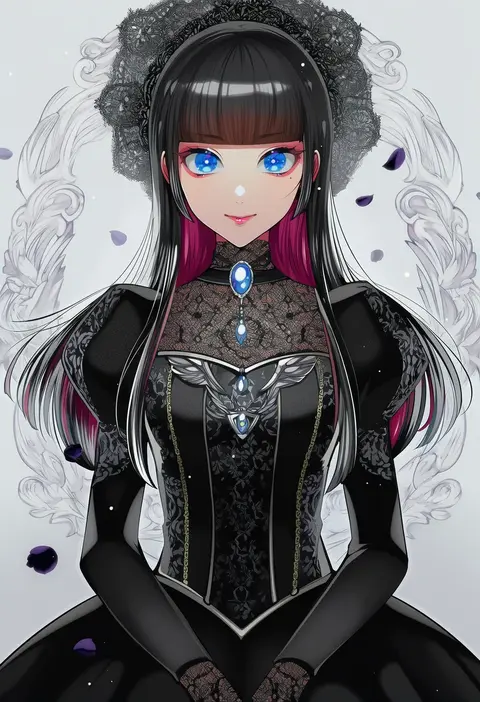
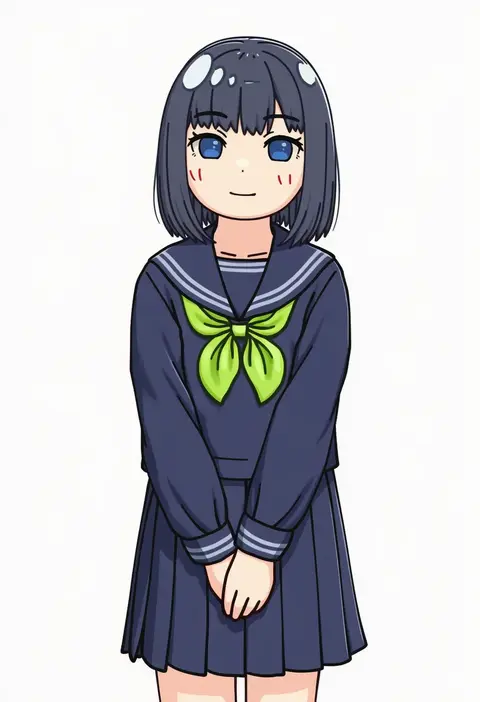
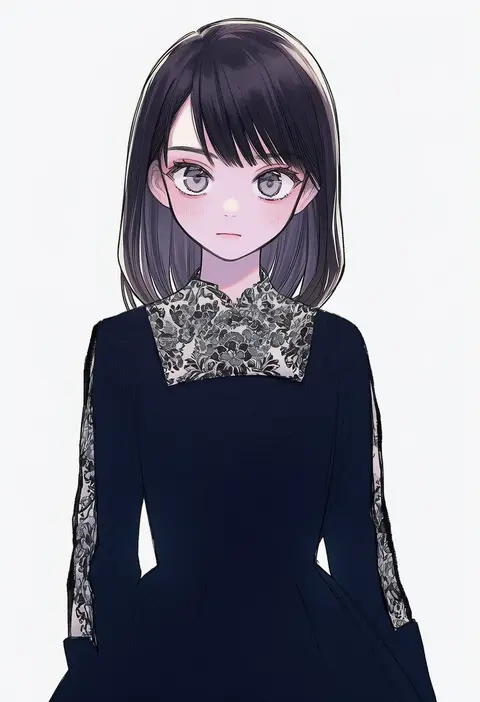
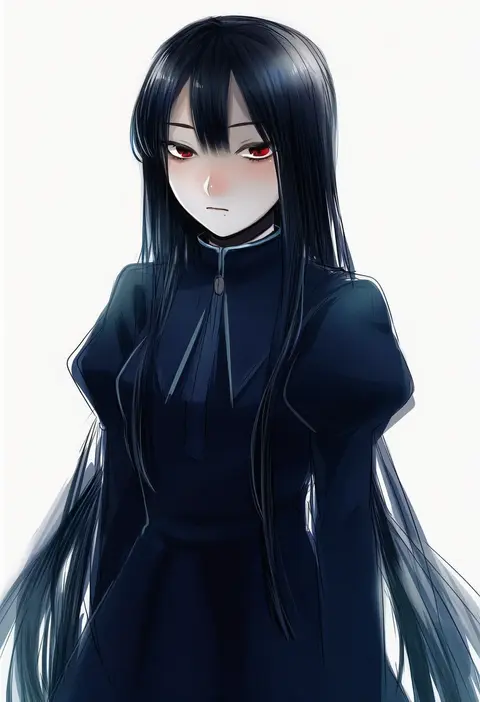
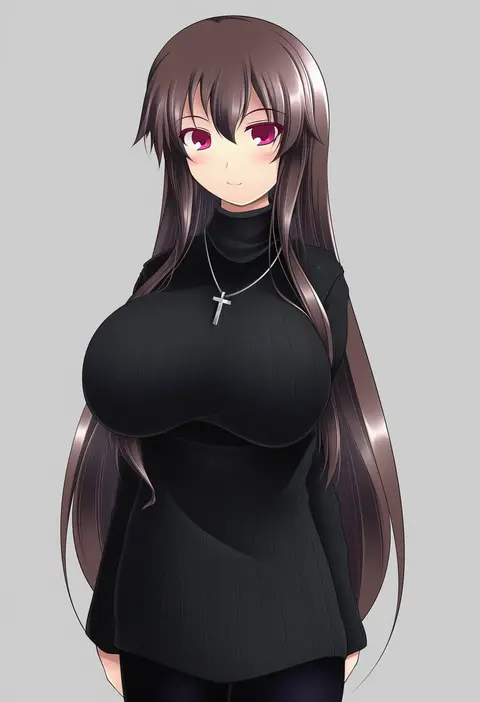
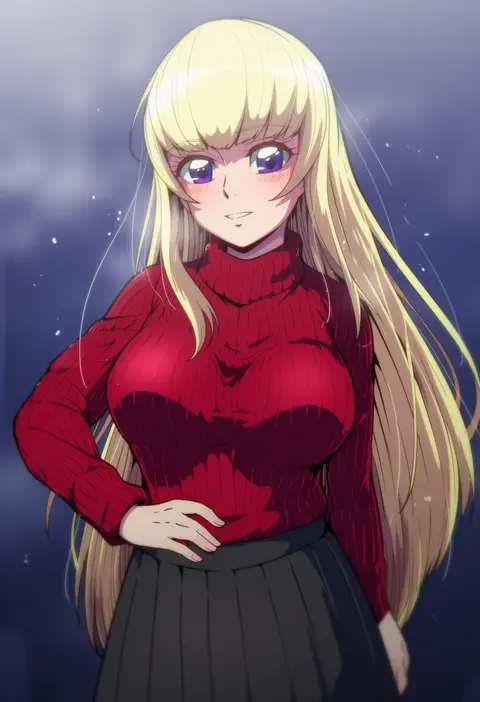
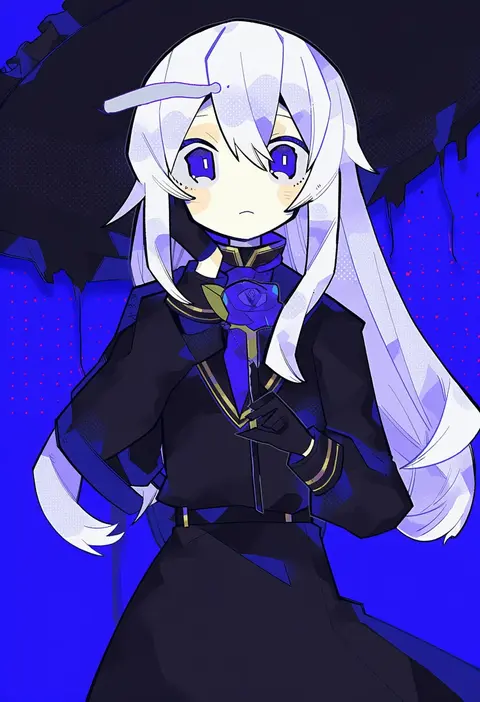
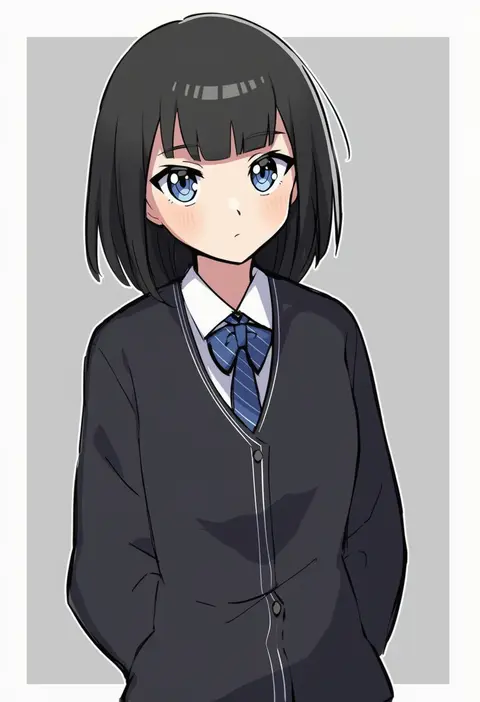
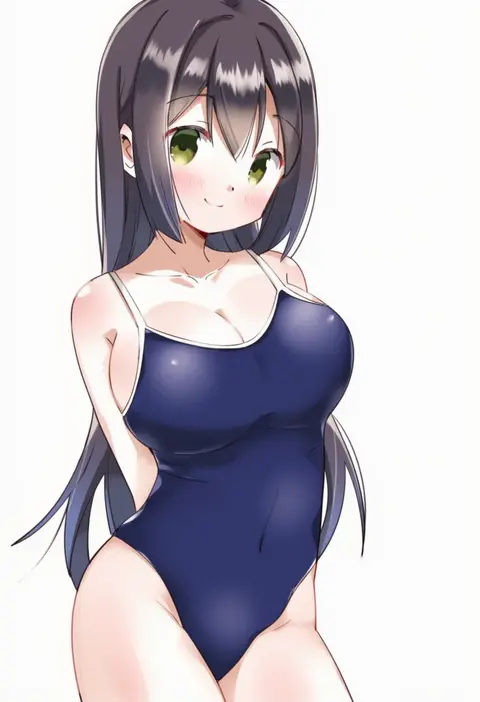
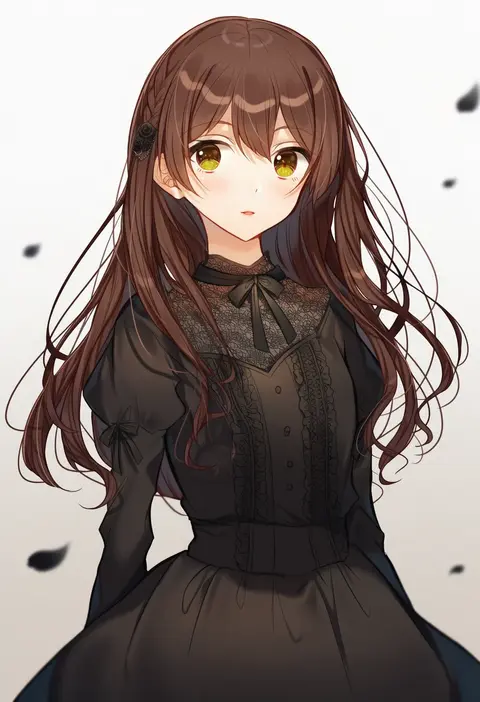
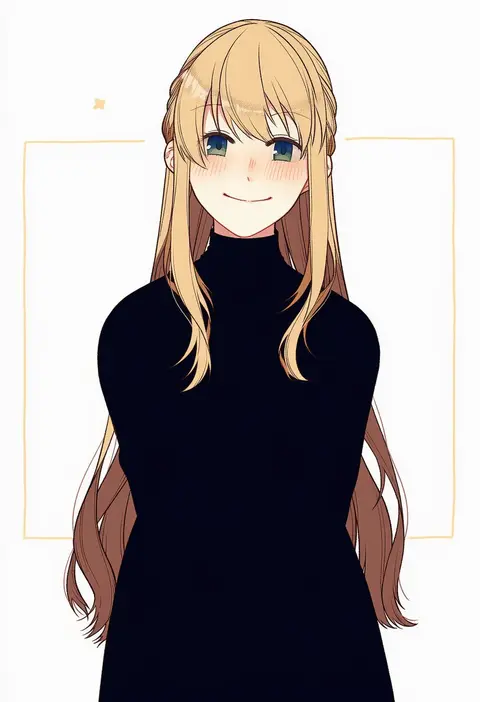
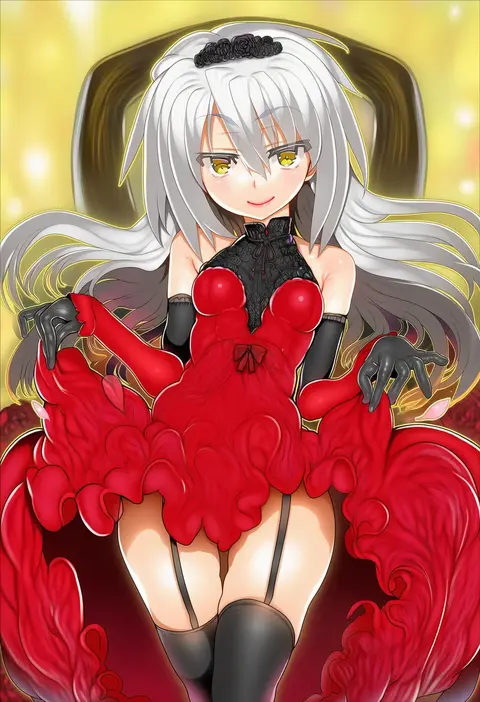
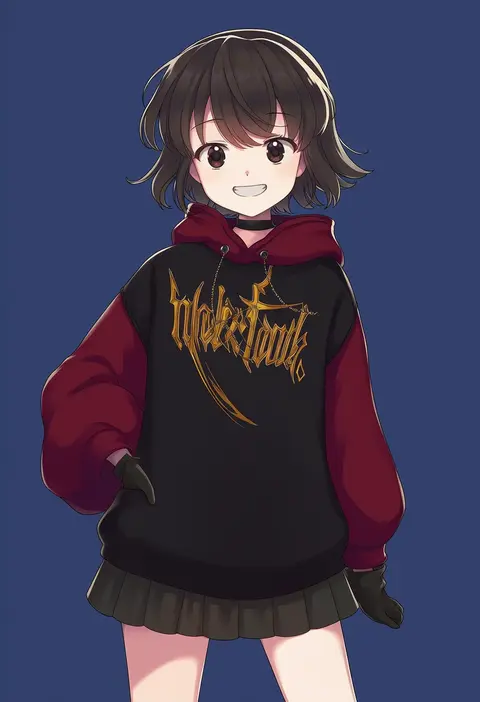
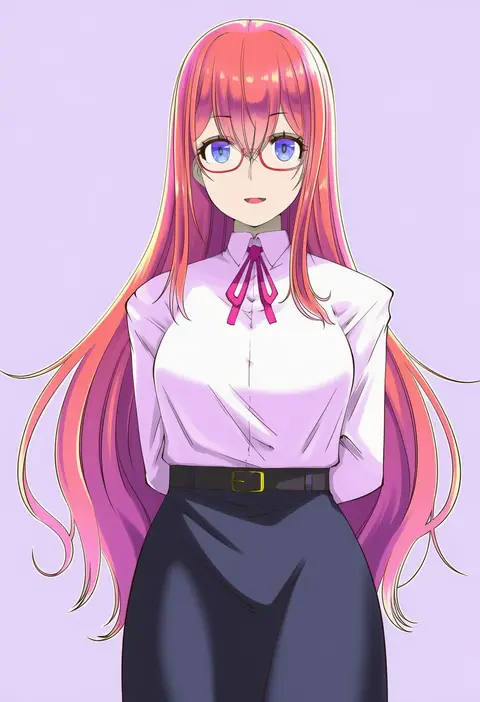
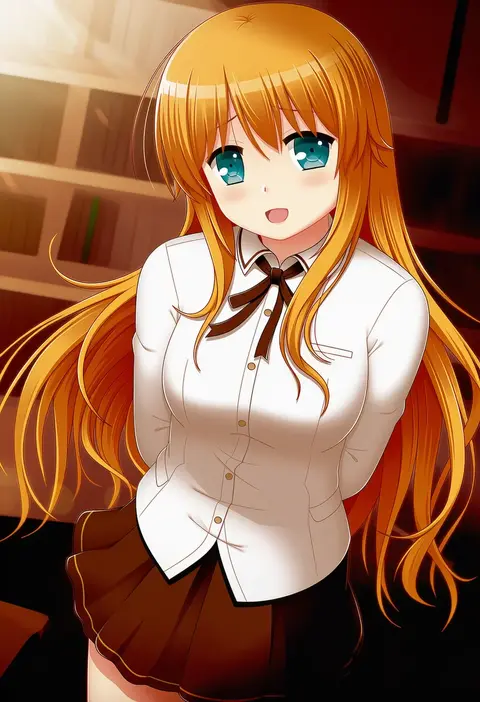
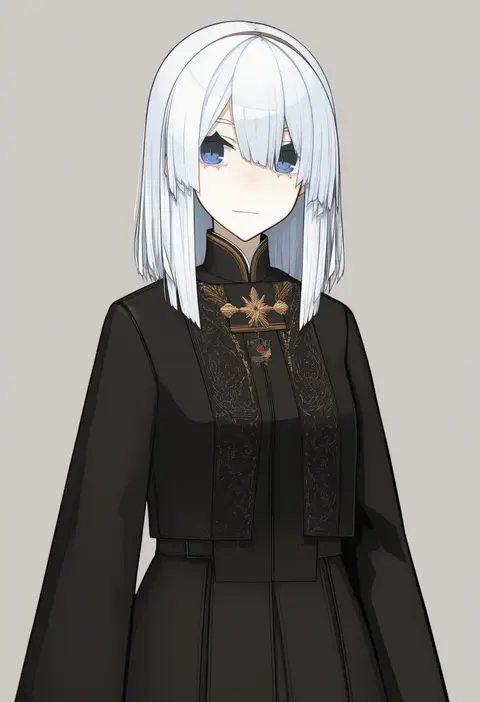
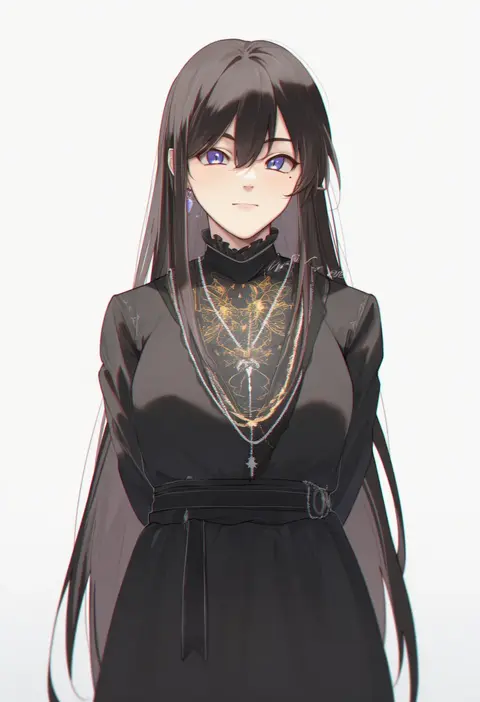
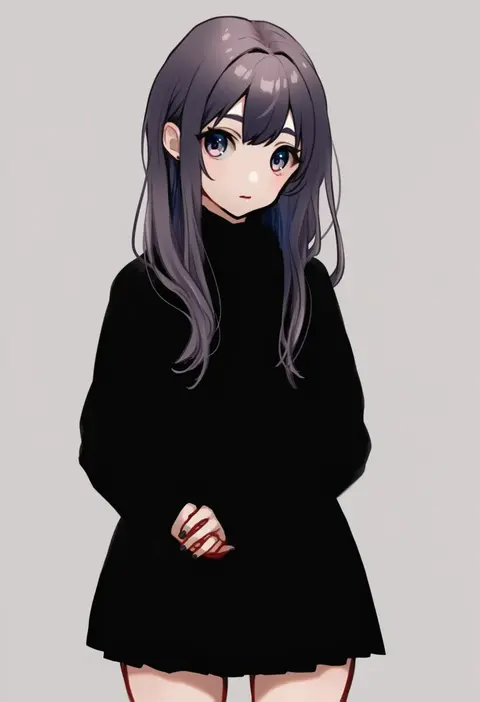
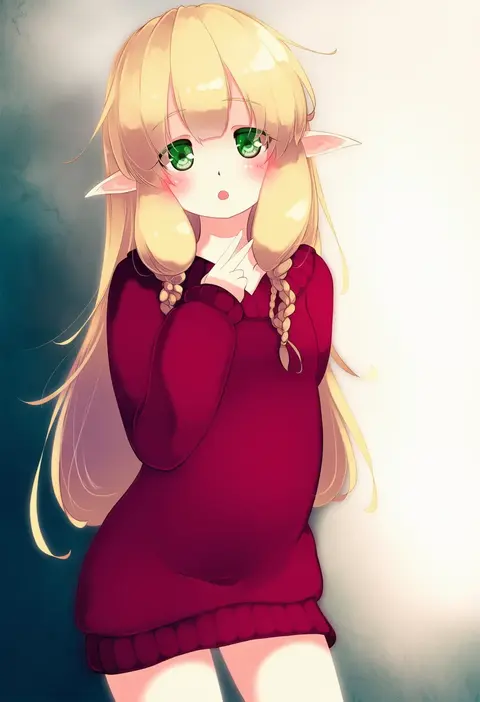
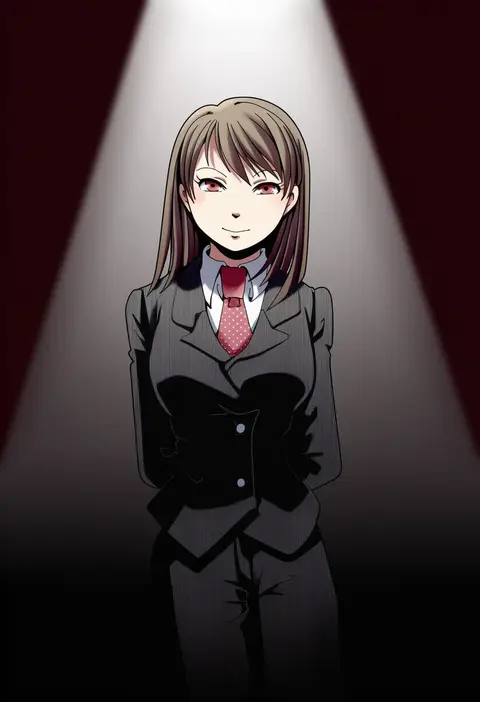
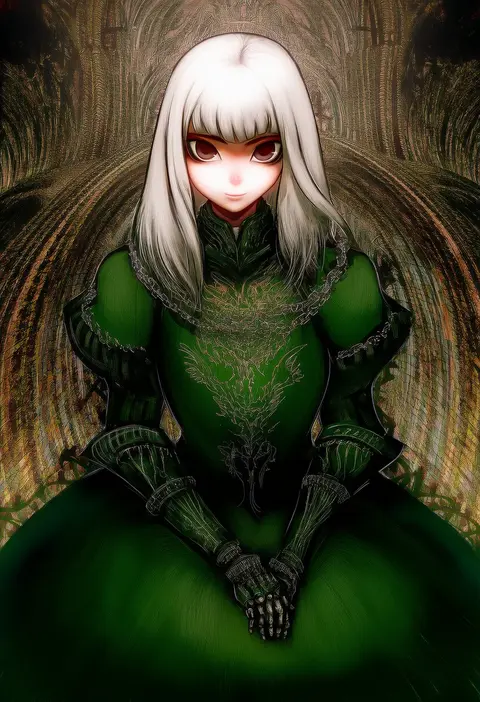
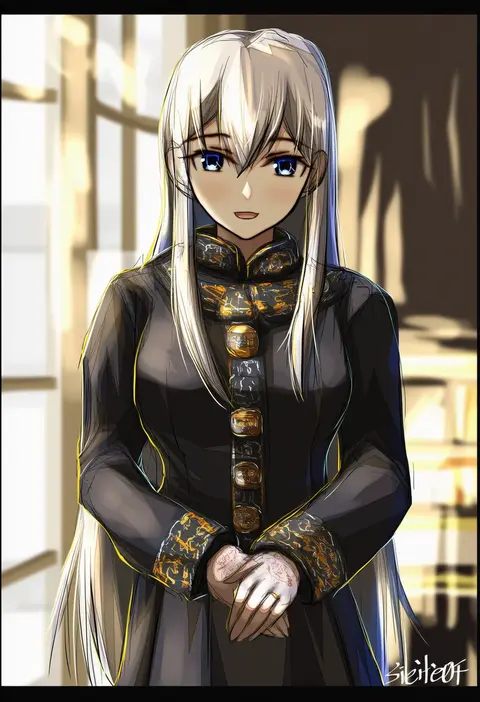
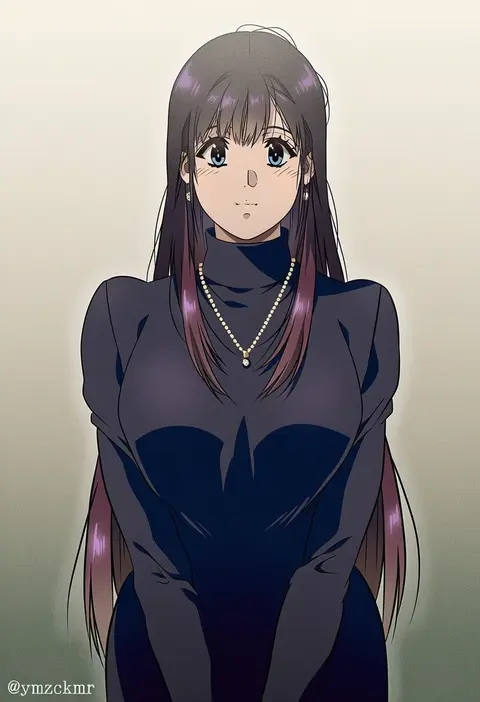
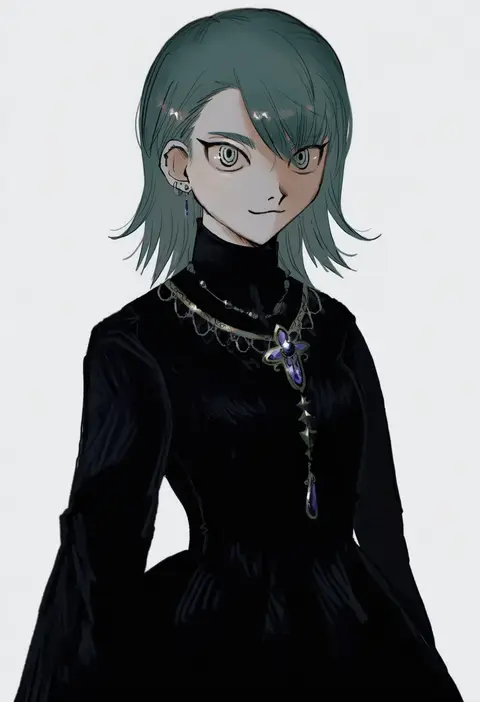
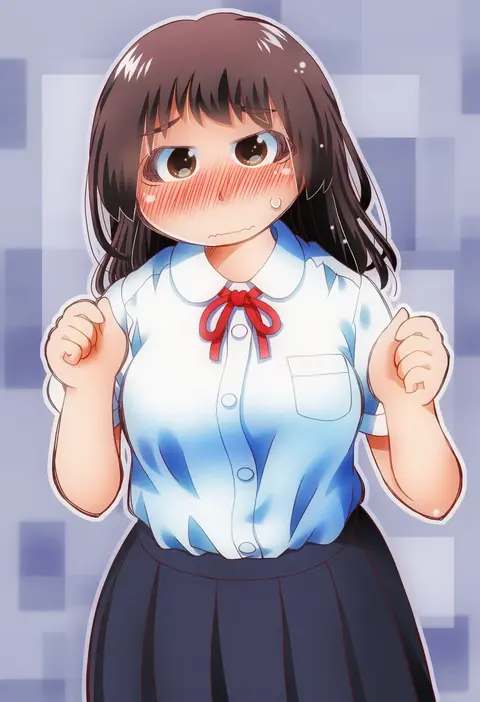
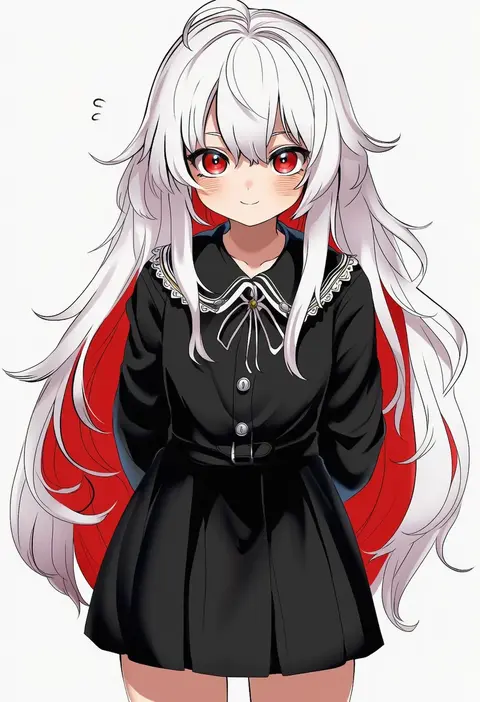
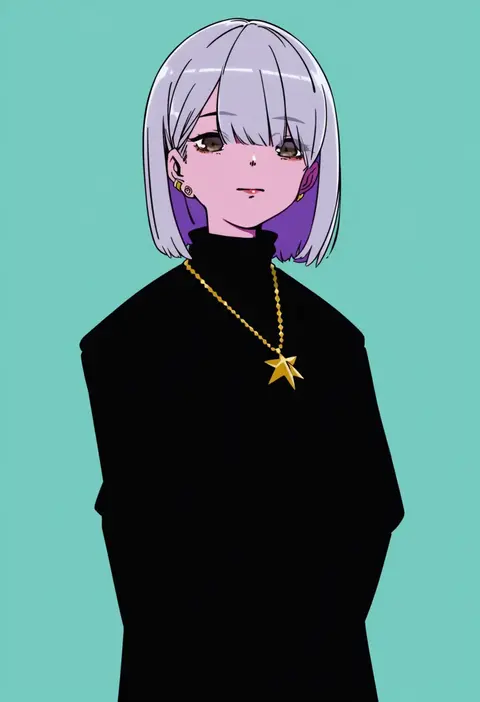
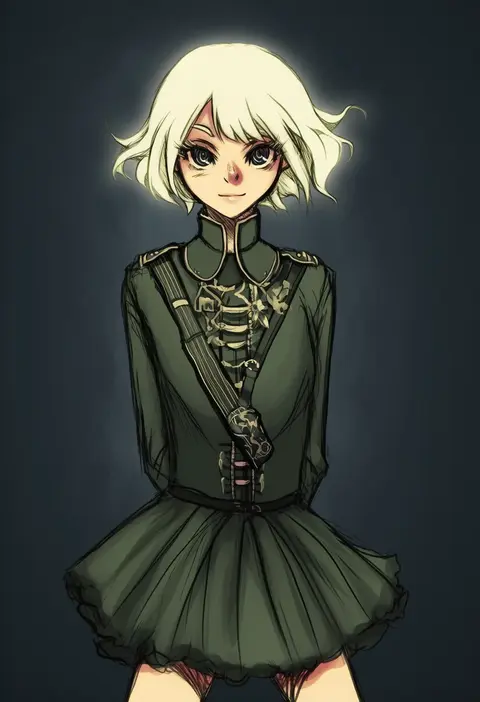
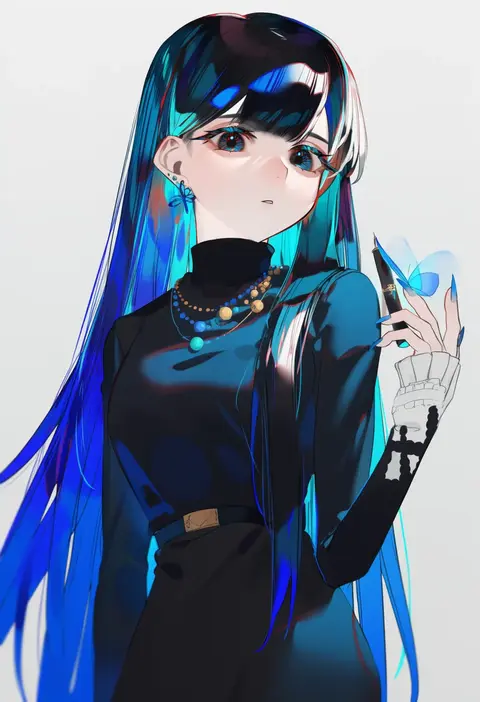
Artist tags tell NovelAI Diffusion to draw in a specific artist's style: line weight, paint texture, face shapes and palette all shift at once. Character and outfit tags decide what is drawn; artist tags decide how. 16,352 tags are listed for V4.5.
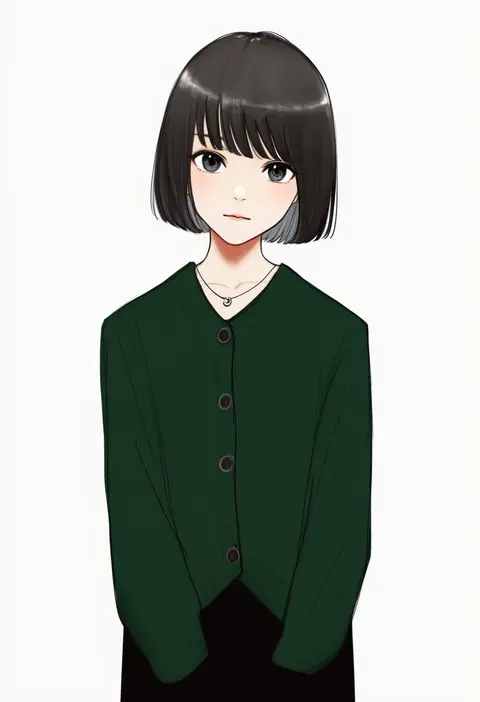
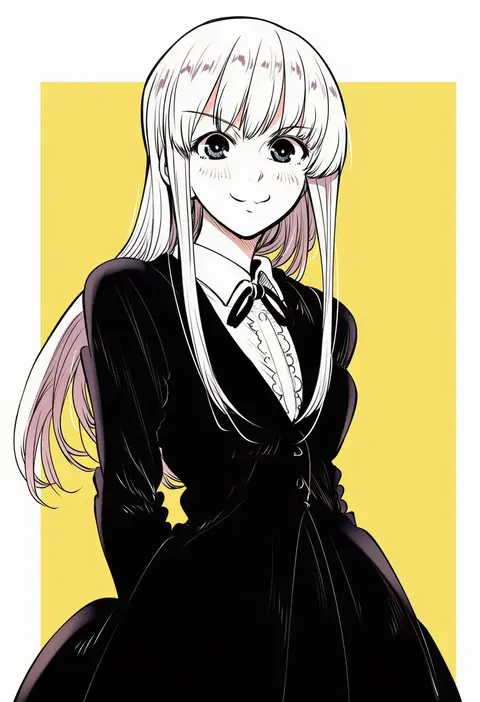
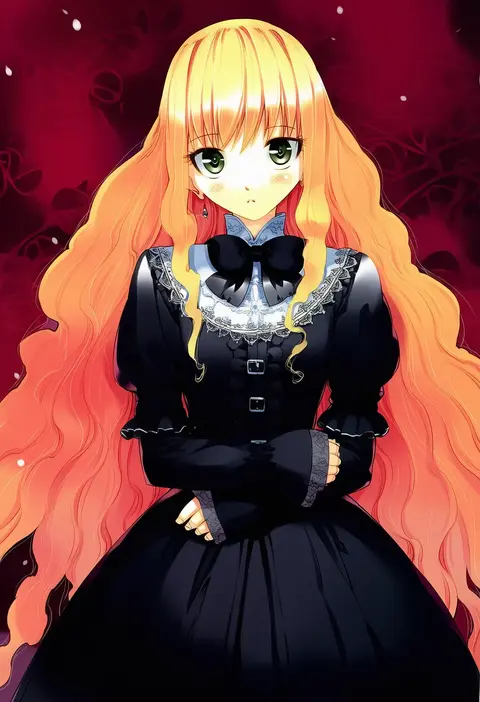
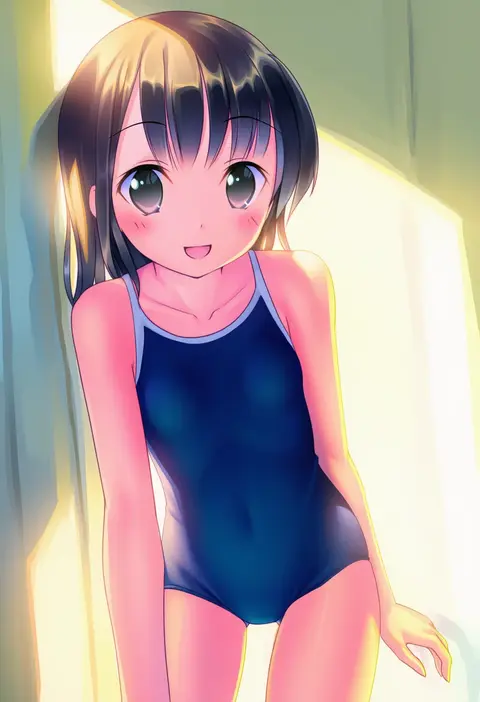
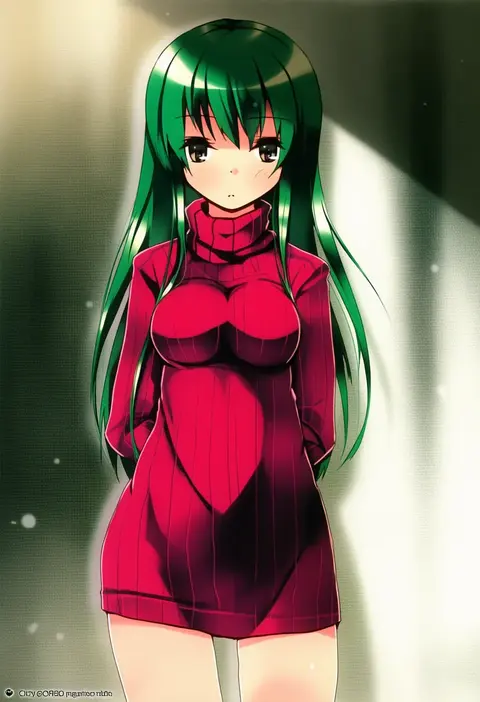
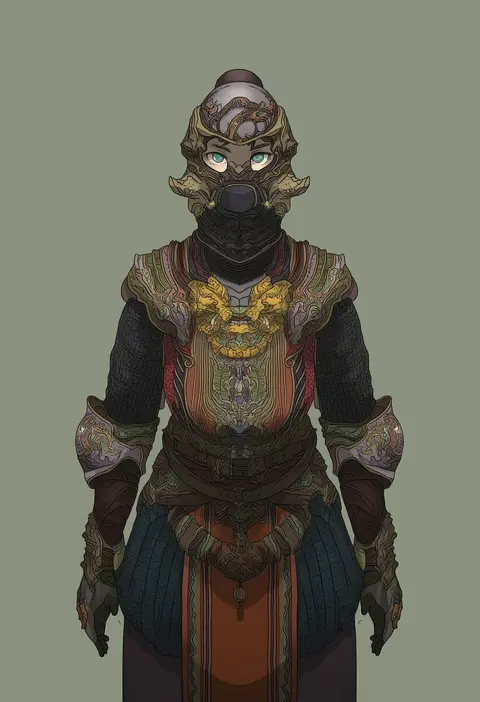
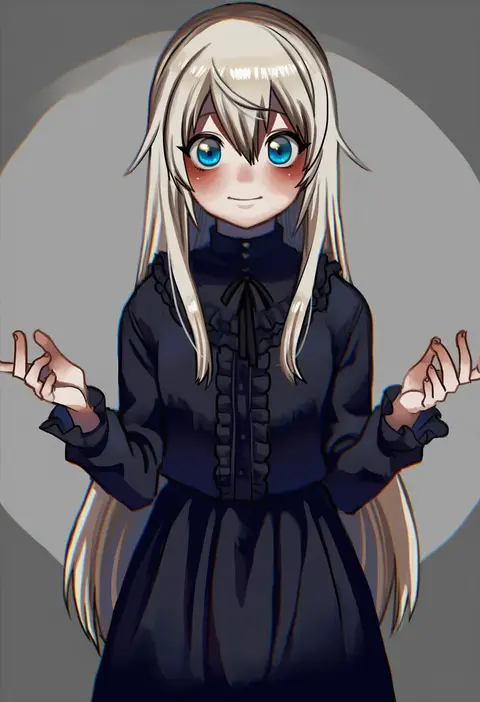
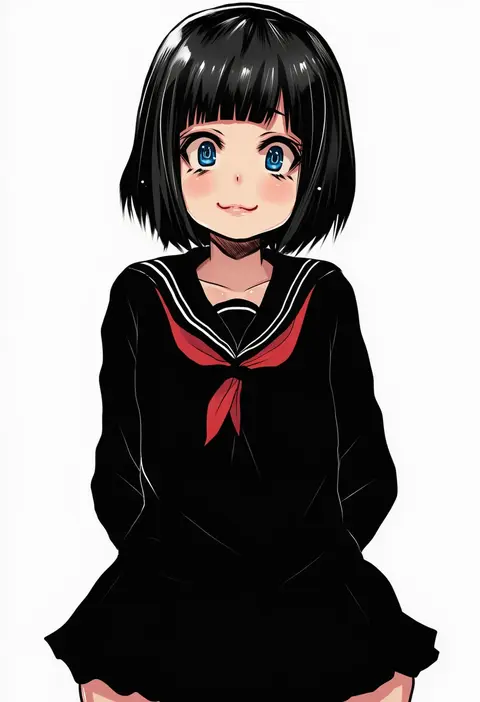
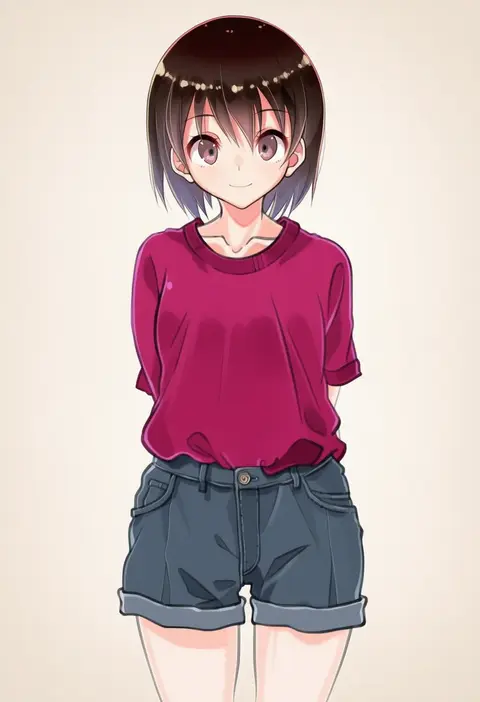
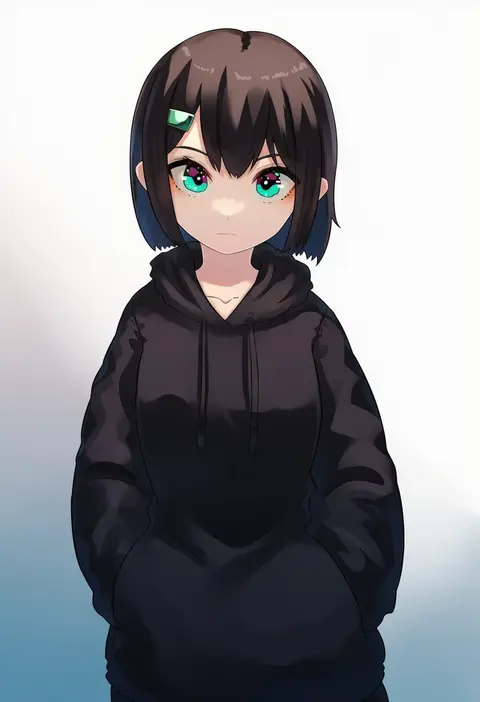
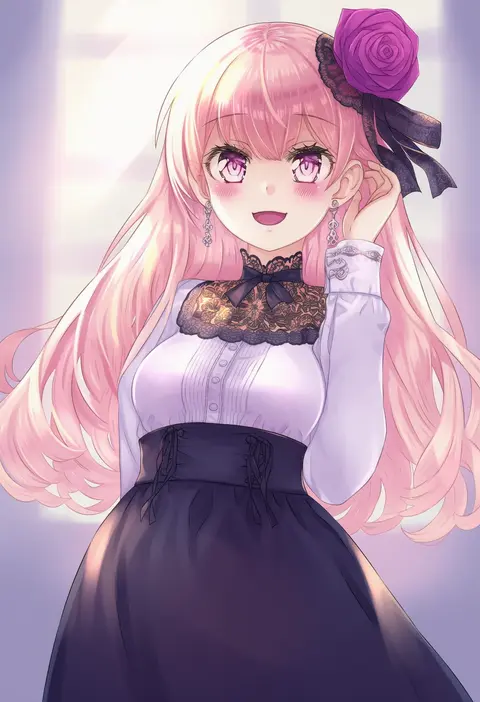
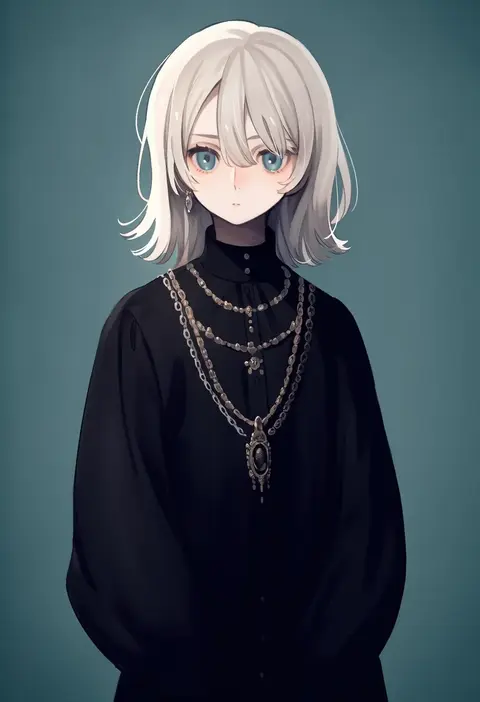
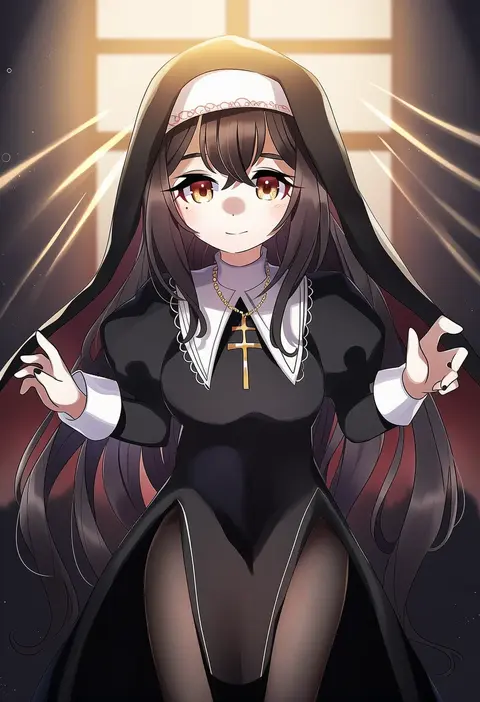
Every tag listed here is verified to react in NovelAI. All images use the same prompt, seed and settings with only the artist tag swapped, so the difference between two images is the style that tag brings in.

How to use them

Put the artist tag near the front of the prompt, e.g. "<artist>, 1girl, solo, best quality, masterpiece, cowboy shot". Two or three artist tags blend styles; lower the weight with "0.8::<artist>::" when the style overpowers the character.

SCORE sorts by Danbooru's top score, POSTS by post count, FAVS by hearts on this site. Open a card to see V5 and V4.5 side by side on the same seed.

V5 vs V4.5

V5 usually lands closer to the artist's real style, and tags that did nothing on V4.5 often react on V5. V4.5 still fits older and doujin-heavy artists better. Try V5 first, fall back to V4.5.

FAQ

Where does the artist tag go?
Near the front of the prompt. Use "0.8::tag::" to adjust its weight.

Can I stack artist tags?
Yes, styles blend. Past two or three the result stops looking like anyone.

Are these the artists' own works?
No. Every image is a NovelAI sample generated from the tag.