V4.5Artists
sort: FAVS▾
▾
>
$

NovelAI Artist Tags List — V4.5

artist --count 16,352[230/273]
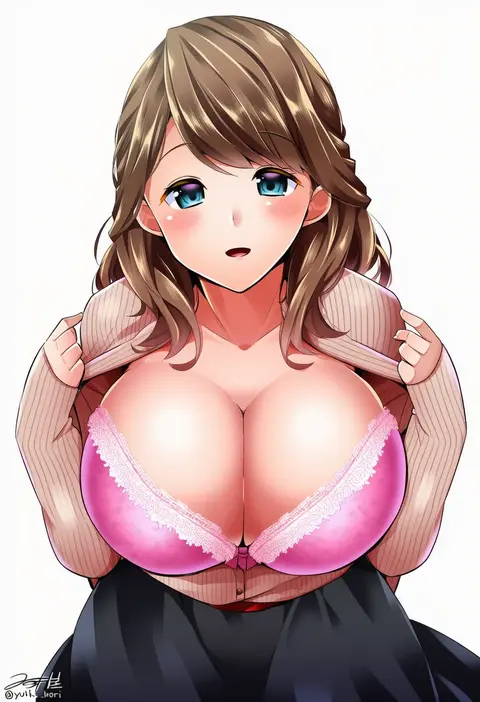
yuuki hb
ARTIST0x35AC
0
cherrypin
ARTIST0x35AD
0
illust mi
ARTIST0x35AE
0
meto (metrin)
ARTIST0x35AF
0
tianel ent
ARTIST0x35B0
0
meipu hm
ARTIST0x35B1
0
sawa jaaji
ARTIST0x35B2
0
izumi kirifu
ARTIST0x35B3
0
fuyuzuki gato
ARTIST0x35B4
0
nichibotsu (kitaziman)
ARTIST0x35B5
0
shikaya
ARTIST0x35B6
0
tsunsuki (naobe009)
ARTIST0x35B7
0
verta (verlaine)
ARTIST0x35B8
0
amicis
ARTIST0x35B9
0
crote
ARTIST0x35BA
0
kabocha usagi
ARTIST0x35BB
0
kuronosu (yamada1230)
ARTIST0x35BC
0
pikachi
ARTIST0x35BD
0
kasugano tobari
ARTIST0x35BE
0
tanaji
ARTIST0x35BF
0
jigoku meguri
ARTIST0x35C0
0
saiko dagashi
ARTIST0x35C1
0
takanashi akihito
ARTIST0x35C2
0
jyon
ARTIST0x35C3
0
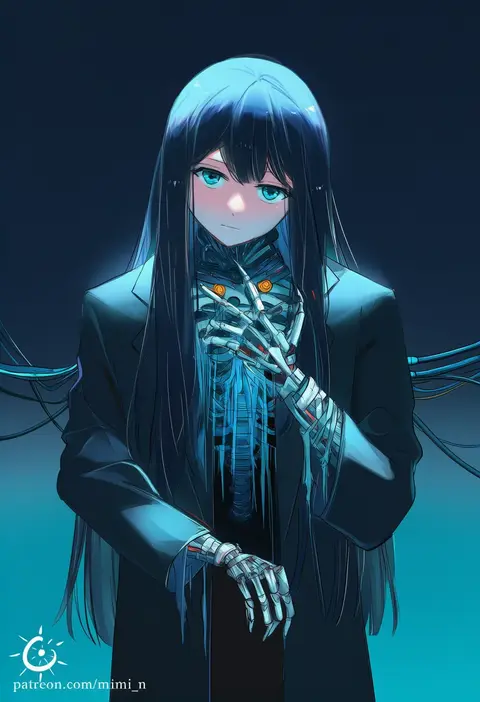
mimi n
ARTIST0x35C4
0
devin elle kurtz
ARTIST0x35C5
0
kasukasugom1
ARTIST0x35C6
0
tatsubon
ARTIST0x35C7
0
cheong ha
ARTIST0x35C8
0
hino ryutaro
ARTIST0x35C9
0
minami (minami373916)
ARTIST0x35CA
0
kuon (nokokopopo)
ARTIST0x35CB
0
rozu ki
ARTIST0x35CC
0
heripiro
ARTIST0x35CD
0
namisaki yuka
ARTIST0x35CE
0
yukitarou (awamori)
ARTIST0x35CF
0
ikadamo
ARTIST0x35D0
0
inoue kouji
ARTIST0x35D1
0
luna (gkluna mas)
ARTIST0x35D2
0
gara (qbeuxvii22)
ARTIST0x35D3
0
herurun
ARTIST0x35D4
0
raijin-bh
ARTIST0x35D5
0
leftame
ARTIST0x35D6
0
pura (aiueo256375)
ARTIST0x35D7
0
fujigaya arctia
ARTIST0x35D8
0
nikki kyousuke
ARTIST0x35D9
0
kisaragi zwei
ARTIST0x35DA
0
nuriko-kun
ARTIST0x35DB
0
jaco
ARTIST0x35DC
0
fu ga (vivi912912)
ARTIST0x35DD
0
twumi
ARTIST0x35DE
0
shirono
ARTIST0x35DF
0
okayparium
ARTIST0x35E0
0
chocokin
ARTIST0x35E1
0
nemuri nemu
ARTIST0x35E2
0
eidenjyou1997
ARTIST0x35E3
0
karuha
ARTIST0x35E4
0
sakana (ryuusui-tei)
ARTIST0x35E5
0
yunoru
ARTIST0x35E6
0
cherico
ARTIST0x35E7
0

What these tags change

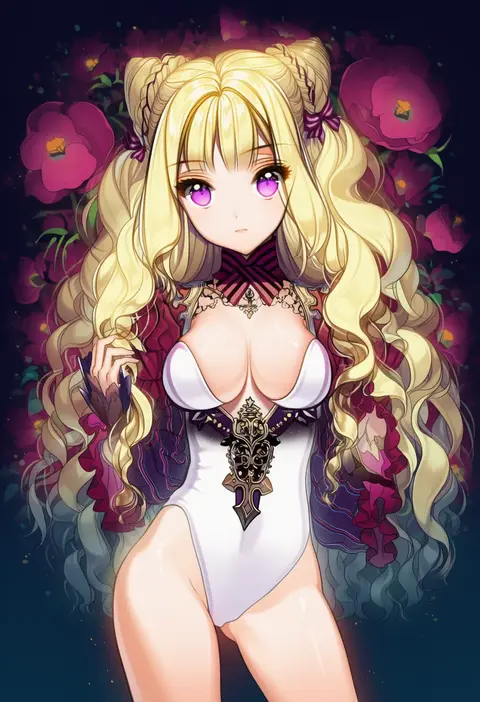
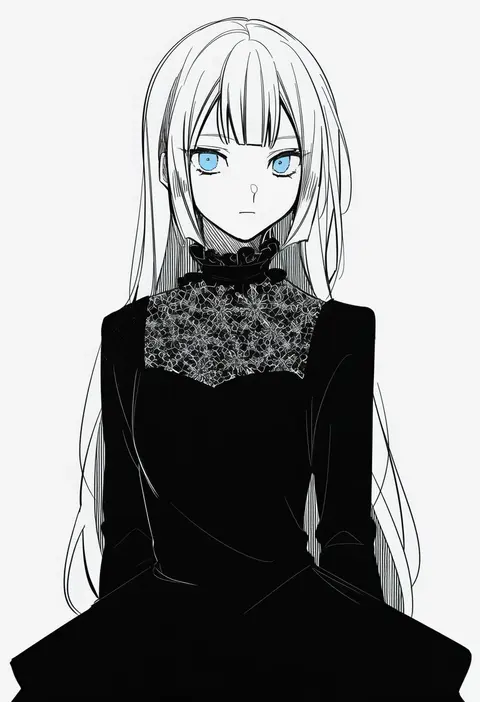
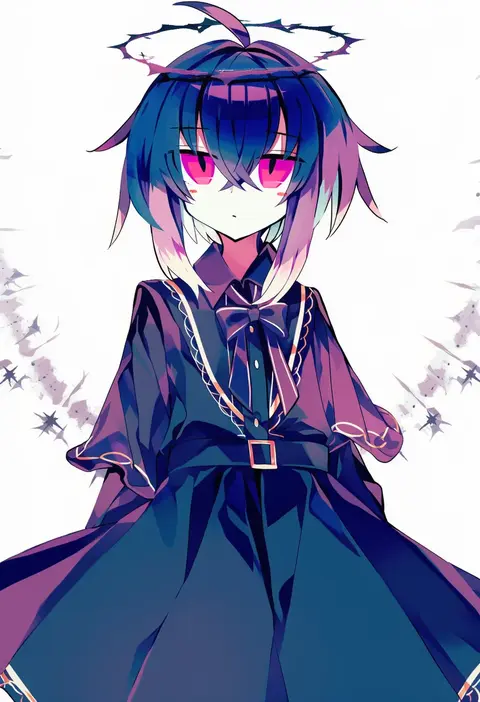
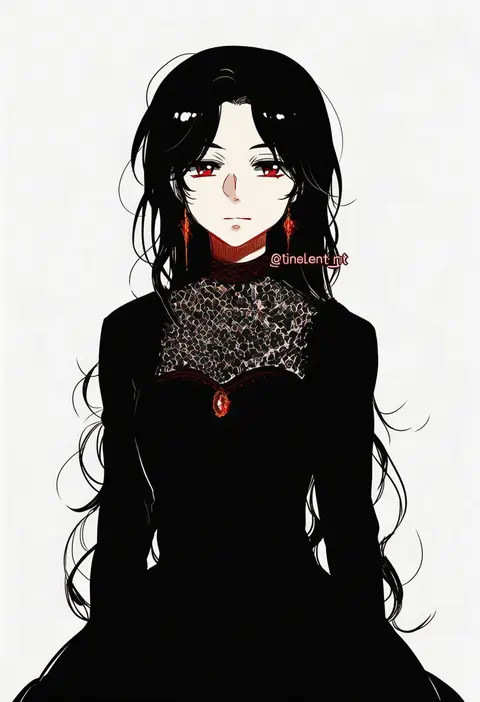
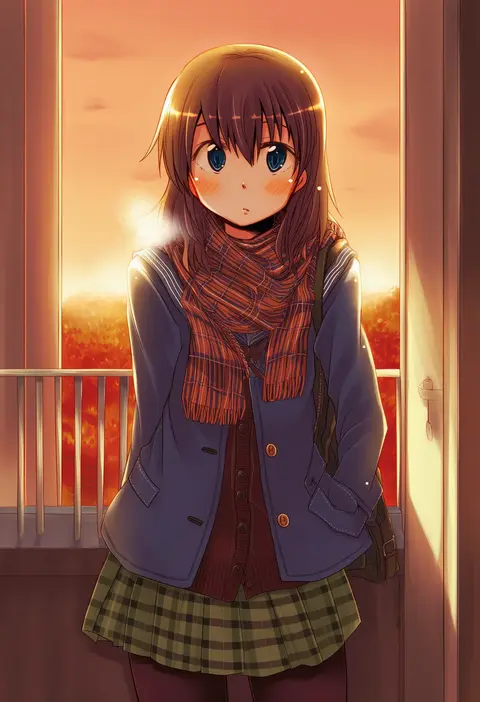
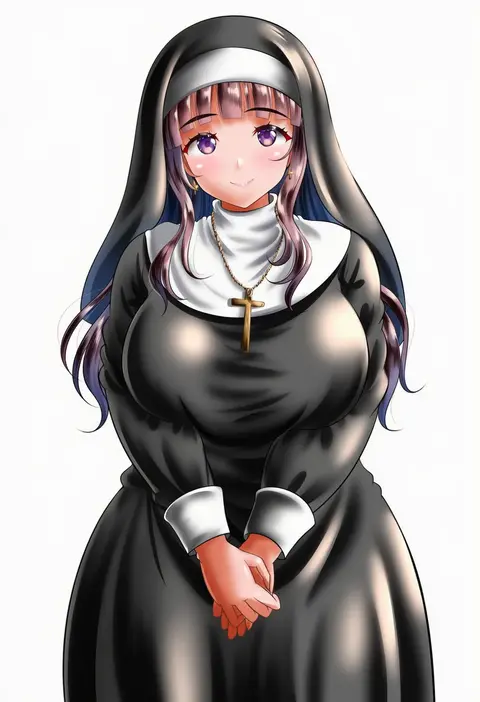
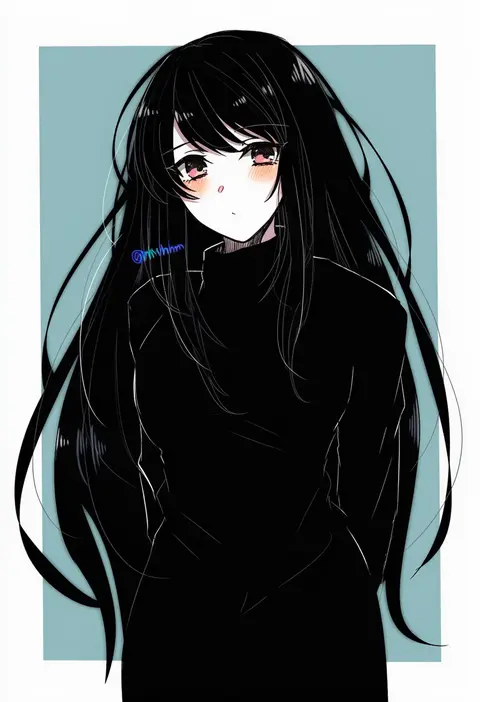
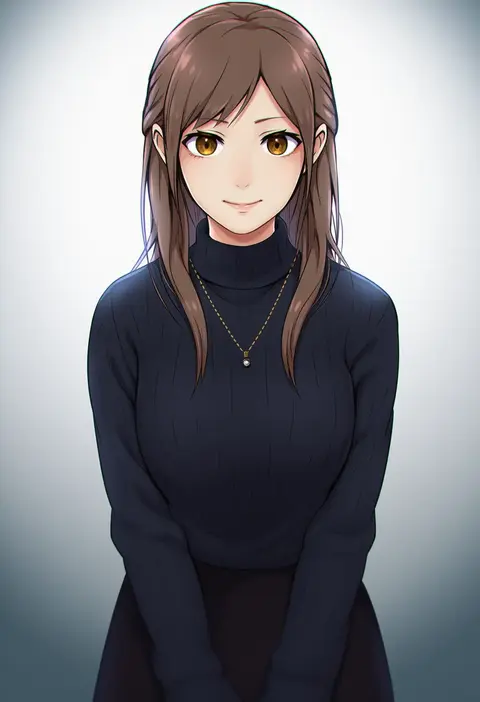
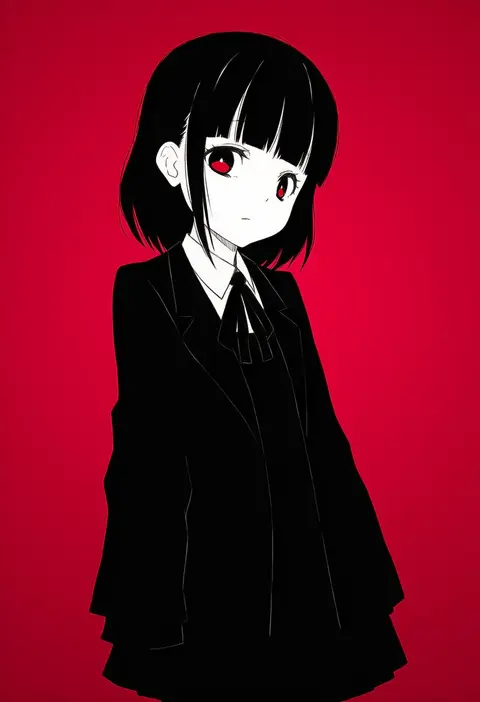
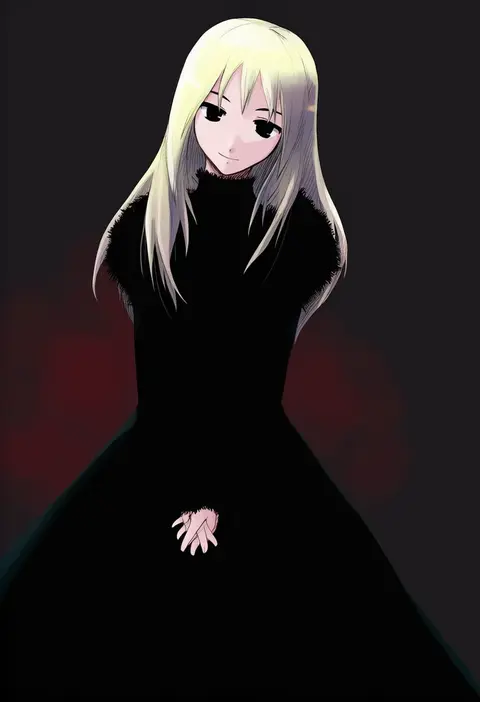
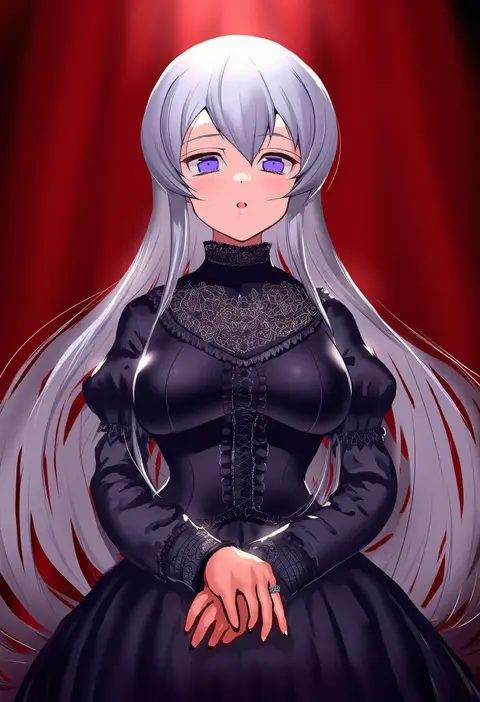
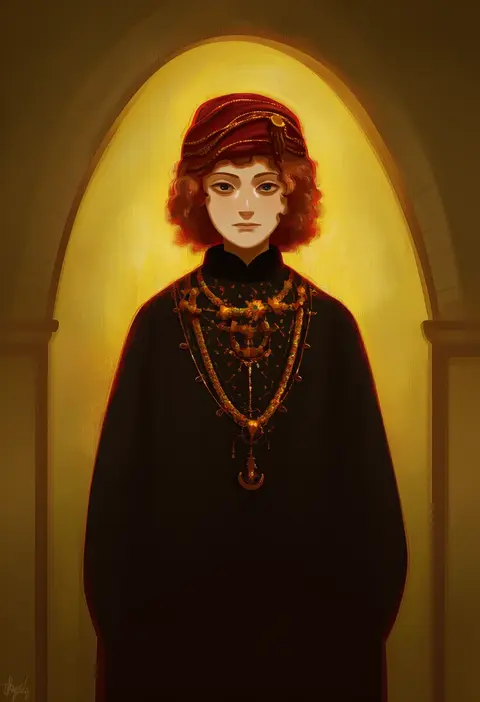
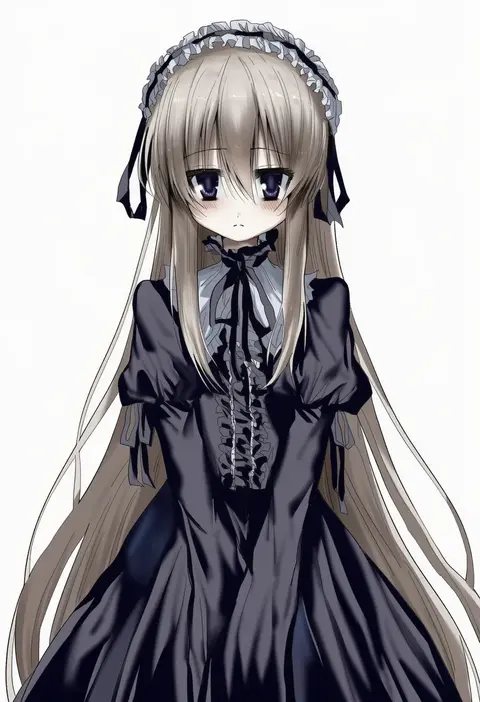
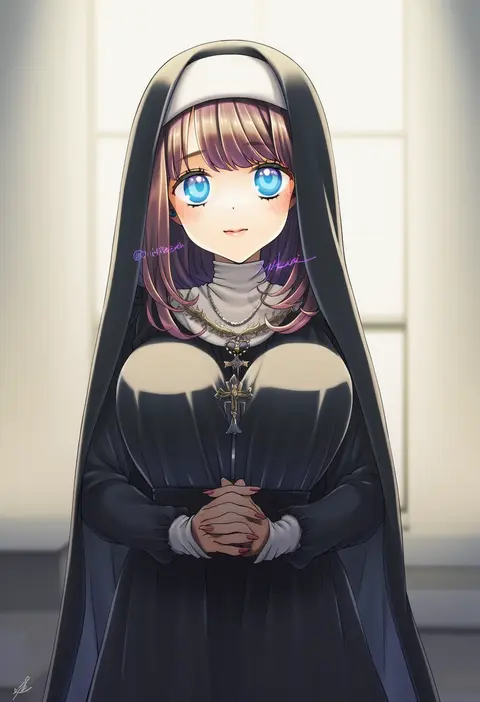
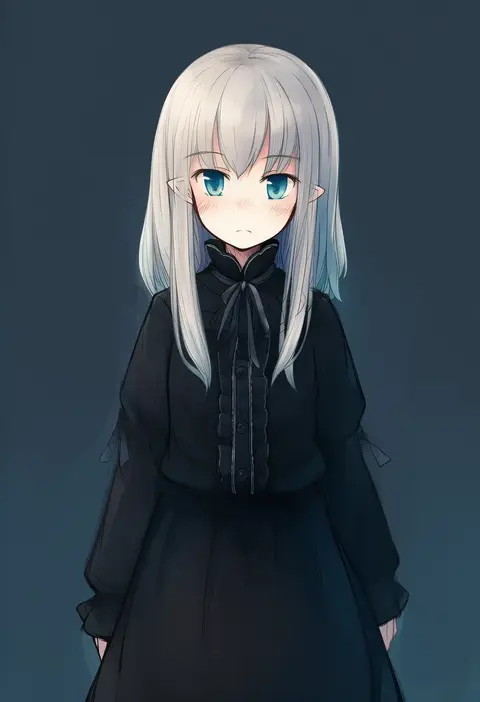
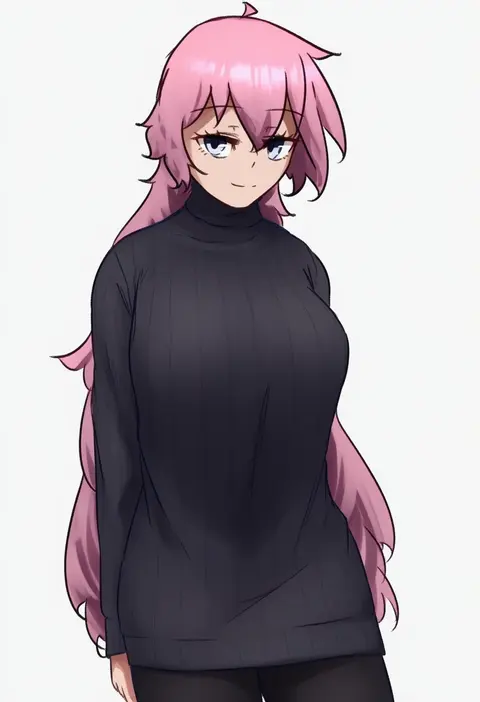
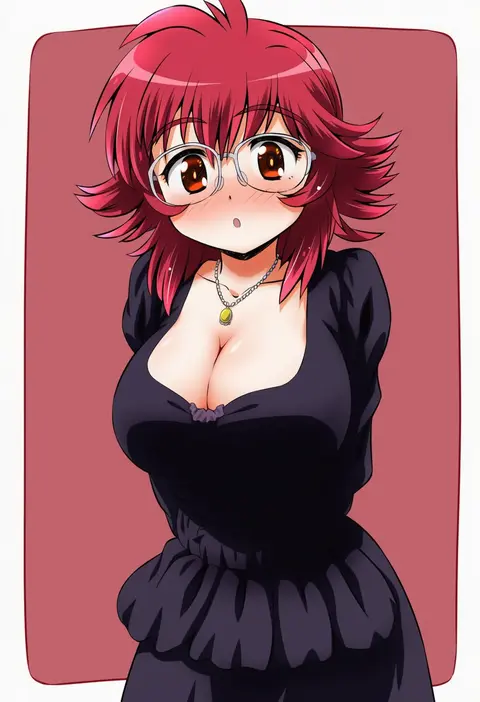
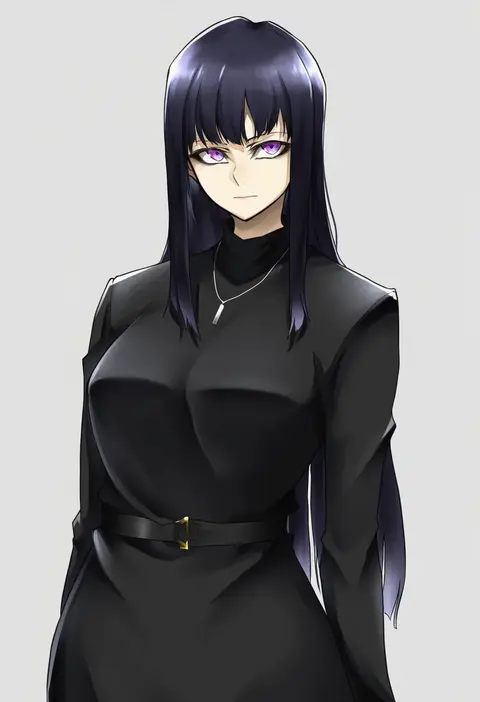
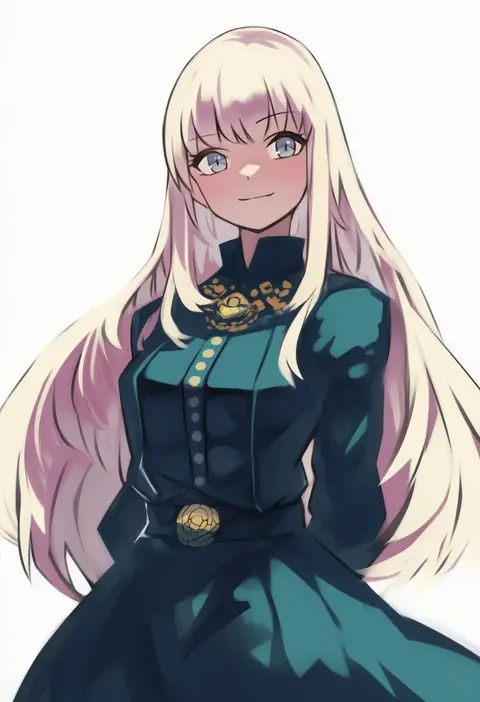
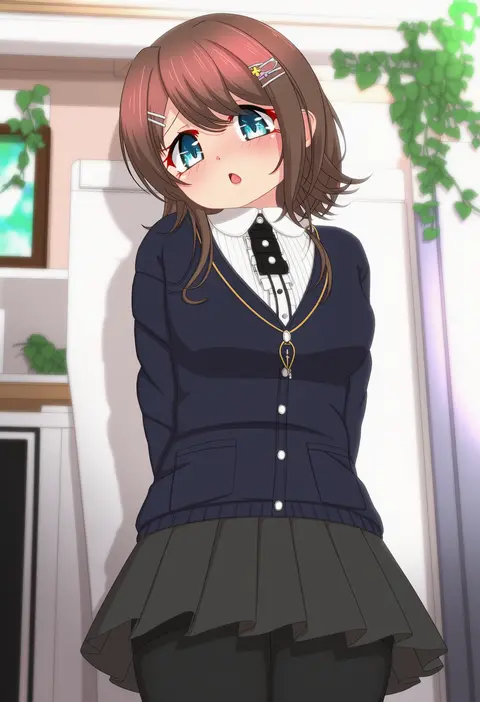
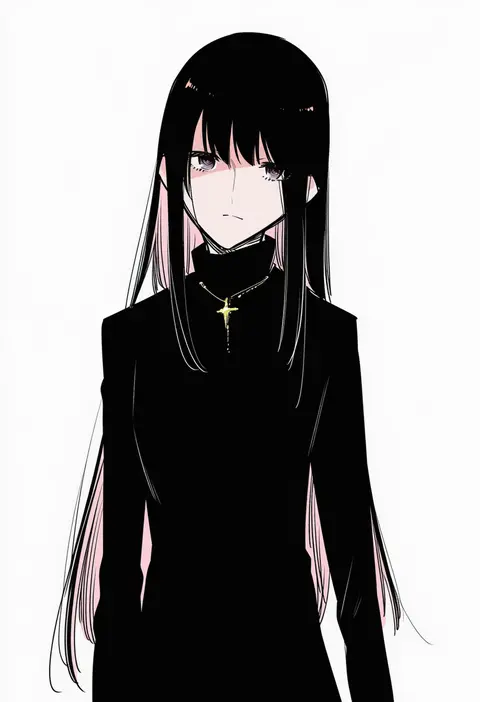
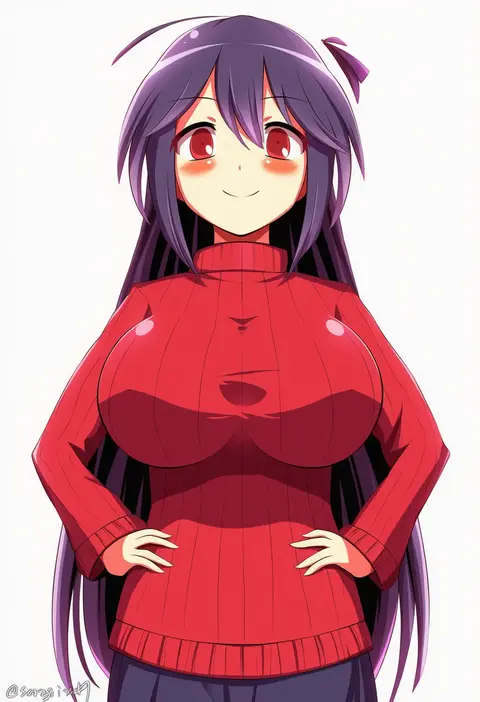
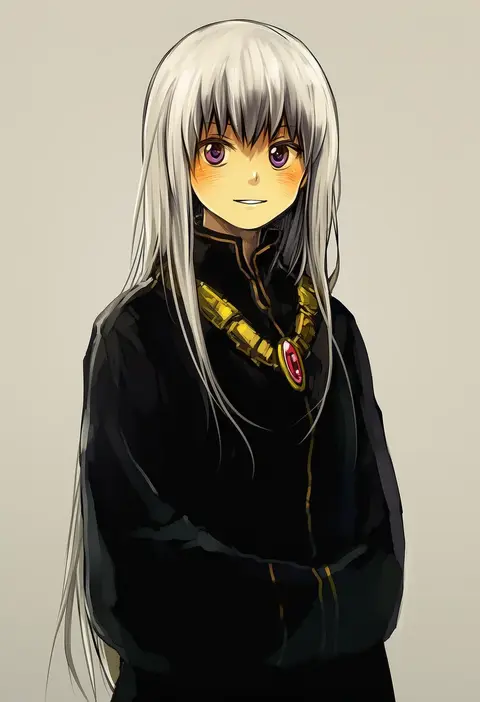
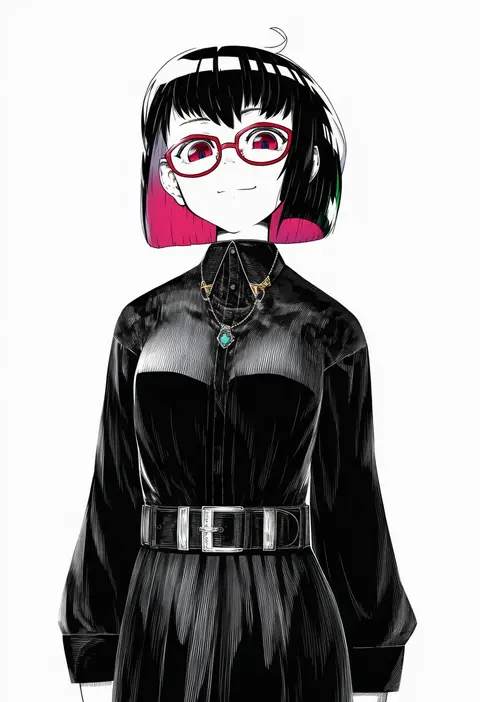
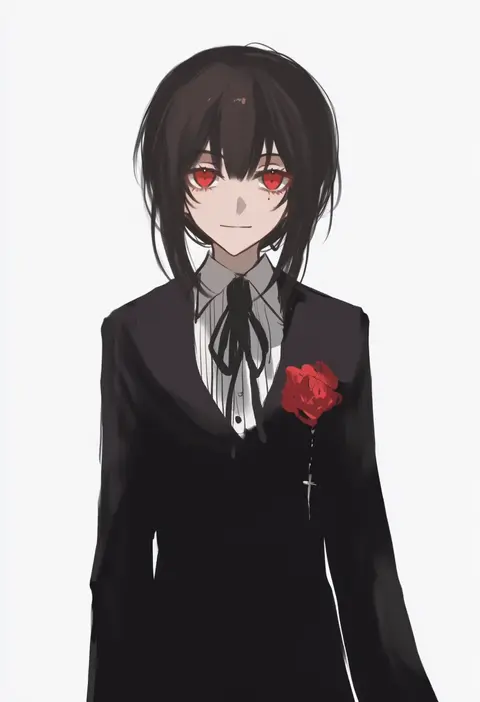
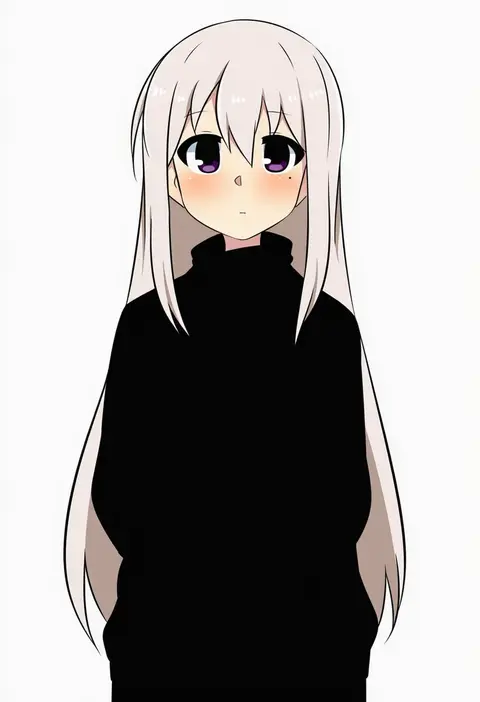
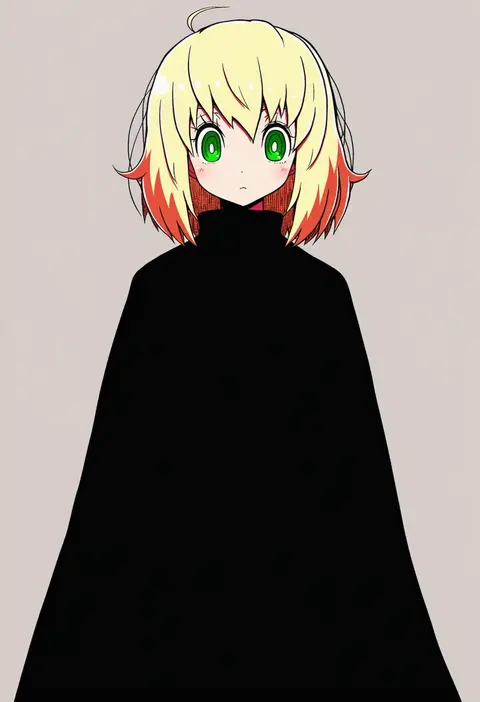
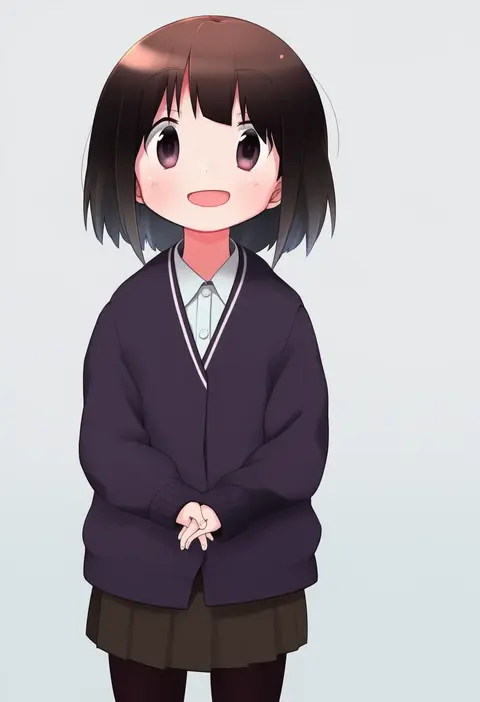
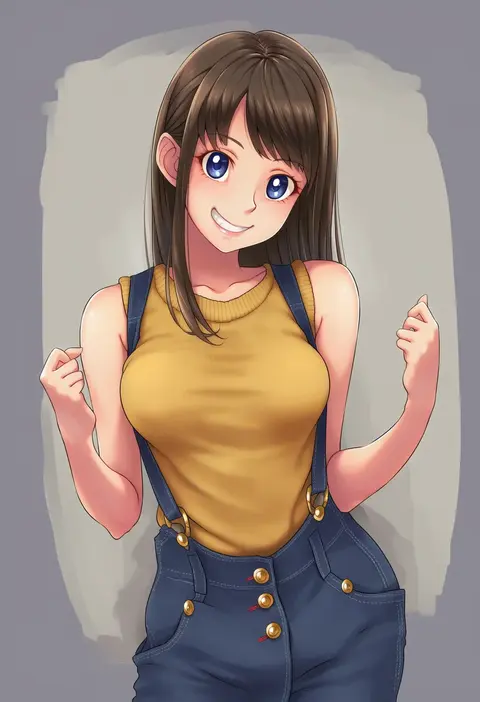
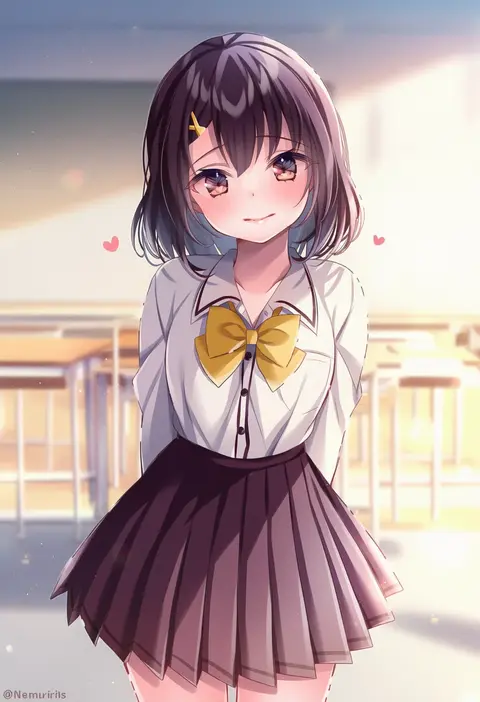
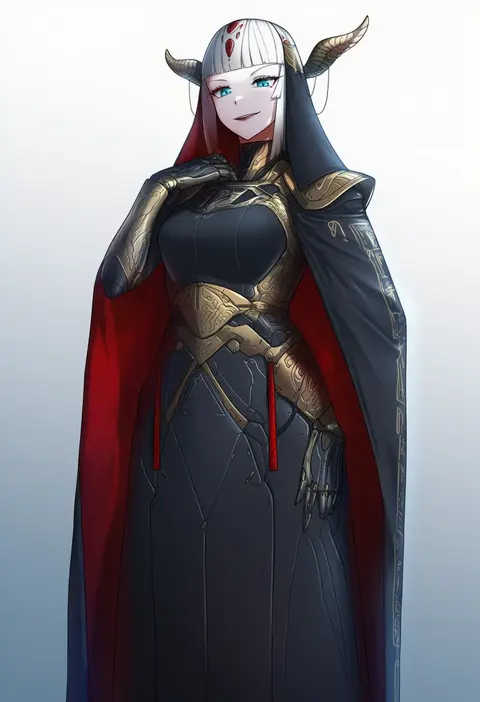
Artist tags tell NovelAI Diffusion to draw in a specific artist's style: line weight, paint texture, face shapes and palette all shift at once. Character and outfit tags decide what is drawn; artist tags decide how. 16,352 tags are listed for V4.5.

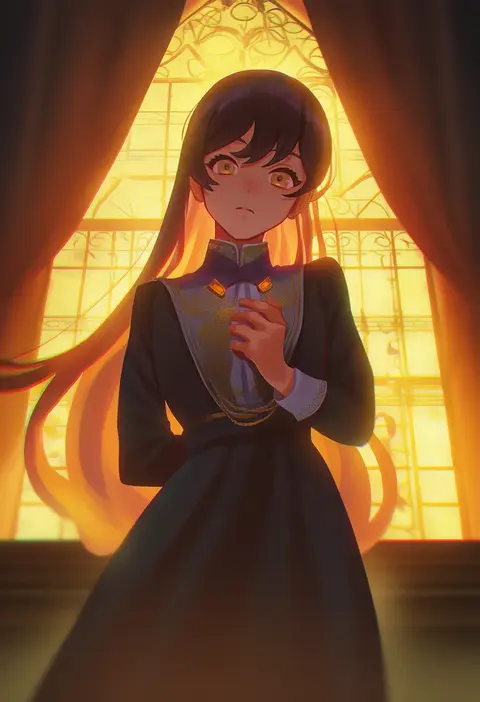
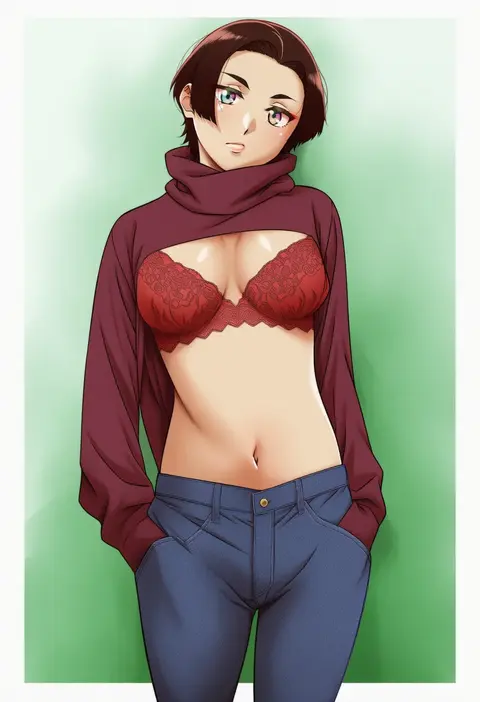
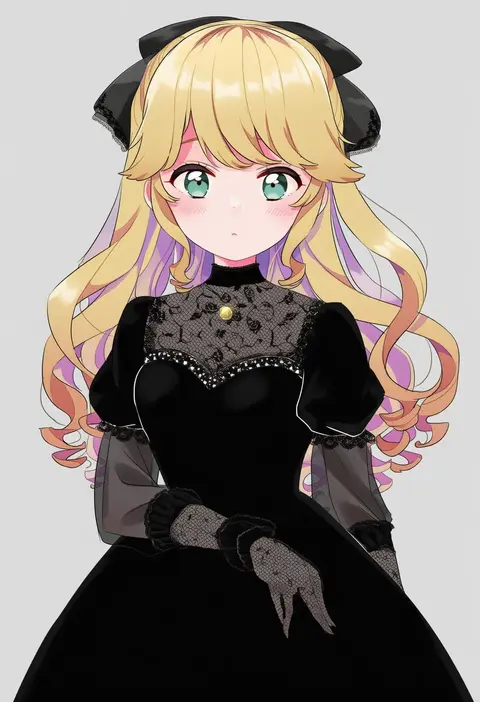
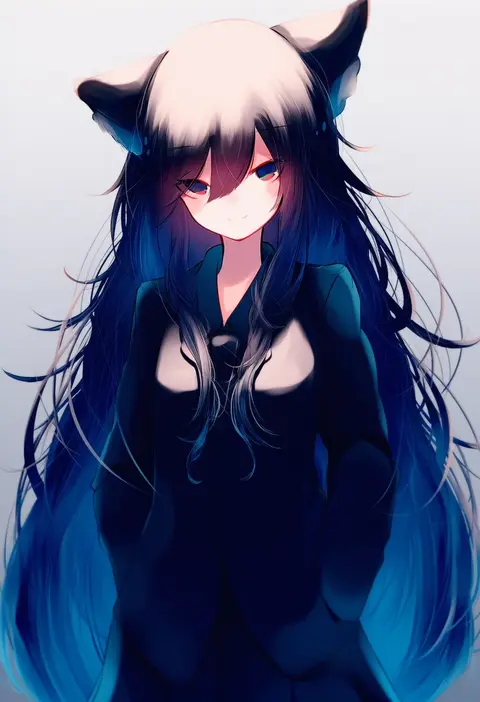
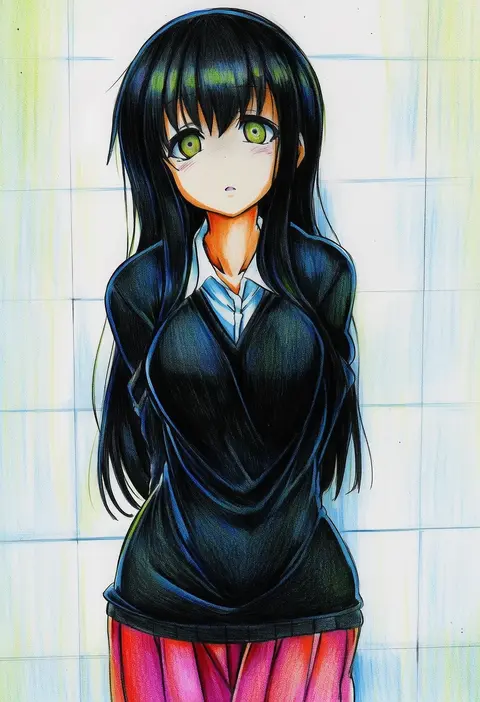
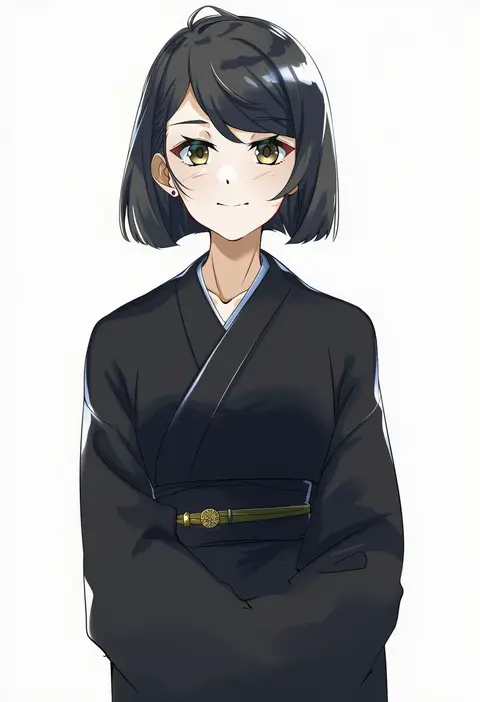
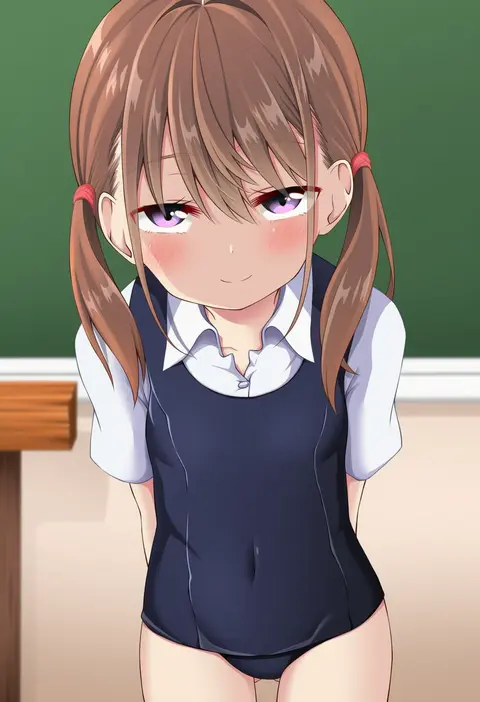
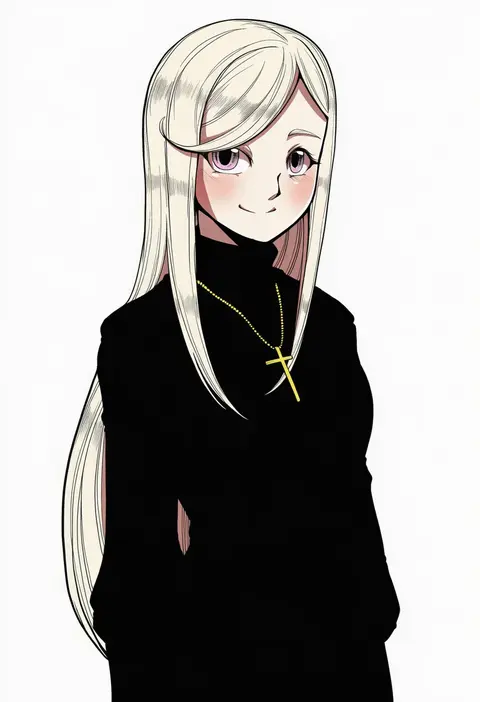
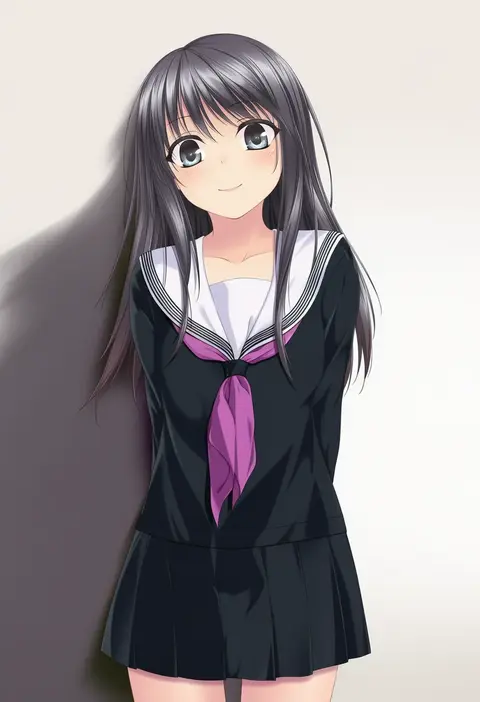
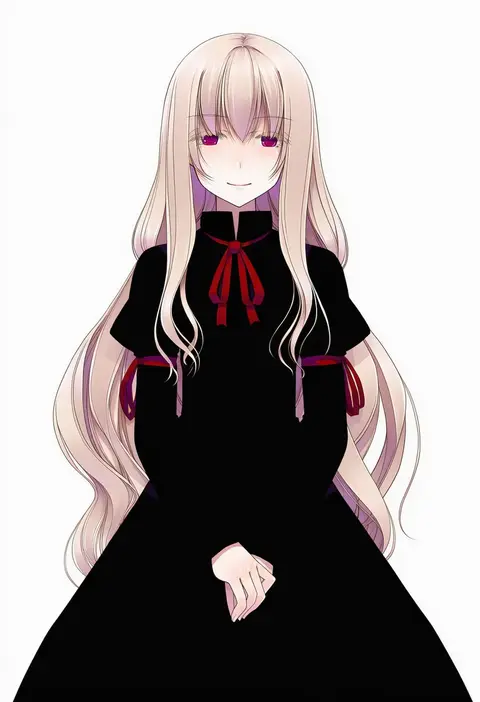
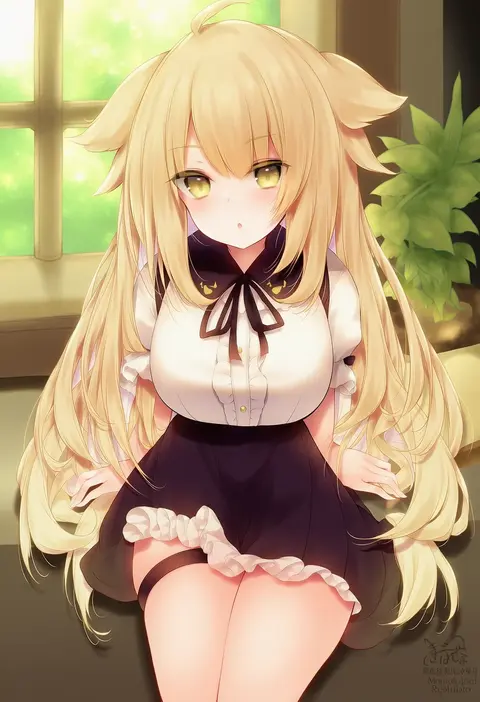
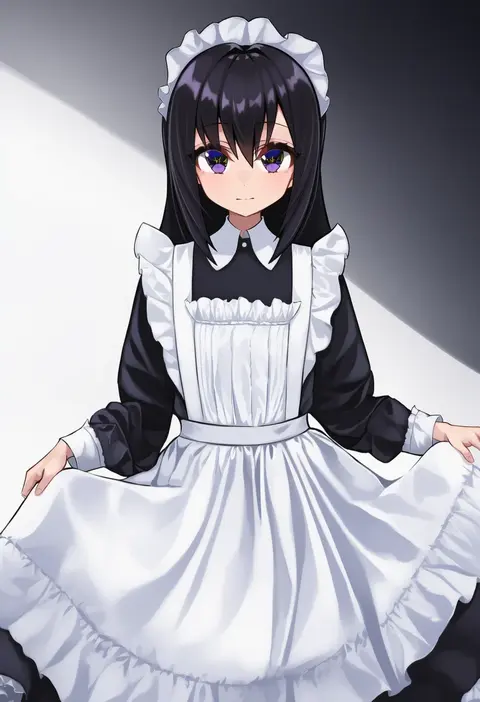
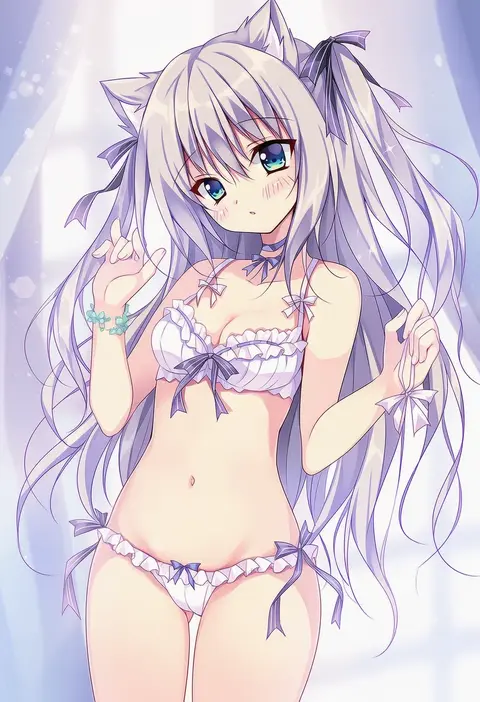
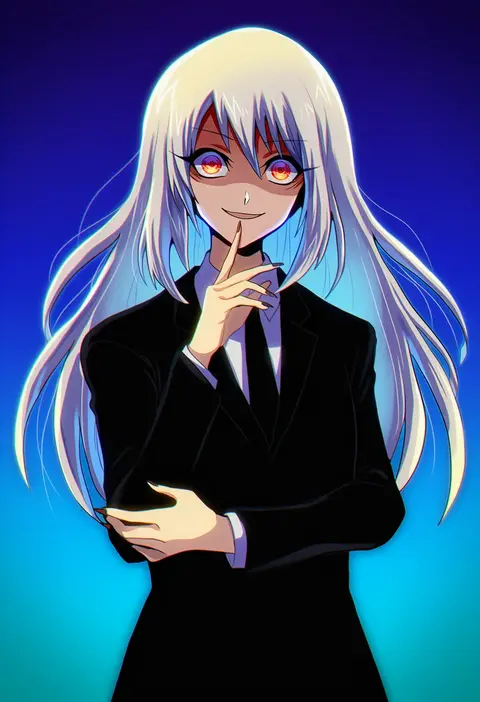
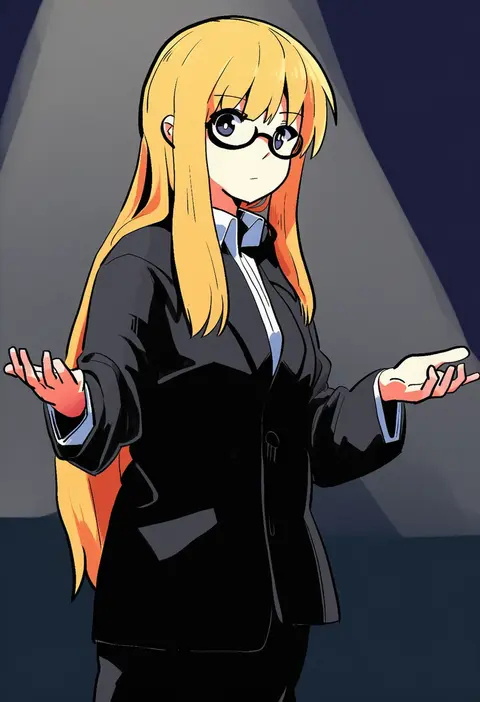
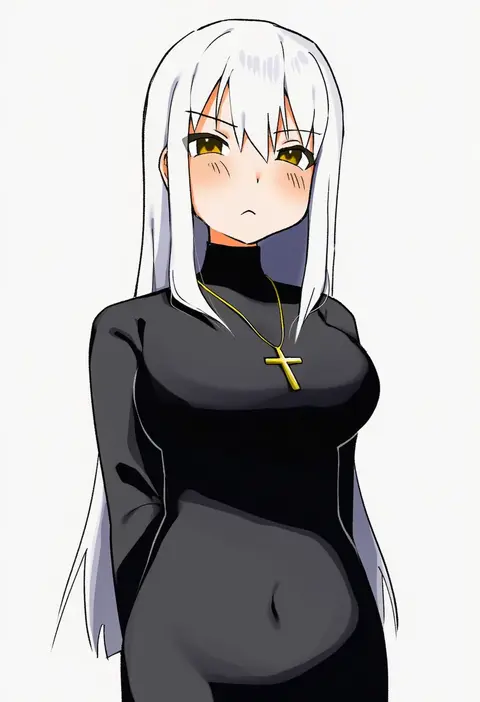
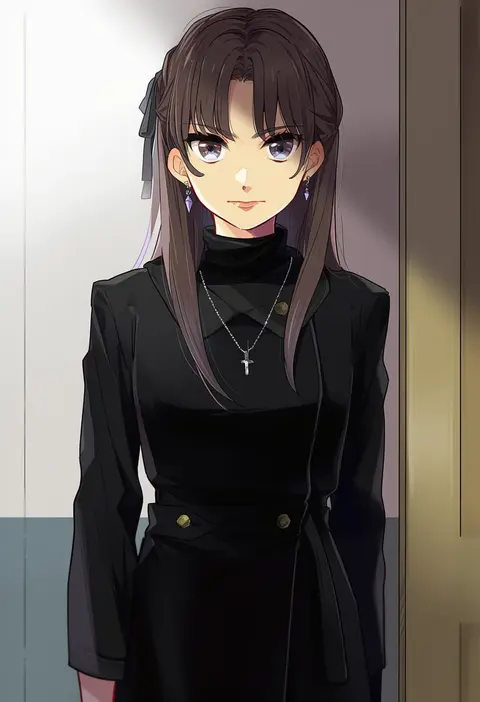
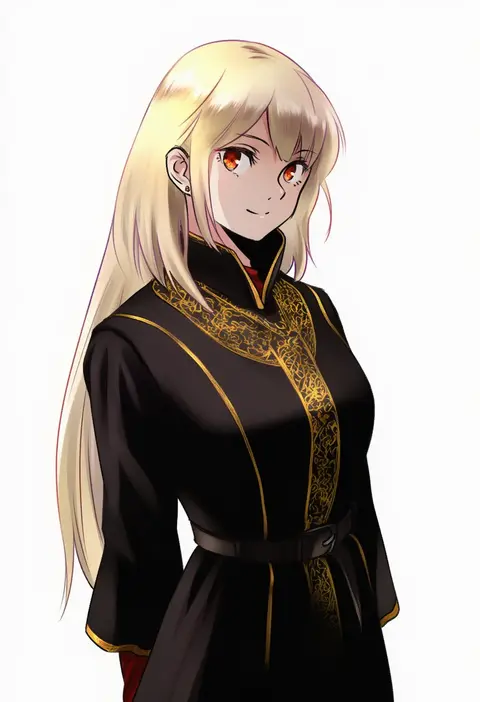
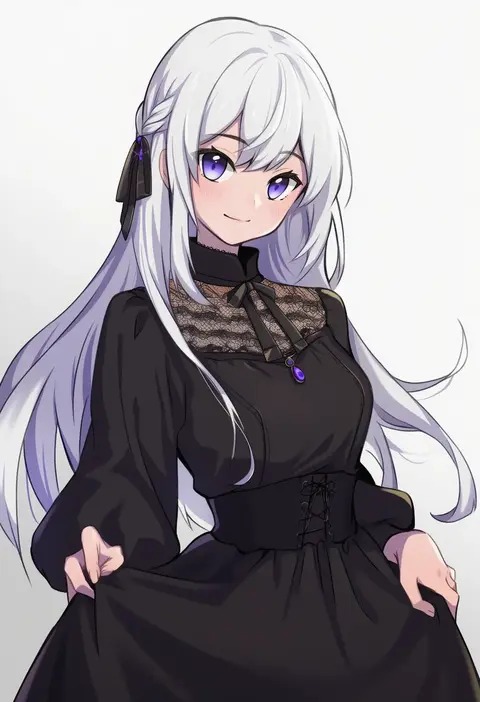
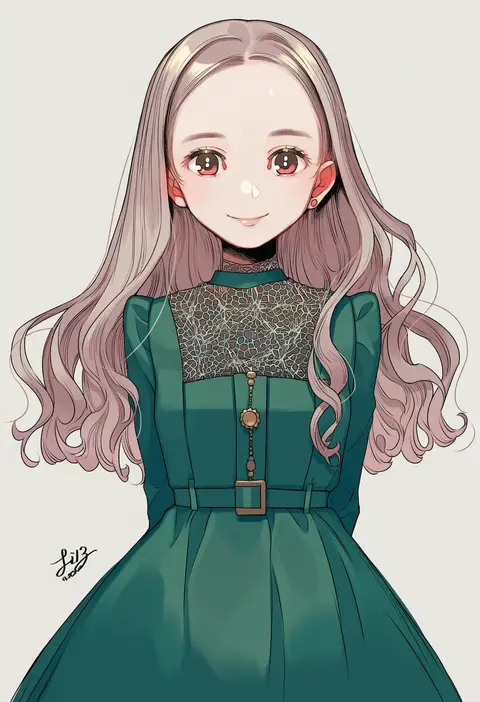
Every tag listed here is verified to react in NovelAI. All images use the same prompt, seed and settings with only the artist tag swapped, so the difference between two images is the style that tag brings in.

How to use them

Put the artist tag near the front of the prompt, e.g. "<artist>, 1girl, solo, best quality, masterpiece, cowboy shot". Two or three artist tags blend styles; lower the weight with "0.8::<artist>::" when the style overpowers the character.

SCORE sorts by Danbooru's top score, POSTS by post count, FAVS by hearts on this site. Open a card to see V5 and V4.5 side by side on the same seed.

V5 vs V4.5

V5 usually lands closer to the artist's real style, and tags that did nothing on V4.5 often react on V5. V4.5 still fits older and doujin-heavy artists better. Try V5 first, fall back to V4.5.

FAQ

Where does the artist tag go?
Near the front of the prompt. Use "0.8::tag::" to adjust its weight.

Can I stack artist tags?
Yes, styles blend. Past two or three the result stops looking like anyone.

Are these the artists' own works?
No. Every image is a NovelAI sample generated from the tag.