V4.5Artists
sort: FAVS▾
▾
>
$

NovelAI Artist Tags List — V4.5

artist --count 16,352[233/273]
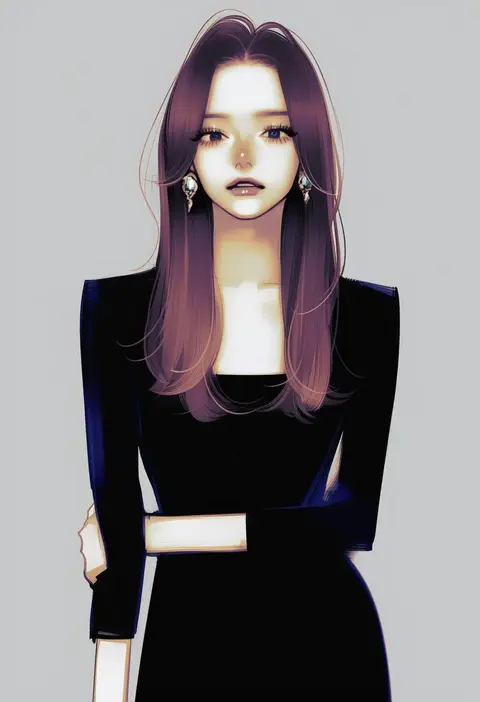
takenaka
ARTIST0x3660
0
yasuihiruya
ARTIST0x3661
0
kotaka
ARTIST0x3662
0
torinosukei
ARTIST0x3663
0
matahei
ARTIST0x3664
0
takahashi ren
ARTIST0x3665
0
gufu (guffuumu)
ARTIST0x3666
0
yunoki itsugu
ARTIST0x3667
0
eneko (olavcnkrpucl16a)
ARTIST0x3668
0
kanda aya
ARTIST0x3669
0
nekonyan (inaba31415)
ARTIST0x366A
0
coo (coonekocoo)
ARTIST0x366B
0
matsunaka hiro
ARTIST0x366C
0
paperfinger
ARTIST0x366D
0
yamato tachibana
ARTIST0x366E
0
yukaa
ARTIST0x366F
0
sukuna136
ARTIST0x3670
0
yoshino (q sci)
ARTIST0x3671
0
htm (gixig)
ARTIST0x3672
0
kazuha nanako
ARTIST0x3673
0
tamago tomato
ARTIST0x3674
0
hanazora satsuki
ARTIST0x3675
0
gensoukoumuten
ARTIST0x3676
0
nekobungi sumire
ARTIST0x3677
0
miclot
ARTIST0x3678
0
shakemi (sake mgmgmg)
ARTIST0x3679
0
nanashin naomi
ARTIST0x367A
0
taurine 8000mg
ARTIST0x367B
0
redrabbit44
ARTIST0x367C
0
sakaki (noi-gren)
ARTIST0x367D
0
kurororo rororo
ARTIST0x367E
0
nam (valckiry)
ARTIST0x367F
0
tsunoji
ARTIST0x3680
0
vanilla (miotanntann)
ARTIST0x3681
0
amo (shibu3)
ARTIST0x3682
0
lr hijikata
ARTIST0x3683
0
yuama
ARTIST0x3684
0
hanenbo
ARTIST0x3685
0
sagemaru-br
ARTIST0x3686
0
bokota (bokobokota)
ARTIST0x3687
0
onsen tamago (nurumayu onsen)
ARTIST0x3688
0
murakami kou (raye)
ARTIST0x3689
0
fukidashi cotton
ARTIST0x368A
0
ooji cha
ARTIST0x368B
0
tsukamoto anabone
ARTIST0x368C
0
toriny
ARTIST0x368D
0
namahamu (hmhm 81)
ARTIST0x368E
0
fujisaki yuu
ARTIST0x368F
0
zero-theme
ARTIST0x3690
0
kudou (ooabareteng)
ARTIST0x3691
0
fukaiton
ARTIST0x3692
0
hujikok
ARTIST0x3693
0
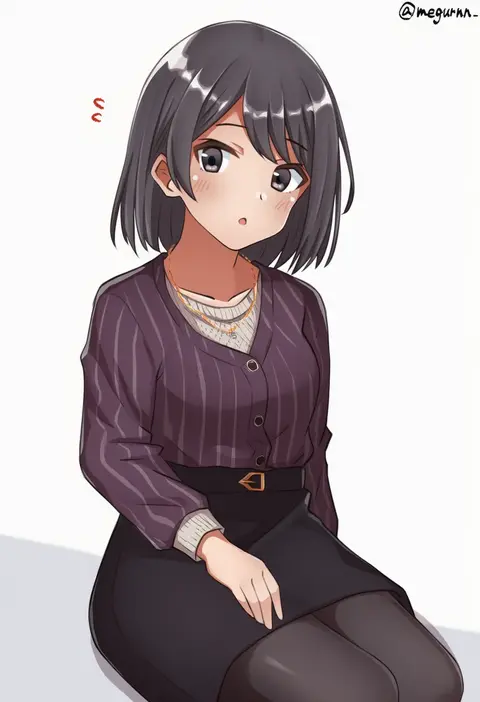
meguru (megurunn)
ARTIST0x3694
0
deadpool yuchan
ARTIST0x3695
0
kiritani (marginal)
ARTIST0x3696
0
sushikuugo (suisen)
ARTIST0x3697
0
shifumame
ARTIST0x3698
0
inumori sayaka
ARTIST0x3699
0
kanke (yonkuma)
ARTIST0x369A
0
h2 (h20000000)
ARTIST0x369B
0

What these tags change

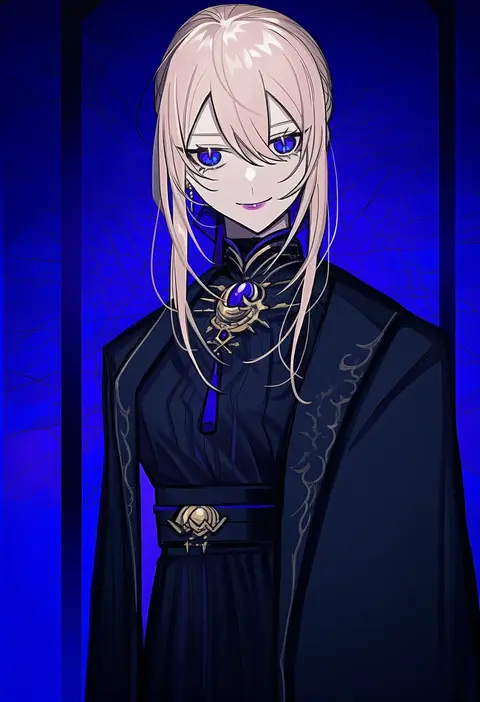
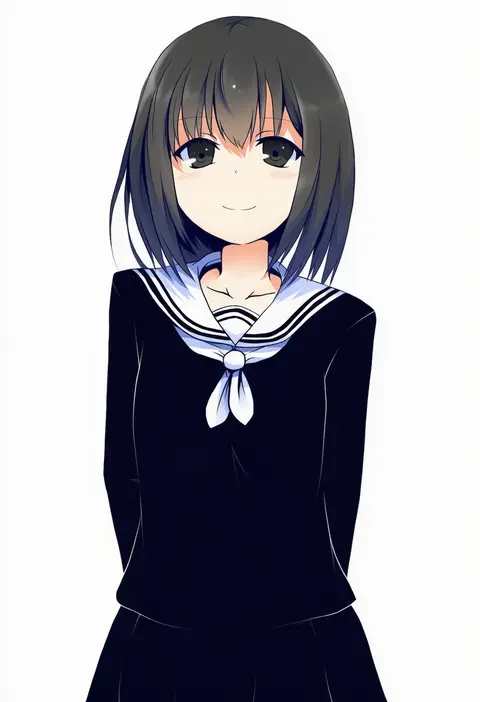
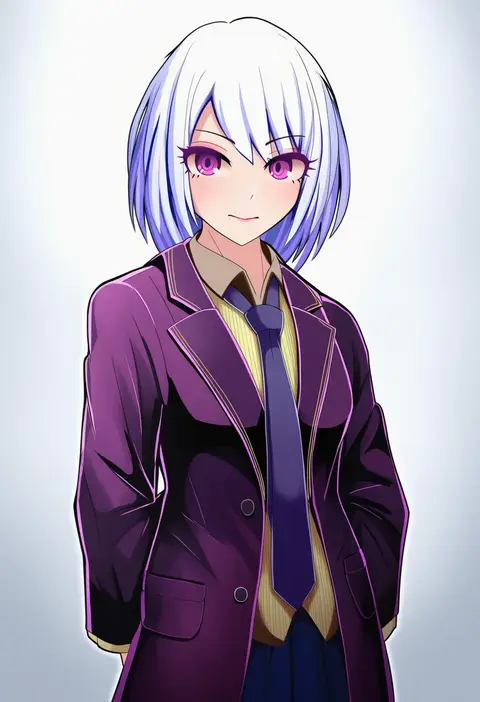
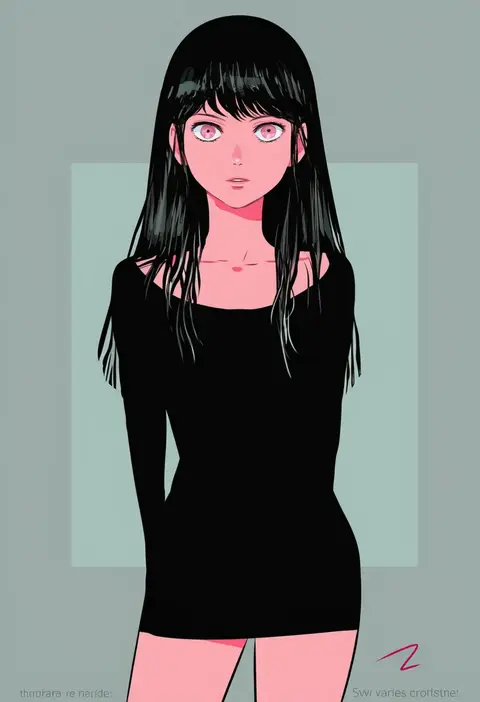
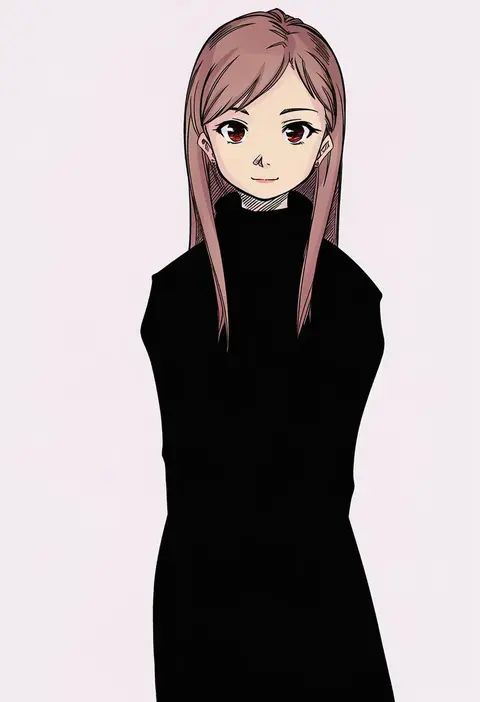
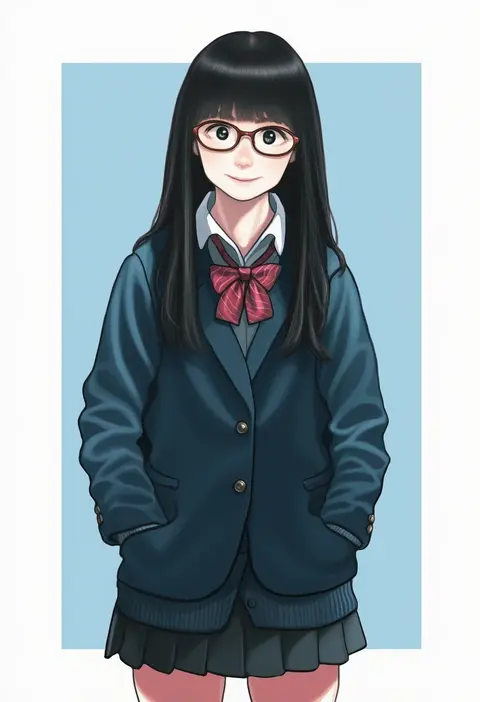
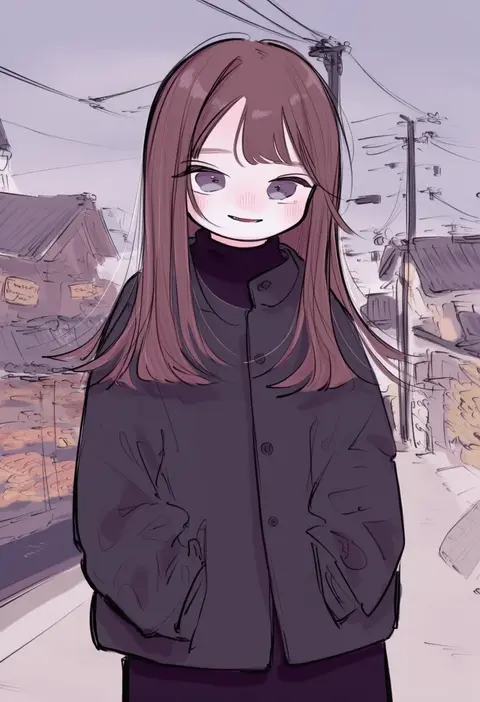
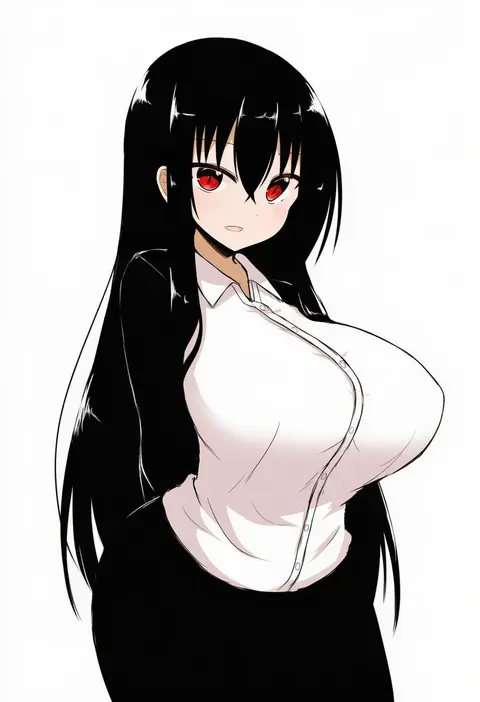
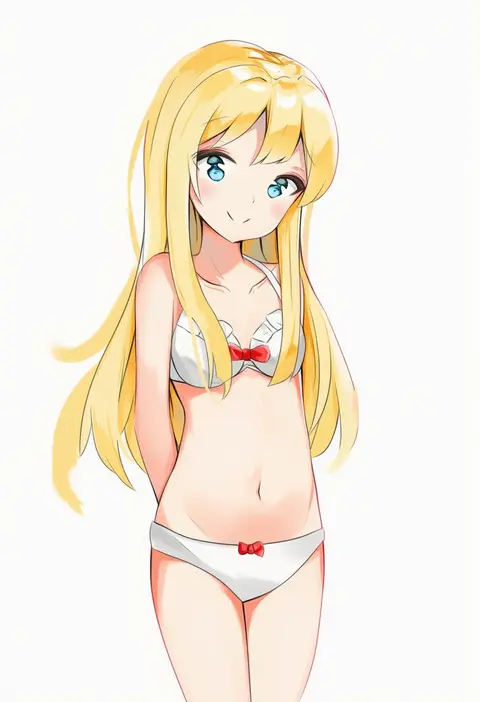
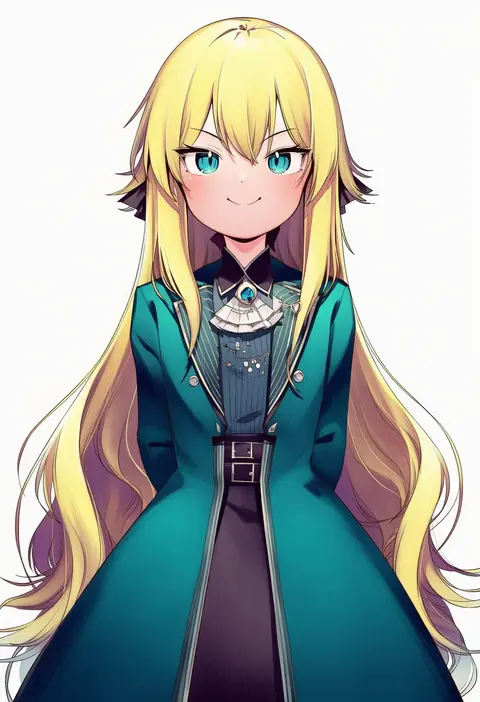
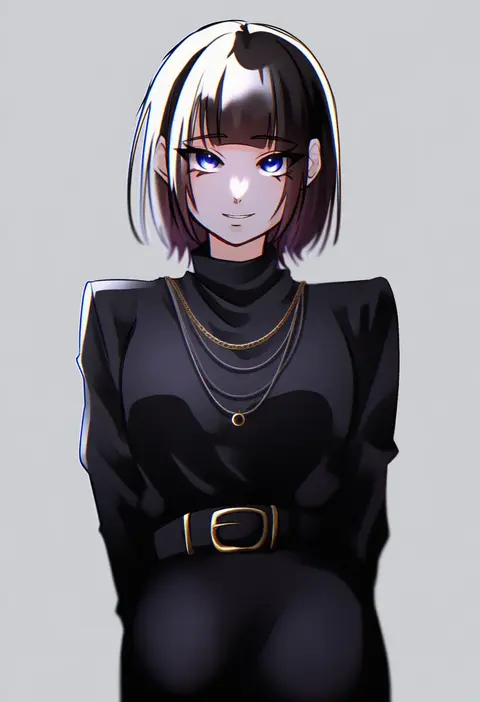
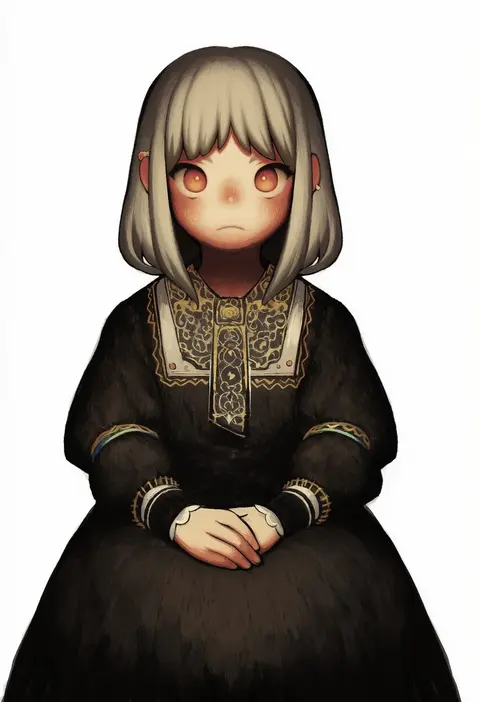
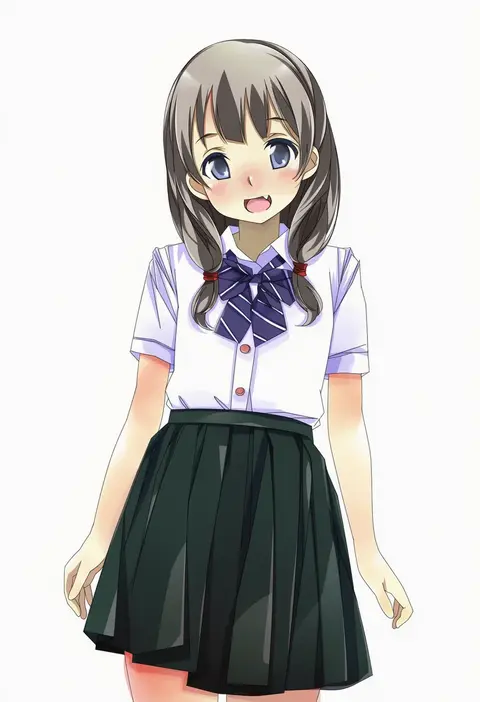
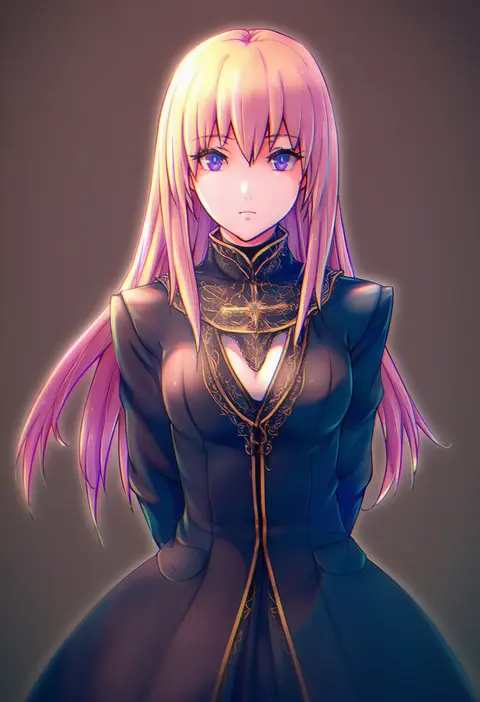
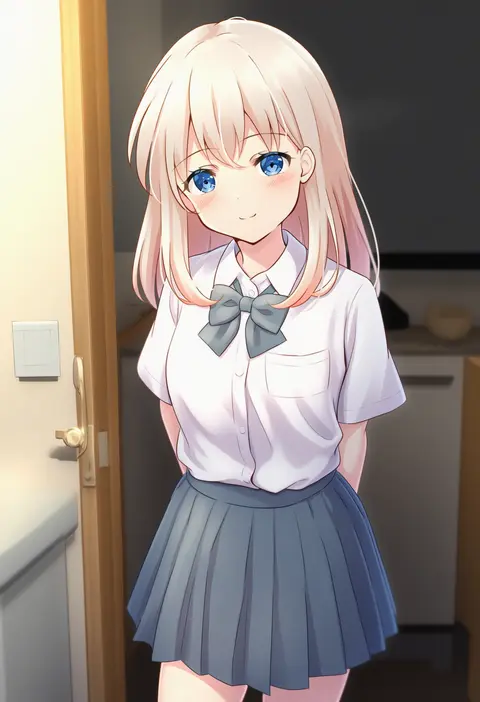
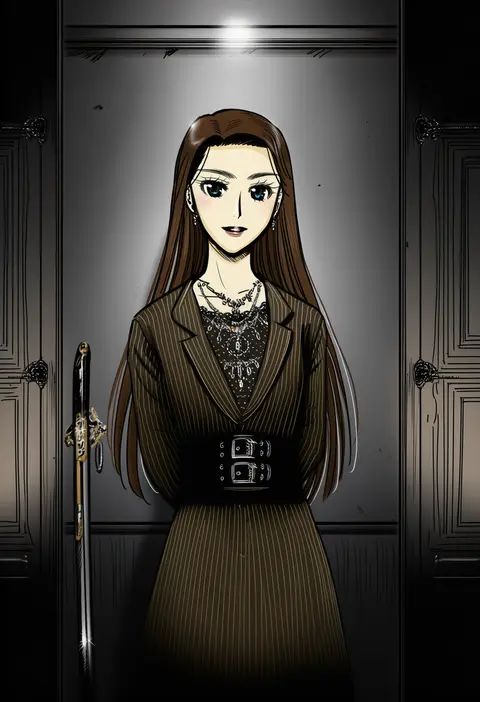
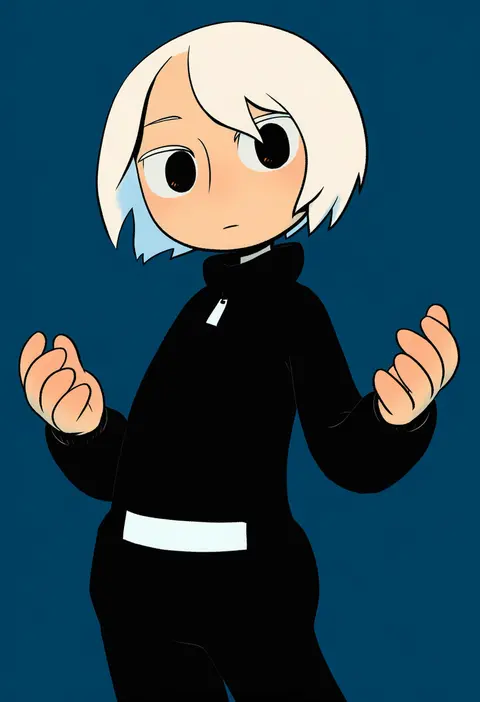
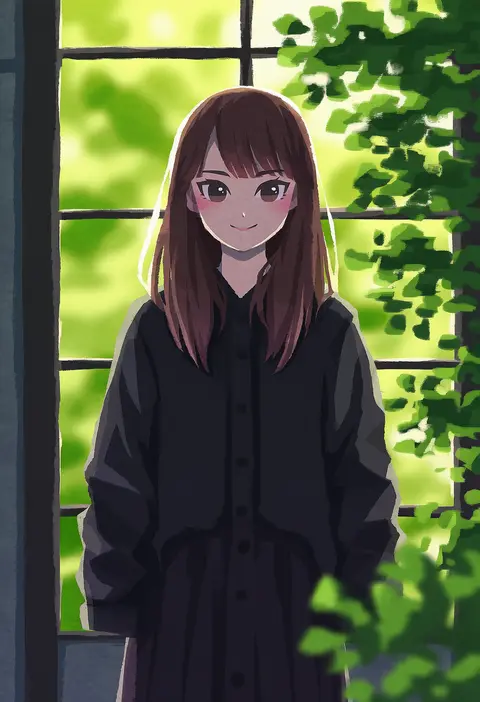
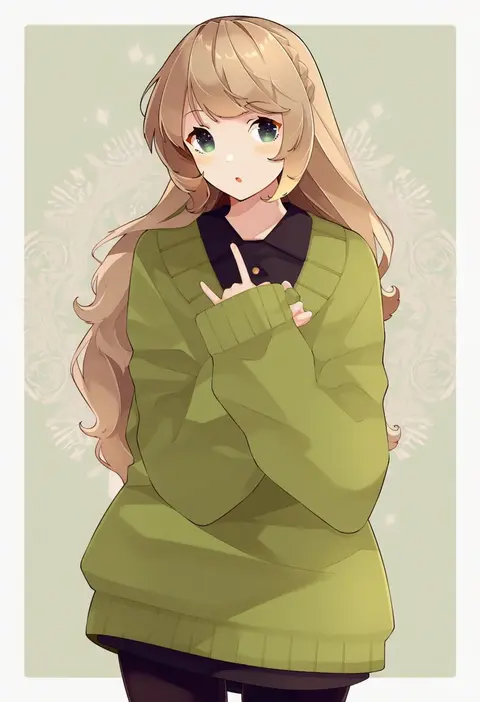
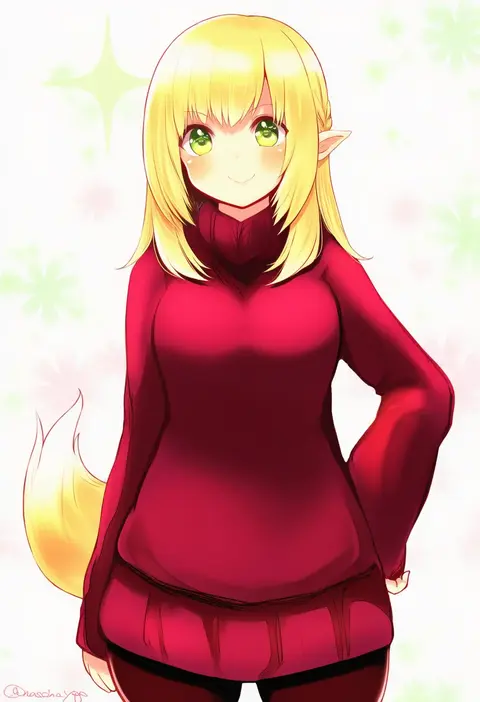
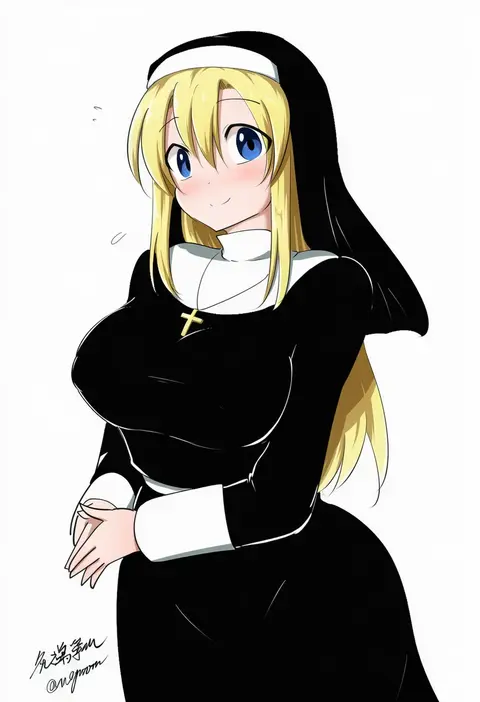
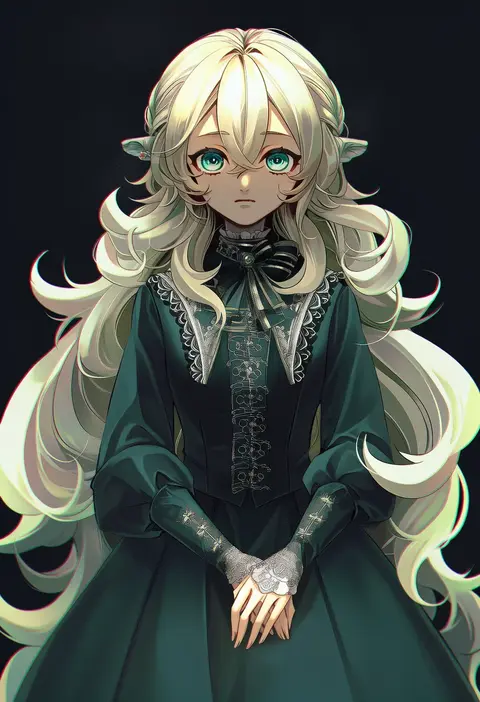
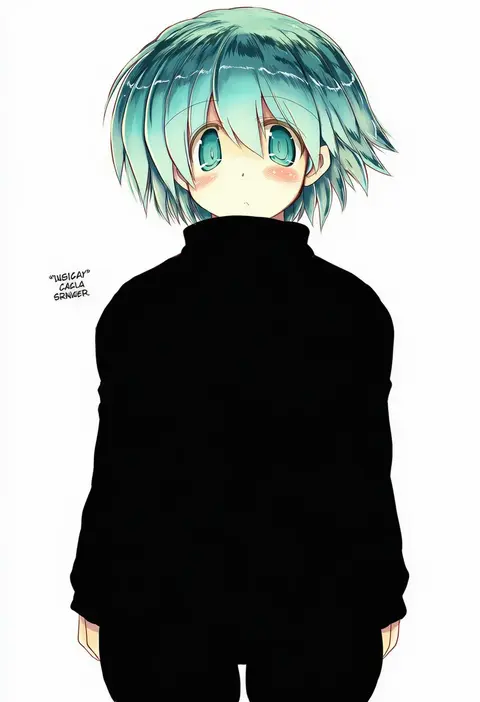
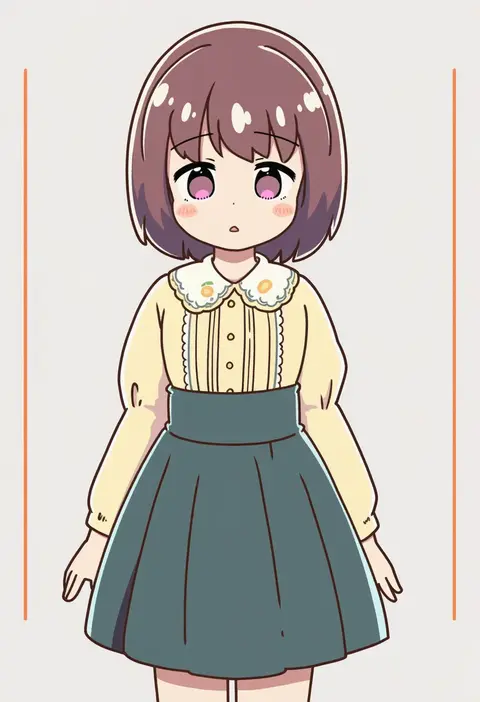
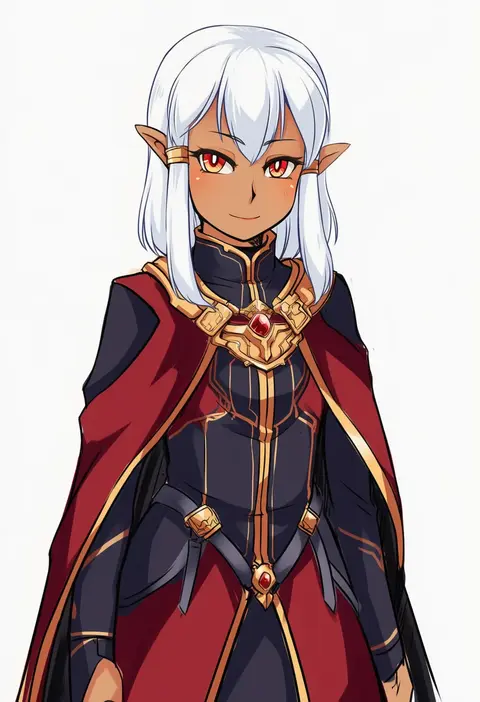
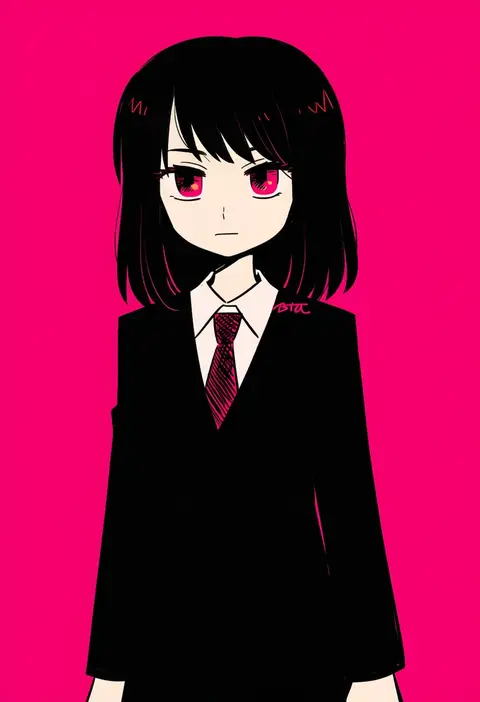
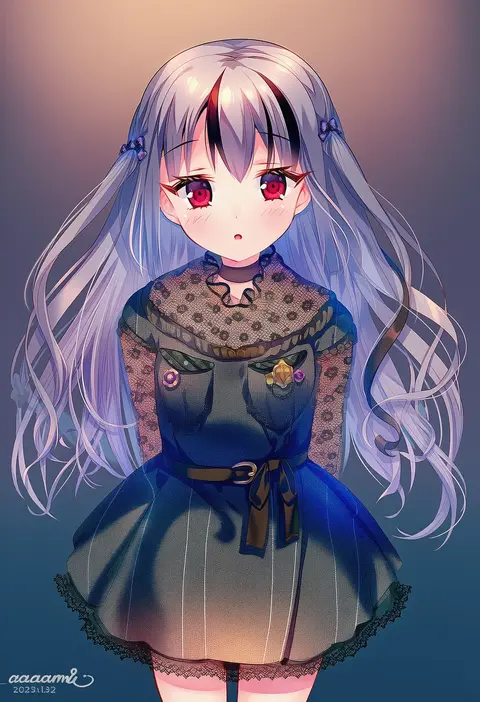
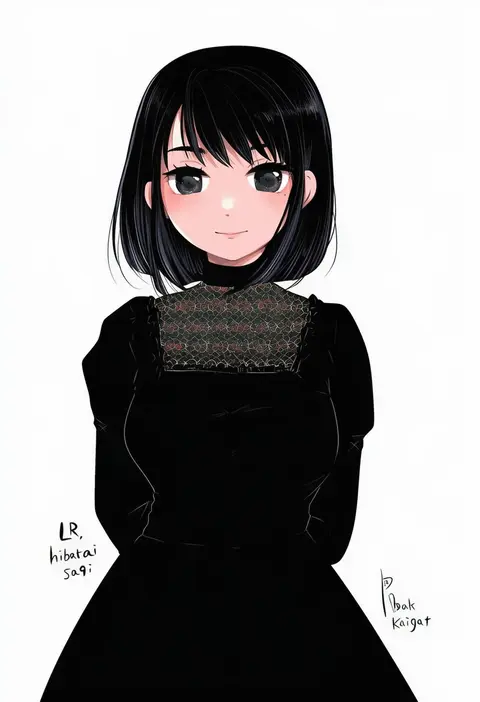
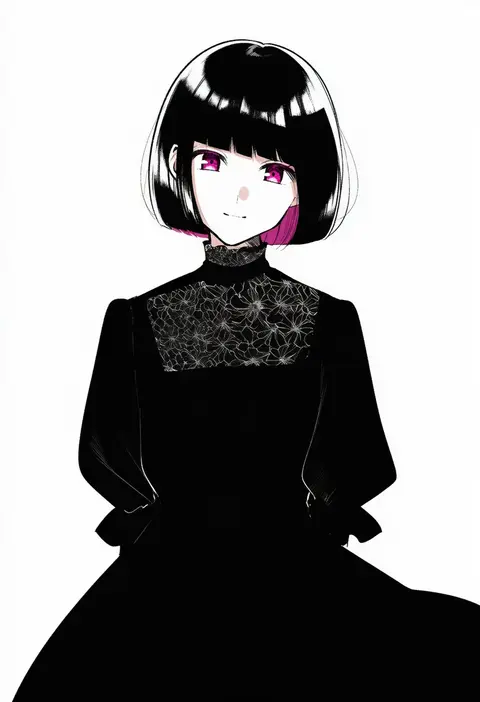
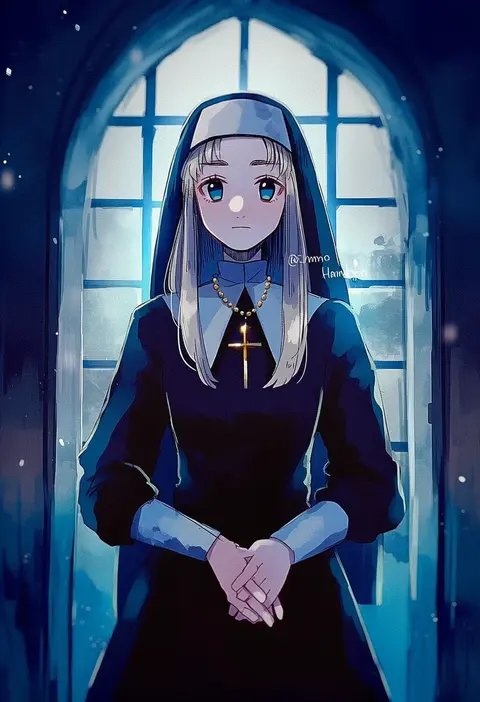
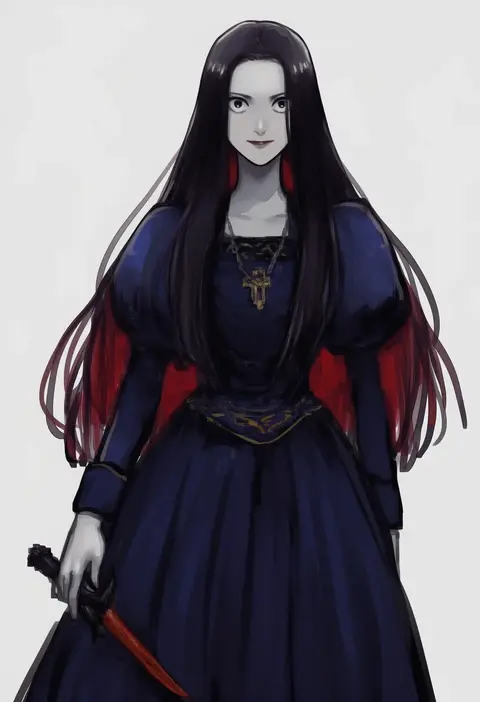
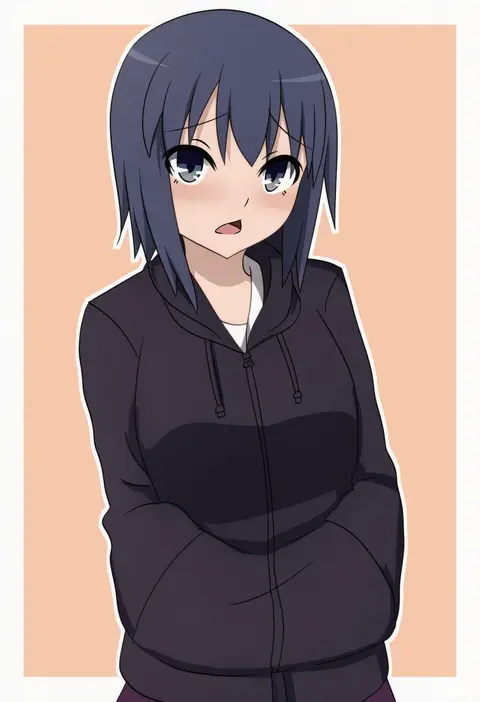
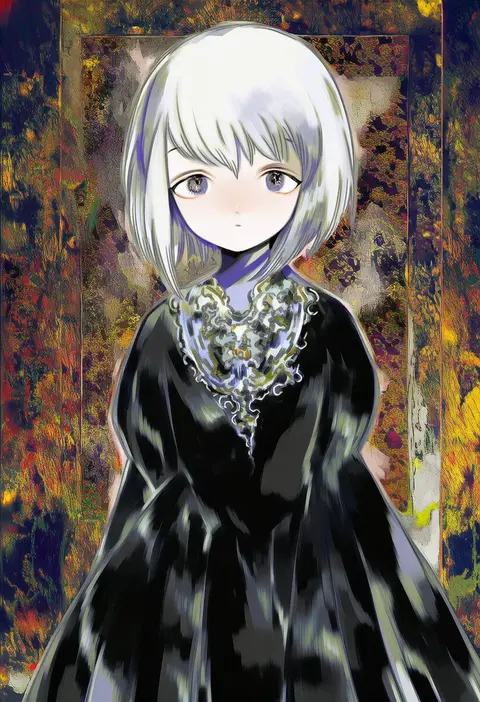
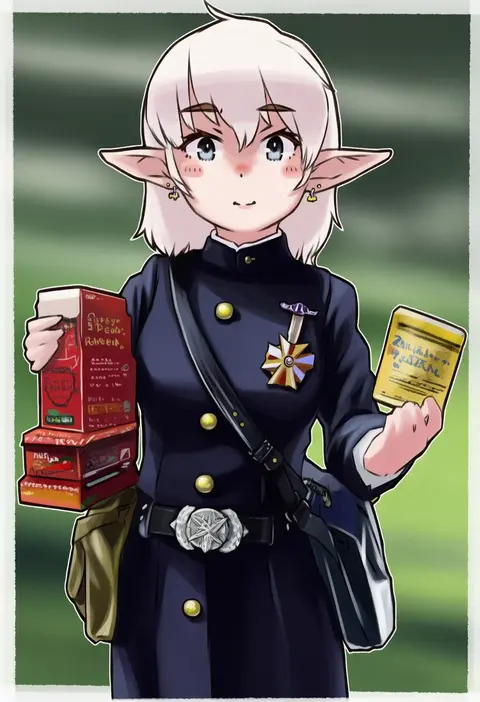
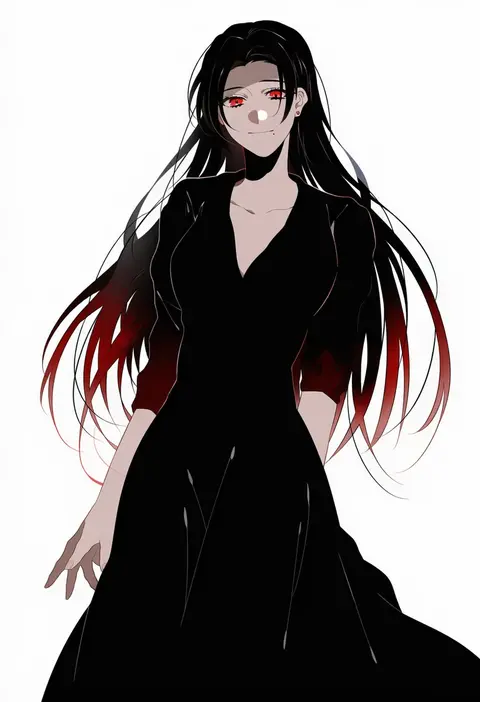
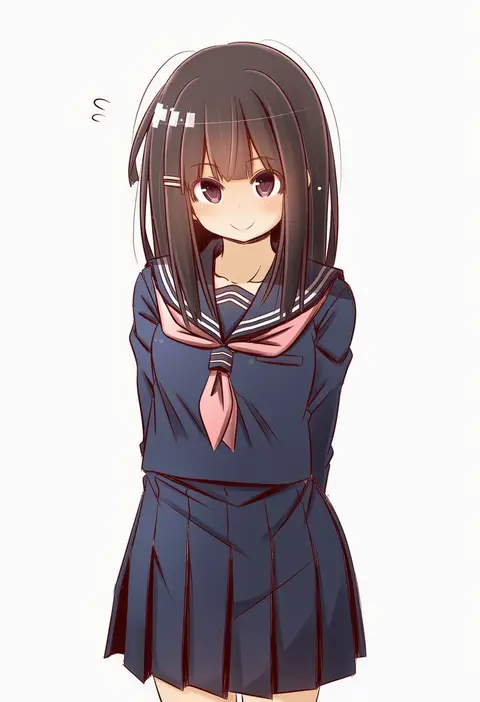
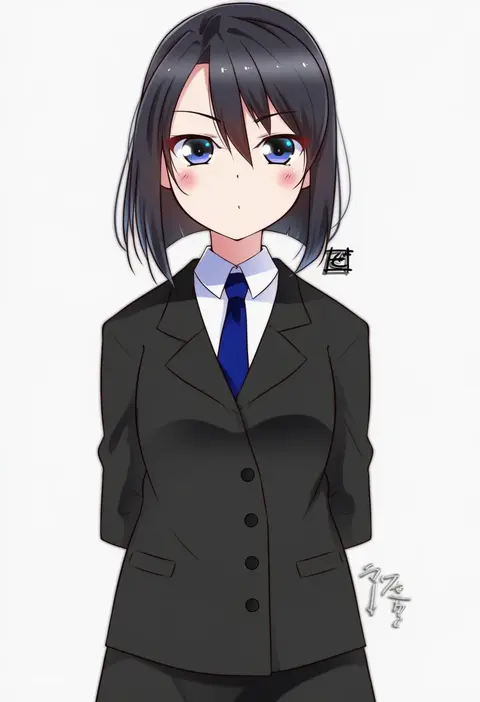
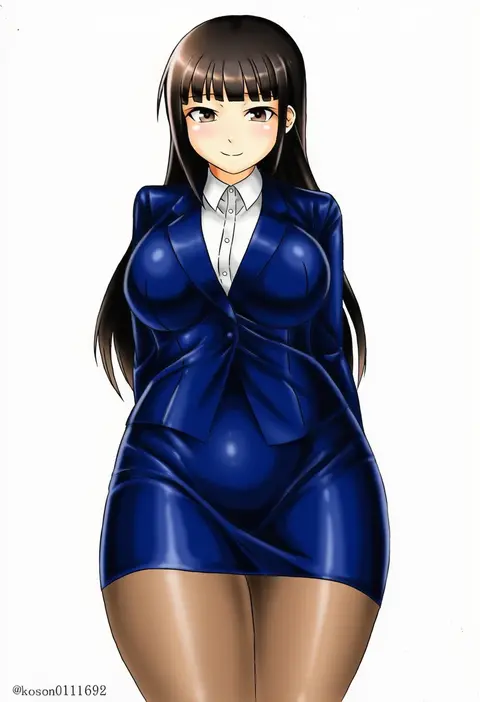
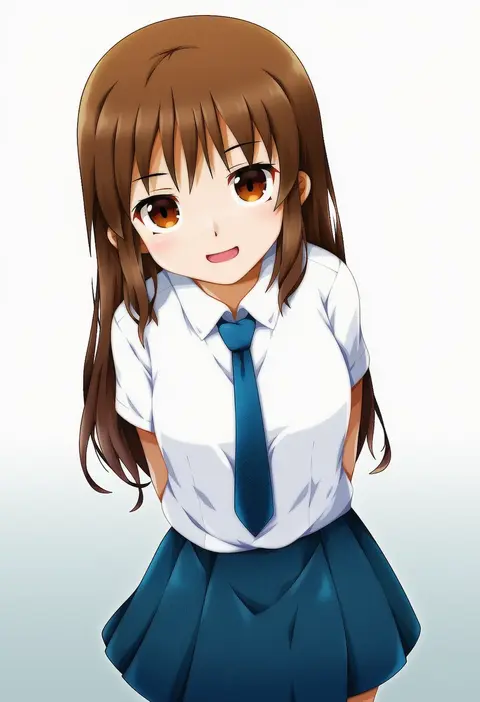
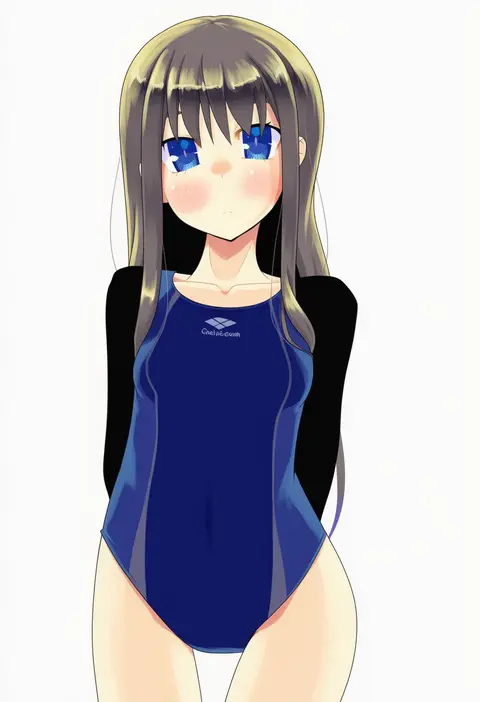
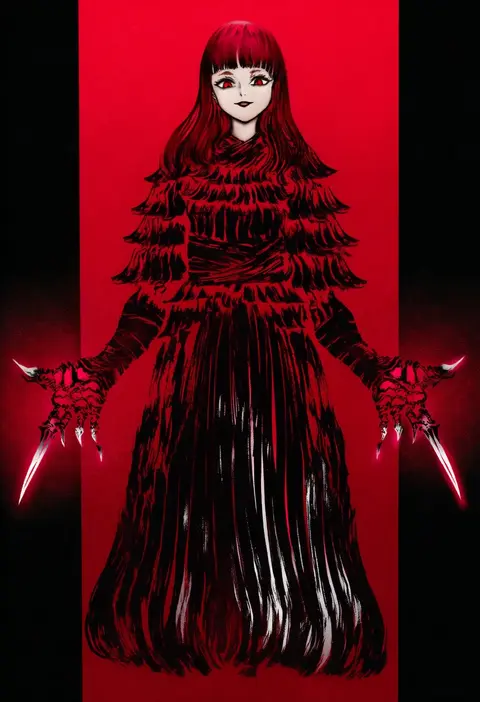
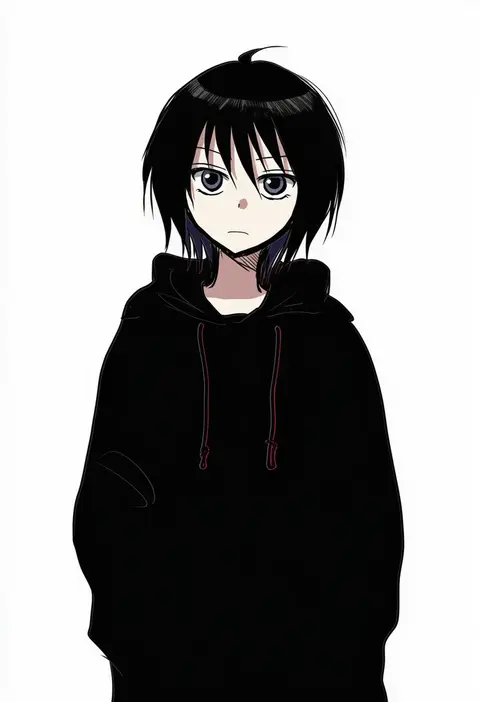
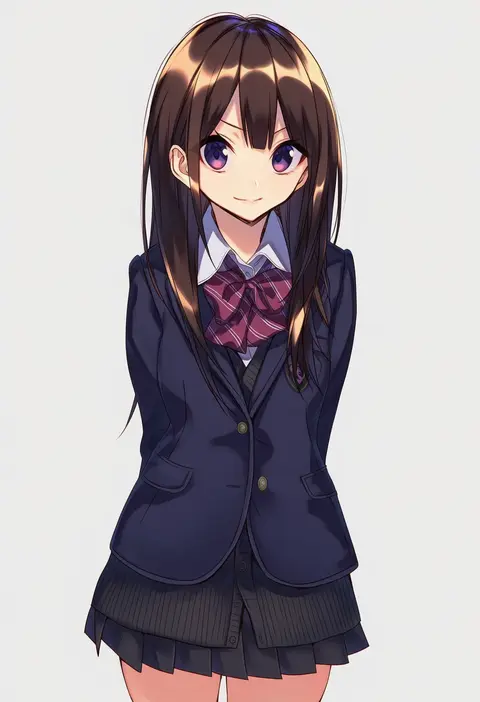
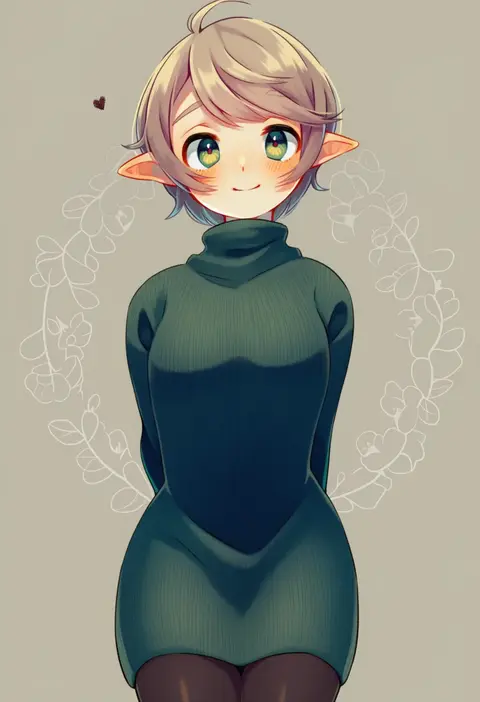
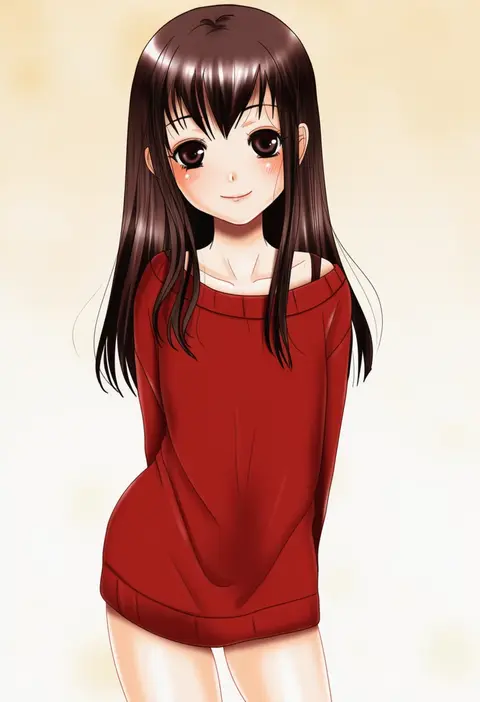
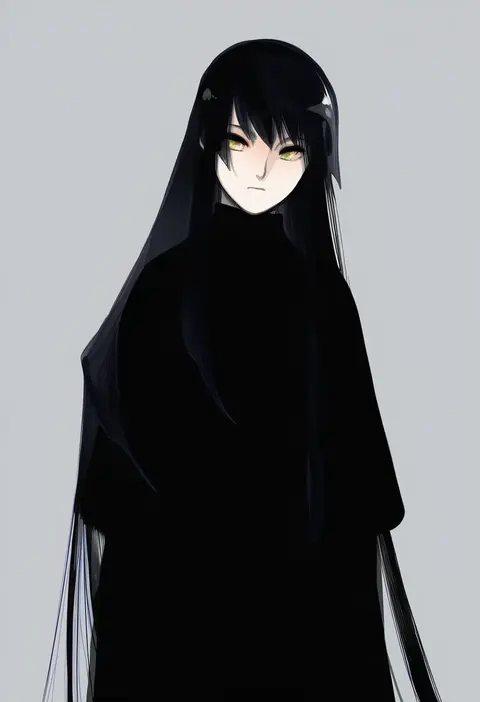
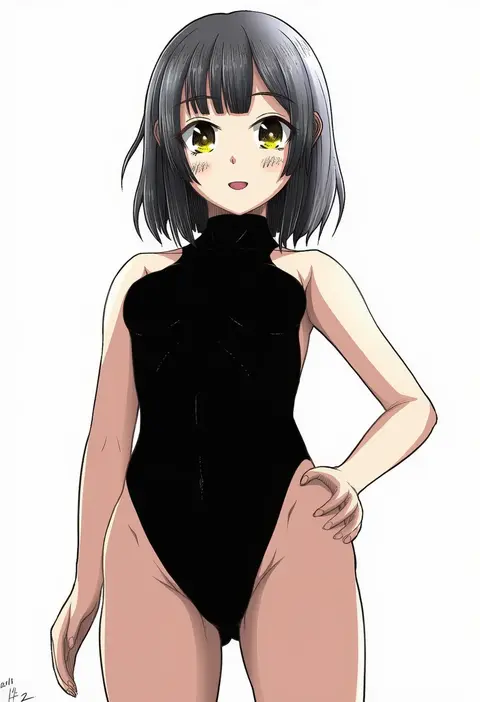
Artist tags tell NovelAI Diffusion to draw in a specific artist's style: line weight, paint texture, face shapes and palette all shift at once. Character and outfit tags decide what is drawn; artist tags decide how. 16,352 tags are listed for V4.5.
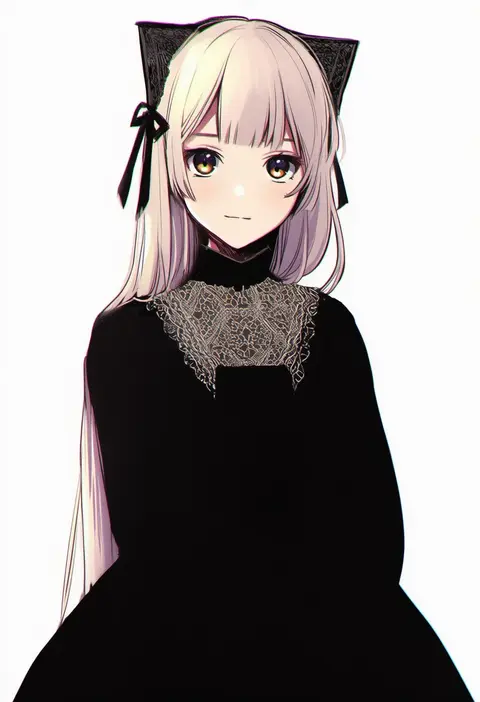
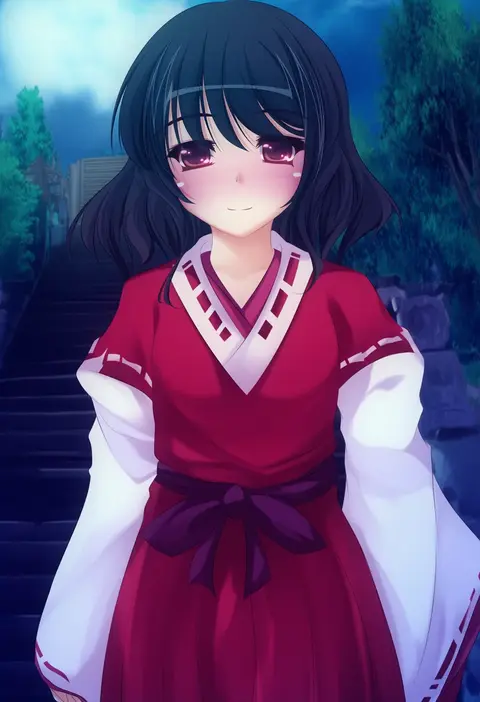
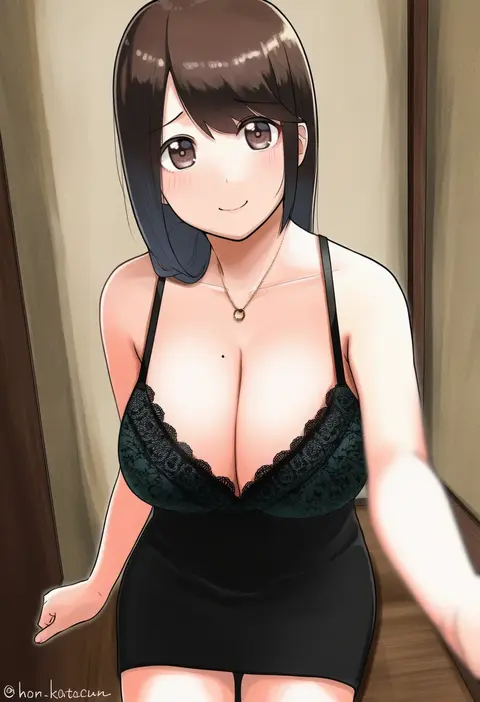
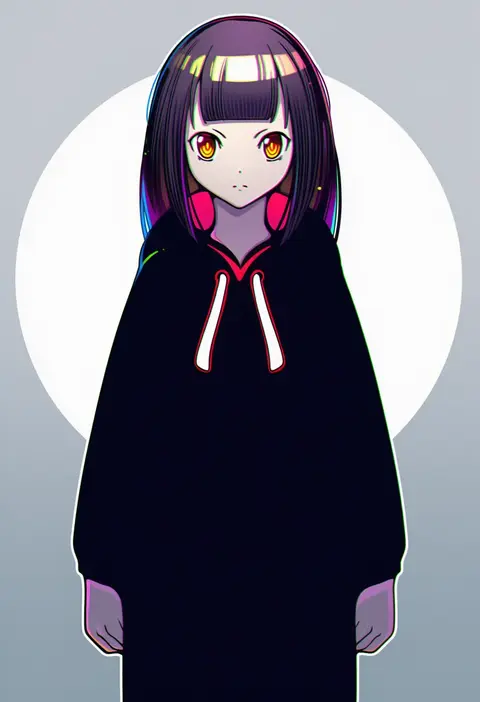
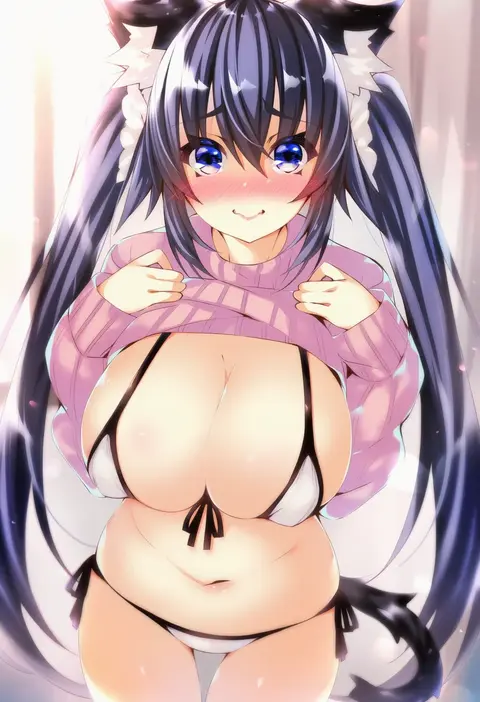
Every tag listed here is verified to react in NovelAI. All images use the same prompt, seed and settings with only the artist tag swapped, so the difference between two images is the style that tag brings in.

How to use them

Put the artist tag near the front of the prompt, e.g. "<artist>, 1girl, solo, best quality, masterpiece, cowboy shot". Two or three artist tags blend styles; lower the weight with "0.8::<artist>::" when the style overpowers the character.

SCORE sorts by Danbooru's top score, POSTS by post count, FAVS by hearts on this site. Open a card to see V5 and V4.5 side by side on the same seed.

V5 vs V4.5

V5 usually lands closer to the artist's real style, and tags that did nothing on V4.5 often react on V5. V4.5 still fits older and doujin-heavy artists better. Try V5 first, fall back to V4.5.

FAQ

Where does the artist tag go?
Near the front of the prompt. Use "0.8::tag::" to adjust its weight.

Can I stack artist tags?
Yes, styles blend. Past two or three the result stops looking like anyone.

Are these the artists' own works?
No. Every image is a NovelAI sample generated from the tag.