V4.5Artists
sort: FAVS▾
▾
>
$

NovelAI Artist Tags List — V4.5

artist --count 16,352[235/273]
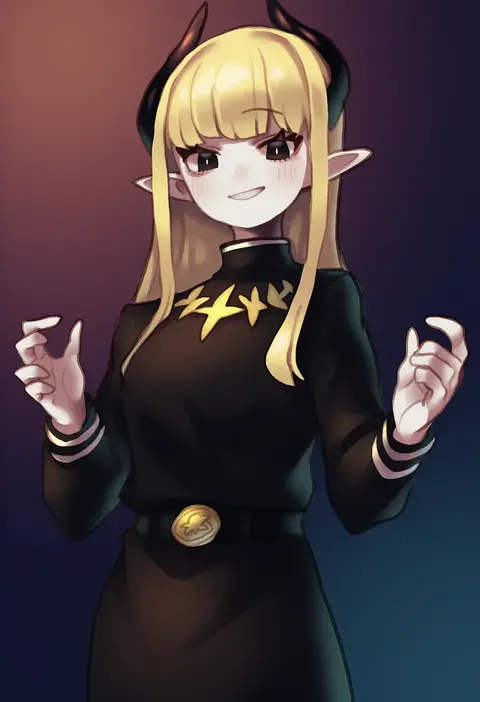
okame nin
ARTIST0x36D8
0
luminous slime
ARTIST0x36D9
0
satori (aosky9077)
ARTIST0x36DA
0
neku (neku draw)
ARTIST0x36DB
0
aiuabo
ARTIST0x36DC
0
meiya neon
ARTIST0x36DD
0
hemo (hemoroda)
ARTIST0x36DE
0
tsukioka tsukiho
ARTIST0x36DF
0
kusuribe
ARTIST0x36E0
0
sameyama jiro
ARTIST0x36E1
0
au (d elete)
ARTIST0x36E2
0
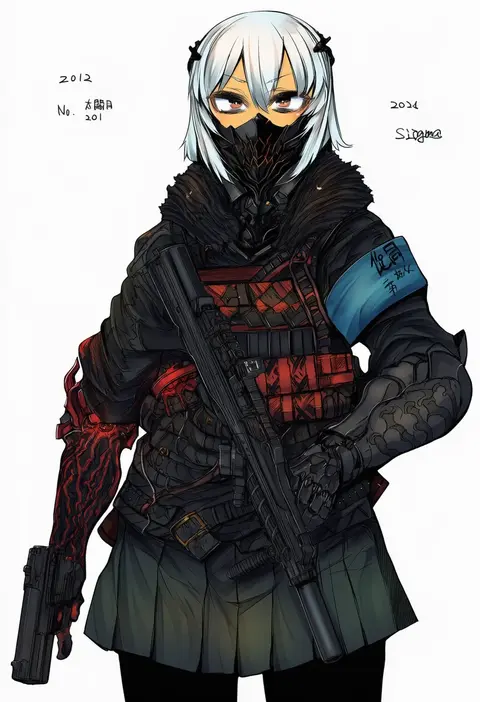
sigama
ARTIST0x36E3
0
wada sachiko
ARTIST0x36E4
0
araiguma
ARTIST0x36E5
0
sheepd
ARTIST0x36E6
0
tenjin hidetaka
ARTIST0x36E7
0
chiyo (rotsurechiriha)
ARTIST0x36E8
0
iwamoto sora
ARTIST0x36E9
0
cyawa
ARTIST0x36EA
0
ise (0425)
ARTIST0x36EB
0
sesena yau
ARTIST0x36EC
0
mabuchoco m
ARTIST0x36ED
0
mechuragi
ARTIST0x36EE
0
kurami (kohaku.)
ARTIST0x36EF
0
ikemen'na ore-shi
ARTIST0x36F0
0
n (dai n honpo)
ARTIST0x36F1
0
harada miyuki
ARTIST0x36F2
0
mashinatsu
ARTIST0x36F3
0
sasaki sakiko
ARTIST0x36F4
0
kenoka
ARTIST0x36F5
0
zuzuhashi
ARTIST0x36F6
0
t-ray
ARTIST0x36F7
0
riyun (halodark)
ARTIST0x36F8
0
atsumi jun
ARTIST0x36F9
0
sugiyama genshou
ARTIST0x36FA
0
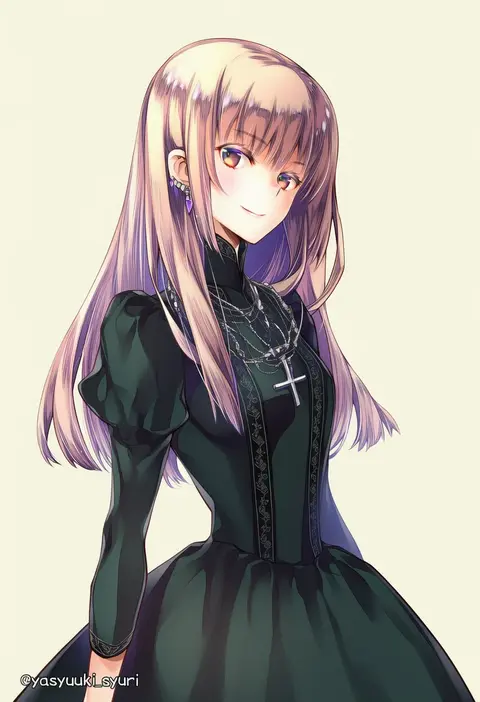
shuri yasuyuki
ARTIST0x36FB
0
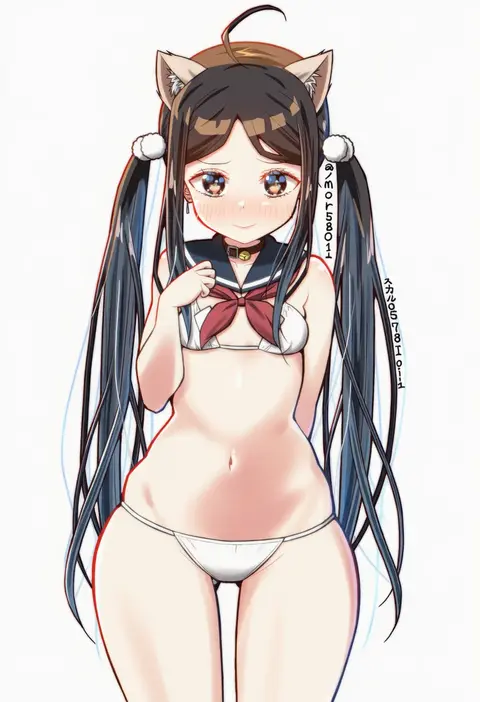
skull573
ARTIST0x36FC
0
boleum (dgrpluna)
ARTIST0x36FD
0
suihi
ARTIST0x36FE
0
tarutoru
ARTIST0x36FF
0
m (m073111)
ARTIST0x3700
0
mks
ARTIST0x3701
0
yukishiro (hitsuji)
ARTIST0x3702
0
kanade (kanadeya)
ARTIST0x3703
0
makadamixa
ARTIST0x3704
0
hentaki
ARTIST0x3705
0
oshinomiya
ARTIST0x3706
0
zipang (zip@ng works)
ARTIST0x3707
0
sooru0720
ARTIST0x3708
0
cafe (chuu no ouchi)
ARTIST0x3709
0
maco spl
ARTIST0x370A
0
8 (yamalu)
ARTIST0x370B
0
mocha (naturefour)
ARTIST0x370C
0
itsuki tasuku
ARTIST0x370D
0
kagemichi
ARTIST0x370E
0
mise yuzuki
ARTIST0x370F
0
lunacats
ARTIST0x3710
0
tsubonari
ARTIST0x3711
0
jettoburikku
ARTIST0x3712
0
hano haruka
ARTIST0x3713
0

What these tags change

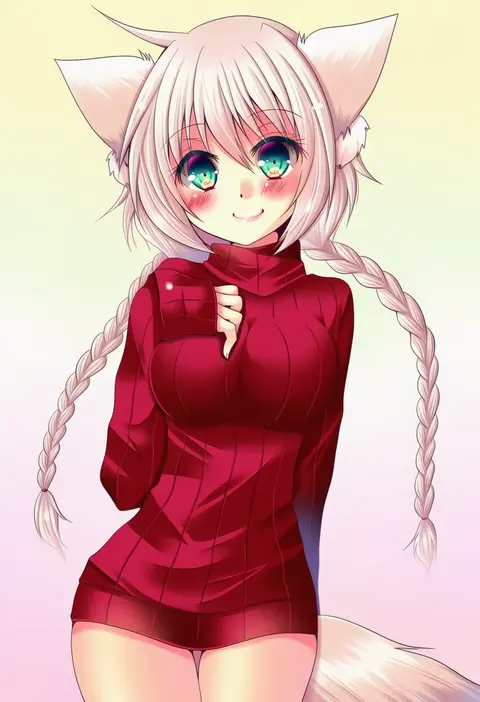
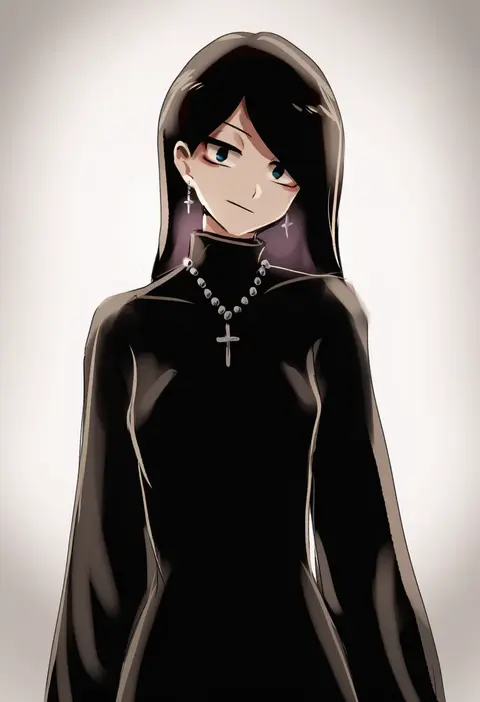
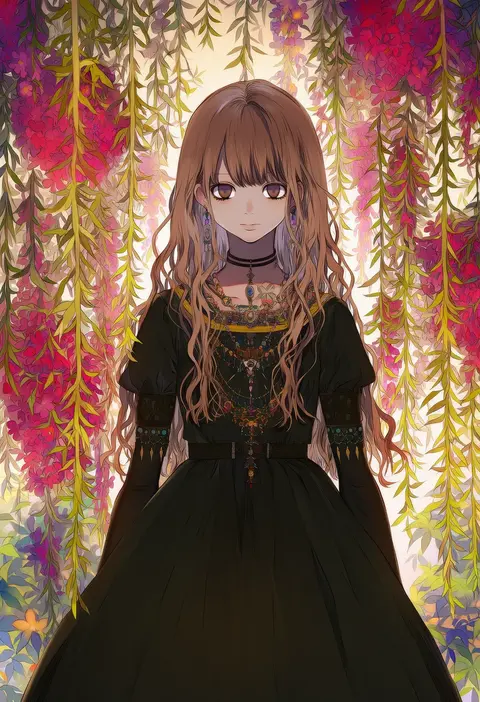
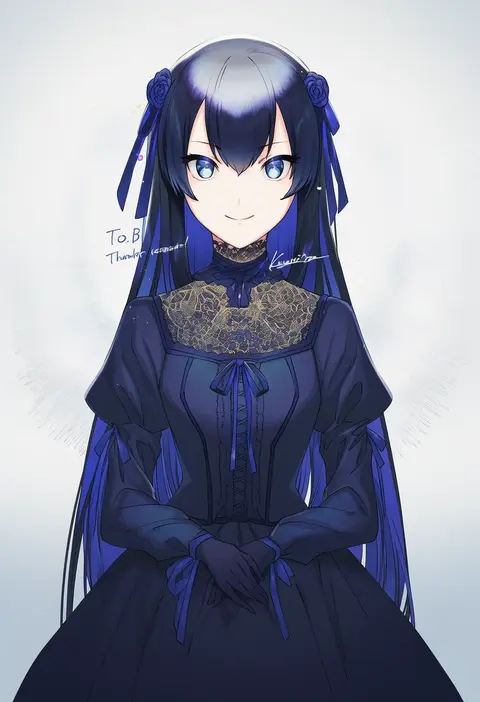
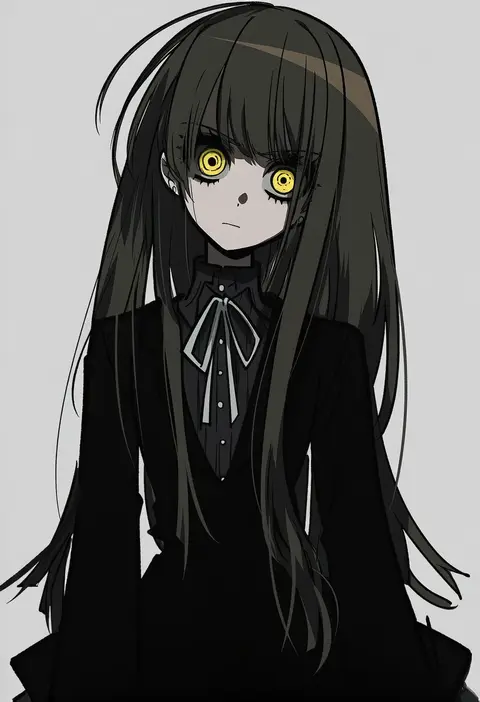
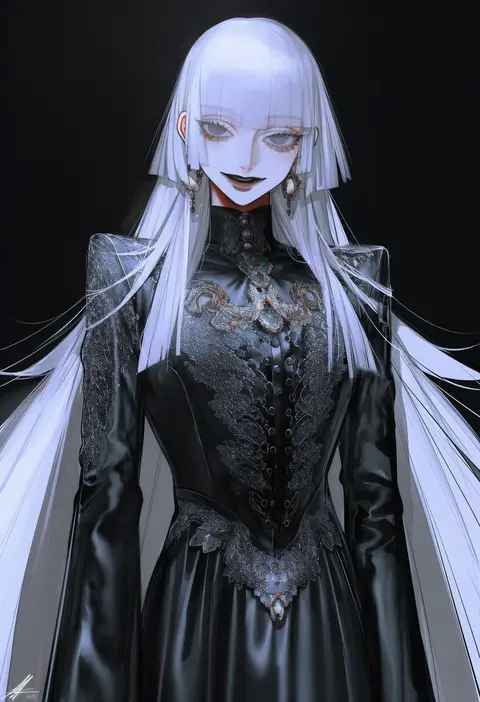
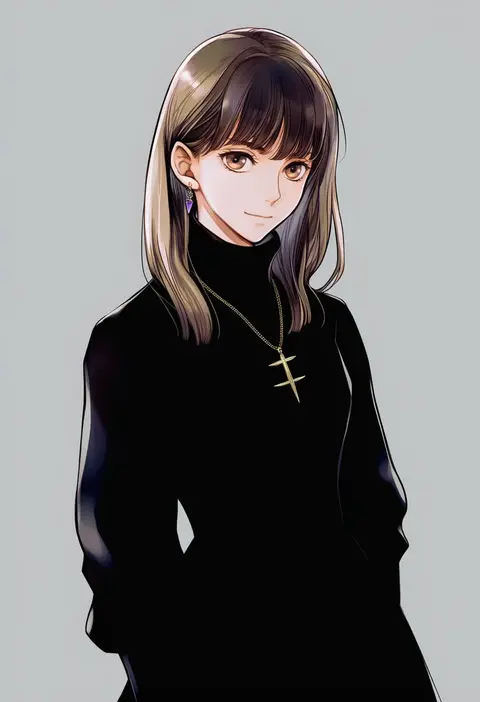
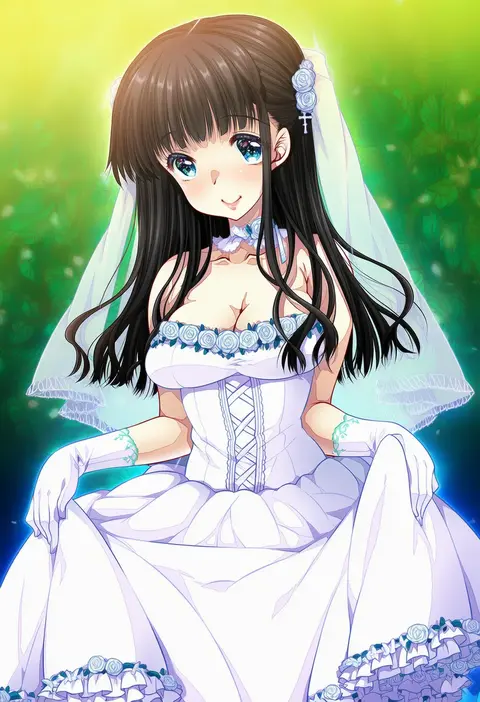
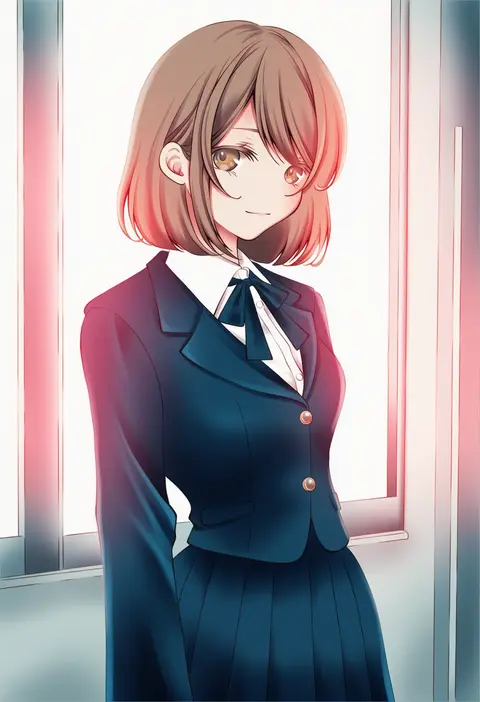
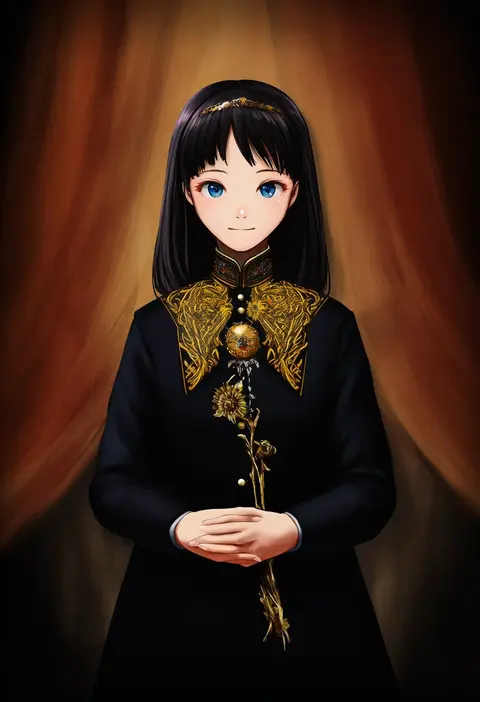
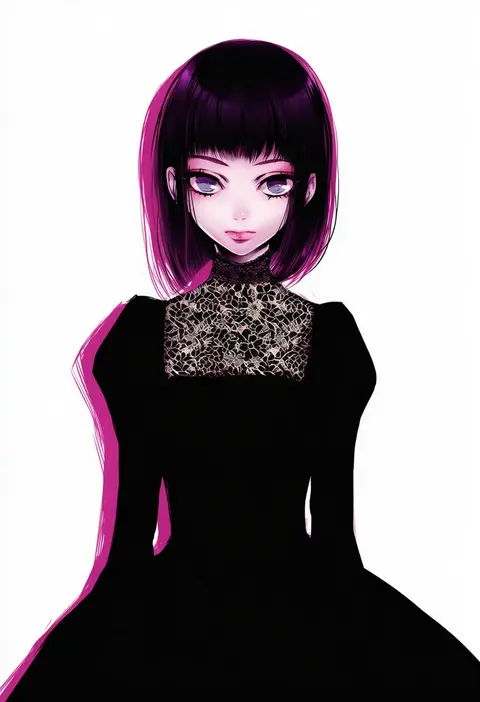
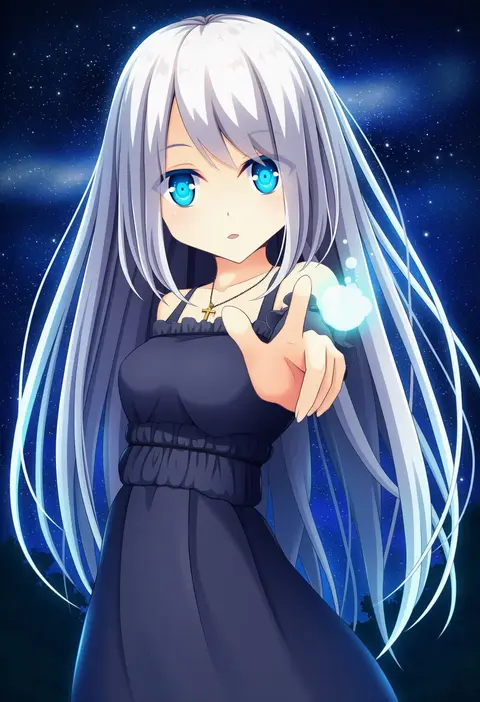
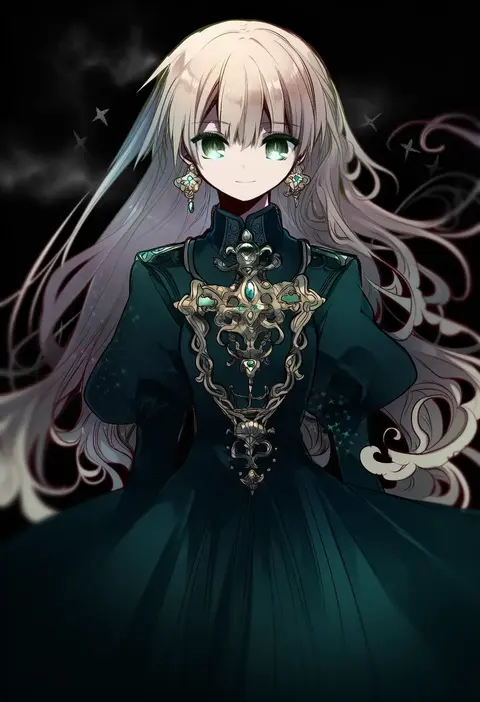
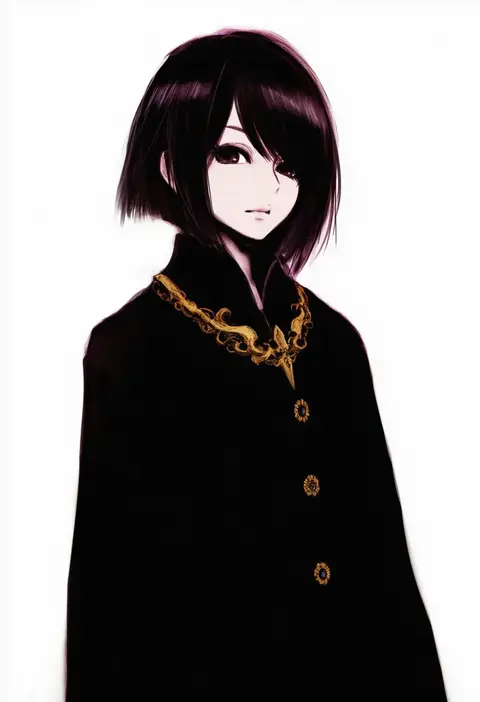
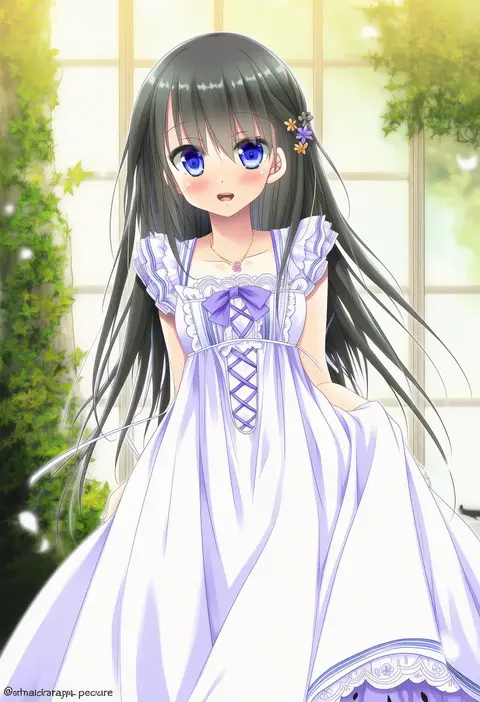
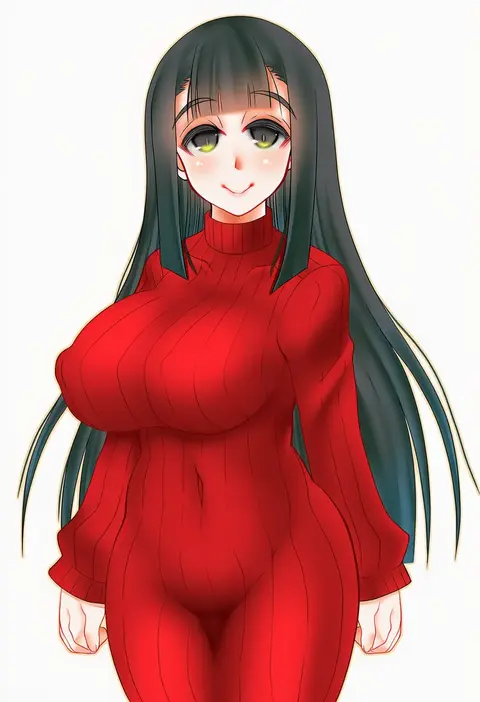
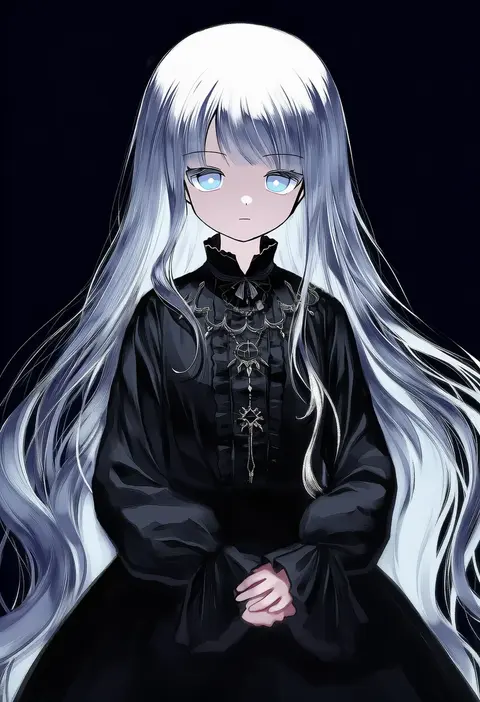
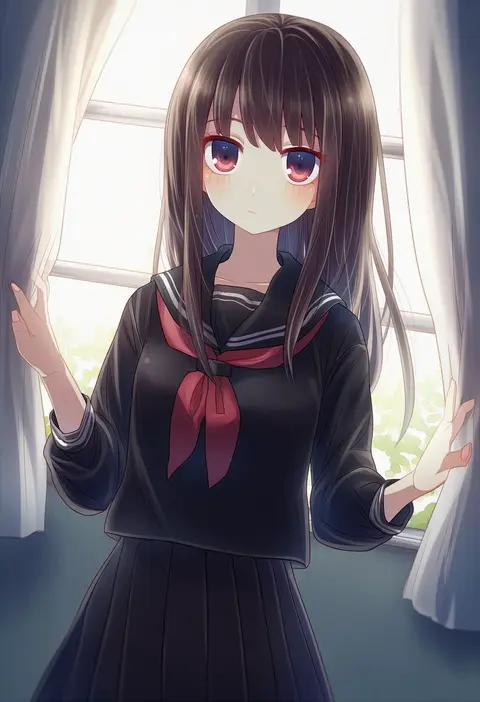
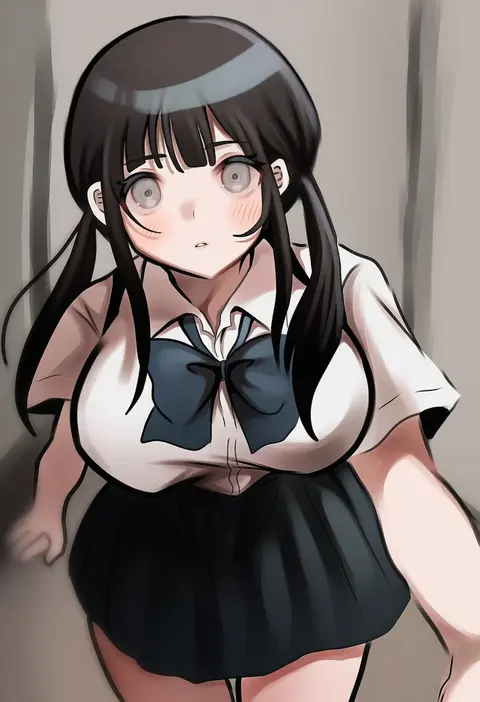
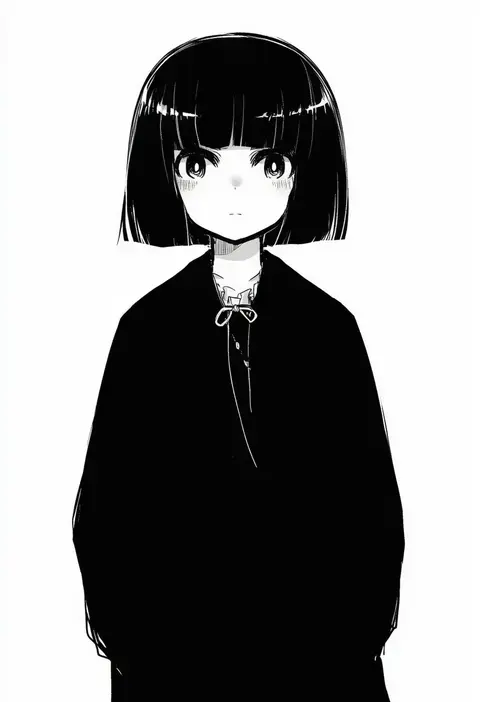
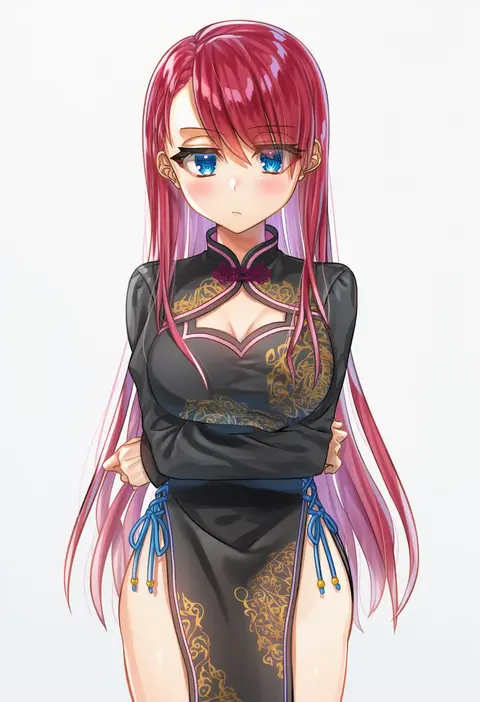
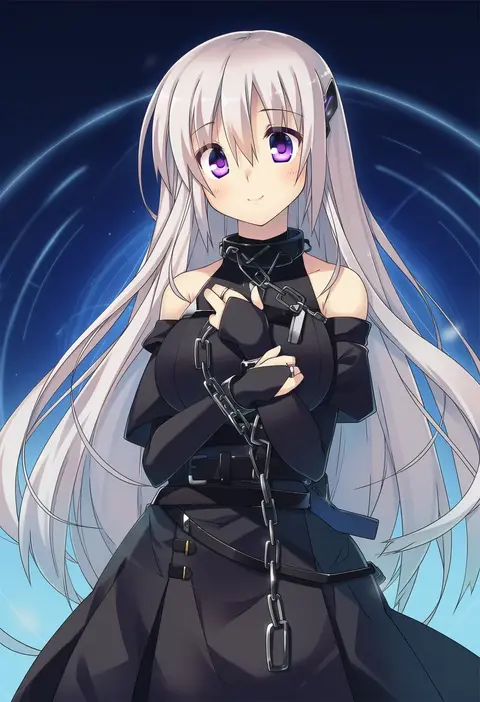
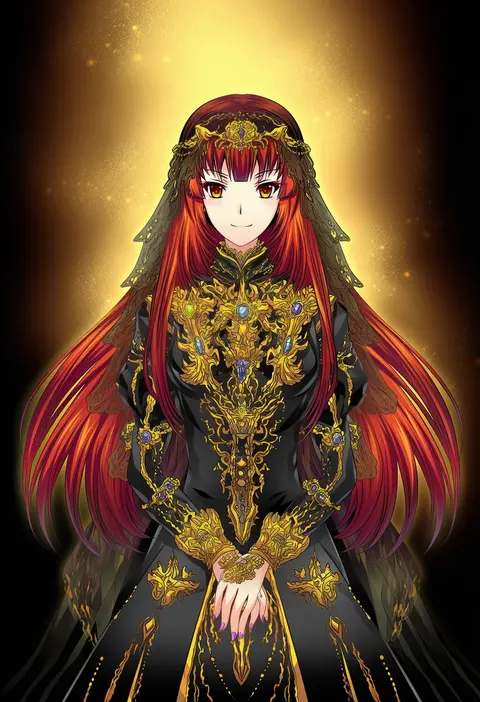
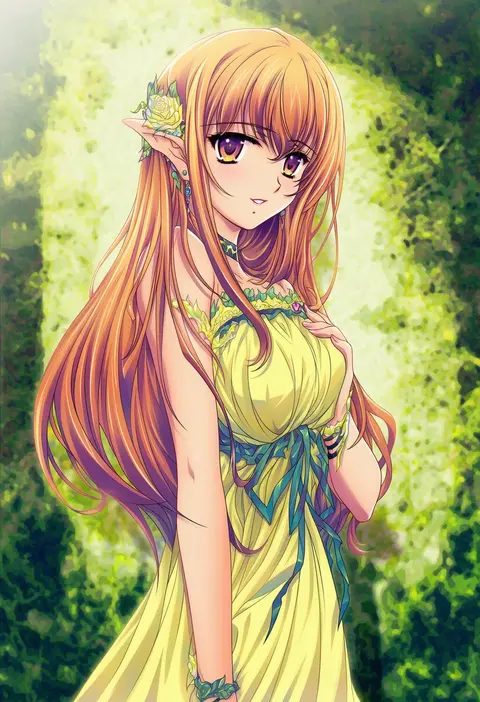
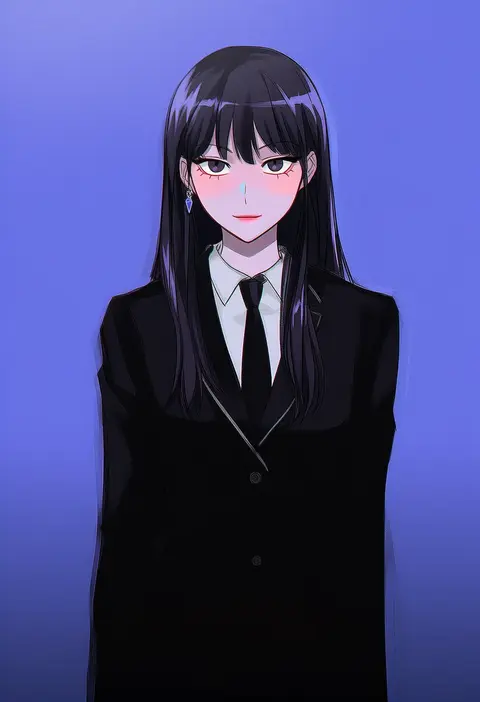
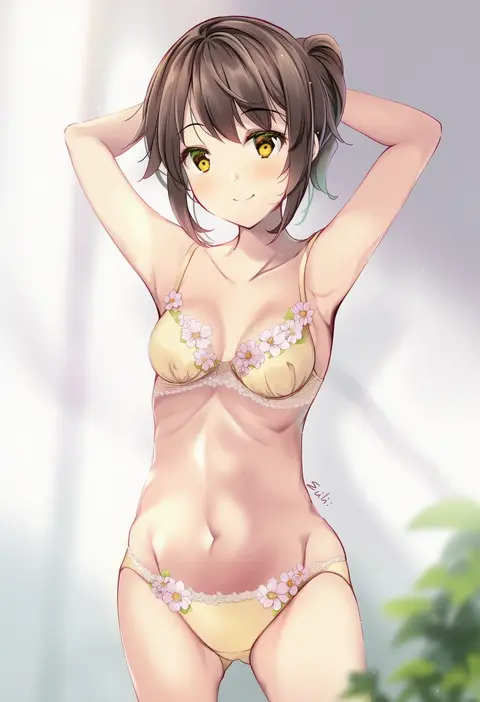
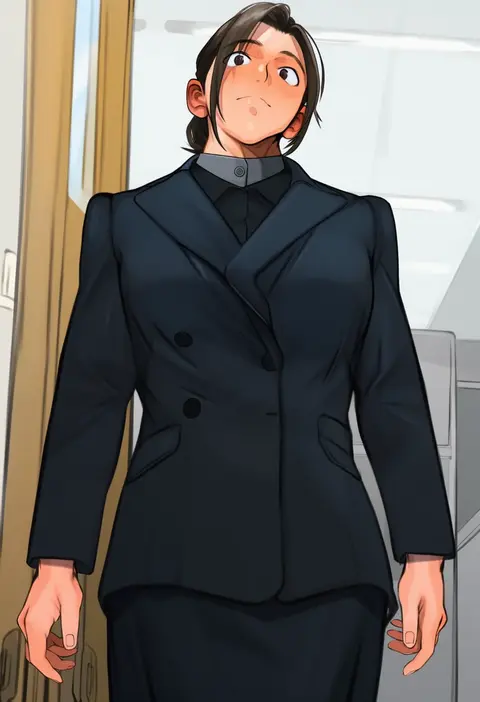
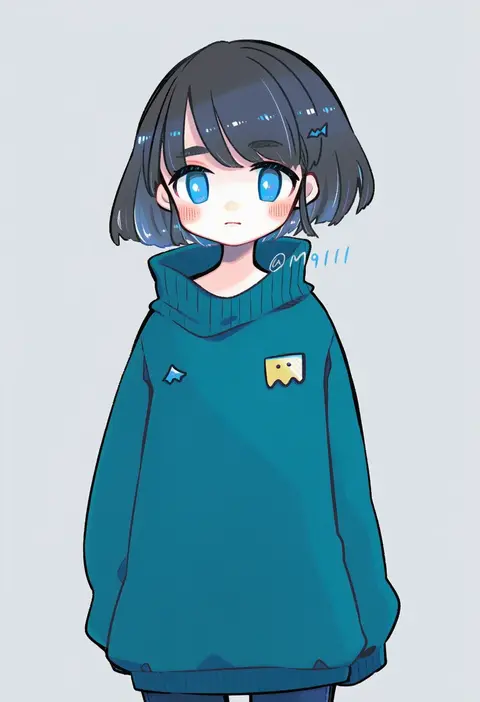
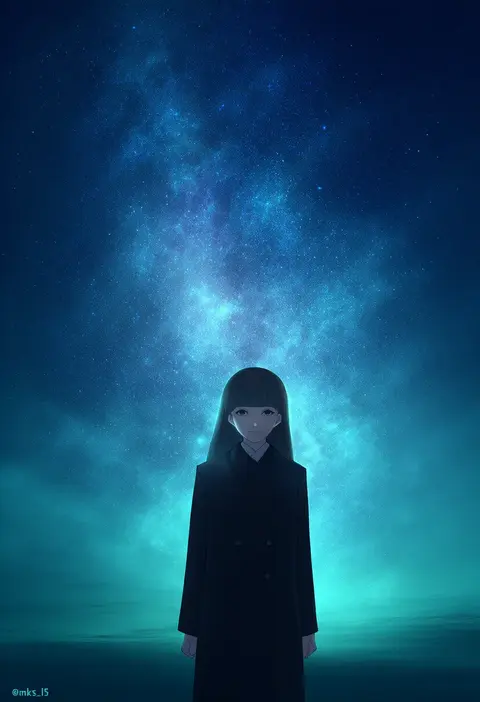
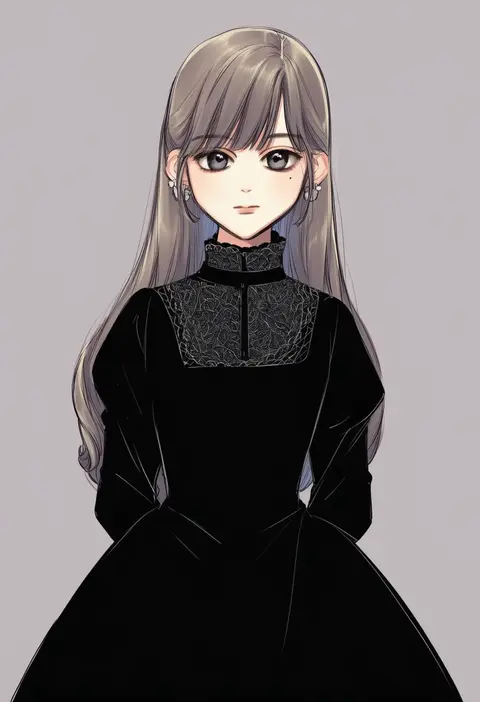
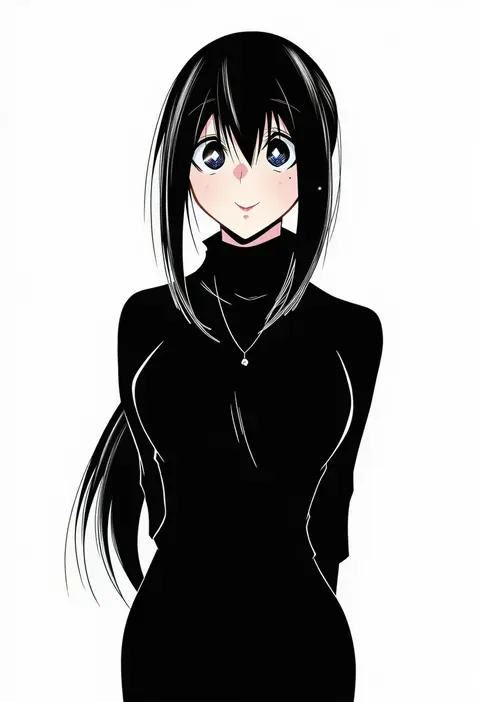
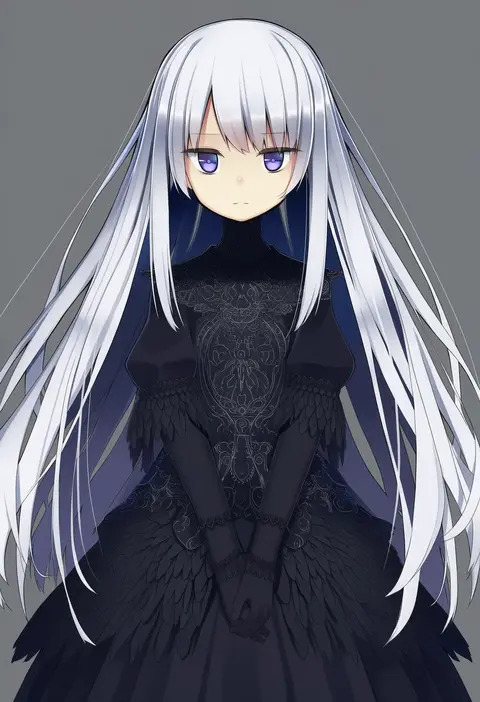
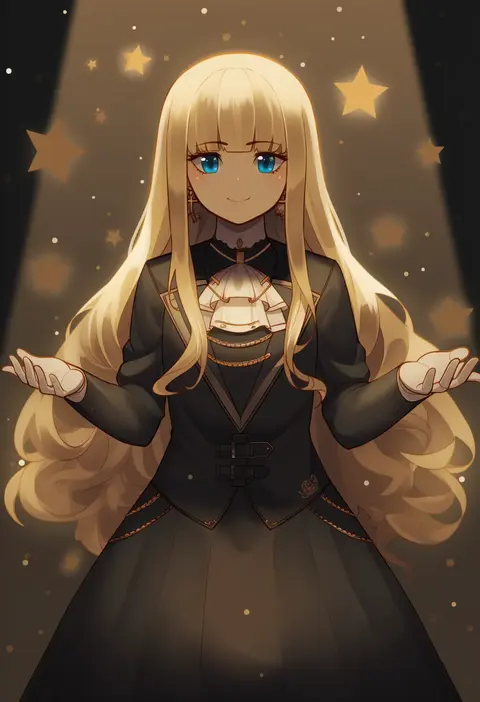
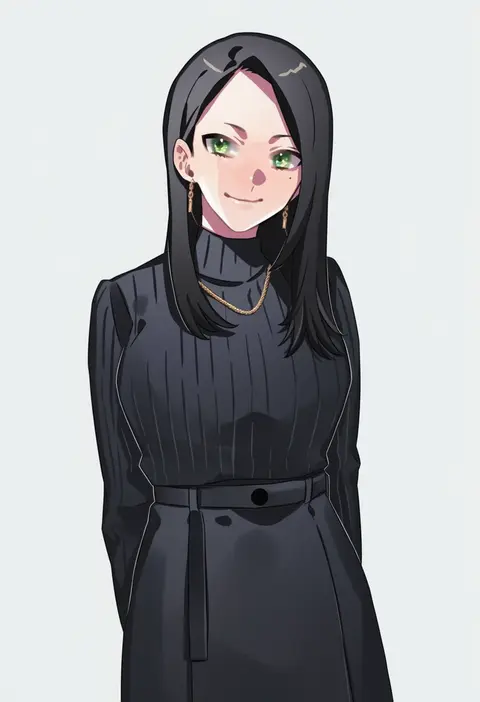
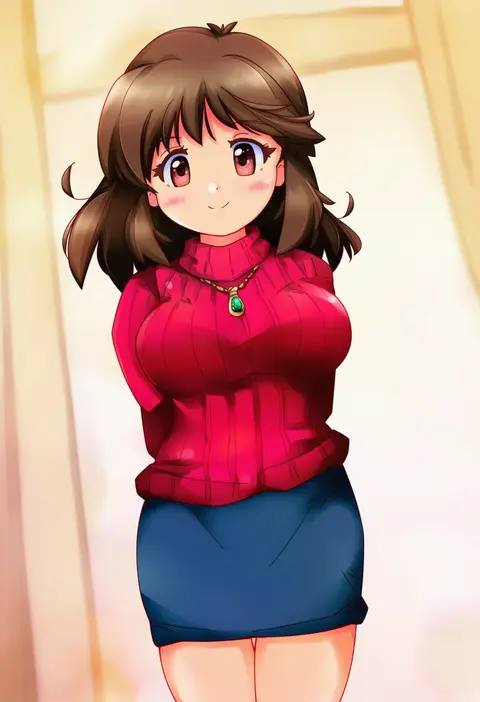
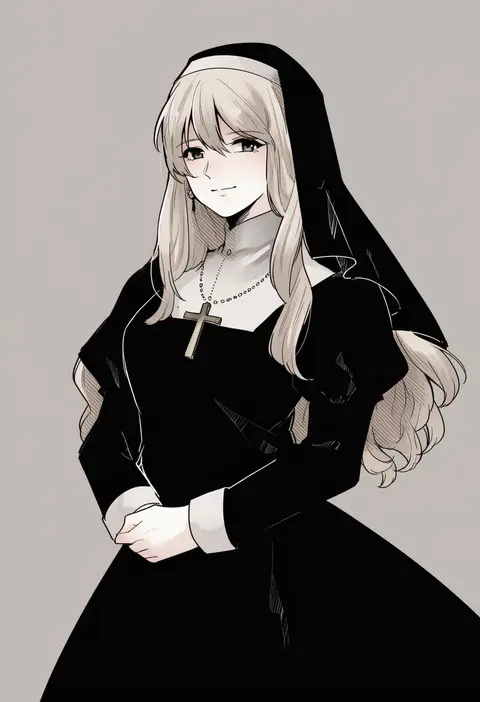
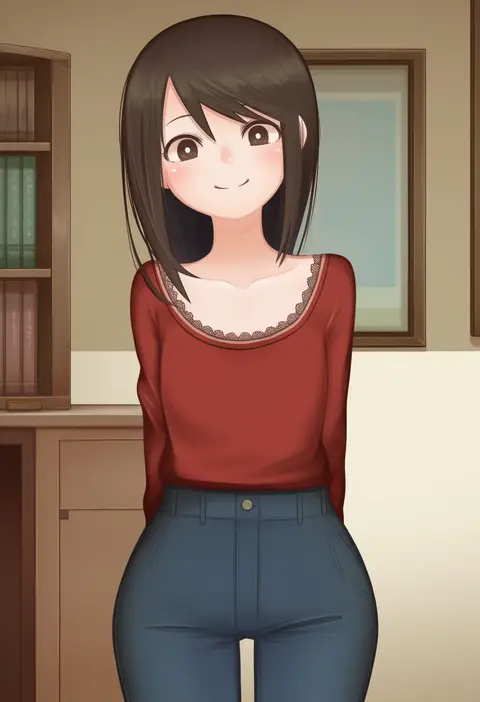
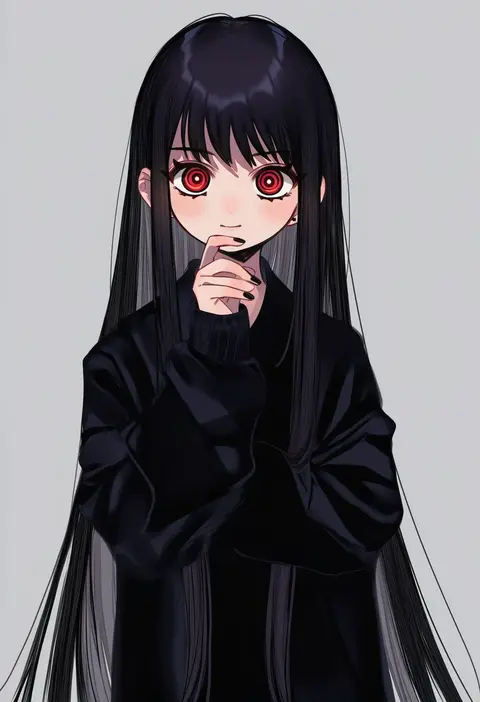
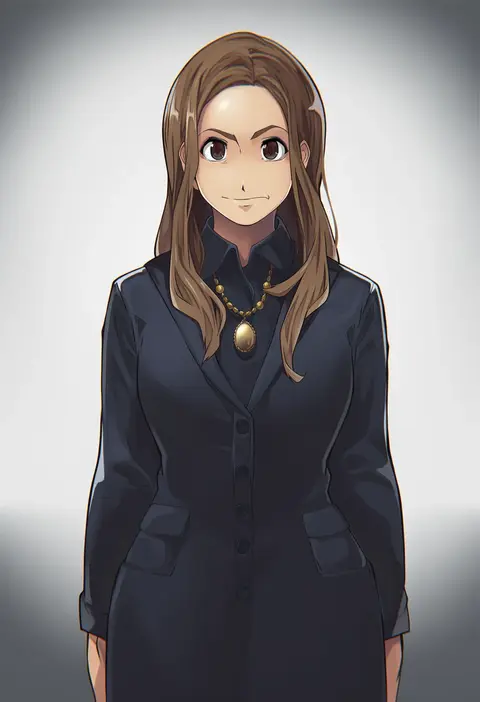
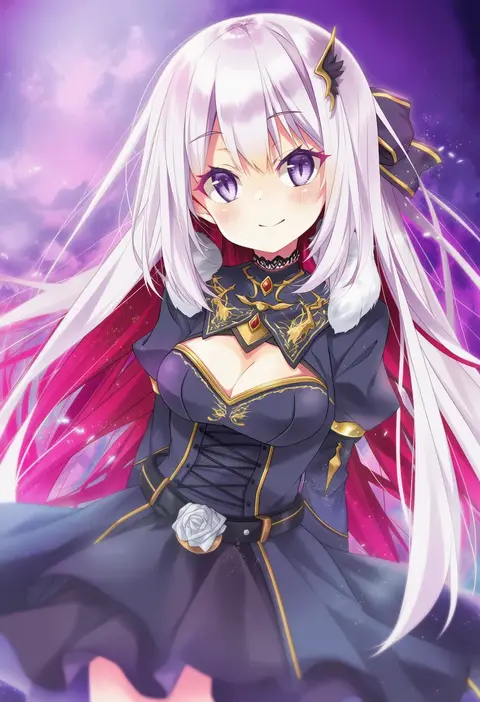
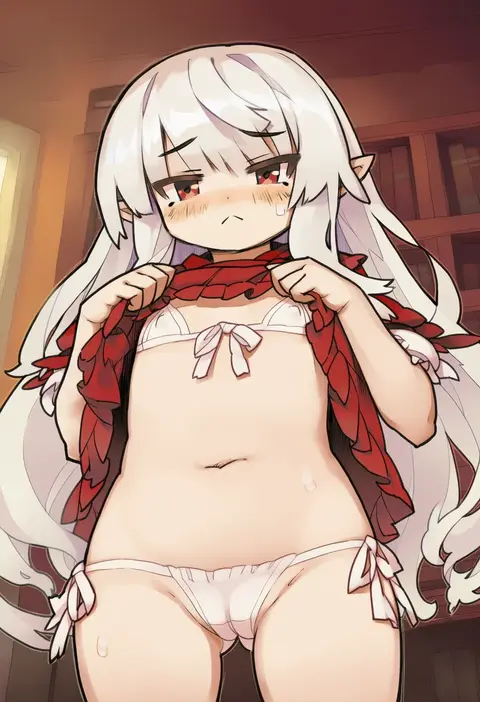
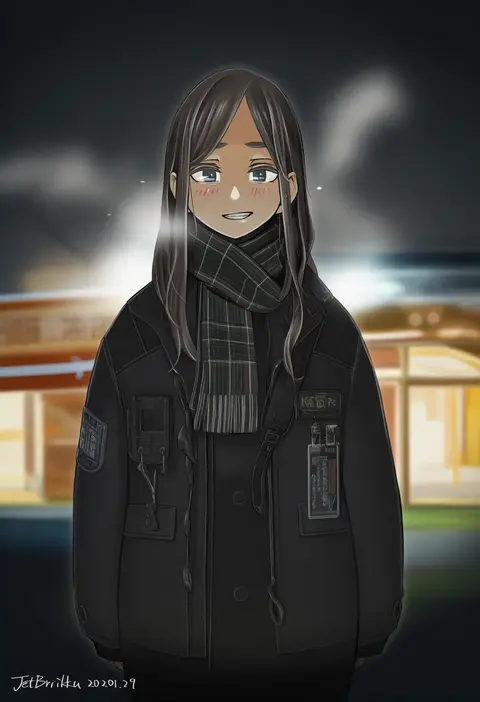
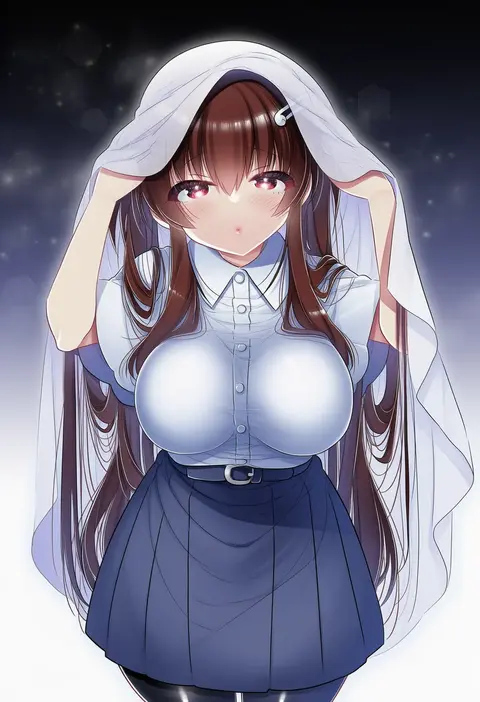
Artist tags tell NovelAI Diffusion to draw in a specific artist's style: line weight, paint texture, face shapes and palette all shift at once. Character and outfit tags decide what is drawn; artist tags decide how. 16,352 tags are listed for V4.5.
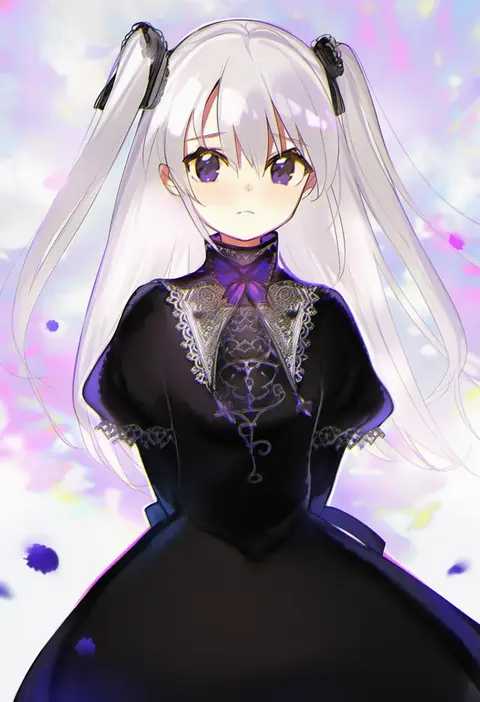
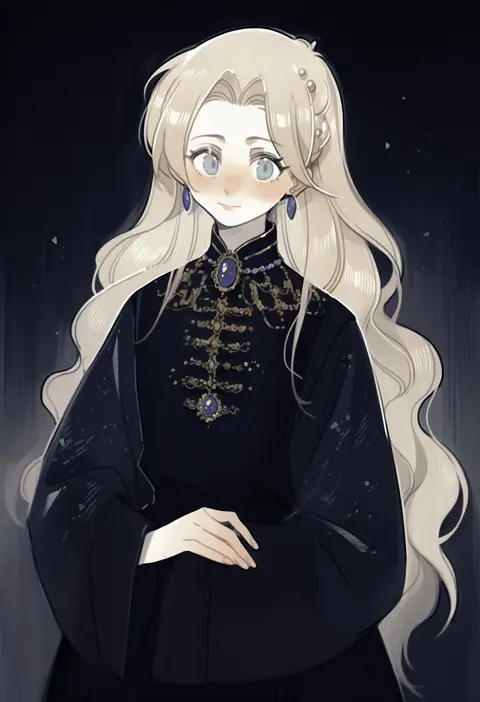
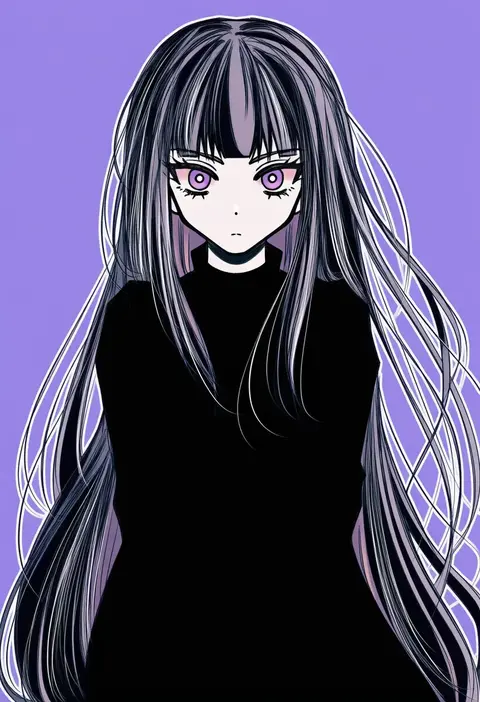
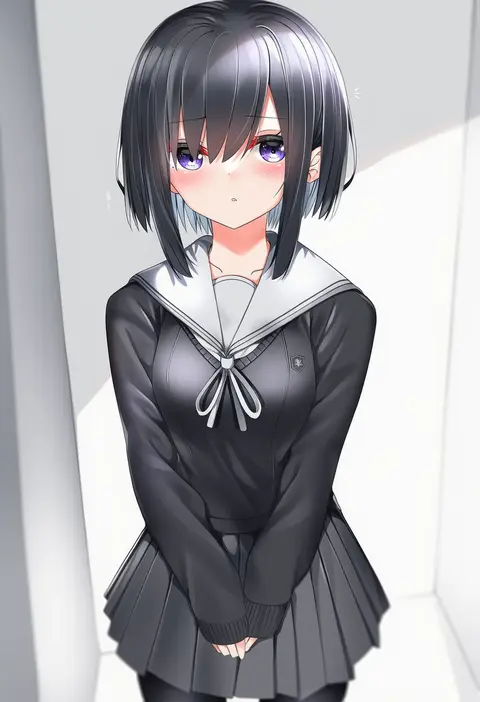
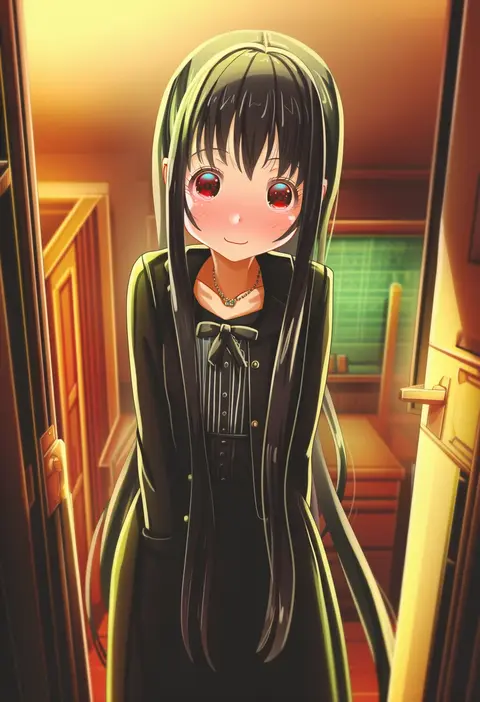
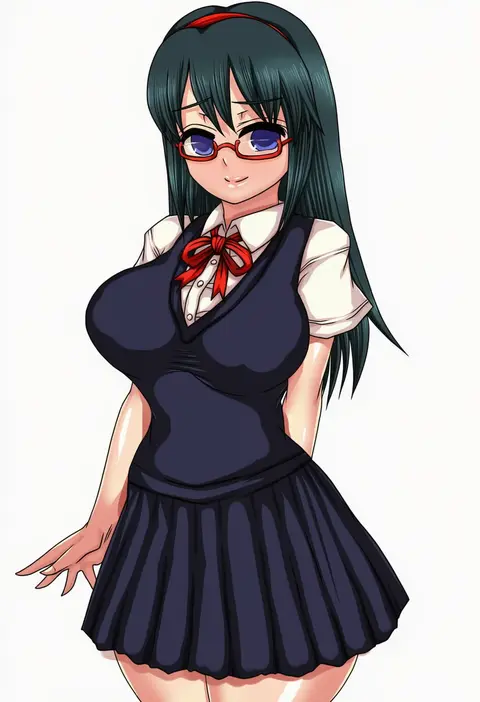
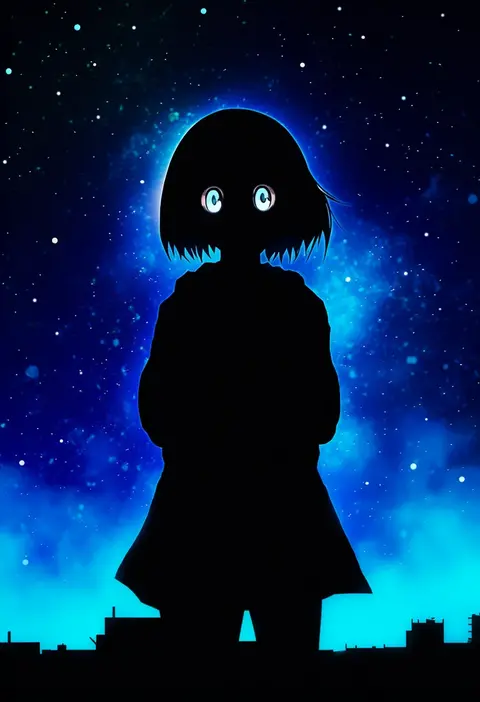
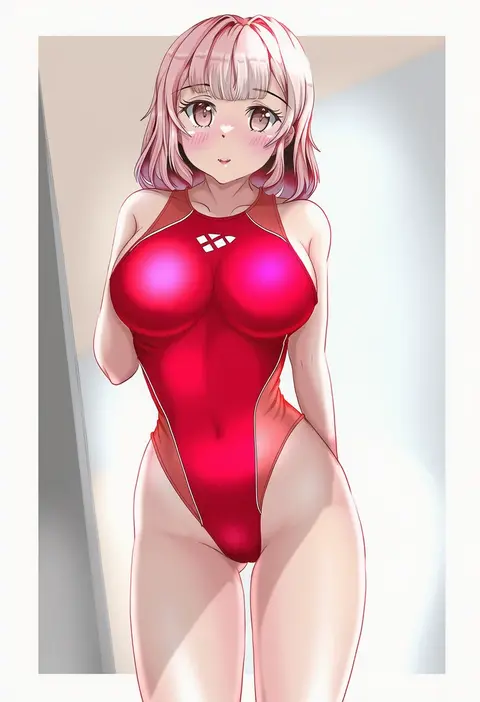
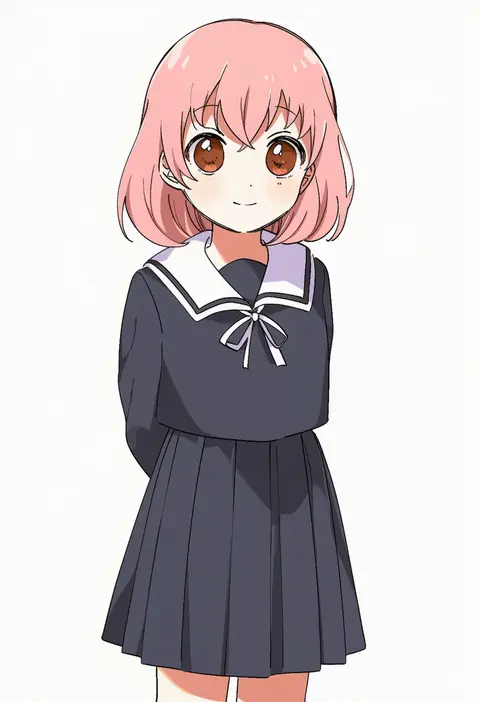
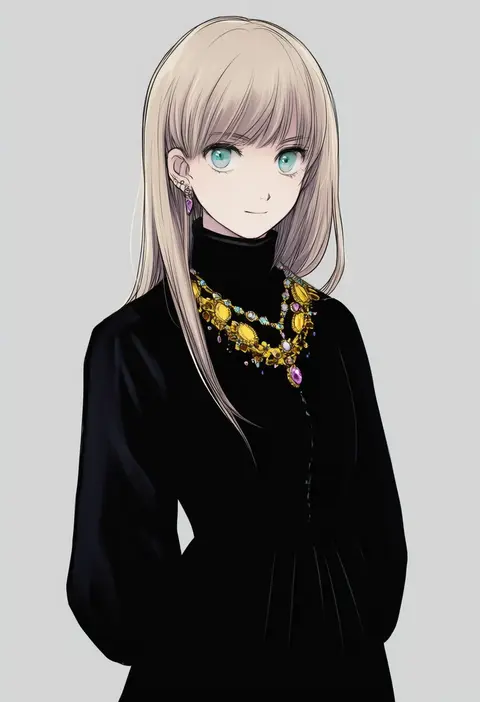
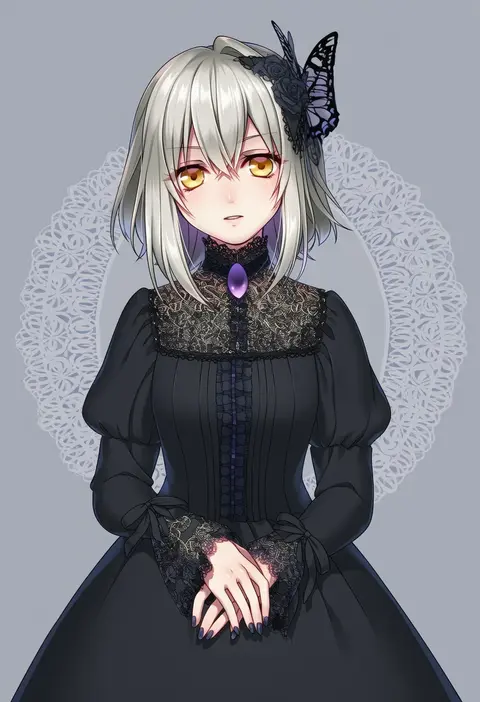
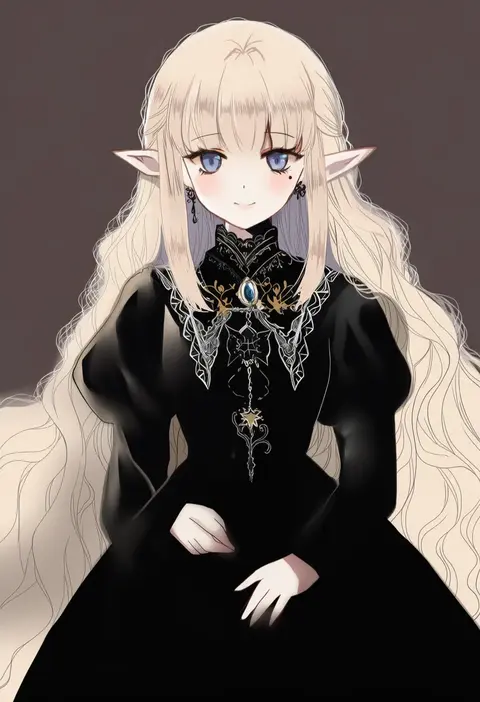
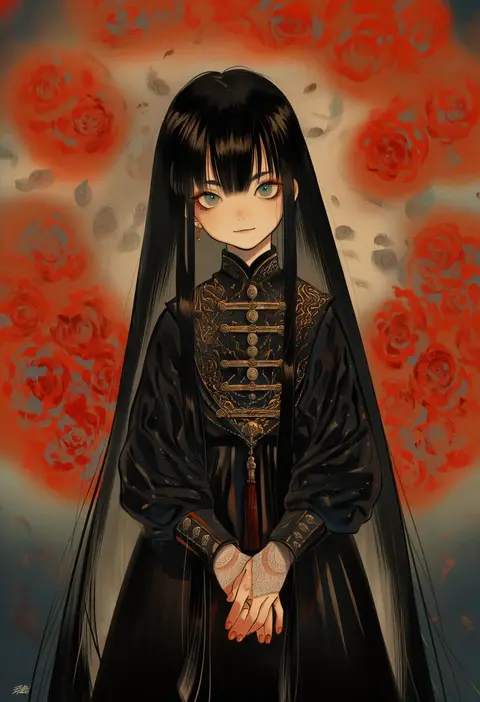
Every tag listed here is verified to react in NovelAI. All images use the same prompt, seed and settings with only the artist tag swapped, so the difference between two images is the style that tag brings in.

How to use them

Put the artist tag near the front of the prompt, e.g. "<artist>, 1girl, solo, best quality, masterpiece, cowboy shot". Two or three artist tags blend styles; lower the weight with "0.8::<artist>::" when the style overpowers the character.

SCORE sorts by Danbooru's top score, POSTS by post count, FAVS by hearts on this site. Open a card to see V5 and V4.5 side by side on the same seed.

V5 vs V4.5

V5 usually lands closer to the artist's real style, and tags that did nothing on V4.5 often react on V5. V4.5 still fits older and doujin-heavy artists better. Try V5 first, fall back to V4.5.

FAQ

Where does the artist tag go?
Near the front of the prompt. Use "0.8::tag::" to adjust its weight.

Can I stack artist tags?
Yes, styles blend. Past two or three the result stops looking like anyone.

Are these the artists' own works?
No. Every image is a NovelAI sample generated from the tag.