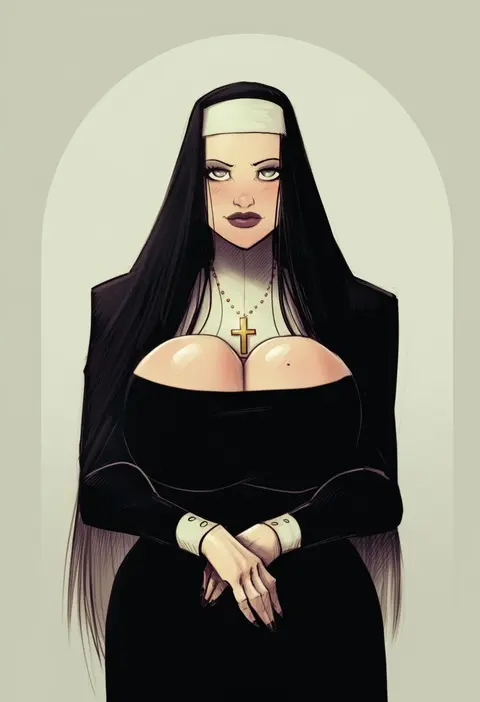
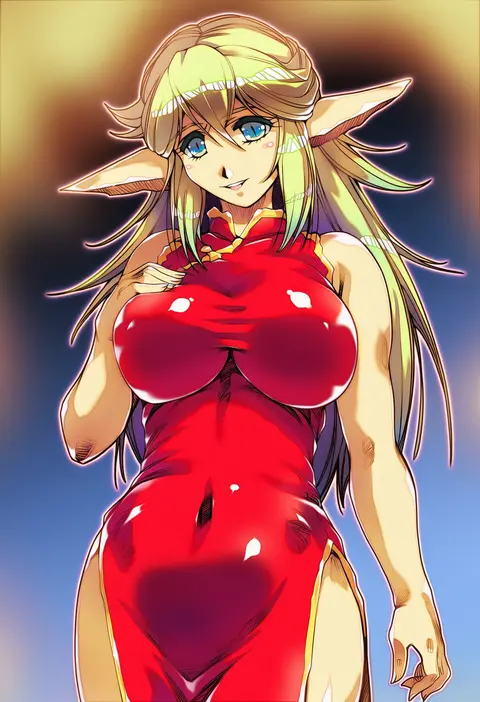
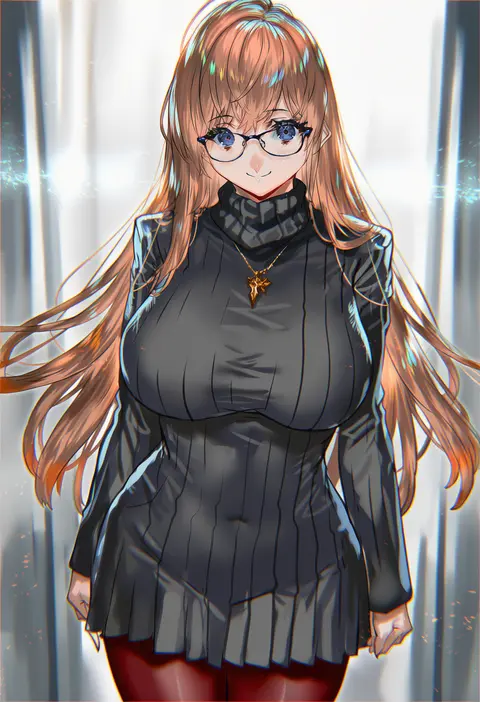
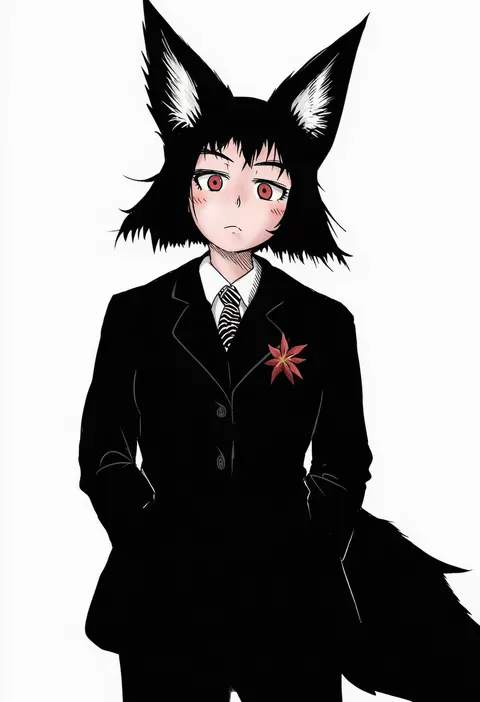
V4.5Artists
sort: FAVS▾
▾
>
$

NovelAI Artist Tags List — V4.5

artist --count 16,352[23/273]
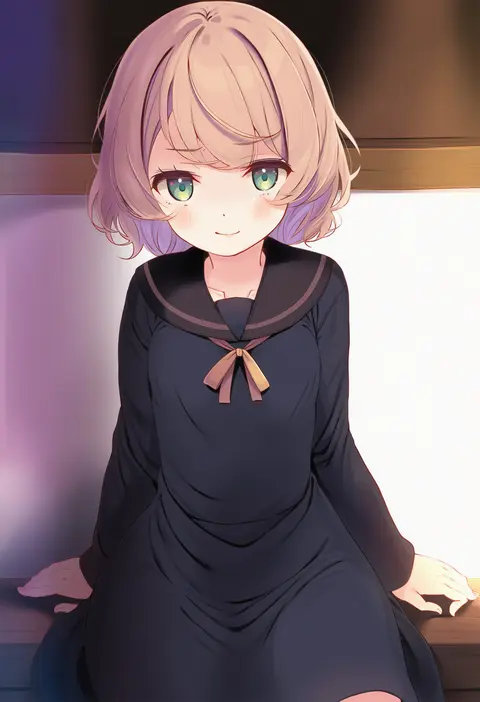
komone ushio
ARTIST0x0528
1
creayus
ARTIST0x0529
1
karukan (monjya)
ARTIST0x052A
1
ouma tokiichi
ARTIST0x052B
1
yakihebi
ARTIST0x052C
1
aibon
ARTIST0x052D
1
typehatena
ARTIST0x052E
1
sazaki ichiri
ARTIST0x052F
1
hyurasan
ARTIST0x0530
1
shimouki izui
ARTIST0x0531
1
shiki (psychedelic g2)
ARTIST0x0532
1
maki keigo
ARTIST0x0533
1
kakao rantan
ARTIST0x0534
1
miruto netsuki
ARTIST0x0535
1
sencha (senchat)
ARTIST0x0536
1
nekono matatabi
ARTIST0x0537
1
synecdoche
ARTIST0x0538
1
mame1645
ARTIST0x0539
1
mashima saki (mashimasa)
ARTIST0x053A
1
shigure ui
ARTIST0x053B
1
amane hasuhito
ARTIST0x053C
1
haoro
ARTIST0x053D
1
himajin noizu
ARTIST0x053E
1
kichihachi
ARTIST0x053F
1
akisora
ARTIST0x0540
1
aloe (kenkou3733)
ARTIST0x0541
1
nishieda
ARTIST0x0542
1
mitsurugi sugar
ARTIST0x0543
1
fagi (kakikaki)
ARTIST0x0544
1
huke
ARTIST0x0545
1
kiramarukou
ARTIST0x0546
1
sakimichan
ARTIST0x0547
1
nima (niru54)
ARTIST0x0548
1
menea
ARTIST0x0549
1
qkracho (thesdroz)
ARTIST0x054A
1
monety
ARTIST0x054B
1
amagasa higasa
ARTIST0x054C
1
dotsuco
ARTIST0x054D
1
somechime (sometime1209)
ARTIST0x054E
1
10mo
ARTIST0x054F
1
pray (furei)
ARTIST0x0550
1
7saki
ARTIST0x0551
1
devilhs
ARTIST0x0552
1
hisahiko
ARTIST0x0553
1
ran'ou (tamago no kimi)
ARTIST0x0554
1
doitsuken
ARTIST0x0555
1
21yc (september breeze)
ARTIST0x0556
1
maturiuta sorato
ARTIST0x0557
1
spacezin
ARTIST0x0558
1
uiri-na
ARTIST0x0559
1
saki chisuzu
ARTIST0x055A
1
taketora suzume
ARTIST0x055B
1
youta
ARTIST0x055C
1
iesupa
ARTIST0x055D
1
1=2
ARTIST0x055E
1
scott malin
ARTIST0x055F
1
eriimyon
ARTIST0x0560
1
guweiz
ARTIST0x0561
1
konnyaku (kk-monmon)
ARTIST0x0562
1
hitsukuya
ARTIST0x0563
1

What these tags change

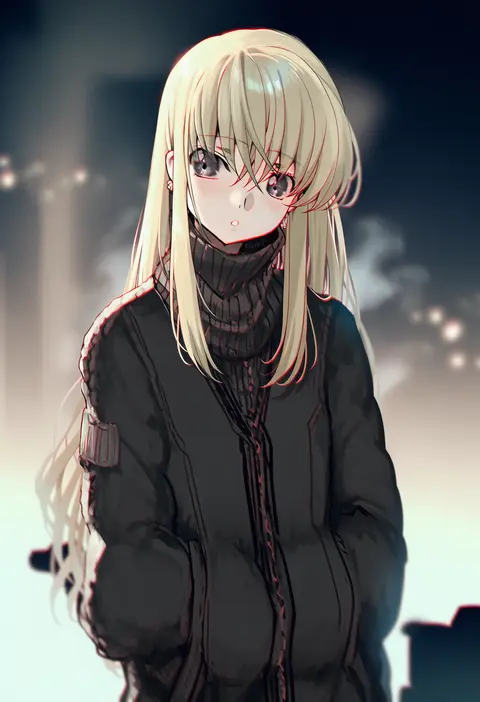
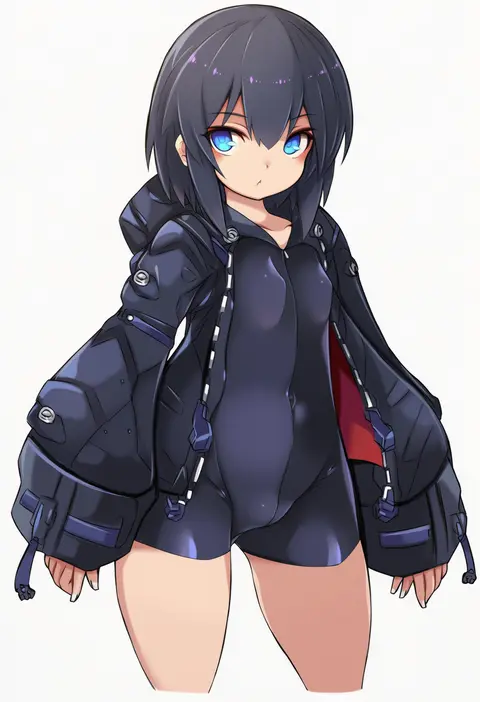
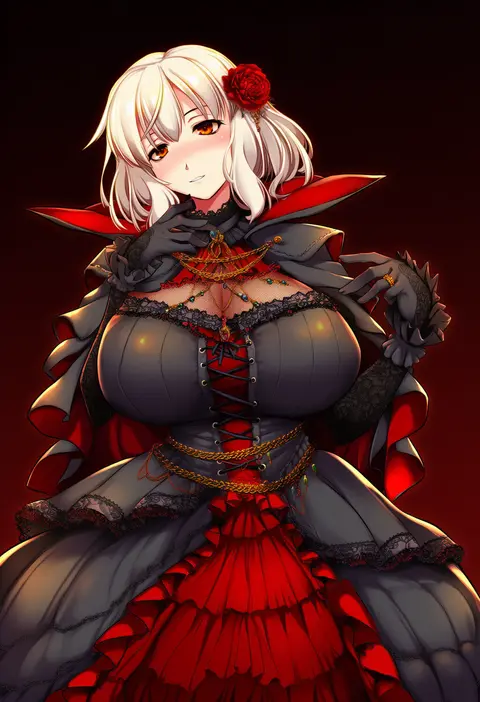
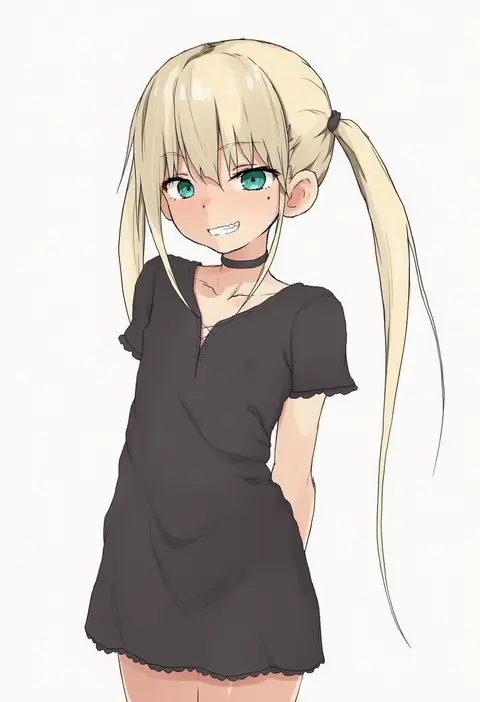
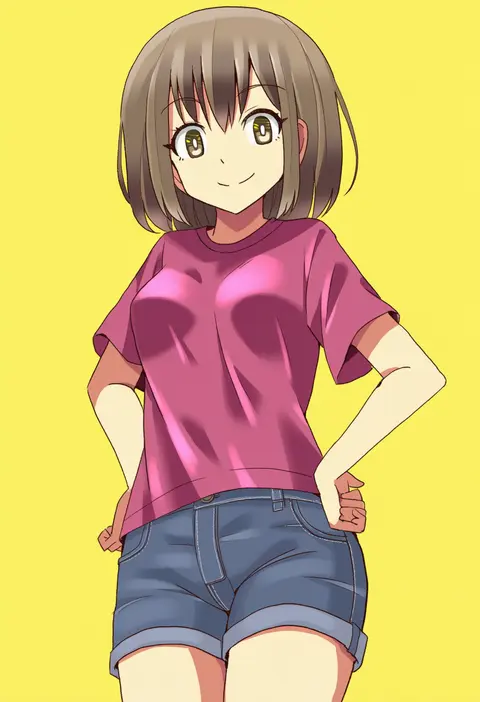
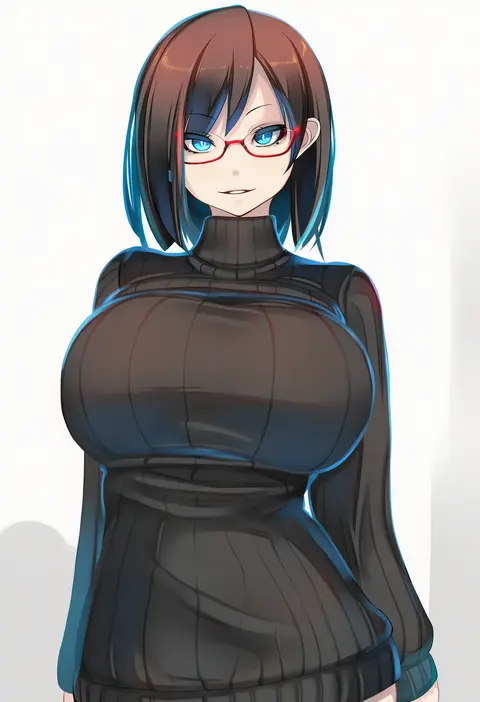
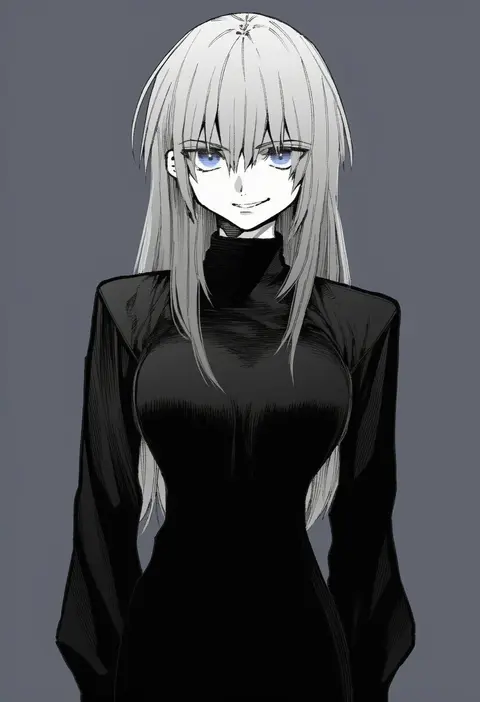
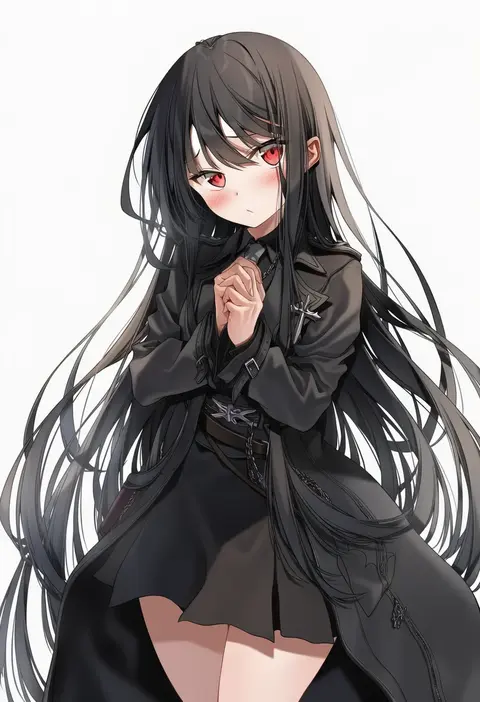
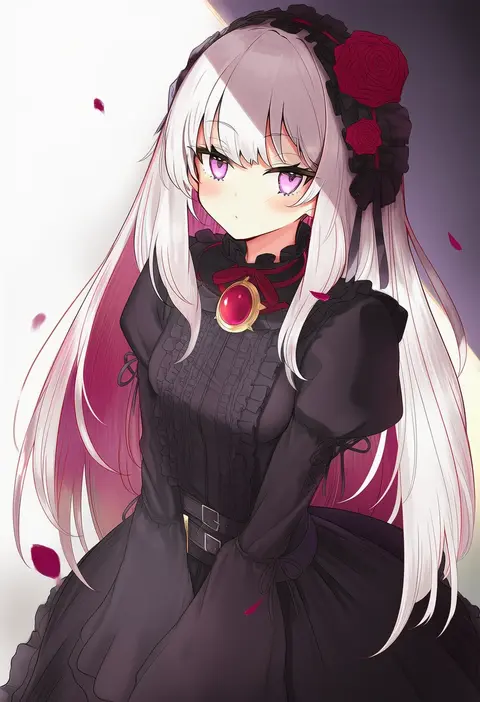
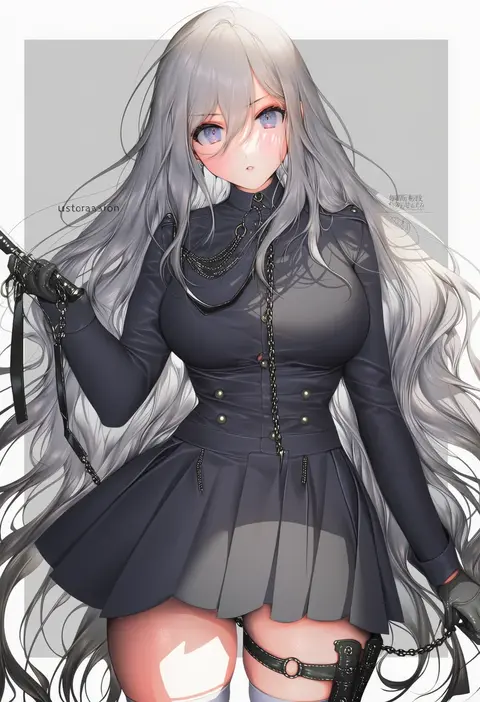
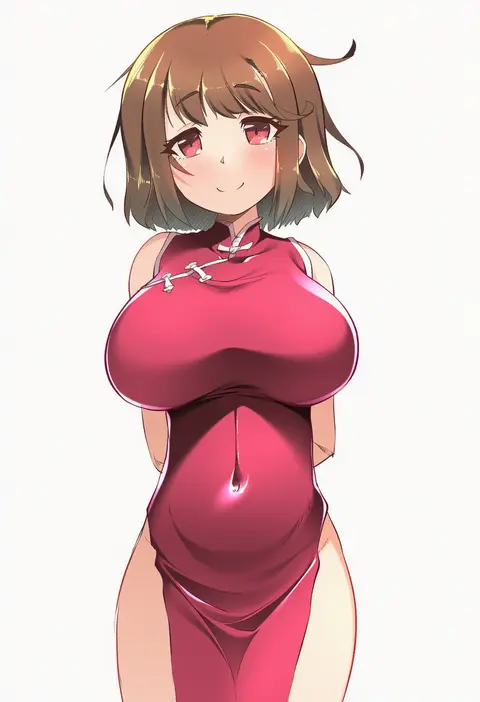
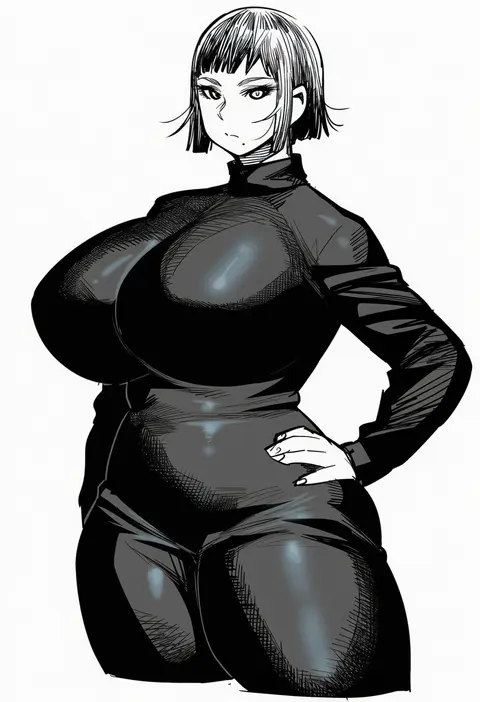
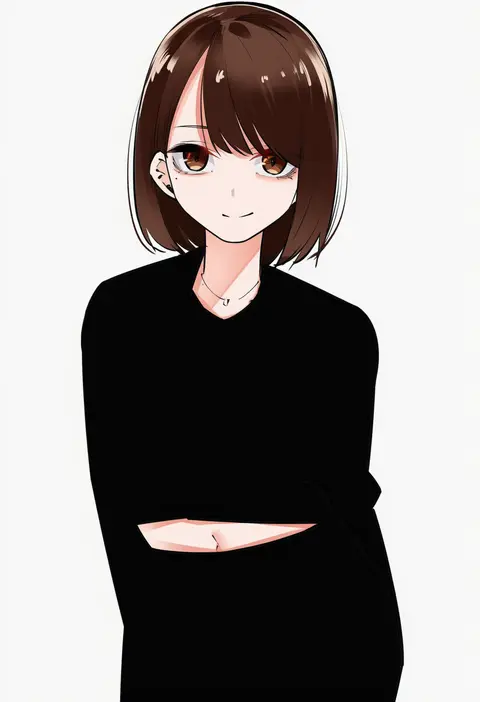
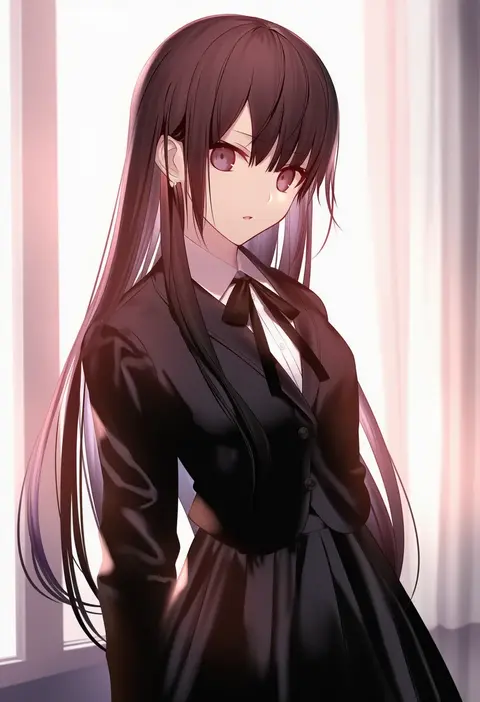
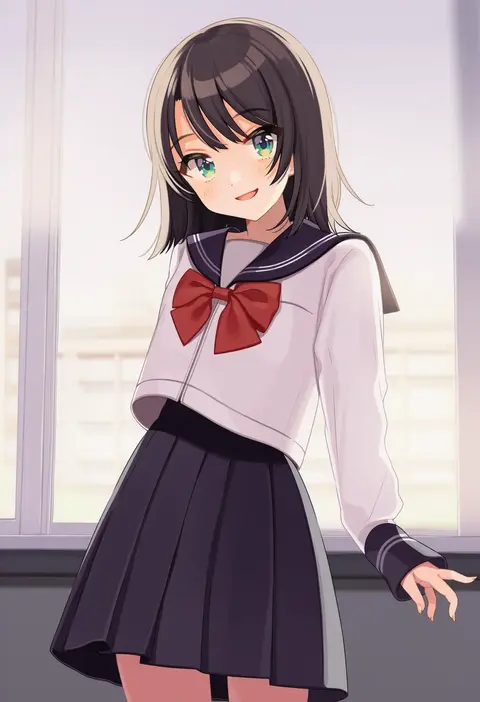
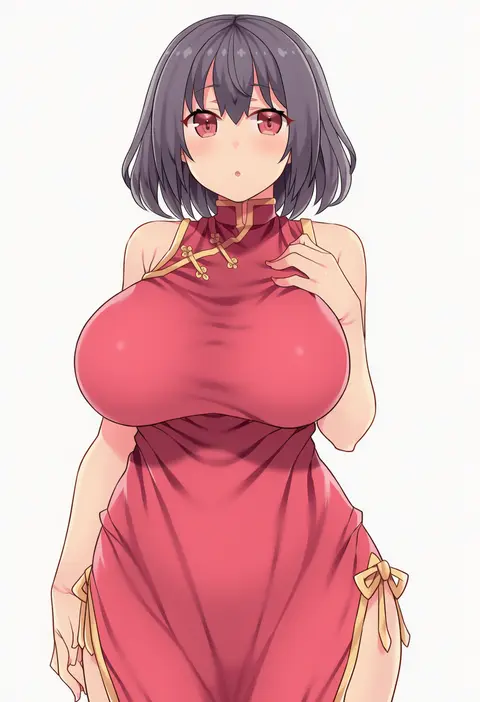
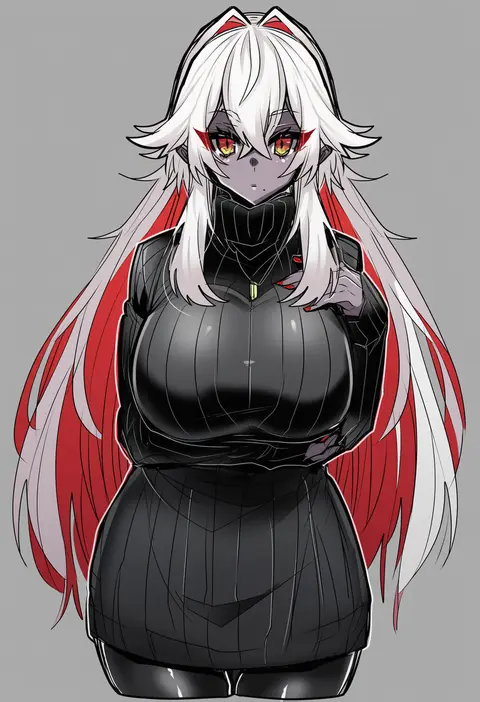
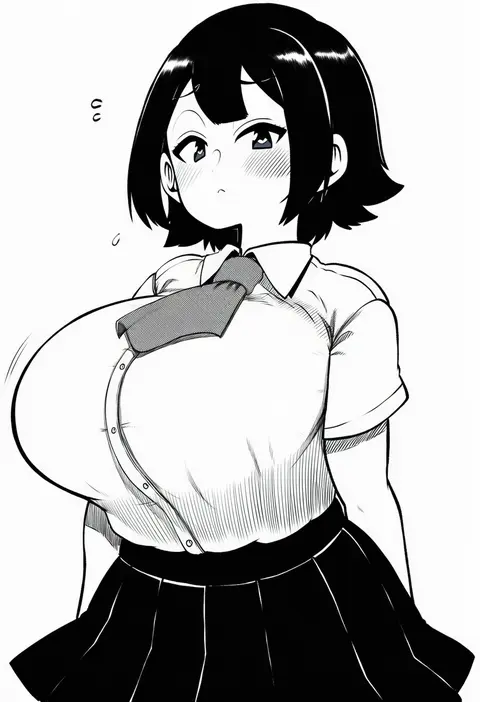
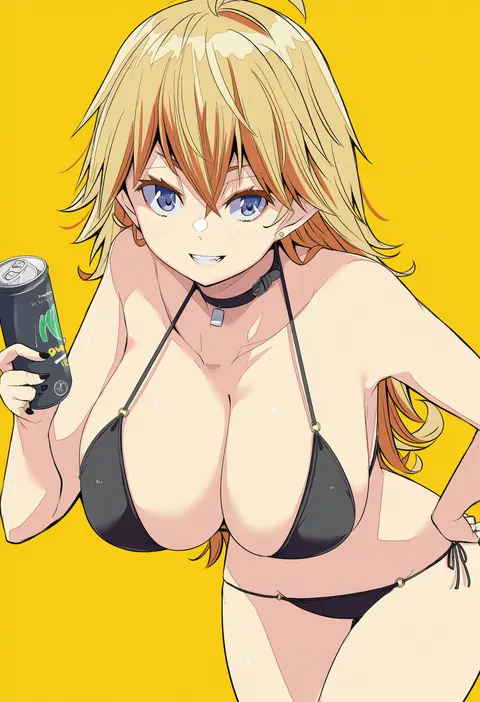
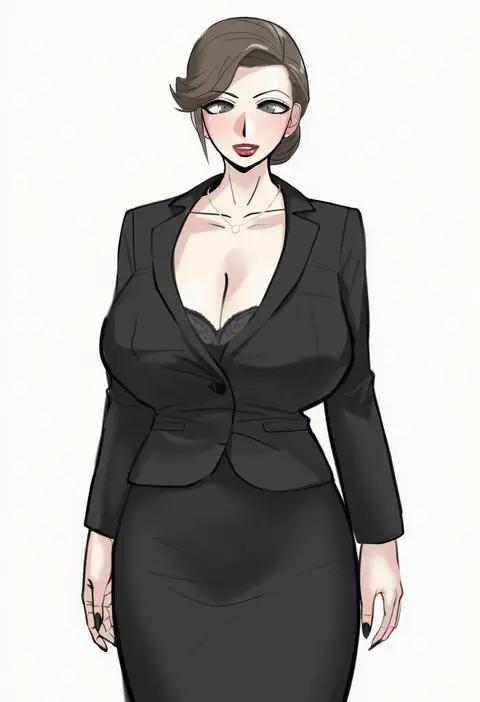
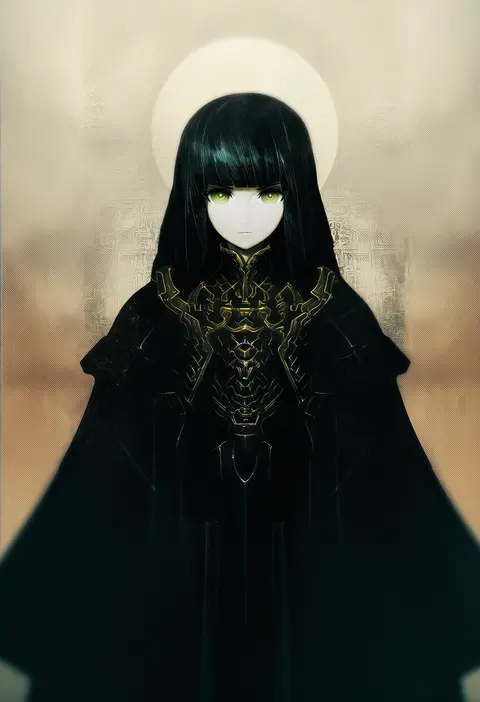
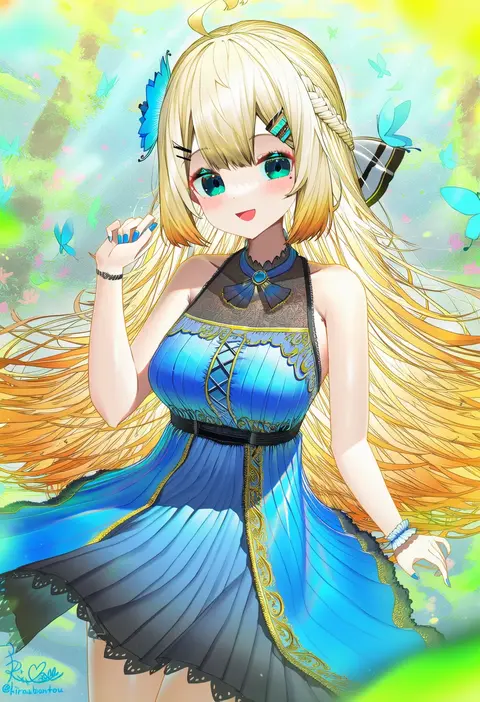
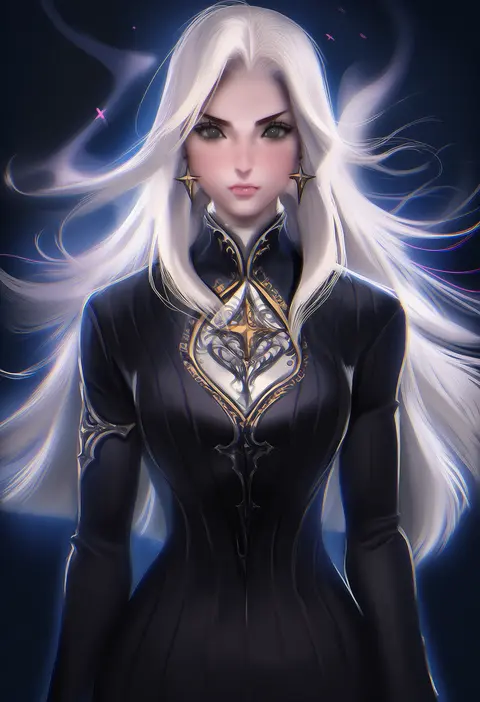
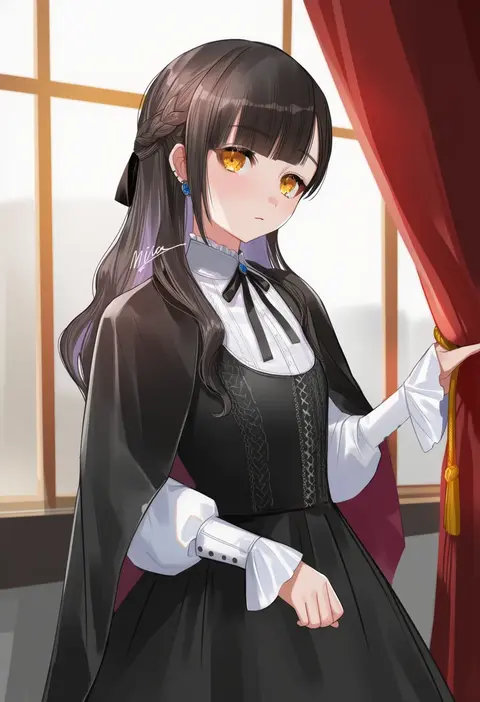
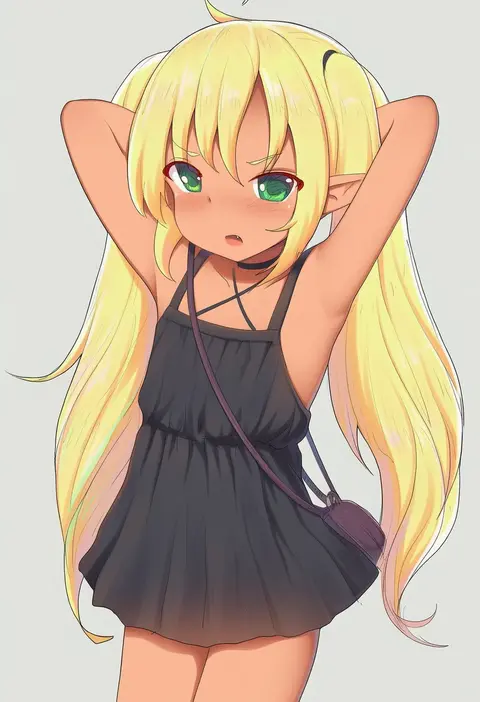
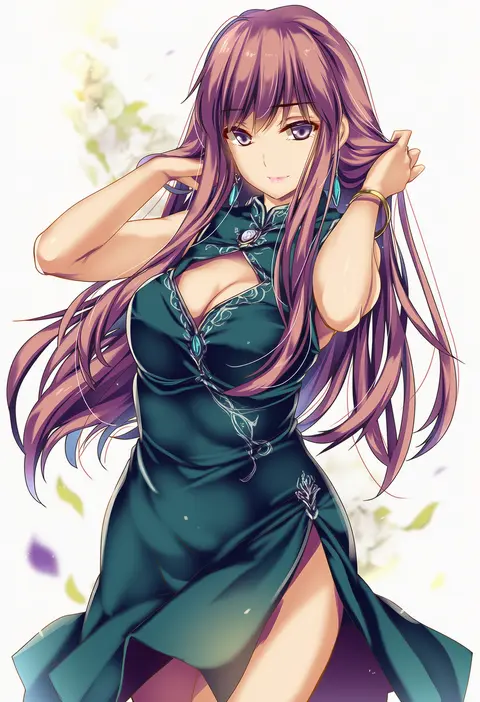
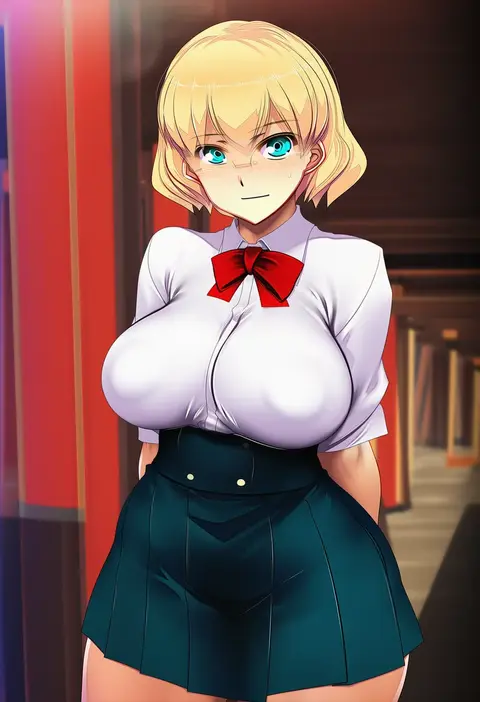
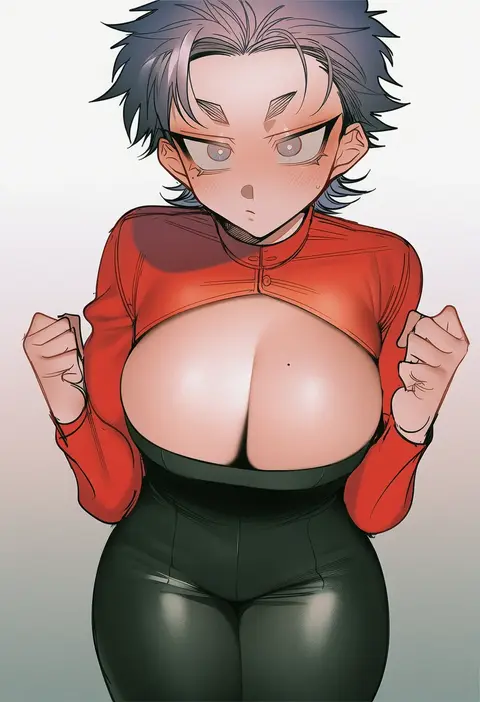
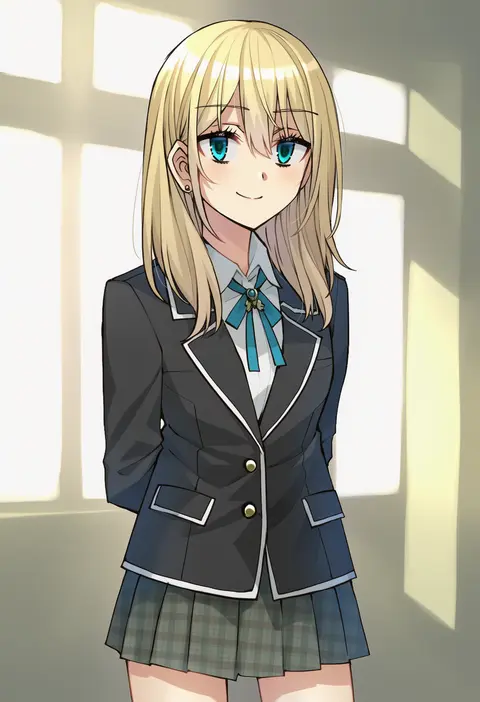
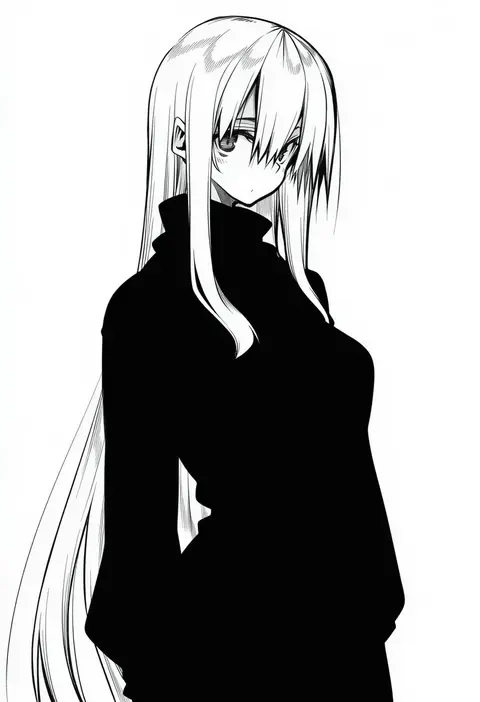
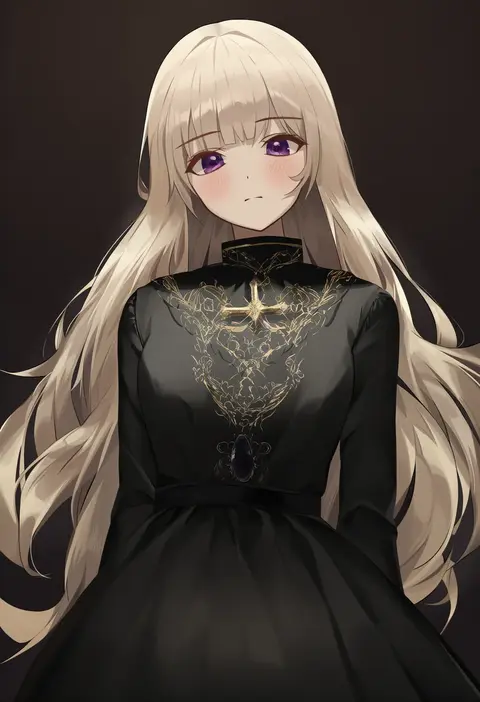
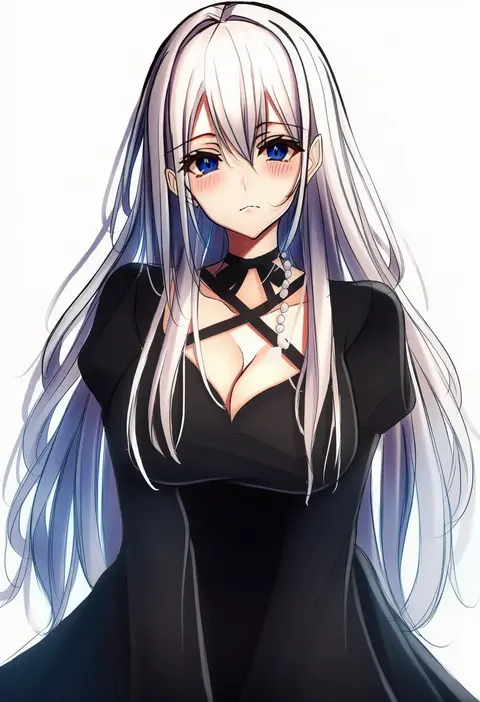
Artist tags tell NovelAI Diffusion to draw in a specific artist's style: line weight, paint texture, face shapes and palette all shift at once. Character and outfit tags decide what is drawn; artist tags decide how. 16,352 tags are listed for V4.5.
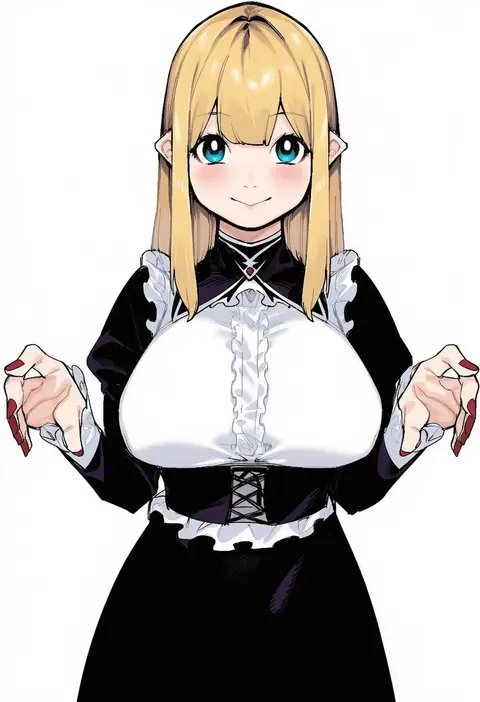
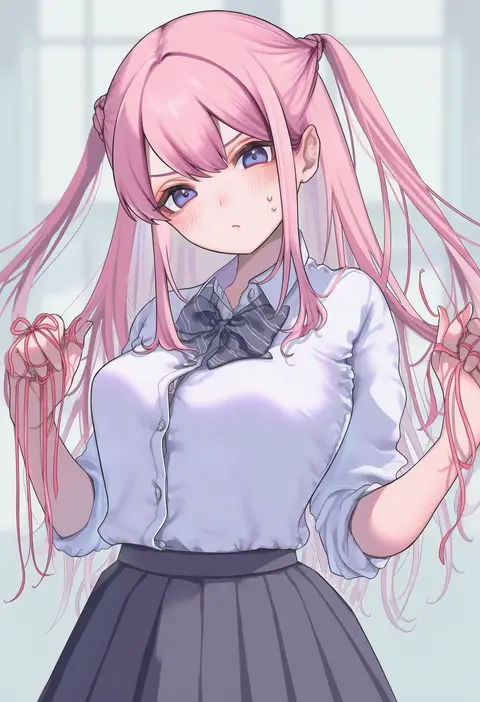
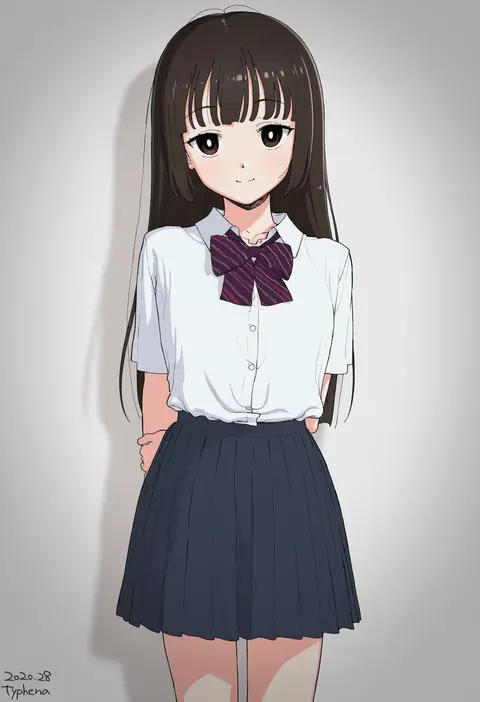
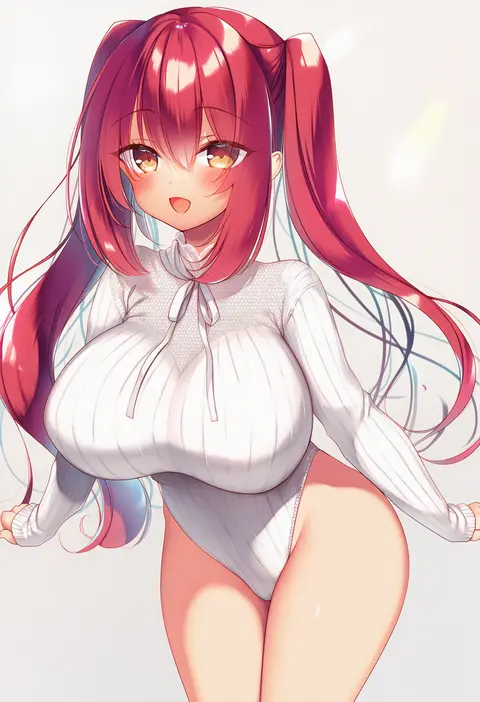
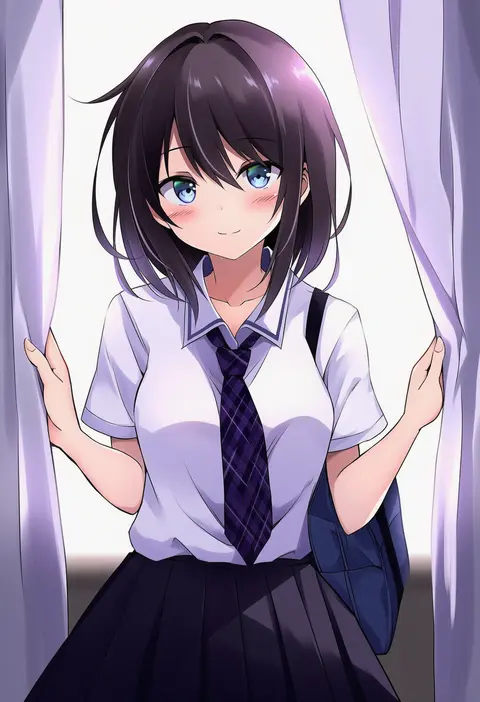
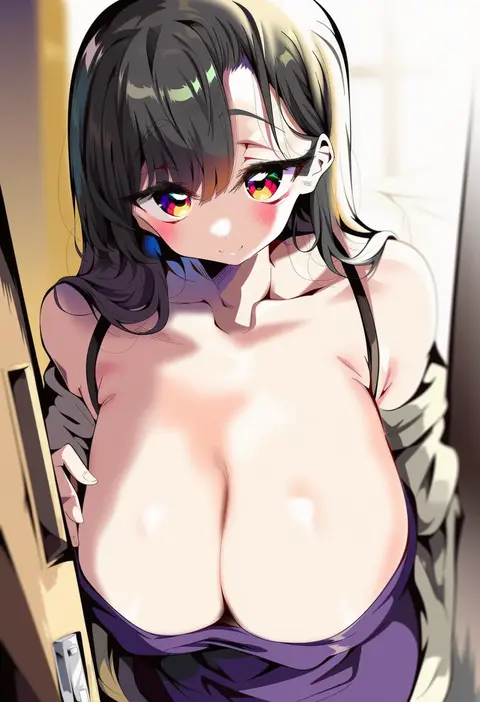
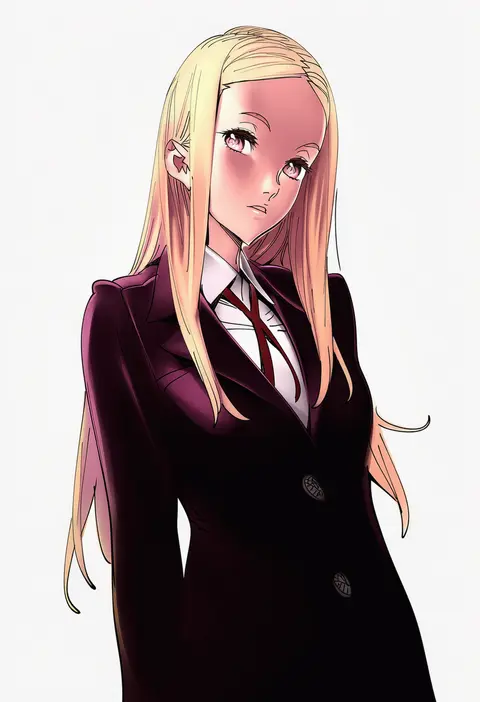
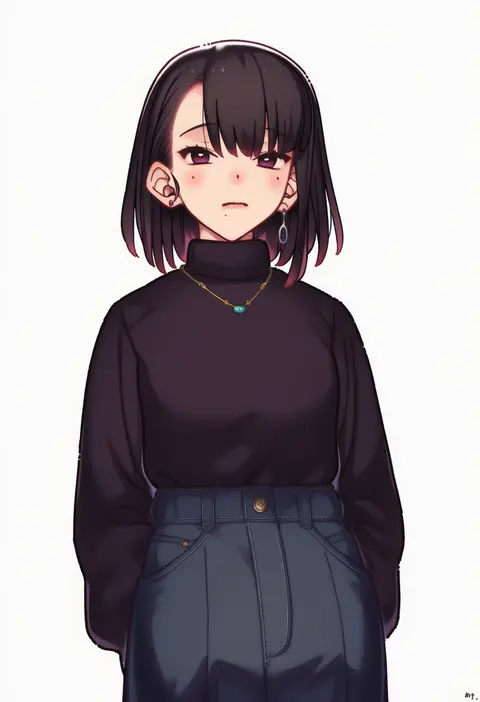
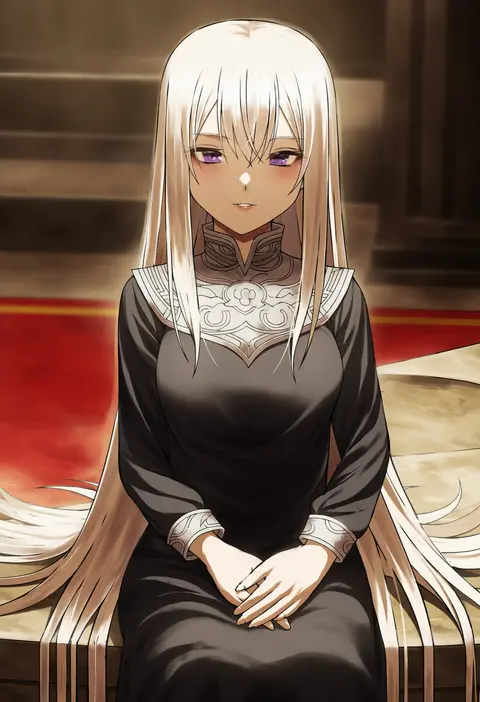
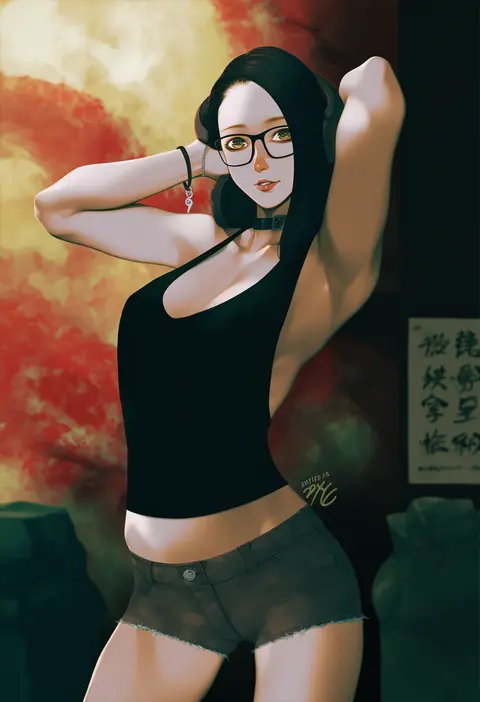
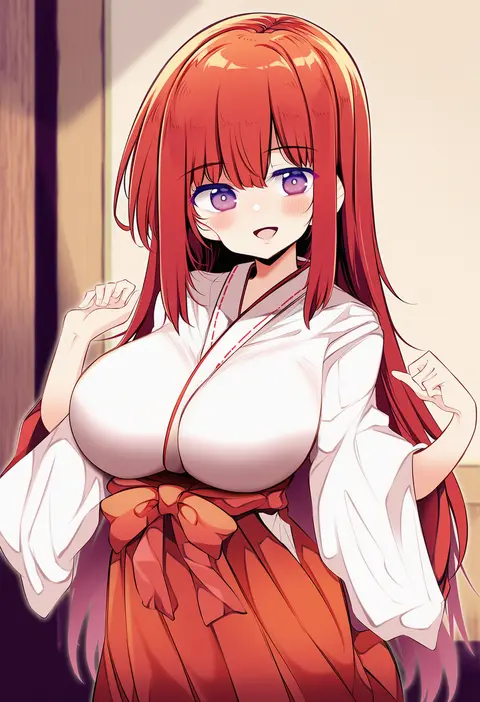
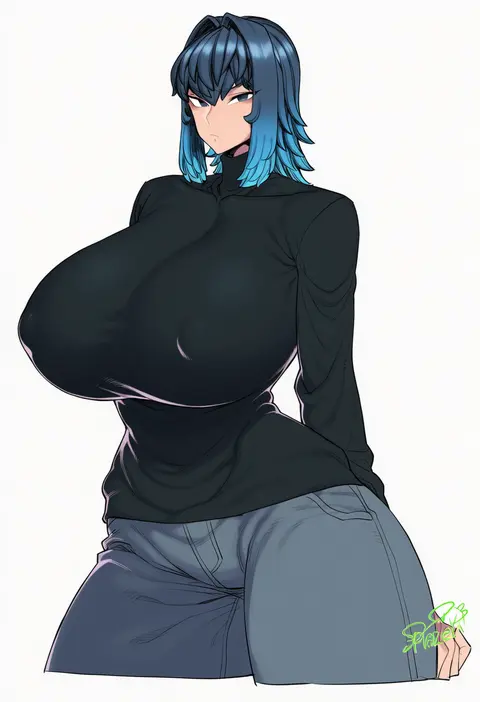
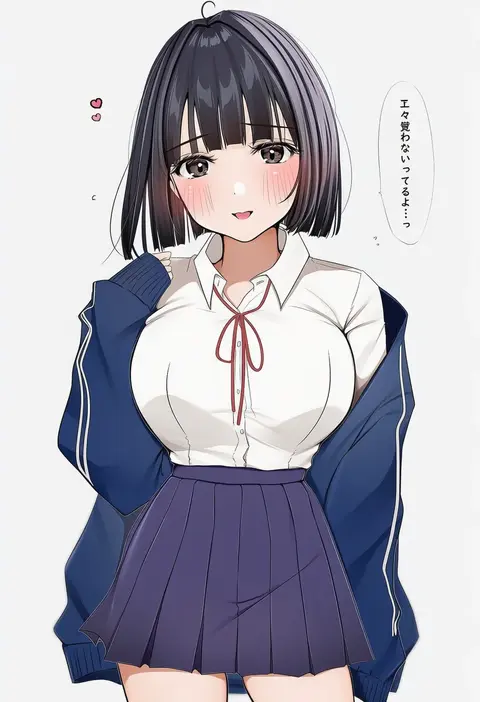
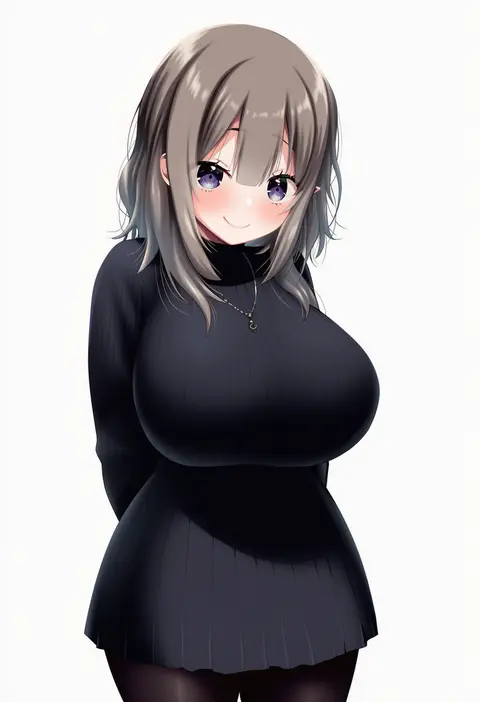
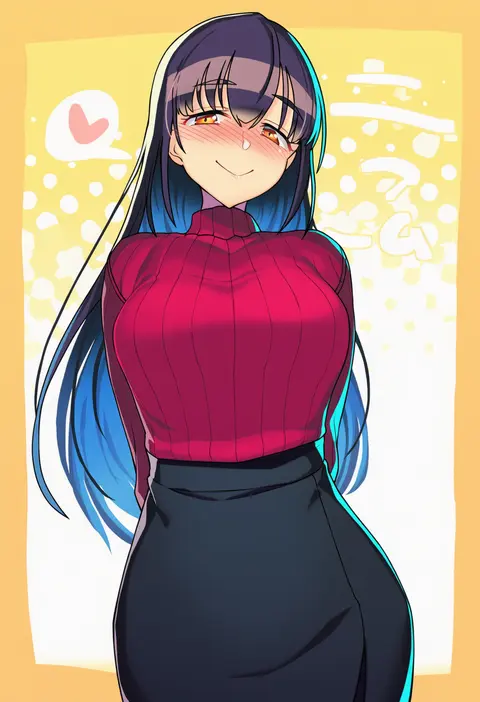
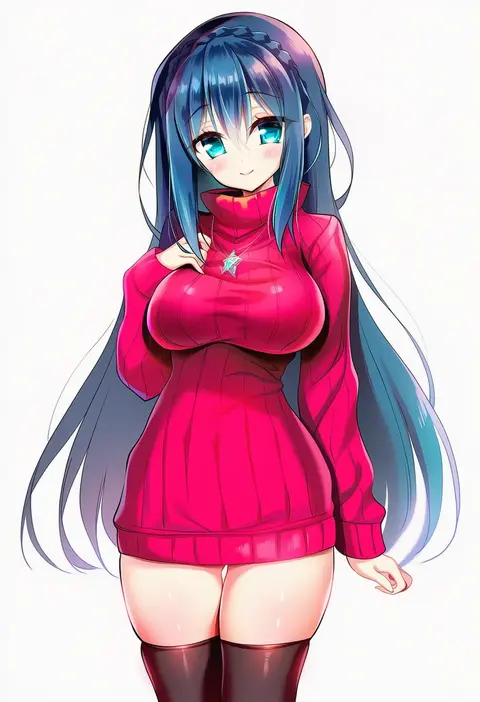
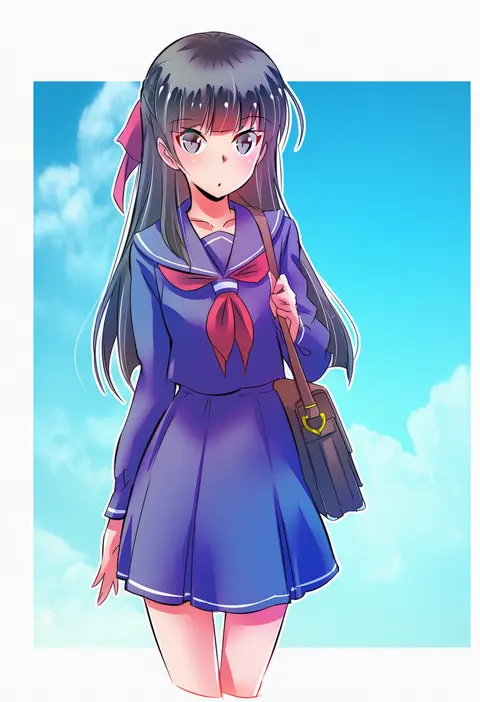
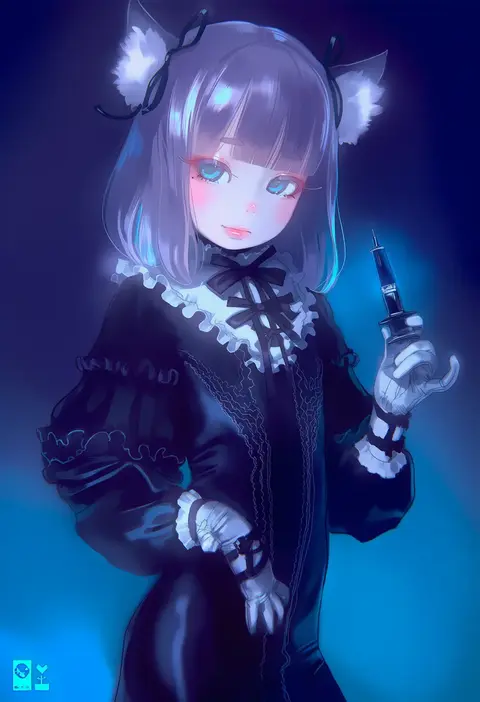
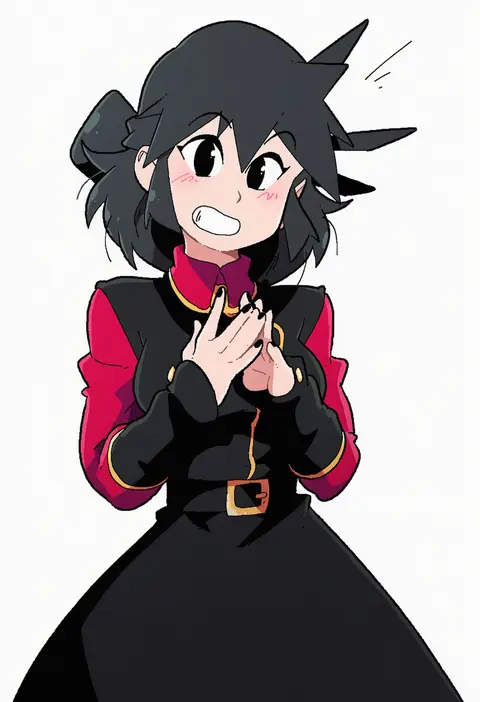
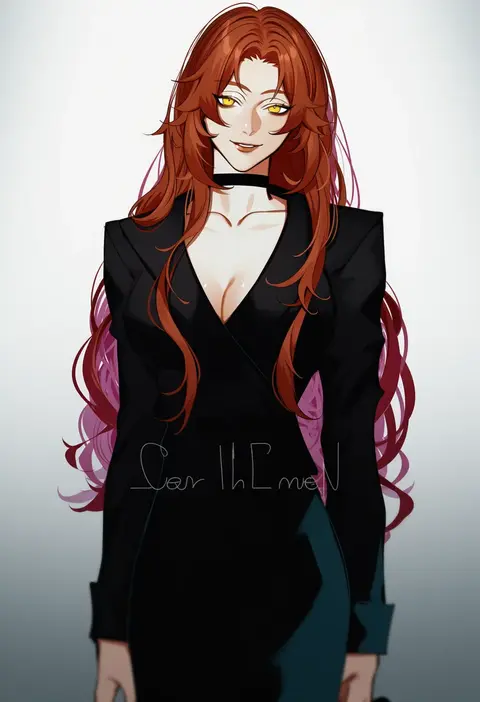
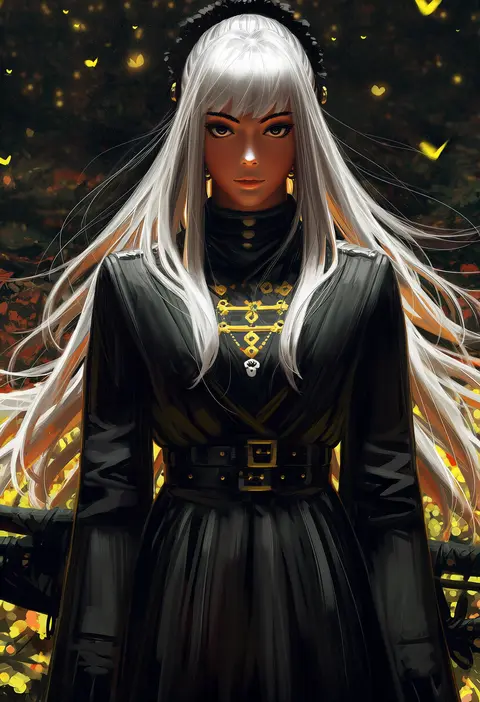
Every tag listed here is verified to react in NovelAI. All images use the same prompt, seed and settings with only the artist tag swapped, so the difference between two images is the style that tag brings in.

How to use them

Put the artist tag near the front of the prompt, e.g. "<artist>, 1girl, solo, best quality, masterpiece, cowboy shot". Two or three artist tags blend styles; lower the weight with "0.8::<artist>::" when the style overpowers the character.

SCORE sorts by Danbooru's top score, POSTS by post count, FAVS by hearts on this site. Open a card to see V5 and V4.5 side by side on the same seed.

V5 vs V4.5

V5 usually lands closer to the artist's real style, and tags that did nothing on V4.5 often react on V5. V4.5 still fits older and doujin-heavy artists better. Try V5 first, fall back to V4.5.

FAQ

Where does the artist tag go?
Near the front of the prompt. Use "0.8::tag::" to adjust its weight.

Can I stack artist tags?
Yes, styles blend. Past two or three the result stops looking like anyone.

Are these the artists' own works?
No. Every image is a NovelAI sample generated from the tag.