V4.5Artists
sort: FAVS▾
▾
>
$

NovelAI Artist Tags List — V4.5

artist --count 16,352[22/273]
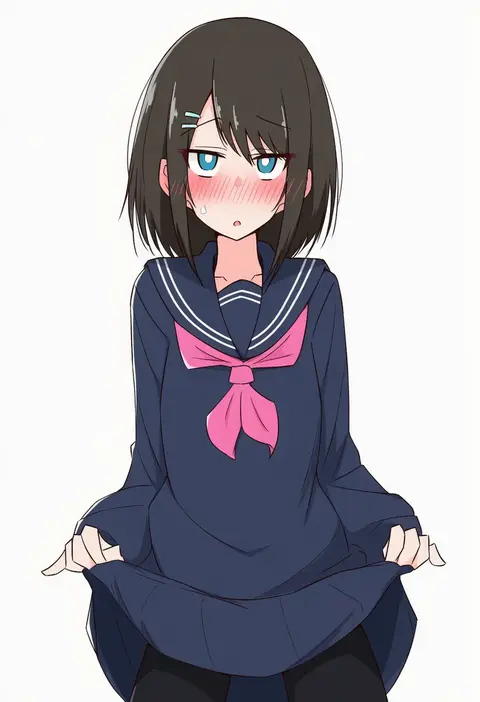
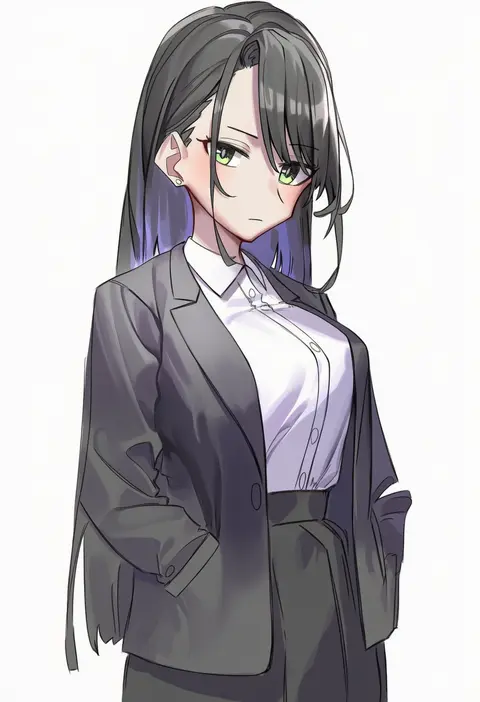
ame (amechan17391739)
ARTIST0x04EC
1
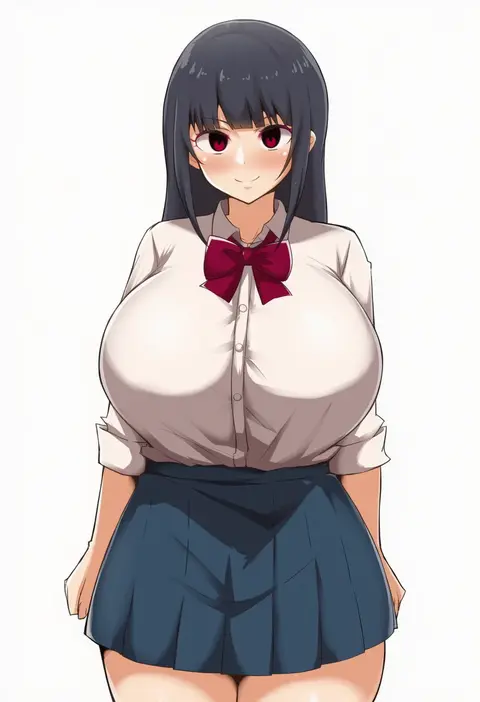
haruyuki (gffewuoutgblubh)
ARTIST0x04ED
1
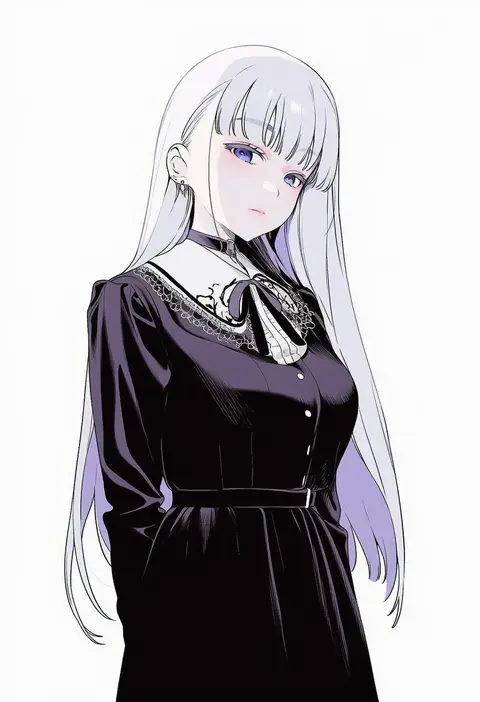
yamaori
ARTIST0x04EE
1
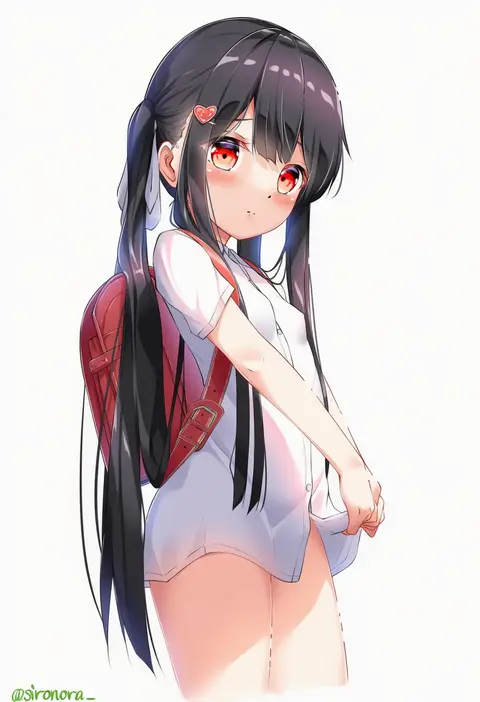
sironora
ARTIST0x04EF
1
mameojitan
ARTIST0x04F0
1
monaka curl
ARTIST0x04F1
1
yesman (cvbnyesman)
ARTIST0x04F2
1
dan (kumadan)
ARTIST0x04F3
1
40hara
ARTIST0x04F4
1
loliconder
ARTIST0x04F5
1
azuki yui
ARTIST0x04F6
1
lamb-oic029
ARTIST0x04F7
1
komusou (jinrikisha)
ARTIST0x04F8
1
kojima saya
ARTIST0x04F9
1
mikagami mamizu
ARTIST0x04FA
1
shirokuma (nankyoku)
ARTIST0x04FB
1
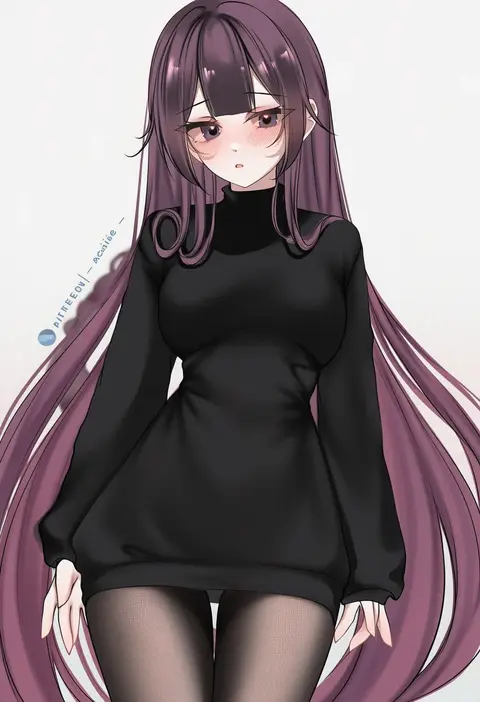
acedia
ARTIST0x04FC
1
saigado
ARTIST0x04FD
1
sakura shiho
ARTIST0x04FE
1
pkpkpppk
ARTIST0x04FF
1
qys3
ARTIST0x0500
1
kuppipi ramutarou
ARTIST0x0501
1
nishizawa
ARTIST0x0502
1
gaston18
ARTIST0x0503
1
yachimoto
ARTIST0x0504
1
adelie cat
ARTIST0x0505
1
yayoi maka
ARTIST0x0506
1
sanazura hiroyuki
ARTIST0x0507
1
black bean
ARTIST0x0508
1
samegami
ARTIST0x0509
1
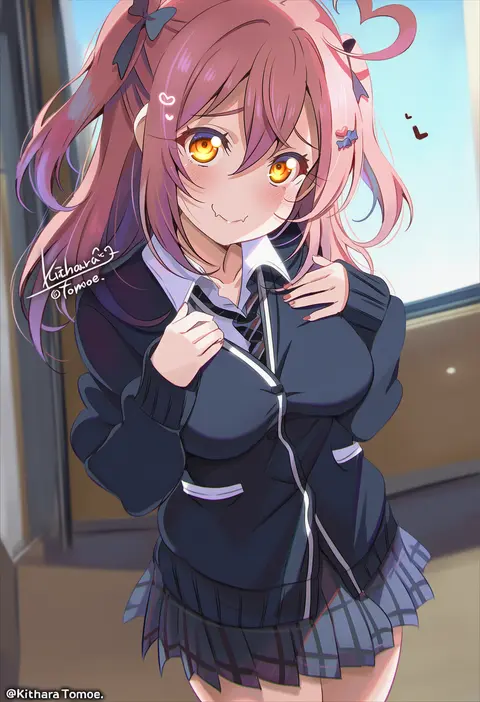
kitahara tomoe (kitahara koubou)
ARTIST0x050A
1
flasher (flasher ura)
ARTIST0x050B
1
tatsunami youtoku
ARTIST0x050C
1
shycocoa
ARTIST0x050D
1
kouno (masao)
ARTIST0x050E
1
tanishi (tani4)
ARTIST0x050F
1
hiememiko
ARTIST0x0510
1
nanashi (nlo)
ARTIST0x0511
1
osg pk
ARTIST0x0512
1
maki (maki pei)
ARTIST0x0513
1
abandon ranka
ARTIST0x0514
1
shadman
ARTIST0x0515
1
nagase haruhito
ARTIST0x0516
1
velzhe
ARTIST0x0517
1
kkopoli
ARTIST0x0518
1
gu meng yin
ARTIST0x0519
1
ryoji (nomura ryouji)
ARTIST0x051A
1
ekrea jan
ARTIST0x051B
1
sheya
ARTIST0x051C
1
bison cangshu
ARTIST0x051D
1
pikacchi
ARTIST0x051E
1
kazo (kazozakazo)
ARTIST0x051F
1
kujiran
ARTIST0x0520
1
takai isshiki
ARTIST0x0521
1
hammer (sunset beach)
ARTIST0x0522
1
matsunaga kouyou
ARTIST0x0523
1
cancer (zjcconan)
ARTIST0x0524
1
akagi rio
ARTIST0x0525
1
momofuki rio
ARTIST0x0526
1
doskoinpo
ARTIST0x0527
1

What these tags change

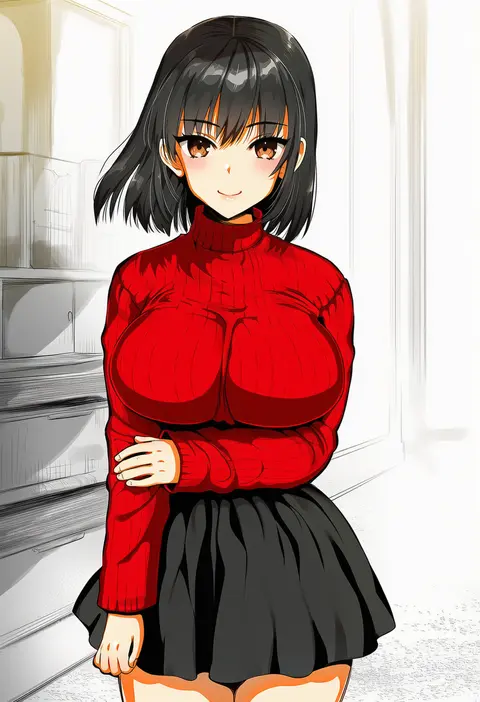
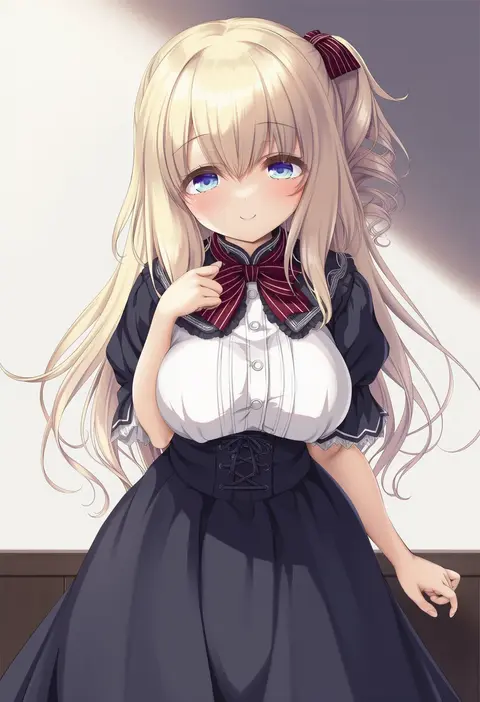
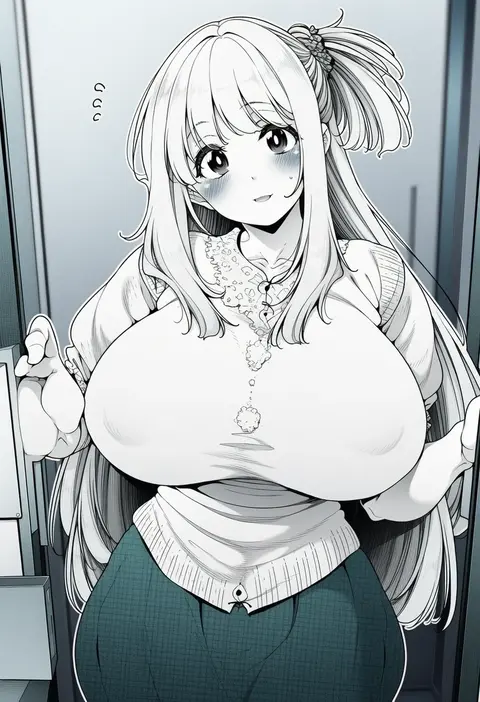
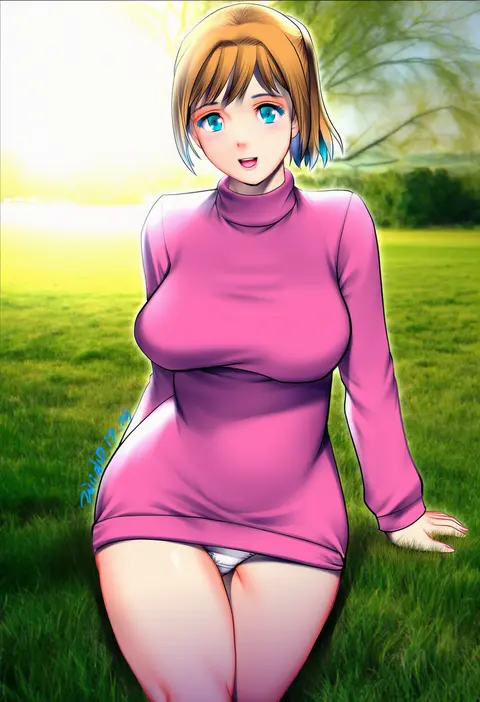
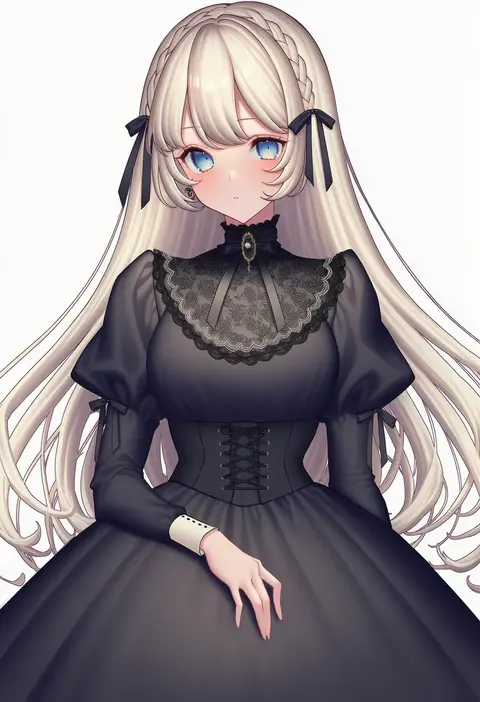
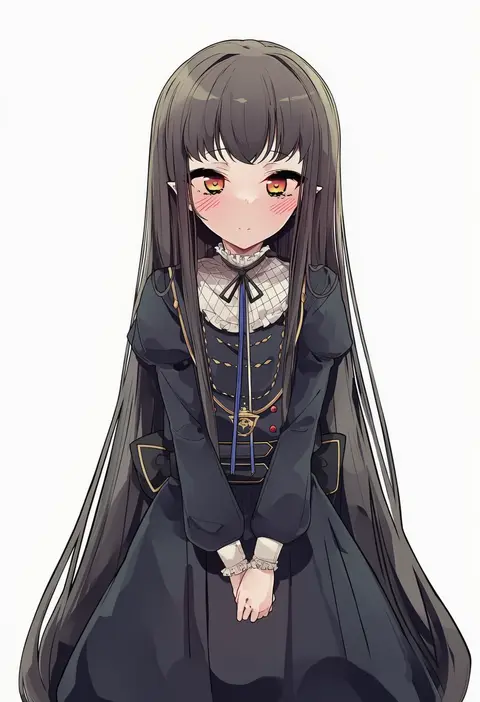
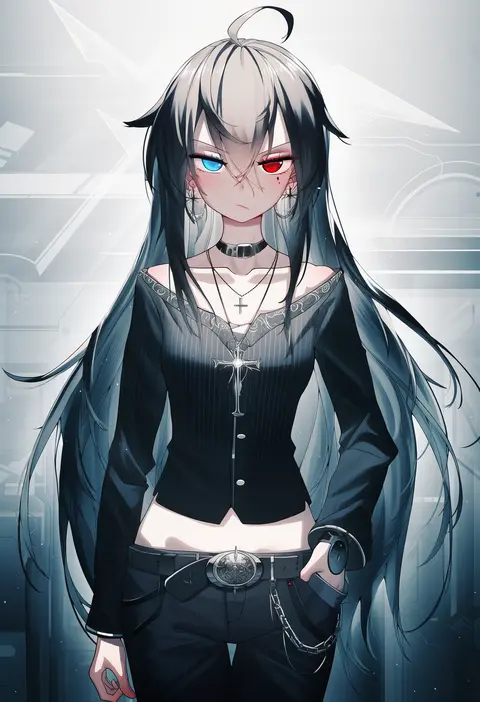
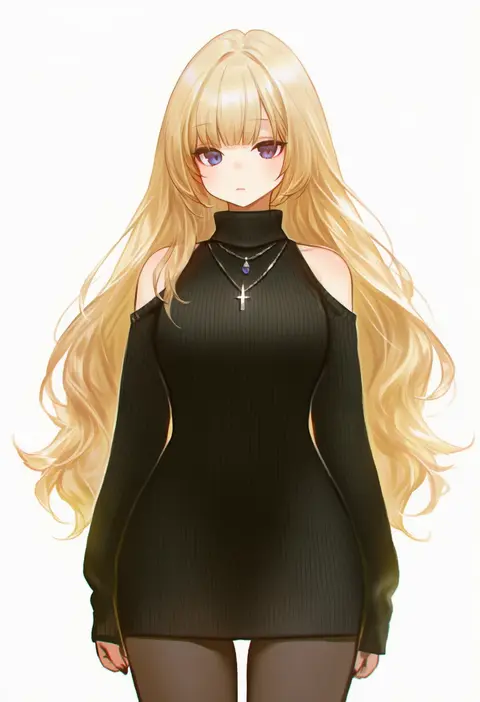
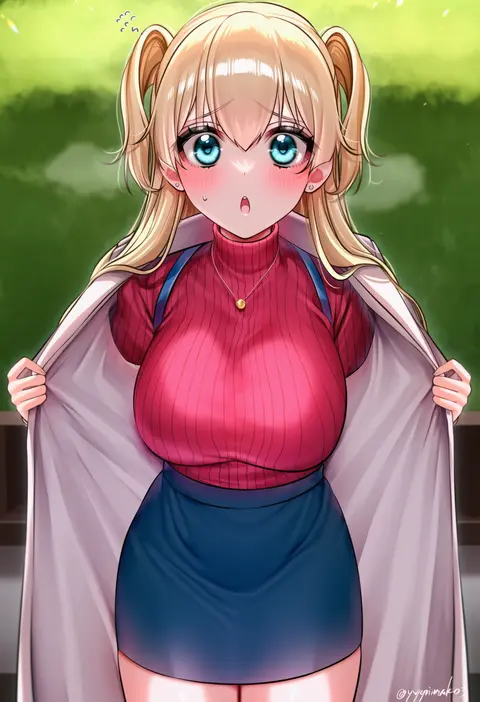
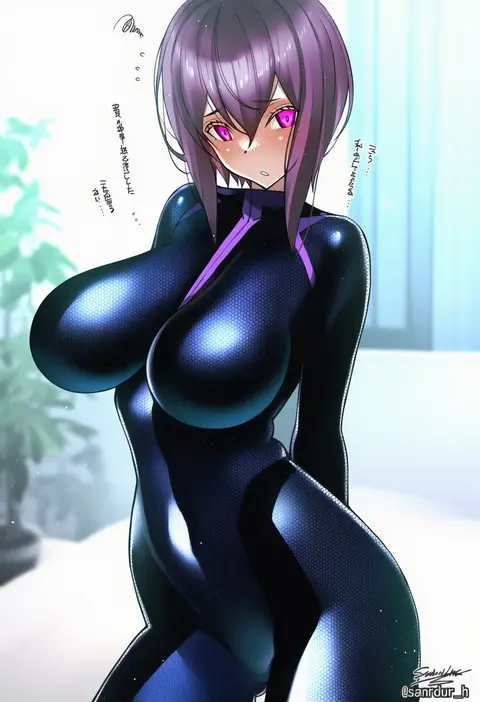
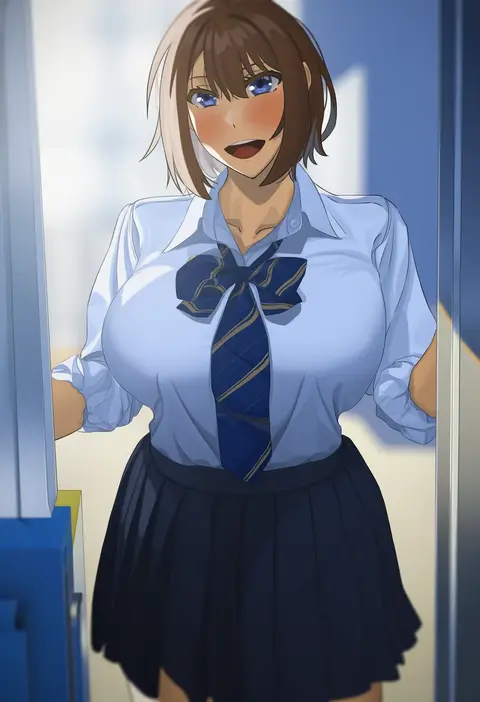
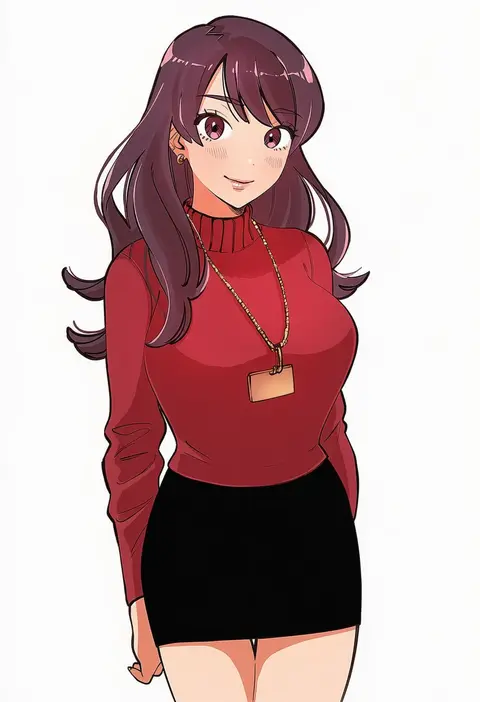
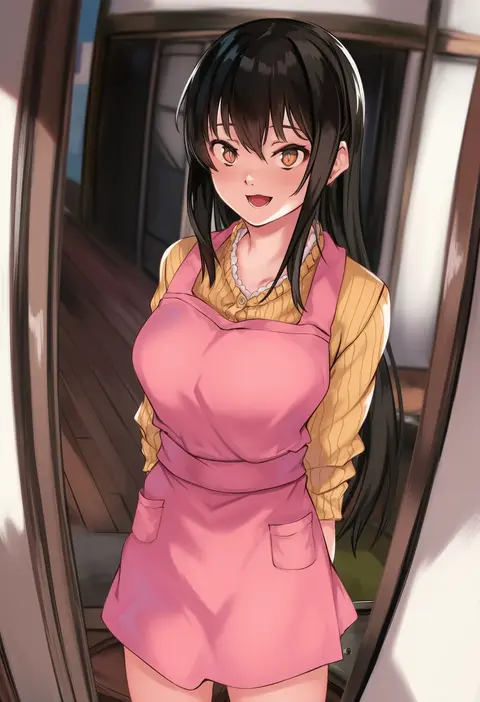
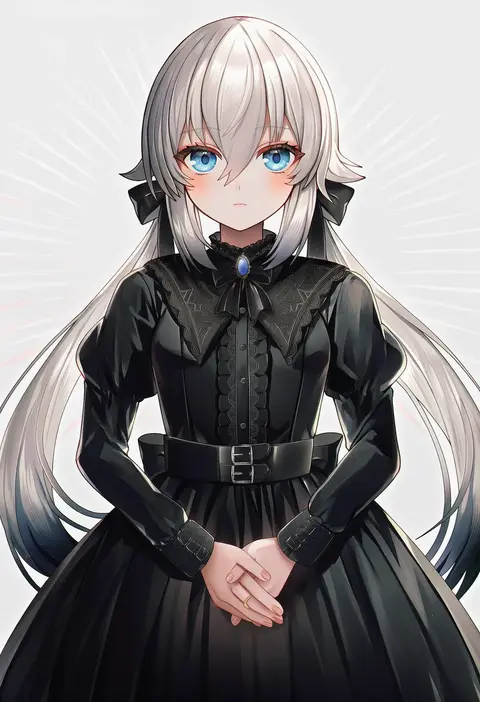
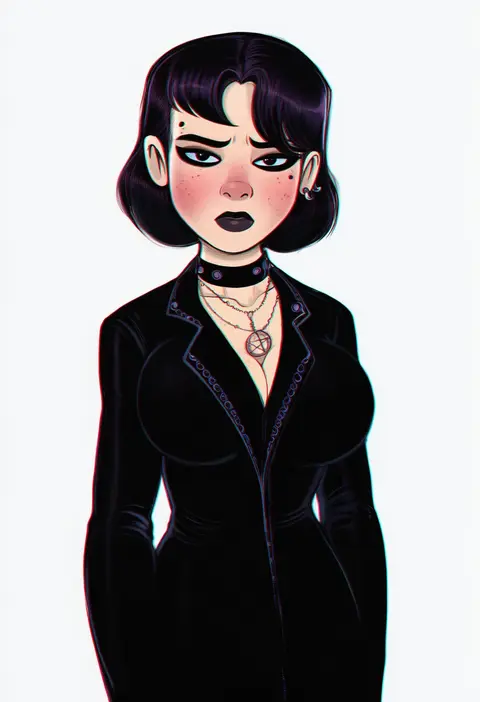
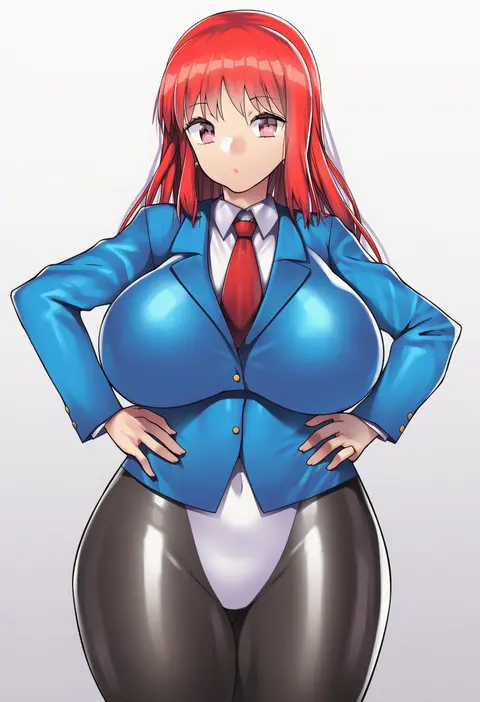
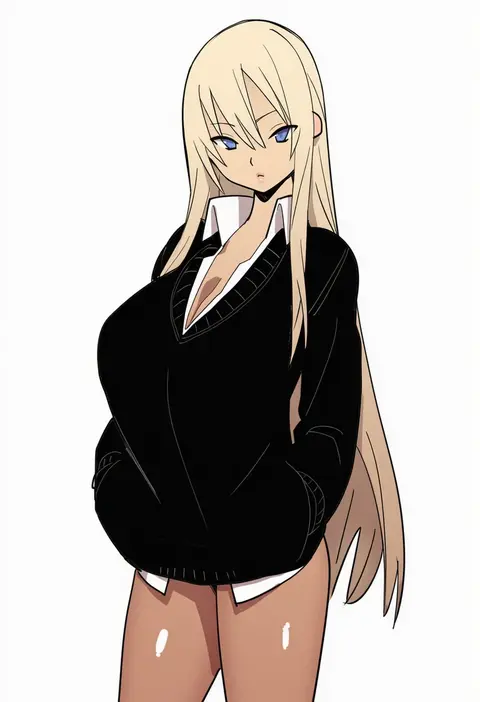
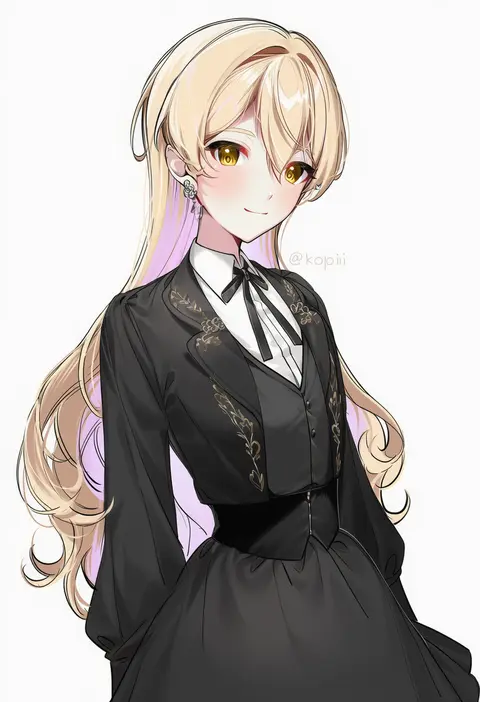
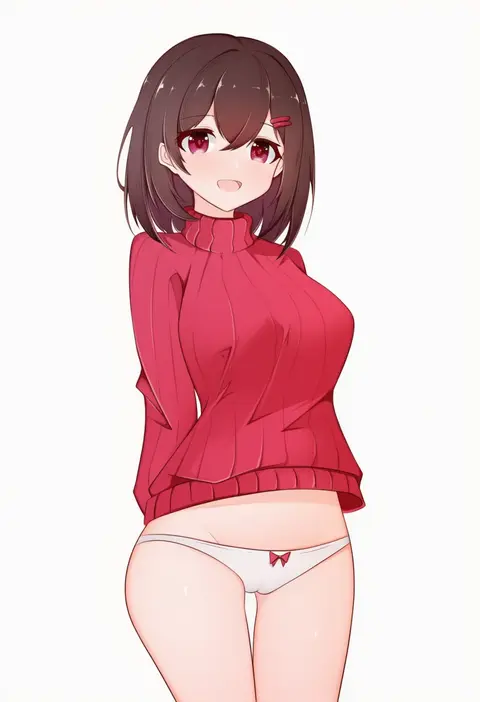
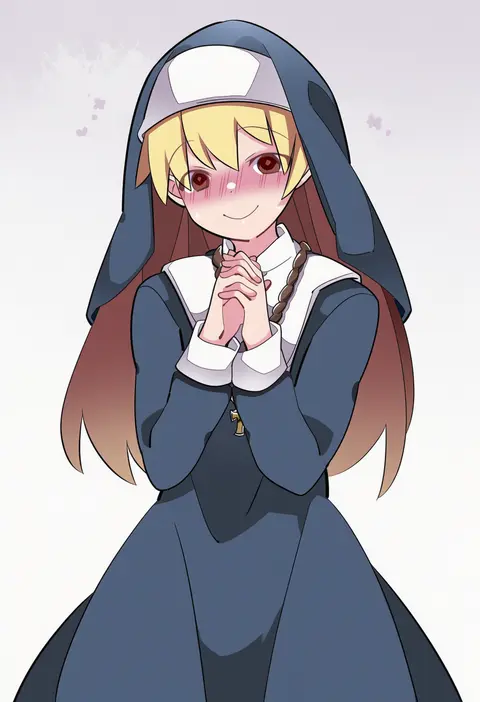
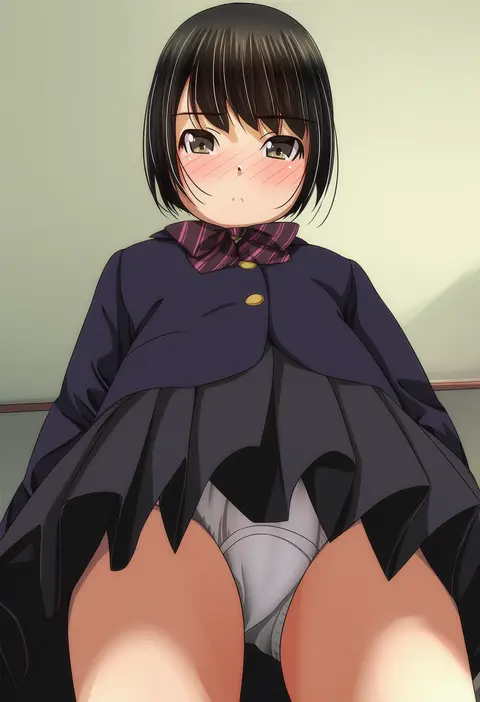
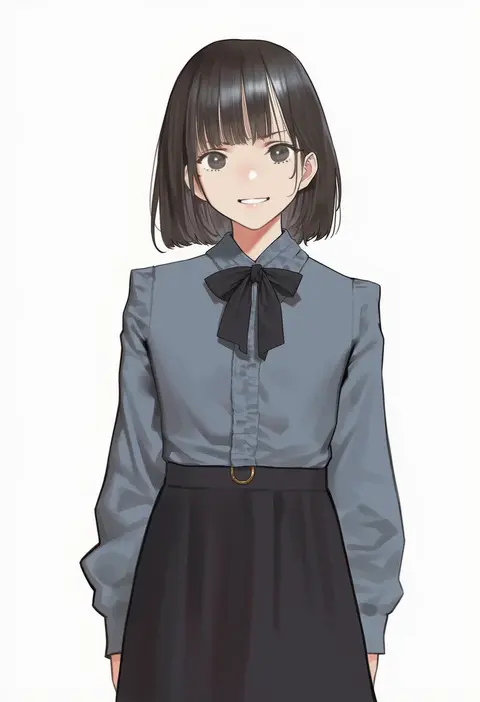
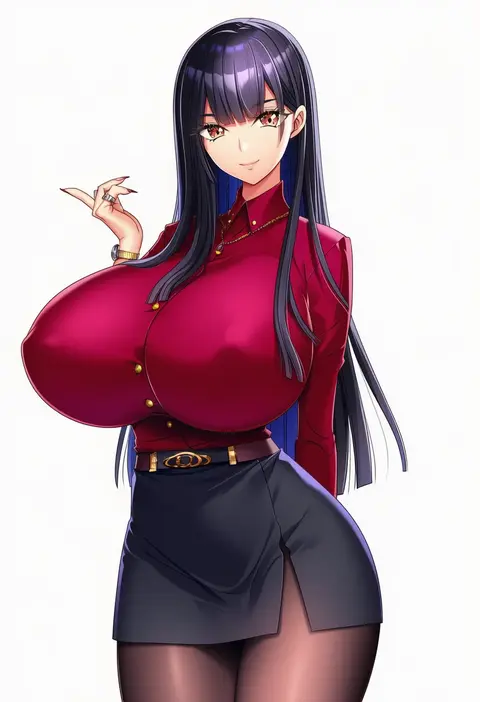
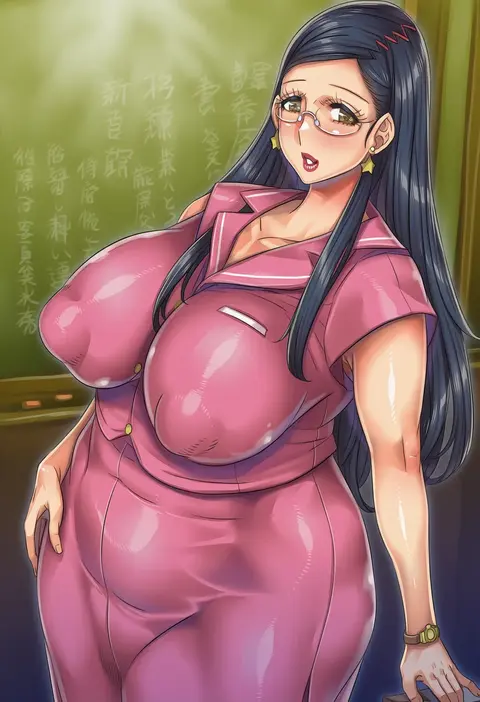
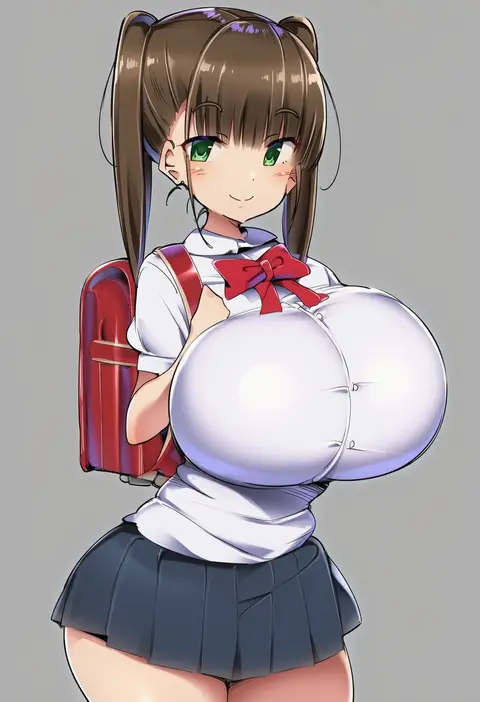
Artist tags tell NovelAI Diffusion to draw in a specific artist's style: line weight, paint texture, face shapes and palette all shift at once. Character and outfit tags decide what is drawn; artist tags decide how. 16,352 tags are listed for V4.5.
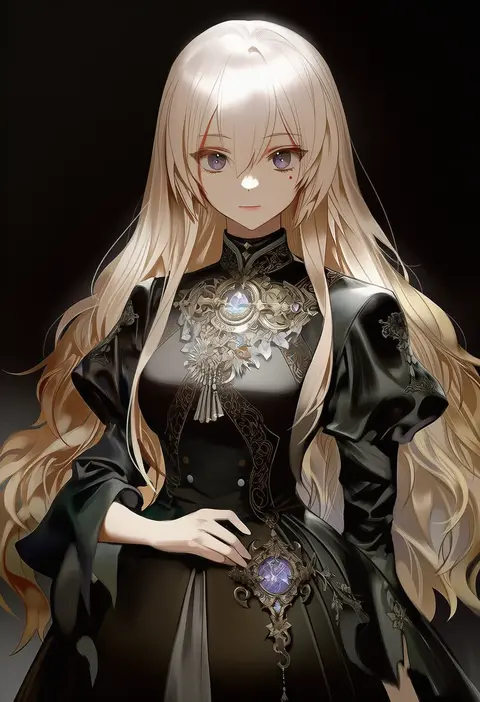
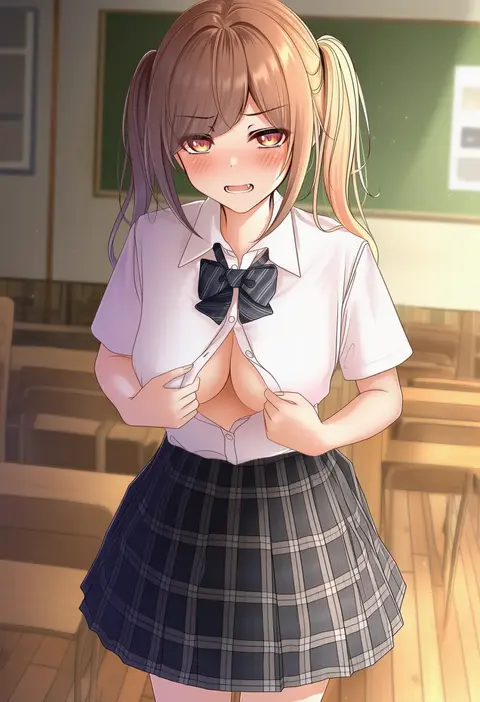
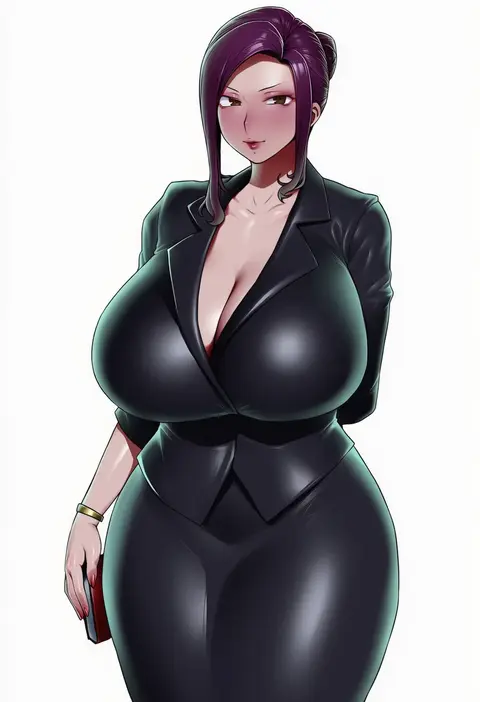
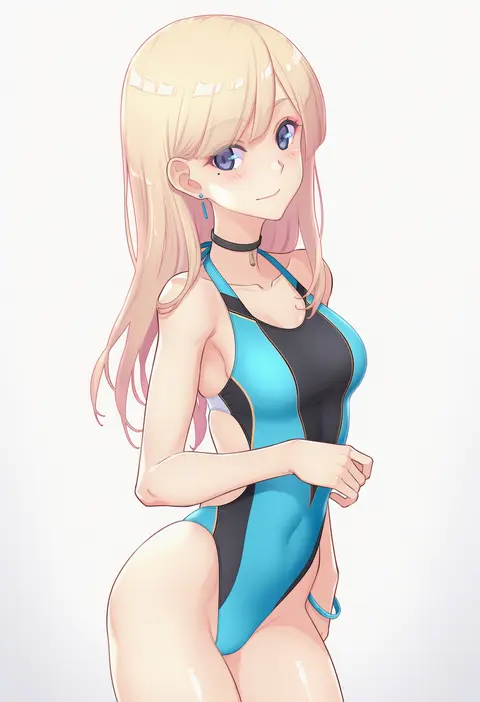
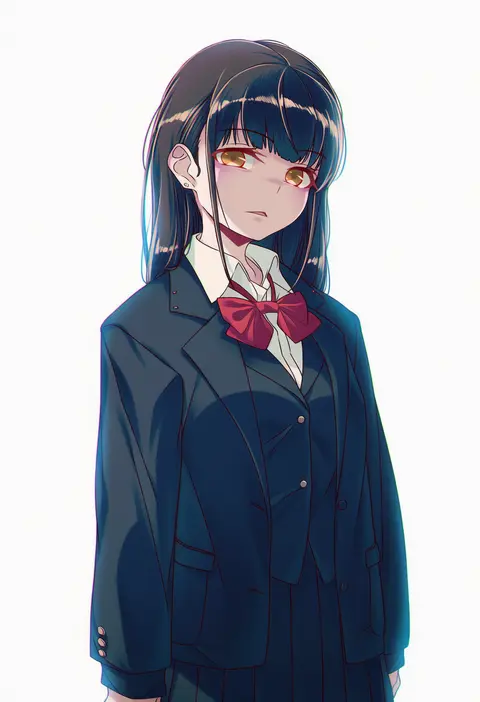
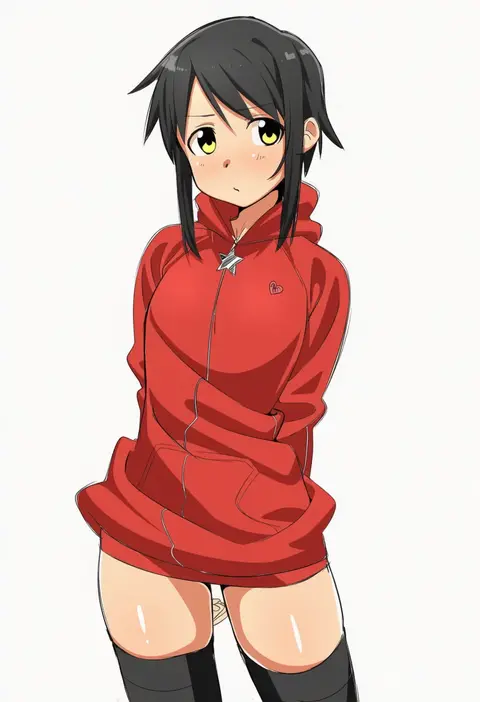
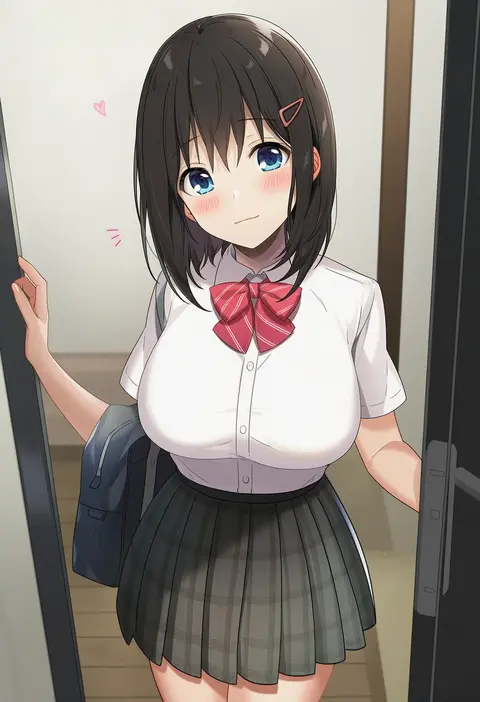
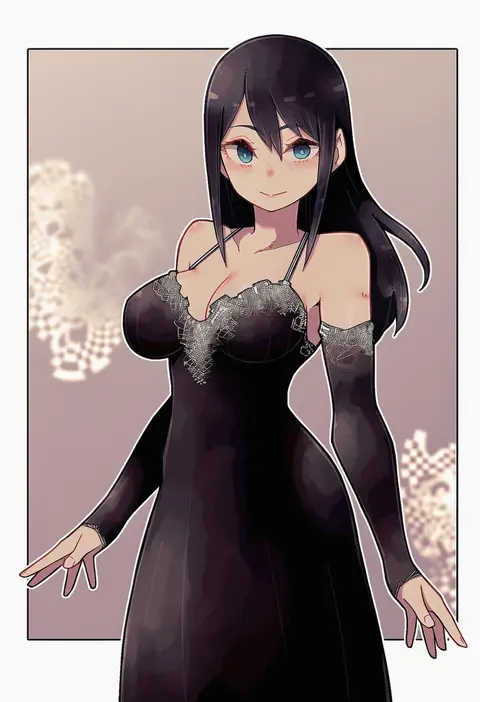
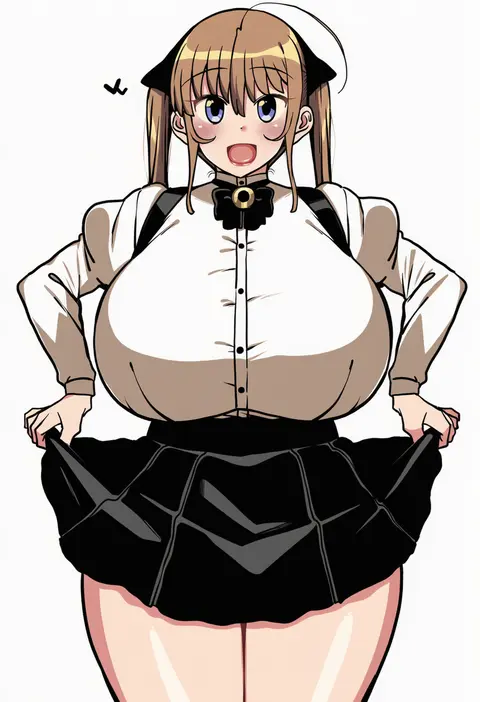
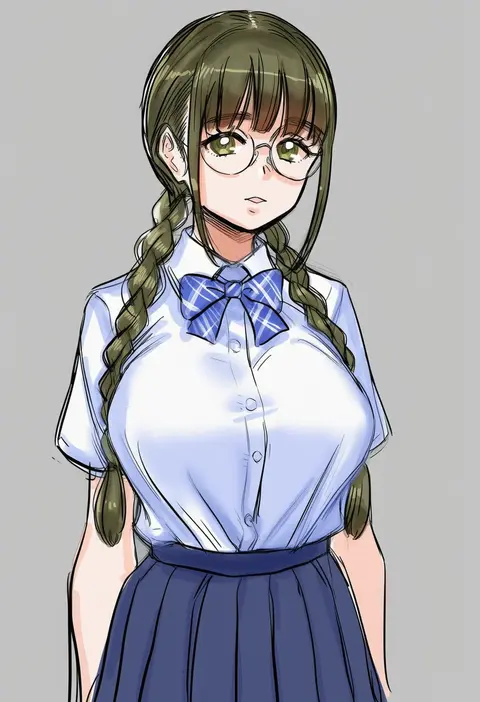
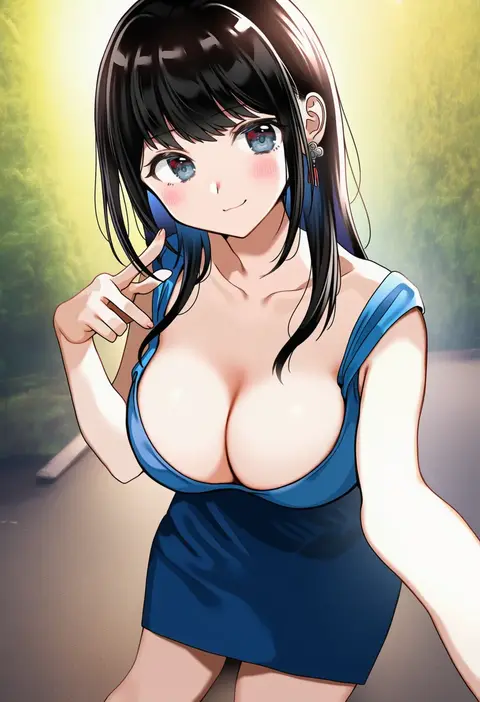
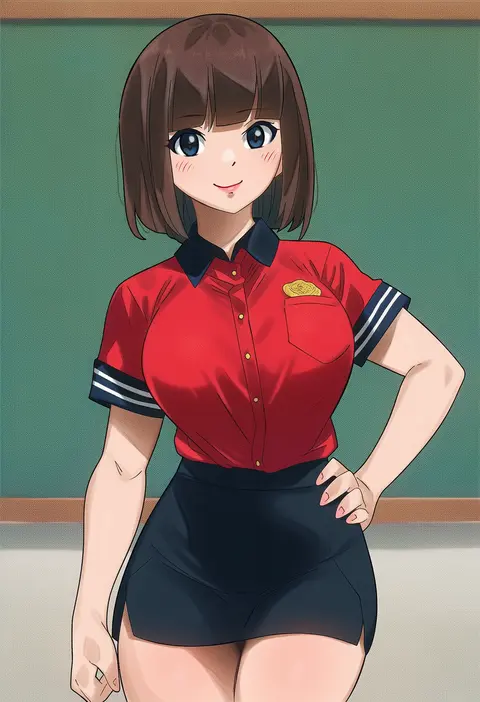
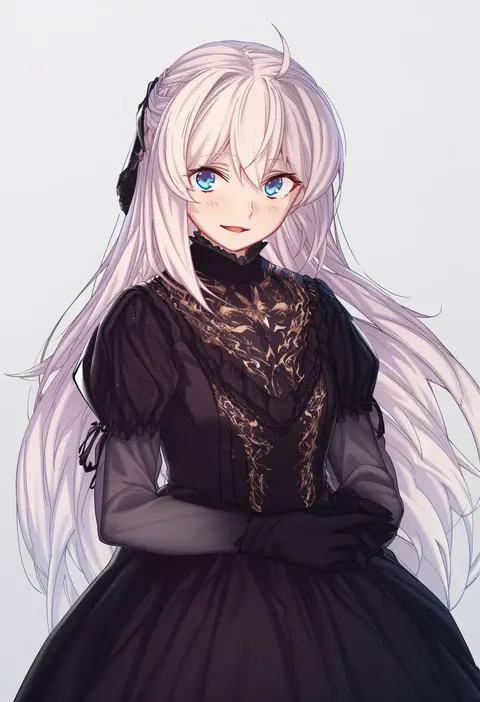
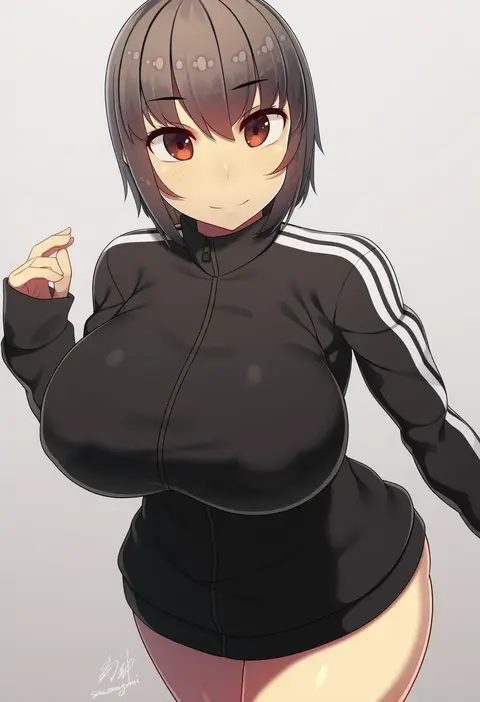
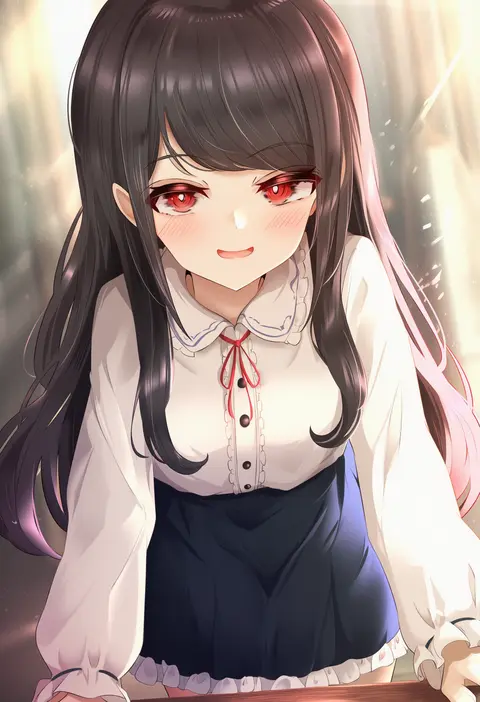
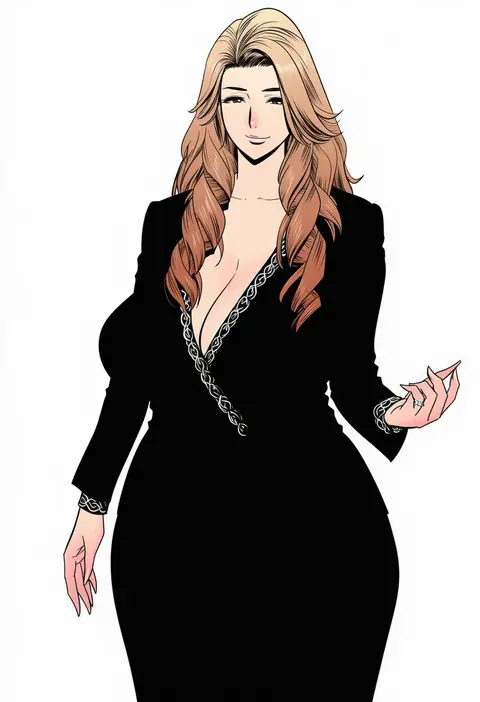
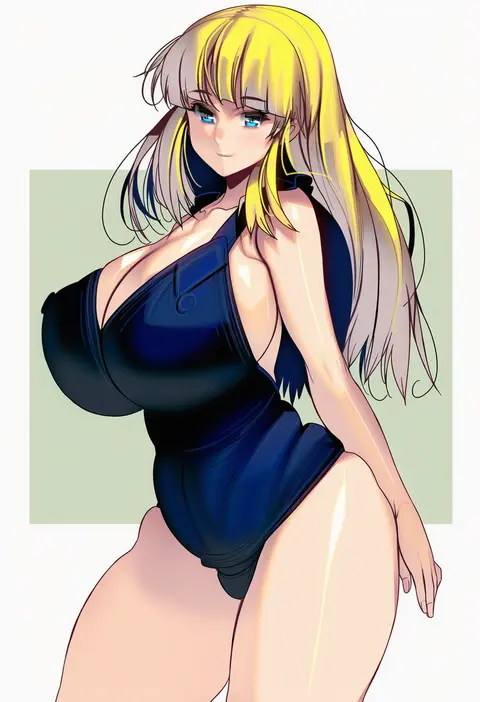
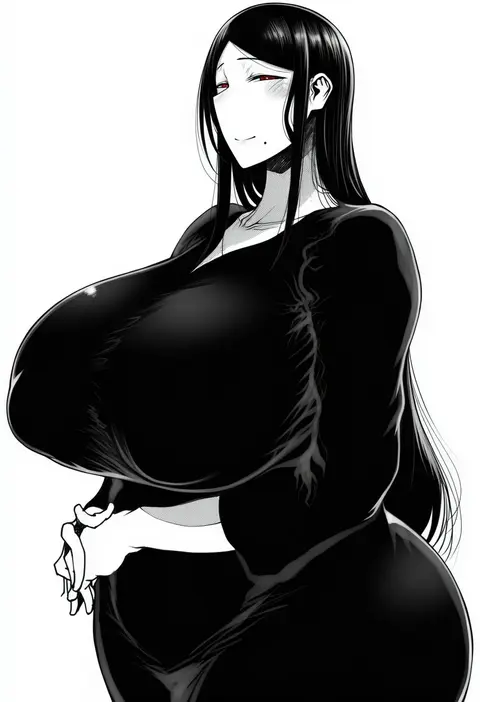
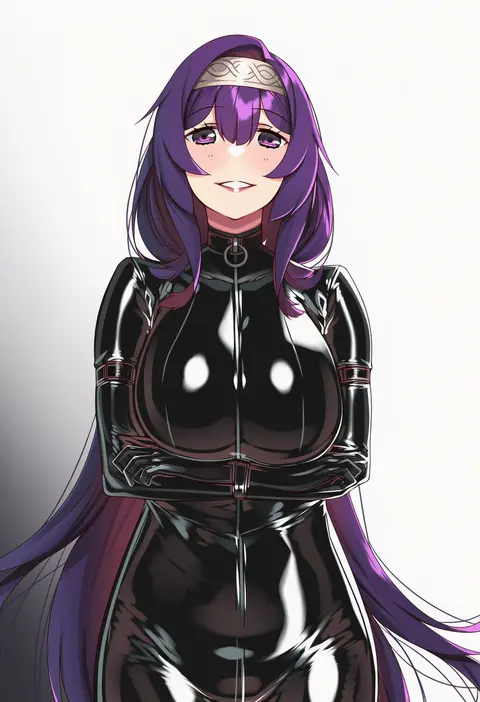
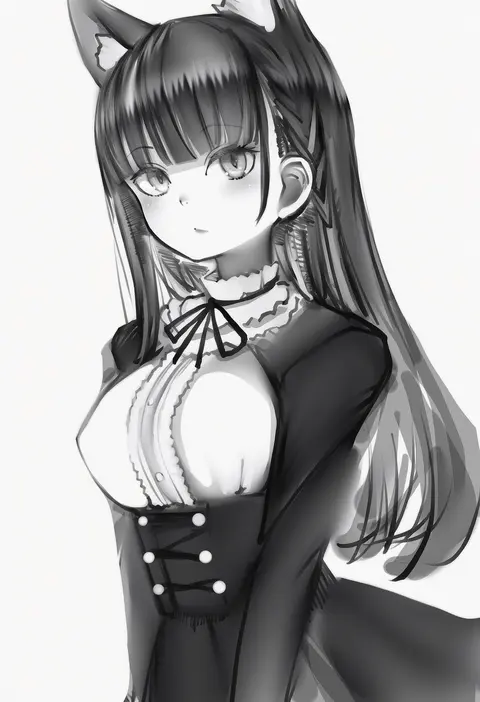
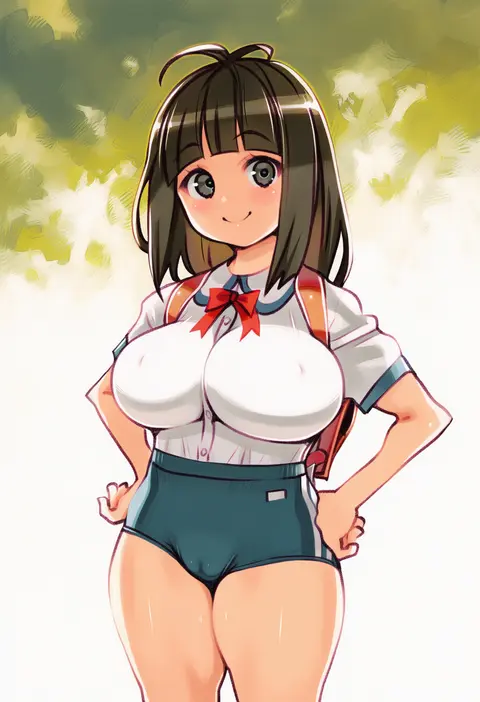
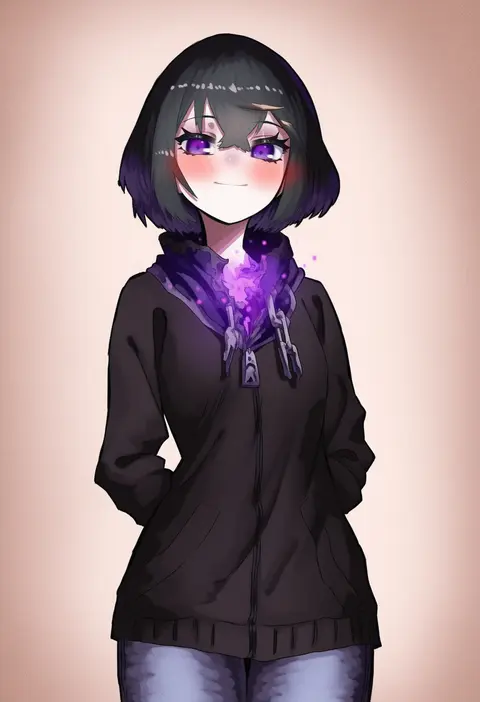
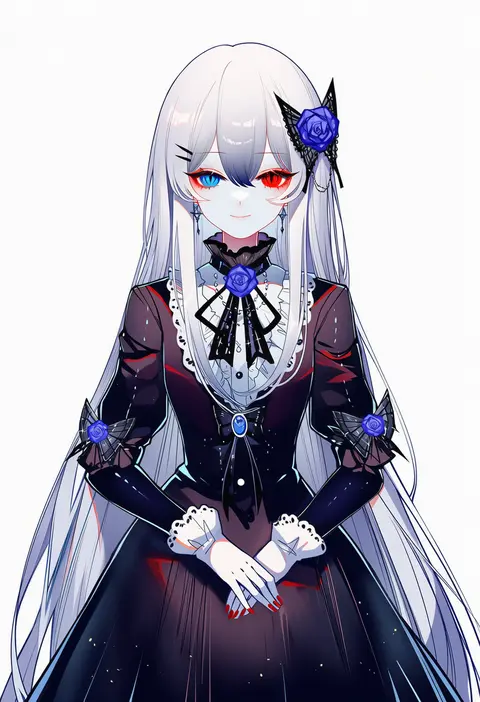
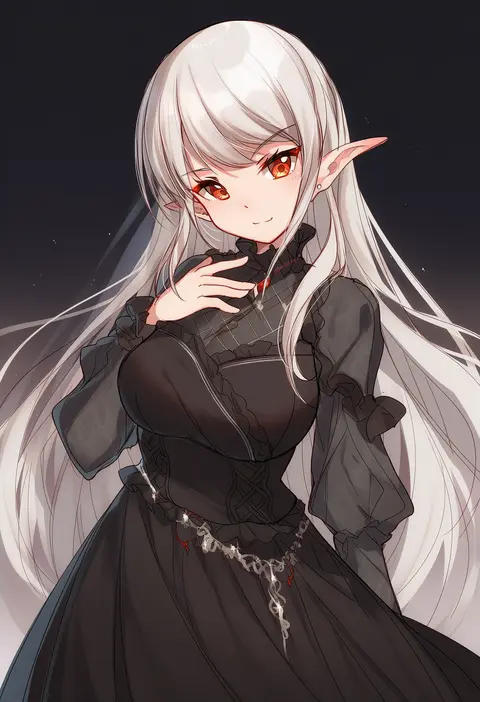
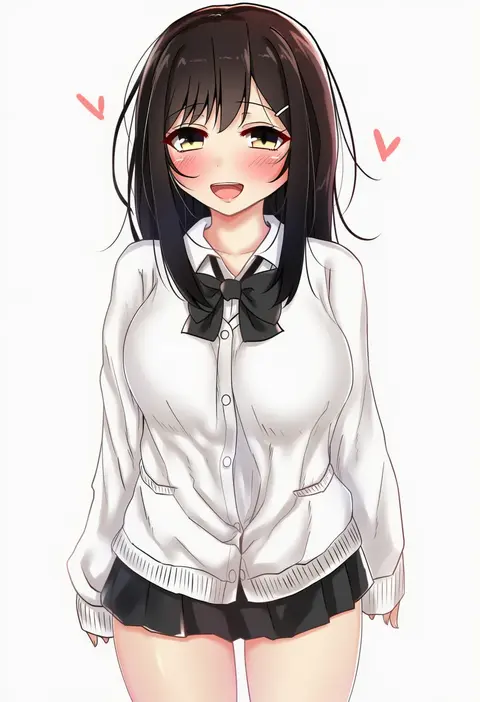
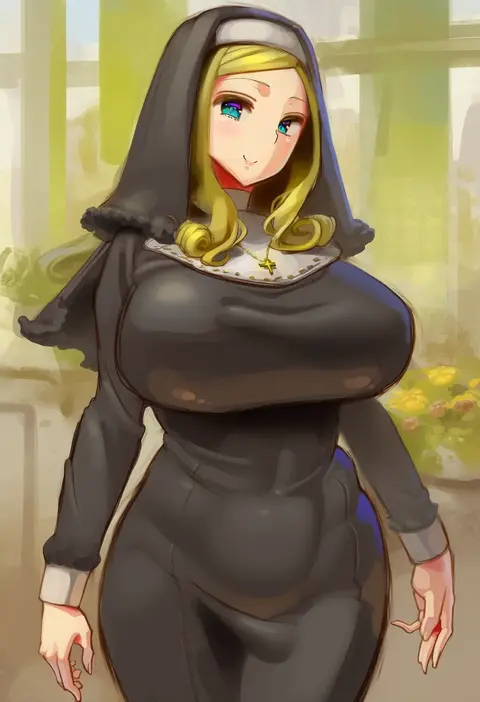
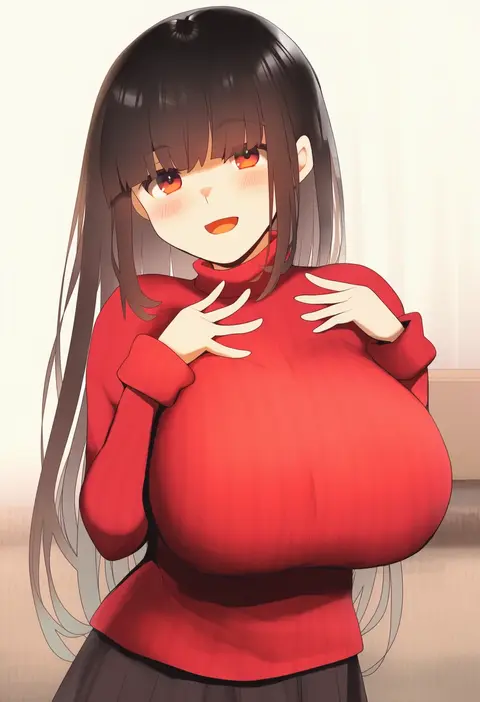
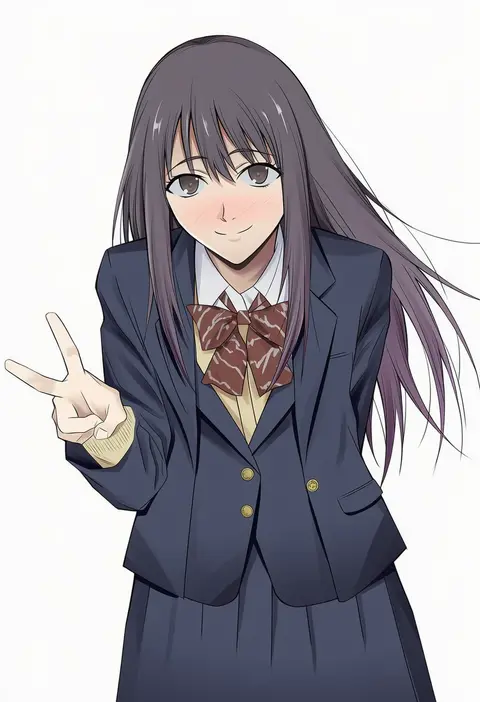
Every tag listed here is verified to react in NovelAI. All images use the same prompt, seed and settings with only the artist tag swapped, so the difference between two images is the style that tag brings in.

How to use them

Put the artist tag near the front of the prompt, e.g. "<artist>, 1girl, solo, best quality, masterpiece, cowboy shot". Two or three artist tags blend styles; lower the weight with "0.8::<artist>::" when the style overpowers the character.

SCORE sorts by Danbooru's top score, POSTS by post count, FAVS by hearts on this site. Open a card to see V5 and V4.5 side by side on the same seed.

V5 vs V4.5

V5 usually lands closer to the artist's real style, and tags that did nothing on V4.5 often react on V5. V4.5 still fits older and doujin-heavy artists better. Try V5 first, fall back to V4.5.

FAQ

Where does the artist tag go?
Near the front of the prompt. Use "0.8::tag::" to adjust its weight.

Can I stack artist tags?
Yes, styles blend. Past two or three the result stops looking like anyone.

Are these the artists' own works?
No. Every image is a NovelAI sample generated from the tag.