V4.5Artists
sort: FAVS▾
▾
>
$

NovelAI Artist Tags List — V4.5

artist --count 16,352[19/273]
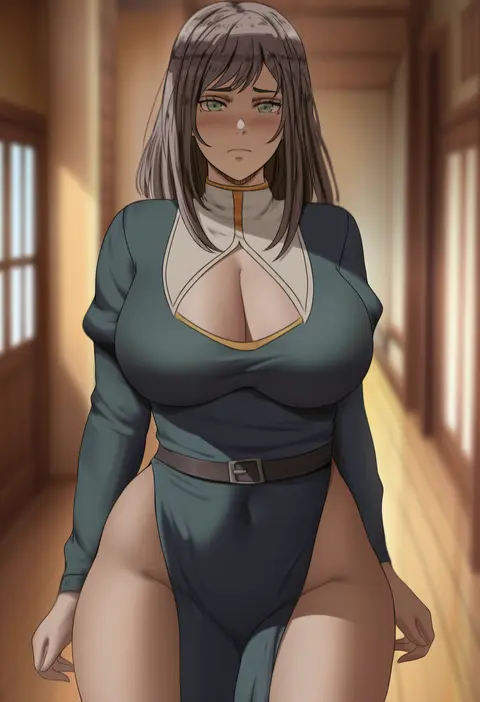
oroborus
ARTIST0x0438
1
yumegiwa (skgl thx)
ARTIST0x0439
1
lambda (kusowarota)
ARTIST0x043A
1
hajika
ARTIST0x043B
1
jamjamstyle
ARTIST0x043C
1
gijang
ARTIST0x043D
1
tonomiya68
ARTIST0x043E
1
suwakana
ARTIST0x043F
1
haneramu
ARTIST0x0440
1
alecto 0
ARTIST0x0441
1
ky.
ARTIST0x0442
1
nori gorou
ARTIST0x0443
1
hanamaru tsubaki
ARTIST0x0444
1
aleriia v
ARTIST0x0445
1
alexander dinh
ARTIST0x0446
1
kaiman garupan
ARTIST0x0447
1
inkerton-kun
ARTIST0x0448
1
hot melon
ARTIST0x0449
1
age fx
ARTIST0x044A
1
kim eb
ARTIST0x044B
1
kokoa ninniku
ARTIST0x044C
1
mossacannibalis
ARTIST0x044D
1
tama (tamatamo)
ARTIST0x044E
1
satoupote
ARTIST0x044F
1
kulojawa
ARTIST0x0450
1
fuzukikai
ARTIST0x0451
1
kakage
ARTIST0x0452
1
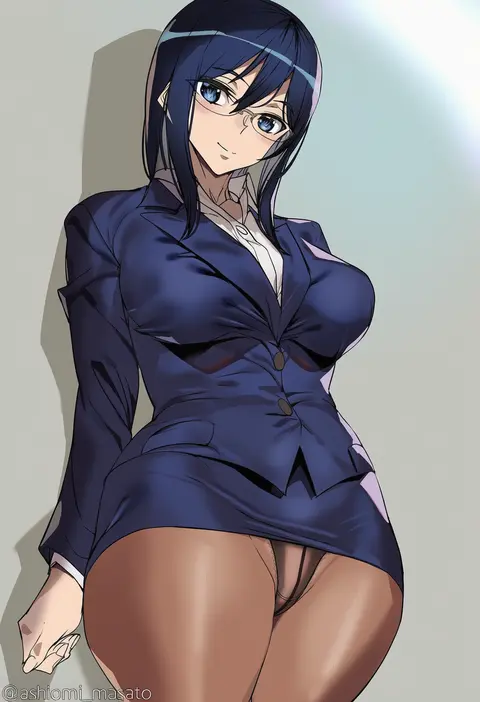
ashiomi masato
ARTIST0x0453
1
iizuki tasuku
ARTIST0x0454
1
kawakami masaki
ARTIST0x0455
1
funyariko
ARTIST0x0456
1
hairu
ARTIST0x0457
1
tonee
ARTIST0x0458
1
tedain
ARTIST0x0459
1
shacho (ko no ha)
ARTIST0x045A
1
o-los
ARTIST0x045B
1
syhan
ARTIST0x045C
1
drid
ARTIST0x045D
1
nixeu
ARTIST0x045E
1
nejime
ARTIST0x045F
1
umanosuke
ARTIST0x0460
1
nagami yuu
ARTIST0x0461
1
rikatan
ARTIST0x0462
1
koikawa minoru
ARTIST0x0463
1
bekotarou
ARTIST0x0464
1
enosan
ARTIST0x0465
1
harimoji
ARTIST0x0466
1
poruserin
ARTIST0x0467
1
homura subaru
ARTIST0x0468
1
toritora
ARTIST0x0469
1
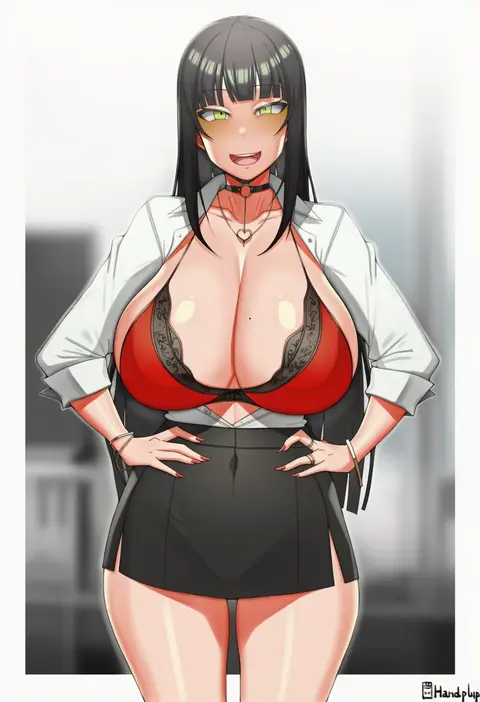
handplug
ARTIST0x046A
1
dore (gilles dore)
ARTIST0x046B
1
revolverwing
ARTIST0x046C
1
vilde loh hocen
ARTIST0x046D
1
takanashi kei (hitsujikan)
ARTIST0x046E
1
ryuu.
ARTIST0x046F
1
ka ze na mi
ARTIST0x0470
1
kawai (purplrpouni)
ARTIST0x0471
1
matsukawa (pale scarlet)
ARTIST0x0472
1
rei (rei's room)
ARTIST0x0473
1

What these tags change

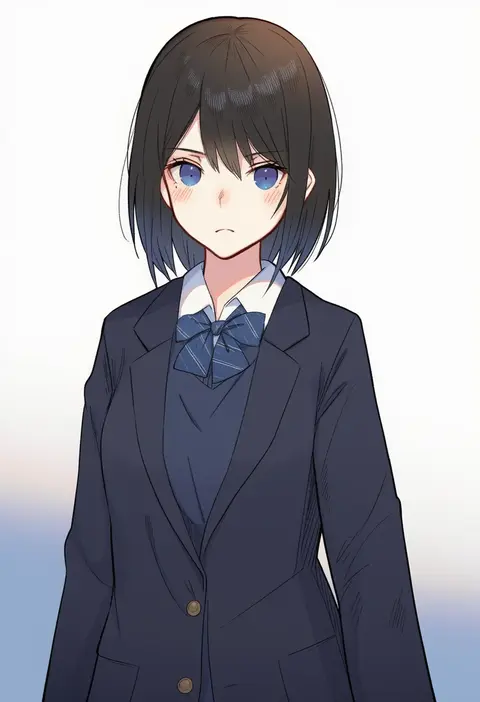
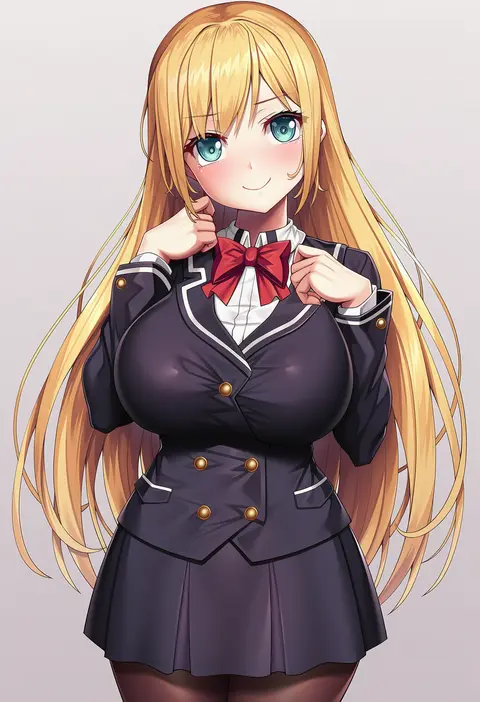
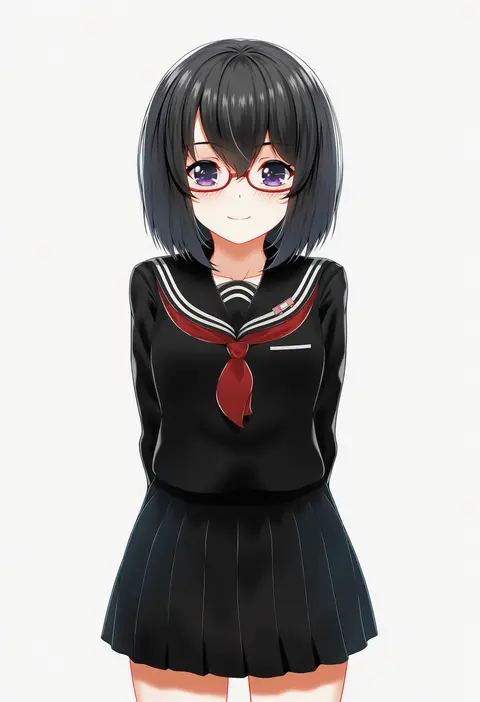
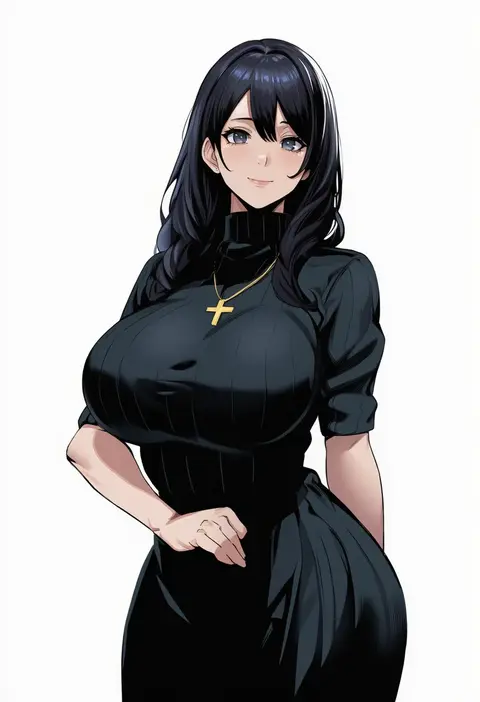
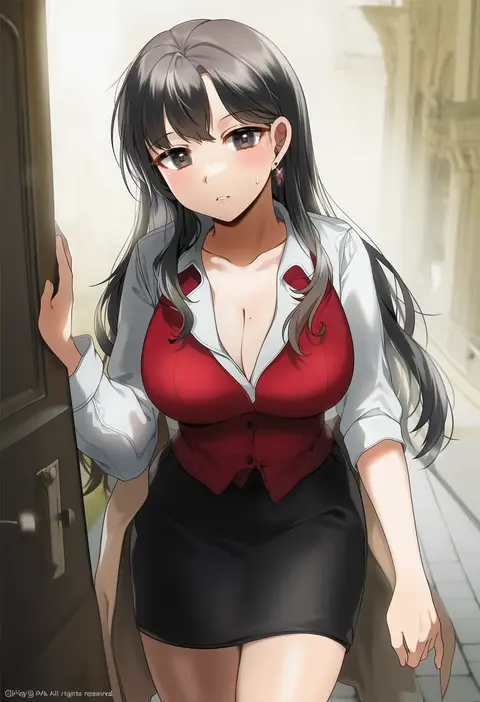
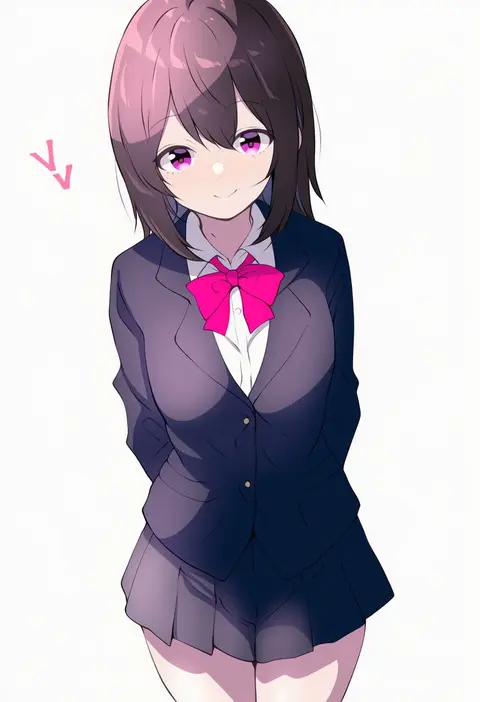
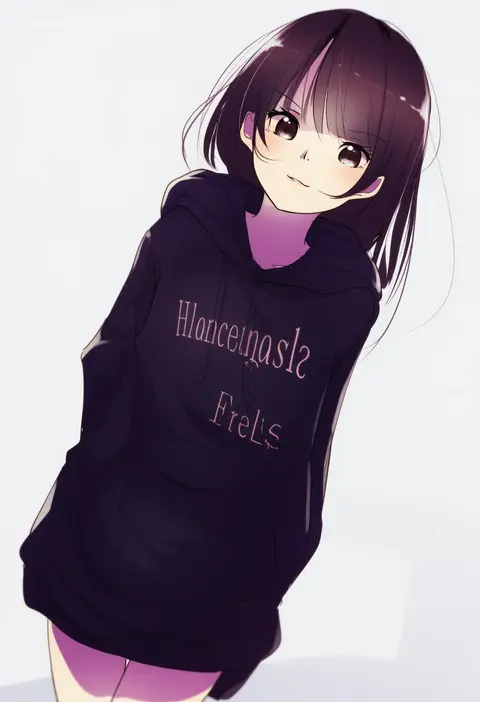
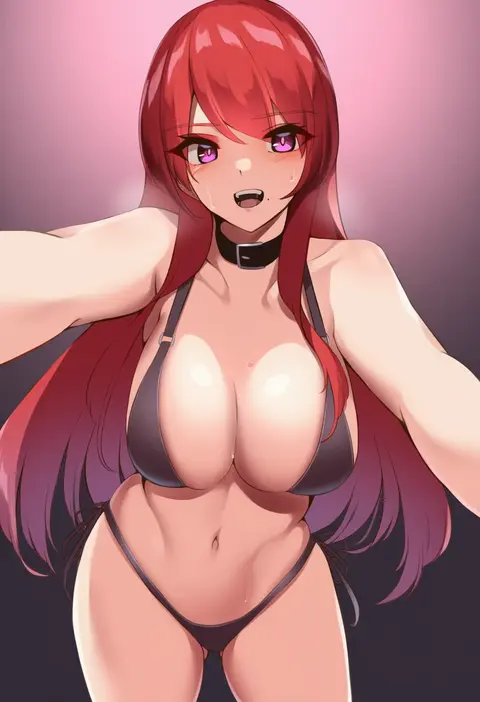
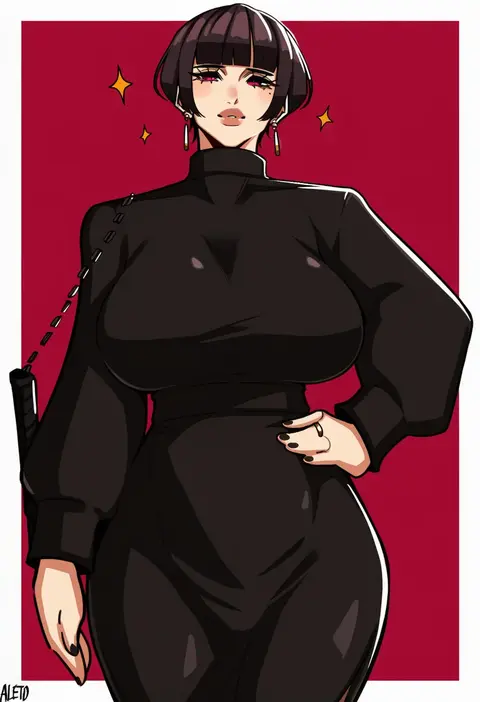
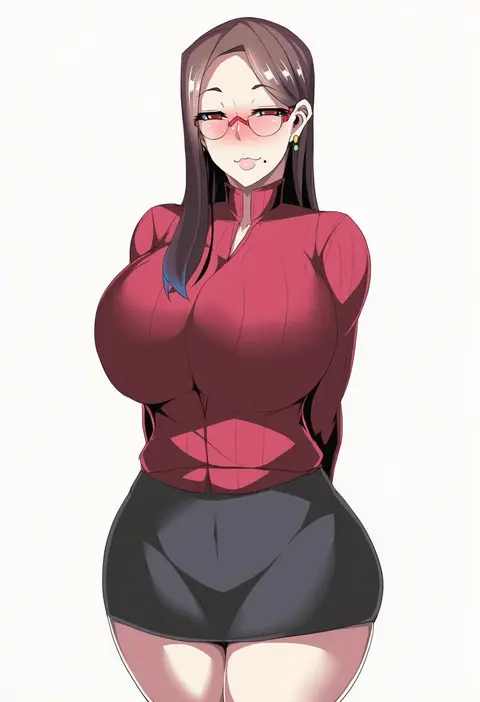
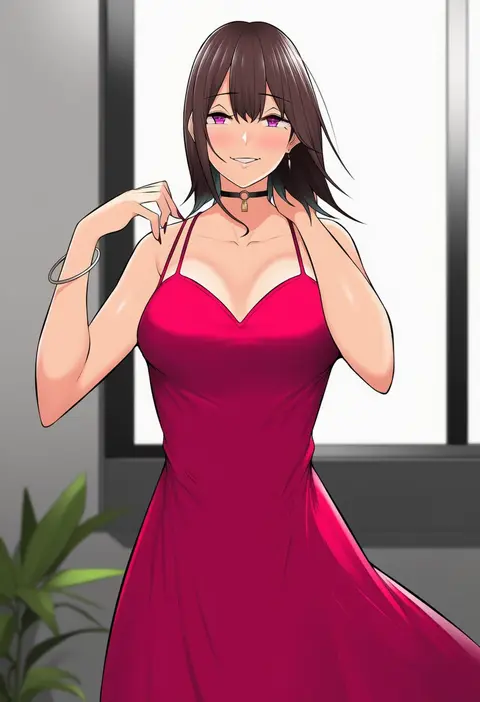
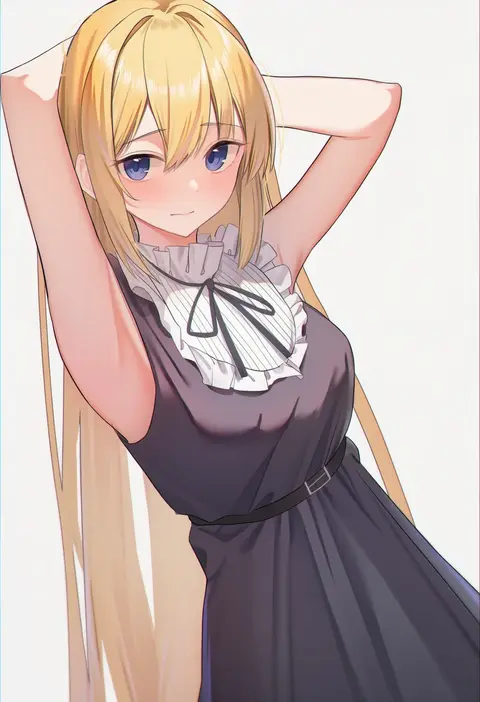
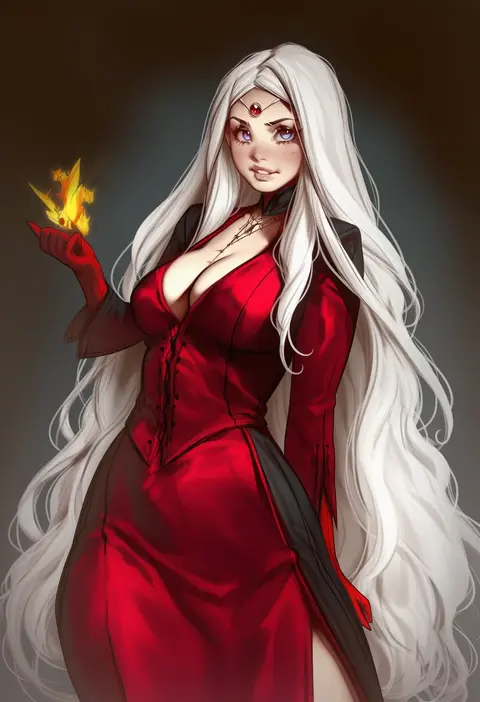
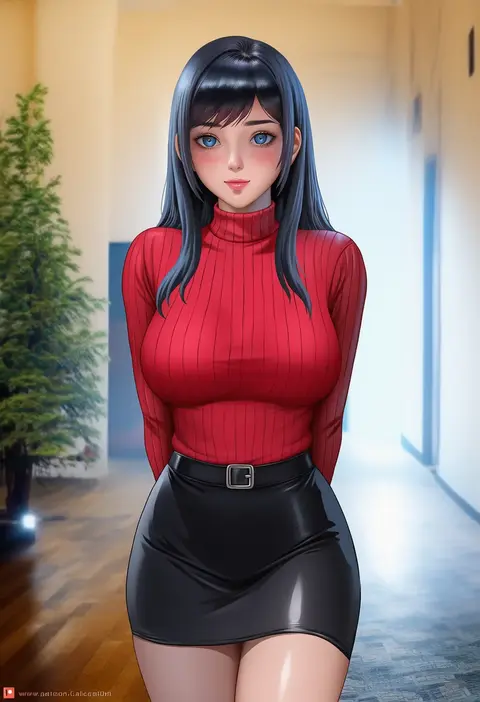
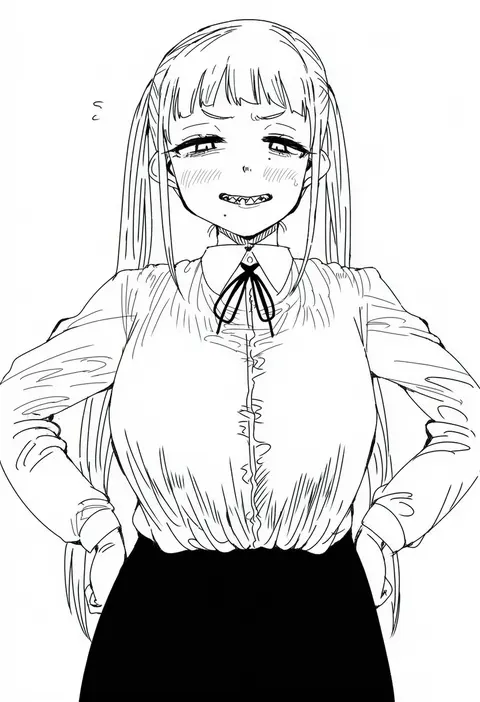
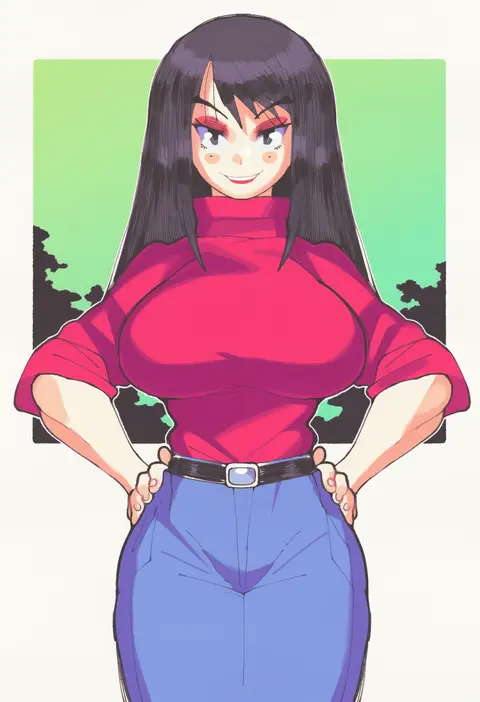
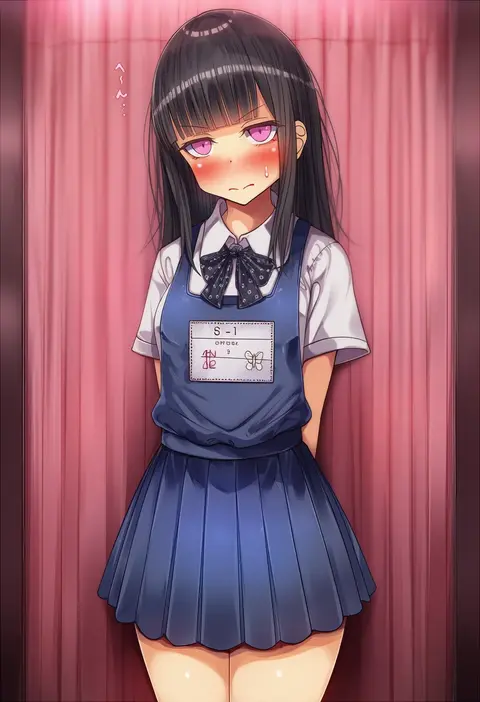
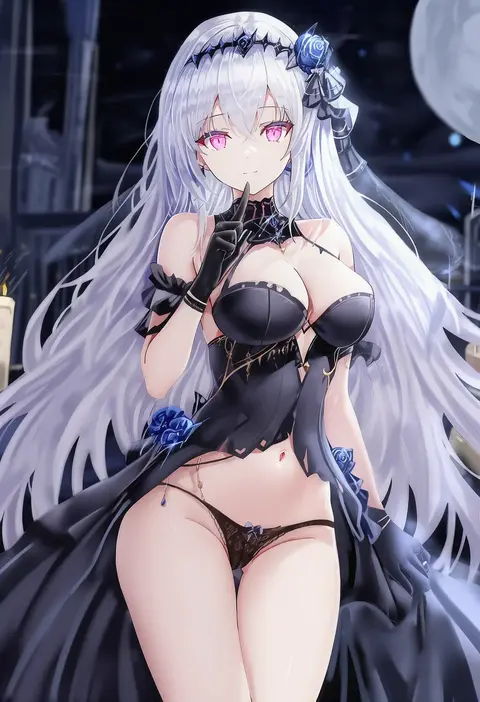
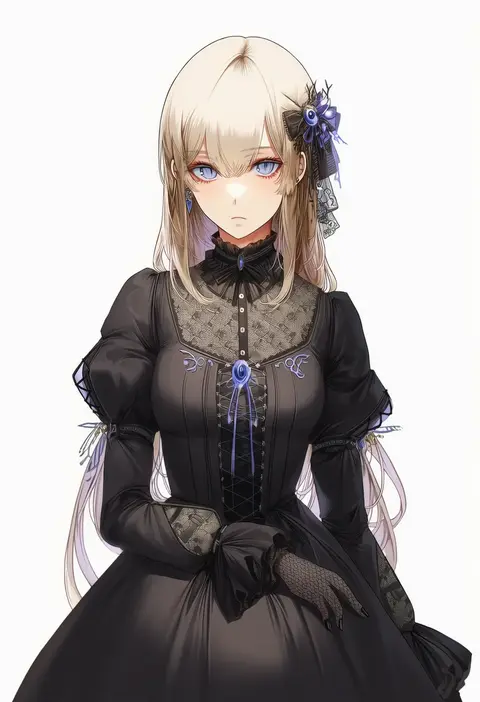
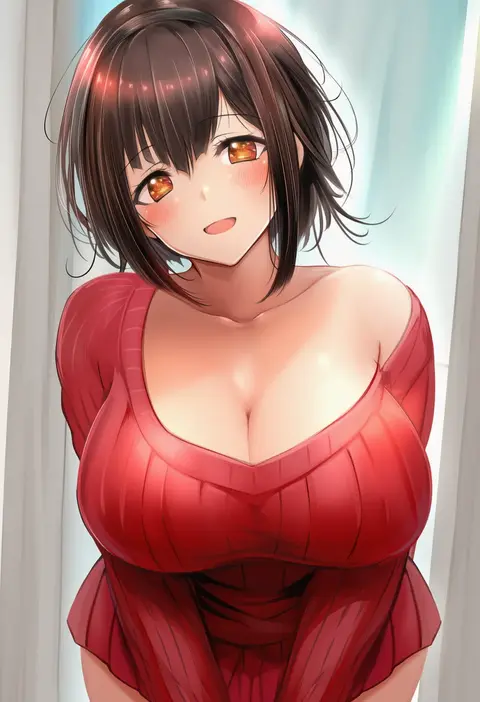
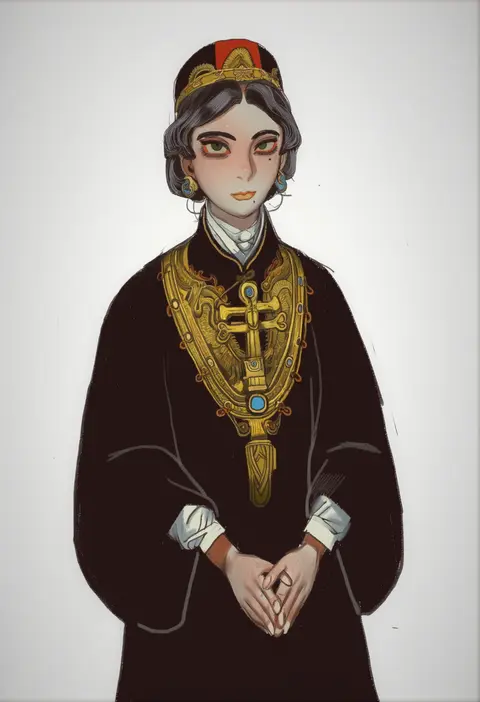
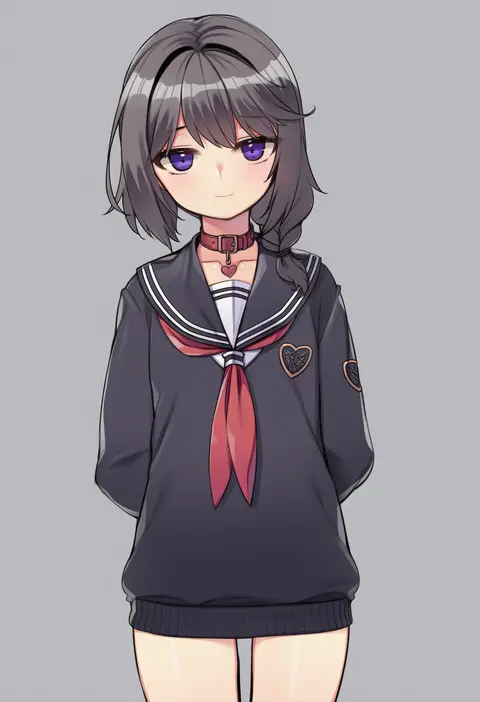
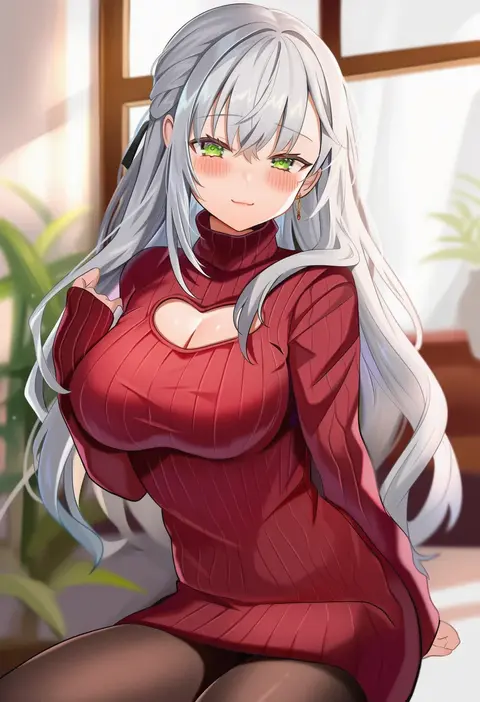
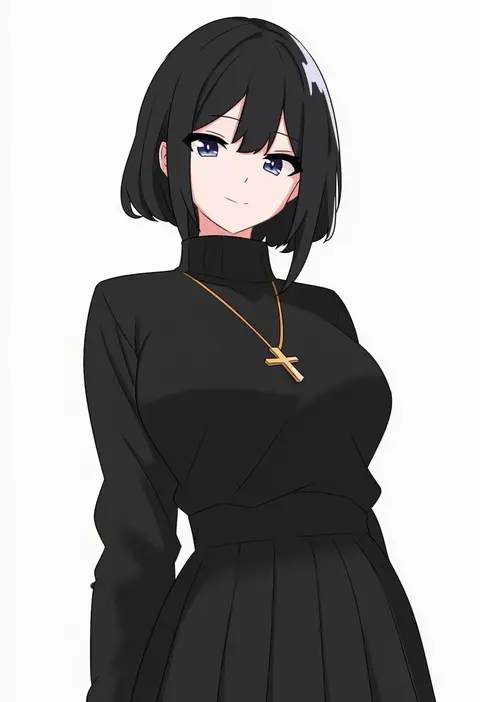
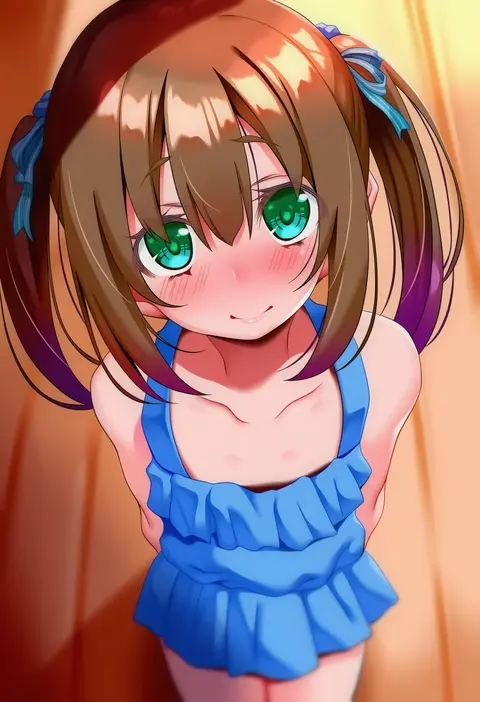
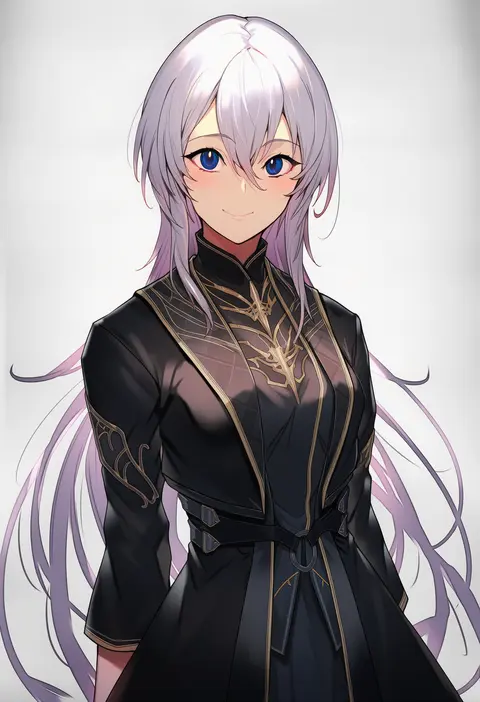
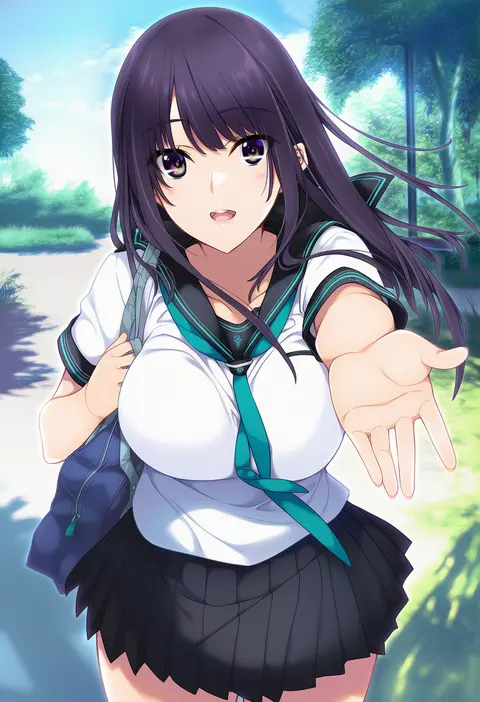
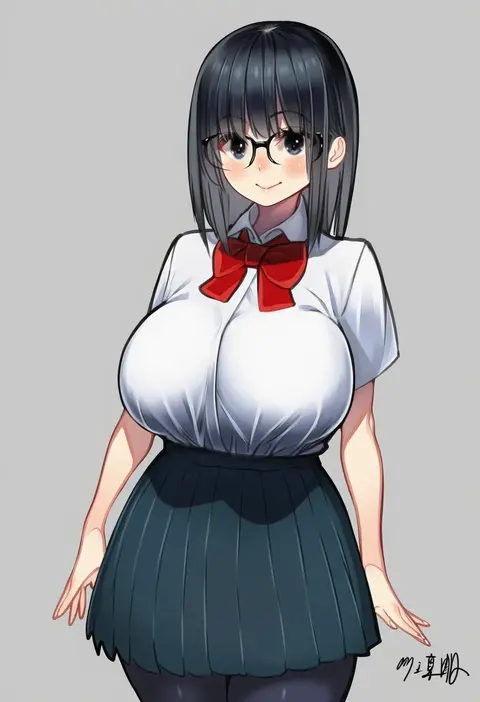
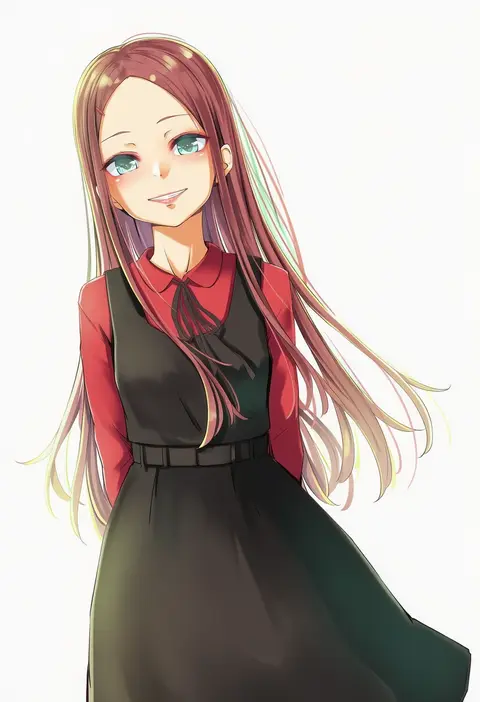
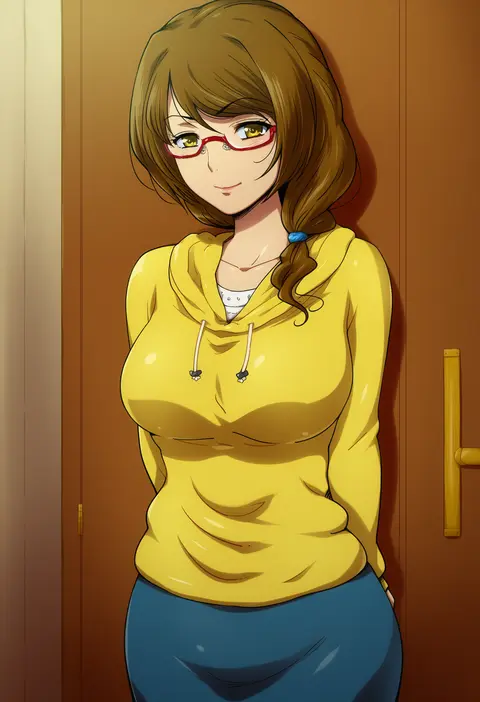
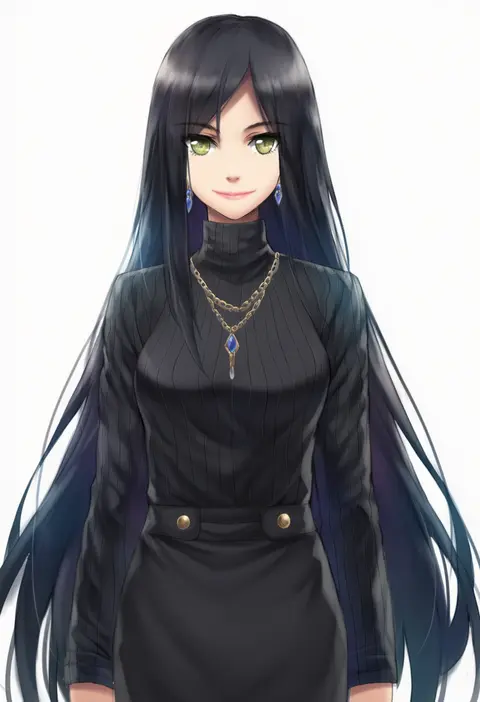
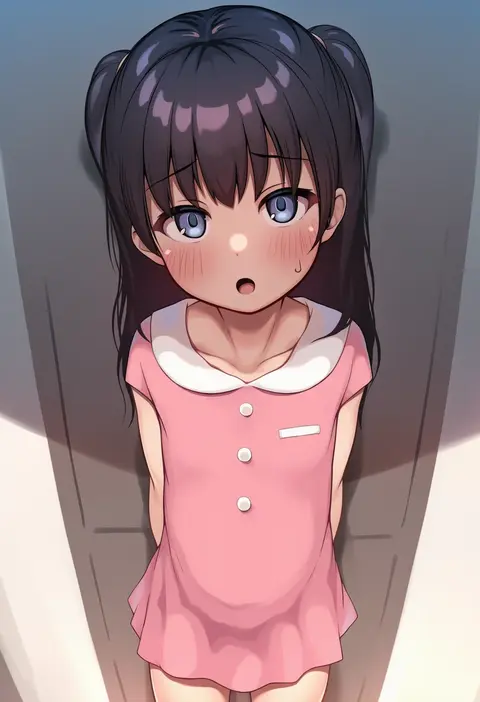
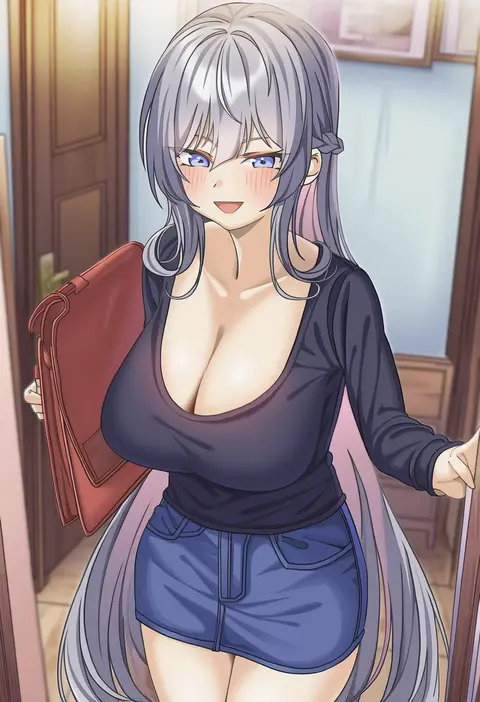
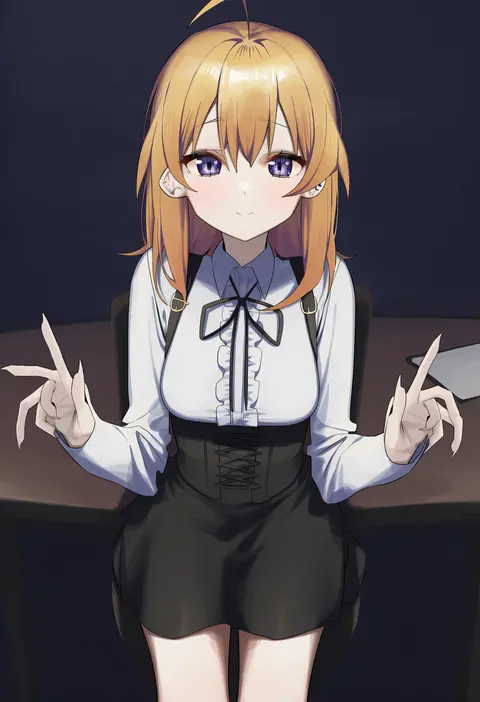
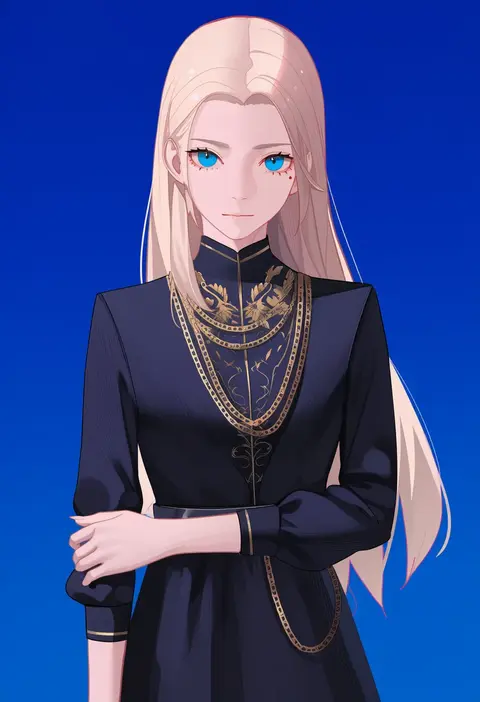
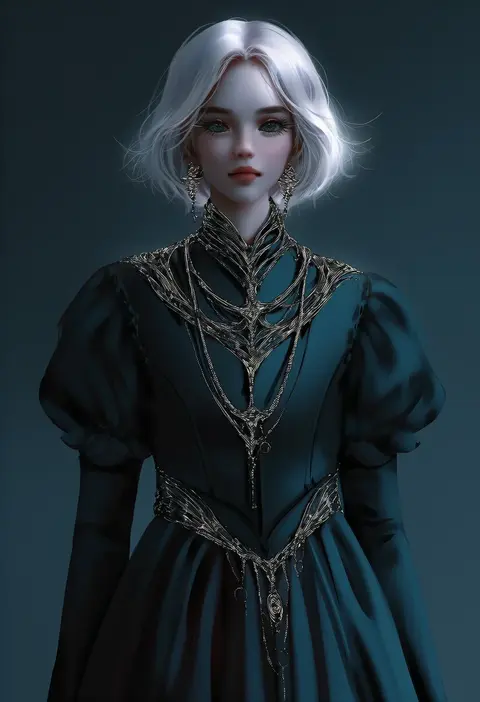
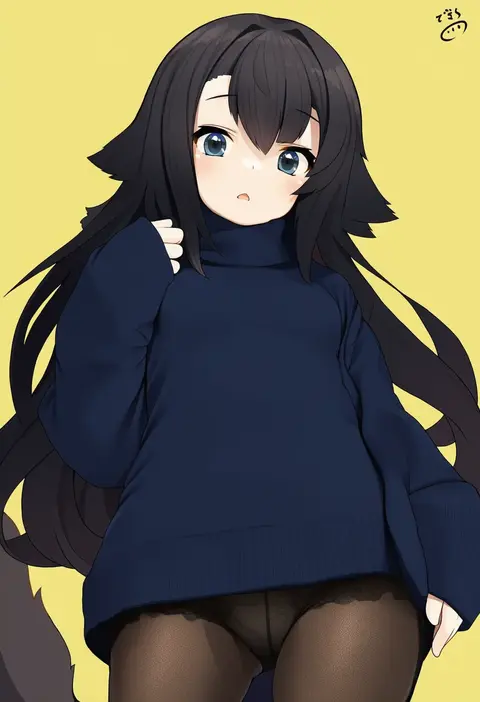
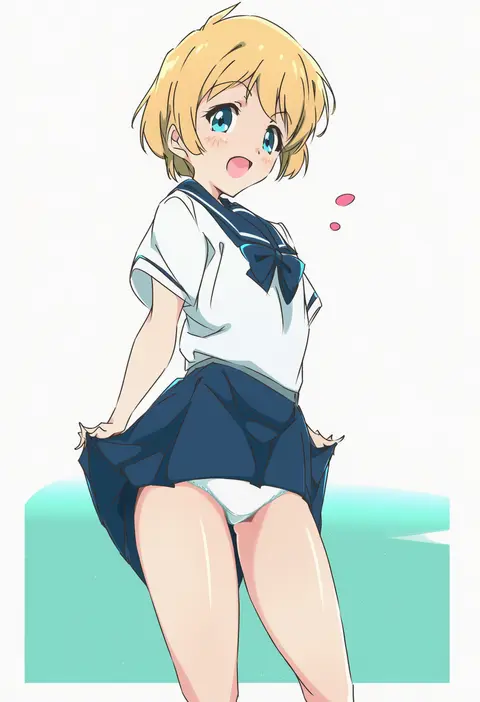
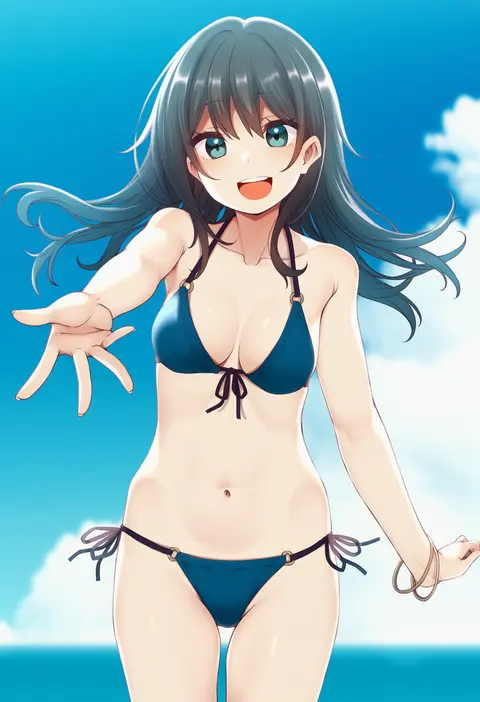
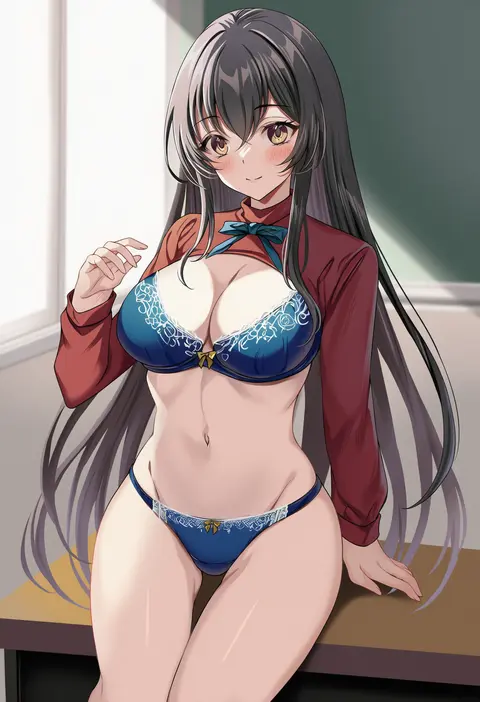
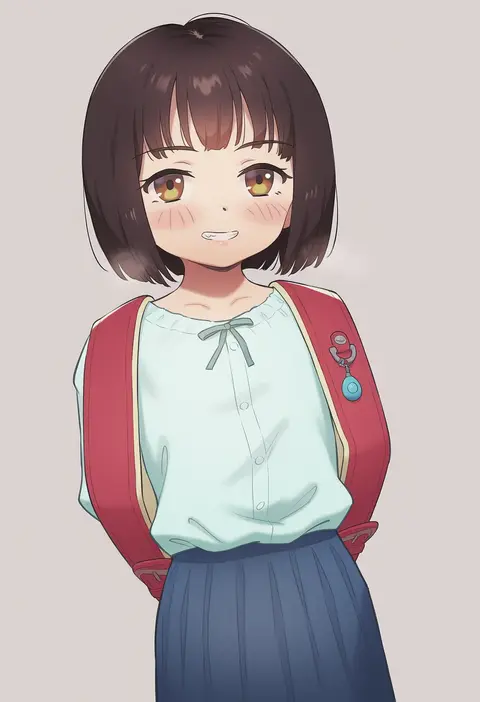
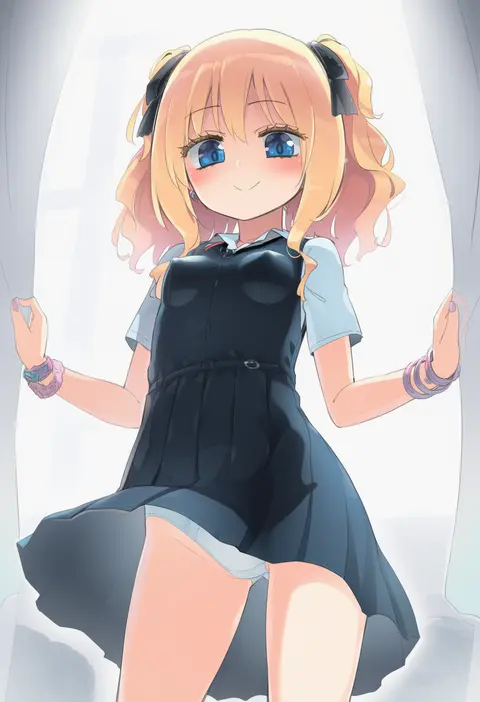
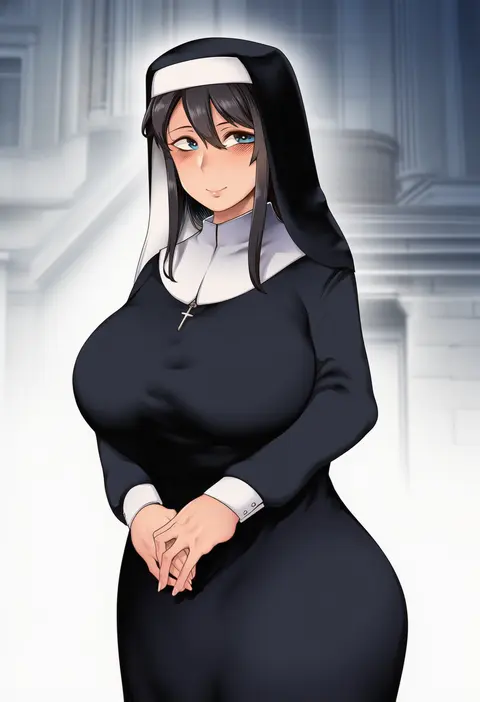
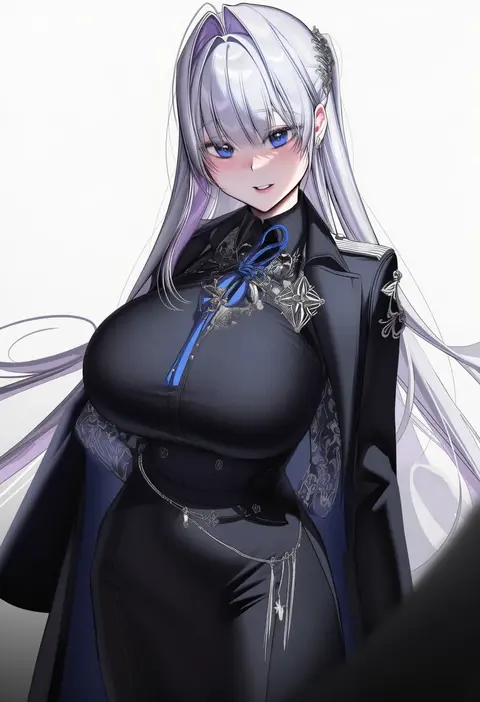
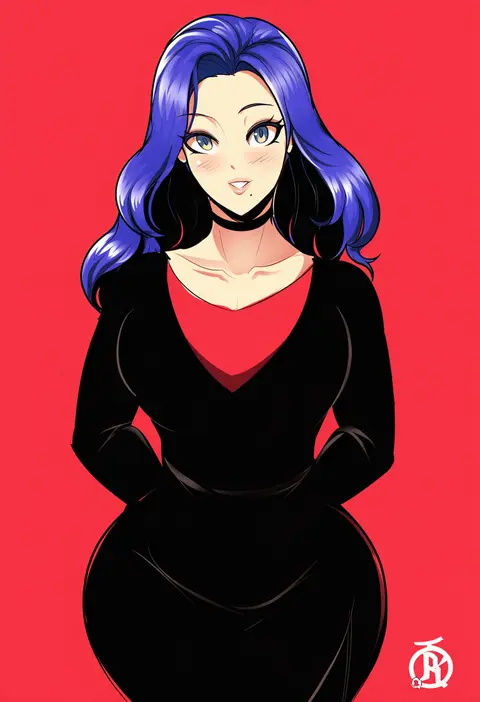
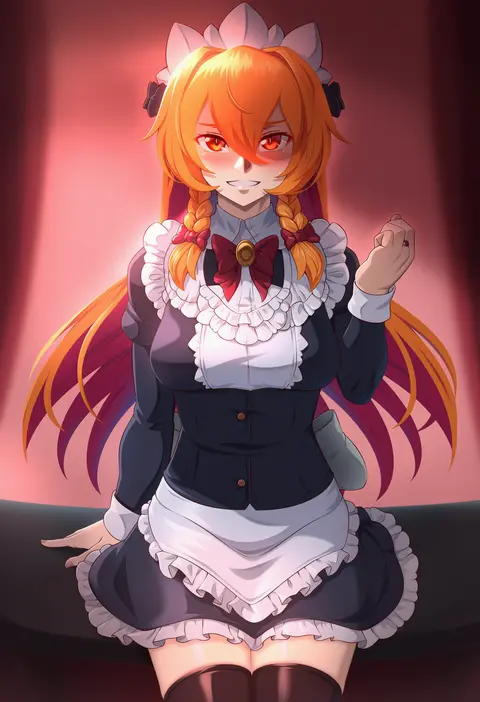
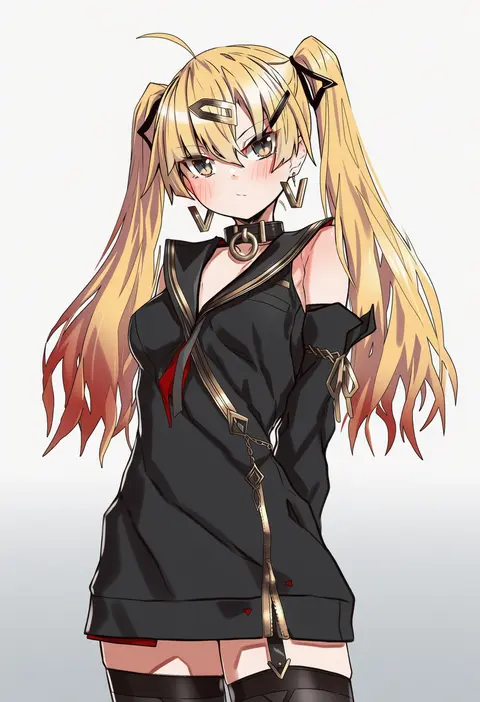
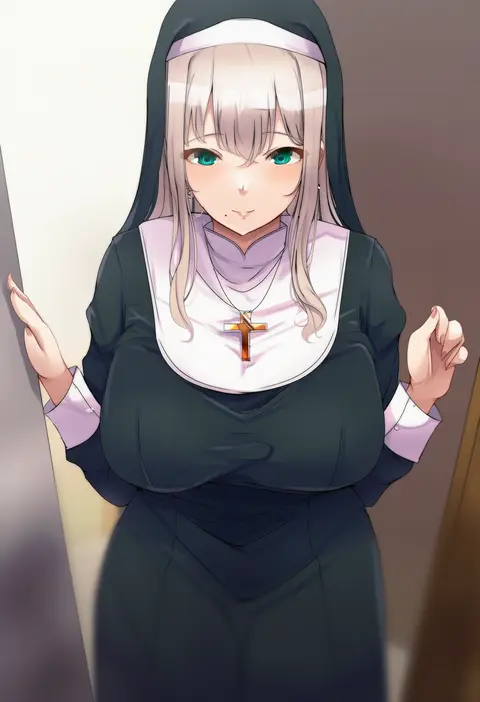
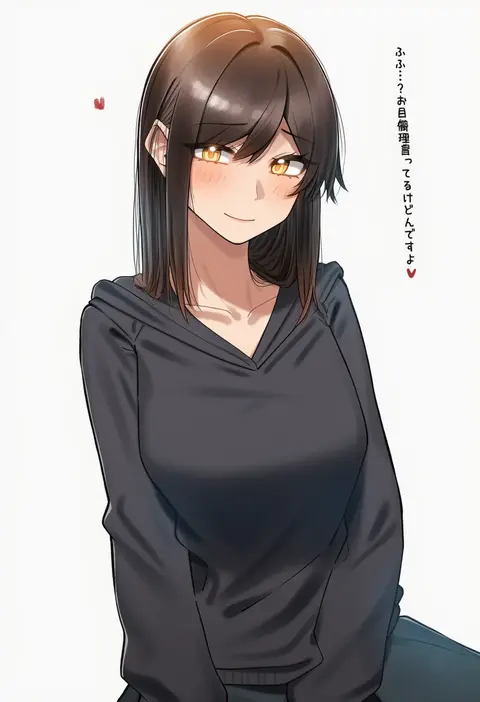
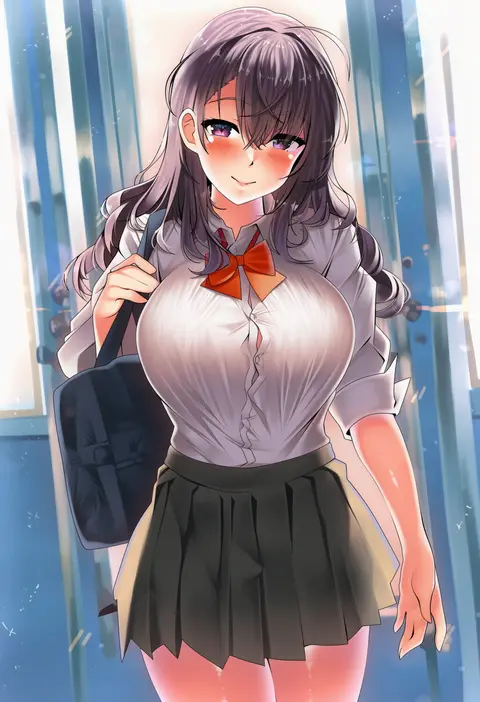
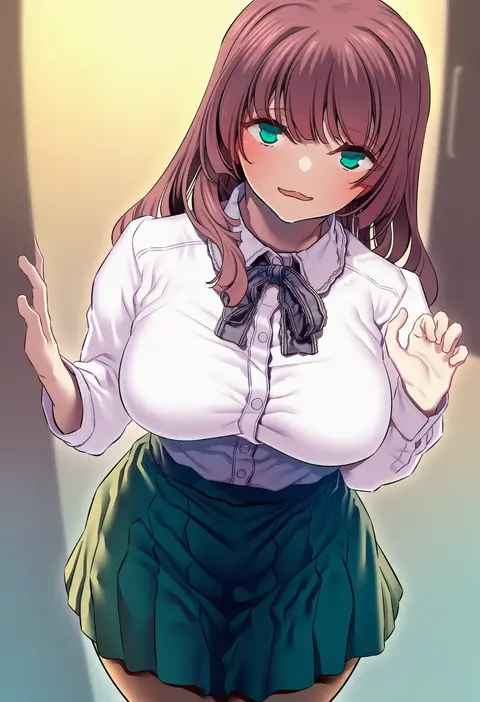
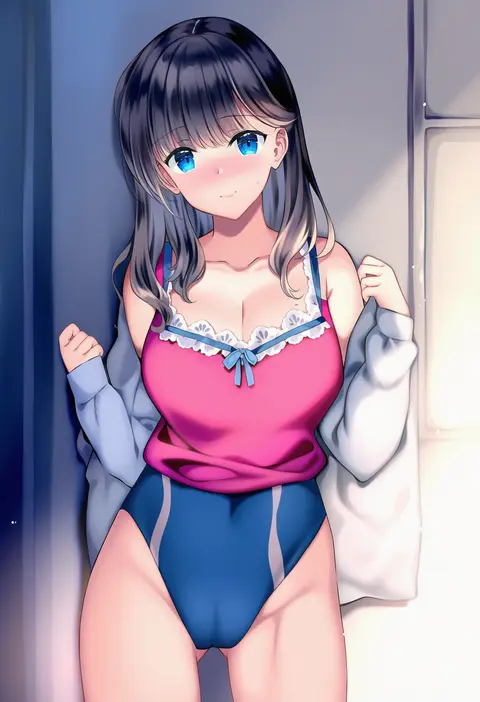
Artist tags tell NovelAI Diffusion to draw in a specific artist's style: line weight, paint texture, face shapes and palette all shift at once. Character and outfit tags decide what is drawn; artist tags decide how. 16,352 tags are listed for V4.5.
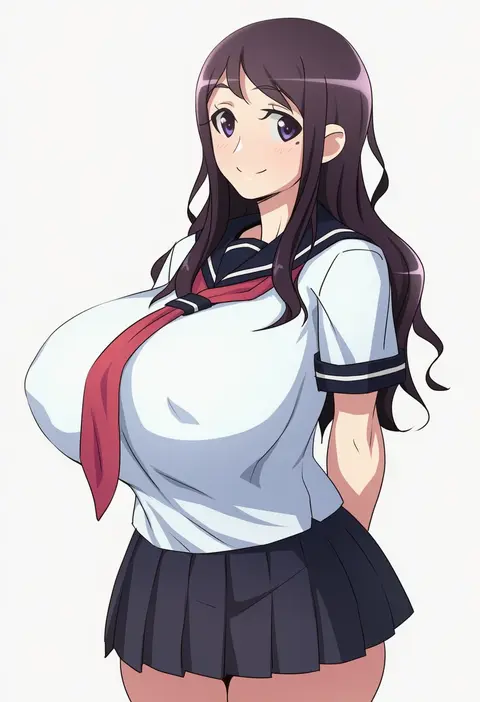
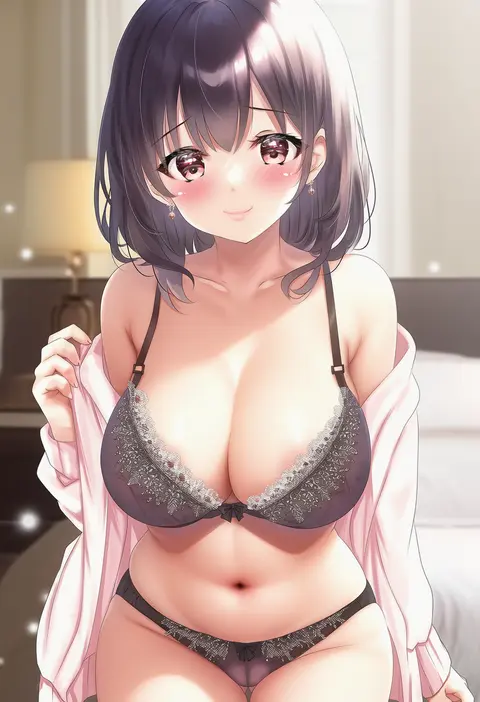
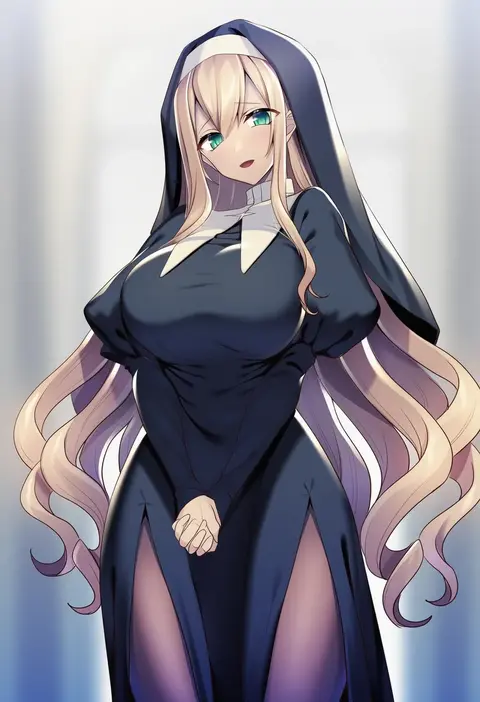
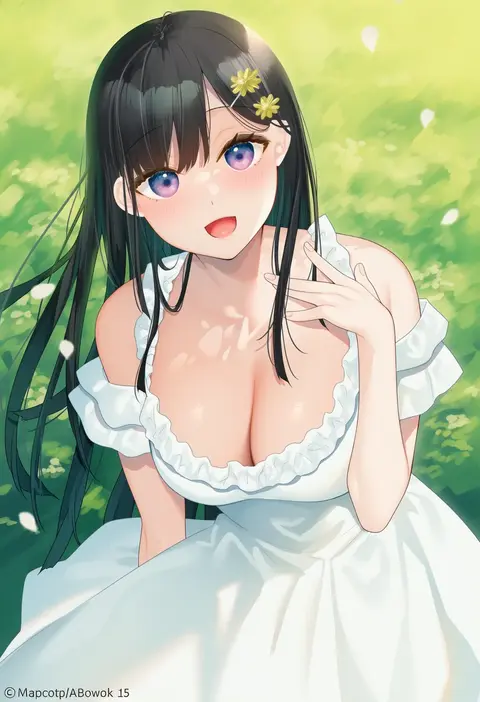
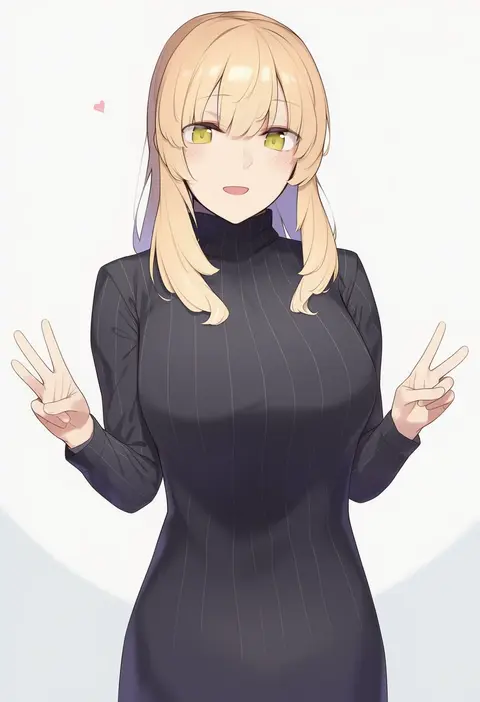
Every tag listed here is verified to react in NovelAI. All images use the same prompt, seed and settings with only the artist tag swapped, so the difference between two images is the style that tag brings in.

How to use them

Put the artist tag near the front of the prompt, e.g. "<artist>, 1girl, solo, best quality, masterpiece, cowboy shot". Two or three artist tags blend styles; lower the weight with "0.8::<artist>::" when the style overpowers the character.

SCORE sorts by Danbooru's top score, POSTS by post count, FAVS by hearts on this site. Open a card to see V5 and V4.5 side by side on the same seed.

V5 vs V4.5

V5 usually lands closer to the artist's real style, and tags that did nothing on V4.5 often react on V5. V4.5 still fits older and doujin-heavy artists better. Try V5 first, fall back to V4.5.

FAQ

Where does the artist tag go?
Near the front of the prompt. Use "0.8::tag::" to adjust its weight.

Can I stack artist tags?
Yes, styles blend. Past two or three the result stops looking like anyone.

Are these the artists' own works?
No. Every image is a NovelAI sample generated from the tag.