V4.5Artists
sort: FAVS▾
▾
>
$

NovelAI Artist Tags List — V4.5

artist --count 16,352[18/273]
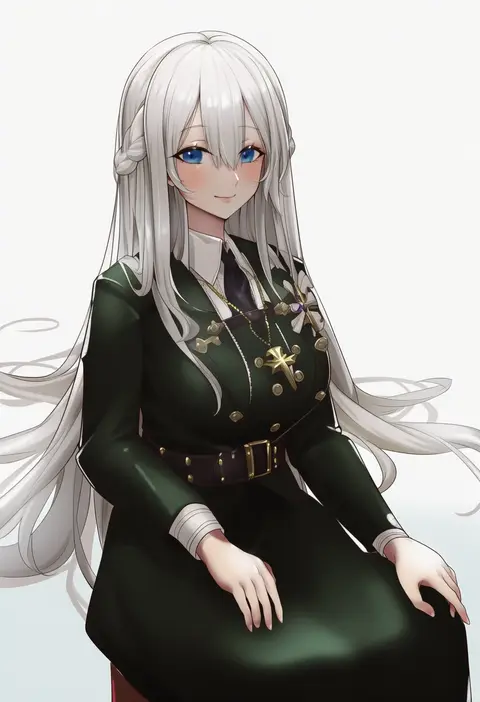
haowei wu
ARTIST0x03FC
1
tokiwa midori (kyokutou funamushi)
ARTIST0x03FD
1
chipa (arutana)
ARTIST0x03FE
1
kaptivate
ARTIST0x03FF
1
kamukamu (ars)
ARTIST0x0400
1
ohta yuichi
ARTIST0x0401
1
vayneeeee
ARTIST0x0402
1
kuavera
ARTIST0x0403
1
ev (dai00888)
ARTIST0x0404
1
kuma (bloodycolor)
ARTIST0x0405
1
kosmos beta
ARTIST0x0406
1
bebatch
ARTIST0x0407
1
hayabusa (vert 320)
ARTIST0x0408
1
2gong (9ujin )
ARTIST0x0409
1
hong (white spider)
ARTIST0x040A
1
sora 72-iro
ARTIST0x040B
1
lvi
ARTIST0x040C
1
imizu (nitro unknown)
ARTIST0x040D
1
kyuu (plastic night q)
ARTIST0x040E
1
sakanaya (sakanaya952)
ARTIST0x040F
1
iuui
ARTIST0x0410
1
kaguyuzu
ARTIST0x0411
1
jack dempa
ARTIST0x0412
1
ttosom
ARTIST0x0413
1
takita (takita3411)
ARTIST0x0414
1
m.a.o
ARTIST0x0415
1
oyuwari
ARTIST0x0416
1
butcha-u
ARTIST0x0417
1
ken (coffee michikusa)
ARTIST0x0418
1
eichan (eichanidfi)
ARTIST0x0419
1
liya
ARTIST0x041A
1
veryhardloco
ARTIST0x041B
1
giga-tera
ARTIST0x041C
1
sayori (neko works)
ARTIST0x041D
1
brll
ARTIST0x041E
1
utahane
ARTIST0x041F
1
miki purasu
ARTIST0x0420
1
neko no youchuu
ARTIST0x0421
1
toeri (rococo)
ARTIST0x0422
1
mm (mm chair)
ARTIST0x0423
1
spring2013
ARTIST0x0424
1
sbs
ARTIST0x0425
1
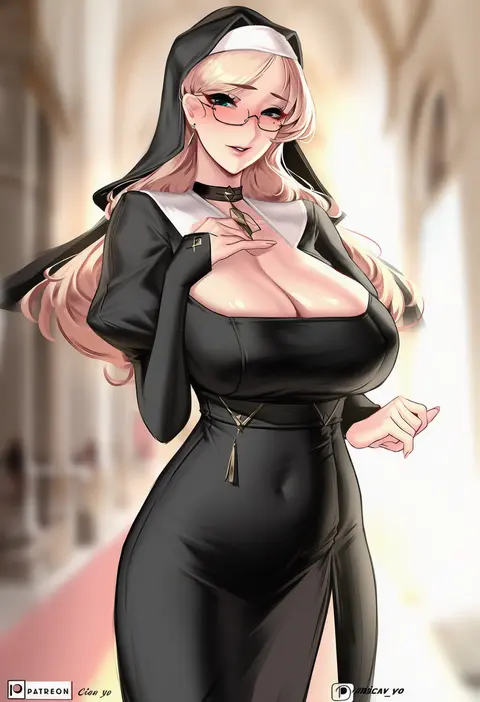
cian yo
ARTIST0x0426
1
saruei
ARTIST0x0427
1
doromame
ARTIST0x0428
1
haru no manji
ARTIST0x0429
1
ginklaga
ARTIST0x042A
1
born-to-die
ARTIST0x042B
1
teffish
ARTIST0x042C
1
orushibu
ARTIST0x042D
1
colo (nagrolaz)
ARTIST0x042E
1
shenqi de (9)
ARTIST0x042F
1
sg (satoumogumogu)
ARTIST0x0430
1
yusha m
ARTIST0x0431
1
thalia
ARTIST0x0432
1
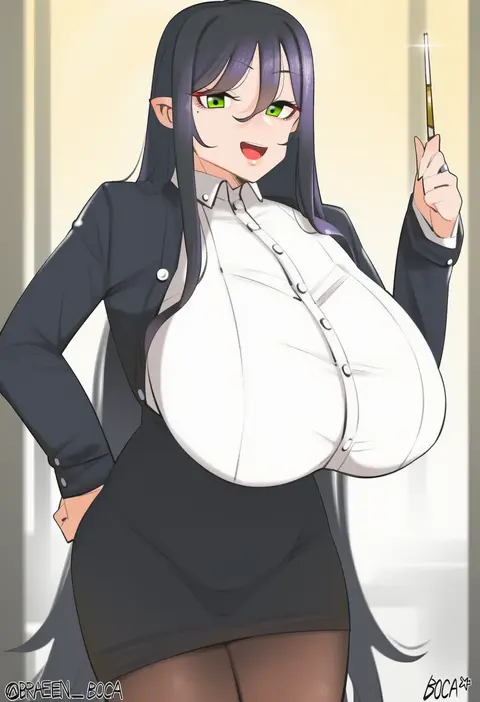
boca
ARTIST0x0433
1
da (datako)
ARTIST0x0434
1
de da xianyu
ARTIST0x0435
1
kisaragi tsurugi
ARTIST0x0436
1
khyle.
ARTIST0x0437
1

What these tags change

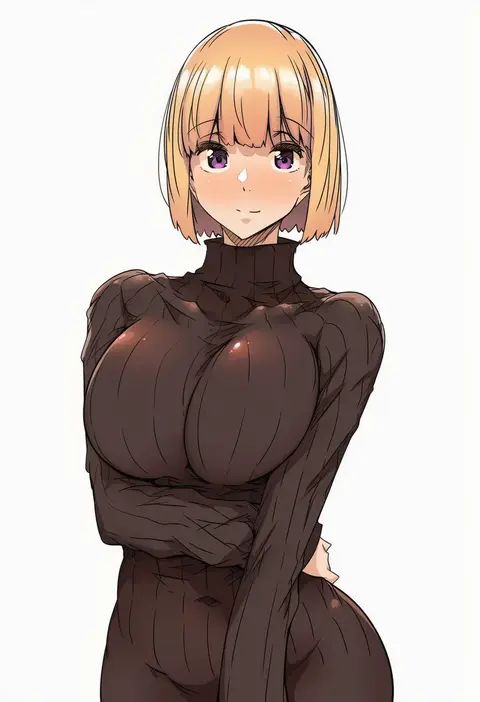
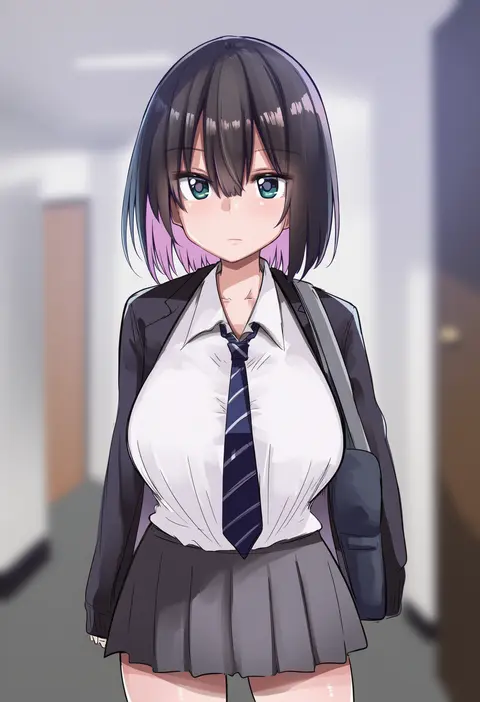
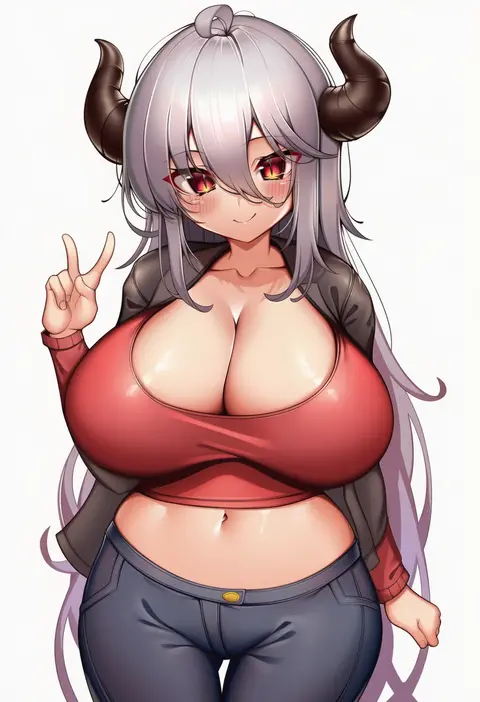
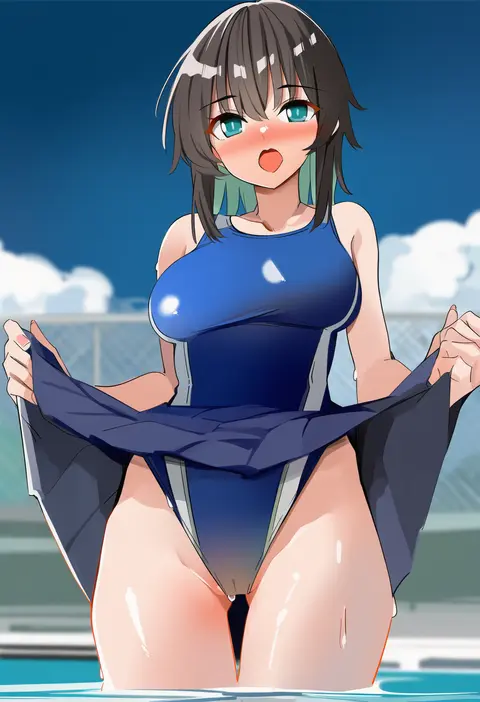
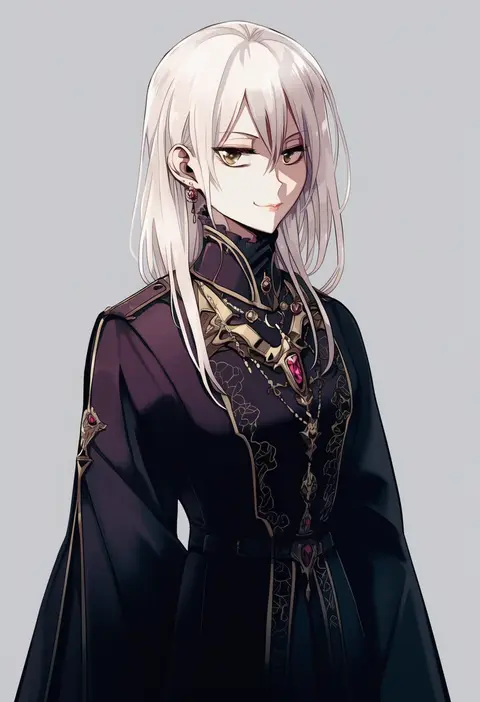
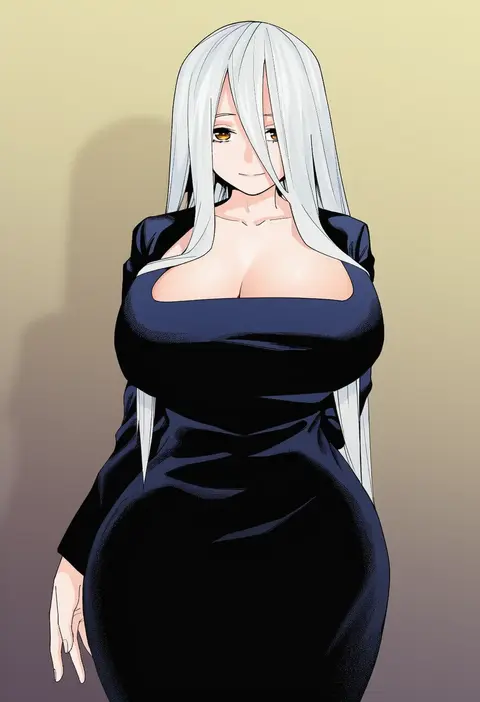
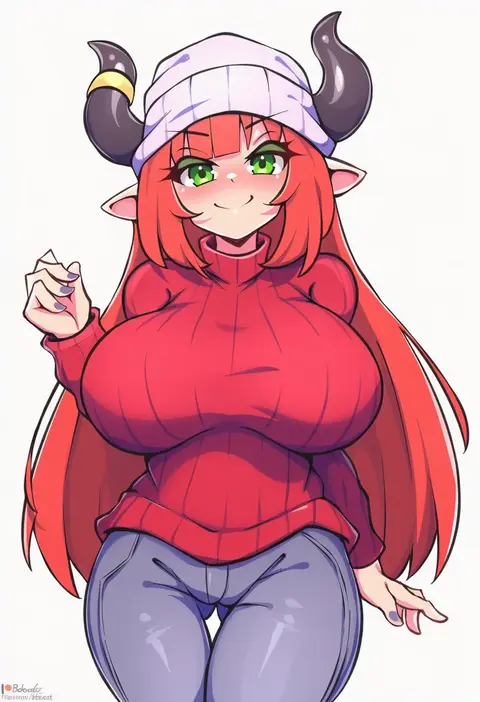
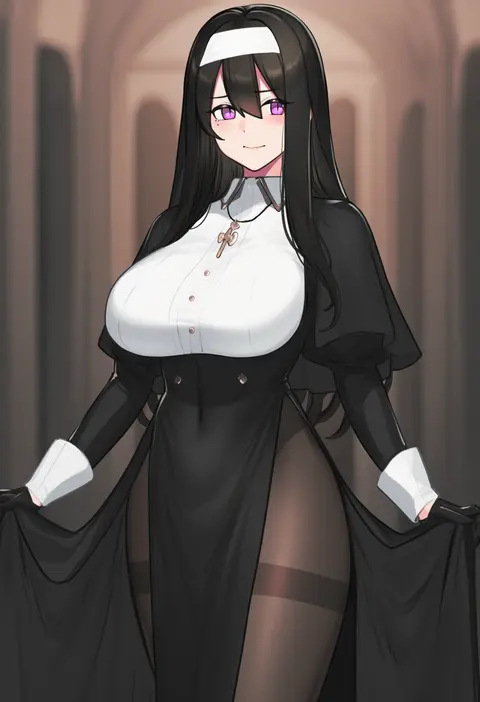
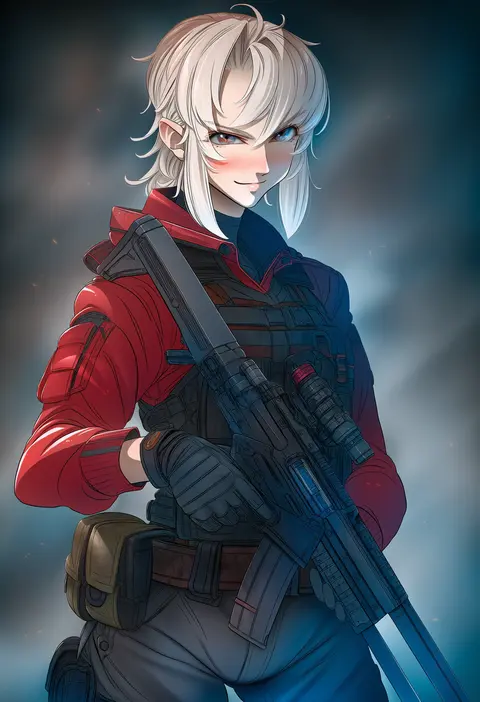
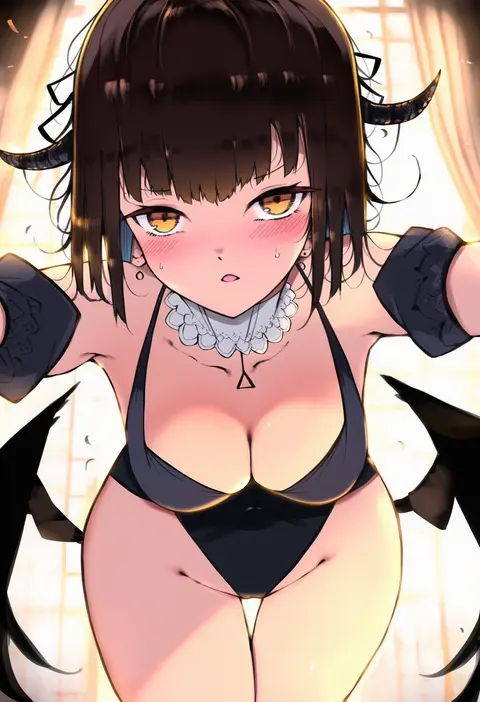
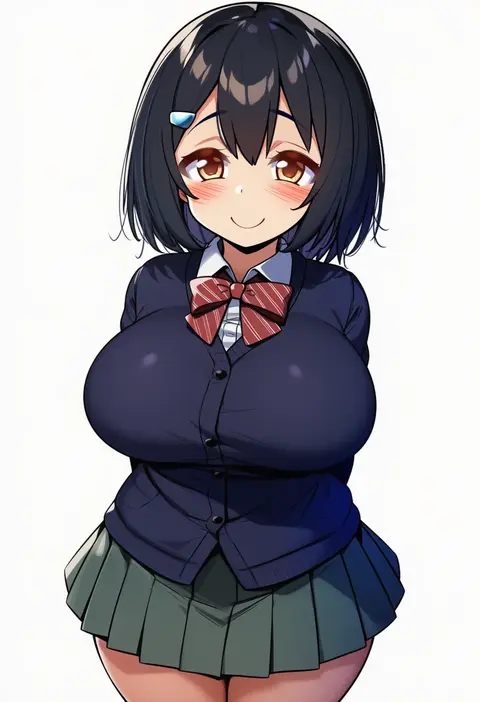
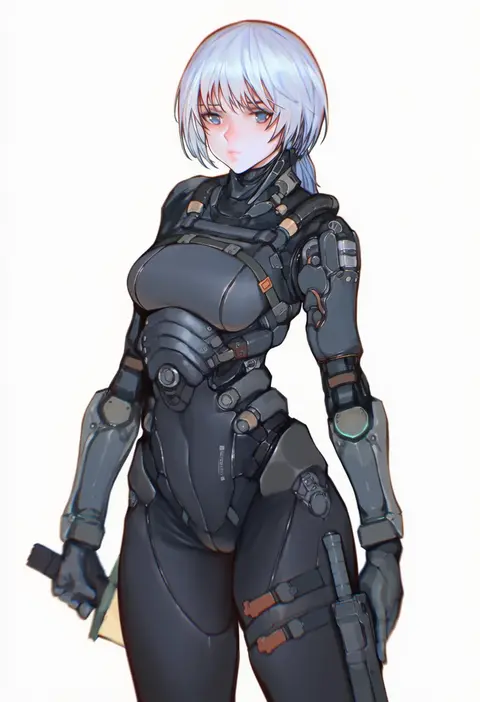
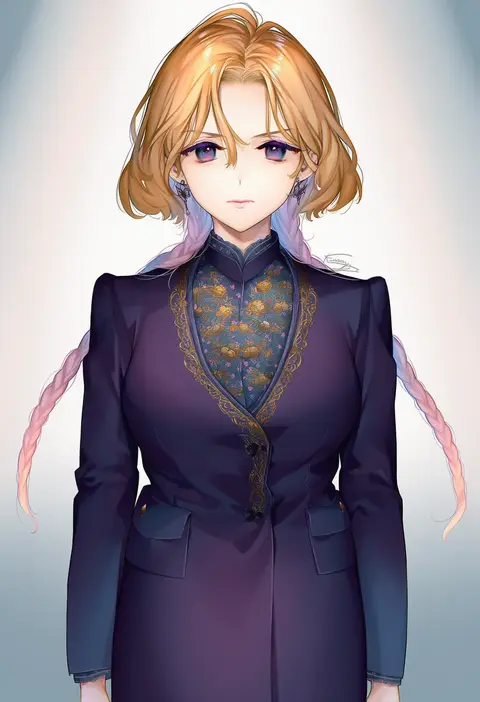
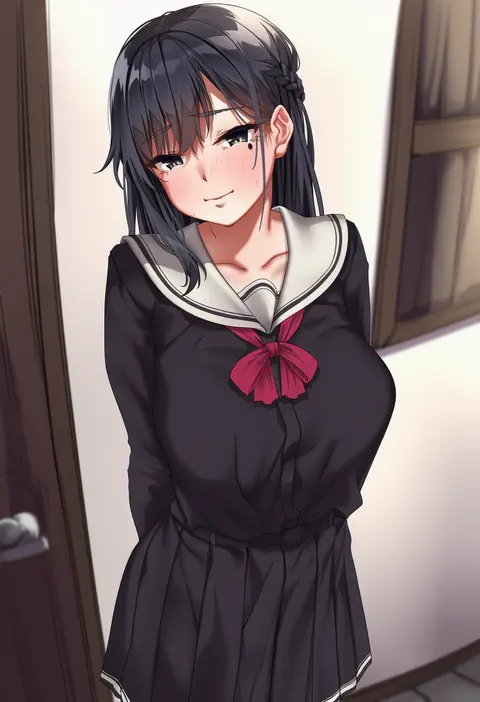
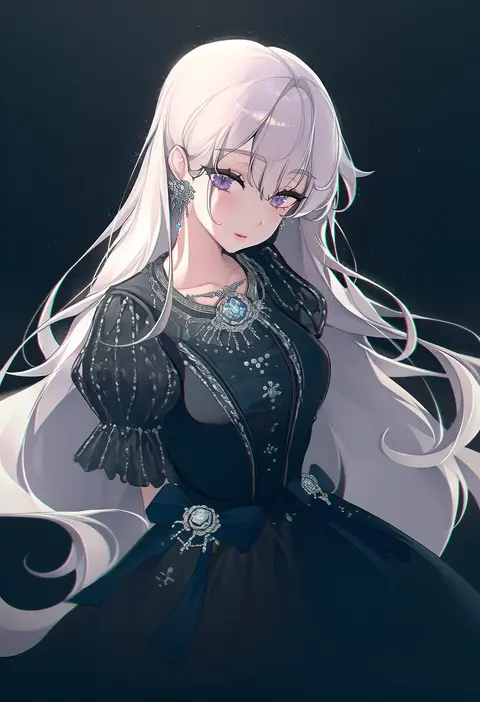
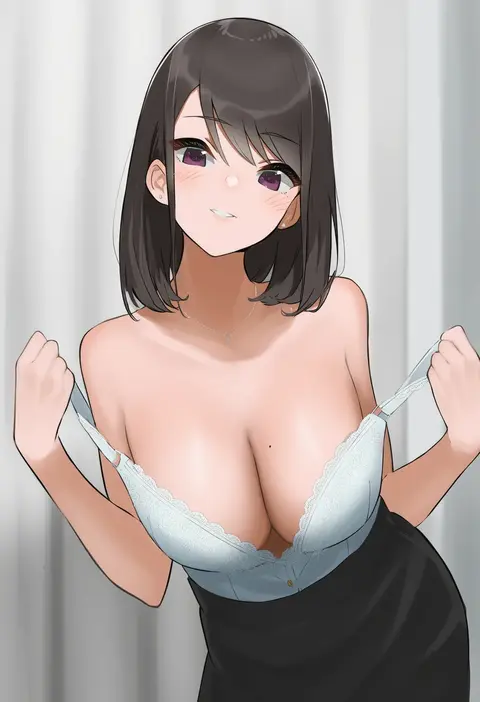
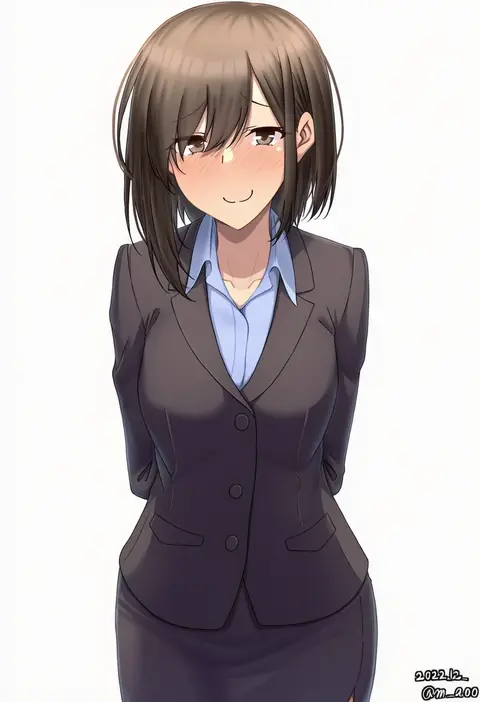
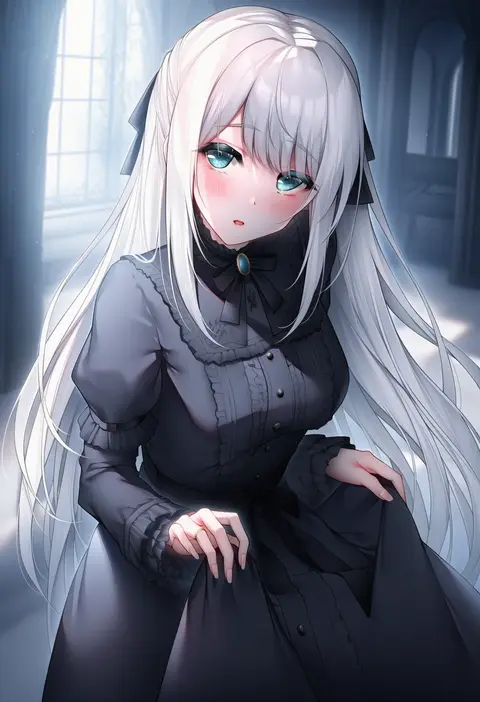
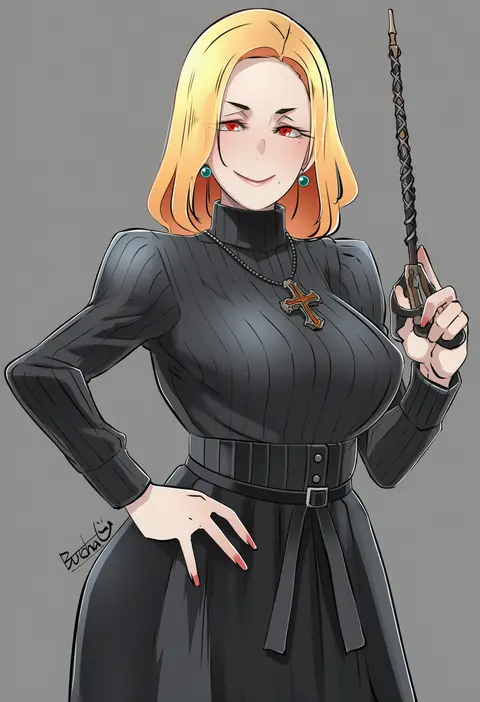
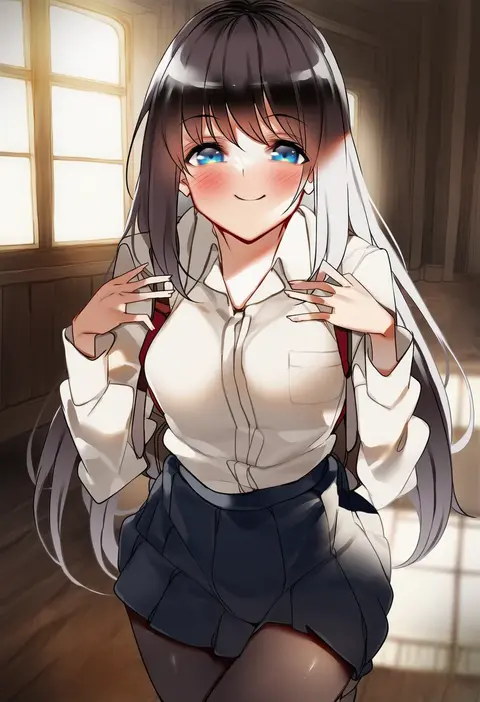
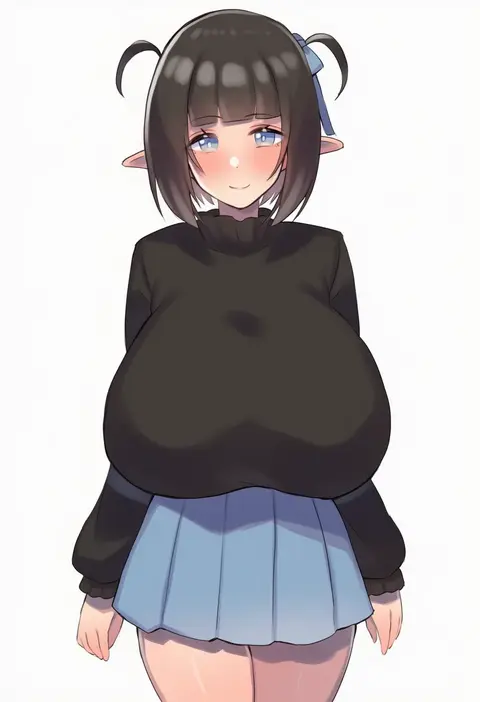
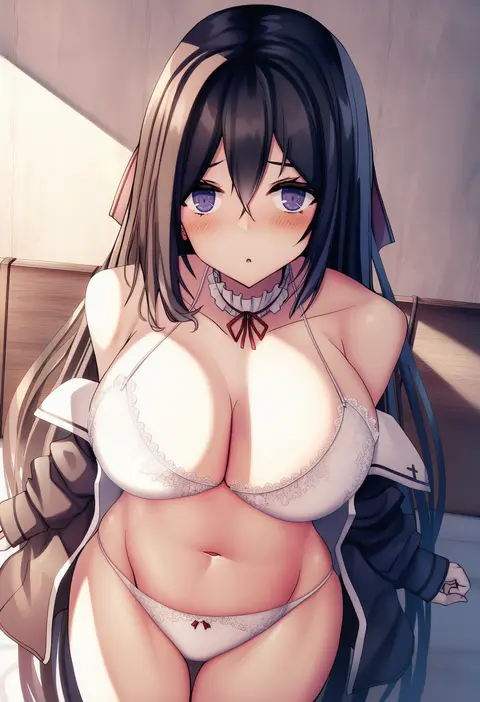
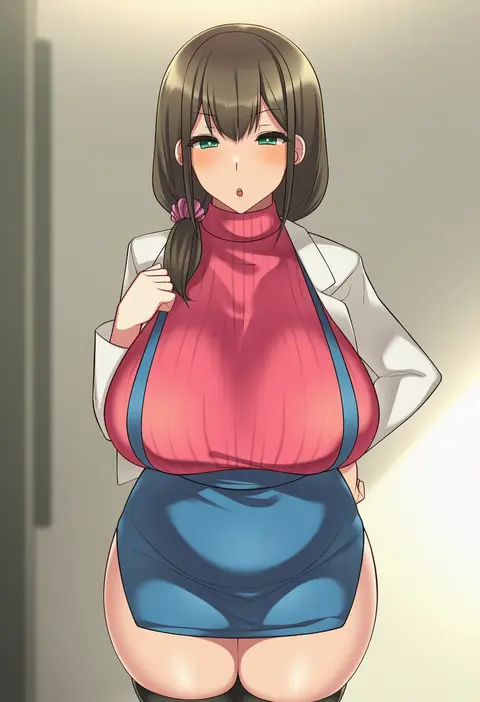
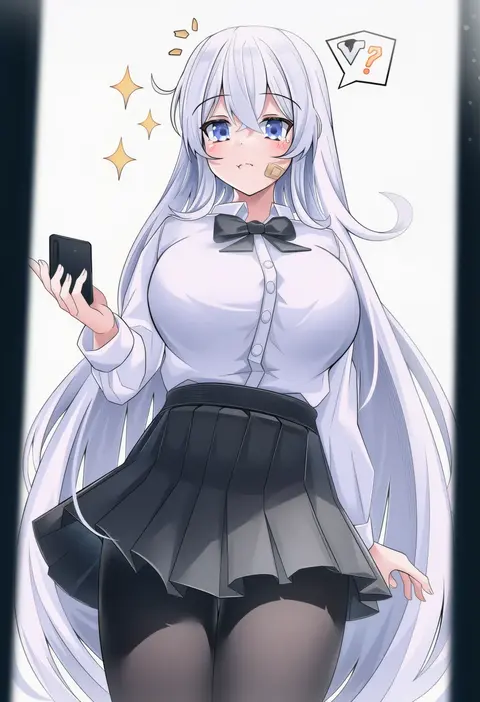
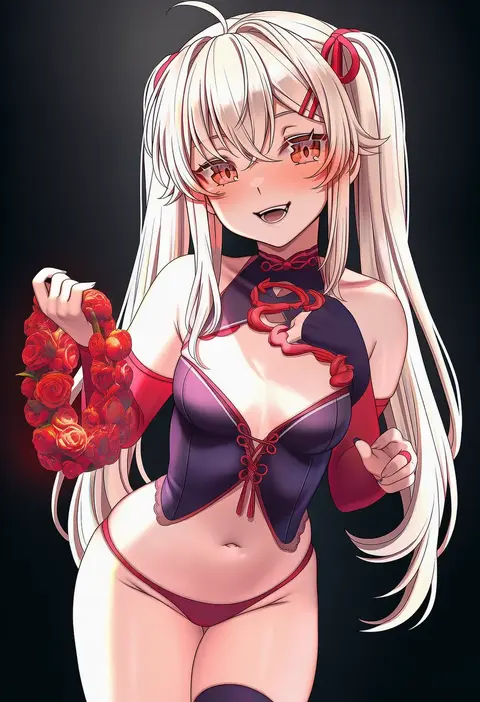
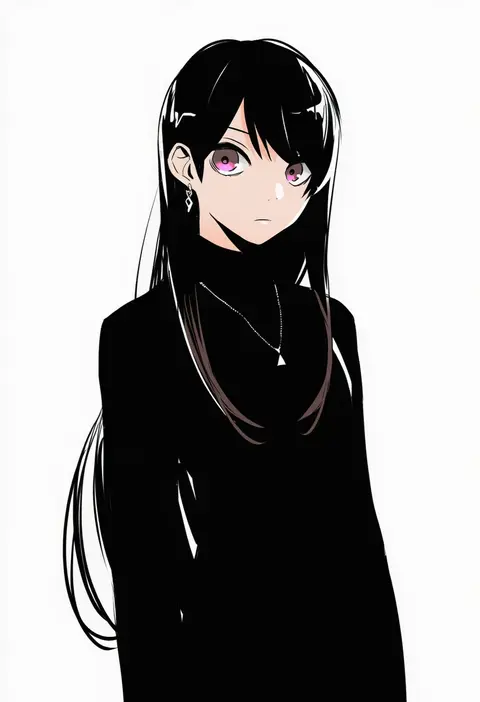
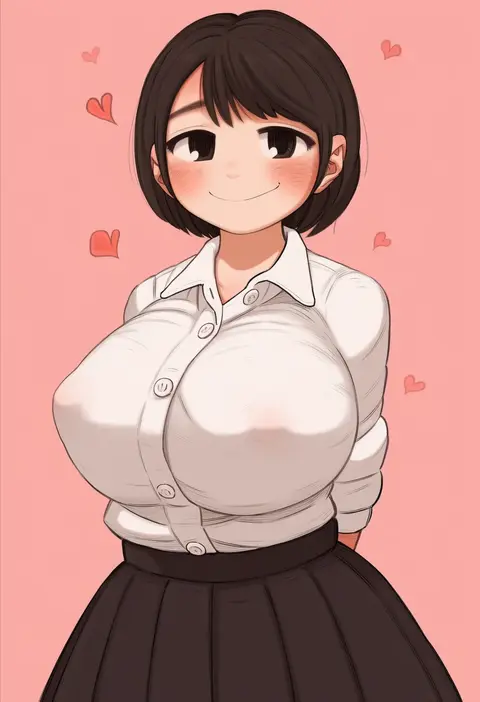
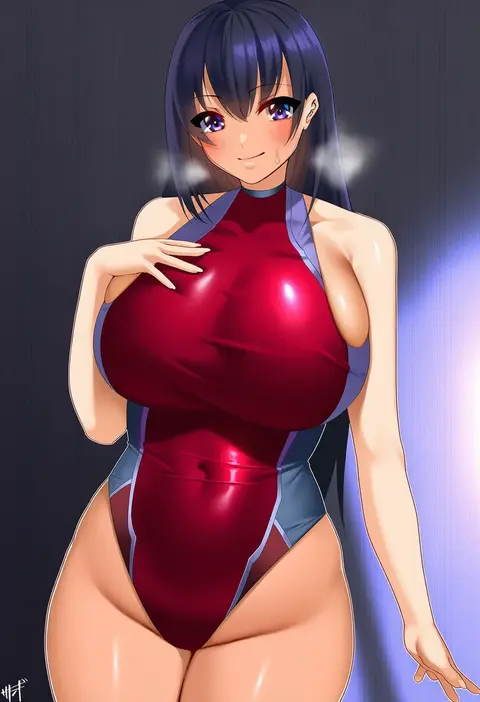
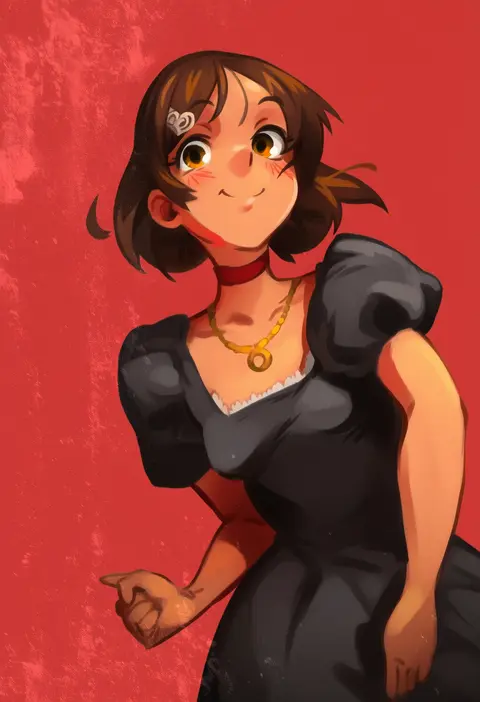
Artist tags tell NovelAI Diffusion to draw in a specific artist's style: line weight, paint texture, face shapes and palette all shift at once. Character and outfit tags decide what is drawn; artist tags decide how. 16,352 tags are listed for V4.5.
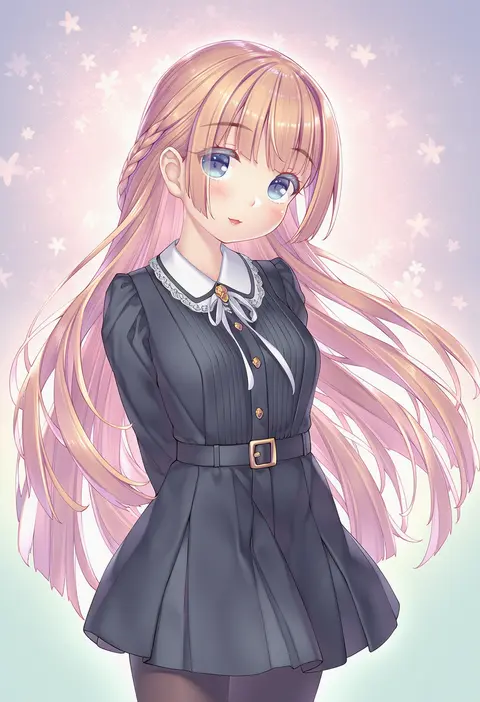
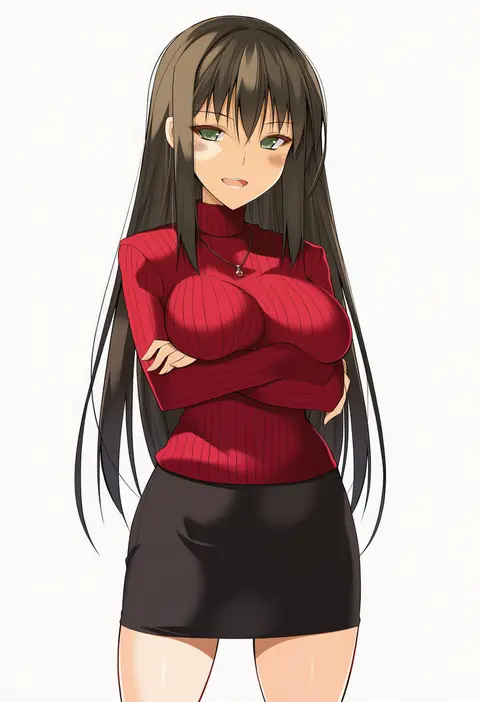
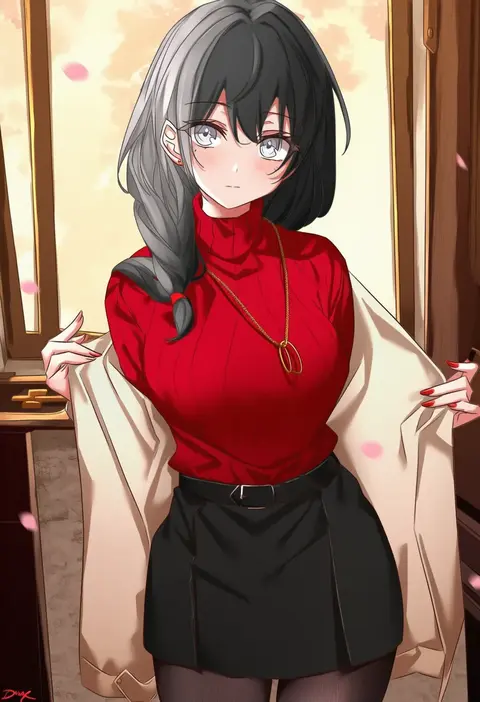
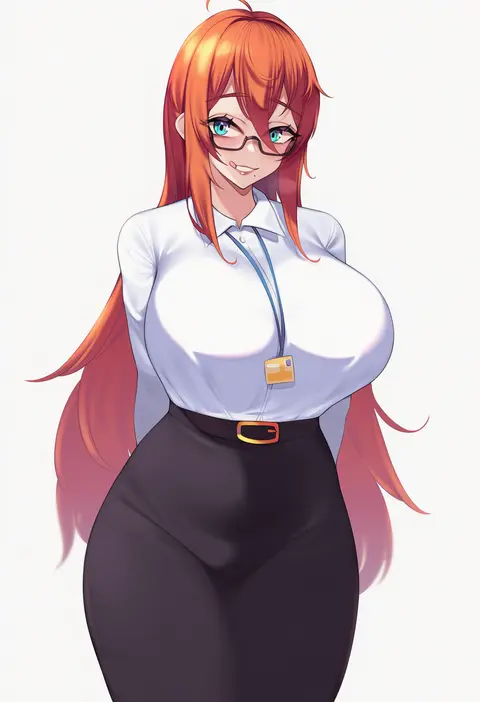
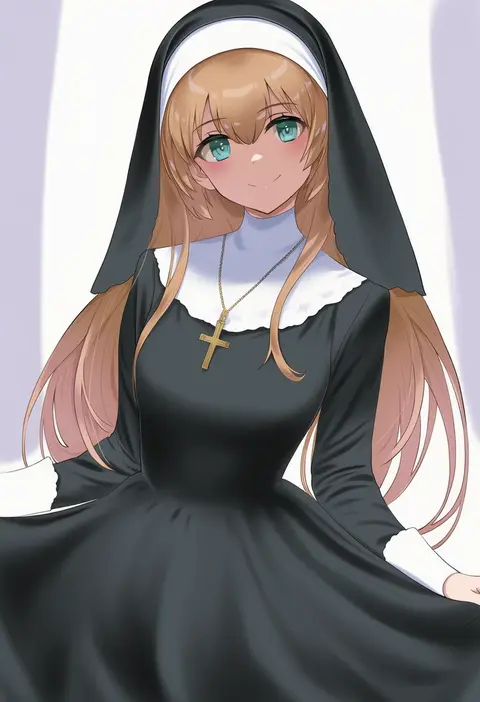
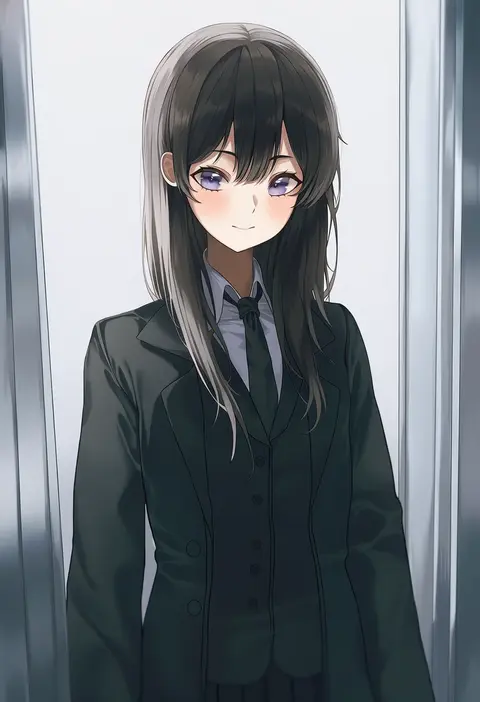
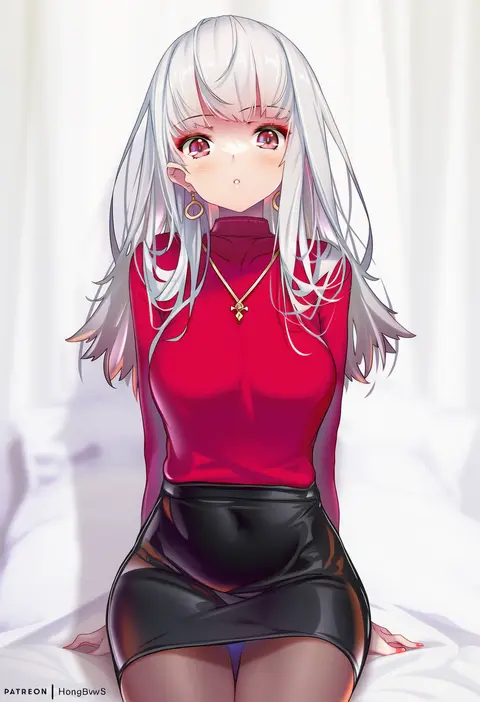
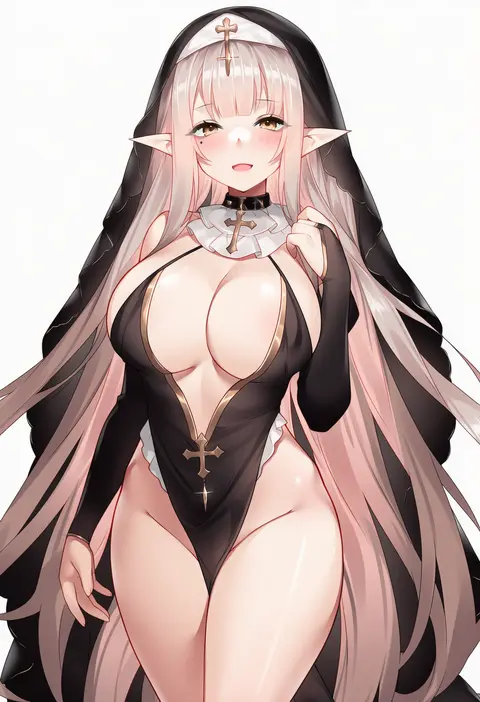
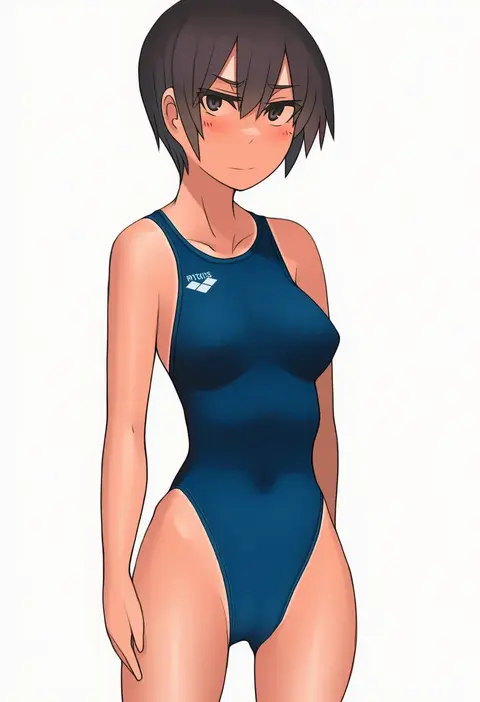
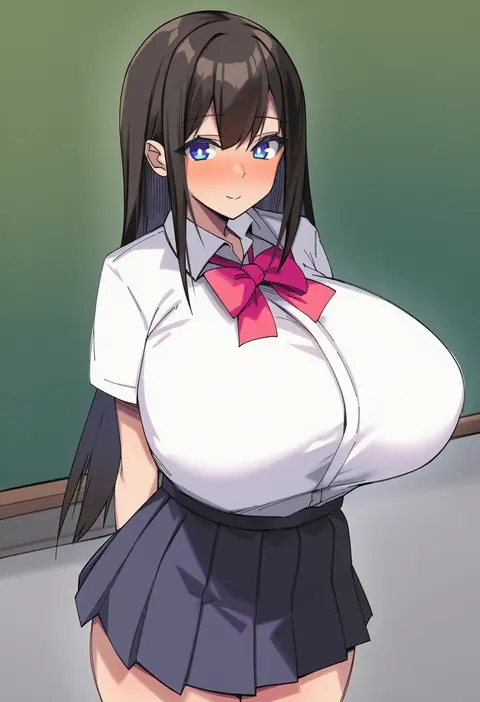
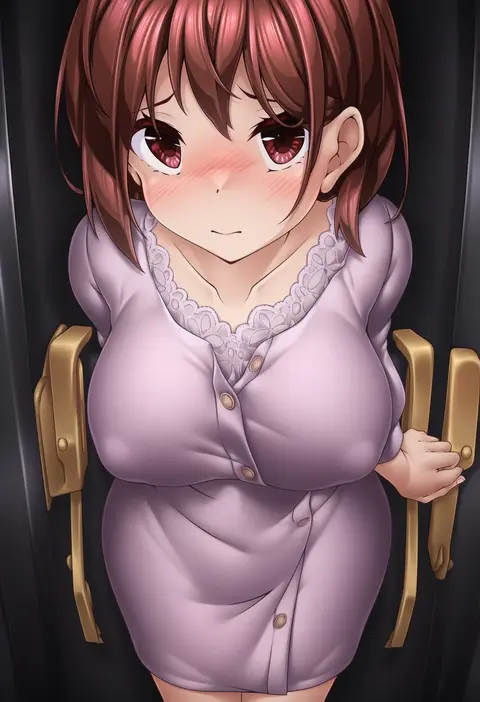
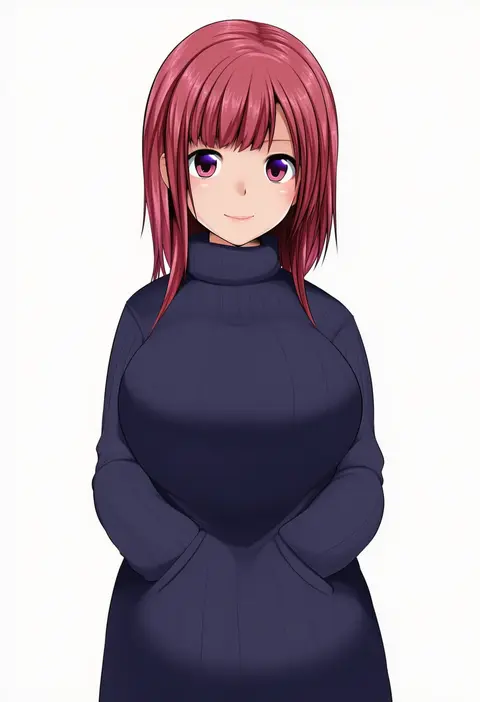
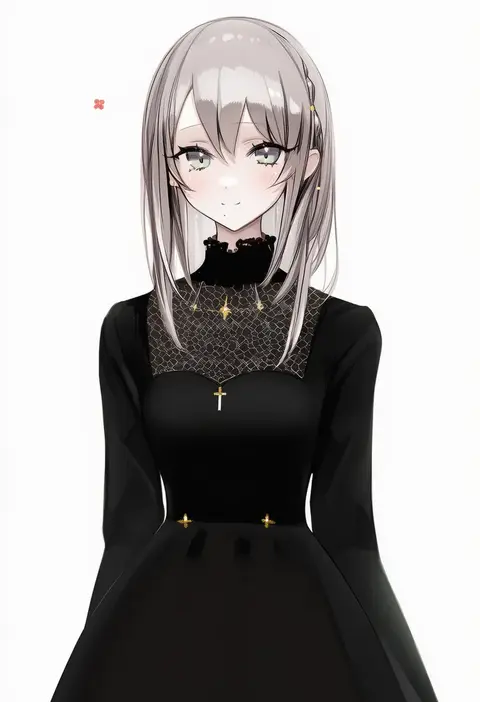
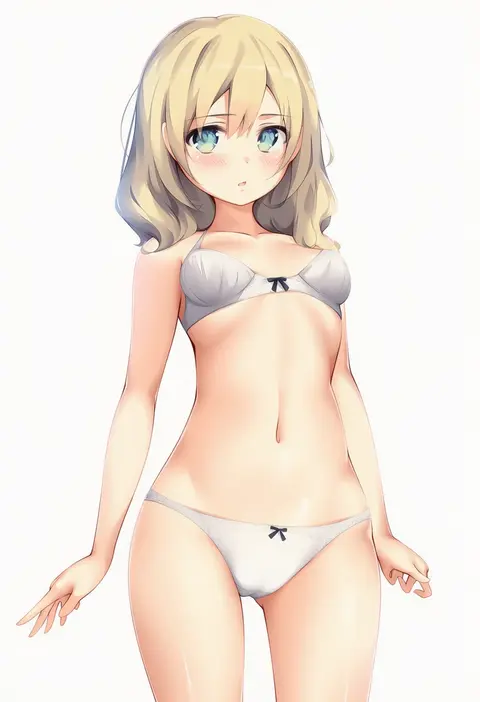
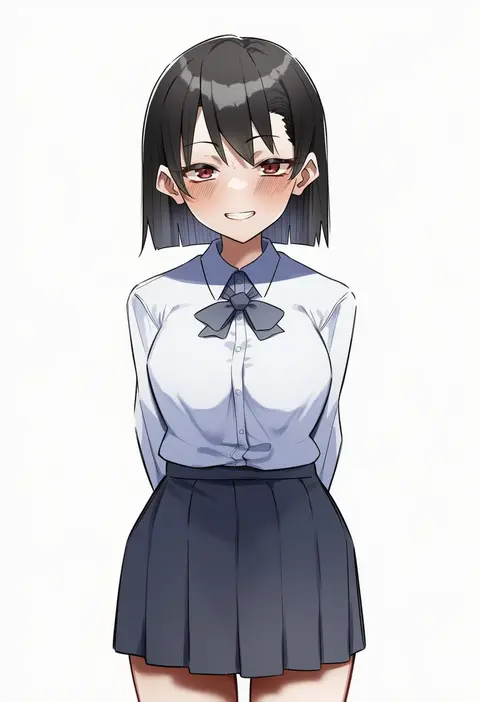
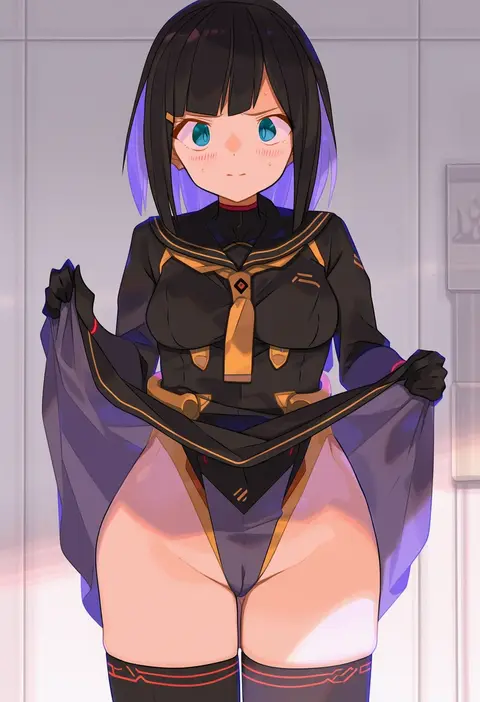
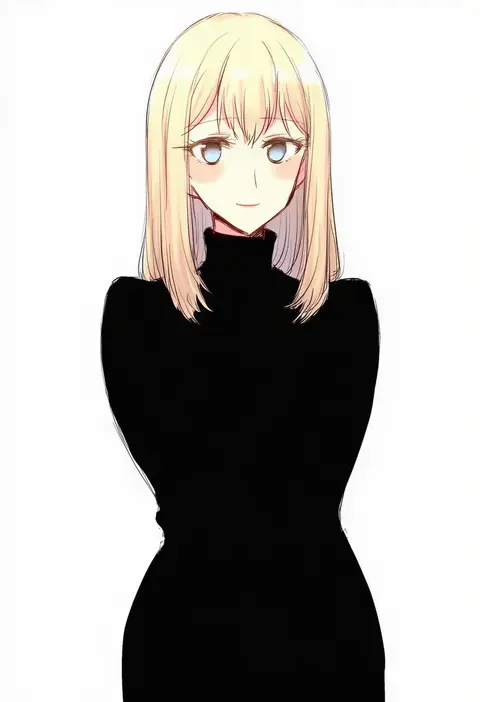
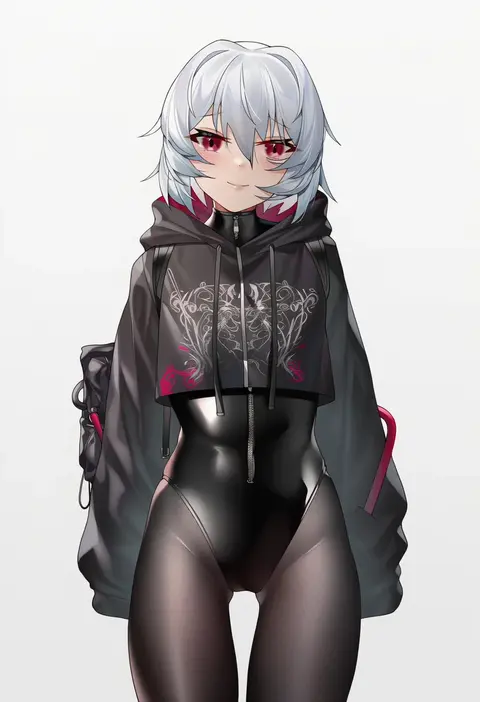
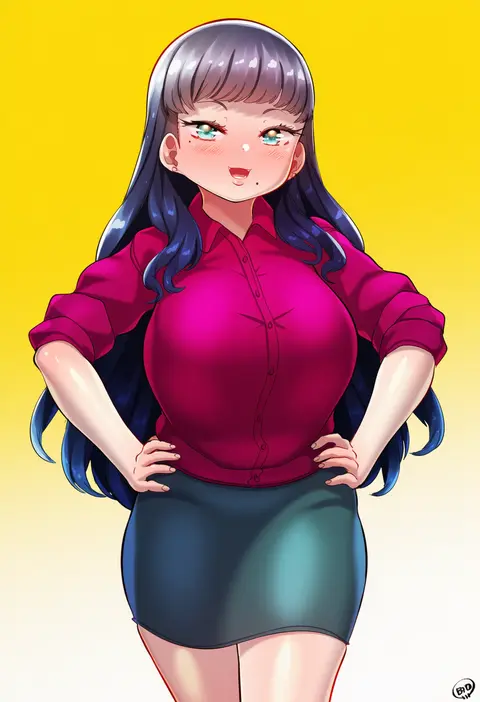
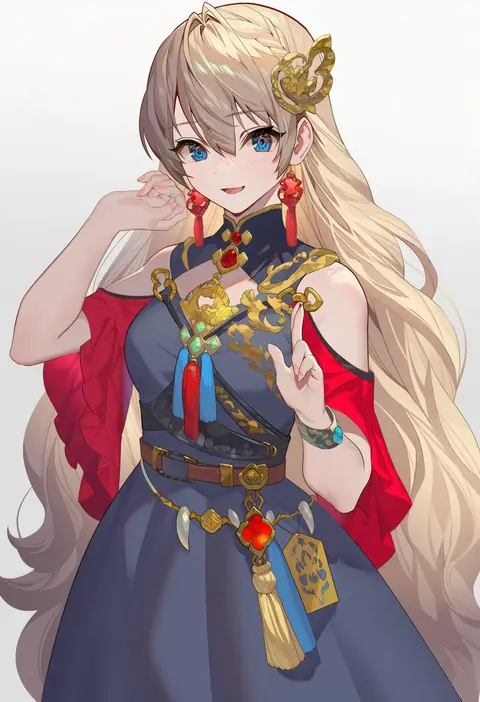
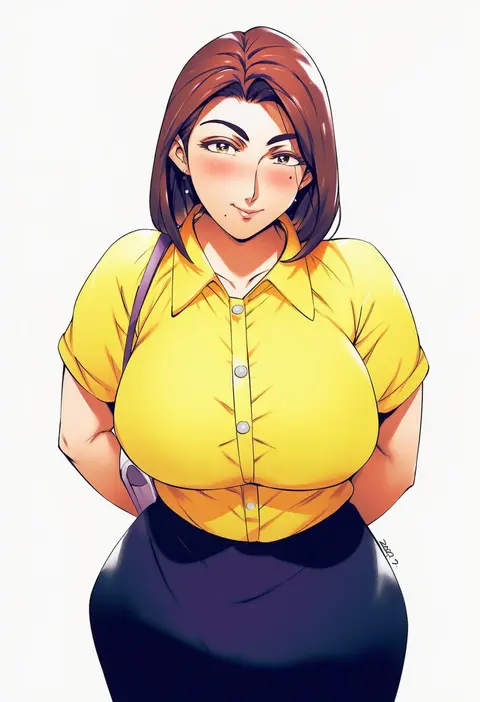
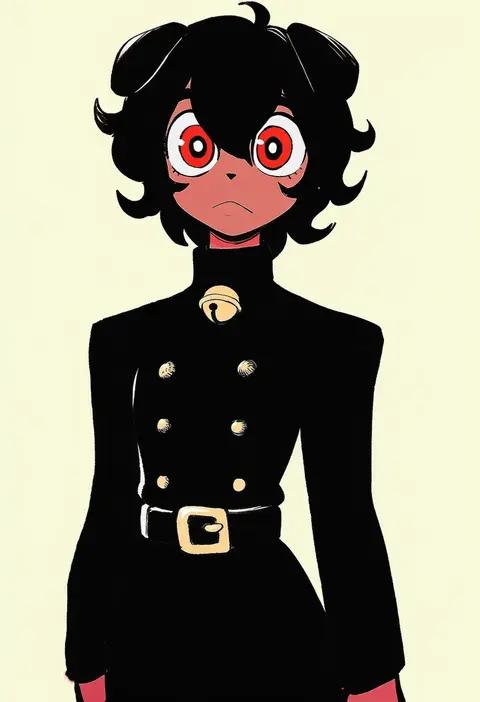
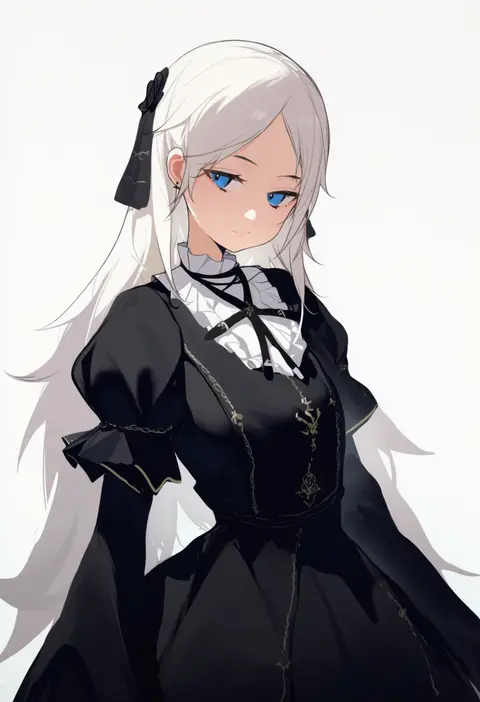
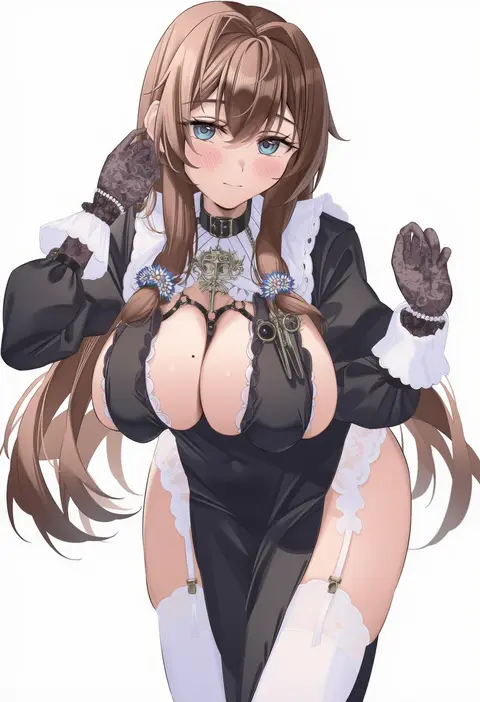
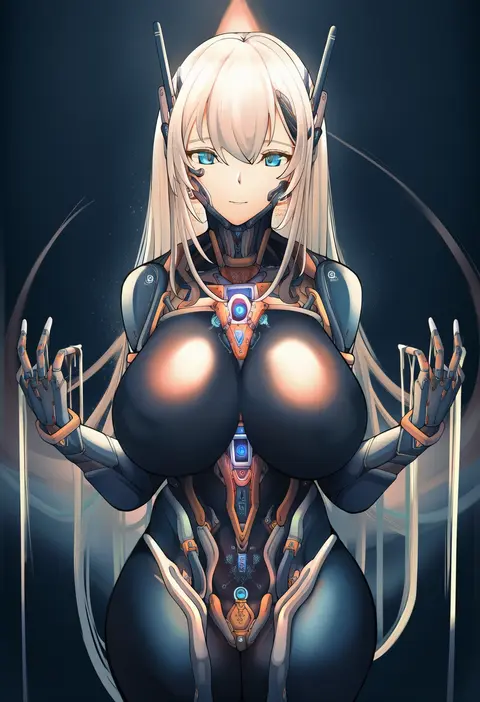
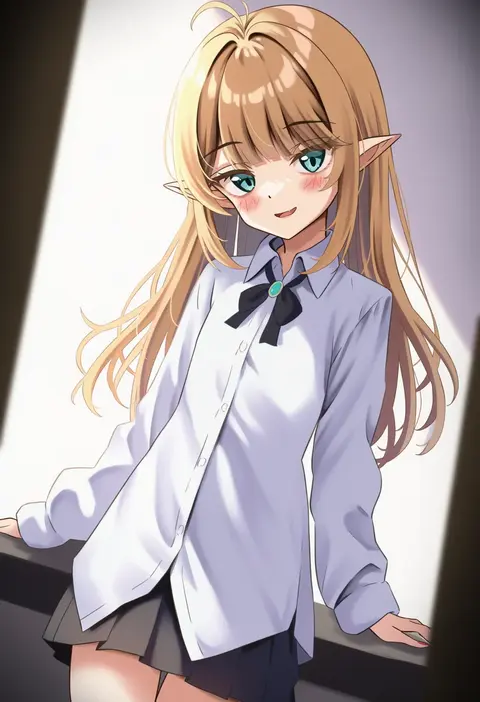
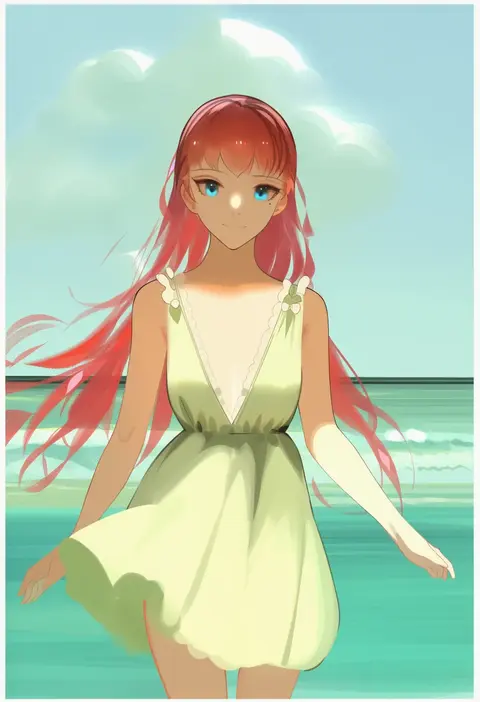
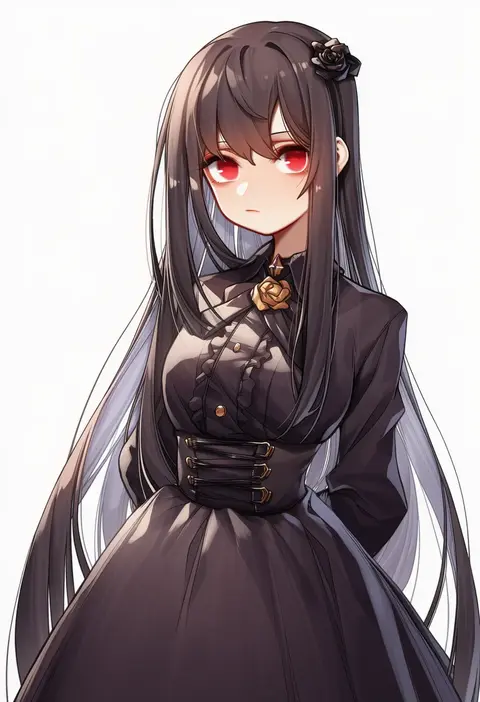
Every tag listed here is verified to react in NovelAI. All images use the same prompt, seed and settings with only the artist tag swapped, so the difference between two images is the style that tag brings in.

How to use them

Put the artist tag near the front of the prompt, e.g. "<artist>, 1girl, solo, best quality, masterpiece, cowboy shot". Two or three artist tags blend styles; lower the weight with "0.8::<artist>::" when the style overpowers the character.

SCORE sorts by Danbooru's top score, POSTS by post count, FAVS by hearts on this site. Open a card to see V5 and V4.5 side by side on the same seed.

V5 vs V4.5

V5 usually lands closer to the artist's real style, and tags that did nothing on V4.5 often react on V5. V4.5 still fits older and doujin-heavy artists better. Try V5 first, fall back to V4.5.

FAQ

Where does the artist tag go?
Near the front of the prompt. Use "0.8::tag::" to adjust its weight.

Can I stack artist tags?
Yes, styles blend. Past two or three the result stops looking like anyone.

Are these the artists' own works?
No. Every image is a NovelAI sample generated from the tag.