V4.5Artists
sort: FAVS▾
▾
>
$

NovelAI Artist Tags List — V4.5

artist --count 16,352[15/273]
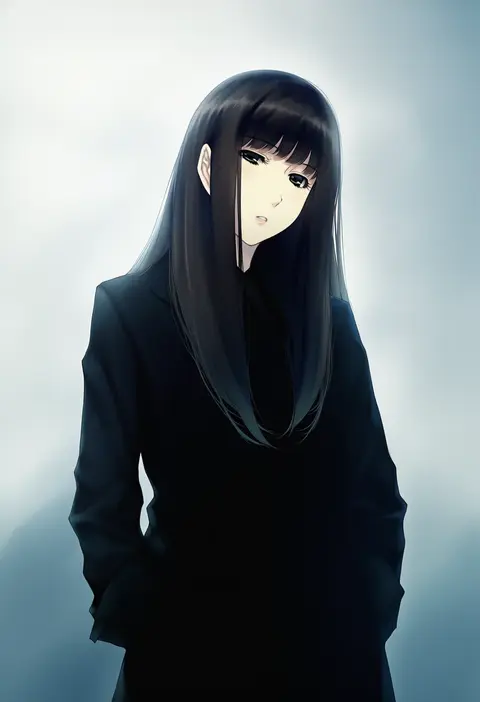
sugina miki
ARTIST0x0348
2
zummy
ARTIST0x0349
2
sugimori ken
ARTIST0x034A
2
alex (alexandoria)
ARTIST0x034B
2
yuzu momo
ARTIST0x034C
2
maco22
ARTIST0x034D
2
takarai shunsuke
ARTIST0x034E
2
kadose ara
ARTIST0x034F
2
a jak
ARTIST0x0350
2
chengongzi123
ARTIST0x0351
2
1brad
ARTIST0x0352
2
adomi
ARTIST0x0353
2
zamius
ARTIST0x0354
2
eri kamijo
ARTIST0x0355
2
feel (nasitaki)
ARTIST0x0356
2
rikugou (rikugou-dou)
ARTIST0x0357
2
hakuseki
ARTIST0x0358
2
sin11111
ARTIST0x0359
2
shengtian
ARTIST0x035A
1
personal ami
ARTIST0x035B
1
squchan
ARTIST0x035C
1
greem bang
ARTIST0x035D
1
gsusart
ARTIST0x035E
1
waterring
ARTIST0x035F
1
ogre (illustogre)
ARTIST0x0360
1
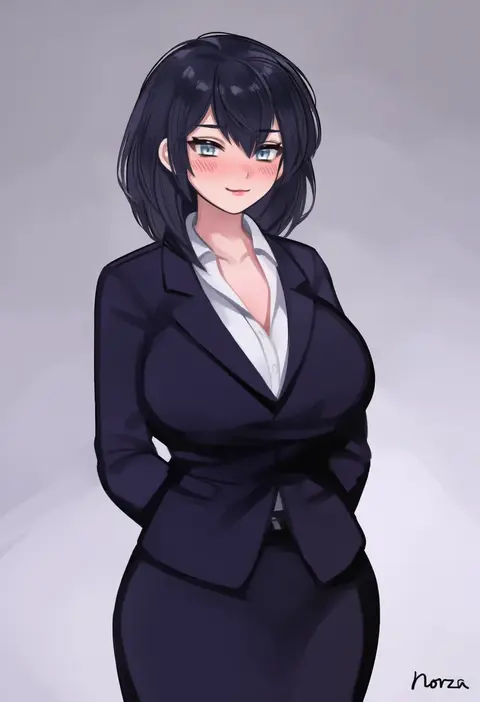
norza
ARTIST0x0361
1
ringsel
ARTIST0x0362
1
rank alee
ARTIST0x0363
1
frikulu
ARTIST0x0364
1
unfairr
ARTIST0x0365
1
caisan
ARTIST0x0366
1
u ronnta
ARTIST0x0367
1
kanopan
ARTIST0x0368
1
sleepypudding
ARTIST0x0369
1
genek
ARTIST0x036A
1
devil heavens
ARTIST0x036B
1
bluefield
ARTIST0x036C
1
putama
ARTIST0x036D
1
bitseon
ARTIST0x036E
1
nakamura rohane
ARTIST0x036F
1
masami chie
ARTIST0x0370
1
echo saber
ARTIST0x0371
1
chikaretsu
ARTIST0x0372
1
pomelomelon
ARTIST0x0373
1
hayate (leaf98k)
ARTIST0x0374
1
diforland
ARTIST0x0375
1
zhazhapao
ARTIST0x0376
1
torriet
ARTIST0x0377
1
sawada yuusuke
ARTIST0x0378
1
fuya (tempupupu)
ARTIST0x0379
1
jason kim
ARTIST0x037A
1
terufuu
ARTIST0x037B
1
reel (riru)
ARTIST0x037C
1
uo denim
ARTIST0x037D
1
foxyreine
ARTIST0x037E
1
mamimi (mamamimi)
ARTIST0x037F
1
araneesama
ARTIST0x0380
1
mikoyan
ARTIST0x0381
1
logknn
ARTIST0x0382
1
zi se
ARTIST0x0383
1

What these tags change

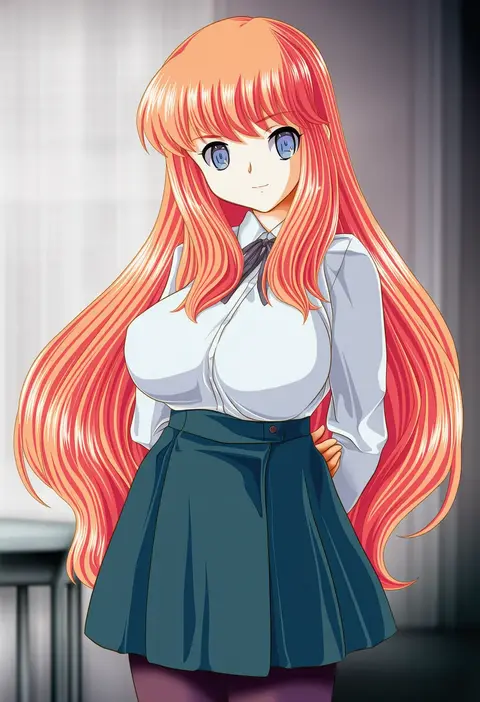
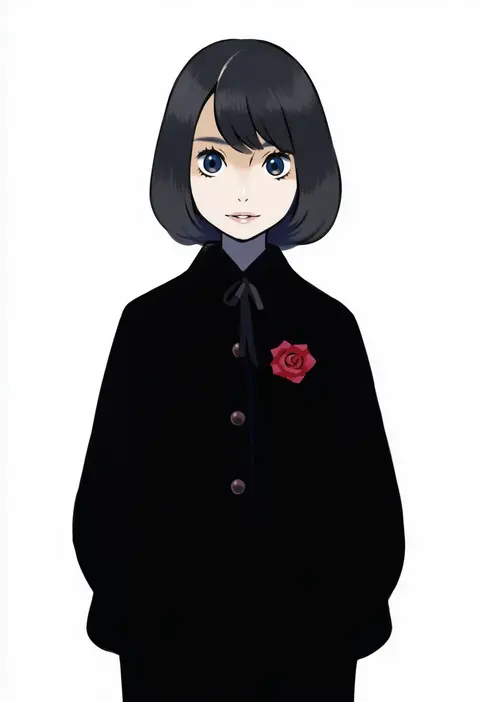
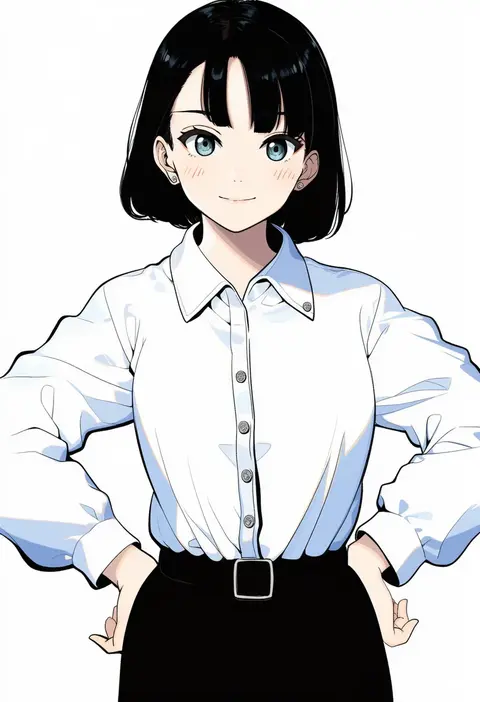
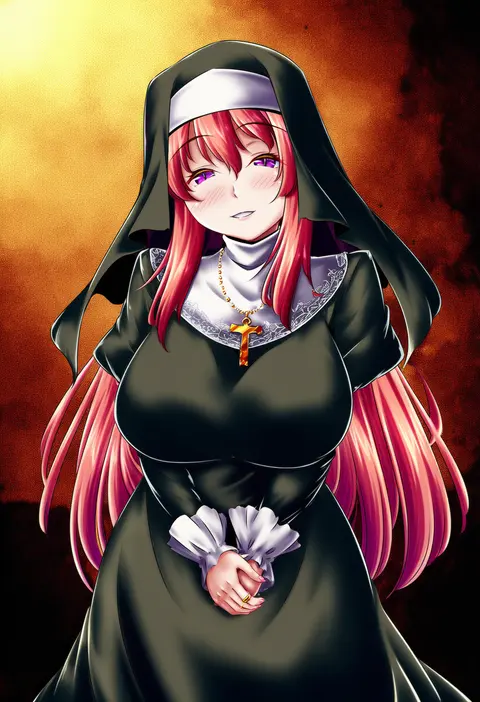
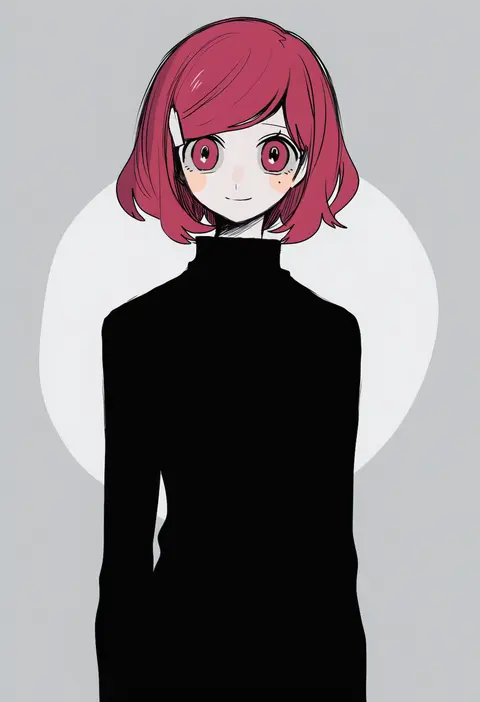
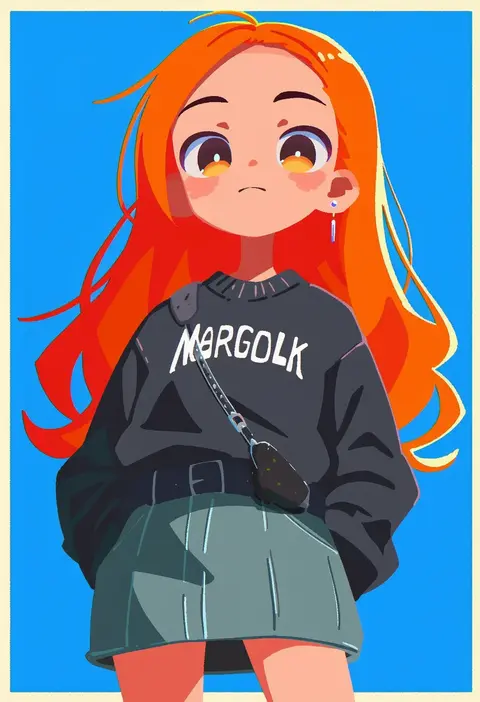
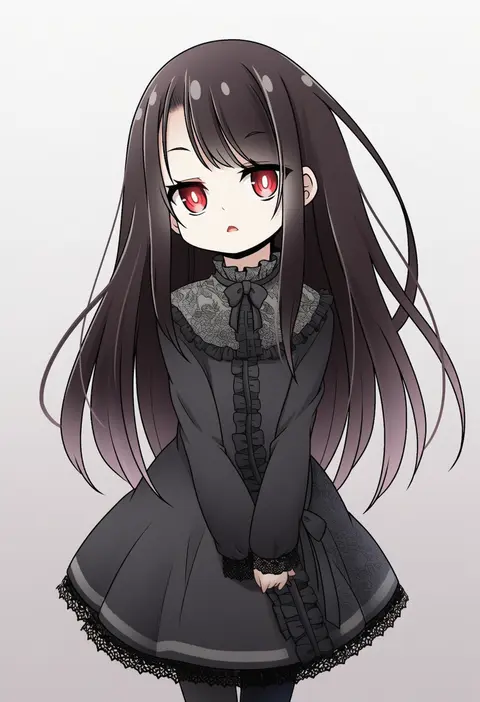
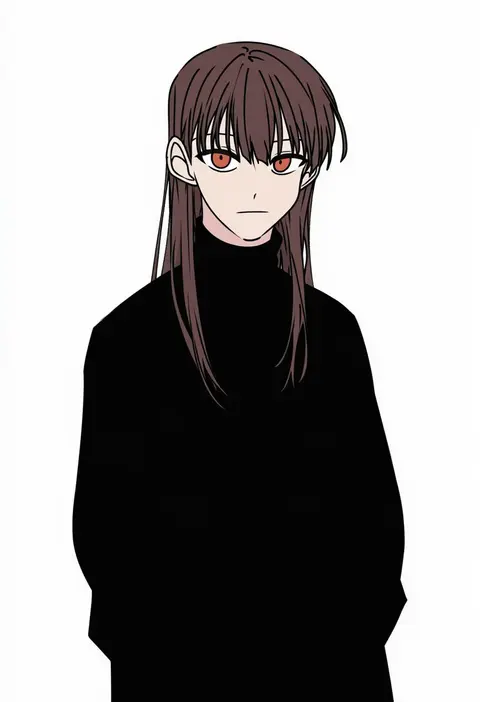
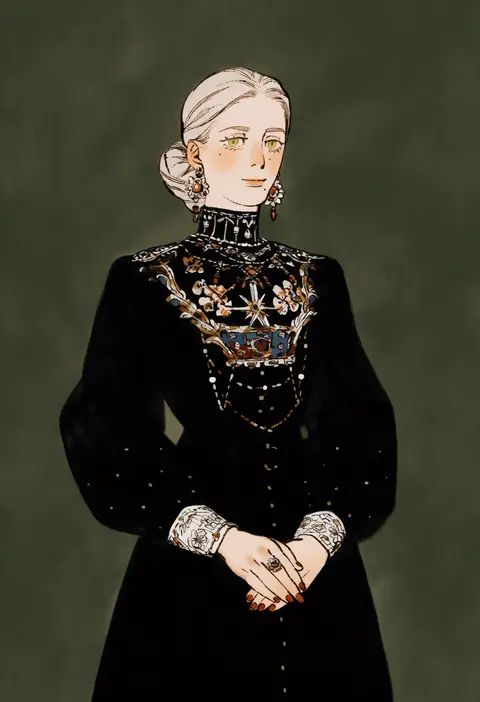
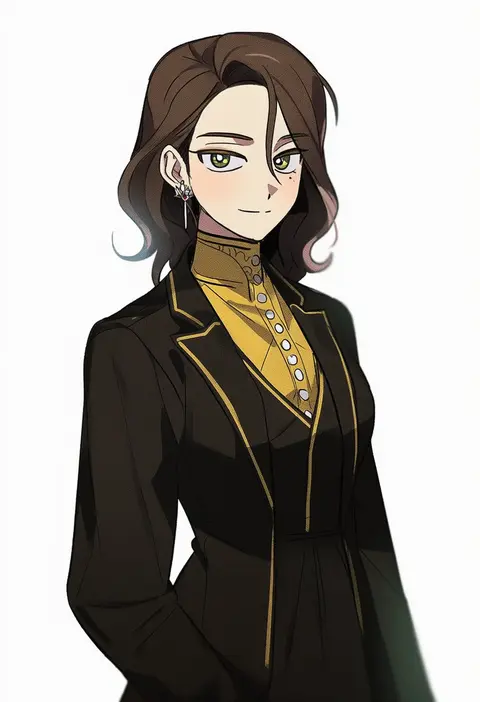
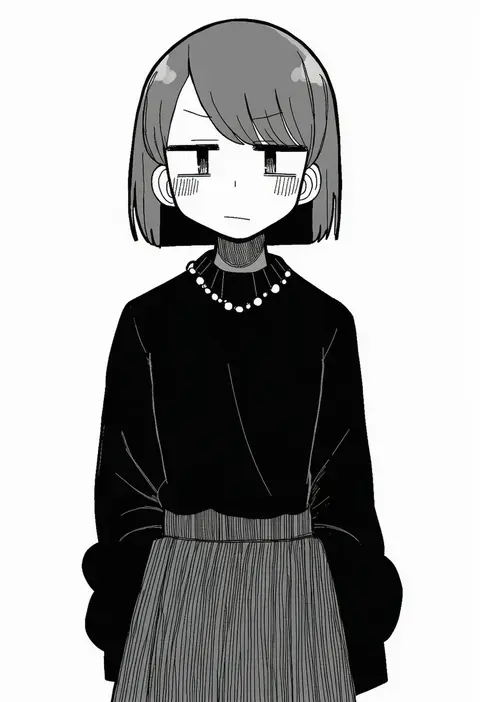
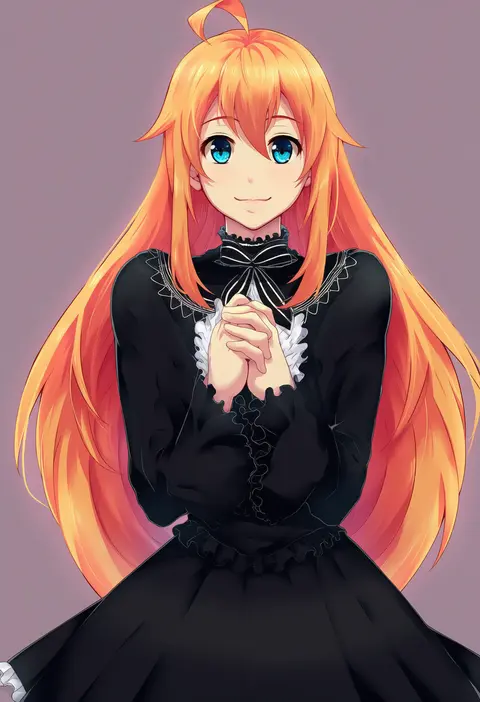
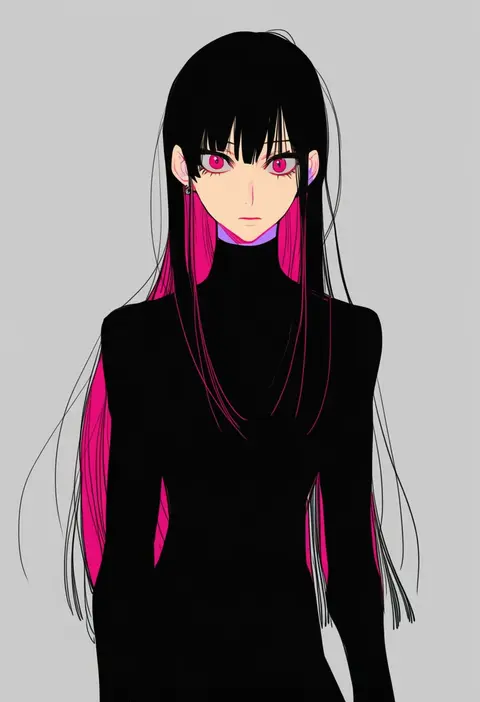
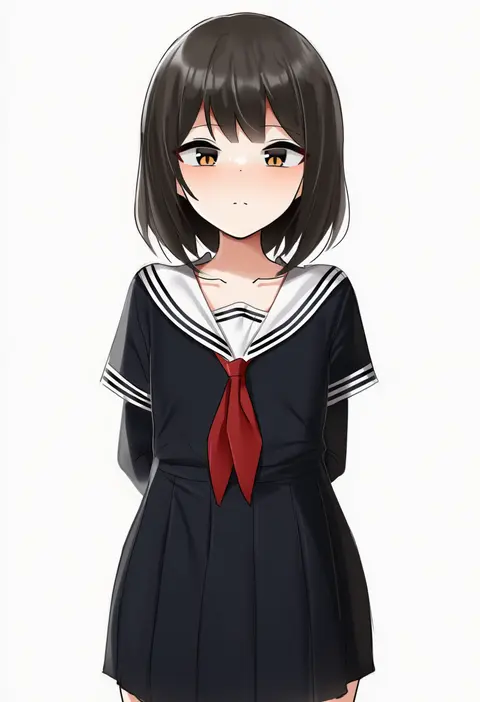
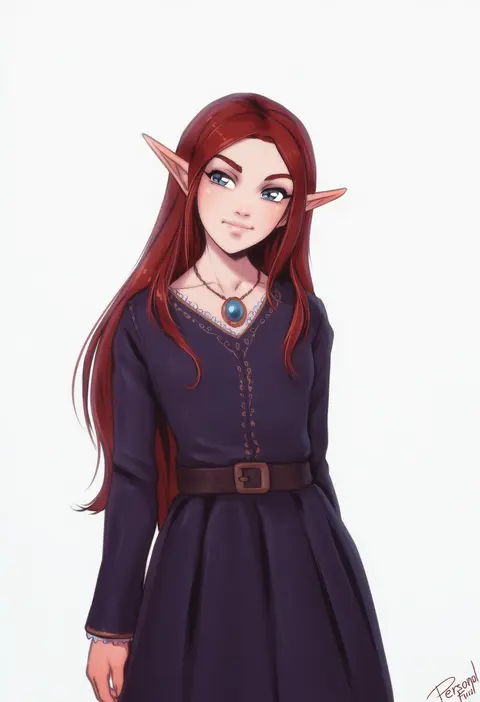
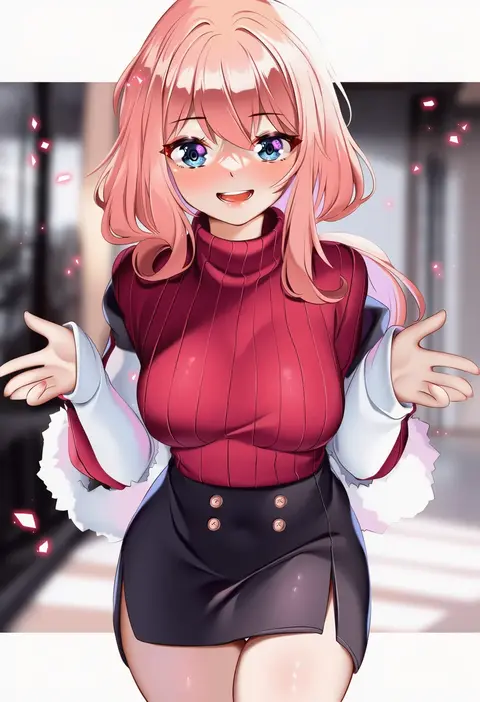
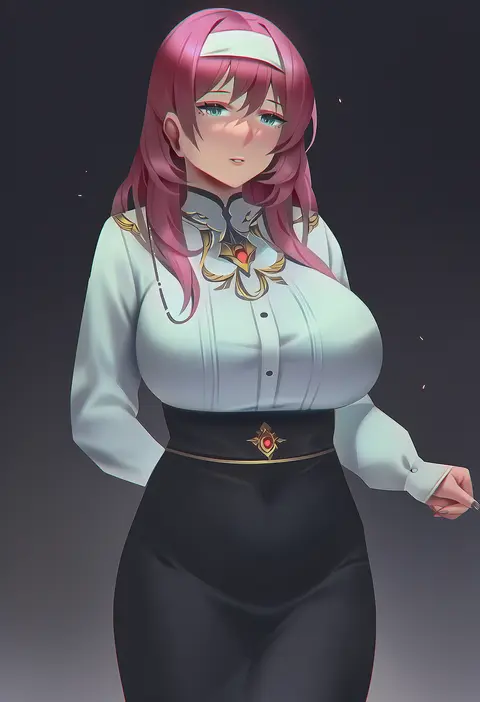
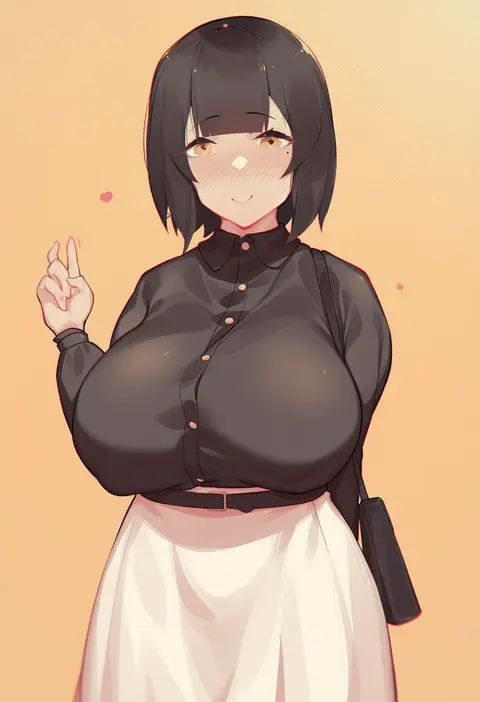
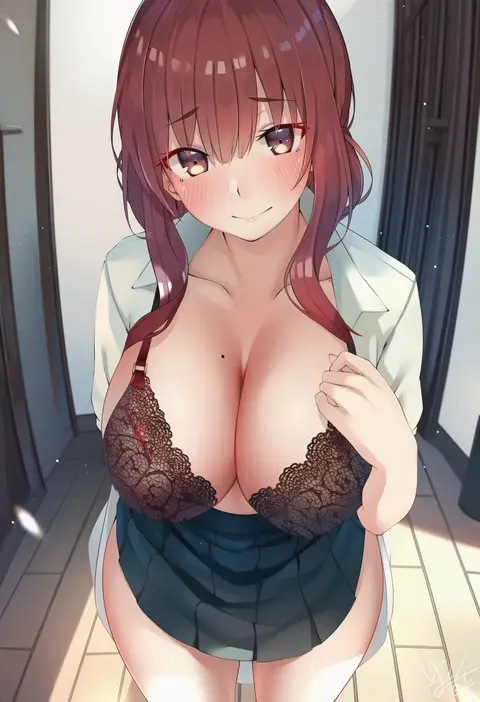
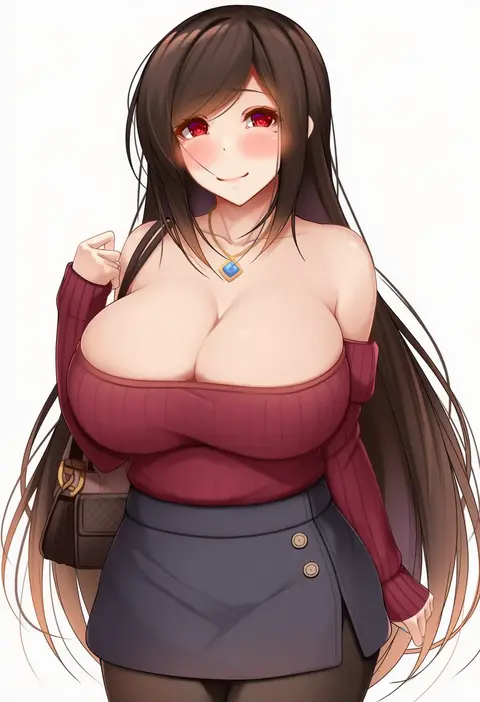
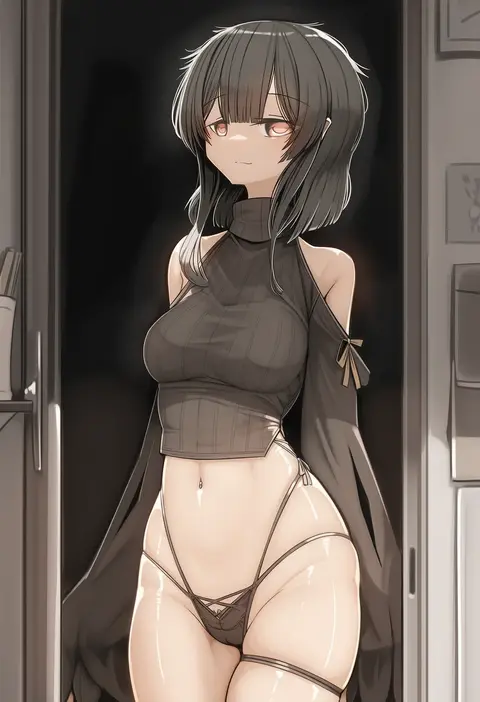
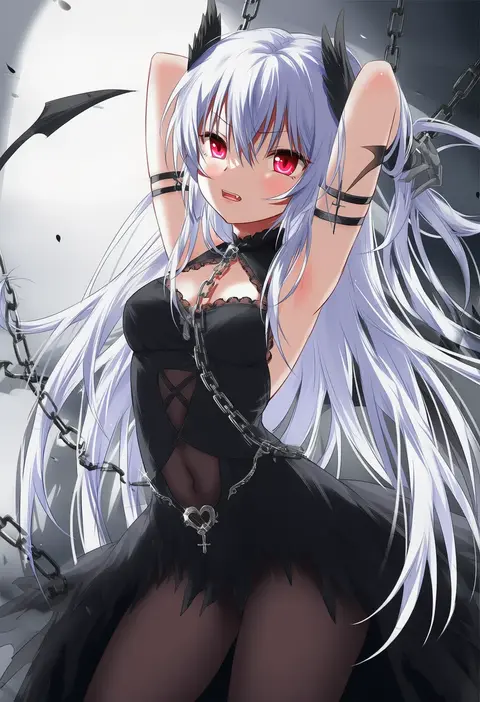
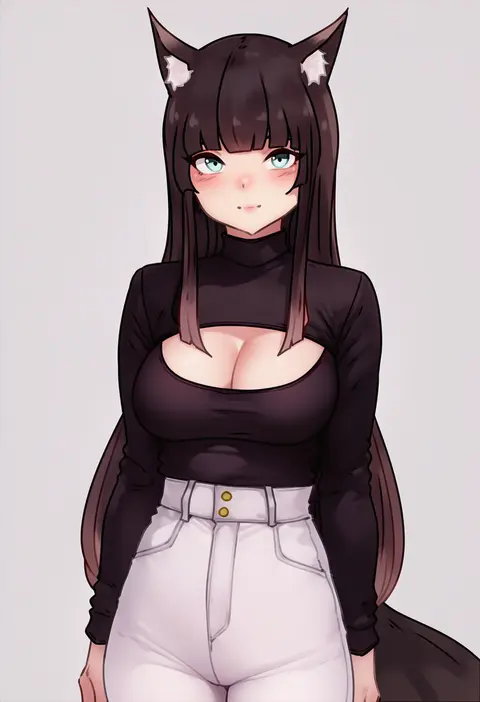
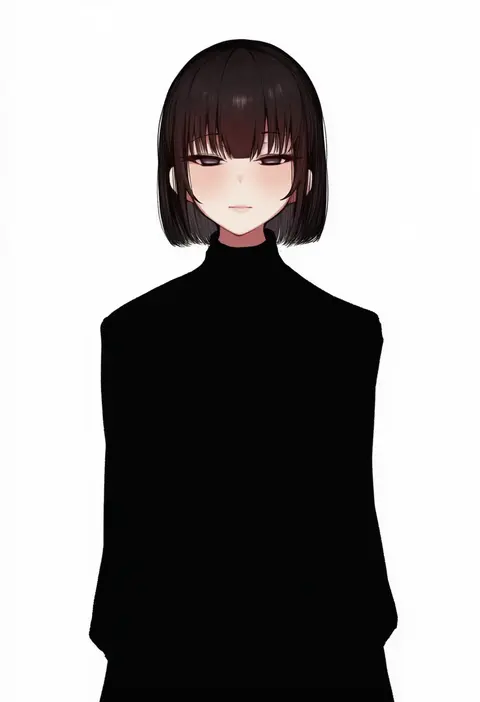
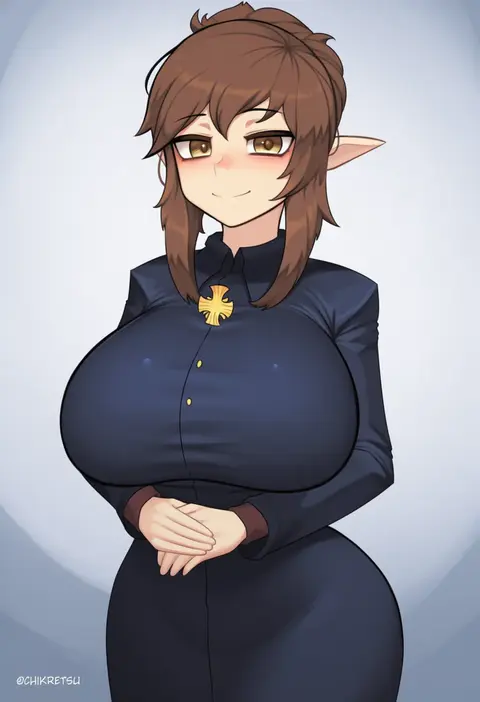
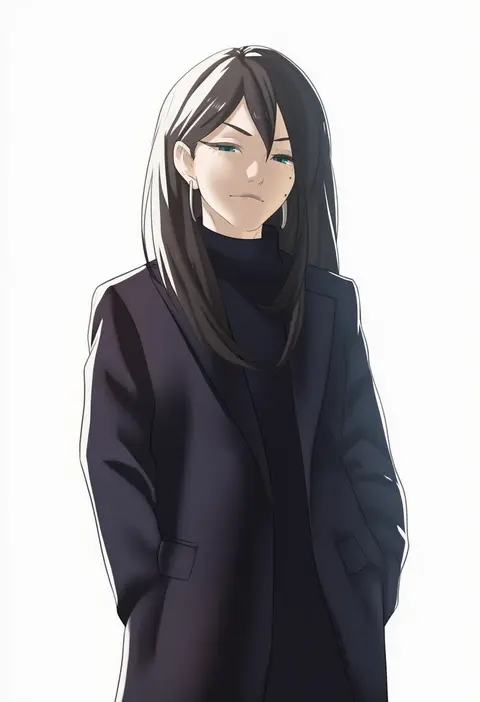
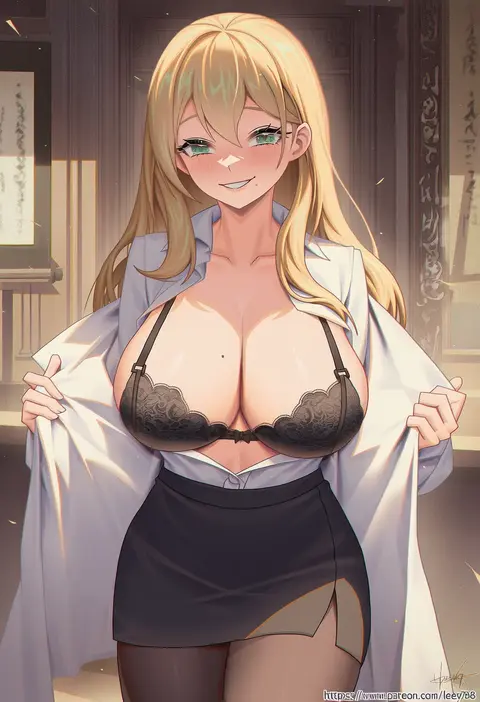
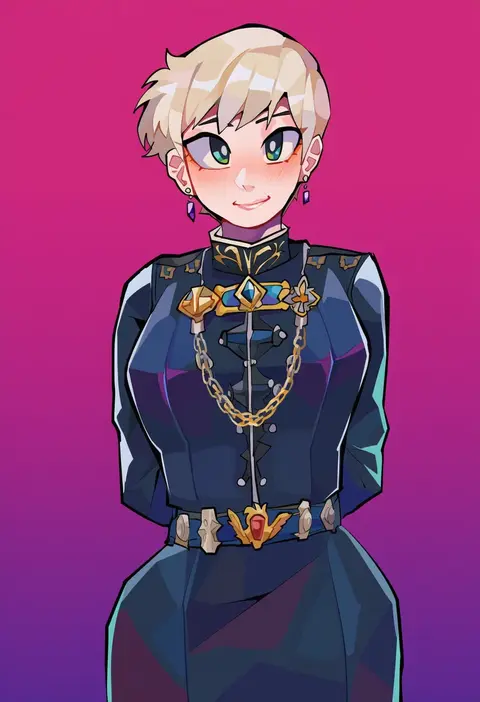
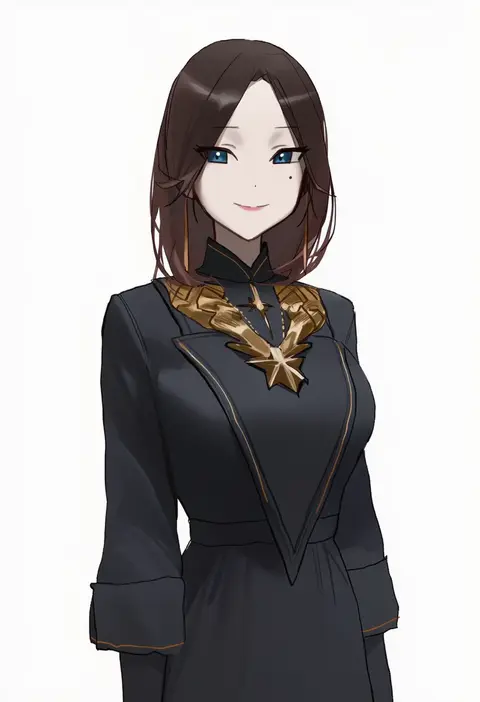
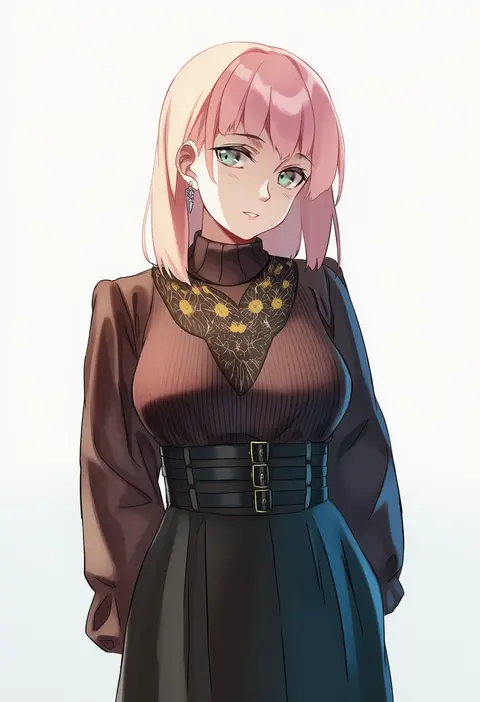
Artist tags tell NovelAI Diffusion to draw in a specific artist's style: line weight, paint texture, face shapes and palette all shift at once. Character and outfit tags decide what is drawn; artist tags decide how. 16,352 tags are listed for V4.5.
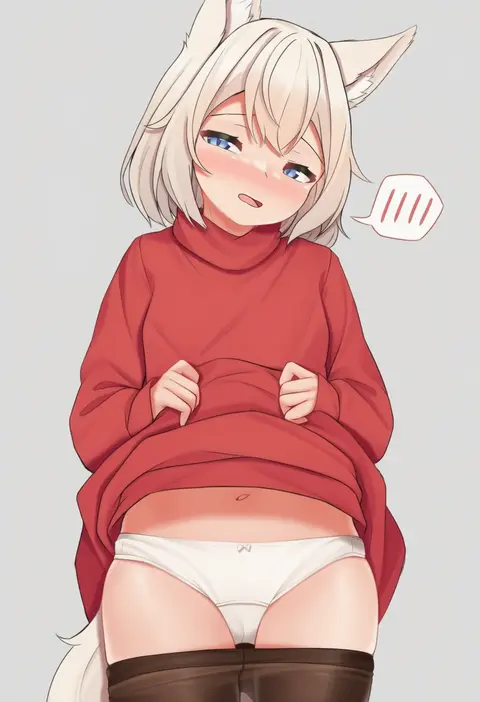
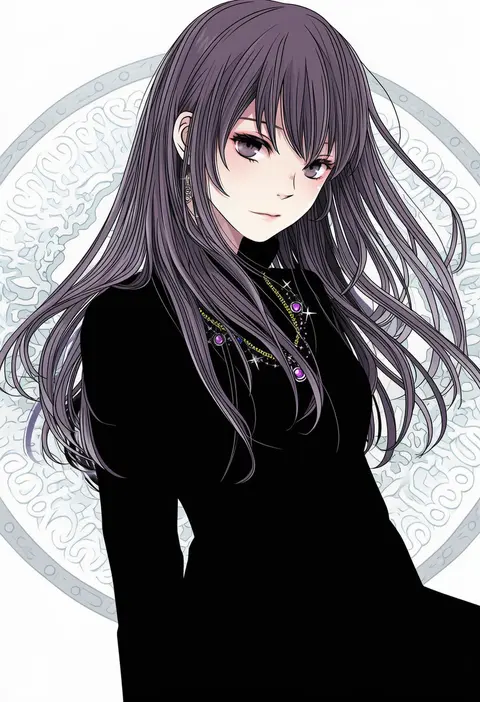
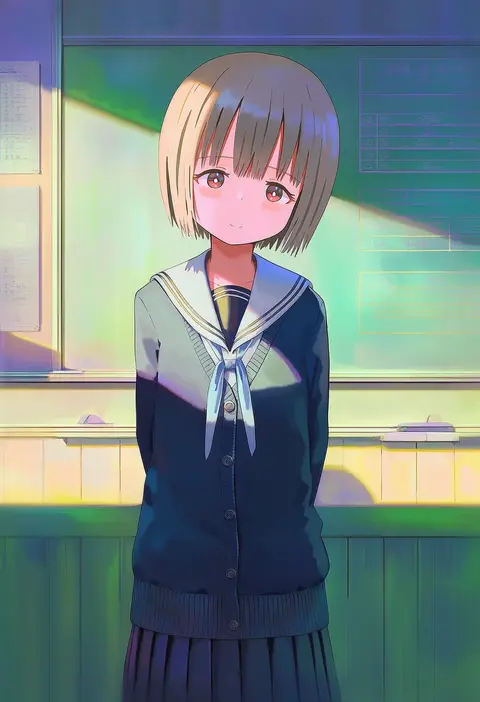
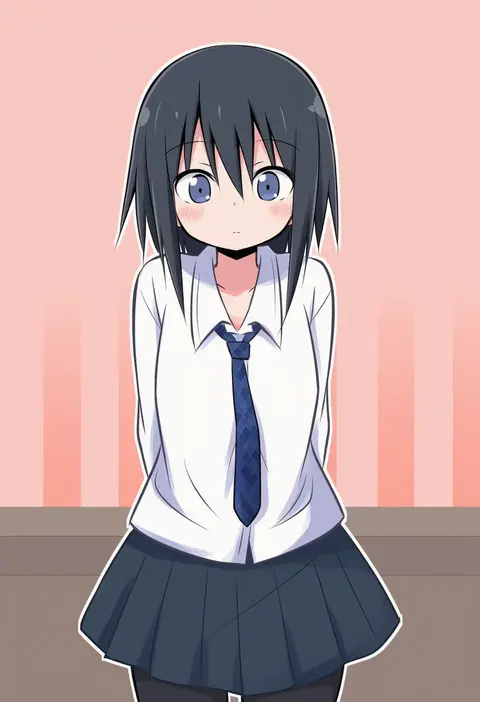
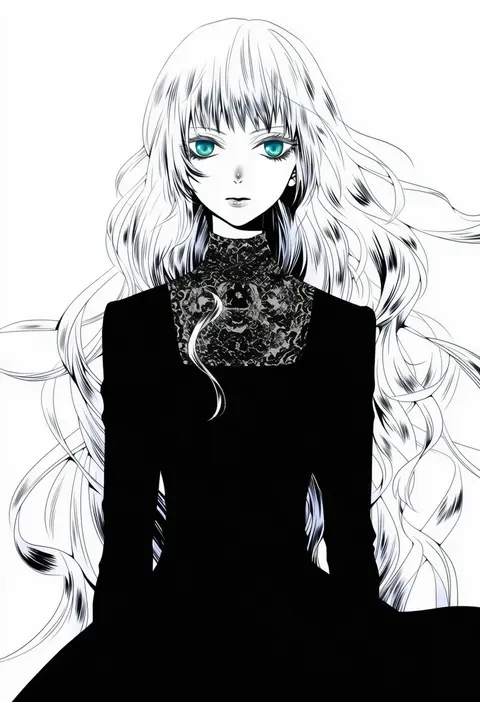
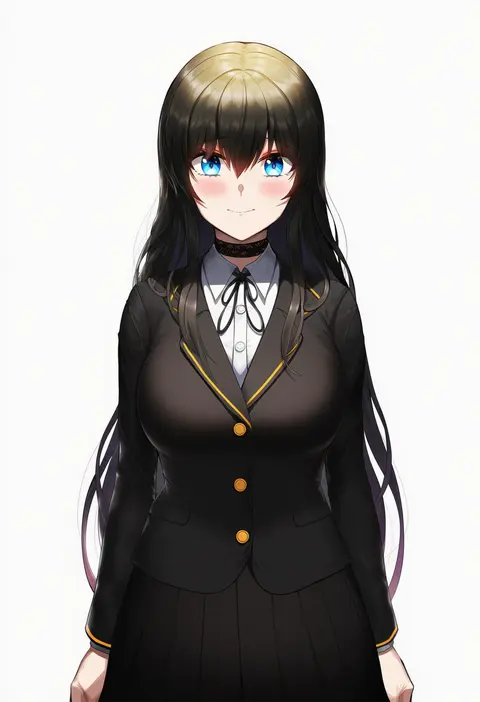
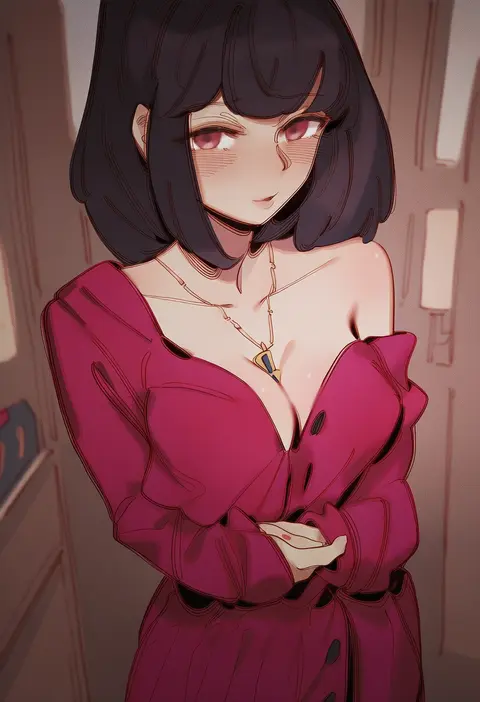
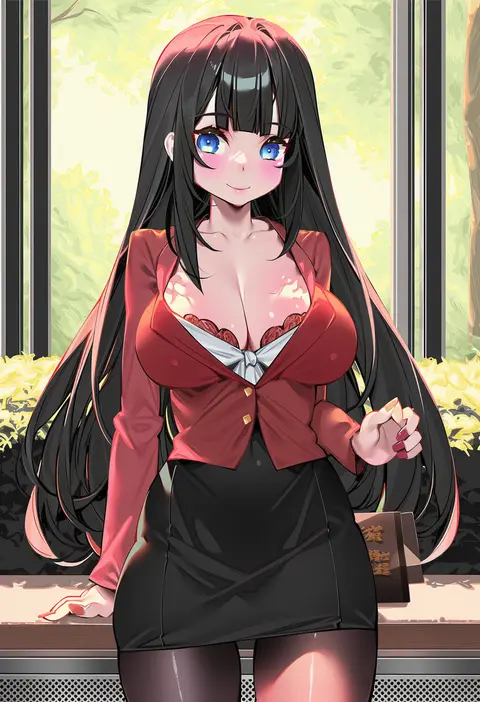
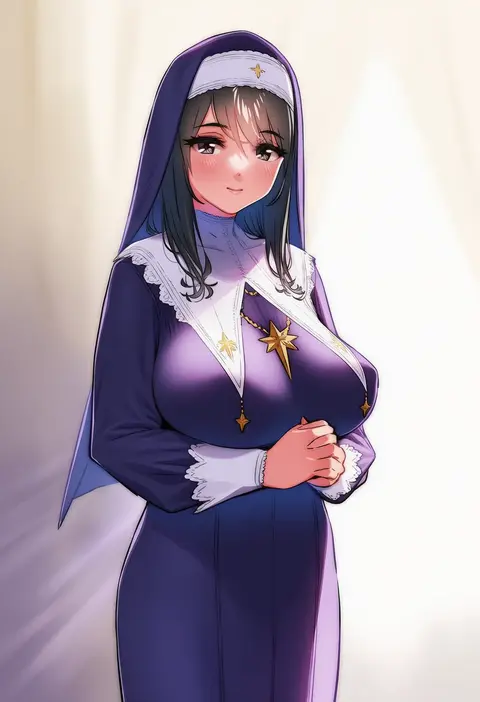
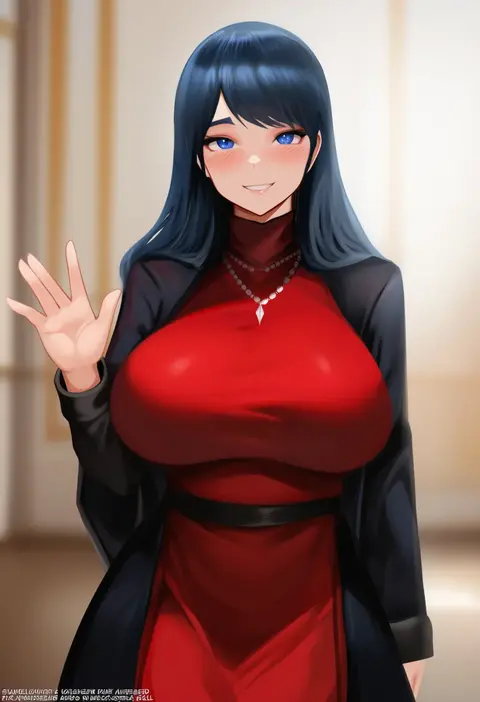
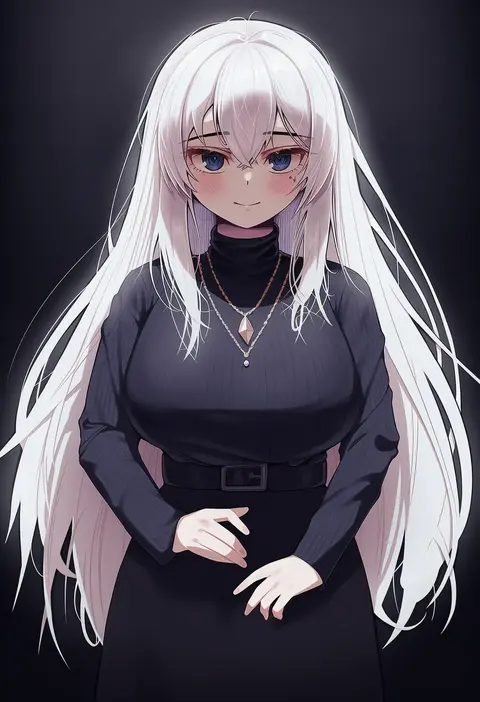
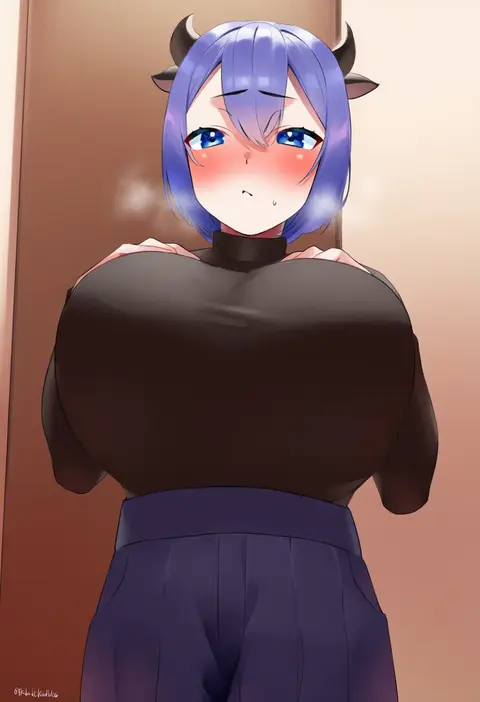
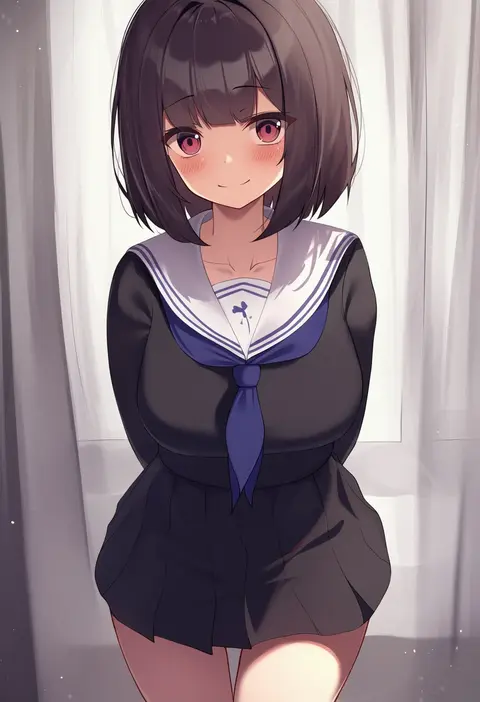
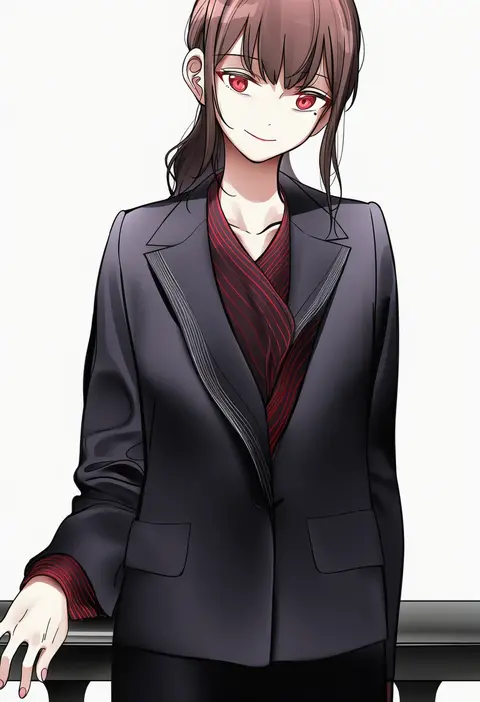
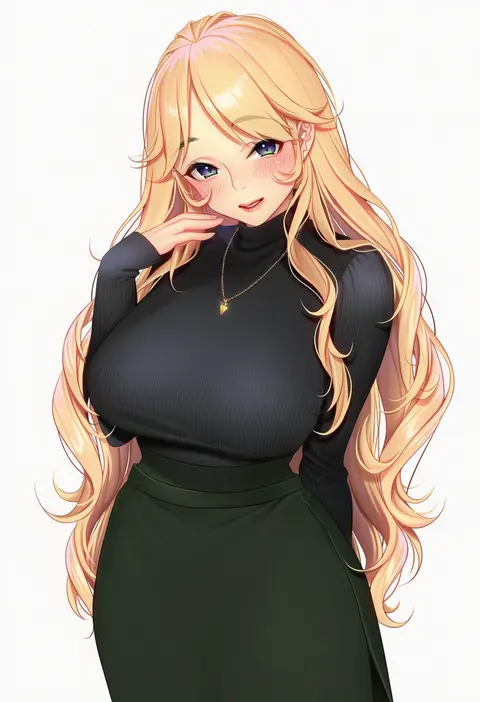
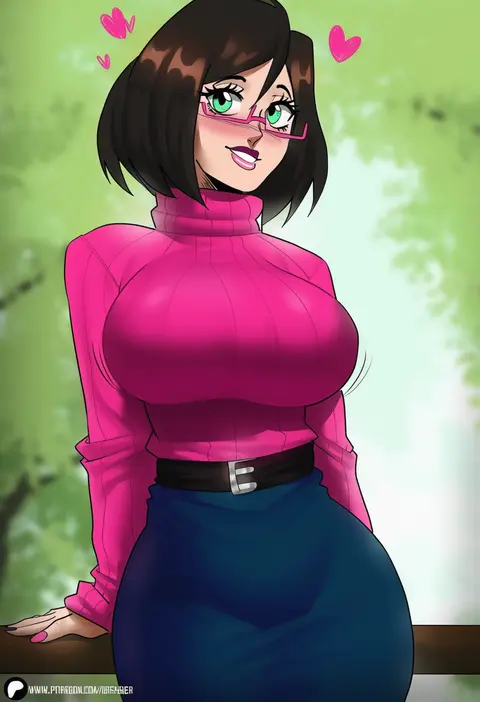
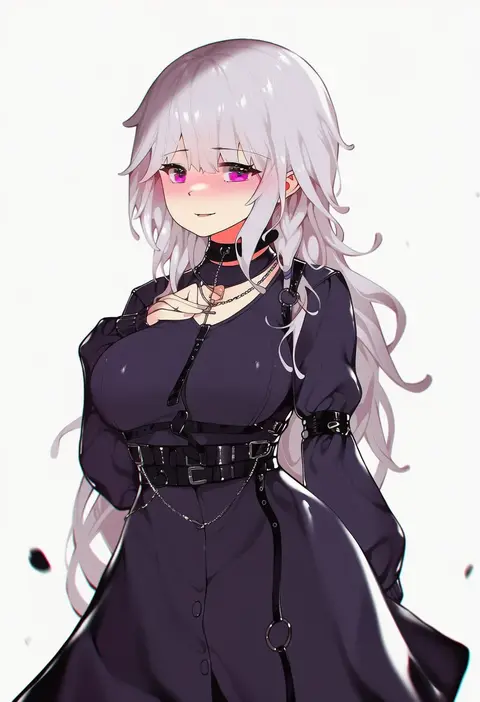
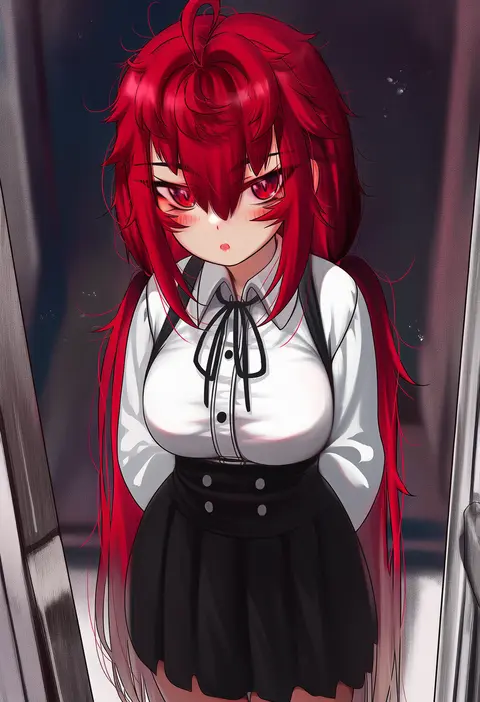
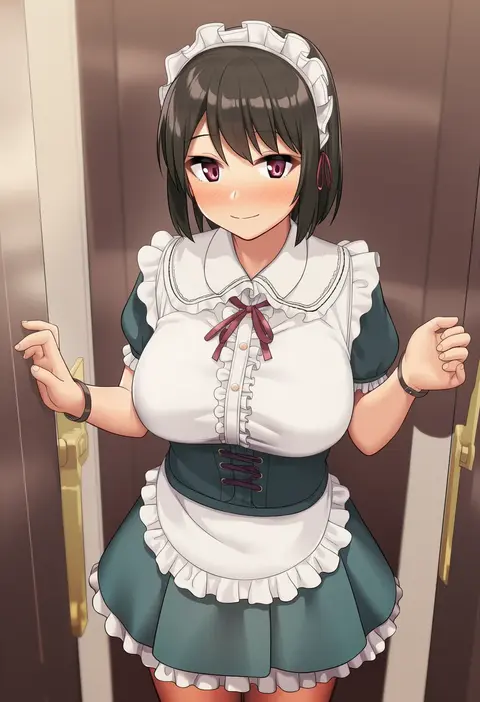
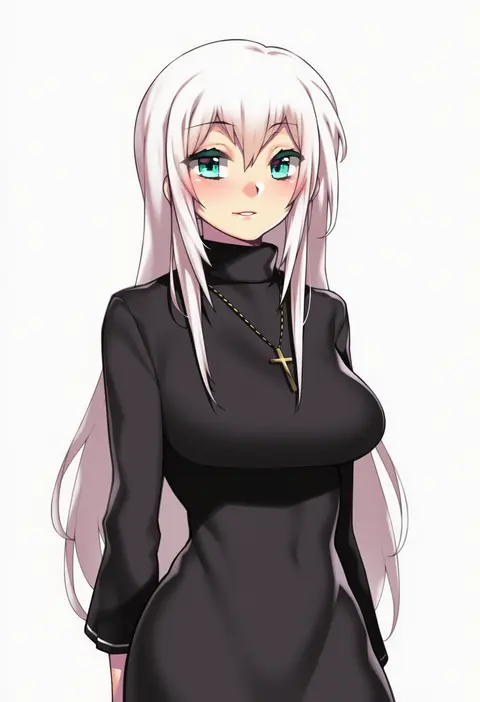
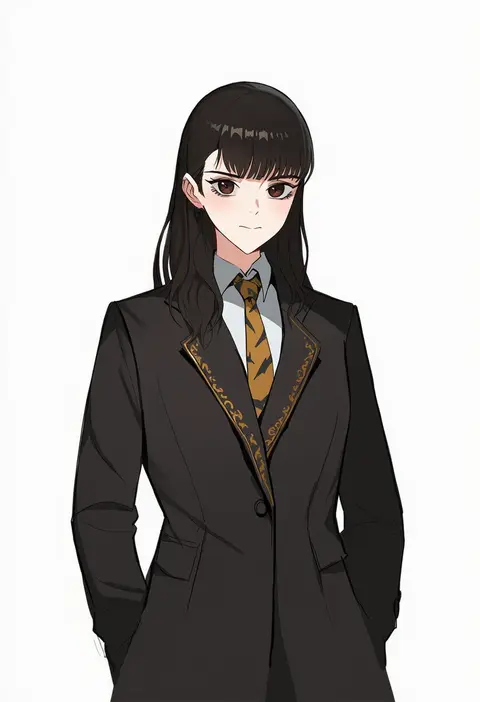
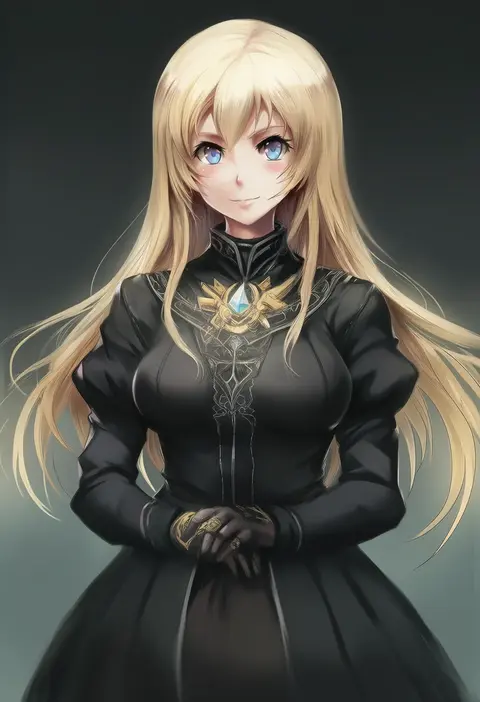
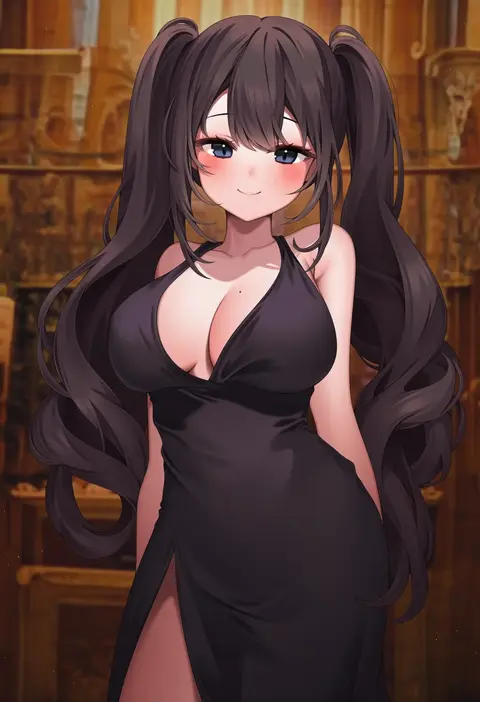
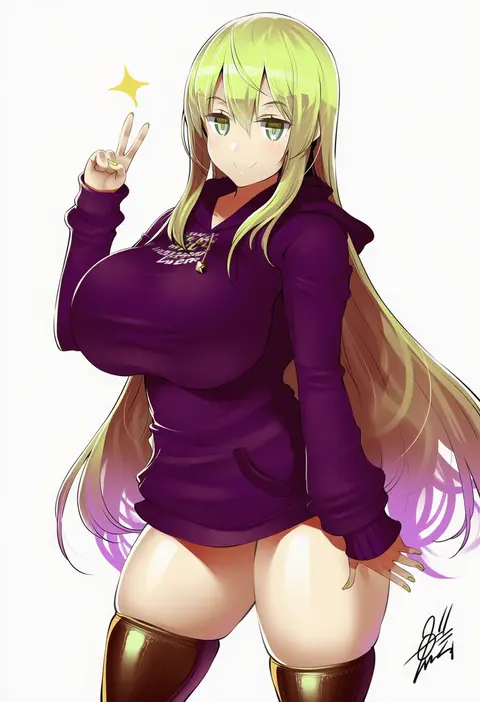
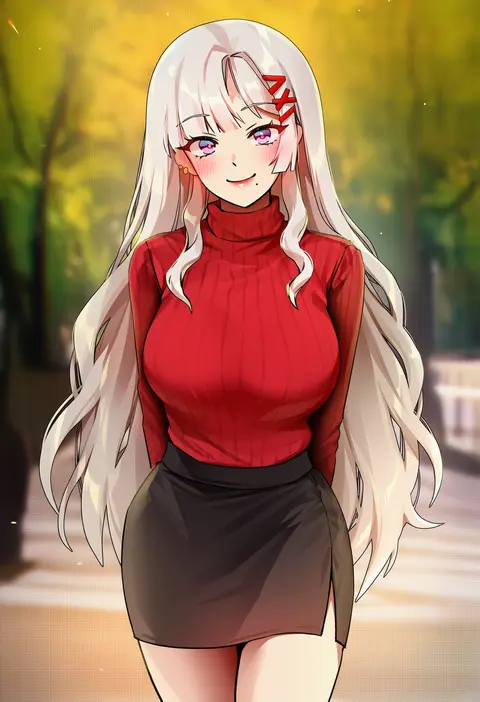
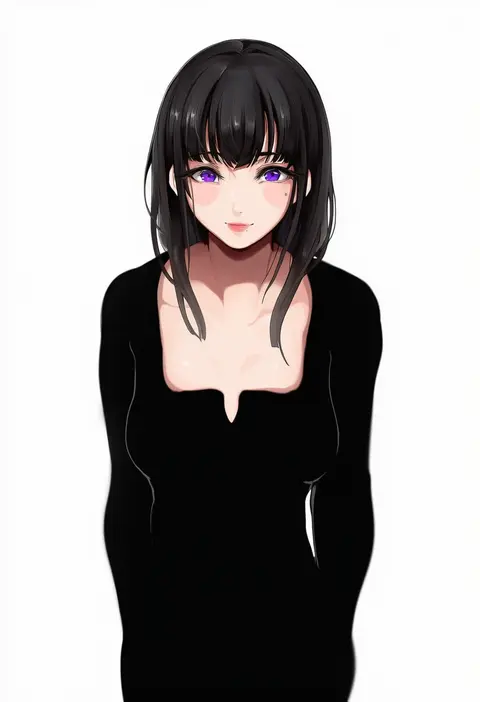
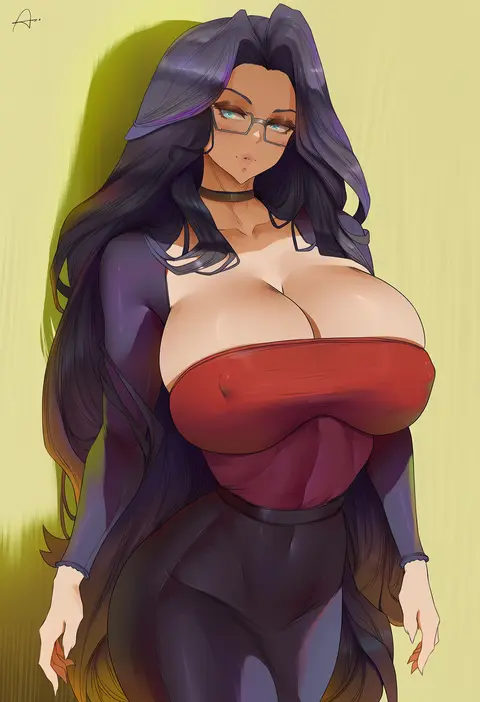
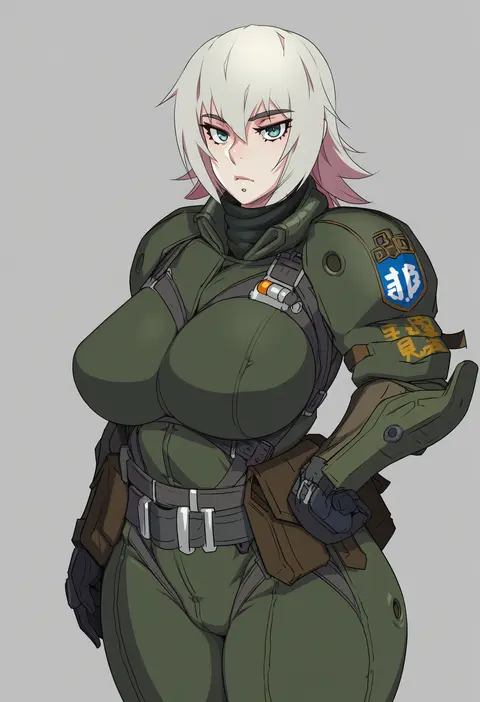
Every tag listed here is verified to react in NovelAI. All images use the same prompt, seed and settings with only the artist tag swapped, so the difference between two images is the style that tag brings in.

How to use them

Put the artist tag near the front of the prompt, e.g. "<artist>, 1girl, solo, best quality, masterpiece, cowboy shot". Two or three artist tags blend styles; lower the weight with "0.8::<artist>::" when the style overpowers the character.

SCORE sorts by Danbooru's top score, POSTS by post count, FAVS by hearts on this site. Open a card to see V5 and V4.5 side by side on the same seed.

V5 vs V4.5

V5 usually lands closer to the artist's real style, and tags that did nothing on V4.5 often react on V5. V4.5 still fits older and doujin-heavy artists better. Try V5 first, fall back to V4.5.

FAQ

Where does the artist tag go?
Near the front of the prompt. Use "0.8::tag::" to adjust its weight.

Can I stack artist tags?
Yes, styles blend. Past two or three the result stops looking like anyone.

Are these the artists' own works?
No. Every image is a NovelAI sample generated from the tag.