V4.5Artists
sort: FAVS▾
▾
>
$

NovelAI Artist Tags List — V4.5

artist --count 16,352[13/273]
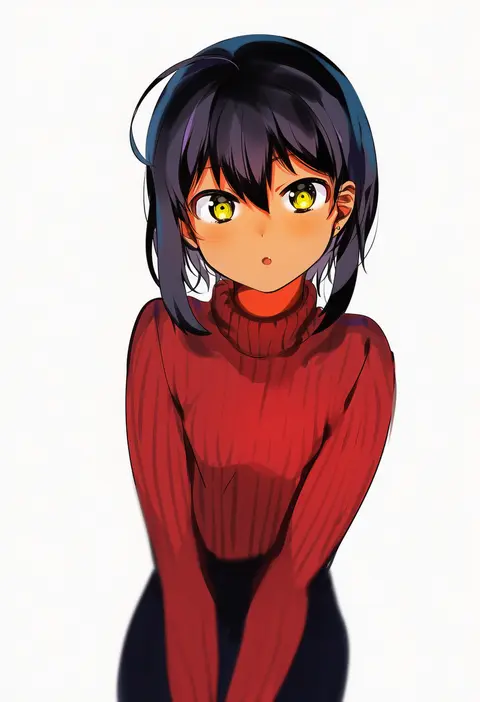
konbu wakame
ARTIST0x02D0
2
jellytits-7
ARTIST0x02D1
2
musouzuki
ARTIST0x02D2
2
cyjalway
ARTIST0x02D3
2
shirokuma a
ARTIST0x02D4
2
samidare (hoshi)
ARTIST0x02D5
2
kurofude anna
ARTIST0x02D6
2
yuritamashi
ARTIST0x02D7
2
irokohaku
ARTIST0x02D8
2
haruri
ARTIST0x02D9
2
john doe (jdart)
ARTIST0x02DA
2
freedom nakai
ARTIST0x02DB
2
shin'yashiki
ARTIST0x02DC
2
nakamura yukitoshi
ARTIST0x02DD
2
swd3e2
ARTIST0x02DE
2
syatey
ARTIST0x02DF
2
kinjo kuromomo
ARTIST0x02E0
2
janong
ARTIST0x02E1
2
shimada fumikane
ARTIST0x02E2
2
suo bu ye feng
ARTIST0x02E3
2
agawa ryou
ARTIST0x02E4
2
yukataro
ARTIST0x02E5
2
chen bin
ARTIST0x02E6
2
ett
ARTIST0x02E7
2
kunabishi
ARTIST0x02E8
2
mikoscrub
ARTIST0x02E9
2
vertigris
ARTIST0x02EA
2
the golden smurf
ARTIST0x02EB
2
chacharan
ARTIST0x02EC
2
satou shouji
ARTIST0x02ED
2
makochan42
ARTIST0x02EE
2
domi (hongsung0819)
ARTIST0x02EF
2
djheycha
ARTIST0x02F0
2
tsukasawa takamatsu
ARTIST0x02F1
2
chomoran
ARTIST0x02F2
2
melon22
ARTIST0x02F3
2
happening18
ARTIST0x02F4
2
derauea
ARTIST0x02F5
2
erere
ARTIST0x02F6
2
kakao (chocolate land)
ARTIST0x02F7
2
shiwasu no okina
ARTIST0x02F8
2
kotoyoshi yumisuke
ARTIST0x02F9
2
mafuyu (chibi21)
ARTIST0x02FA
2
gogalking
ARTIST0x02FB
2
jmg
ARTIST0x02FC
2
chicago-x
ARTIST0x02FD
2
henyaan (oreizm)
ARTIST0x02FE
2
dagasi
ARTIST0x02FF
2
kidmo
ARTIST0x0300
2
yopparai oni
ARTIST0x0301
2
kelvin hiu
ARTIST0x0302
2
kutan
ARTIST0x0303
2
carnelian
ARTIST0x0304
2
kuro mushi
ARTIST0x0305
2
toi8
ARTIST0x0306
2
yuuji (and)
ARTIST0x0307
2
sei shoujo
ARTIST0x0308
2
pochincoff
ARTIST0x0309
2
stanley lau
ARTIST0x030A
2
tenten (chan4545)
ARTIST0x030B
2

What these tags change

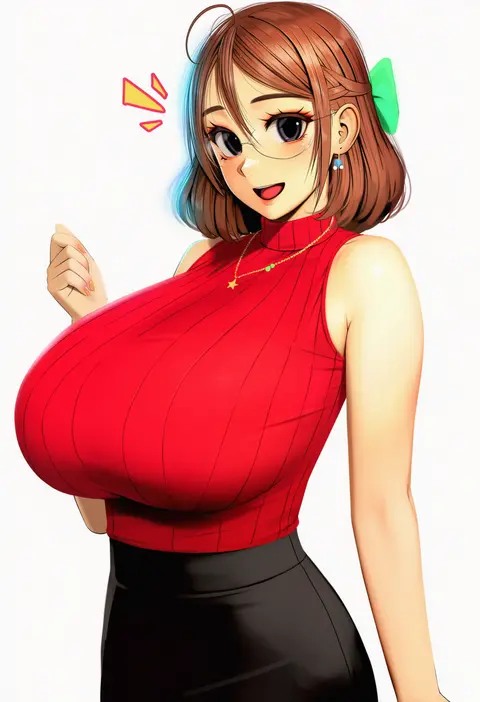
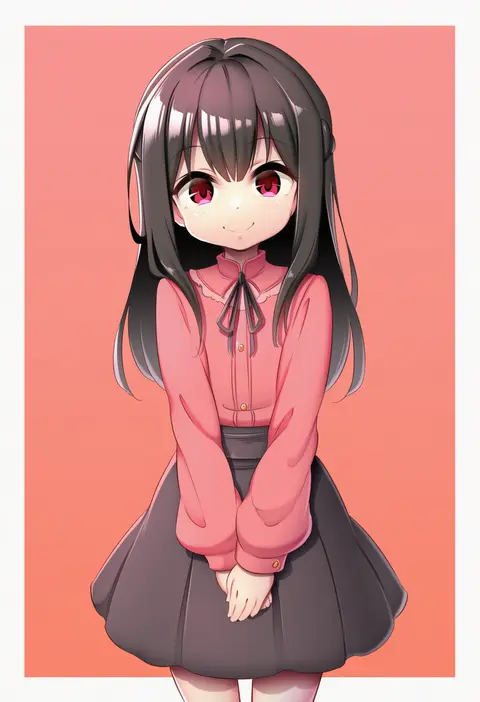
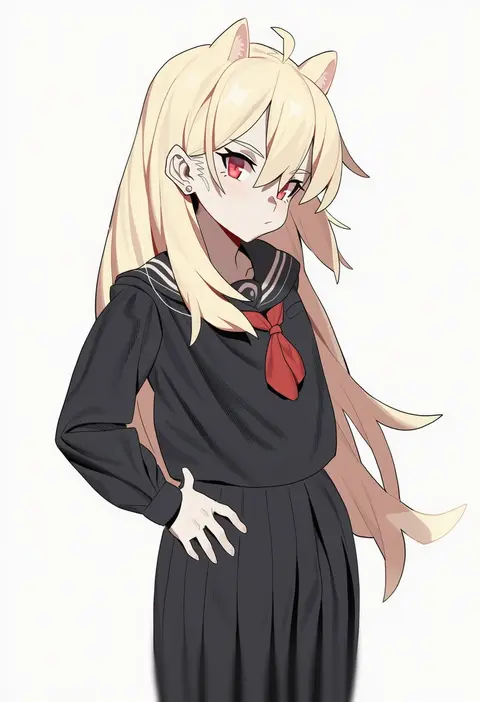
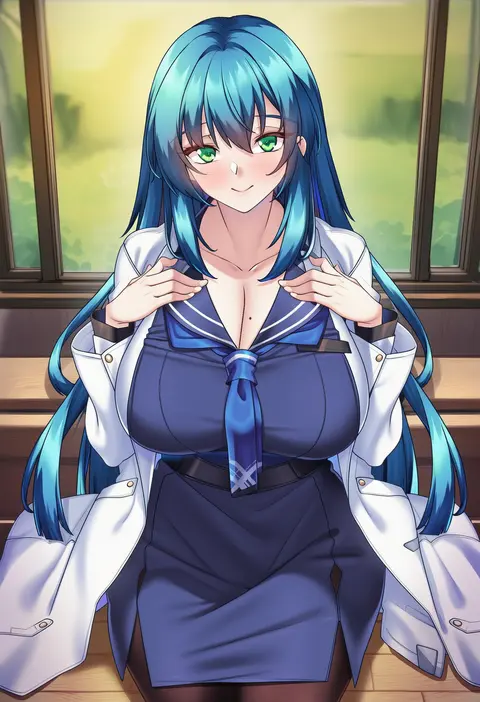
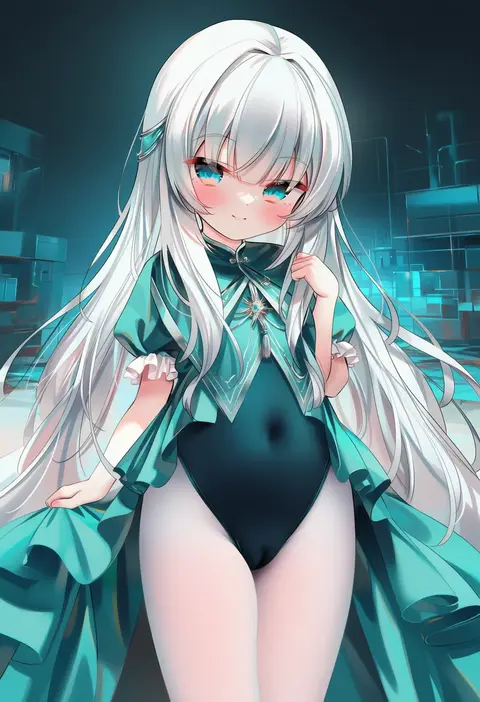
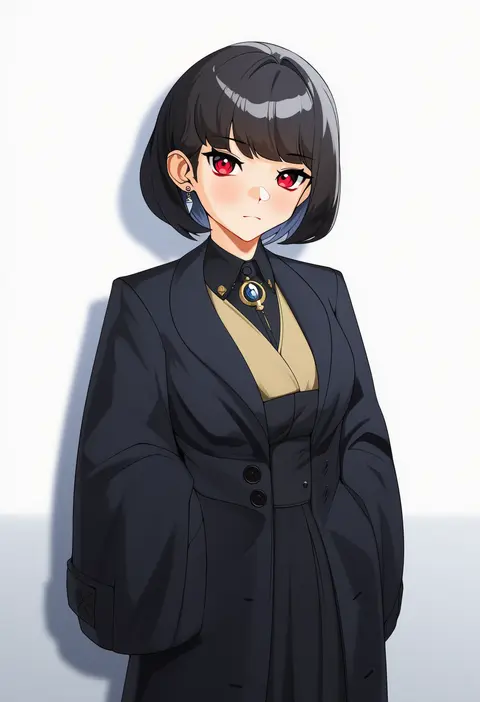
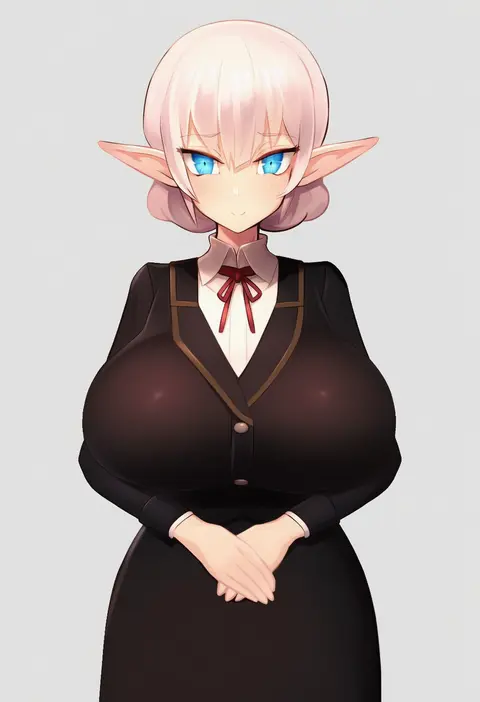
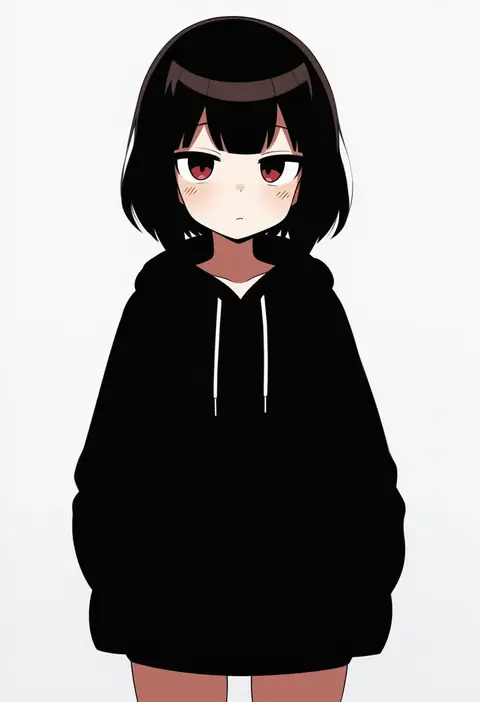
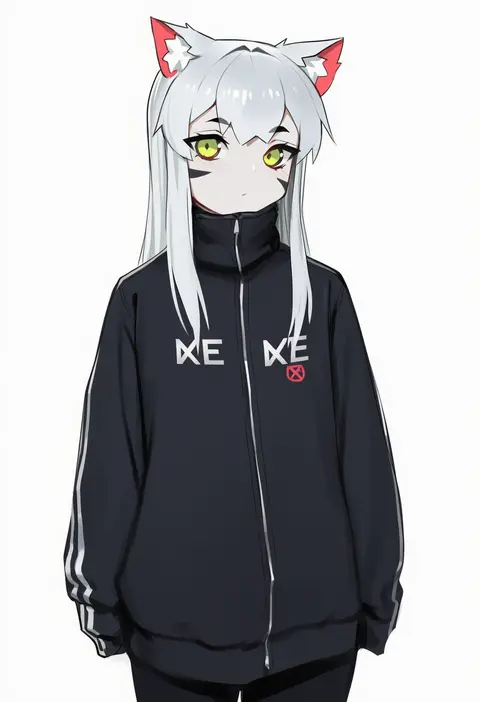
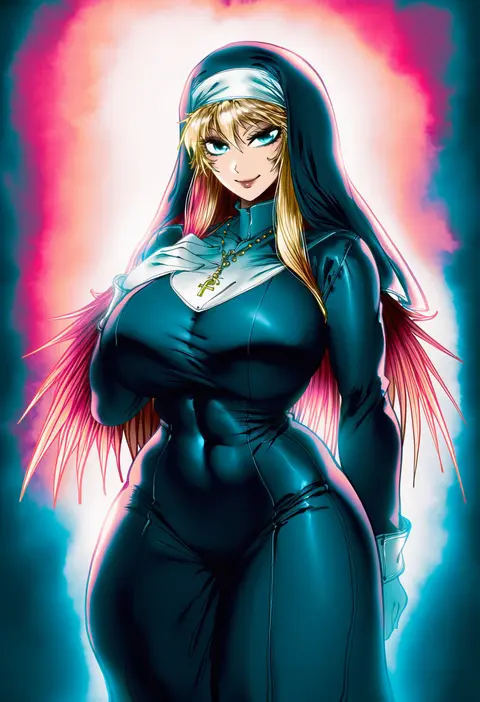
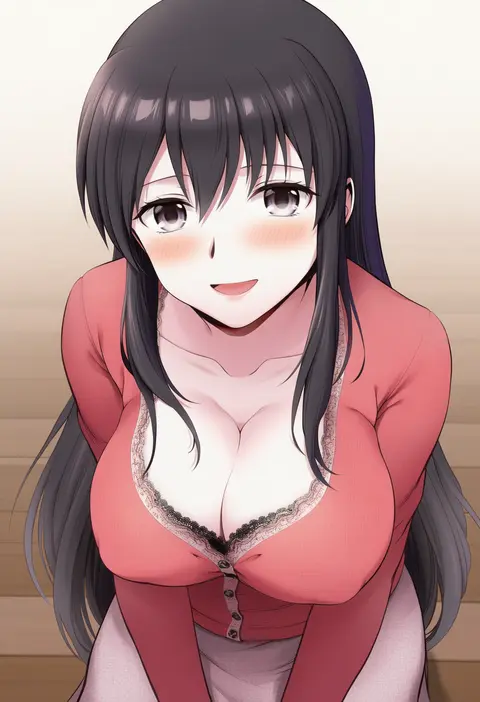
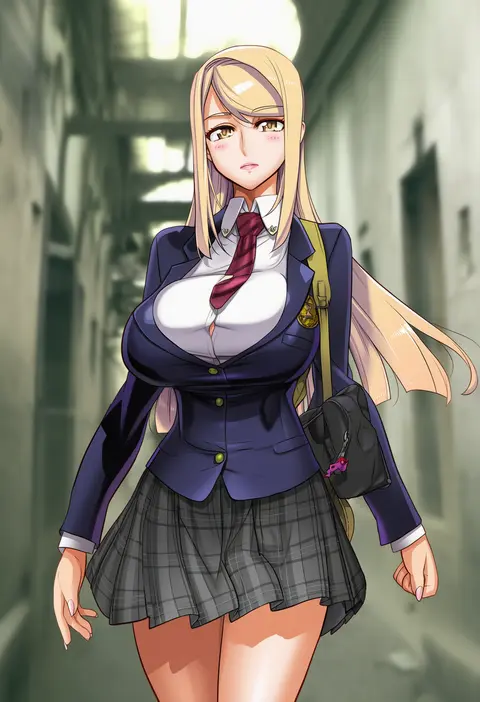
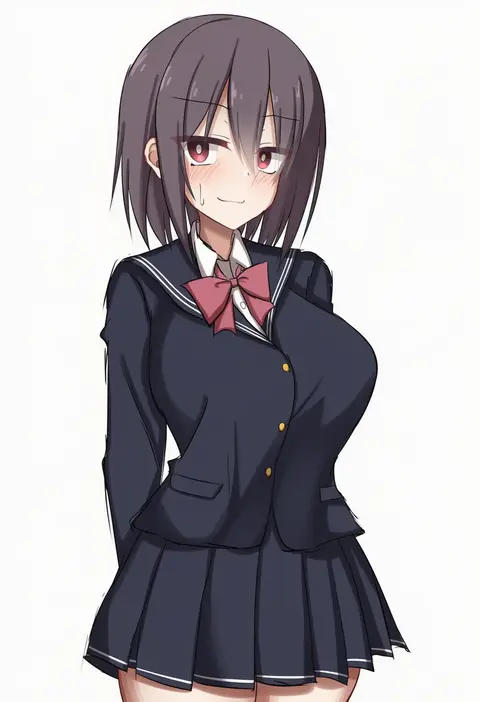
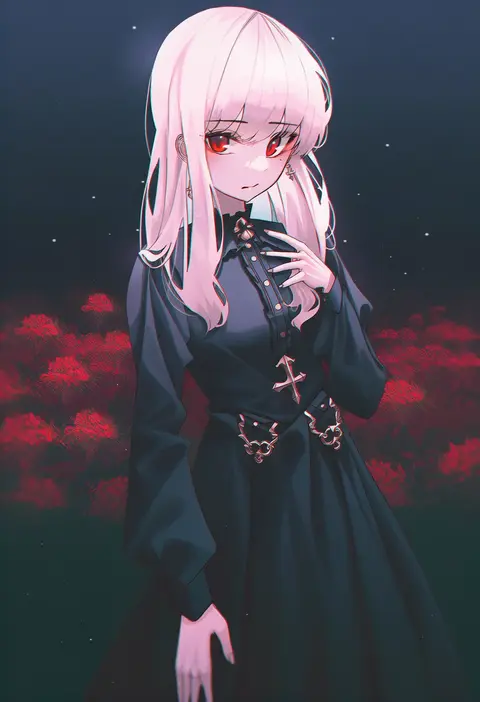
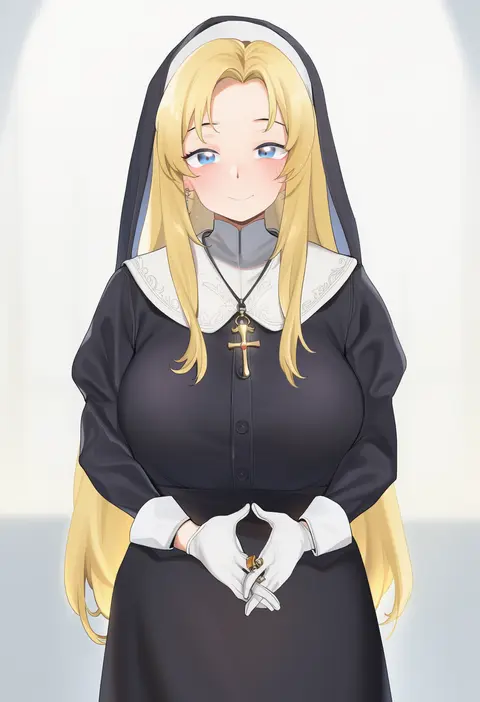
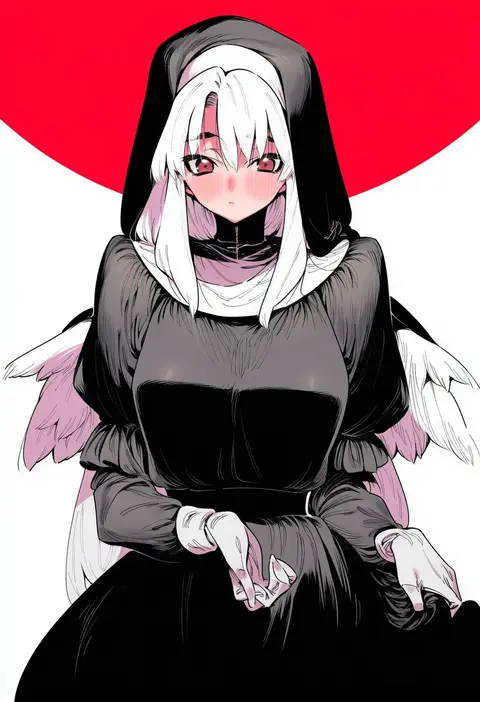
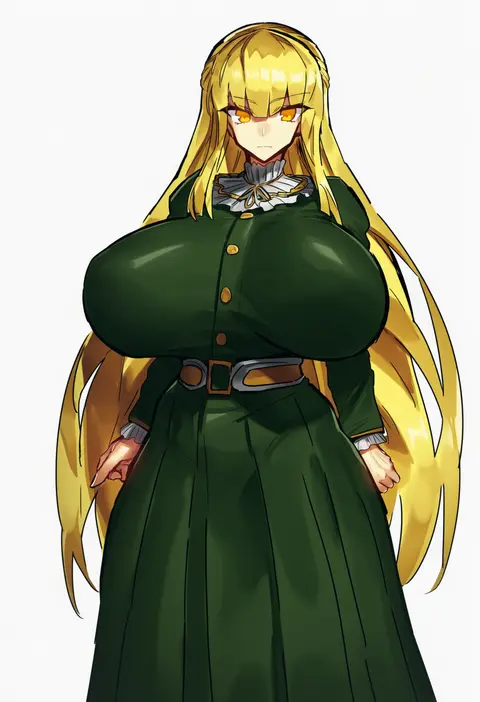
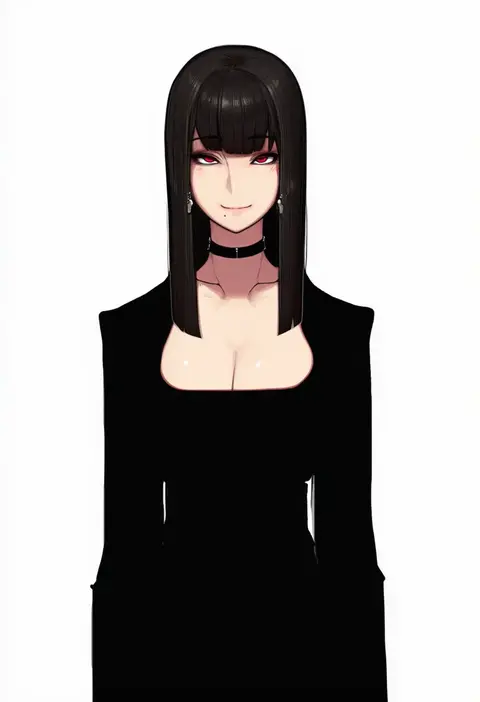
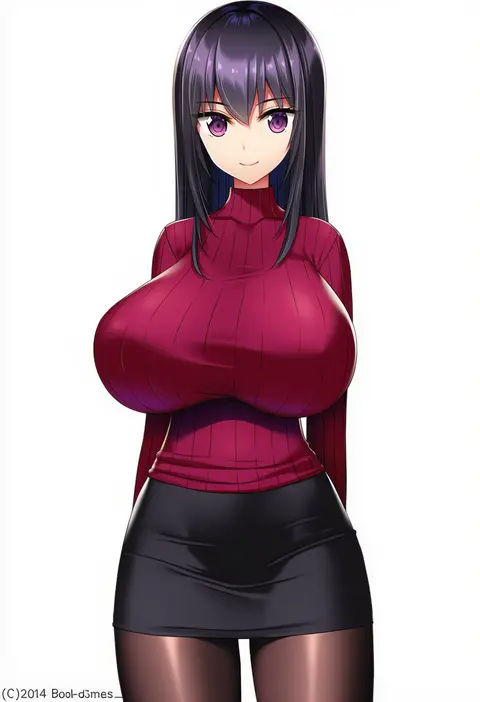
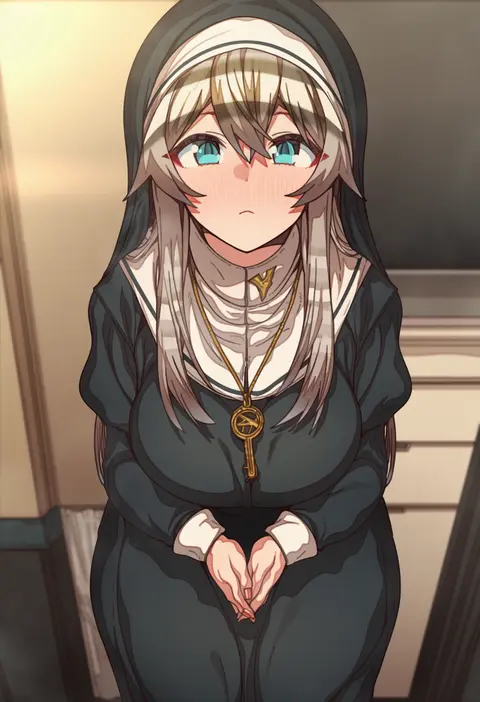
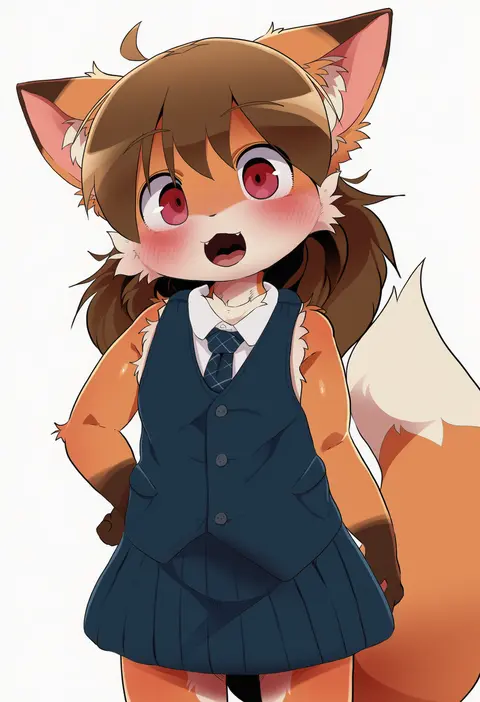
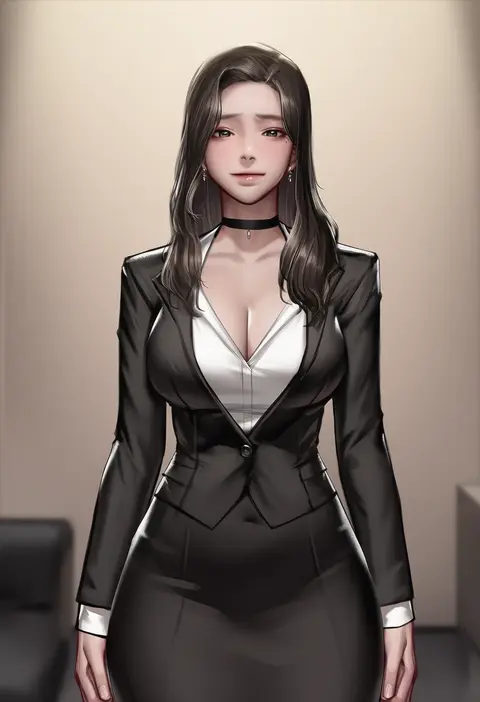
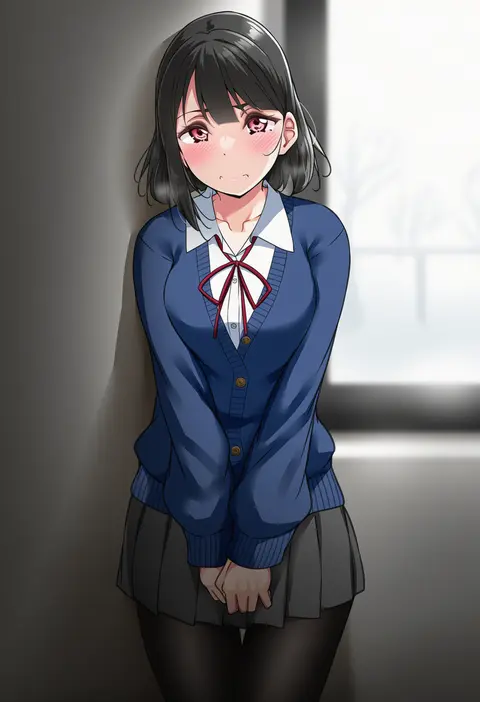
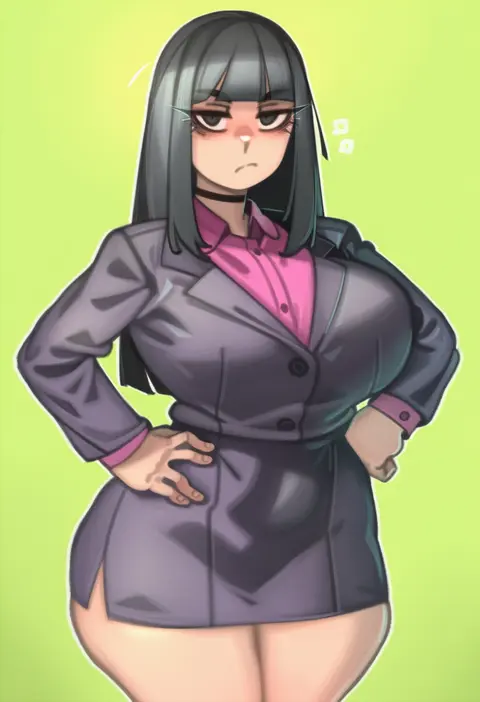
Artist tags tell NovelAI Diffusion to draw in a specific artist's style: line weight, paint texture, face shapes and palette all shift at once. Character and outfit tags decide what is drawn; artist tags decide how. 16,352 tags are listed for V4.5.
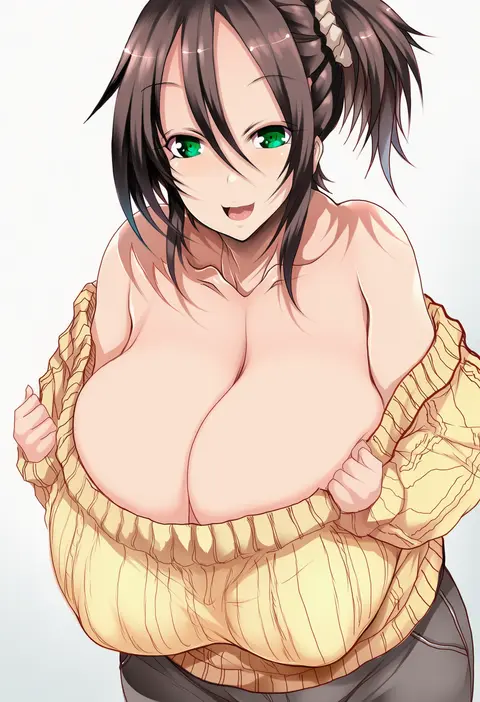
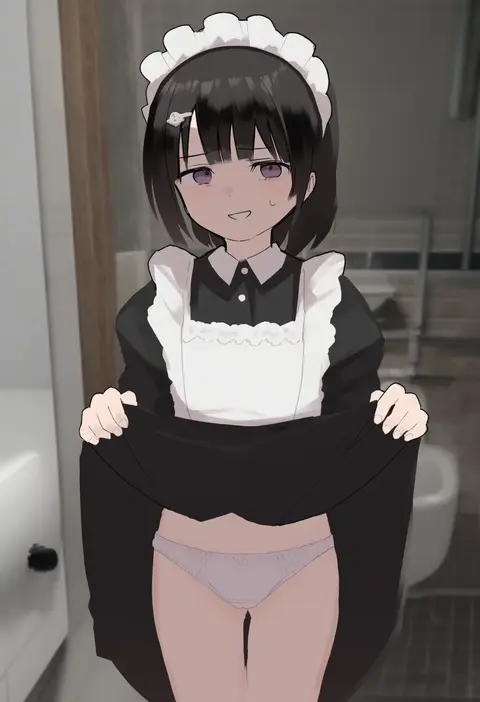
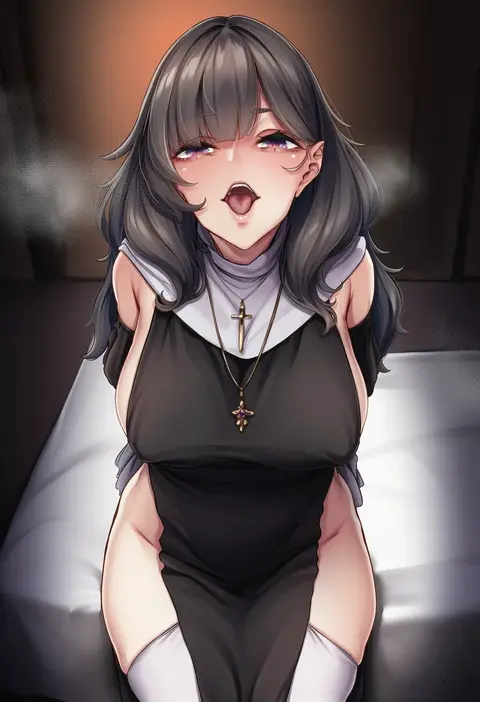
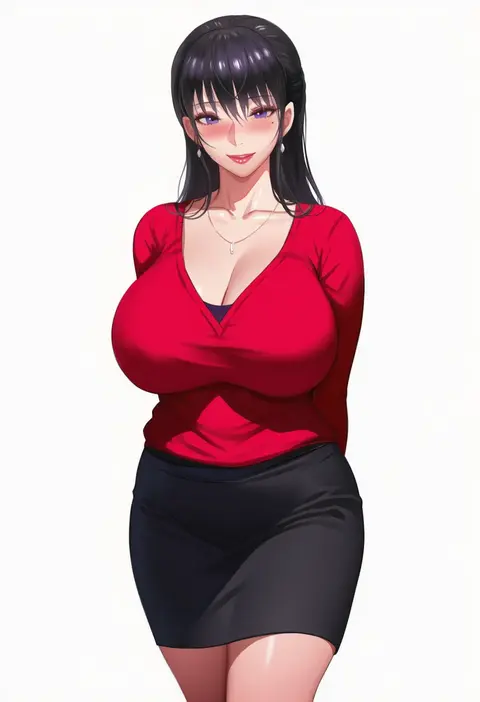
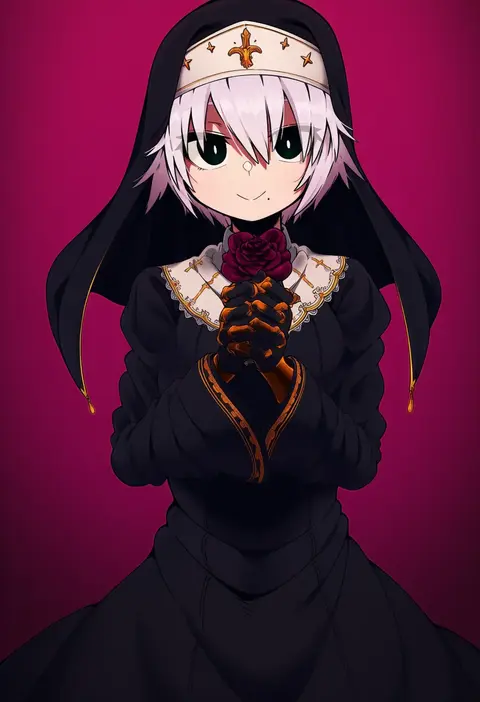
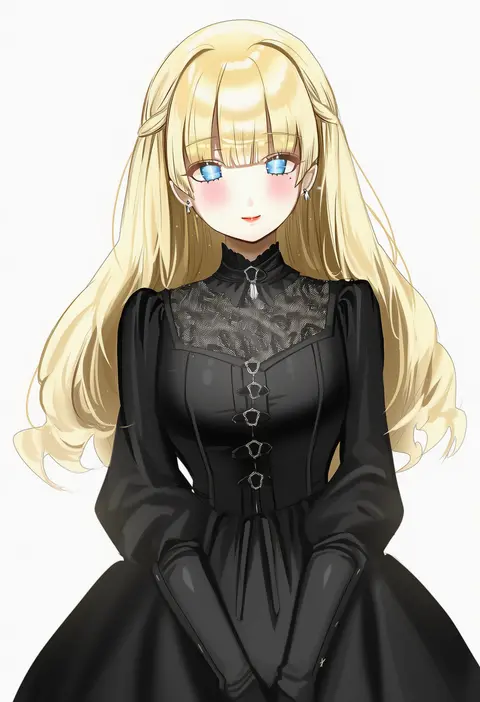
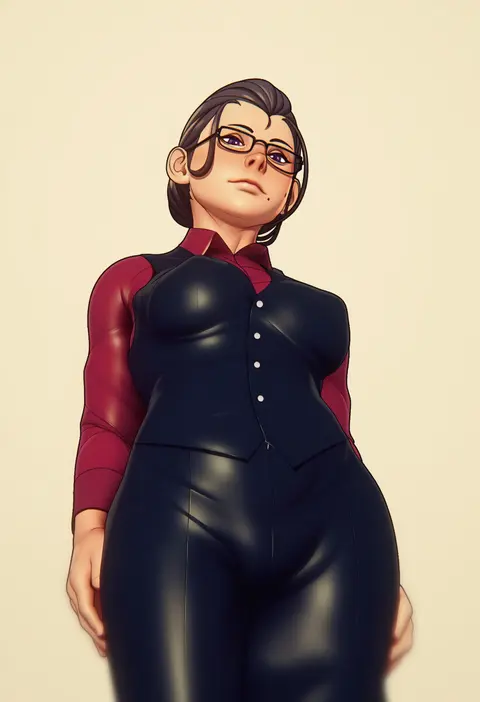
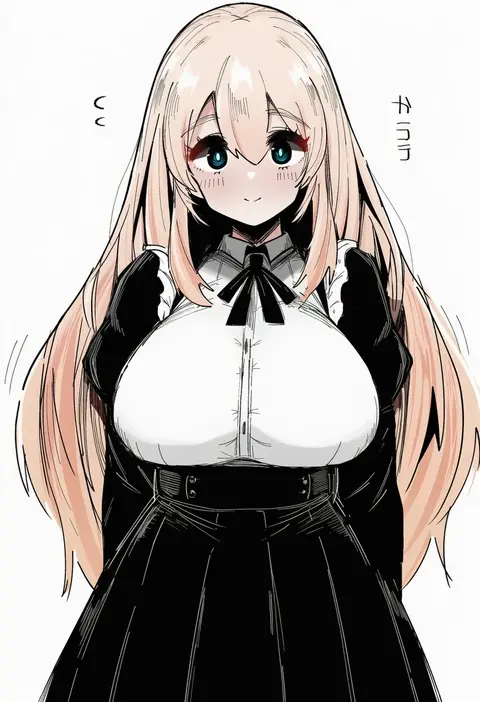
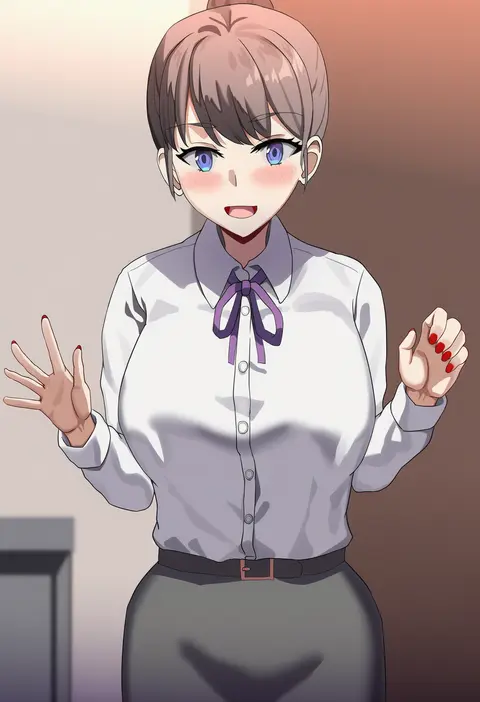
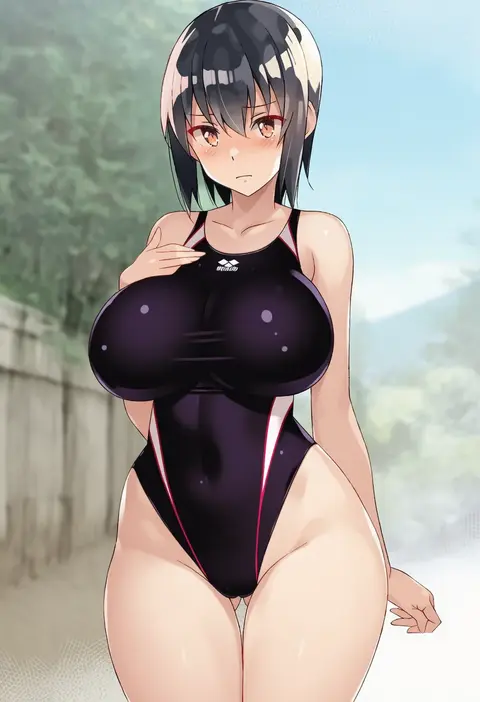
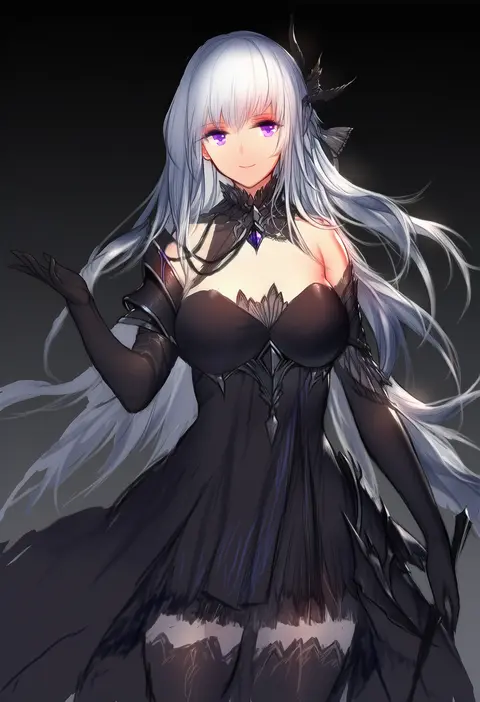
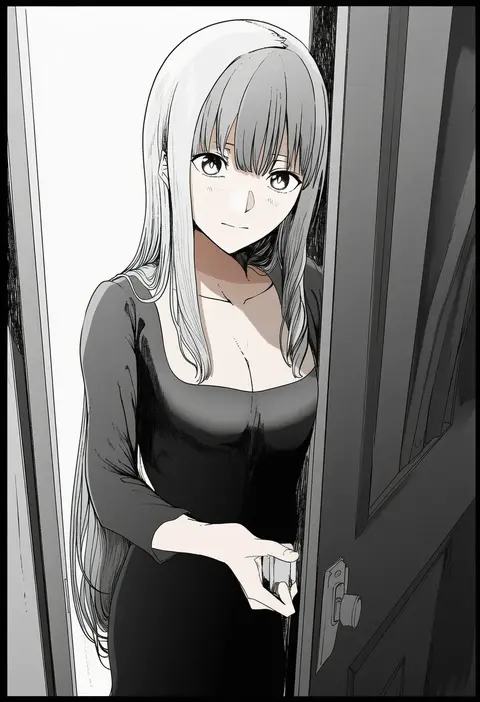
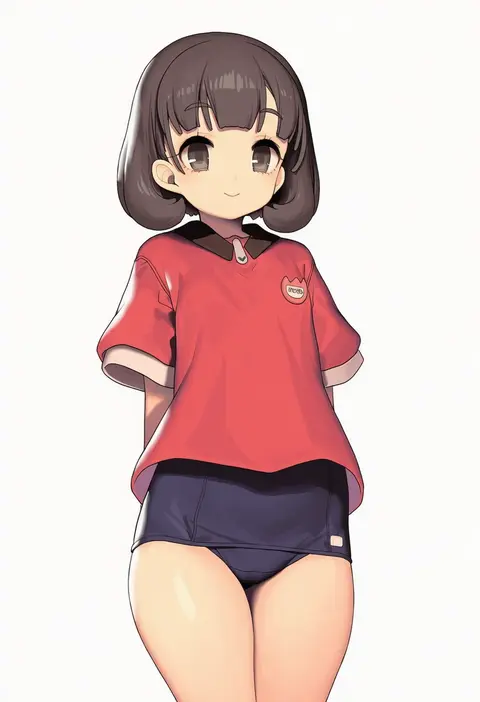
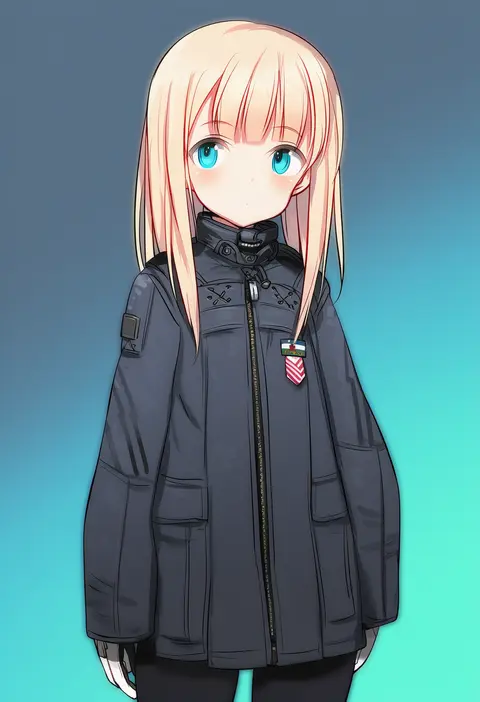
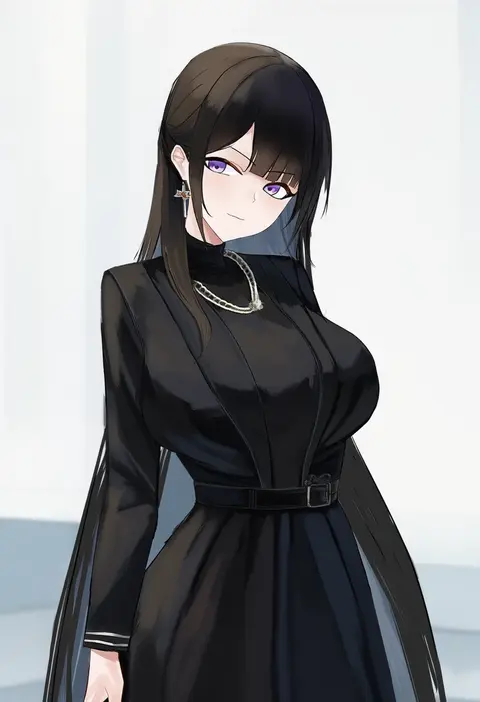
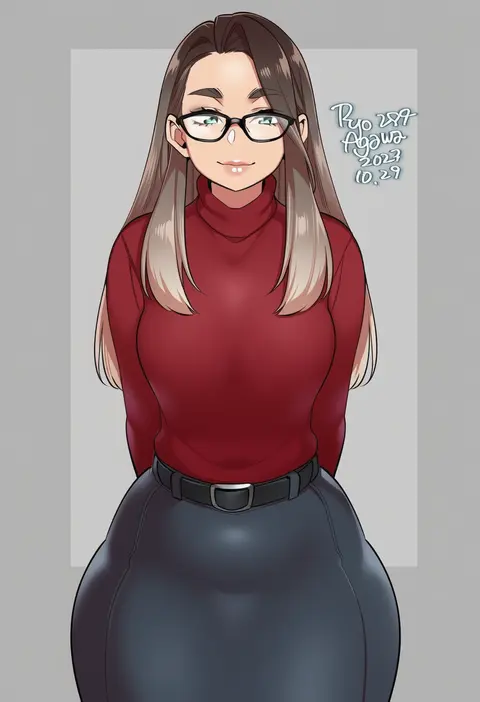
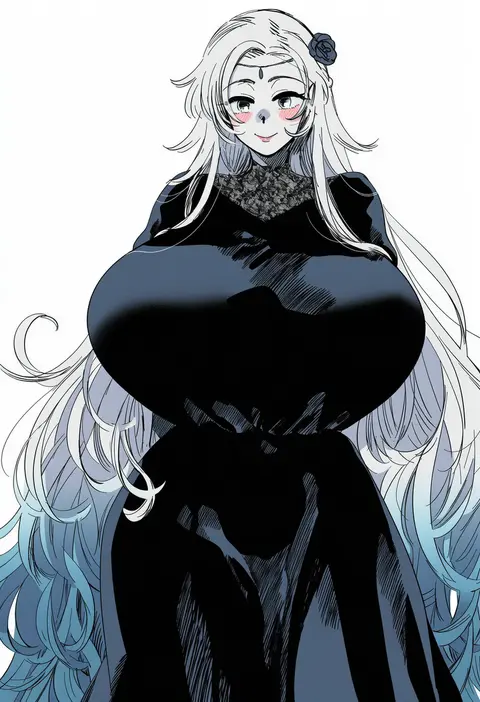
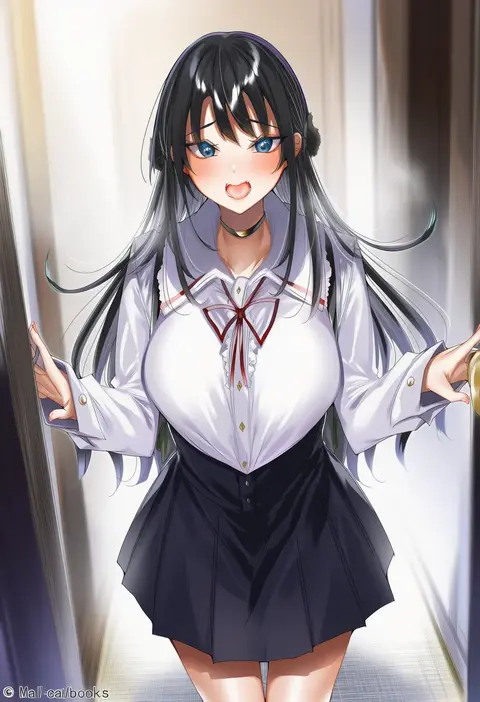
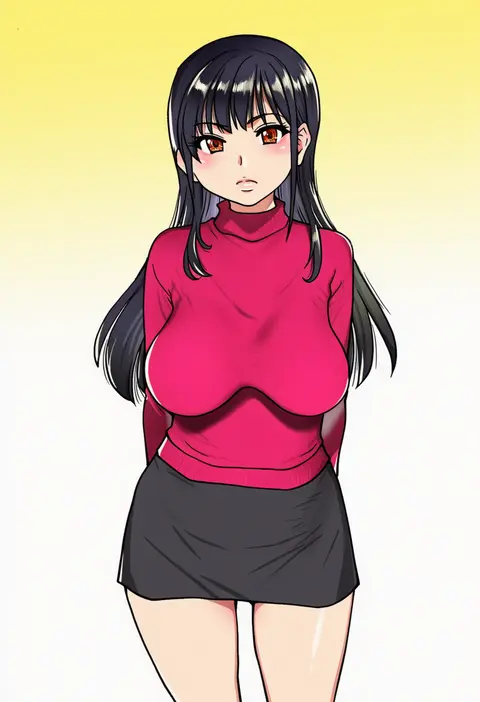
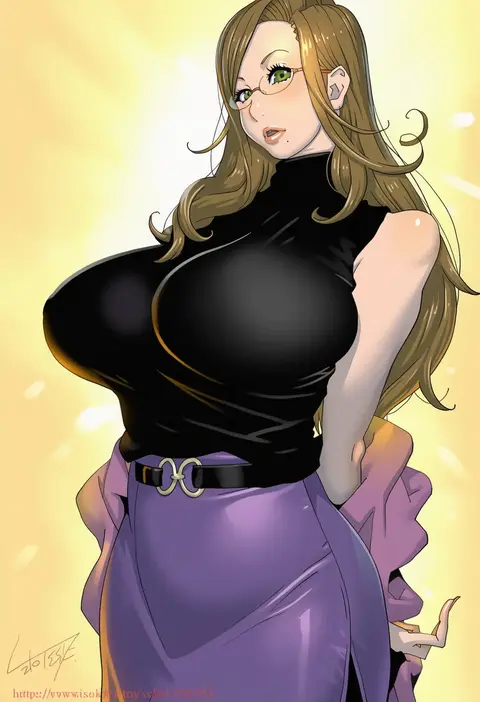
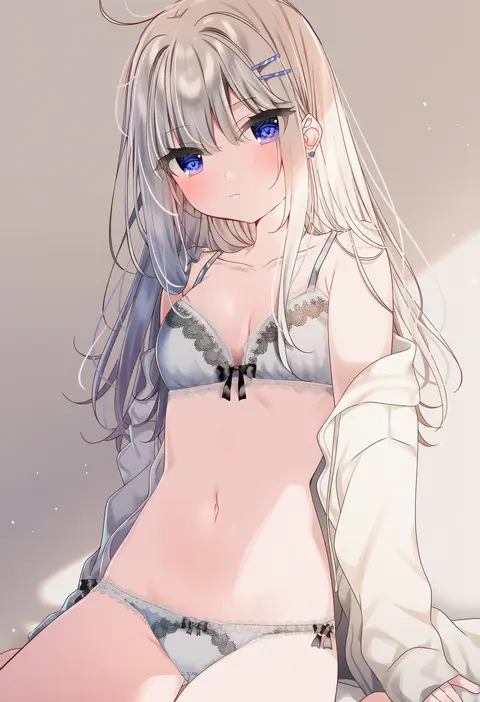
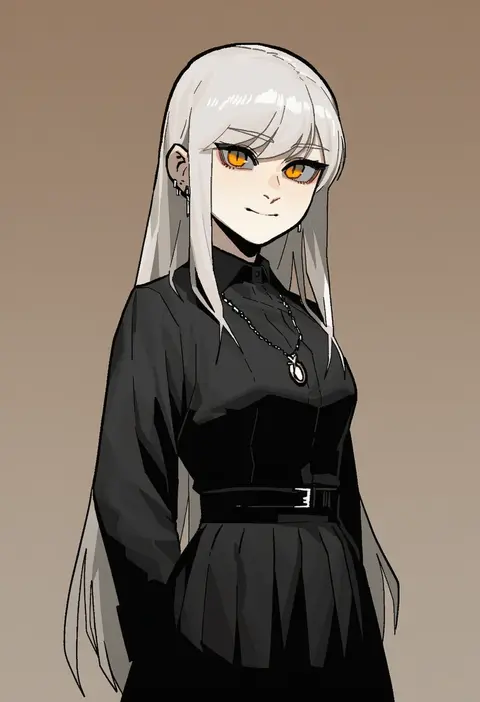
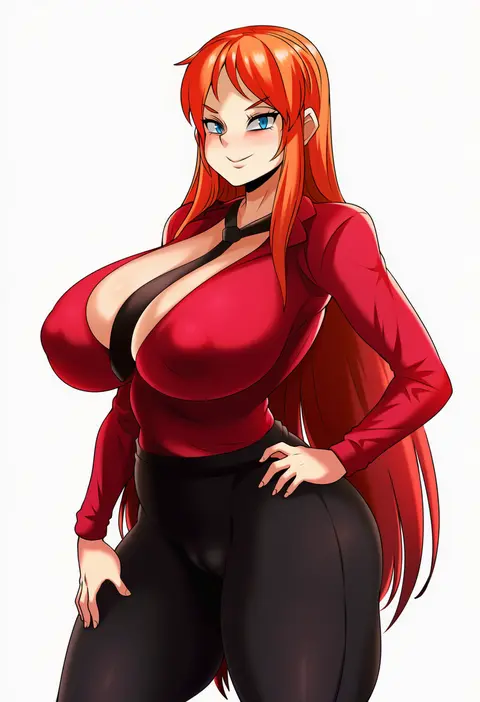
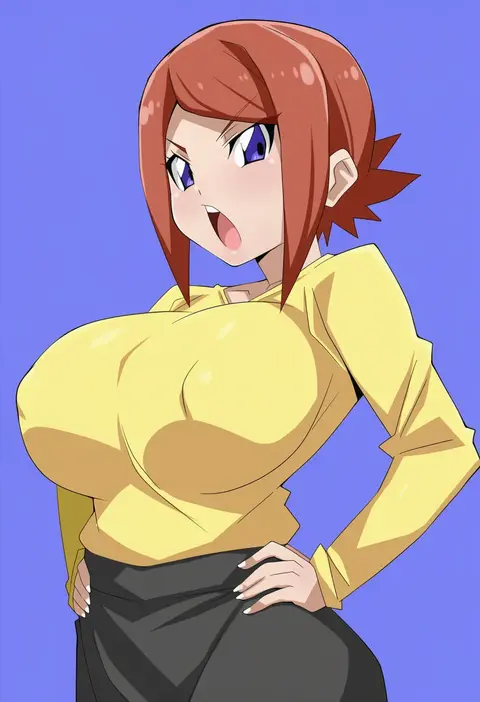
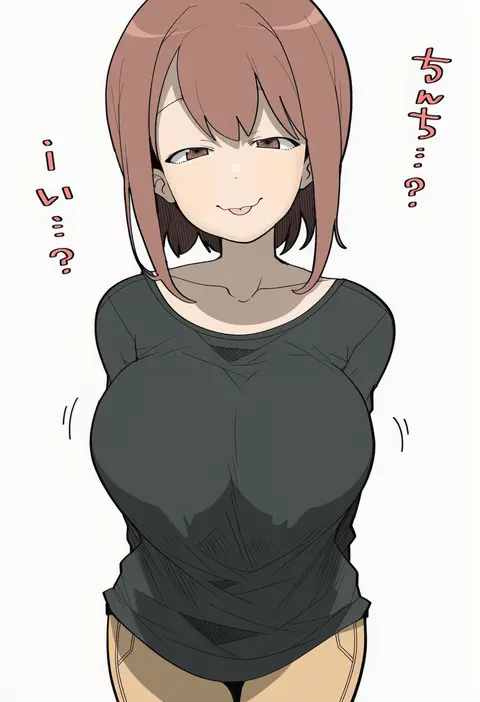
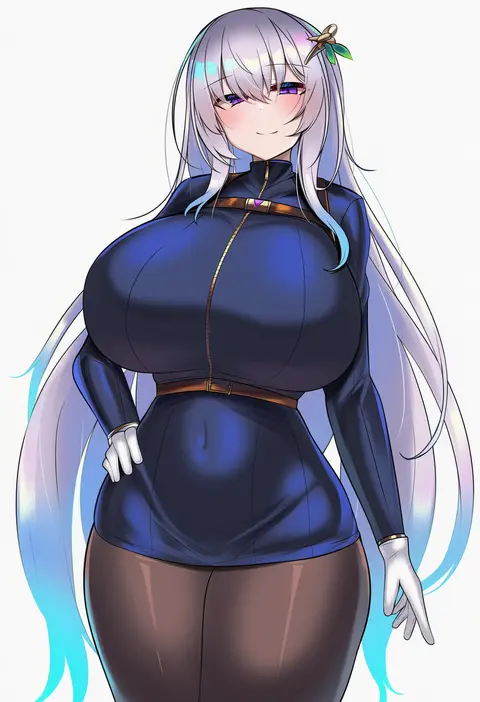
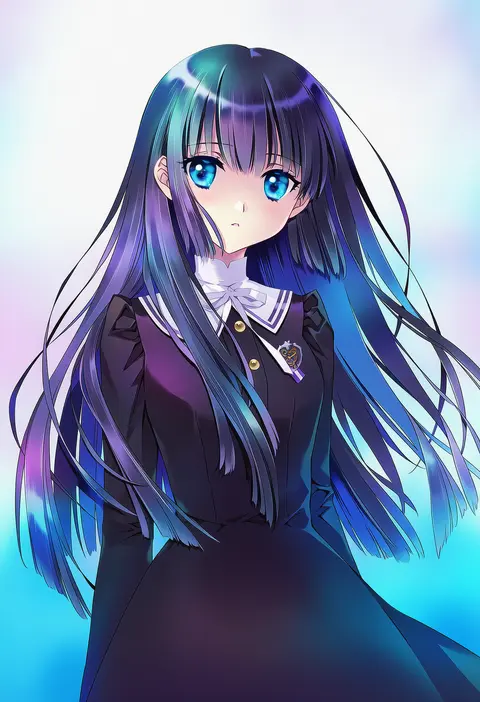
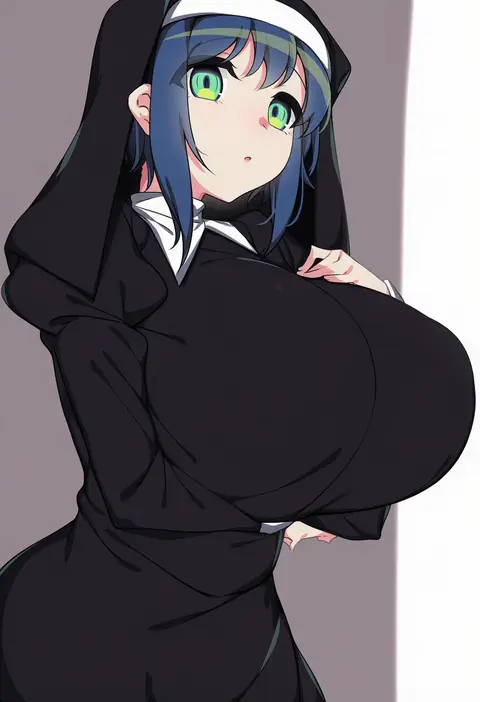
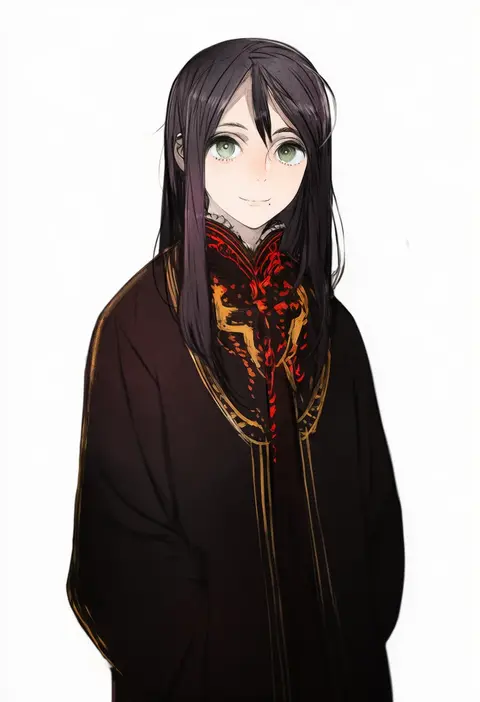
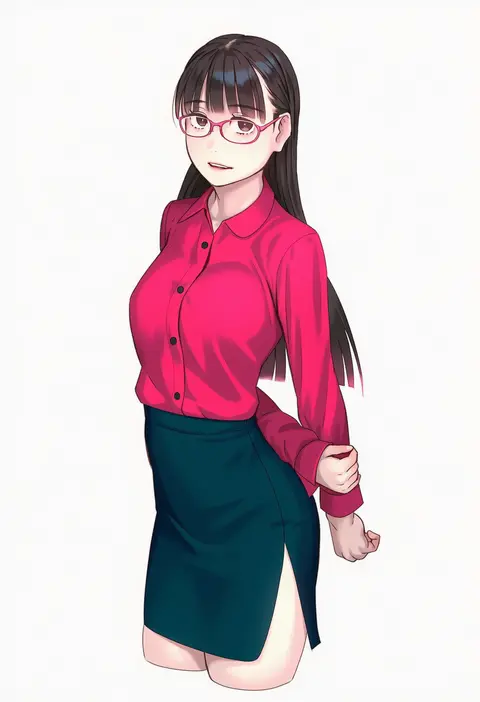
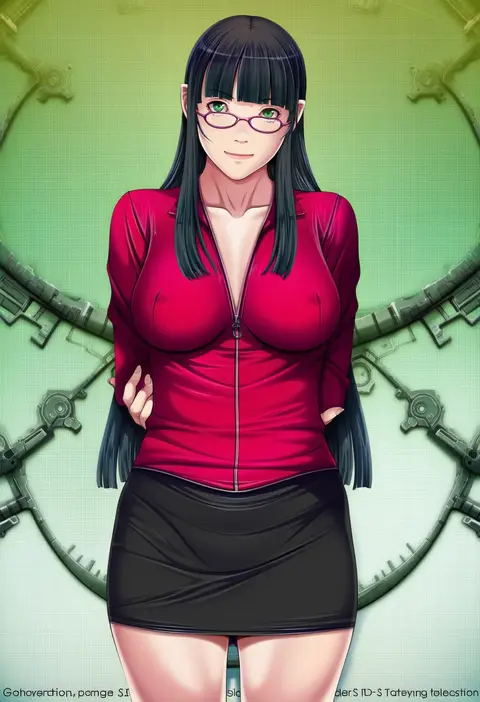
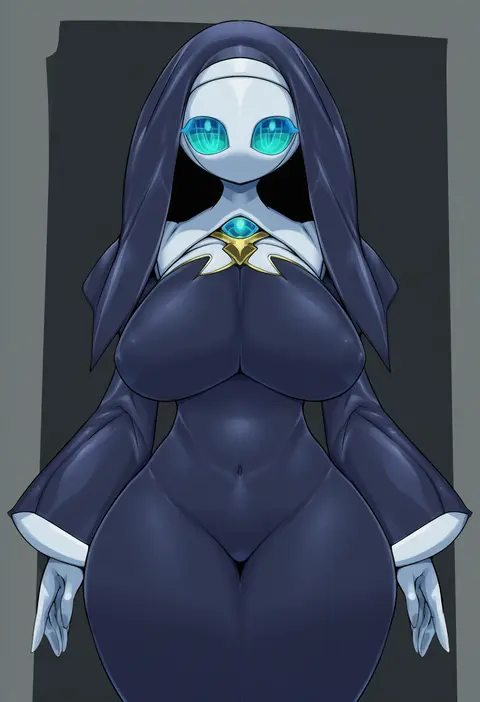
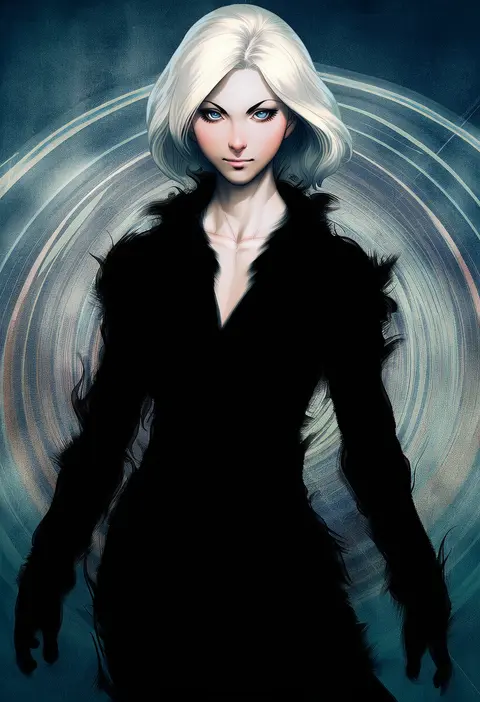
Every tag listed here is verified to react in NovelAI. All images use the same prompt, seed and settings with only the artist tag swapped, so the difference between two images is the style that tag brings in.

How to use them

Put the artist tag near the front of the prompt, e.g. "<artist>, 1girl, solo, best quality, masterpiece, cowboy shot". Two or three artist tags blend styles; lower the weight with "0.8::<artist>::" when the style overpowers the character.

SCORE sorts by Danbooru's top score, POSTS by post count, FAVS by hearts on this site. Open a card to see V5 and V4.5 side by side on the same seed.

V5 vs V4.5

V5 usually lands closer to the artist's real style, and tags that did nothing on V4.5 often react on V5. V4.5 still fits older and doujin-heavy artists better. Try V5 first, fall back to V4.5.

FAQ

Where does the artist tag go?
Near the front of the prompt. Use "0.8::tag::" to adjust its weight.

Can I stack artist tags?
Yes, styles blend. Past two or three the result stops looking like anyone.

Are these the artists' own works?
No. Every image is a NovelAI sample generated from the tag.