V4.5Artists
sort: FAVS▾
▾
>
$

NovelAI Artist Tags List — V4.5

artist --count 16,352[10/273]
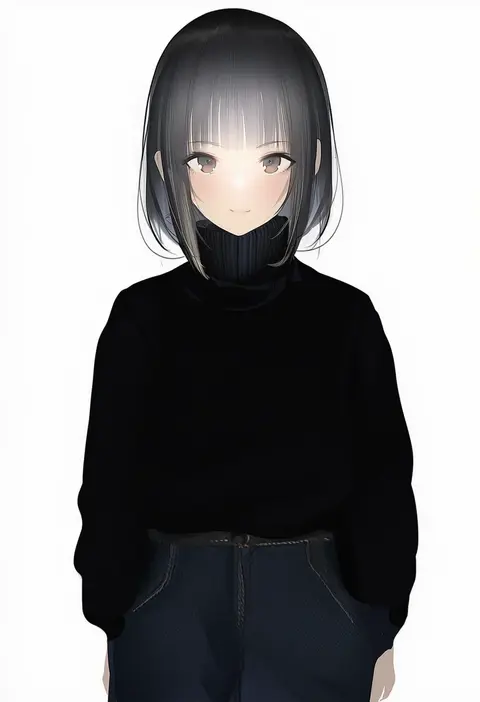
kaede (sayappa)
ARTIST0x021C
2
kittew
ARTIST0x021D
2
topu
ARTIST0x021E
2
garouma
ARTIST0x021F
2
pepper0
ARTIST0x0220
2
kuroi suna
ARTIST0x0221
2
neps-l
ARTIST0x0222
2
ndgd
ARTIST0x0223
2
inukai mofu
ARTIST0x0224
2
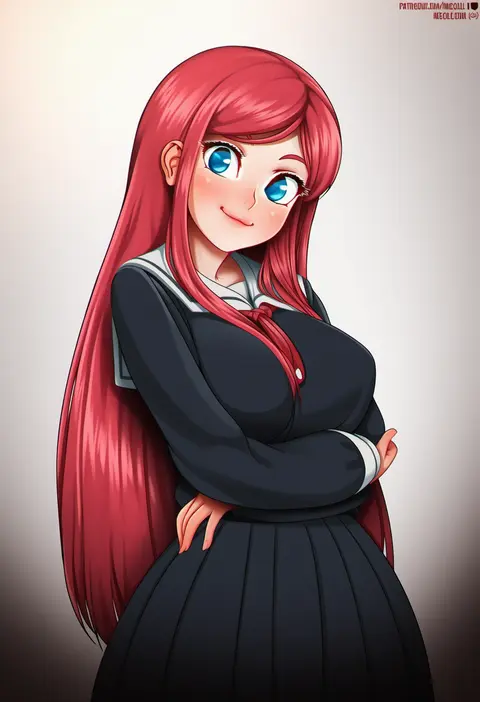
neocoill
ARTIST0x0225
2
piukute062
ARTIST0x0226
2
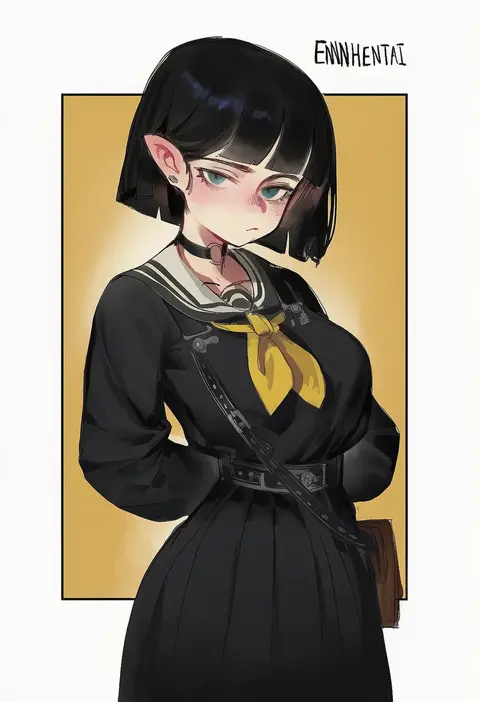
enn matien
ARTIST0x0227
2
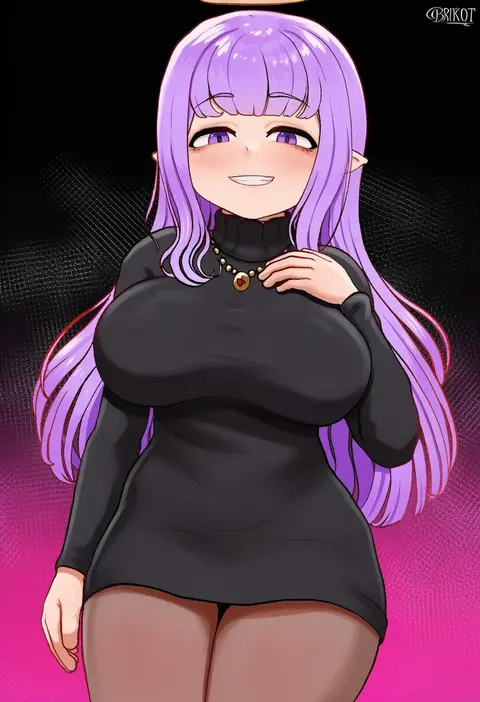
brikot
ARTIST0x0228
2
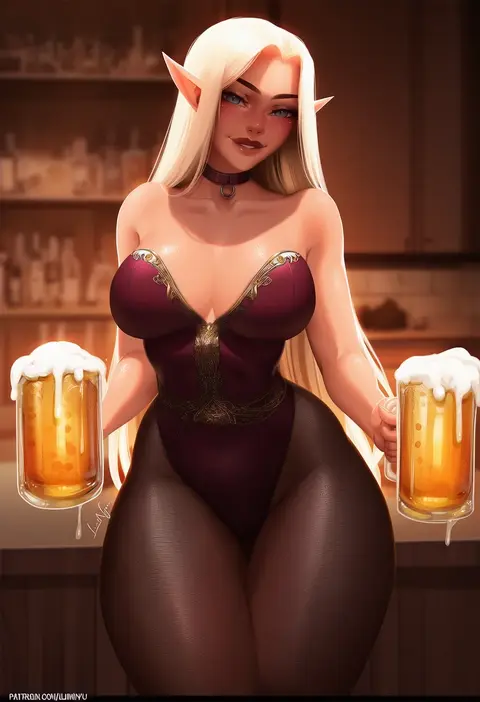
luminyu
ARTIST0x0229
2
smewed
ARTIST0x022A
2
asamura hiori
ARTIST0x022B
2
prab
ARTIST0x022C
2
camonome
ARTIST0x022D
2
optionaltypo
ARTIST0x022E
2
smilesmile1312
ARTIST0x022F
2
soso (chlgksk110)
ARTIST0x0230
2
pudgeruffian
ARTIST0x0231
2
gusha s
ARTIST0x0232
2
rakeemspoon
ARTIST0x0233
2
ririko (fhnngririko)
ARTIST0x0234
2
ruberule
ARTIST0x0235
2
goumudan
ARTIST0x0236
2
z282g
ARTIST0x0237
2
puzenketsu
ARTIST0x0238
2
twistedscarlett60
ARTIST0x0239
2
hoshi usagi
ARTIST0x023A
2
hot vr
ARTIST0x023B
2
kurowa
ARTIST0x023C
2
gibun (sozoshu)
ARTIST0x023D
2
sixteenpo
ARTIST0x023E
2
92m
ARTIST0x023F
2
naokomama
ARTIST0x0240
2
queasy s
ARTIST0x0241
2
fujieda uzuki
ARTIST0x0242
2
tofuubear
ARTIST0x0243
2
nyatabe
ARTIST0x0244
2
kusana (dudqja602)
ARTIST0x0245
2
nanoless
ARTIST0x0246
2
iranon (new iranon)
ARTIST0x0247
2
donburi (donburikazoku)
ARTIST0x0248
2
guilegaze
ARTIST0x0249
2
shironekokfp
ARTIST0x024A
2
papino
ARTIST0x024B
2
mako (makoda)
ARTIST0x024C
2
kiriko (araragikoyomi)
ARTIST0x024D
2
aoi sakura (seak5545)
ARTIST0x024E
2
xe (execut3r)
ARTIST0x024F
2
yunkaiming
ARTIST0x0250
2
as109
ARTIST0x0251
2
speedoru
ARTIST0x0252
2
raigyo (mk48torpedo)
ARTIST0x0253
2
wonbin lee
ARTIST0x0254
2
kein v
ARTIST0x0255
2
rinhee
ARTIST0x0256
2
aster crowley
ARTIST0x0257
2

What these tags change

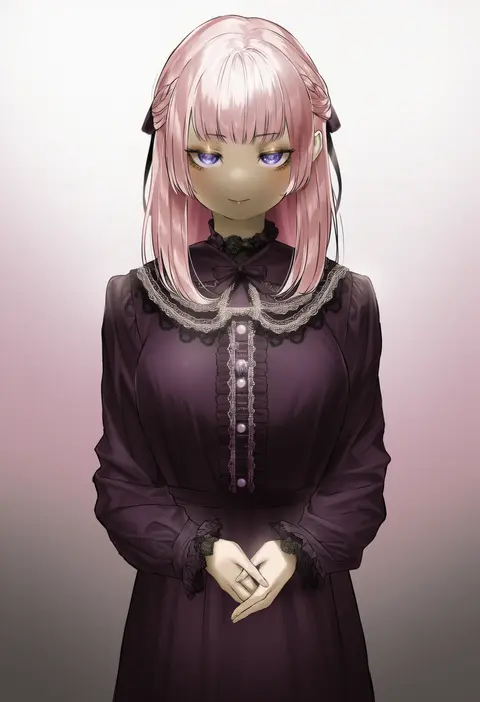
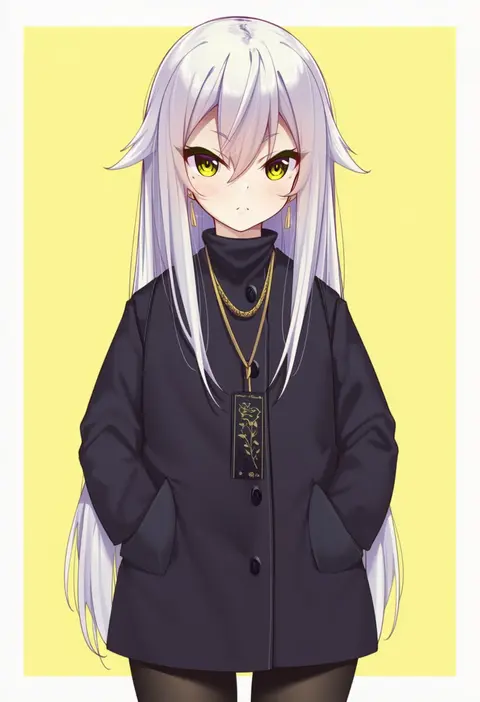
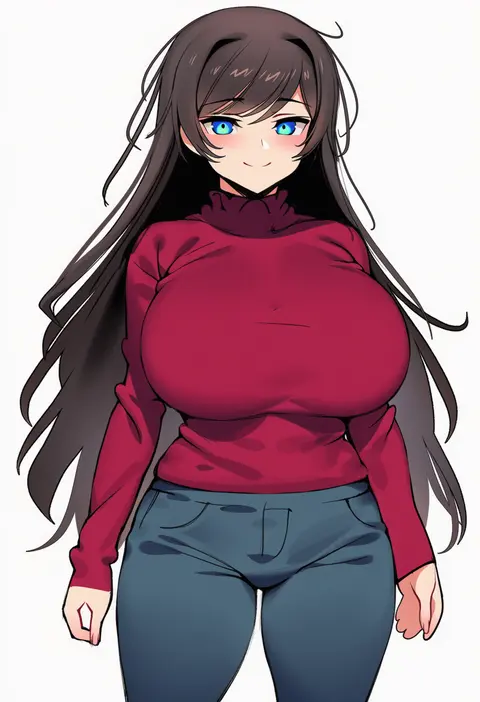
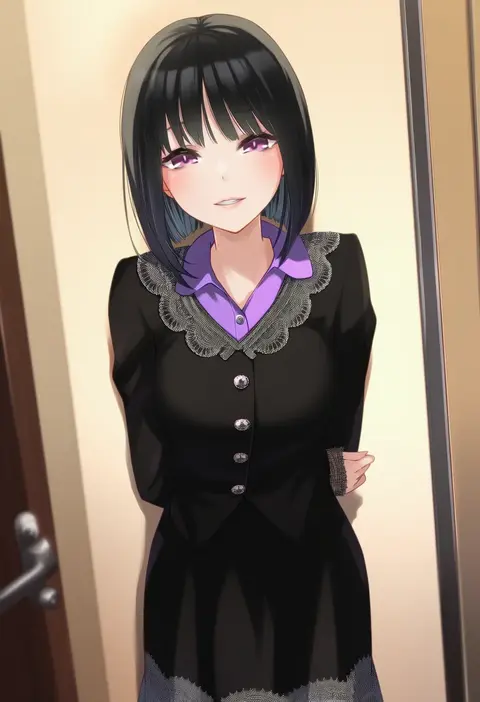
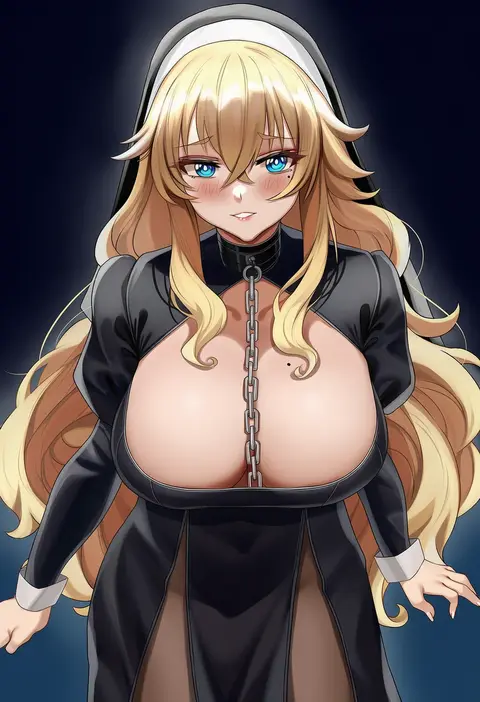
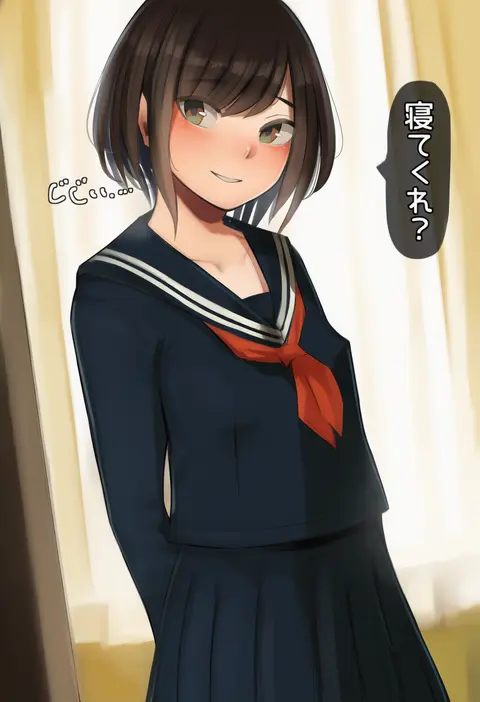
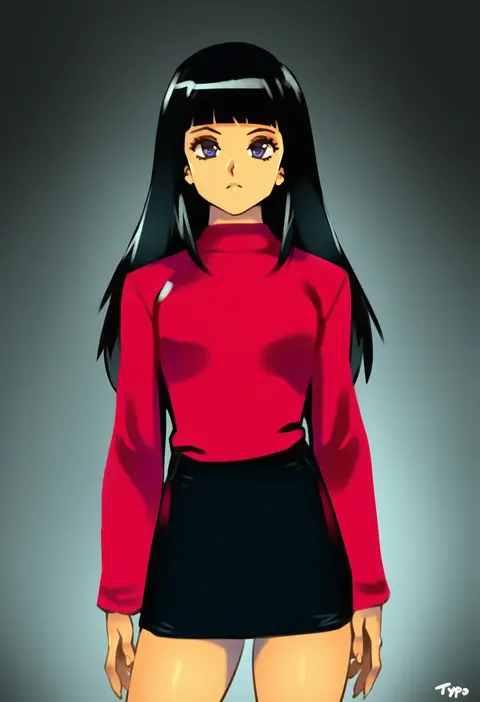
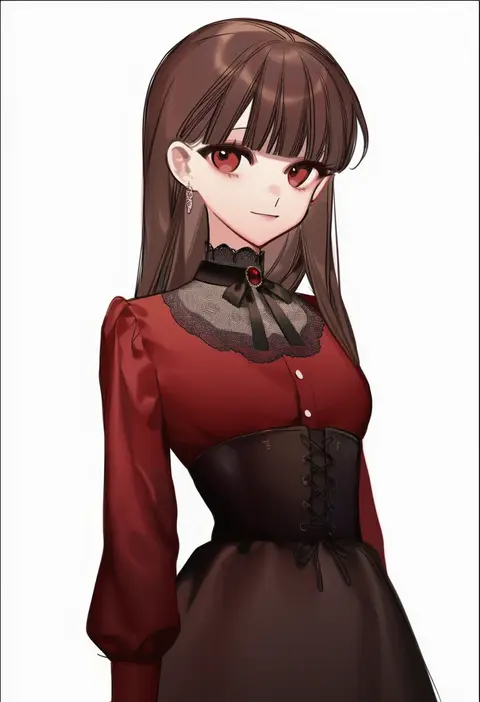
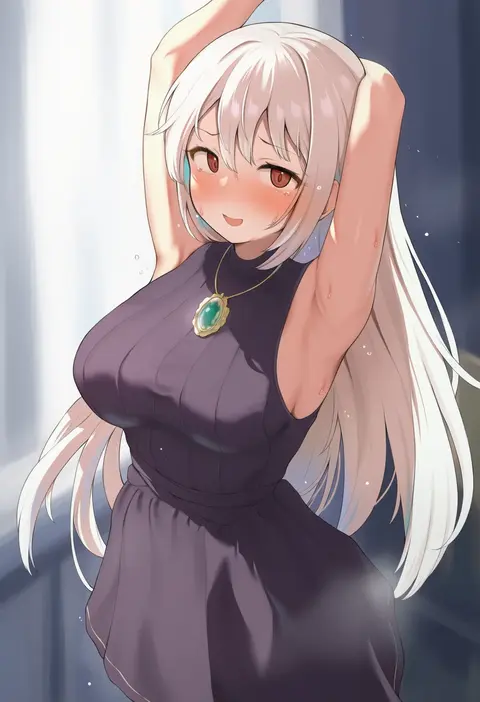
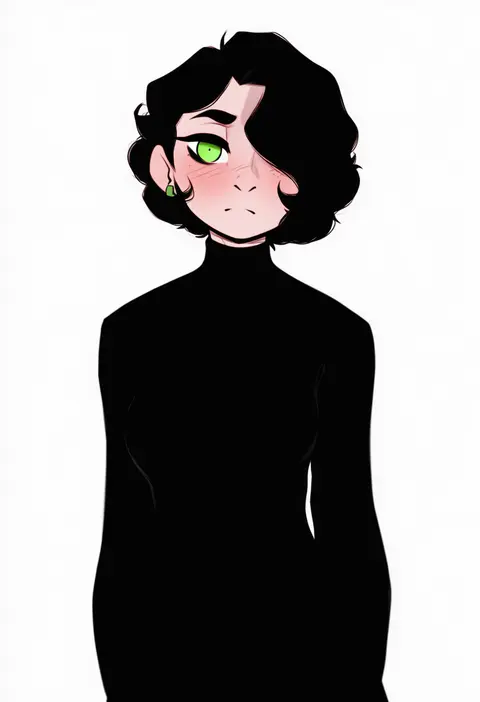
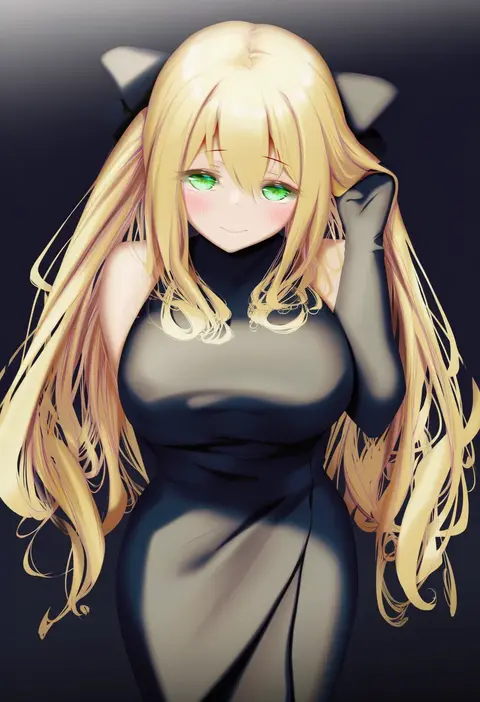
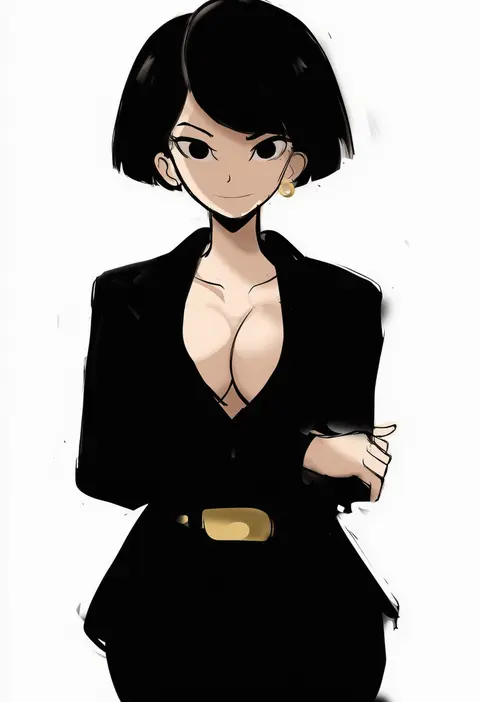
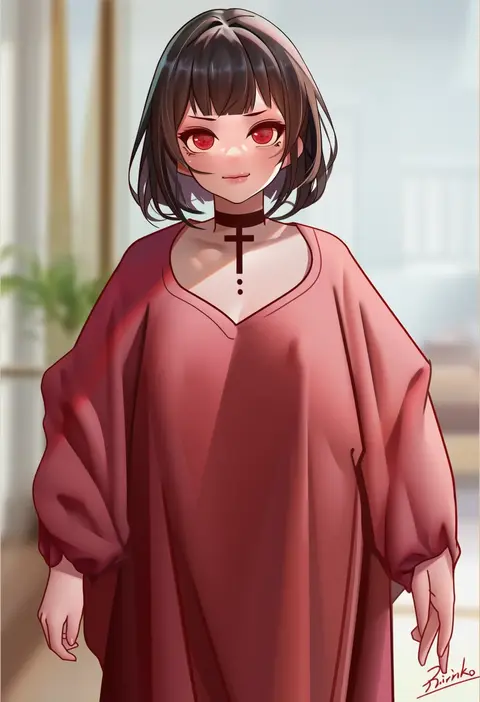
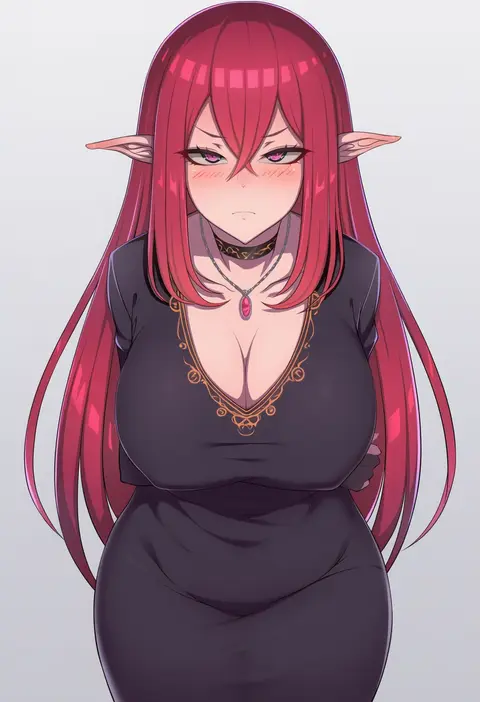
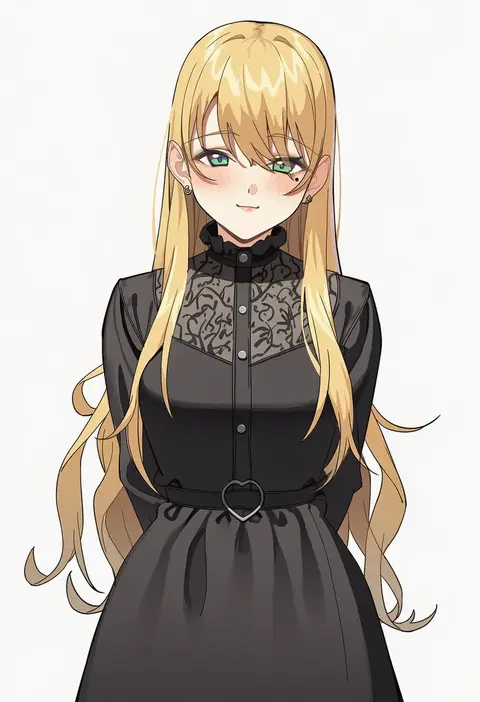
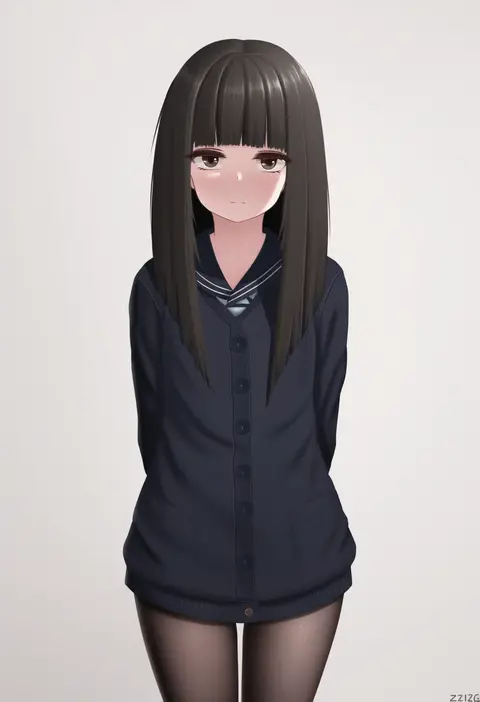
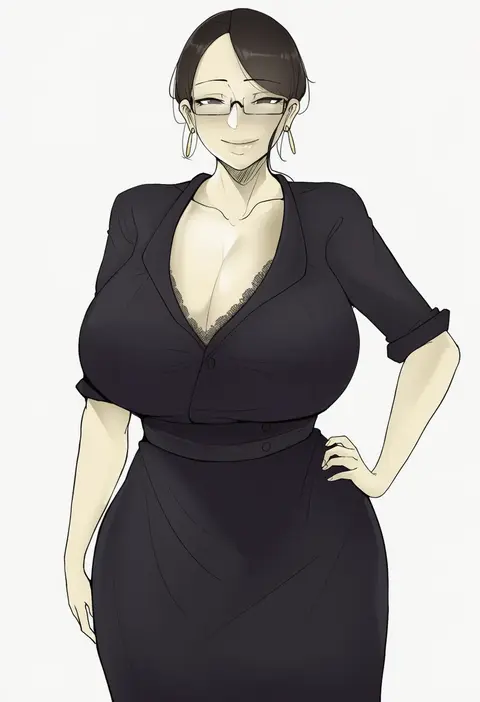
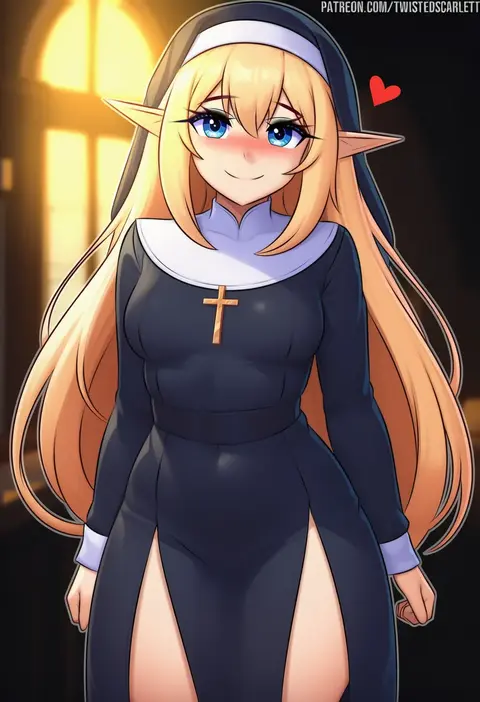
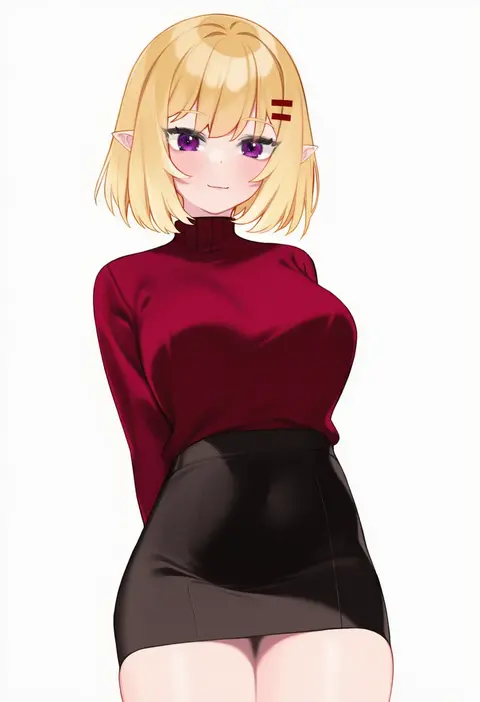
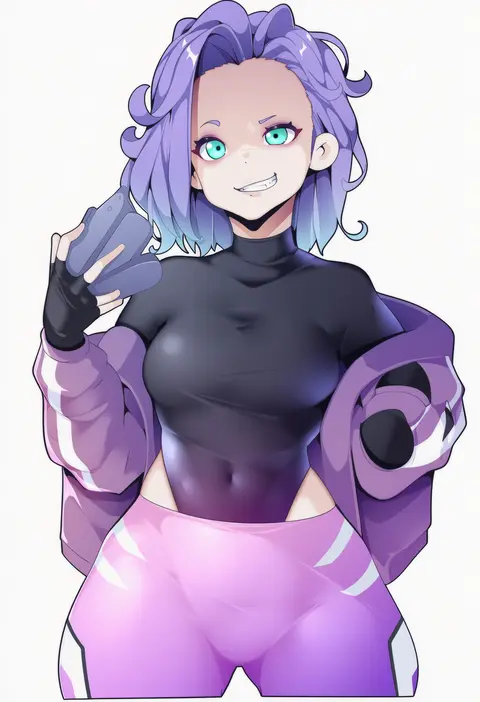
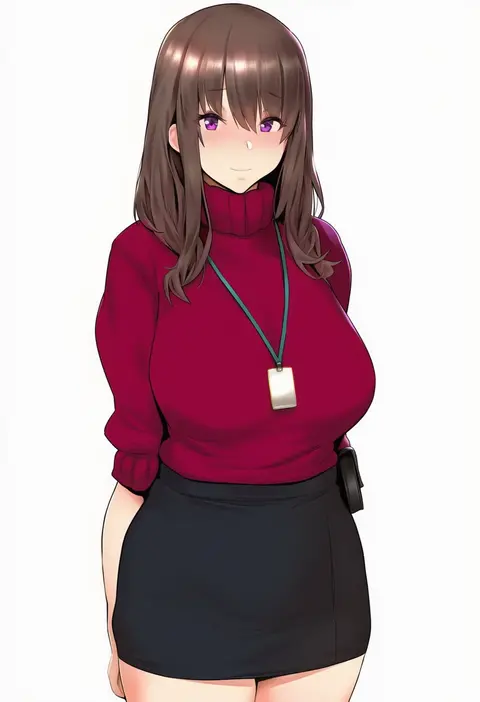
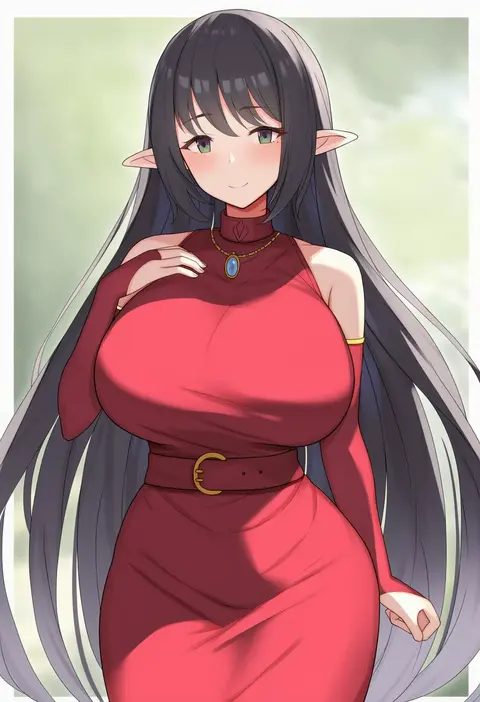
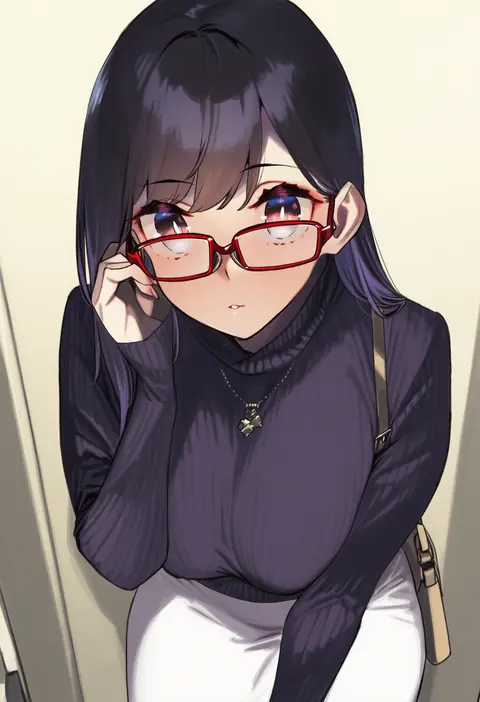
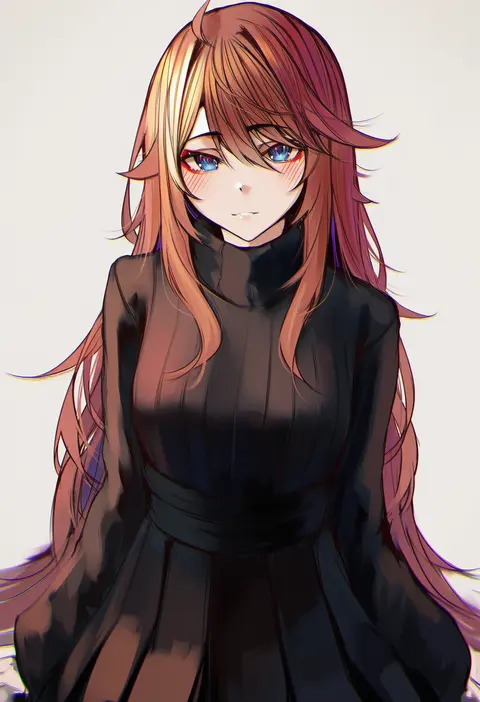
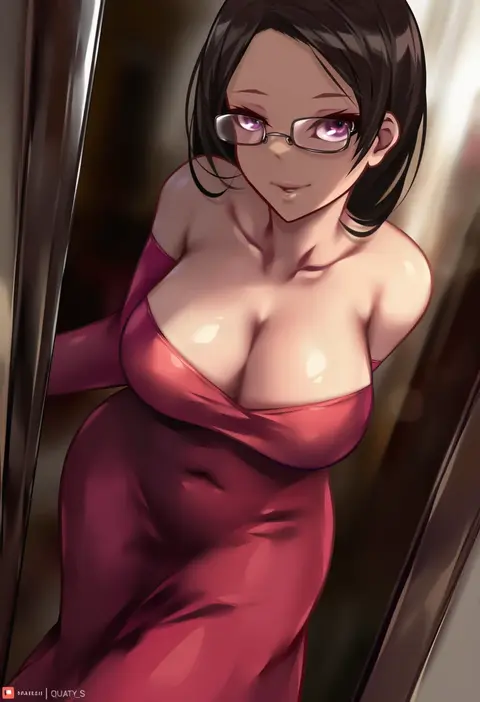
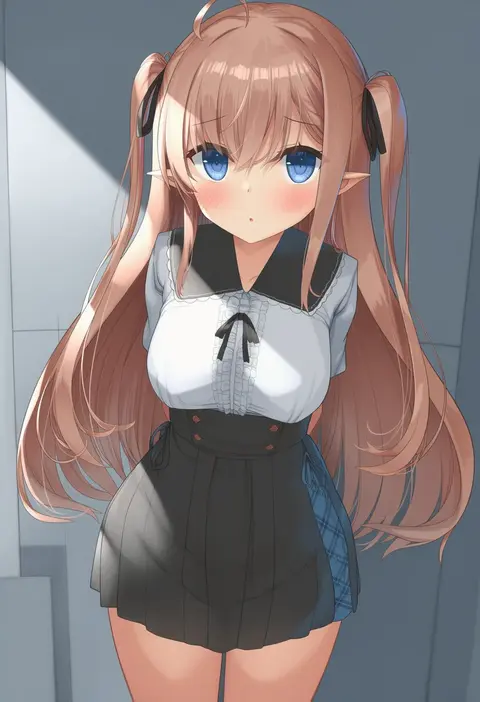
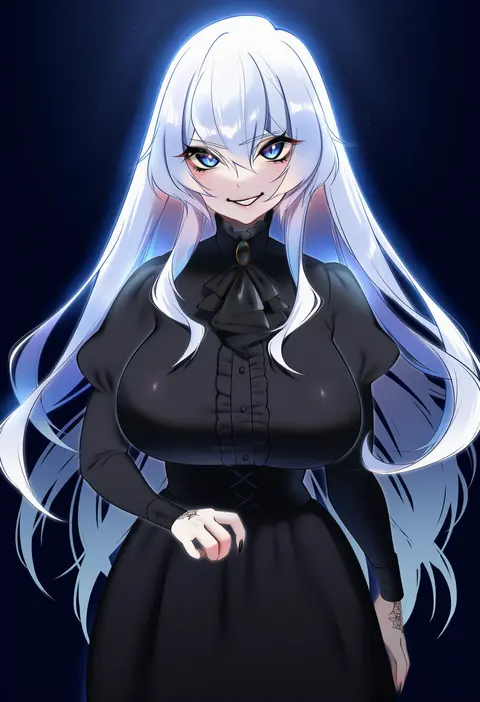
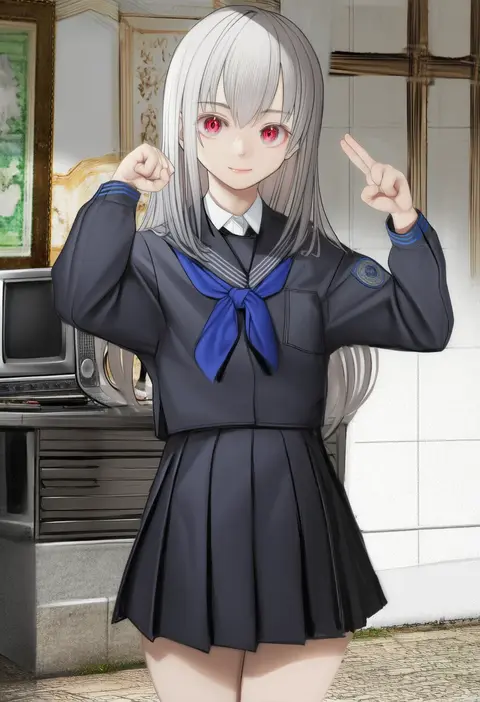
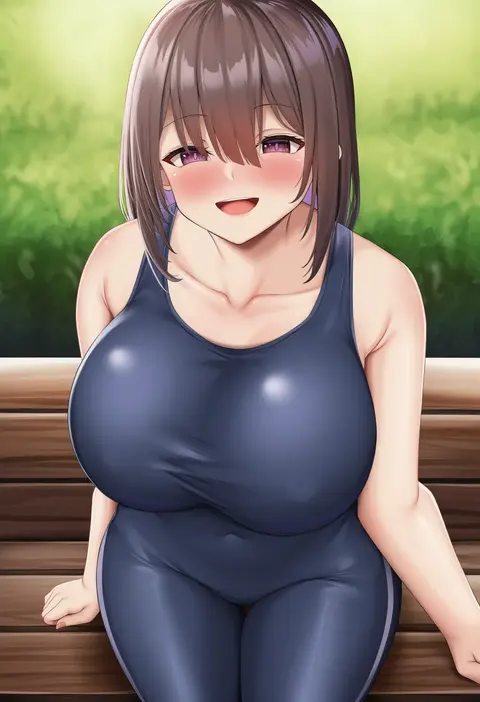
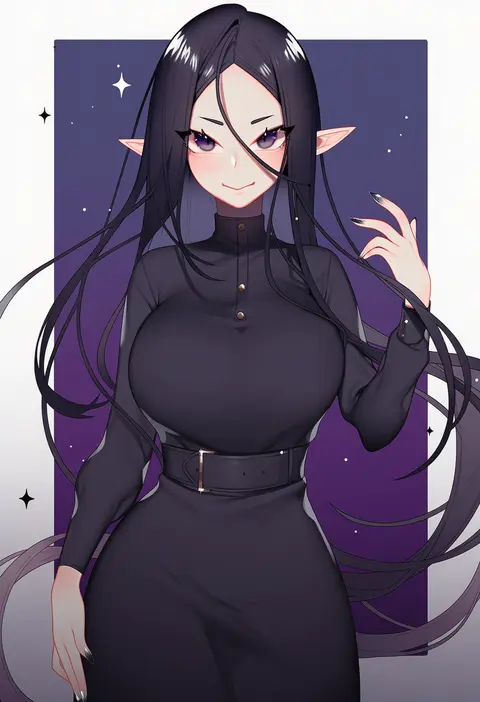
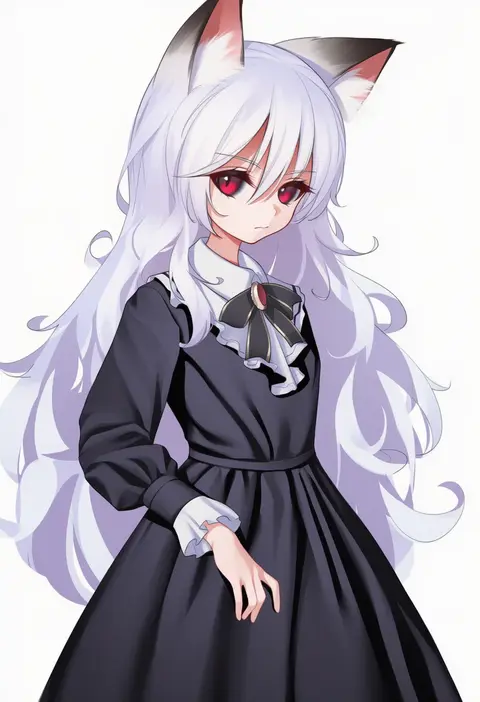
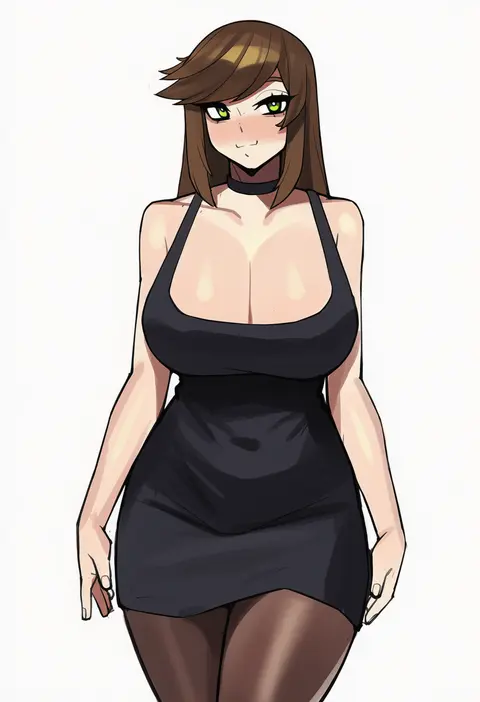
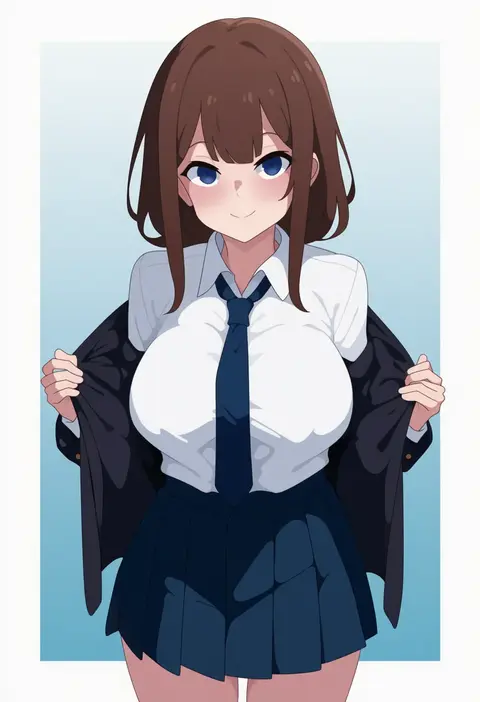
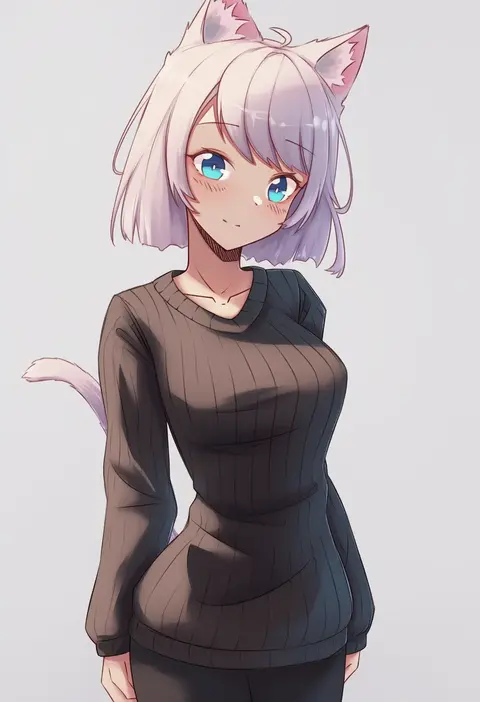
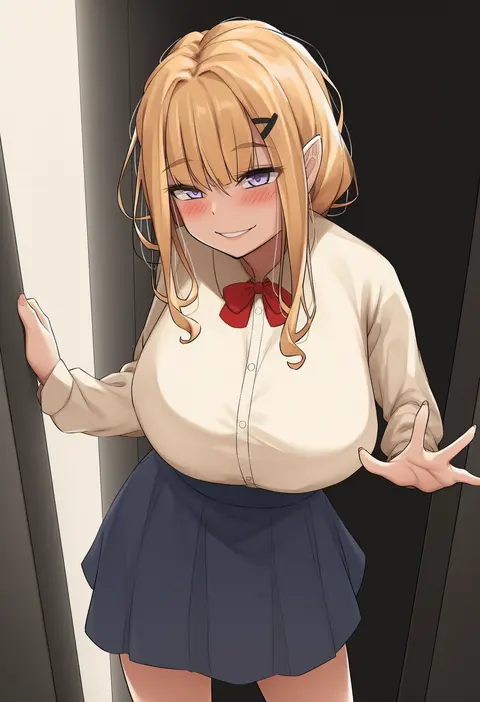
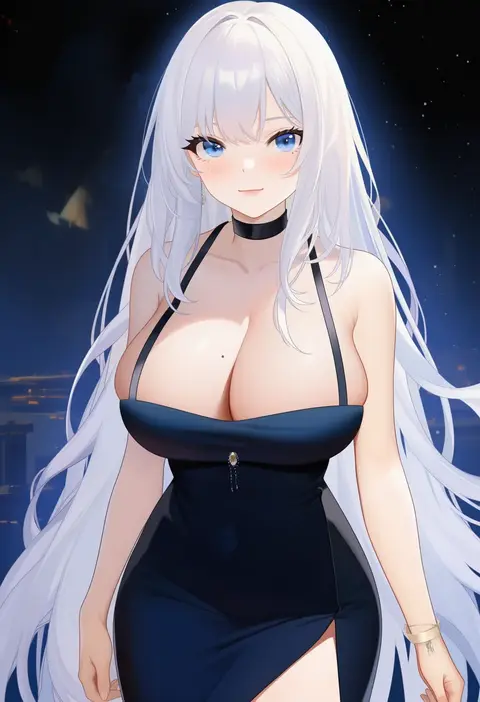
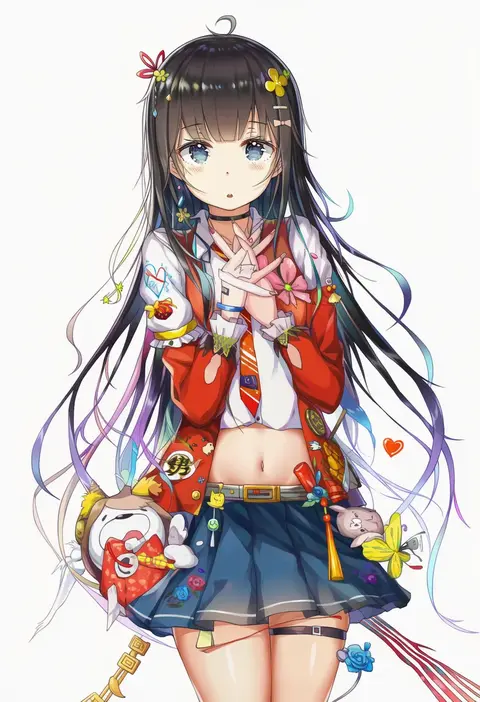
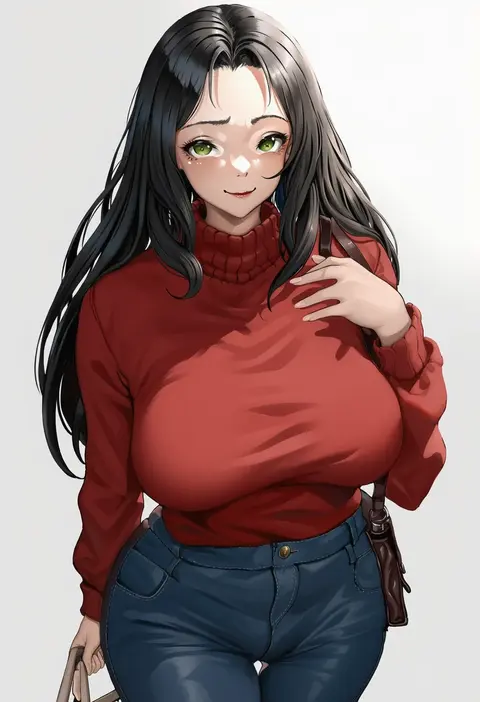
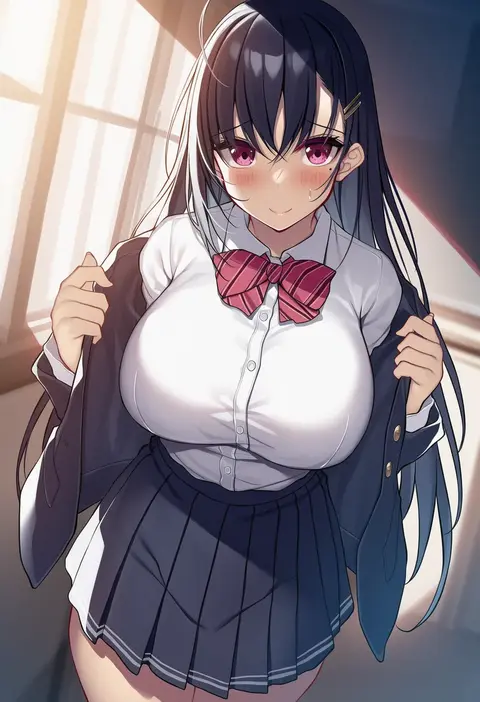
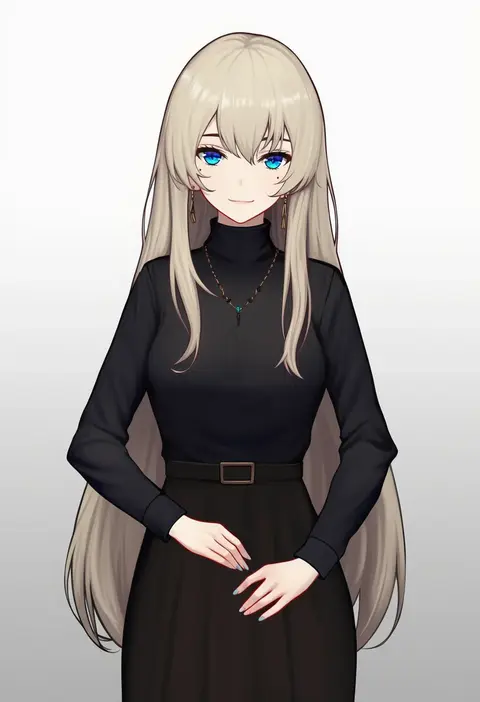
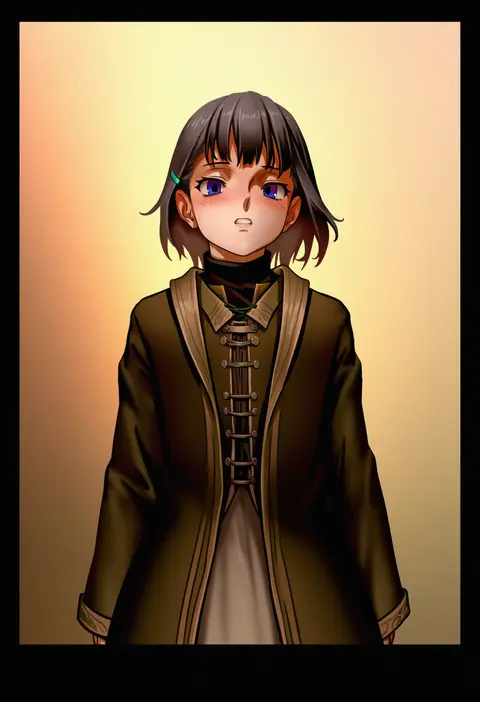
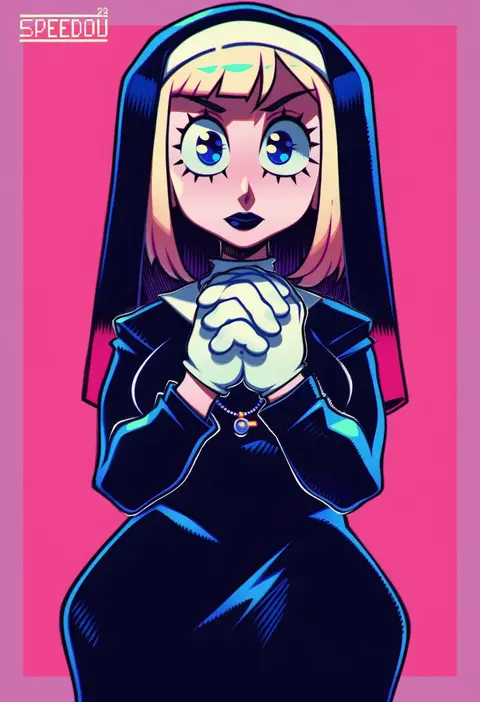
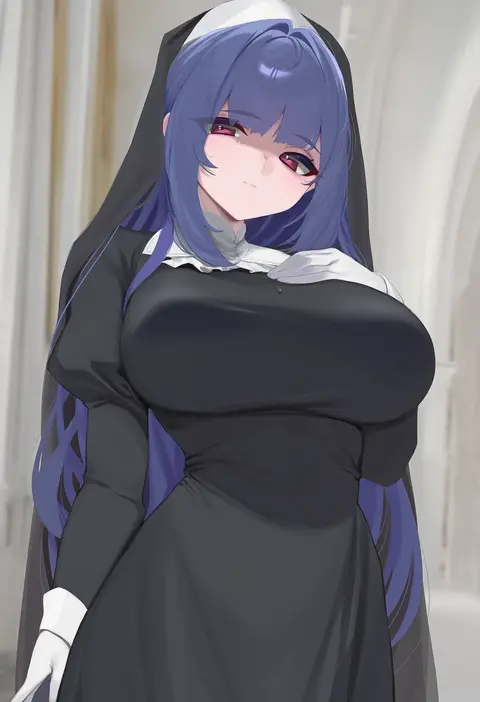
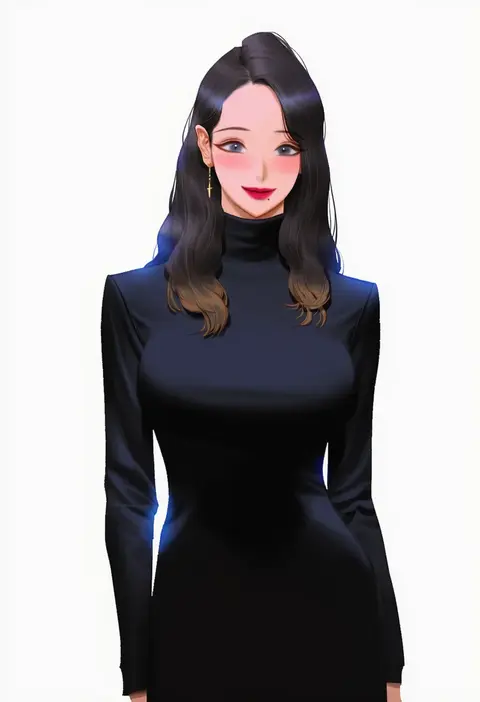
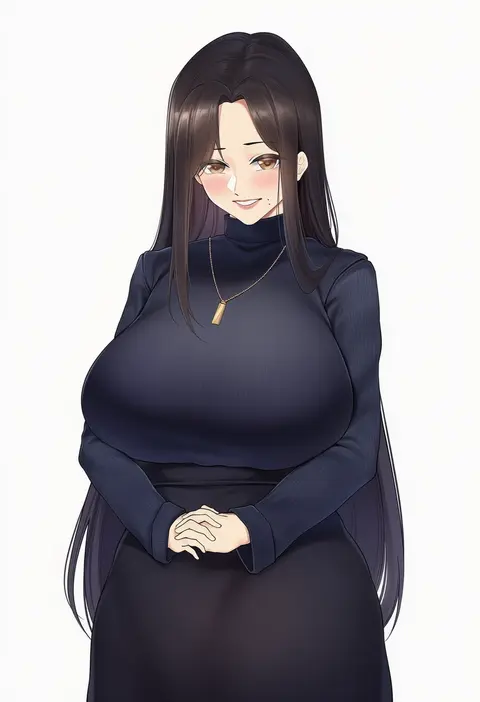
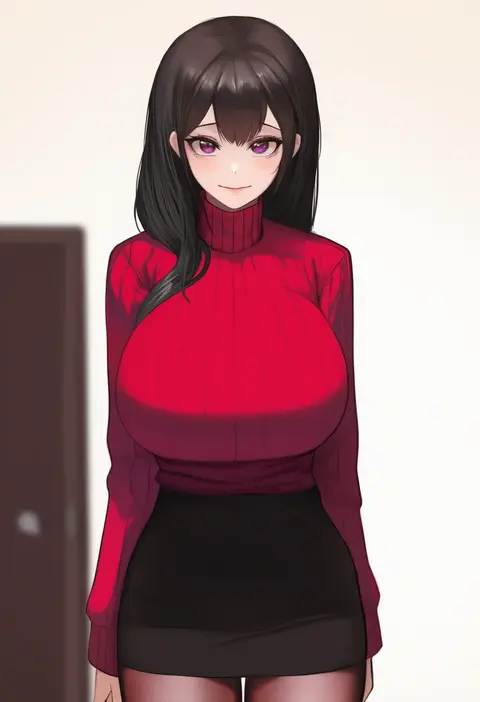
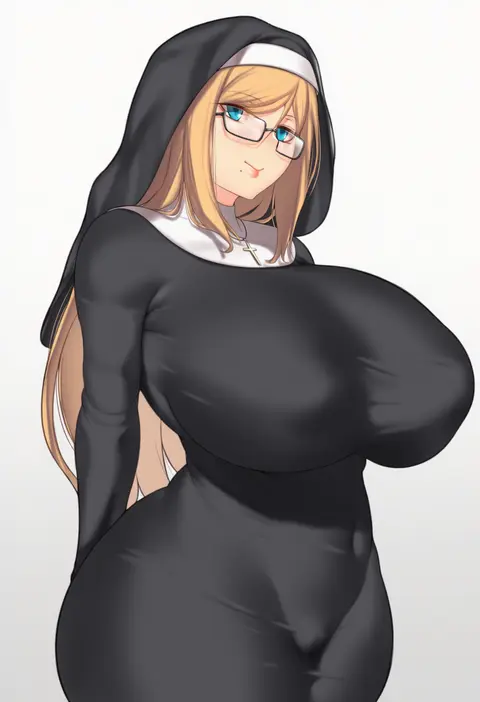
Artist tags tell NovelAI Diffusion to draw in a specific artist's style: line weight, paint texture, face shapes and palette all shift at once. Character and outfit tags decide what is drawn; artist tags decide how. 16,352 tags are listed for V4.5.
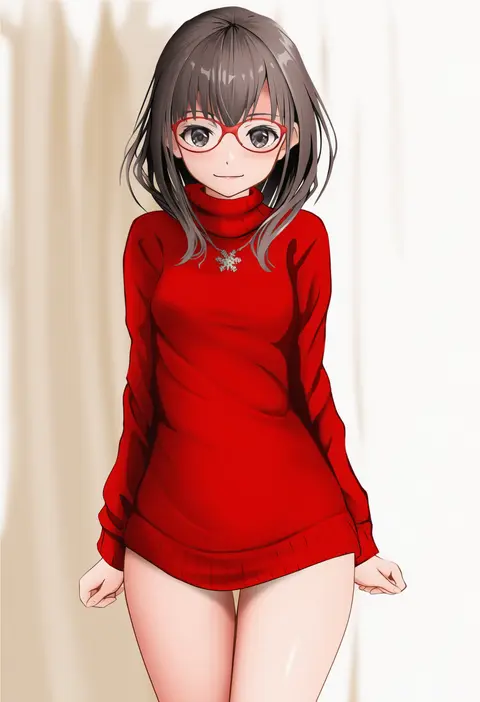
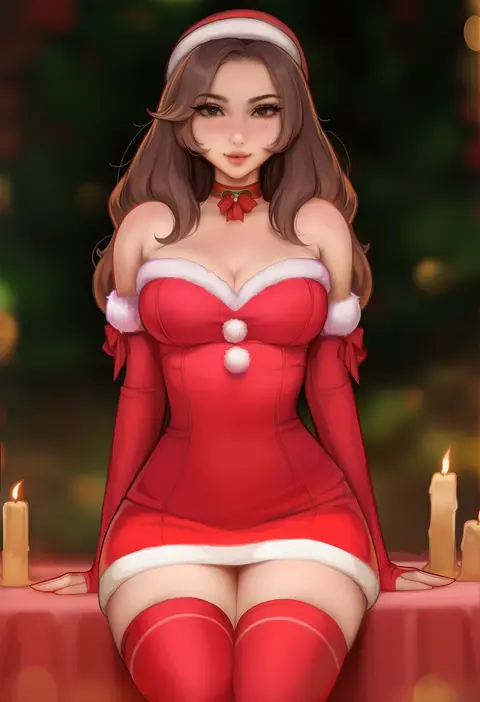
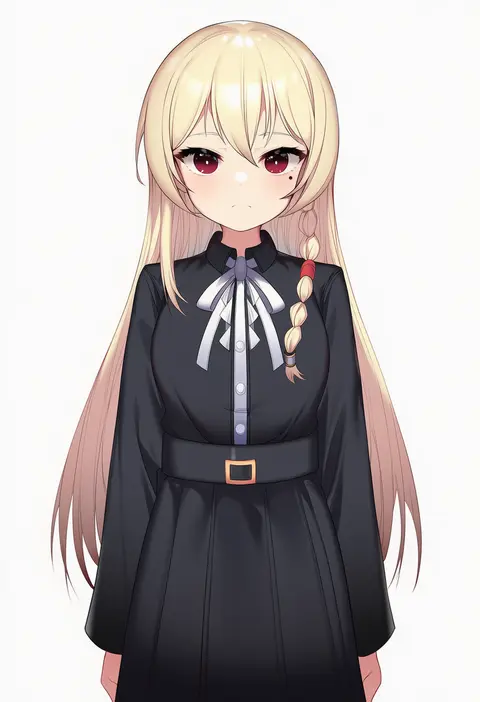
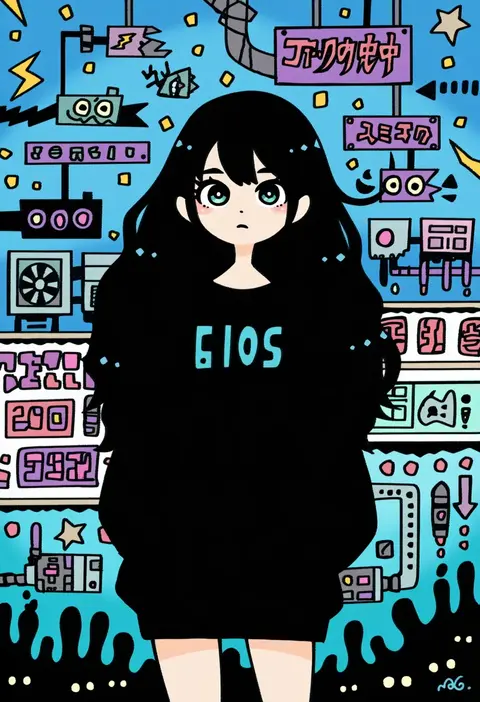
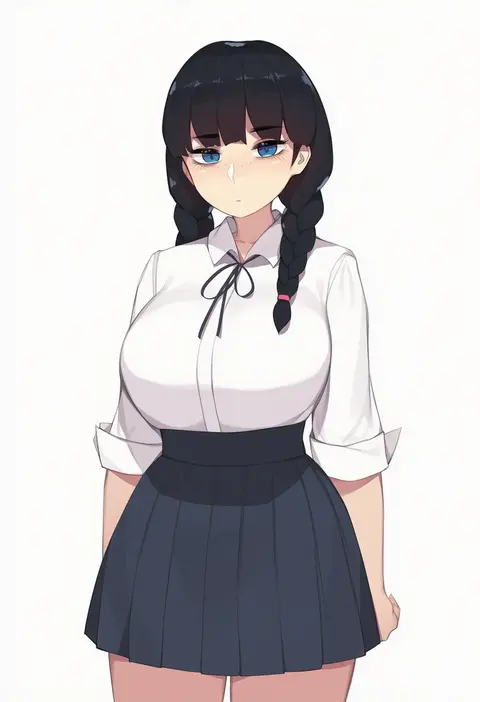
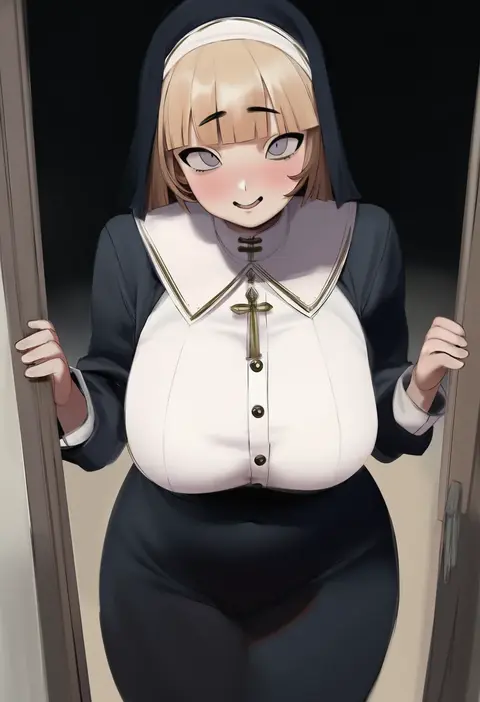
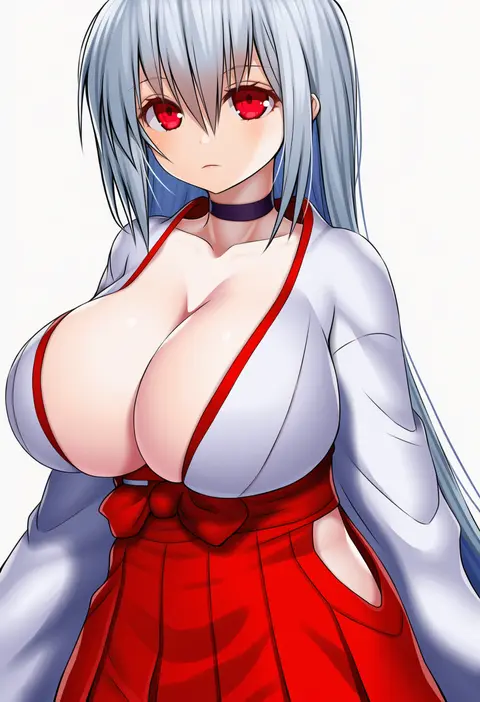
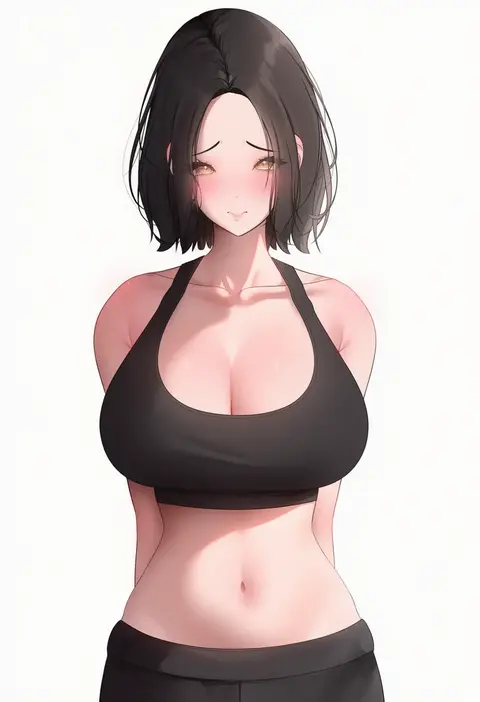
Every tag listed here is verified to react in NovelAI. All images use the same prompt, seed and settings with only the artist tag swapped, so the difference between two images is the style that tag brings in.

How to use them

Put the artist tag near the front of the prompt, e.g. "<artist>, 1girl, solo, best quality, masterpiece, cowboy shot". Two or three artist tags blend styles; lower the weight with "0.8::<artist>::" when the style overpowers the character.

SCORE sorts by Danbooru's top score, POSTS by post count, FAVS by hearts on this site. Open a card to see V5 and V4.5 side by side on the same seed.

V5 vs V4.5

V5 usually lands closer to the artist's real style, and tags that did nothing on V4.5 often react on V5. V4.5 still fits older and doujin-heavy artists better. Try V5 first, fall back to V4.5.

FAQ

Where does the artist tag go?
Near the front of the prompt. Use "0.8::tag::" to adjust its weight.

Can I stack artist tags?
Yes, styles blend. Past two or three the result stops looking like anyone.

Are these the artists' own works?
No. Every image is a NovelAI sample generated from the tag.