V4.5Artists
sort: FAVS▾
▾
>
$

NovelAI Artist Tags List — V4.5

artist --count 16,352[12/273]
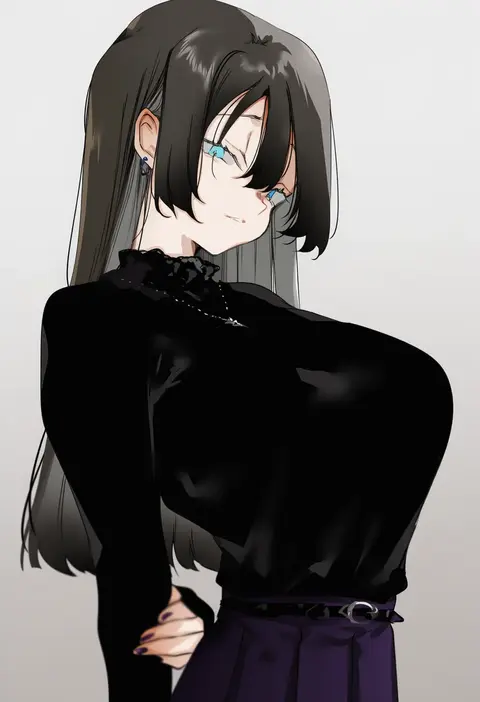
nonoyama
ARTIST0x0294
2
feint721
ARTIST0x0295
2
satou aji
ARTIST0x0296
2
lasterk
ARTIST0x0297
2
jeneral
ARTIST0x0298
2
oryo (oryo04)
ARTIST0x0299
2
secon
ARTIST0x029A
2
iumu
ARTIST0x029B
2
hiiragi yuuichi
ARTIST0x029C
2
abubu
ARTIST0x029D
2
wakura (gcdan)
ARTIST0x029E
2
kani fish
ARTIST0x029F
2
ichimi
ARTIST0x02A0
2
magukappu
ARTIST0x02A1
2
akashio (loli ace)
ARTIST0x02A2
2
tsukumiya amane
ARTIST0x02A3
2
egawa satsuki
ARTIST0x02A4
2
nago purin
ARTIST0x02A5
2
runa (nori31291404)
ARTIST0x02A6
2
yuki (asayuki101)
ARTIST0x02A7
2
sp123
ARTIST0x02A8
2
akairiot
ARTIST0x02A9
2
wa (genryusui)
ARTIST0x02AA
2
sydus
ARTIST0x02AB
2
baji toufuu (bajitohfu)
ARTIST0x02AC
2
hominamia
ARTIST0x02AD
2
norman maggot
ARTIST0x02AE
2
kkuem
ARTIST0x02AF
2
mobu
ARTIST0x02B0
2
michiking
ARTIST0x02B1
2
bosshi
ARTIST0x02B2
2
keihh
ARTIST0x02B3
2
goback
ARTIST0x02B4
2
kkato
ARTIST0x02B5
2
nijihashi sora
ARTIST0x02B6
2
aki99
ARTIST0x02B7
2
ter (otokoter)
ARTIST0x02B8
2
hori (hori no su)
ARTIST0x02B9
2
muk (monsieur)
ARTIST0x02BA
2
mentei yakuna
ARTIST0x02BB
2
doppel (bonnypir)
ARTIST0x02BC
2
mirin chikuwa
ARTIST0x02BD
2
gentsuki
ARTIST0x02BE
2
parororo
ARTIST0x02BF
2
pumpkinspicelatte
ARTIST0x02C0
2
alphonse (white datura)
ARTIST0x02C1
2
izumi sai
ARTIST0x02C2
2
h kasei
ARTIST0x02C3
2
jujunaught
ARTIST0x02C4
2
mankai kaika
ARTIST0x02C5
2
moketa
ARTIST0x02C6
2
hiroyama hiroshi
ARTIST0x02C7
2
urec
ARTIST0x02C8
2
yomosaka
ARTIST0x02C9
2
rkrk
ARTIST0x02CA
2
drive shot
ARTIST0x02CB
2
asakuraf
ARTIST0x02CC
2
fellatrix
ARTIST0x02CD
2
daram (shappydude)
ARTIST0x02CE
2
chamchami
ARTIST0x02CF
2

What these tags change

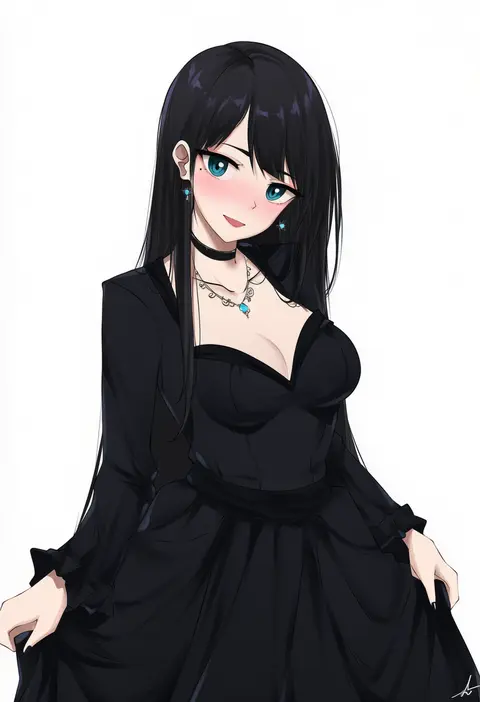
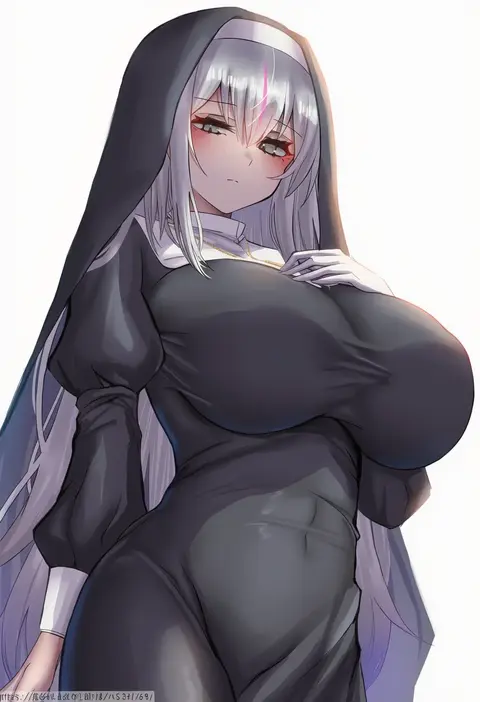
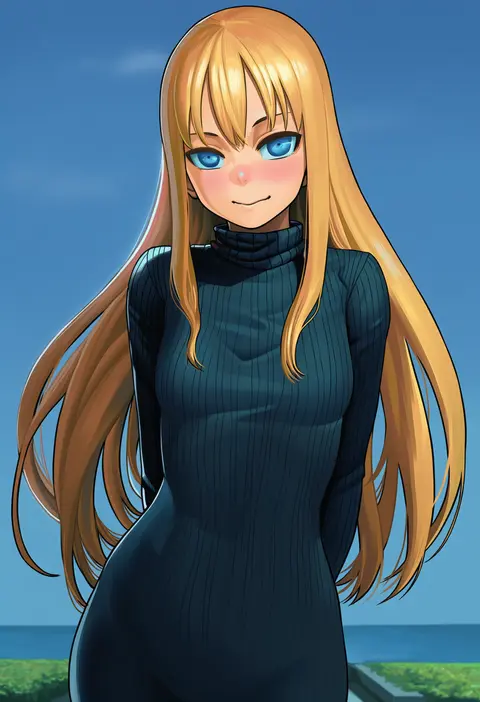
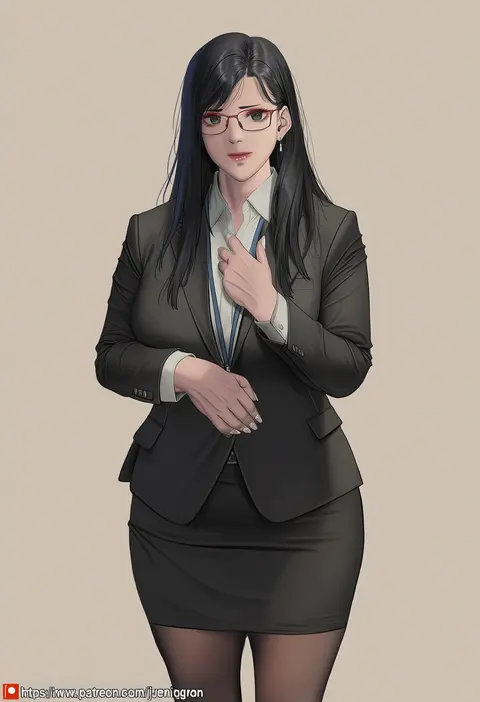
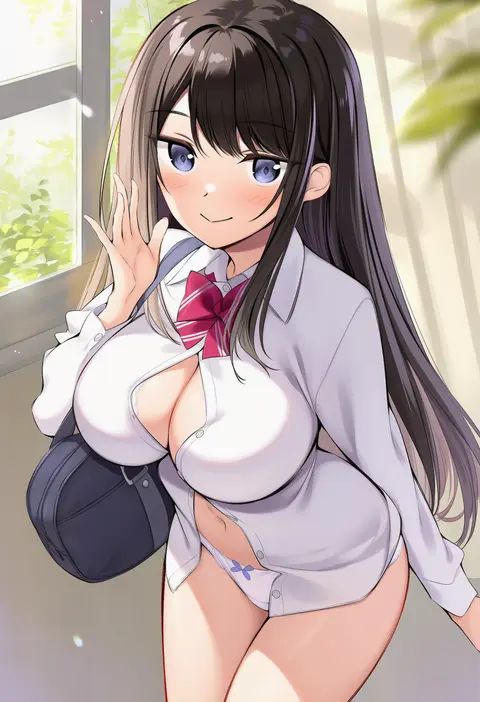
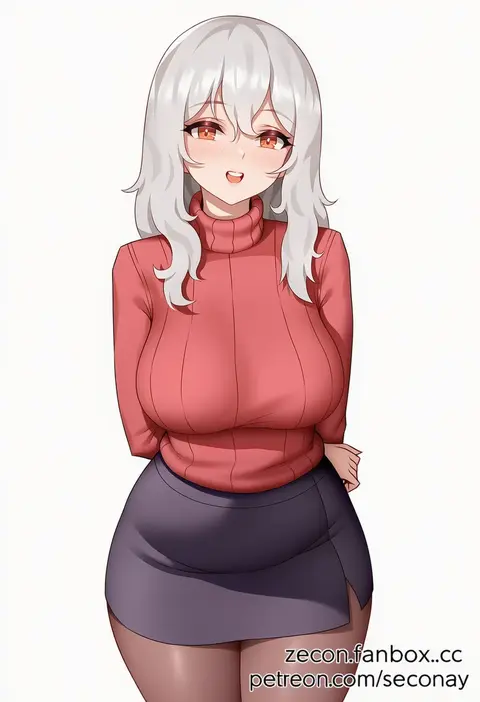
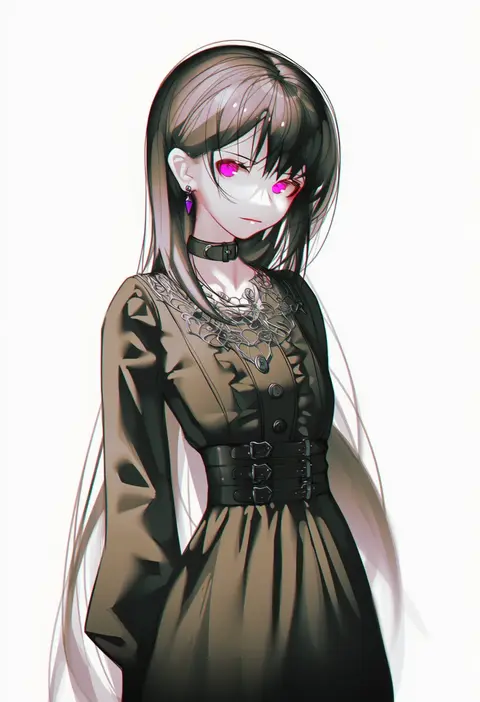
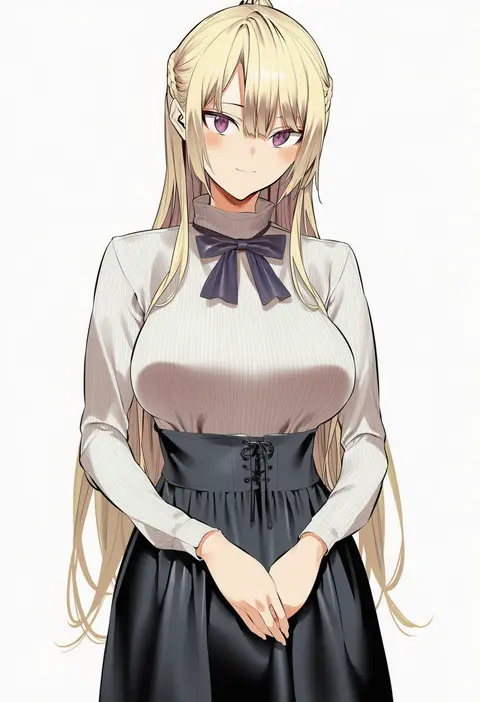
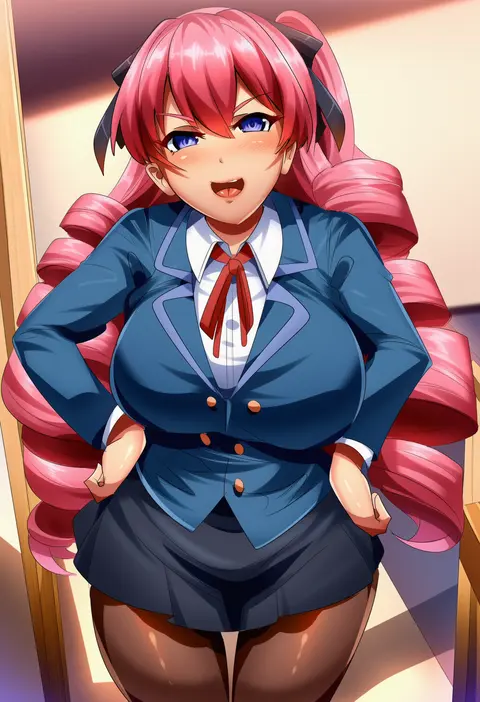
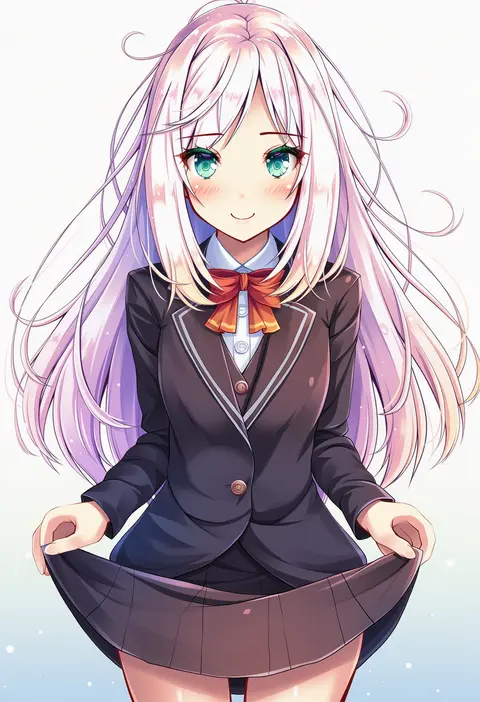
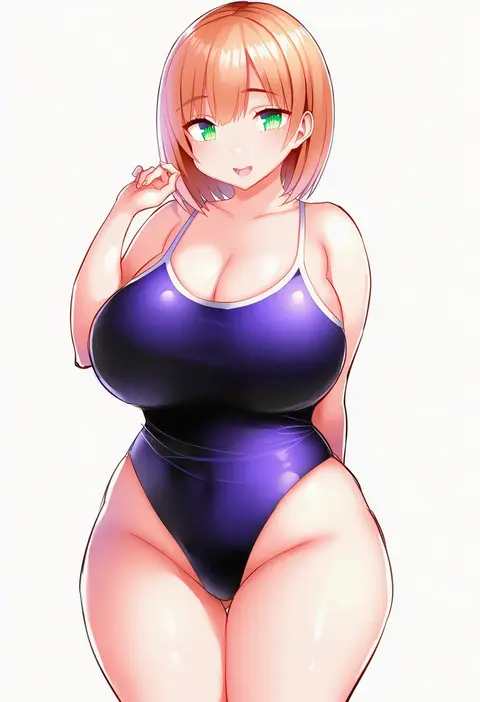
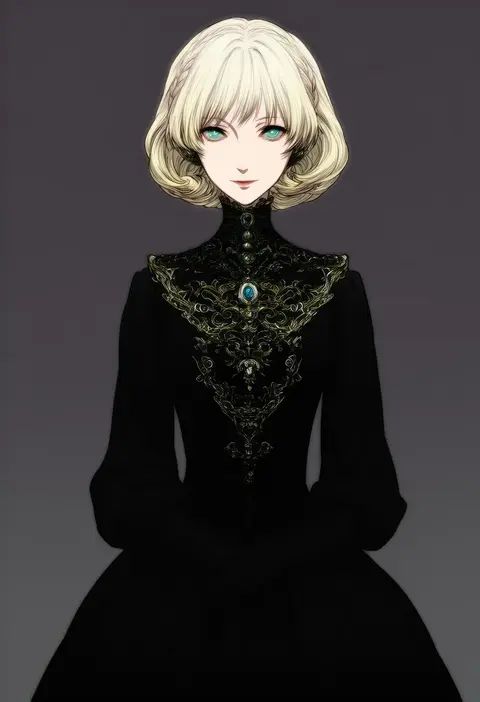
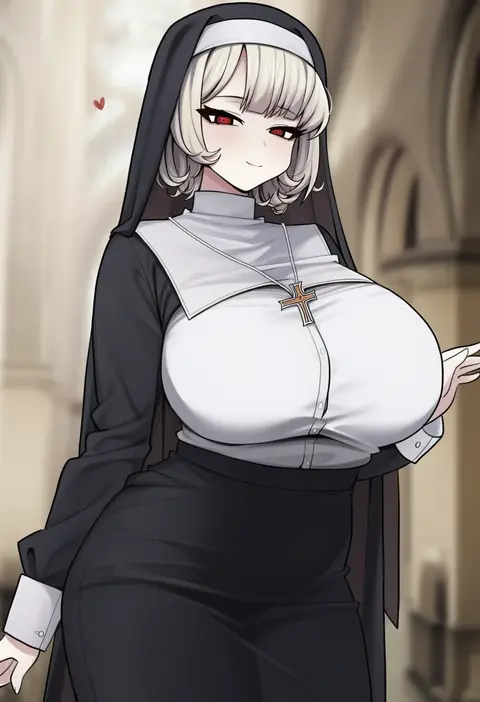
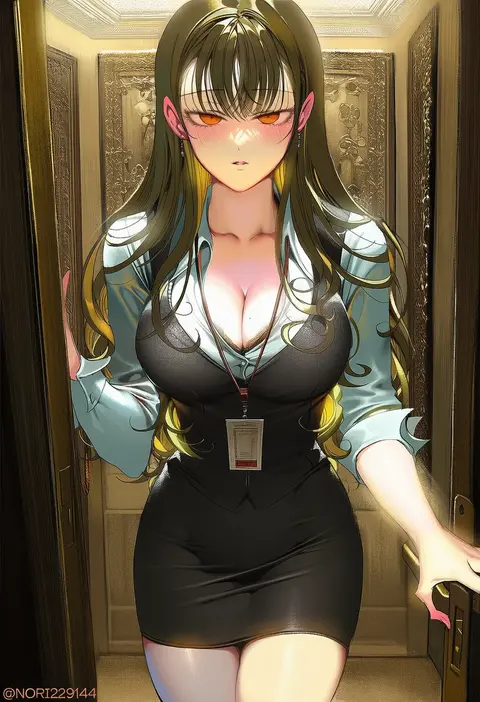
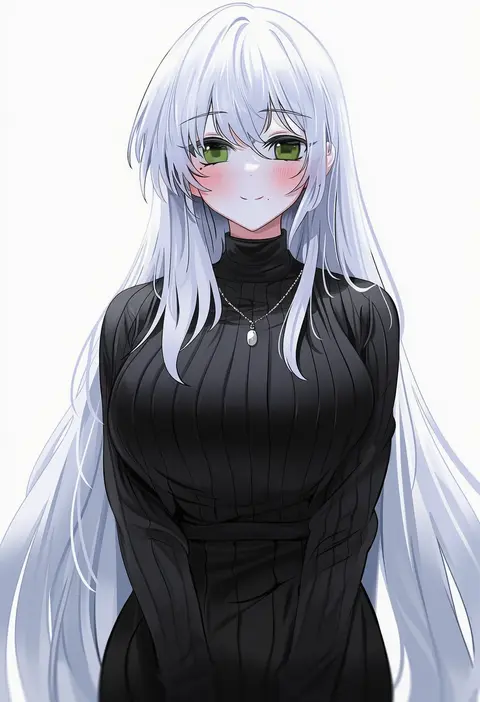
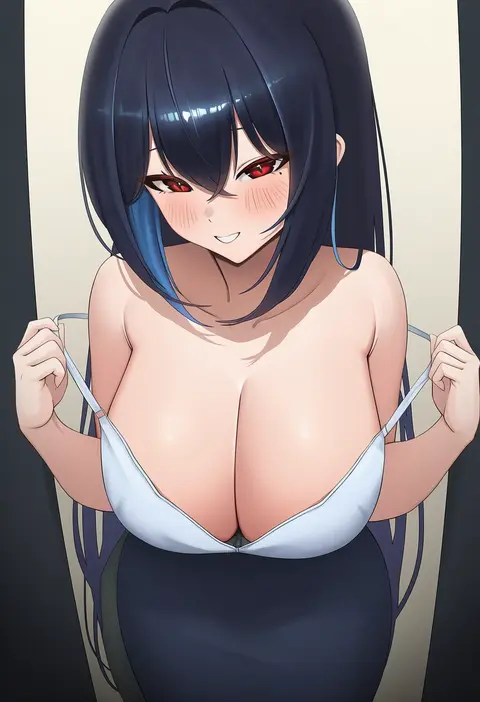
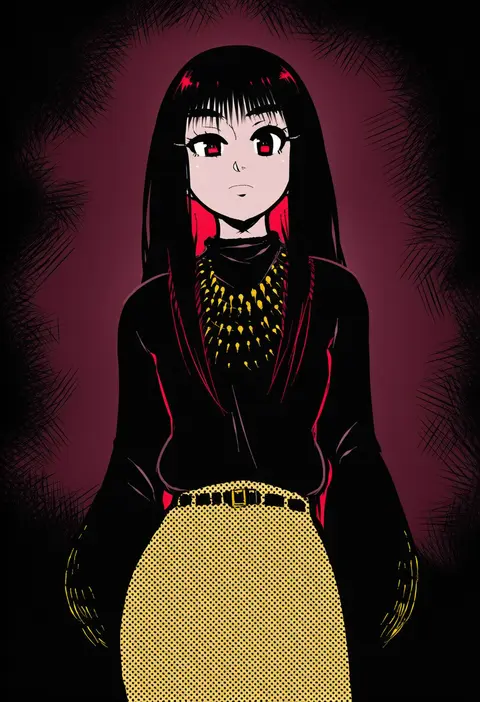
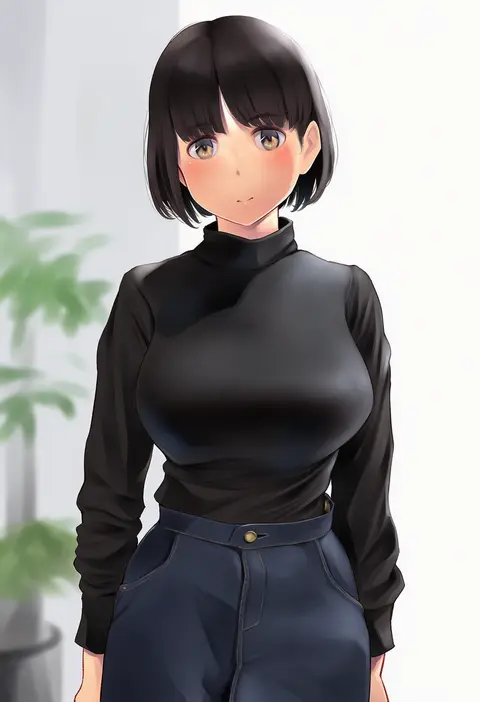
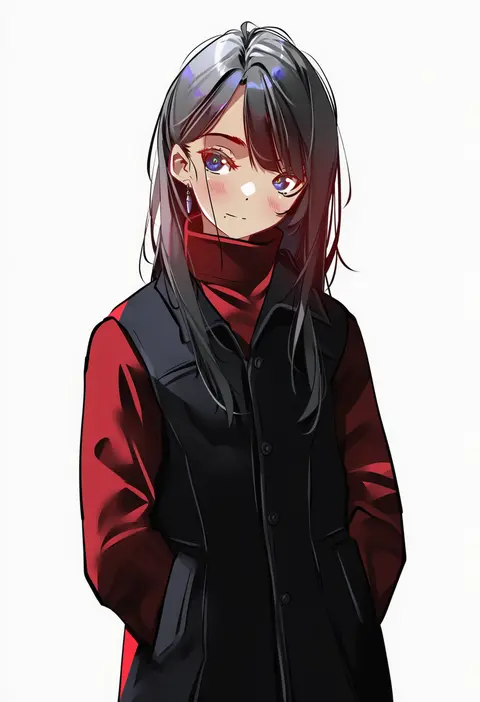
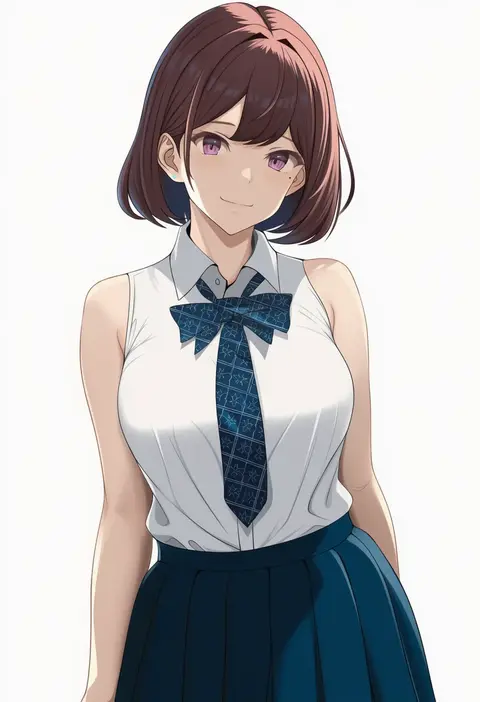
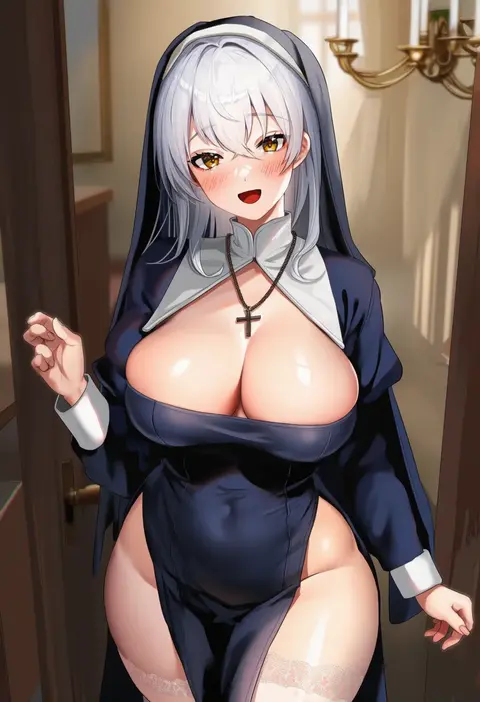
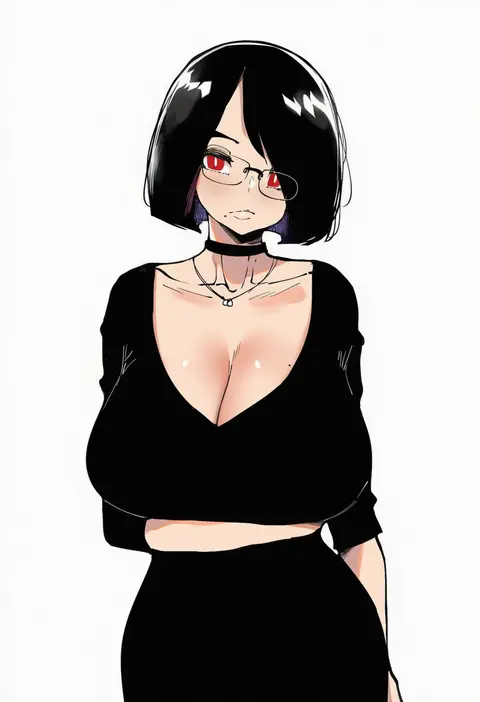
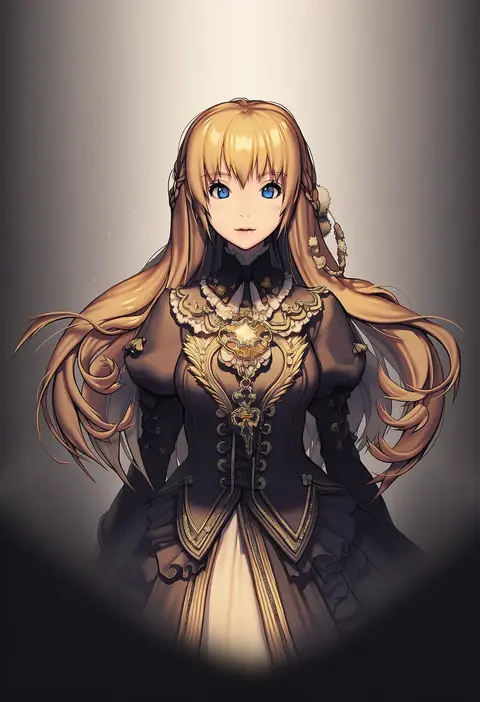
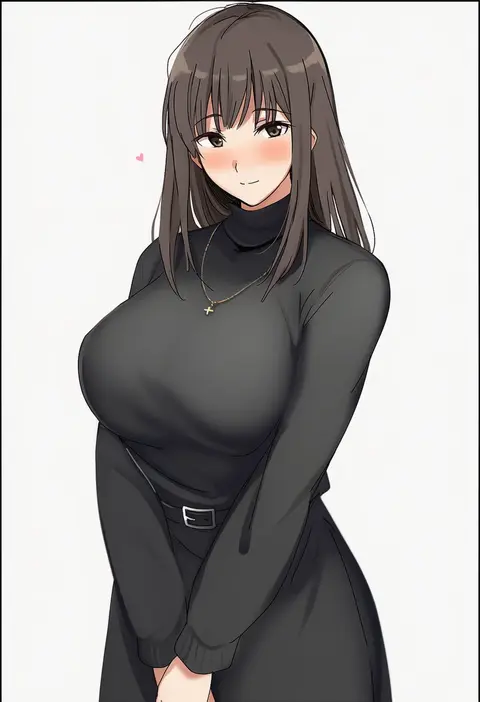
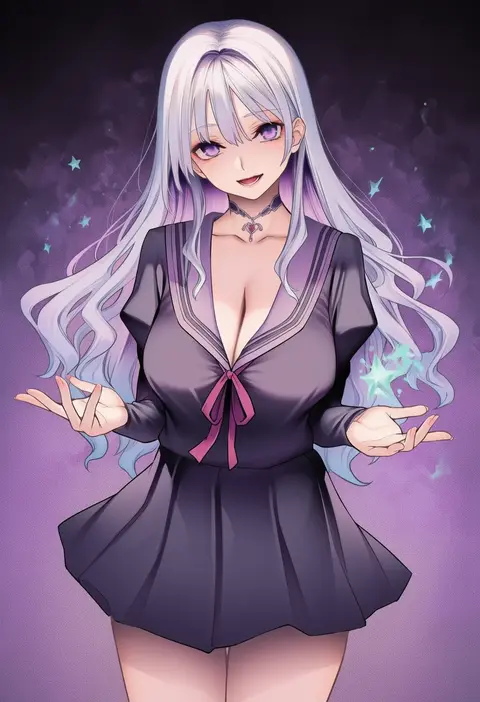
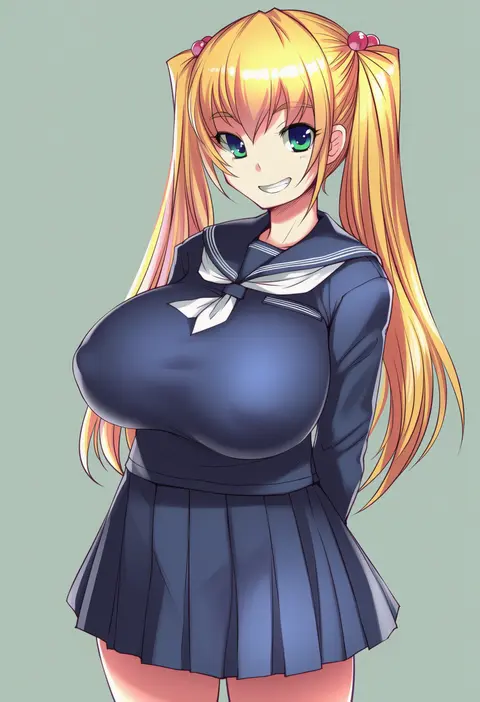
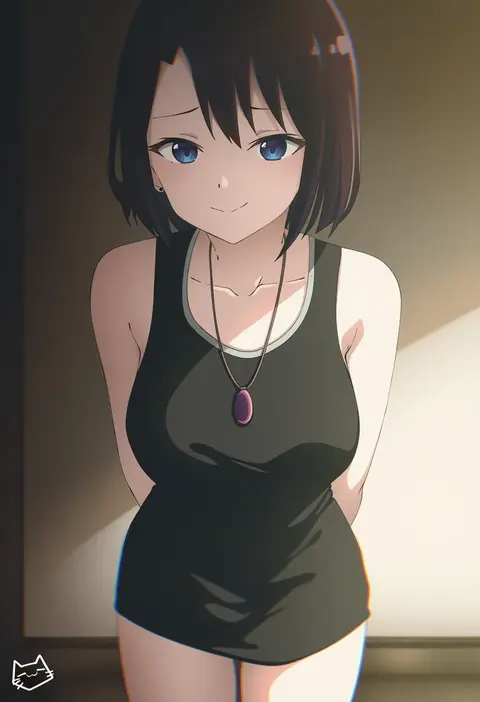
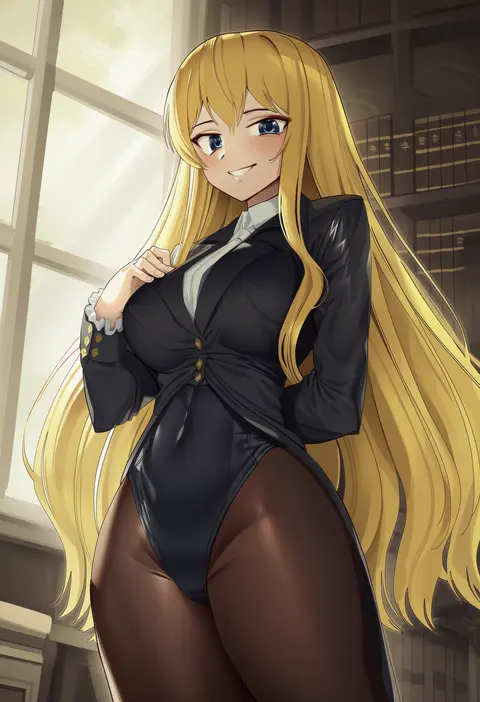
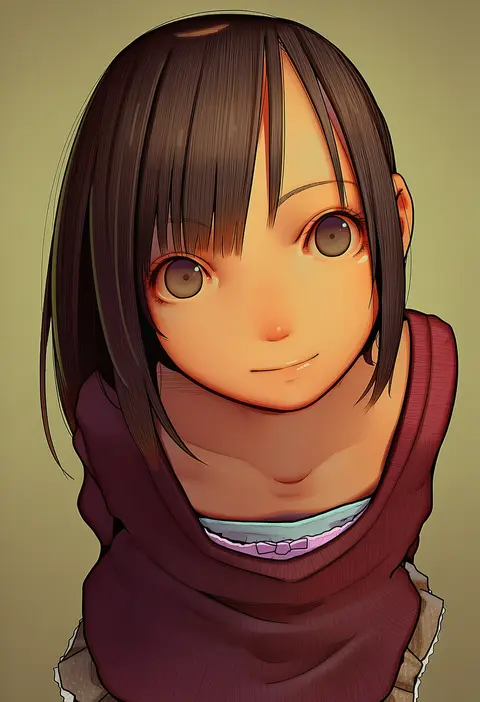
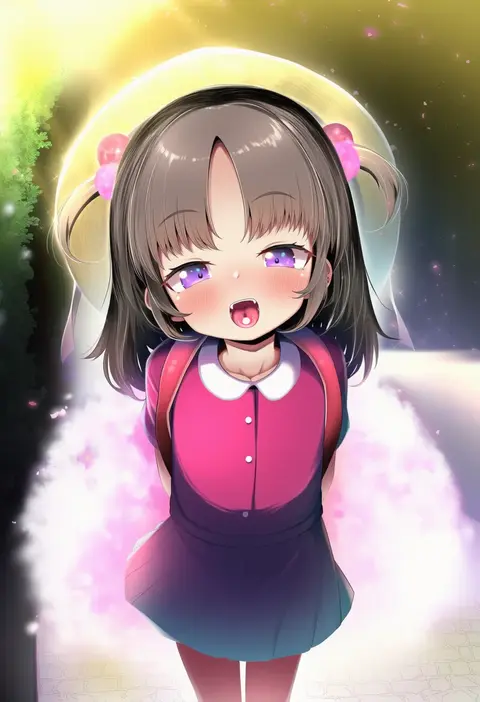
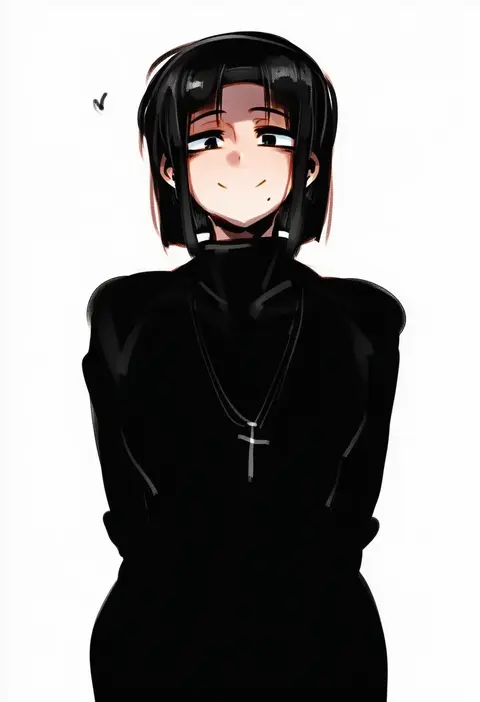
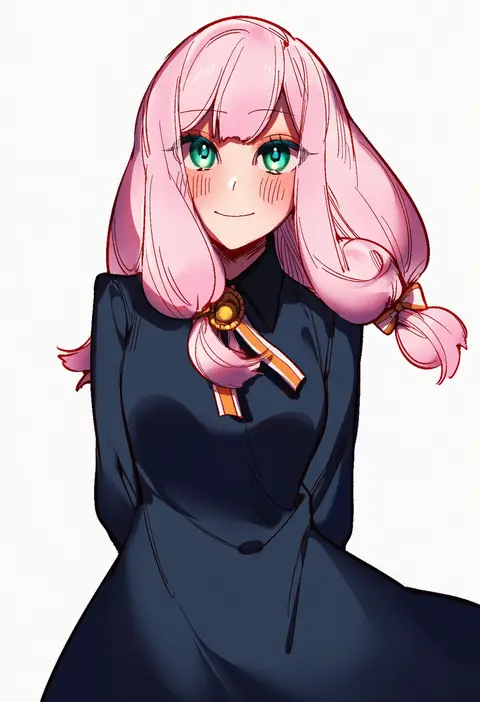
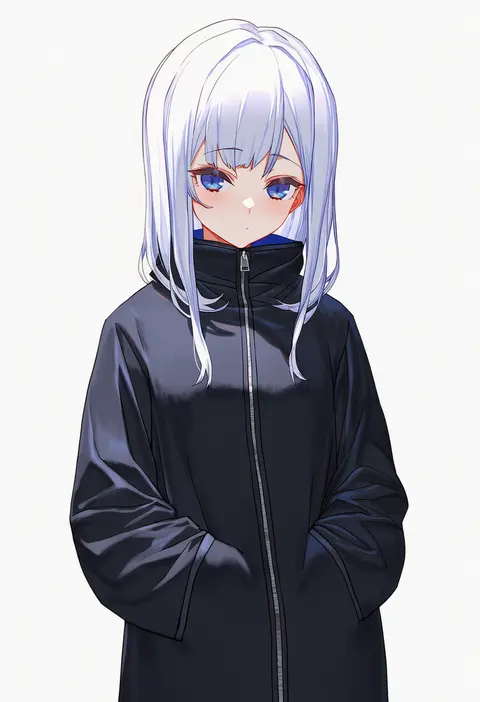
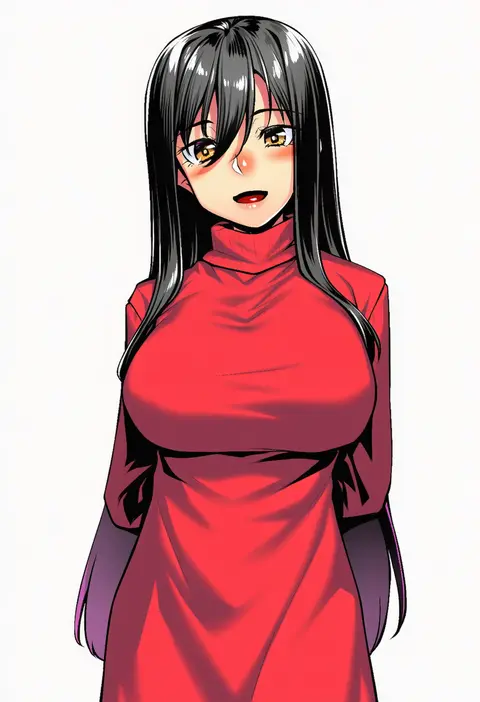
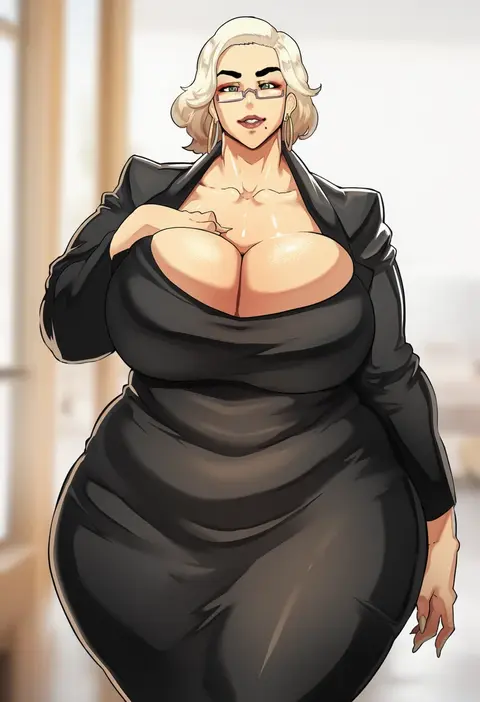
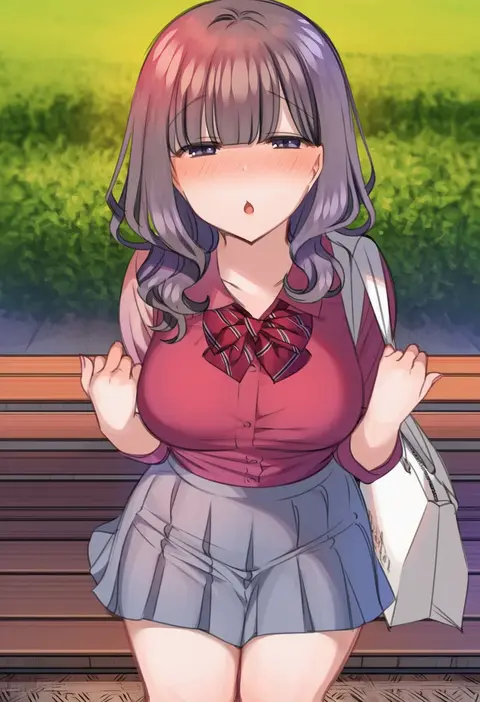
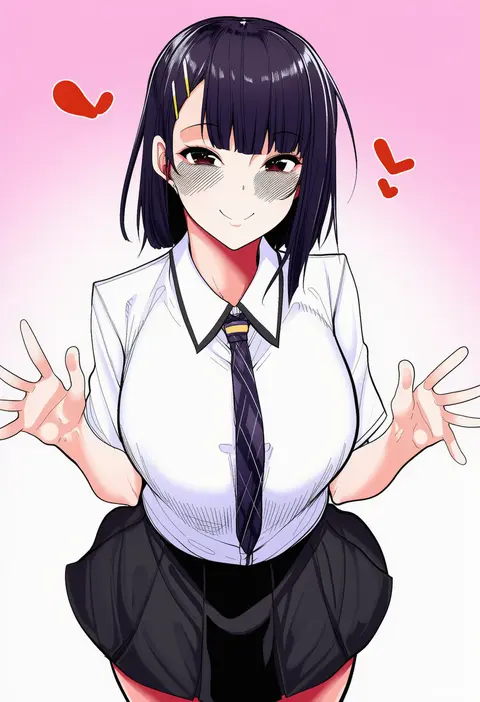
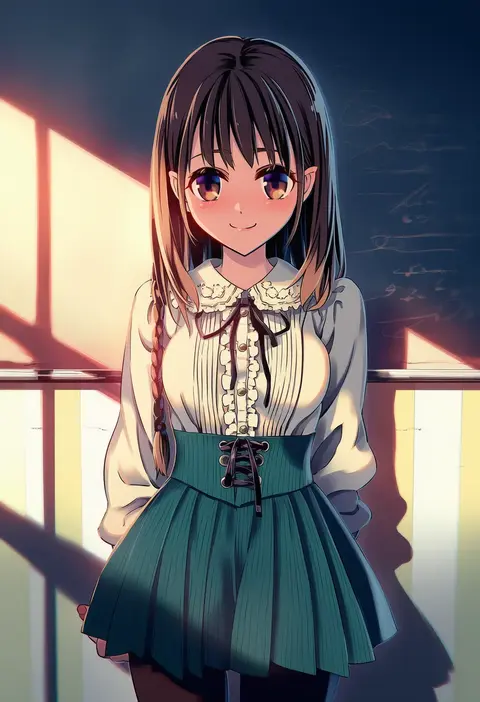
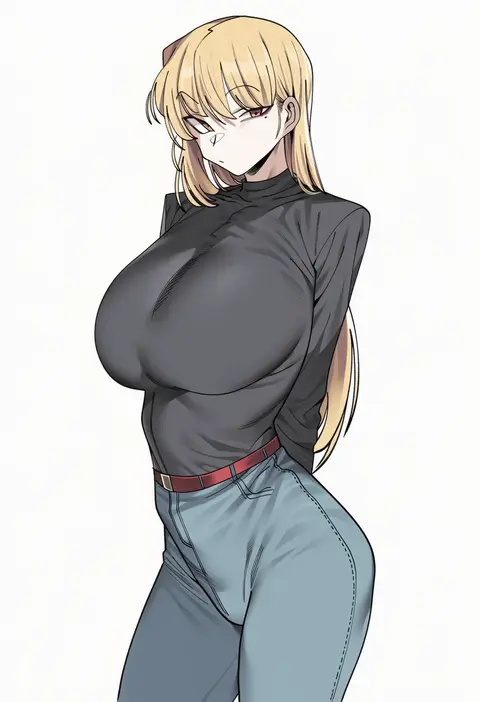
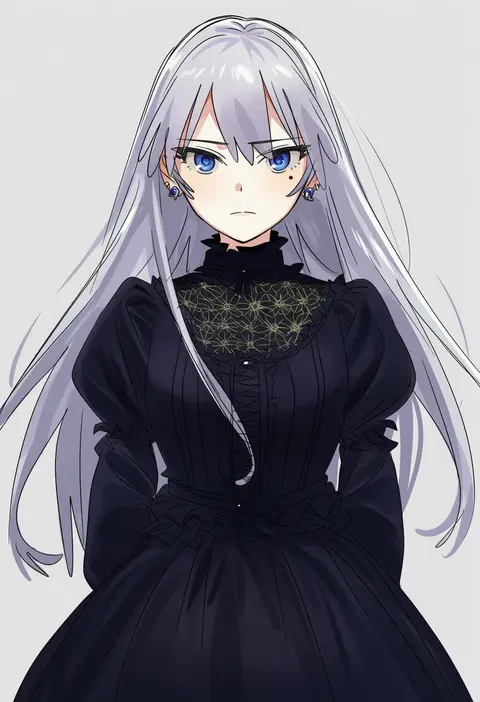
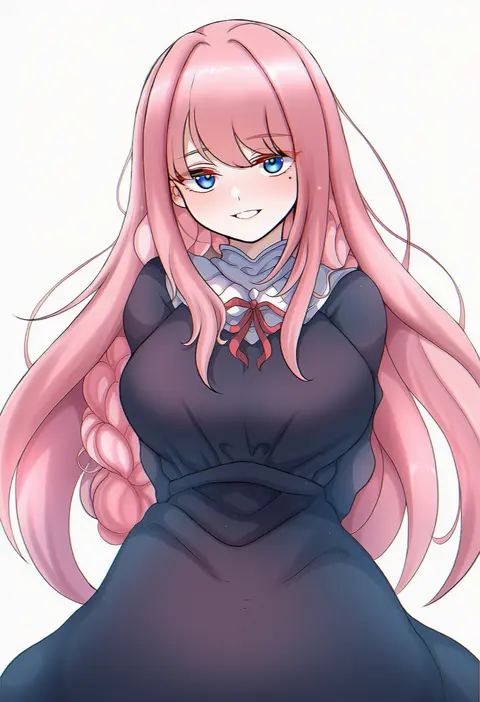
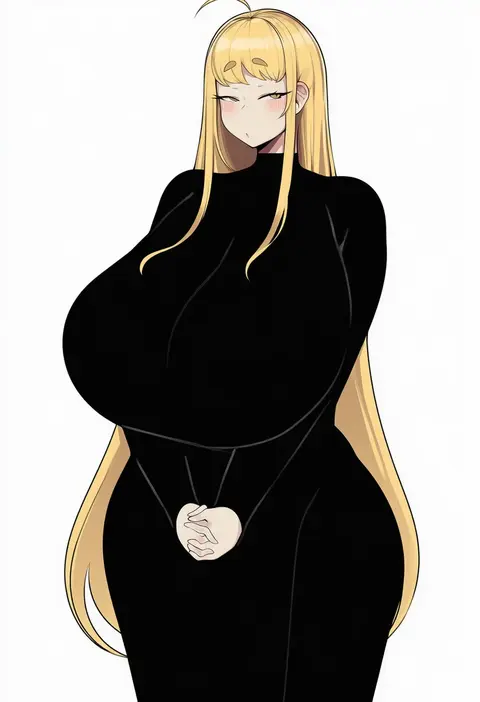
Artist tags tell NovelAI Diffusion to draw in a specific artist's style: line weight, paint texture, face shapes and palette all shift at once. Character and outfit tags decide what is drawn; artist tags decide how. 16,352 tags are listed for V4.5.
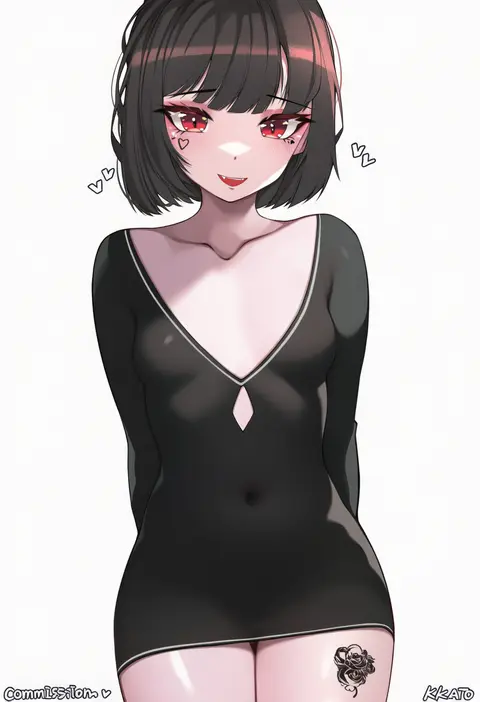
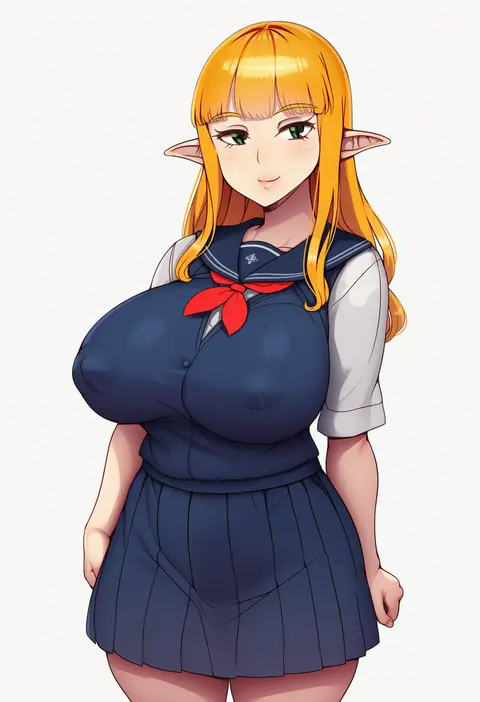
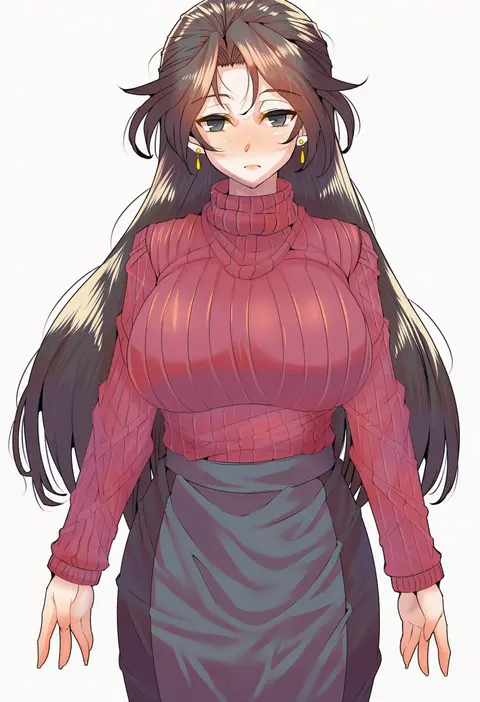
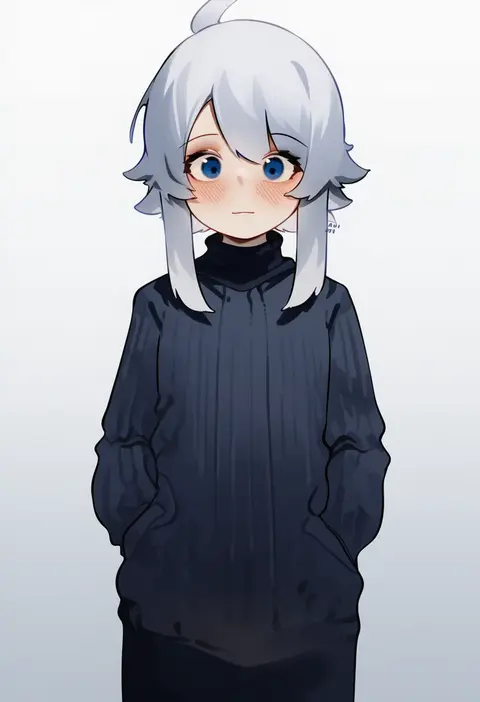
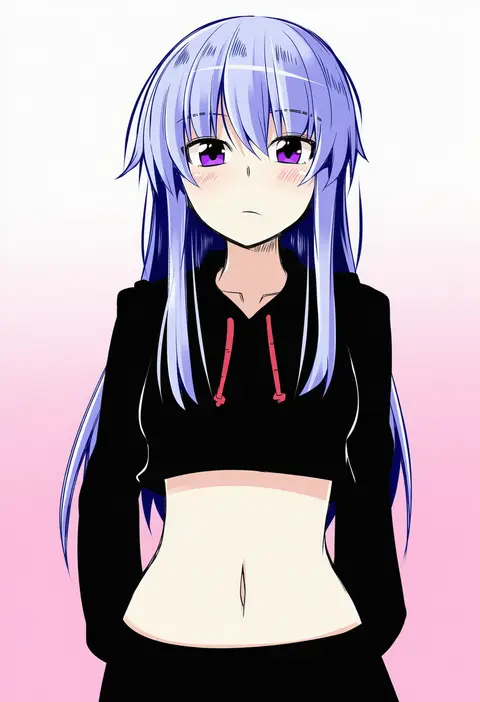
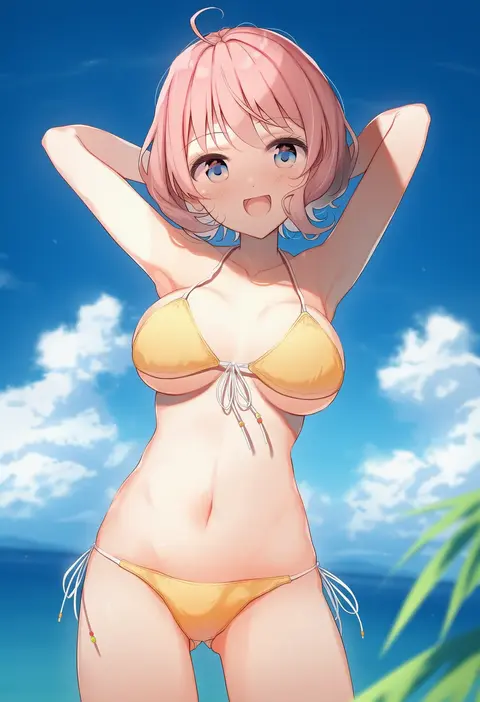
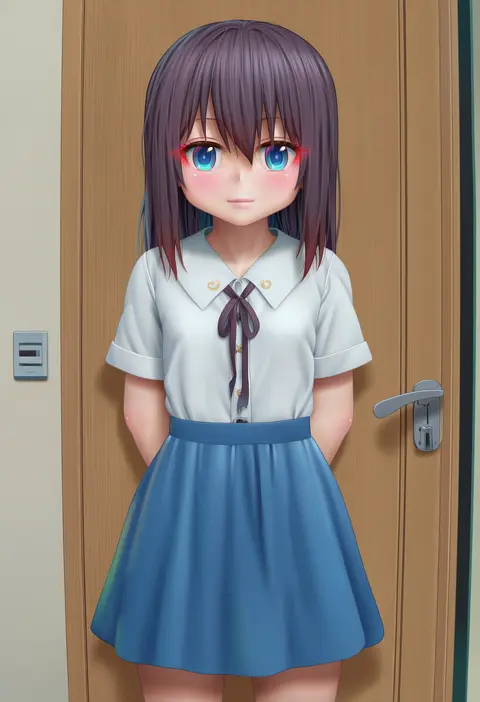
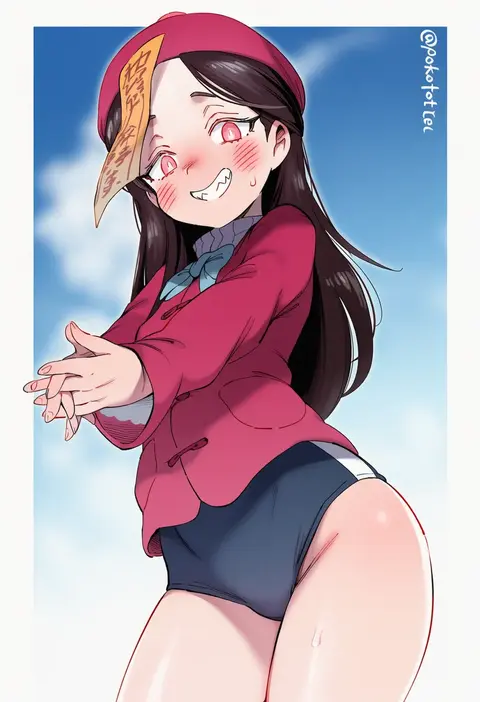
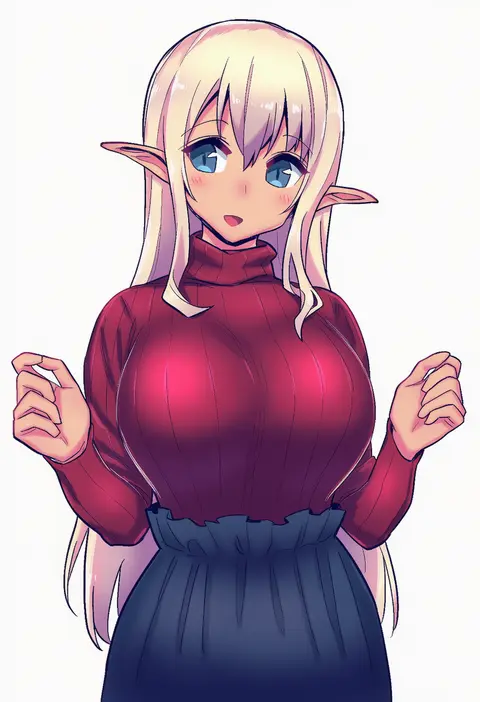
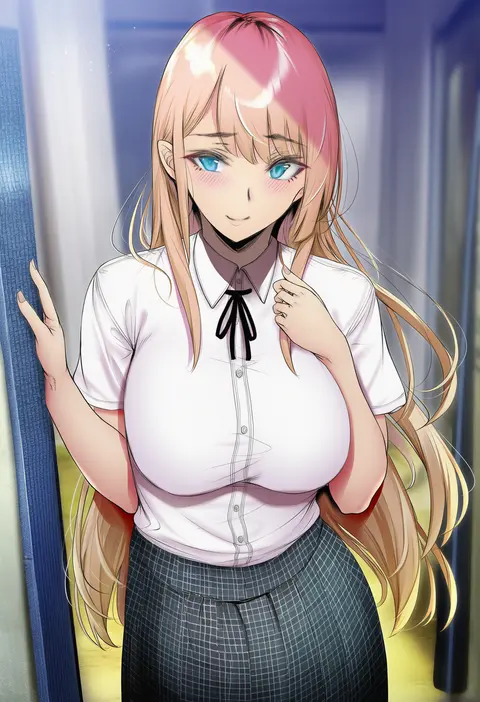
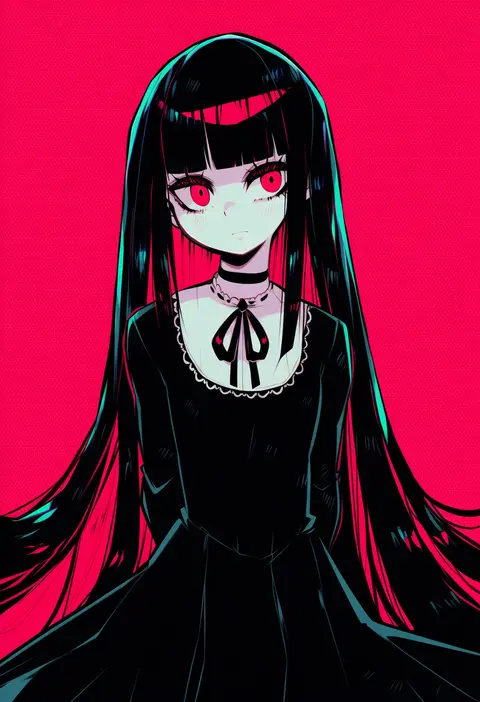
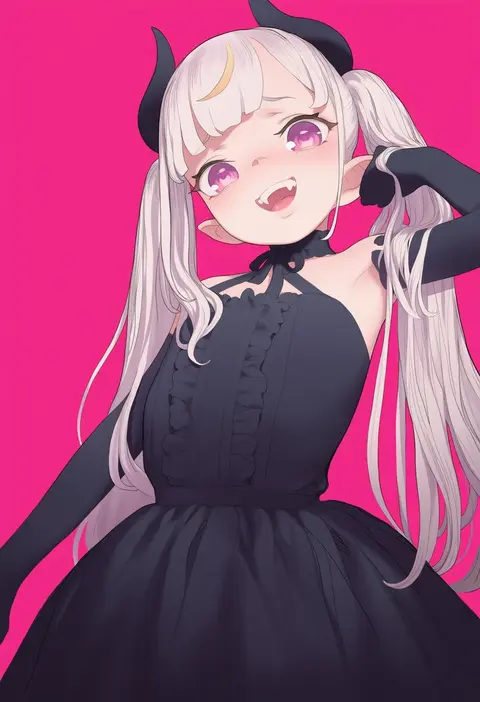
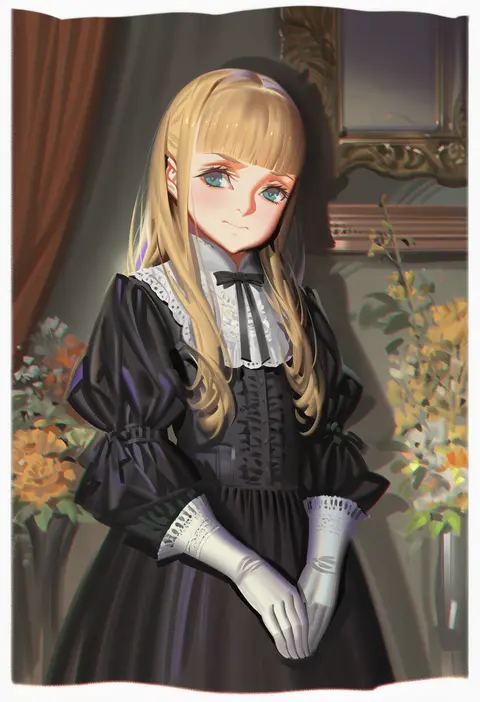
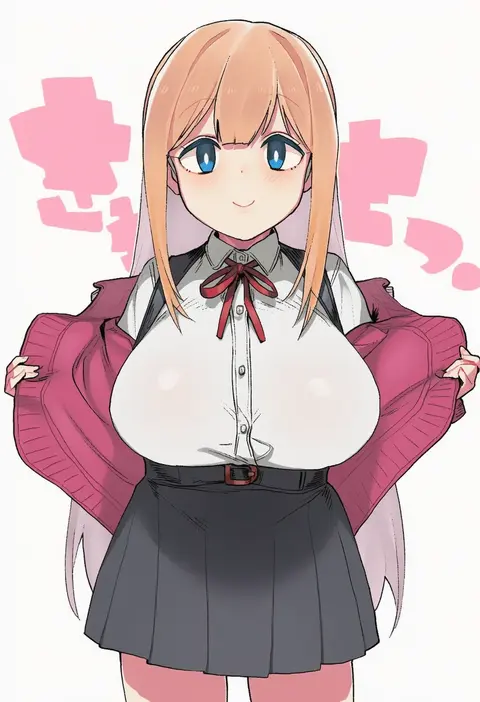
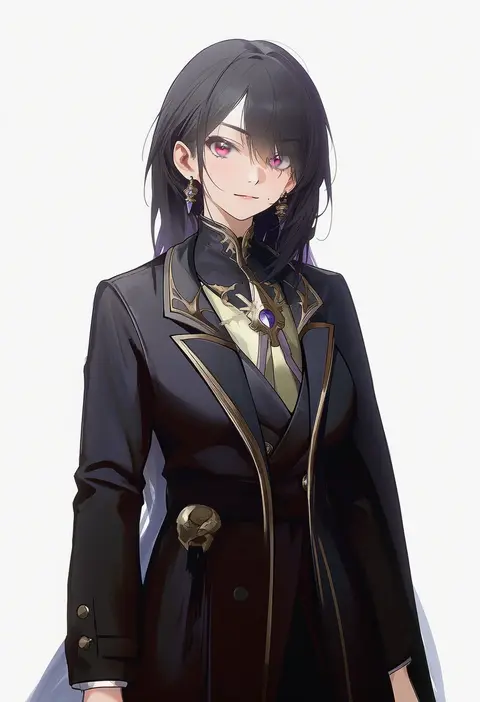
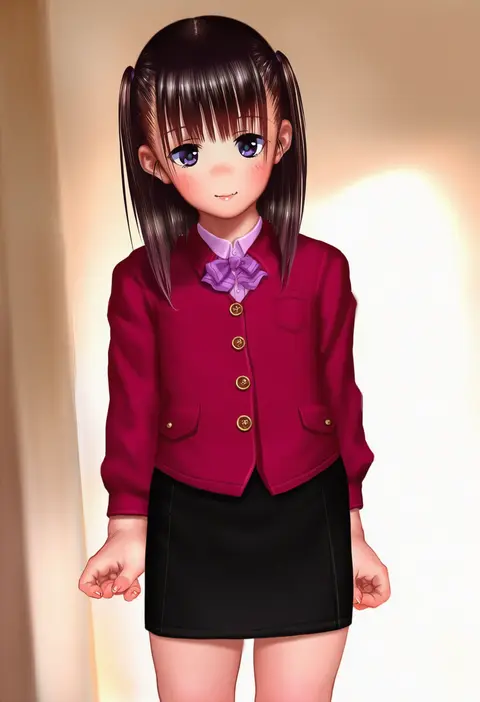
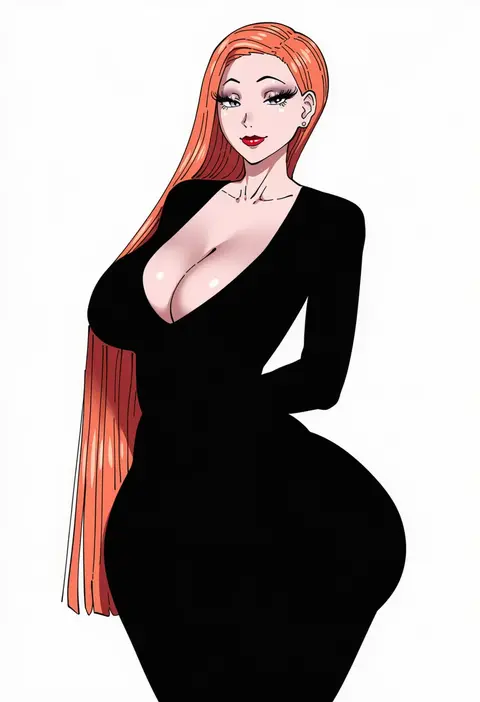
Every tag listed here is verified to react in NovelAI. All images use the same prompt, seed and settings with only the artist tag swapped, so the difference between two images is the style that tag brings in.

How to use them

Put the artist tag near the front of the prompt, e.g. "<artist>, 1girl, solo, best quality, masterpiece, cowboy shot". Two or three artist tags blend styles; lower the weight with "0.8::<artist>::" when the style overpowers the character.

SCORE sorts by Danbooru's top score, POSTS by post count, FAVS by hearts on this site. Open a card to see V5 and V4.5 side by side on the same seed.

V5 vs V4.5

V5 usually lands closer to the artist's real style, and tags that did nothing on V4.5 often react on V5. V4.5 still fits older and doujin-heavy artists better. Try V5 first, fall back to V4.5.

FAQ

Where does the artist tag go?
Near the front of the prompt. Use "0.8::tag::" to adjust its weight.

Can I stack artist tags?
Yes, styles blend. Past two or three the result stops looking like anyone.

Are these the artists' own works?
No. Every image is a NovelAI sample generated from the tag.