V4.5Artists
sort: FAVS▾
▾
>
$

NovelAI Artist Tags List — V4.5

artist --count 16,352[240/273]
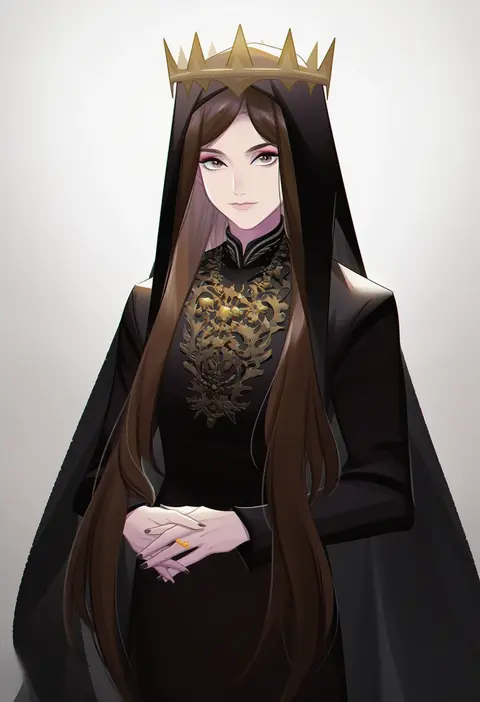
ginmu
ARTIST0x3804
0
taedu
ARTIST0x3805
0
someyaya
ARTIST0x3806
0
natsukawa sarasa
ARTIST0x3807
0
chellyko
ARTIST0x3808
0
merry (diameri)
ARTIST0x3809
0
7001
ARTIST0x380A
0
maki soutoki
ARTIST0x380B
0
sewenan
ARTIST0x380C
0
haniwagi (hal)
ARTIST0x380D
0
machinosuke
ARTIST0x380E
0
kashi
ARTIST0x380F
0
nise nanatsura
ARTIST0x3810
0
touyama soboro
ARTIST0x3811
0
hys-d
ARTIST0x3812
0
ririn (ririn 501)
ARTIST0x3813
0
kaminary
ARTIST0x3814
0
cp9a
ARTIST0x3815
0
mege (megechan)
ARTIST0x3816
0
aozora aoi
ARTIST0x3817
0
balance (superdust)
ARTIST0x3818
0
i.t.o daynamics
ARTIST0x3819
0
io (maryann blue)
ARTIST0x381A
0
mepo (raven0)
ARTIST0x381B
0
shikito (yawa0w0)
ARTIST0x381C
0
sato ame
ARTIST0x381D
0
nonamejd
ARTIST0x381E
0
chagen kokimu
ARTIST0x381F
0
ichirugi
ARTIST0x3820
0
mitsunara
ARTIST0x3821
0
uchuuneko
ARTIST0x3822
0
aoi tete
ARTIST0x3823
0
akiyoshi (tama-pete)
ARTIST0x3824
0
sills
ARTIST0x3825
0
kimizuka aoi
ARTIST0x3826
0
matsunaga (haku)
ARTIST0x3827
0
nanaroba hana
ARTIST0x3828
0
tenko (gintenko)
ARTIST0x3829
0
ruchi
ARTIST0x382A
0
matsubara hidenori
ARTIST0x382B
0
kisumi rei
ARTIST0x382C
0
watage modoki
ARTIST0x382D
0
kuroganeruto
ARTIST0x382E
0
msa (fary white)
ARTIST0x382F
0
itou shin'ichi
ARTIST0x3830
0
suzuragi karin
ARTIST0x3831
0
rabiiandrain
ARTIST0x3832
0
izu lemon
ARTIST0x3833
0
morncolour
ARTIST0x3834
0
kourourin
ARTIST0x3835
0
naho (pi988y)
ARTIST0x3836
0
nekosuke (oxo)
ARTIST0x3837
0
buran (kure)
ARTIST0x3838
0
mxx33
ARTIST0x3839
0
kon manatsu
ARTIST0x383A
0
a-nya
ARTIST0x383B
0
muzuki uruu
ARTIST0x383C
0
arkapami
ARTIST0x383D
0
penguin frontier
ARTIST0x383E
0
kurono nekomaru
ARTIST0x383F
0

What these tags change

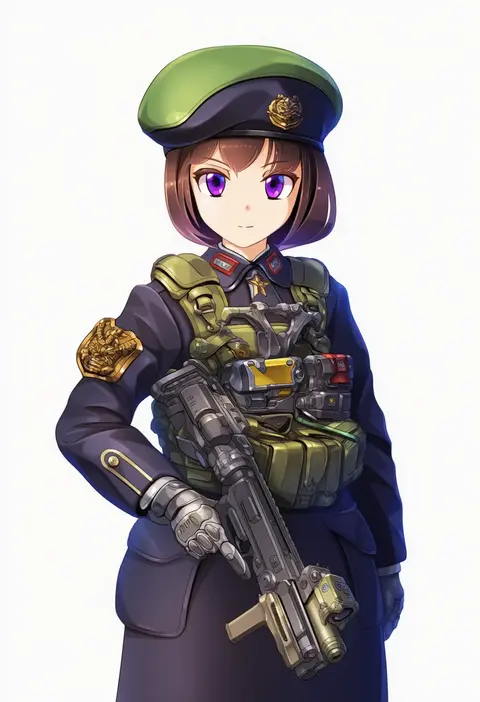
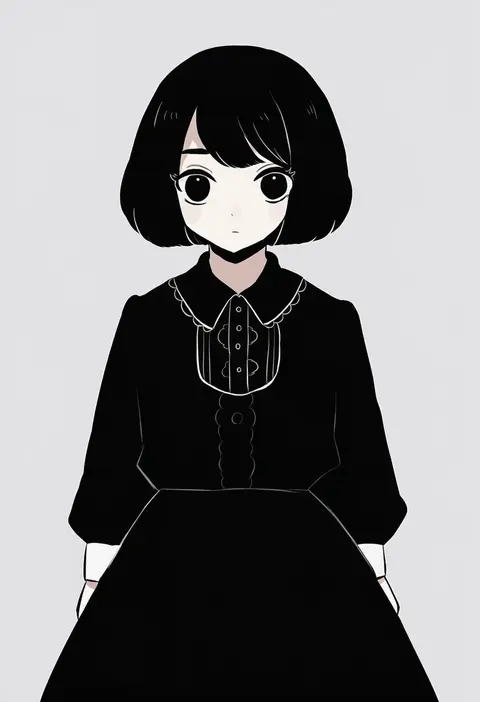
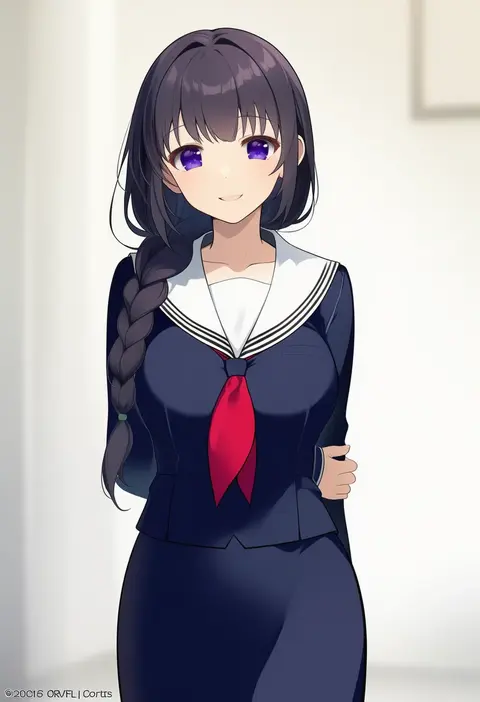
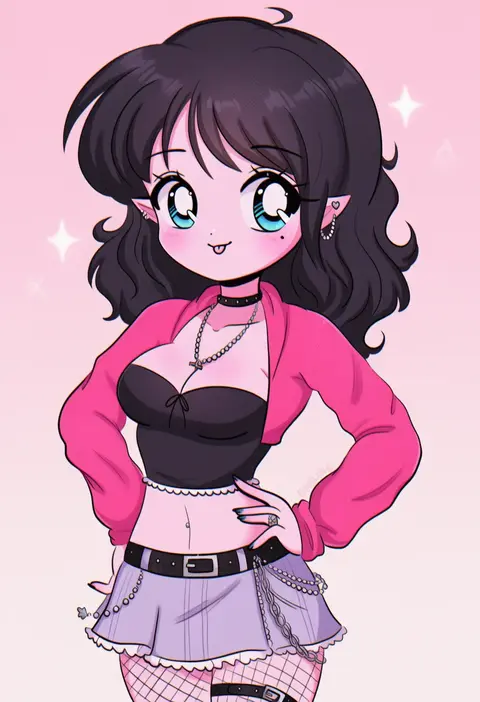
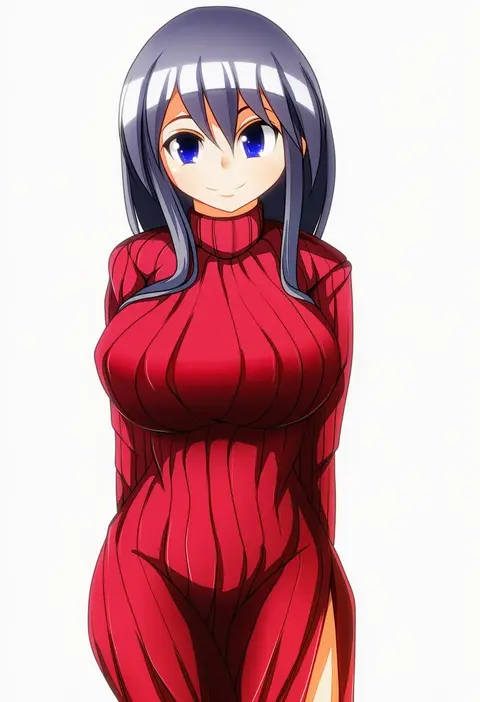
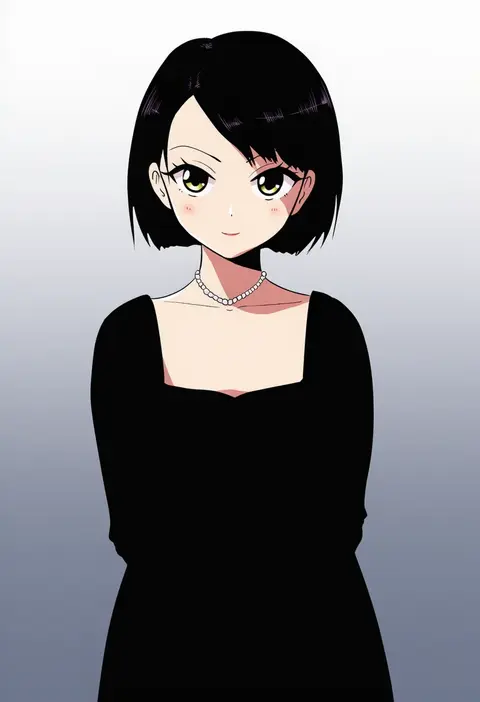
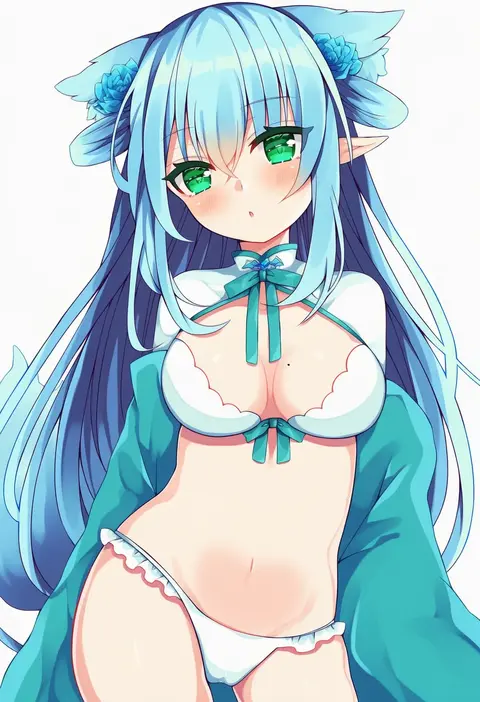
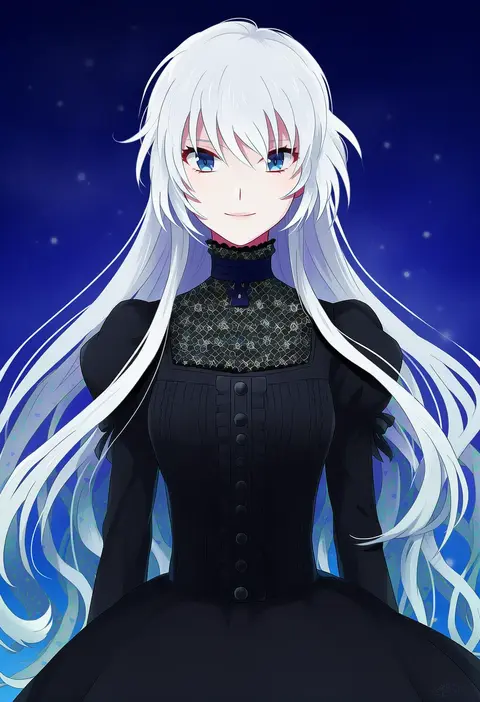
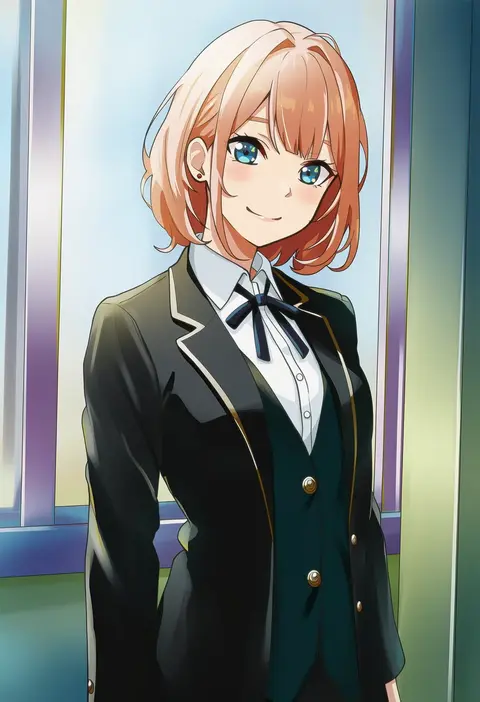
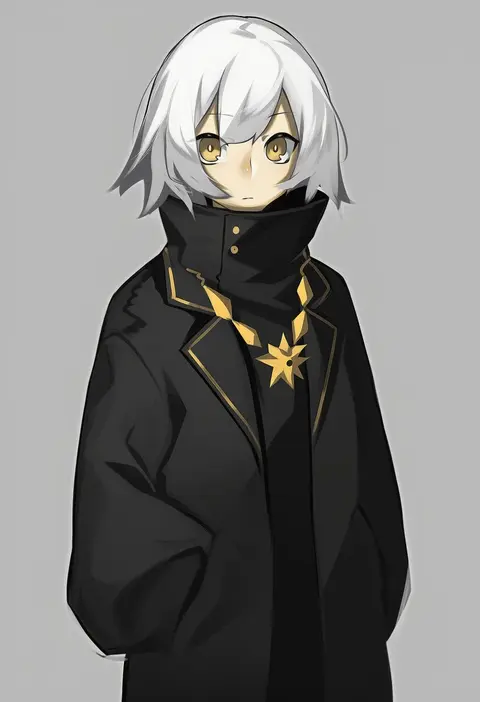
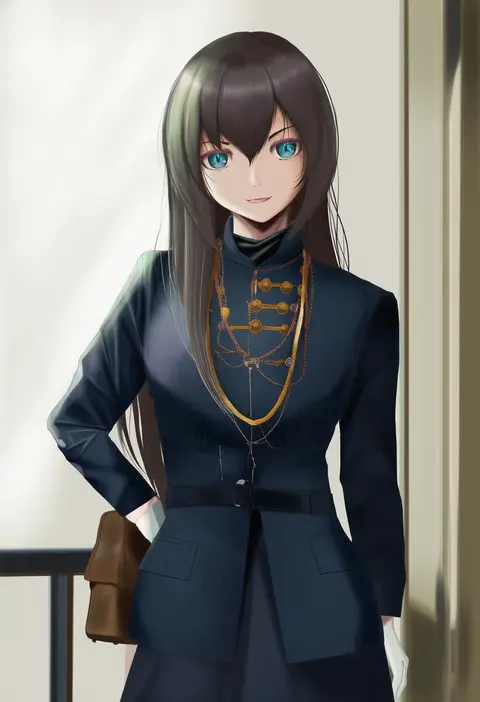
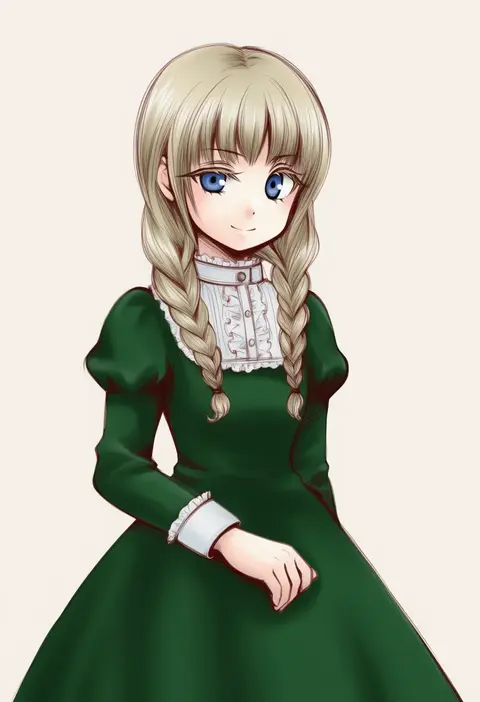
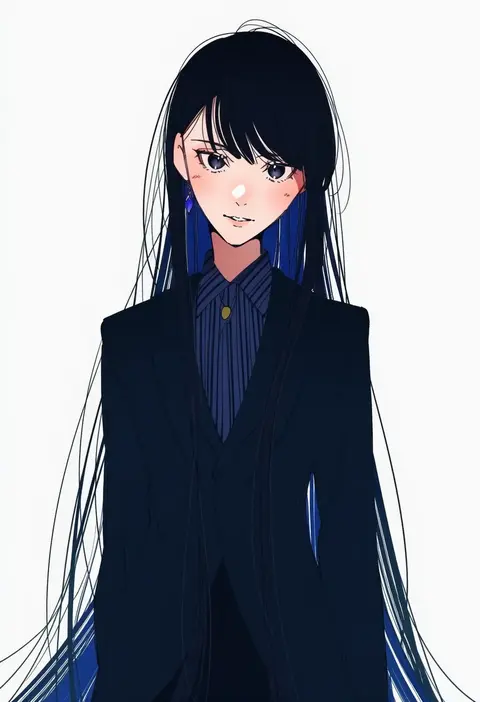
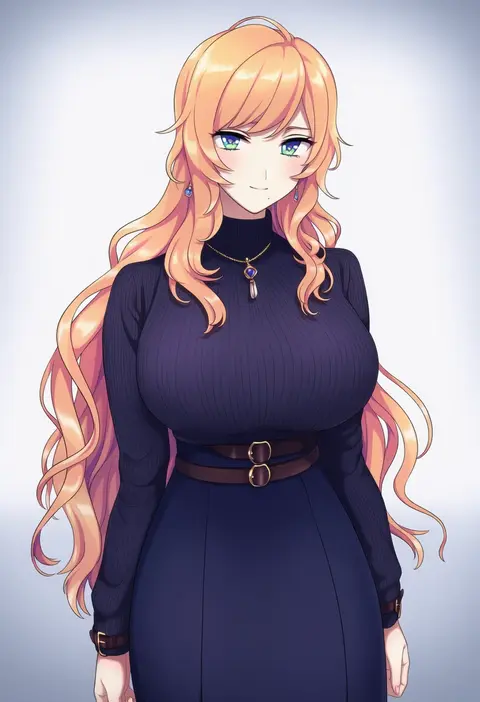
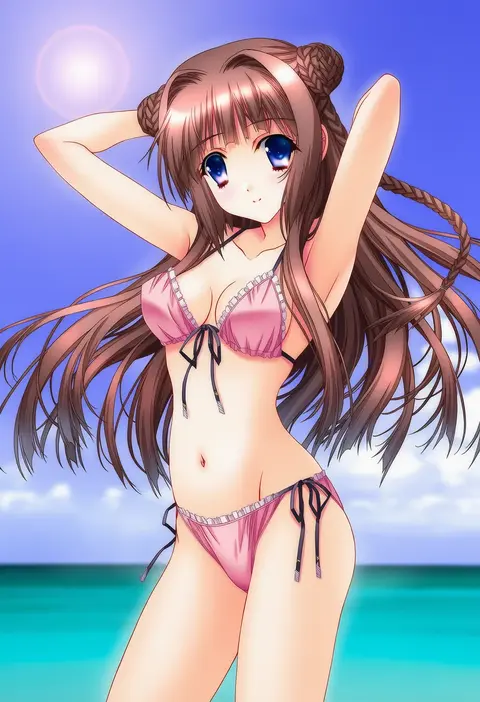
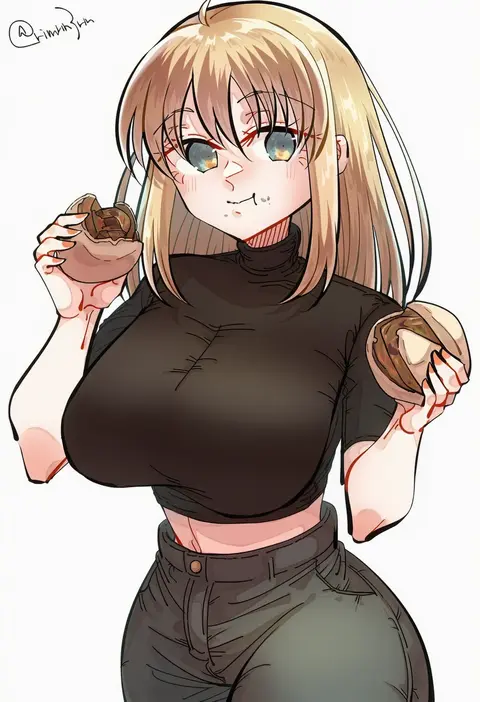
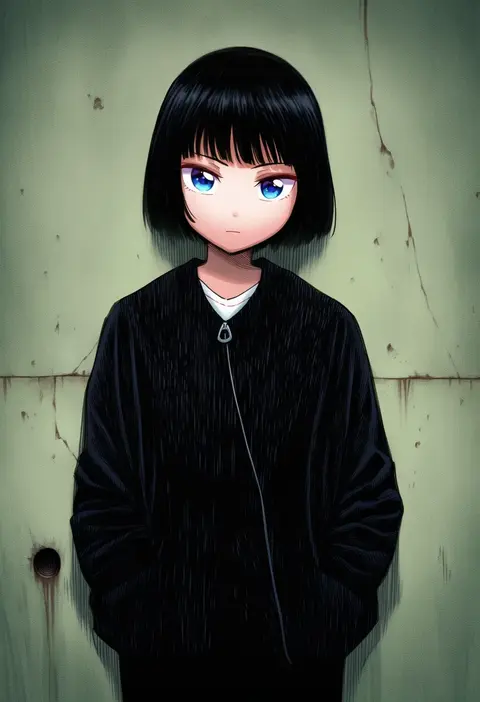
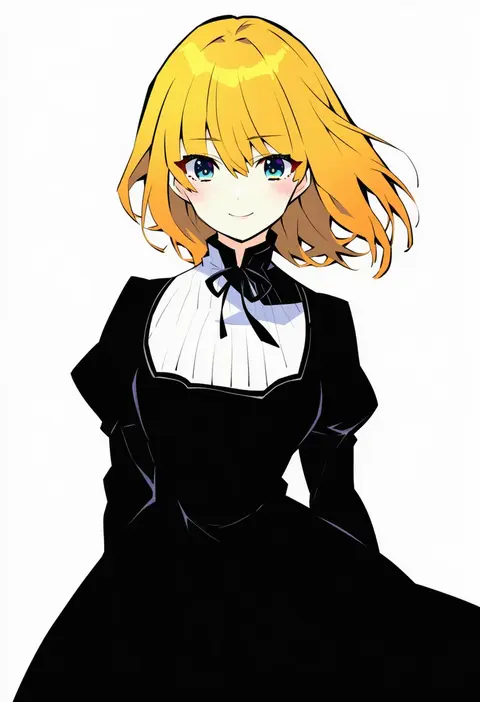
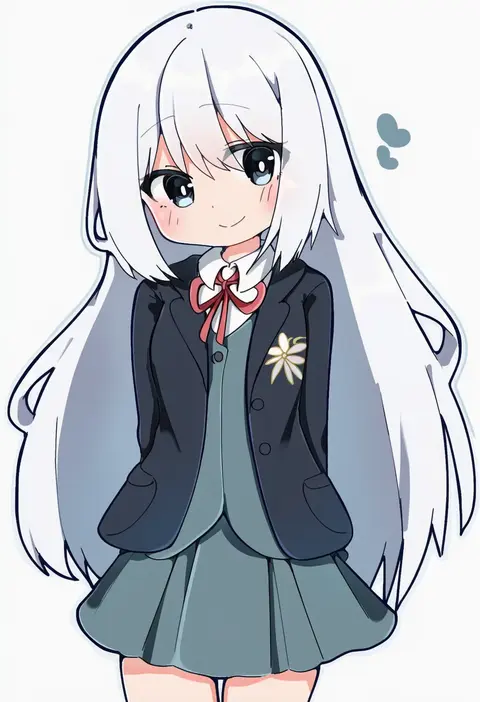
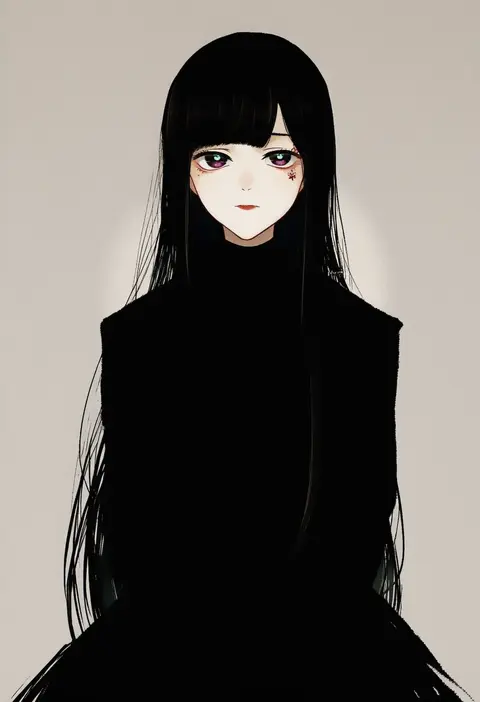
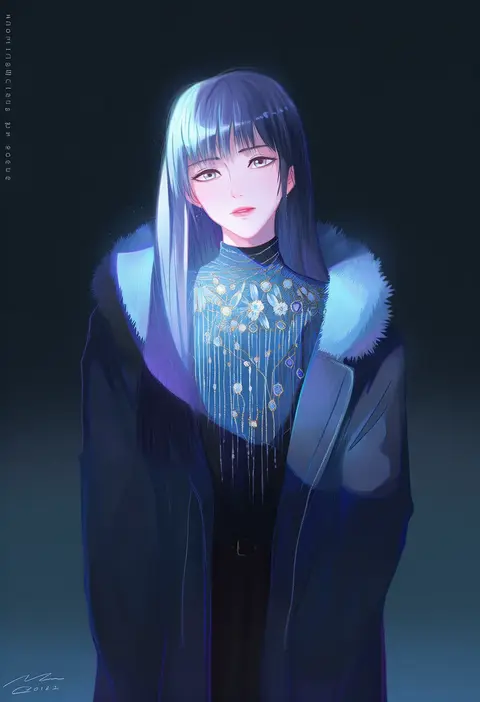
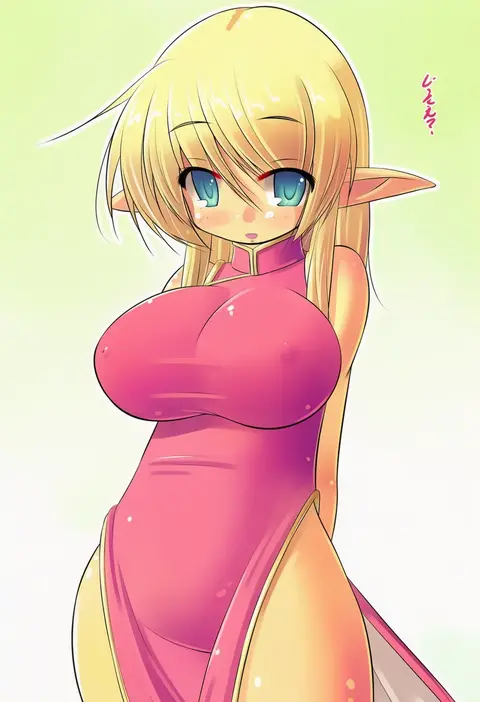
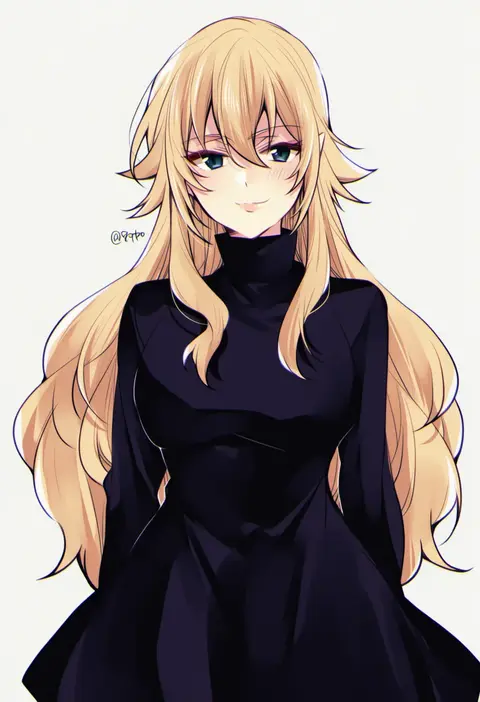
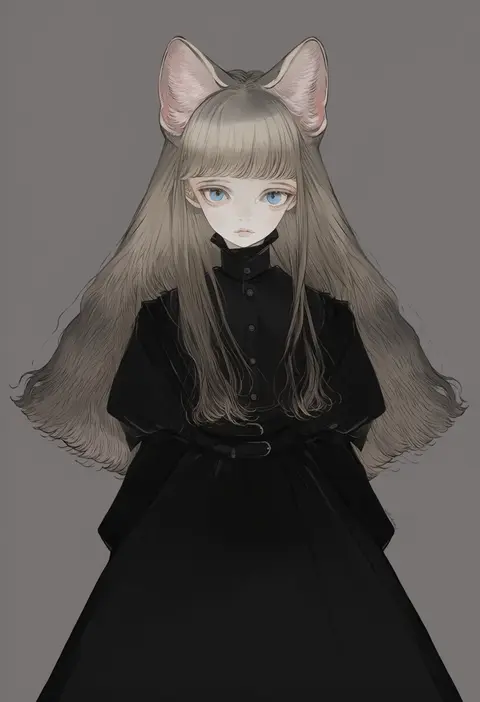
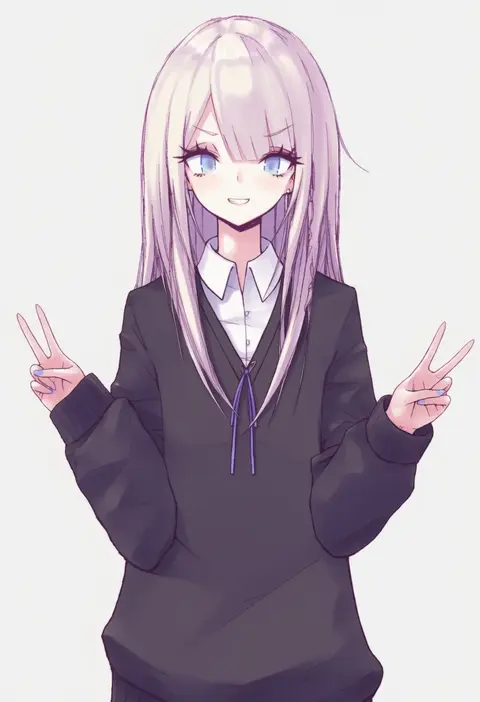
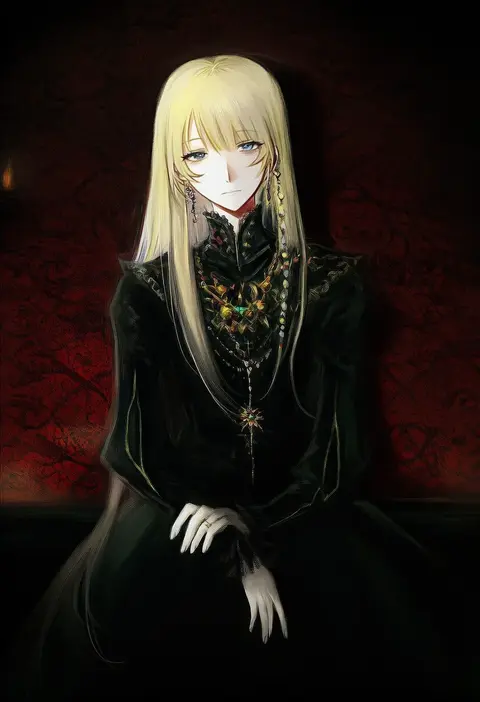
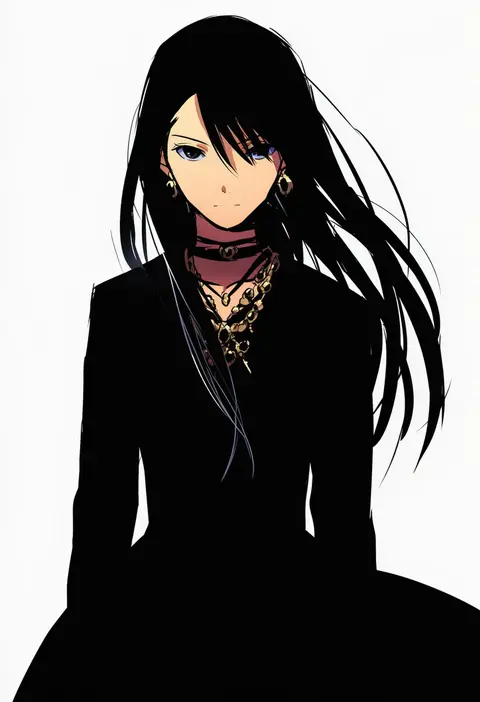
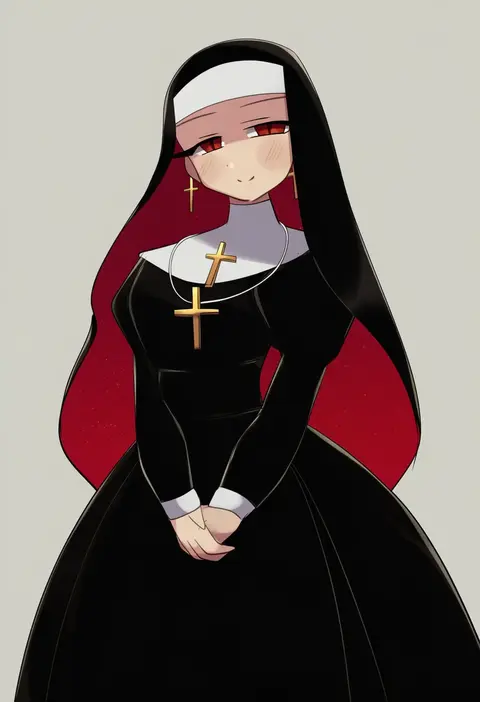
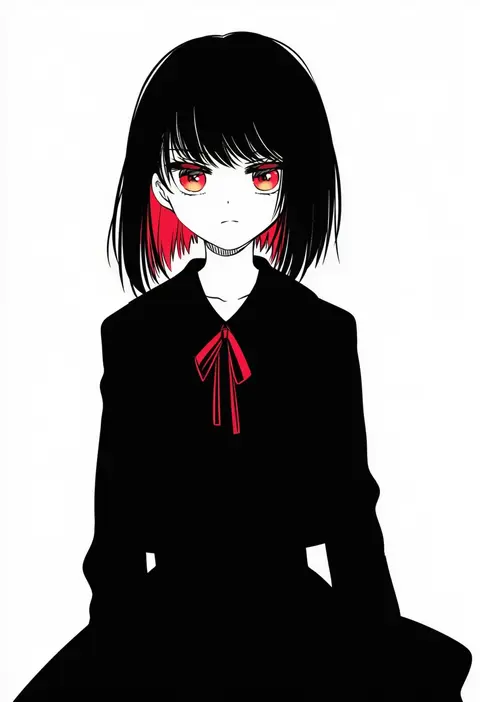
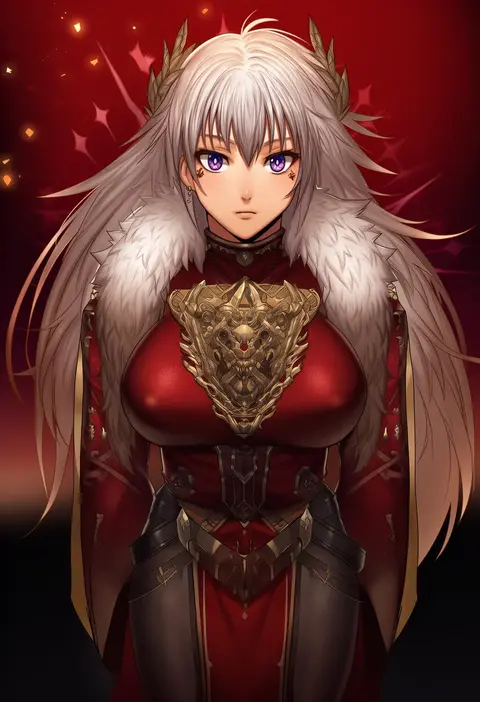
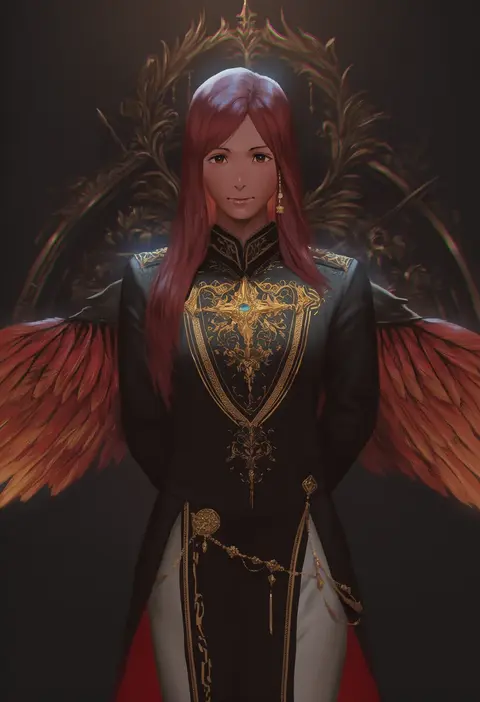
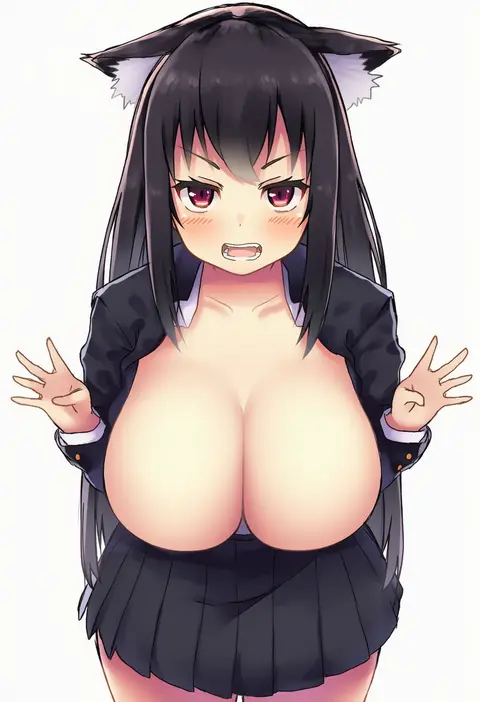
Artist tags tell NovelAI Diffusion to draw in a specific artist's style: line weight, paint texture, face shapes and palette all shift at once. Character and outfit tags decide what is drawn; artist tags decide how. 16,352 tags are listed for V4.5.
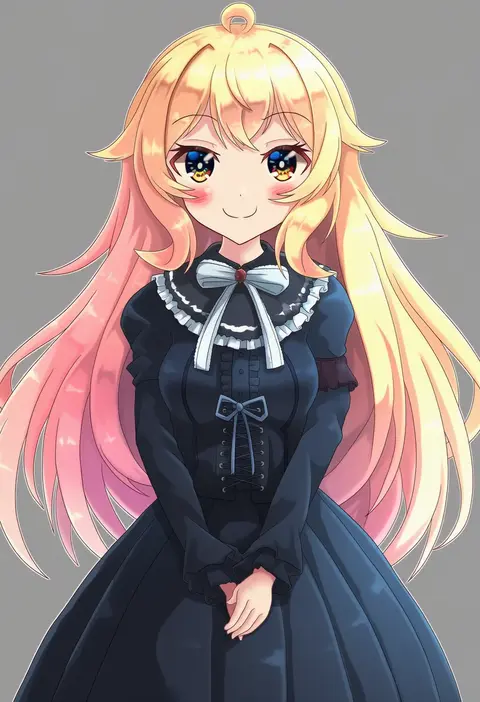
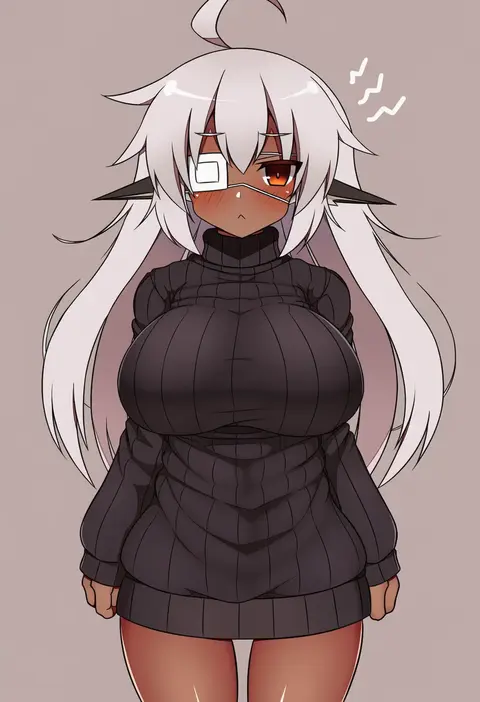
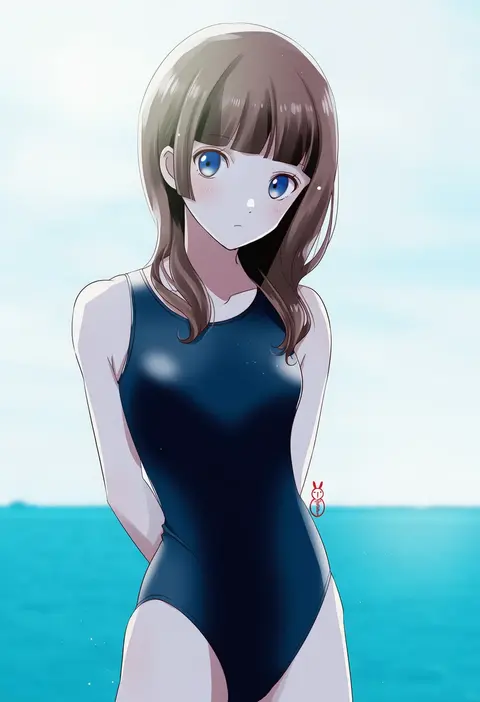
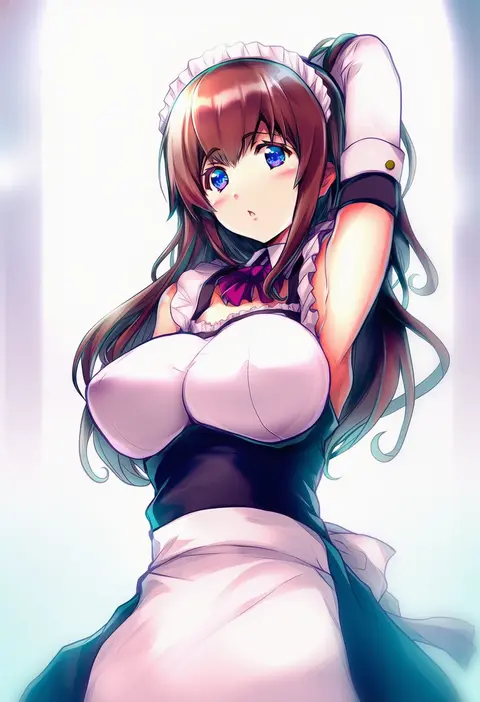
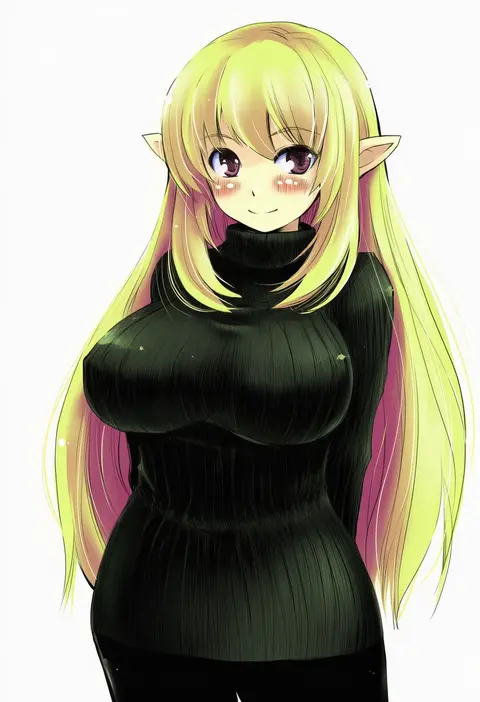
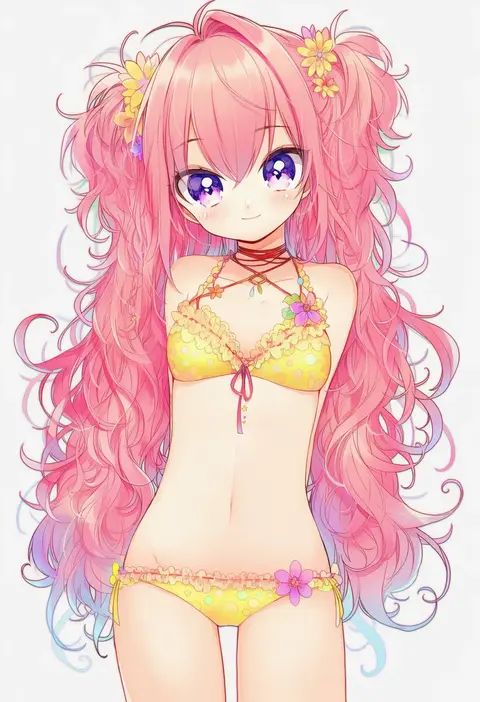
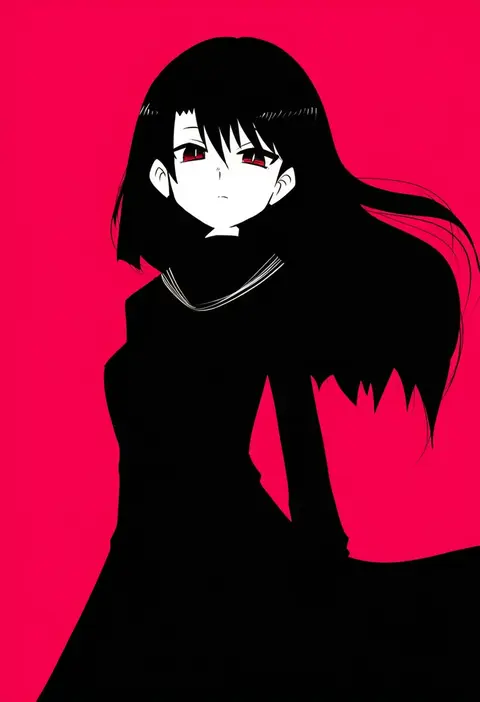
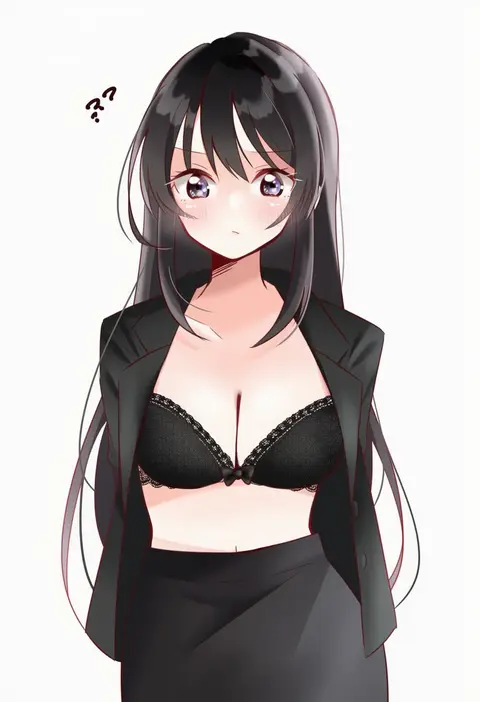
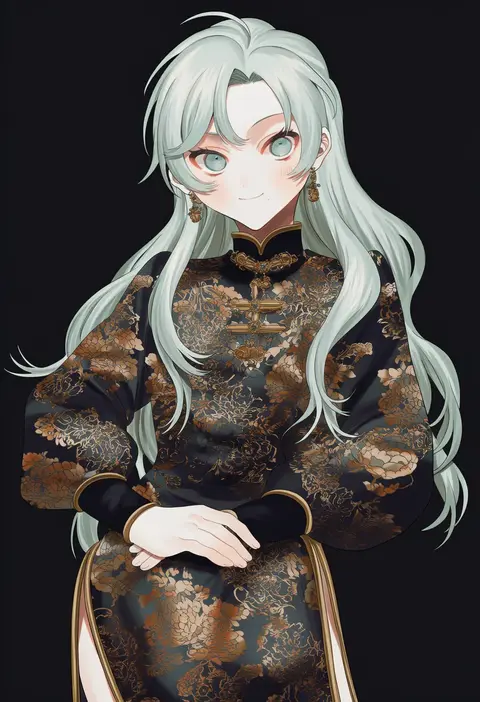
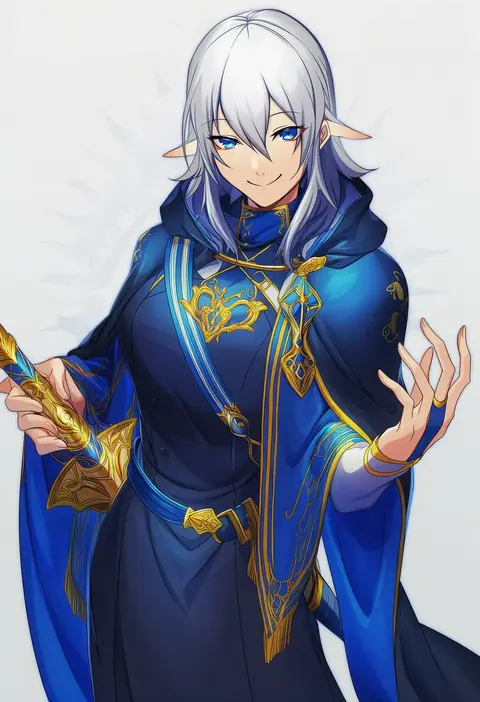
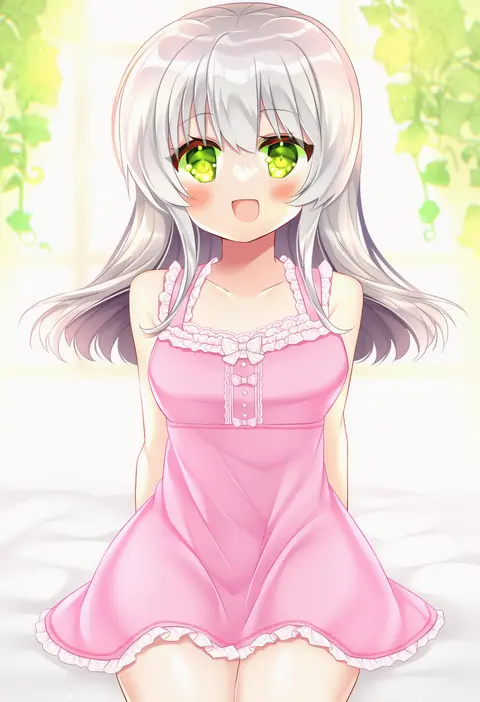
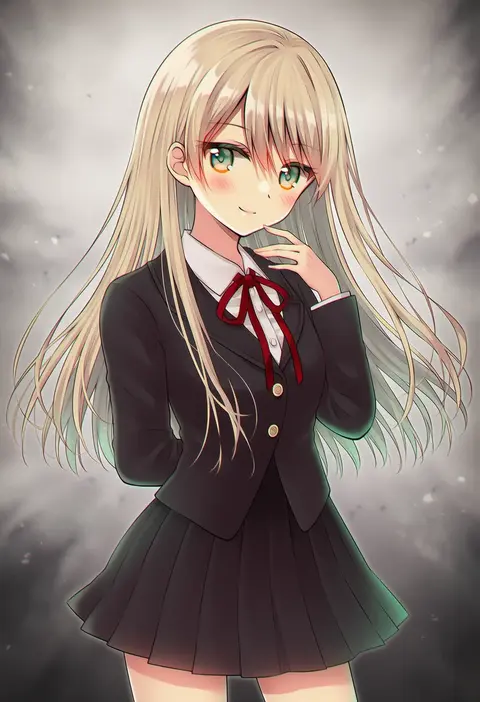
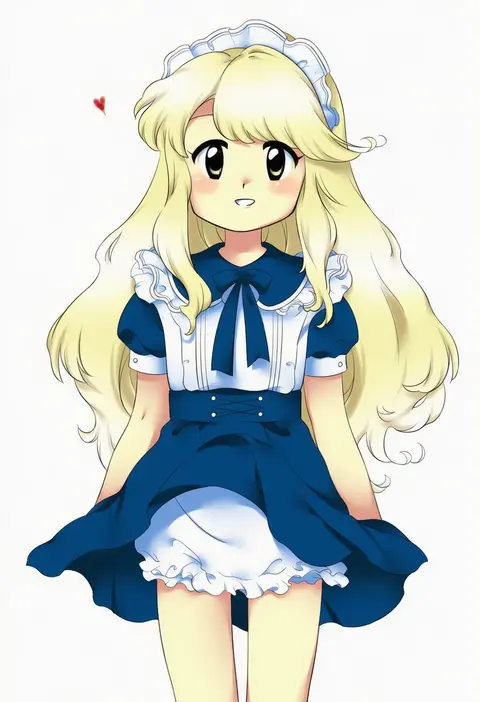
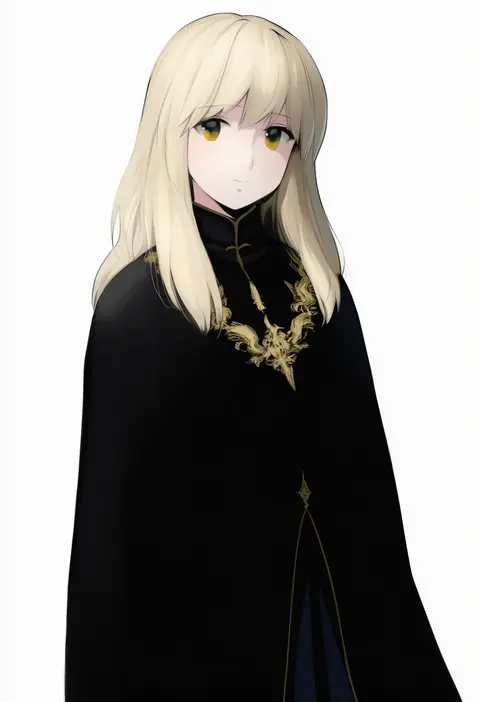
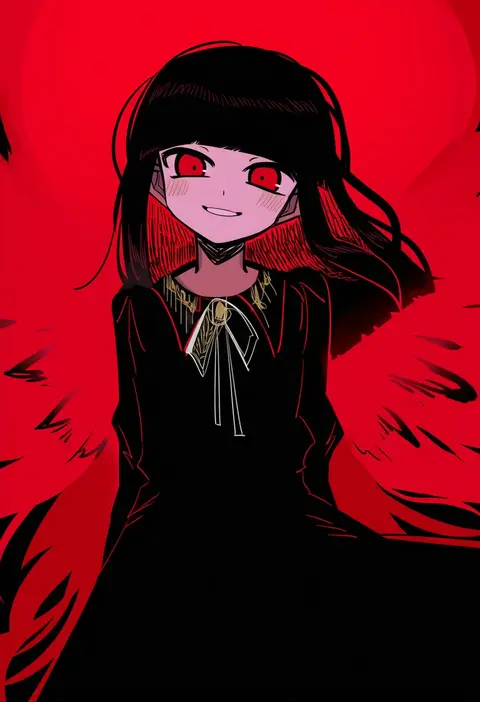
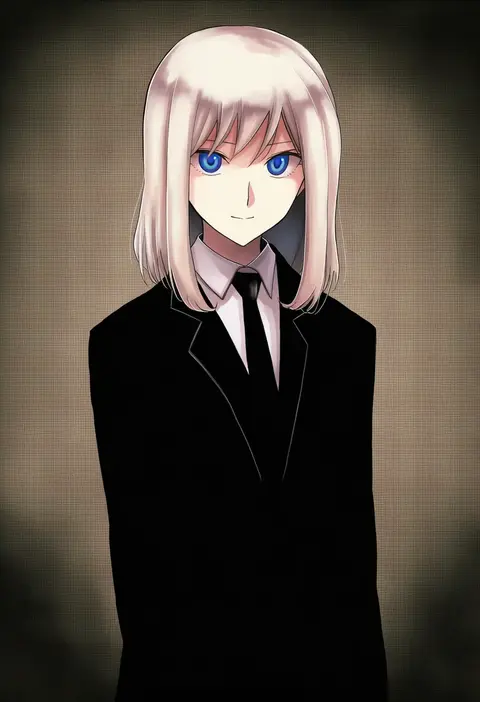
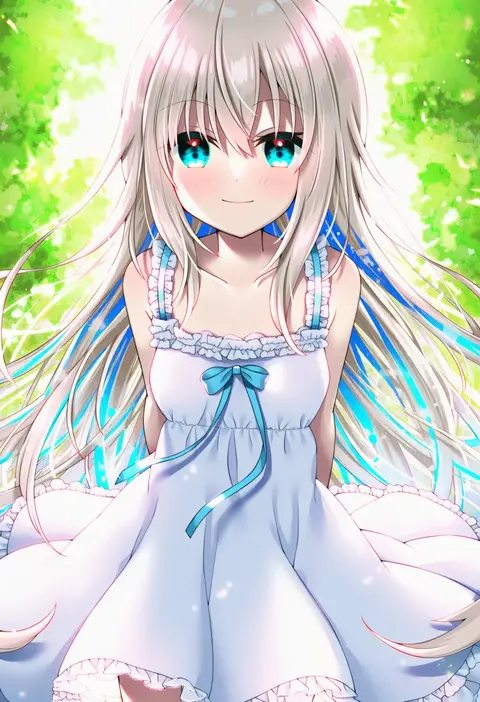
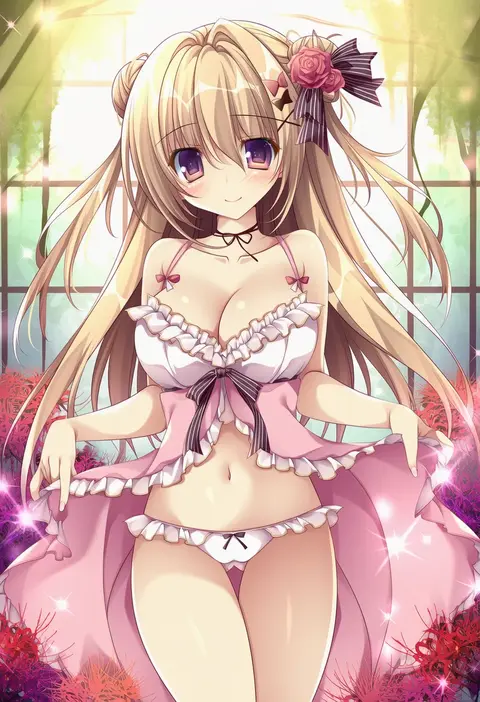
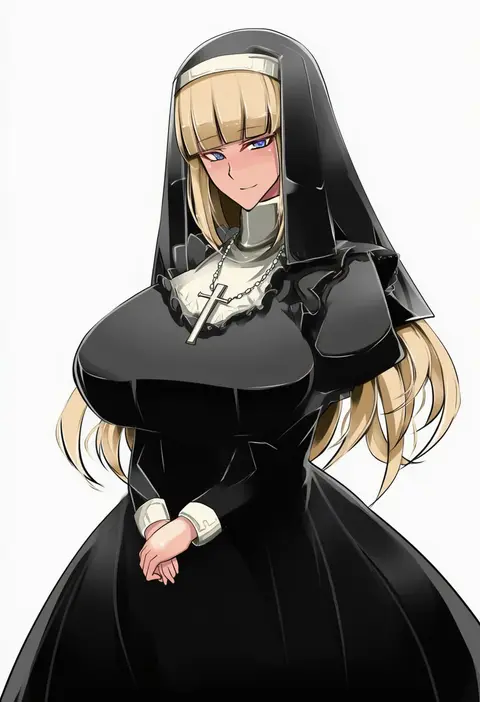
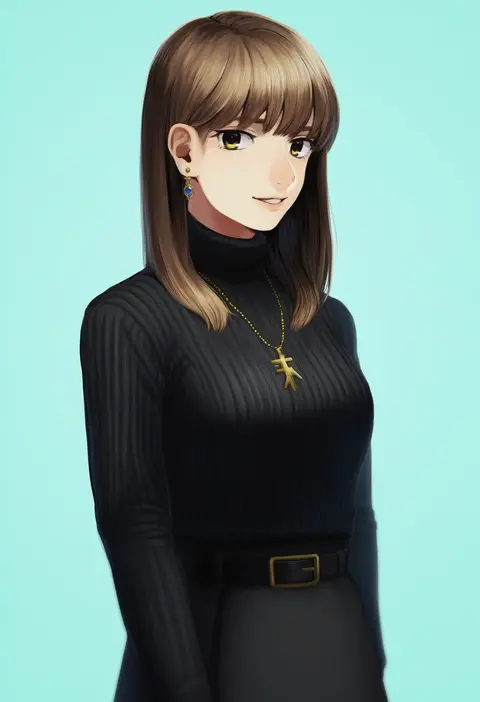
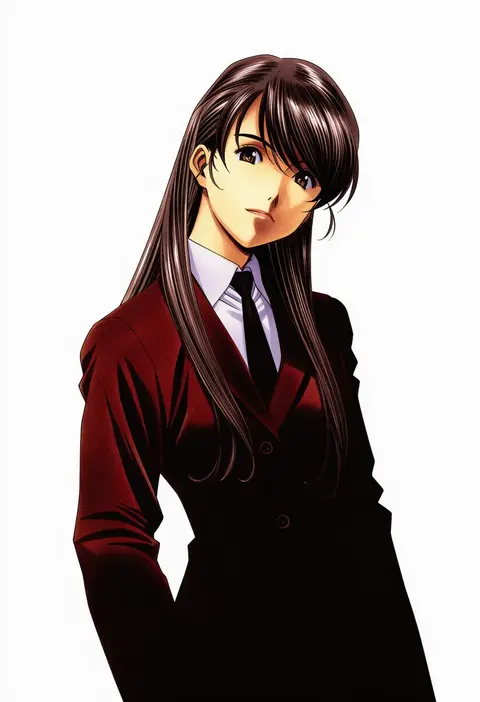
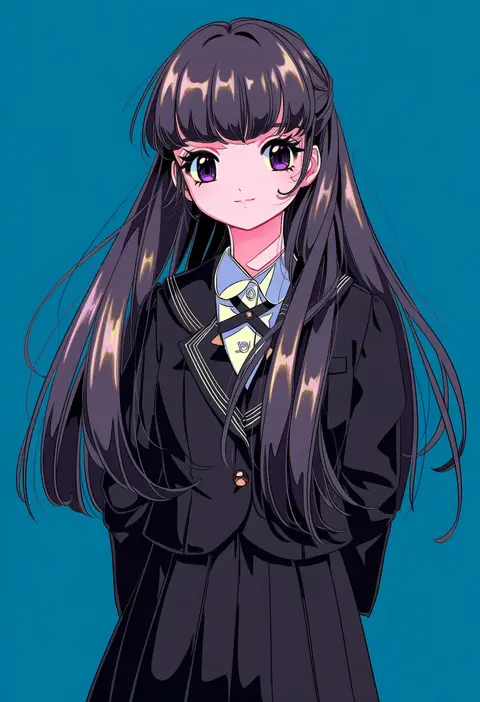
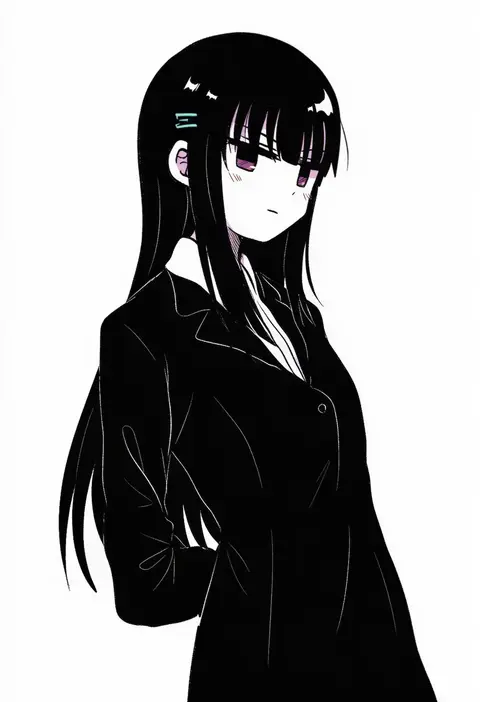
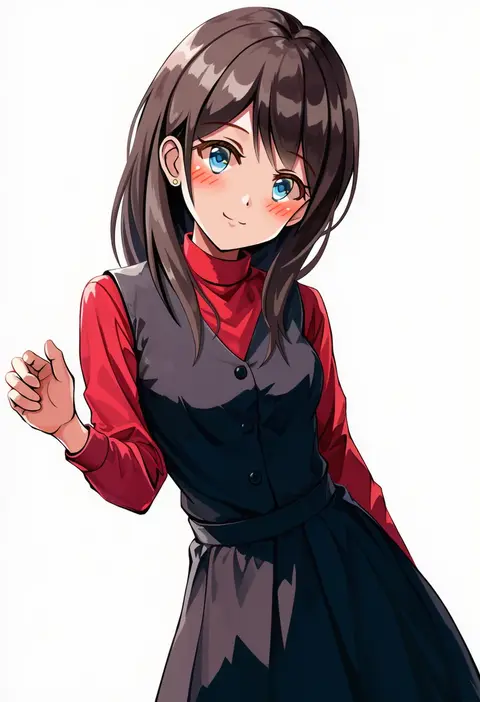
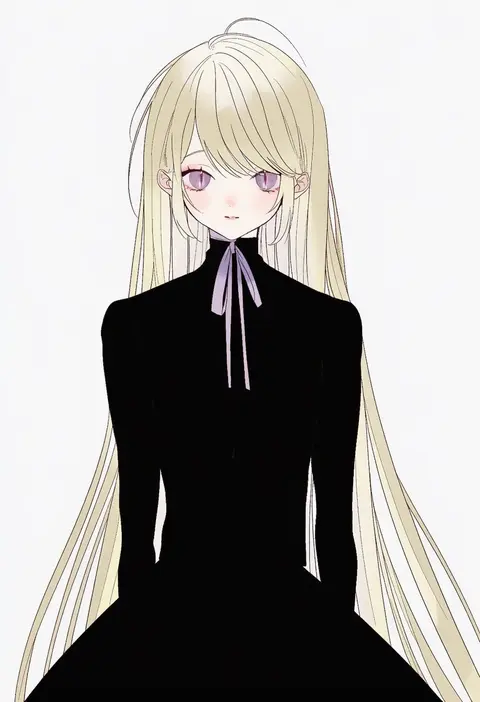
Every tag listed here is verified to react in NovelAI. All images use the same prompt, seed and settings with only the artist tag swapped, so the difference between two images is the style that tag brings in.

How to use them

Put the artist tag near the front of the prompt, e.g. "<artist>, 1girl, solo, best quality, masterpiece, cowboy shot". Two or three artist tags blend styles; lower the weight with "0.8::<artist>::" when the style overpowers the character.

SCORE sorts by Danbooru's top score, POSTS by post count, FAVS by hearts on this site. Open a card to see V5 and V4.5 side by side on the same seed.

V5 vs V4.5

V5 usually lands closer to the artist's real style, and tags that did nothing on V4.5 often react on V5. V4.5 still fits older and doujin-heavy artists better. Try V5 first, fall back to V4.5.

FAQ

Where does the artist tag go?
Near the front of the prompt. Use "0.8::tag::" to adjust its weight.

Can I stack artist tags?
Yes, styles blend. Past two or three the result stops looking like anyone.

Are these the artists' own works?
No. Every image is a NovelAI sample generated from the tag.